Jimo marketing pages examples
Explore Jimo website design examples. Preview marketing pages and browse related SaaS page designs. Onboard users smarter, scale faster.
Explore the examples


Landing page for a digital adoption platform highlighting product tours, targeted nudges, and flow editing capabilities with a bento grid and customer testimonials.
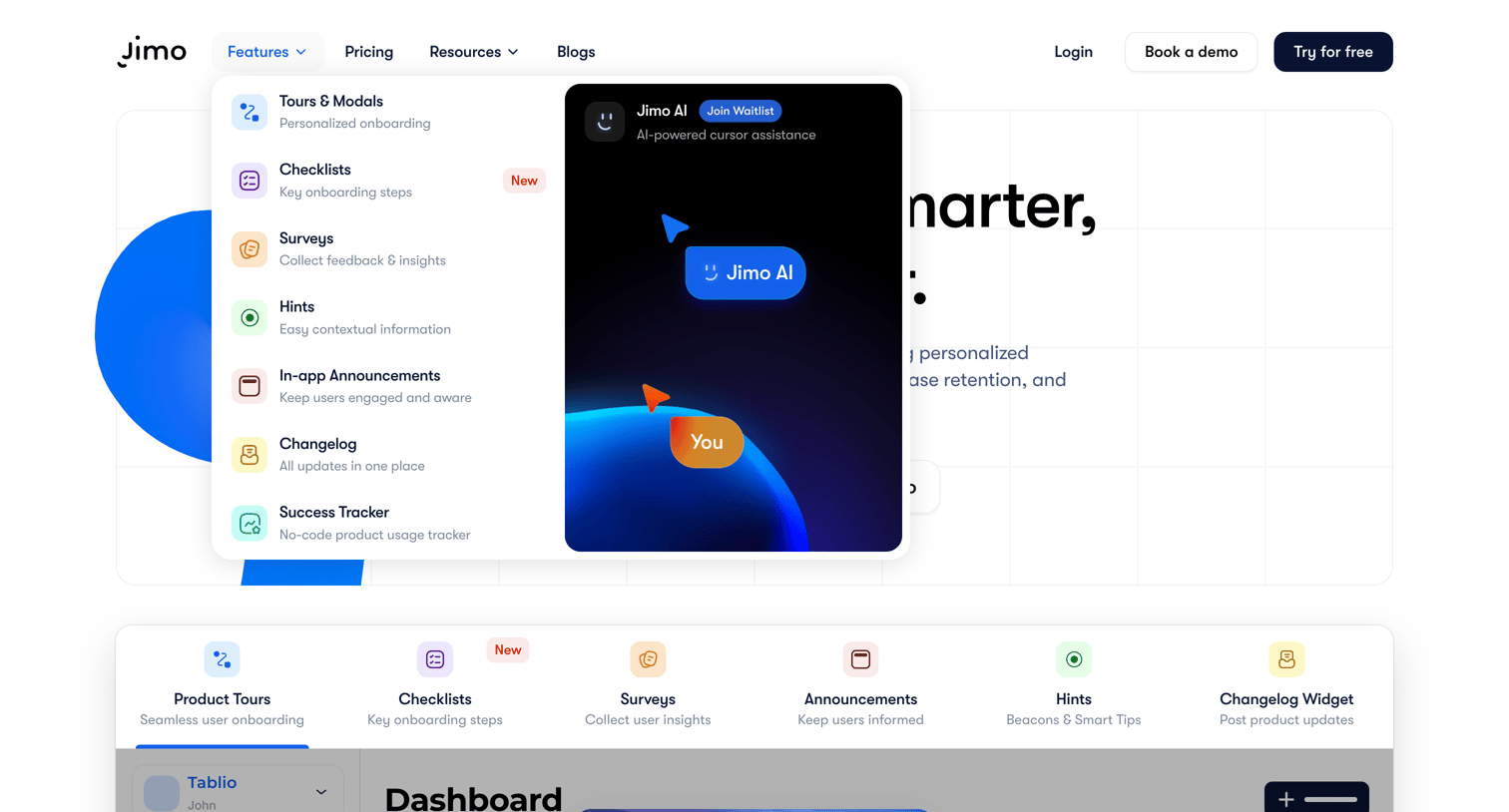
Landing page where the user views the open Features dropdown menu, revealing options like Tours, Checklists, and a waitlist prompt for Jimo AI.
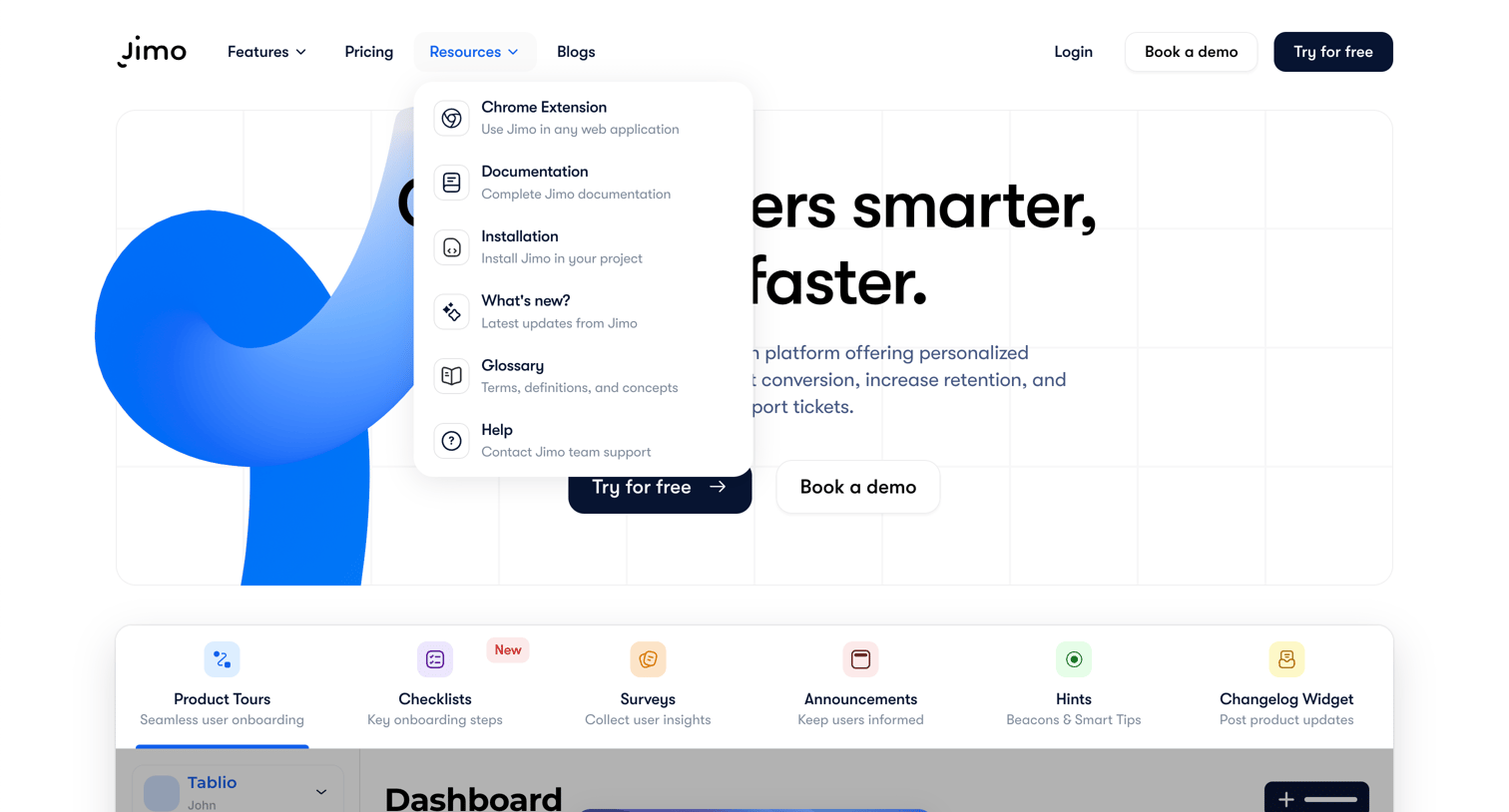
Landing page where the user views the main hero pitch and opens the resources dropdown menu to access documentation and help.
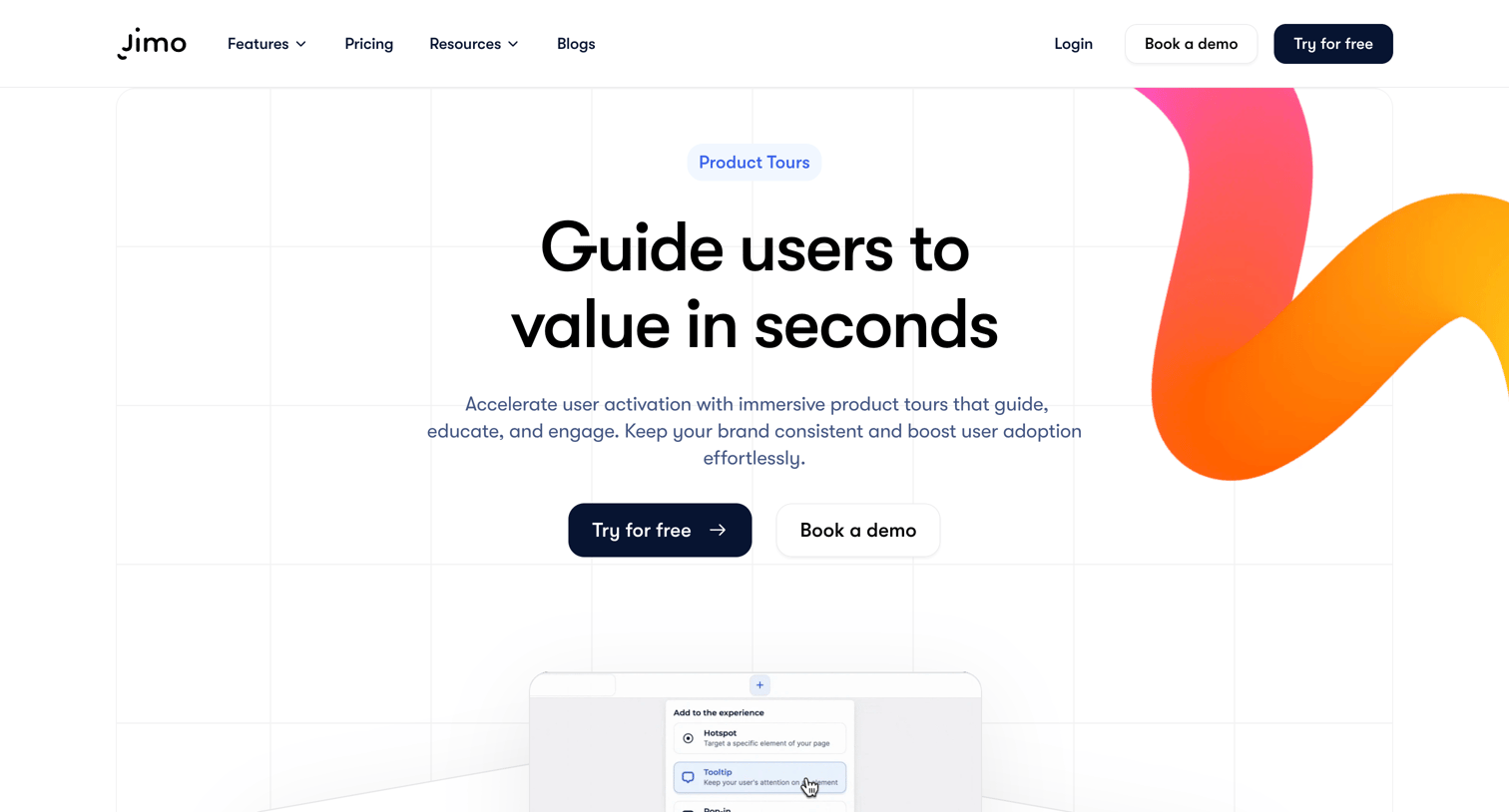
Feature page for a product tour builder where users can learn about creating no-code onboarding flows, targeting specific audiences, and tracking activation metrics.
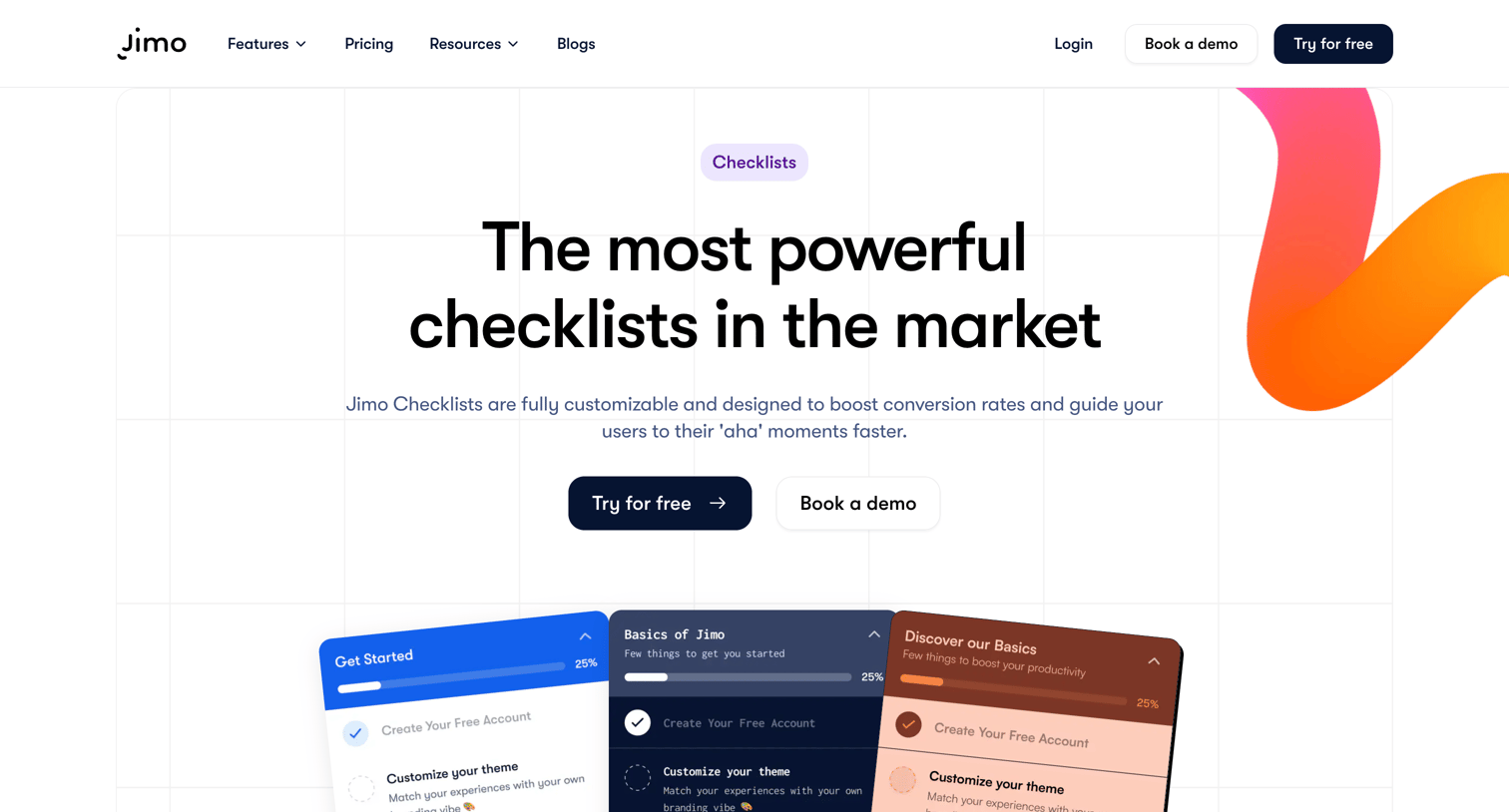
Feature page highlighting a customizable checklists product for user onboarding, detailing targeting capabilities, analytics, and integration options.
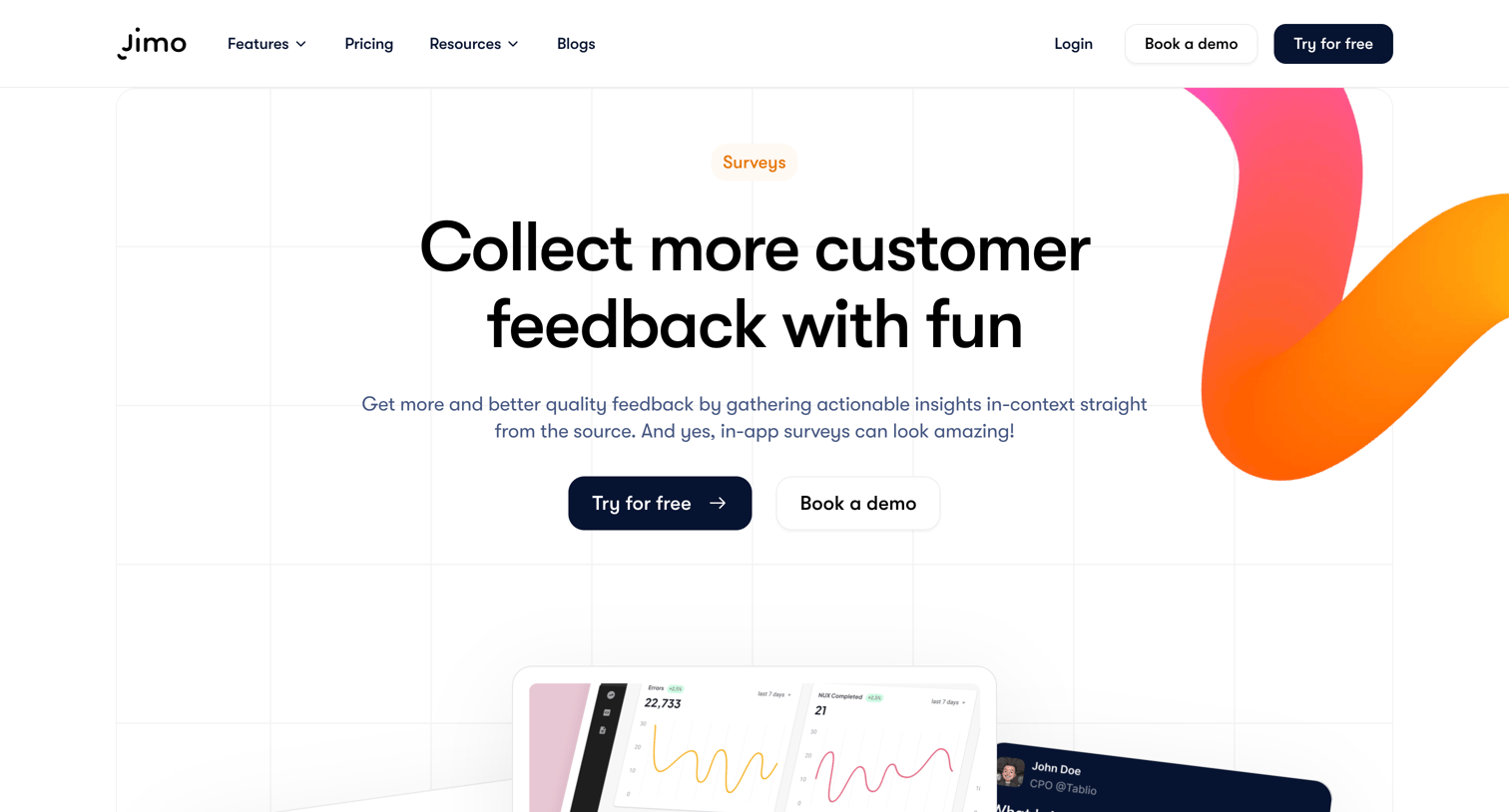
Feature page explaining the in-app surveys product, highlighting use cases, targeting logic, reporting, and a visual builder, ending with a call to start a free trial.
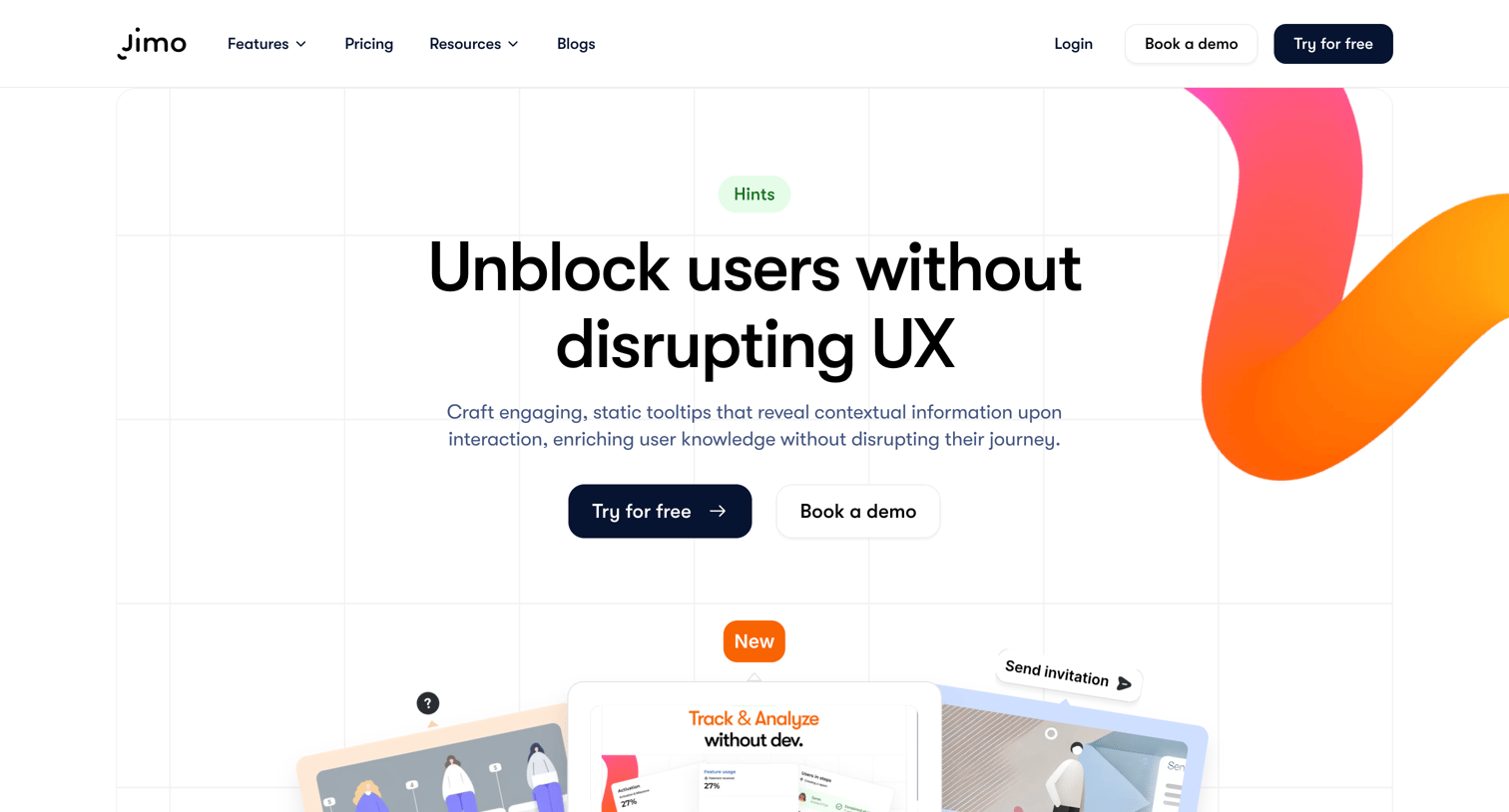
Feature page explaining how to unblock users with contextual tooltips, showcasing use cases, customization options, and performance analytics.
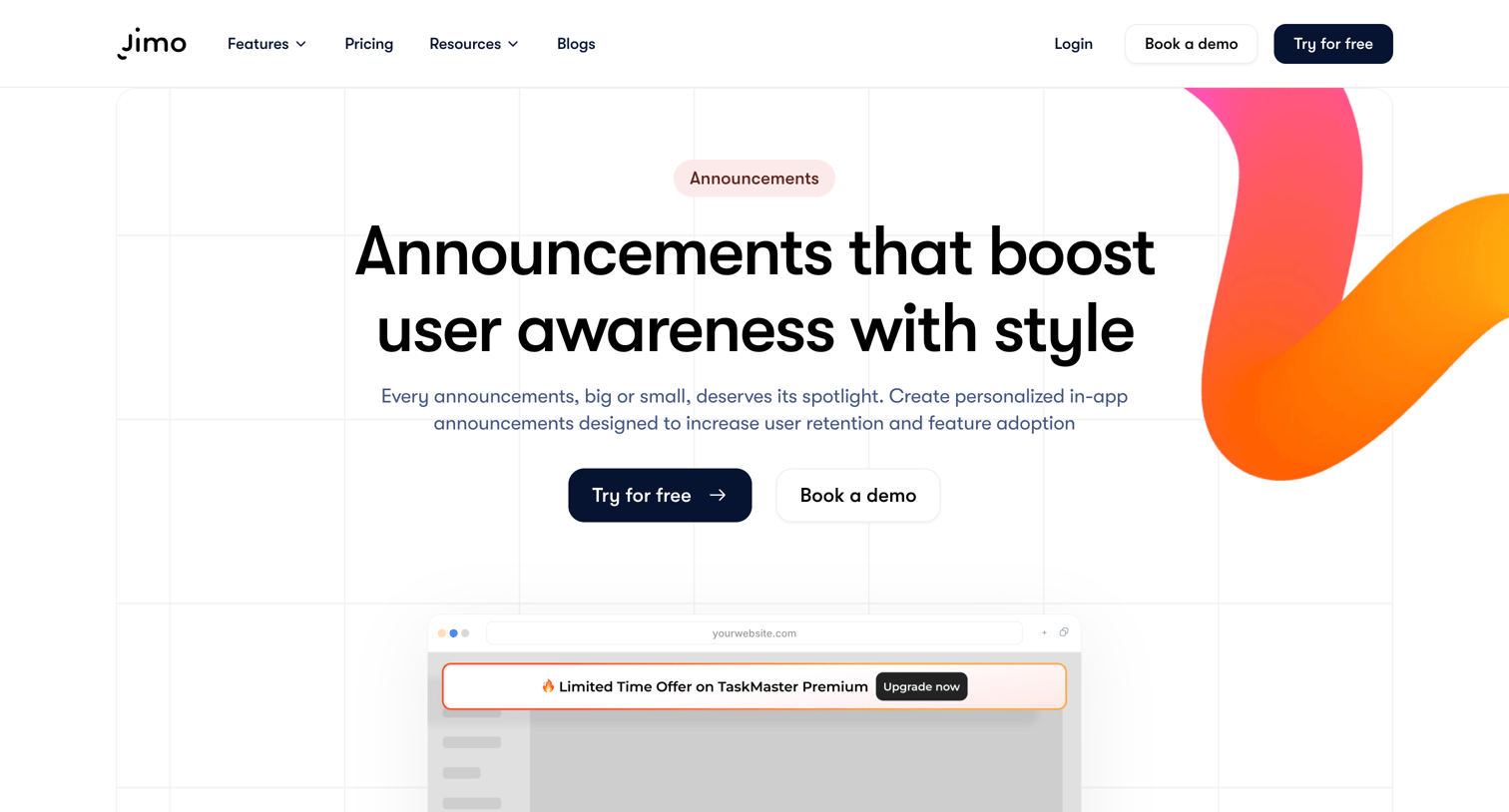
Feature page detailing the in-app announcements capability, highlighting use cases like feature discovery, scheduling, and analytics, with a prominent call to action to try for free.
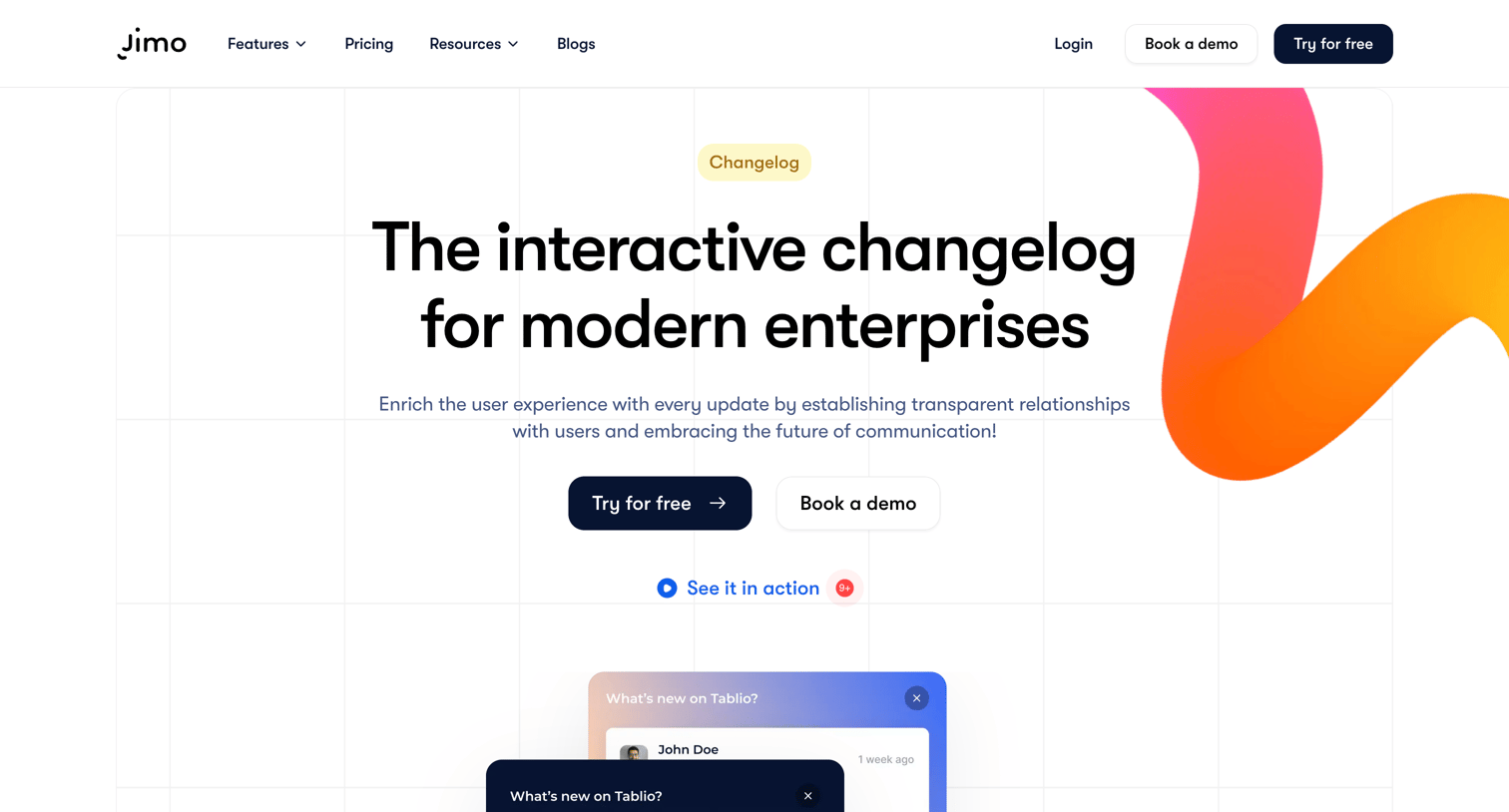
Feature page detailing an interactive changelog product with sections for bug fixes, multimedia integration, and an FAQ.
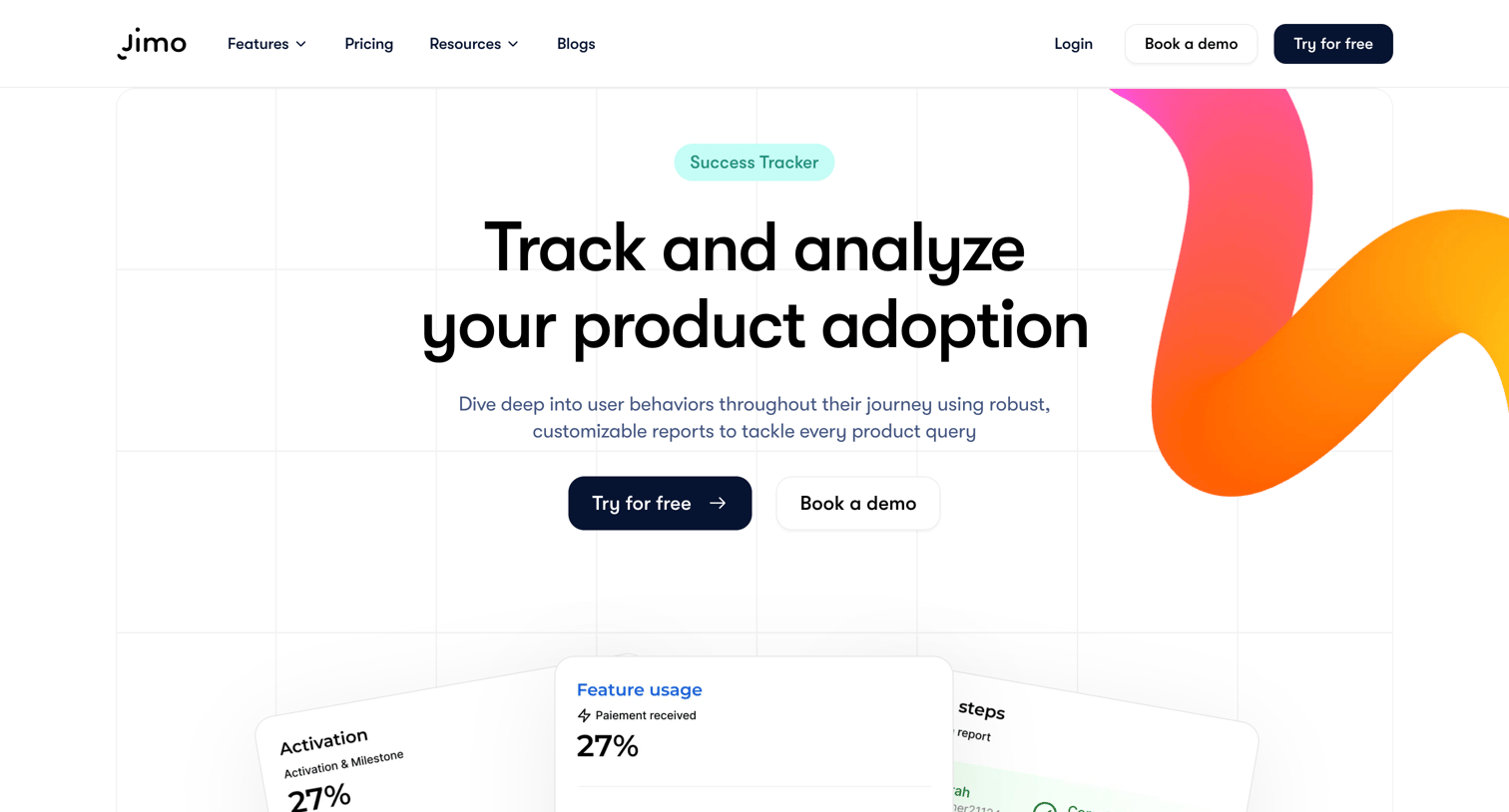
Feature page explaining the Success Tracker capability, detailing how teams can analyze product adoption, set up event tracking without code, and view feature usage funnels.
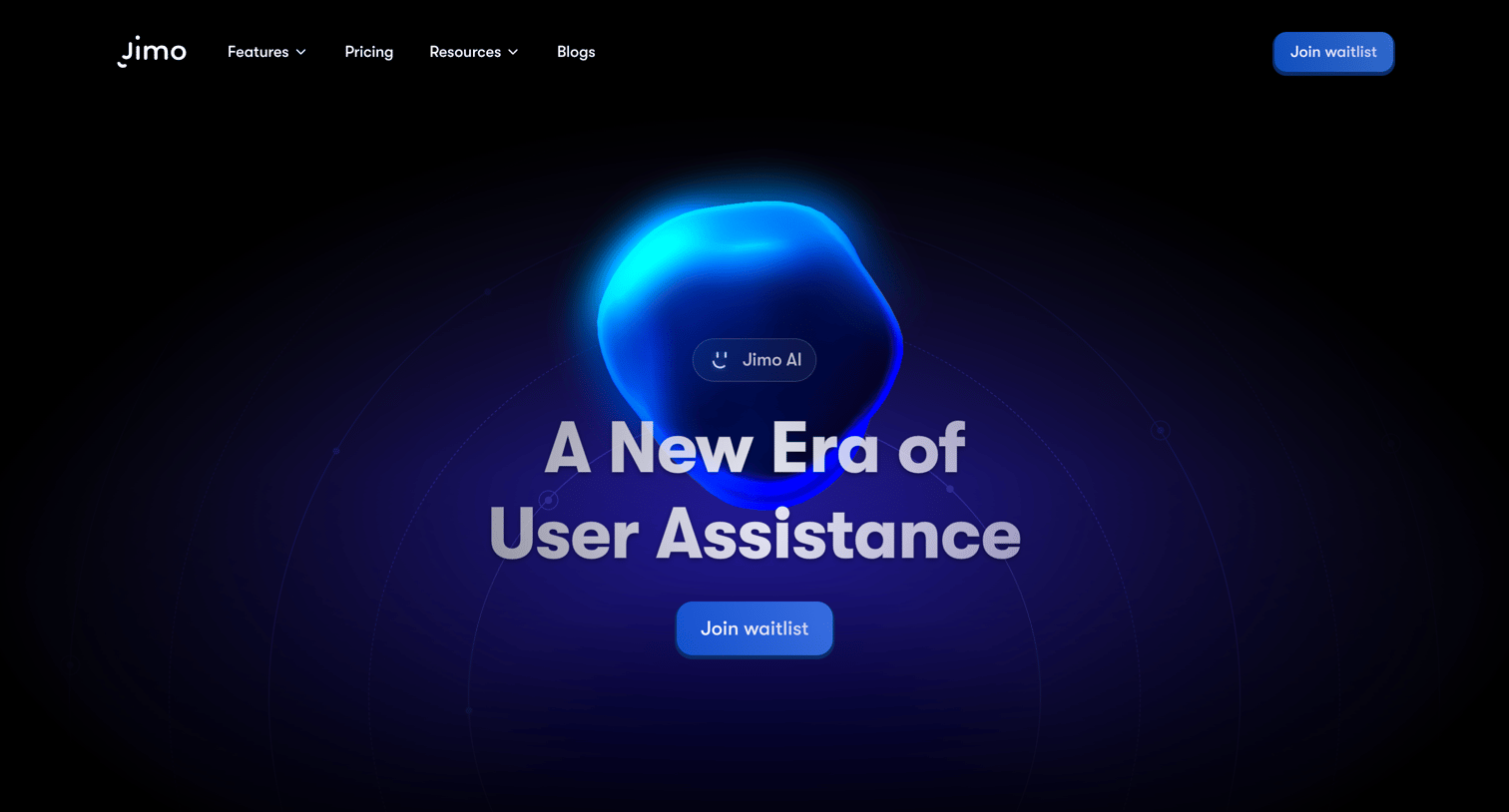
Landing page for an AI-powered user assistance tool highlighting contextual help, keyboard shortcuts, and automated learning, prompting visitors to join the waitlist.
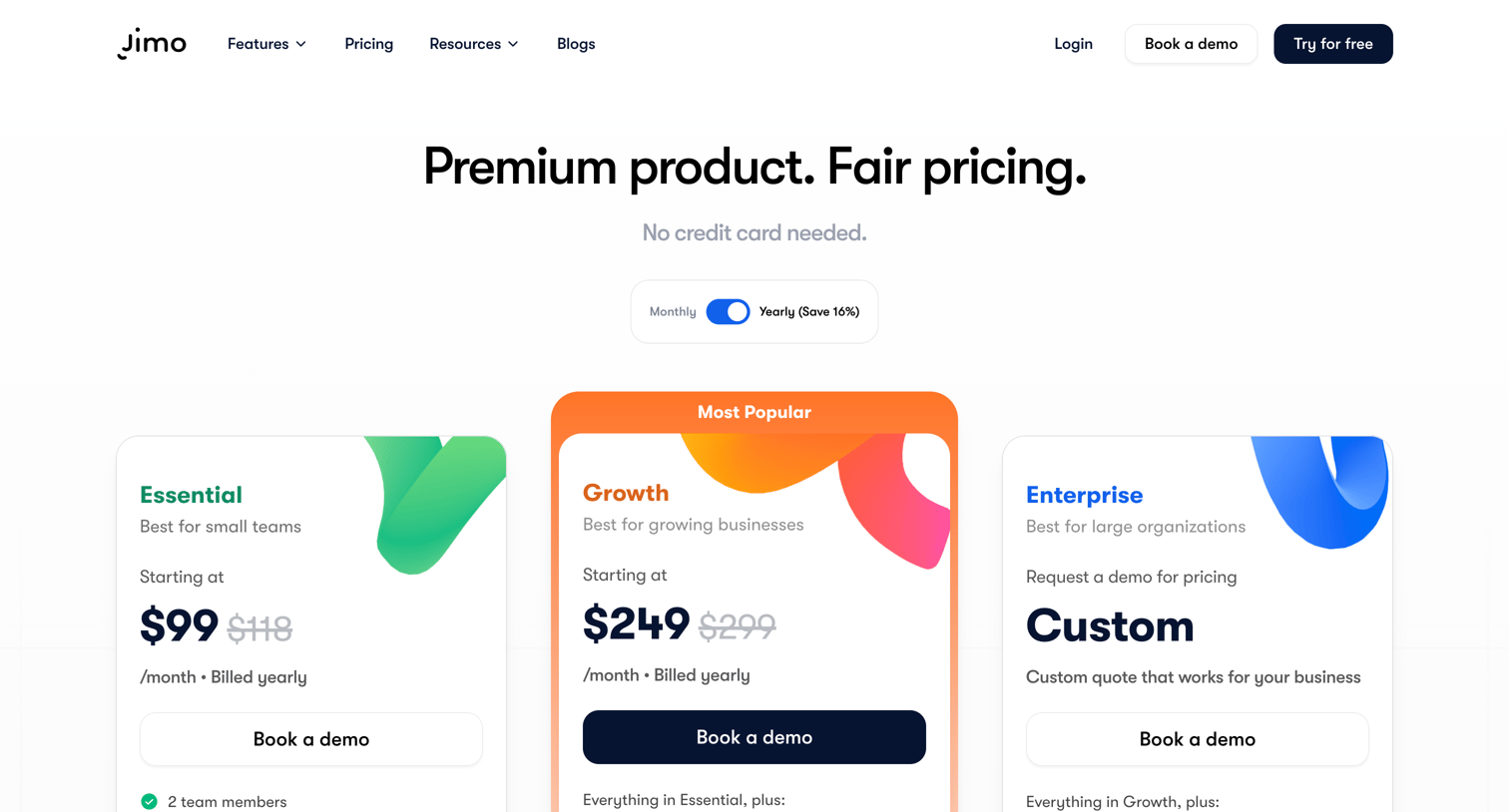
Pricing page where the user compares Essential, Growth, and Enterprise plans via a detailed feature matrix and can book a demo.
Explore the full SaaS screen library
Upgrade to unlock the full library.
Trusted by the best teams







