Split screen screen examples
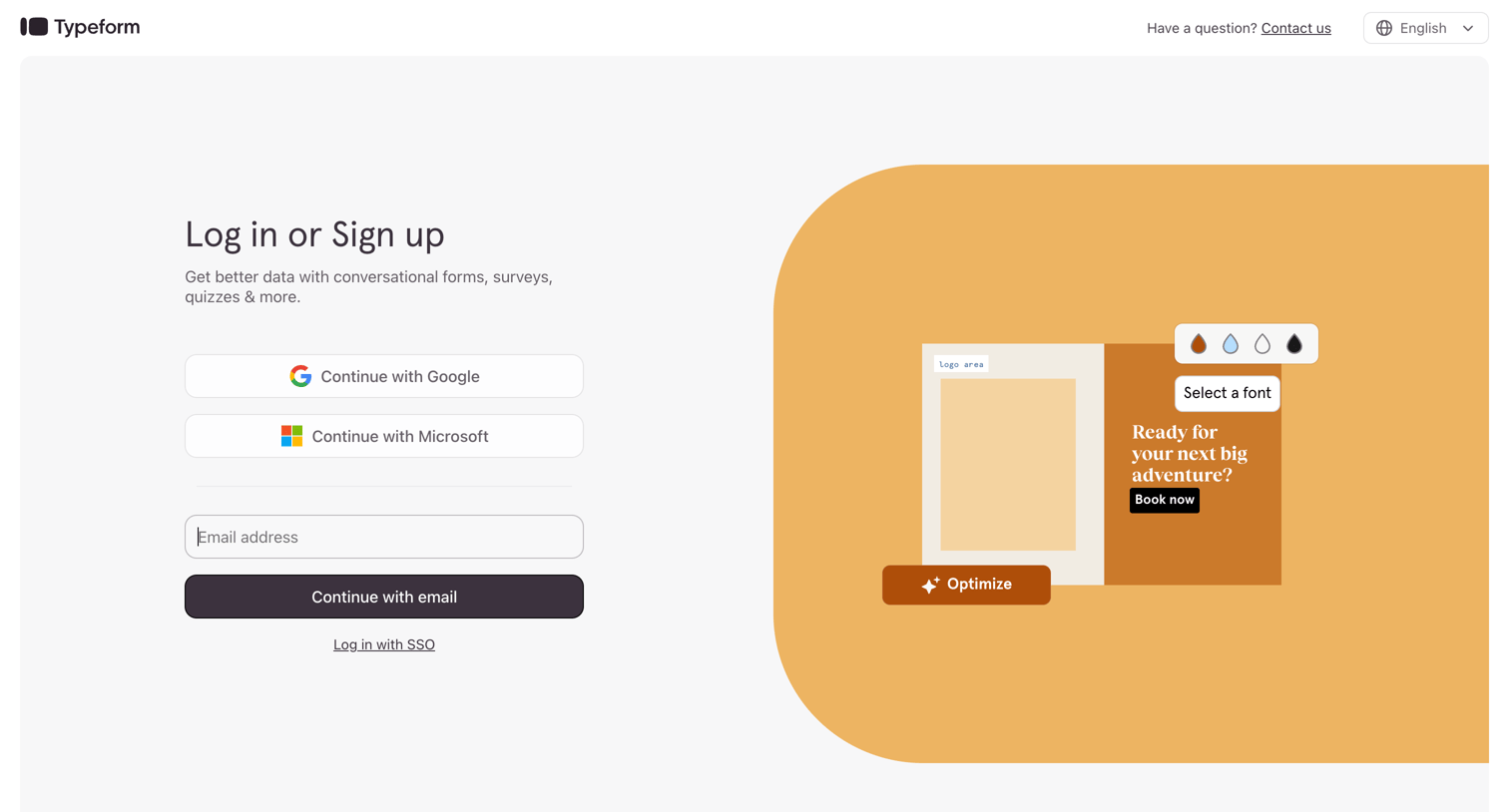
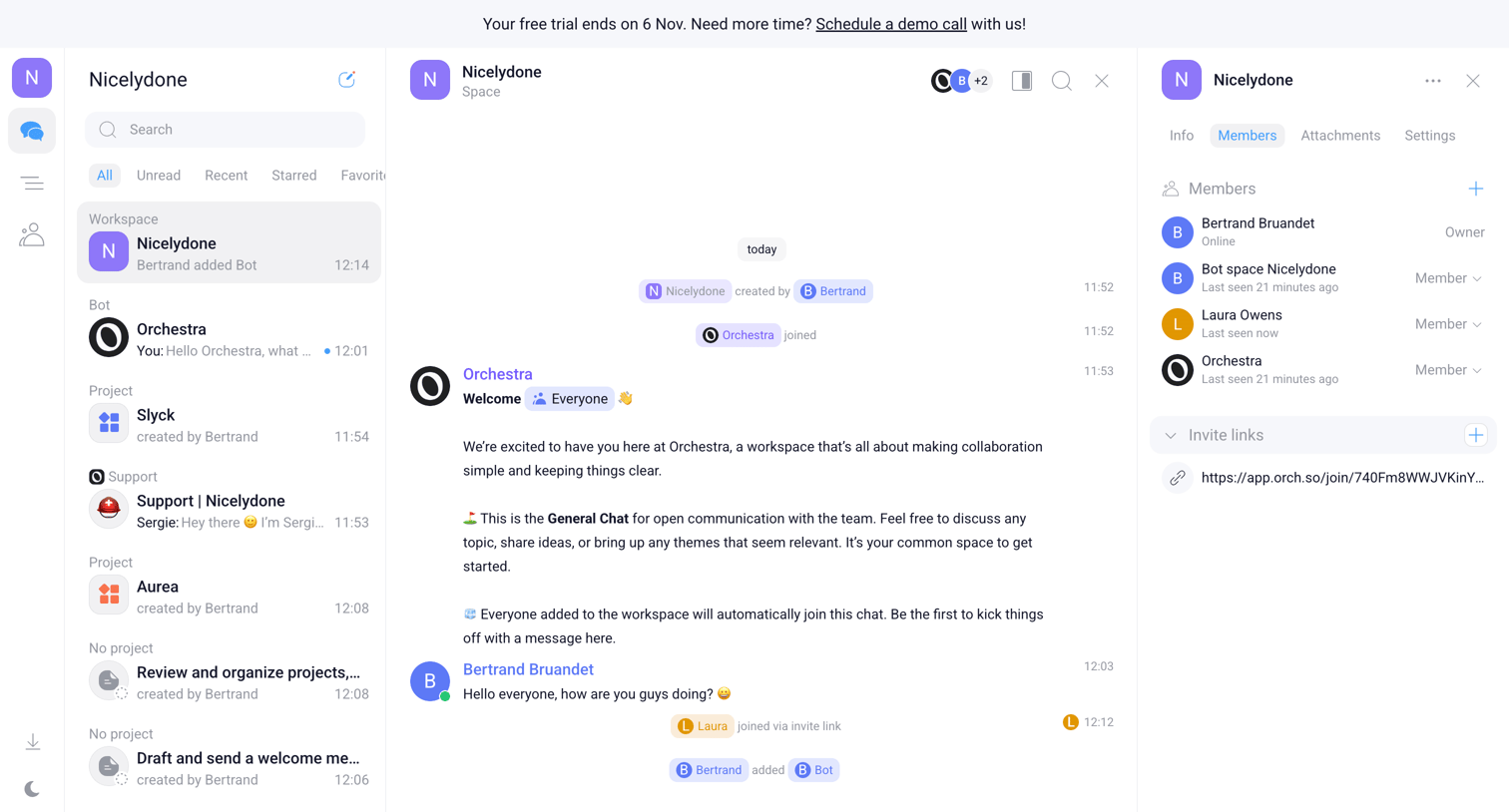
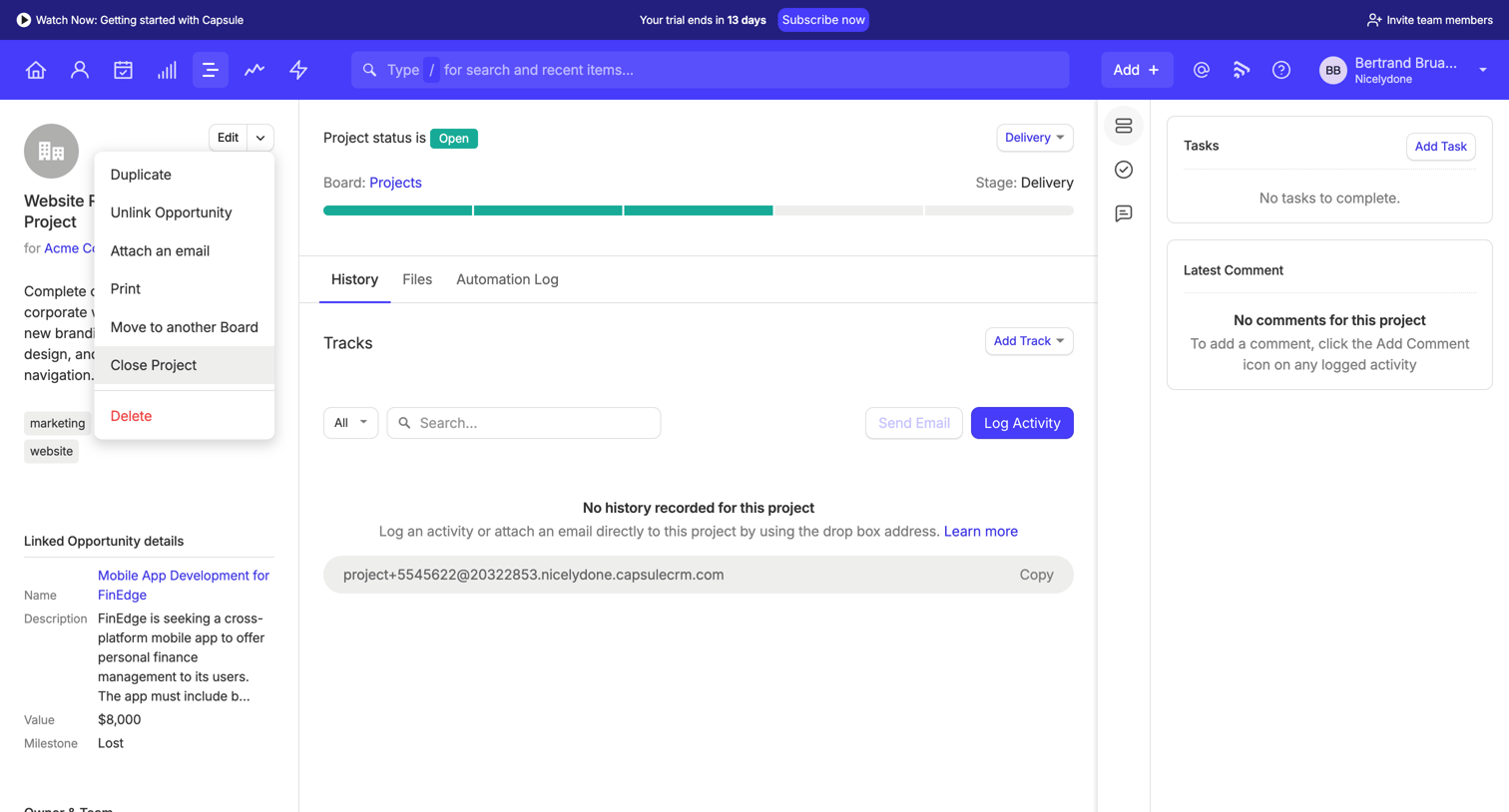
Split screen screen design examples from SaaS apps. Explore how interfaces present two areas beside each other. Look at how space, alignment, and focus communicate the relationship between the panels.
Explore the examples
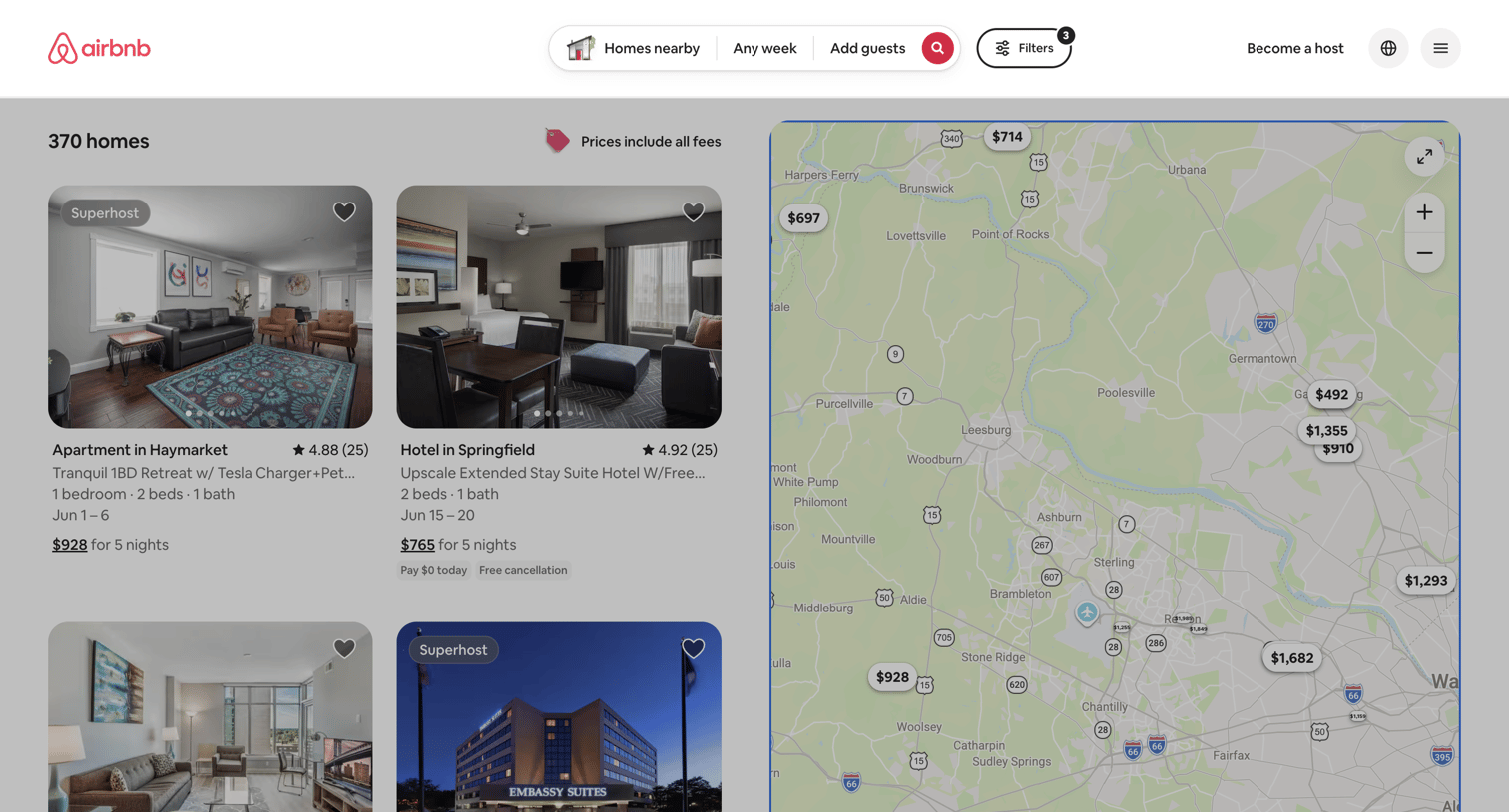

Search results page where the user browses property listings in a split view alongside an interactive map with price markers.
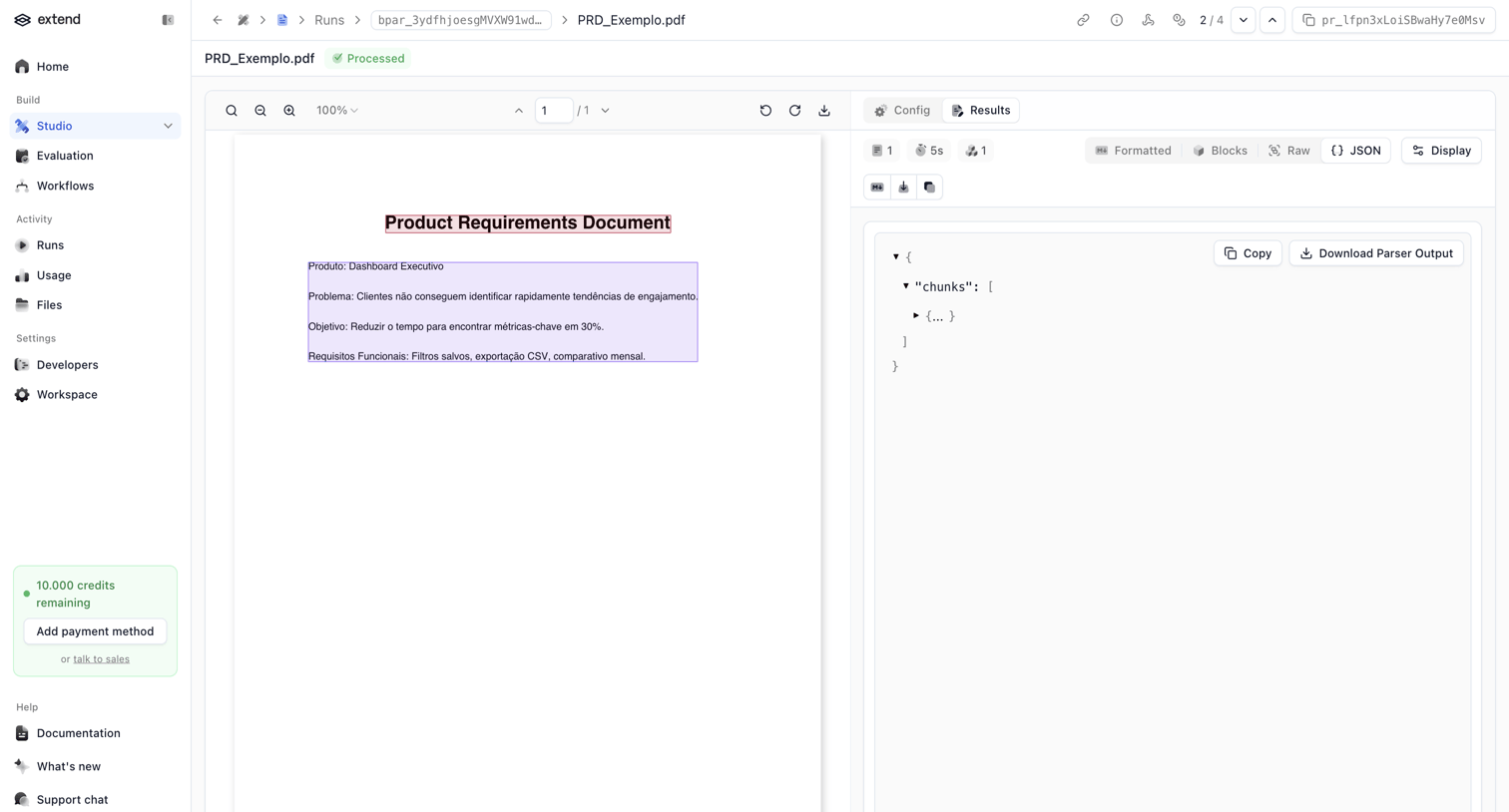

Detail page where the user reviews the extracted JSON chunks from a parsed product requirements document alongside the original PDF.
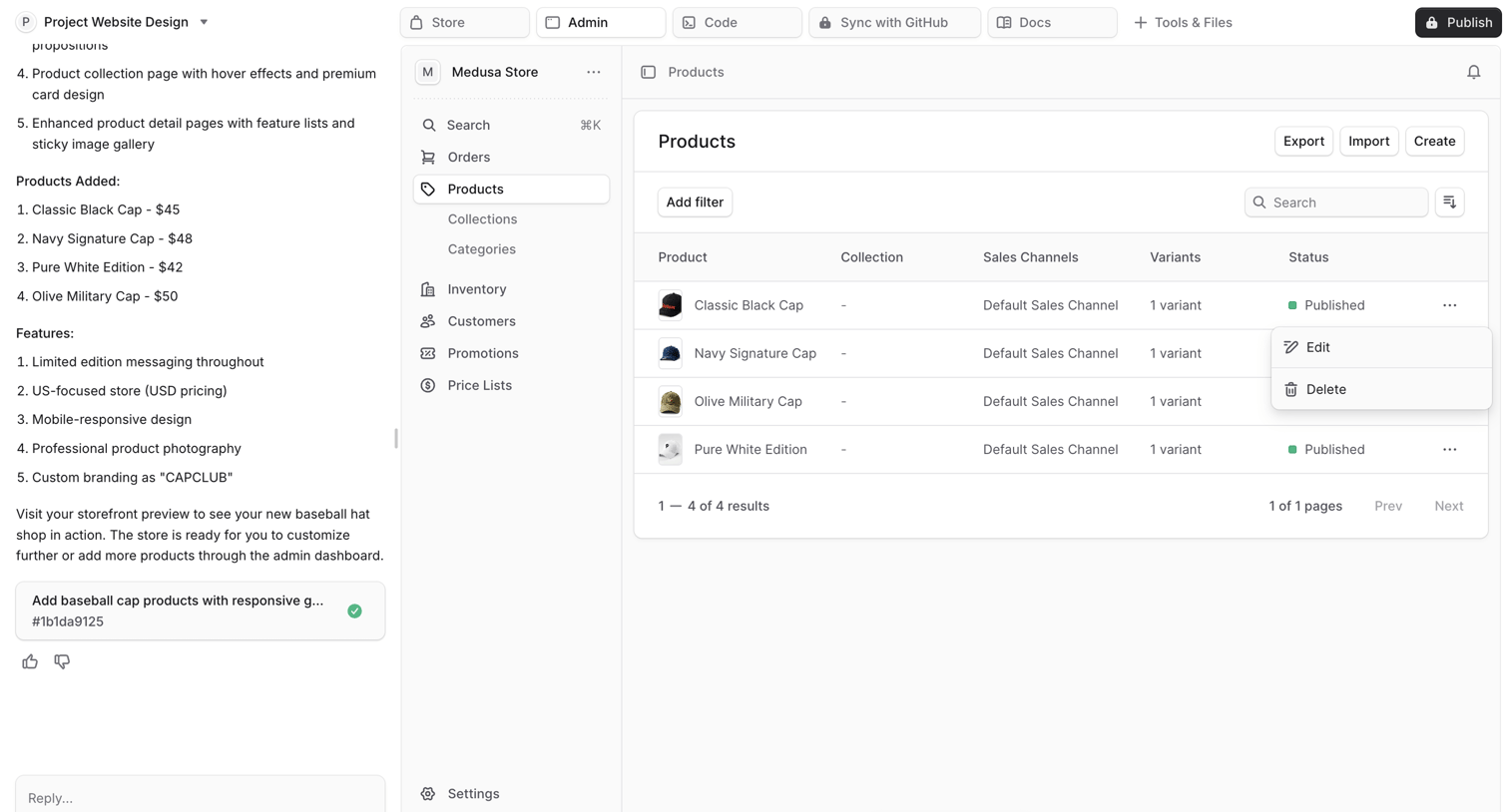

AI chat interface where the user is generating an e-commerce admin dashboard, currently previewing a products data table with an open action menu.
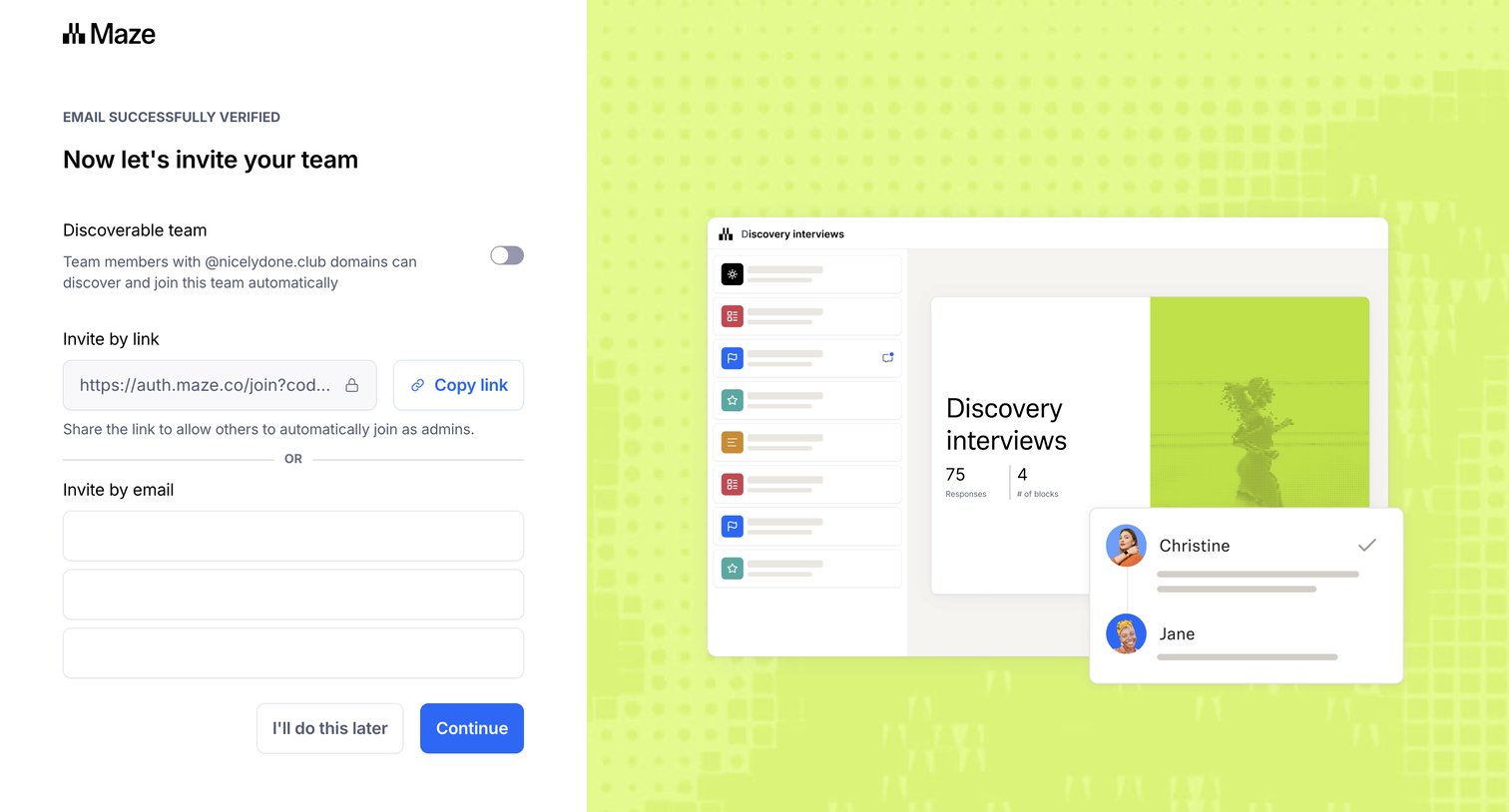

Onboarding step where the user can make their workspace discoverable by domain, copy an invite link, or invite teammates via email.
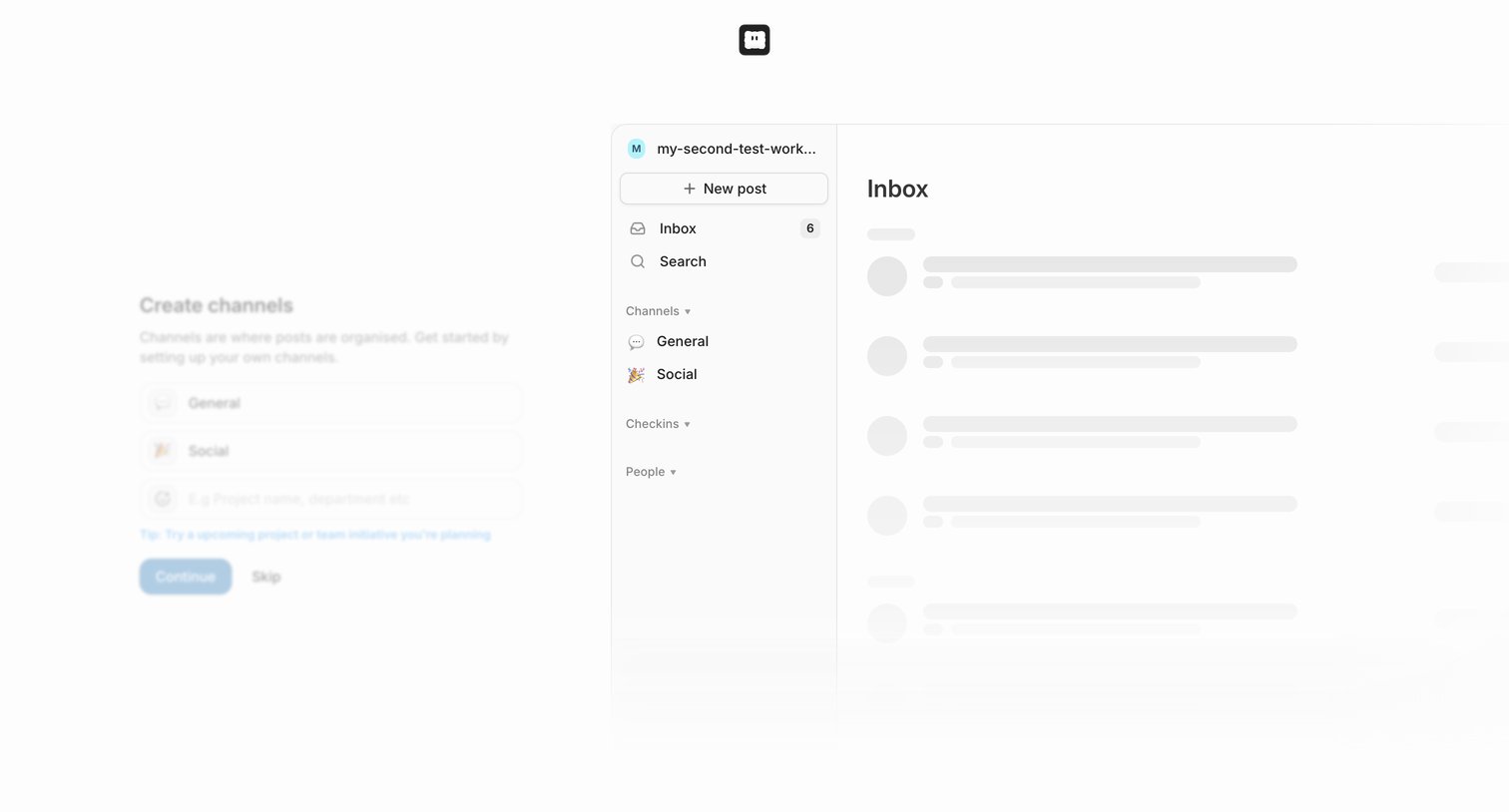

Onboarding step where the user creates initial channels for their workspace alongside a live skeleton preview of the app interface.
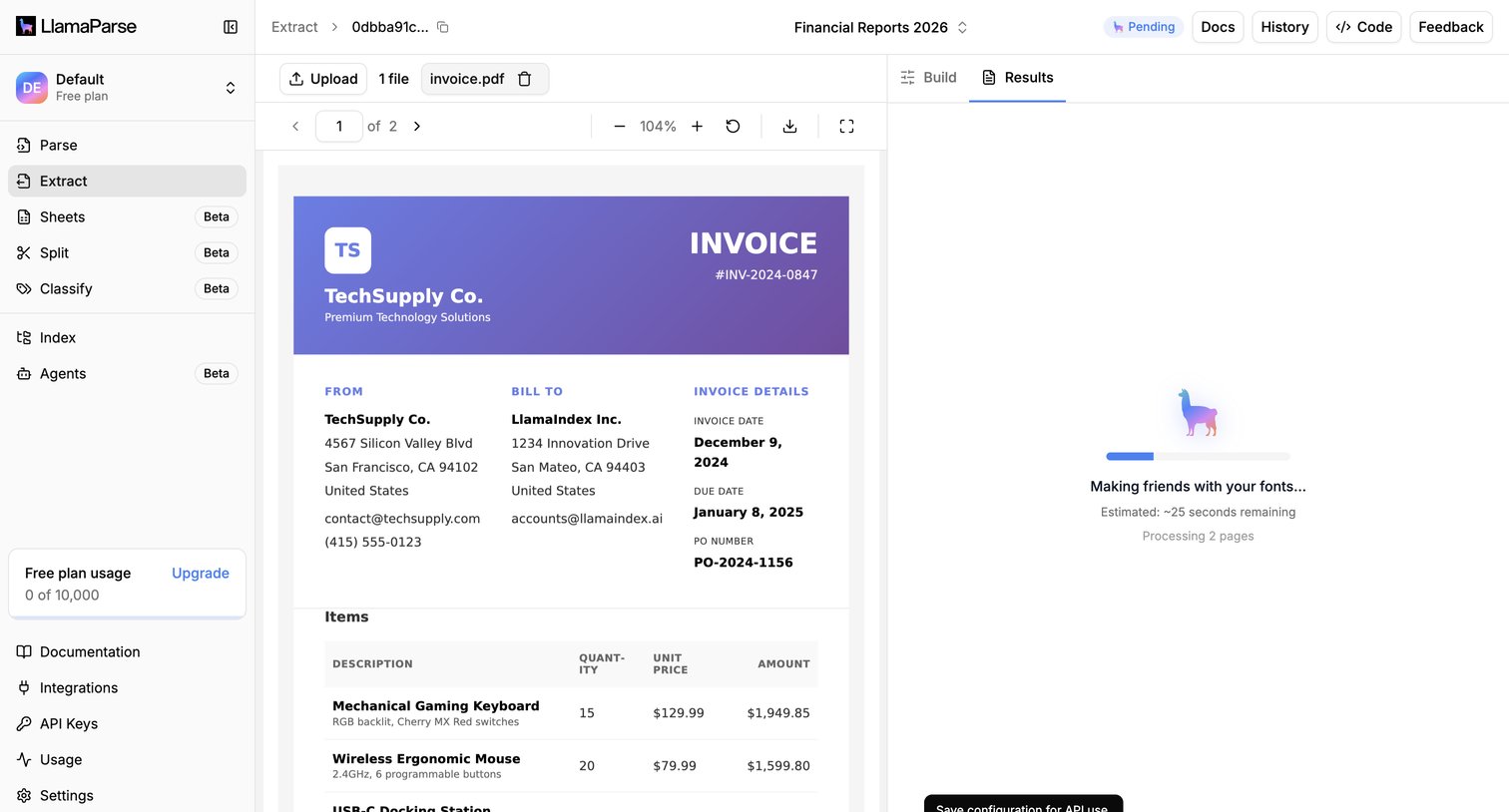

Detail page where the user monitors the AI-driven extraction of an uploaded invoice document while the system processes it.
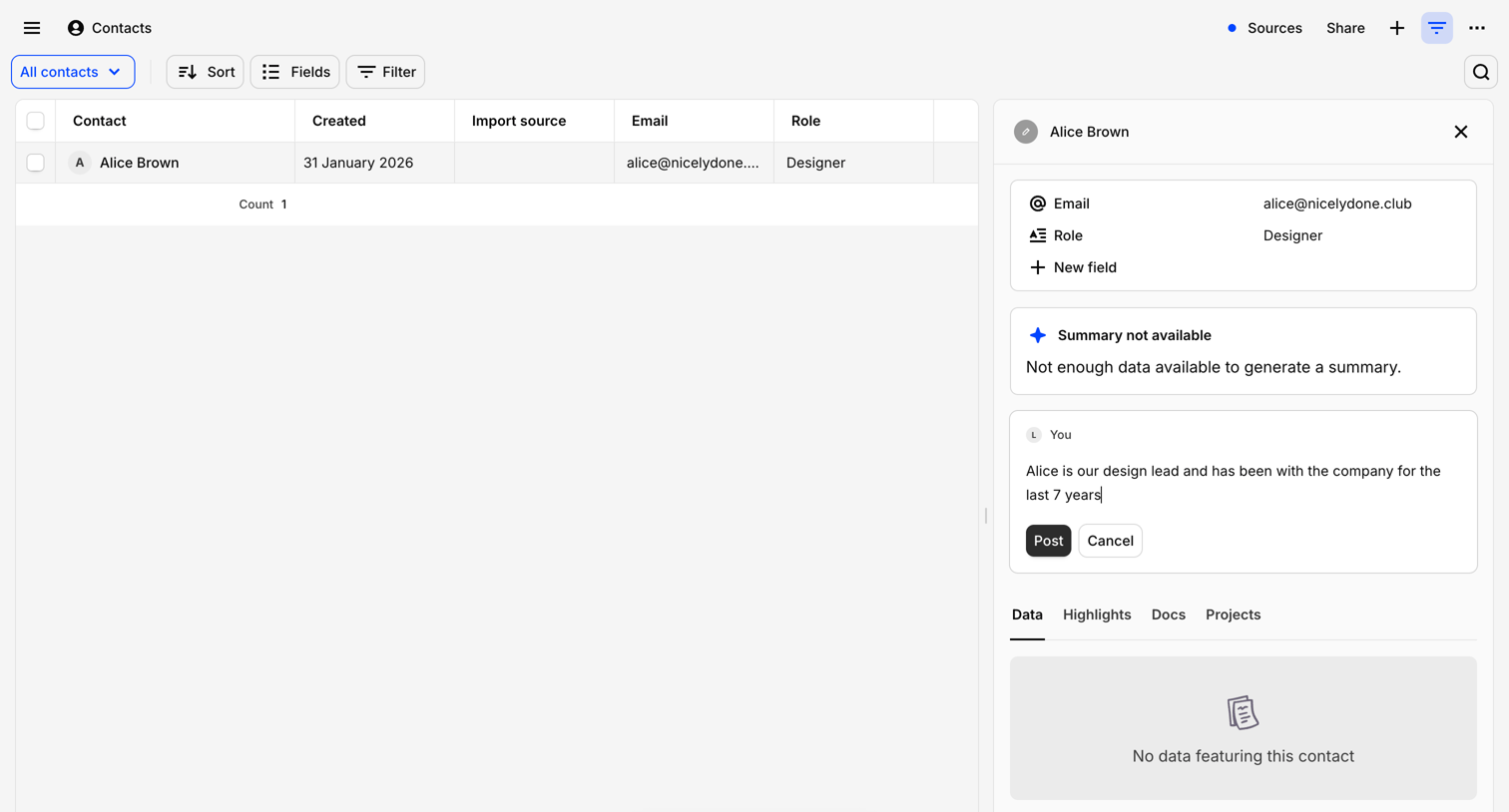

Detail page where the user views a contact's profile alongside a data table, with an active composer to post a note and an AI assistant trigger.
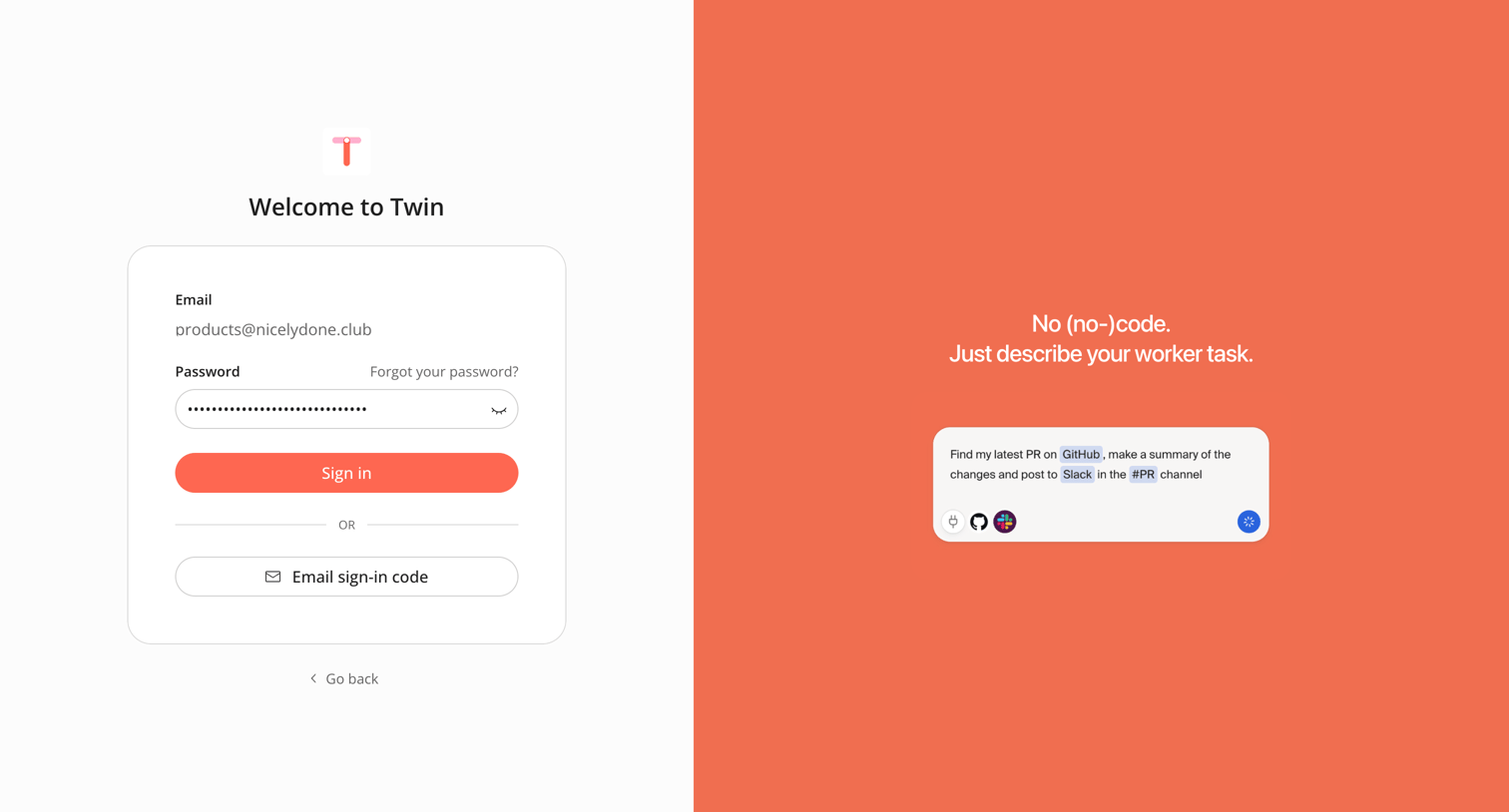

Sign-in screen where the user authenticates with a password for a pre-filled email or opts to request an email sign-in code.



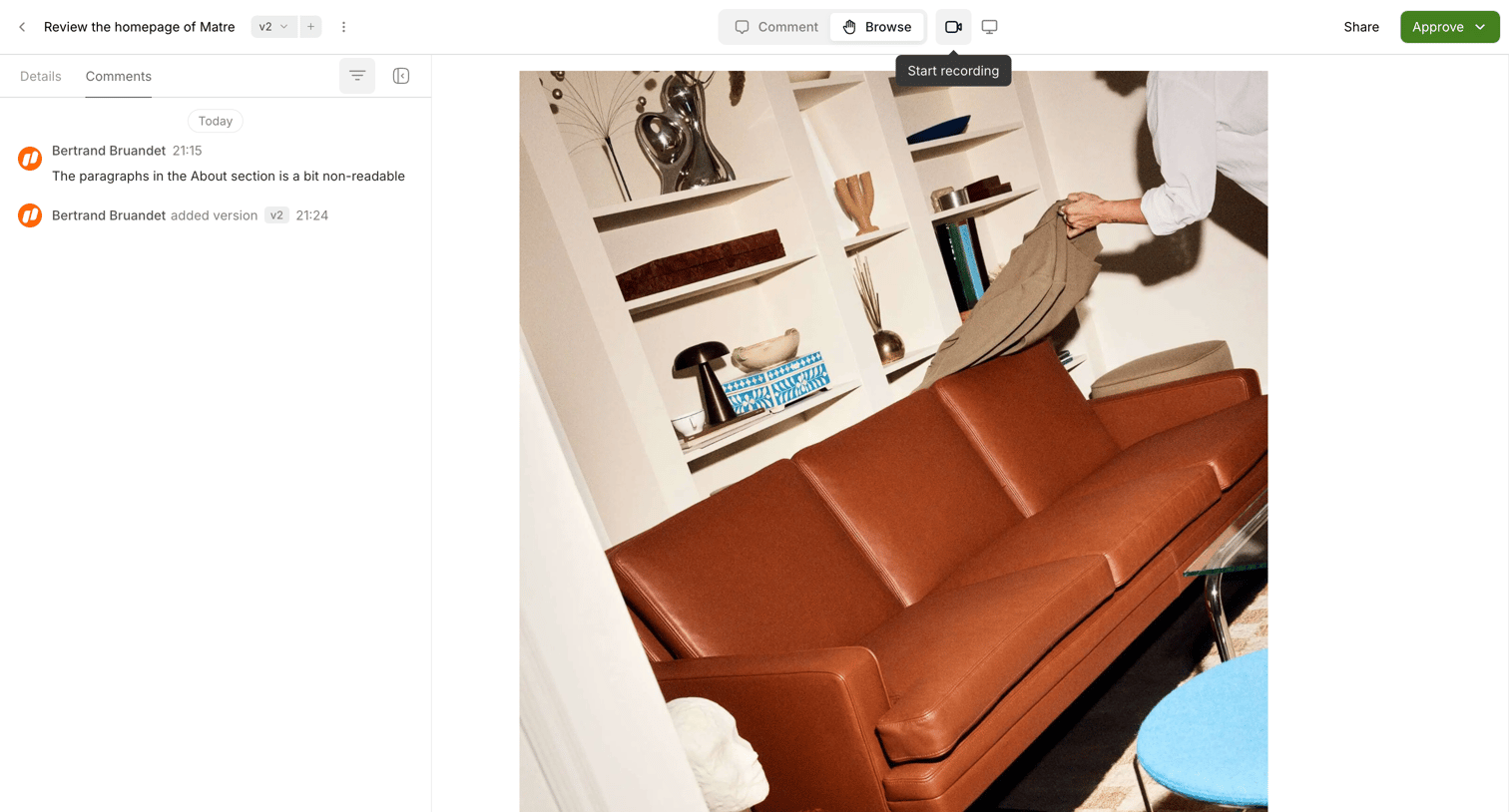

Detail page where a user reviews a design mockup, switches between comment and browse modes, and leaves feedback in a sidebar thread.
Explore the full SaaS screen library
Upgrade to unlock the full library.
Trusted by the best teams








About Split screen
Explore how interfaces present two areas beside each other. Look at how space, alignment, and focus communicate the relationship between the panels.