Push notification screen examples
Push notification screen design examples from SaaS apps. Browse examples from Appwrite, Cushion, Evervault.
Explore the examples
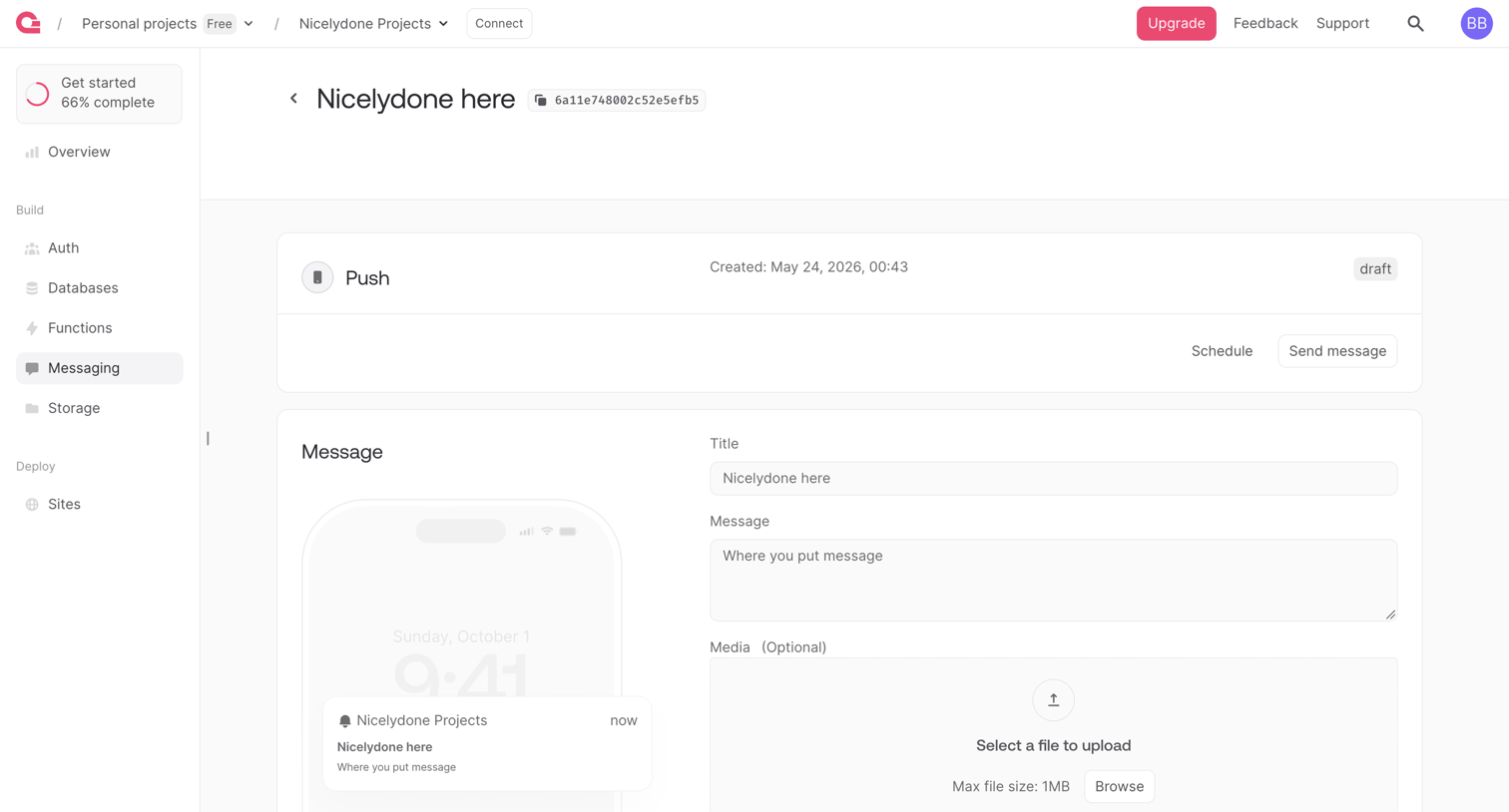

Detail page where the user edits a draft push notification message, configuring the title, body, and media alongside a live device preview.
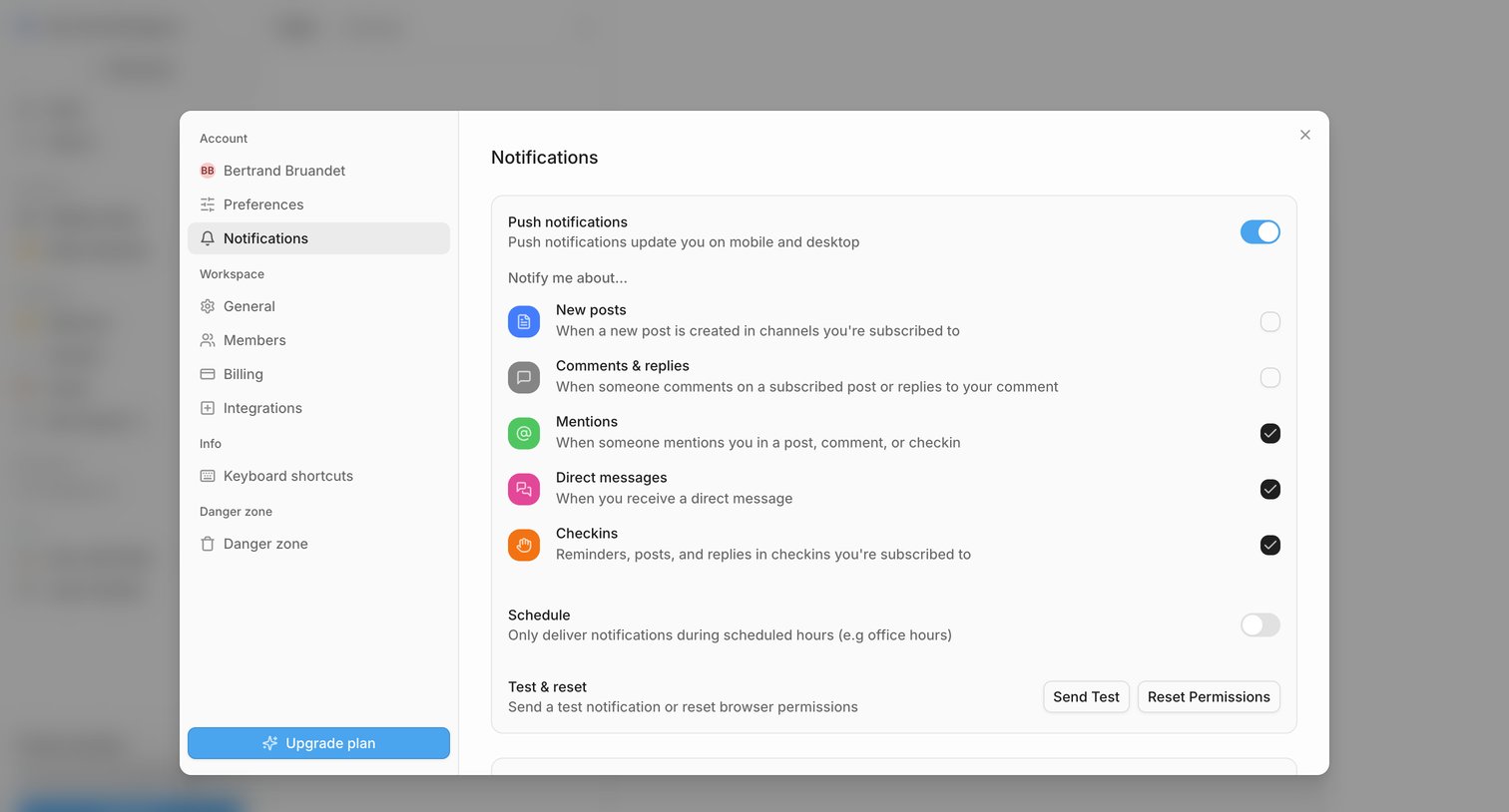

Settings modal where the user configures push notification preferences for events like new posts, mentions, and direct messages.
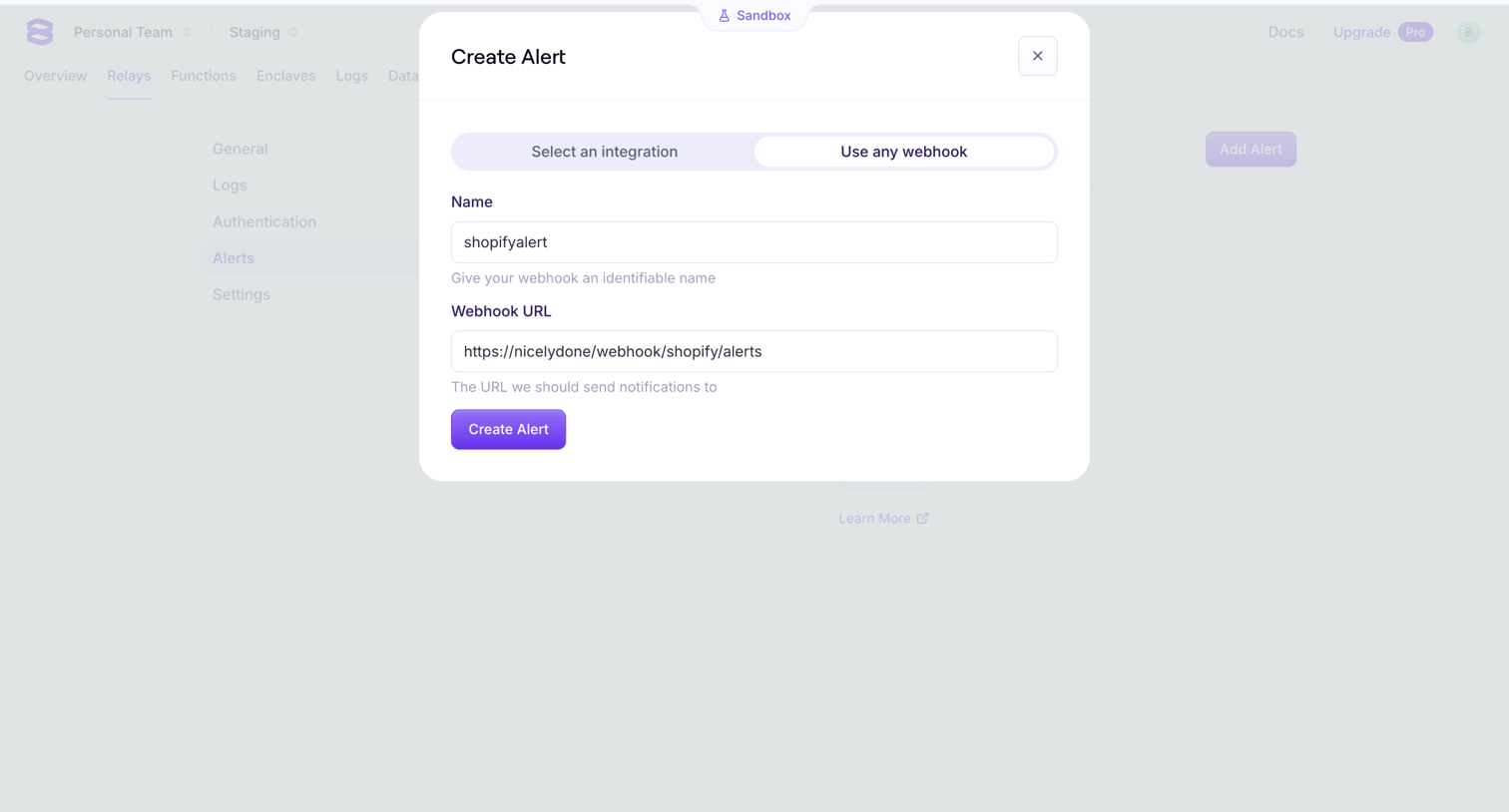

Settings page where the user configures a new webhook alert by providing a name and destination URL in a modal.
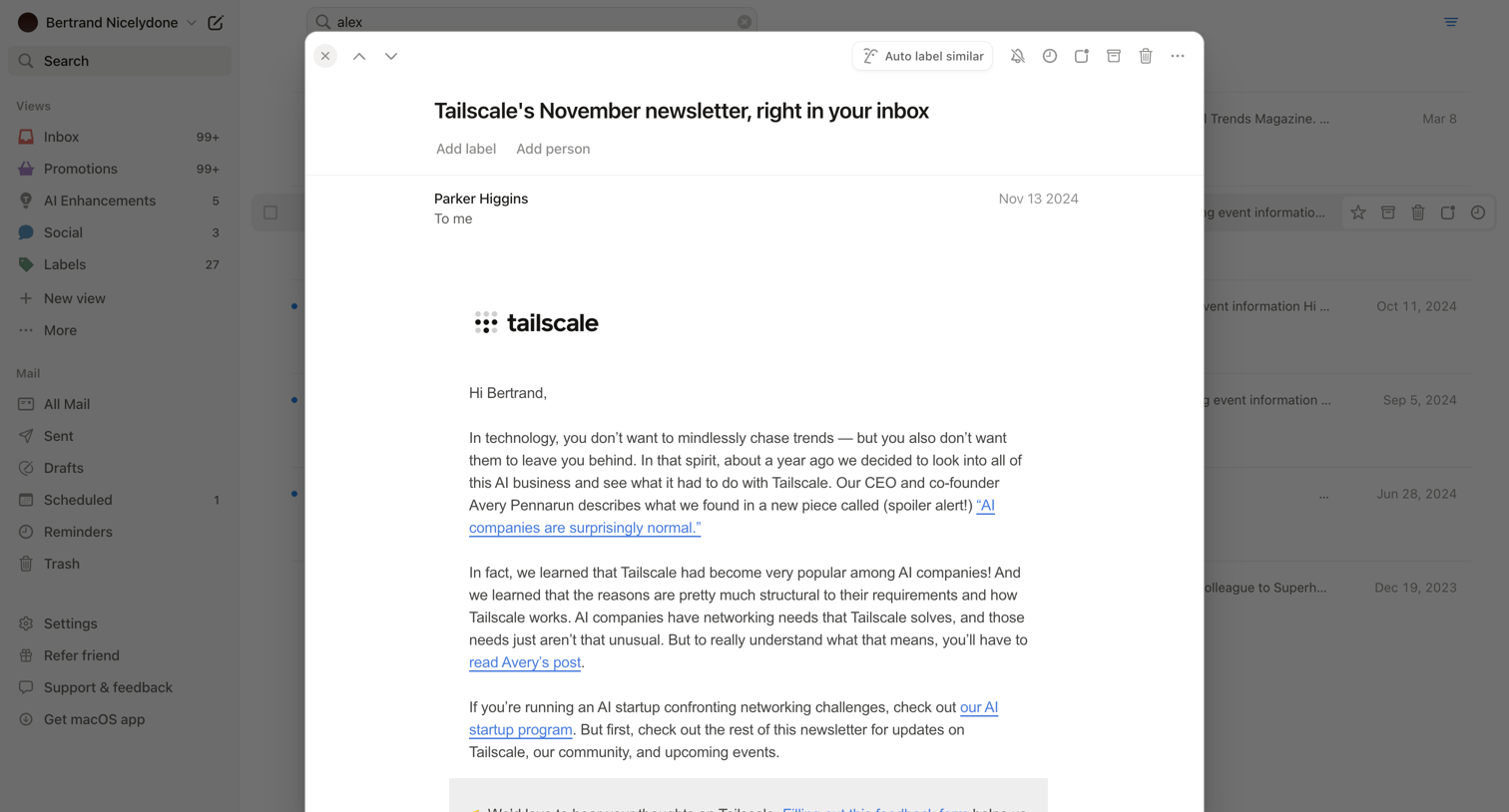

Detail page where the user reads a specific newsletter email in a modal overlay, featuring a top toolbar with actions to auto-label, archive, or delete the message.
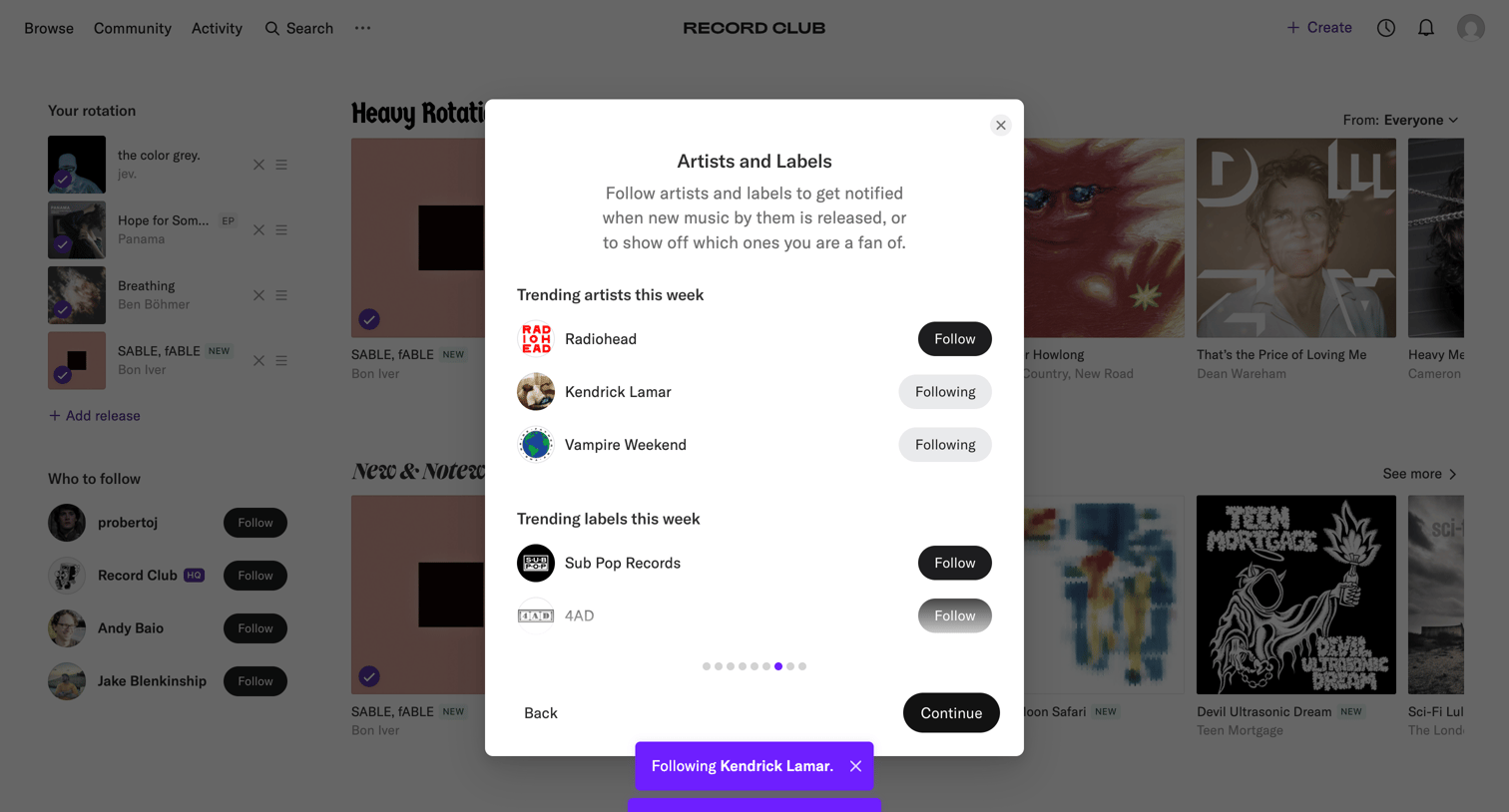

Onboarding step where the user follows trending artists and labels like Radiohead and Sub Pop Records to personalize their music feed.
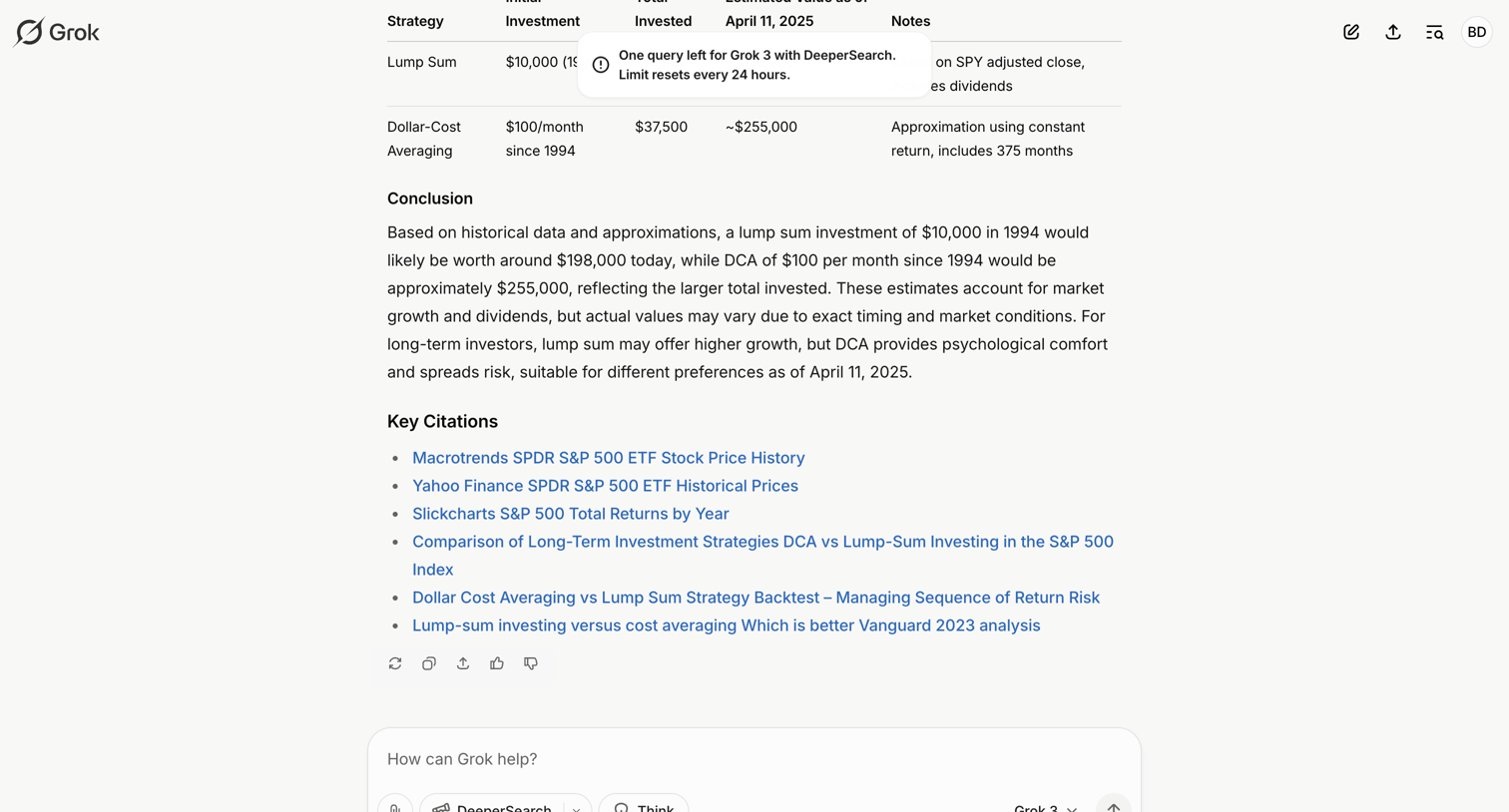

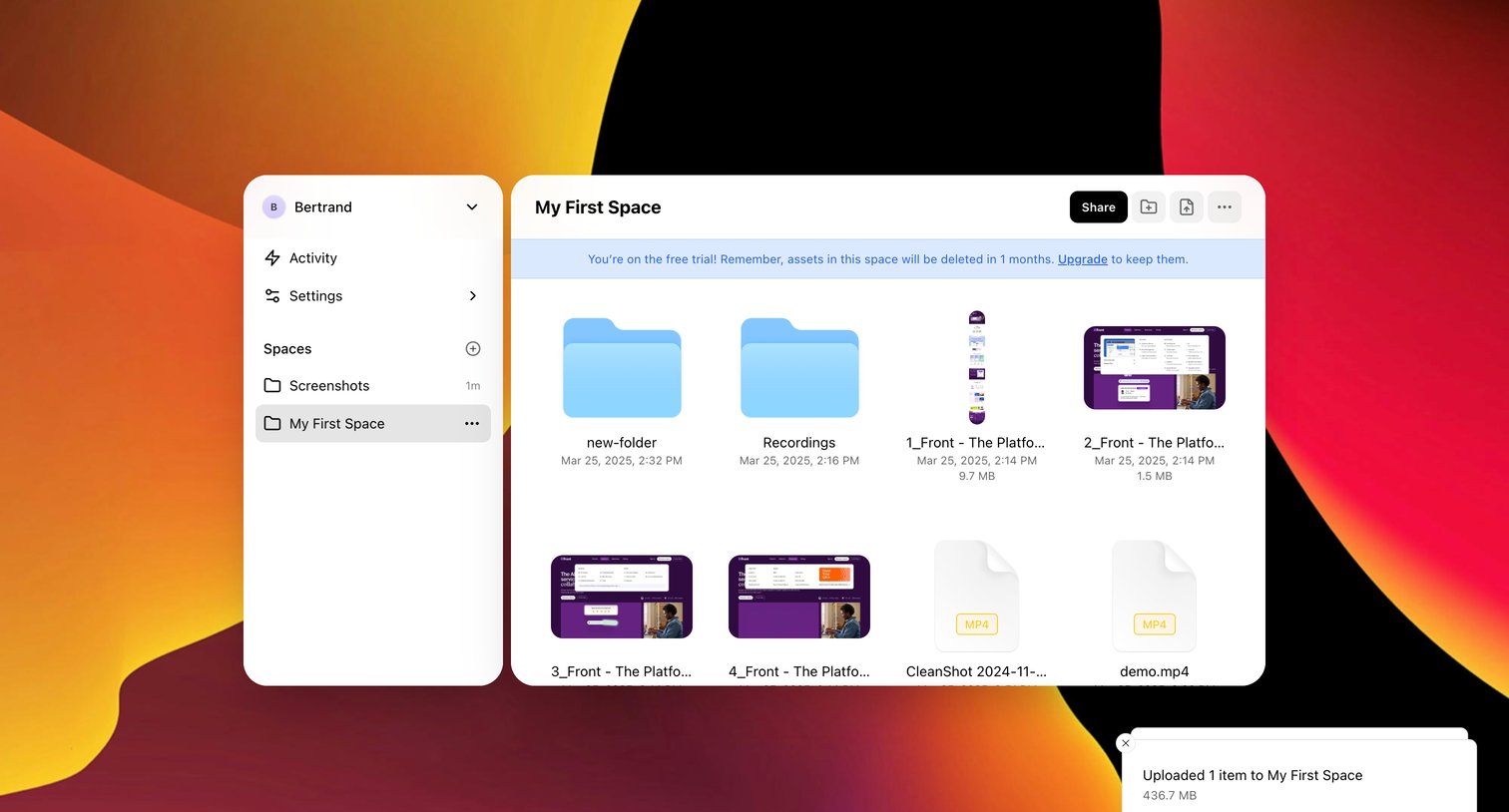

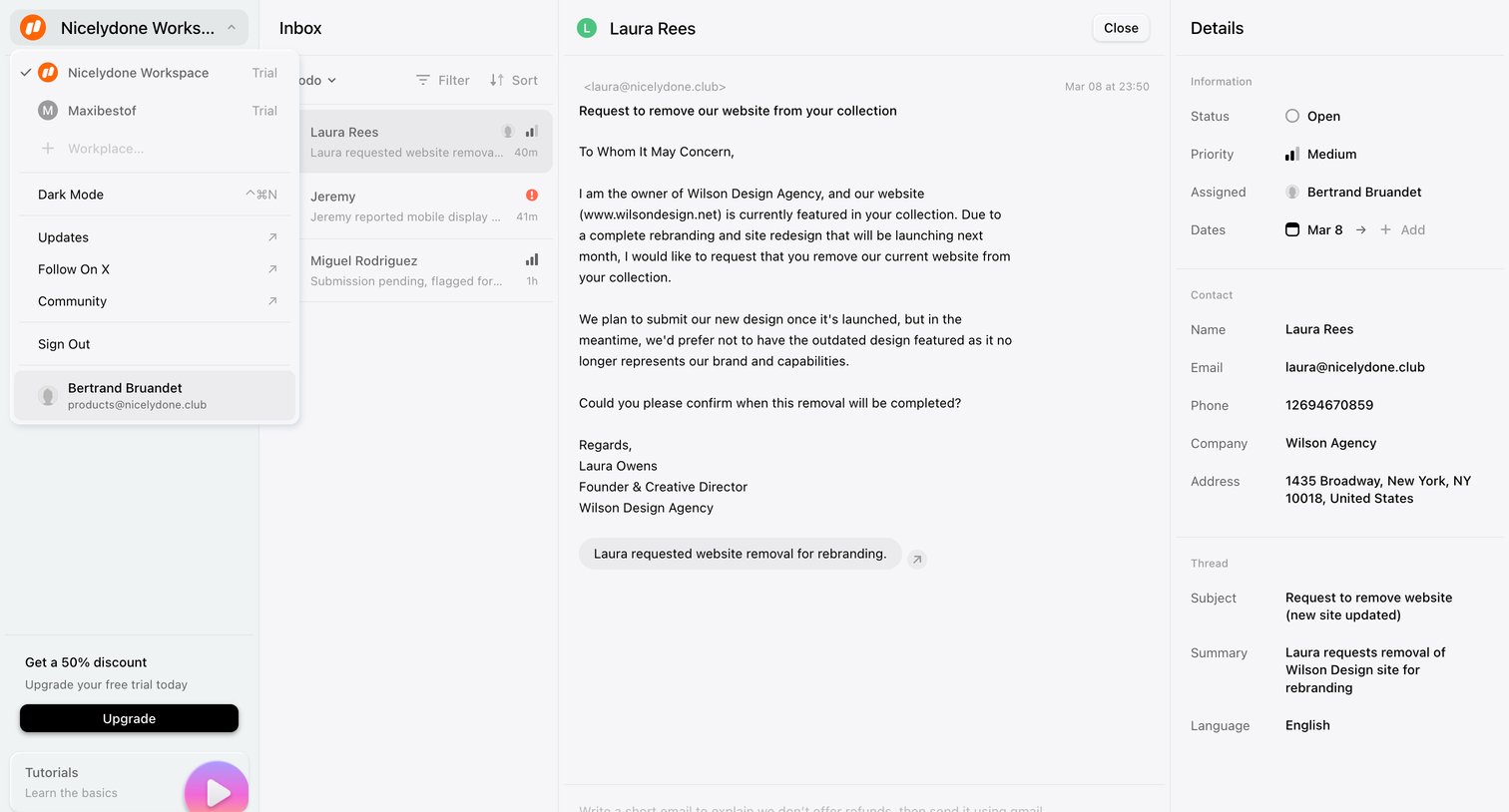

Inbox view where the user reads a website removal request from a customer, with side panels for workspace navigation and ticket details.
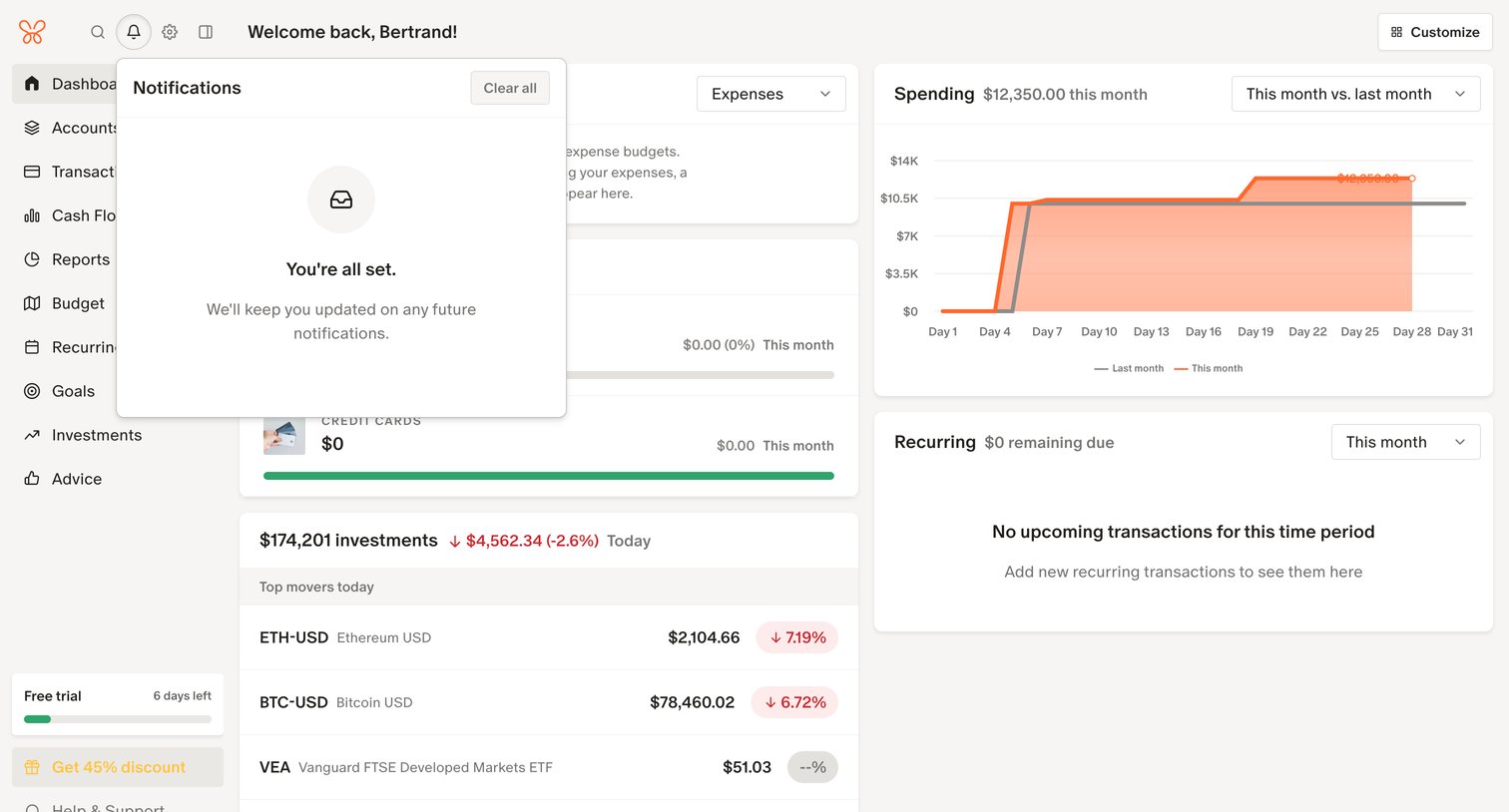

Dashboard showing a financial overview with spending charts, investment top movers, and an open notifications popover indicating no new alerts.
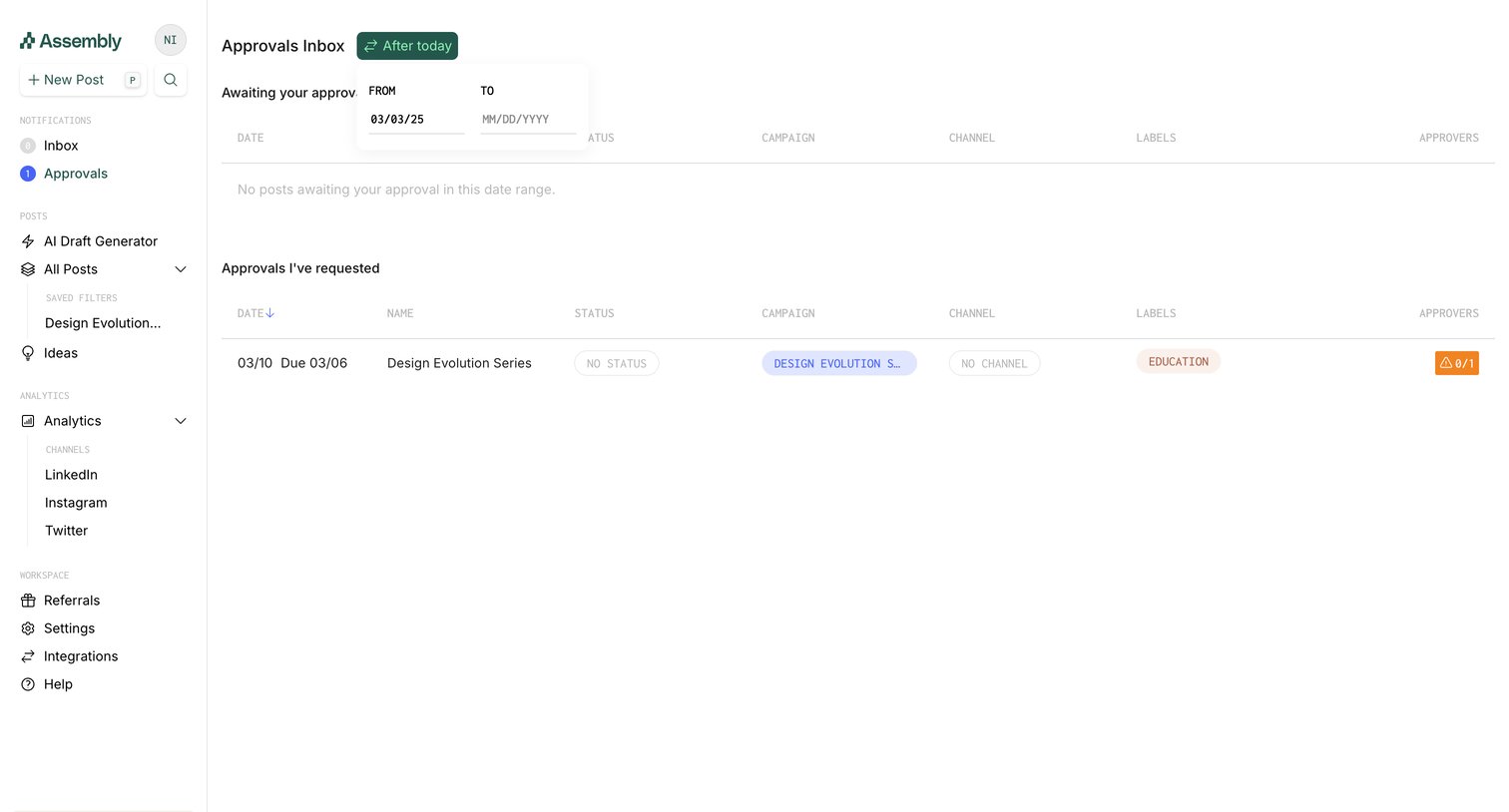

Inbox view where the user manages pending approvals and tracks requests they have submitted, with an active date range filter.
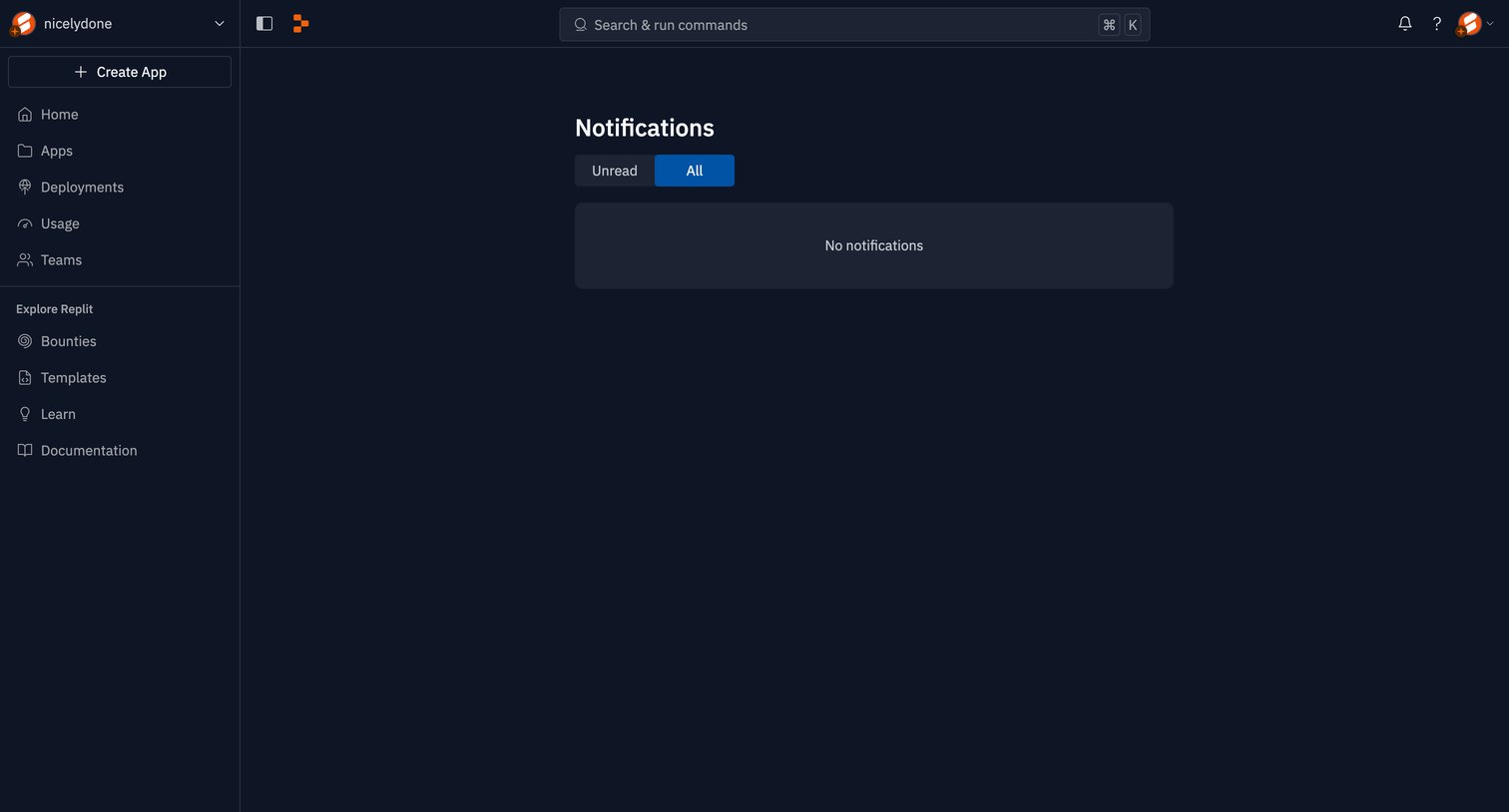

Notifications inbox where the user can filter between unread and all messages, currently showing an empty state.
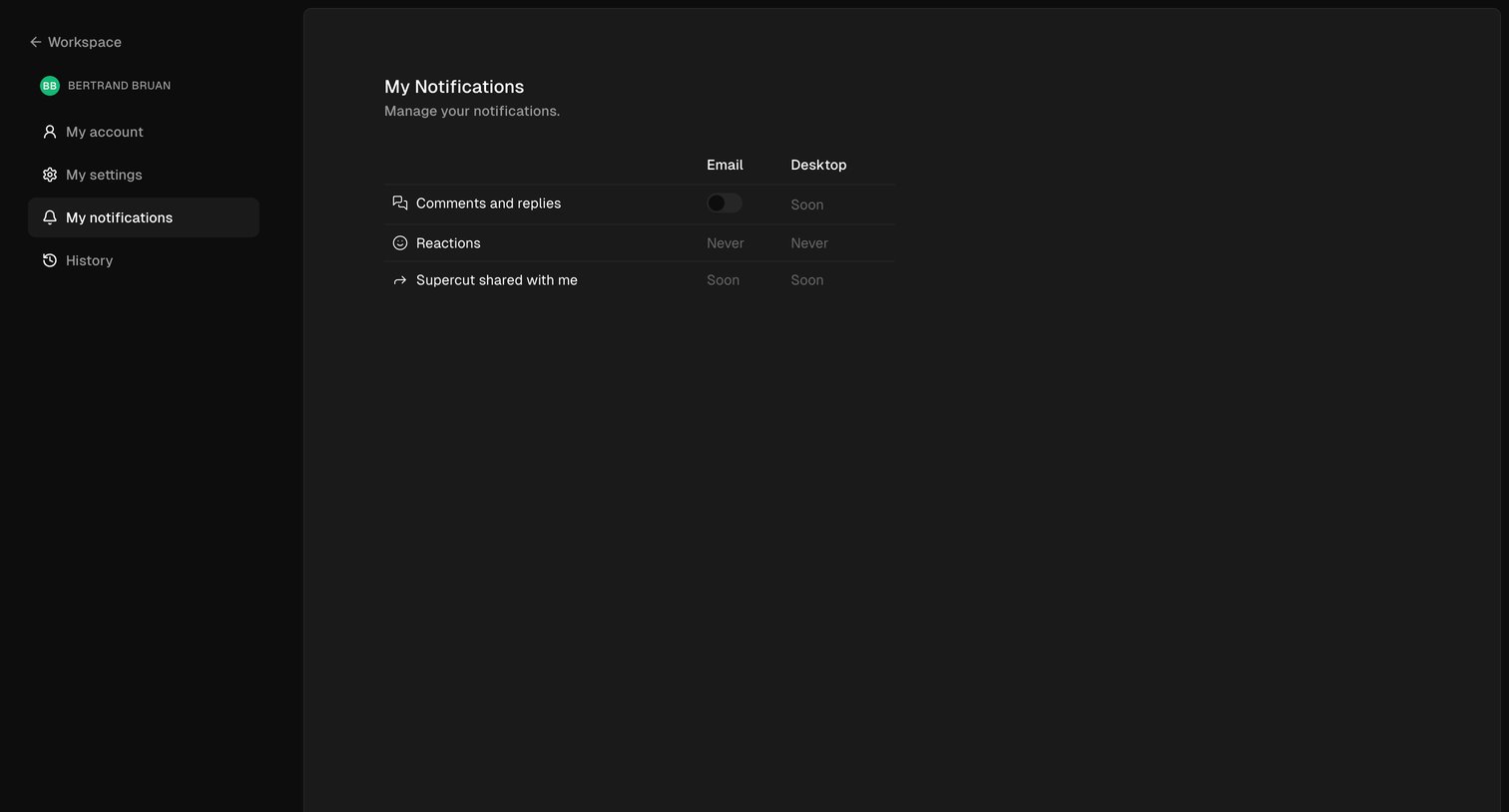

Settings page where the user configures email and desktop notification preferences for comments, reactions, and shared items.
Explore the full SaaS screen library
Upgrade to unlock the full library.
Trusted by the best teams







