Shuttle design examples
Explore Shuttle UI design examples. Manage and share your assets your way
Product screens
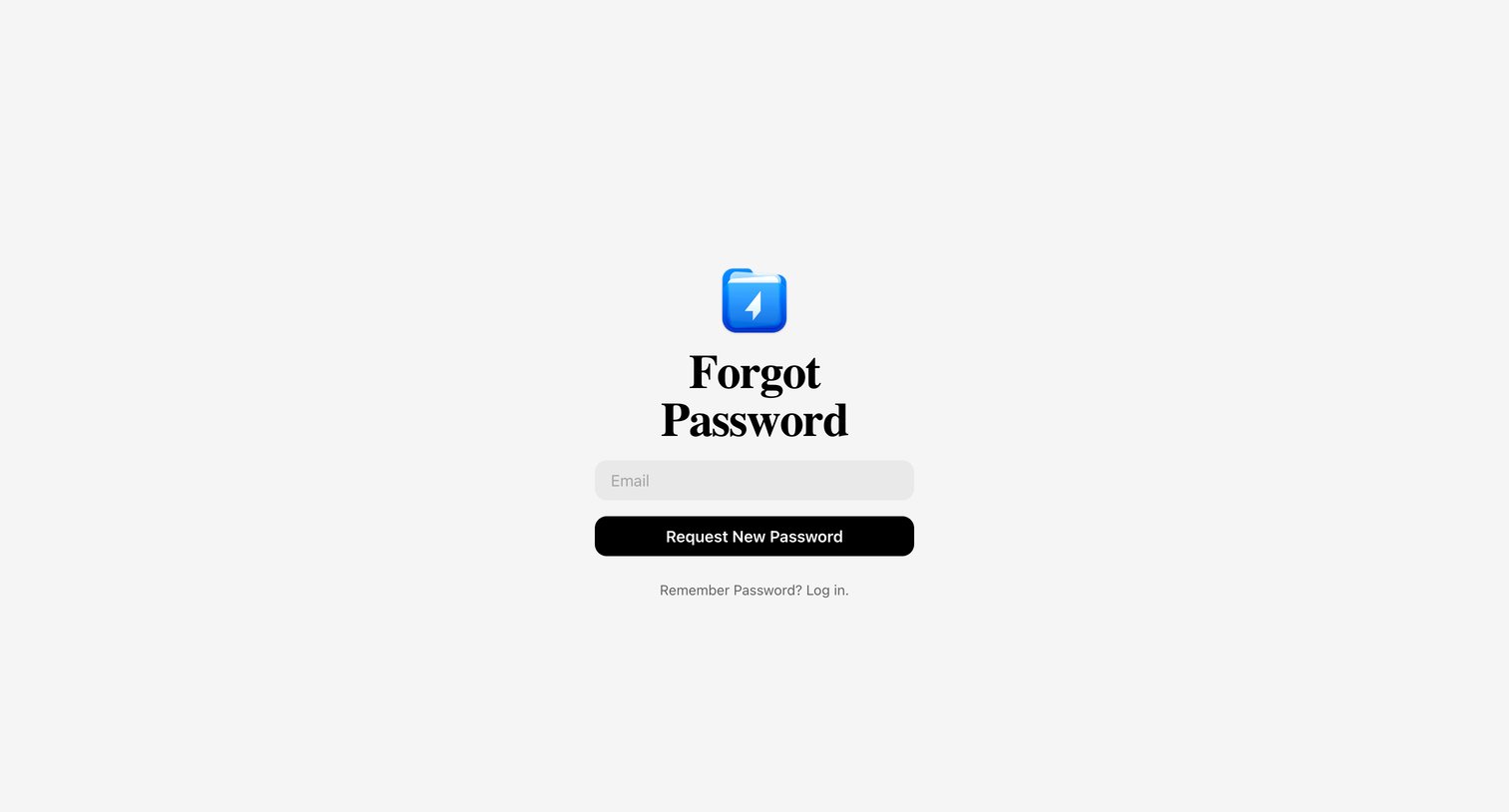

Password recovery screen where the user enters their email address to request a reset link.
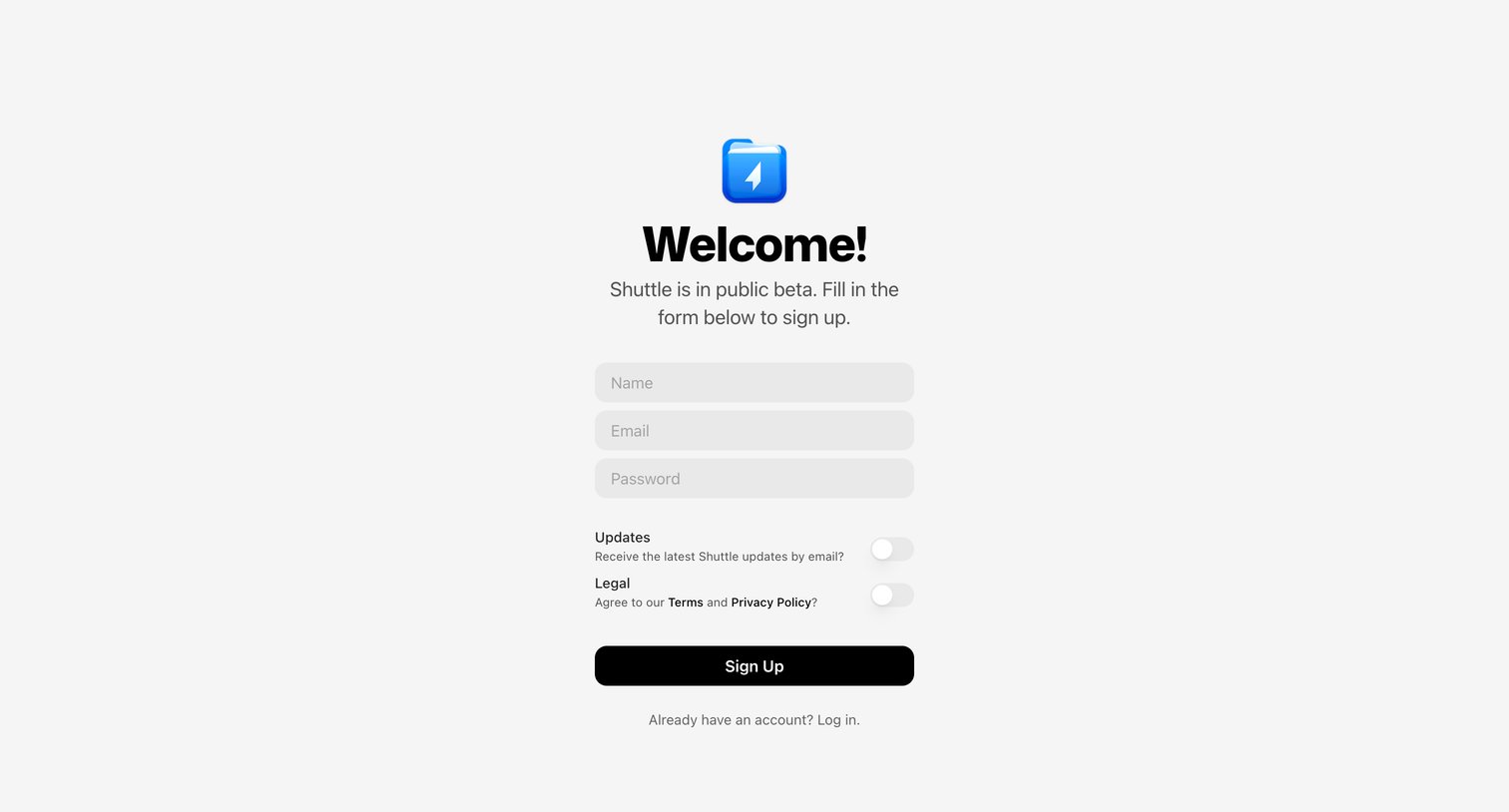
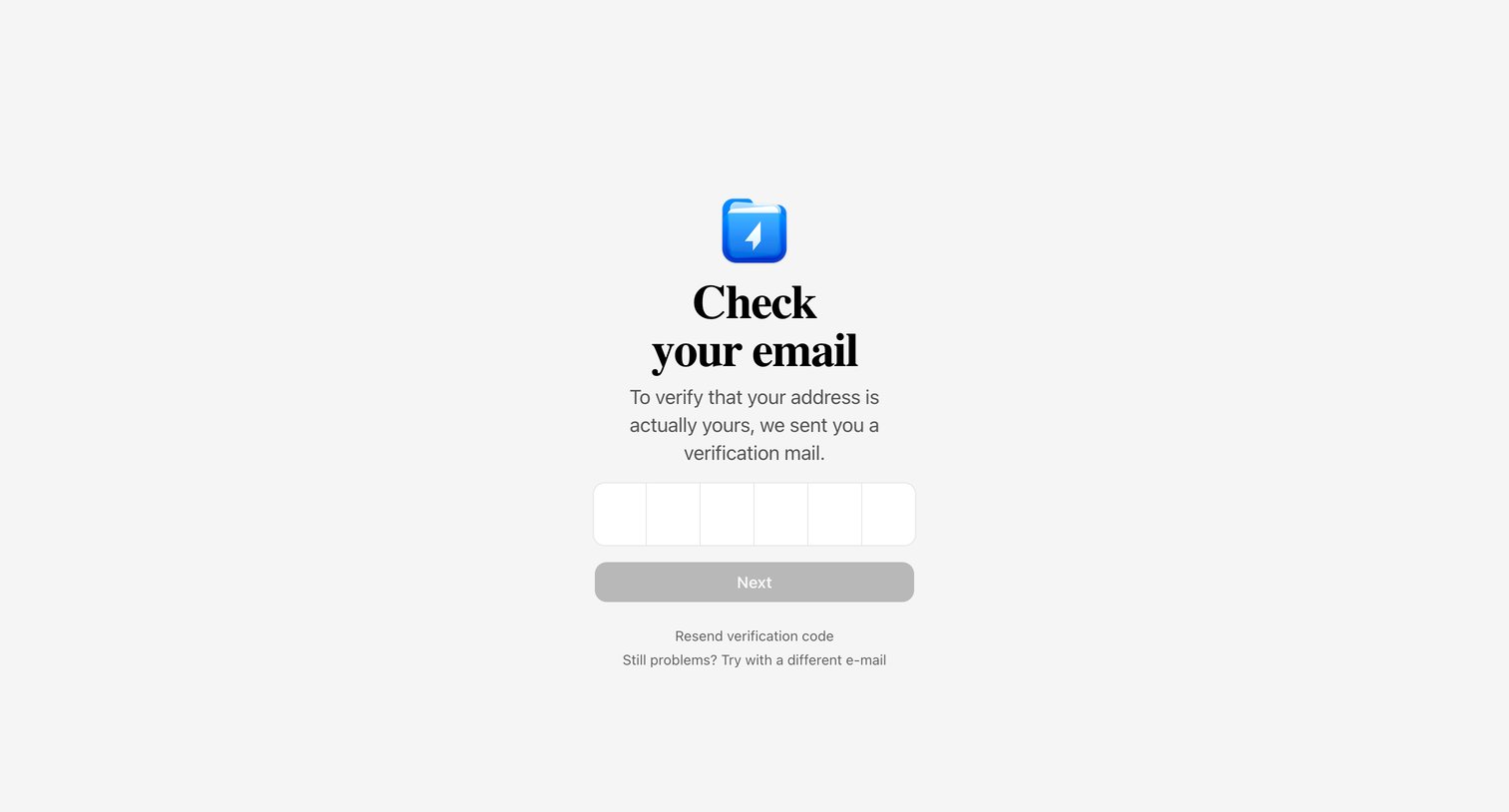
Verification screen where the user enters a 6-digit code sent to their email to confirm their address during onboarding.
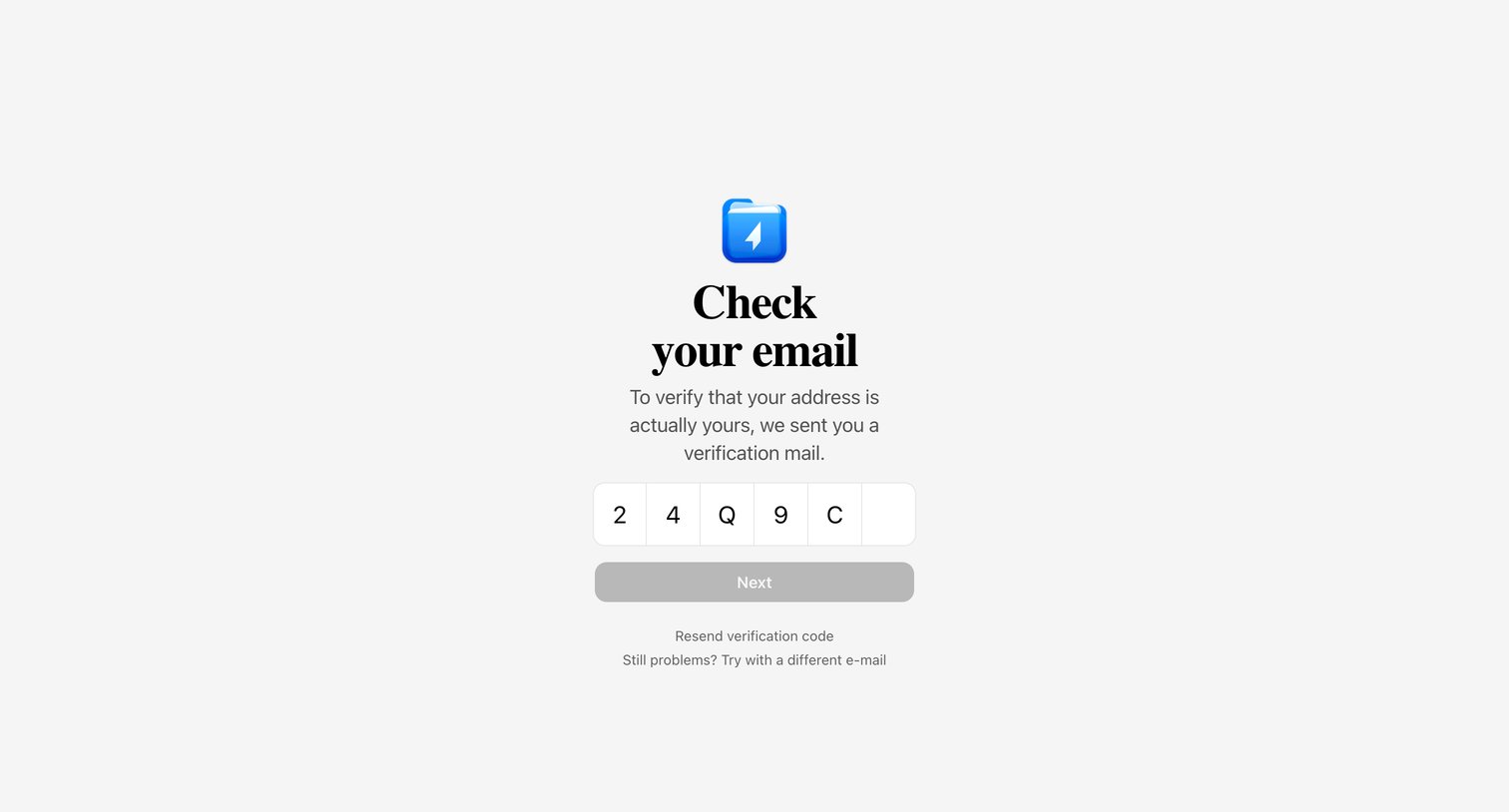
Verification screen where the user enters a 6-digit code sent to their email to confirm their address.
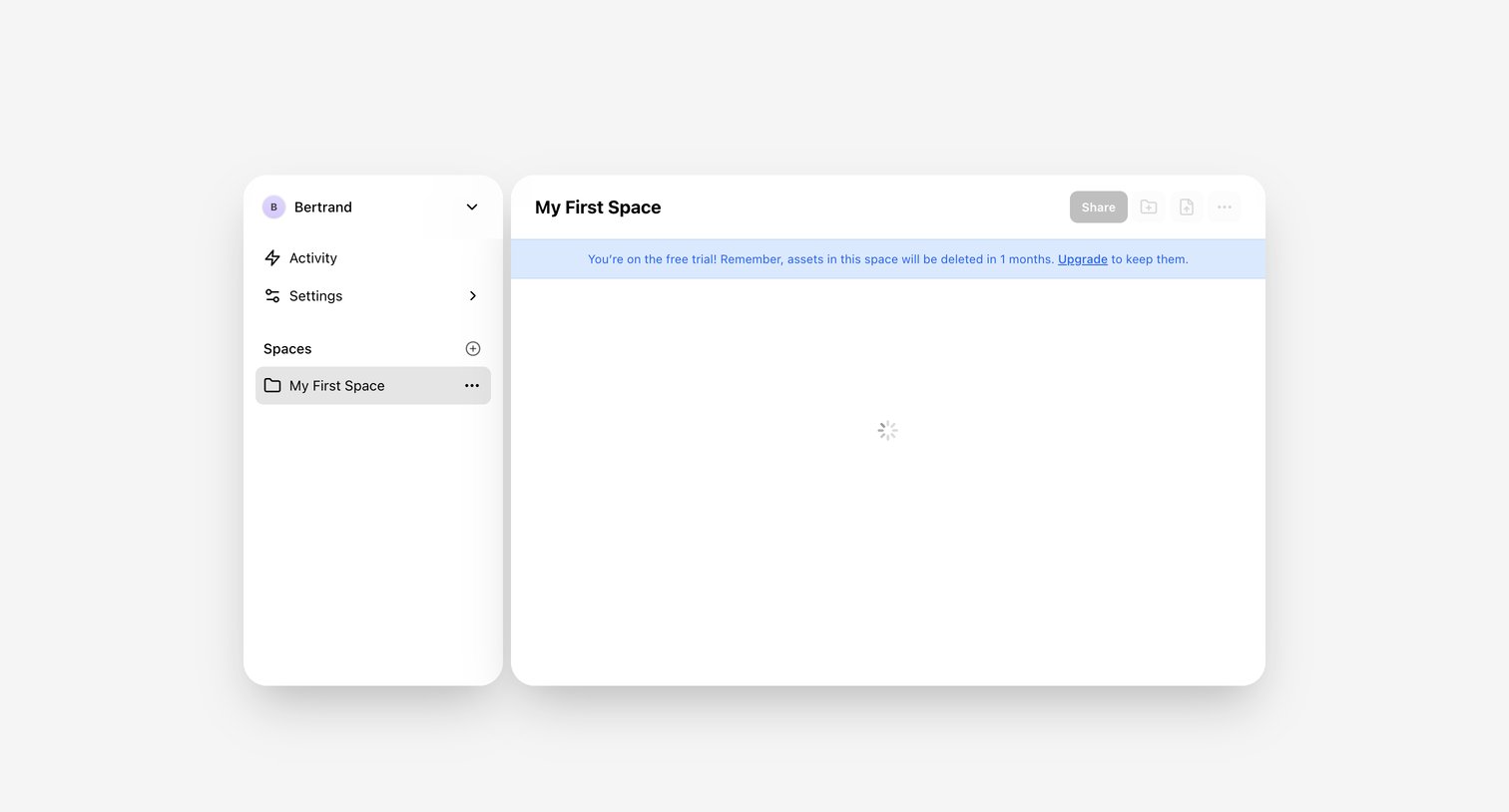
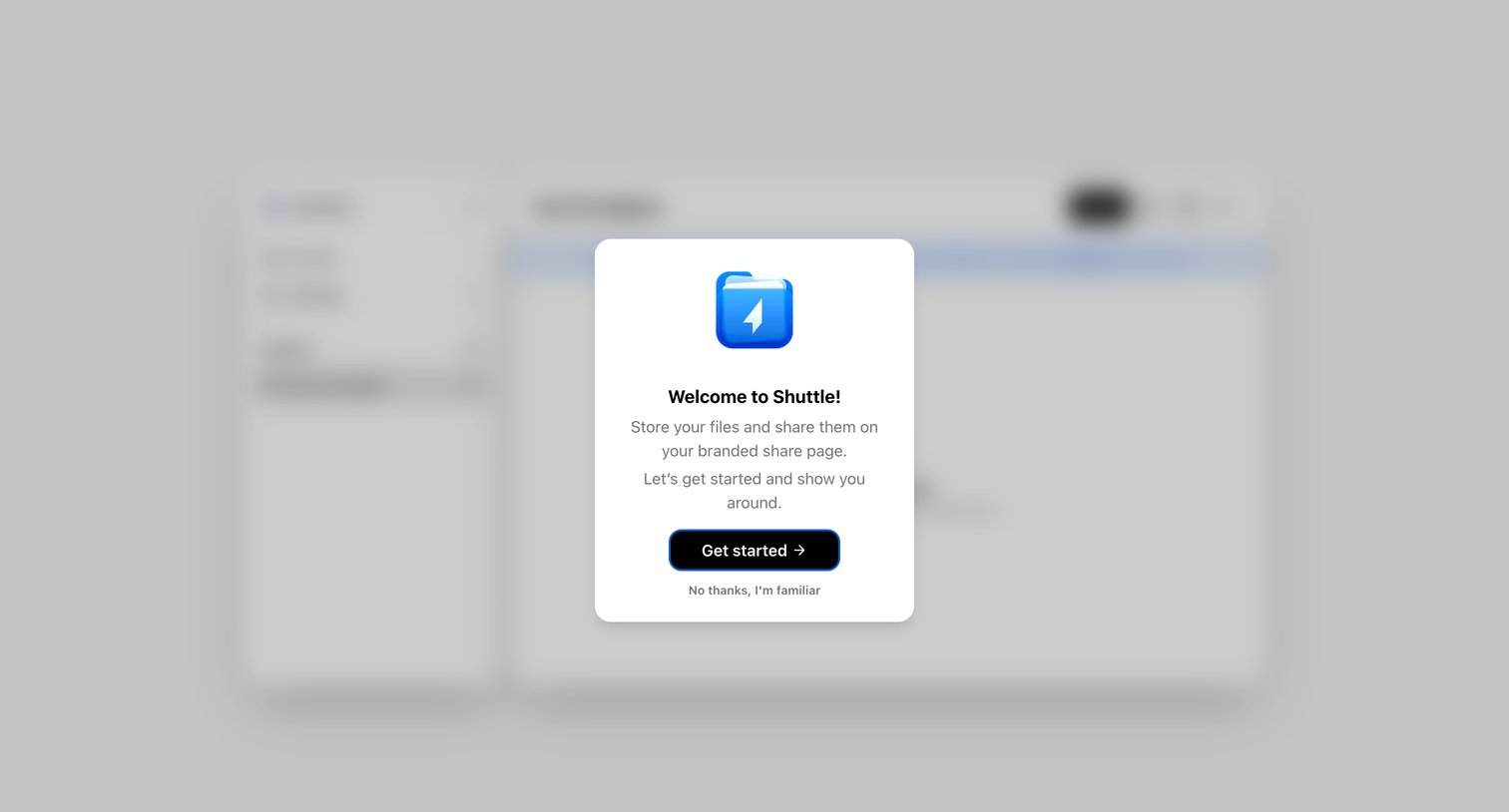
Onboarding overlay where a welcome modal prompts the user to start a product tour to learn about storing and sharing files, or dismiss it.
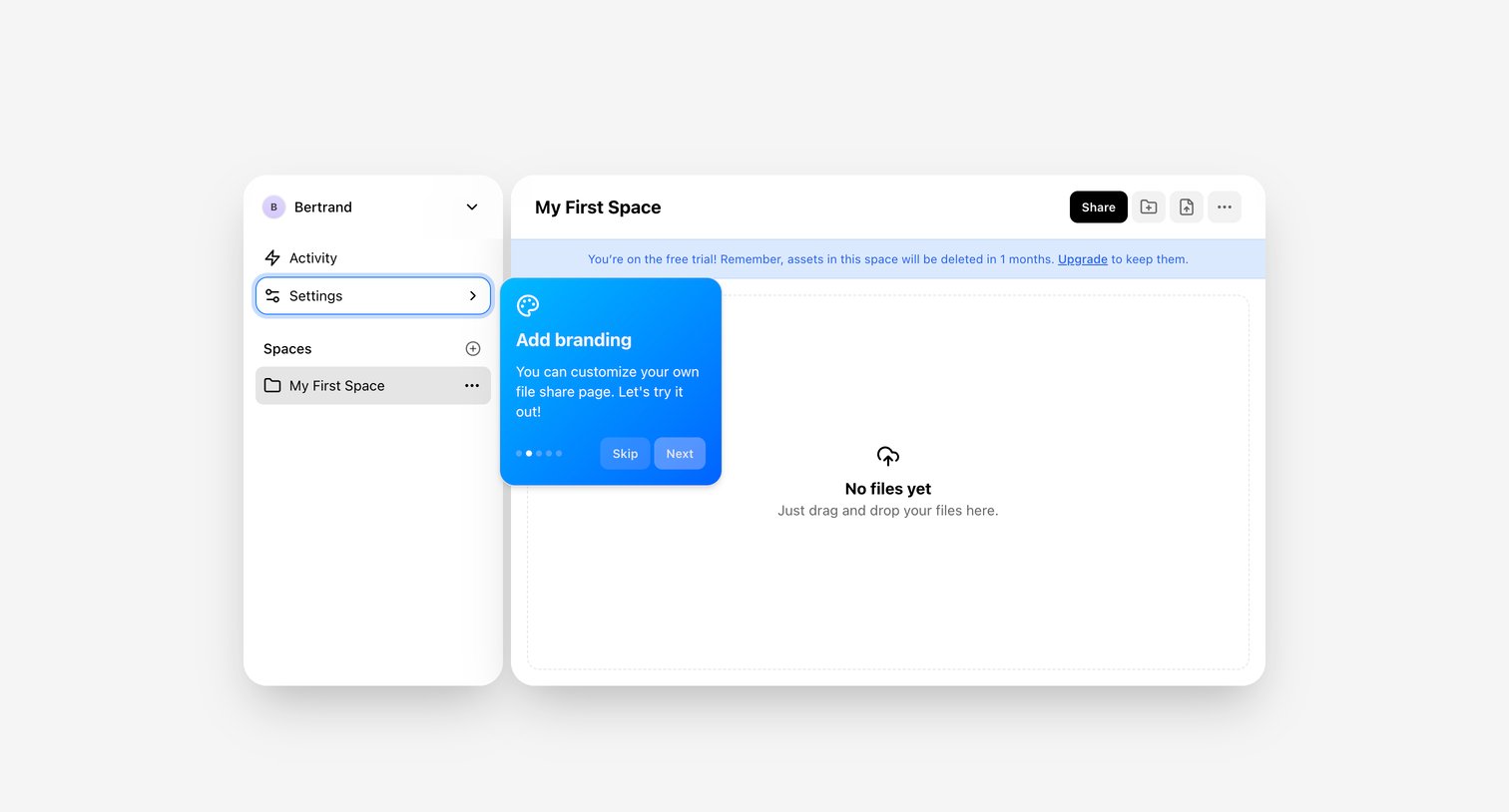
Empty file space view featuring a drag-and-drop upload zone, a free trial expiration banner, and an active product tour popover for adding branding.
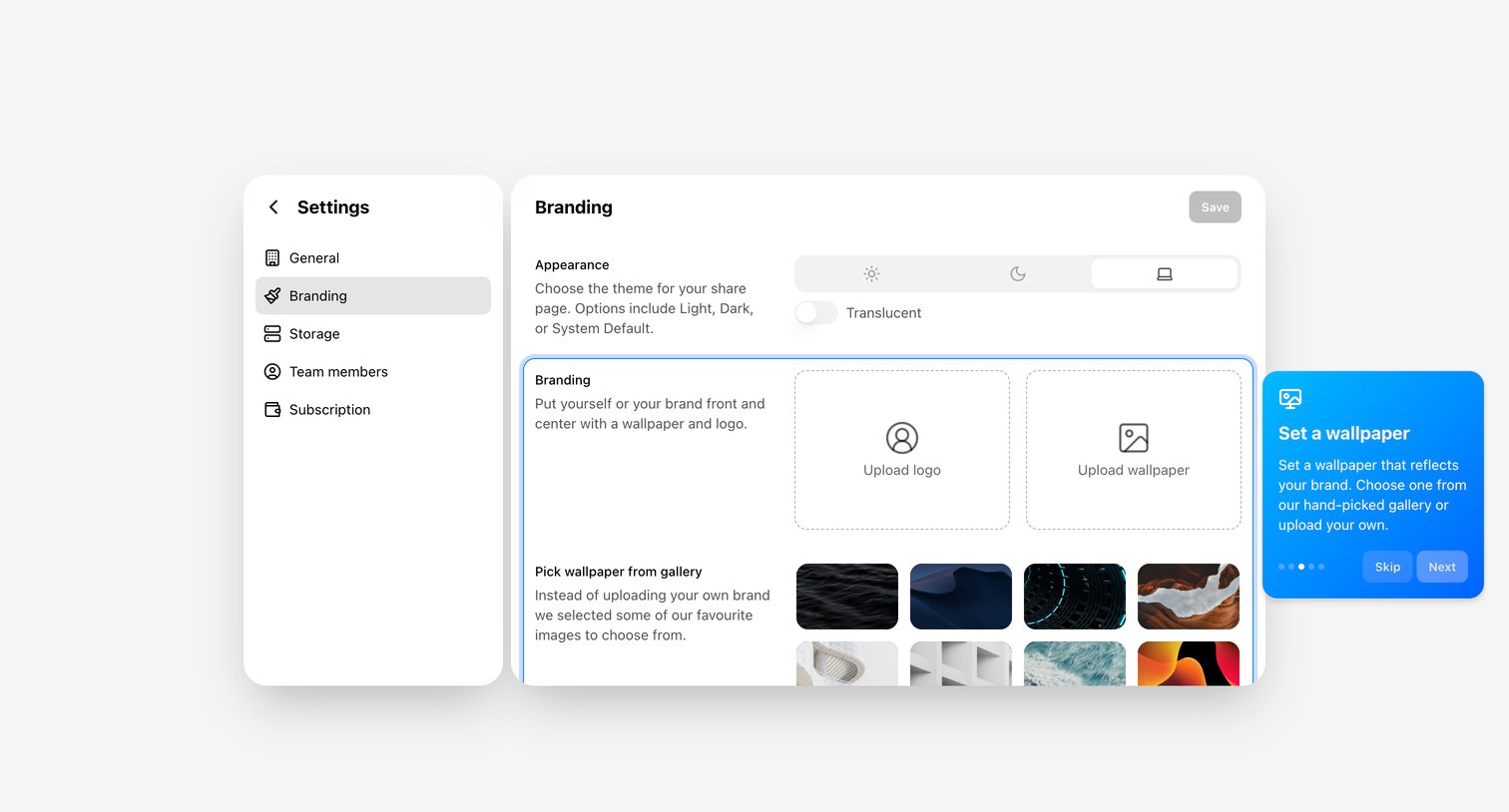
Settings page where the user customizes their share page appearance with theme toggles and wallpaper uploads, currently highlighting the branding section in a product tour.
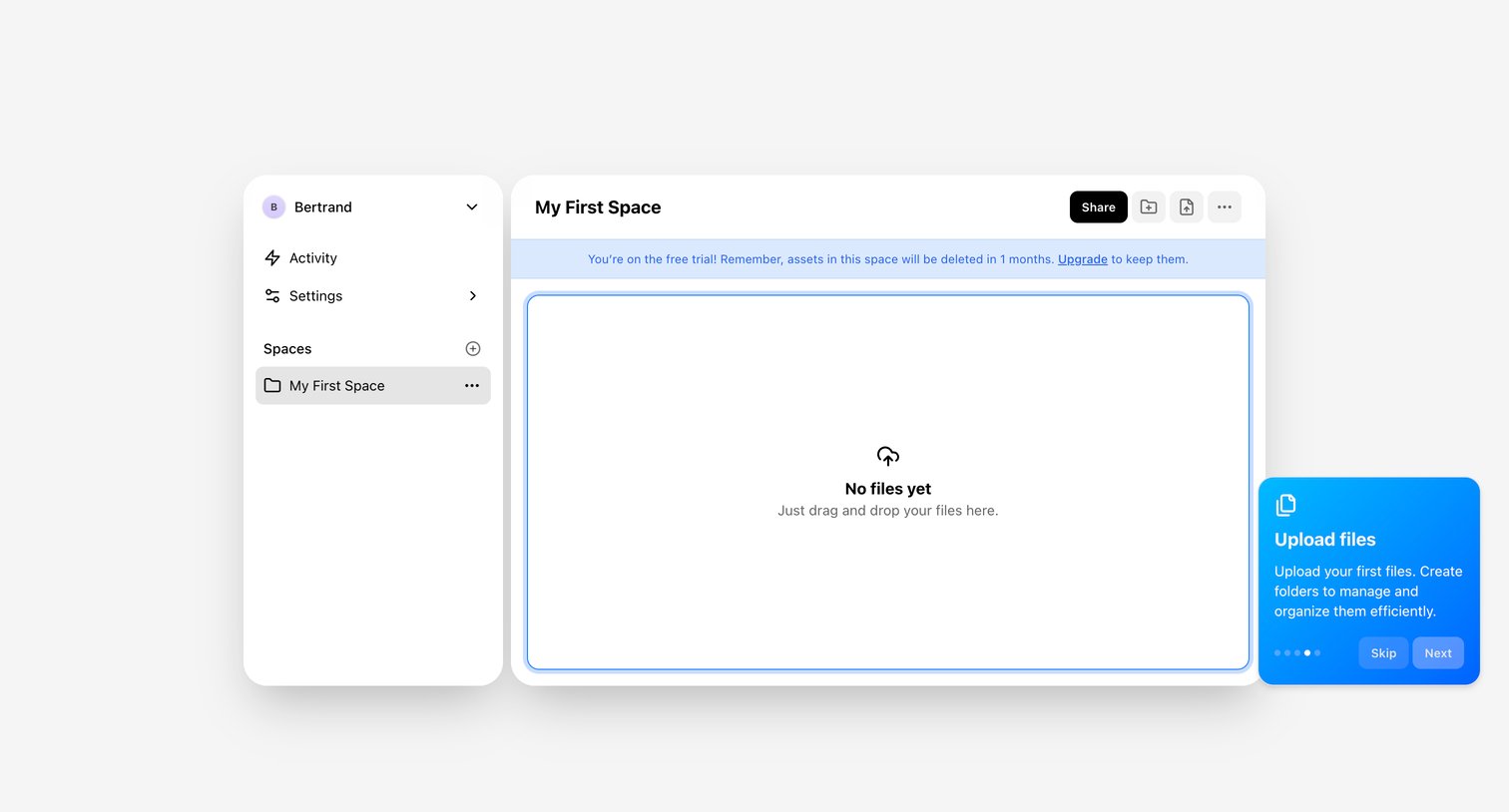
Empty file workspace where a product tour popover prompts the user to upload their first files.
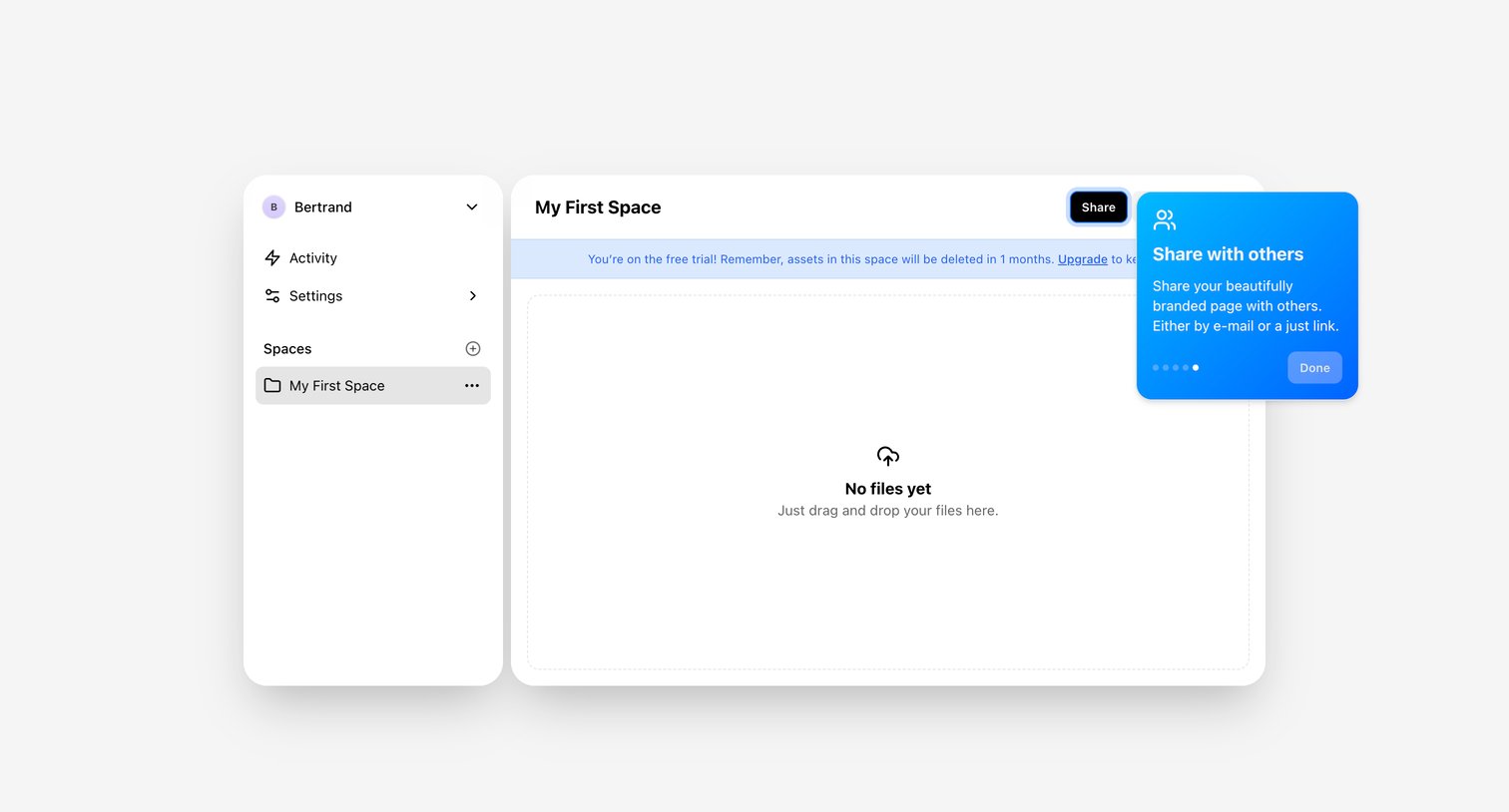
Detail page for a newly created space showing an empty state drop zone, a trial expiration warning banner, and an onboarding coachmark highlighting the share functionality.
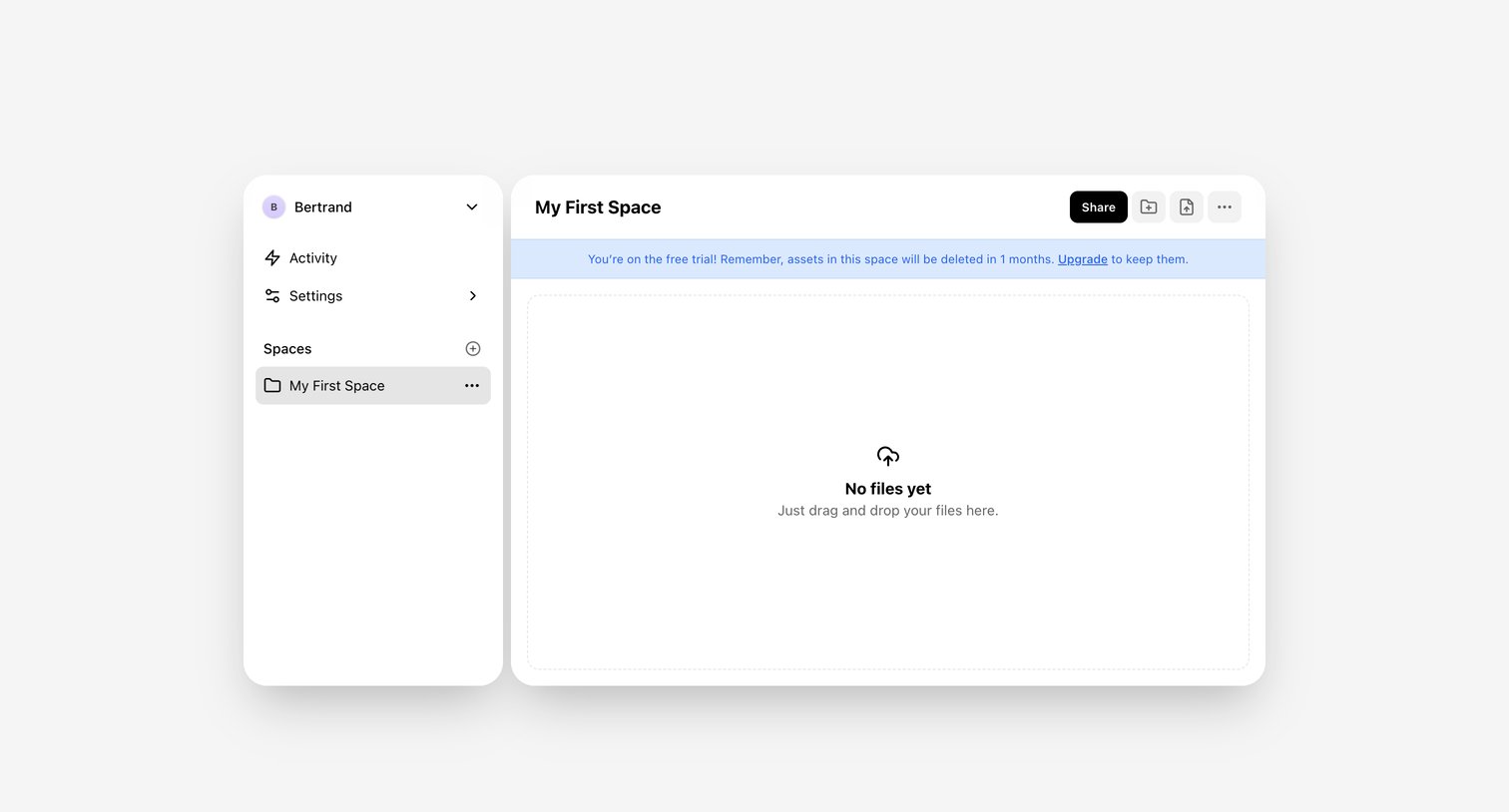
List view of a specific workspace folder where the user is prompted to drag and drop files to upload, accompanied by a trial expiration warning.
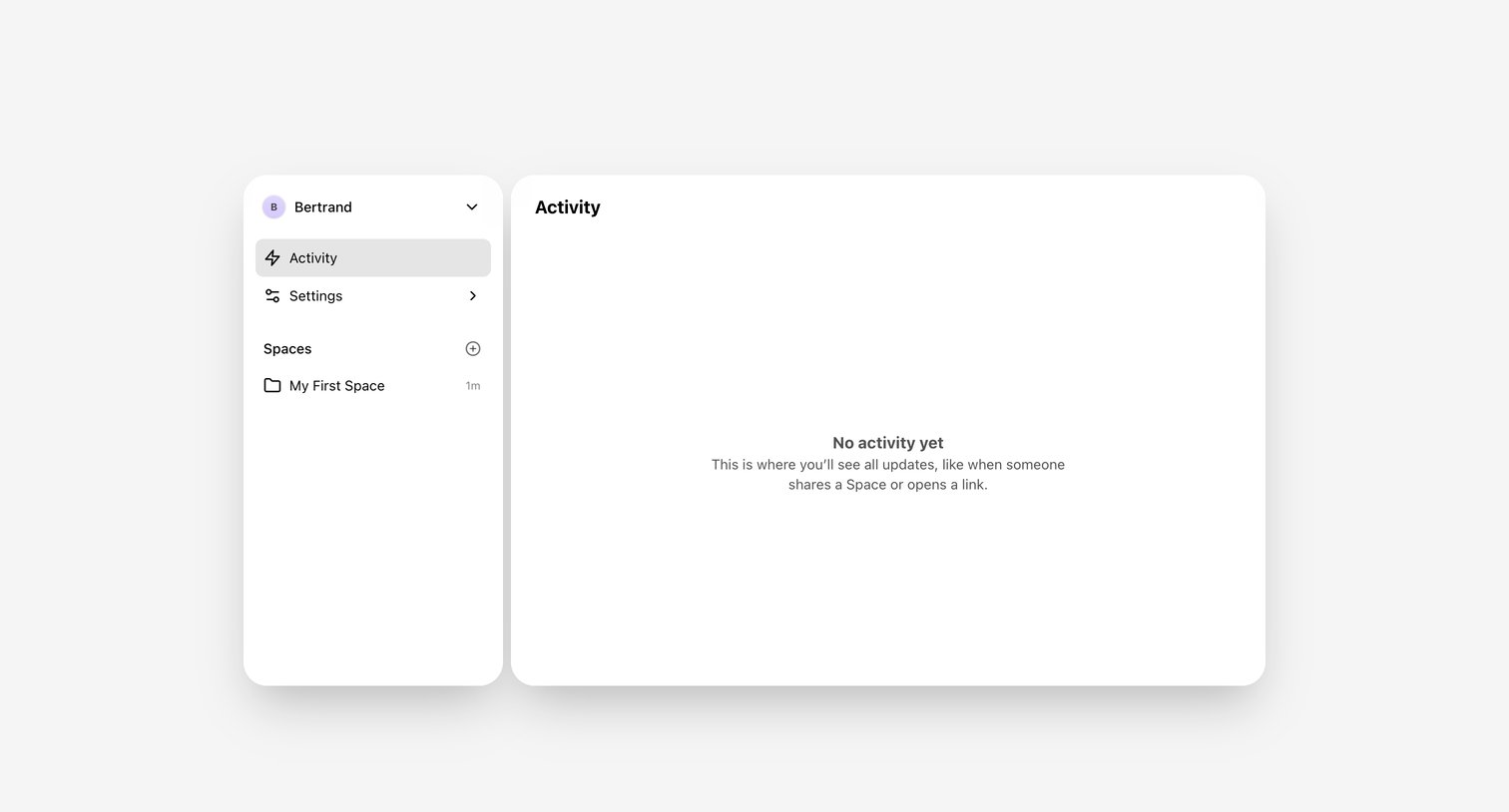
Activity feed showing an empty state explaining that updates will appear here when someone shares a space or opens a link.
Browse the full SaaS app library
Explore real SaaS apps with their product screens, marketing screens, flows, and components.
Trusted by the best teams







