Schedule screen examples
Schedule screen design examples from SaaS apps. Browse examples from Beside, Cushion, Cobot.
Explore the examples
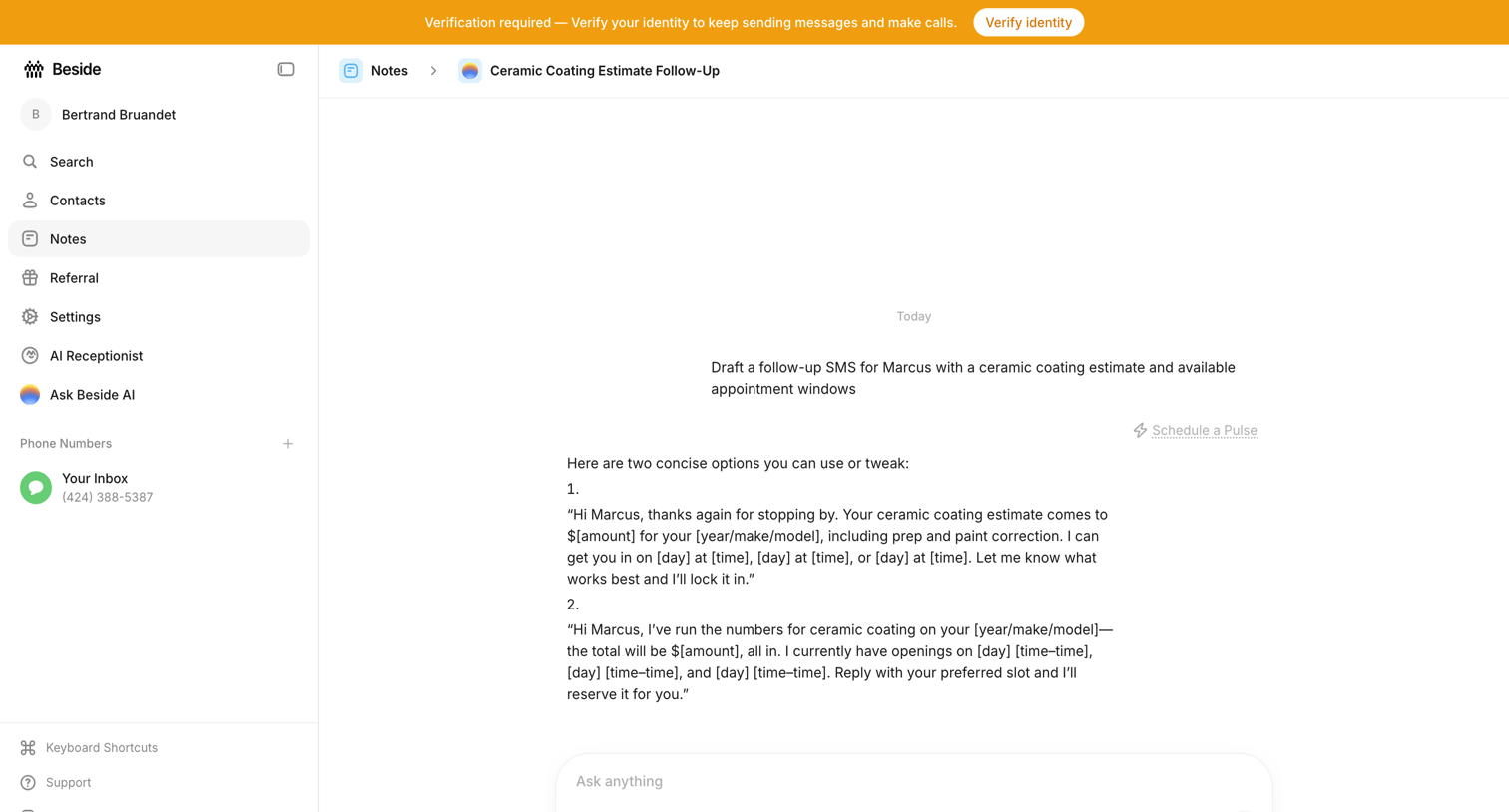

AI chat interface within a note where the user prompts the assistant to draft a follow-up SMS for a ceramic coating estimate, accompanied by a global identity verification banner.
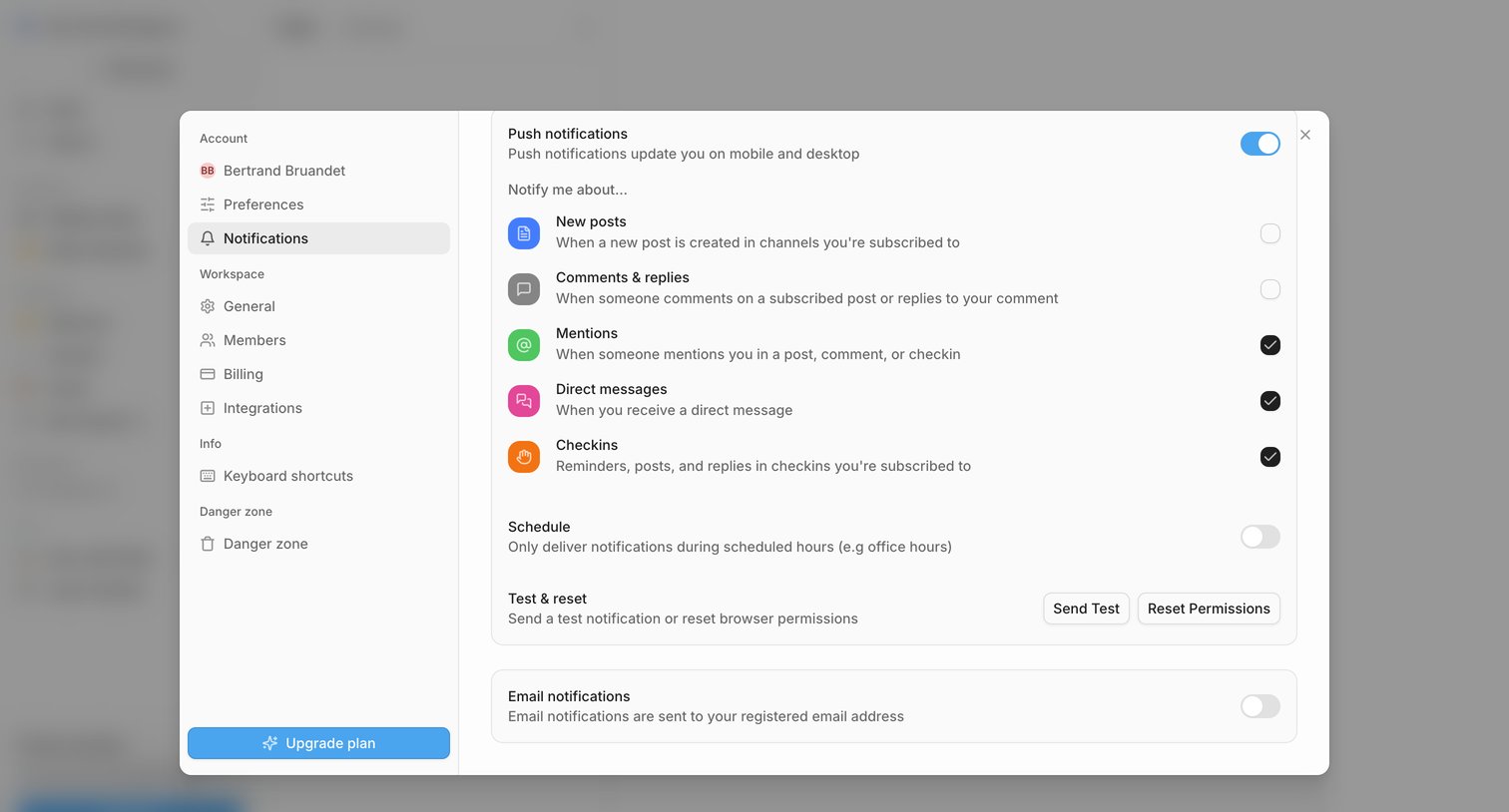

Settings modal where the user configures push and email notification preferences for events like new posts, mentions, and direct messages.
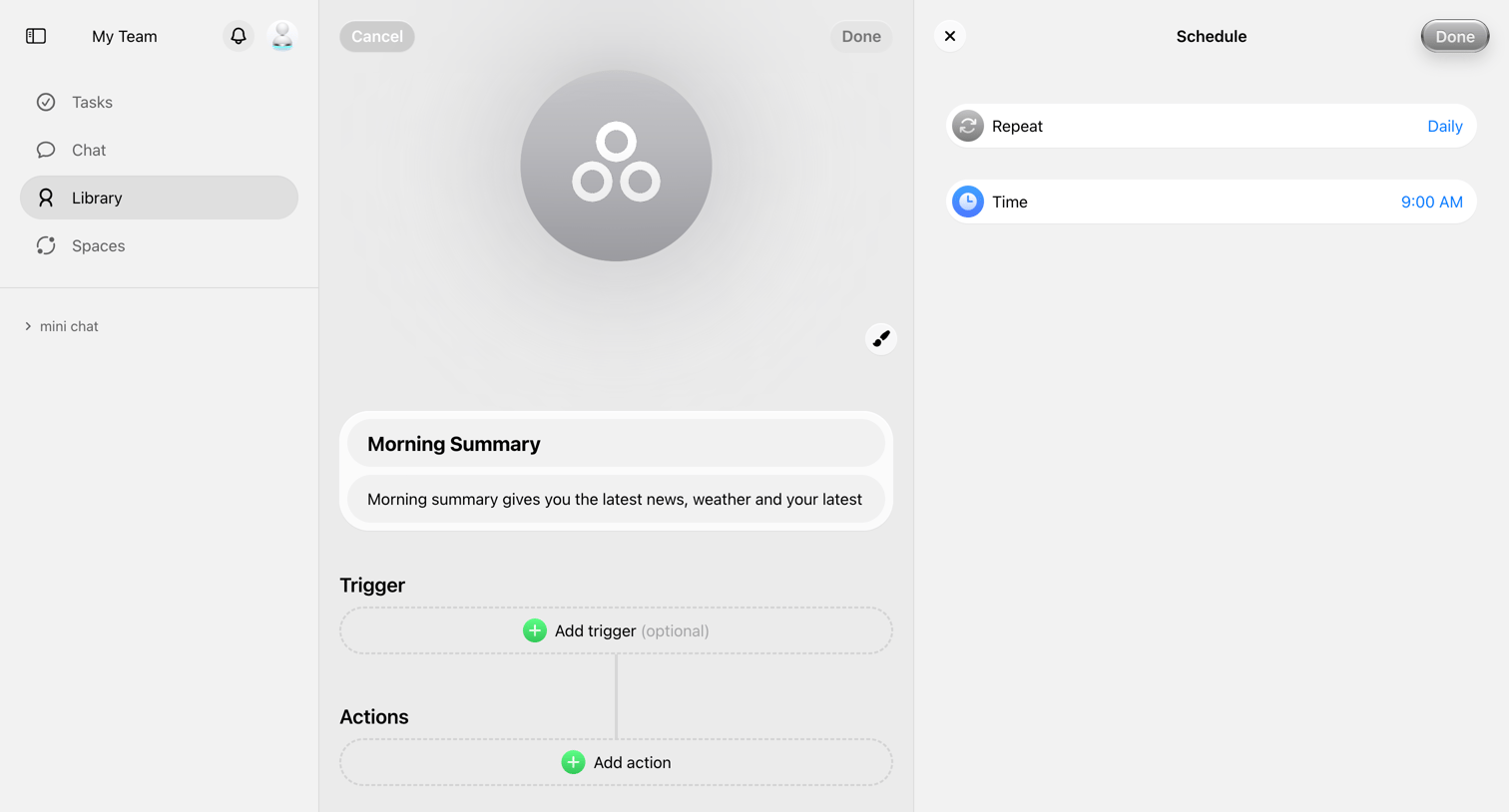

Workflow editor where the user configures a morning summary automation by setting a daily schedule trigger and adding actions.
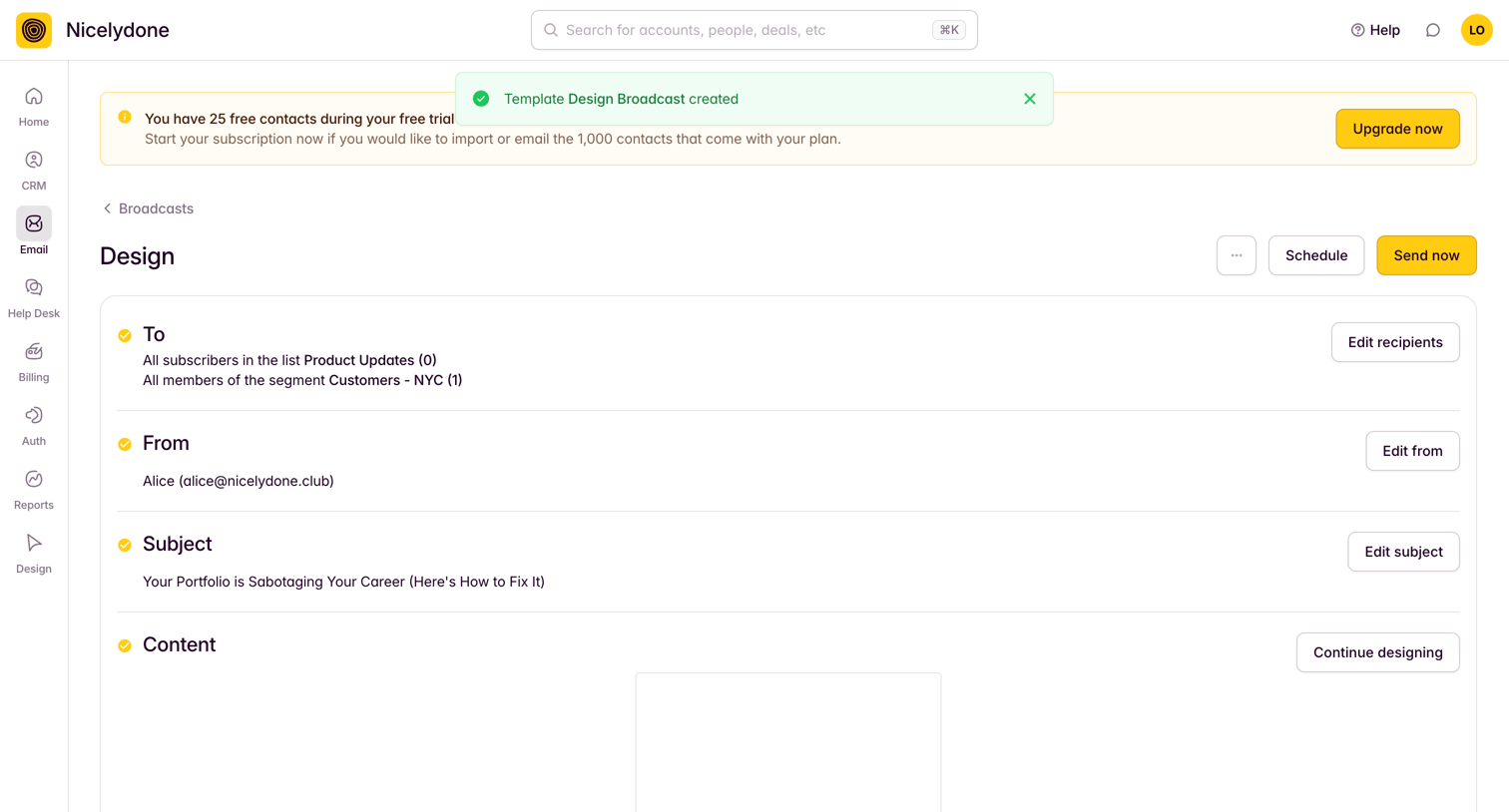

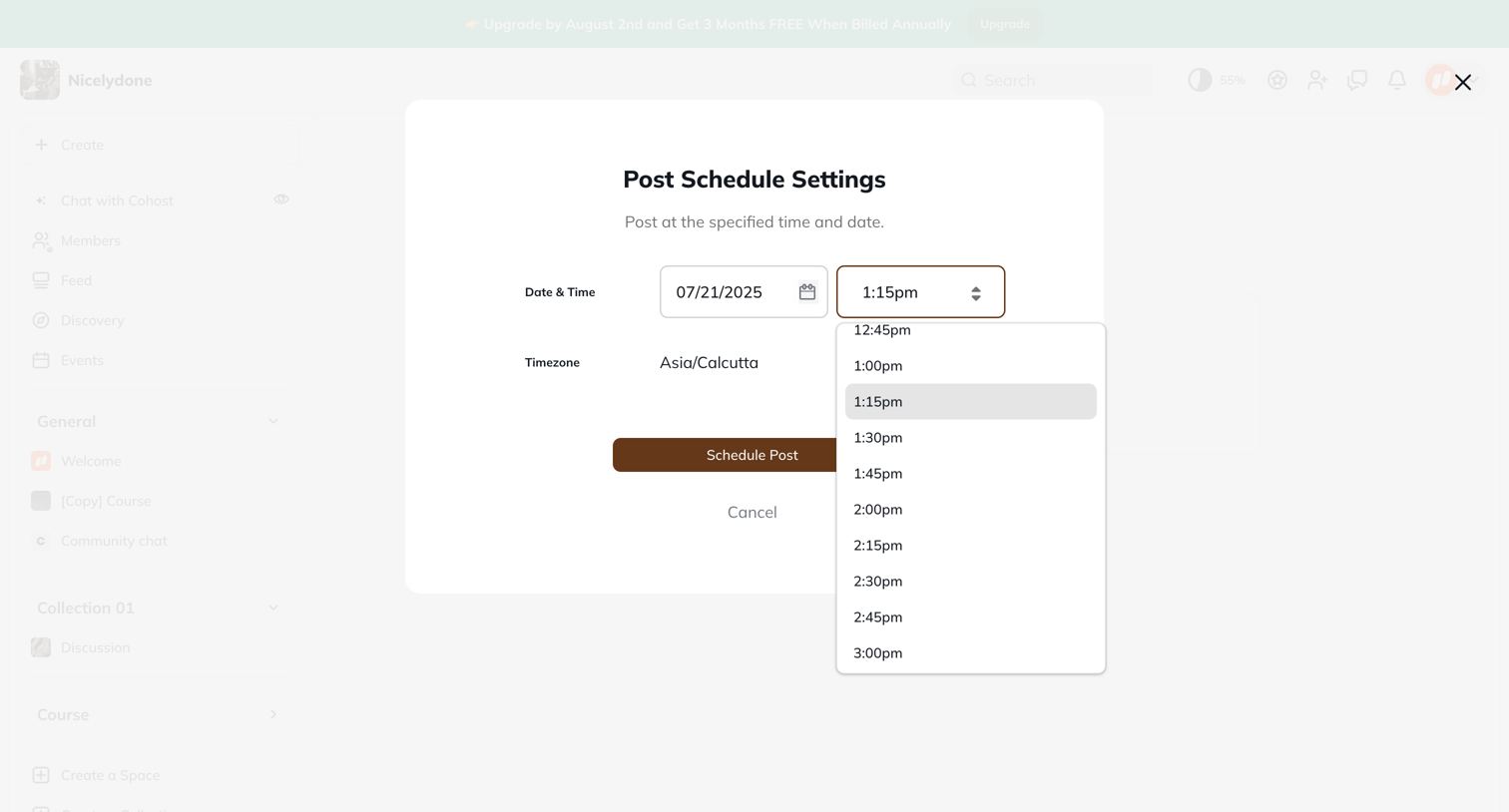

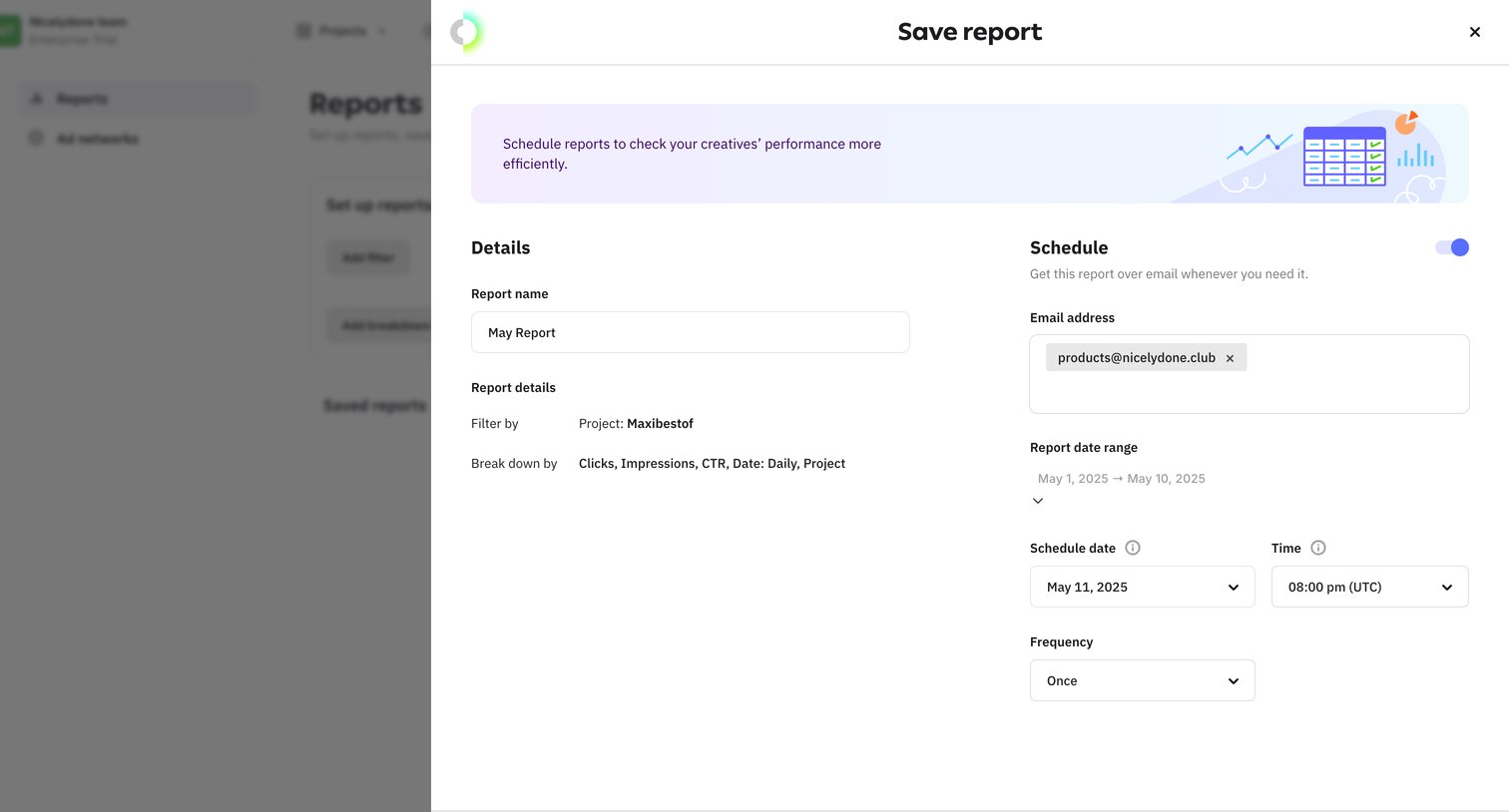
Modal overlay where the user sets a specific date, time, and timezone to schedule a post for future publication.
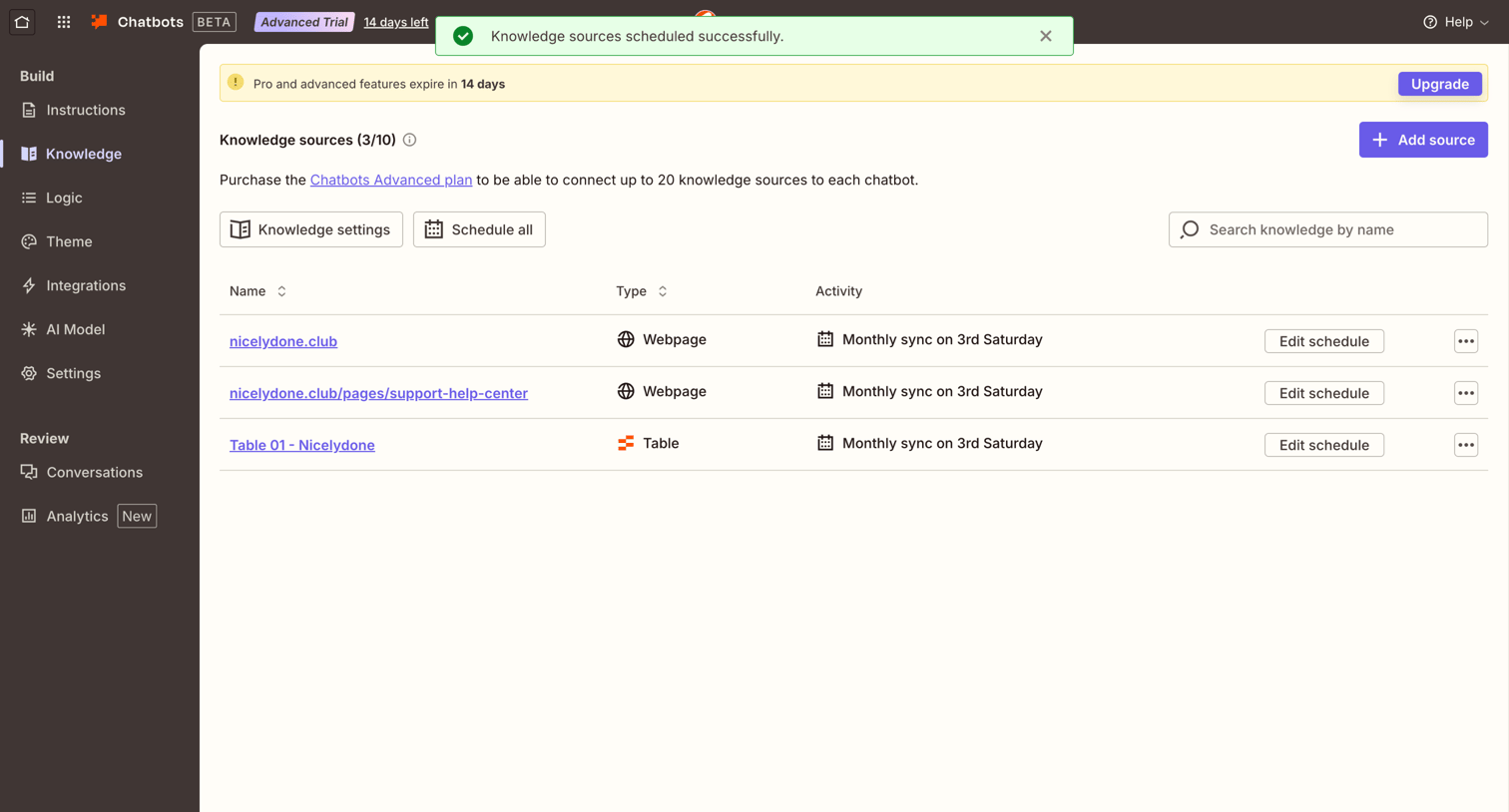

Settings page where the user manages knowledge sources for their chatbot, including web pages and tables, with options to edit sync schedules.
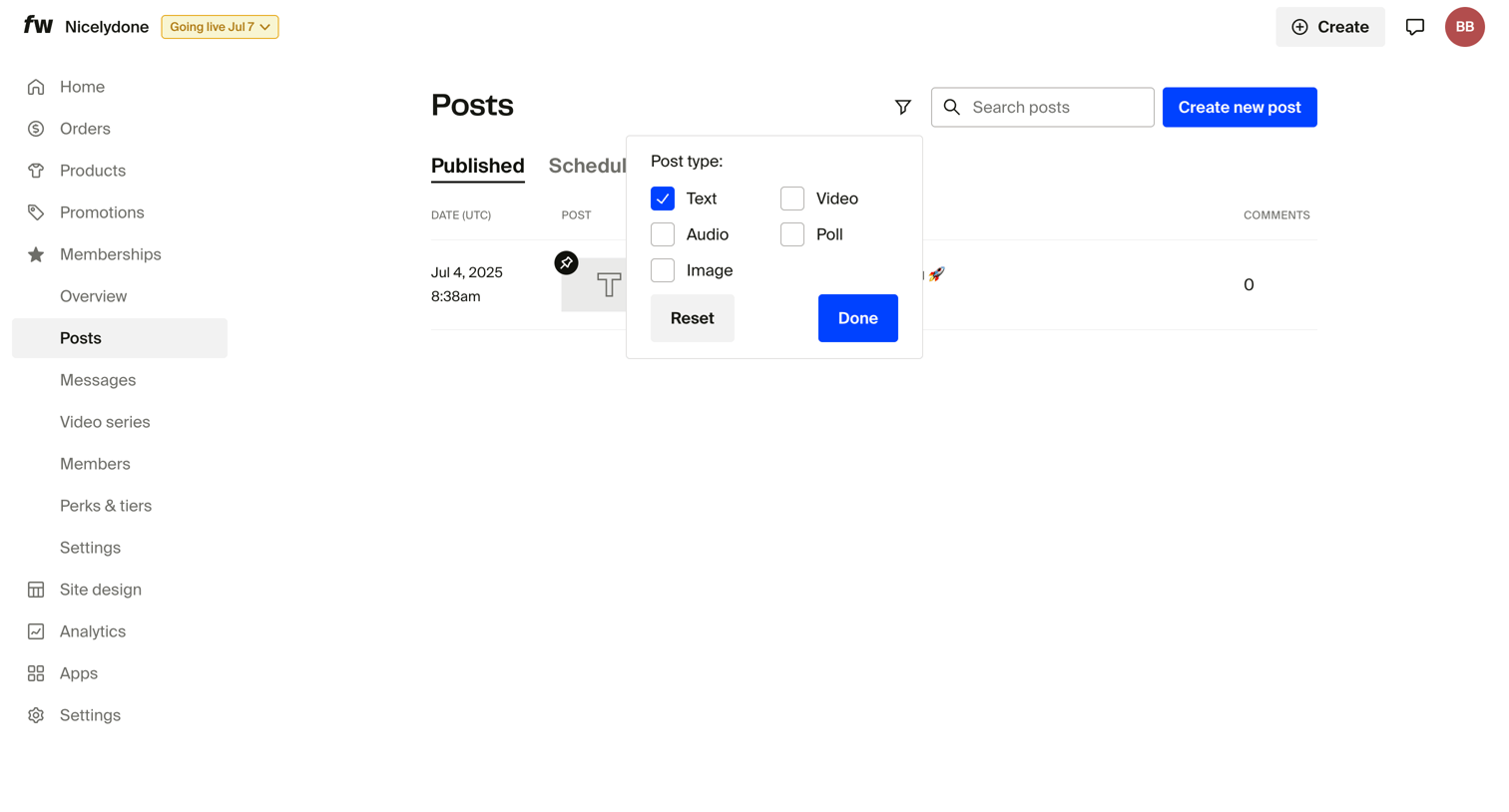

List view of membership posts where the user is filtering the list by post type using an open popover.
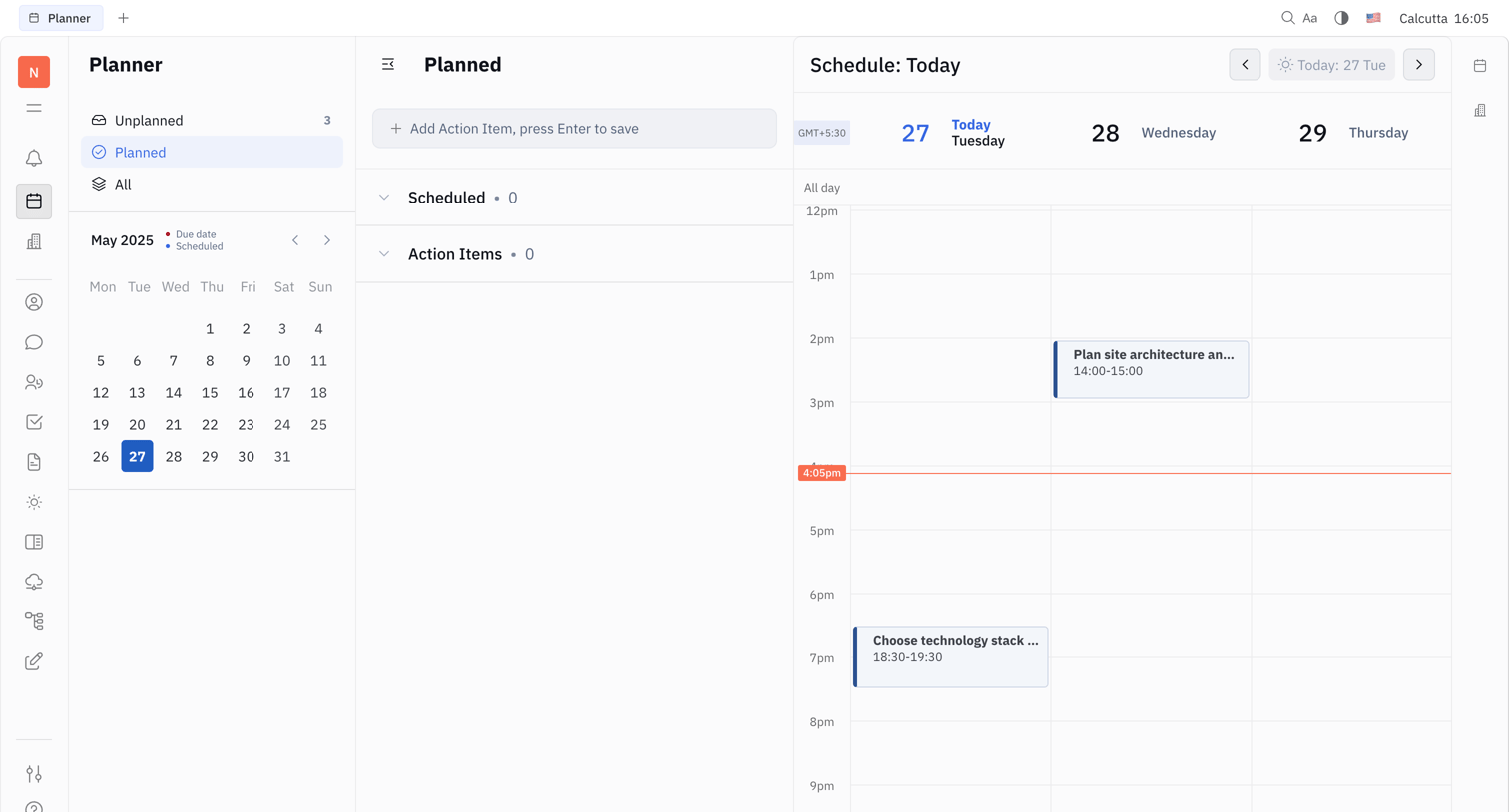

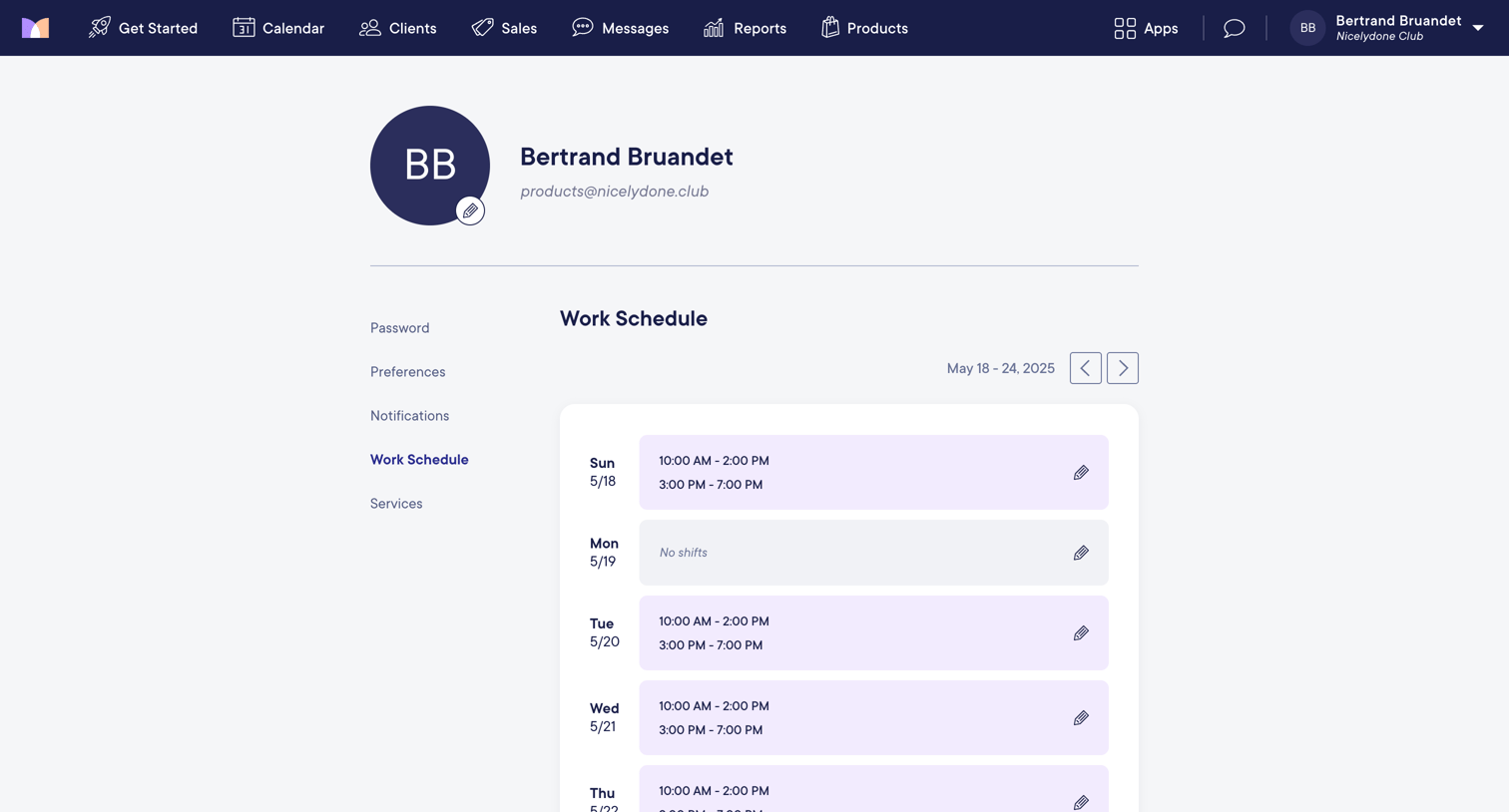

Settings page where the user views and edits their weekly work schedule and shift availability.

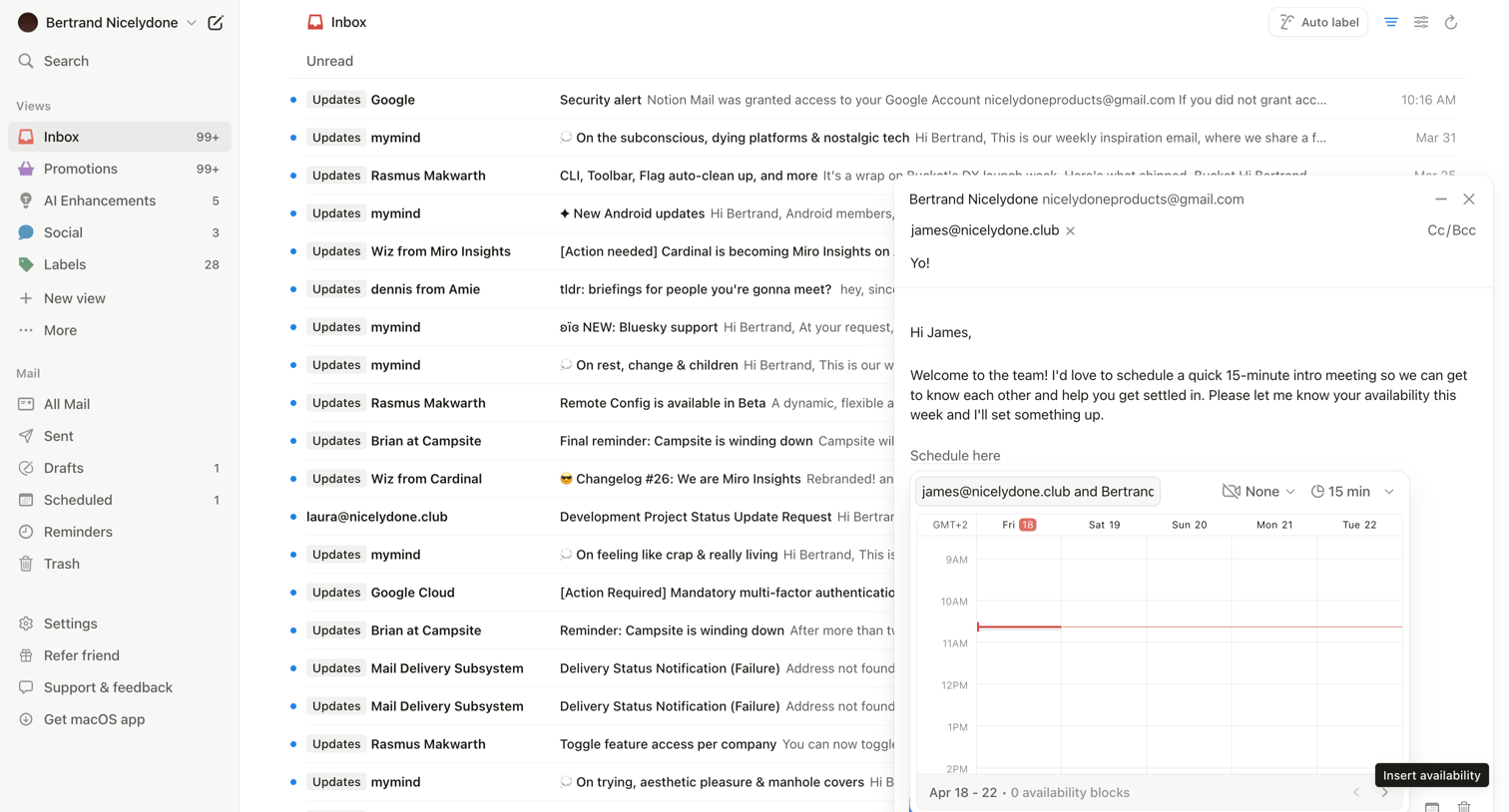

Inbox view where the user is drafting an email with an inline scheduling widget to insert availability.
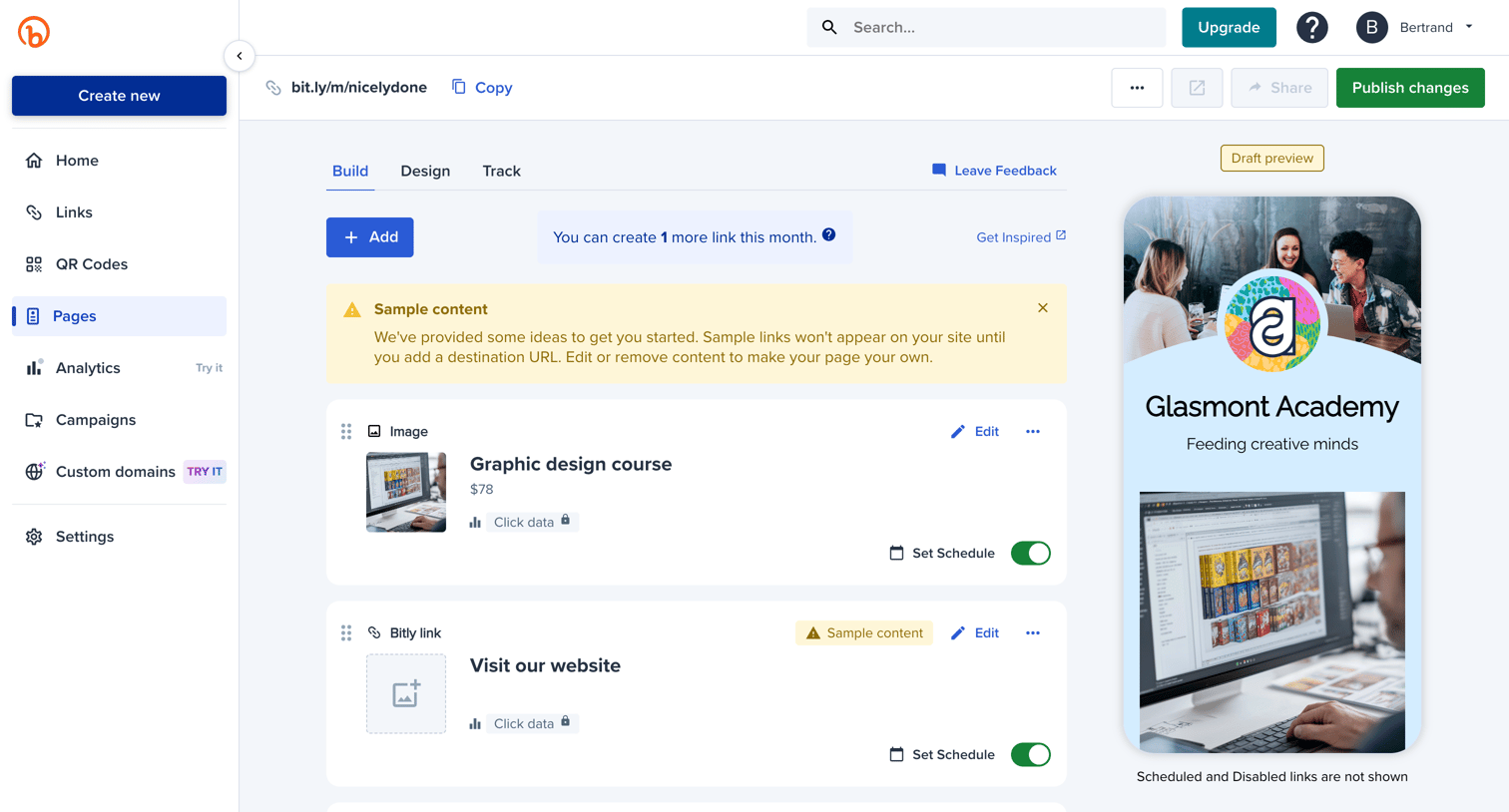

Design editor where the user manages and reorders links and images for their custom landing page, with a live mobile preview.
Explore the full SaaS screen library
Upgrade to unlock the full library.
Trusted by the best teams







