Mangomint design examples
Explore Mangomint UI design examples. Everything you need to power your salon and spa
Product screens

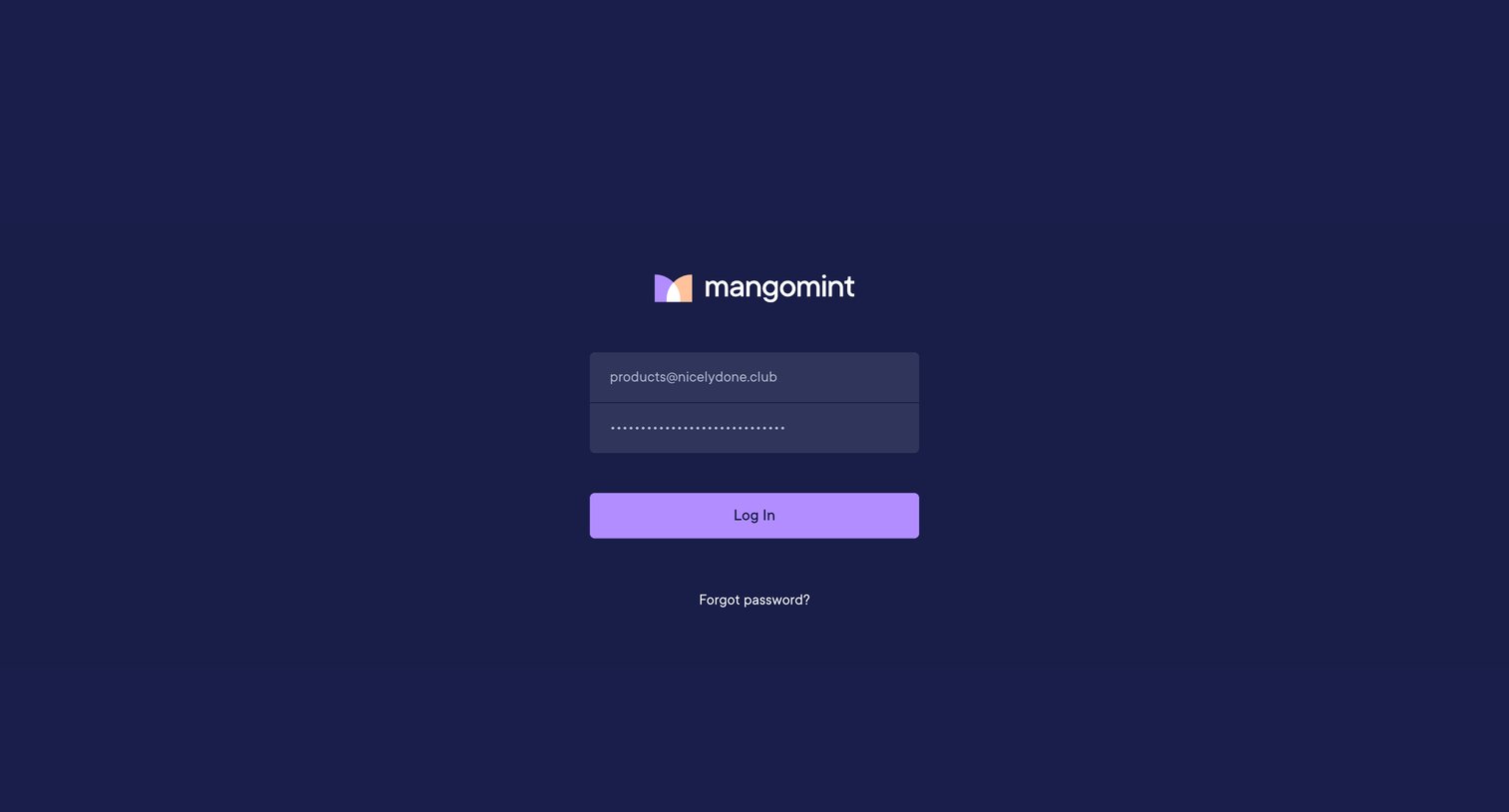
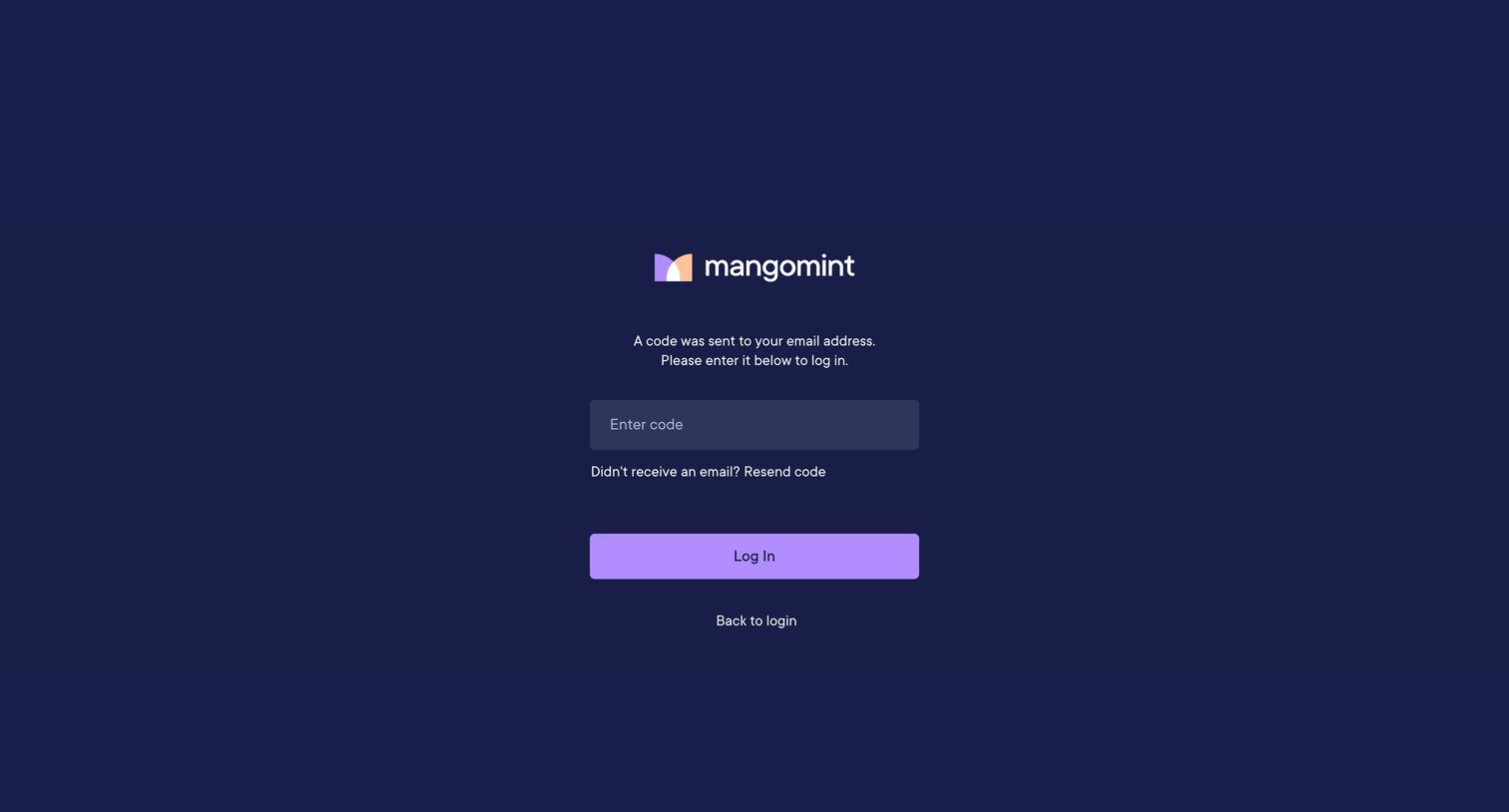

Verification screen where the user enters a code sent to their email to complete the login process, with options to resend the code or go back.
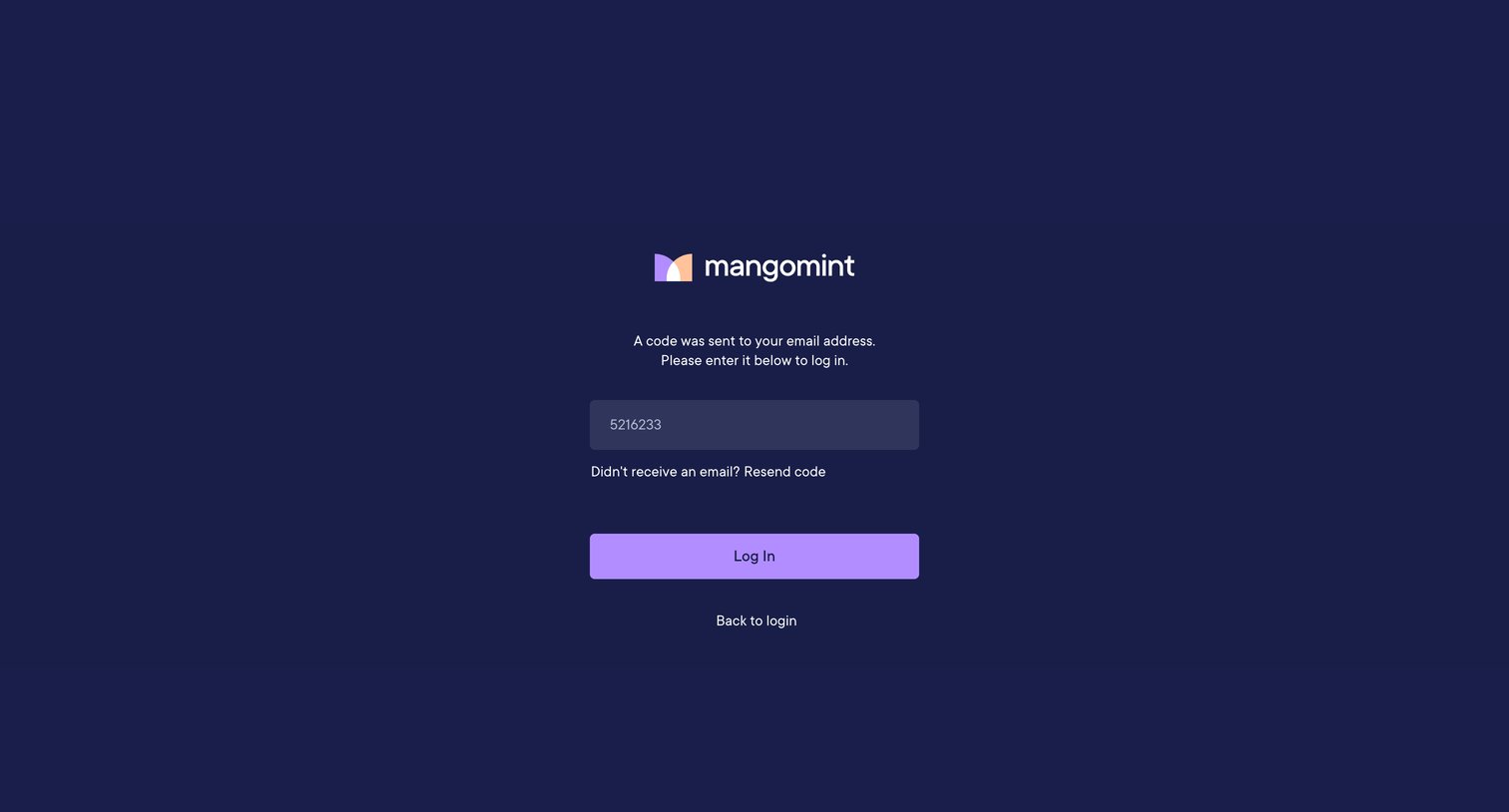
Verification screen where the user enters a one-time code sent to their email to complete the login process.
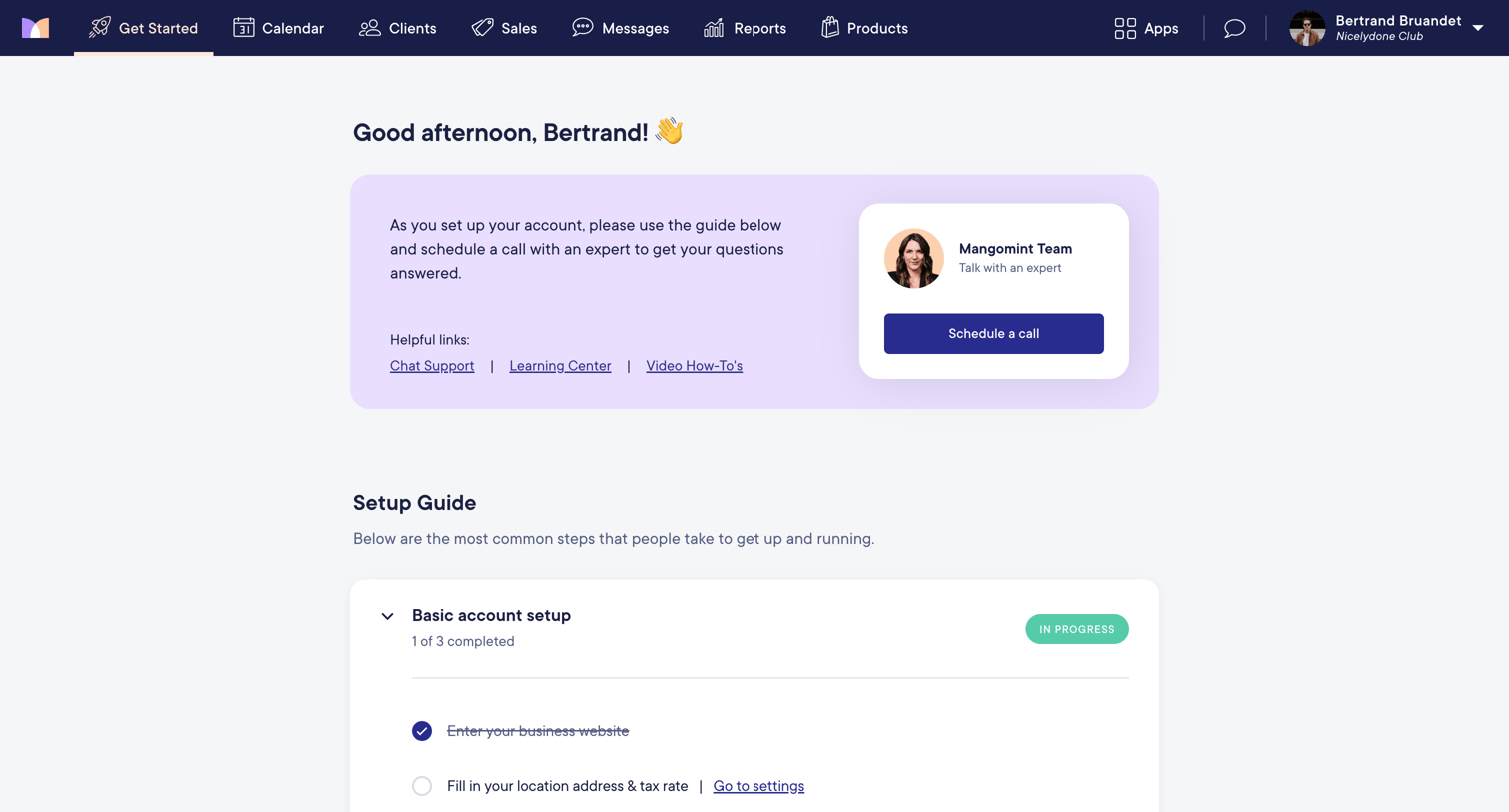
Onboarding page where the user follows a setup guide checklist to configure their basic account, staff, data transfer, and payments.
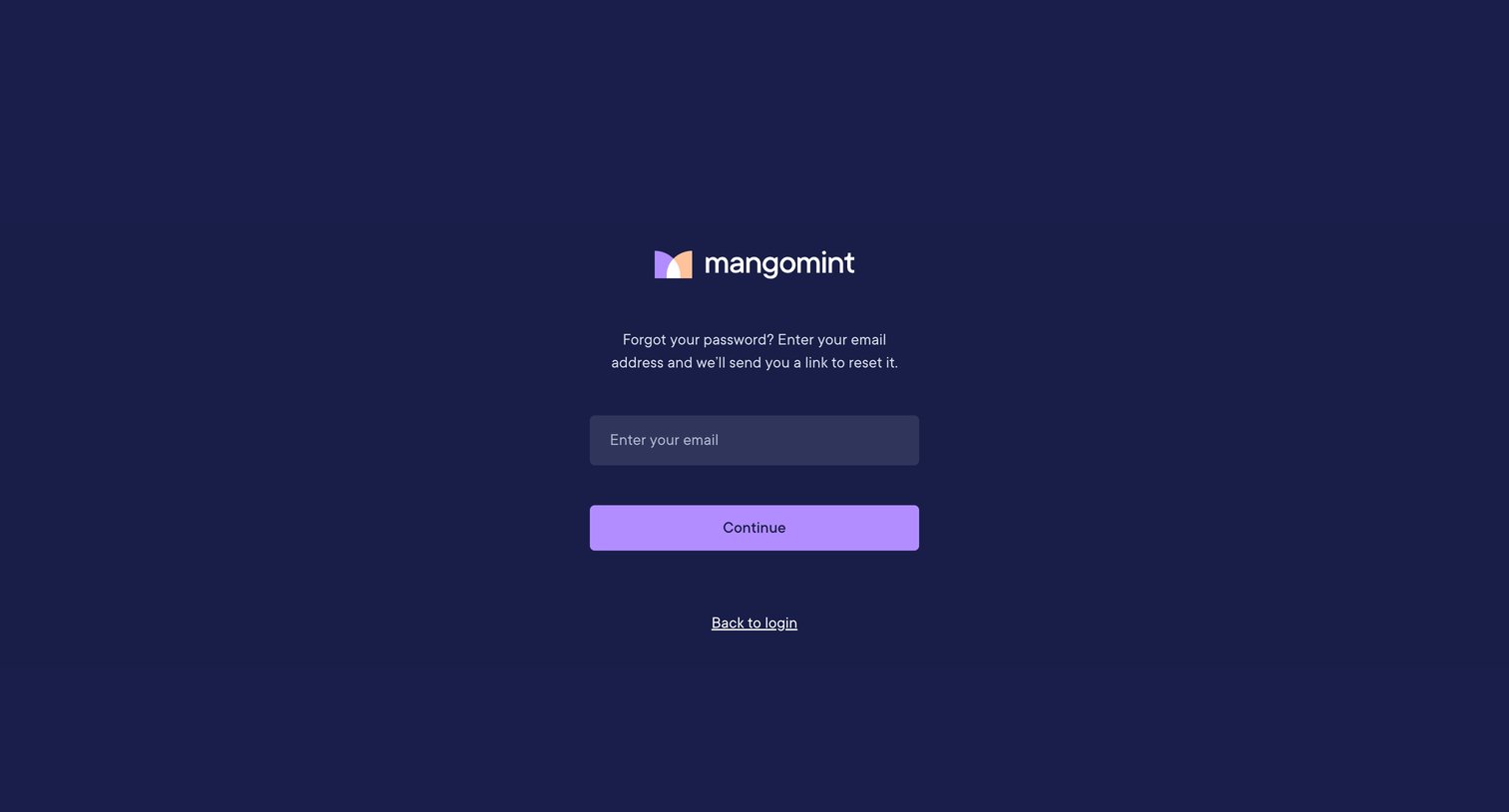
Password recovery screen where the user enters their email address to receive a reset link.
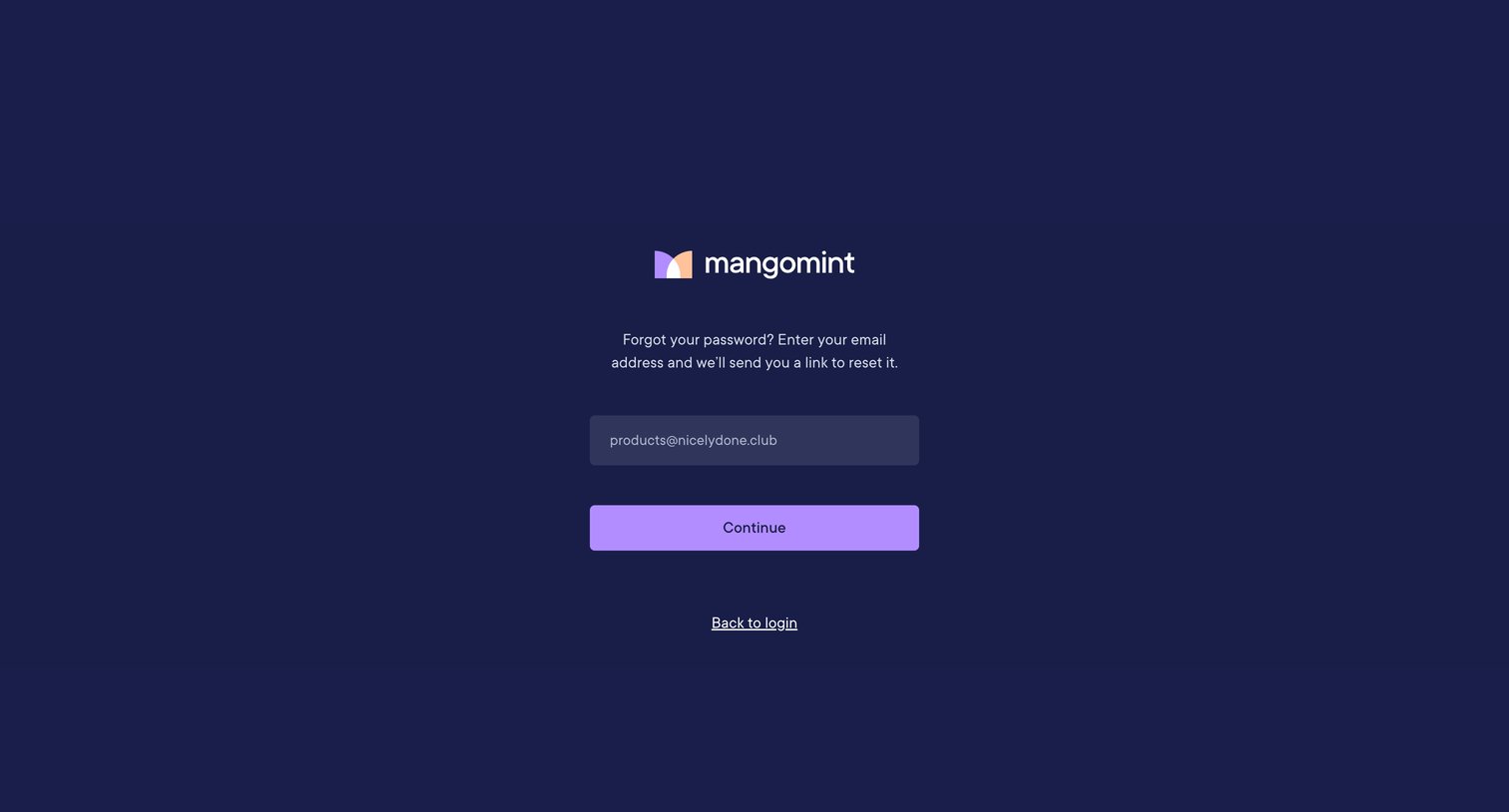
Password recovery screen where the user enters their email address to receive a reset link, with an option to return to login.
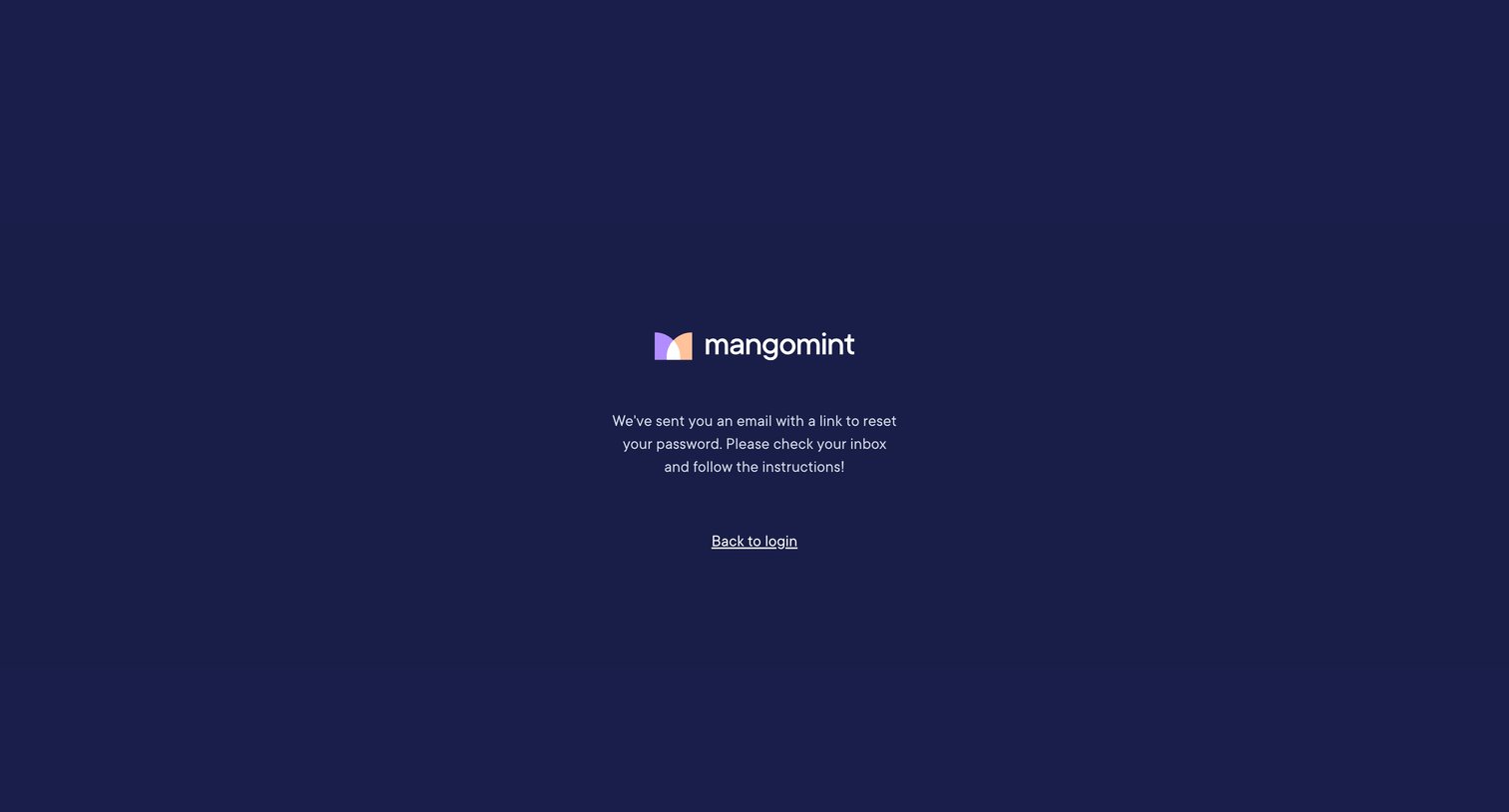
Password recovery screen confirming that a reset link has been sent to the user's email, with a link to return to the login page.
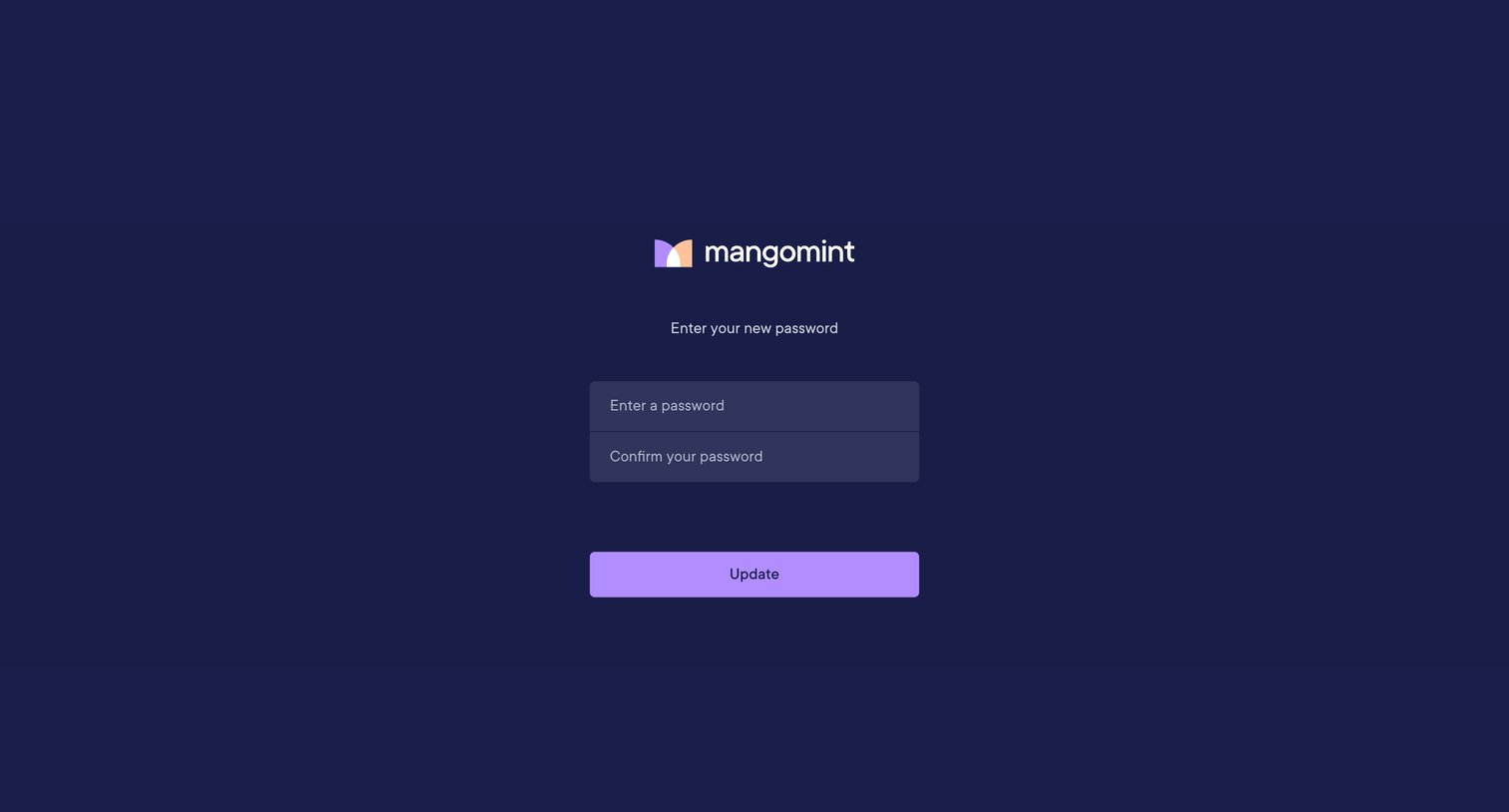
Password recovery screen where the user enters and confirms a new password to update their account credentials.
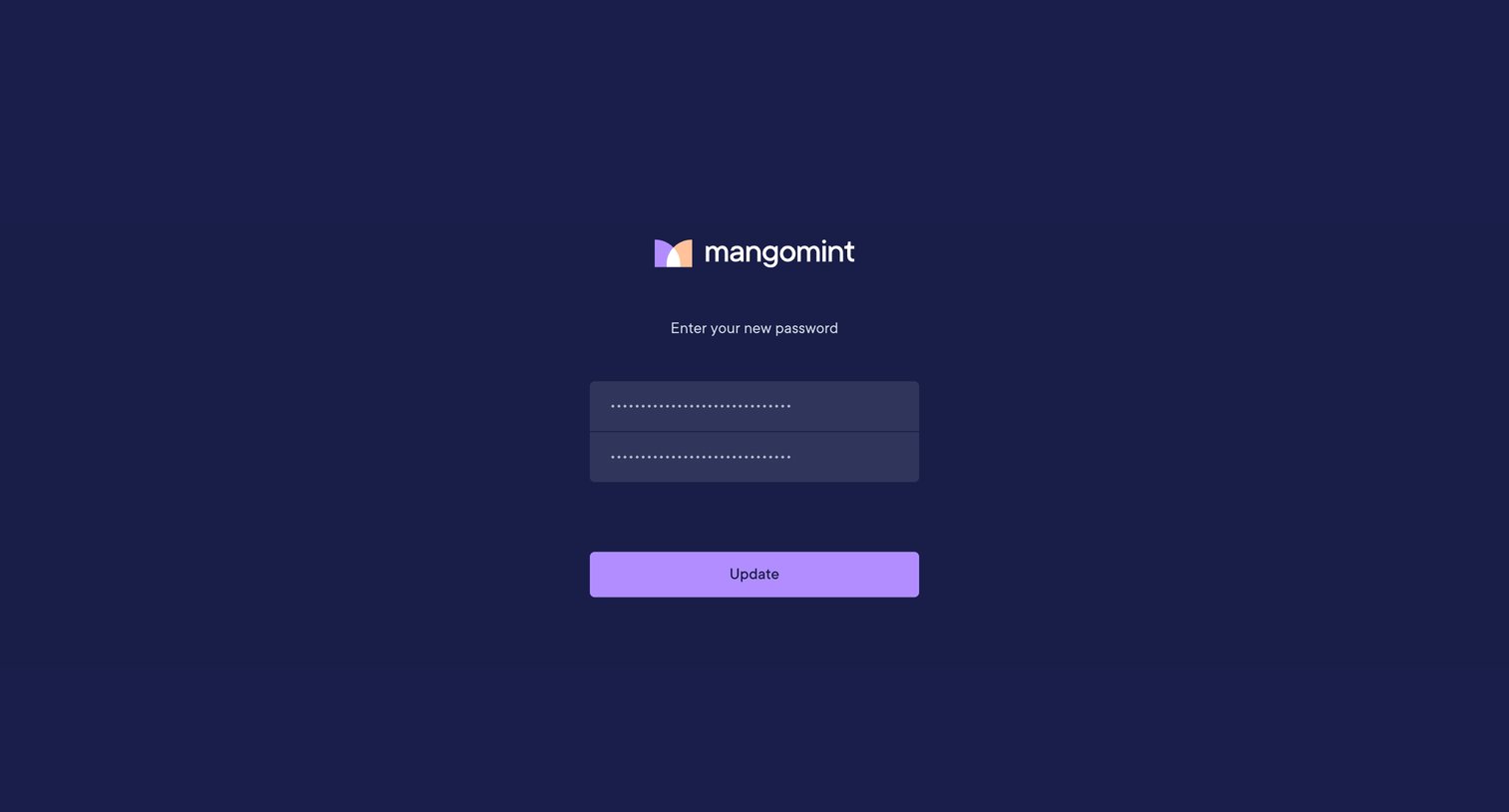
Password recovery screen where the user enters and confirms their new password to update their account credentials.
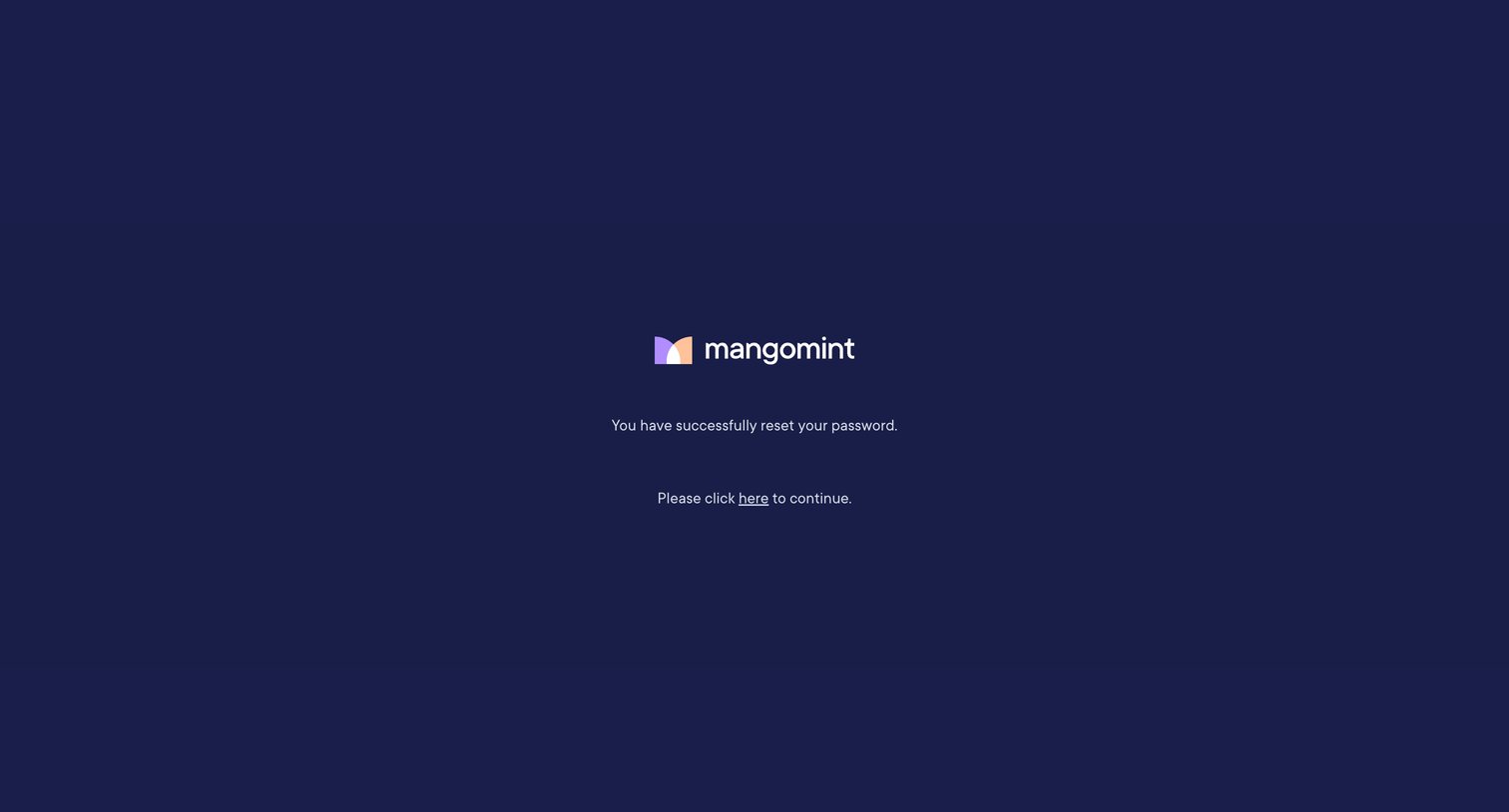
Password recovery screen confirming a successful reset and prompting the user to continue to sign in.
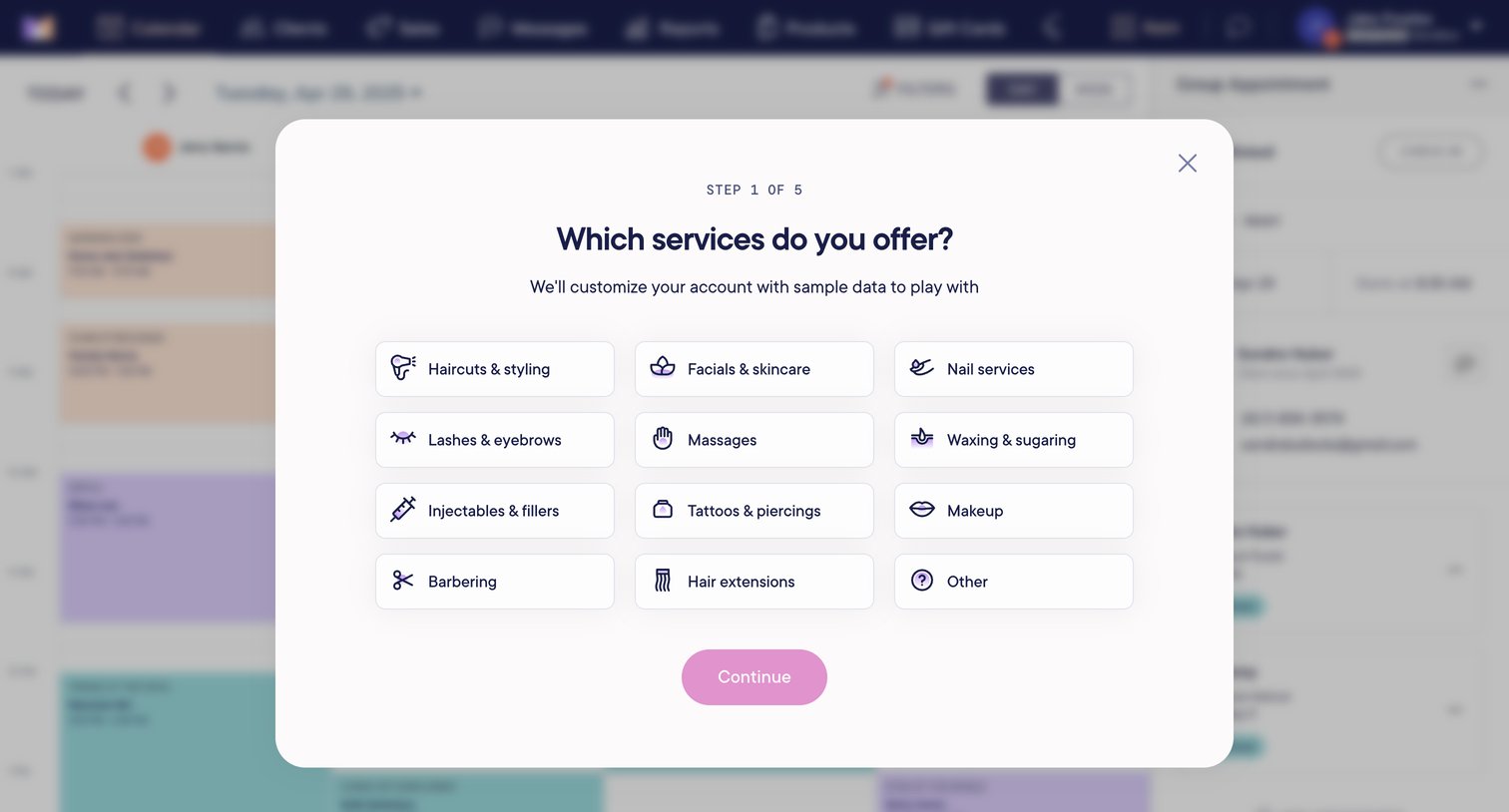
Onboarding step where the user selects the services they offer, such as haircuts, massages, and nail services, to customize their account with sample data.
Browse the full SaaS app library
Explore real SaaS apps with their product screens, marketing screens, flows, and components.
Trusted by the best teams







