Sidebar screen examples
Sidebar screen design examples from SaaS apps. See how interfaces organize destinations in a sidebar. Explore how navigation groups, icons, and selected states relate to the current page and the product…
Explore the examples
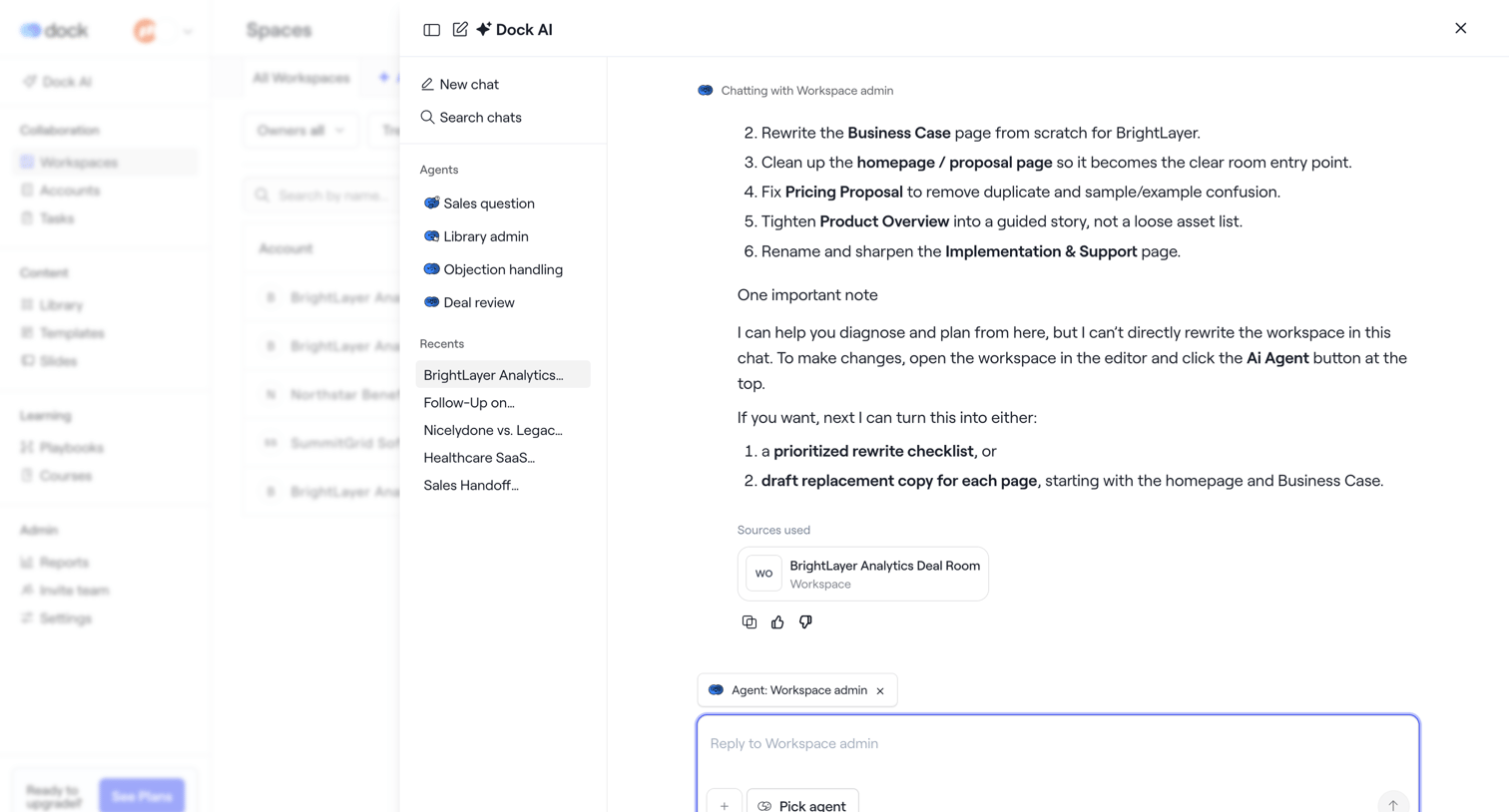

AI chat drawer where the user interacts with a workspace agent to rewrite documents and plan deal room content.
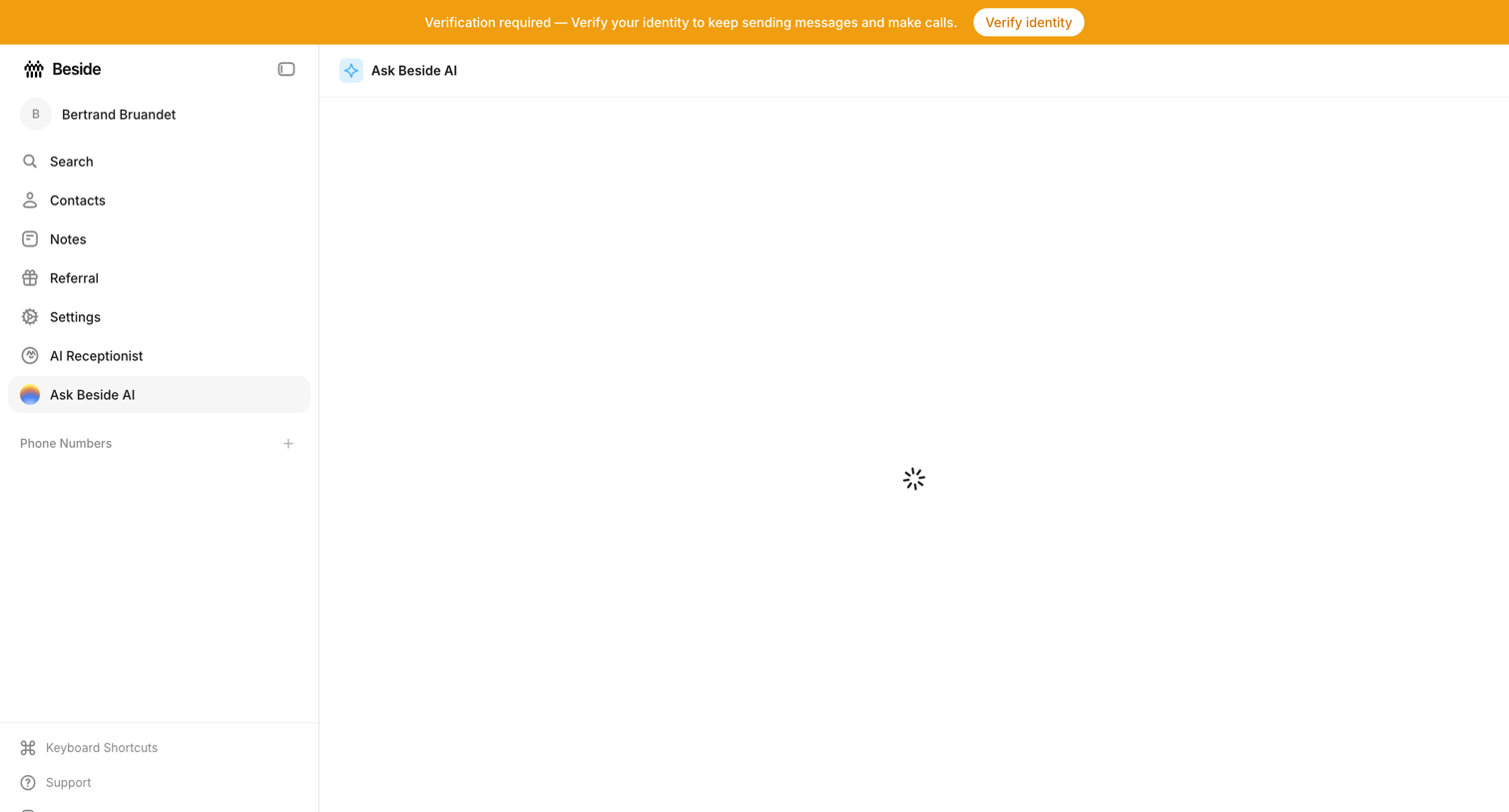

AI chat interface where the main conversation view is currently loading, accompanied by a prominent system banner requiring identity verification.
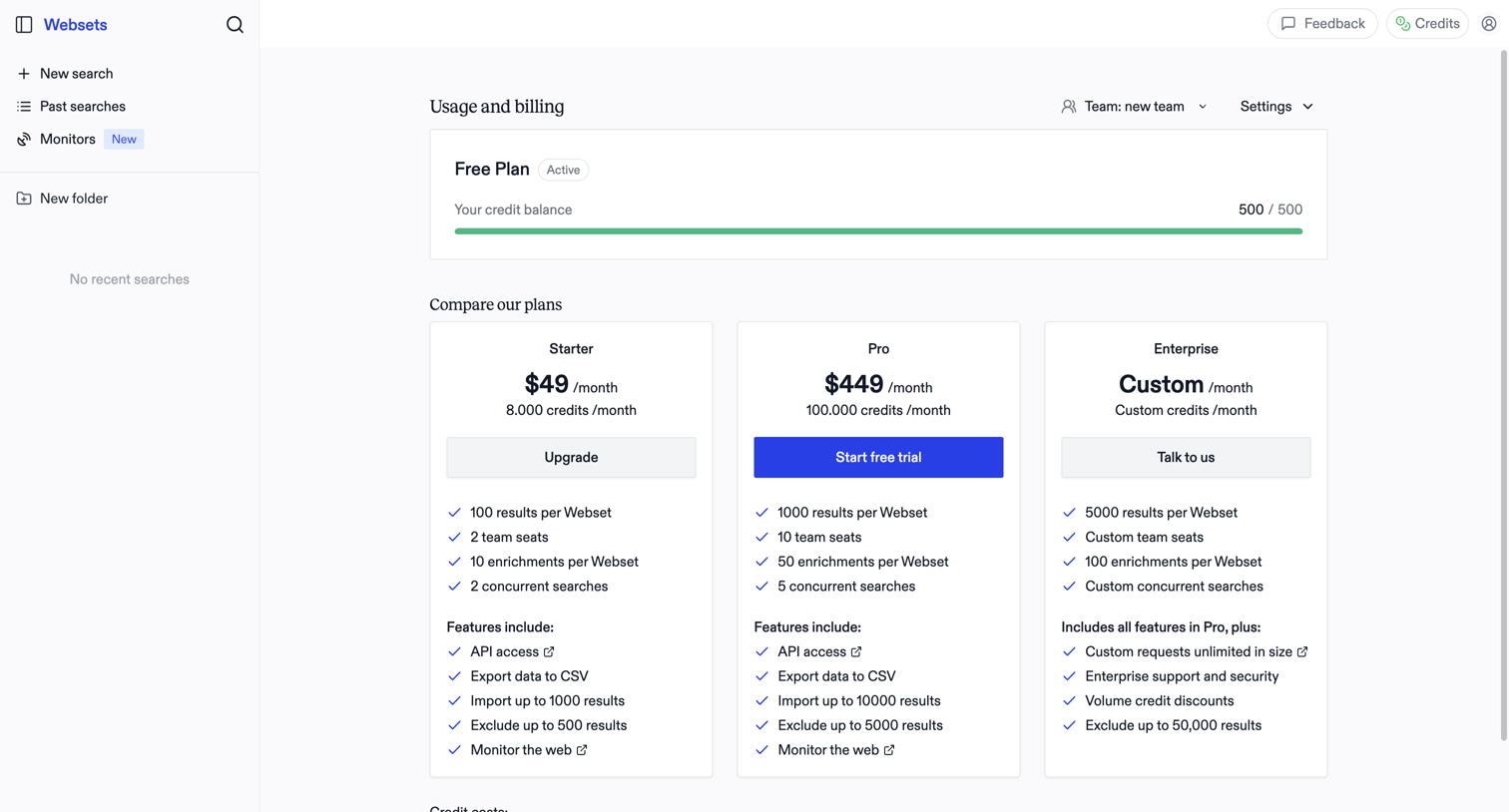

Billing settings page where the user monitors their free plan credit balance and compares paid subscription tiers to upgrade.
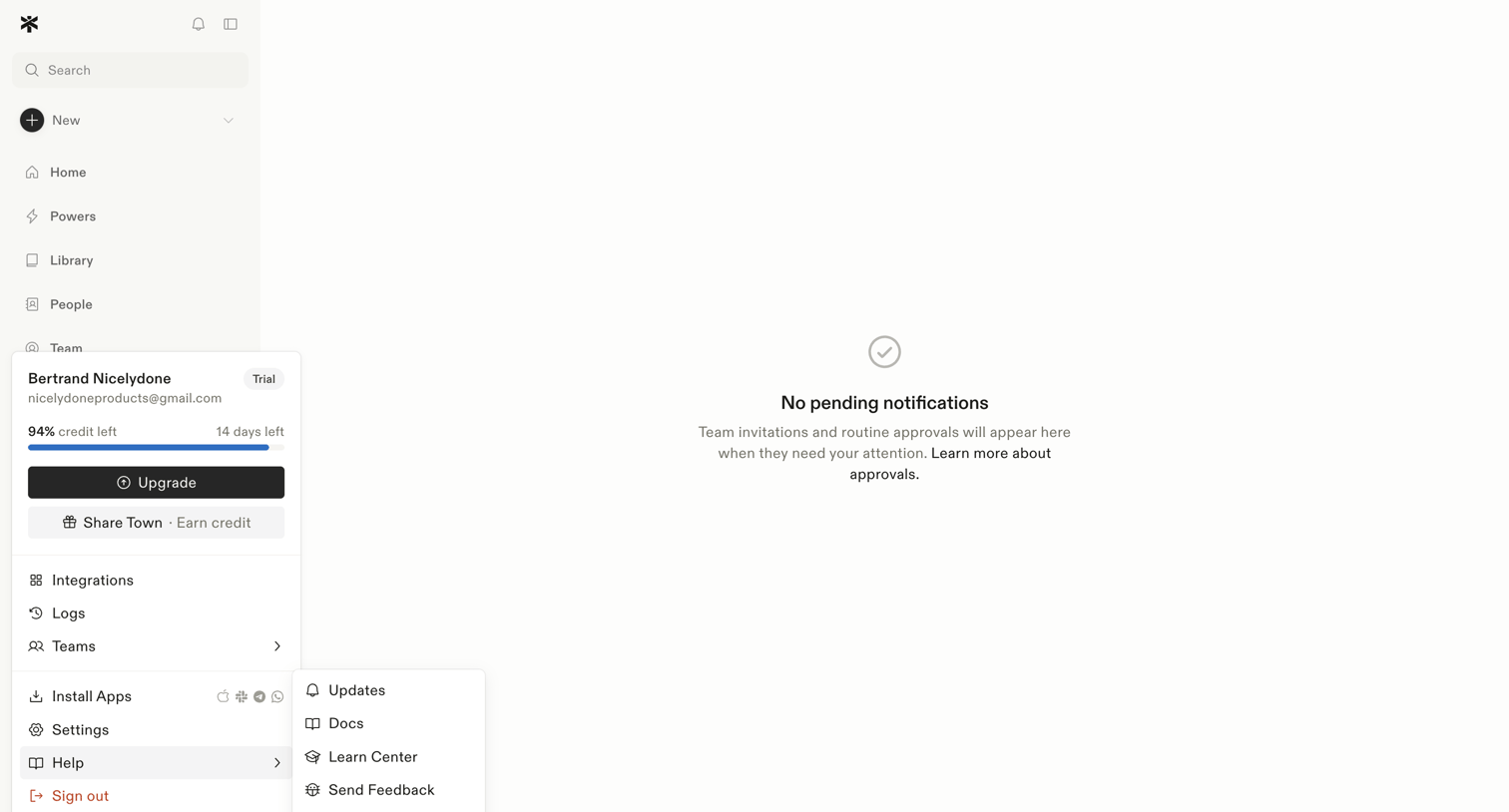

Inbox view where the user manages team invitations and routine approvals, currently showing a zero-state message with no pending items.
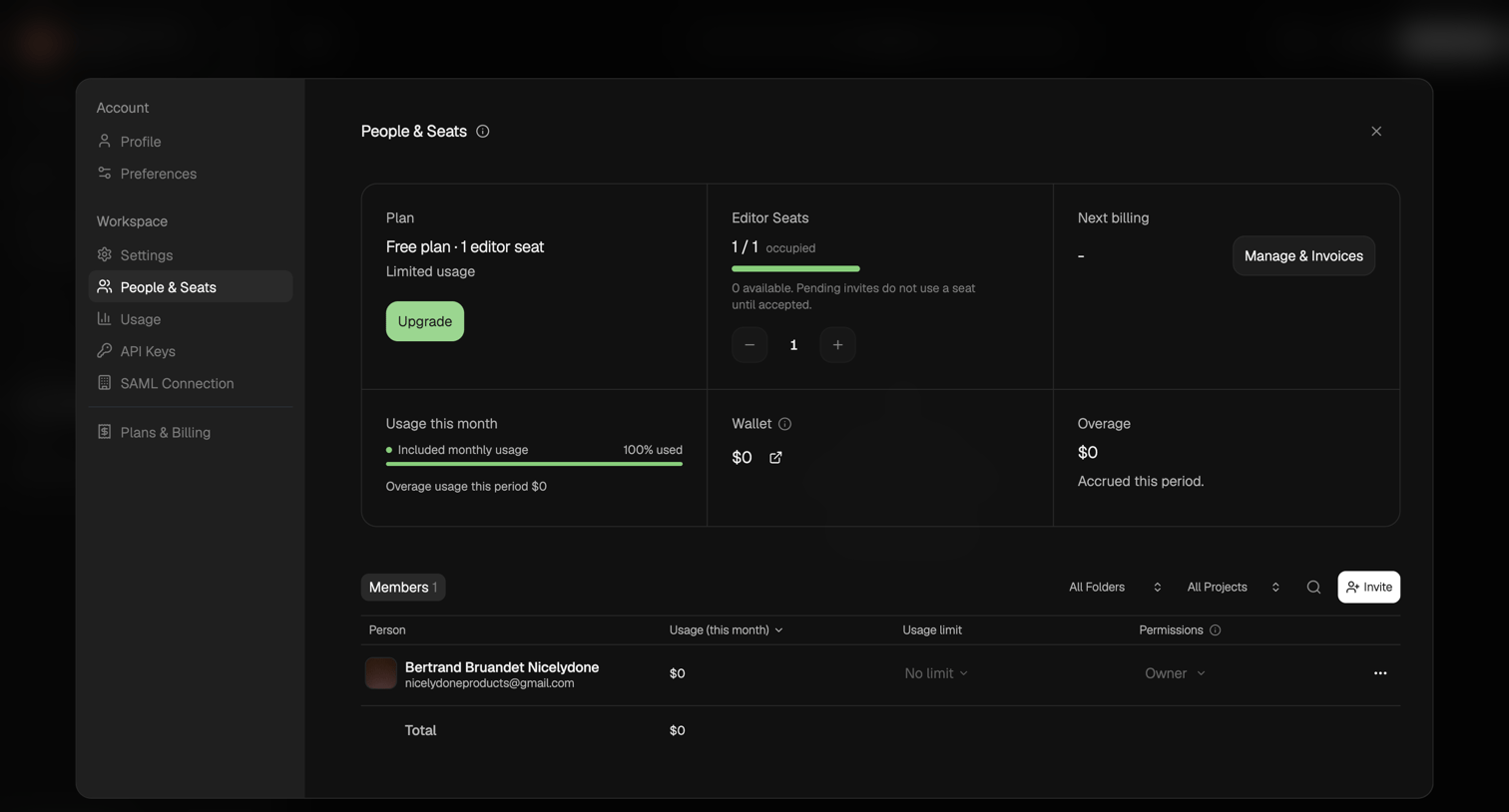

Settings modal where the user manages their workspace plan, editor seats, usage limits, and invites new members.
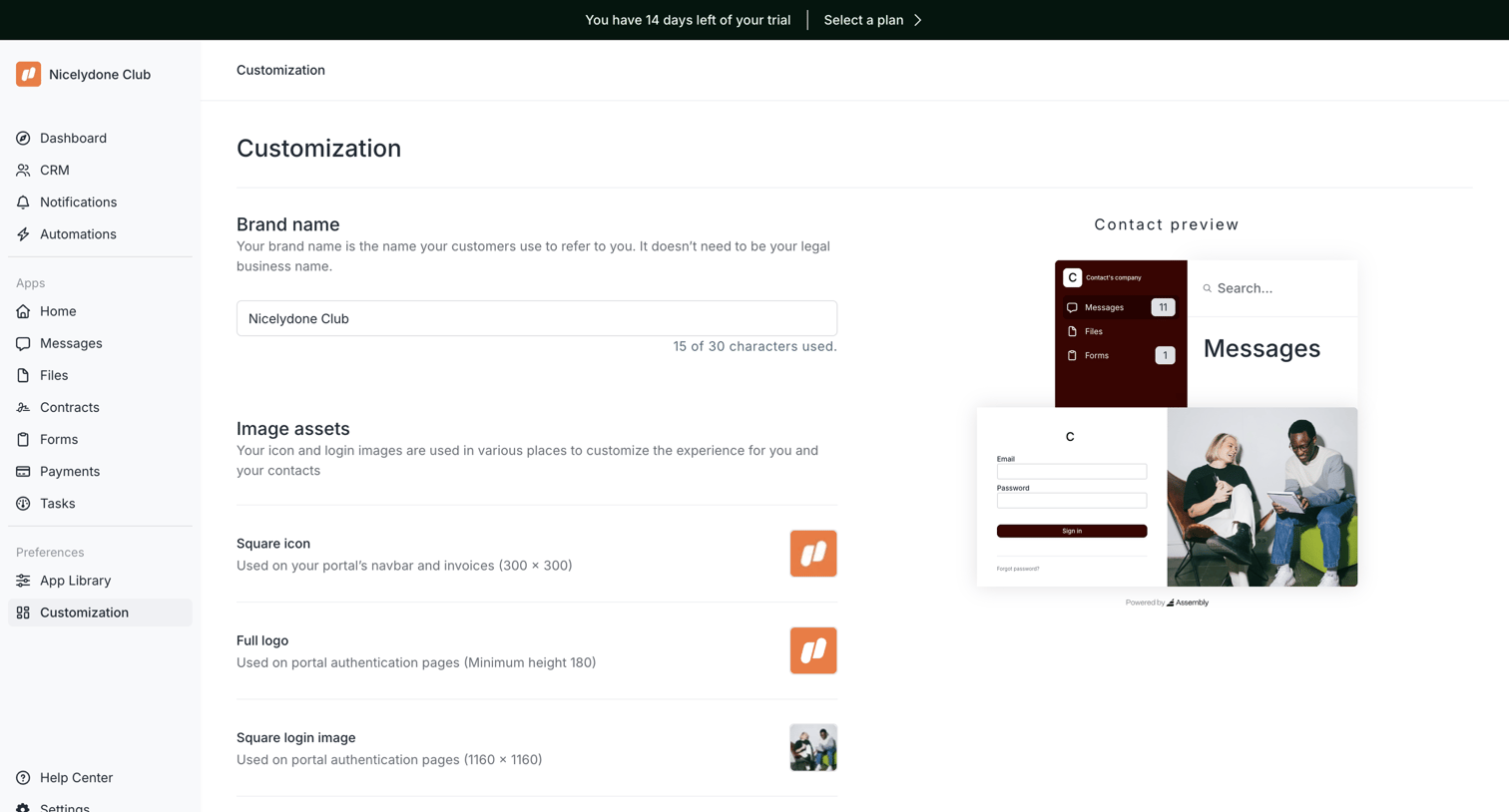

Settings page where the user configures their portal's brand name and image assets while viewing a live preview.
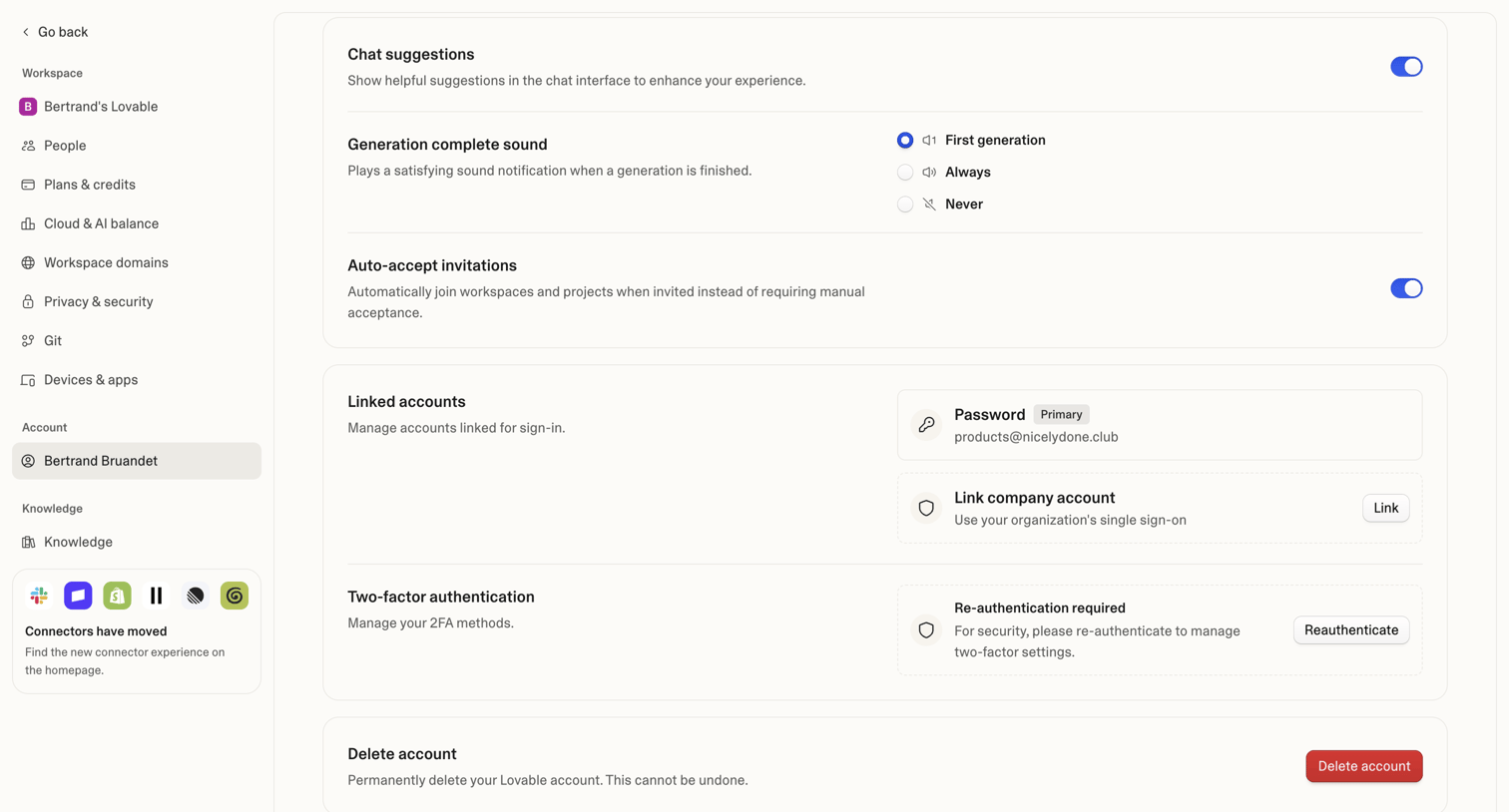

Settings page where the user manages their personal account preferences, linked sign-in methods, two-factor authentication, and account deletion.
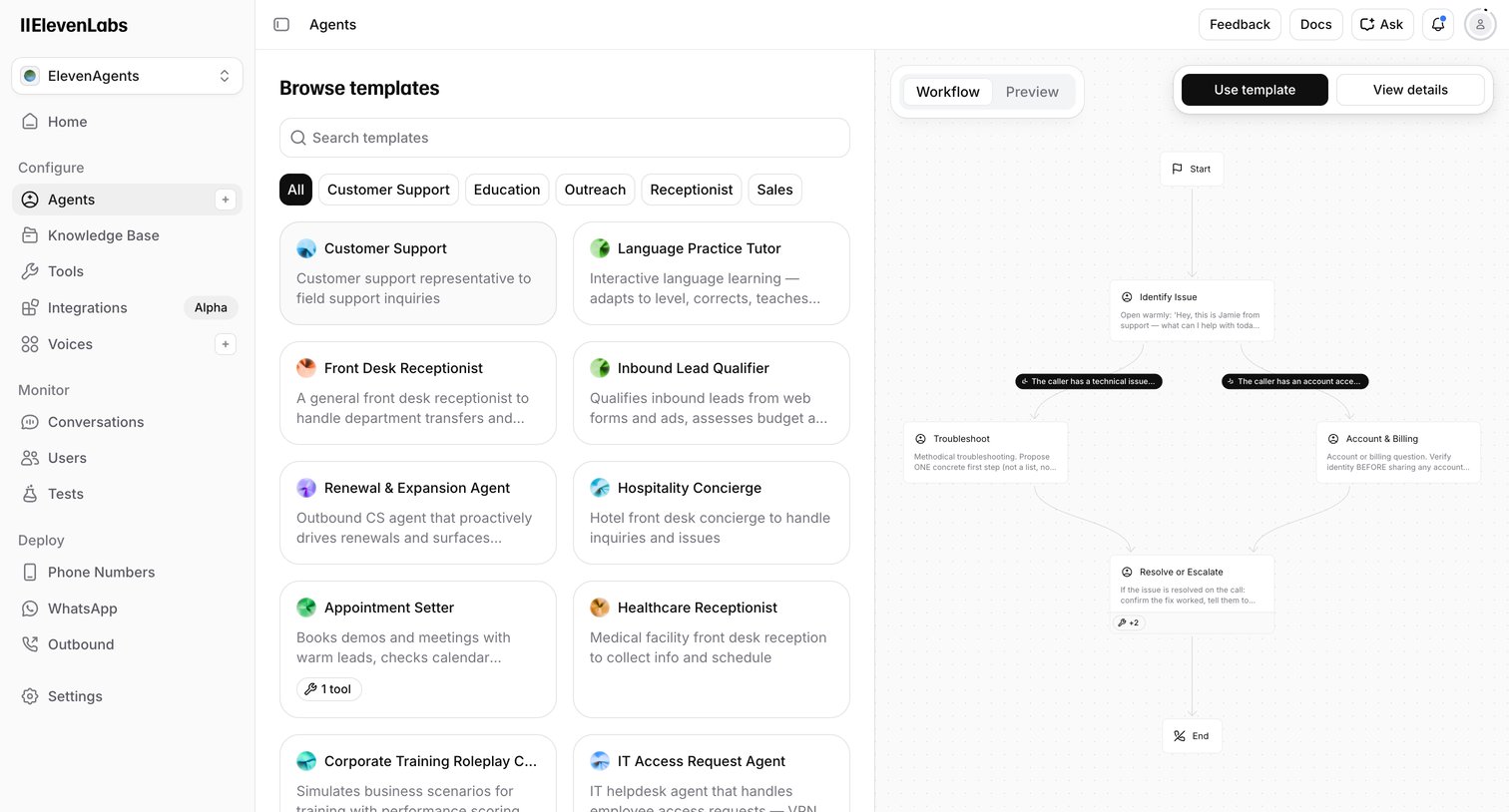

Create page where the user browses voice AI agent templates by category and previews their conversational workflow before starting.
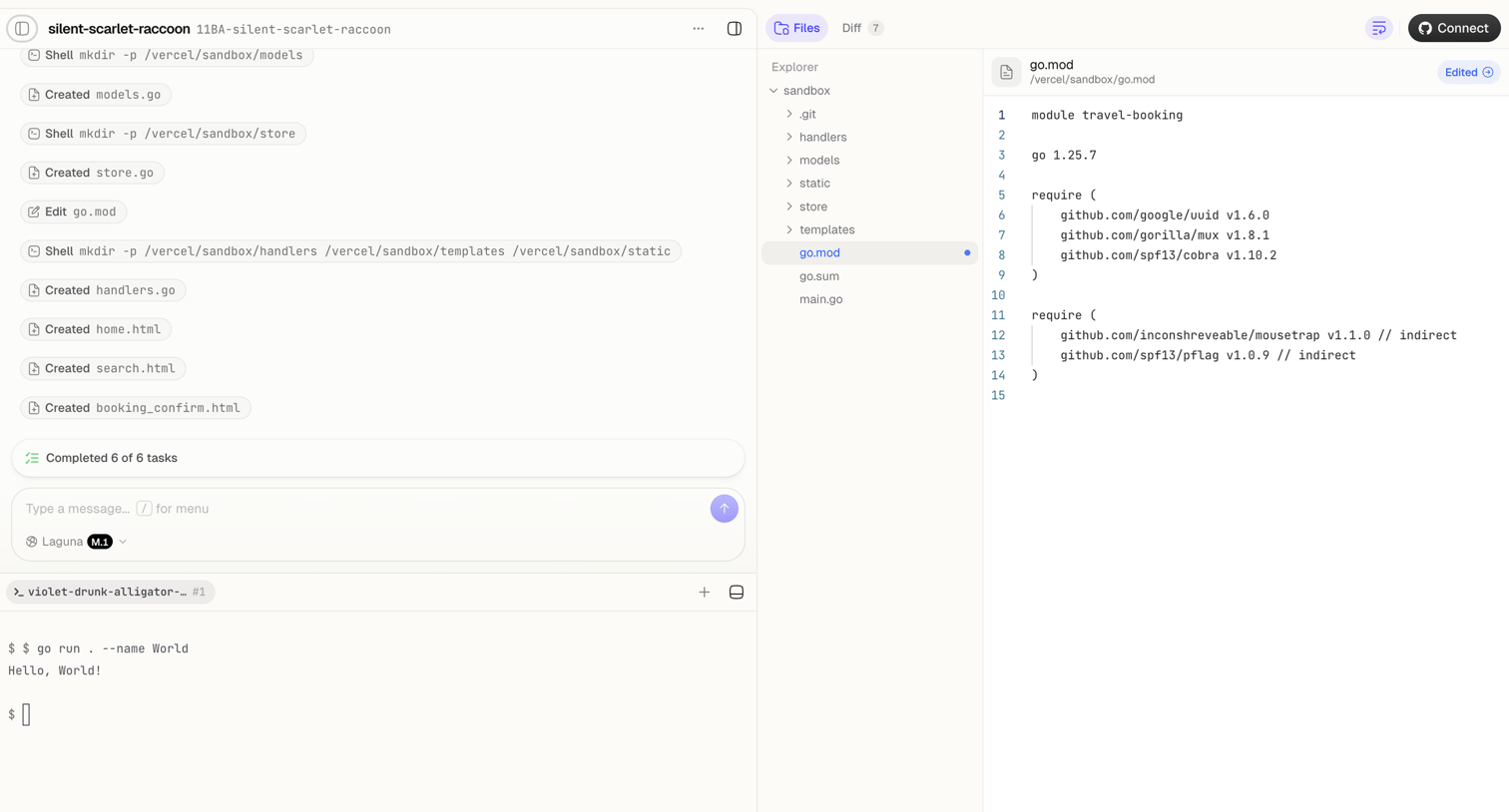

Agent trace interface where the user monitors an AI completing file creation and shell tasks, alongside a code editor showing the modified go.mod file and a live terminal.
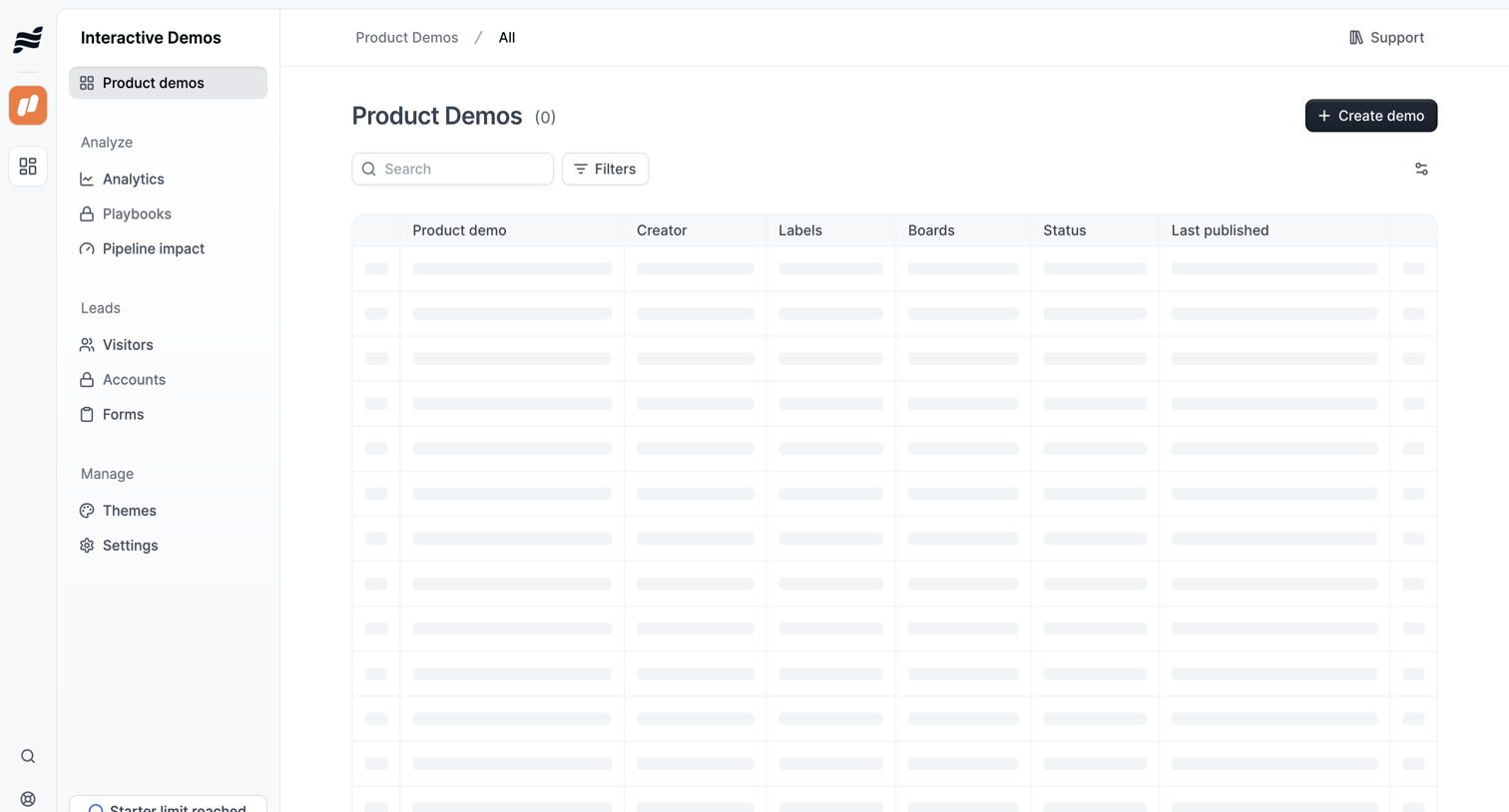

List view where the user manages product demos, currently showing a skeleton loading state for the data table alongside search and filter controls.
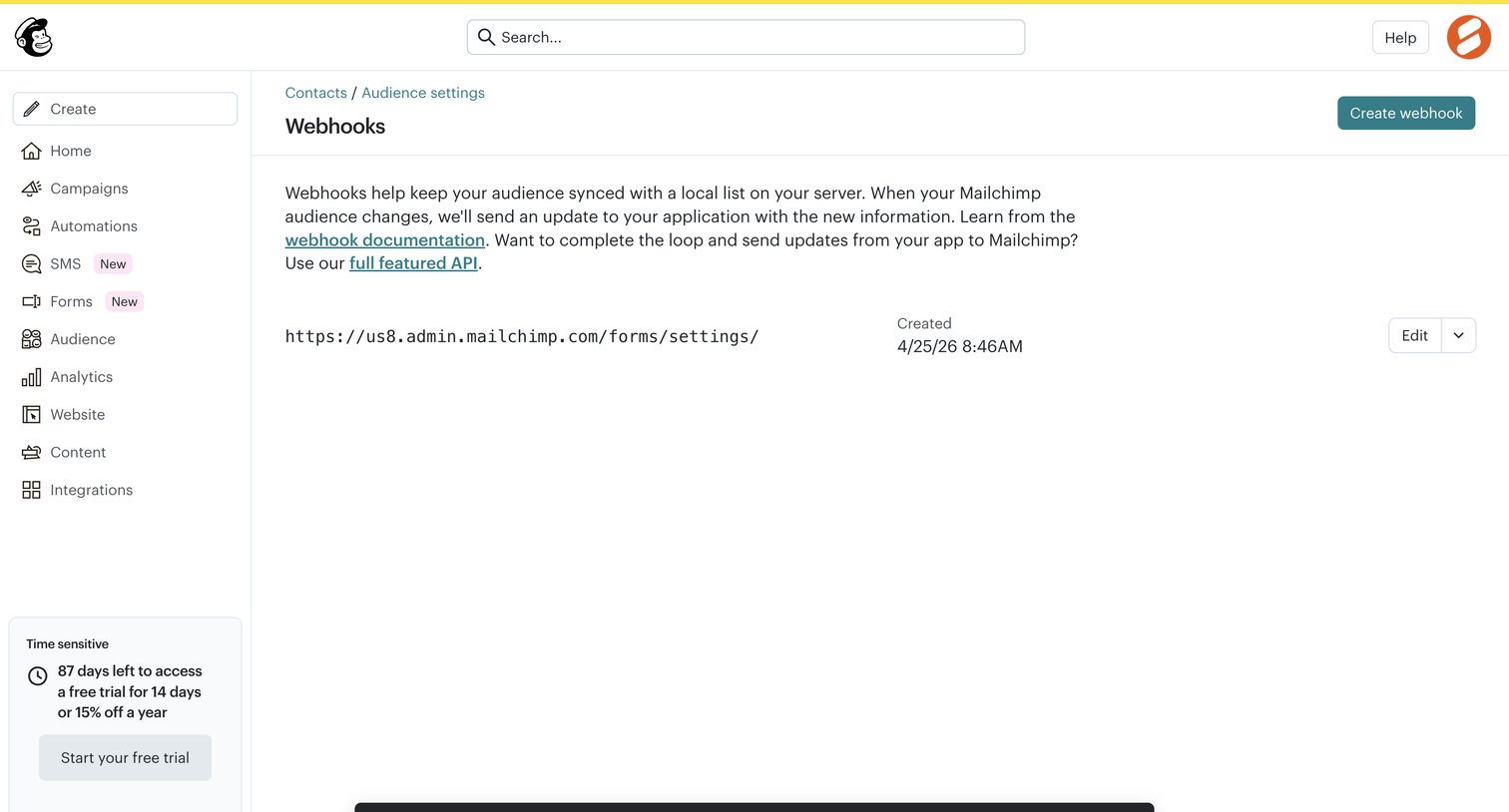

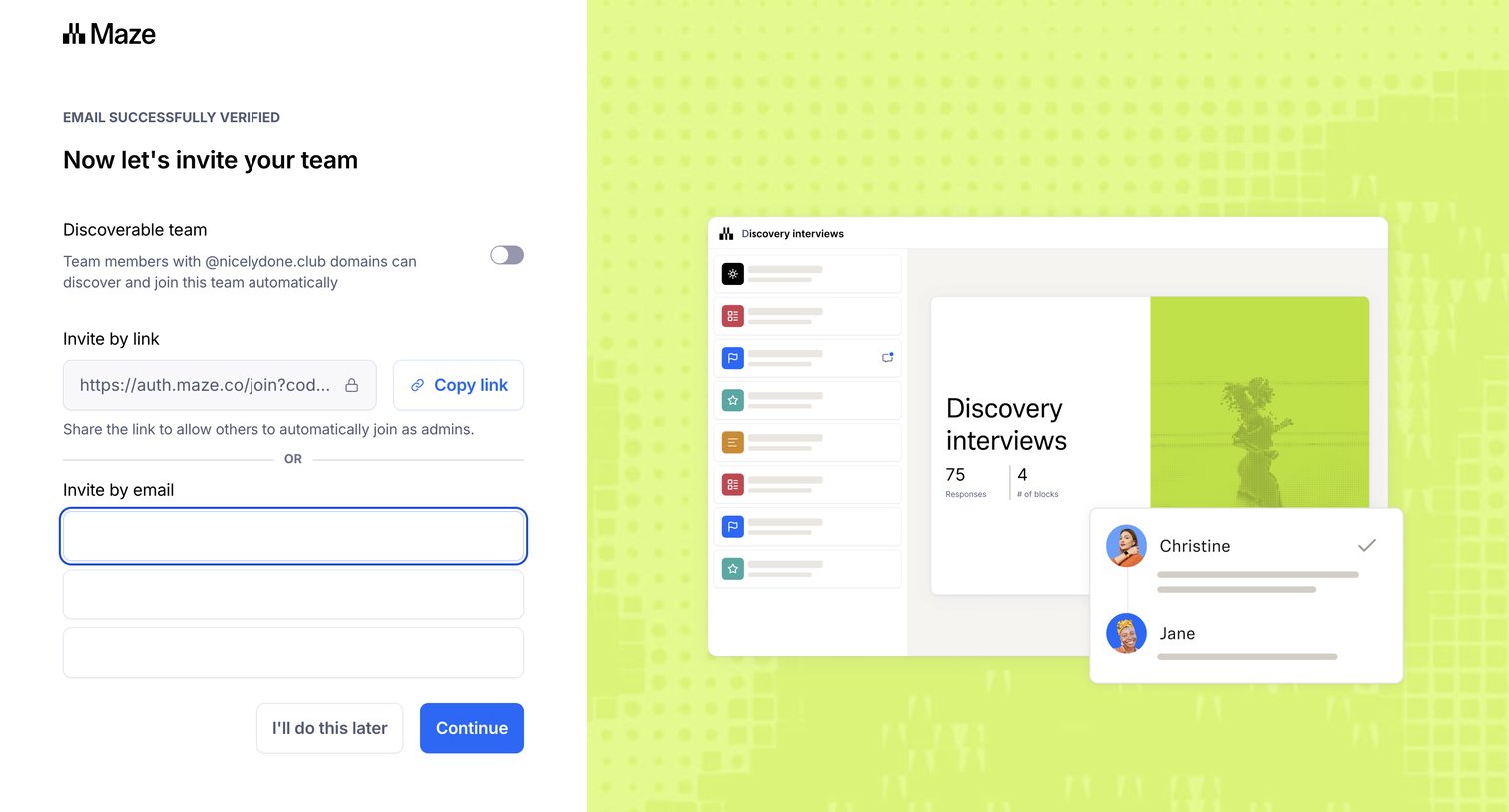

Onboarding step where the user invites teammates by email or a shareable link, and can toggle domain discoverability for their workspace.
Explore the full SaaS screen library
Upgrade to unlock the full library.
Trusted by the best teams








About Sidebar
See how interfaces organize destinations in a sidebar. Explore how navigation groups, icons, and selected states relate to the current page and the product structure.