Inbox management screen examples
Inbox management screen design examples from SaaS apps. Browse examples from Beside, Town, Missive.
Explore the examples
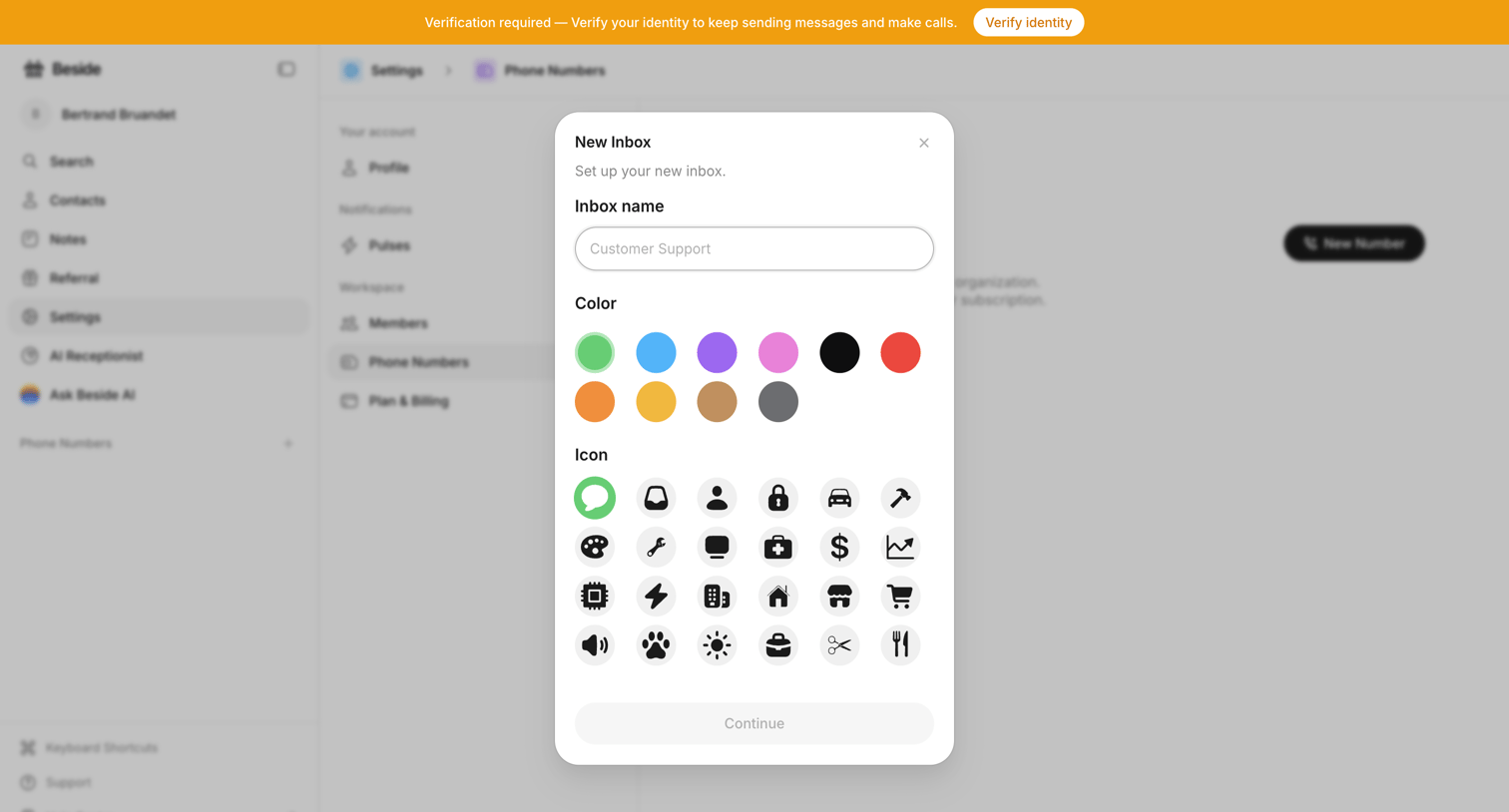

Settings page where the user creates a new inbox by entering a name, selecting a color, and choosing an icon from a grid.
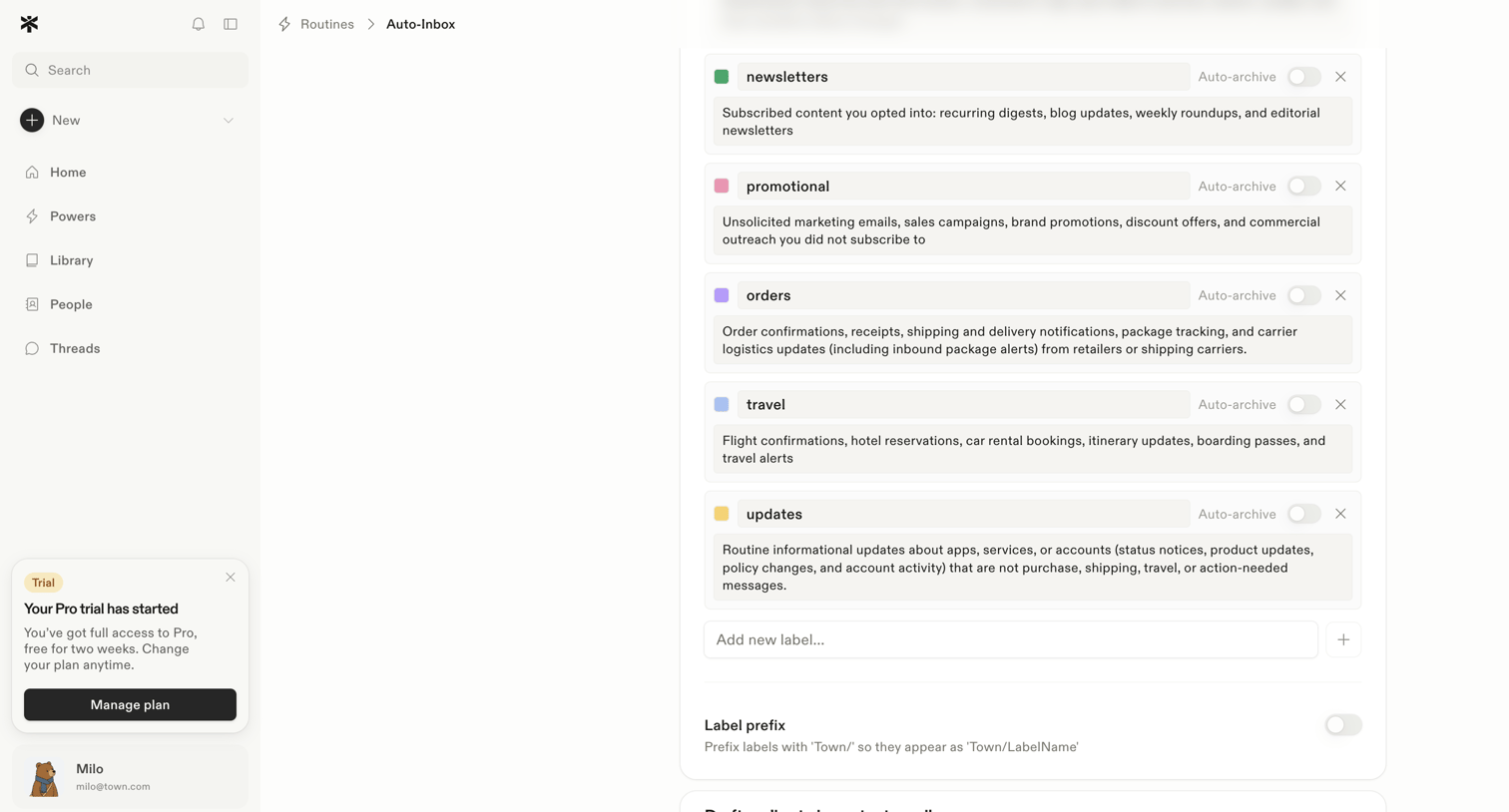

Settings page for an auto-inbox routine where the user configures label names, descriptions, and auto-archive toggles for categories like newsletters and promotional emails.
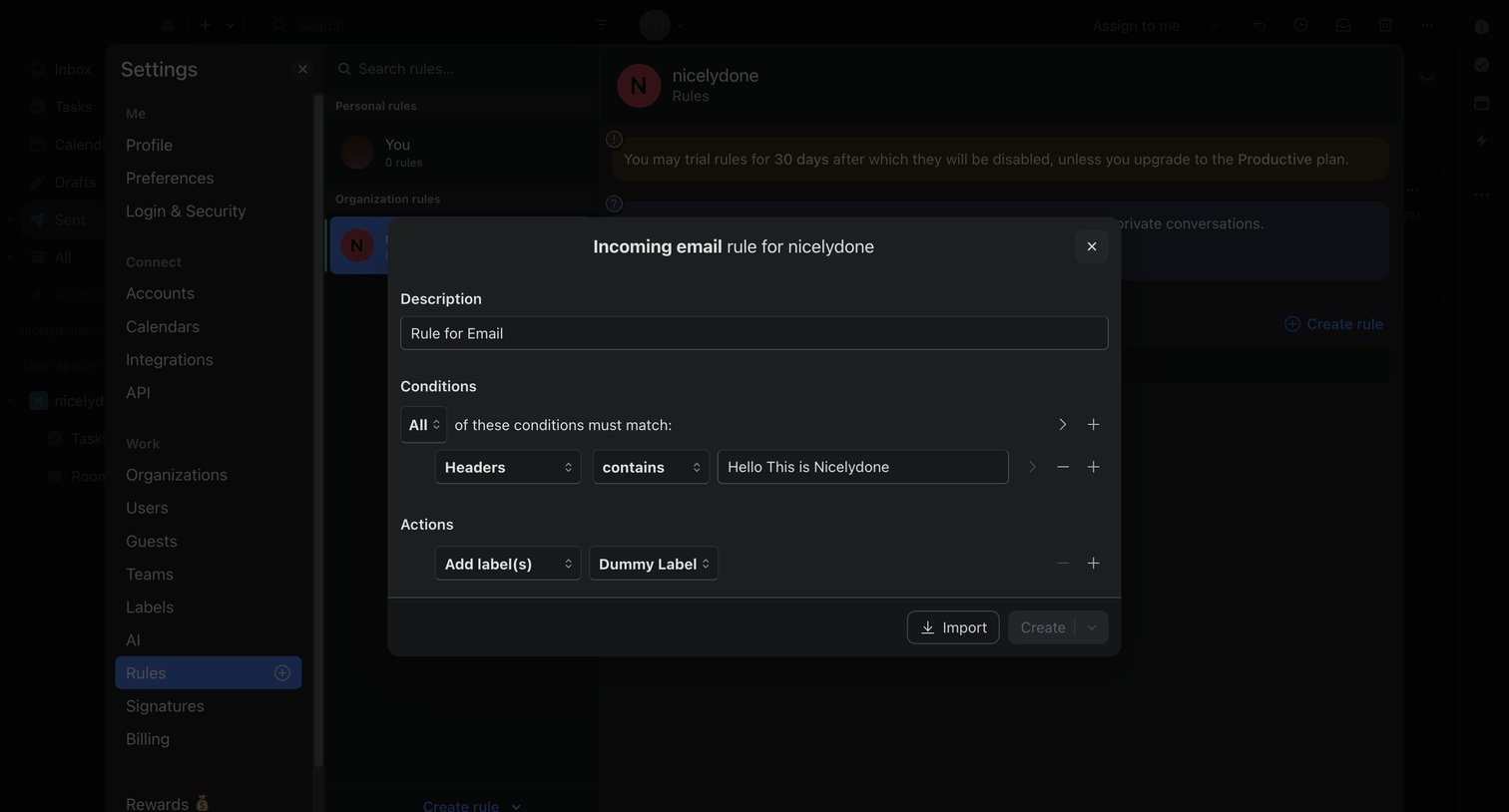

Settings modal where the user configures an incoming email rule by setting specific header conditions and label actions.
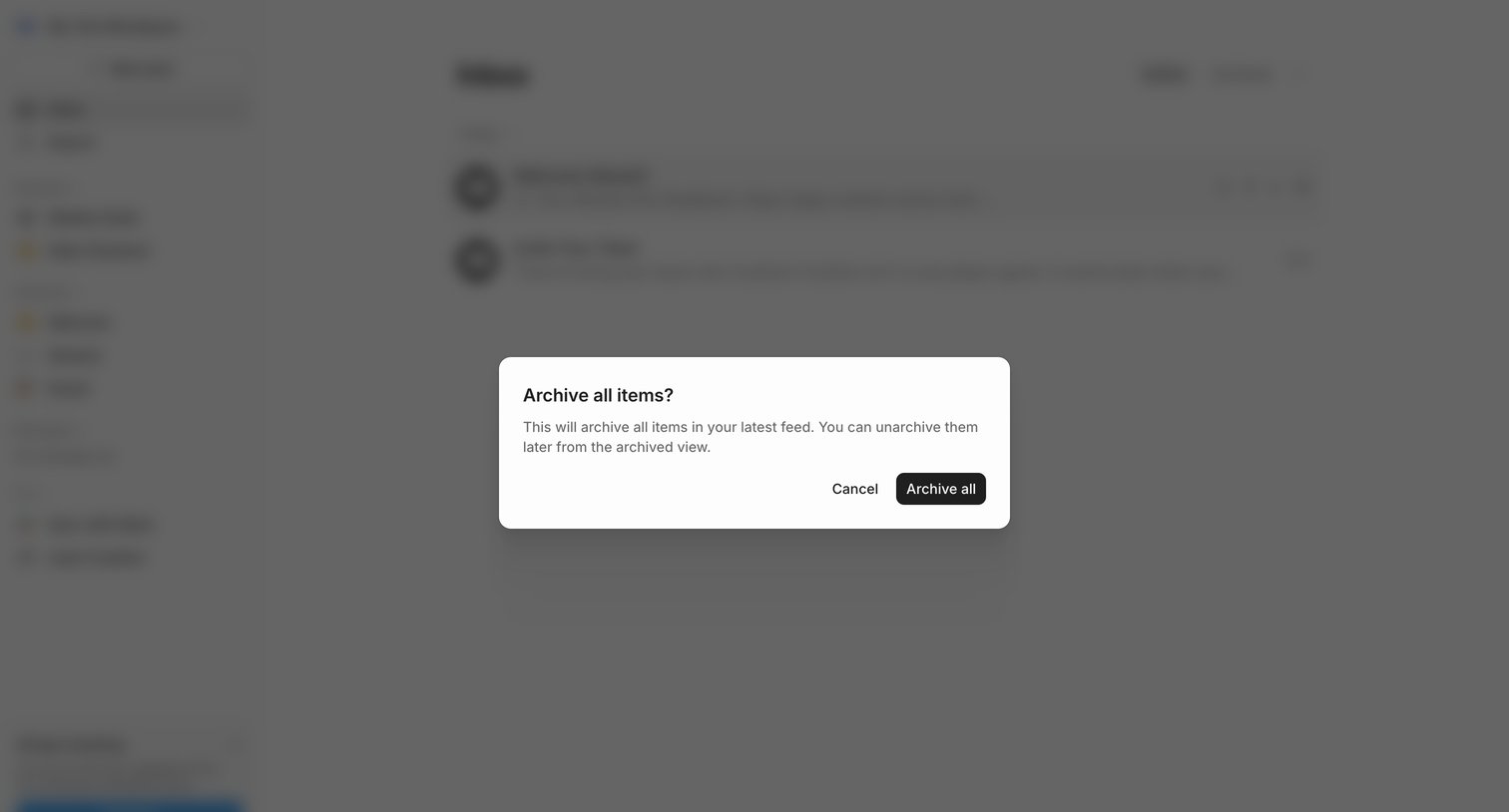

Inbox view with a confirmation dialog asking the user to archive all items in their latest feed.
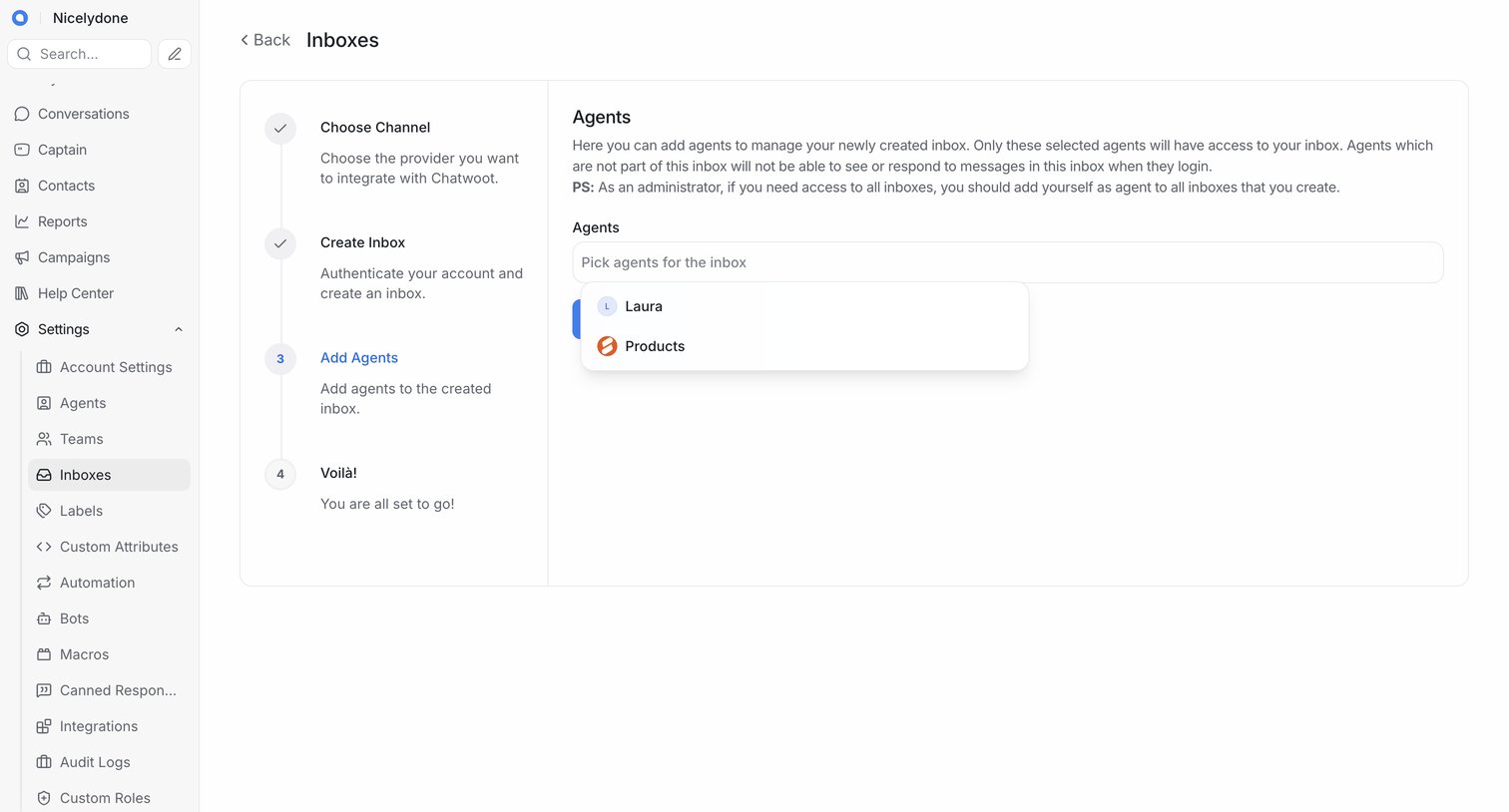

Wizard step where the user selects which existing agents will have access to a newly created inbox.
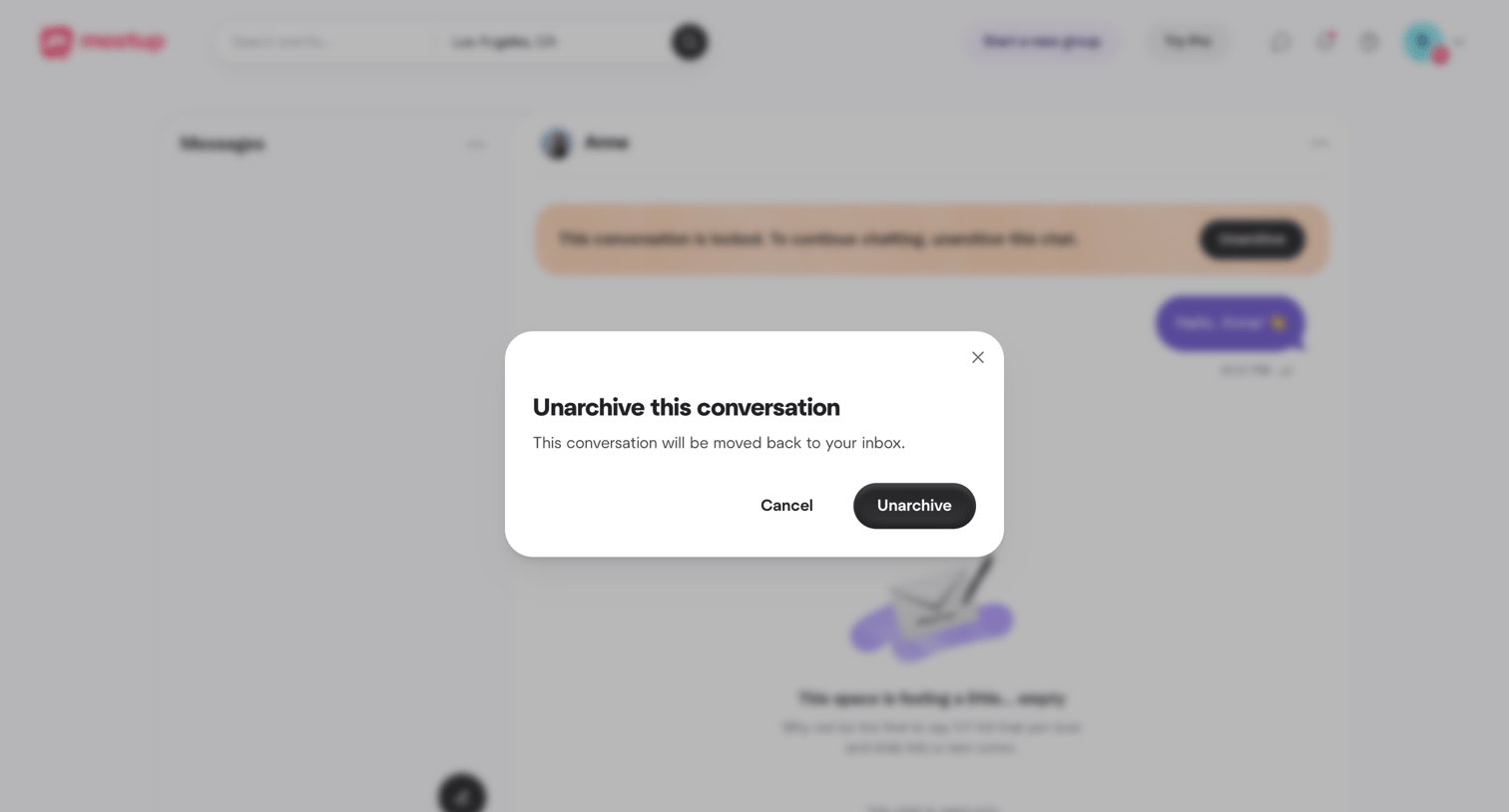

Inbox view where the user is prompted to confirm unarchiving a conversation to move it back to their active messages.
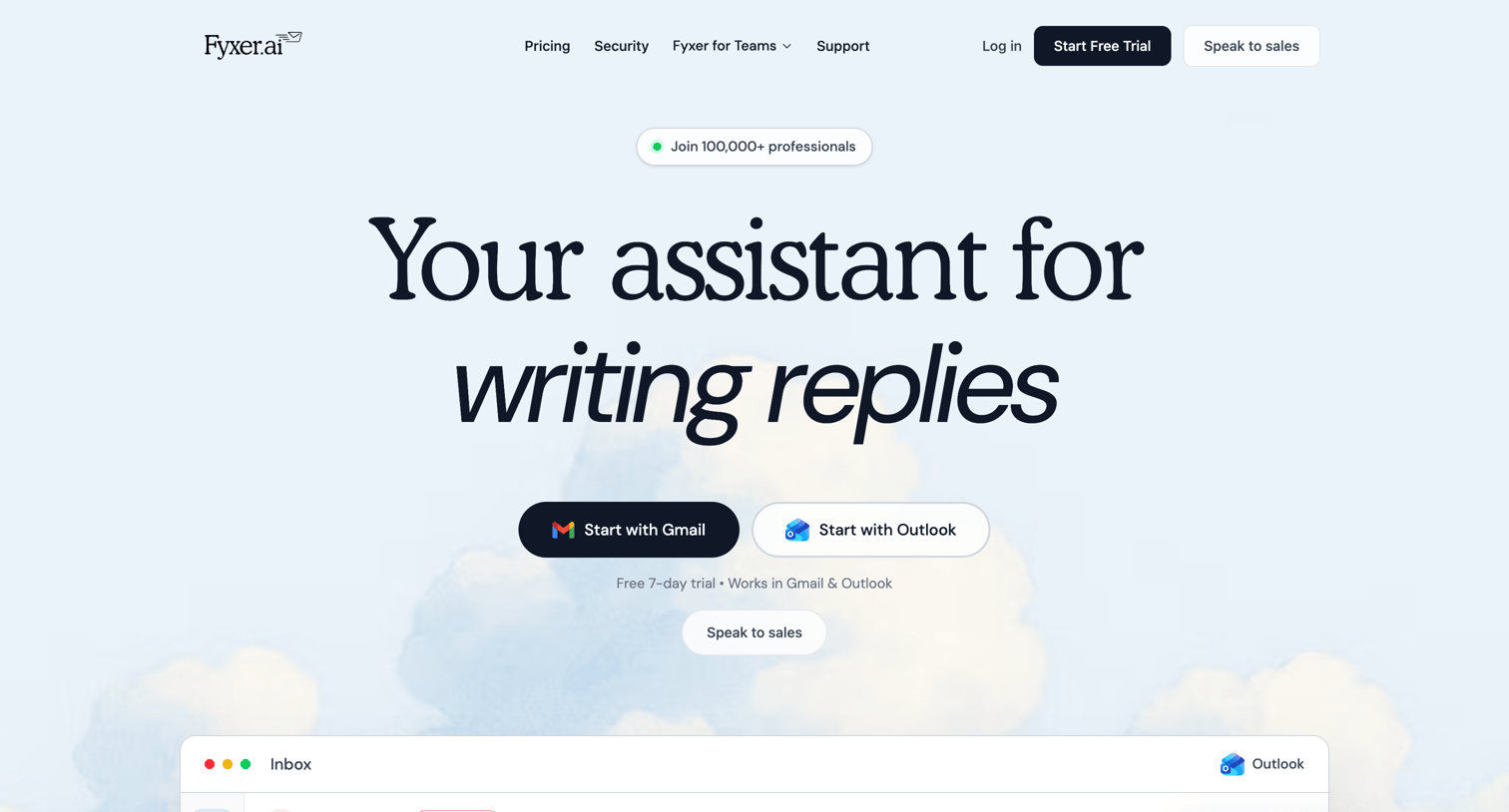

Landing page for an AI email assistant highlighting features like automated sorting, drafting, and meeting follow-ups, followed by a pricing table and security credentials.
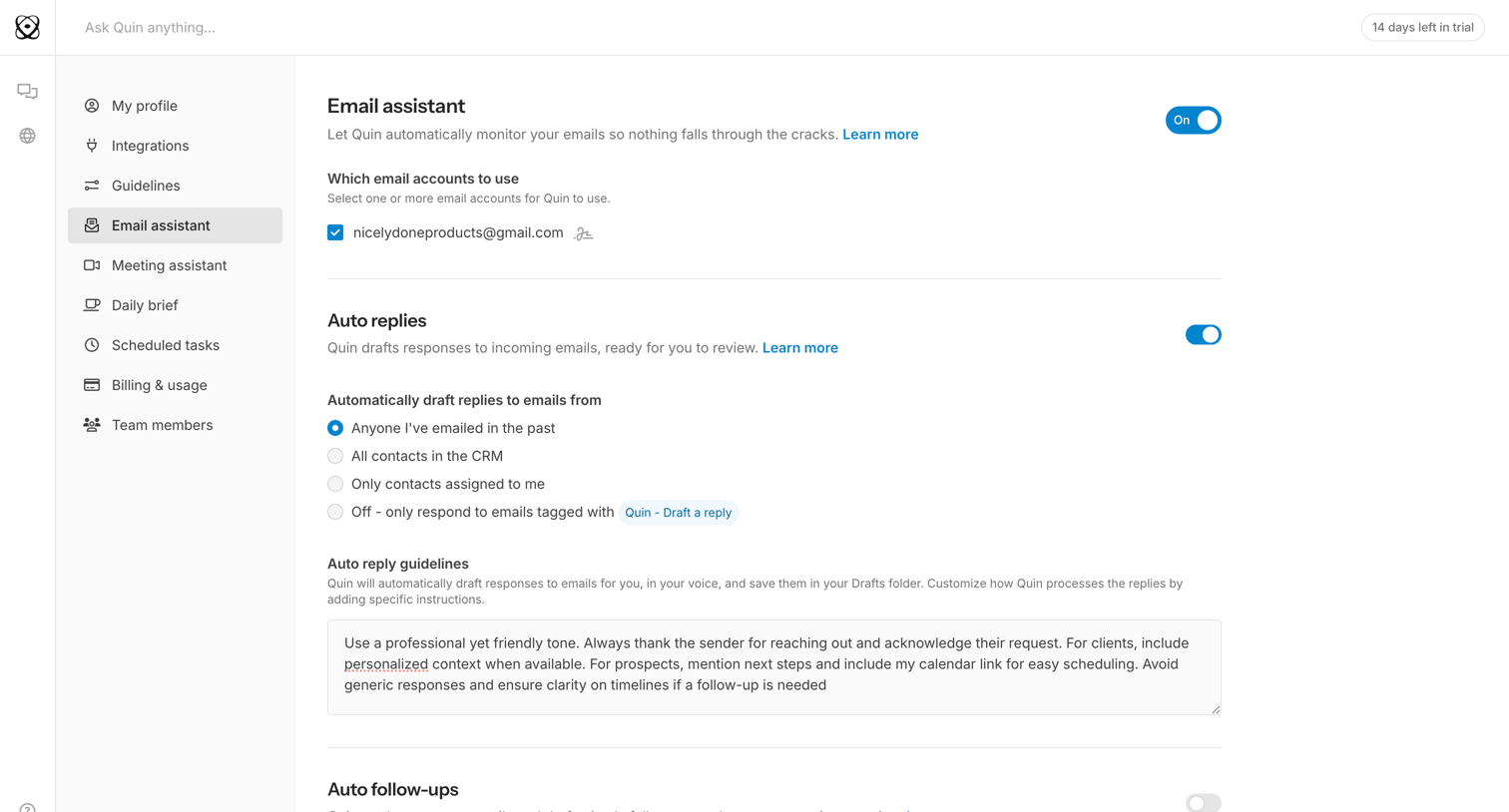

Settings page where the user configures their AI email assistant, including selecting monitored accounts, setting auto-reply rules, and providing custom reply guidelines.
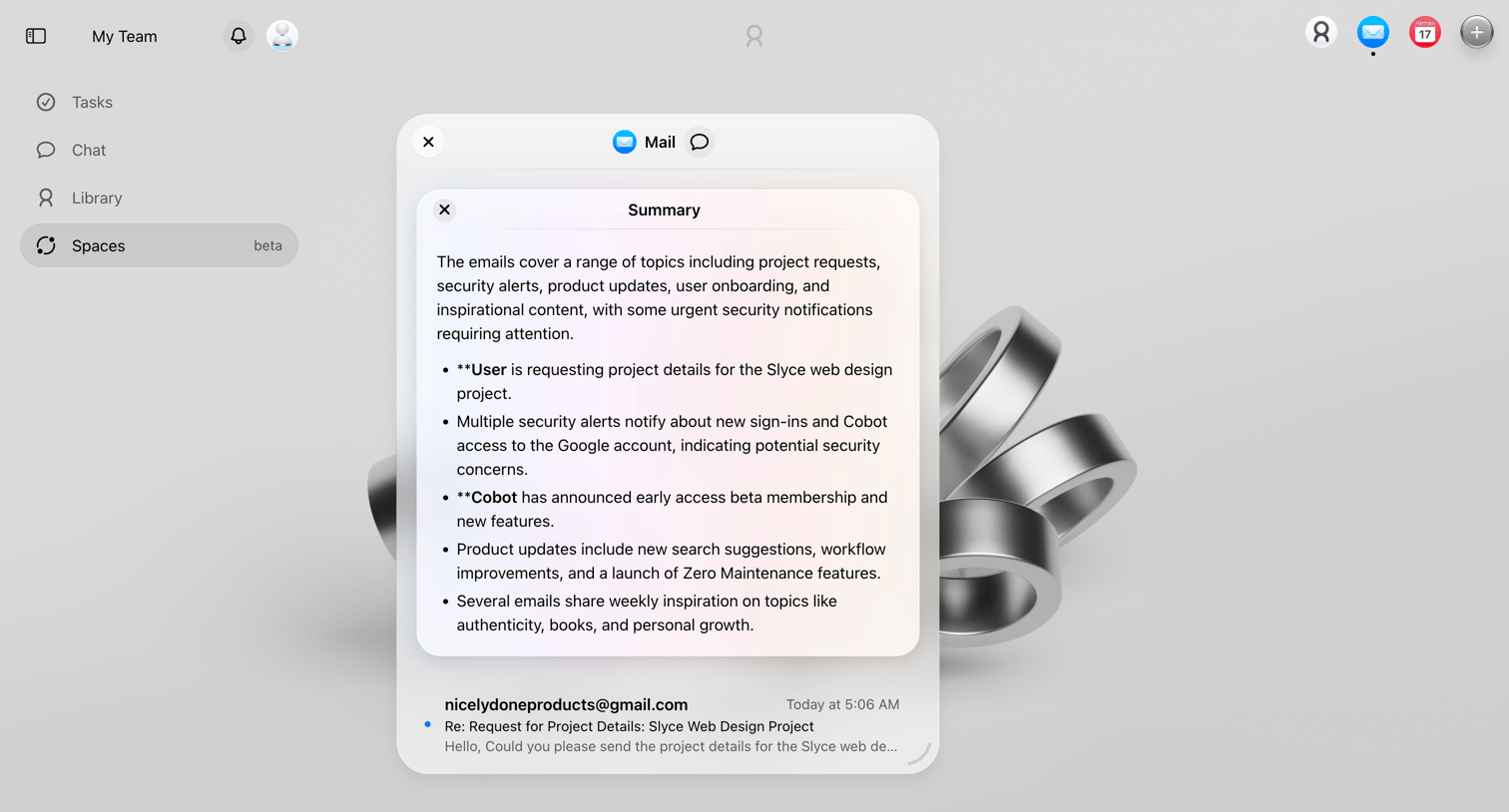

Home screen with an open modal displaying an AI-generated summary of recent emails, including project requests and security alerts.
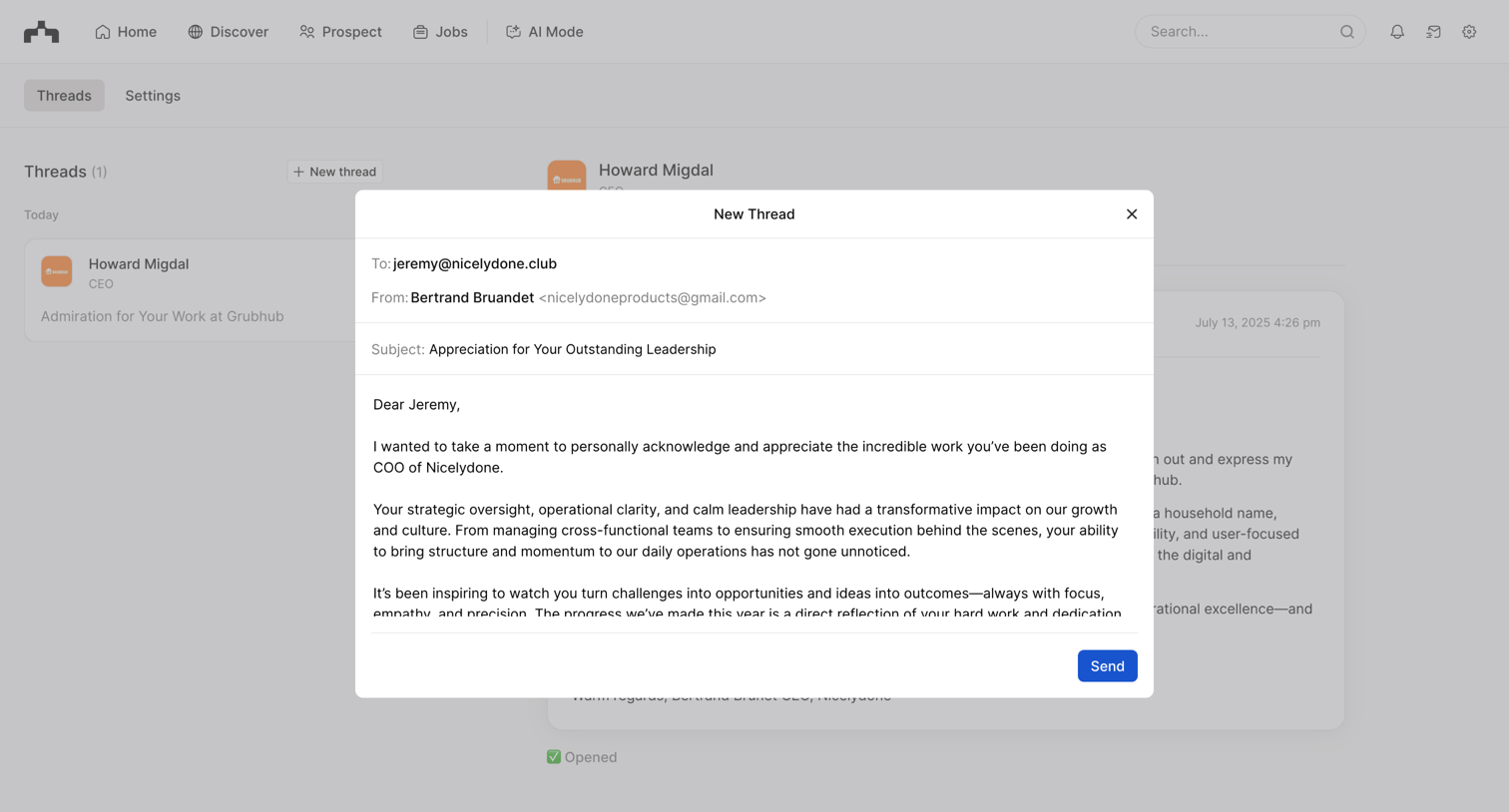

Inbox view where the user is composing a new email outreach thread to a specific contact via a modal overlay.
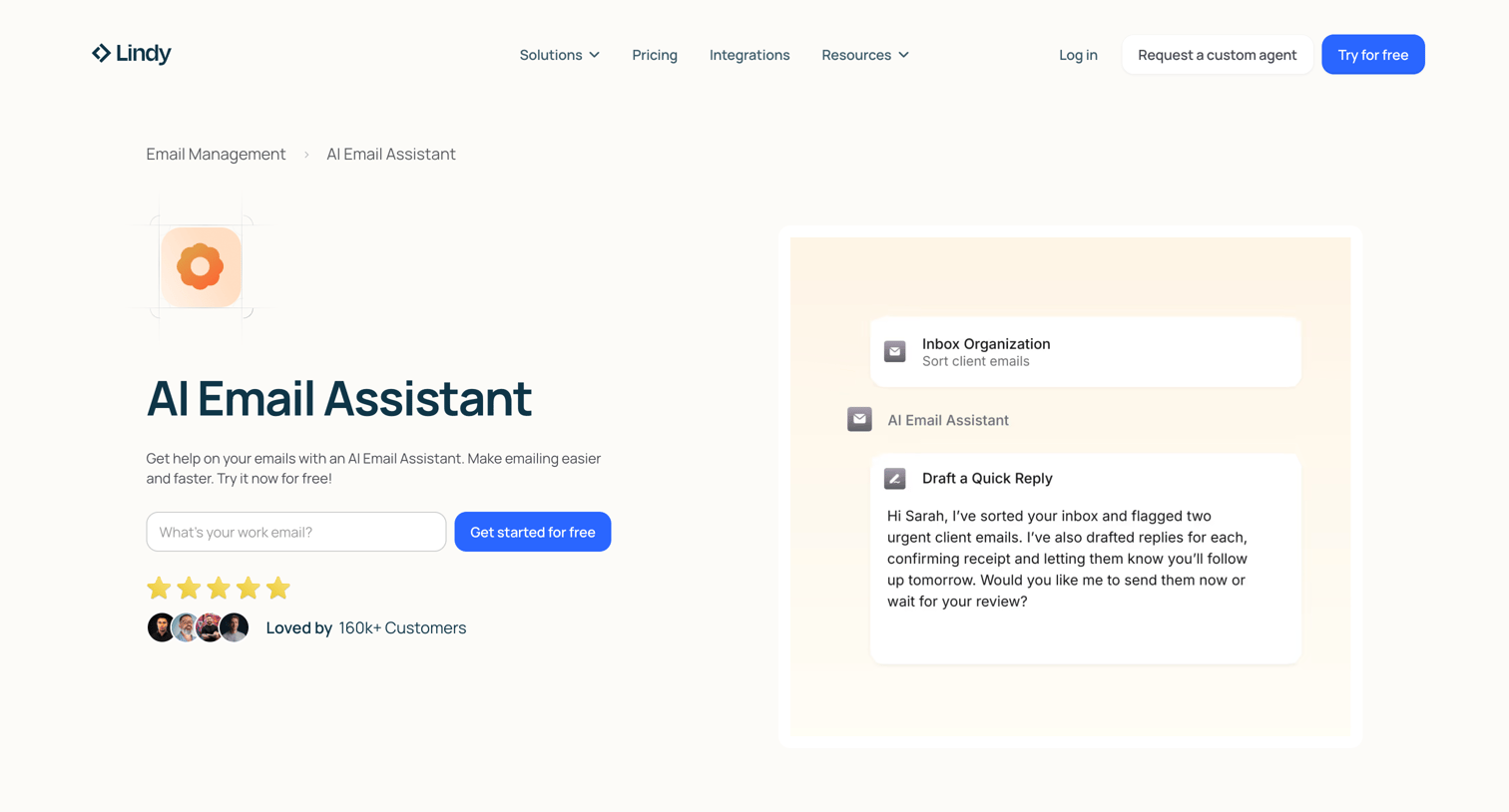

Feature page explaining how to build and use an AI email assistant to automate inbox management, draft replies, and integrate with other tools.
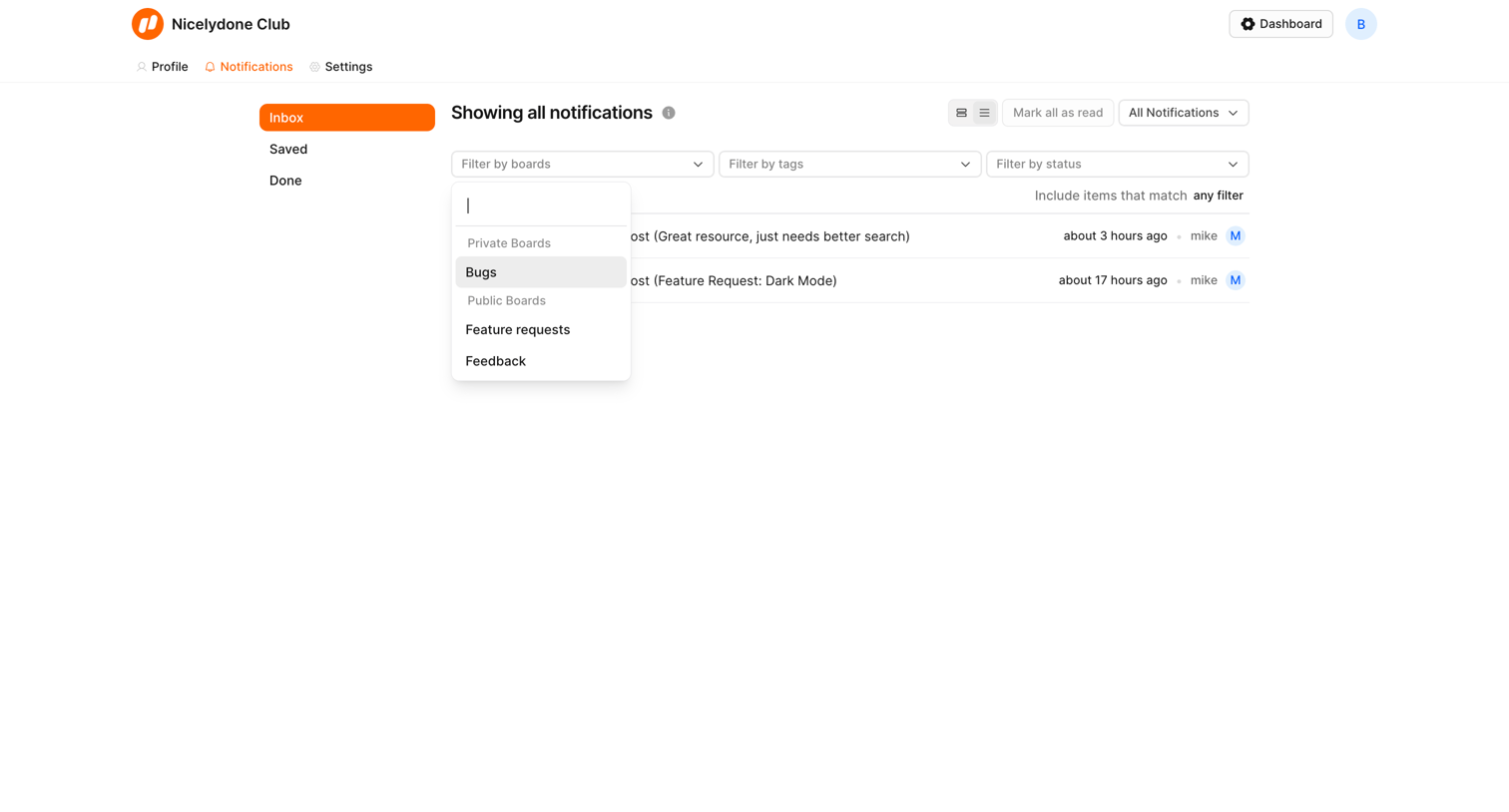

Notifications inbox where the user filters alerts by board, tag, or status.
Explore the full SaaS screen library
Upgrade to unlock the full library.
Trusted by the best teams







