Fintech screen examples
Fintech screen design examples from SaaS apps. Browse examples from Lithic, Copilot, Found.
Explore the examples
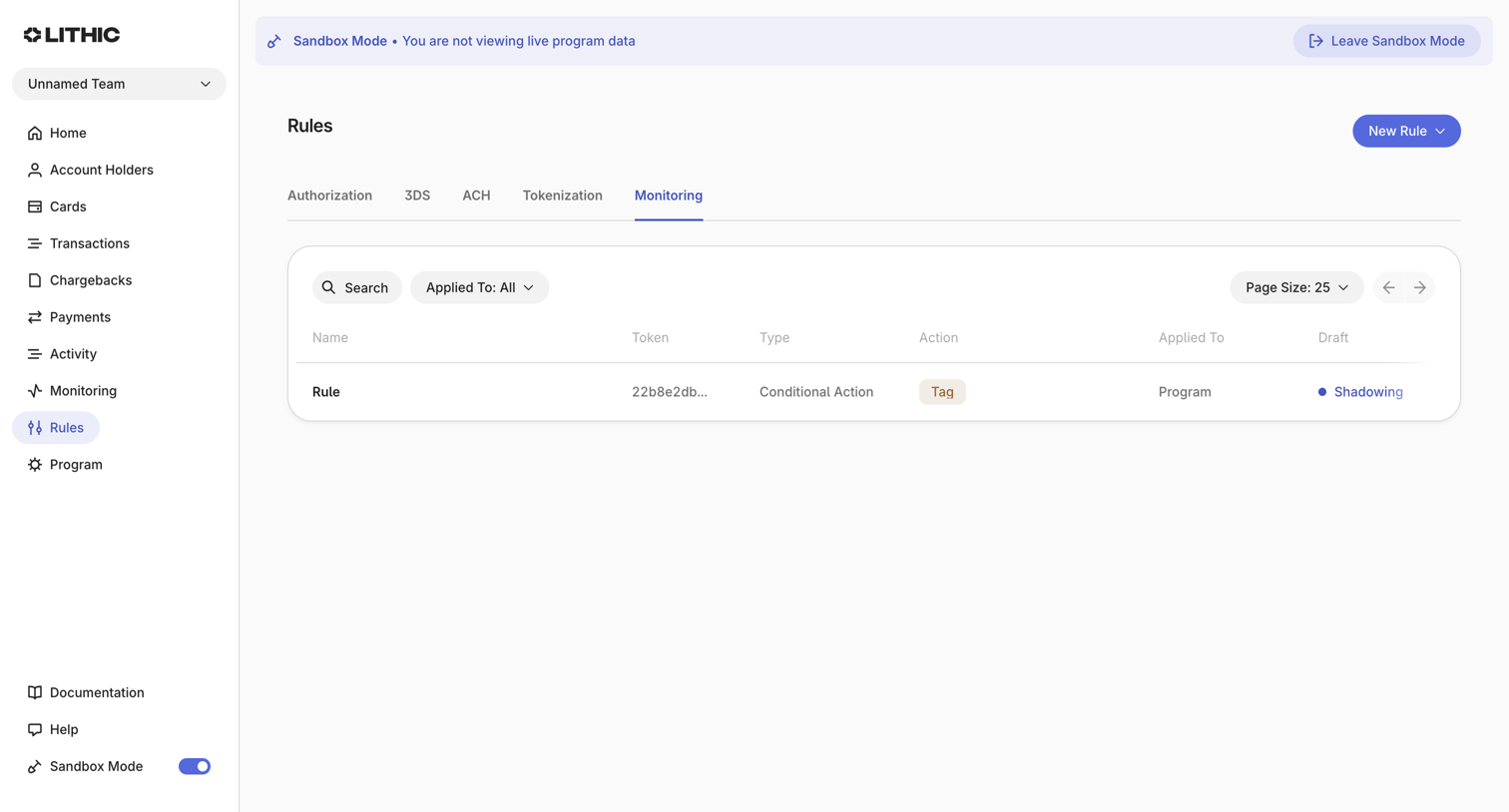

List view displaying monitoring rules in a data table with search and filtering controls within a sandbox environment.
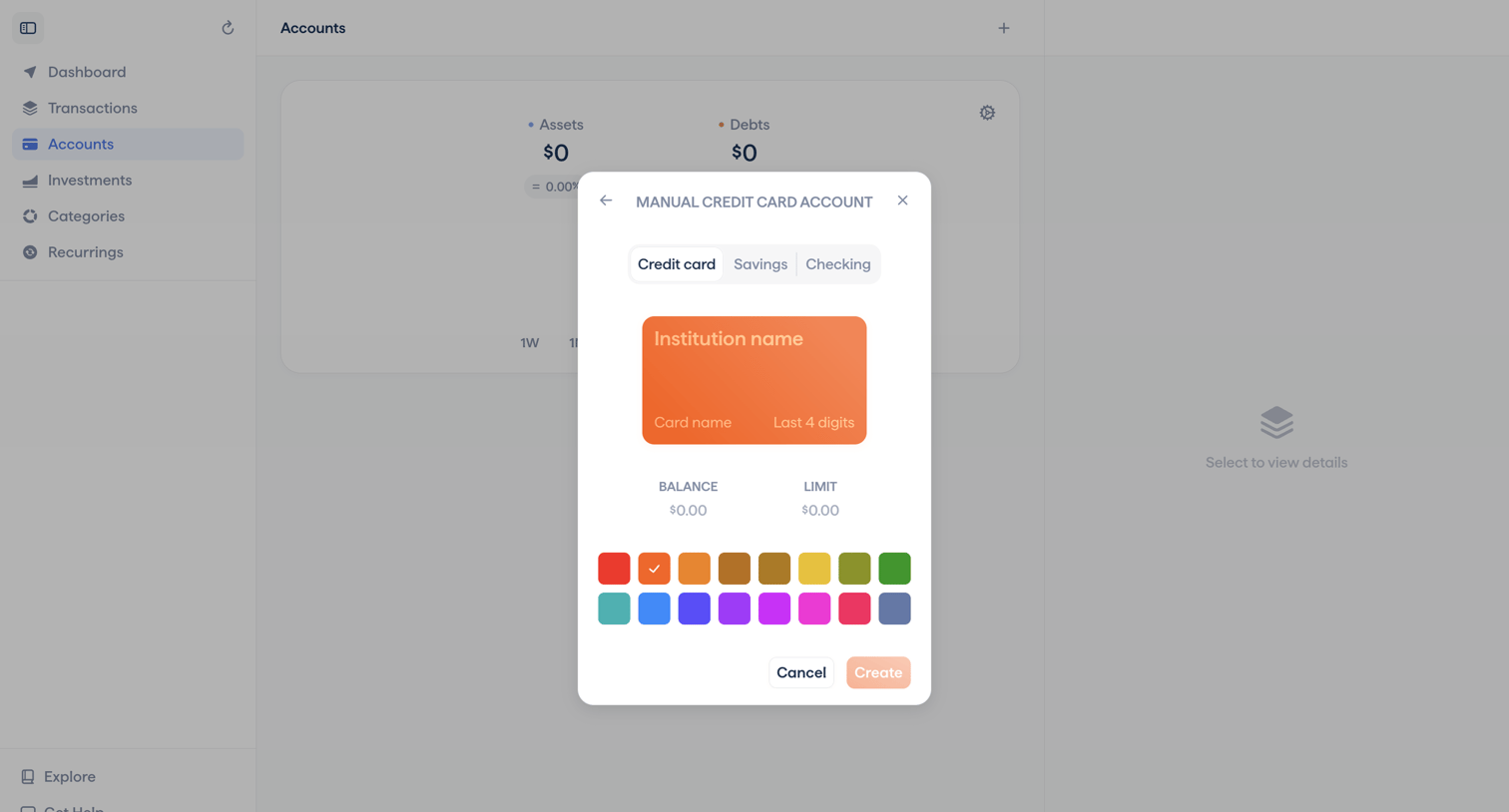

List view where the user creates a manual credit card account by selecting an account type, customizing the card color, and entering balance and limit details.
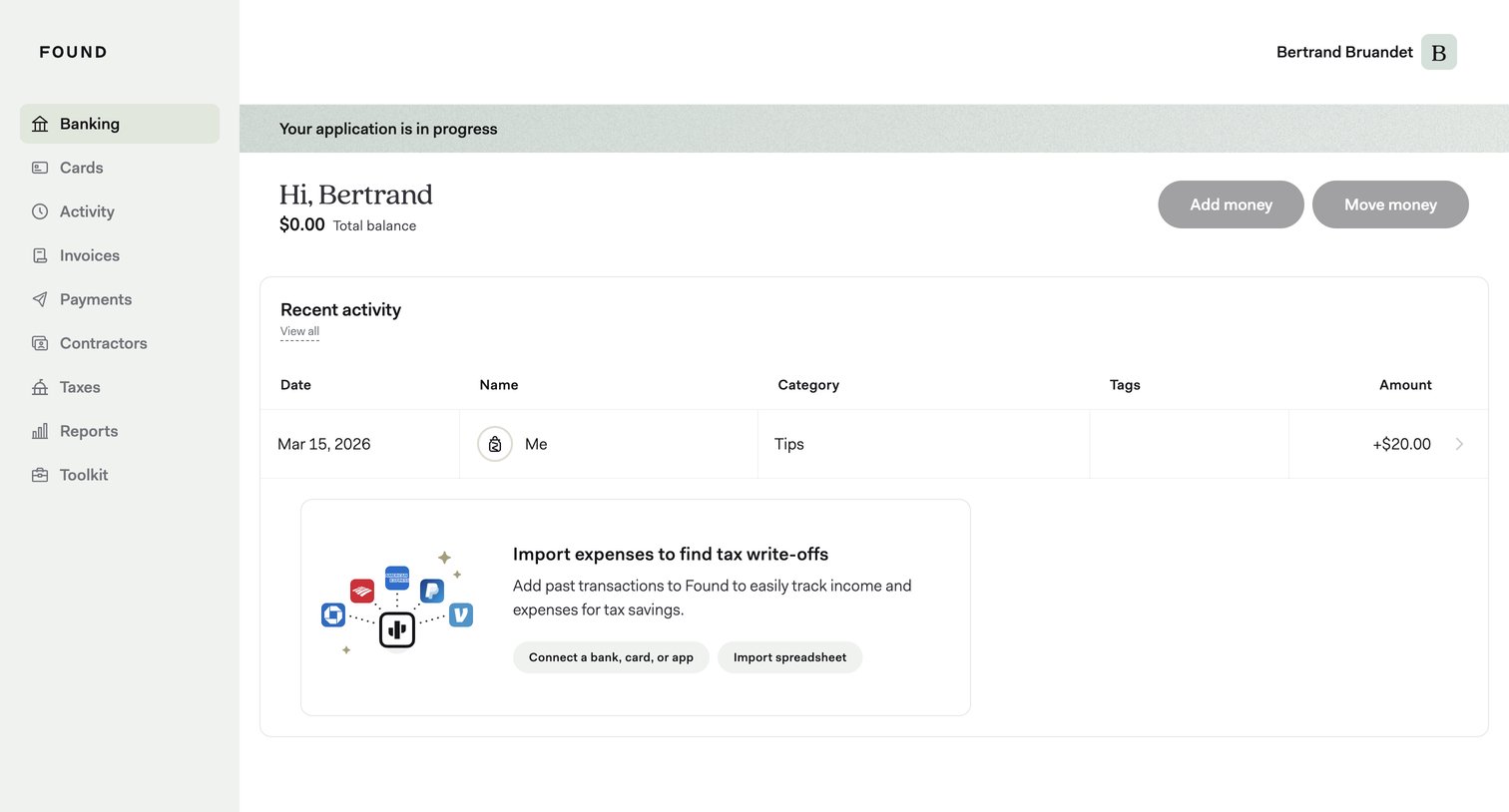

Dashboard showing the user's total balance, recent transaction activity, and prompts to import expenses or connect accounts.
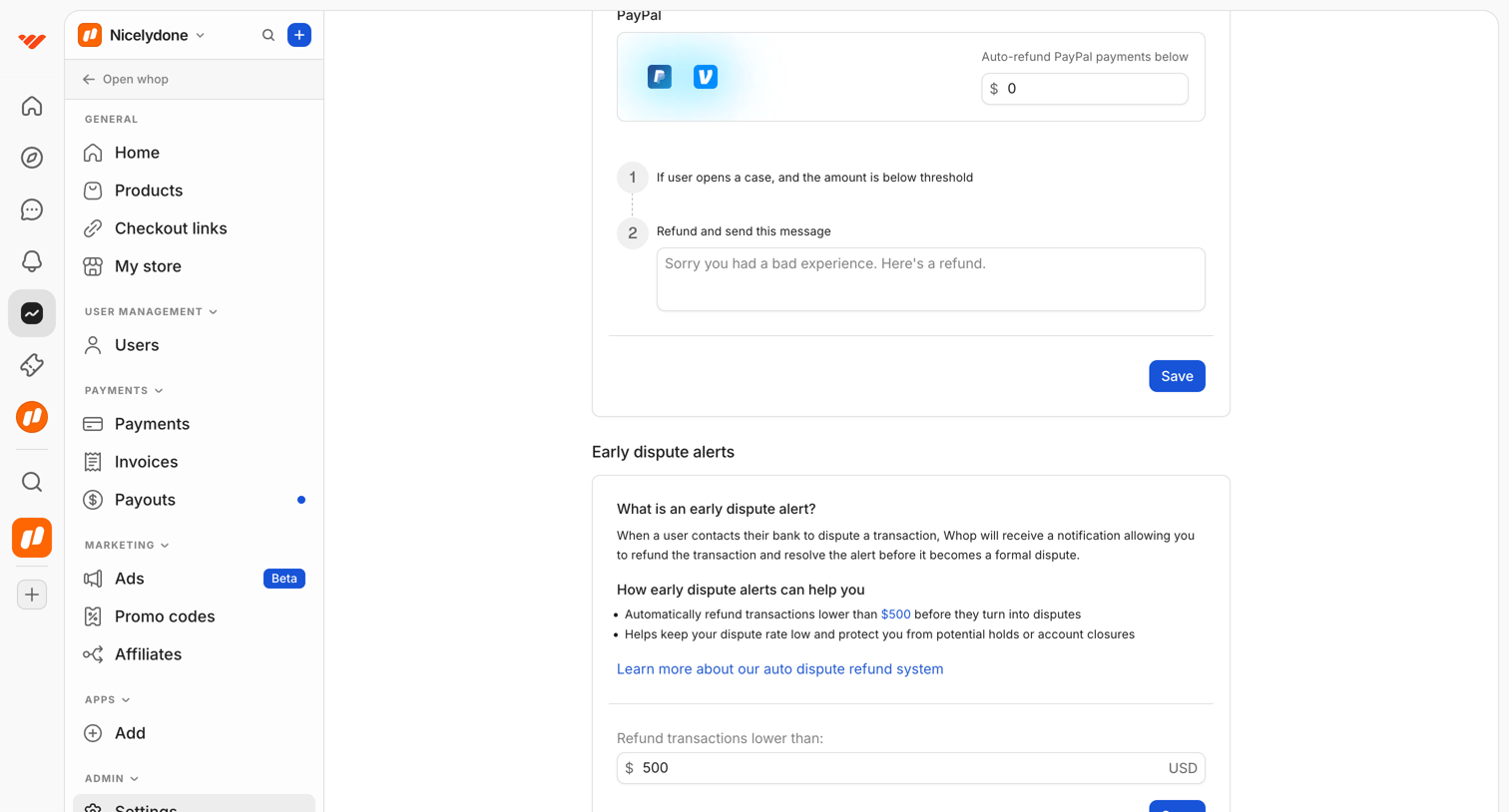

Settings page where the user configures auto-refund thresholds and messages for PayPal and early dispute alerts.
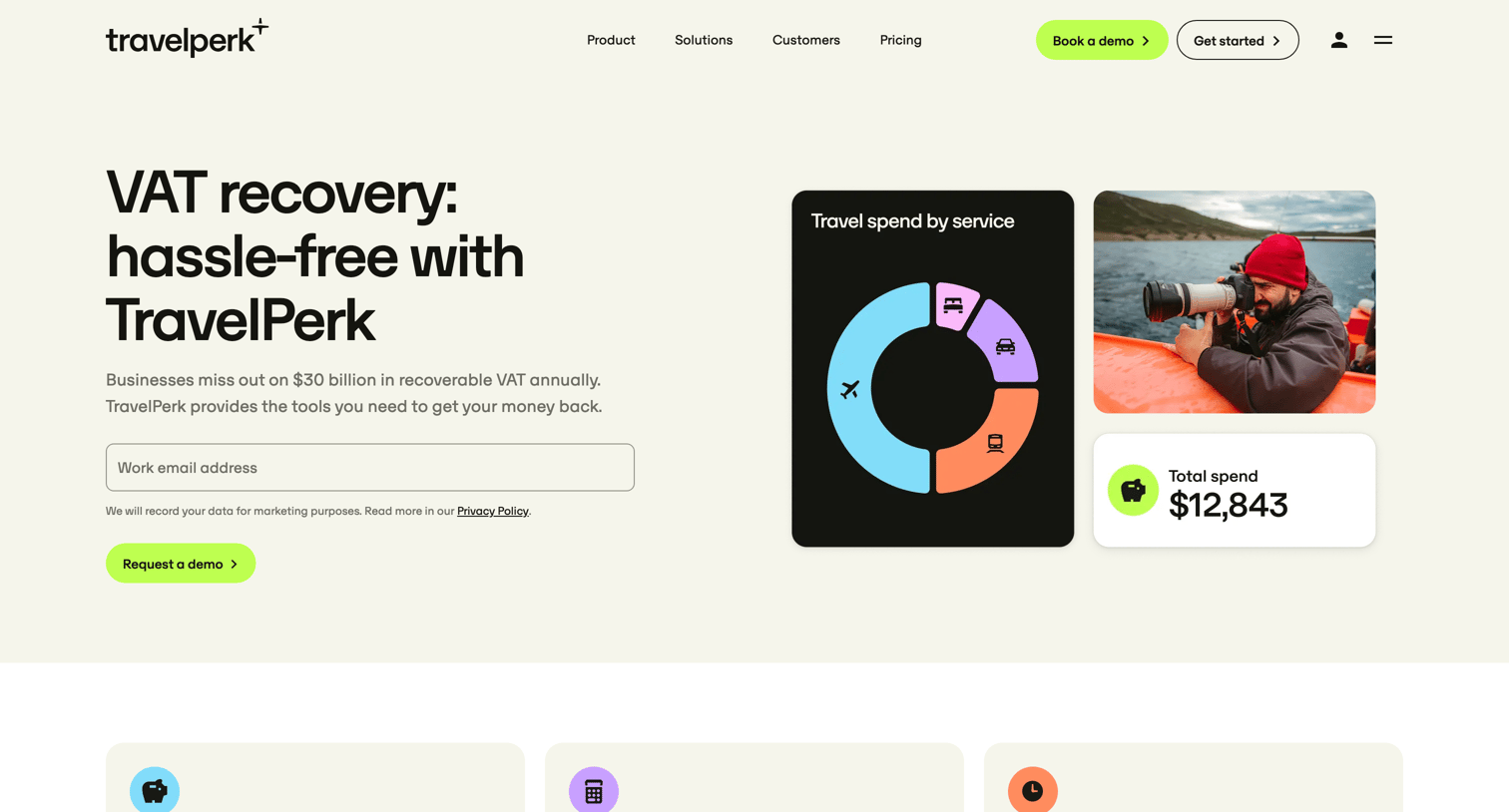

Feature page explaining how the platform automates VAT recovery for business travel, highlighting cash savings, visibility, and included services across different pricing tiers.
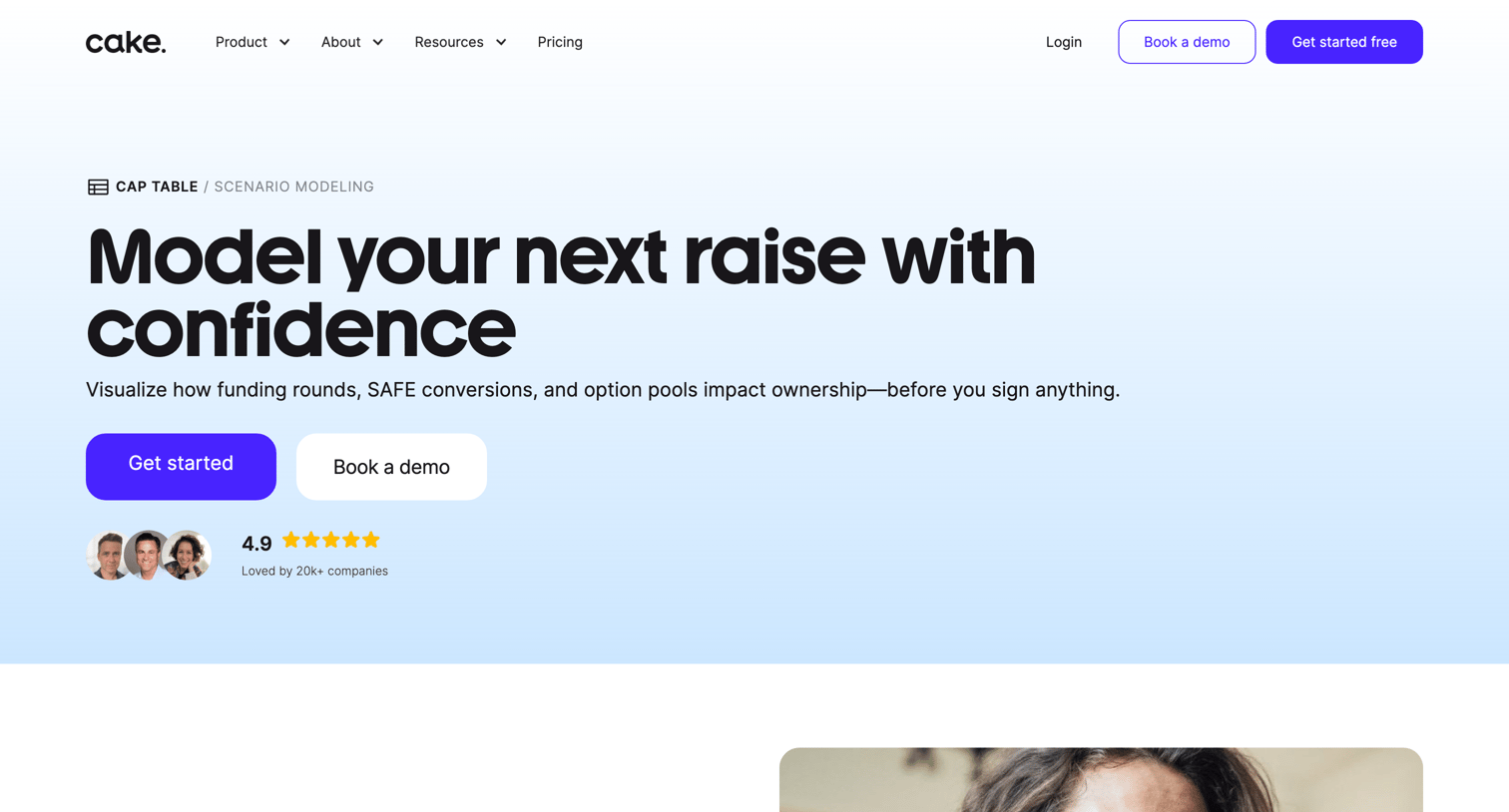

Feature page explaining how founders can visualize funding rounds, SAFE conversions, and option pools with built-in modeling.
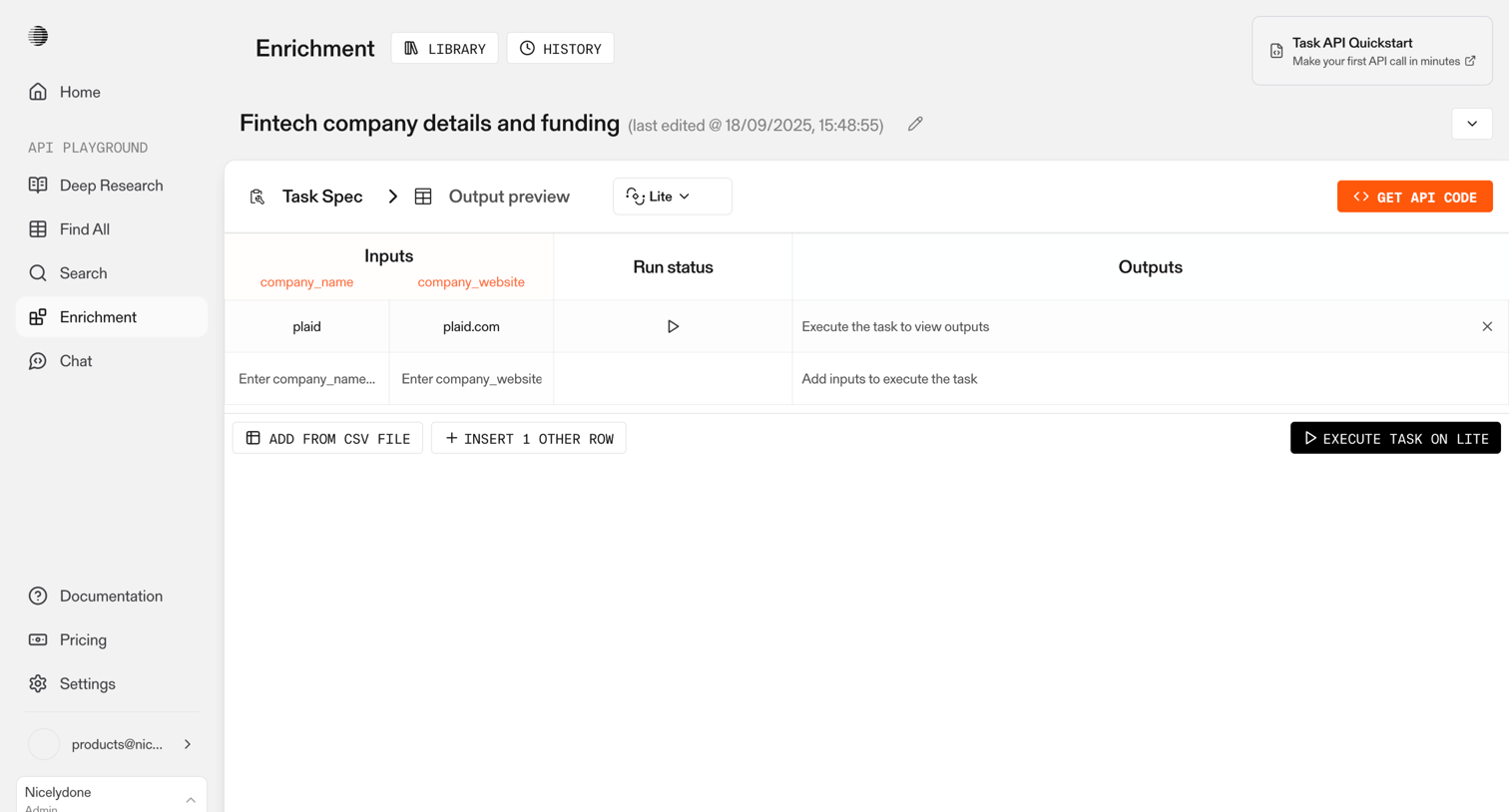

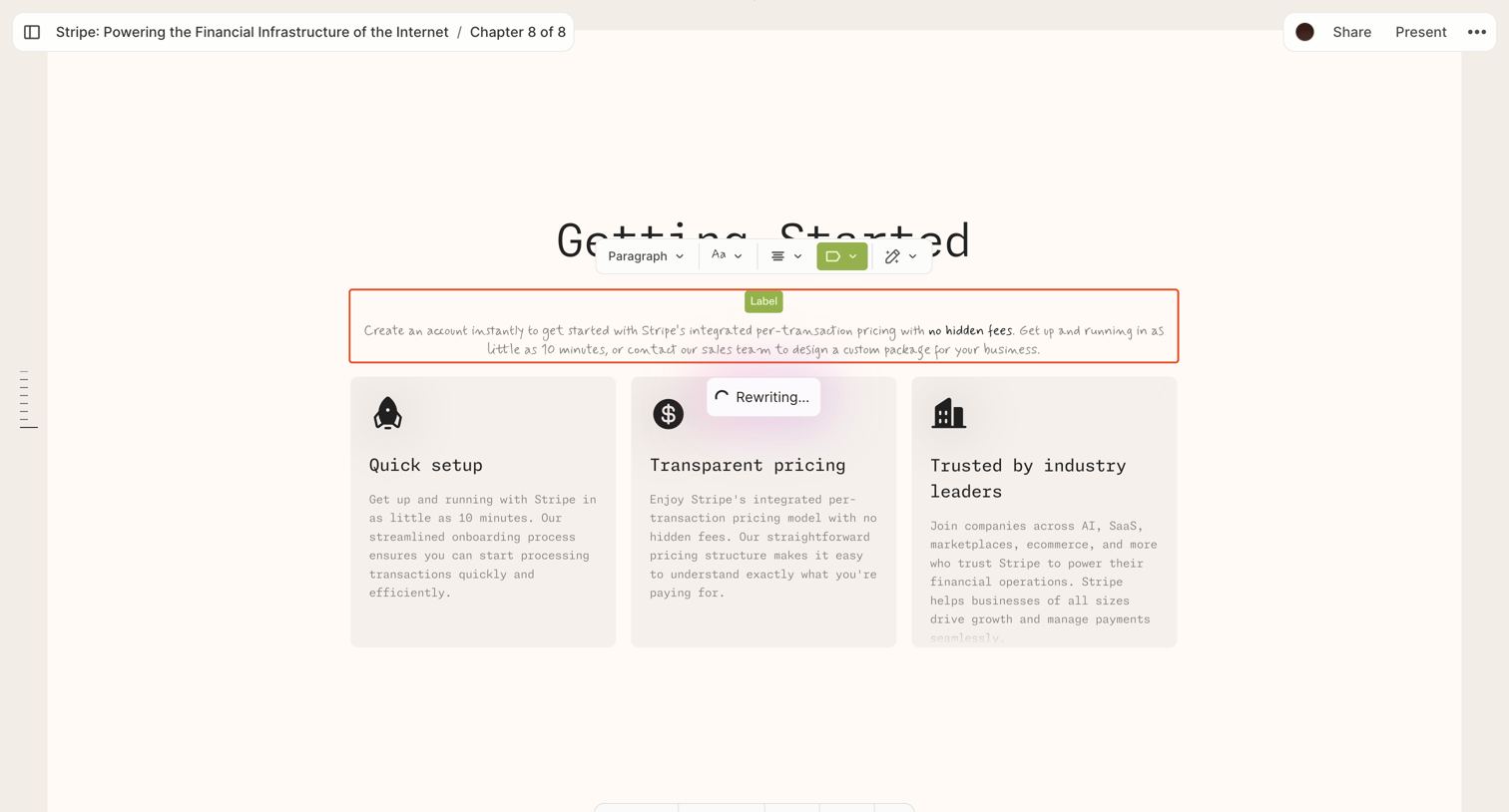

Block-based document editor where the user is actively using an inline AI tool to rewrite a specific pricing card within a three-column layout.

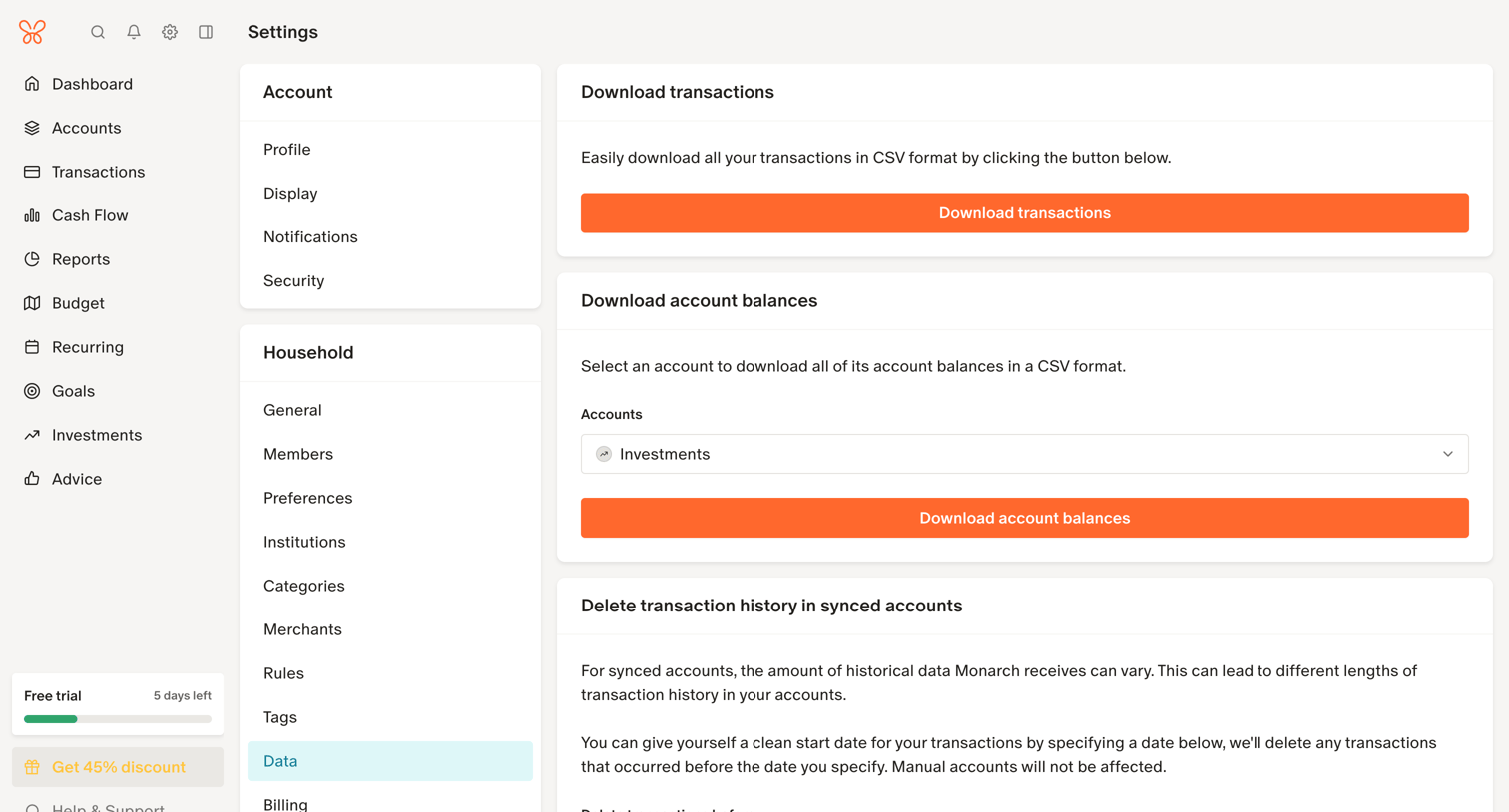

Settings page where the user can download transactions and account balances as CSV files, or permanently delete historical transaction and balance snapshot data.
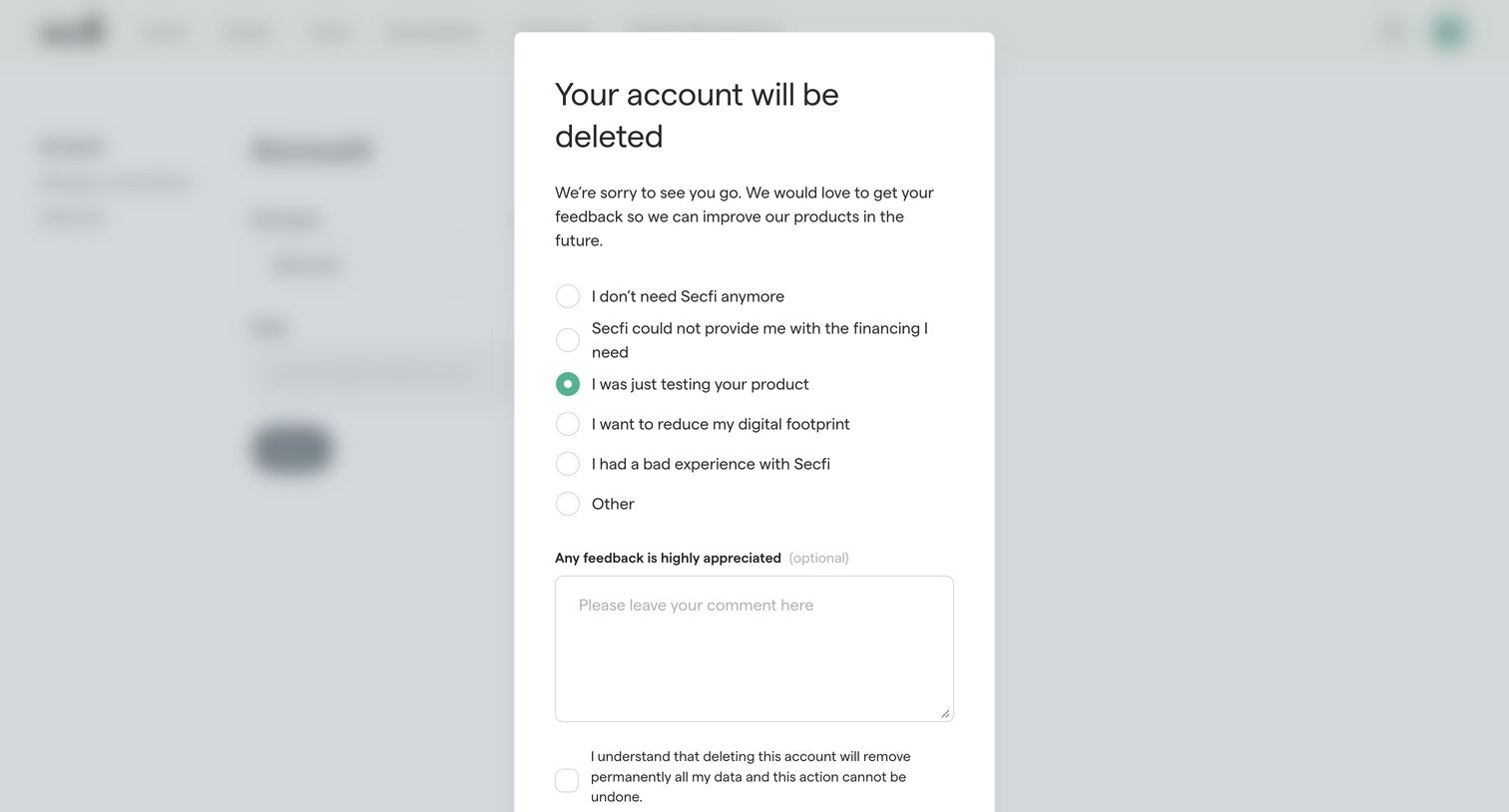

Settings page where an account deletion modal asks the user to select a reason for leaving, provide optional feedback, and confirm the permanent removal of their data.

Explore the full SaaS screen library
Upgrade to unlock the full library.
Trusted by the best teams







