Skip to content

Increase design examples

Explore Increase UI design examples. Bare-metal banking APIs

Product screens
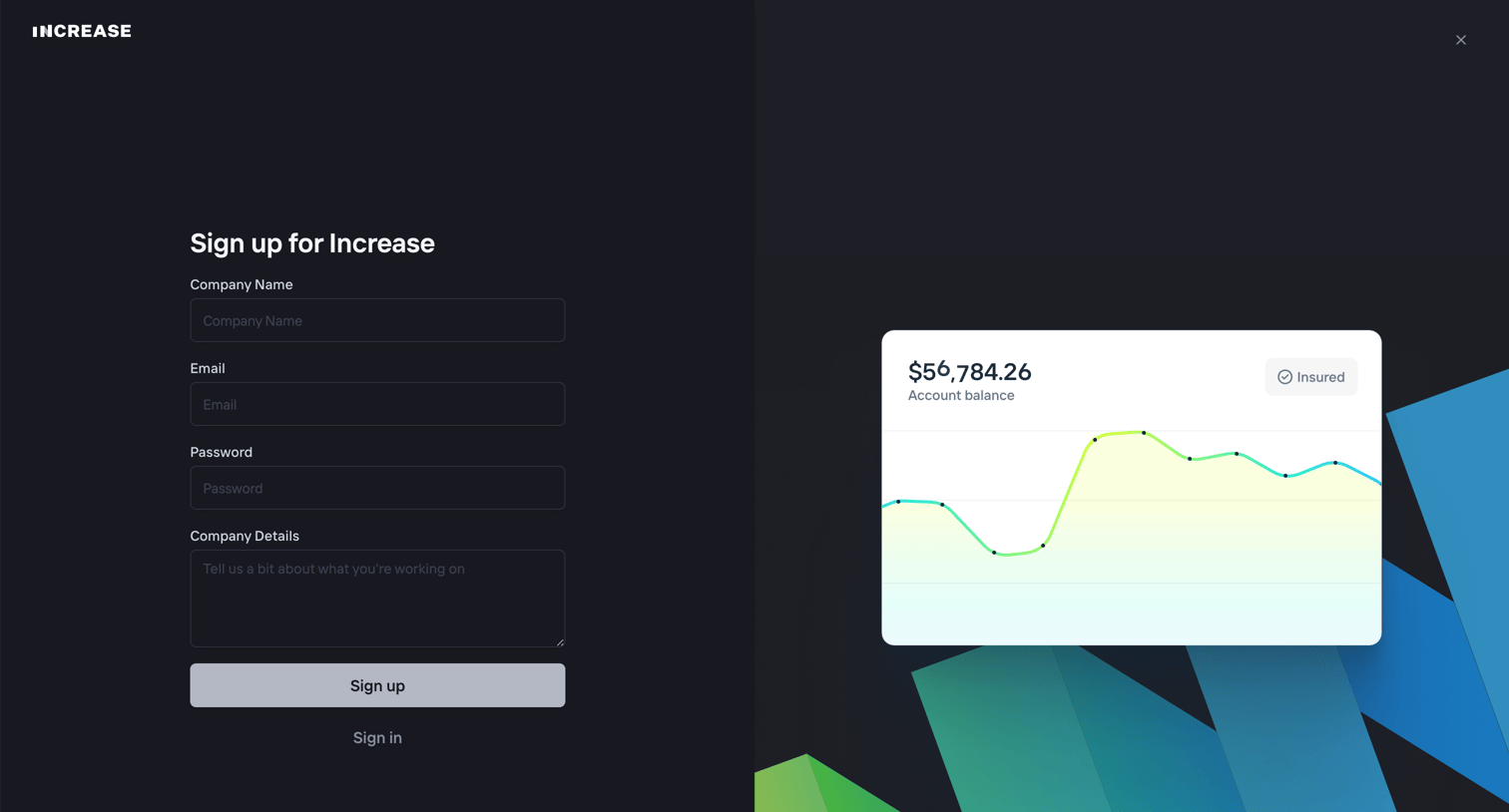
Increase screen
Increase logo
Increase

Signup screen where the user creates an account by providing their company name, email, password, and company details, alongside a preview card showing an account balance chart.

Increase screen
Increase logo
Increase

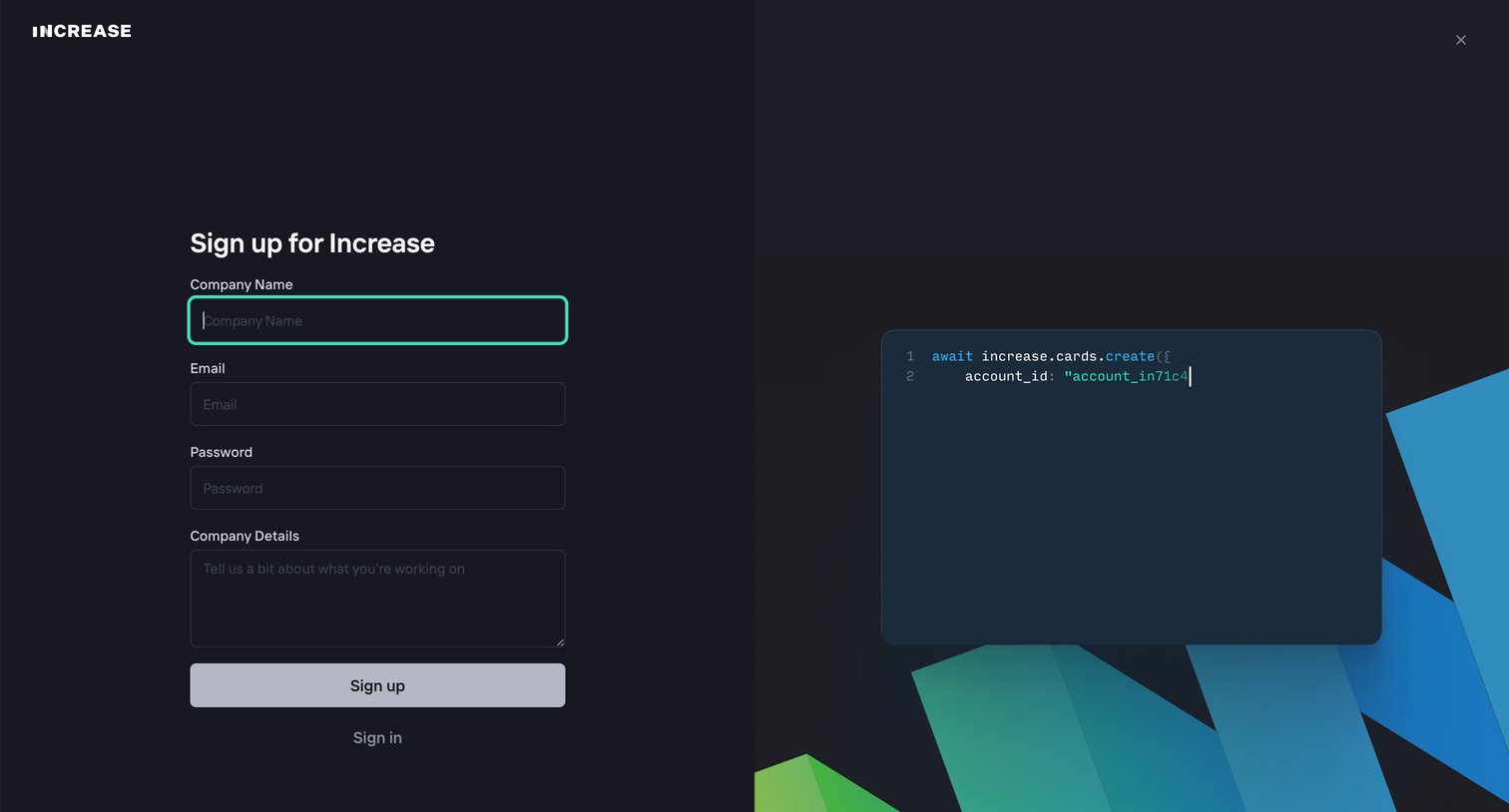
Signup page where the user enters their company name, email, password, and company details to create an account.

Increase - Login screen
Increase logo
Increase

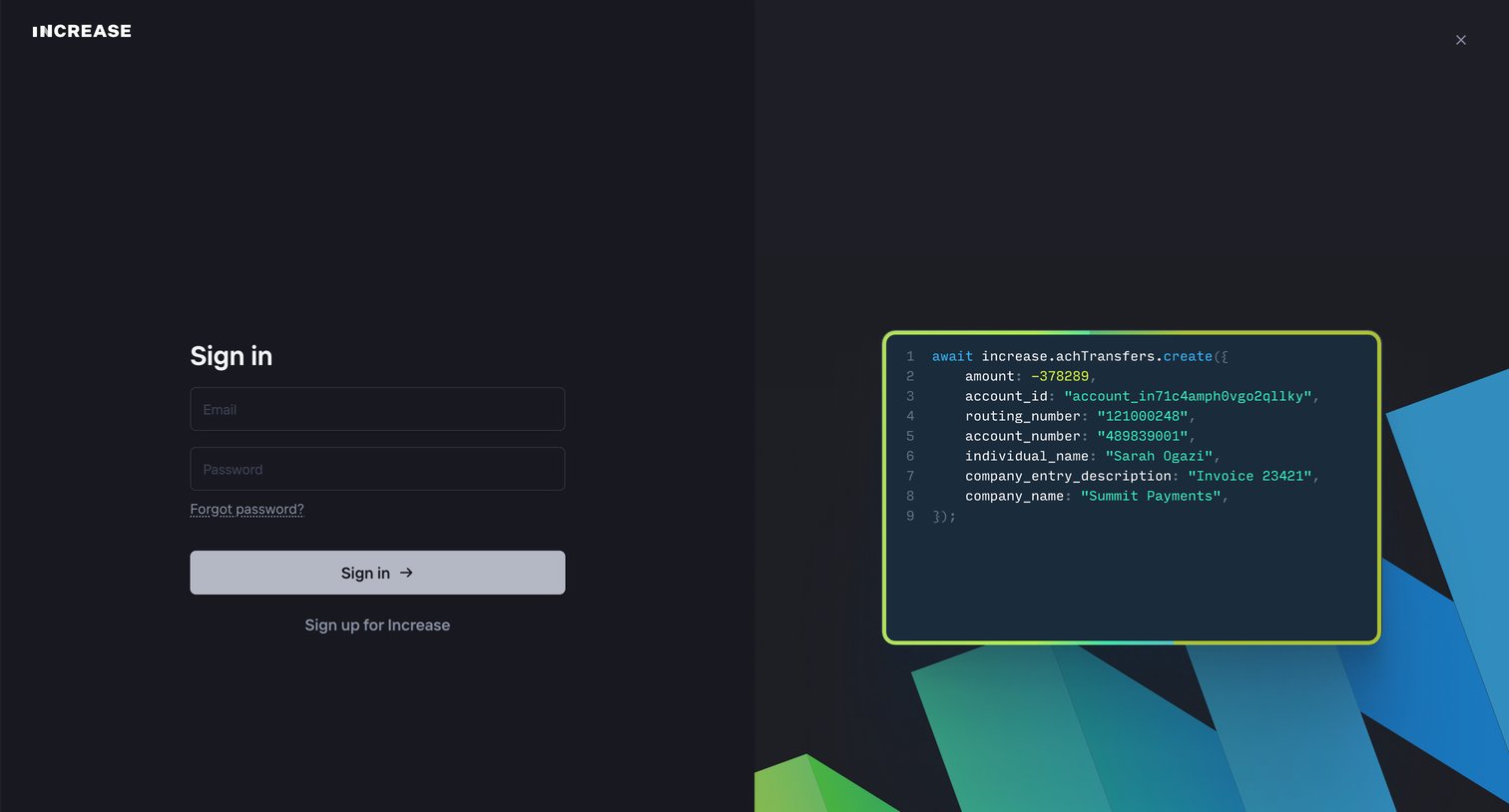
Sign-in screen where the user authenticates with their email and password, featuring a stylized API code snippet on the right.

Increase screen
Increase logo
Increase

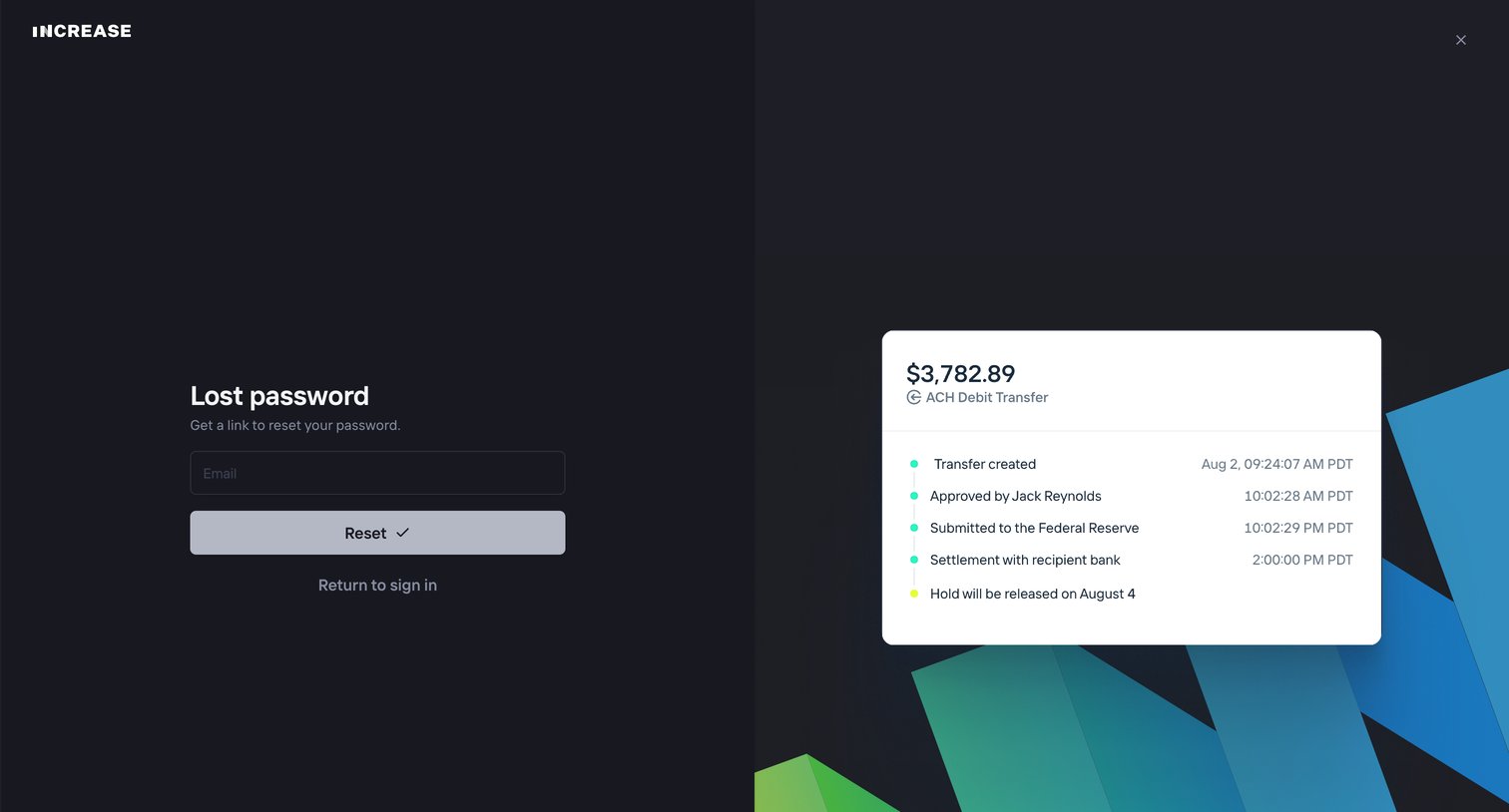
Password recovery screen where the user enters their email to receive a reset link, featuring a split layout with a product preview card showing a transfer timeline.
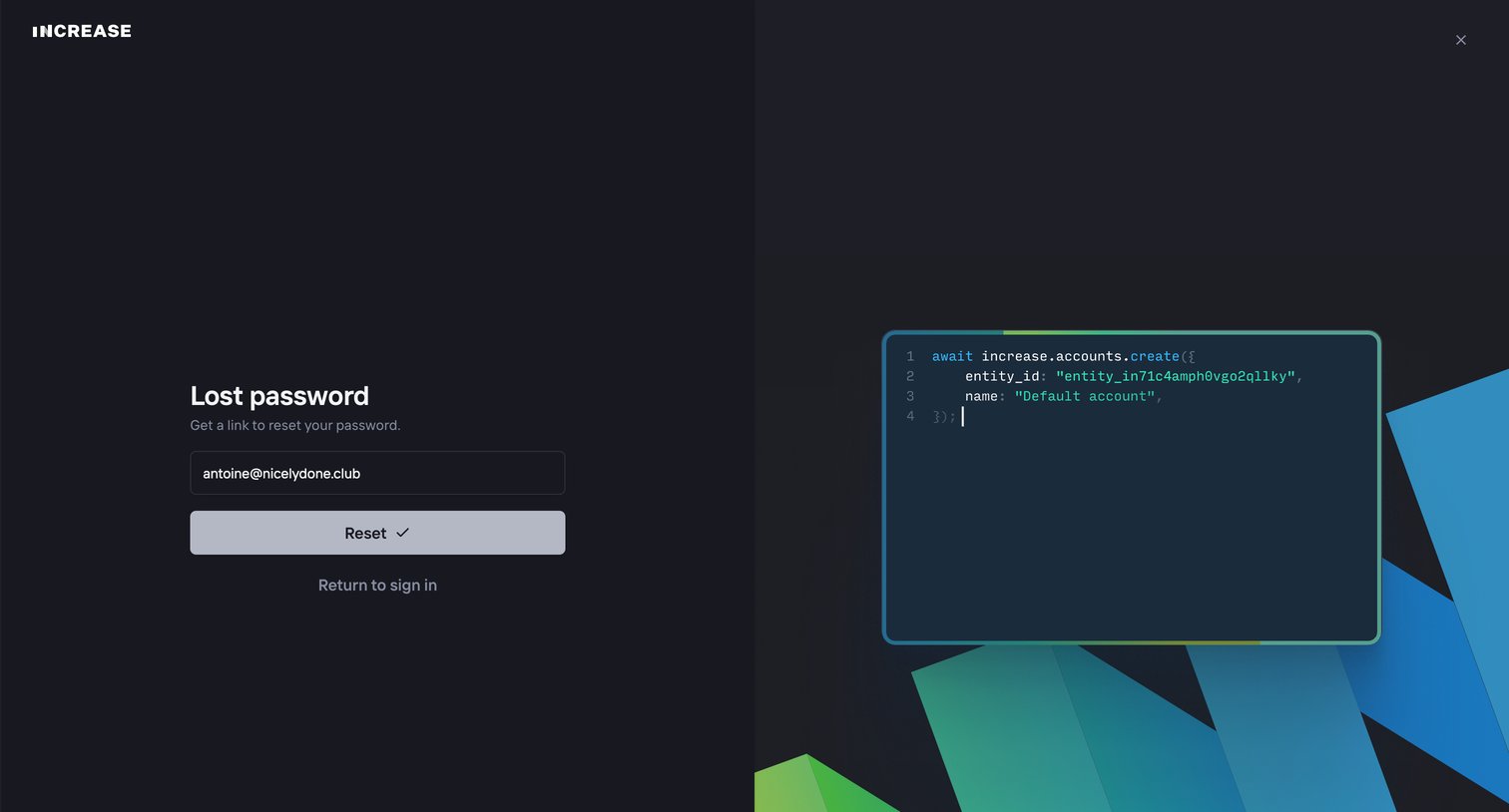
Increase screen
Increase logo
Increase

Password recovery screen where the user enters their email address to request a reset link.
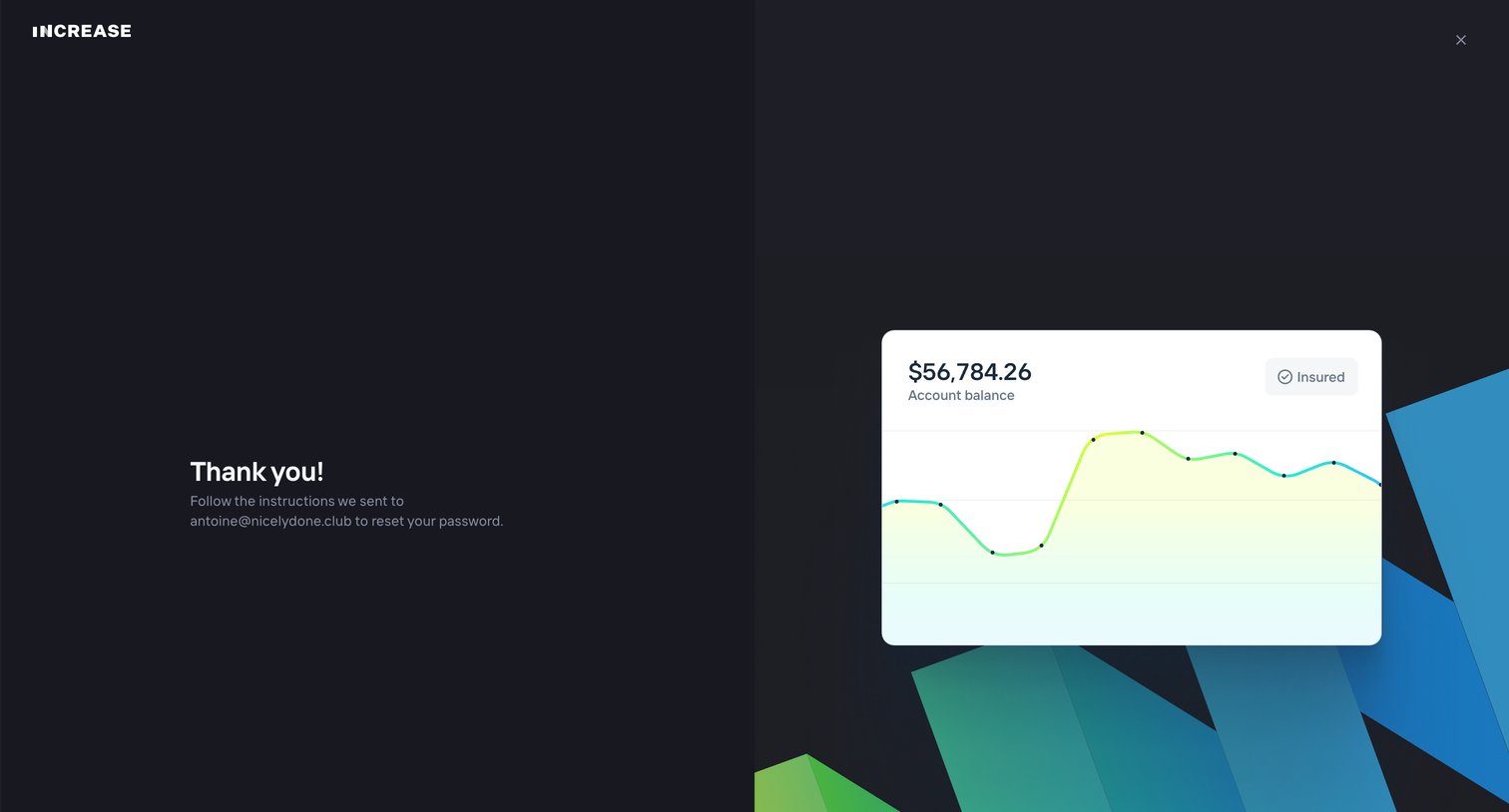
Increase screen
Increase logo
Increase

Auth screen confirming a password reset email has been sent to the user's address, featuring a decorative floating balance card.
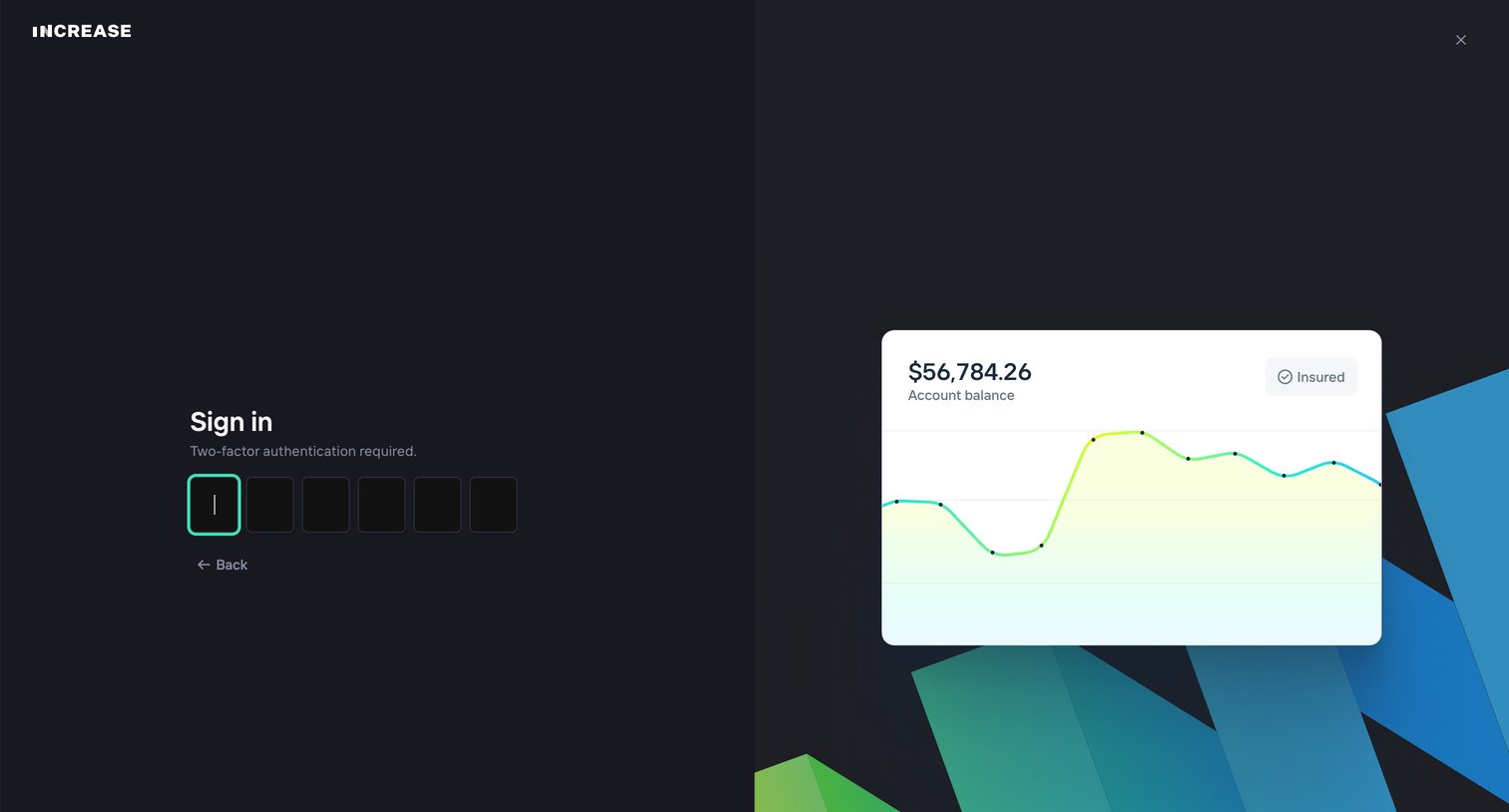
Increase - Login screen
Increase logo
Increase

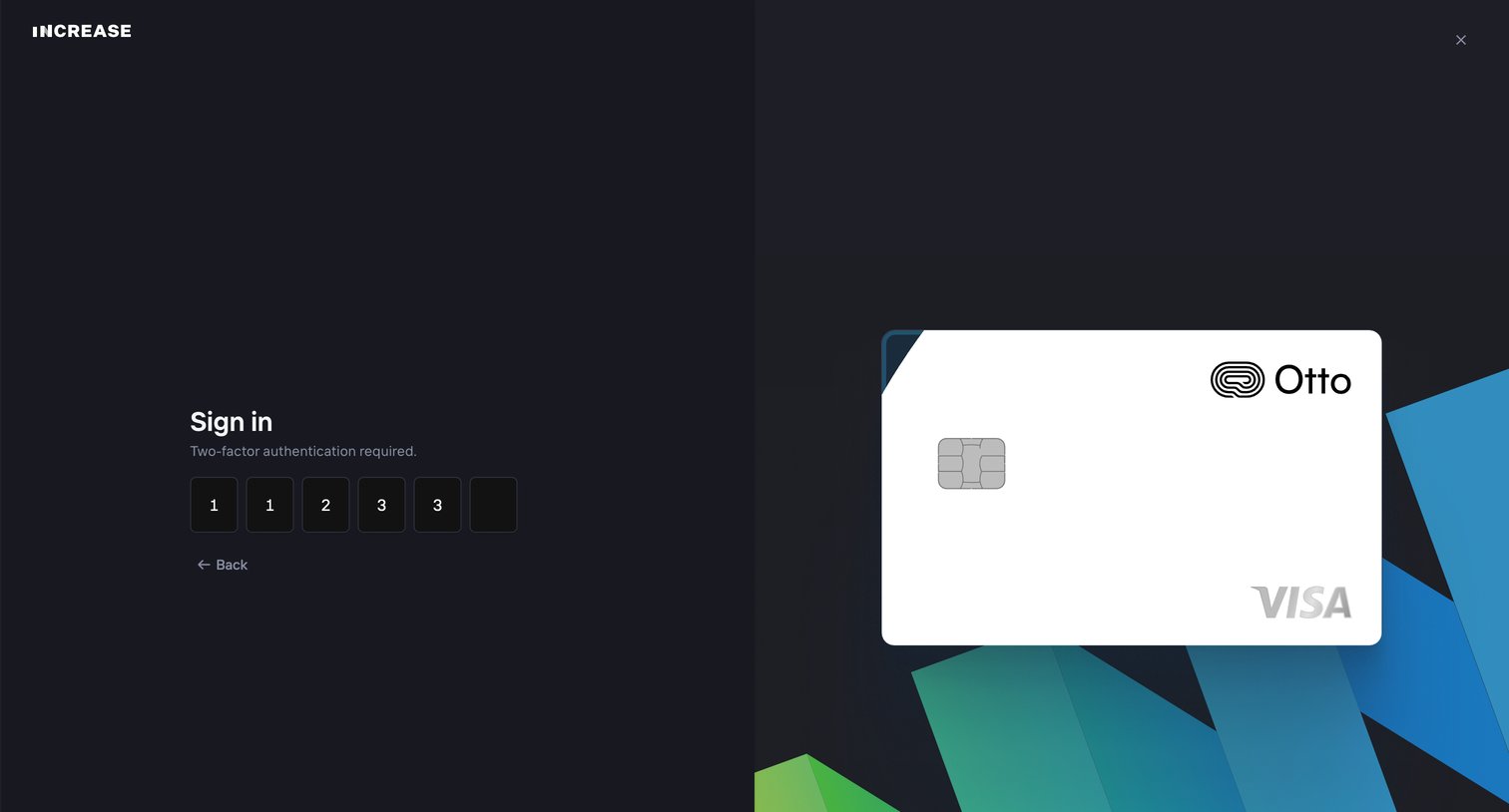
Verification screen where the user enters a six-digit two-factor authentication code to complete sign-in.
Increase - Login screen
Increase logo
Increase

Authentication screen where the user enters a six-digit two-factor authentication code to complete sign-in.
Increase - Login screen
Increase logo
Increase

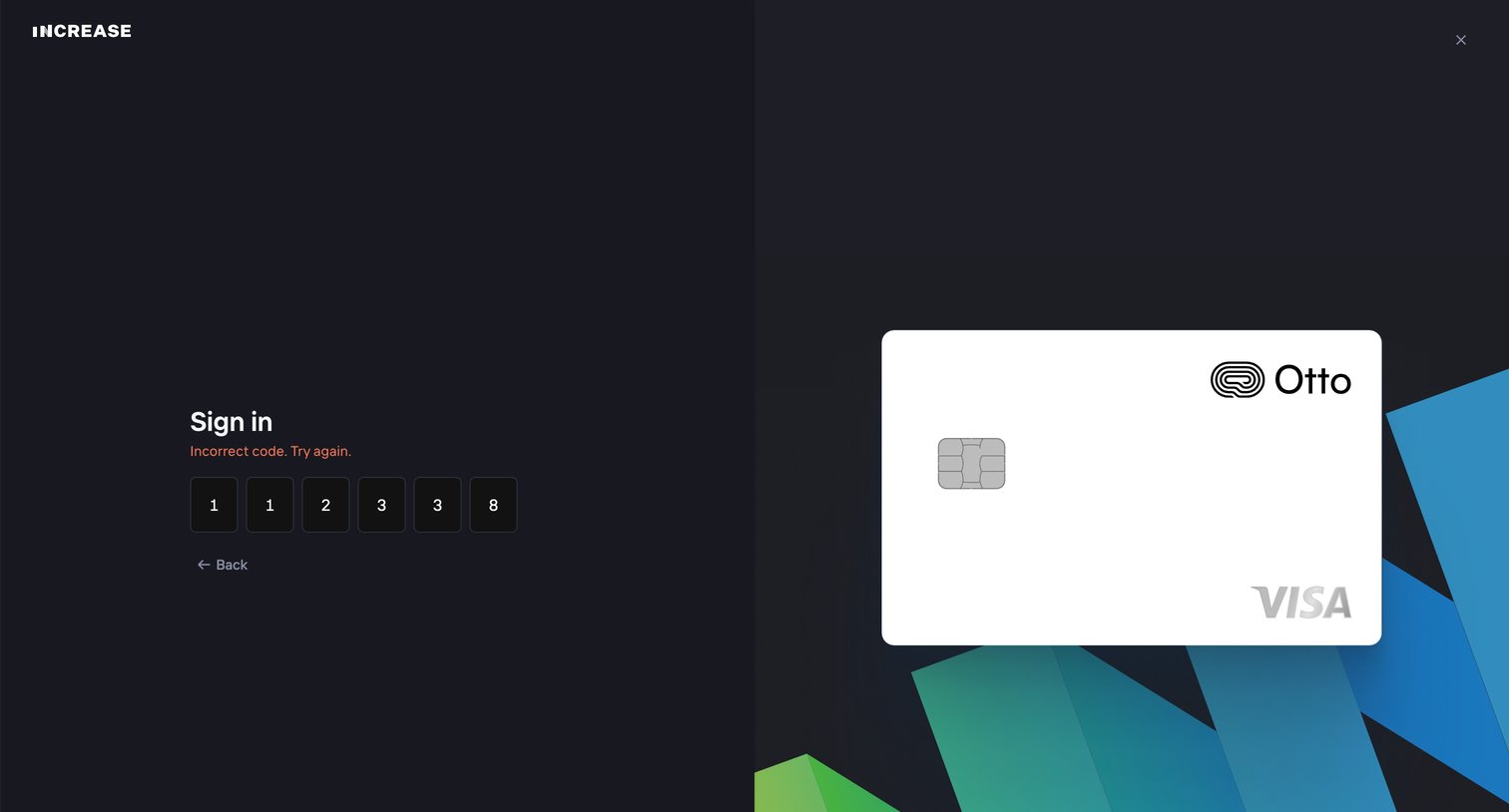
Sign-in screen where the user is prompted to re-enter a 6-digit verification code after an incorrect attempt.
Increase screen
Increase logo
Increase

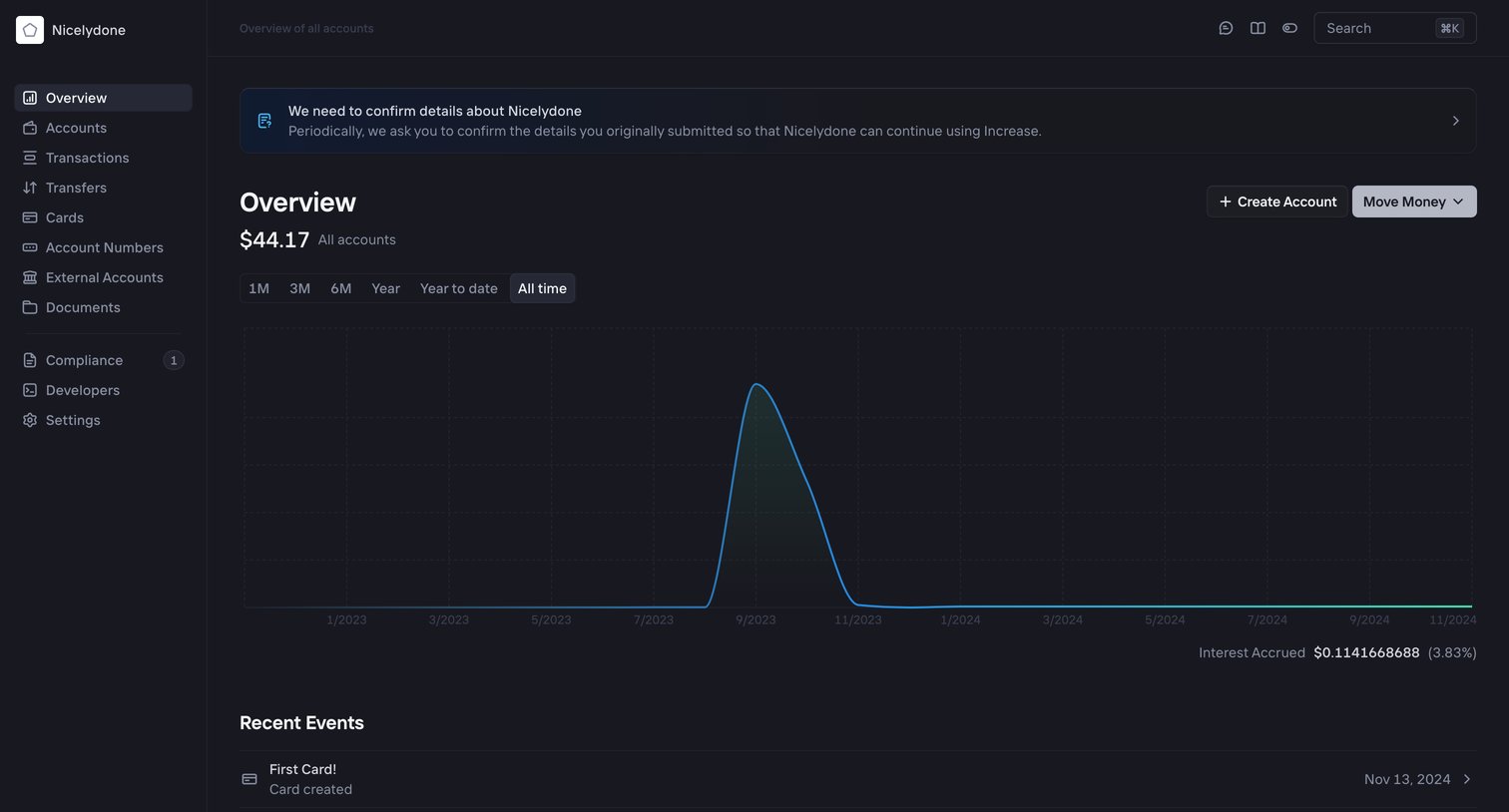
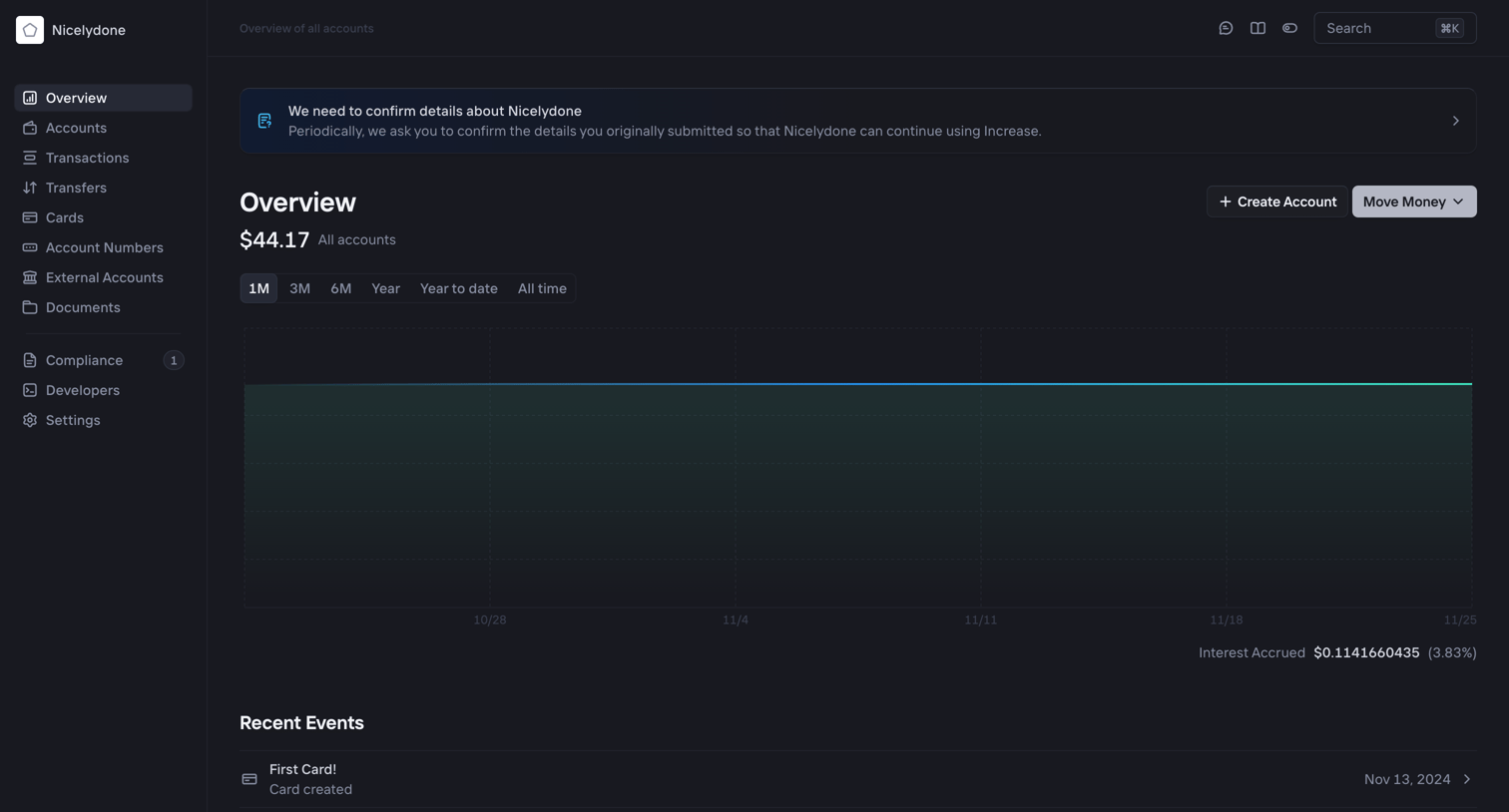
Dashboard showing total account balance over time, recent events, and a prompt to confirm business details for the workspace.

Increase screen
Increase logo
Increase

Dashboard showing an account balance chart over time and a feed of recent account events.

Increase screen
Increase logo
Increase

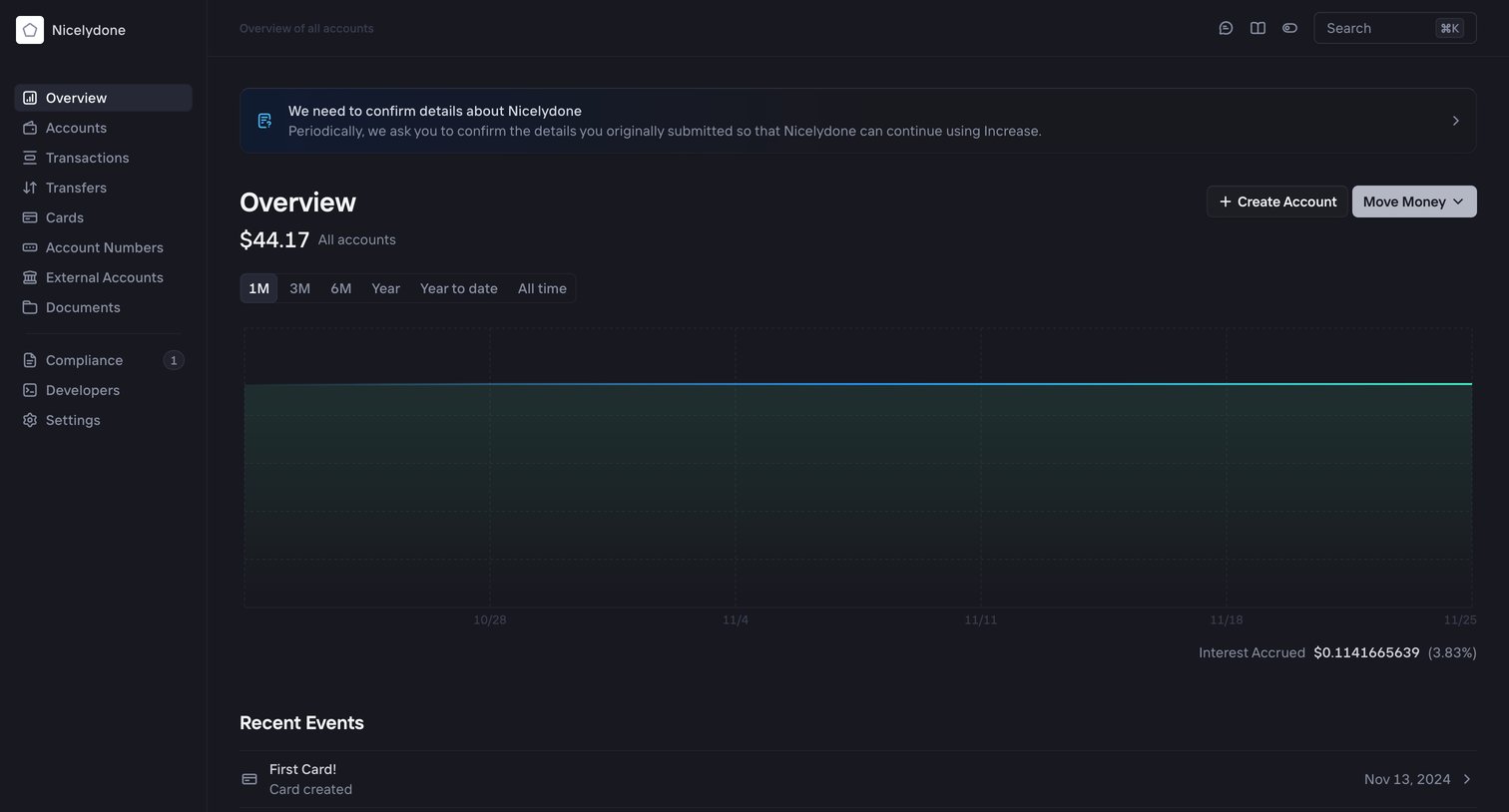
Dashboard showing an aggregate balance chart across all accounts with a prompt to confirm business details and a feed of recent events.

Browse the full SaaS app library

Explore real SaaS apps with their product screens, marketing screens, flows, and components.

Trusted by the best teams