Skip to content

Increase UI components examples

Browse Increase UI component design examples. Preview individual interface elements and explore related component categories. Bare-metal banking APIs

Explore the examples
Increase — Checkbox & radio component
Increase logo
Increase

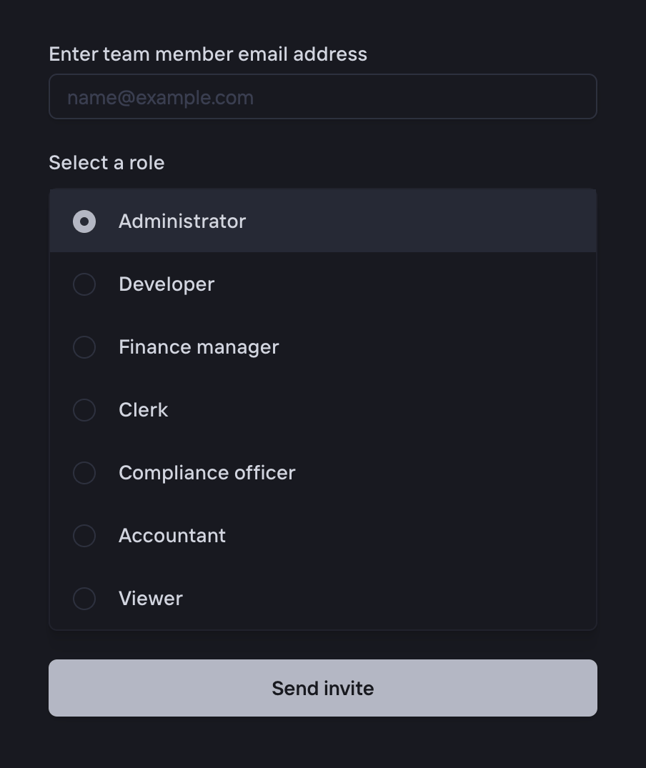
A form to invite a new team member. It includes an email input field, a radio group to select a role, and a submit button.
Increase — Tabs component
Increase logo
Increase

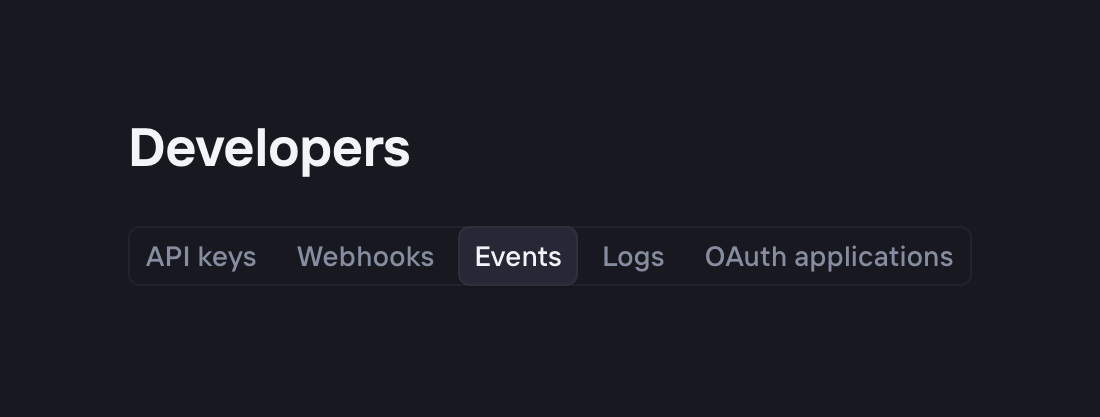
A horizontal segmented control acting as tabs for a developer settings page. The 'Events' tab is currently selected.

Increase — Table component
Increase logo
Increase

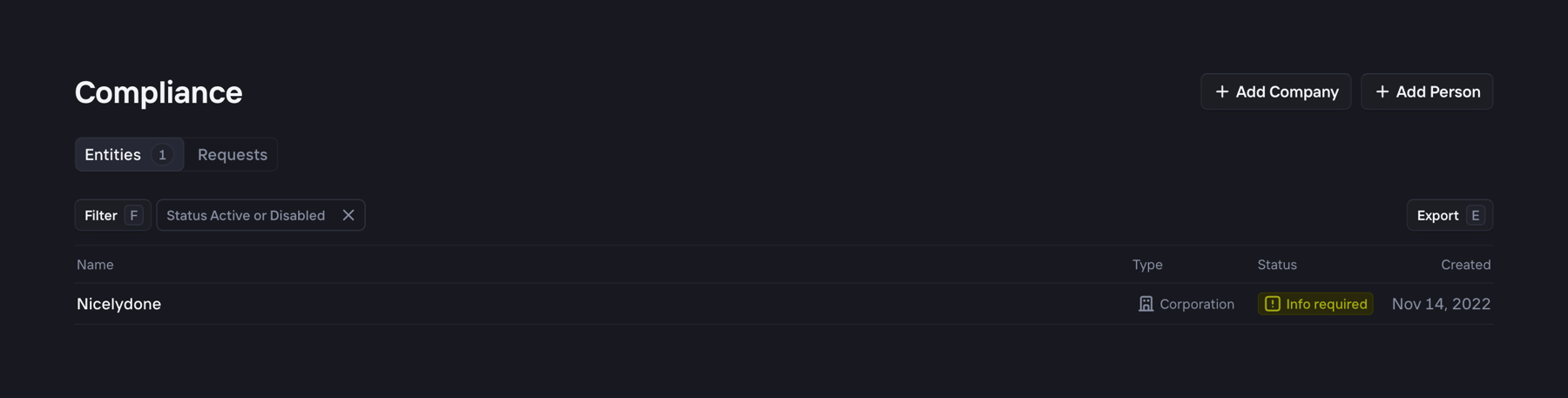
A dark-themed list view showing compliance entities. It includes a header with 'Add Company' and 'Add Person' buttons, tabs for 'Entities' and 'Requests', a filter bar with an active status filter, and a table displaying entity details like Name, Type, Status, and Created date.

Increase — Table component
Increase logo
Increase

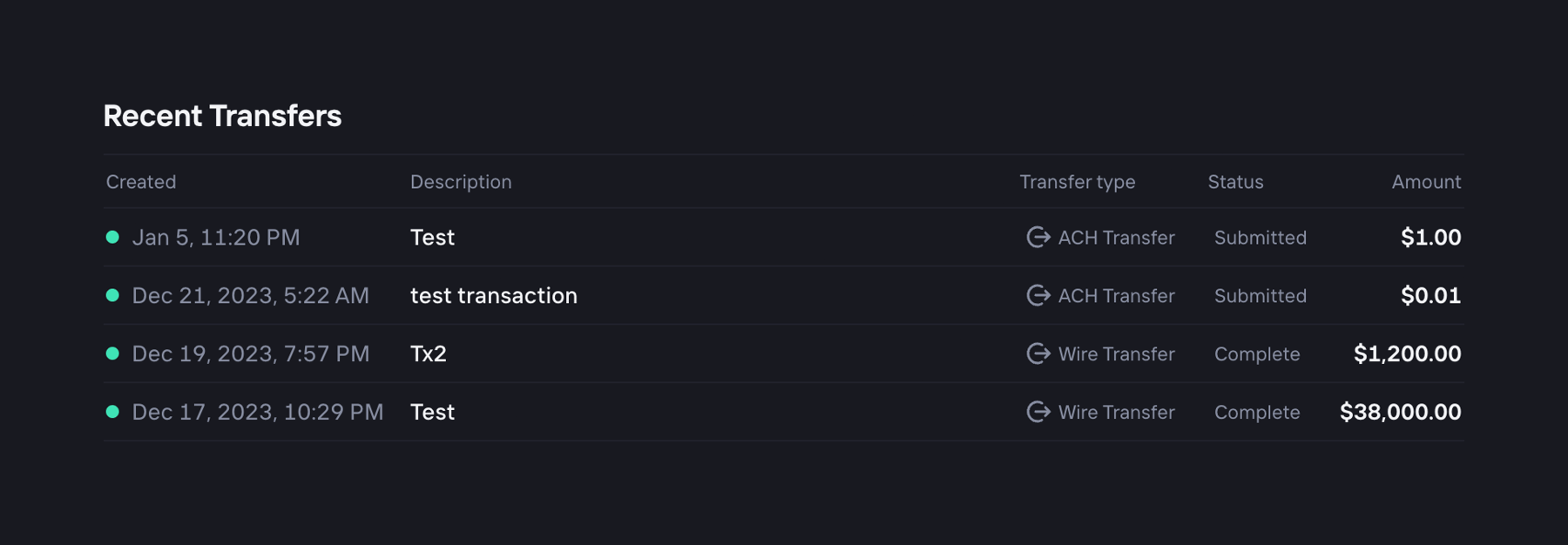
A dark-themed data table displaying a list of recent financial transfers. It includes columns for creation date, description, transfer type with an icon, status, and amount.

Increase — Toggle/Switch component
Increase logo
Increase

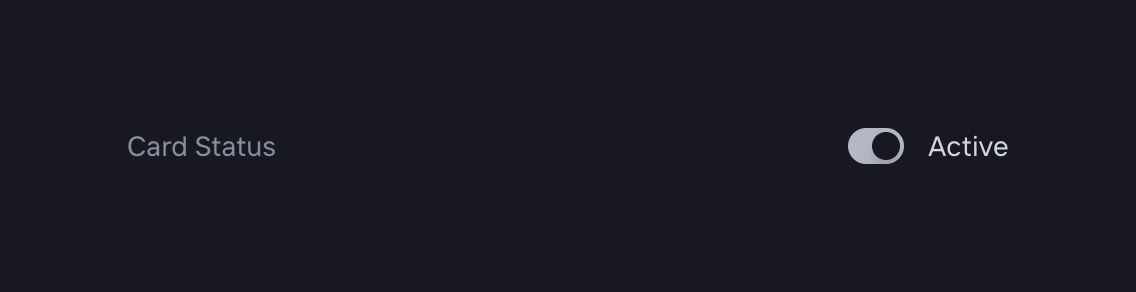
A horizontal row containing a label on the left and a toggle switch with its current state text on the right.
Increase — Timeline & history component
Increase logo
Increase

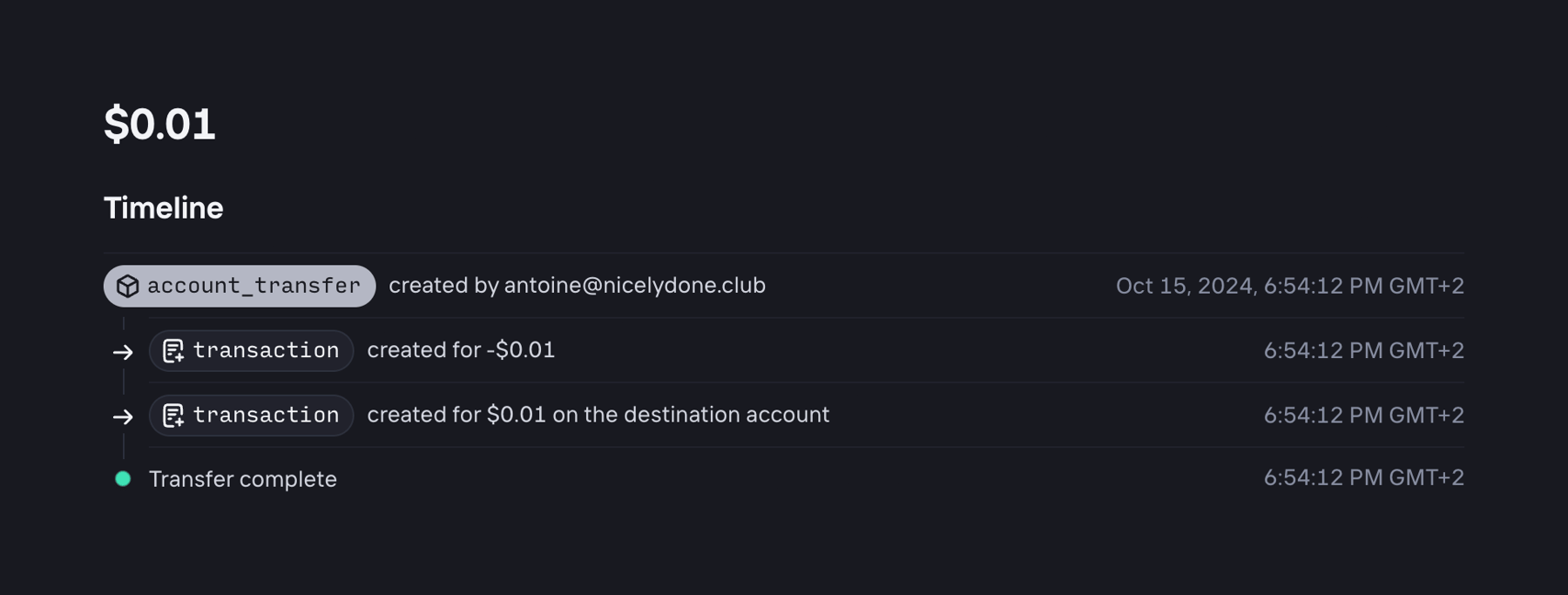
A vertical timeline showing the history of a specific account transfer, including creation, transaction details, and completion status.
Increase — Sorting & filtering component
Increase logo
Increase

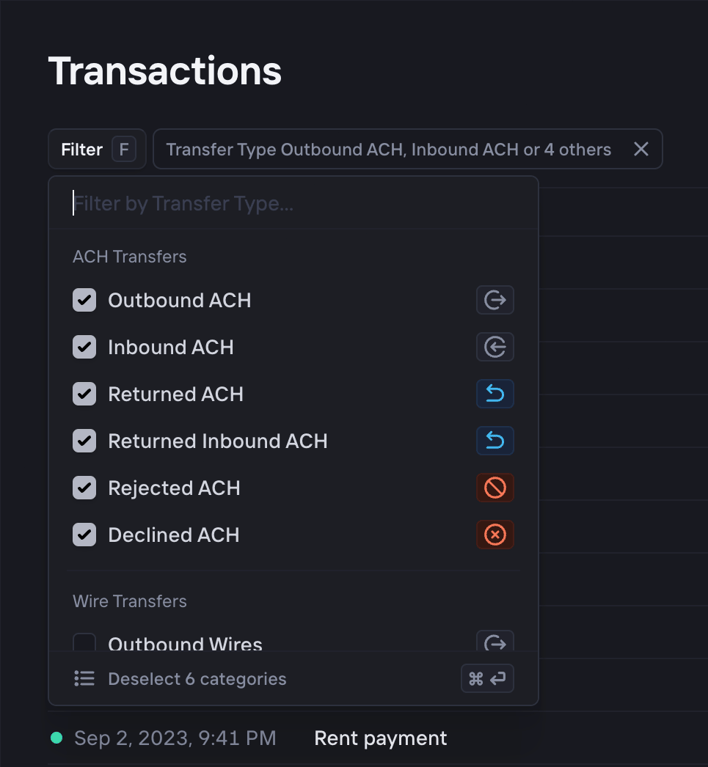
A dark-themed popover menu for filtering transactions by transfer type. It includes a search input, grouped checkbox lists for ACH and Wire transfers, and a footer action to deselect all.
Increase — Sorting & filtering component
Increase logo
Increase

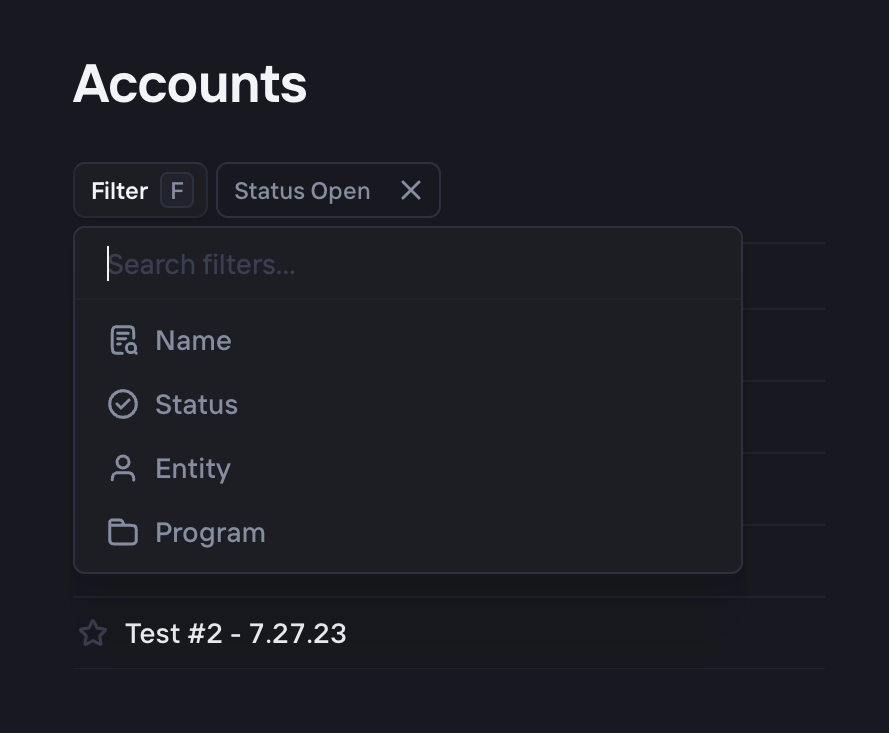
A filter dropdown menu with a search input and a list of filter categories. An active filter chip is visible next to the filter button.
Increase — Sorting & filtering component
Increase logo
Increase

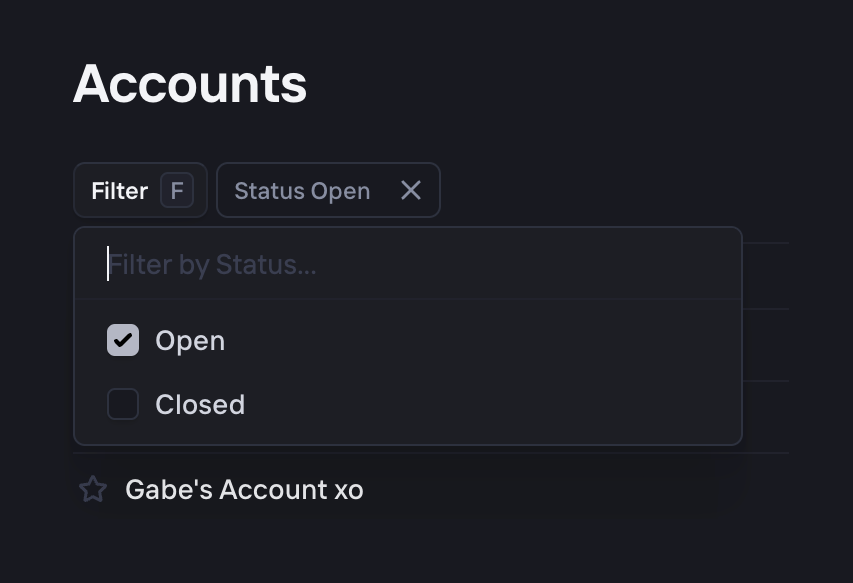
A filter dropdown menu with a search input and checkbox options for filtering accounts by status.
Increase — Table component
Increase logo
Increase

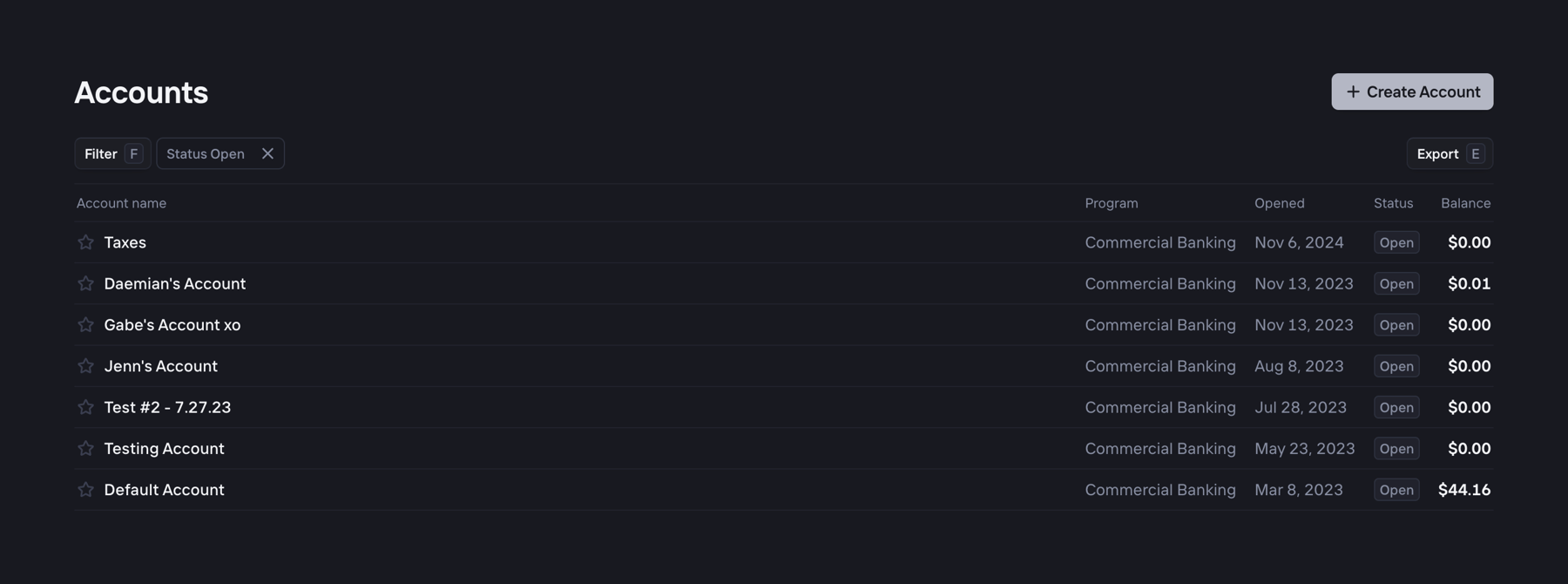
A data table displaying a list of bank accounts with columns for account name, program, opened date, status, and balance. It includes a header with a 'Create Account' button, filter chips, and an export button.

Increase — Dropdown menu component
Increase logo
Increase

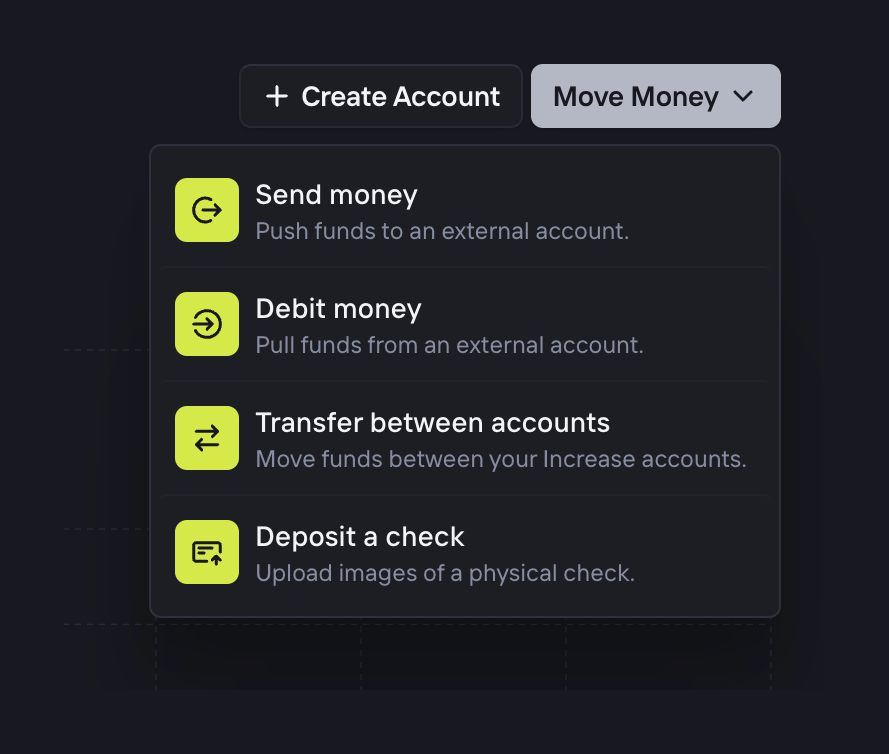
A dropdown menu triggered by a 'Move Money' button, displaying a list of financial actions like sending, debiting, transferring, and depositing money. Each option includes an icon, a title, and a brief description.
Increase — Charts component
Increase logo
Increase

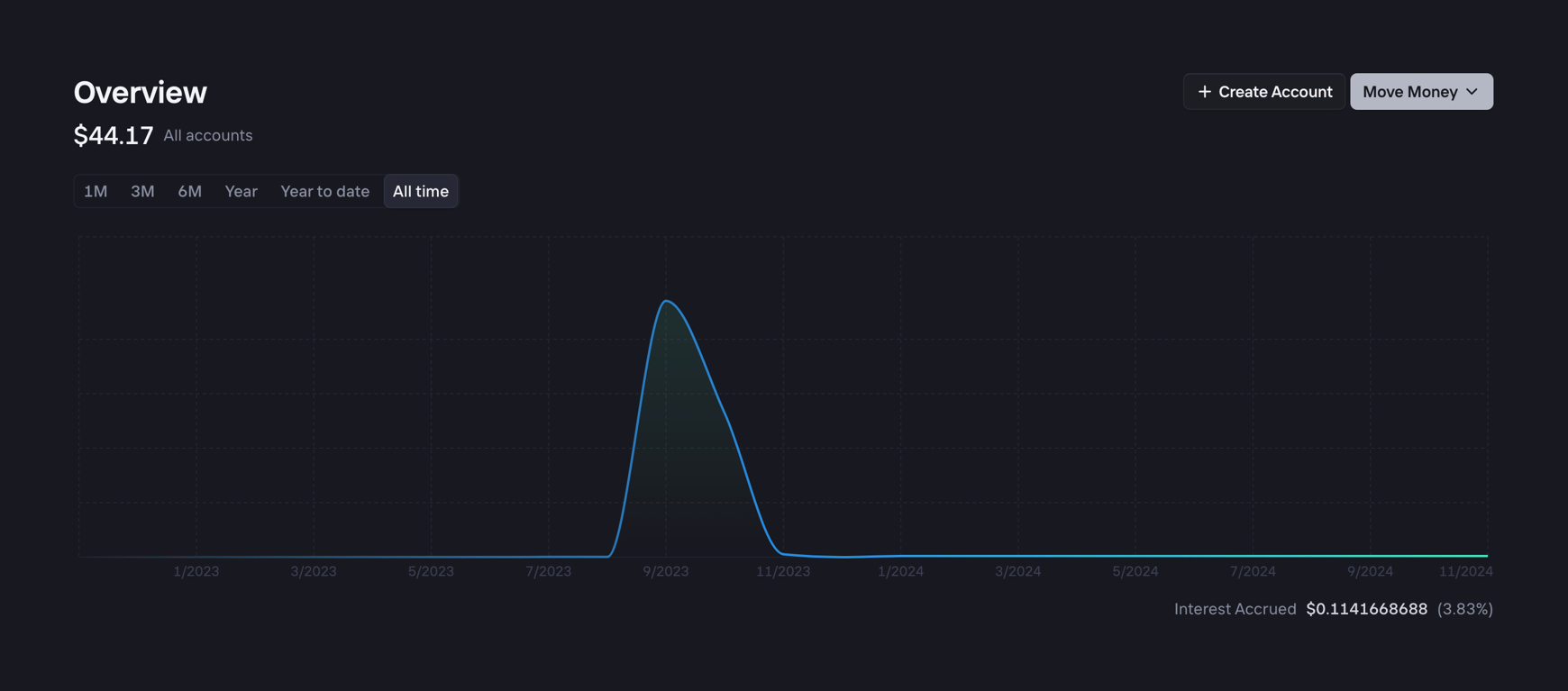
A dark-themed area chart displaying an aggregate account balance over time. It includes a header with the total balance, time range filters, and primary actions for creating an account or moving money.

Browse the full component library

Browse the full UI component library.

Trusted by the best teams