Expandable sections screen examples
Expandable sections screen design examples from SaaS apps. Browse examples from Mighty, Jasper, Secfi.
Explore the examples
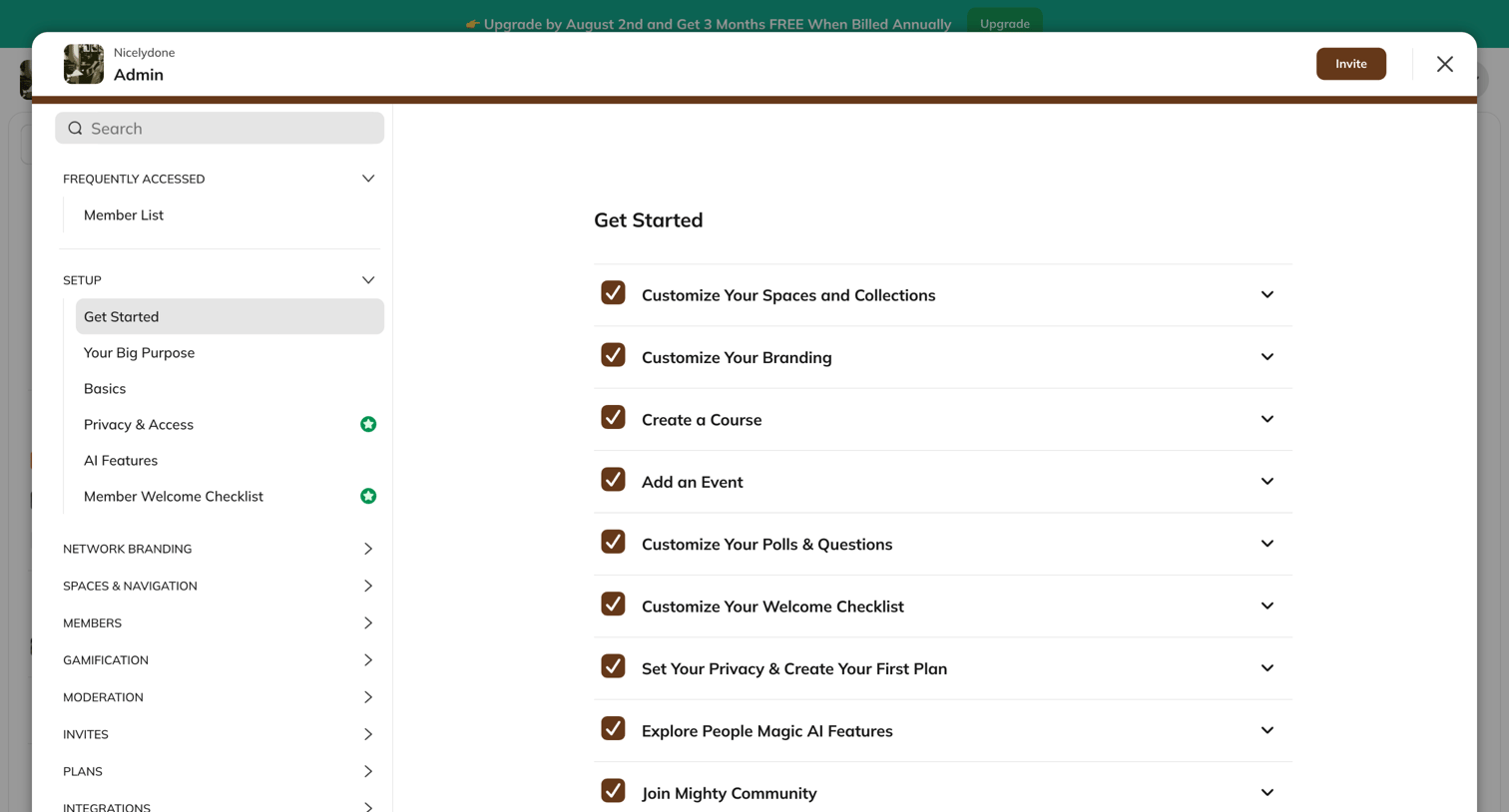

Settings modal where the admin completes a getting started checklist covering branding, courses, events, and privacy.
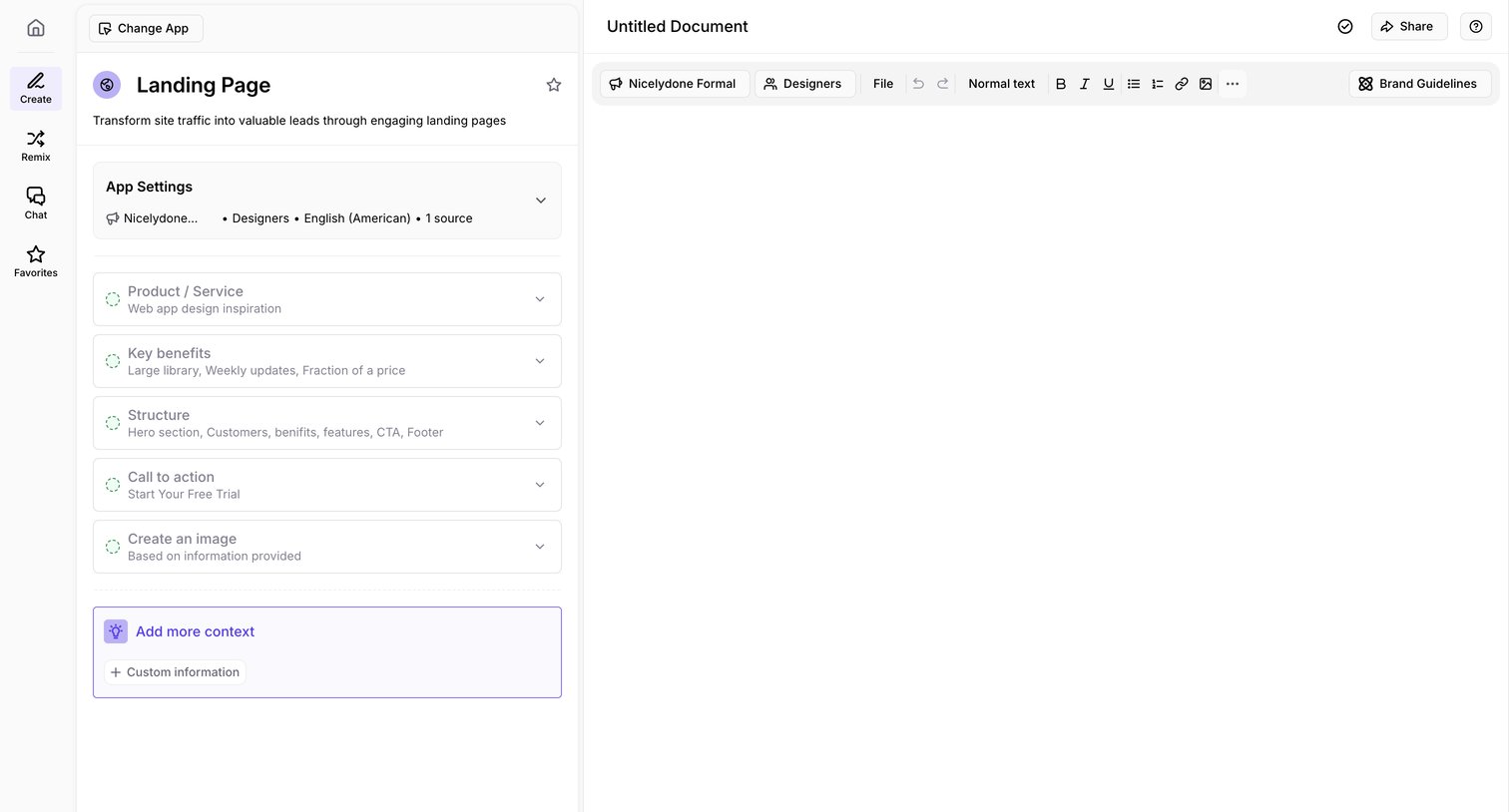

Content editor where the user configures parameters like product service, key benefits, and structure in a left sidebar to generate a landing page document.
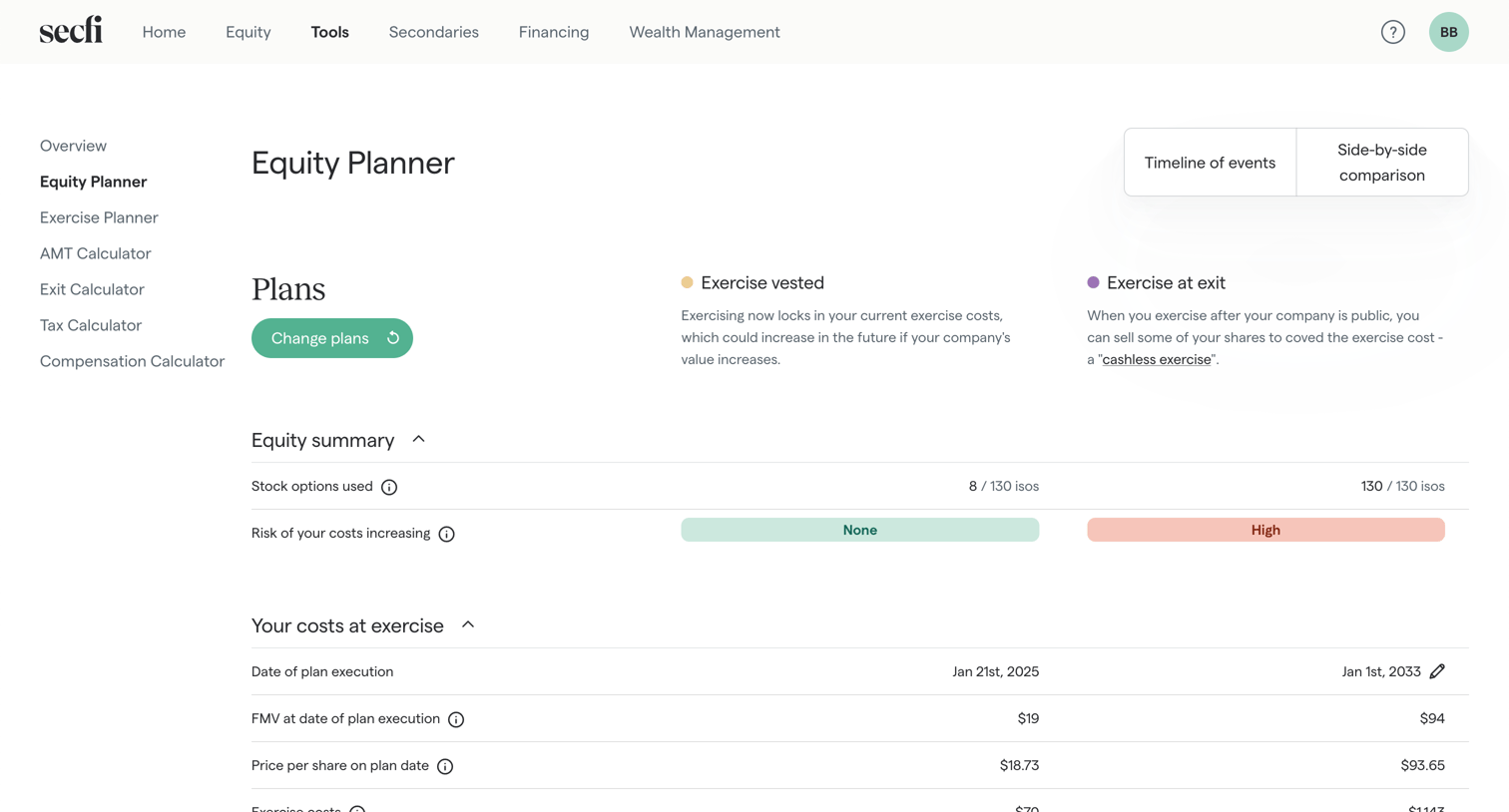

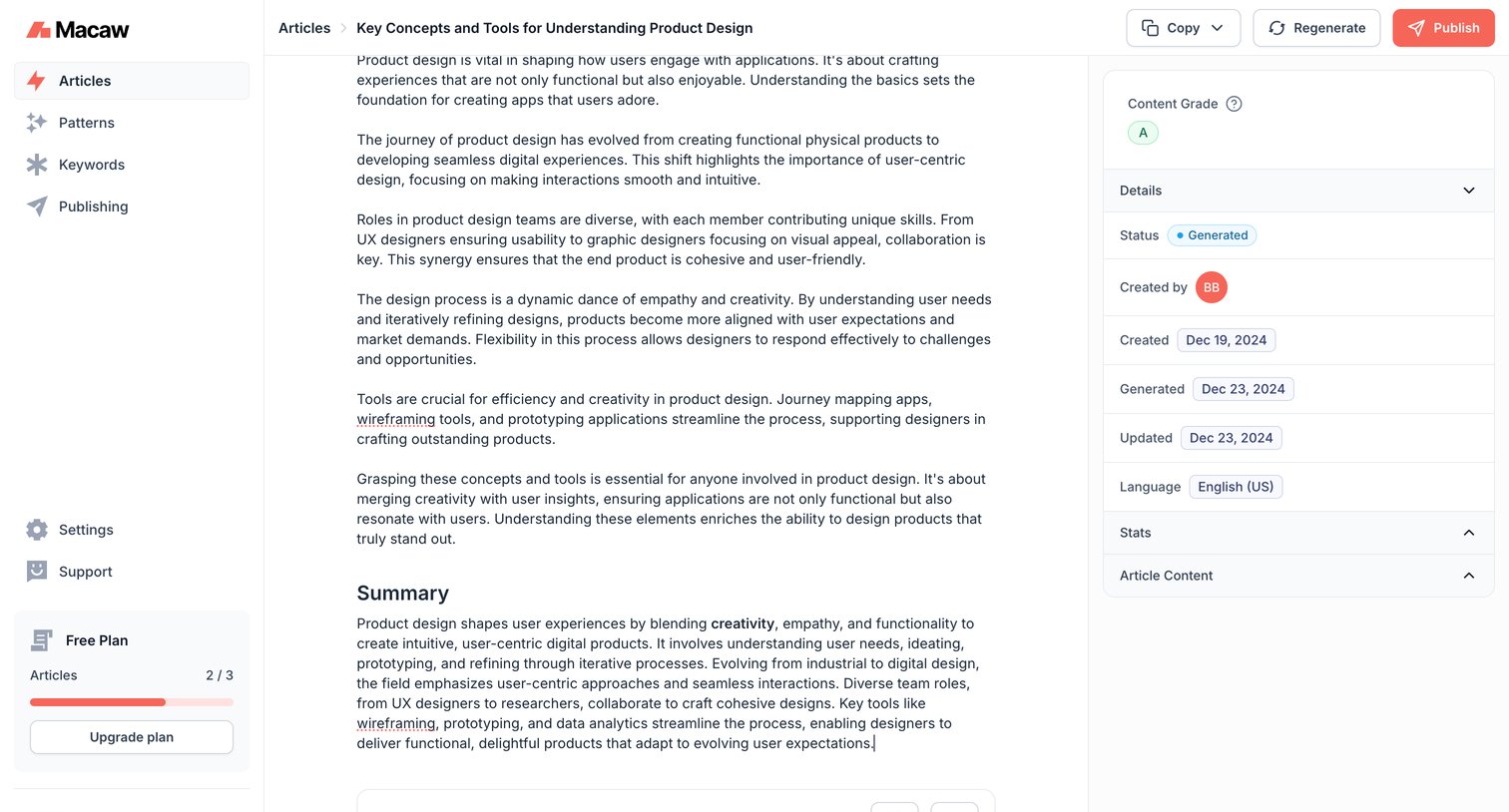

Content editor where the user reviews an AI-generated article, checks its quality grade and metadata, and can regenerate or publish the draft.

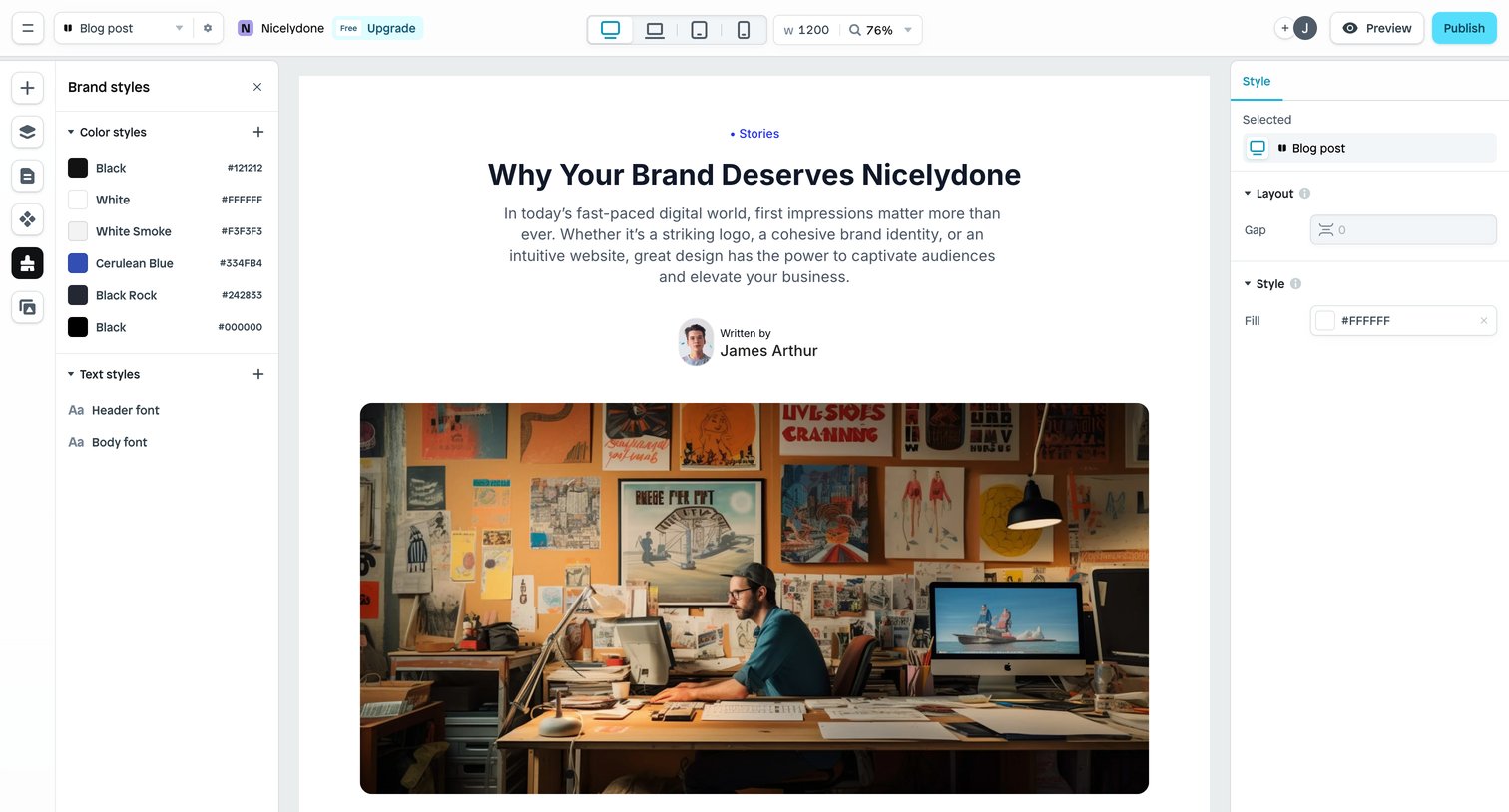

Design editor where the user is building a blog post page, configuring brand color and text styles on the left while inspecting layout and fill properties on the right.
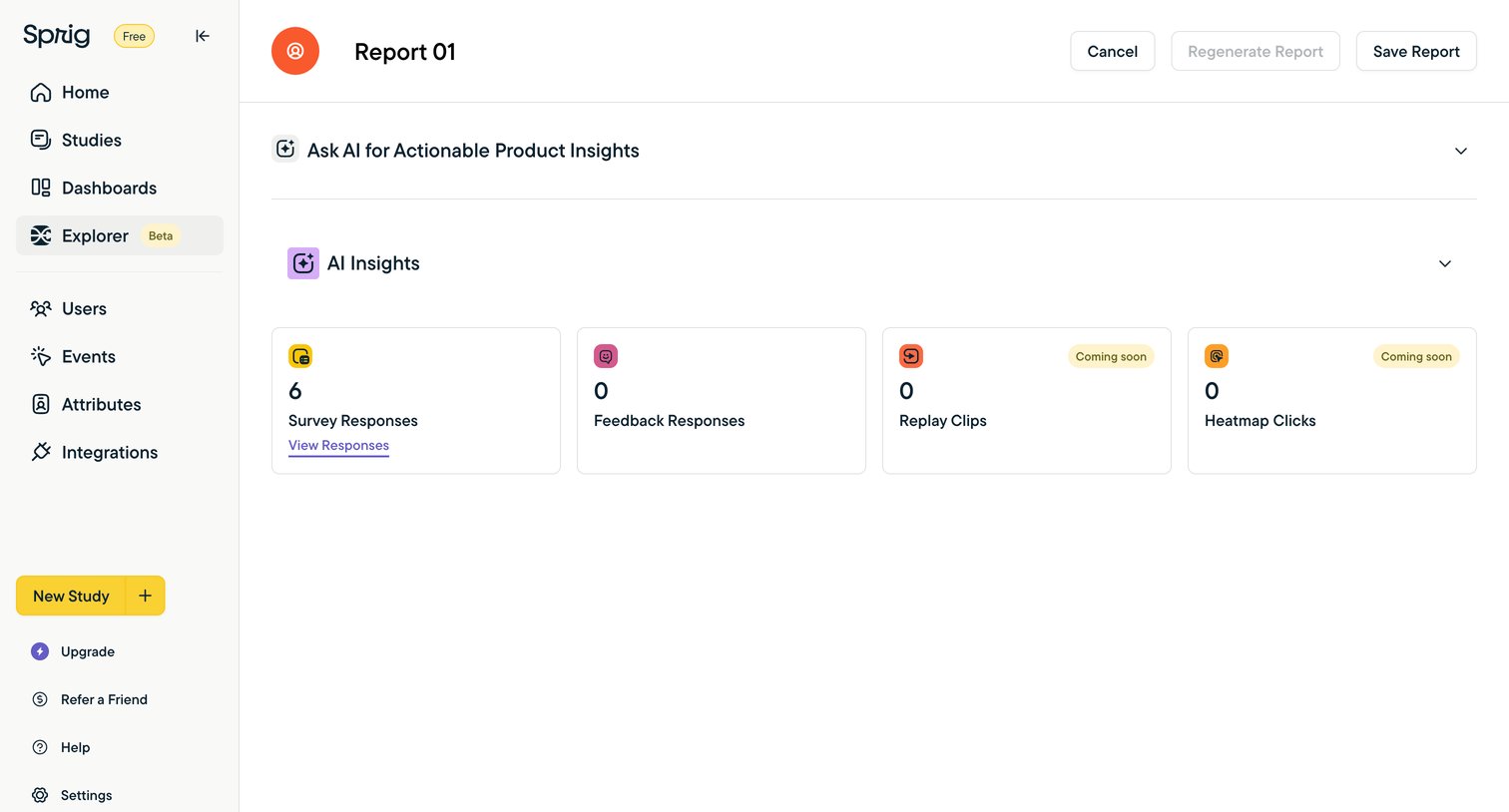

Detail page for a specific report where the user can view AI insights on survey and feedback responses across different data sources.
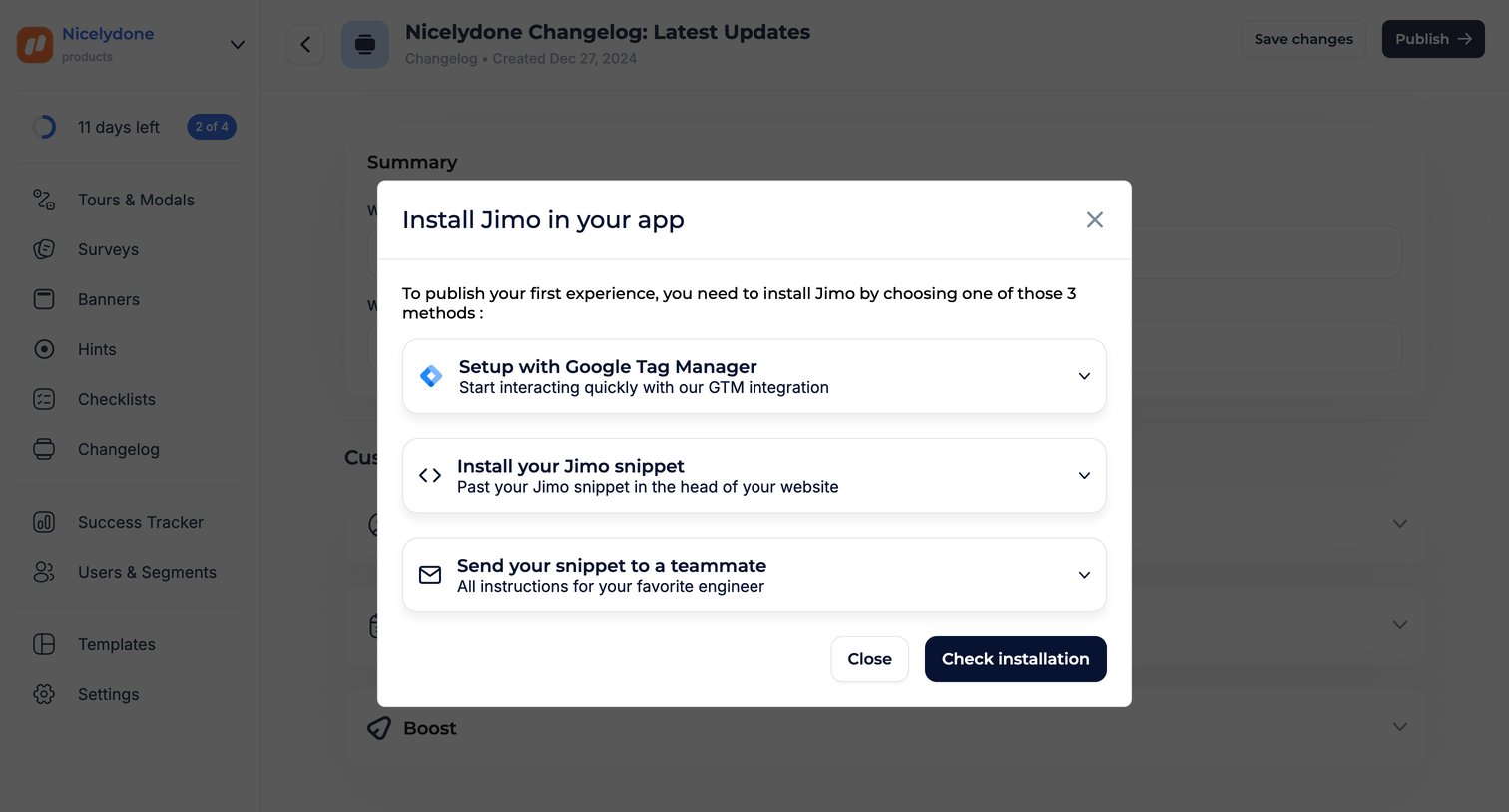

Content editor where the user is prompted to install the app snippet via Google Tag Manager, code snippet, or email before they can publish their changelog.
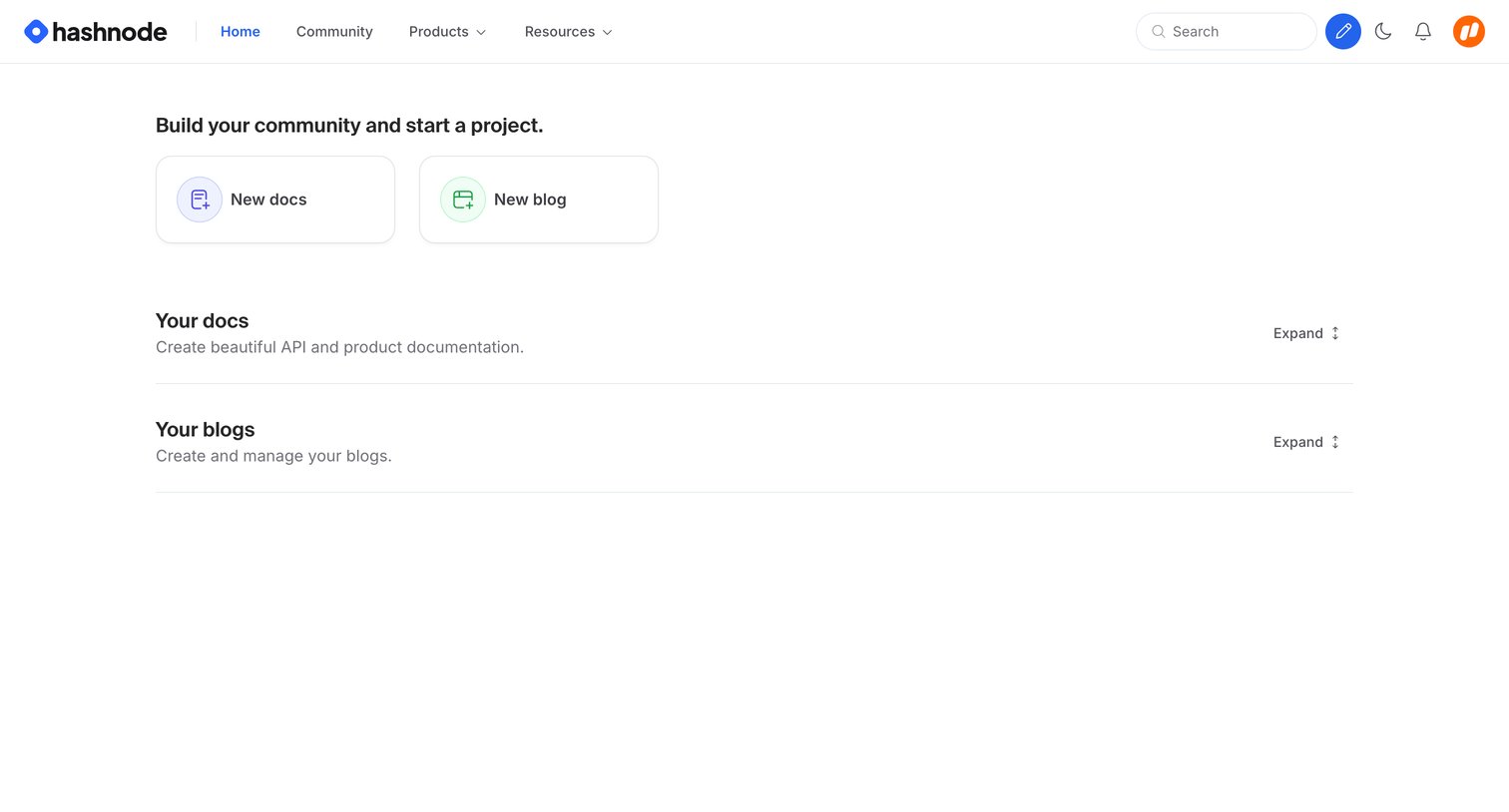

Home screen where the user can start a new project by creating docs or a blog, and view their existing ones.
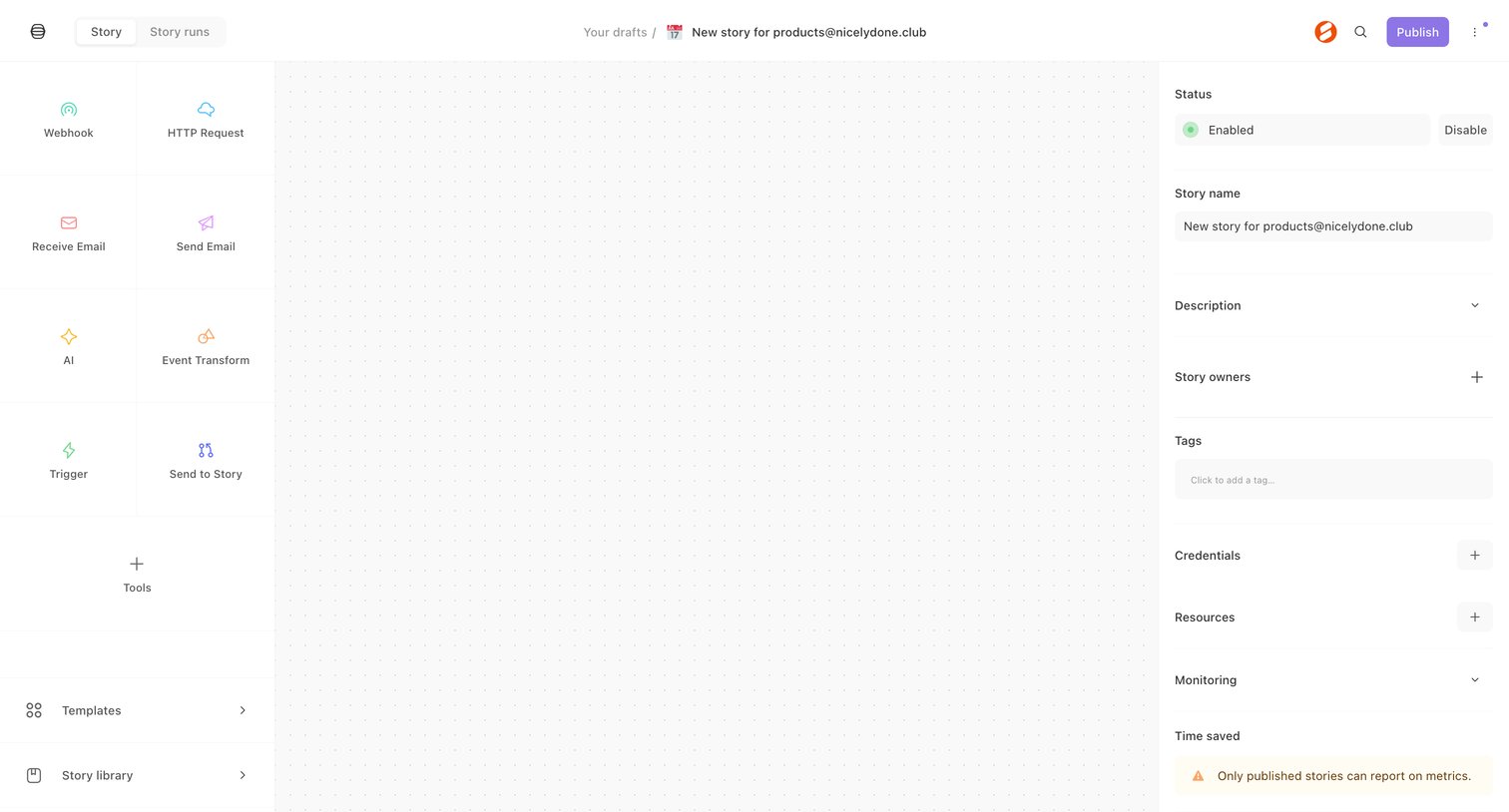

Workflow editor where the user builds an automation story starting from a blank canvas with a tool palette on the left and configuration settings on the right.
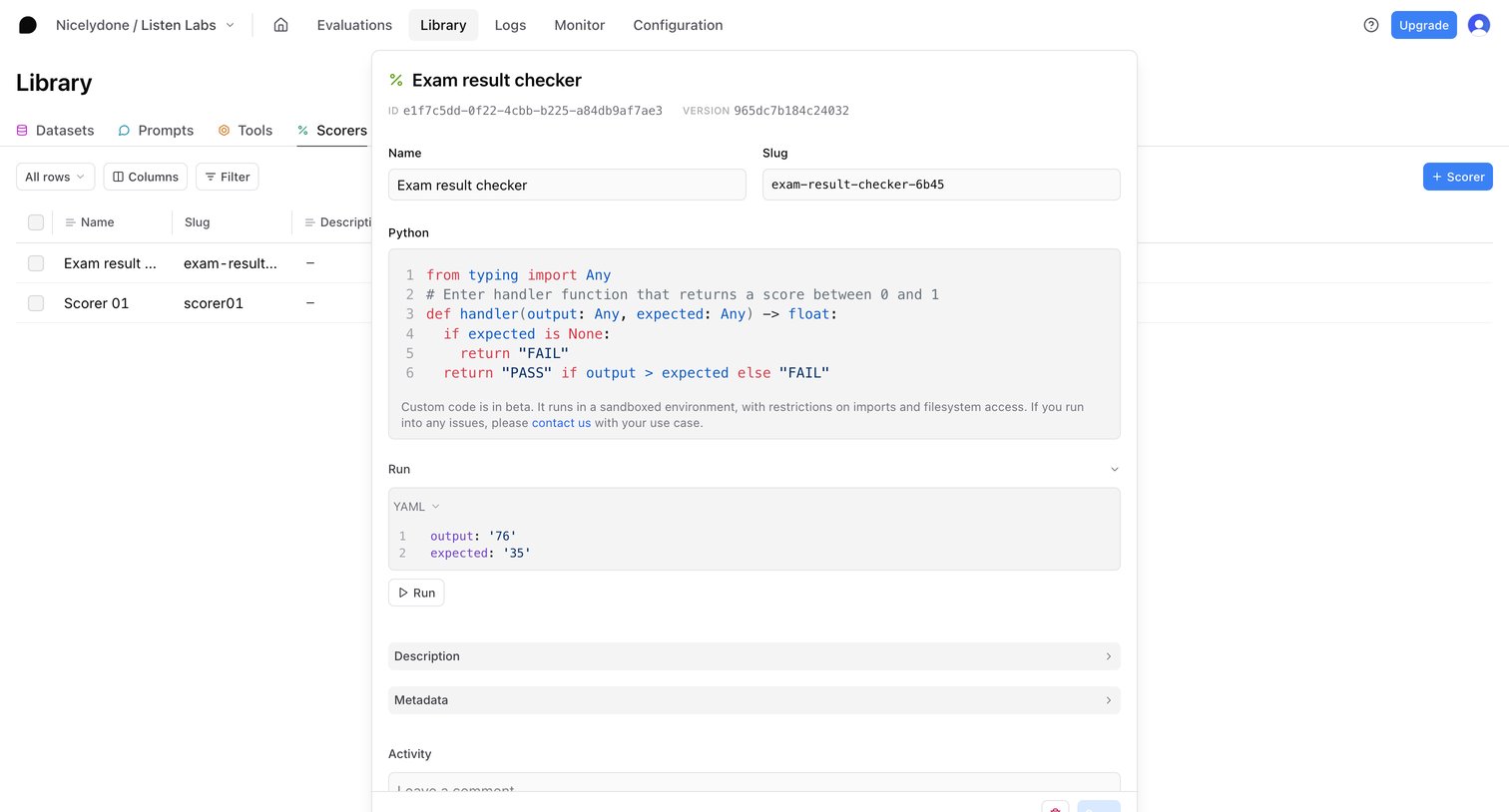

Detail modal where the user edits a custom Python scorer function, tests it against YAML inputs, and reviews its metadata.
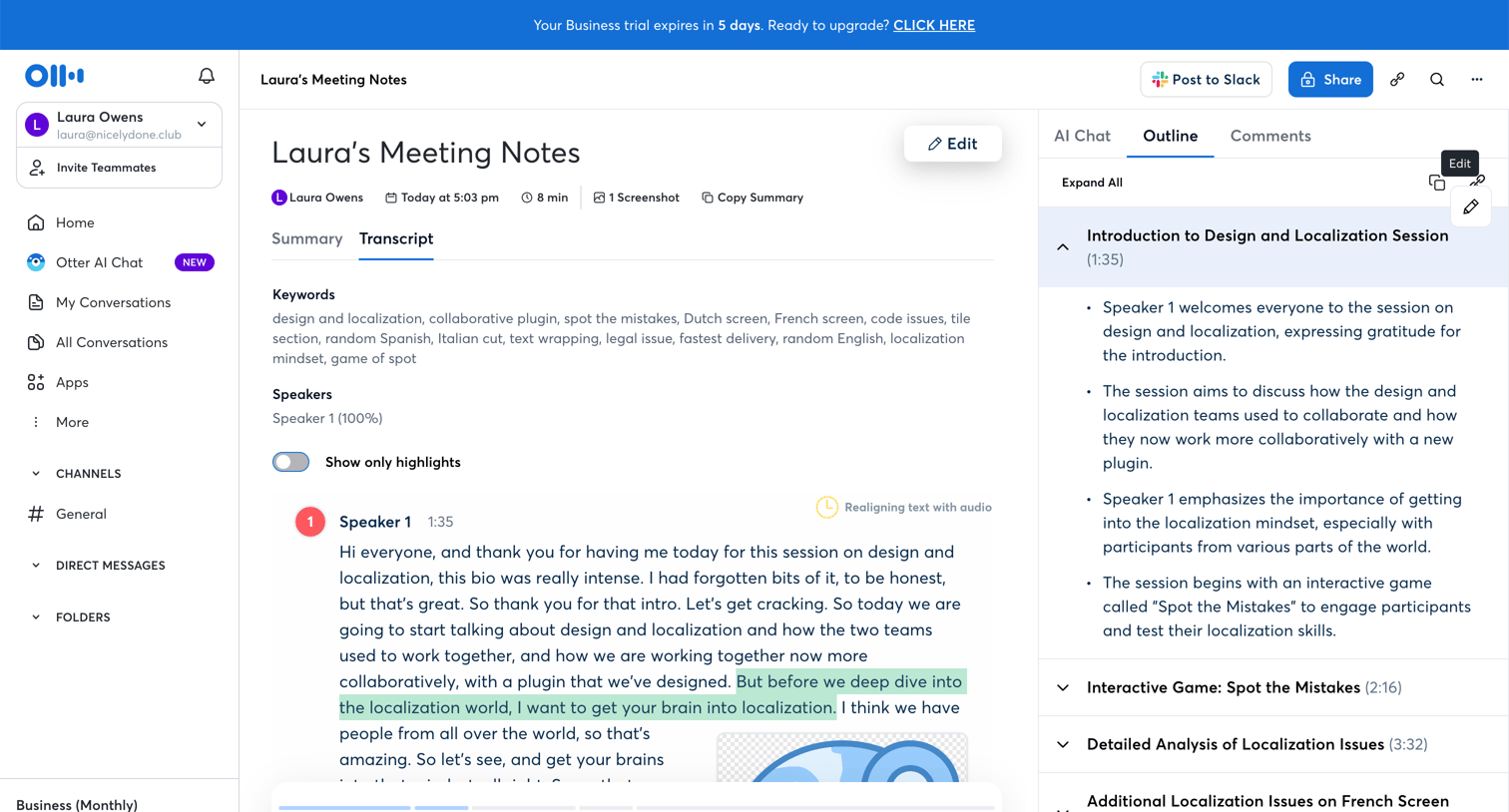

Detail page where the user reviews a meeting transcript, summary, and outline with an inline audio player.
Explore the full SaaS screen library
Upgrade to unlock the full library.
Trusted by the best teams







