Tips screen examples
Tips screen design examples from SaaS apps. Browse examples from Fourthwall, Chronicle, Mangomint.
Explore the examples
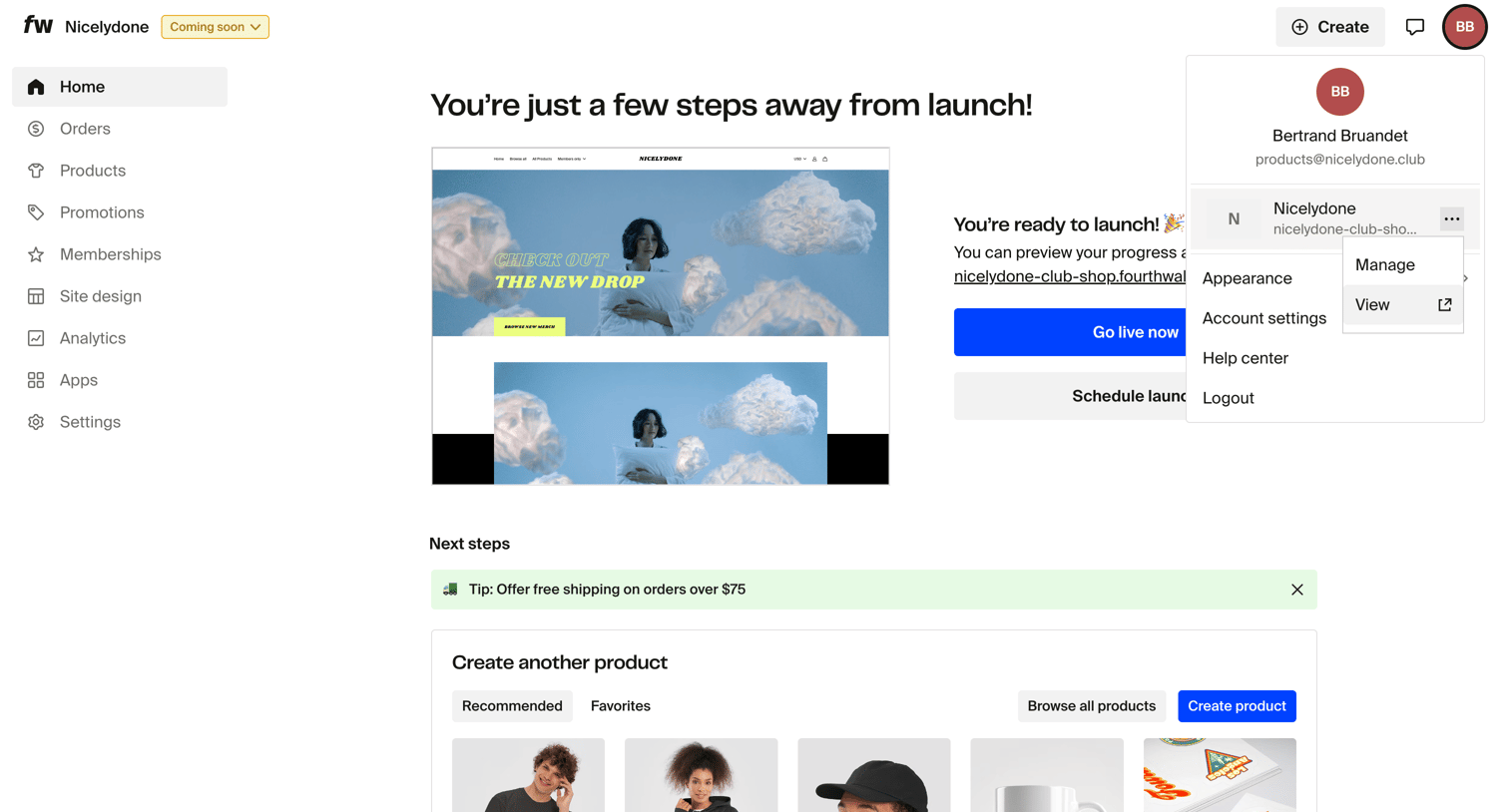

Home dashboard presenting a setup checklist with prompts to launch the store, create products, and connect growth integrations.
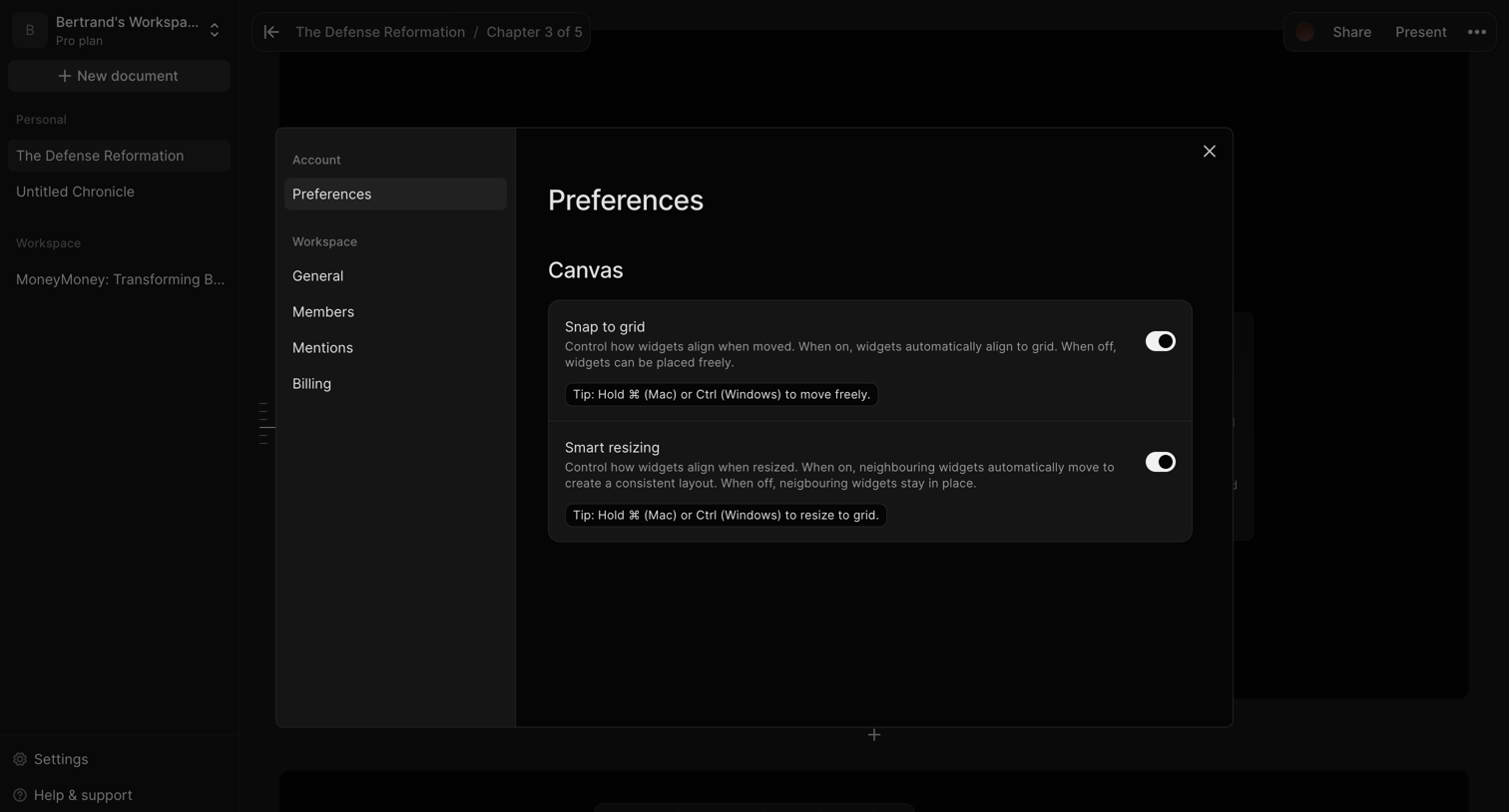

Design editor where the user is configuring canvas preferences like snap to grid and smart resizing within a settings modal.
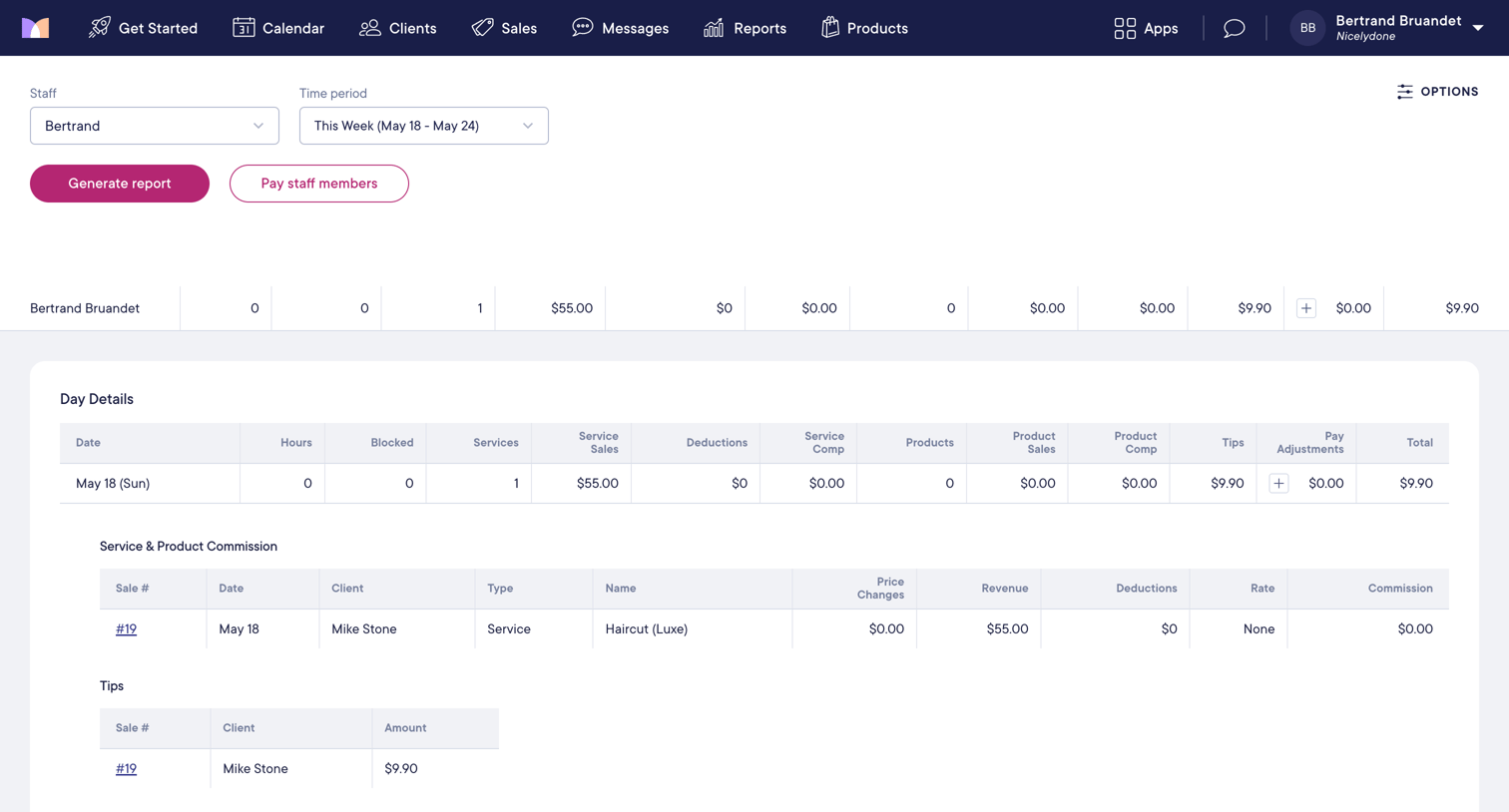

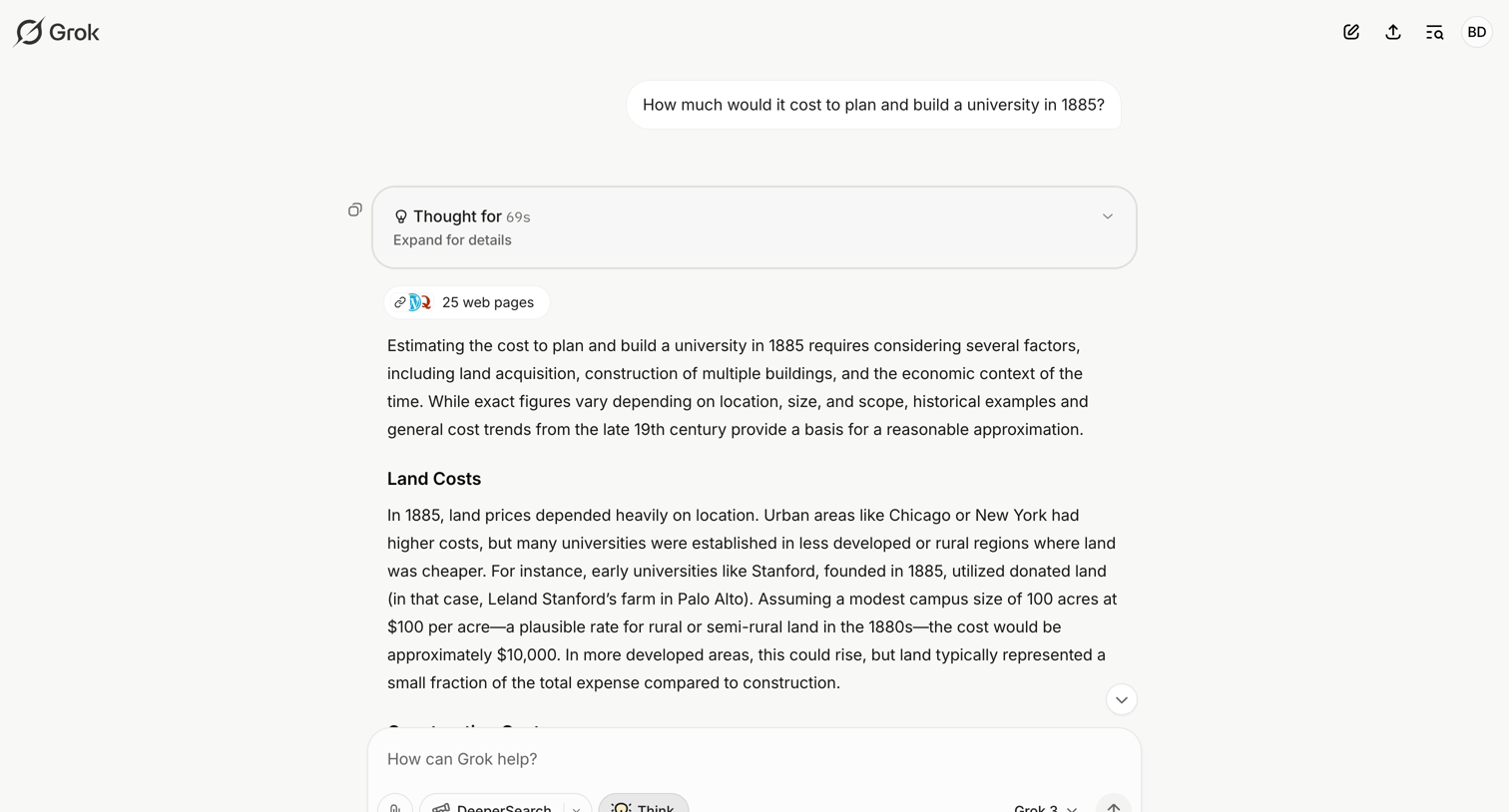

AI chat interface where the user views a detailed historical cost estimate response, including an expandable reasoning block and web search citations.
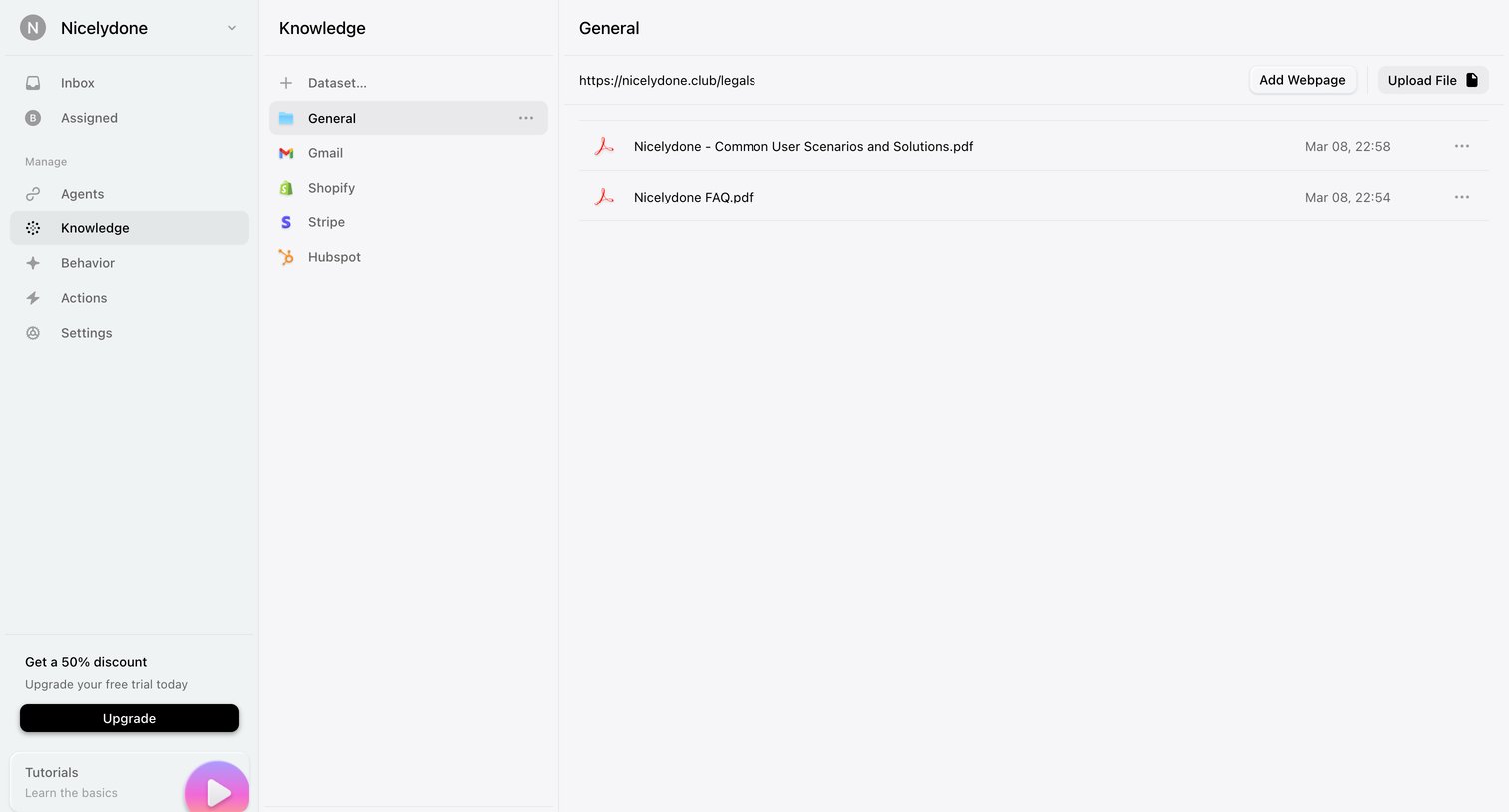

Settings page where the user manages datasets and uploads files or webpages to build their AI agent's knowledge base.

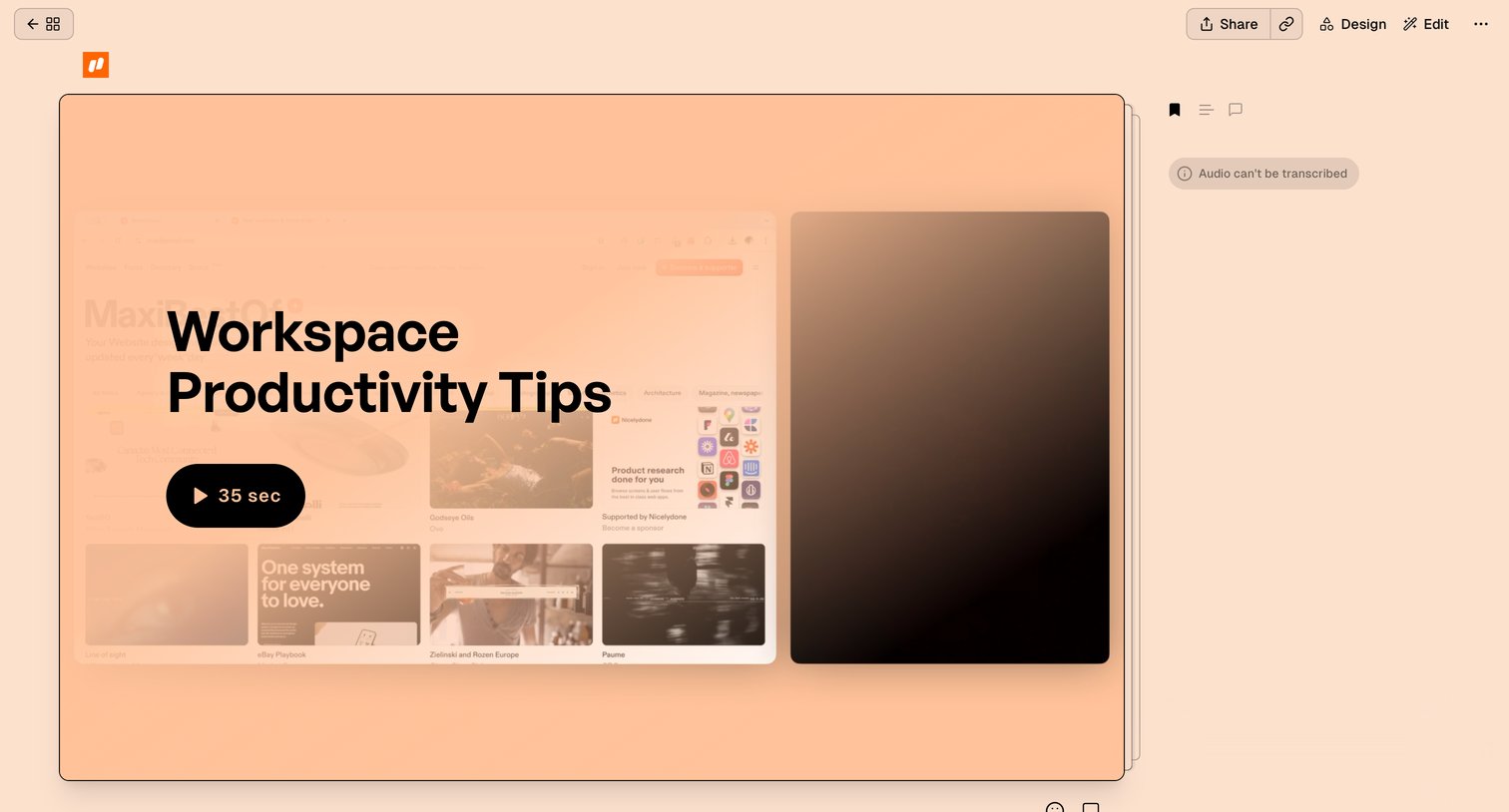

Detail page where the user views a video asset with tools to share, design, and edit the content, alongside a transcription status indicator.
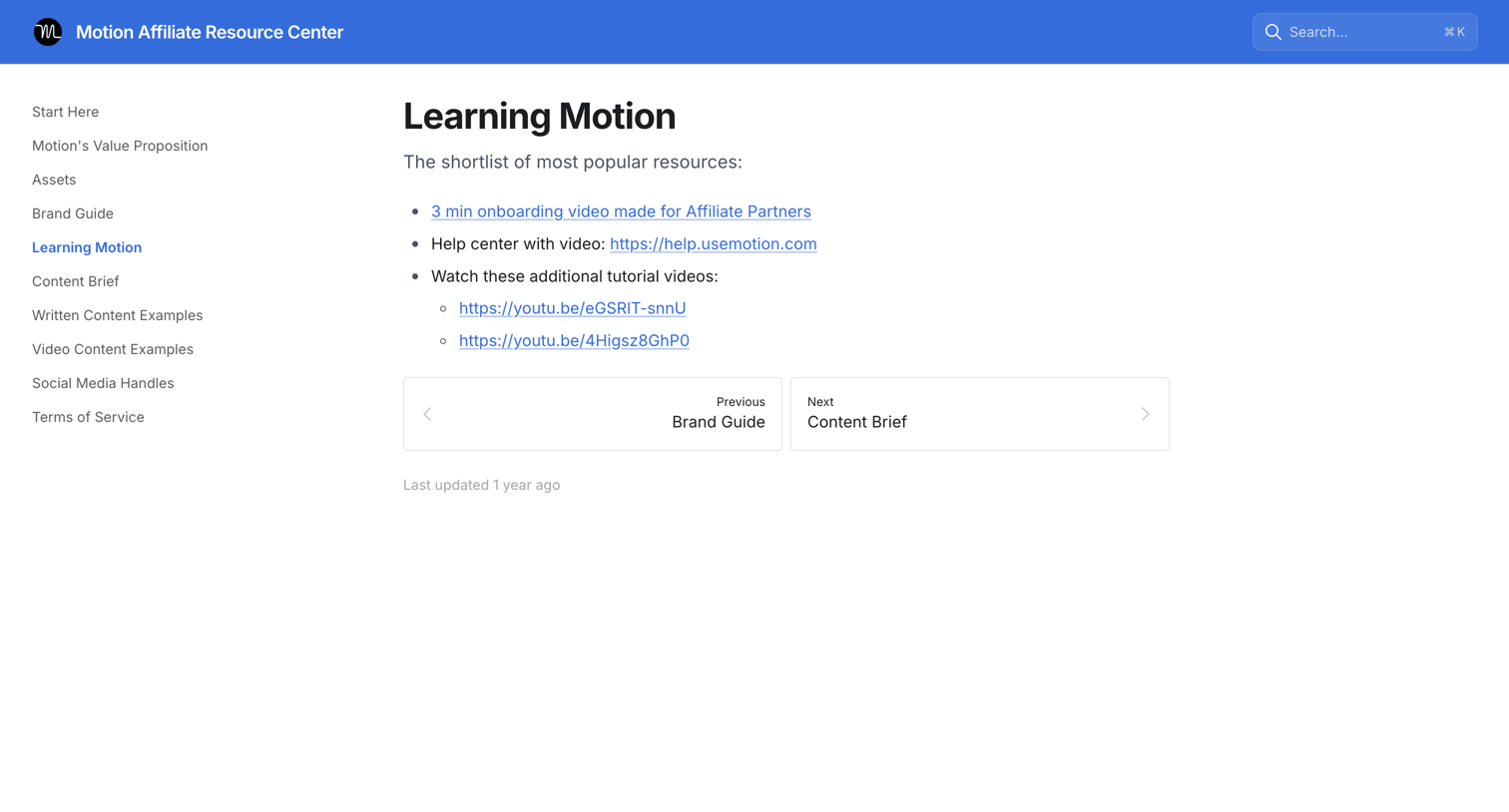

Guide page providing affiliate partners with a shortlist of popular resources including onboarding videos and help center links.
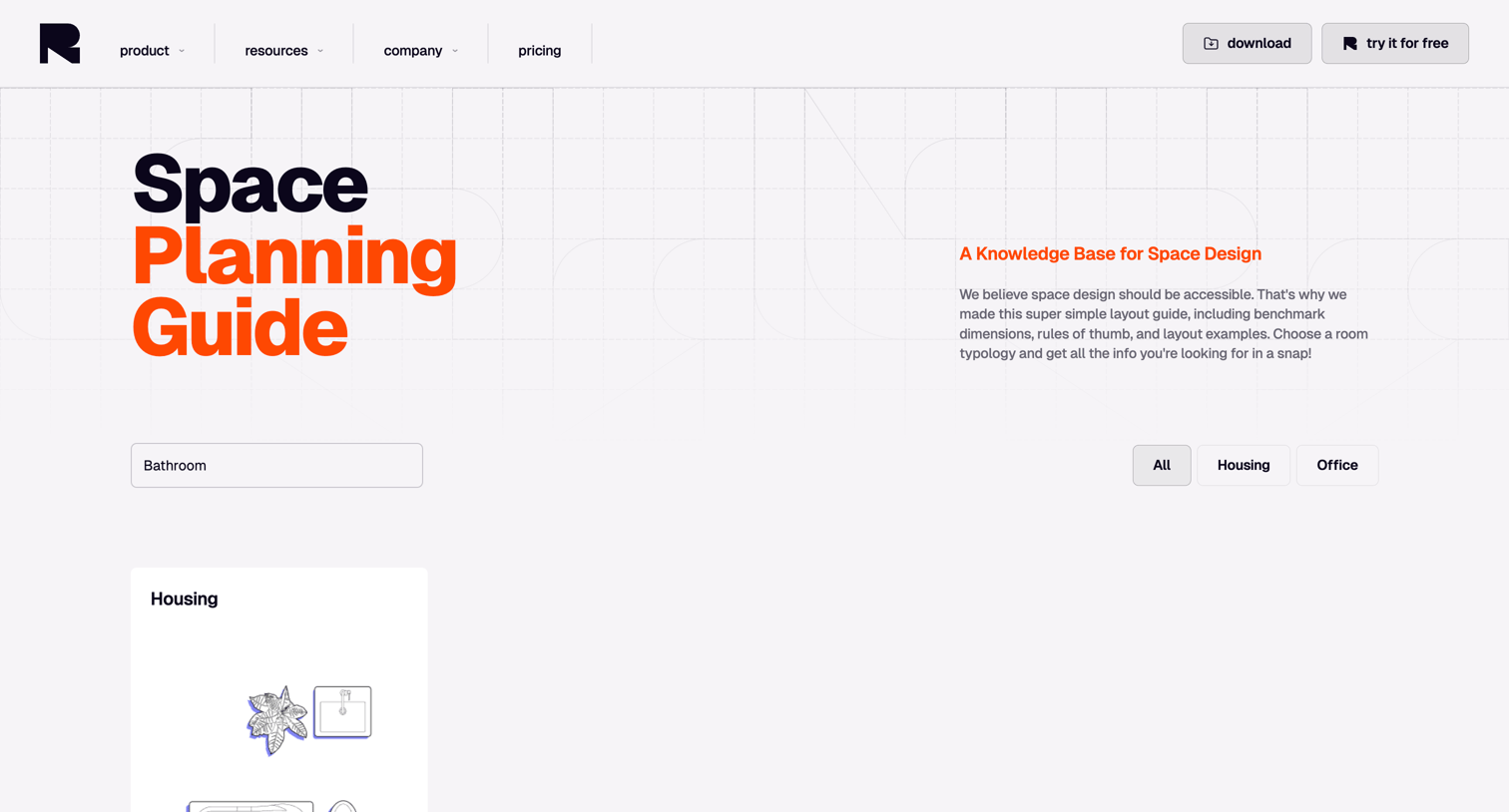

Resource page offering a searchable space planning guide where users can filter benchmark dimensions and layout examples by room typology.

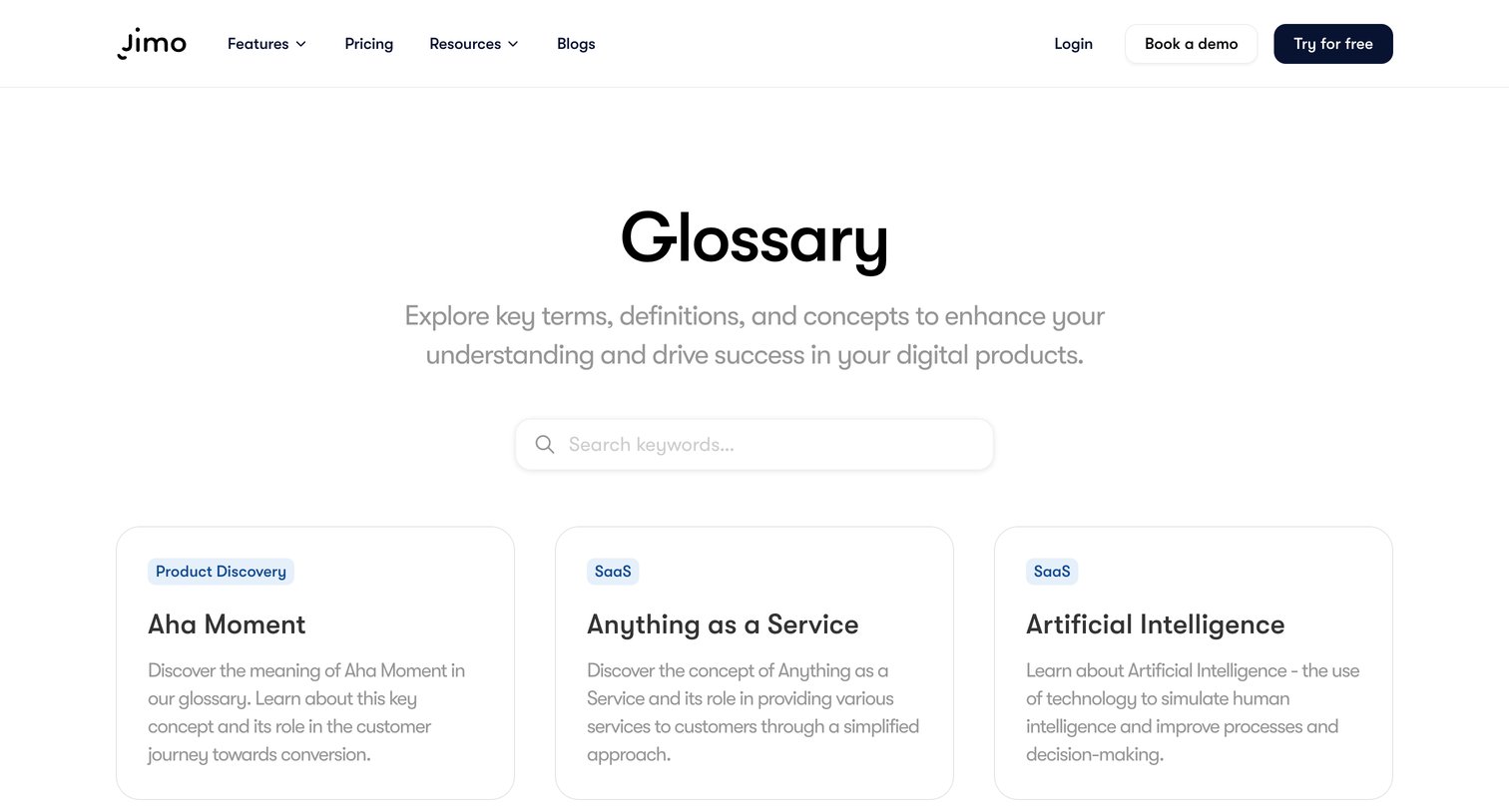

Glossary page where the user searches for key terms and browses definitions related to digital products via a grid of cards.

Explore the full SaaS screen library
Upgrade to unlock the full library.
Trusted by the best teams







