Settings screen examples
Settings screen design examples from SaaS apps. Explore how SaaS apps organize configuration choices. Look at how sections, explanatory labels, and controls let people locate a preference and understand…
Explore the examples
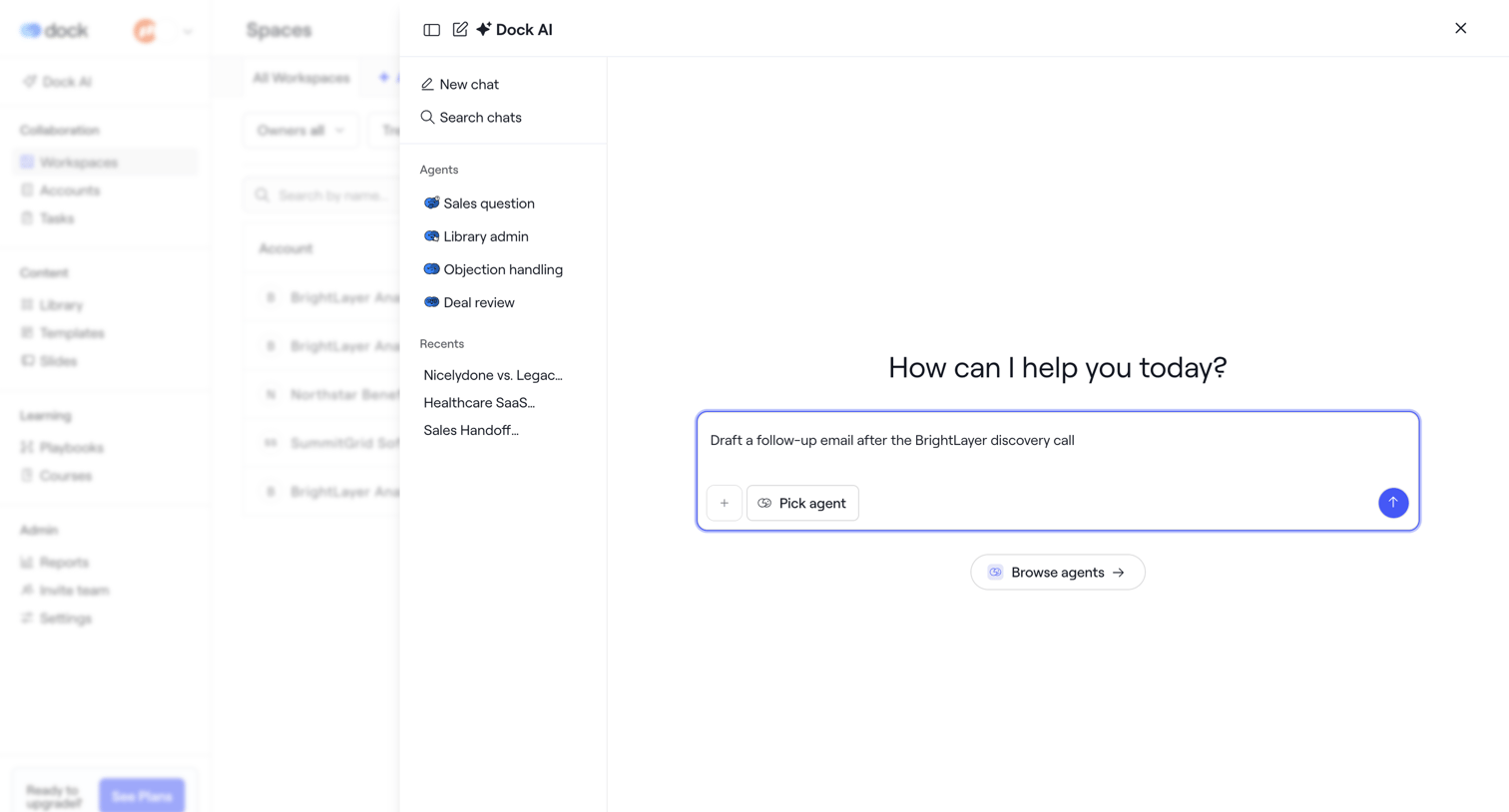

AI chat drawer where the user can start a new conversation, select a specific agent like Sales question or Library admin, or resume recent chats.
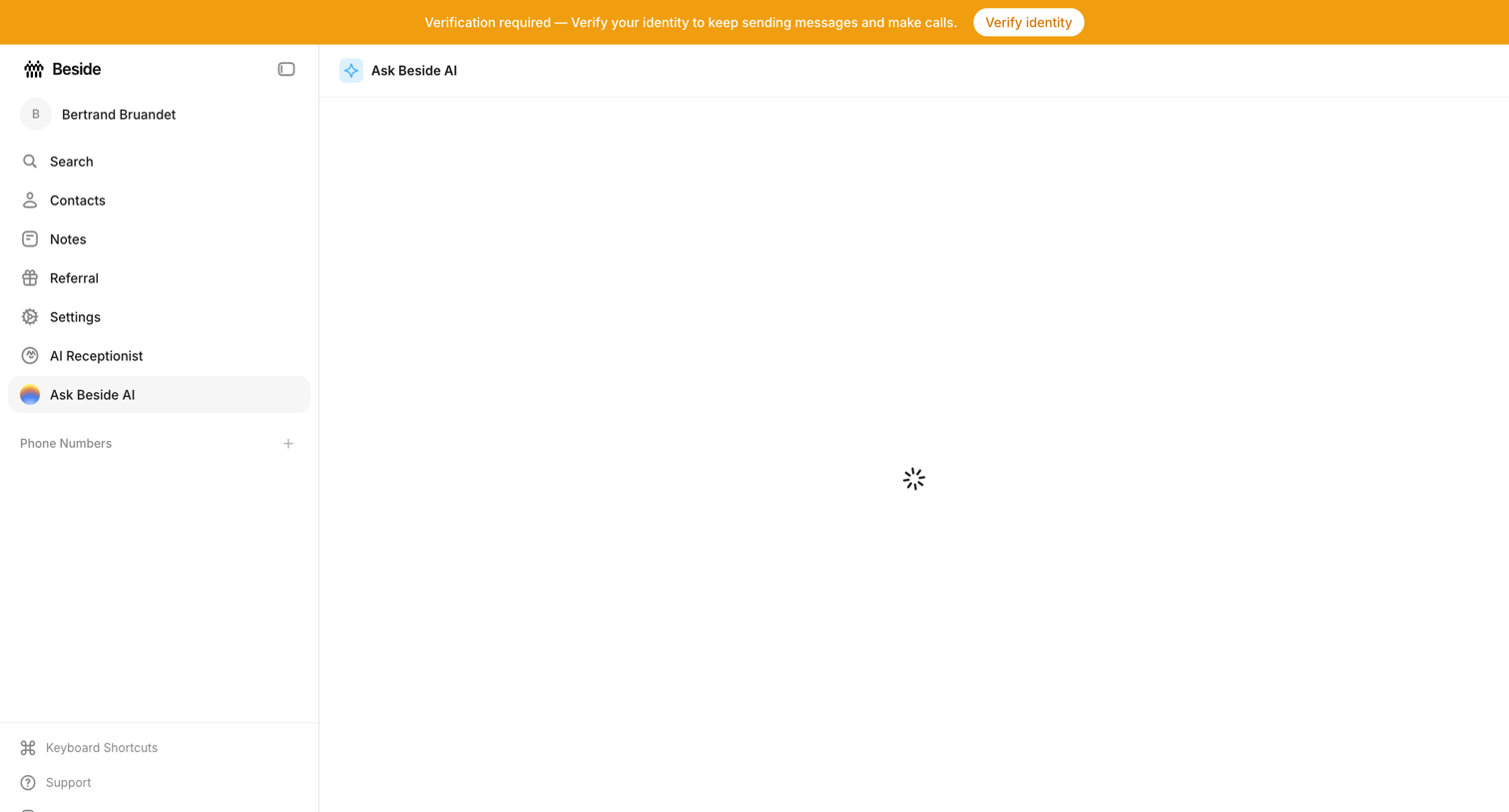

AI chat interface where the main conversation view is currently loading, accompanied by a prominent system banner requiring identity verification.
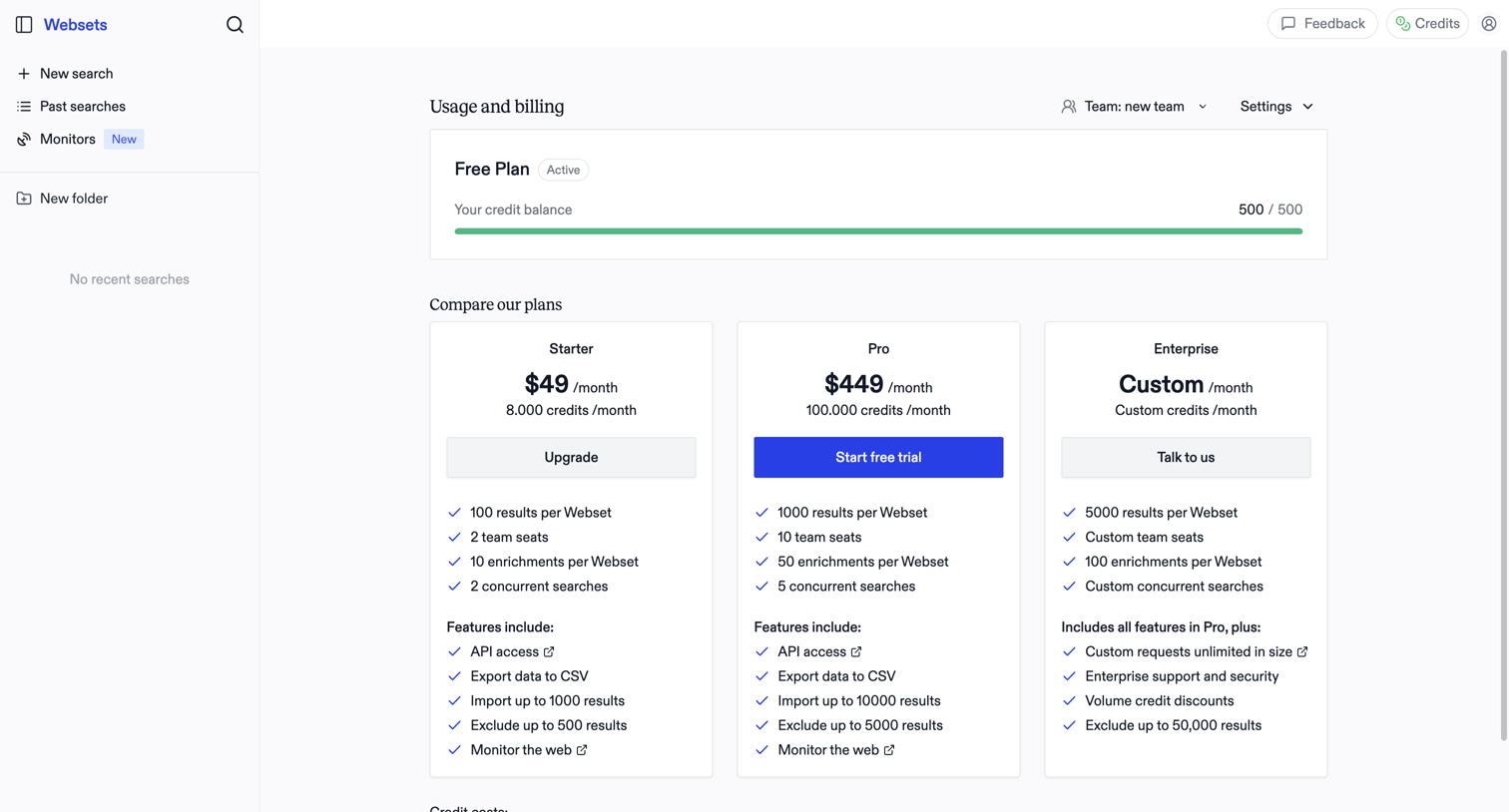

Billing settings page where the user monitors their free plan credit balance and compares paid subscription tiers to upgrade.
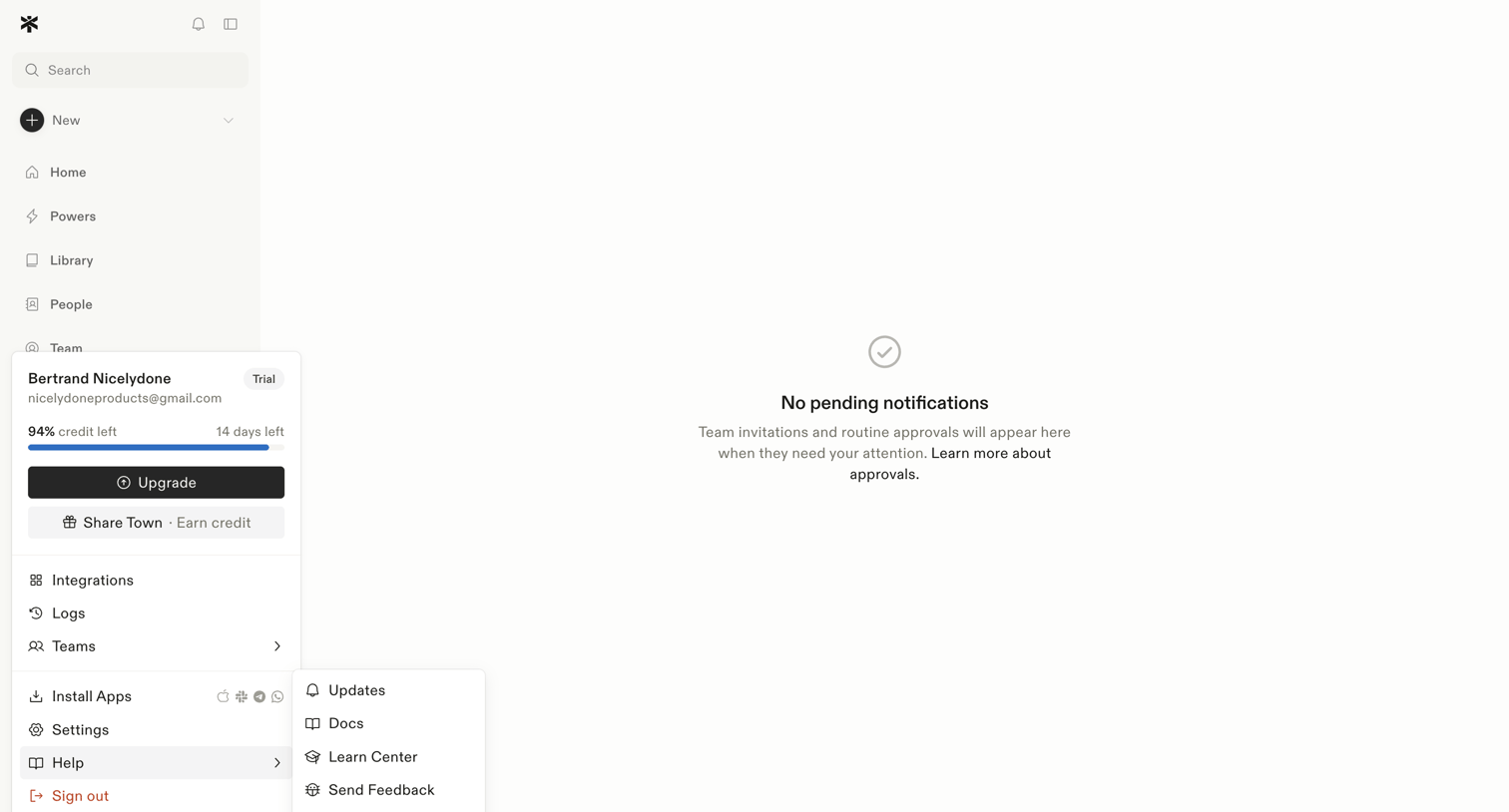

Inbox view where the user manages team invitations and routine approvals, currently showing a zero-state message with no pending items.
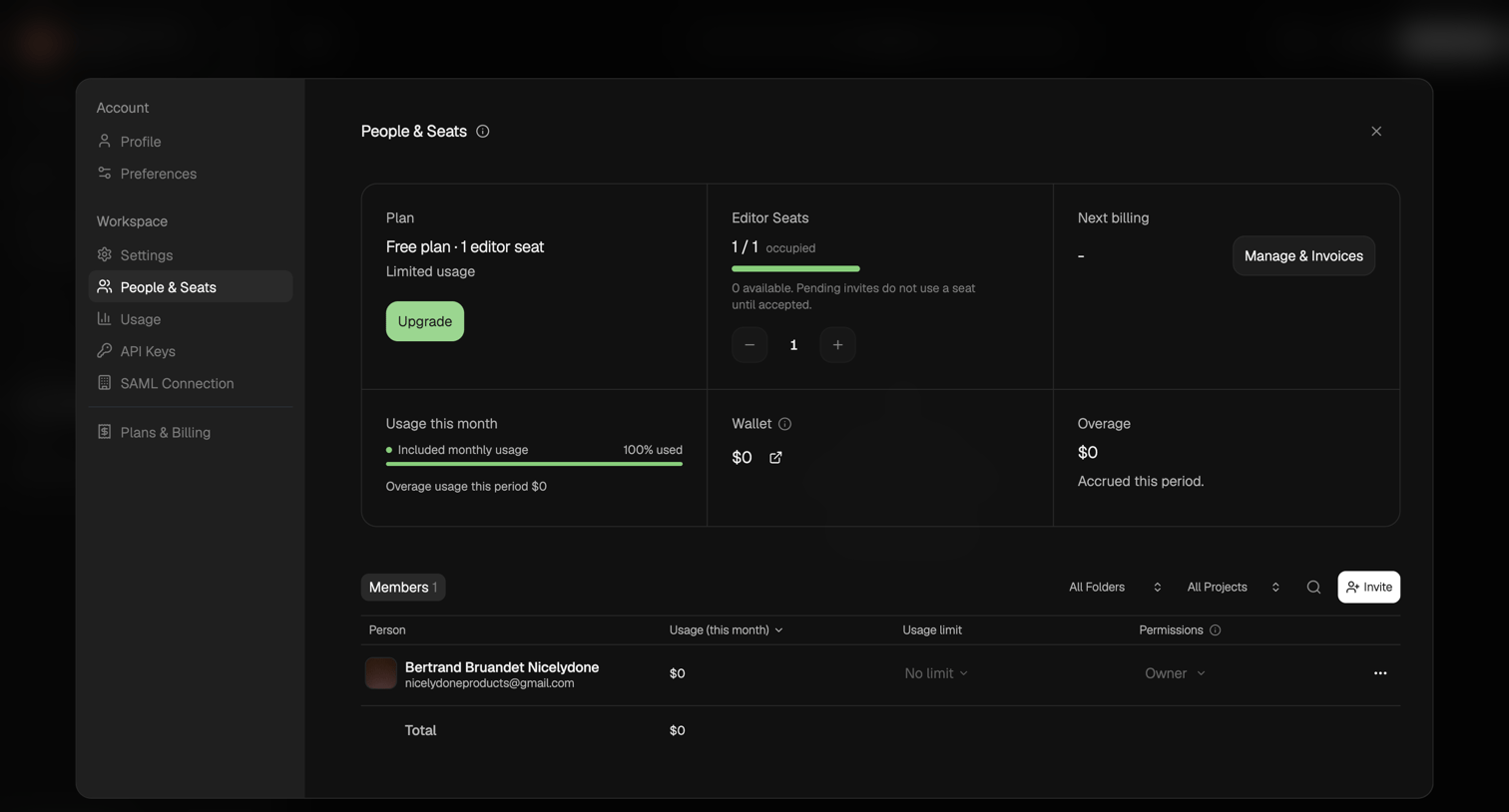

Settings modal where the user manages their workspace plan, editor seats, usage limits, and invites new members.
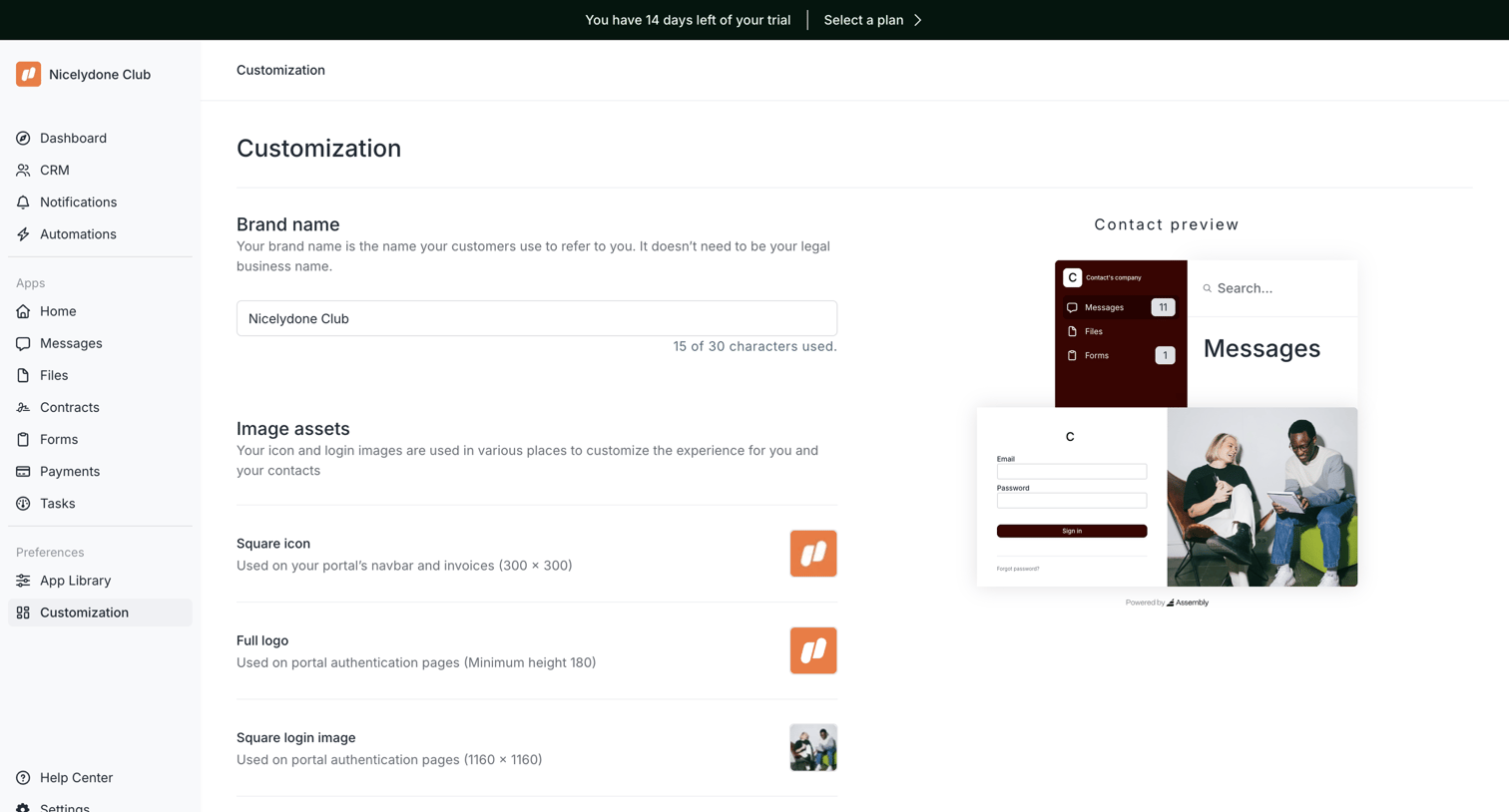

Settings page where the user configures their portal's brand name and image assets while viewing a live preview.
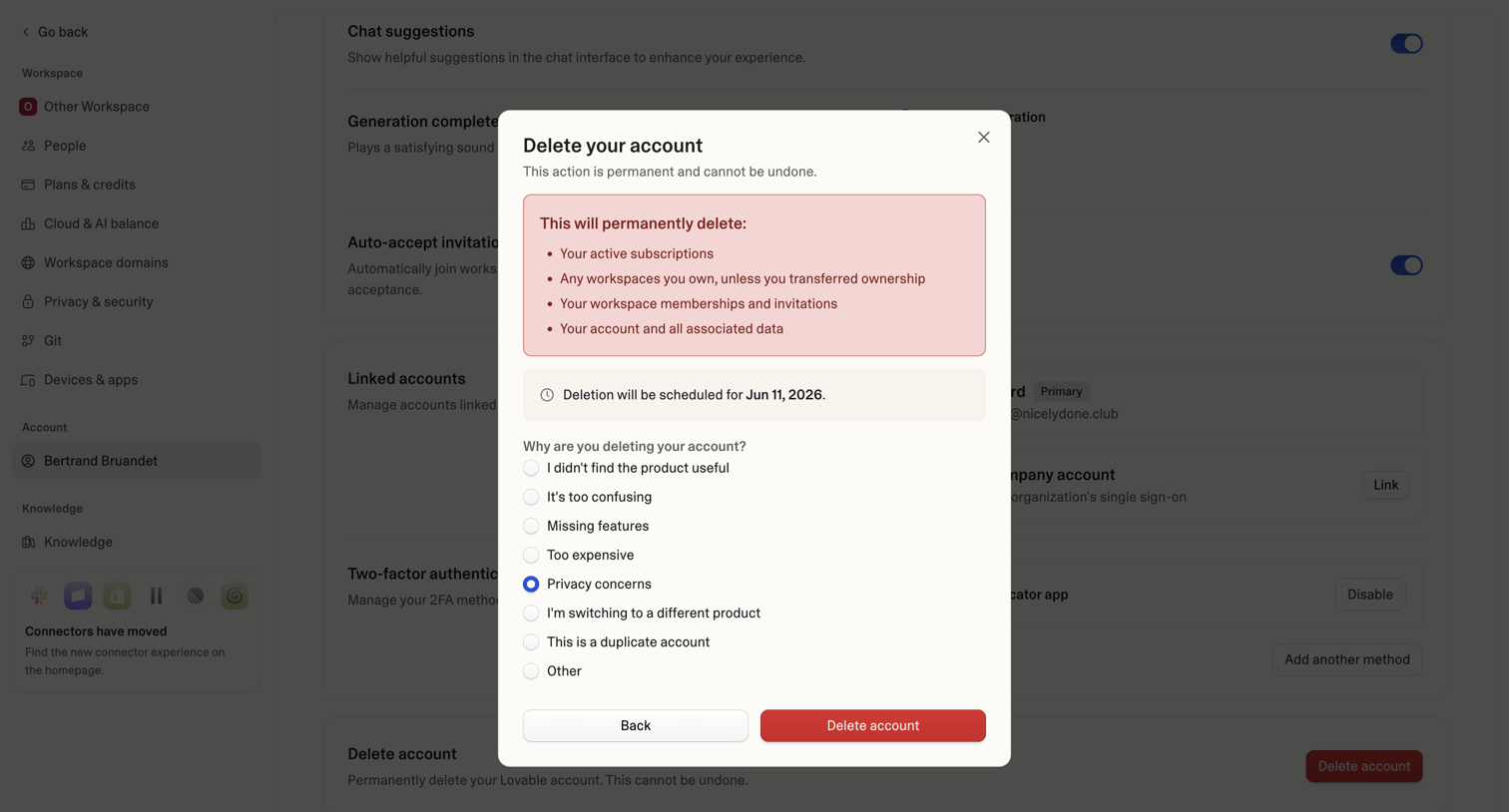

Settings page where the user confirms permanent account deletion and provides a reason for leaving via a radio button survey.
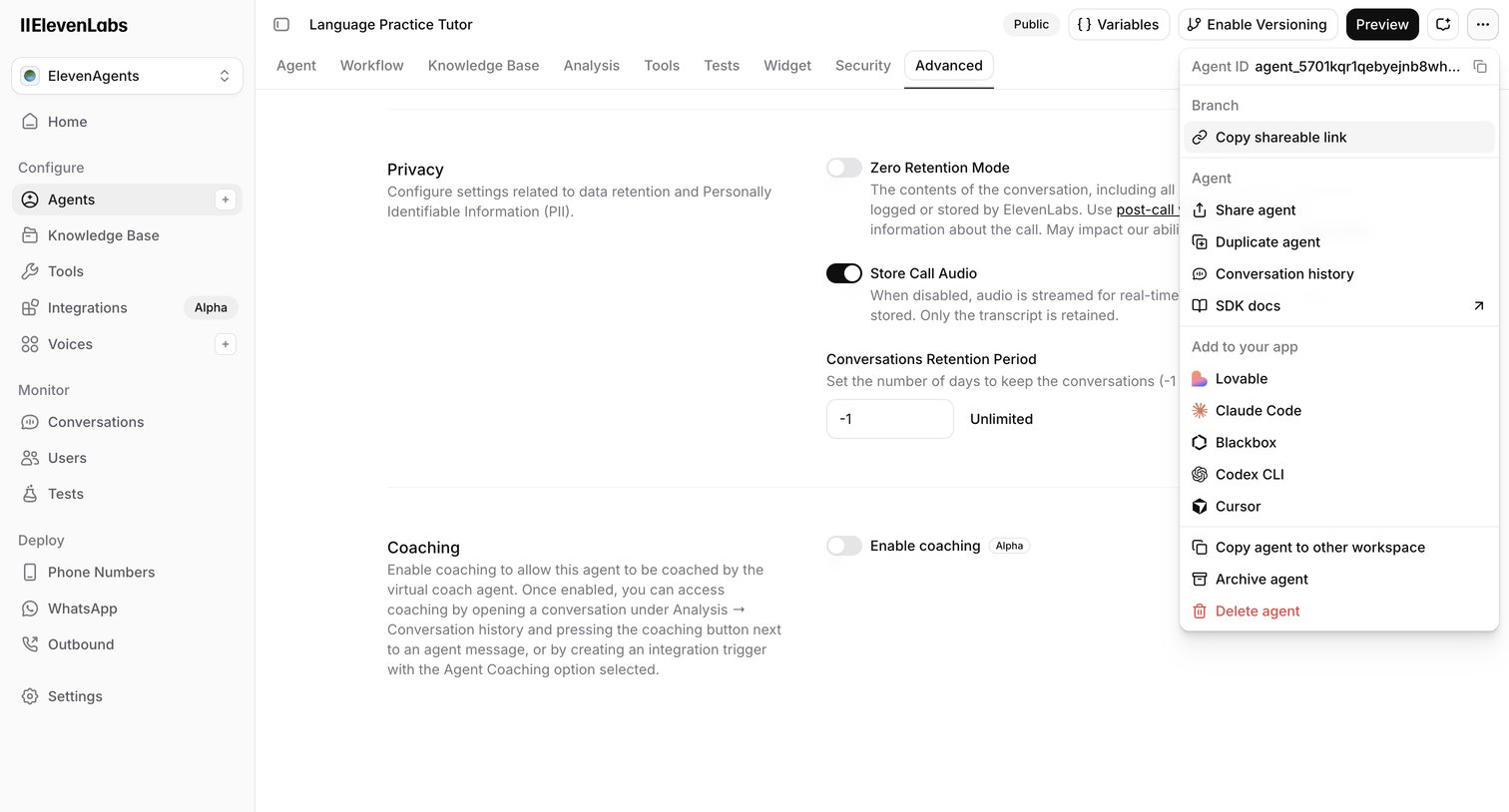

Settings page where the user configures advanced privacy, data retention, and coaching options for an AI language practice tutor.
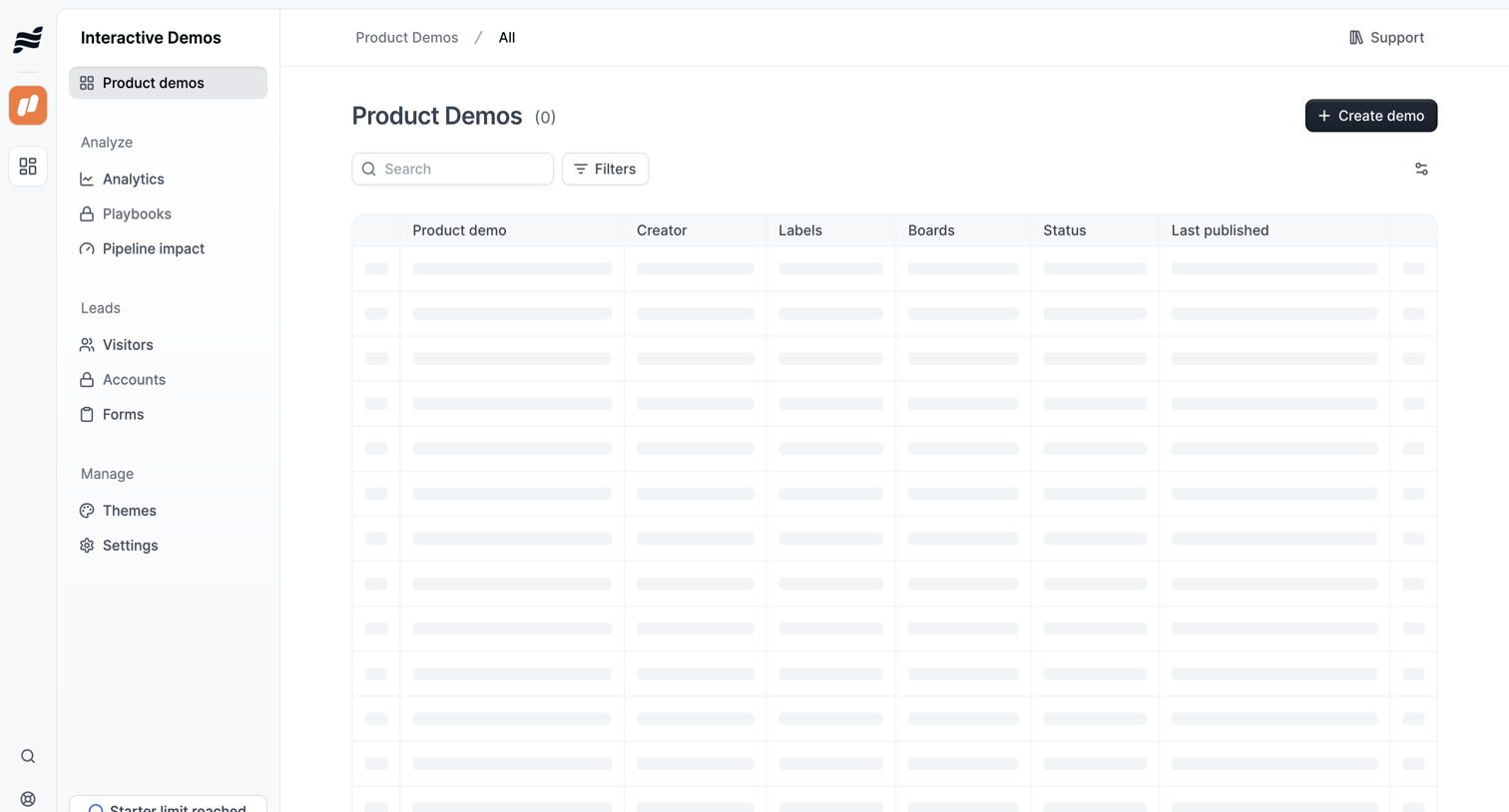

List view where the user manages product demos, currently showing a skeleton loading state for the data table alongside search and filter controls.
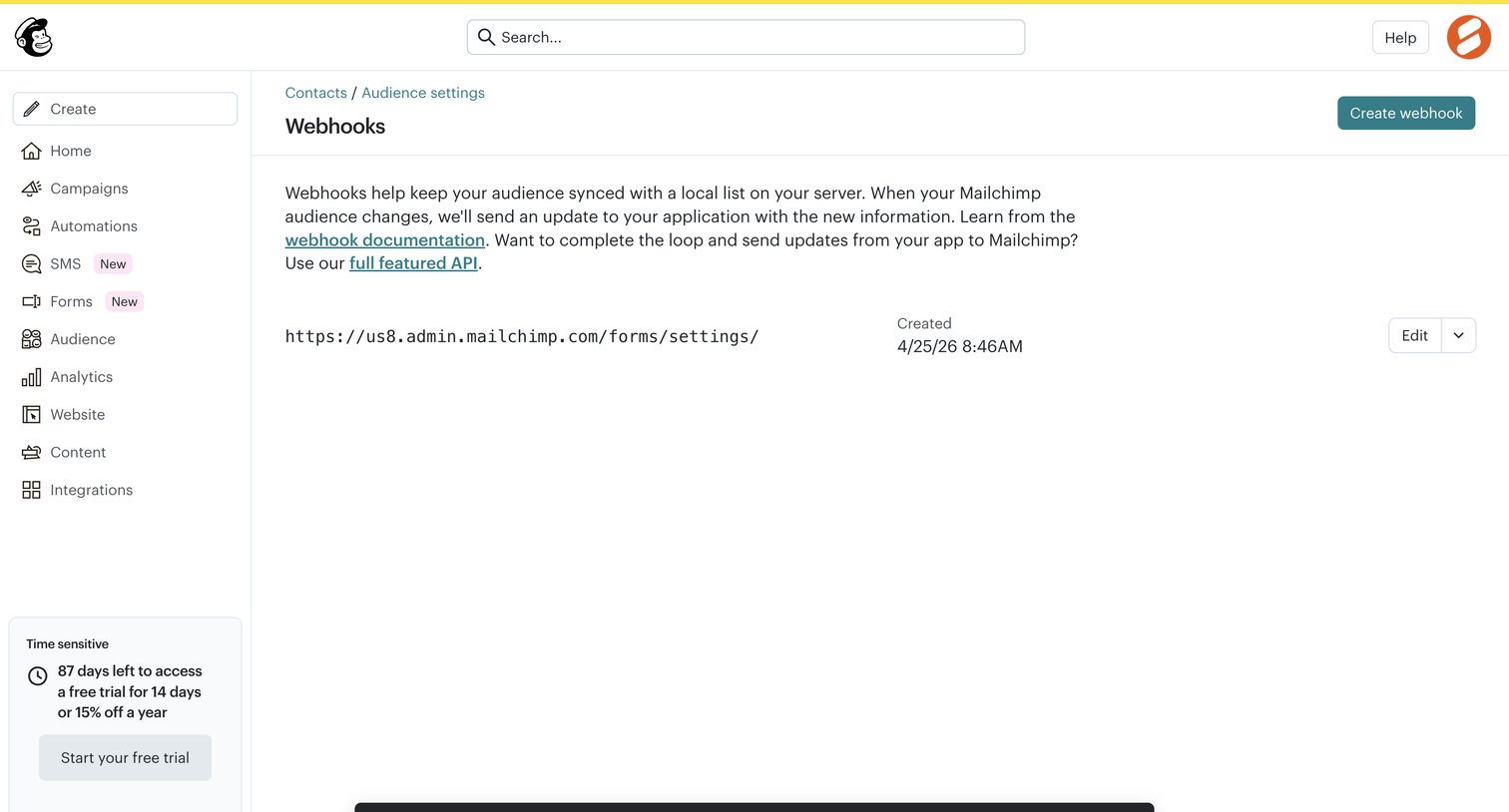

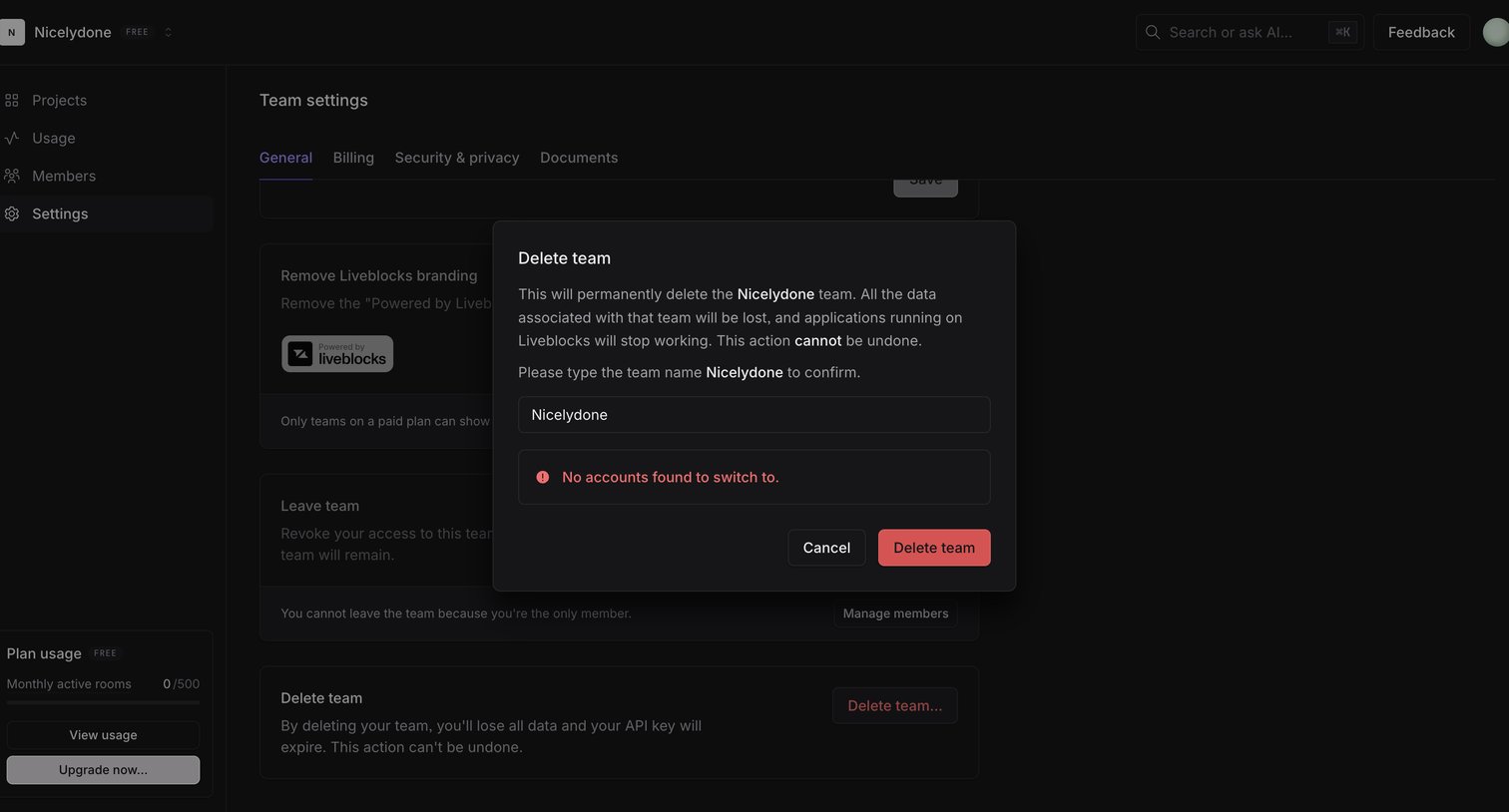

Settings page where the user is prompted by a modal to confirm the permanent deletion of their team by typing its name.
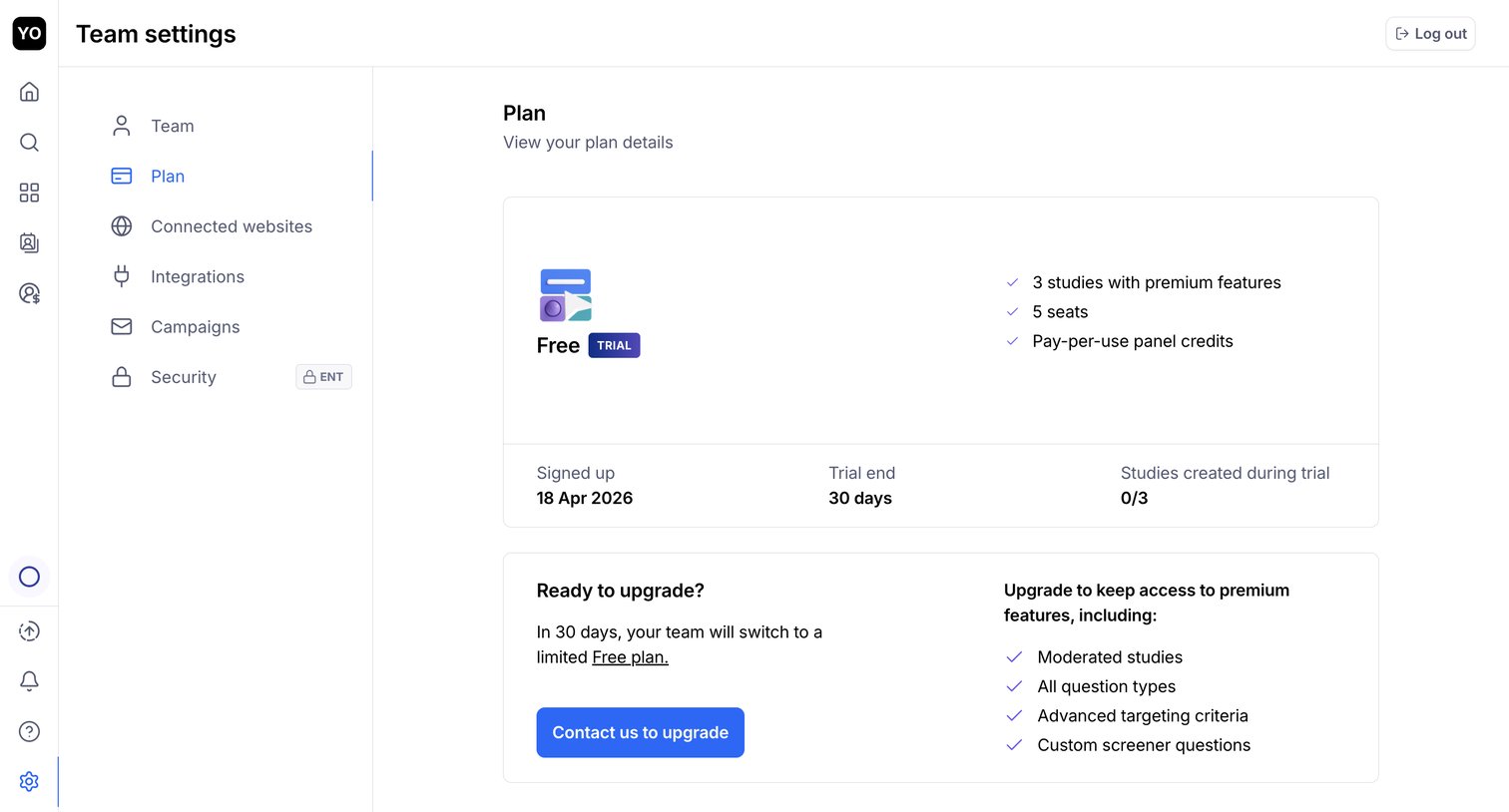

Settings page where the user views their current trial plan details, usage limits, and an upgrade prompt to retain premium features.
Explore the full SaaS screen library
Upgrade to unlock the full library.
Trusted by the best teams








About Settings
Explore how SaaS apps organize configuration choices. Look at how sections, explanatory labels, and controls let people locate a preference and understand the setting they are changing.