Rounded corners screen examples
Rounded corners screen design examples from SaaS apps. Browse examples from Dock, Beside, Flora.
Explore the examples
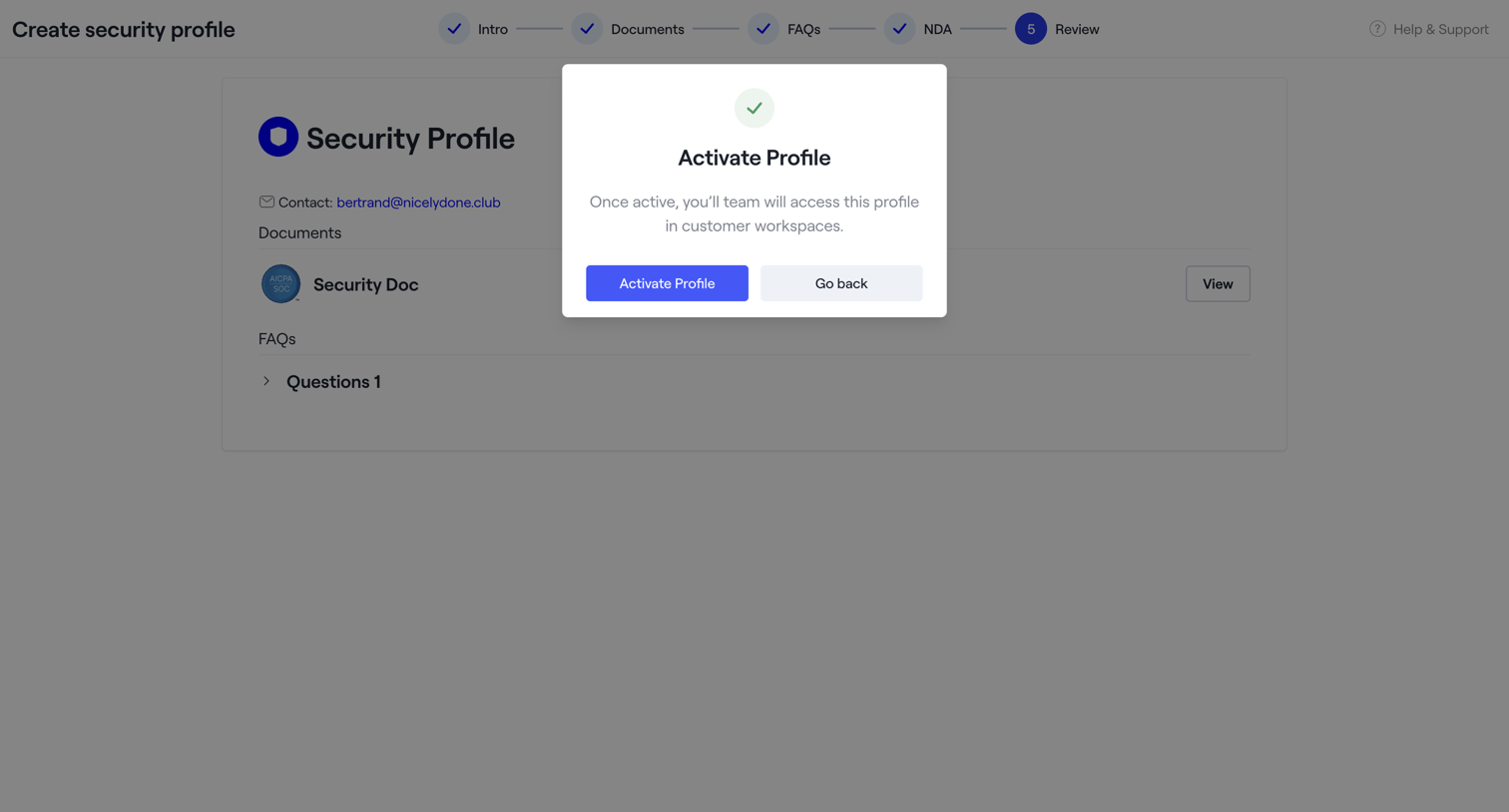

Create page where the user reviews their new security profile and confirms activation via a modal.
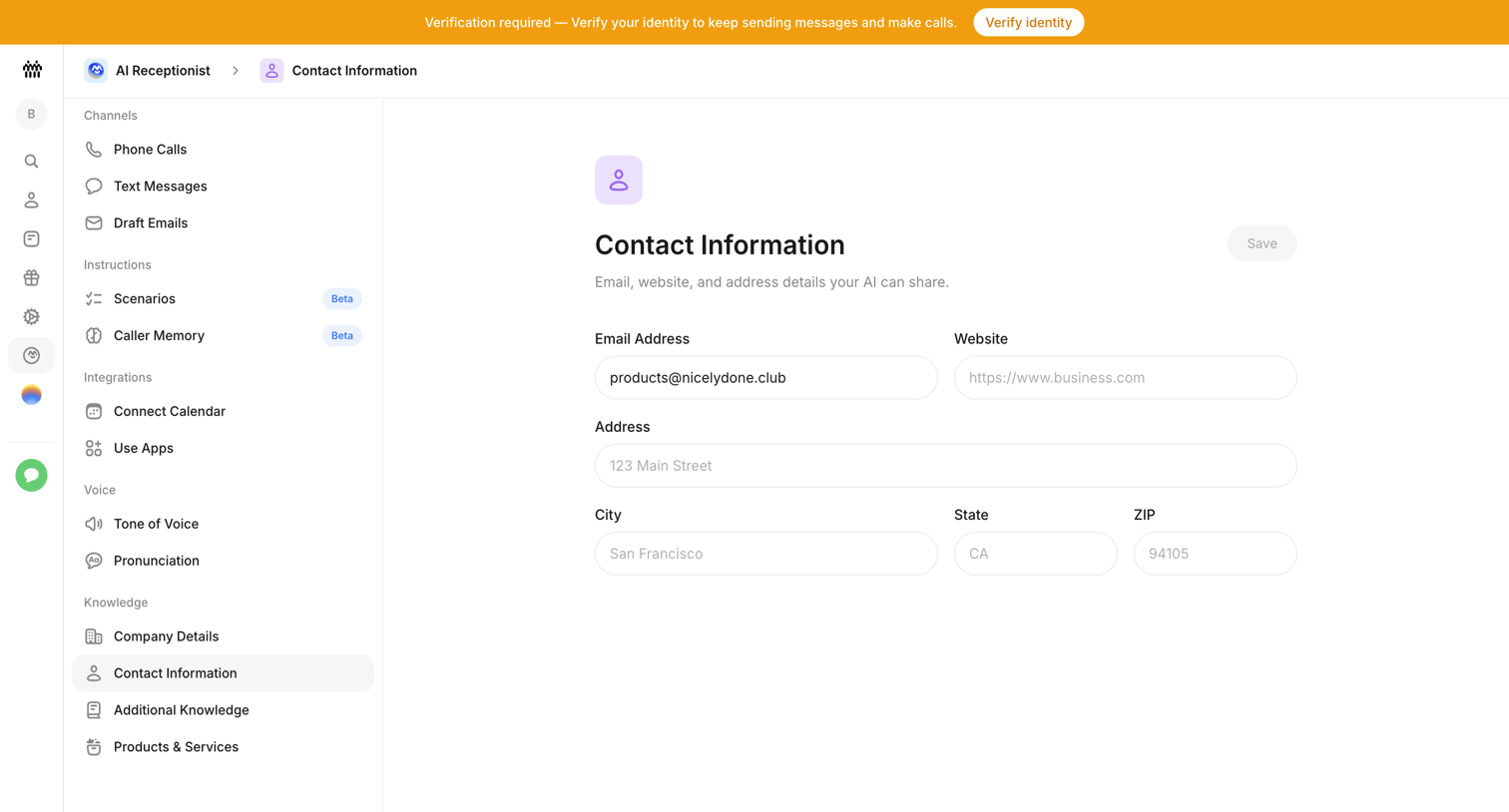

Settings page where the user configures the email, website, and physical address details that their AI receptionist can share.
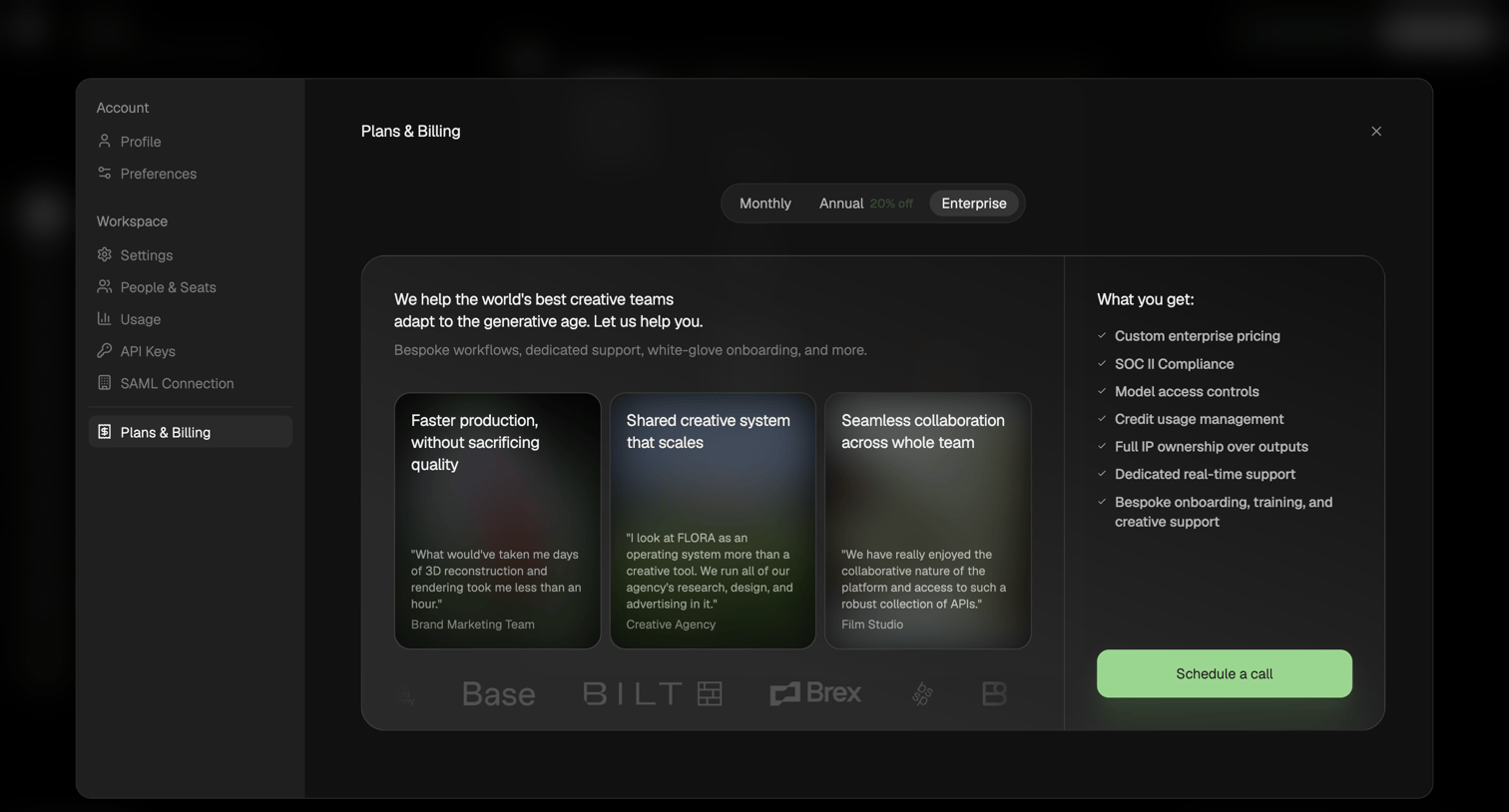

Settings modal where the user views the Enterprise plan details, including testimonials and features, and can schedule a sales call.
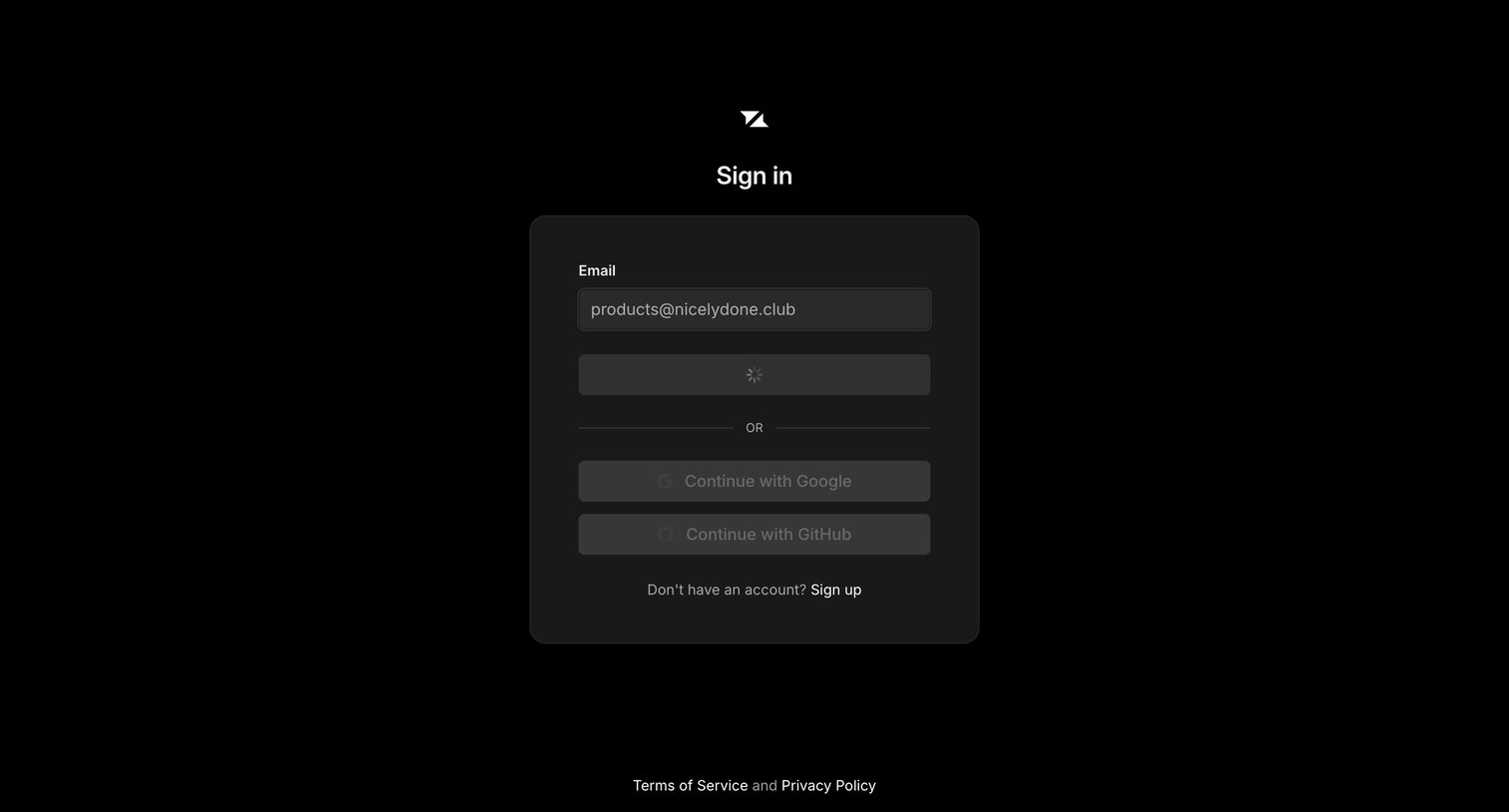

Sign-in screen where the user has submitted their email address and the primary authentication action is currently loading.
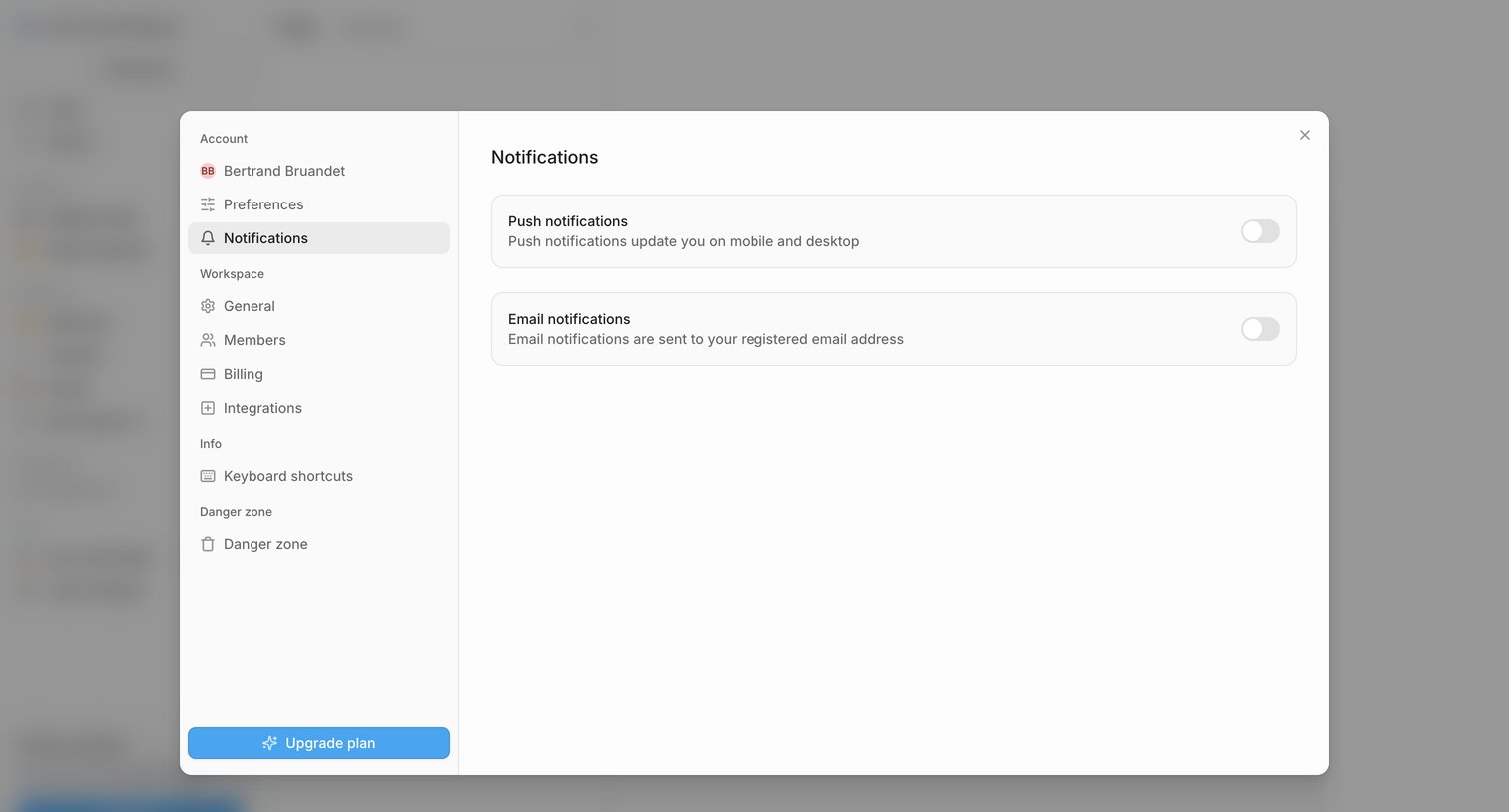

Settings modal where the user configures push and email notification preferences via simple toggle switches.
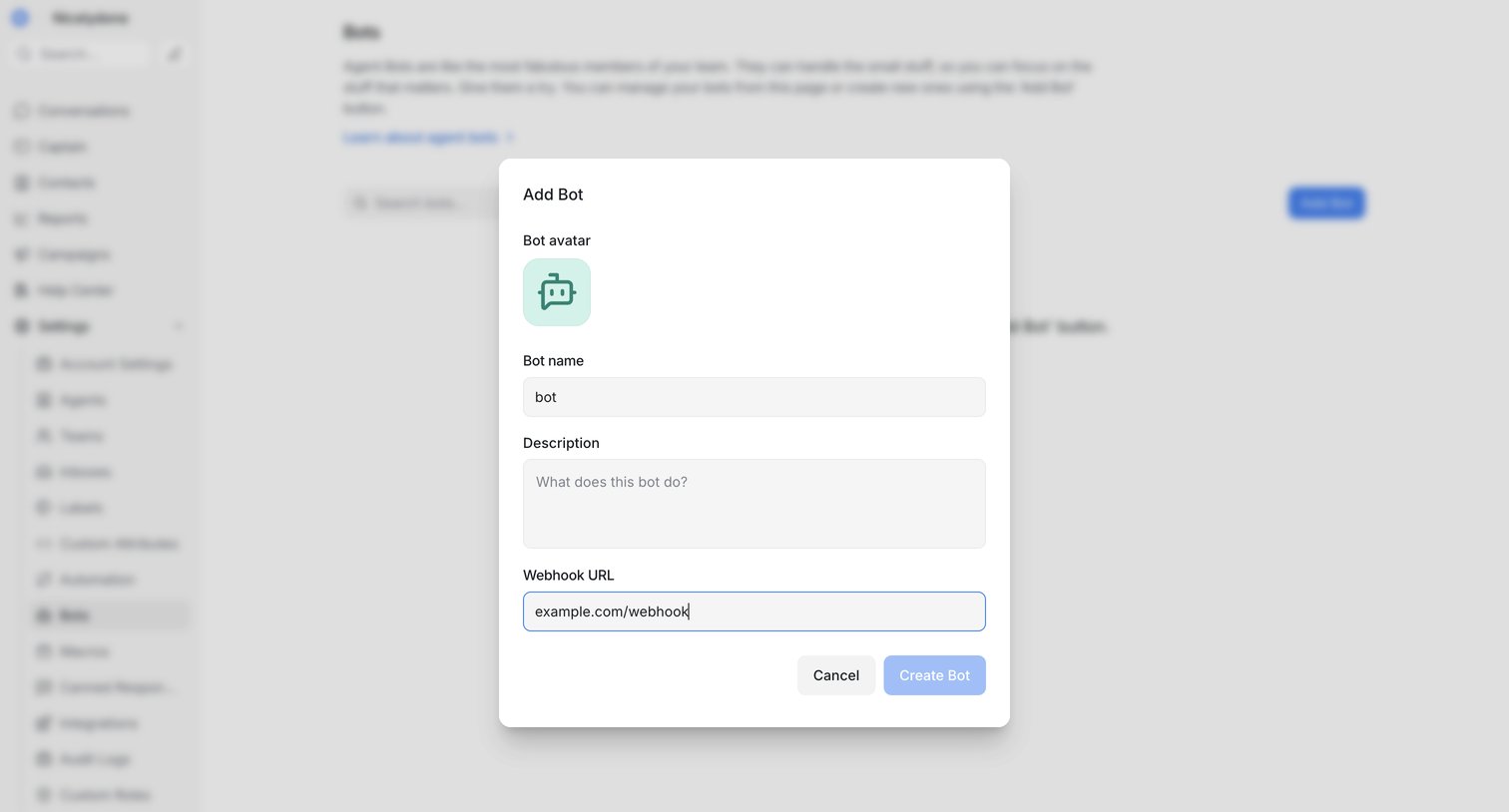

Settings page where the user adds a new agent bot by configuring its avatar, name, description, and webhook URL via a modal.
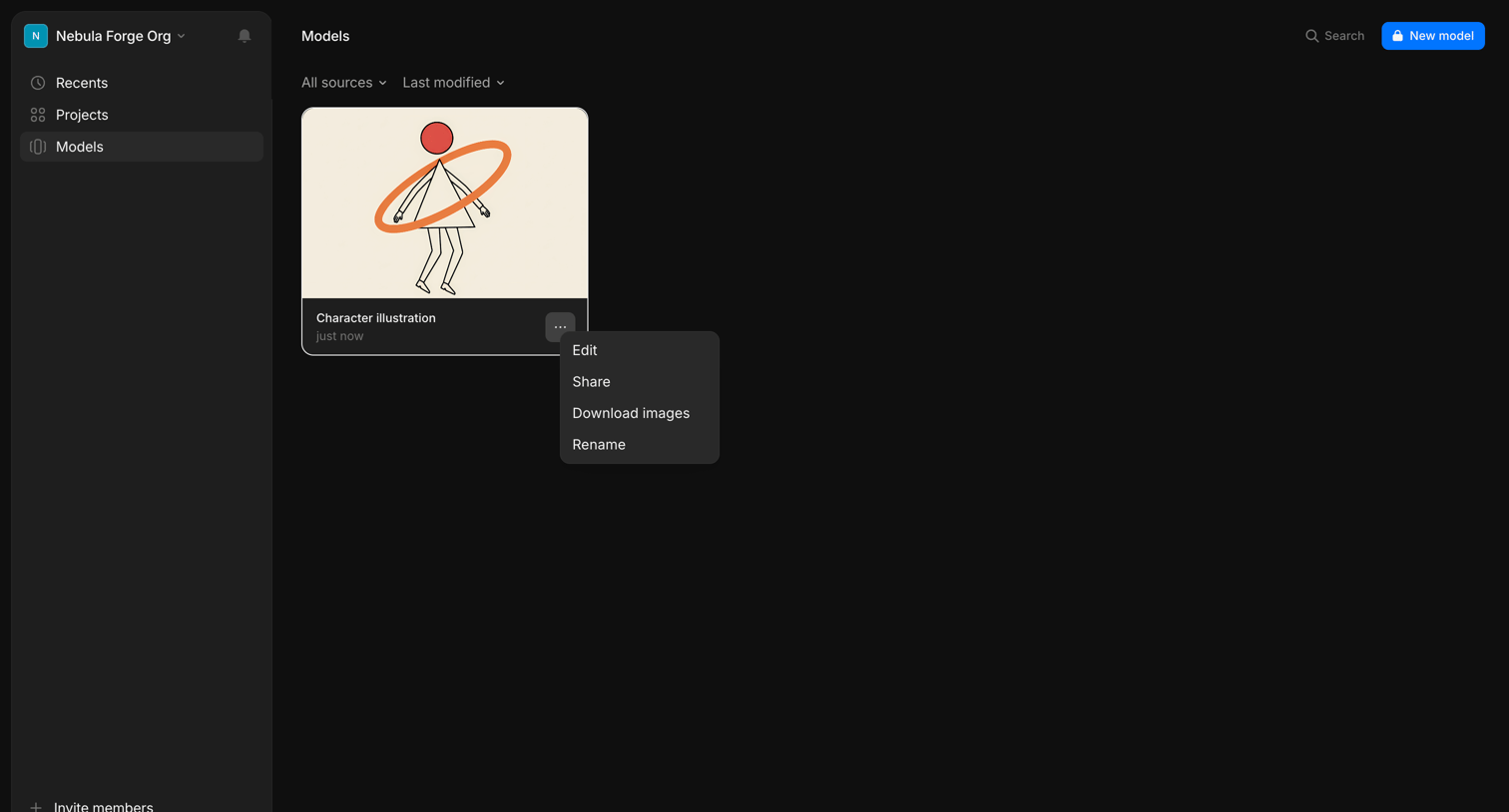

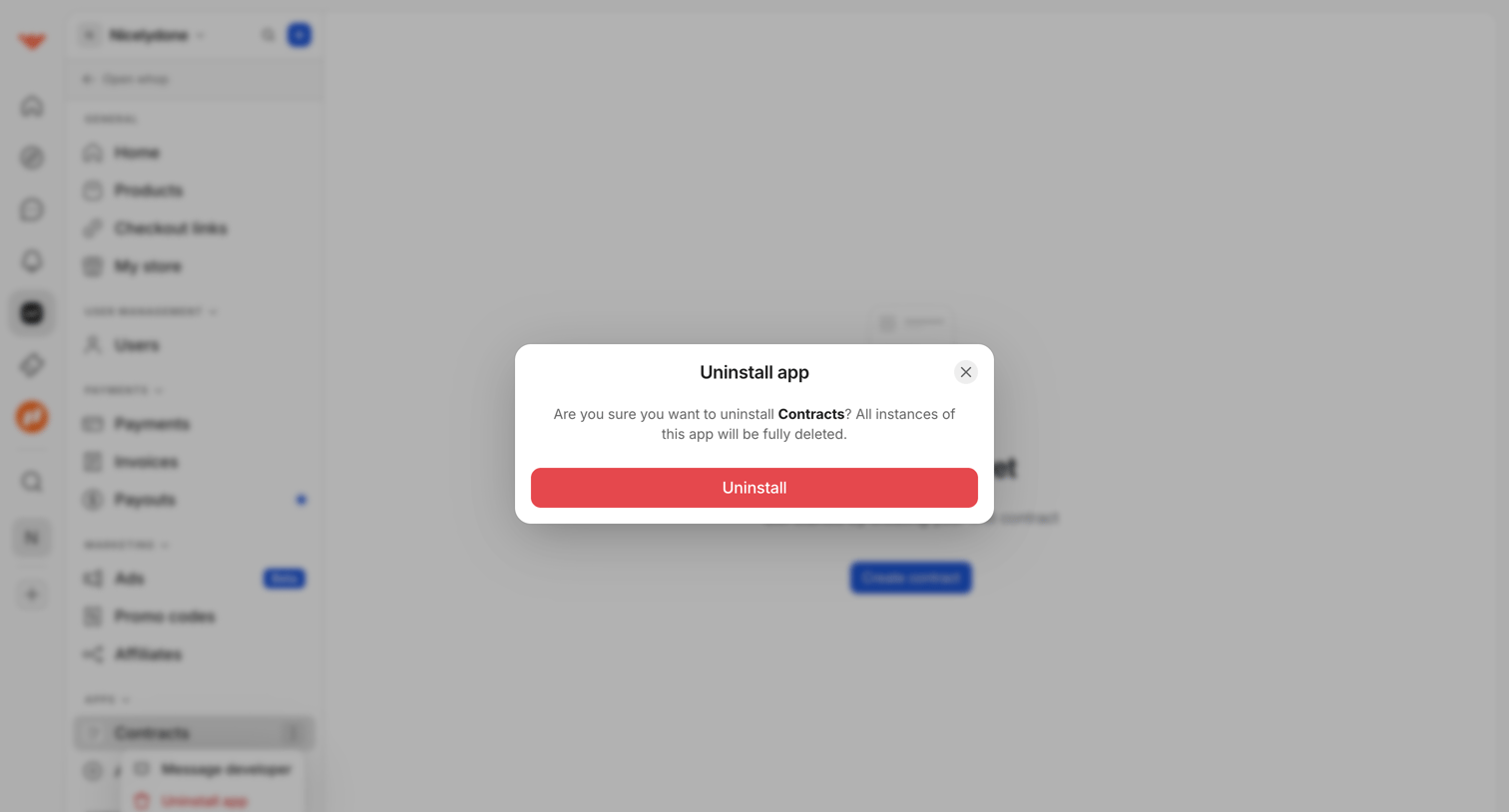

List view where the user is prompted by a modal dialog to confirm the destructive uninstallation of an app, warning that all instances will be deleted.
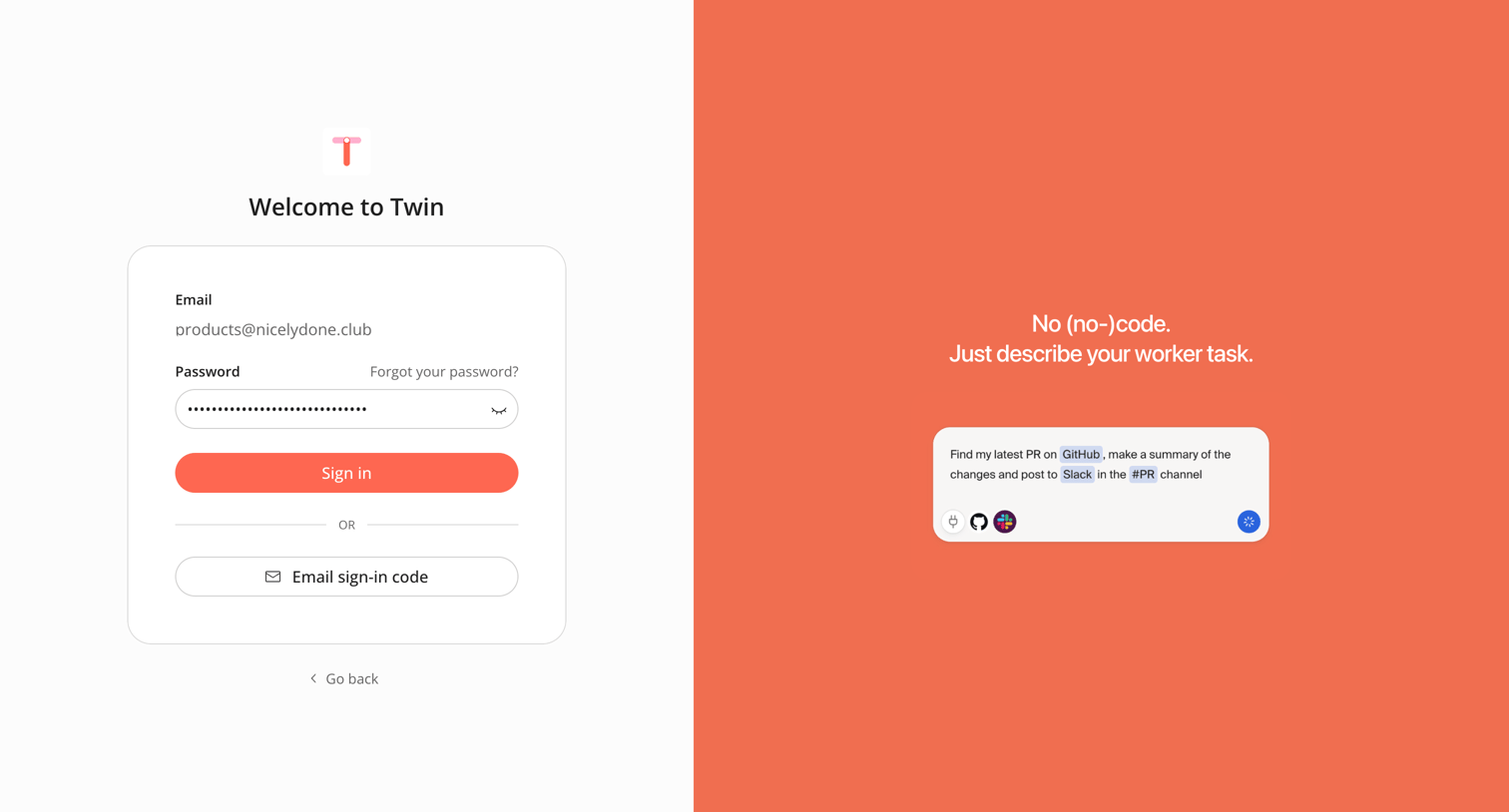

Sign-in screen where the user authenticates with a password for a pre-filled email or opts to request an email sign-in code.
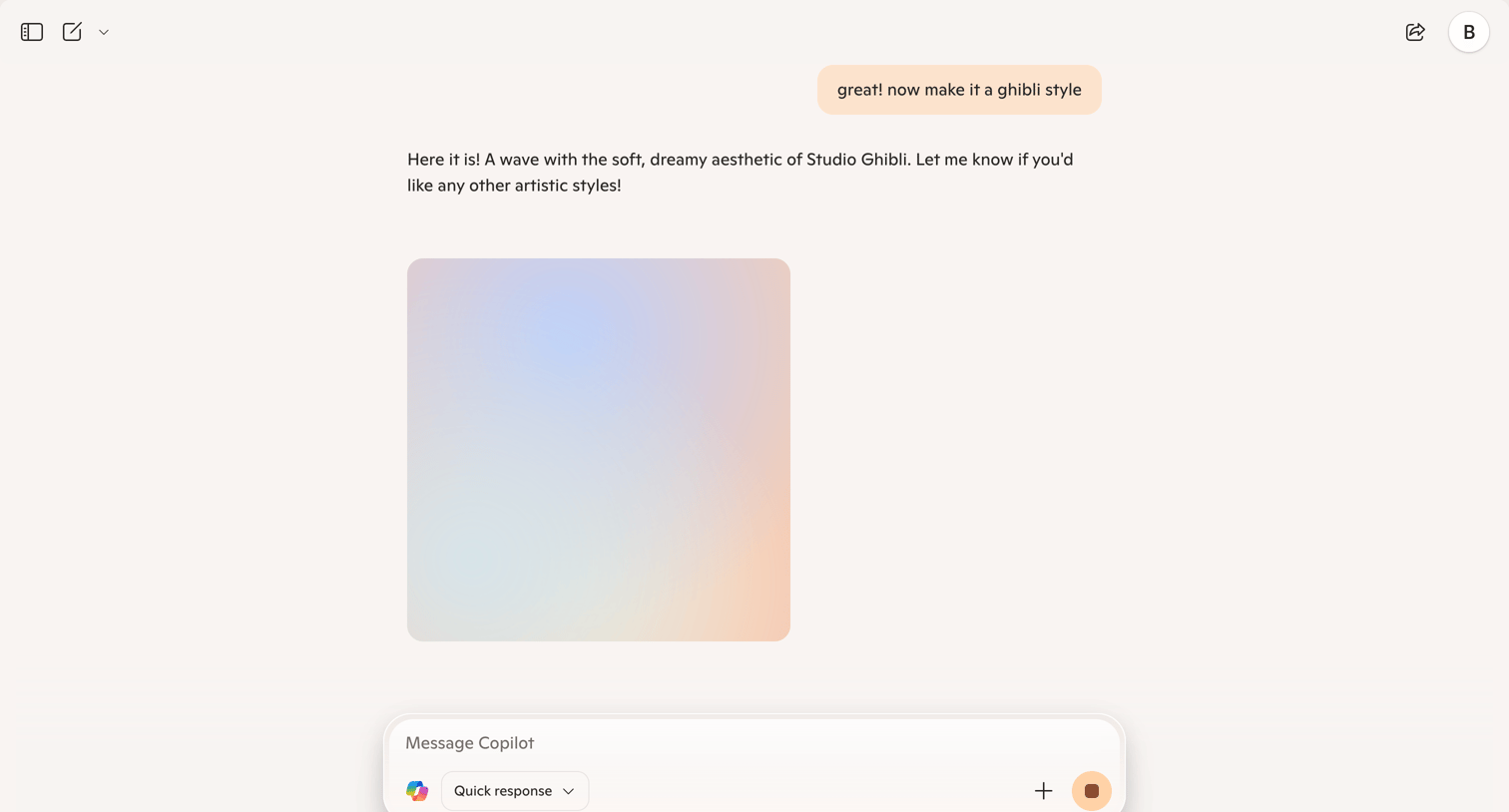

AI chat interface where the user requests an image in a specific style and the assistant returns a generated image.

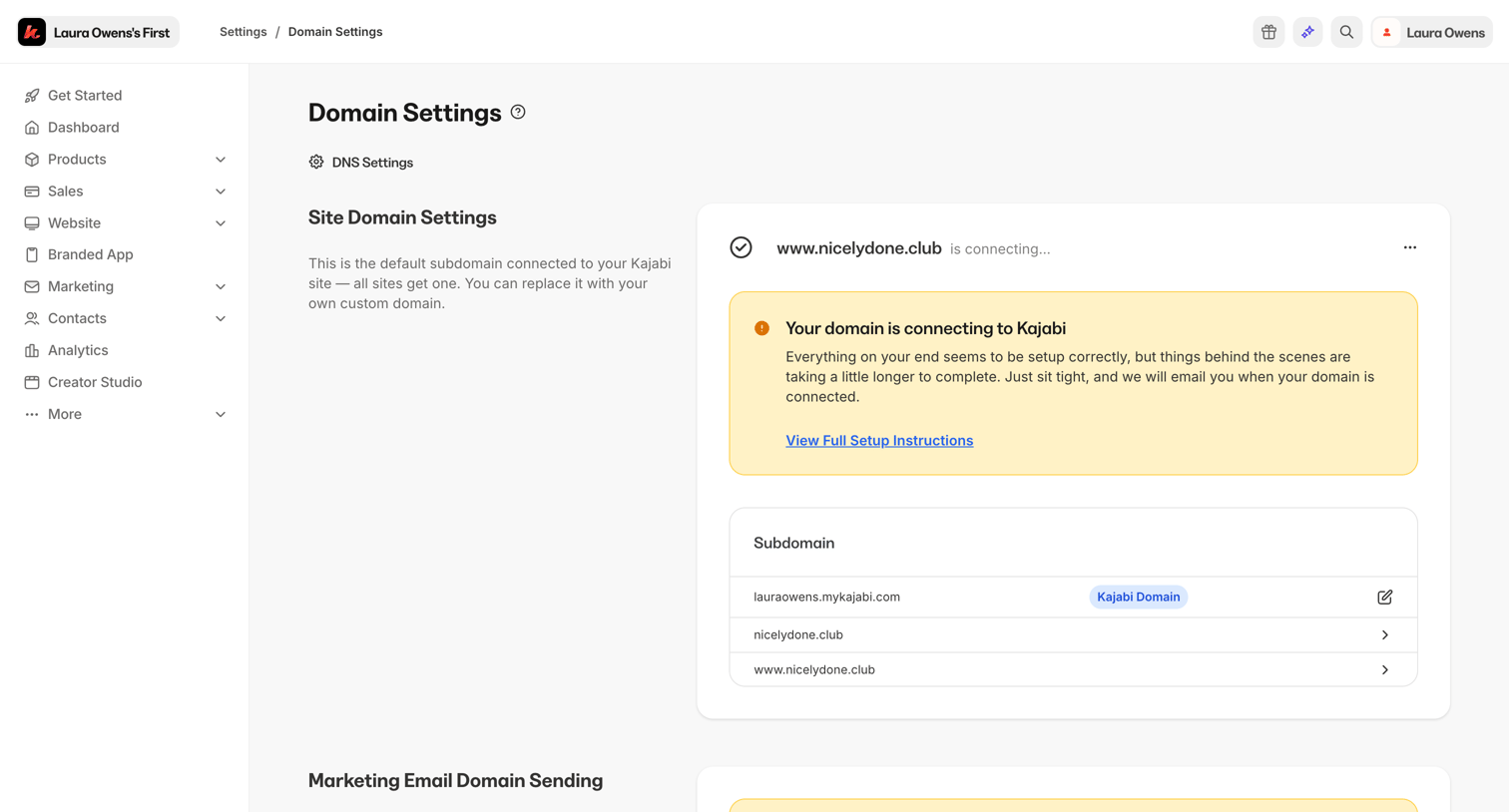

Settings page where the user configures their custom site domain and marketing email domain sending, including connection status and upgrade prompts.
Explore the full SaaS screen library
Upgrade to unlock the full library.
Trusted by the best teams







