Personal space screen examples
Personal space screen design examples from SaaS apps. Browse examples from Evervault, Record club, Grok.
Explore the examples
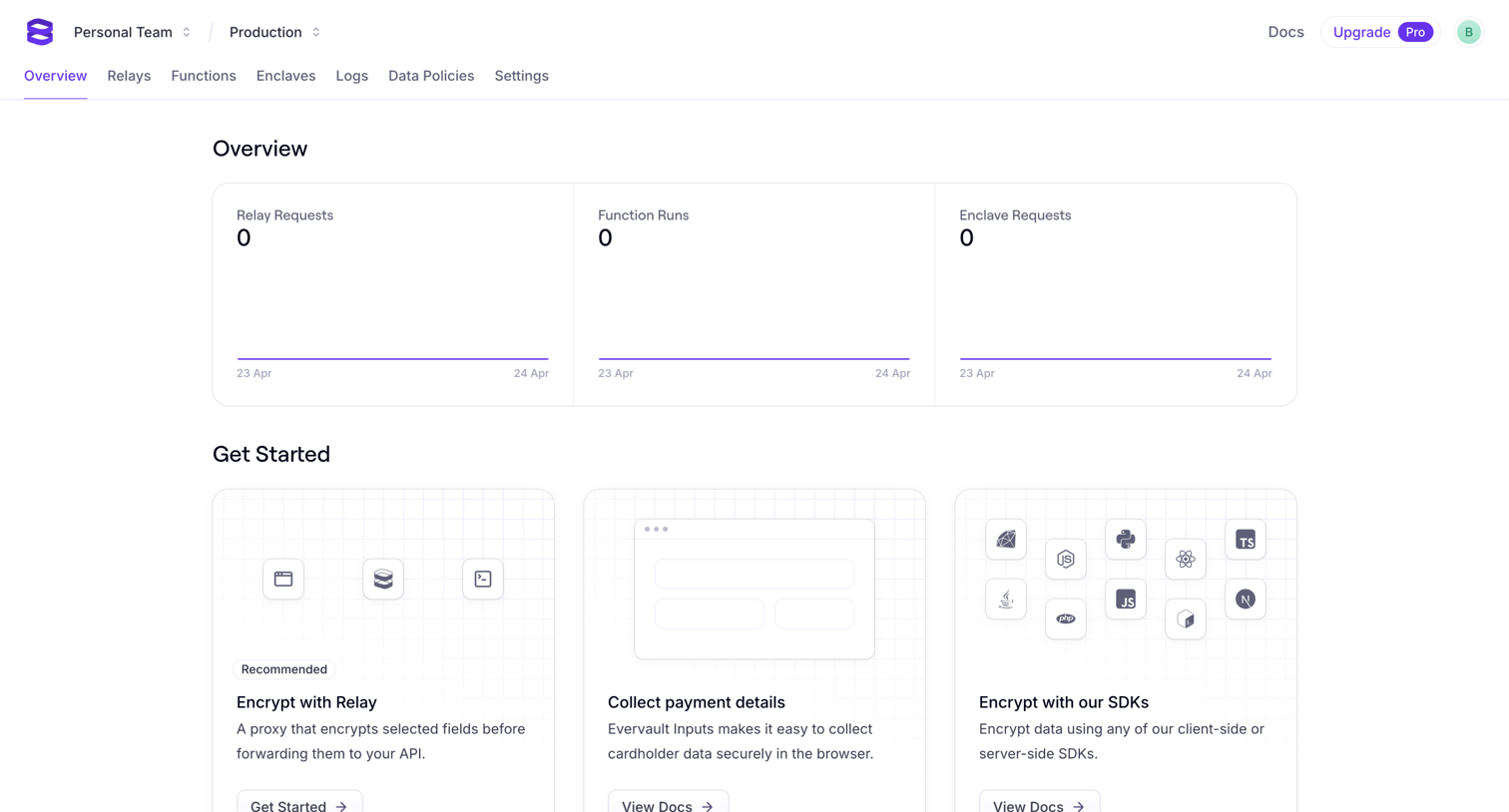

Dashboard overview for a new project showing empty request metrics and a getting started section with options to encrypt with Relay, collect payment details, or use SDKs.
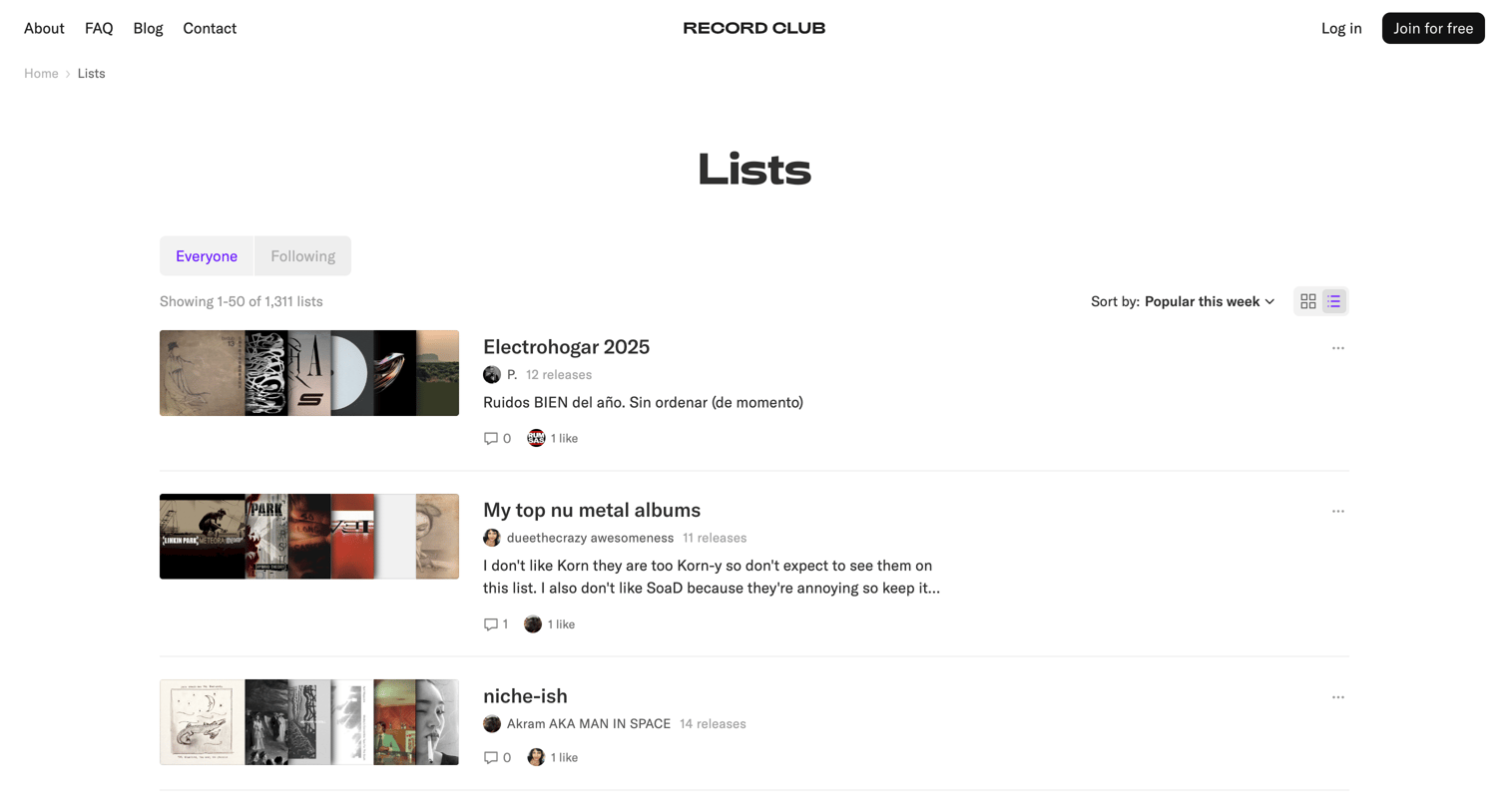

List view where users can browse, sort, and toggle the layout of community-created music album lists.
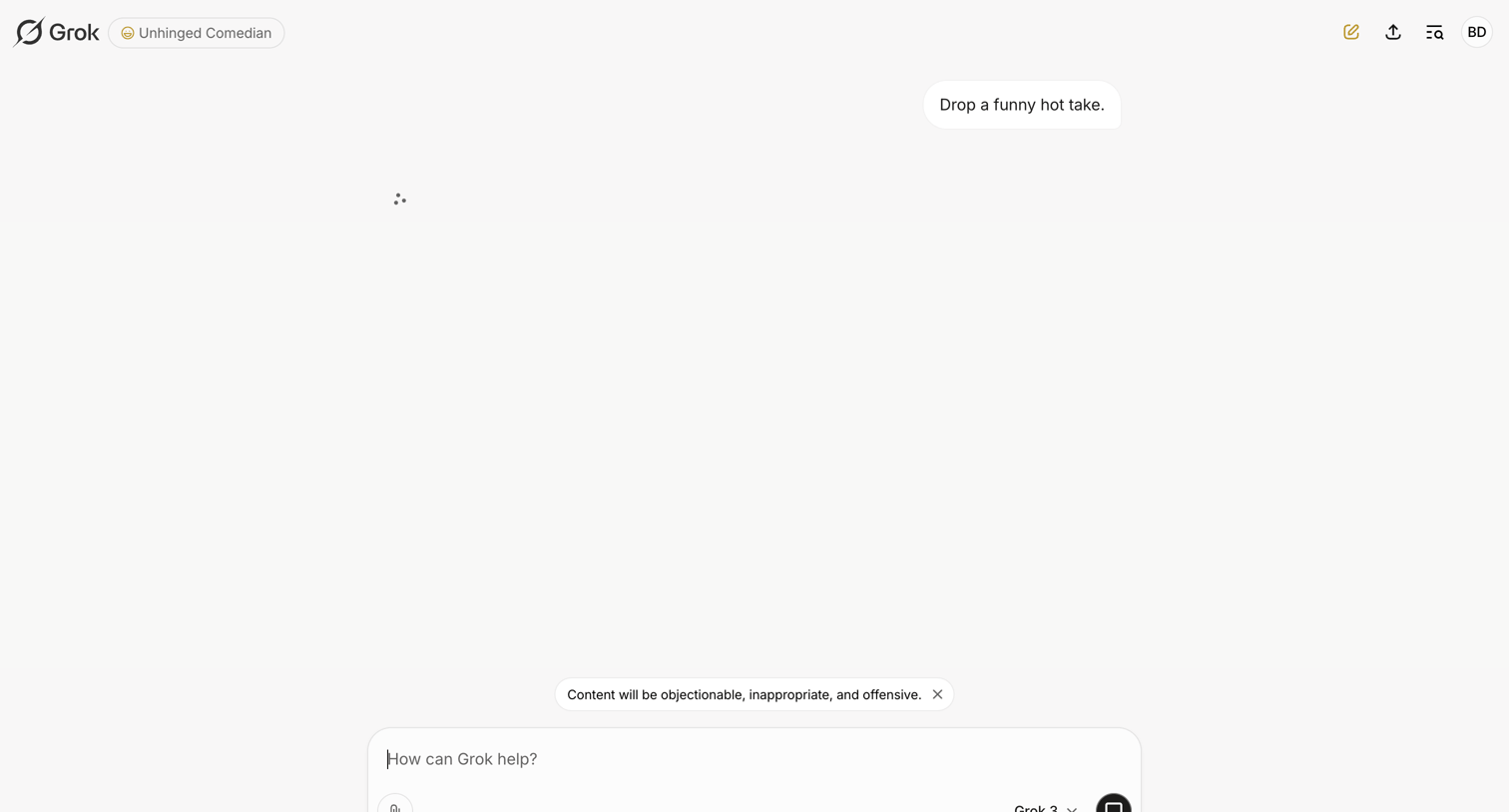

AI chat screen where the user waits for a streaming response to a prompt while a system warning pill is displayed above the composer.

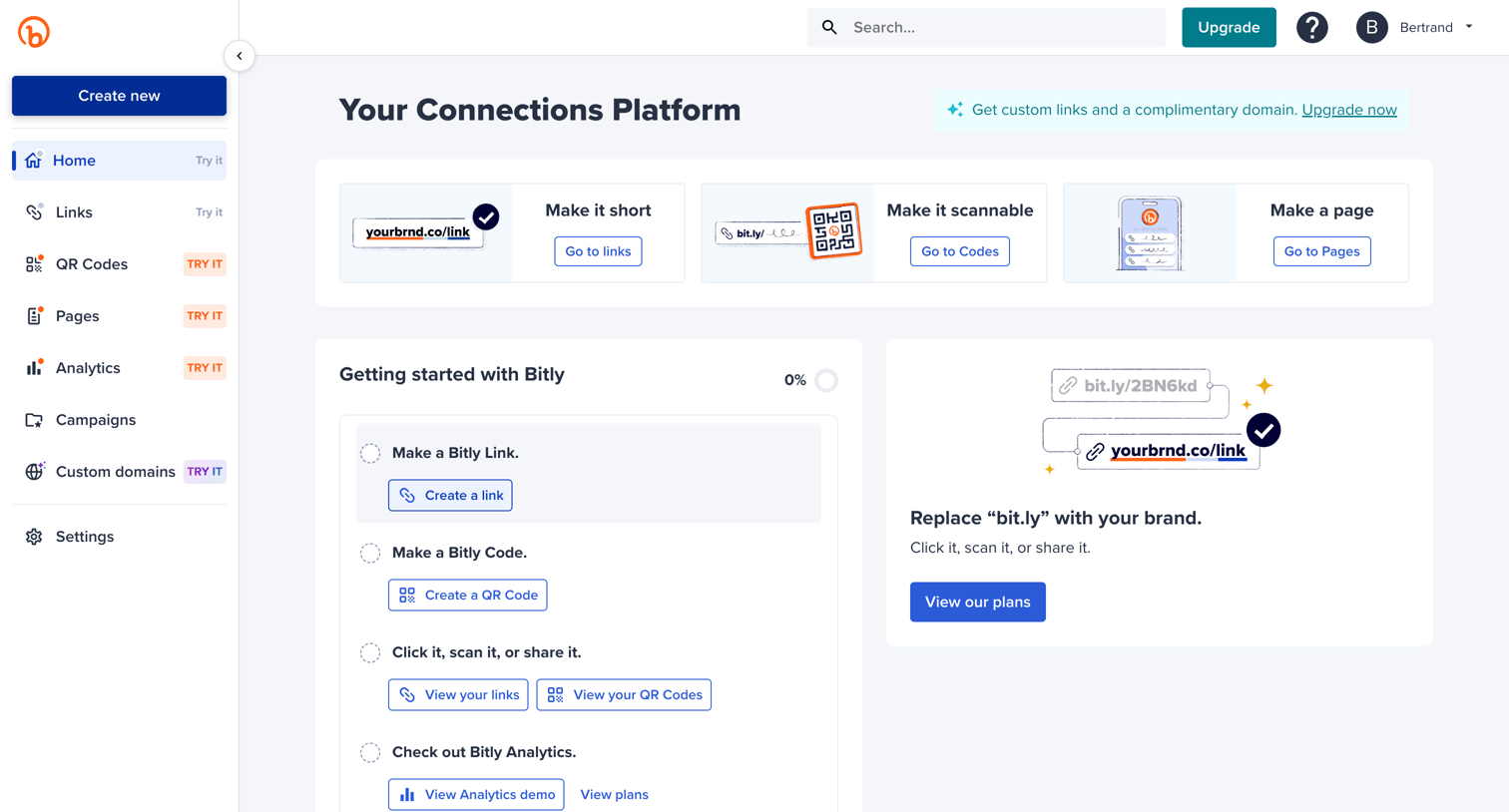

Home screen where the user is guided through a getting started checklist to create links and QR codes, alongside prompts to upgrade for custom domains.


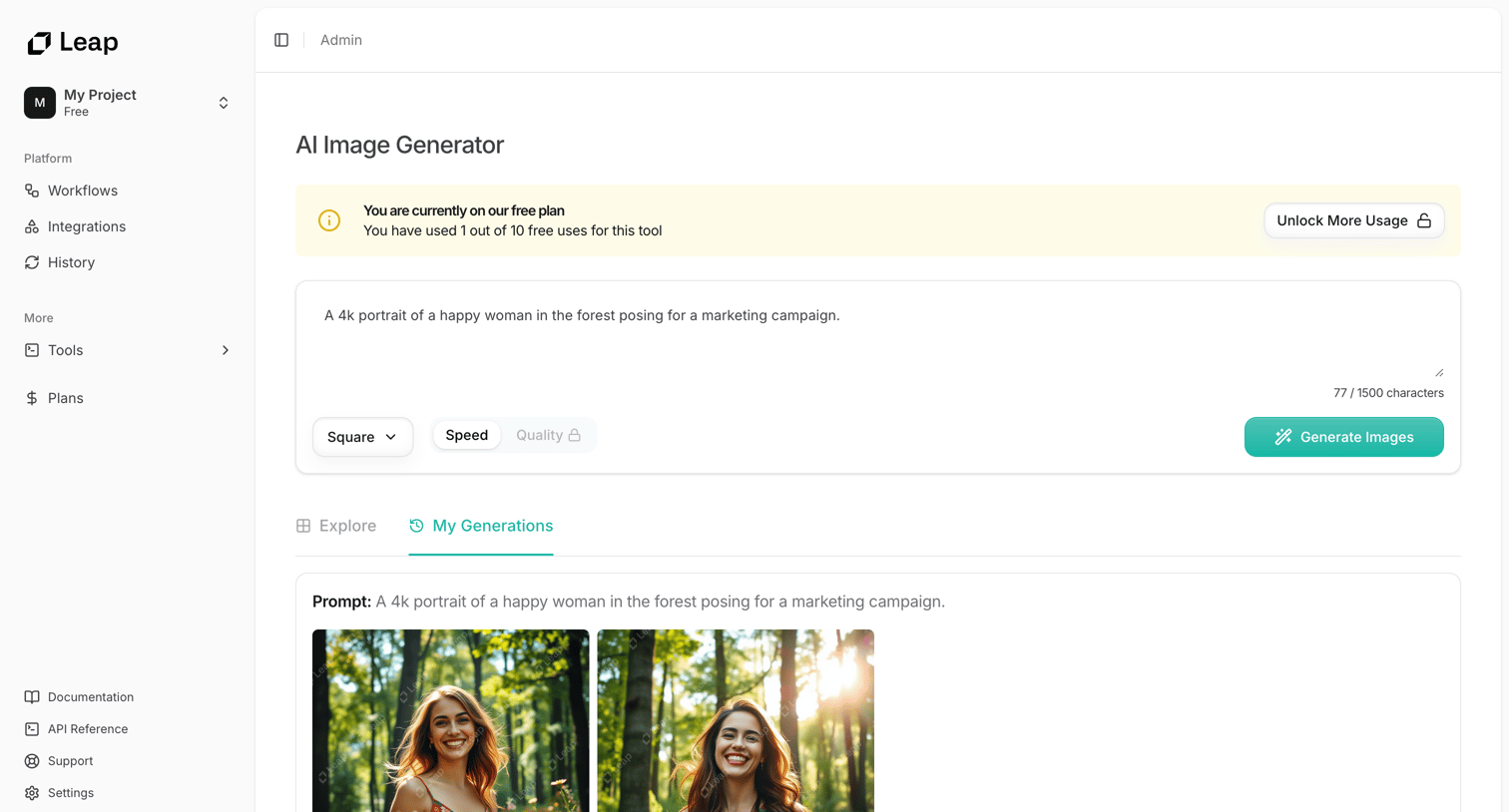

AI image generator tool where the user enters a prompt to generate images, featuring a usage-limit banner and an upgrade prompt to remove watermarks from the output.
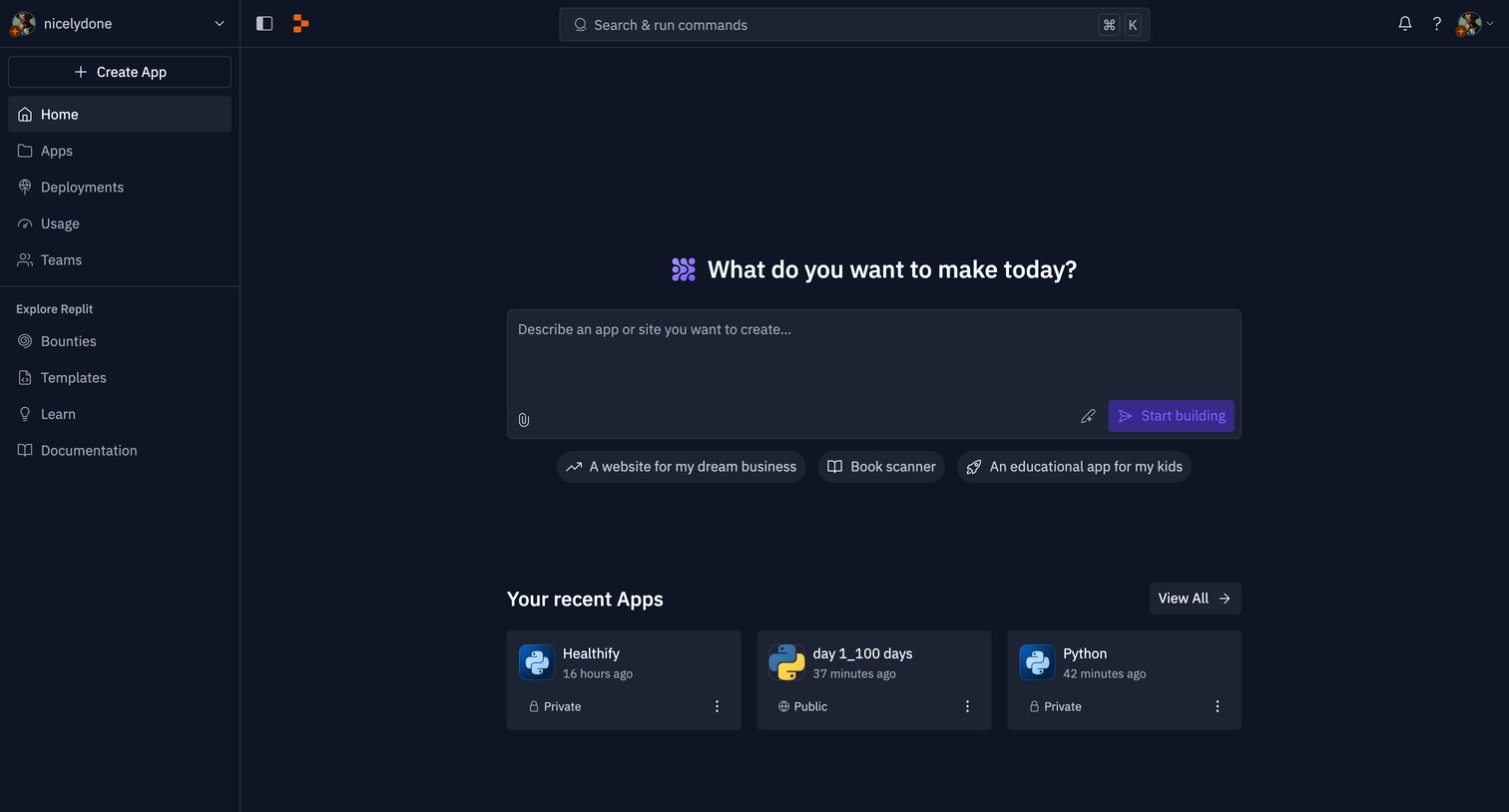

Home screen where the user can generate a new app using an AI prompt or jump back into their recent Python projects.
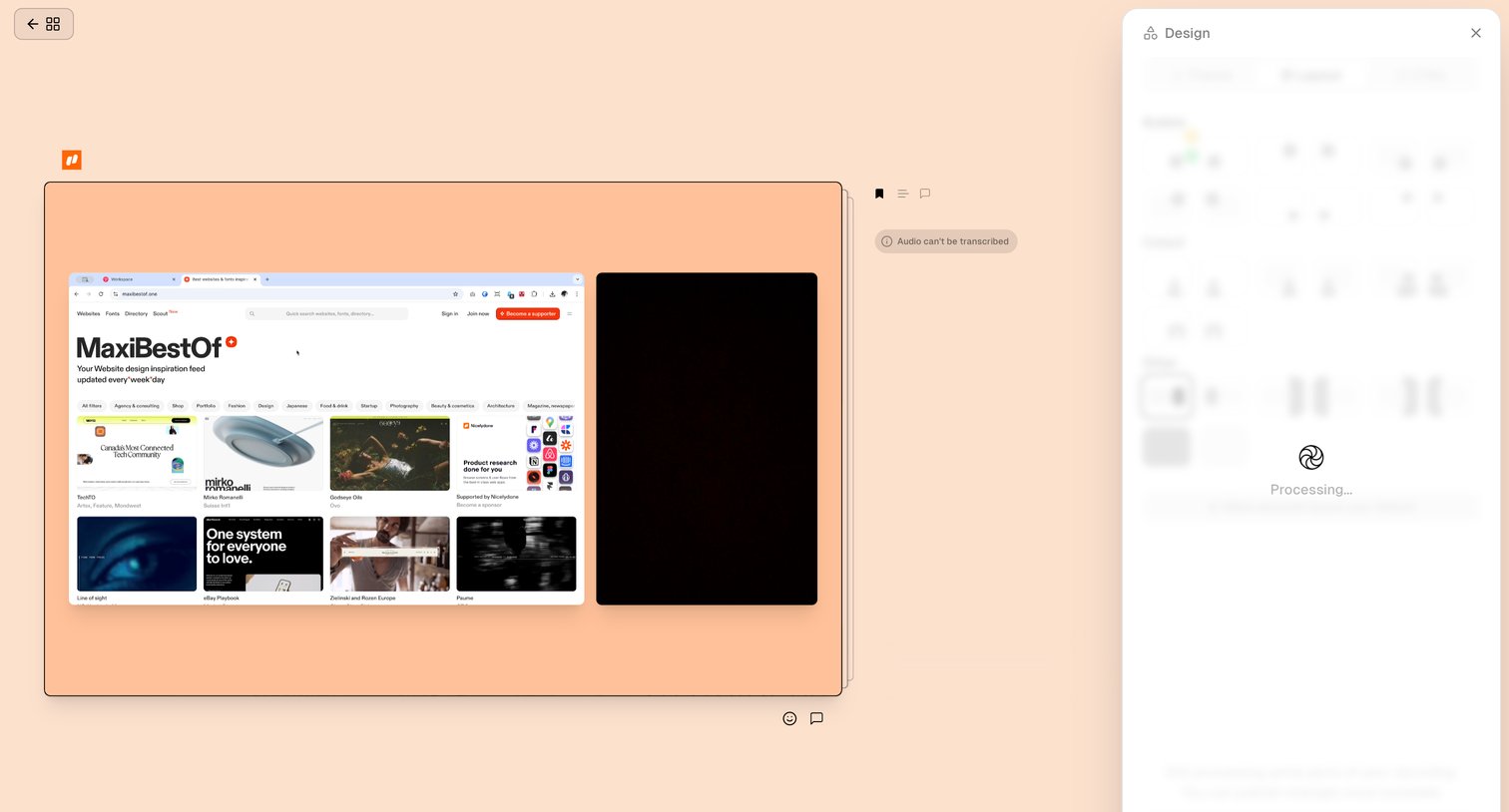

Design editor canvas showing a video preview while the right-hand design panel processes layout options.
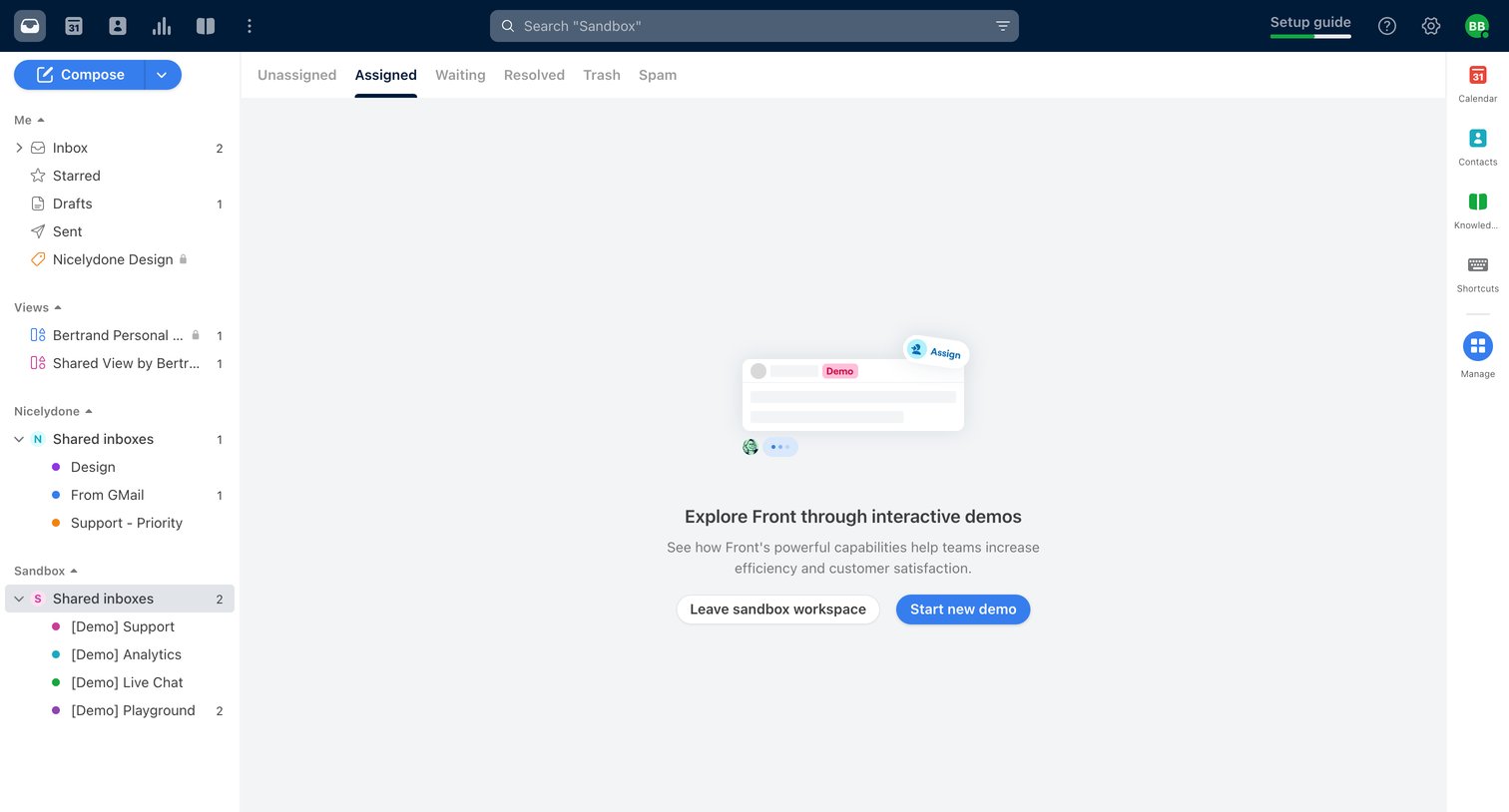

Assigned inbox view in a sandbox workspace showing an empty state with prompts to start a new interactive demo or leave the sandbox.
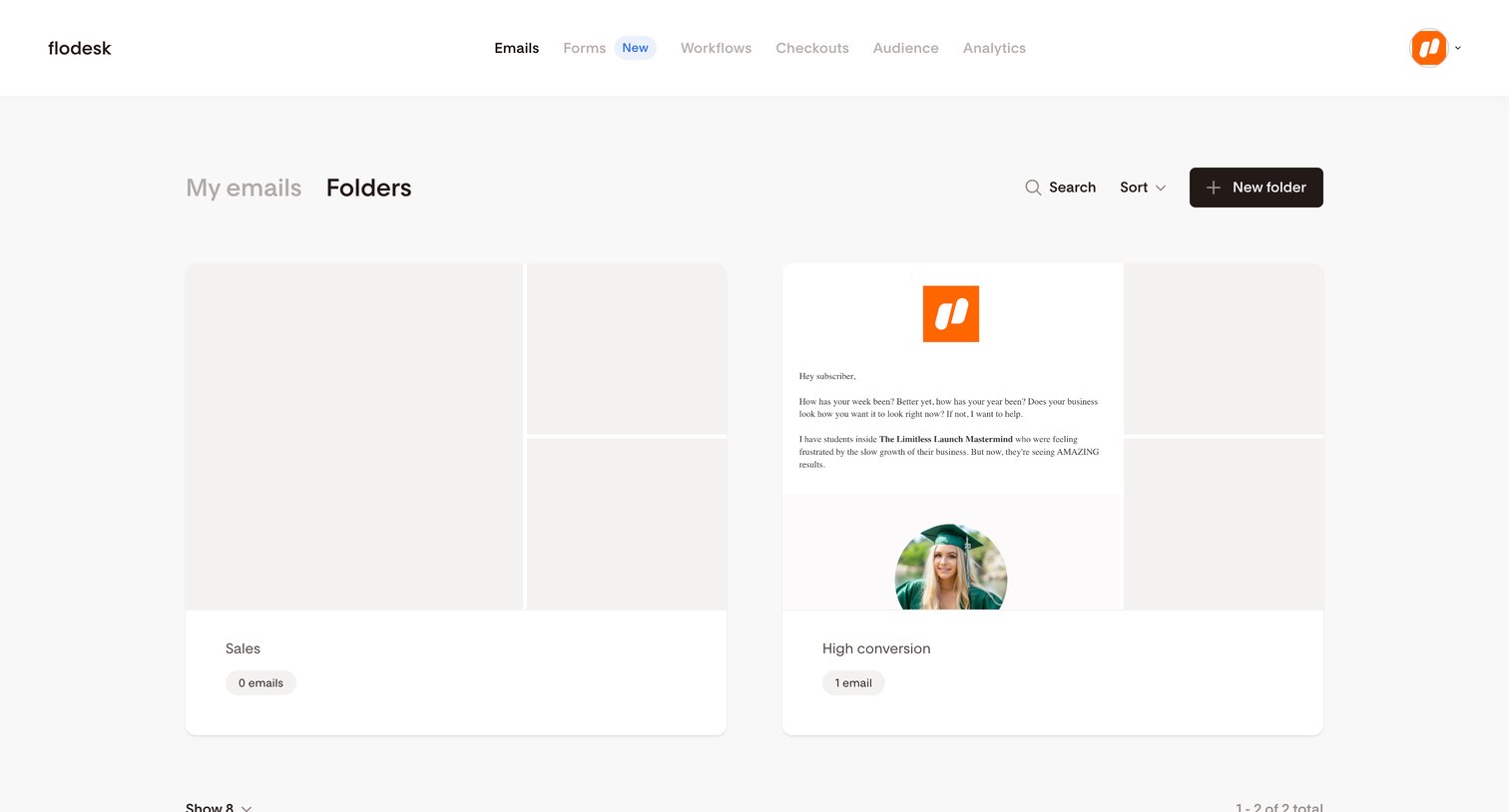

List view where the user browses and manages their email marketing folders in a gallery layout.
Explore the full SaaS screen library
Upgrade to unlock the full library.
Trusted by the best teams







