Parameters screen examples
Parameters screen design examples from SaaS apps. Browse examples from Evervault, Notion Mail, Record club.
Explore the examples
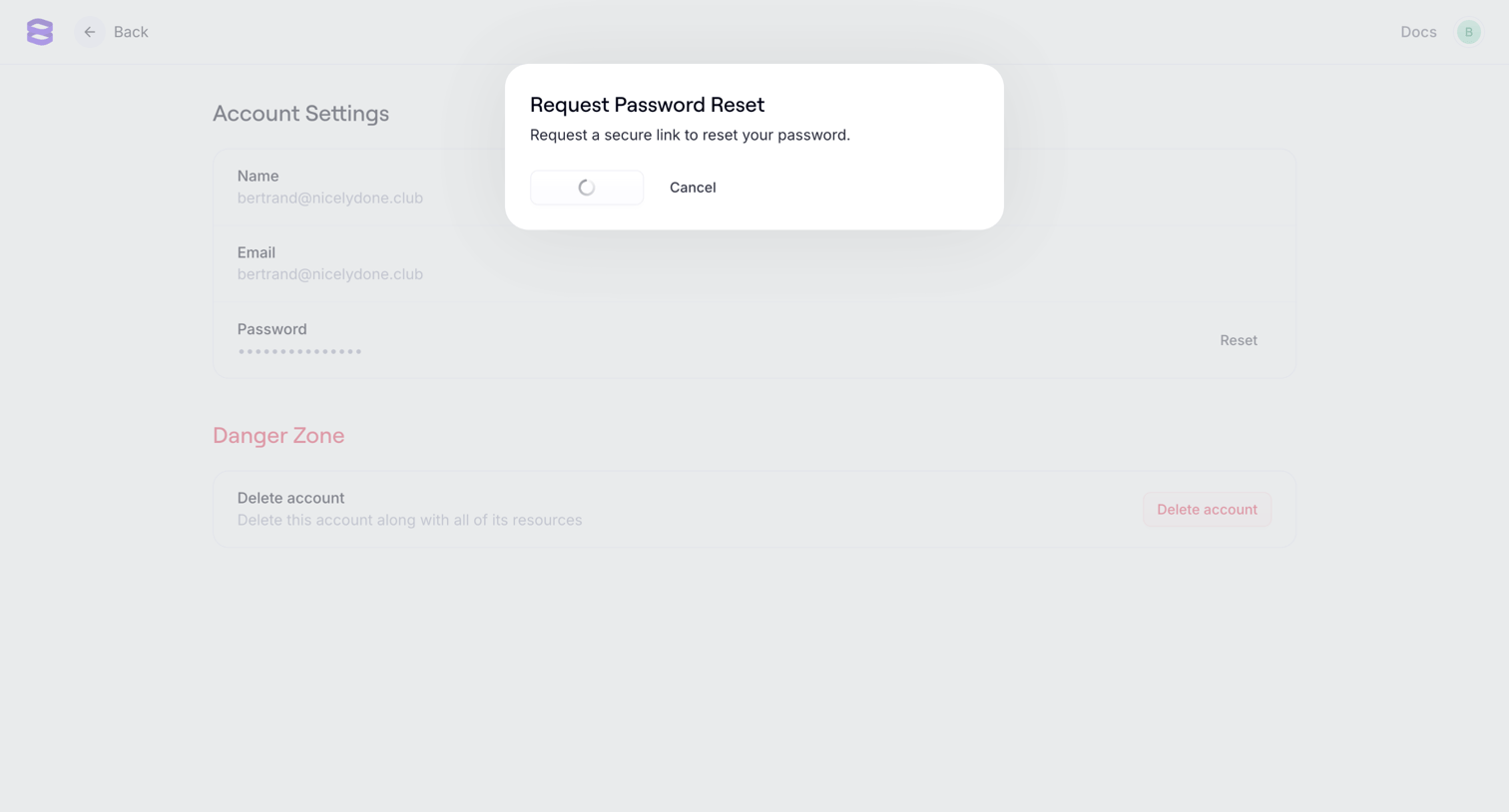

Account settings page where the user is prompted to request a password reset link via a modal overlay.
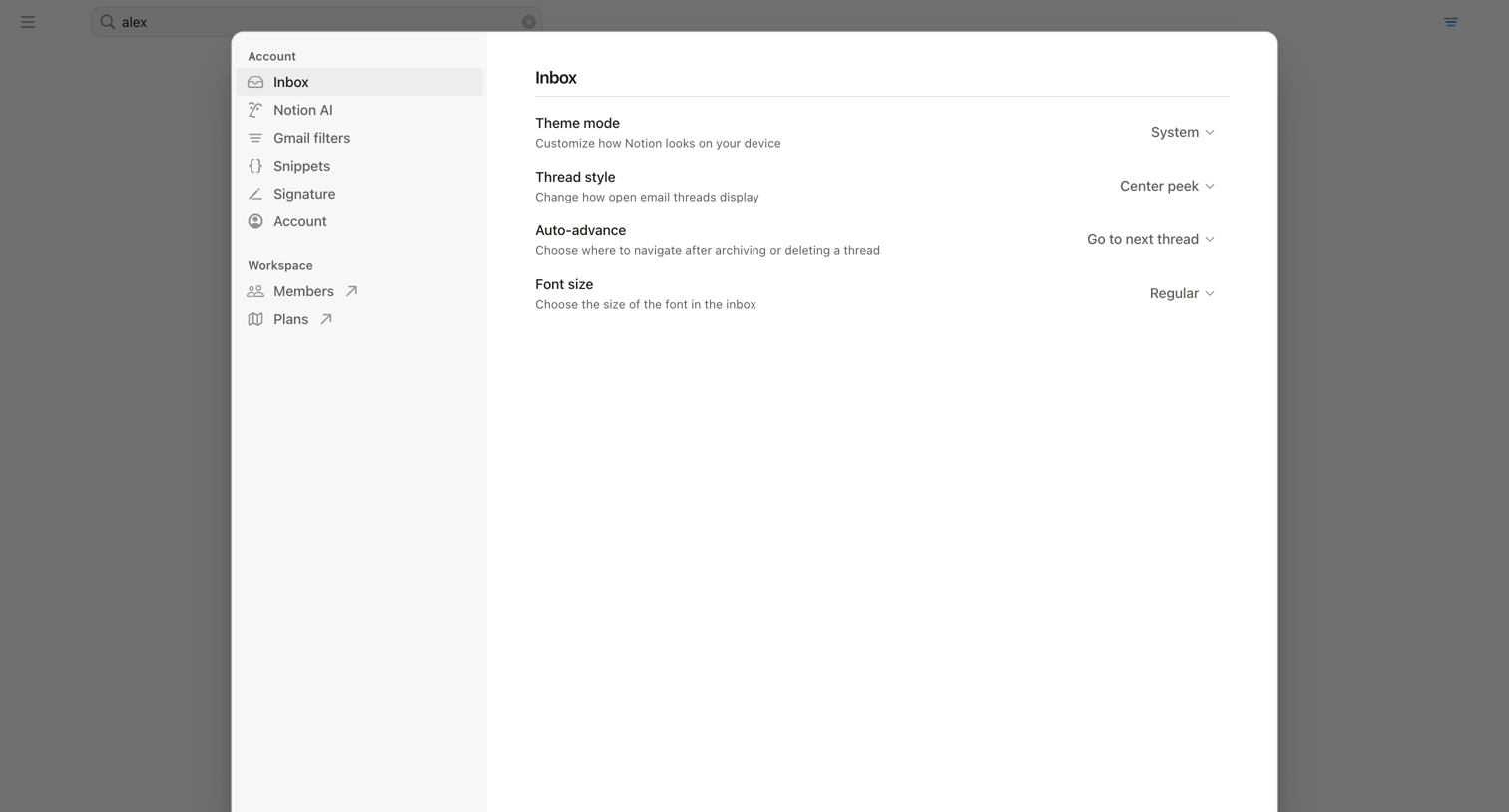

Settings modal where the user configures inbox display preferences like theme mode, thread style, auto-advance, and font size.
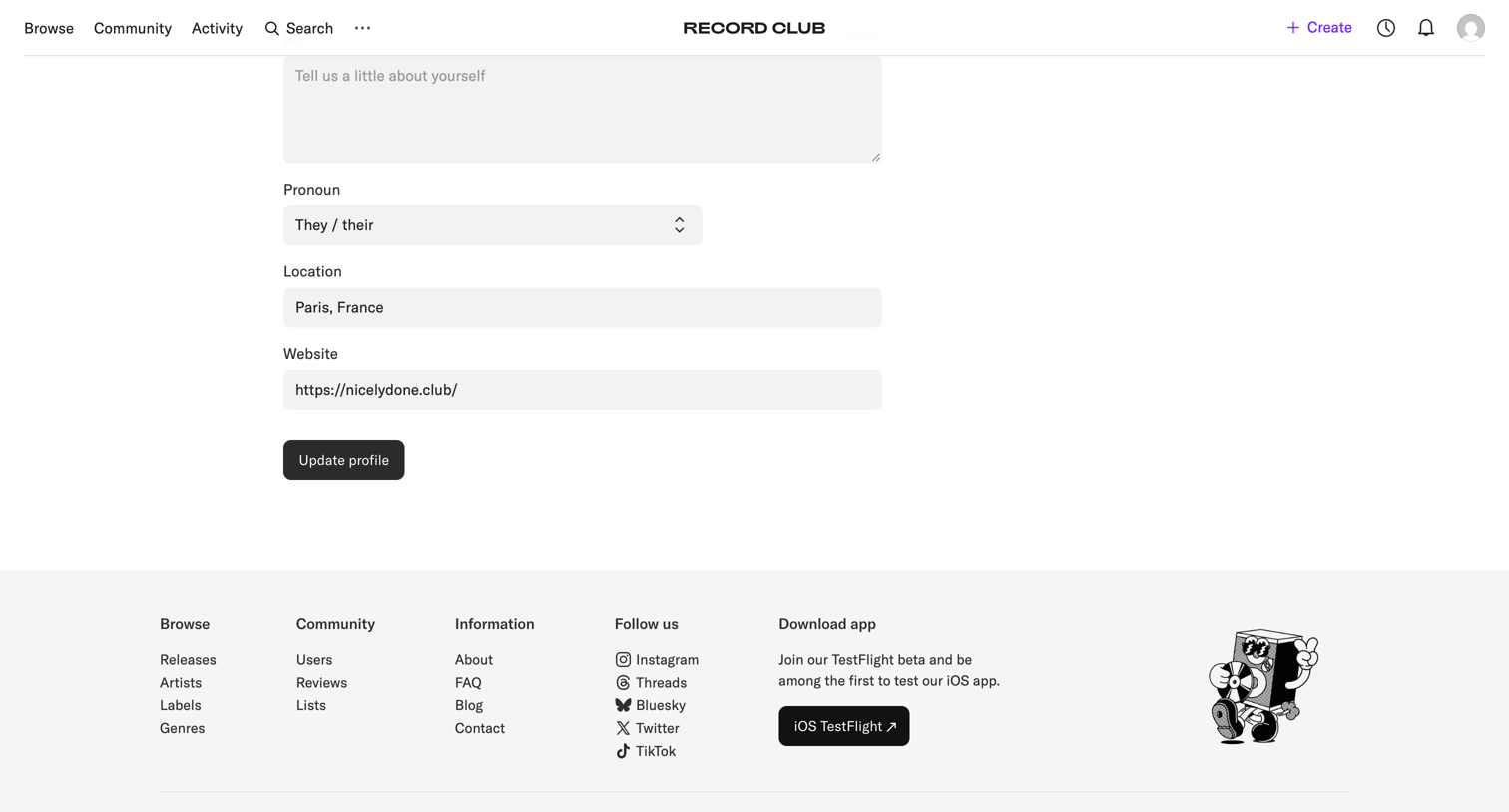

Settings page where the user updates their profile information including bio, pronouns, location, and website.
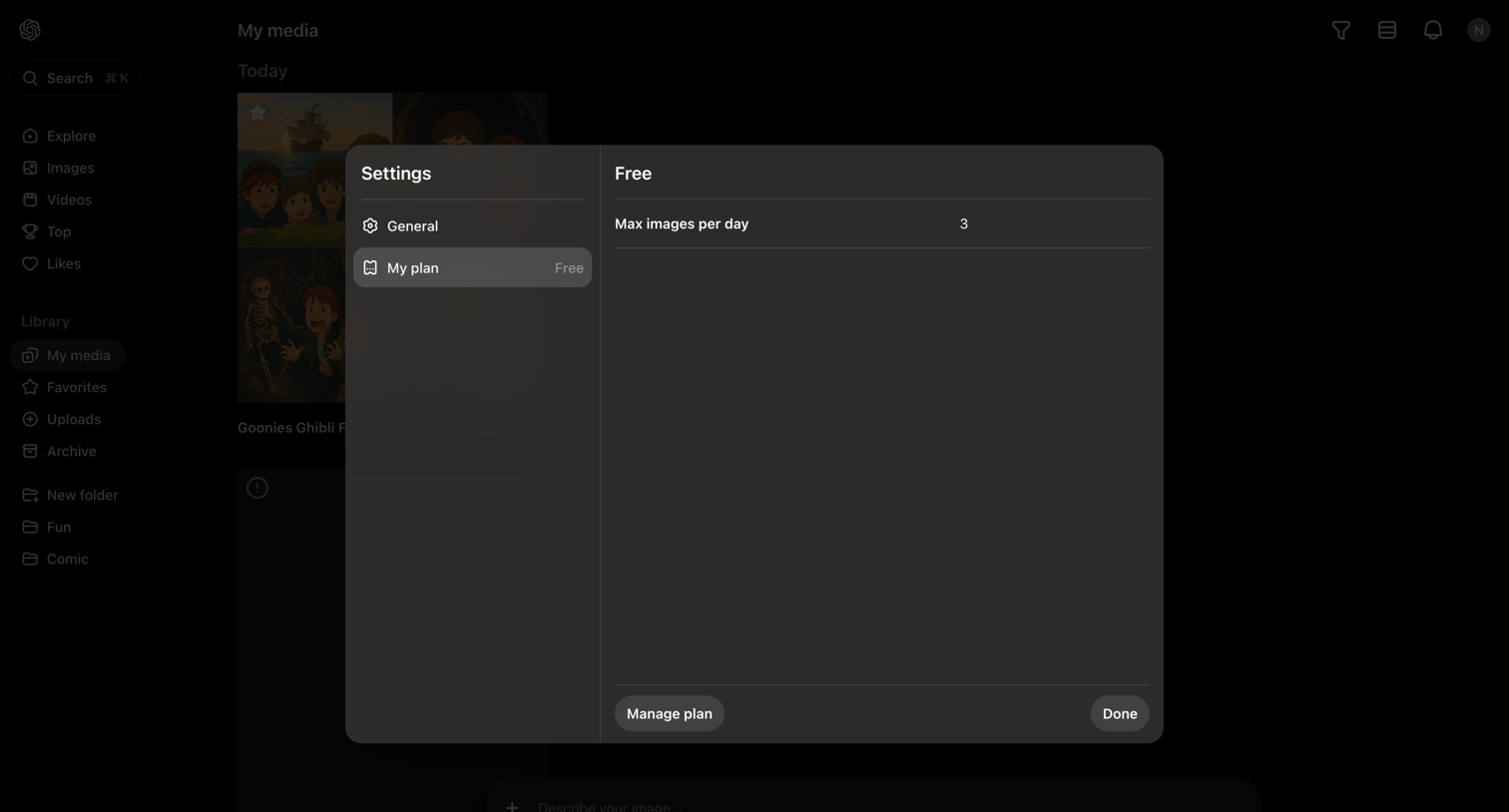

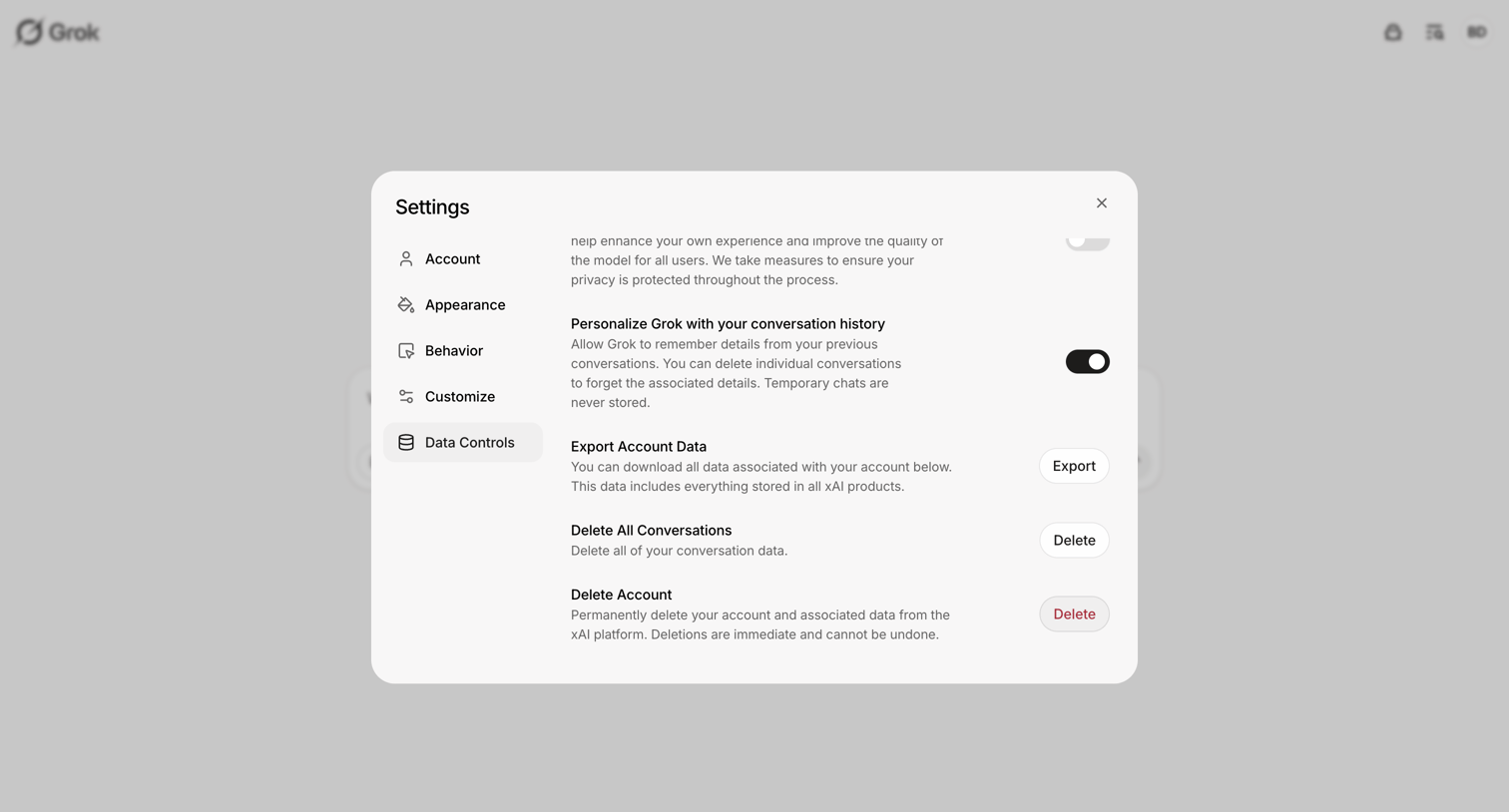

Settings modal where the user manages data controls, including exporting account data, deleting conversation history, and permanently deleting their account.
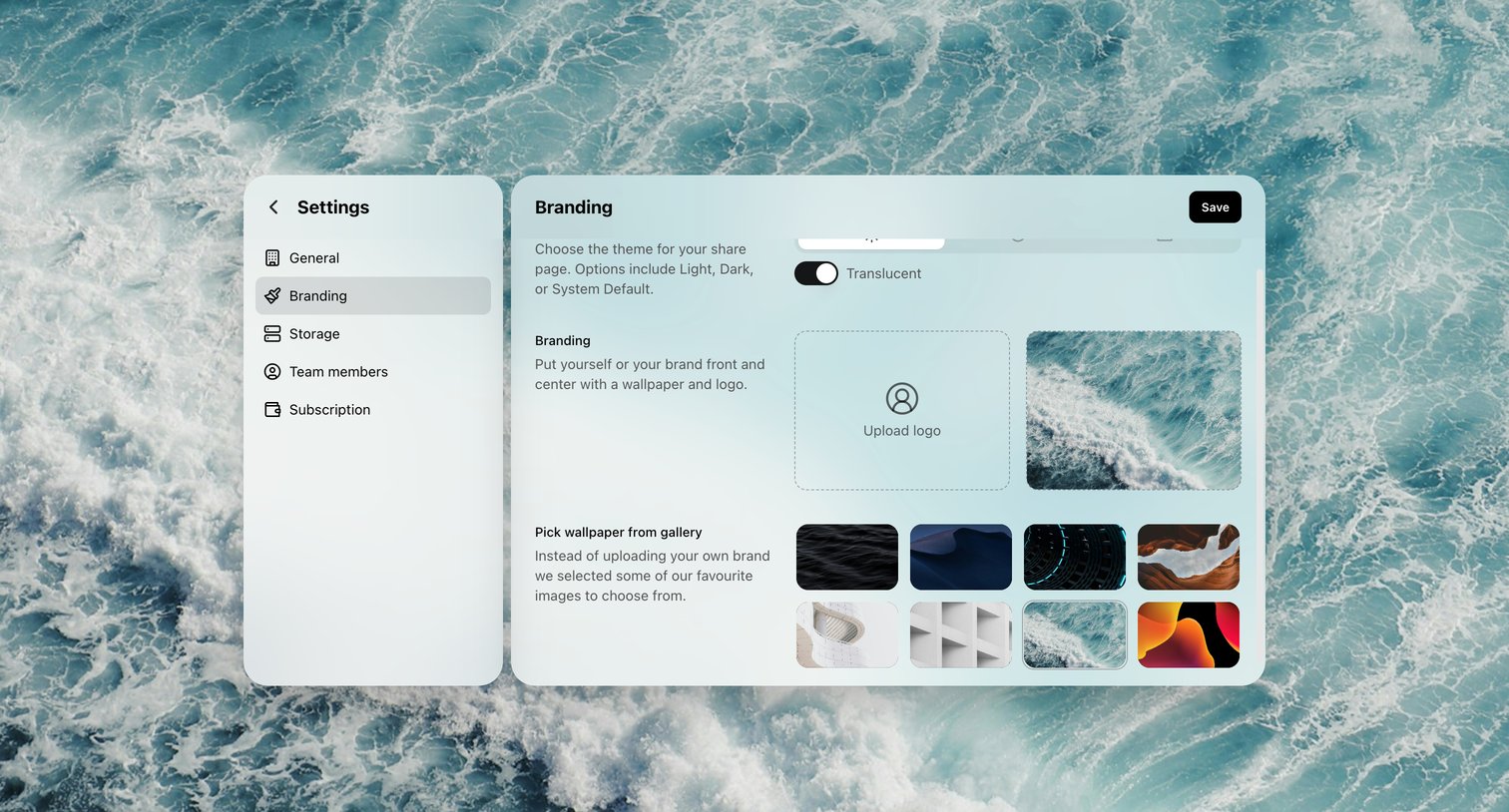

Settings page where the user configures their share page theme, uploads a custom logo, and selects a background wallpaper.
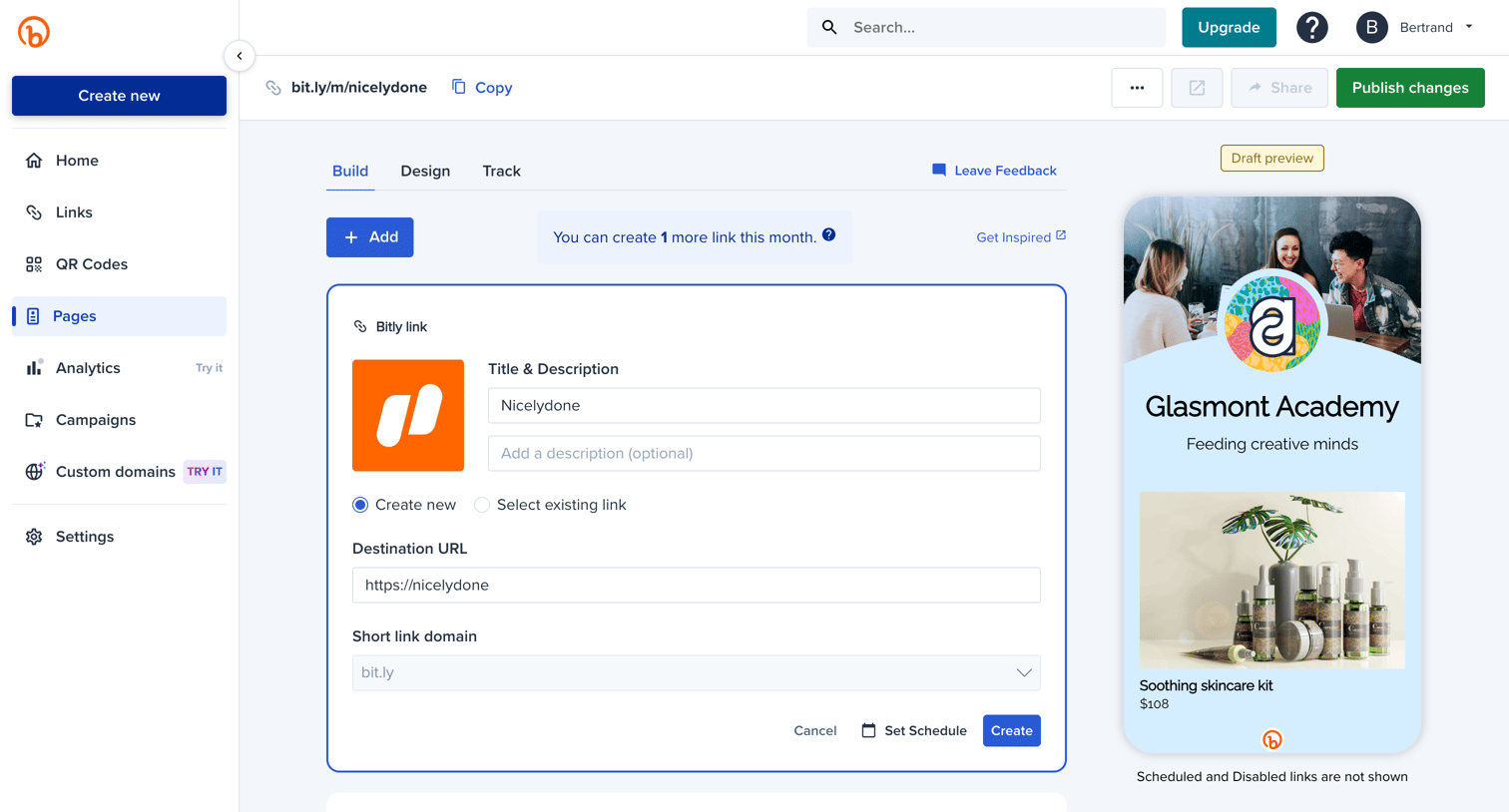

Design editor where the user configures a custom link-in-bio page by adding destination URLs, setting schedules, and viewing a live mobile draft preview.
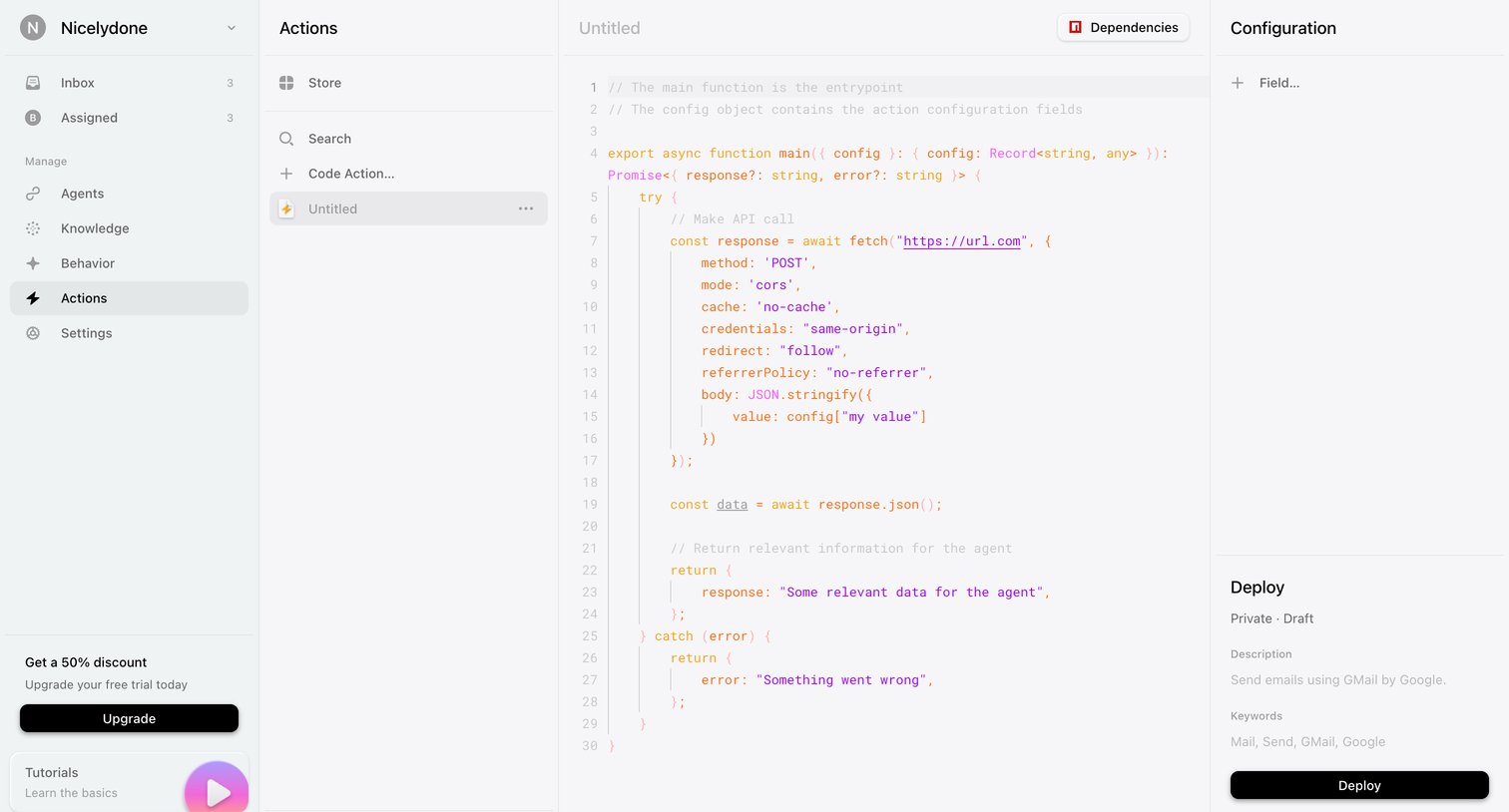

Code editor where the user writes and configures custom actions for an agent, with options to deploy or publish to a store.
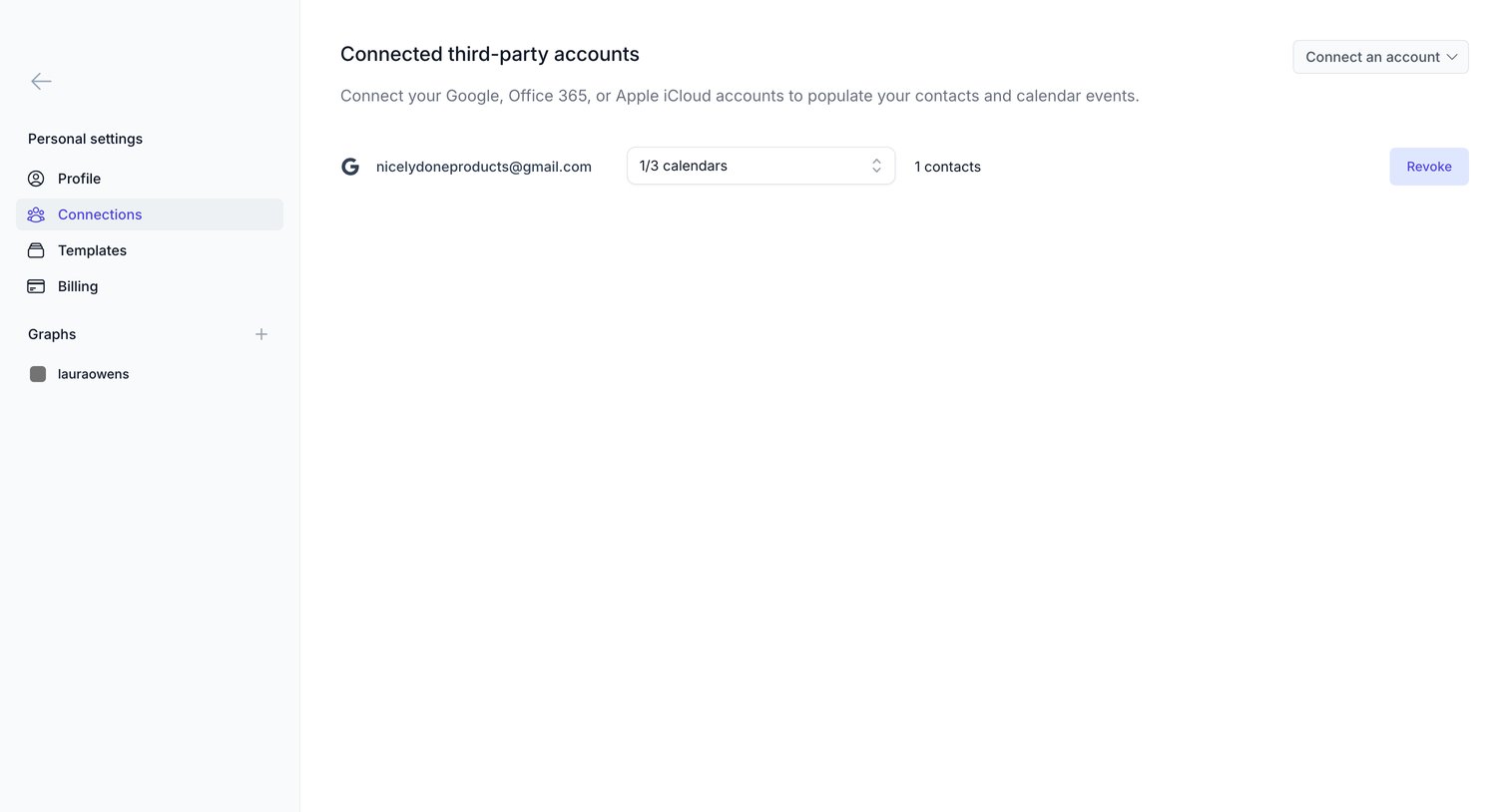

Settings page where the user manages connected third-party accounts like Google, Office 365, or Apple iCloud to sync contacts and calendar events.
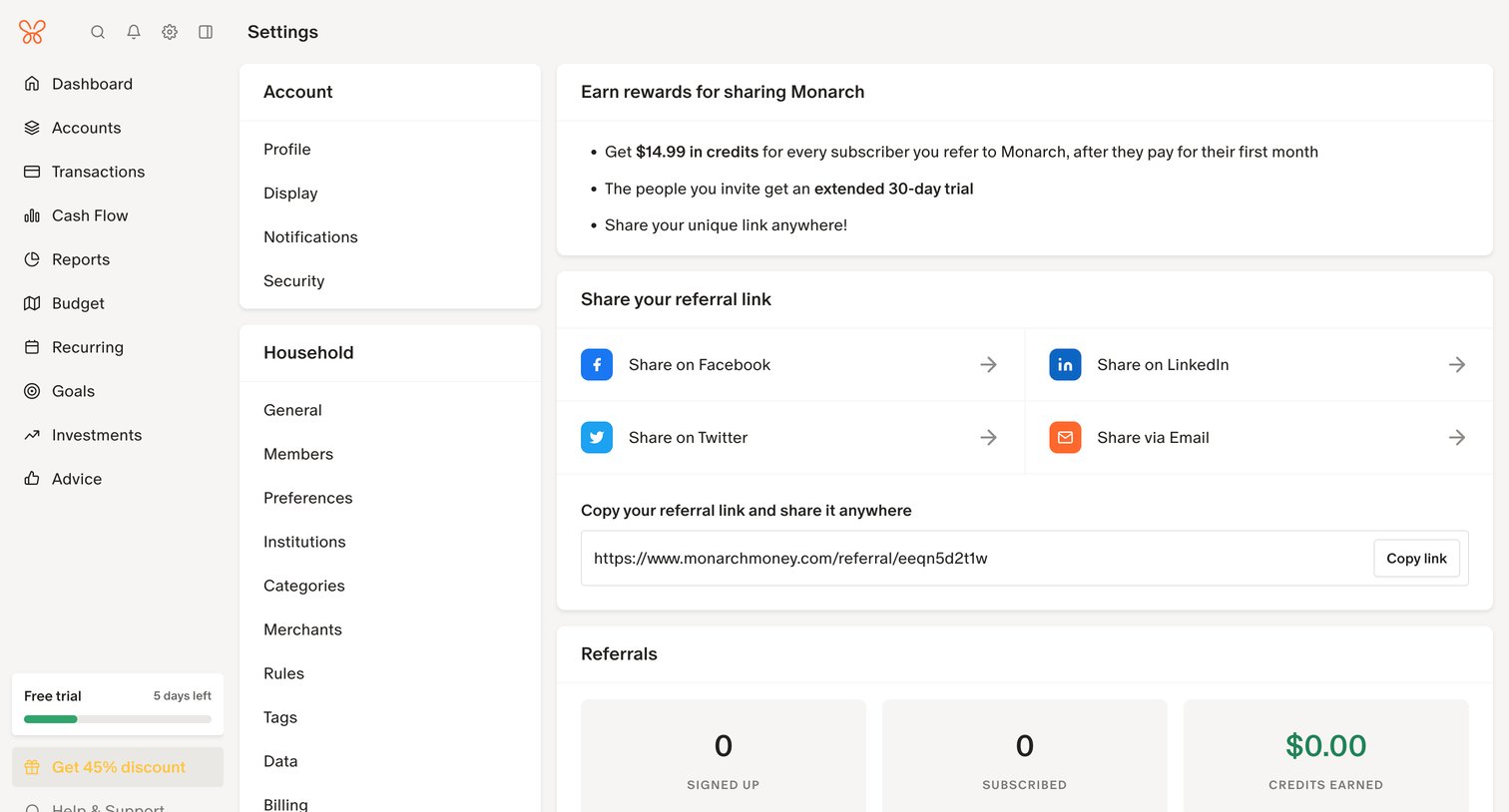

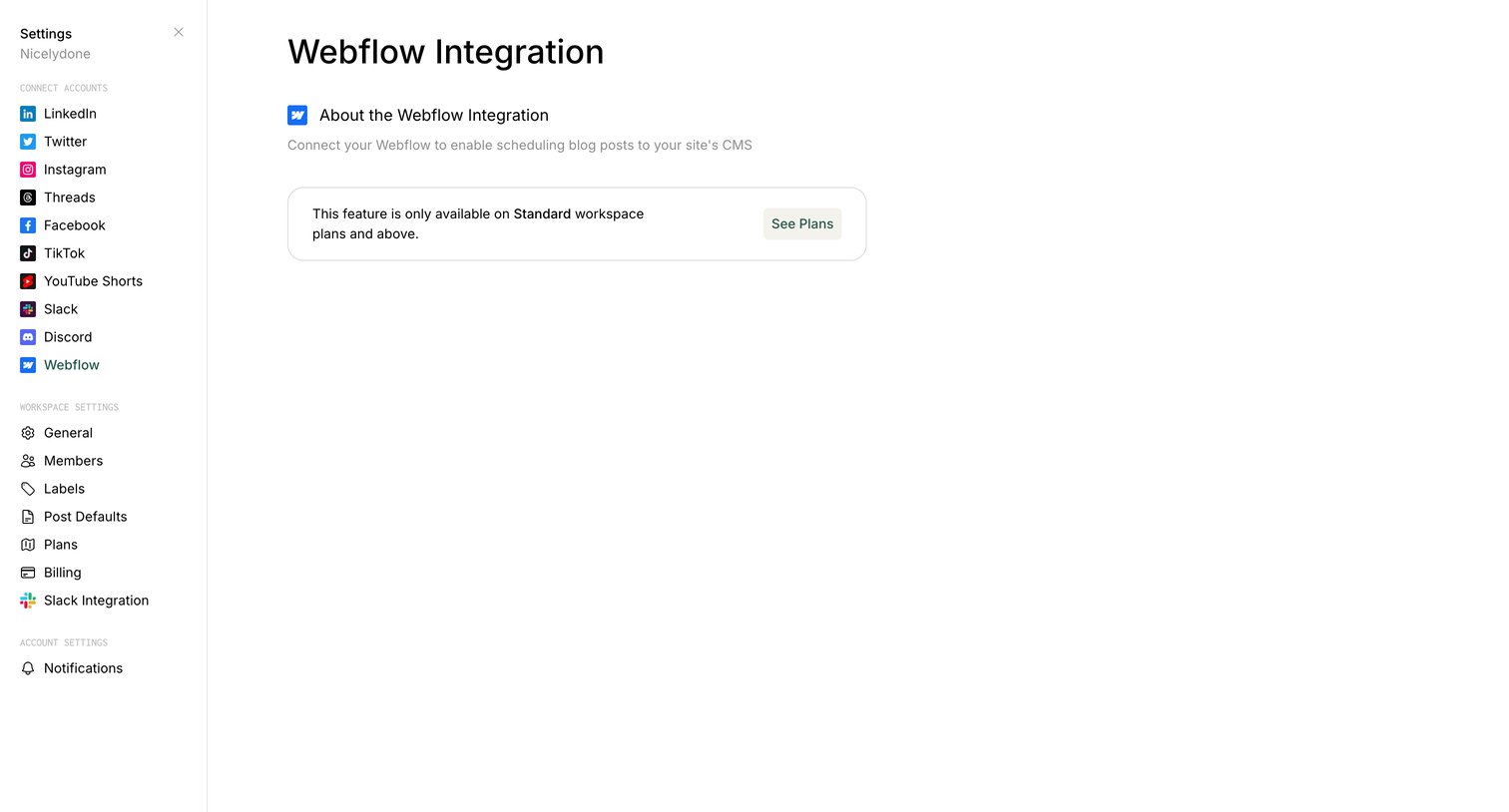

Settings page where the user views the Webflow integration, which is currently locked behind a plan upgrade prompt.
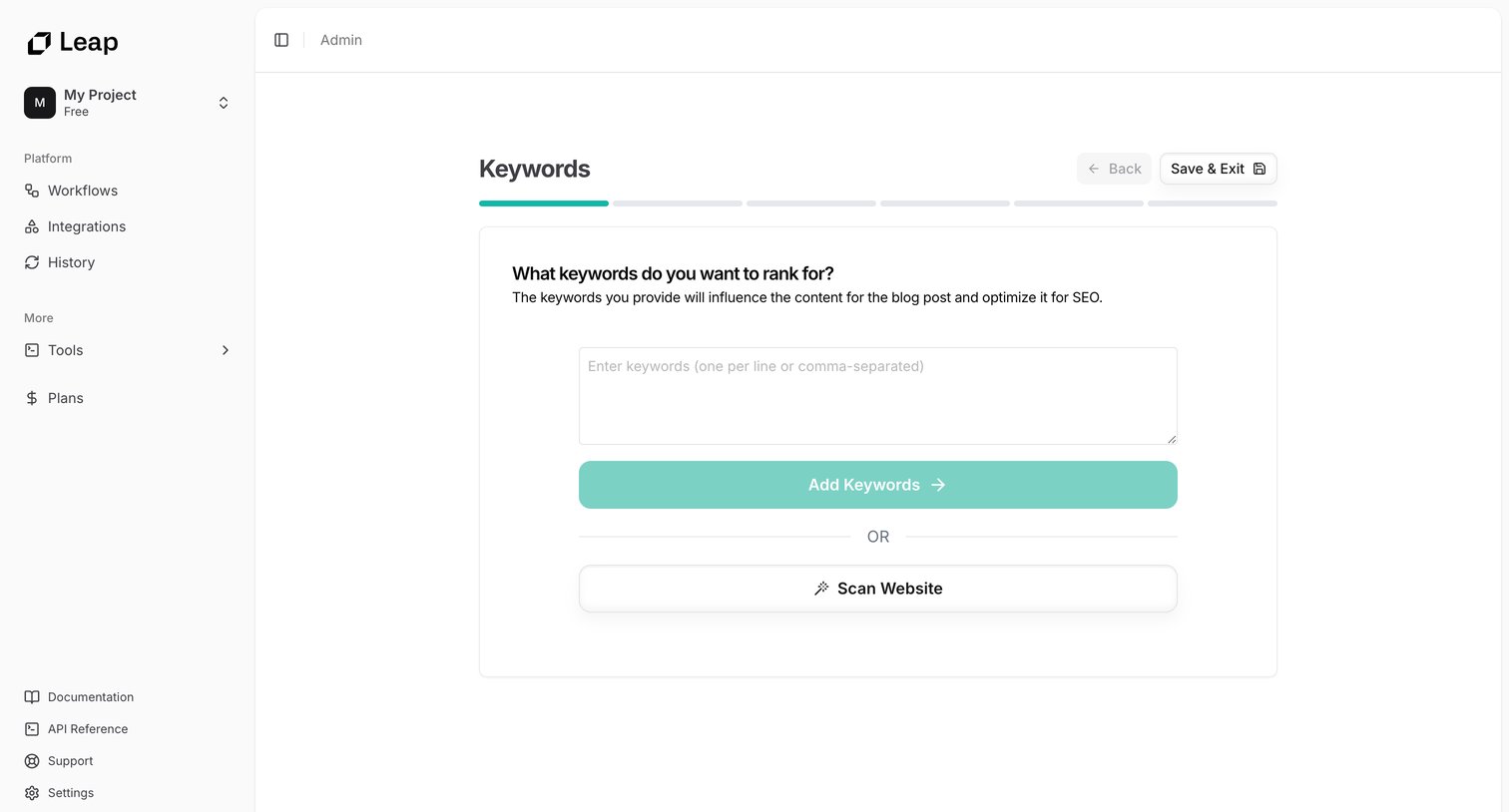

Creation wizard step where the user enters target SEO keywords or scans their website to generate optimized blog content.
Explore the full SaaS screen library
Upgrade to unlock the full library.
Trusted by the best teams







