New screen examples
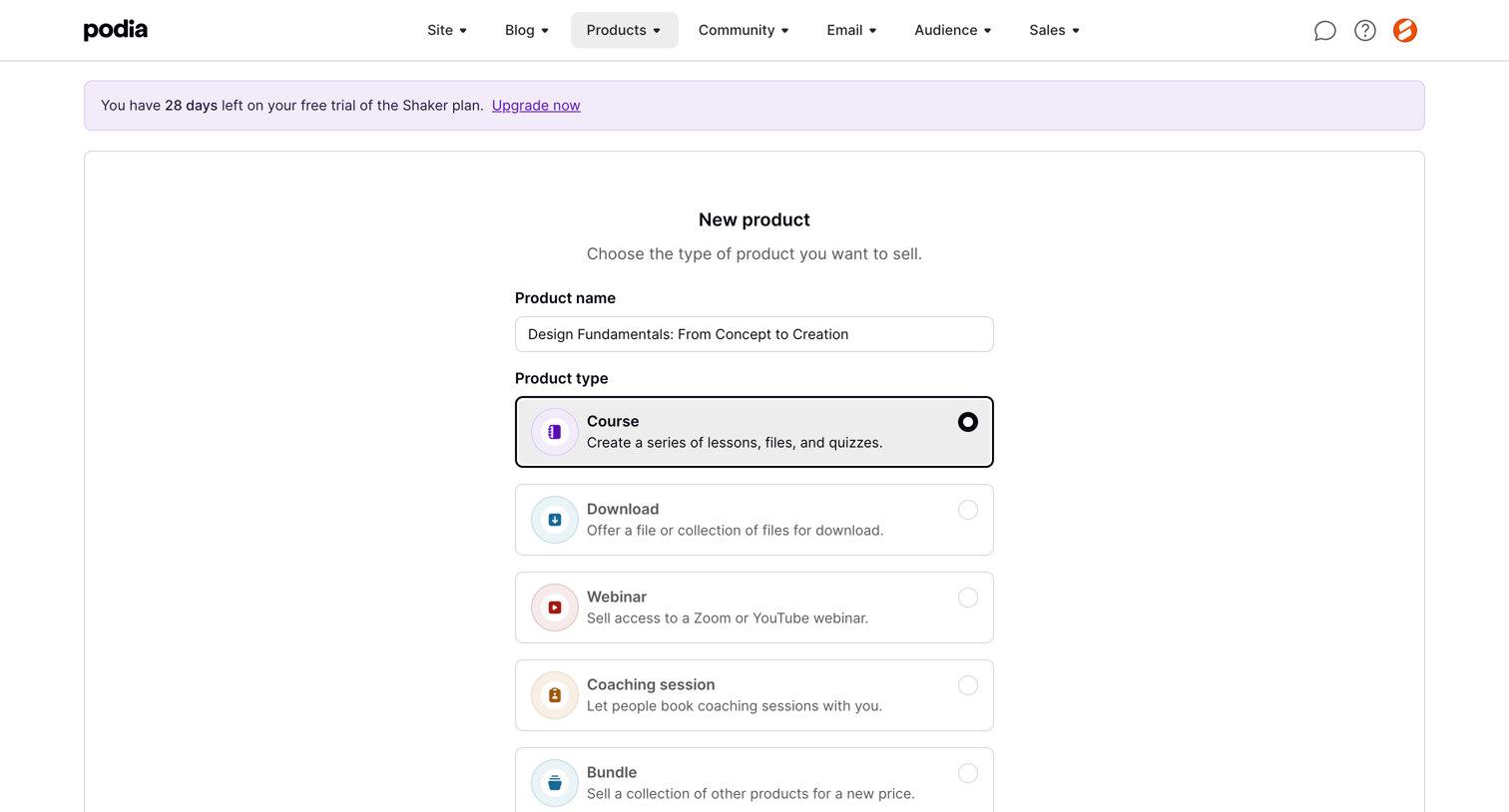
New screen design examples from SaaS apps. Browse examples from Mailchimp, Record club, Grok.
Explore the examples
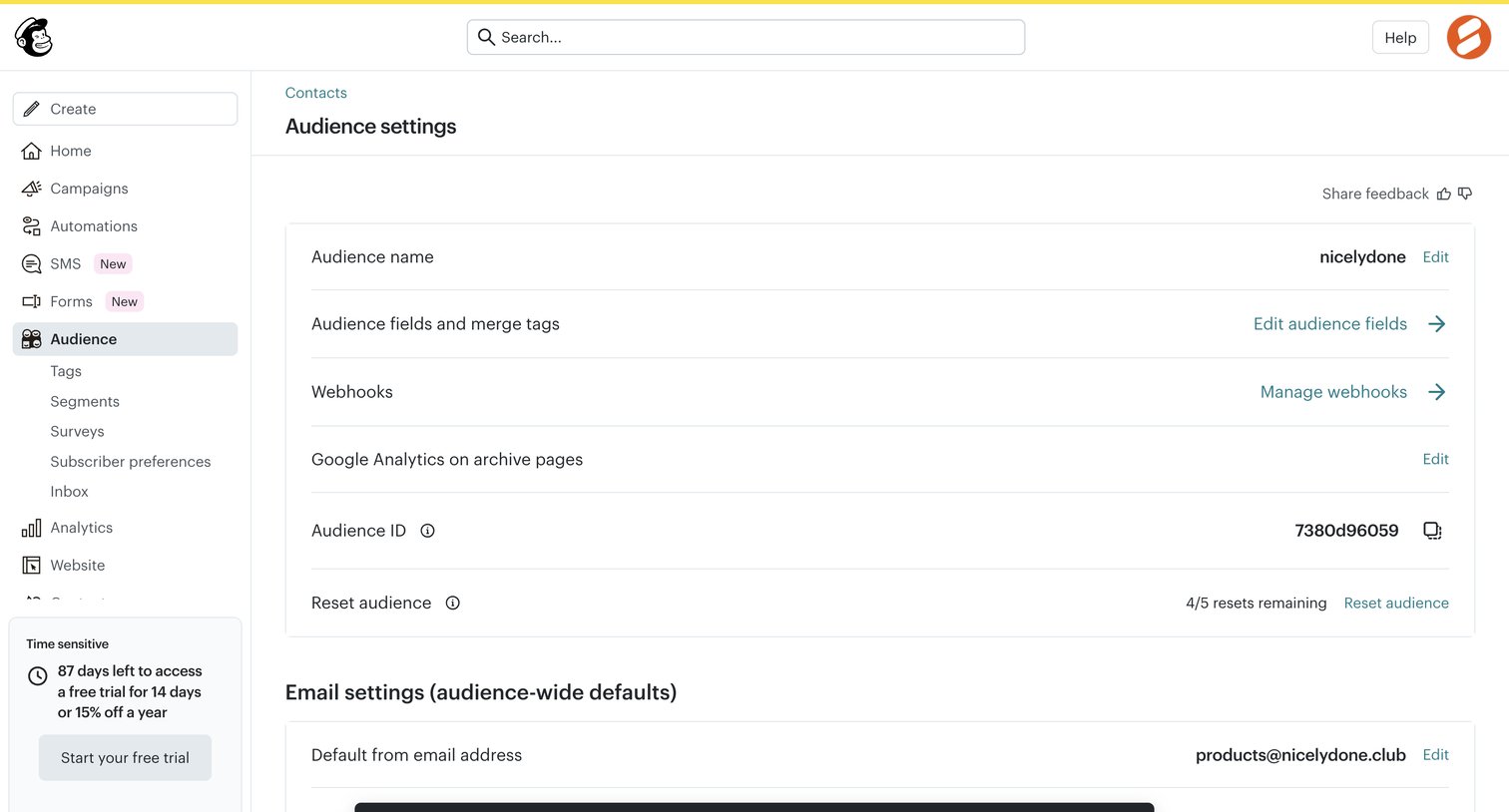

Settings page where the user configures audience-wide defaults like name, webhooks, and default email address, showing a success toast after a reset action.
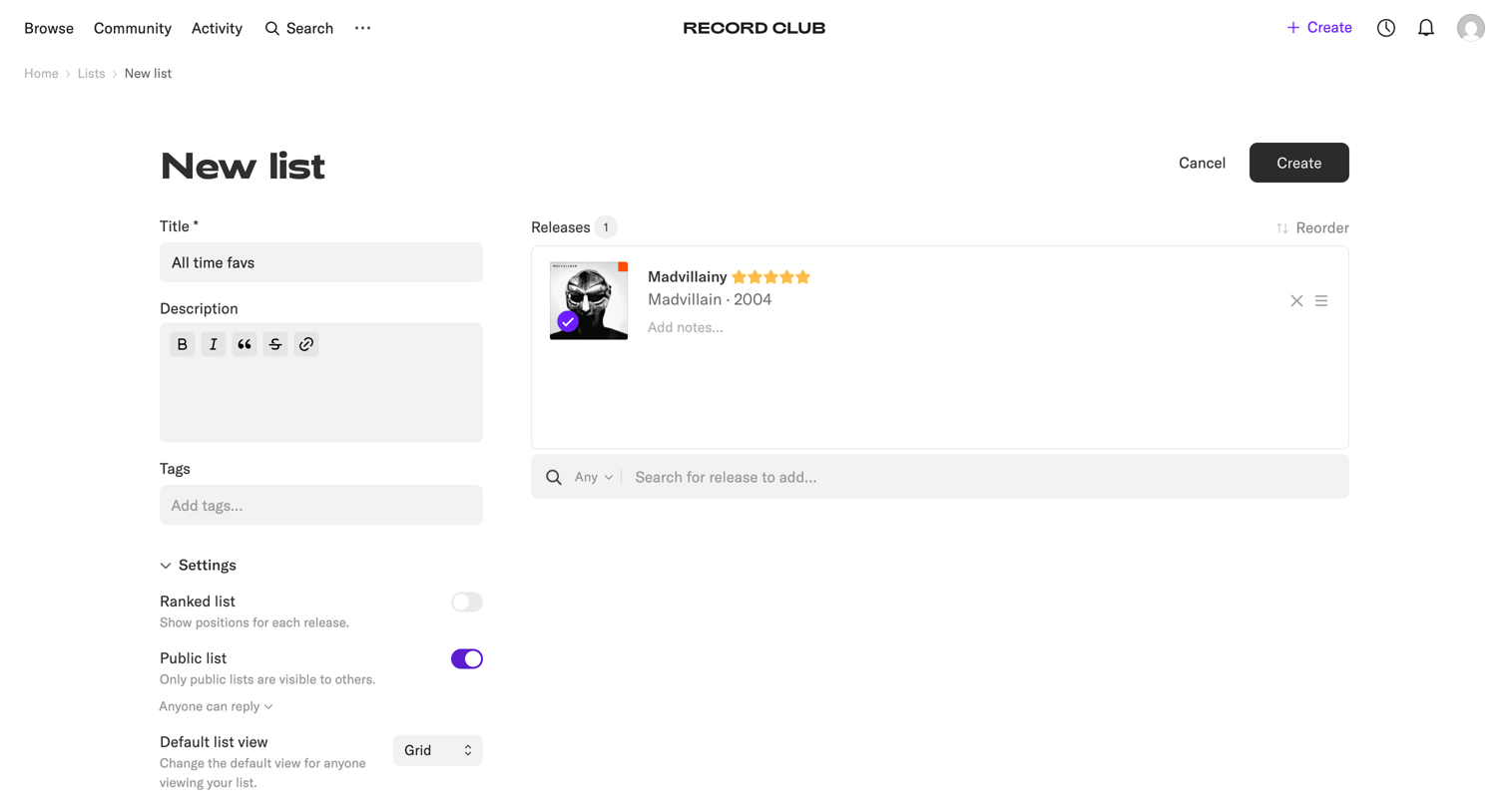

Creation page where the user builds a new list of record releases, adding a title, description, tags, and configuring list settings like privacy and ranking.
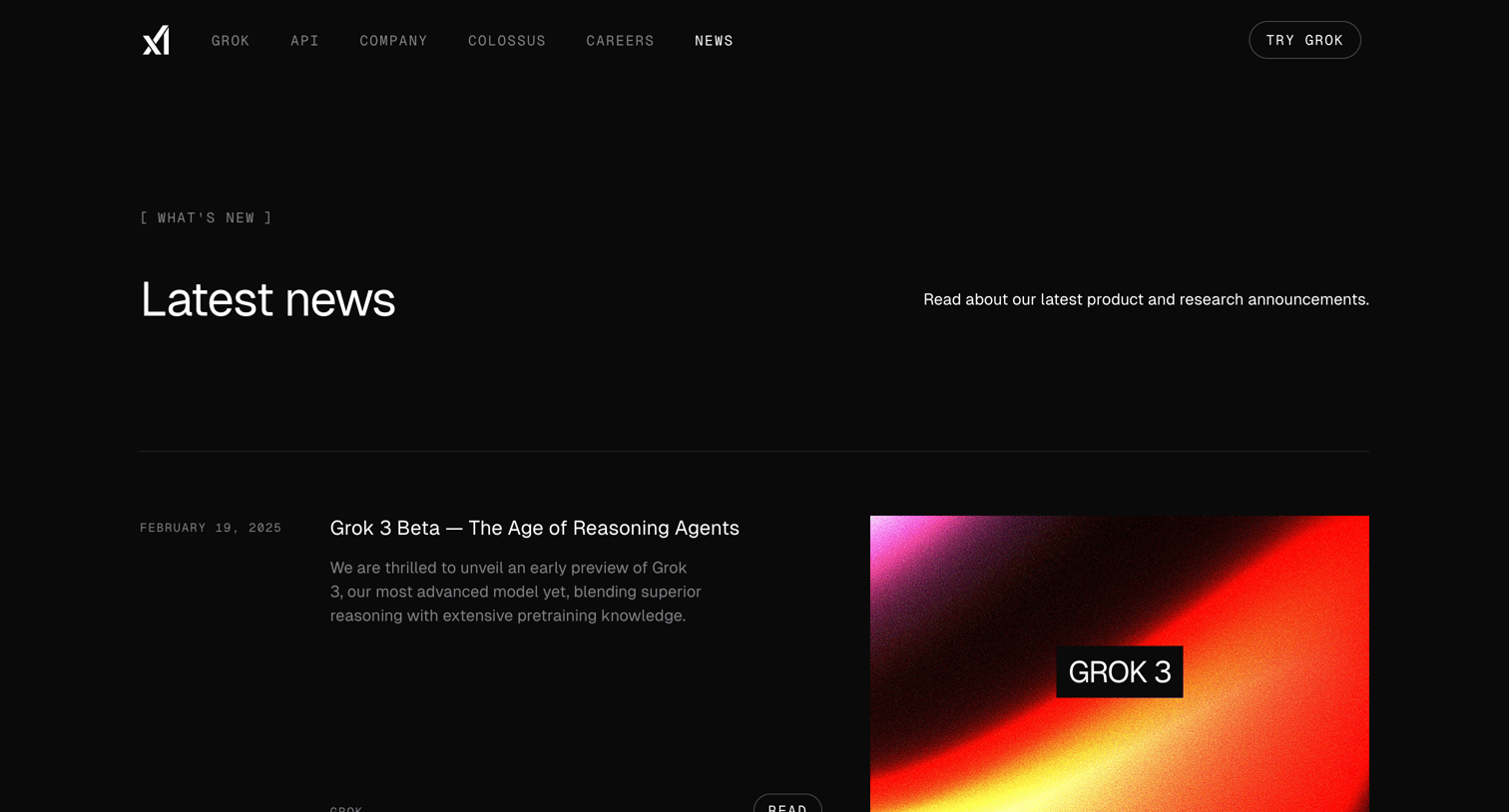

News page where the user browses the latest product and research announcements, including updates on Grok models and API releases.

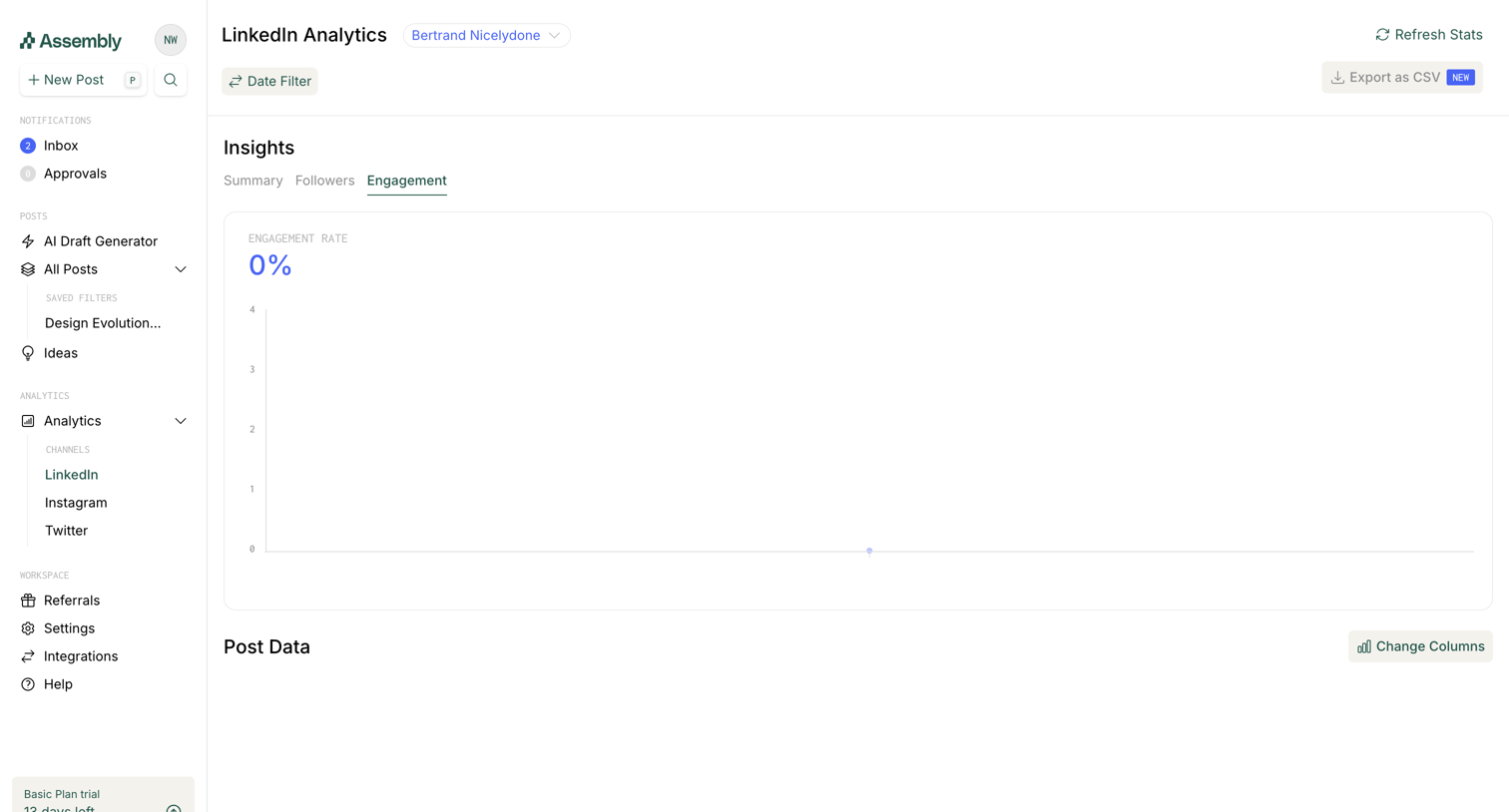

Dashboard showing LinkedIn engagement insights with an empty chart and a prompt to sync data via a bookmarklet.
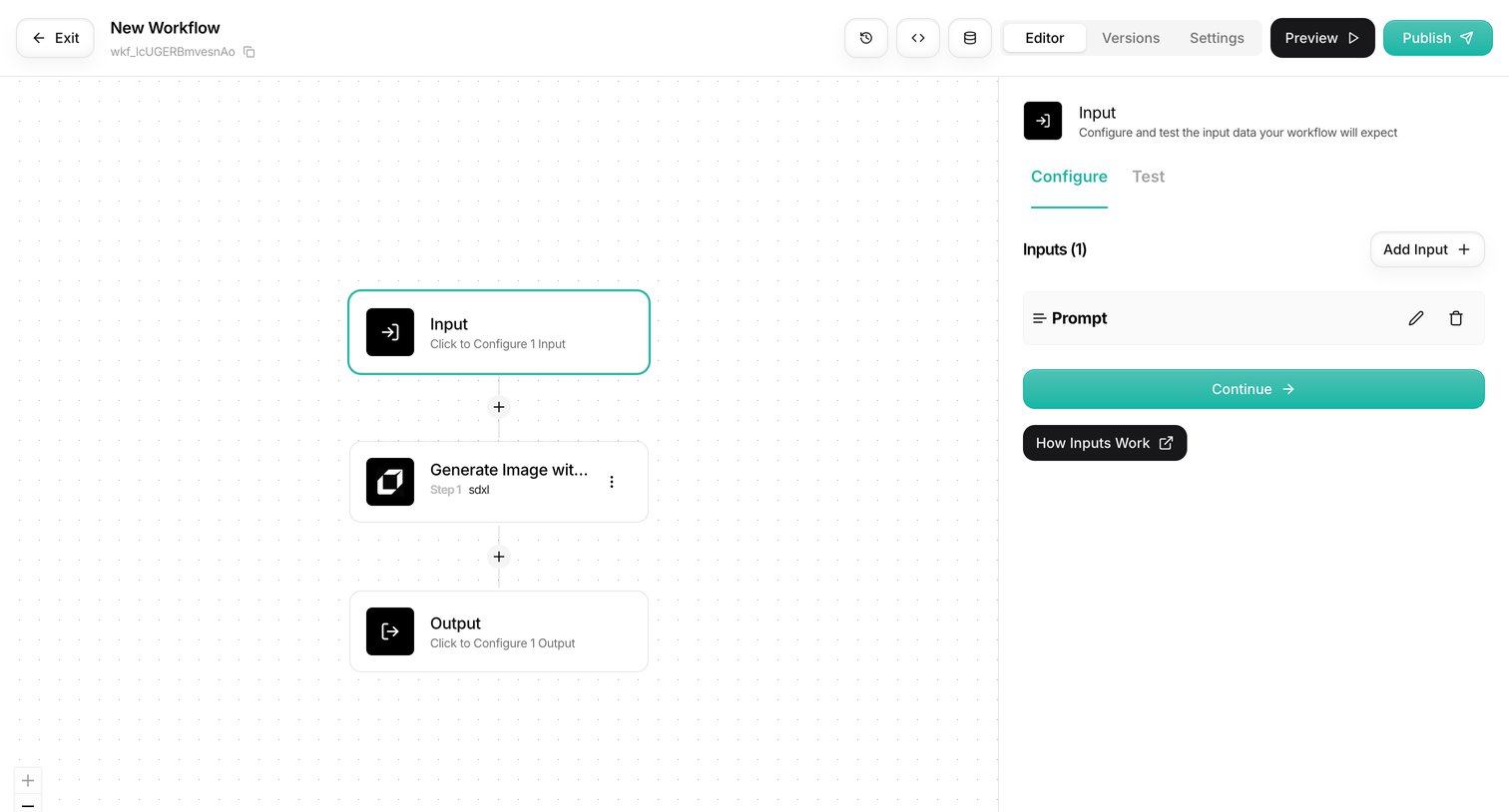

Design editor where the user builds an AI automation by connecting nodes on a canvas, currently configuring the initial input step in the right sidebar.
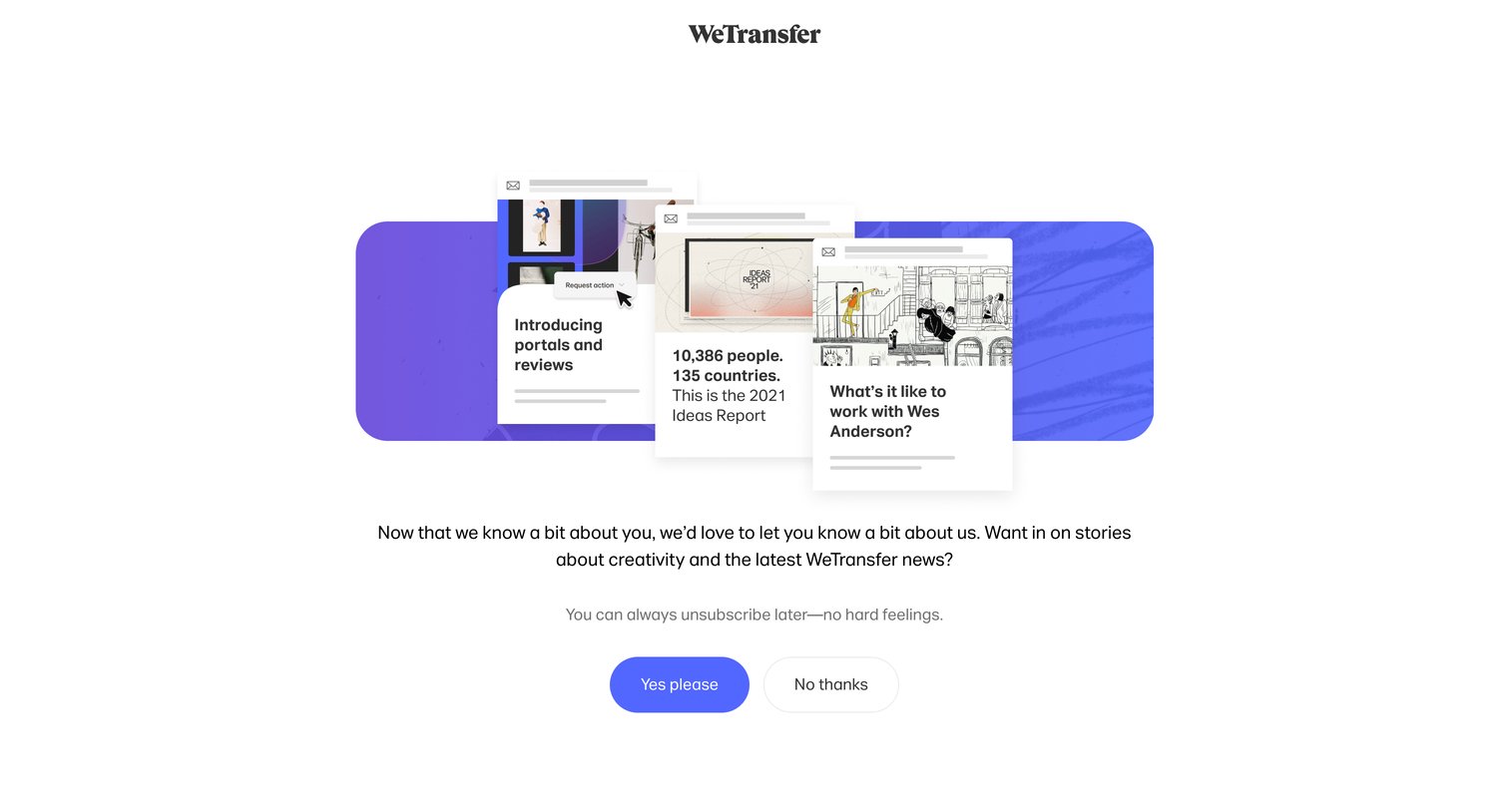

Onboarding step where the user is asked to subscribe to stories about creativity and WeTransfer news after completing a payment.
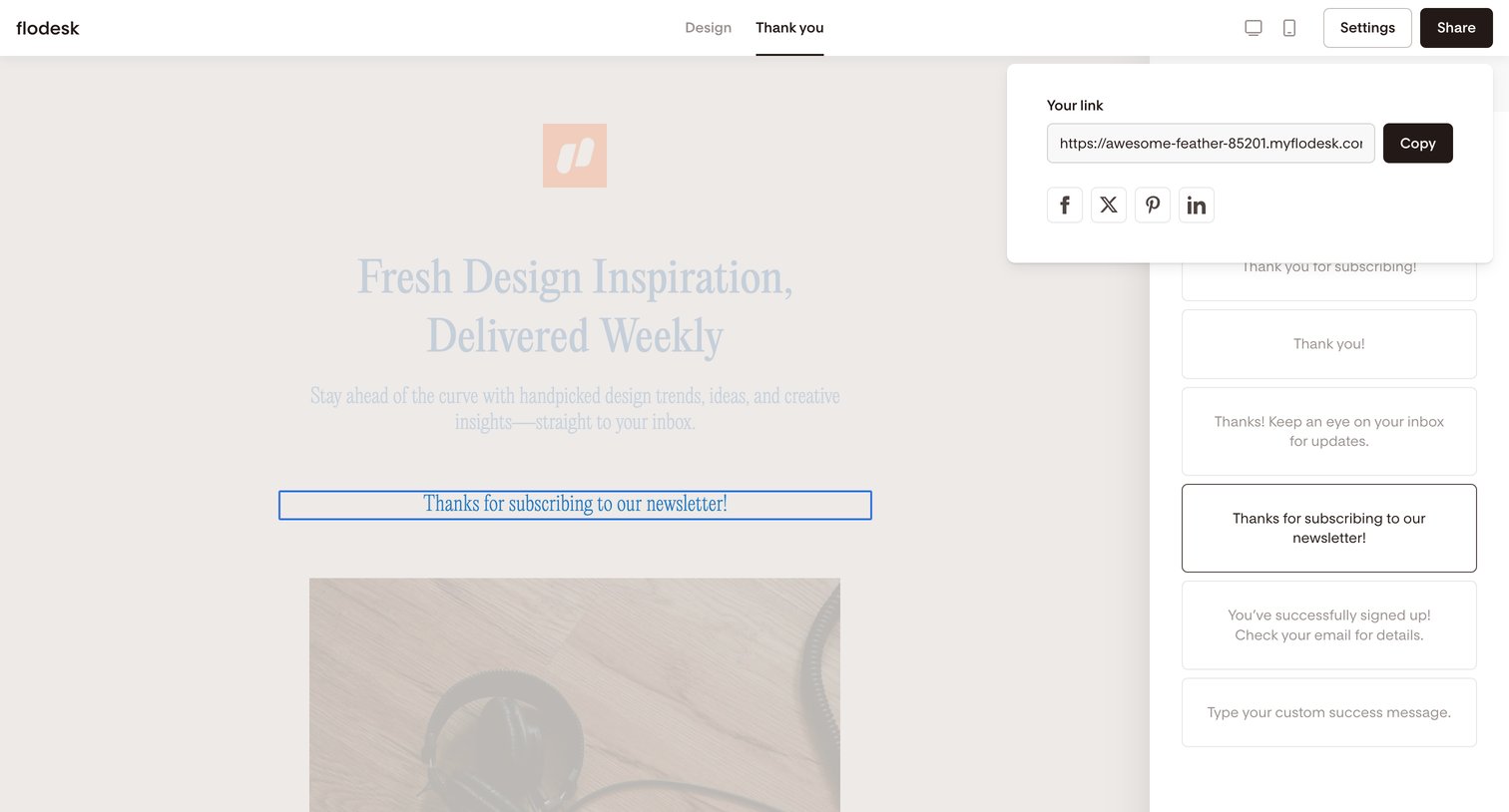


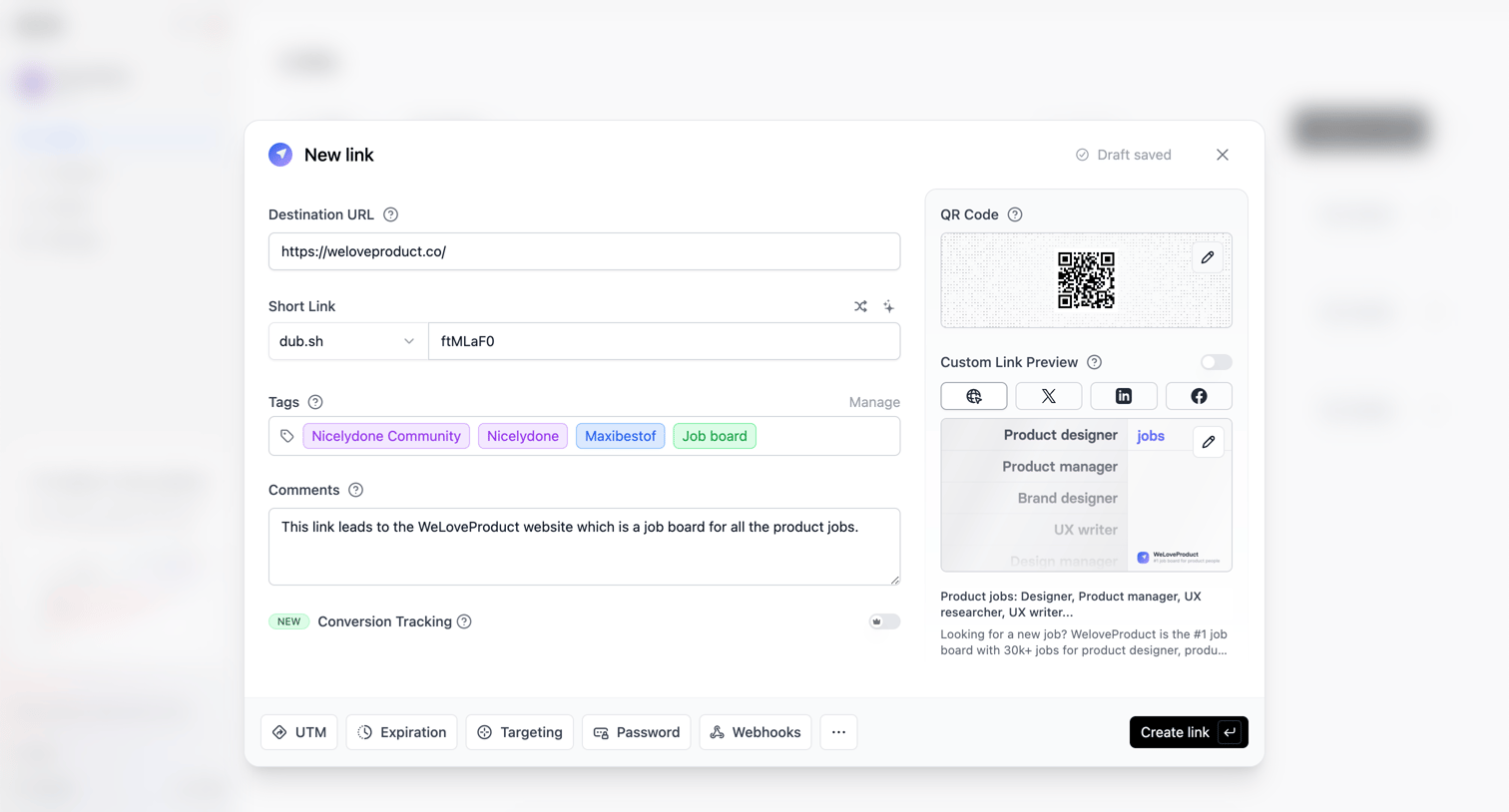

Modal where the user creates a new short link, configures tags and comments, and previews the social media card and QR code.
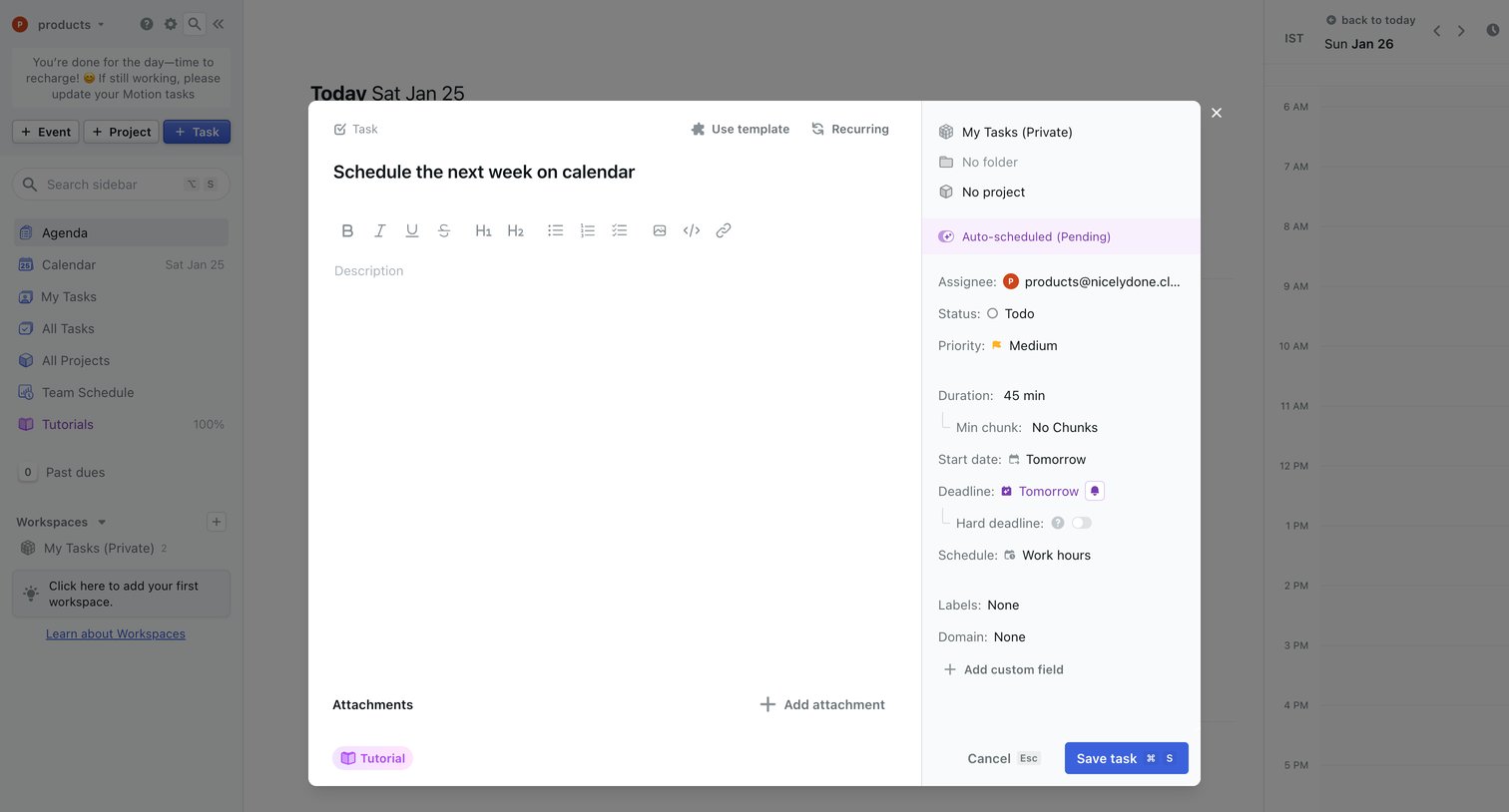

List view where the user creates a new task with details like duration, start date, deadline, and assignee in a modal overlay.
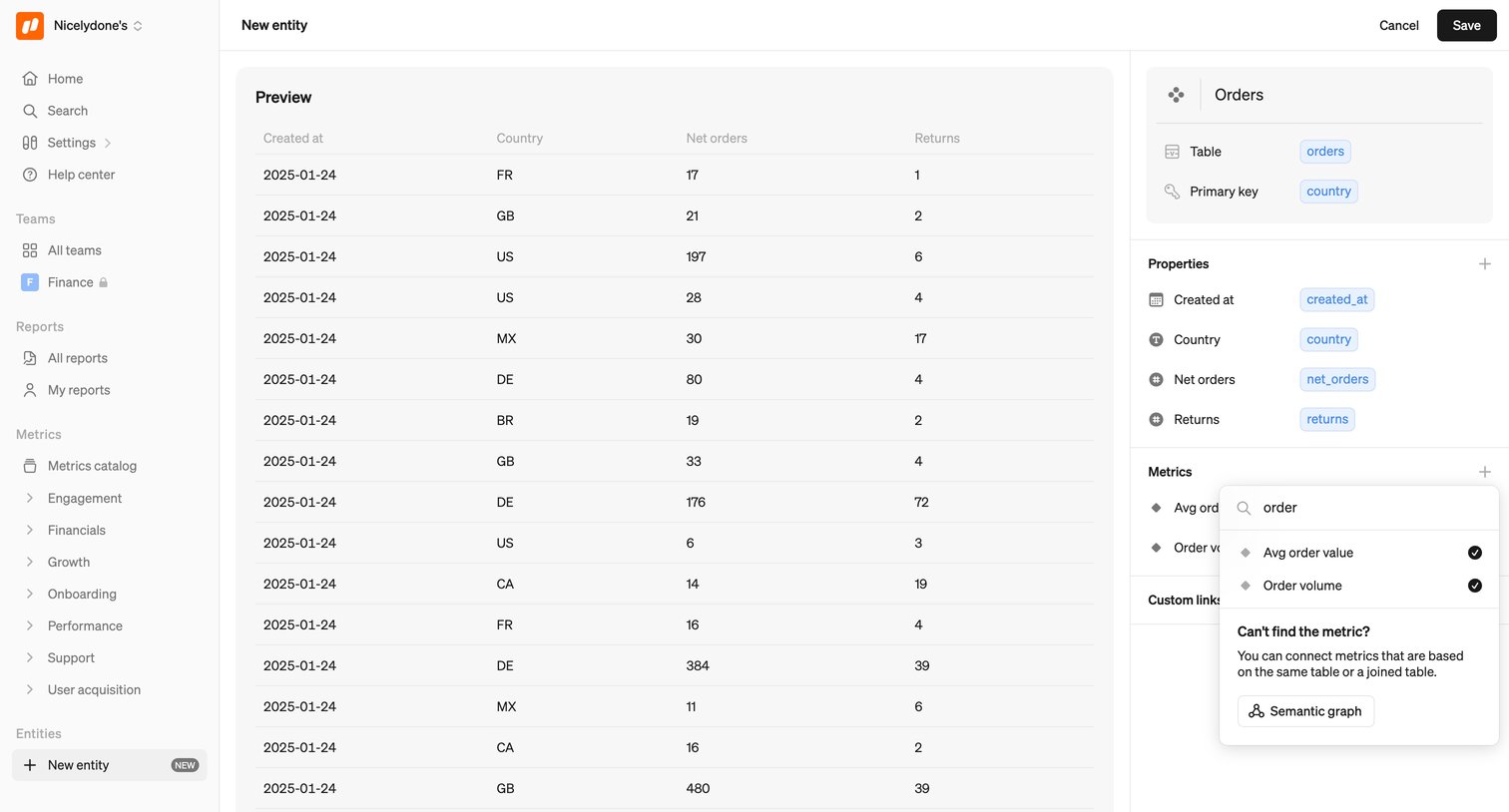

Explore the full SaaS screen library
Upgrade to unlock the full library.
Trusted by the best teams







