Podia design examples
Explore Podia UI design examples. Sell online courses, memberships, and downloads
Product screens
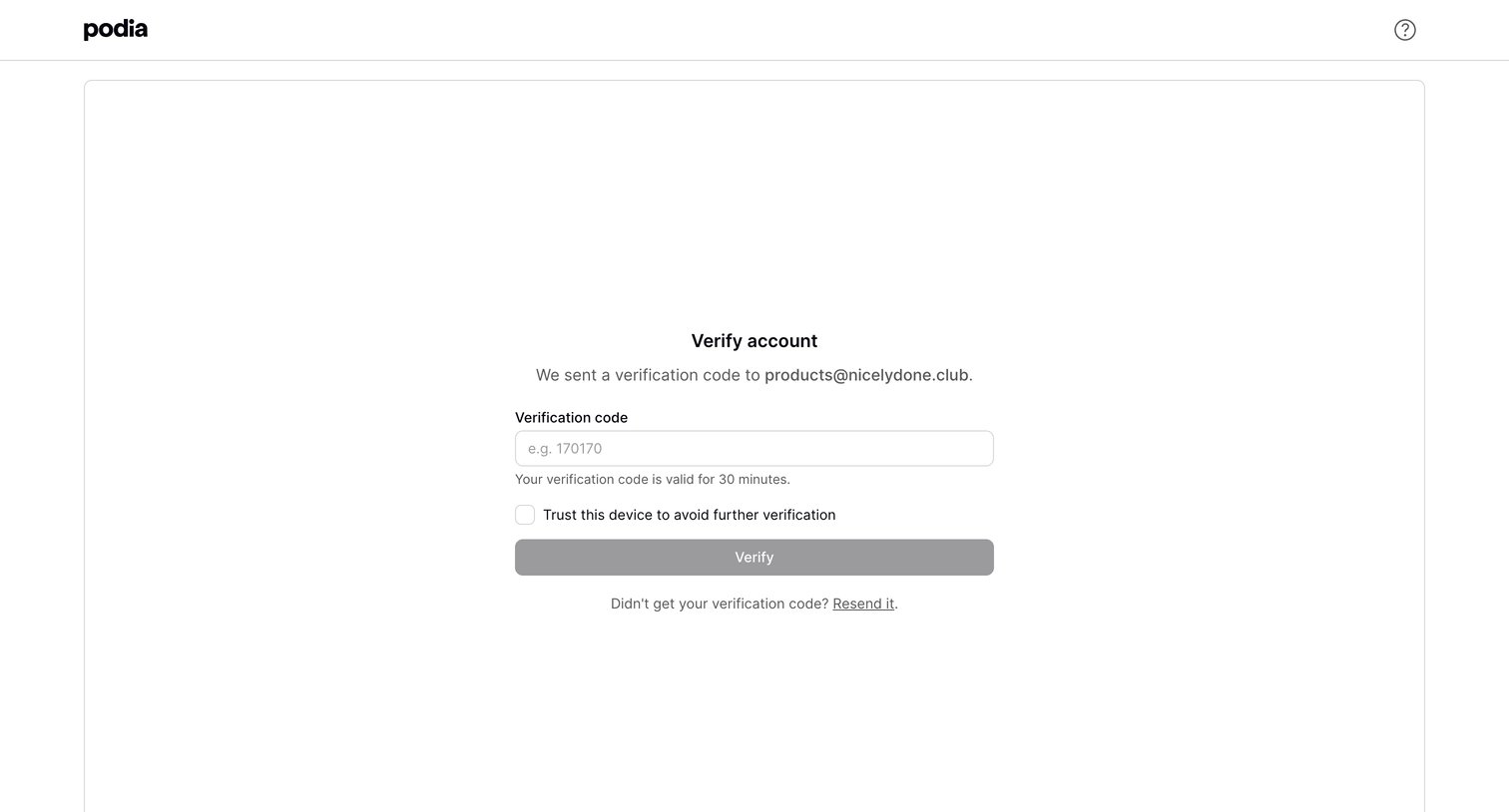

Verification screen where the user enters a code sent to their email to authenticate their device.
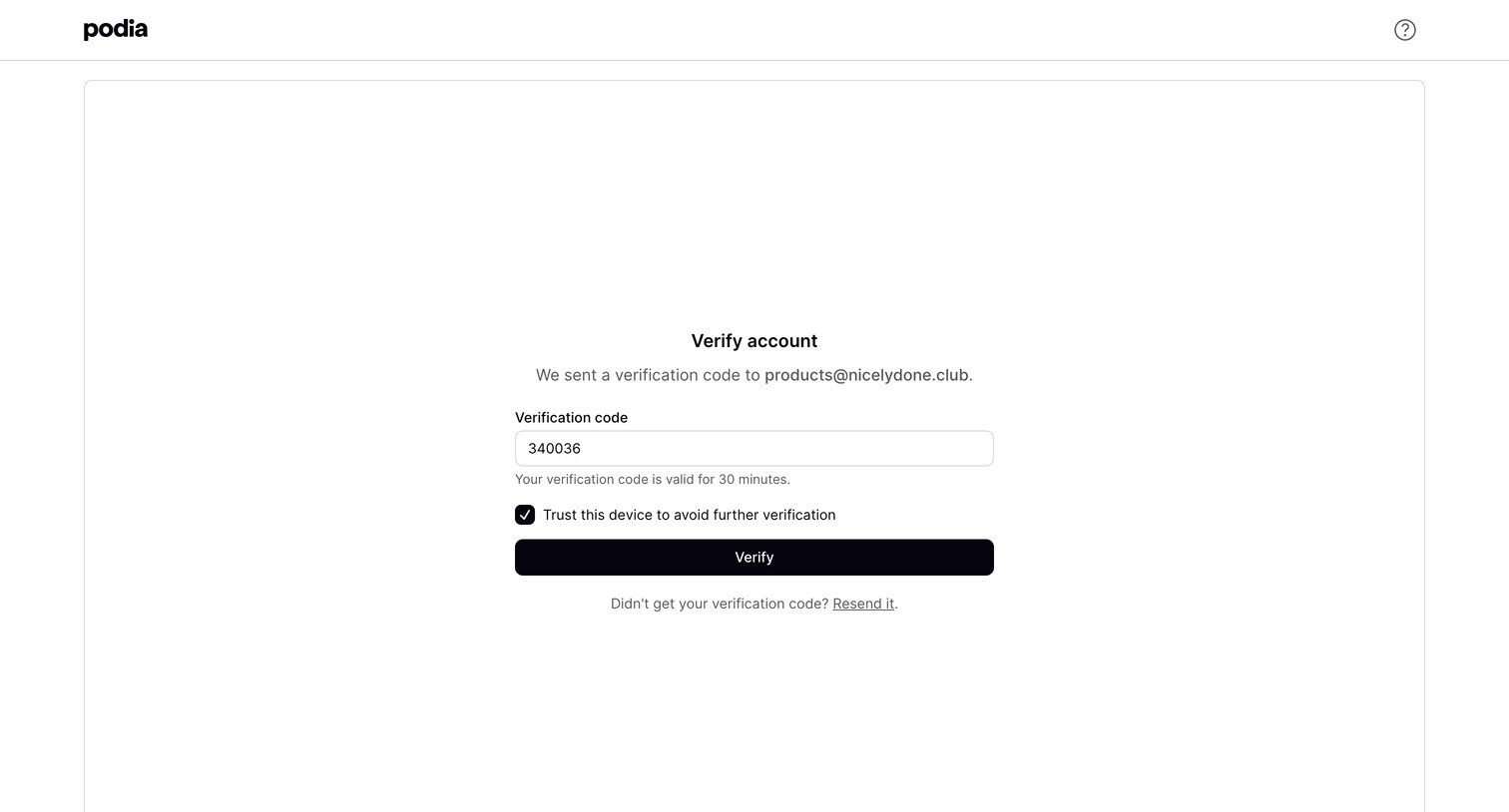
Verification screen where the user enters a 6-digit code sent to their email to verify their account and optionally trusts the device.
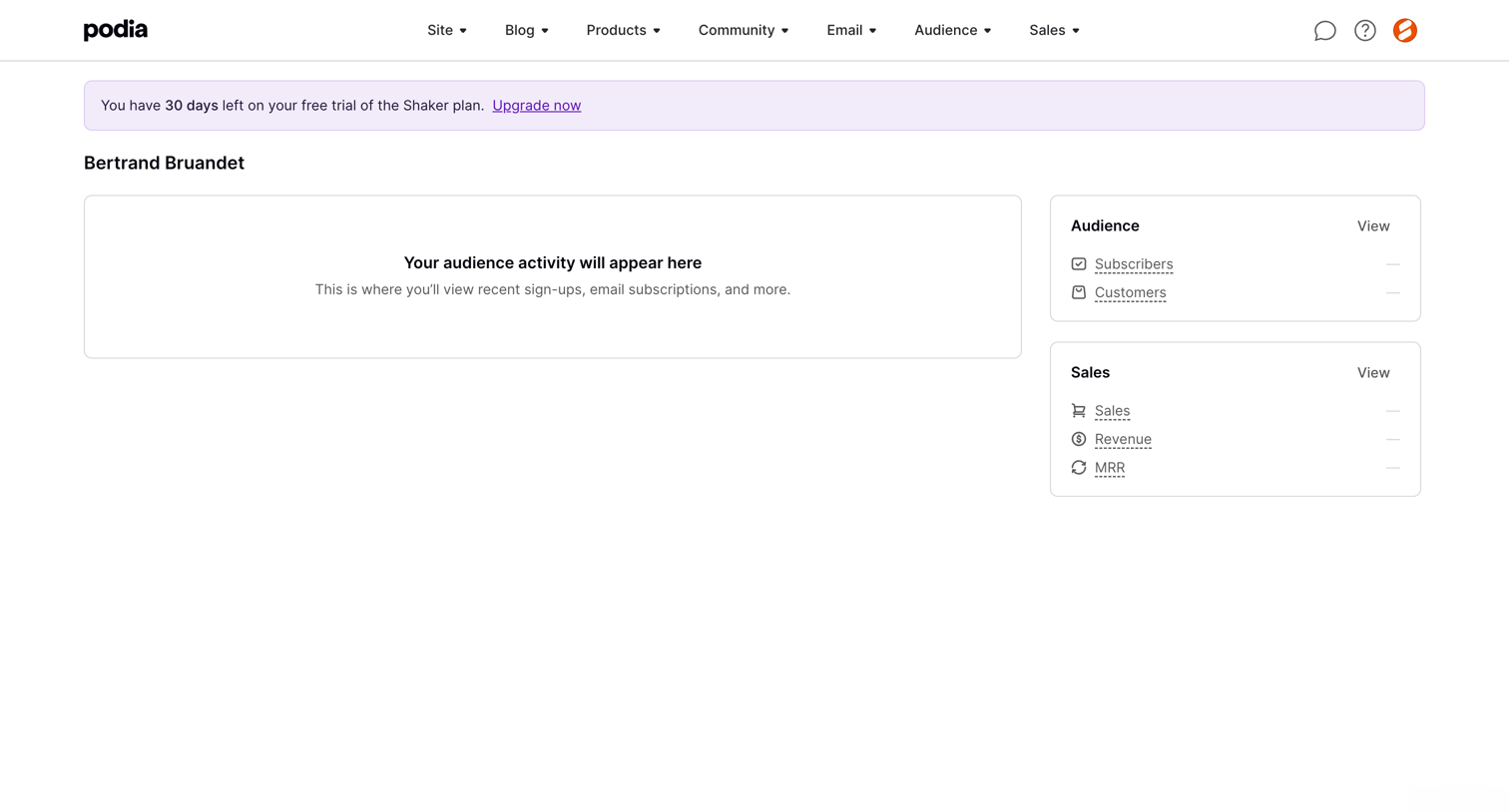
Dashboard where a creator can view their audience activity, subscriber counts, and sales revenue, currently showing an empty state.
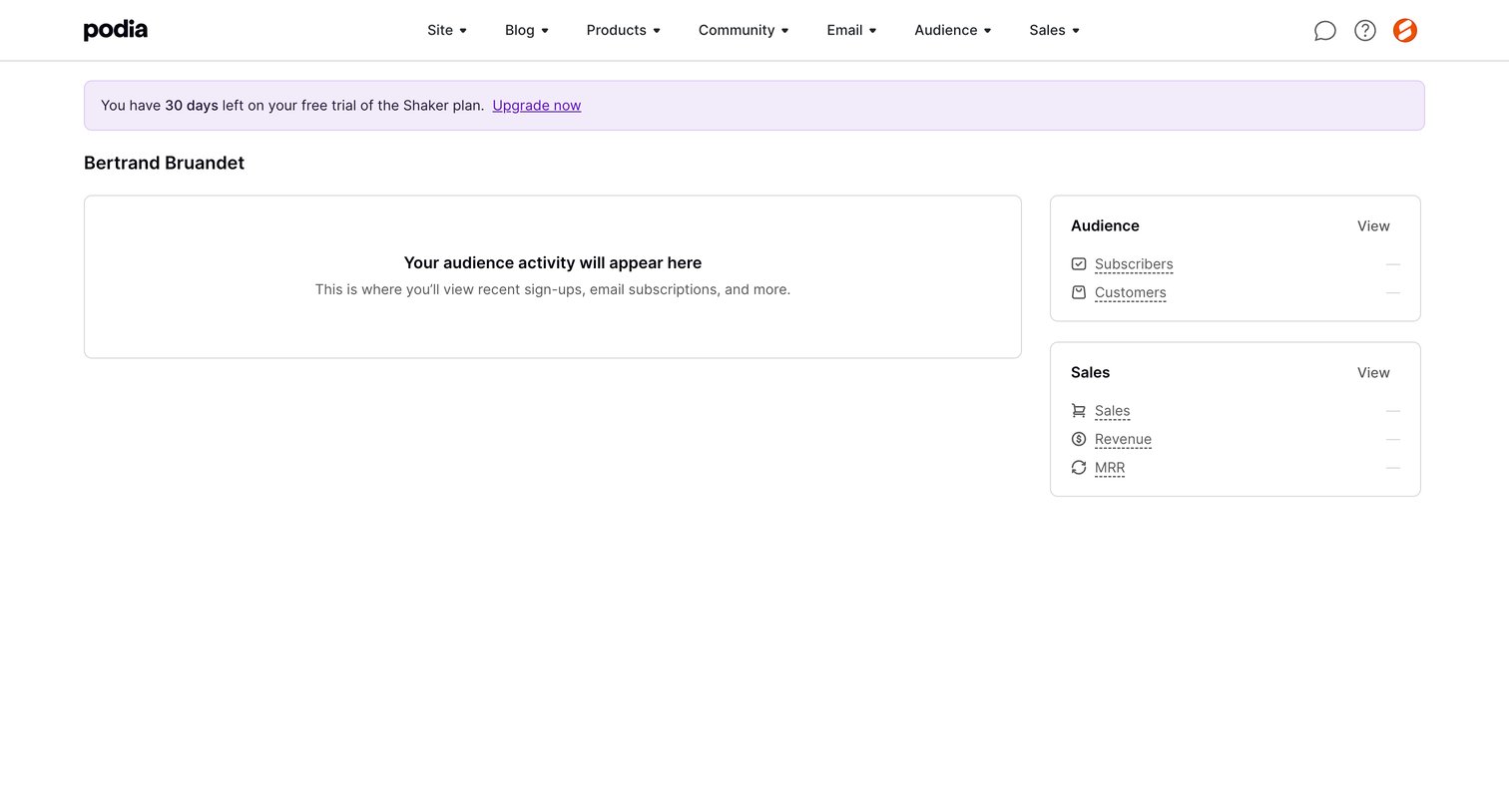
Dashboard displaying an empty audience activity feed and zeroed metric cards for sales and subscribers, topped with a 30-day trial countdown banner.
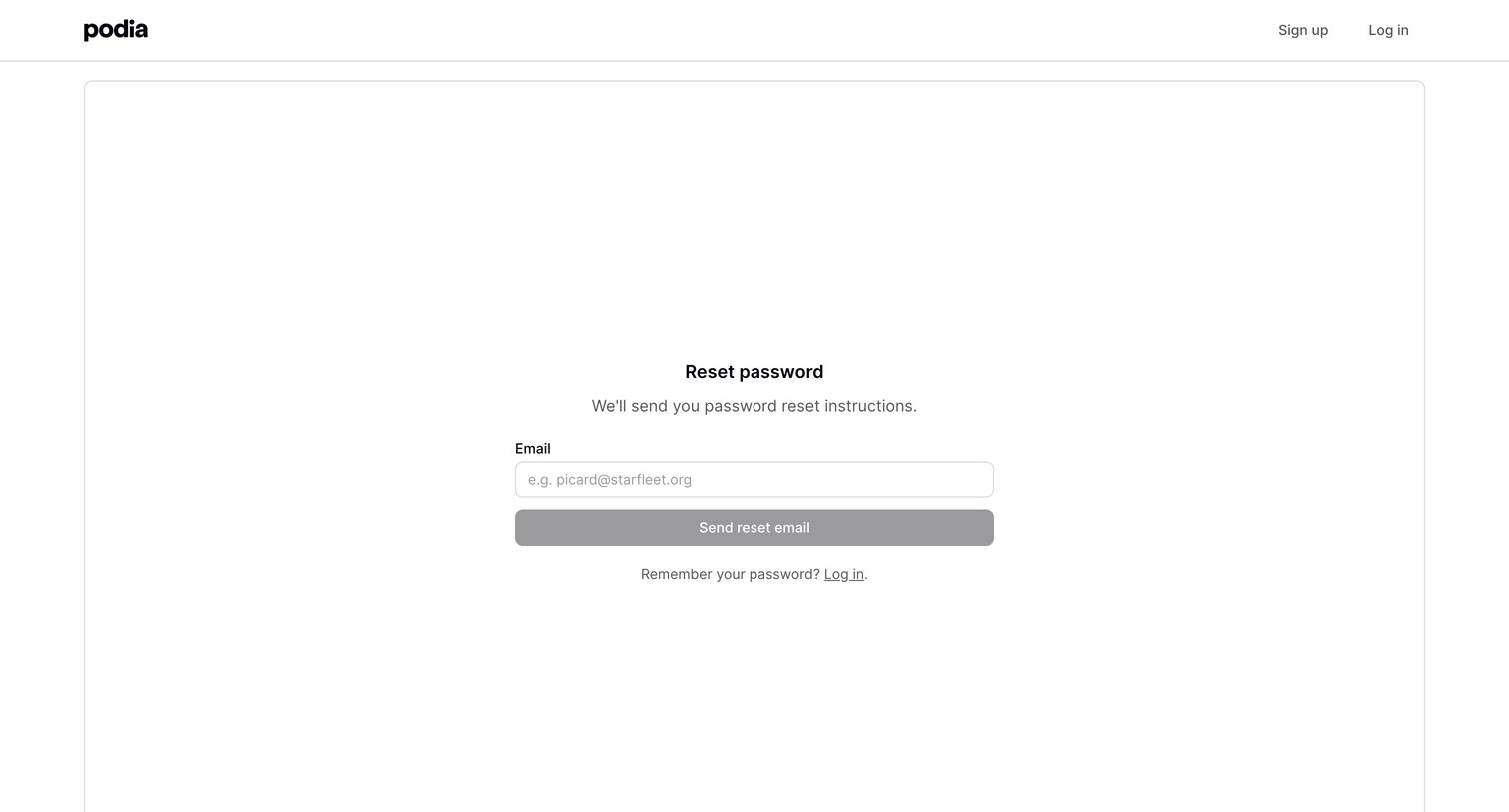
Password recovery screen where the user enters their email address to receive reset instructions.
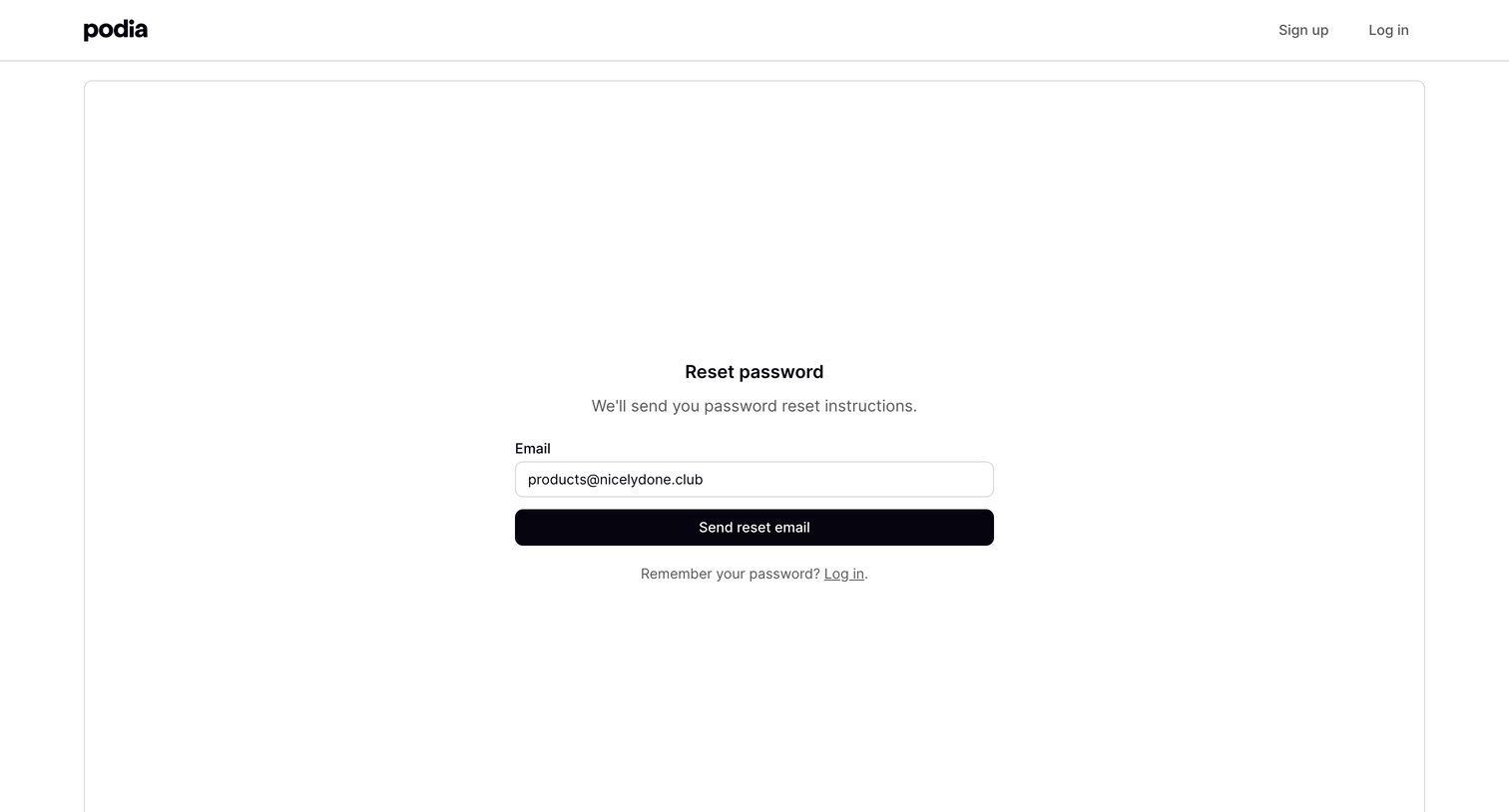
Password recovery screen where the user enters their email address to receive reset instructions.
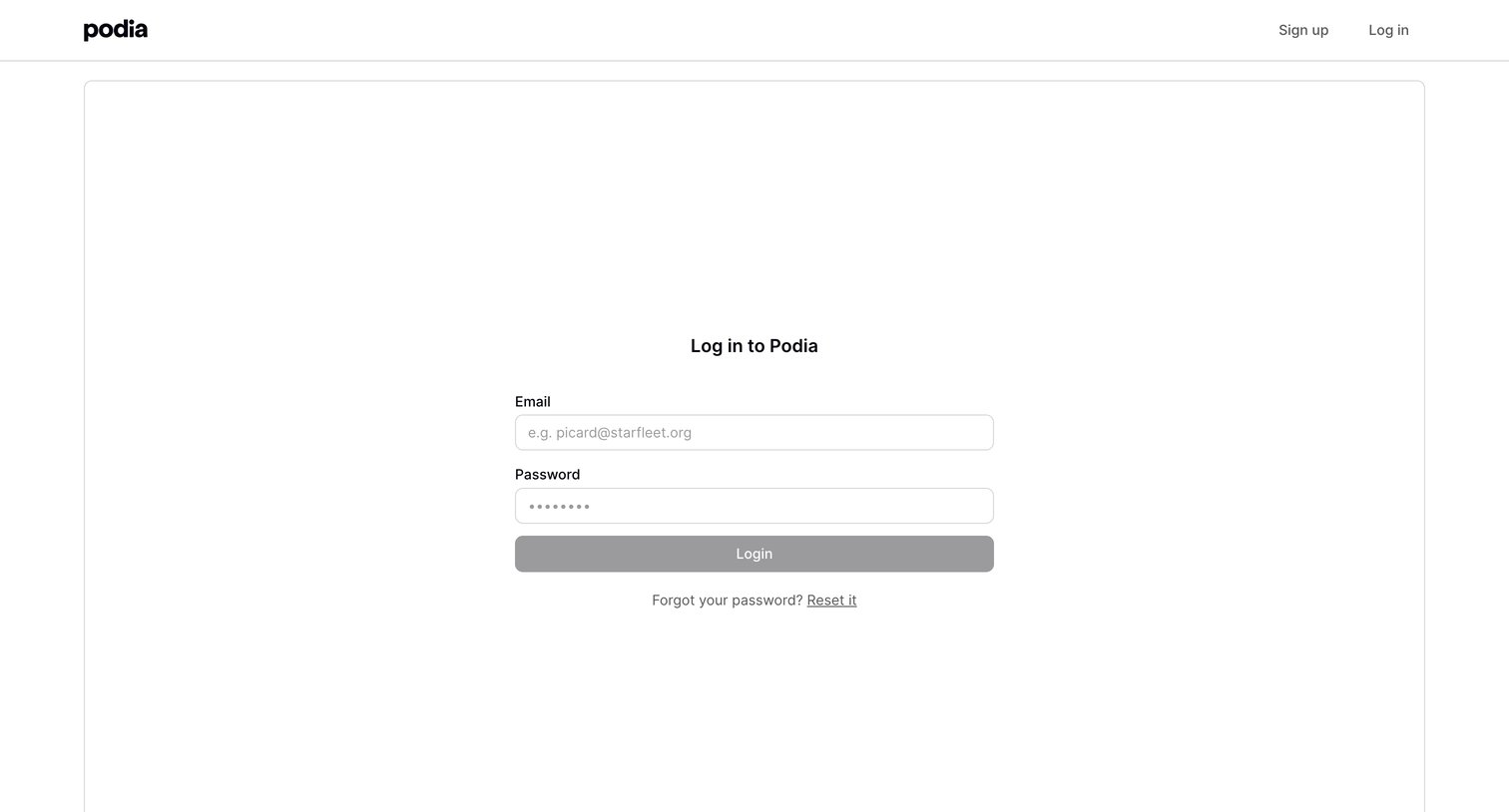
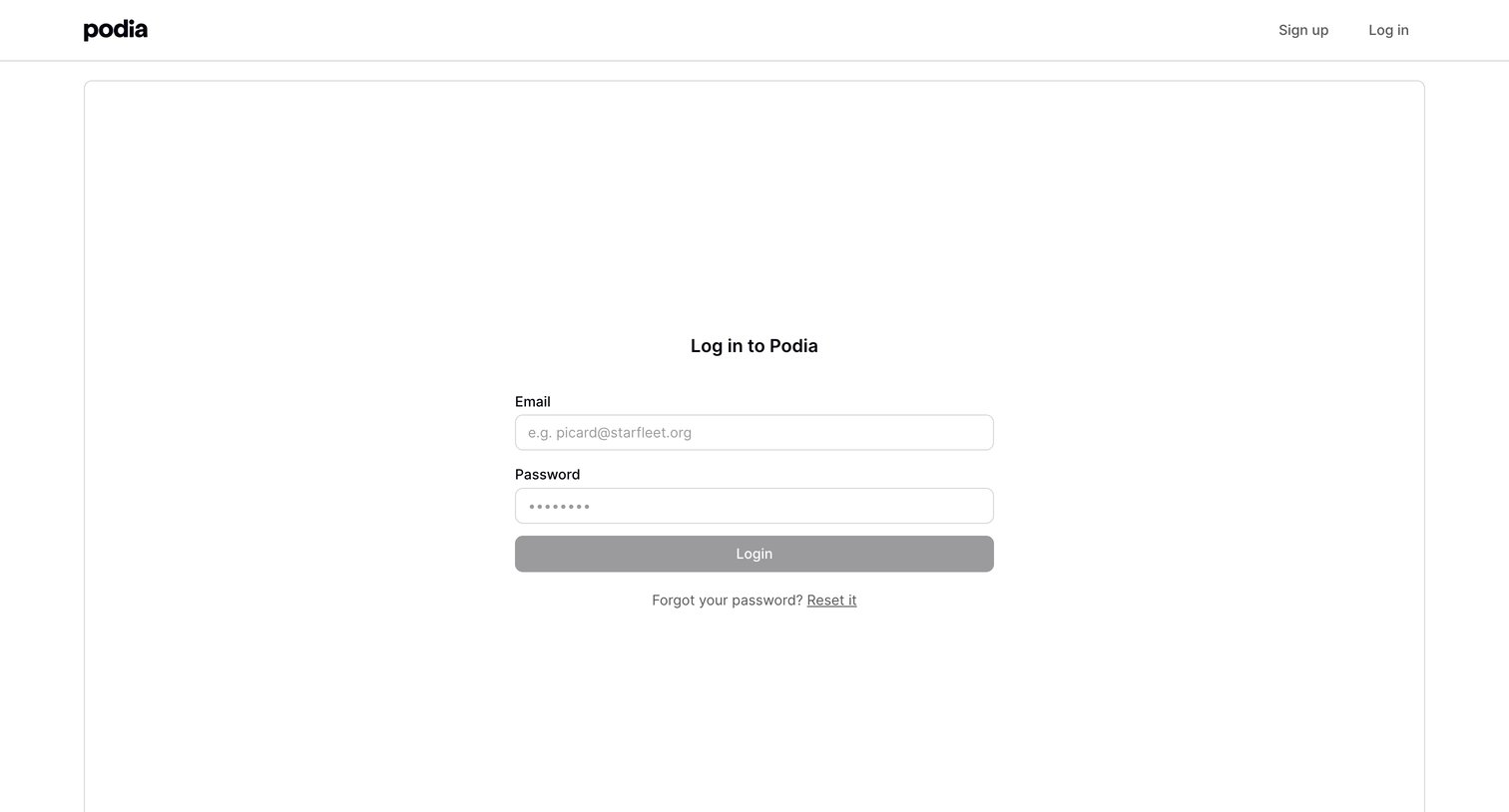
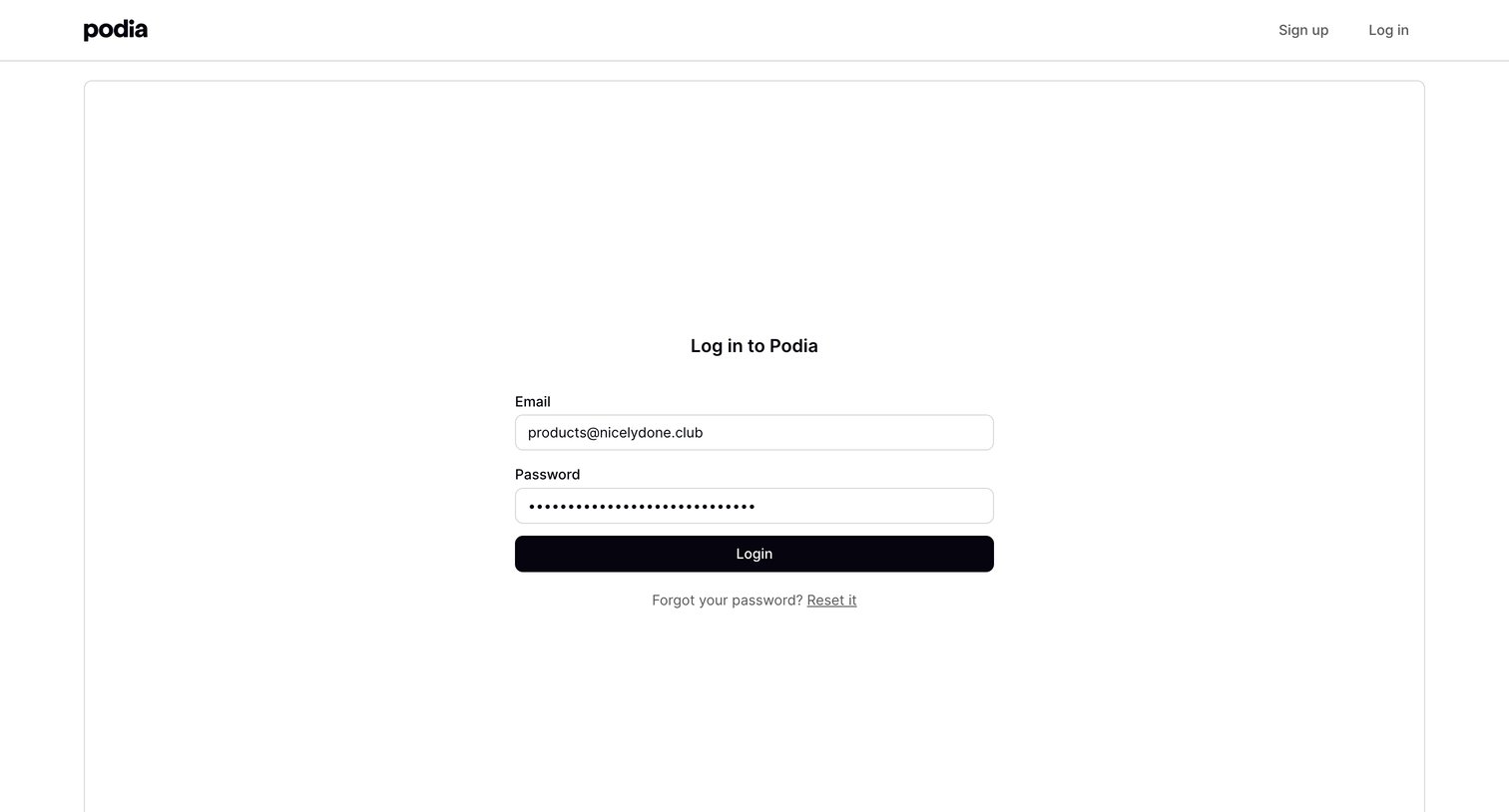
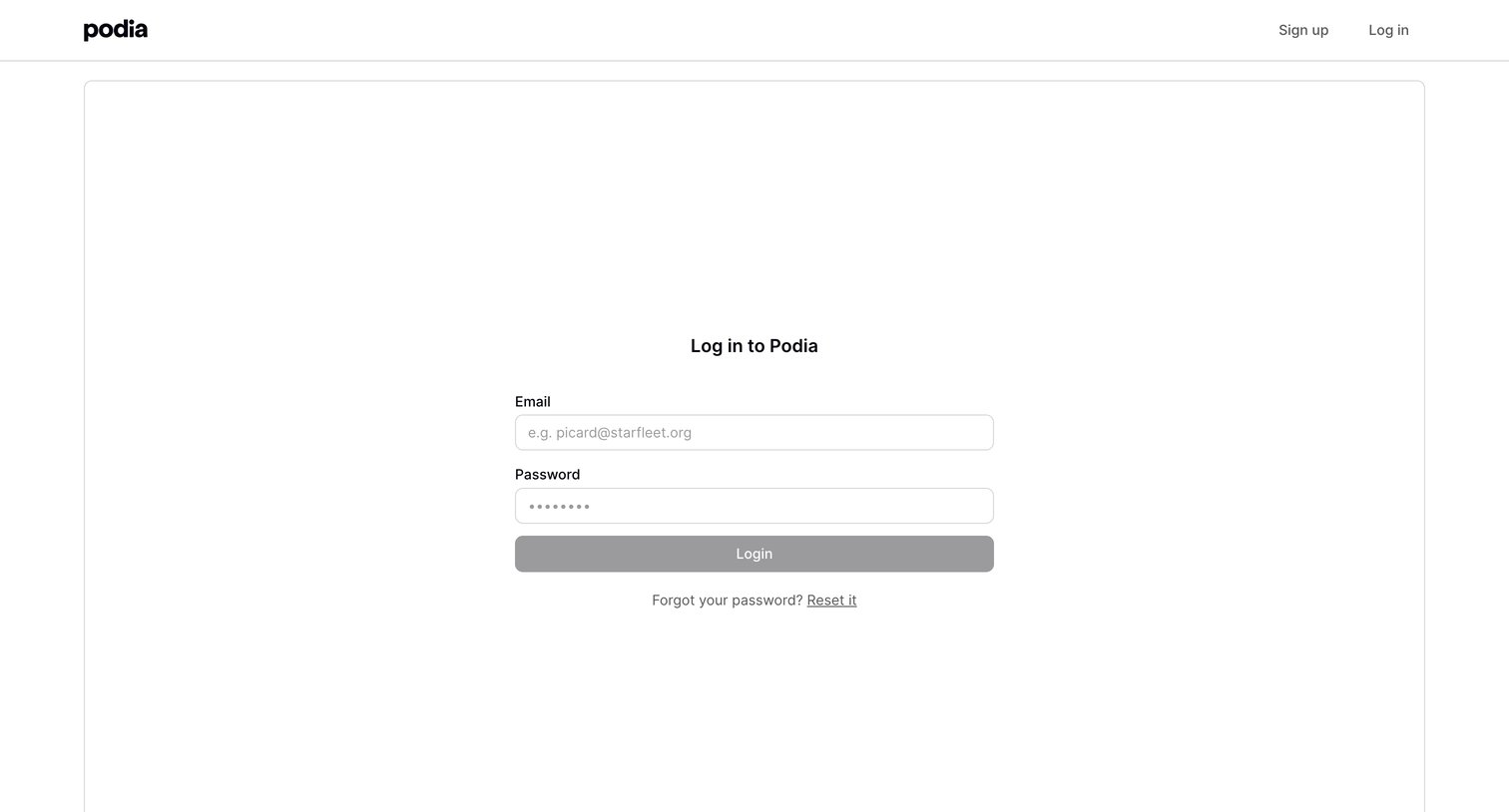
Sign-in screen where the user authenticates with their email and password, featuring a toast notification confirming a password reset email was sent.
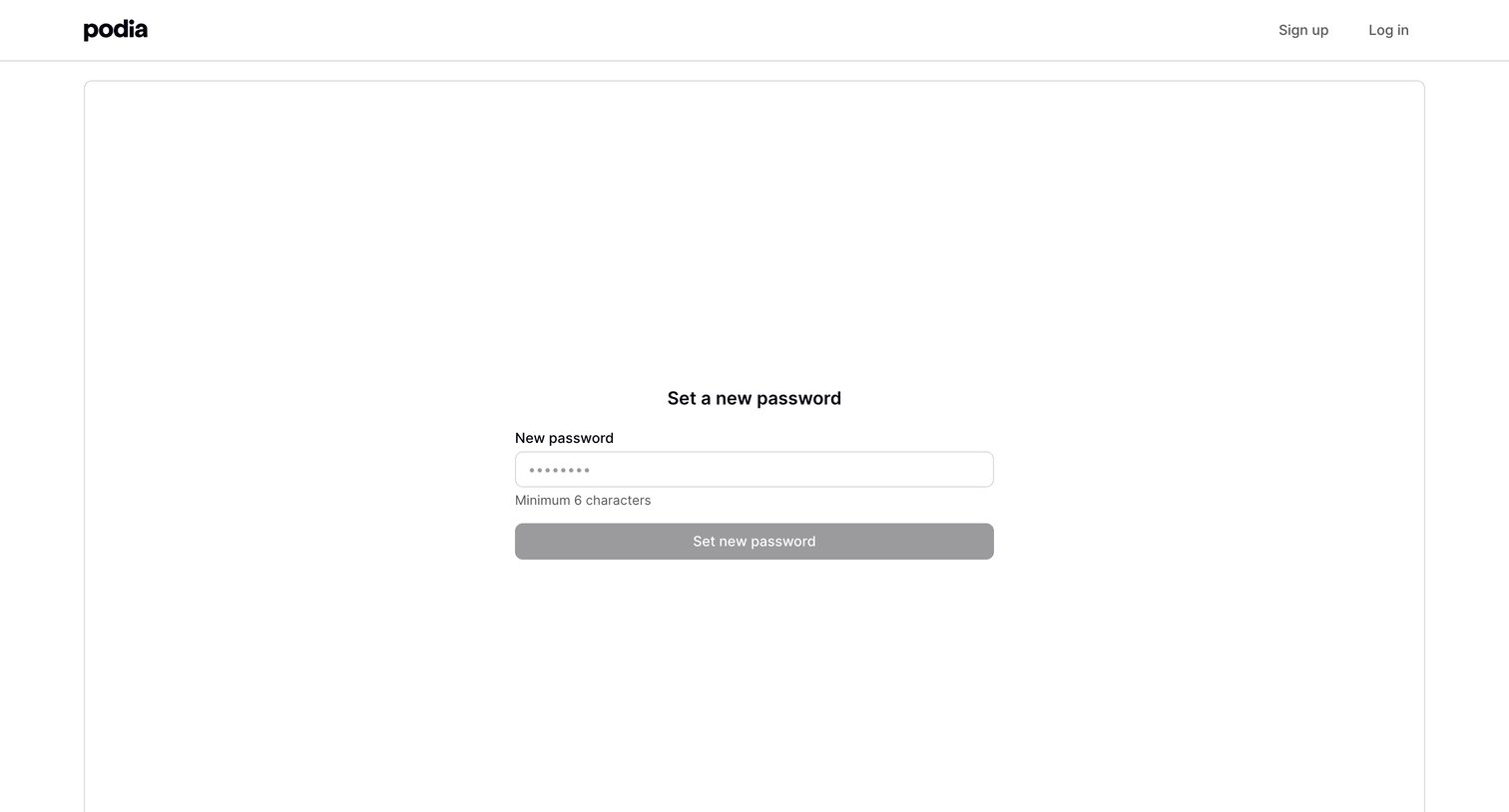
Password recovery screen where the user enters a new password to regain access to their account.
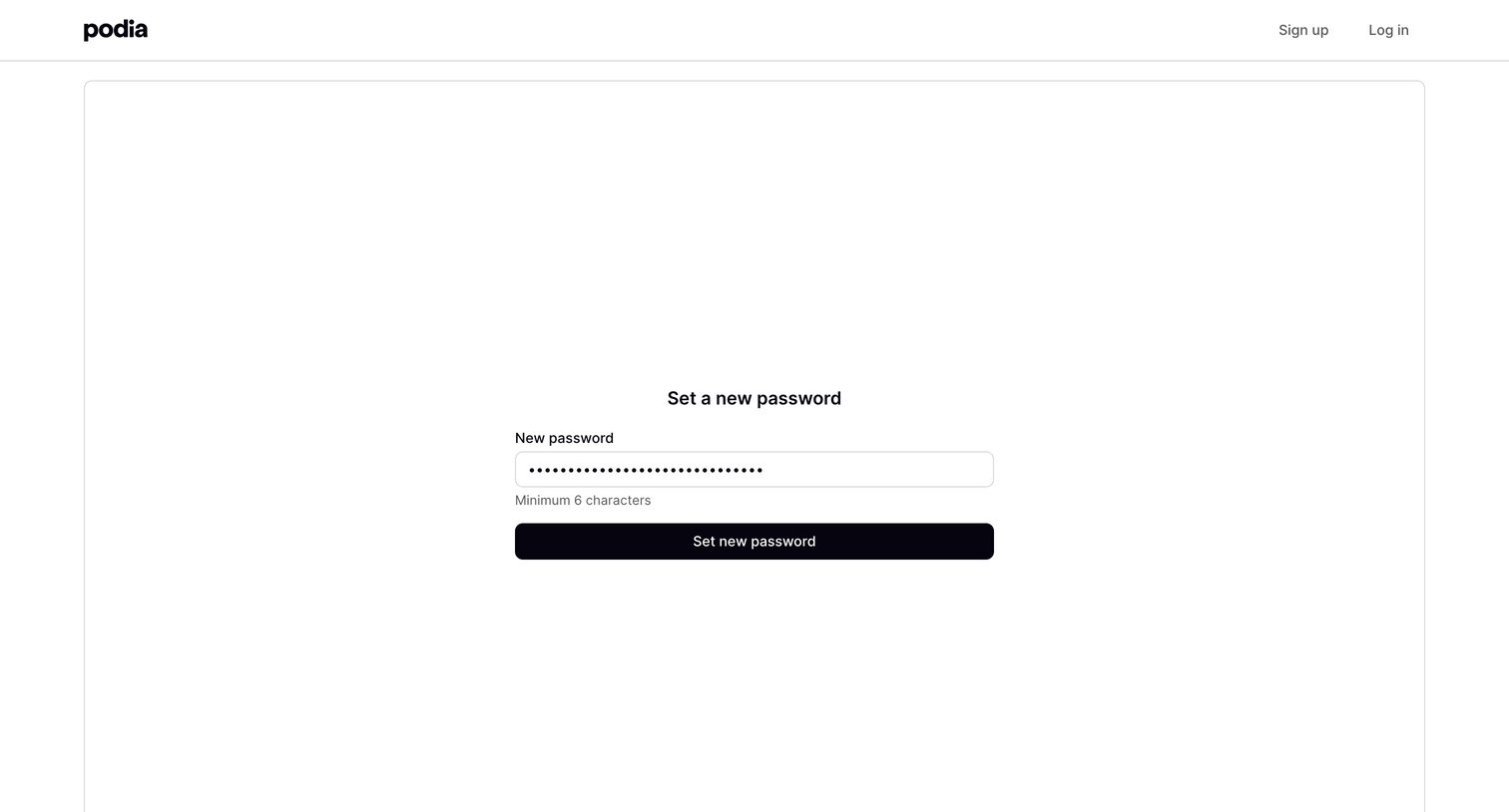
Password recovery screen where the user enters a new password of at least 6 characters to regain account access.
Browse the full SaaS app library
Explore real SaaS apps with their product screens, marketing screens, flows, and components.
Trusted by the best teams







