Skip to content

Podia UI components examples

Browse Podia UI component design examples. Preview individual interface elements and explore related component categories. Sell online courses, memberships, and downloads

Explore the examples

Podia — Upgrade your plan component
Podia logo
Podia

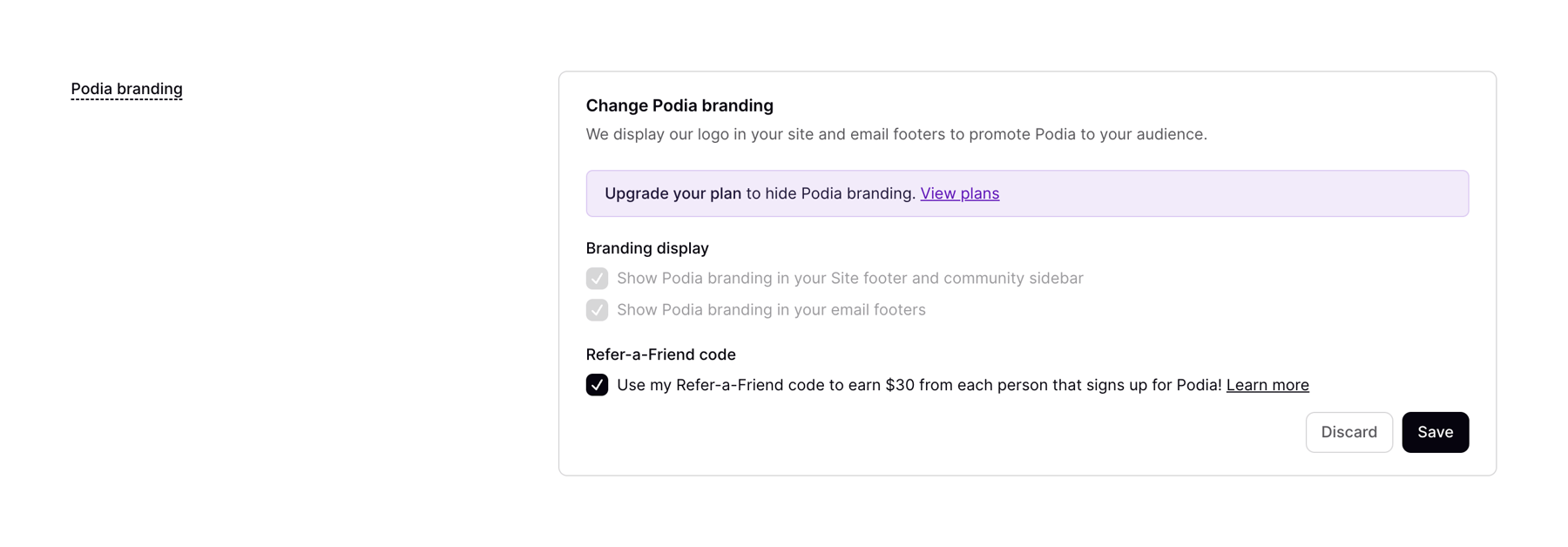
This modal encourages users to upgrade their account to enable team logins.

Podia — Pricing section component
Podia logo
Podia

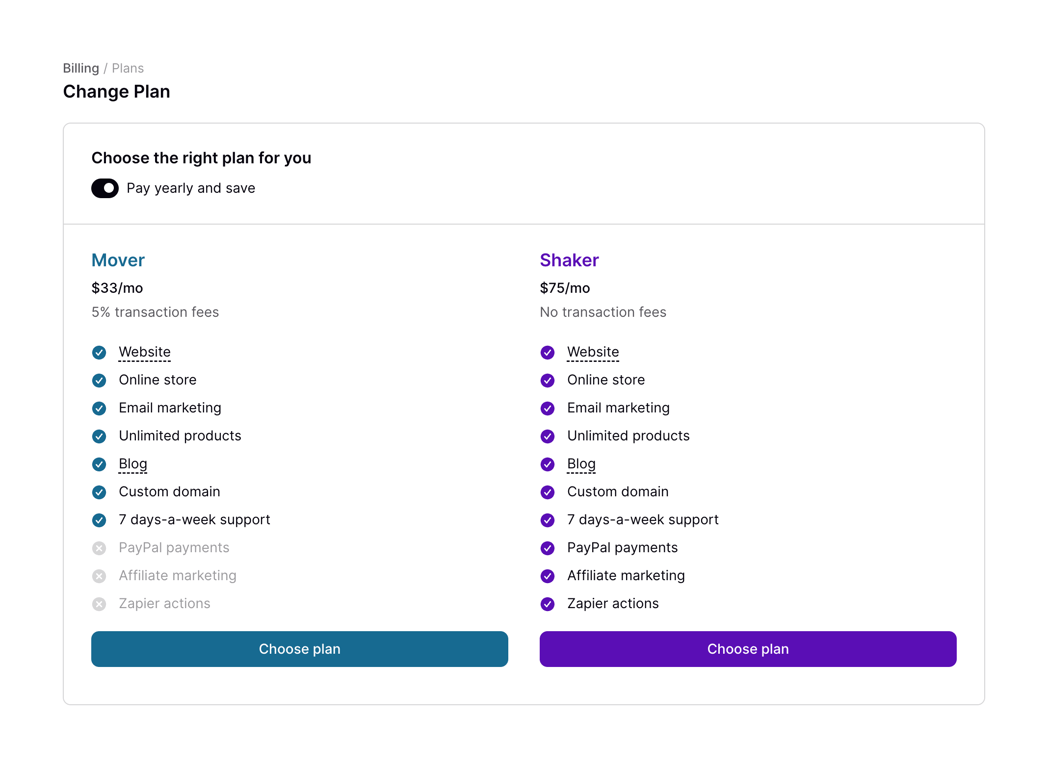
A pricing plan comparison table.

Podia — FAQ component
Podia logo
Podia

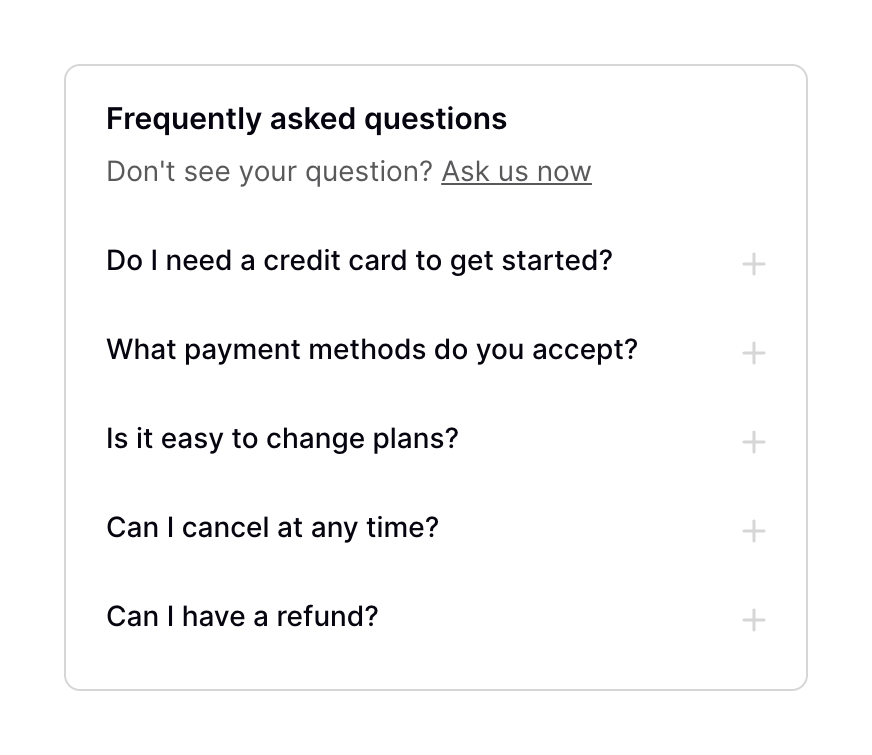
A frequently asked questions section with an ask us now link.

Podia — Dropdown menu component
Podia logo
Podia

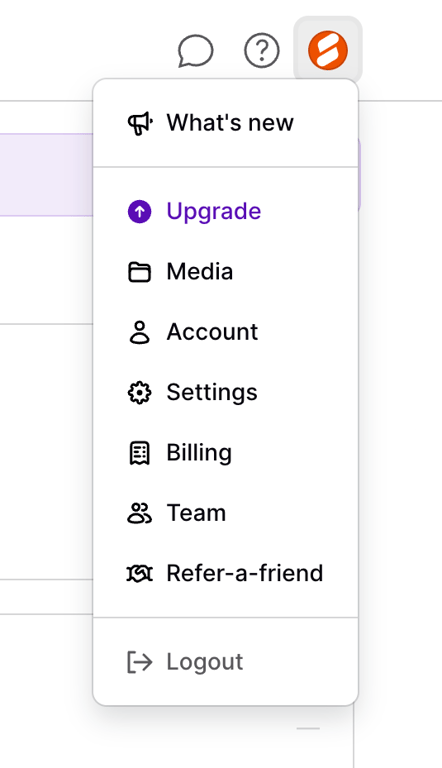
The screenshot displays a modal menu with various options.

Podia — Input select component
Podia logo
Podia

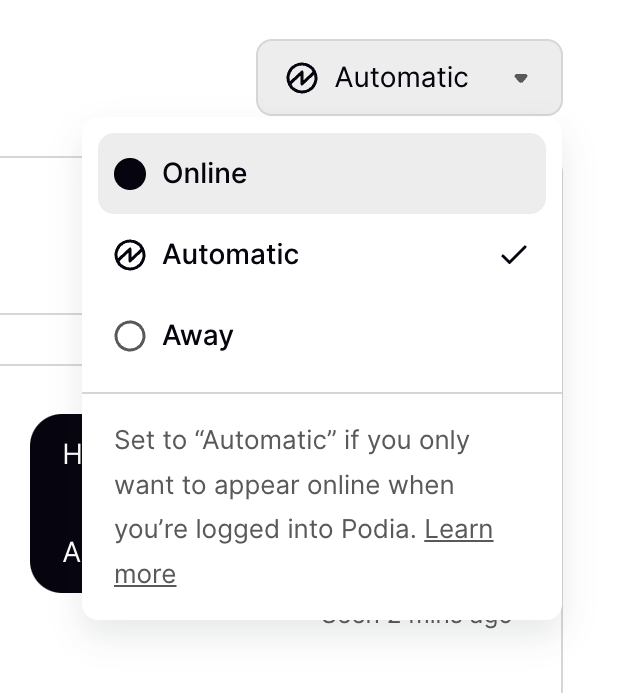
The screenshot shows a dropdown menu for setting online status with options like Online, Automatic, and Away.

Podia — Badge component
Podia logo
Podia

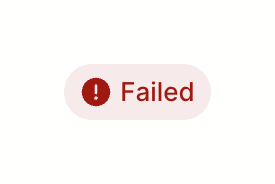
The screenshot displays a 'Failed' status indicator.

Podia — Sorting & filtering component
Podia logo
Podia

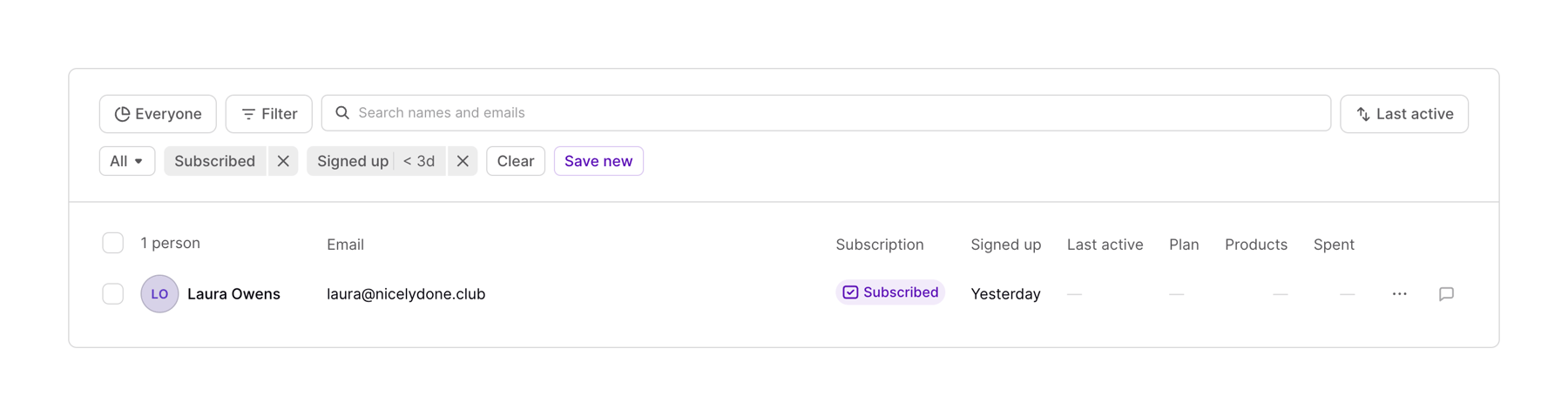
A table with user data and filtering options.

Podia — Table component
Podia logo
Podia

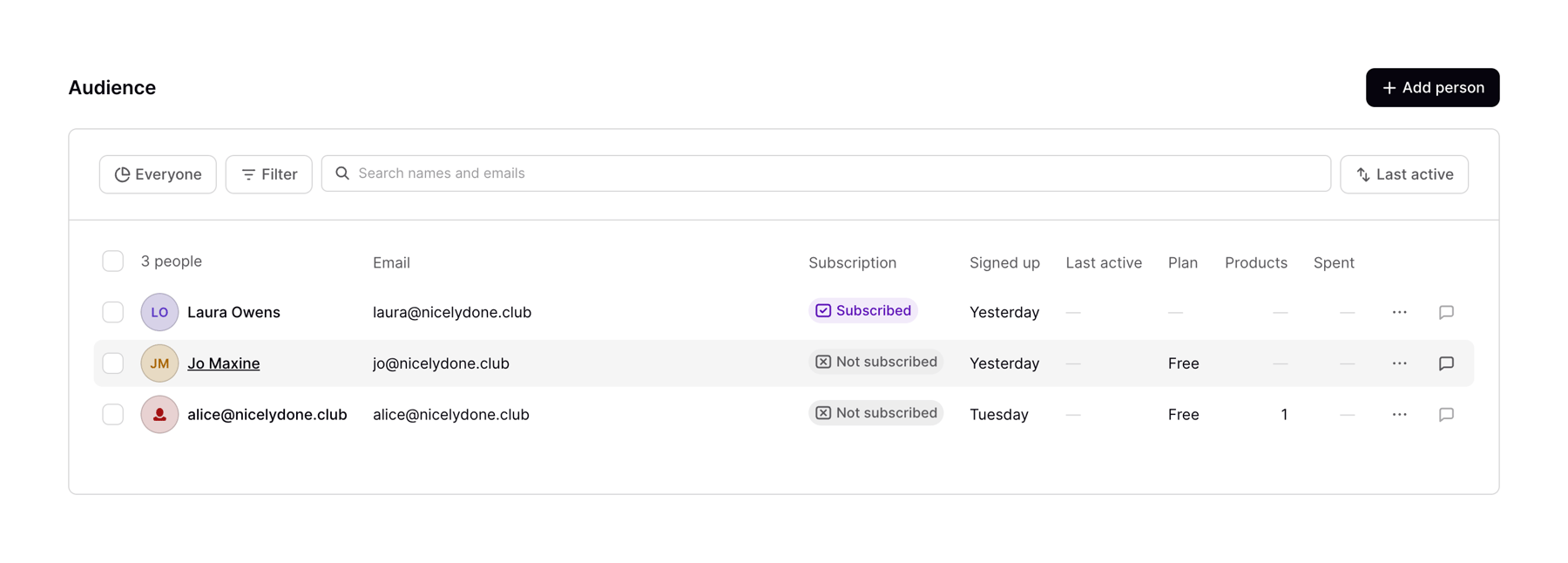
The screenshot displays a user interface for managing an audience list, showing details like email, subscription status, and activity.

Podia — Dropdown menu component
Podia logo
Podia

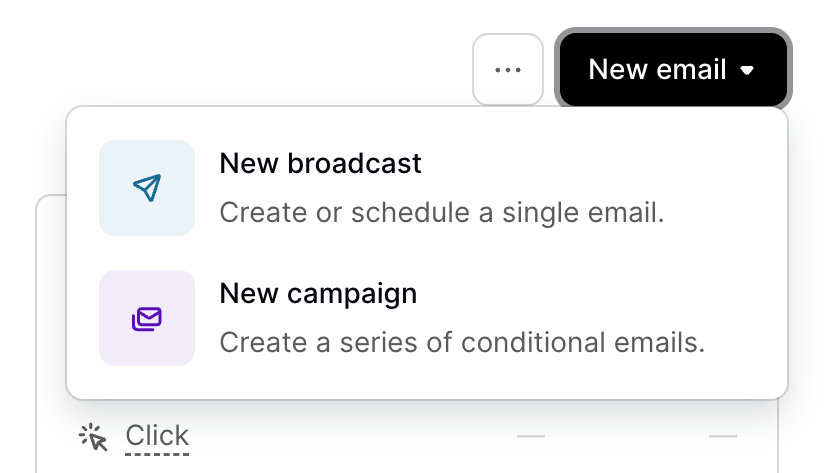
The screenshot shows a dropdown menu with options to create a new broadcast or a new campaign.

Podia — Table component
Podia logo
Podia

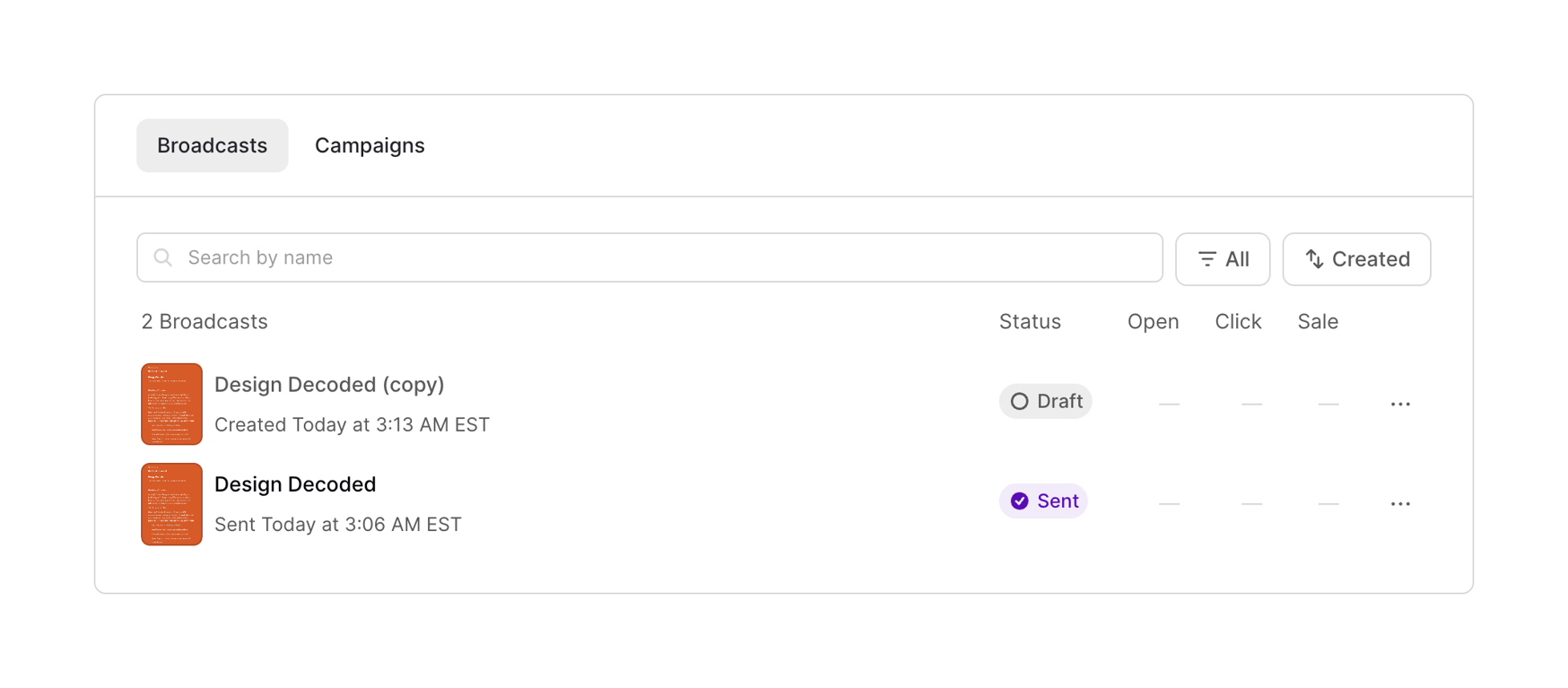
The screenshot displays a list of broadcasts with their status, open, click, and sale metrics.

Podia — Card component
Podia logo
Podia

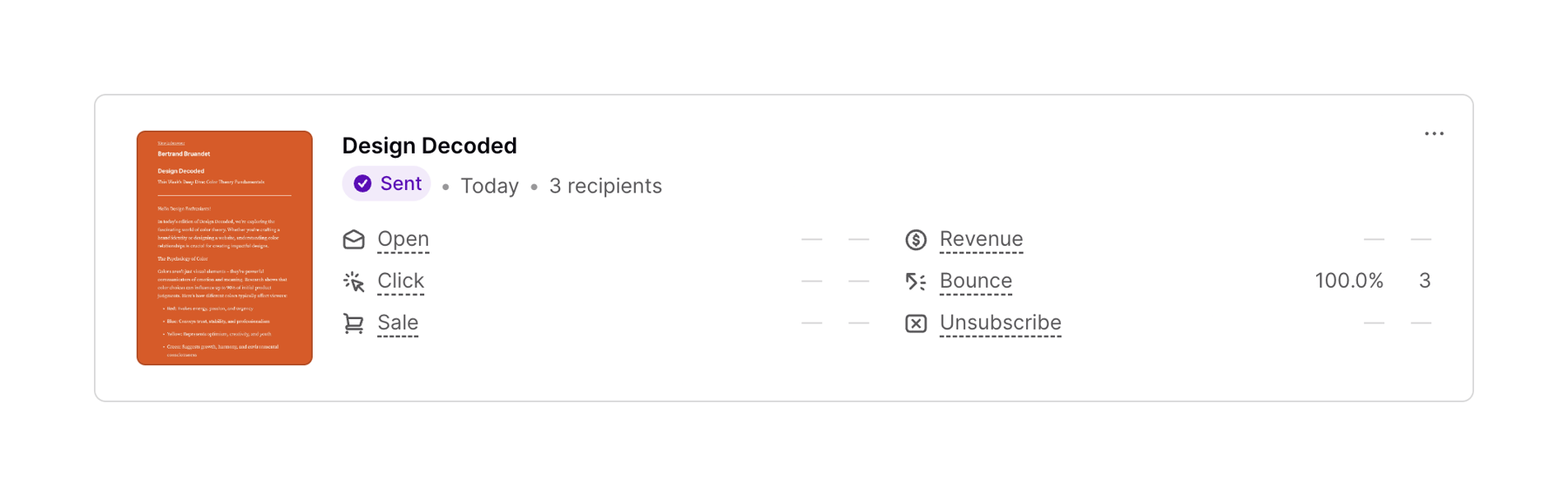
Email analytics dashboard

Browse the full component library

Browse the full UI component library.

Trusted by the best teams