Navigation sidebar screen examples
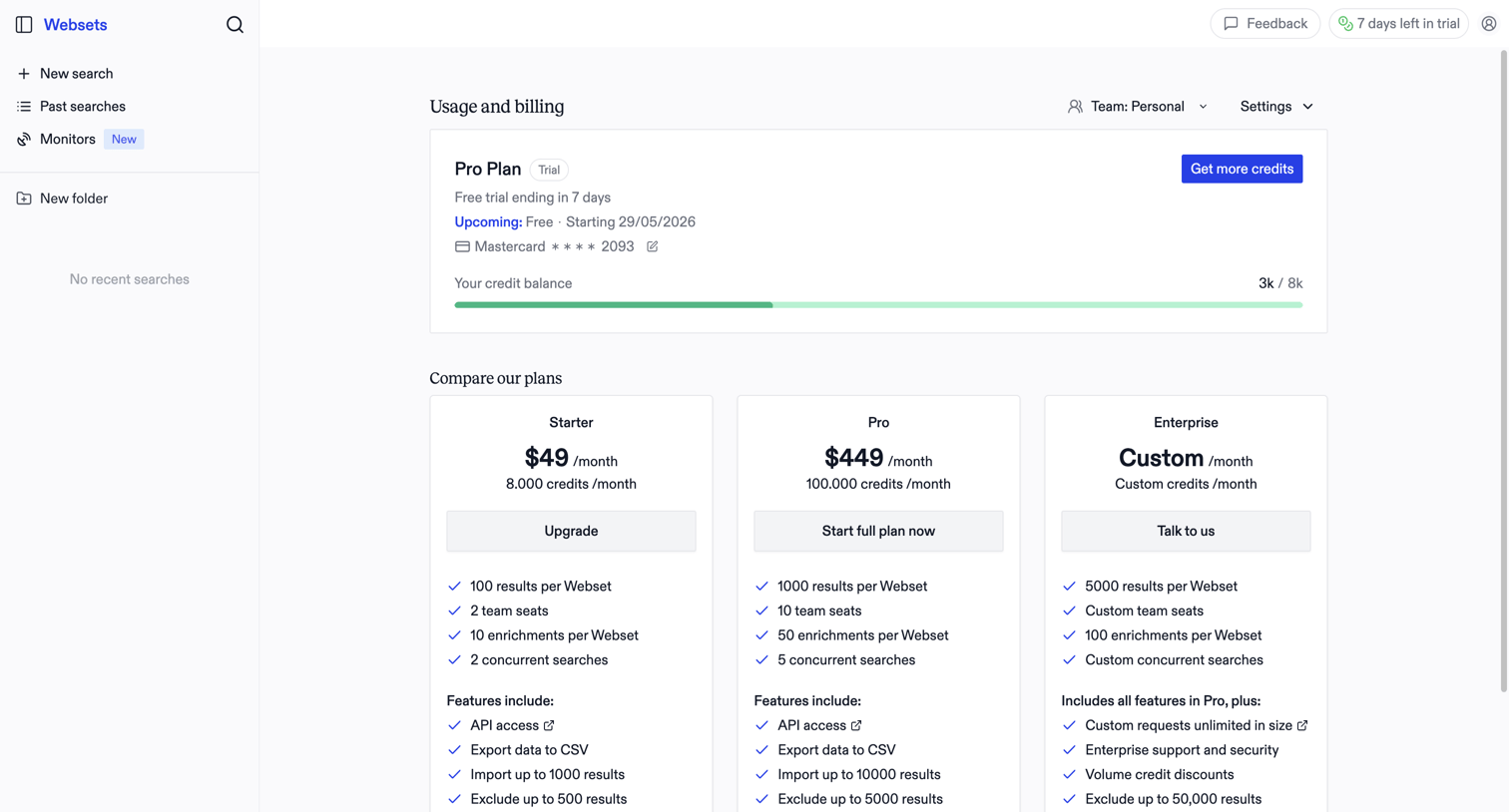
Navigation sidebar screen design examples from SaaS apps. Browse examples from Exa, Assembly AI App Builder, Elevenlabs.
Explore the examples

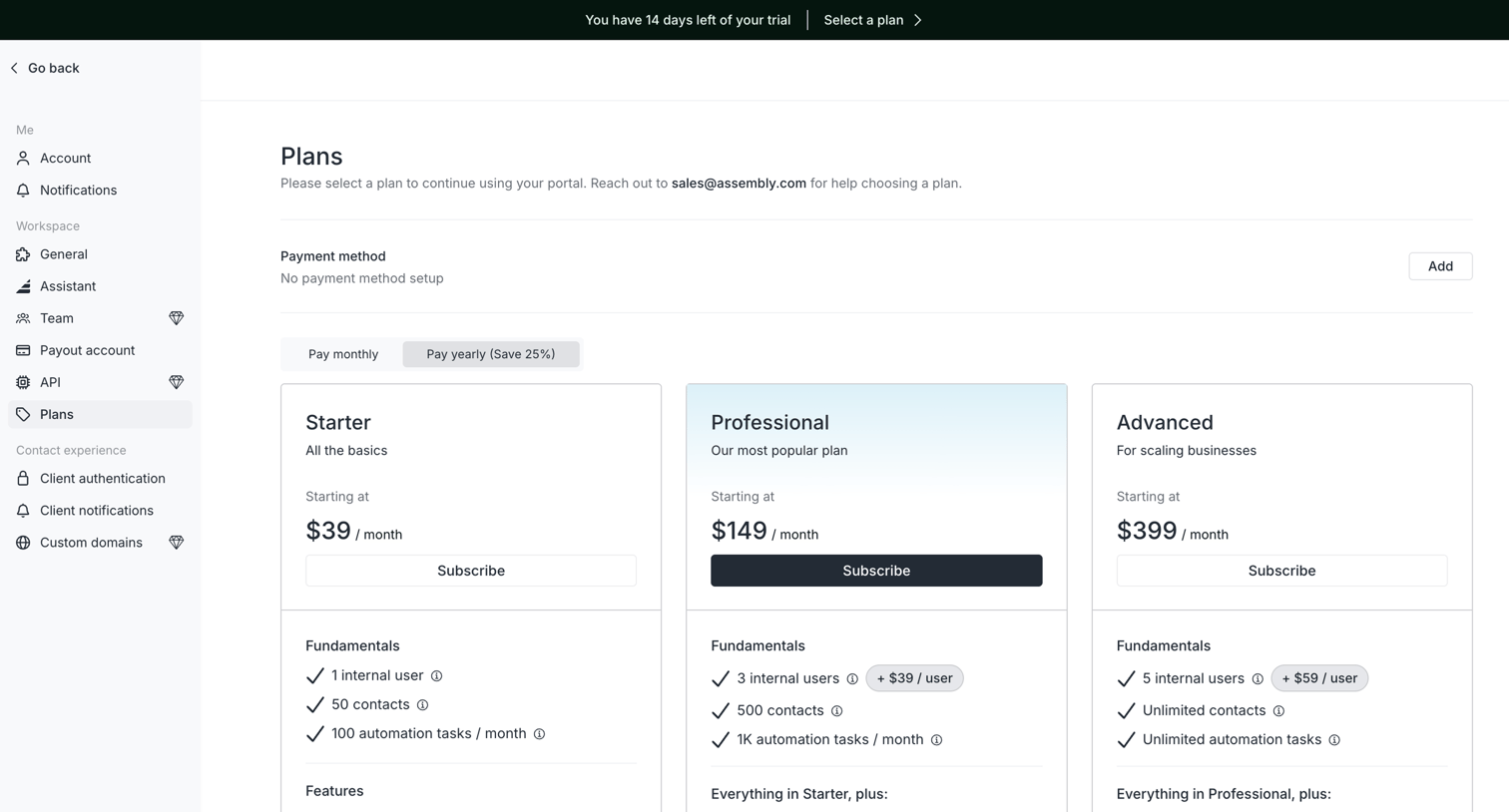

Settings page where the user selects a subscription plan between Starter, Professional, and Advanced tiers to continue using their portal.
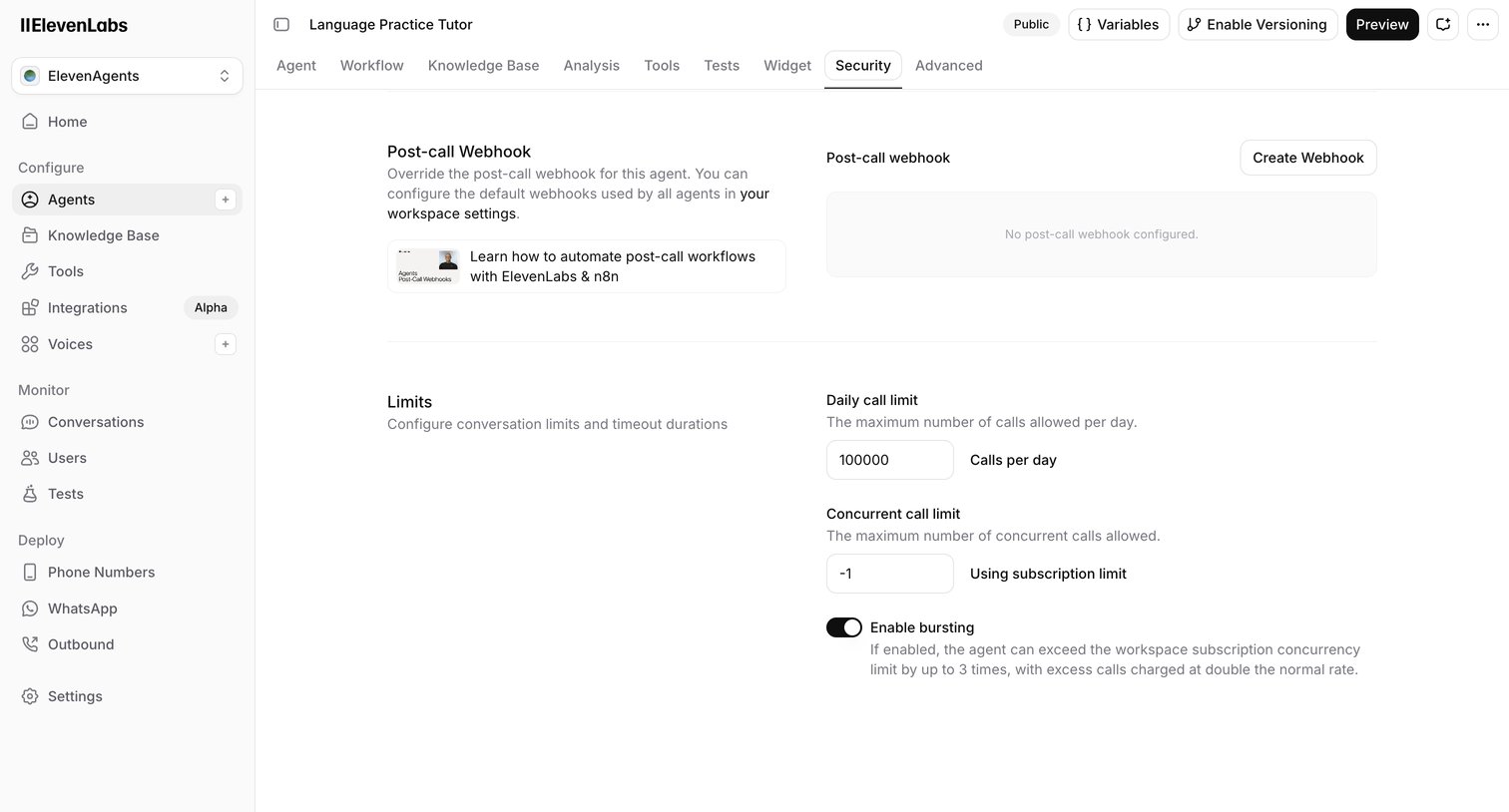

Settings page where the user configures post-call webhooks and conversation limits for a specific AI agent.
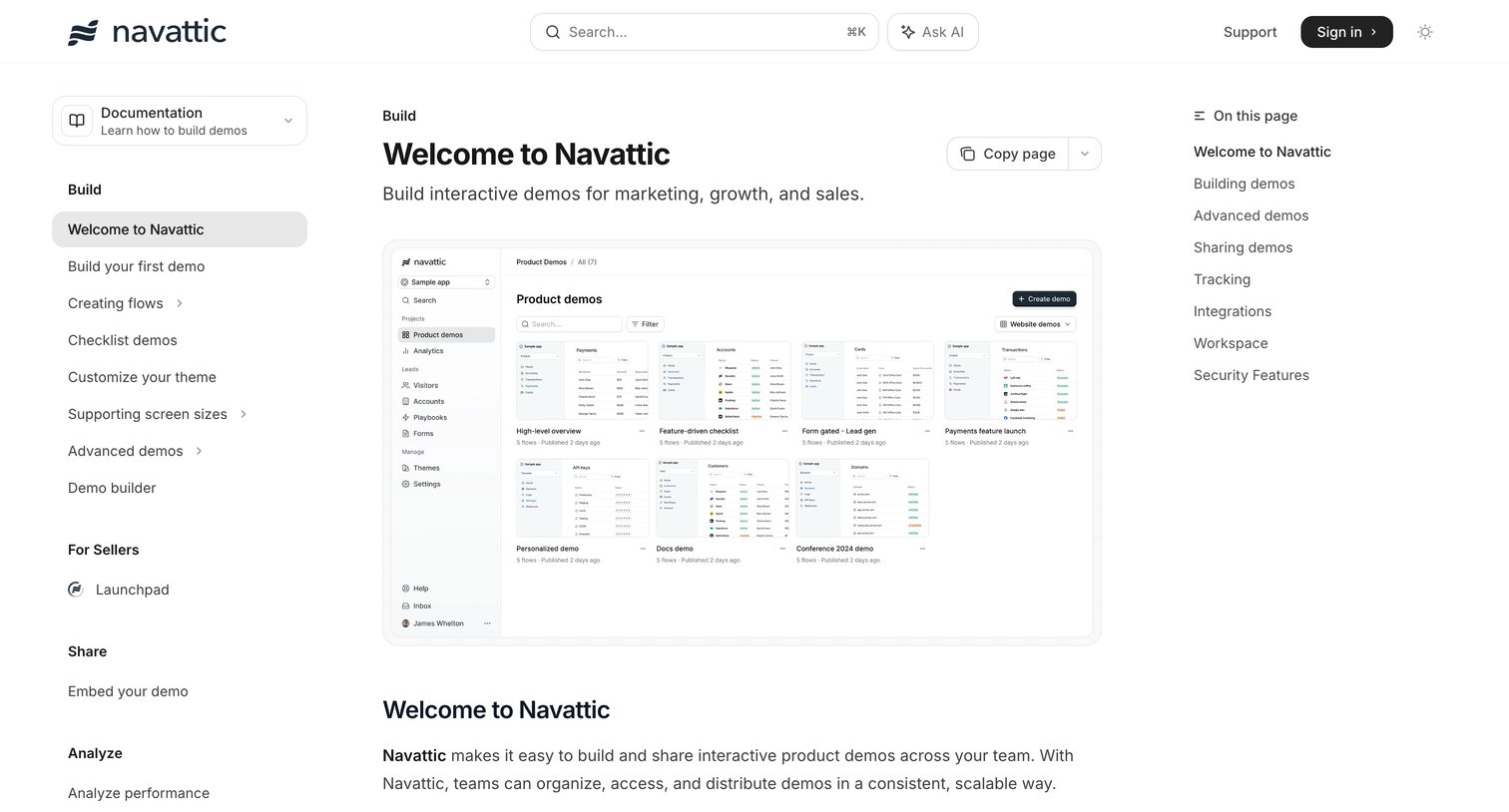

Documentation home page where the user can browse guides for building, sharing, and analyzing interactive product demos, or ask an inline AI assistant for help.
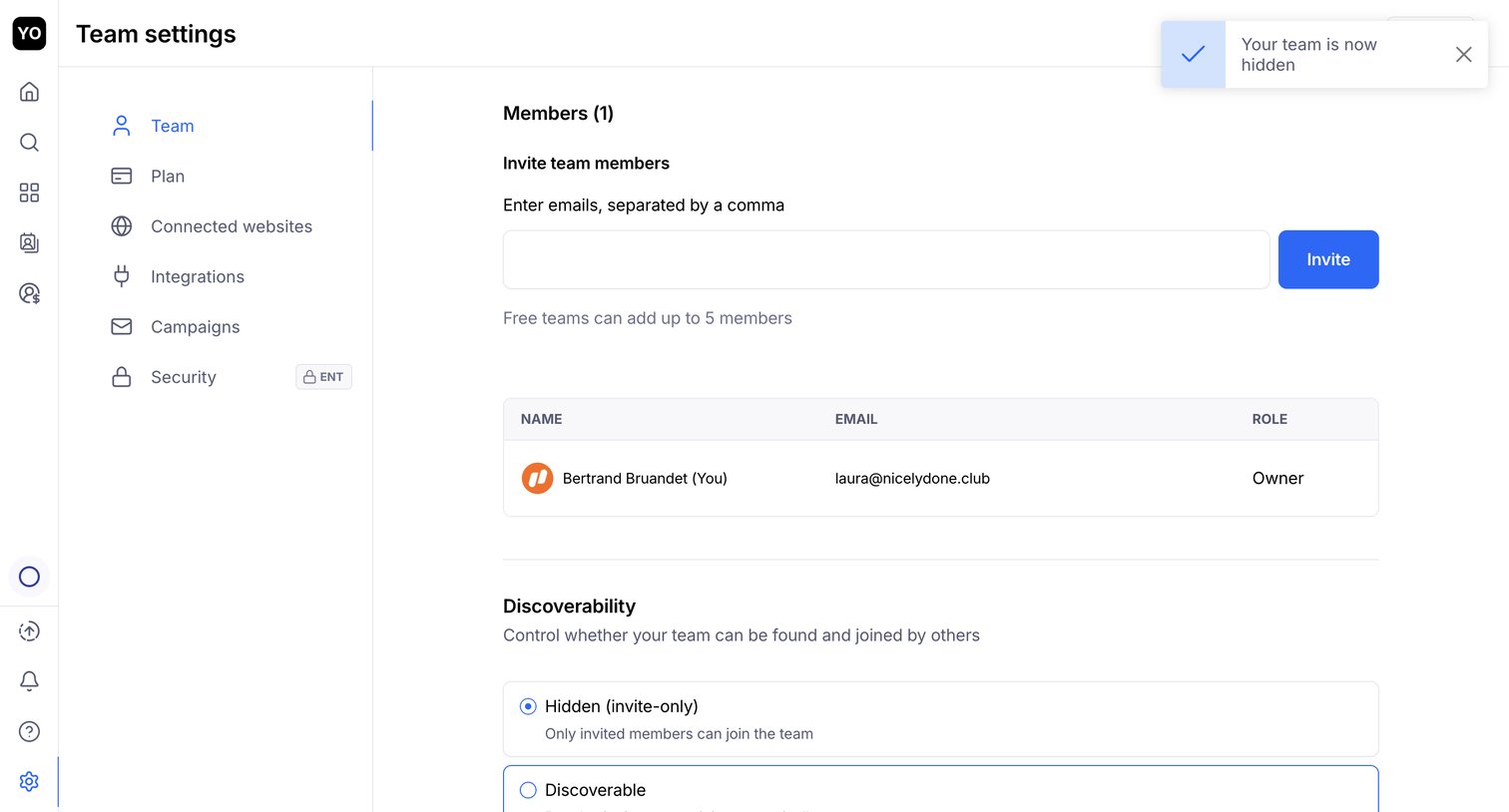

Settings page where the user can invite new team members by email, view existing members, and set the team's discoverability status.
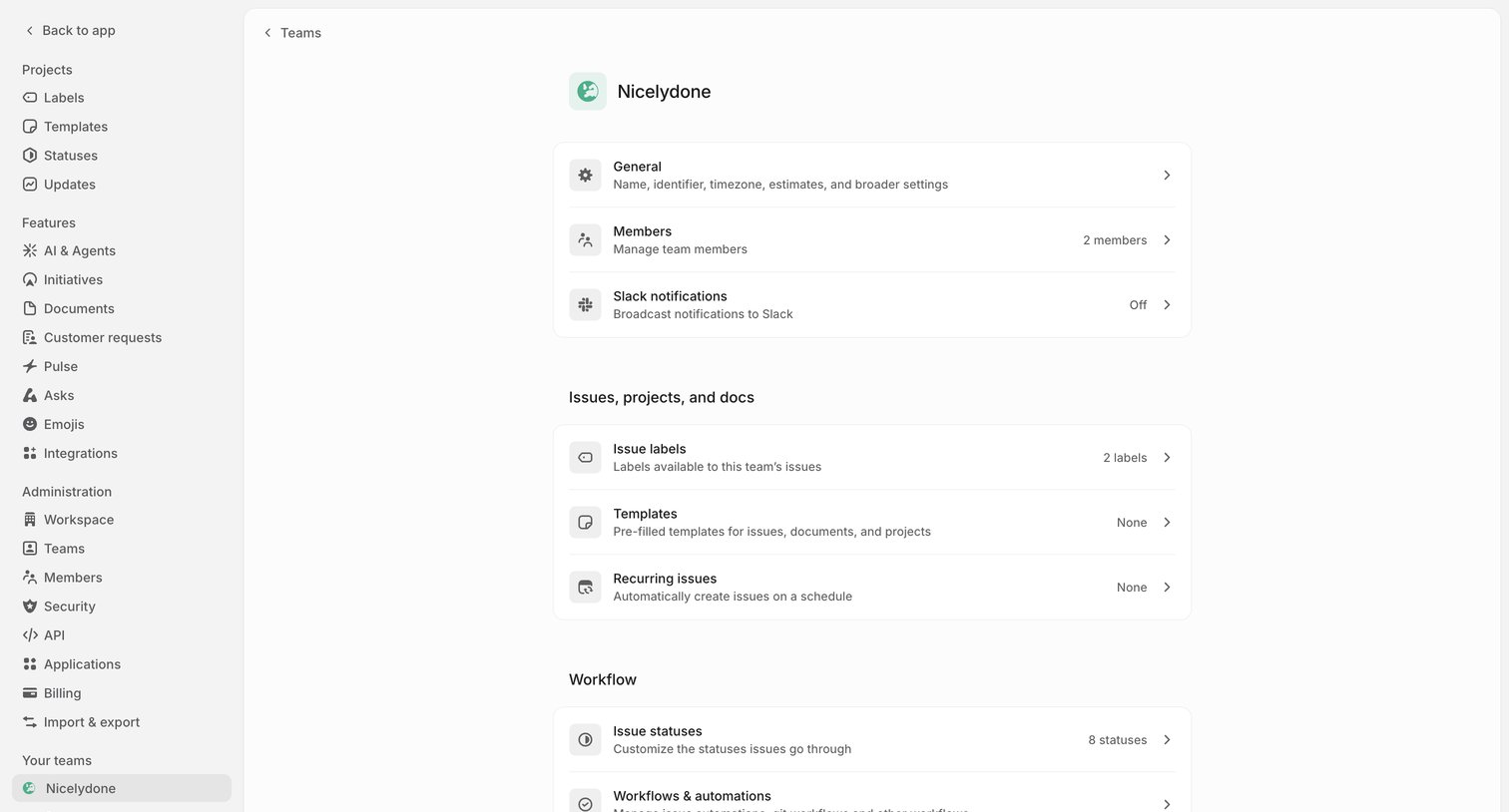

Settings page for a specific team where the user navigates configuration categories like members, Slack notifications, issue labels, and workflows.
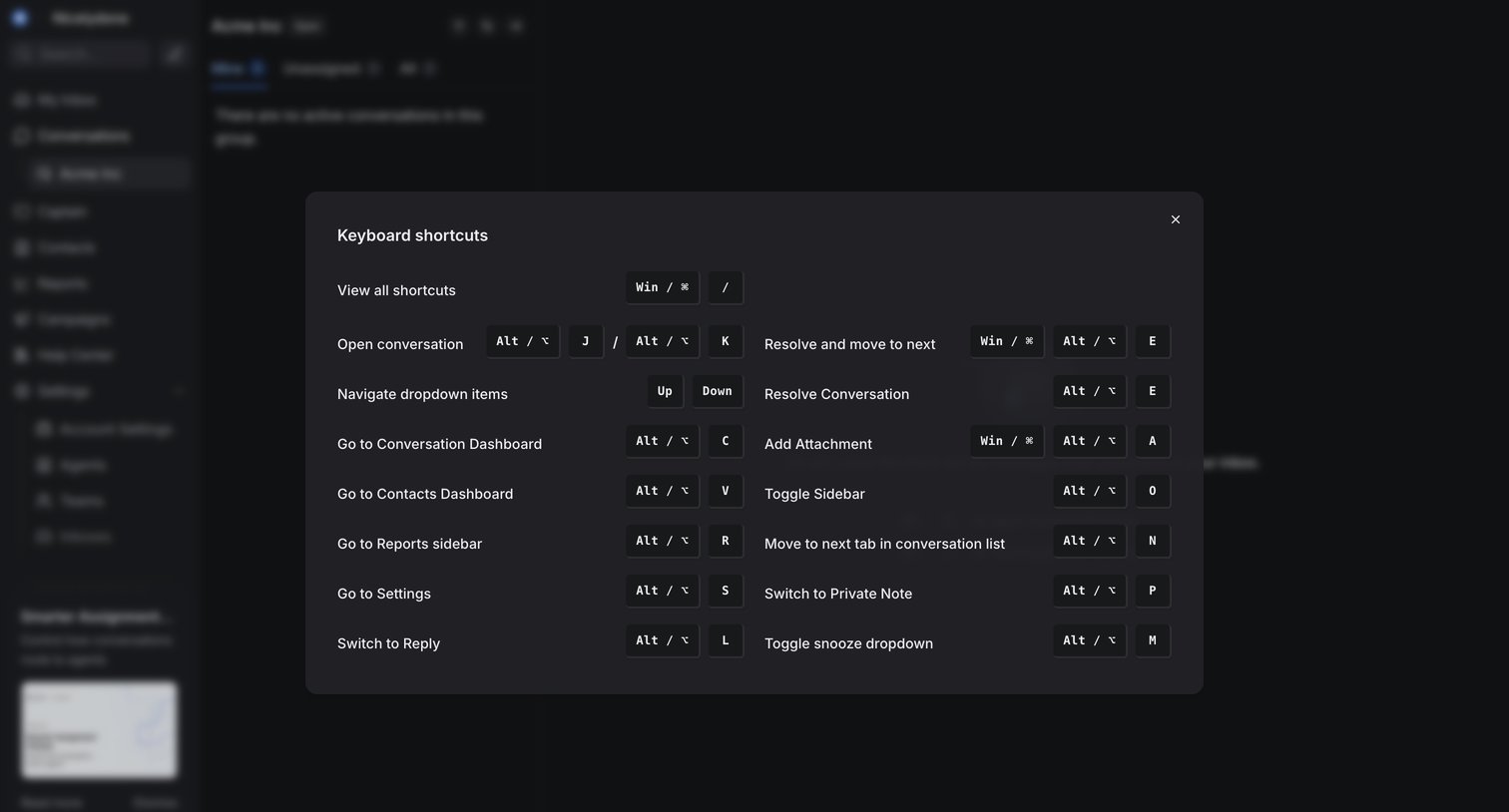

Inbox view where the user views a modal listing keyboard shortcuts for navigating conversations and settings.
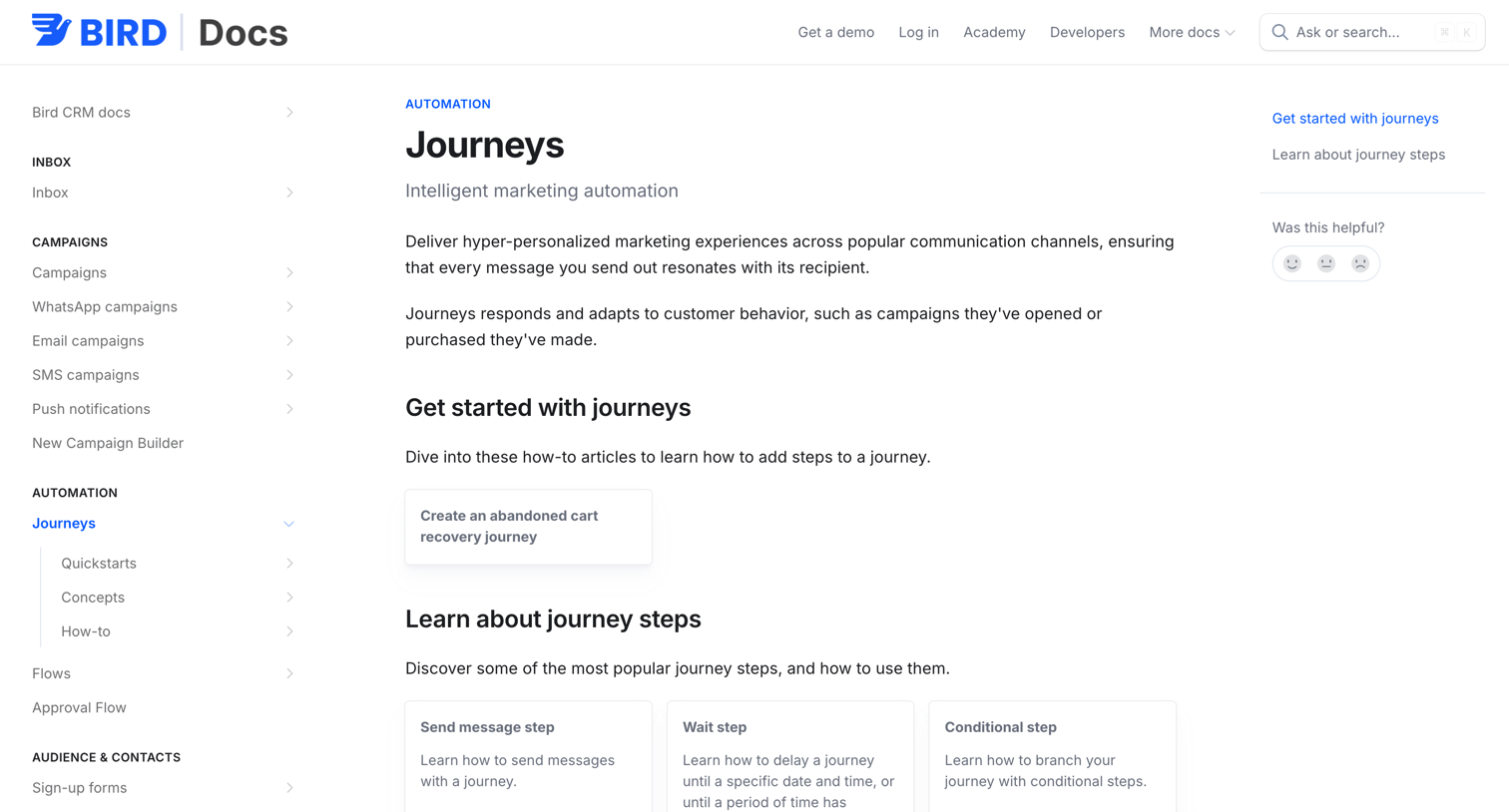

Documentation article explaining intelligent marketing automation journeys, featuring a grid of how-to guides for specific steps like sending messages and updating contacts.
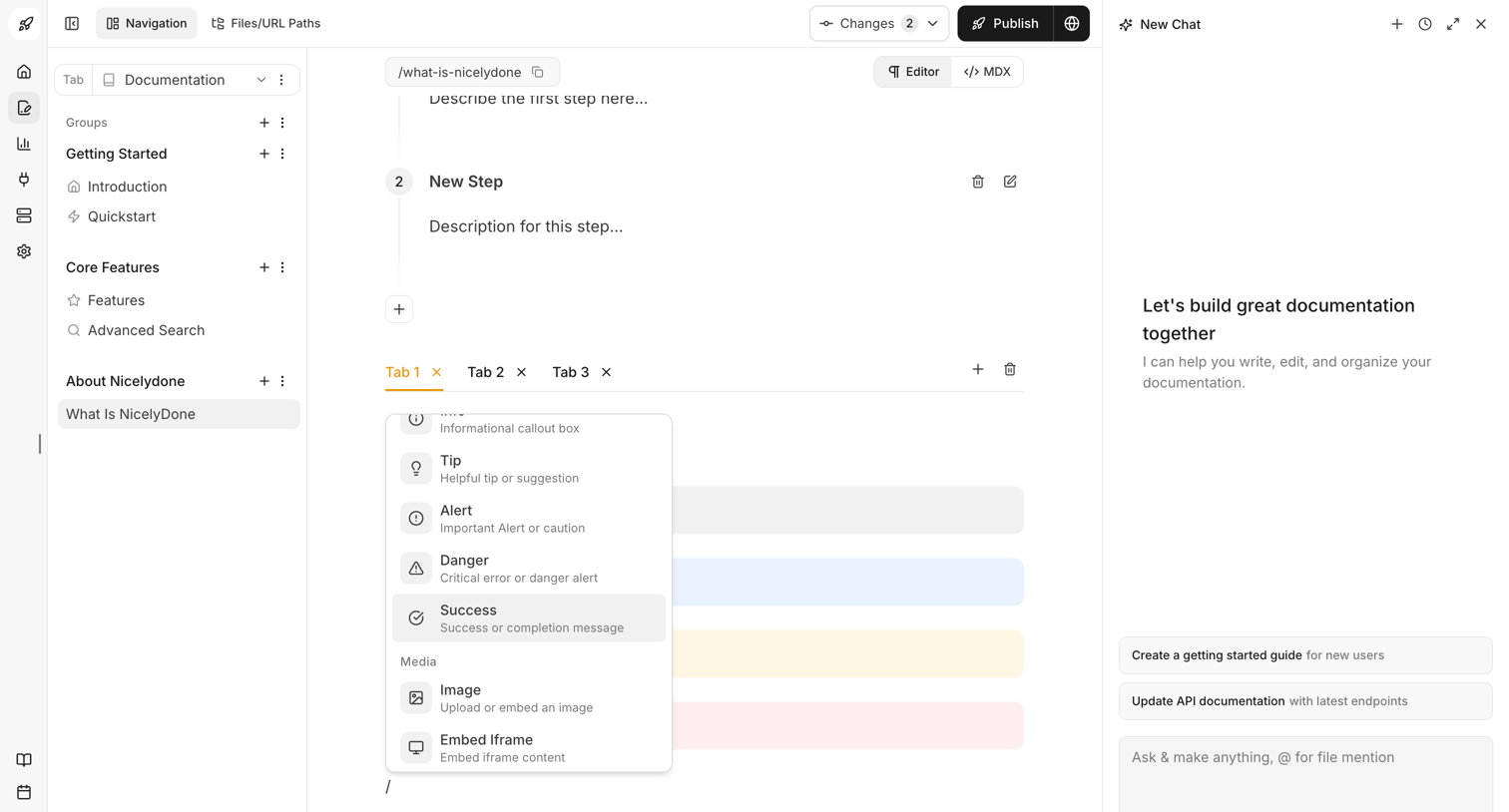

Documentation editor where the user is writing content using a block-based interface with a slash command menu open, alongside an AI chat assistant panel for writing help.
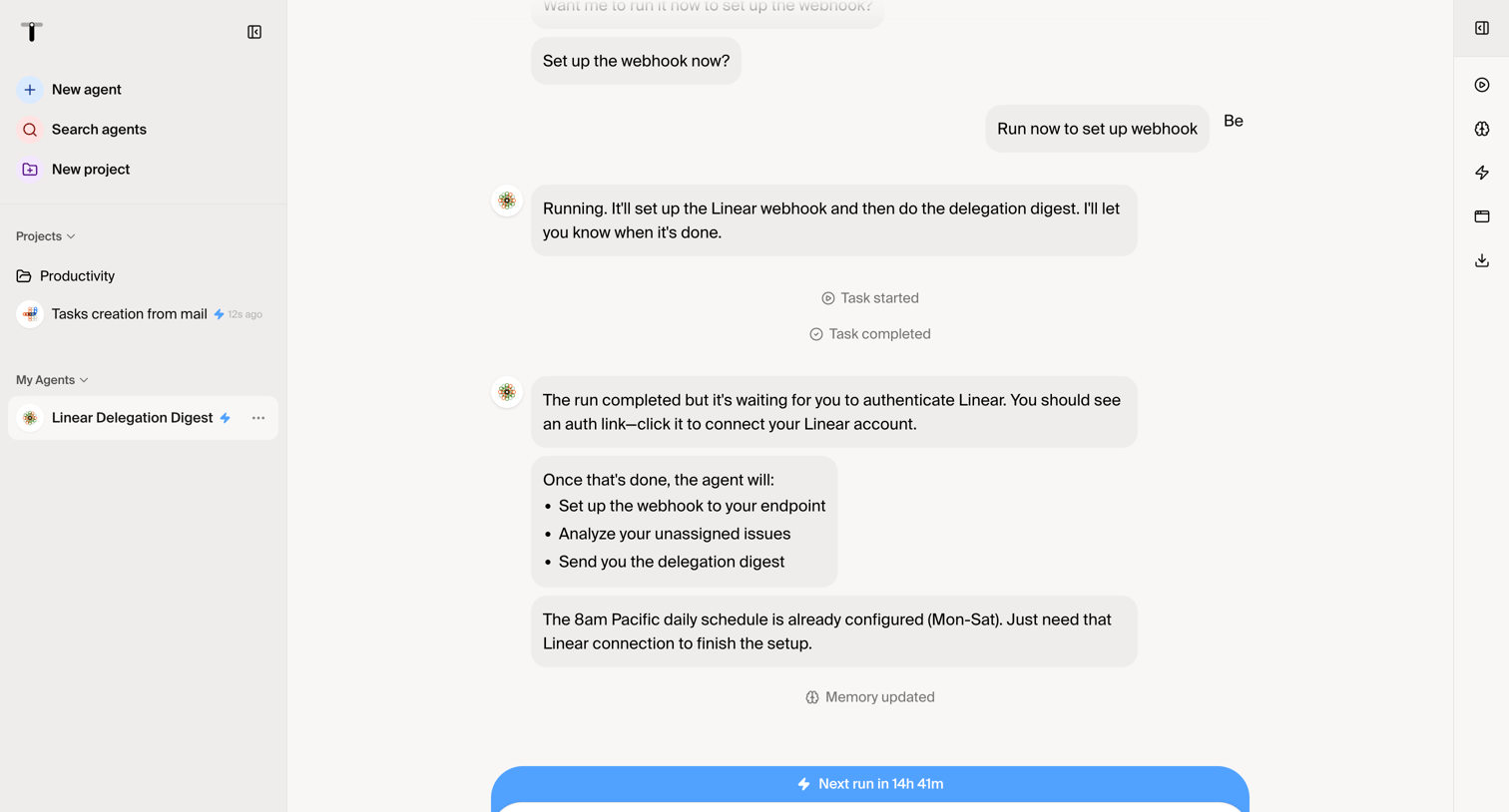

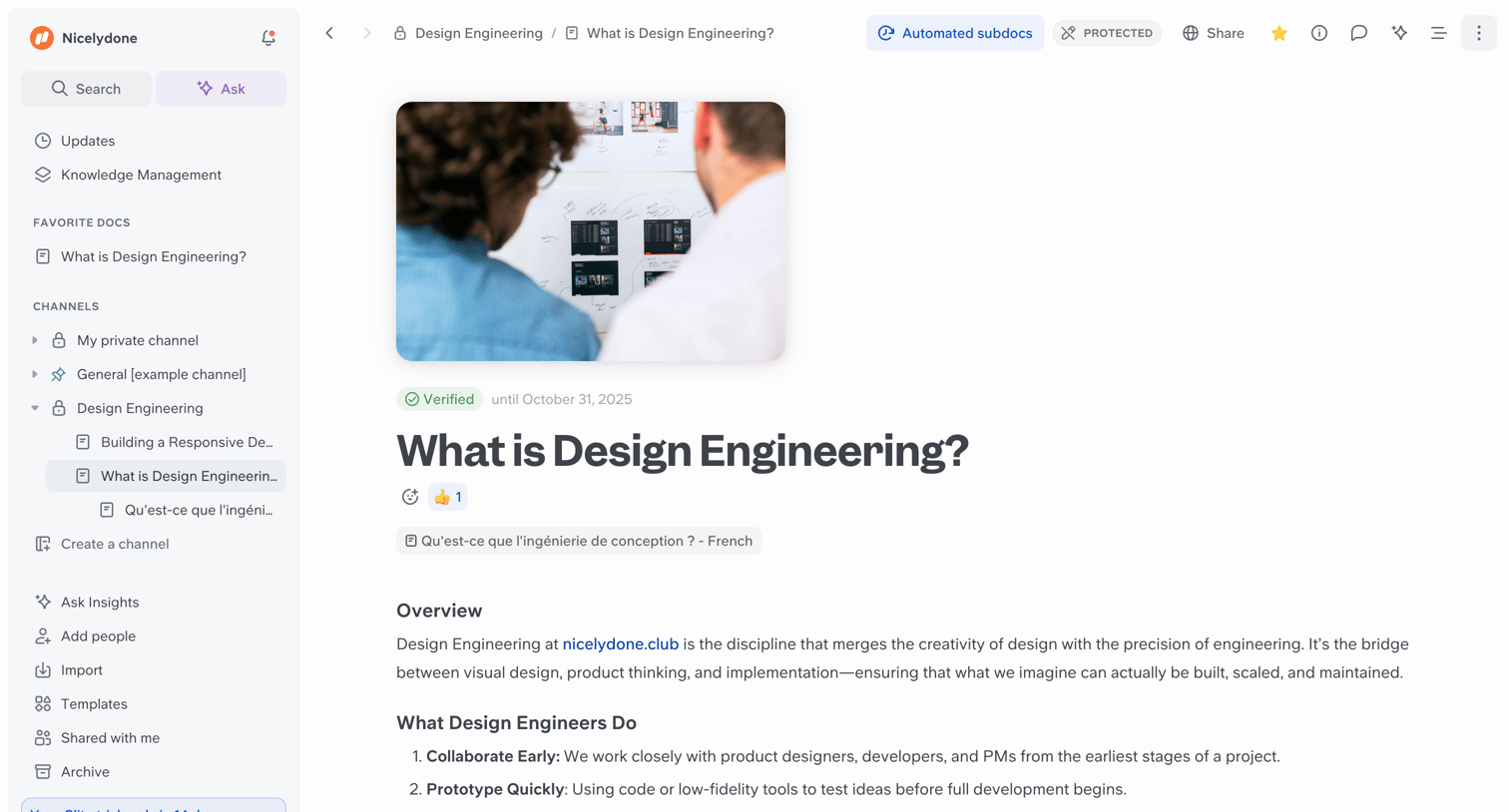

Document editor where the user reads an article about design engineering, with a left sidebar for channel navigation and a top bar for sharing and document settings.
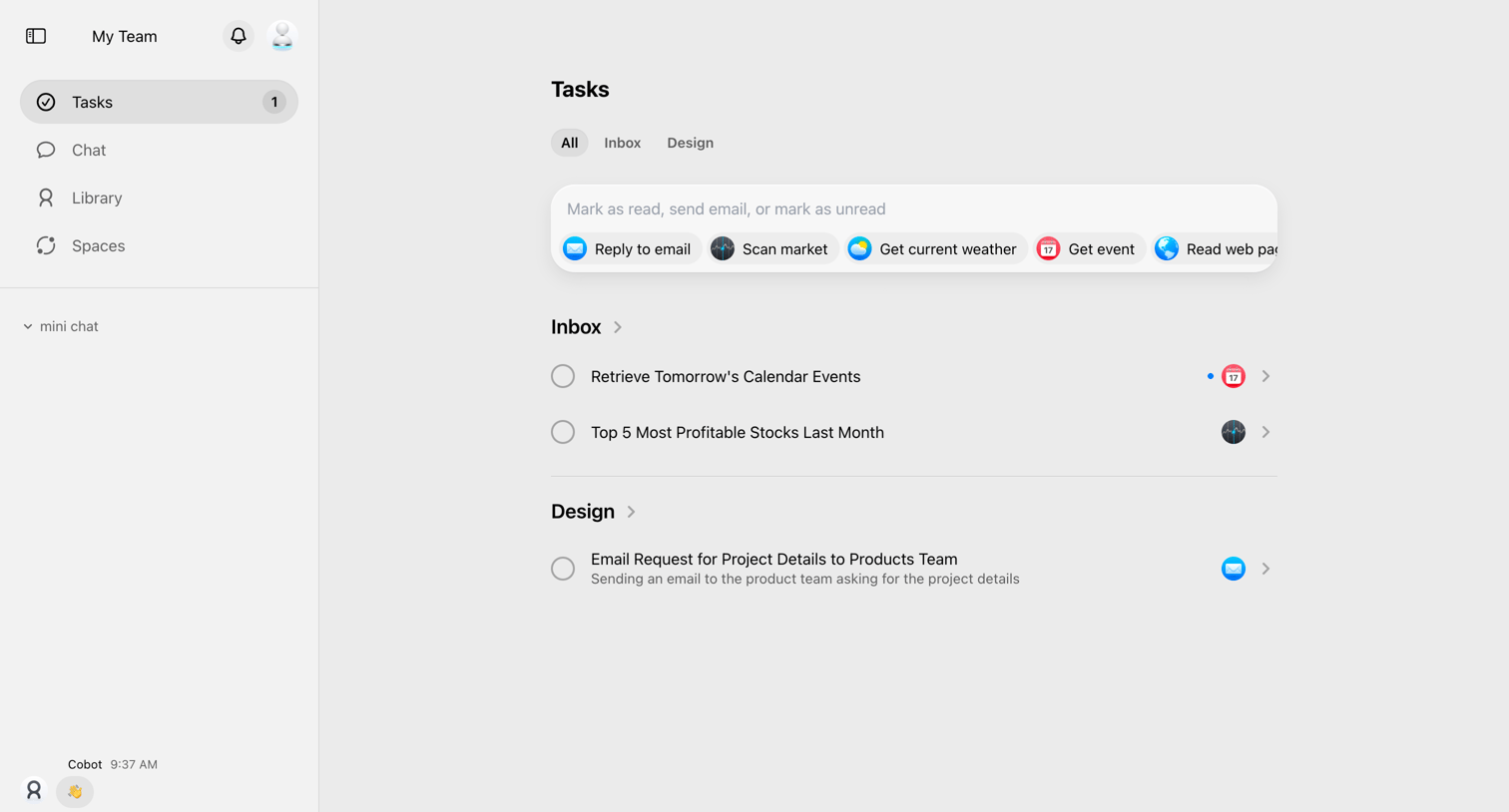

Task inbox where the user manages AI-generated tasks across categories like Inbox and Design, featuring a smart command bar with prompt suggestions for quick actions.
Explore the full SaaS screen library
Upgrade to unlock the full library.
Trusted by the best teams







