AI suggestions screen examples
AI suggestions screen design examples from SaaS apps. Browse examples from Chatwoot, Dovetail, Durable.
Explore the examples
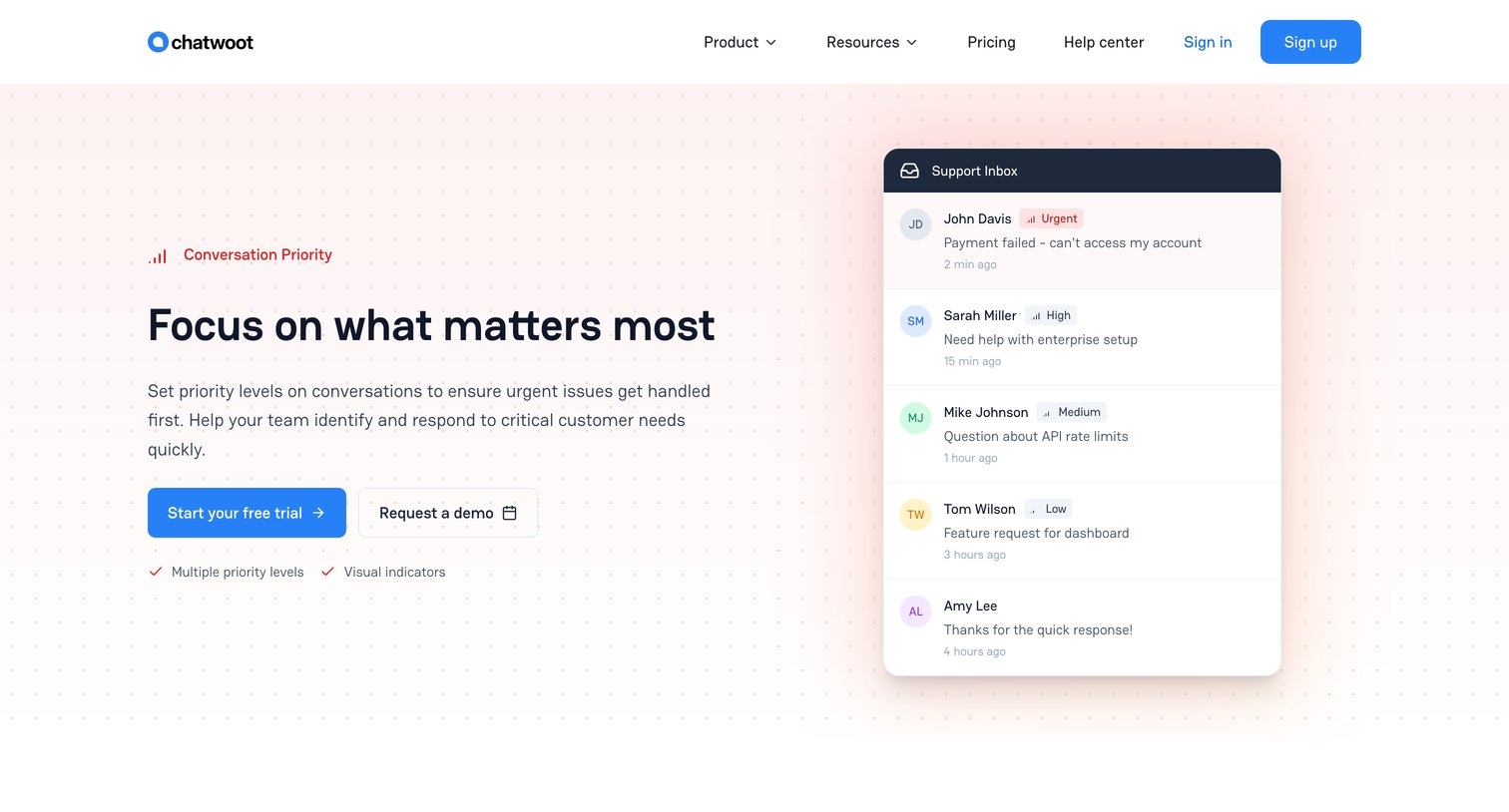

Feature page explaining how teams can use priority levels and AI suggestions to triage and handle urgent customer conversations.
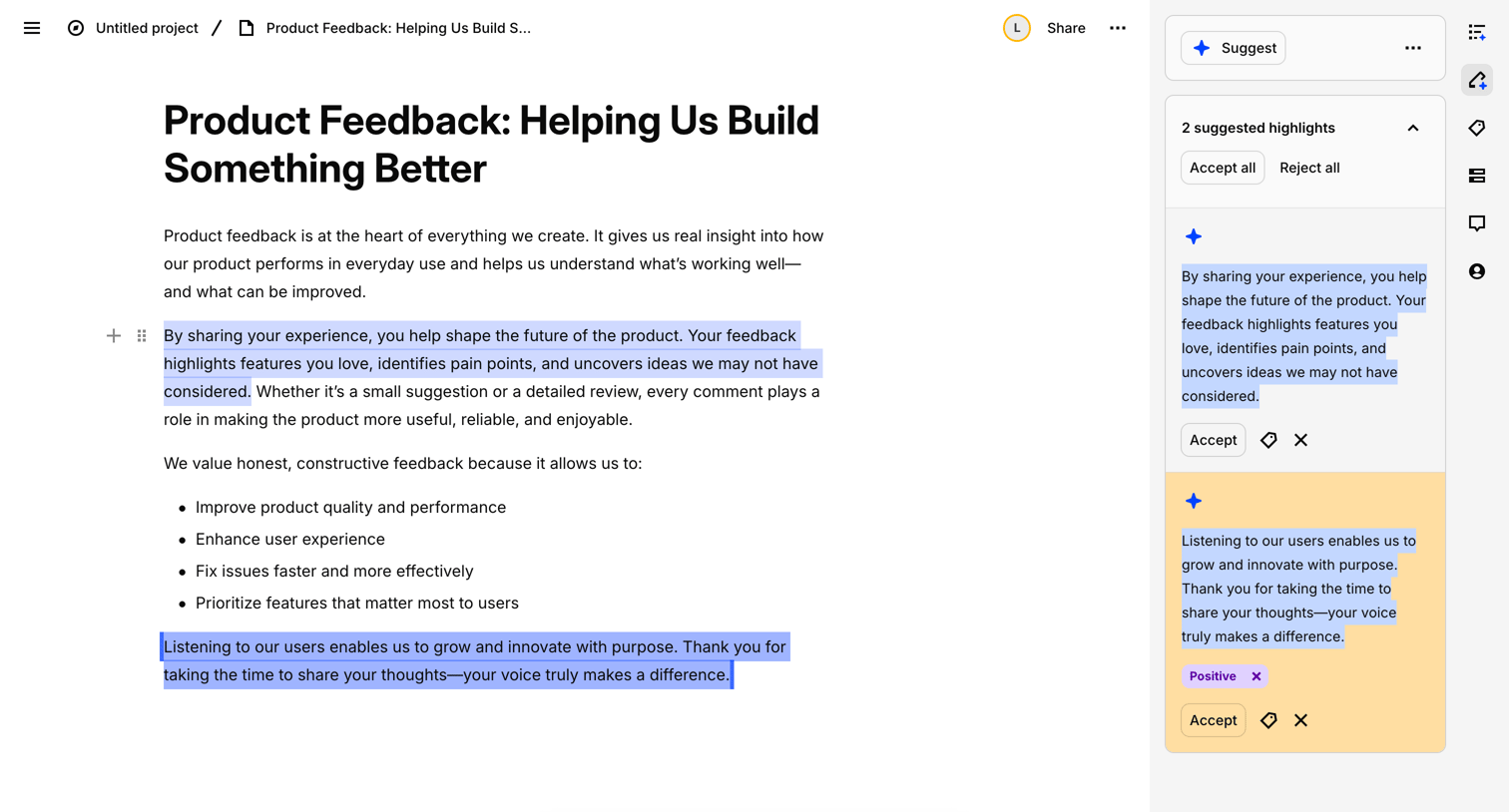

Content editor where the user reviews and accepts AI-suggested highlights within a product feedback document.
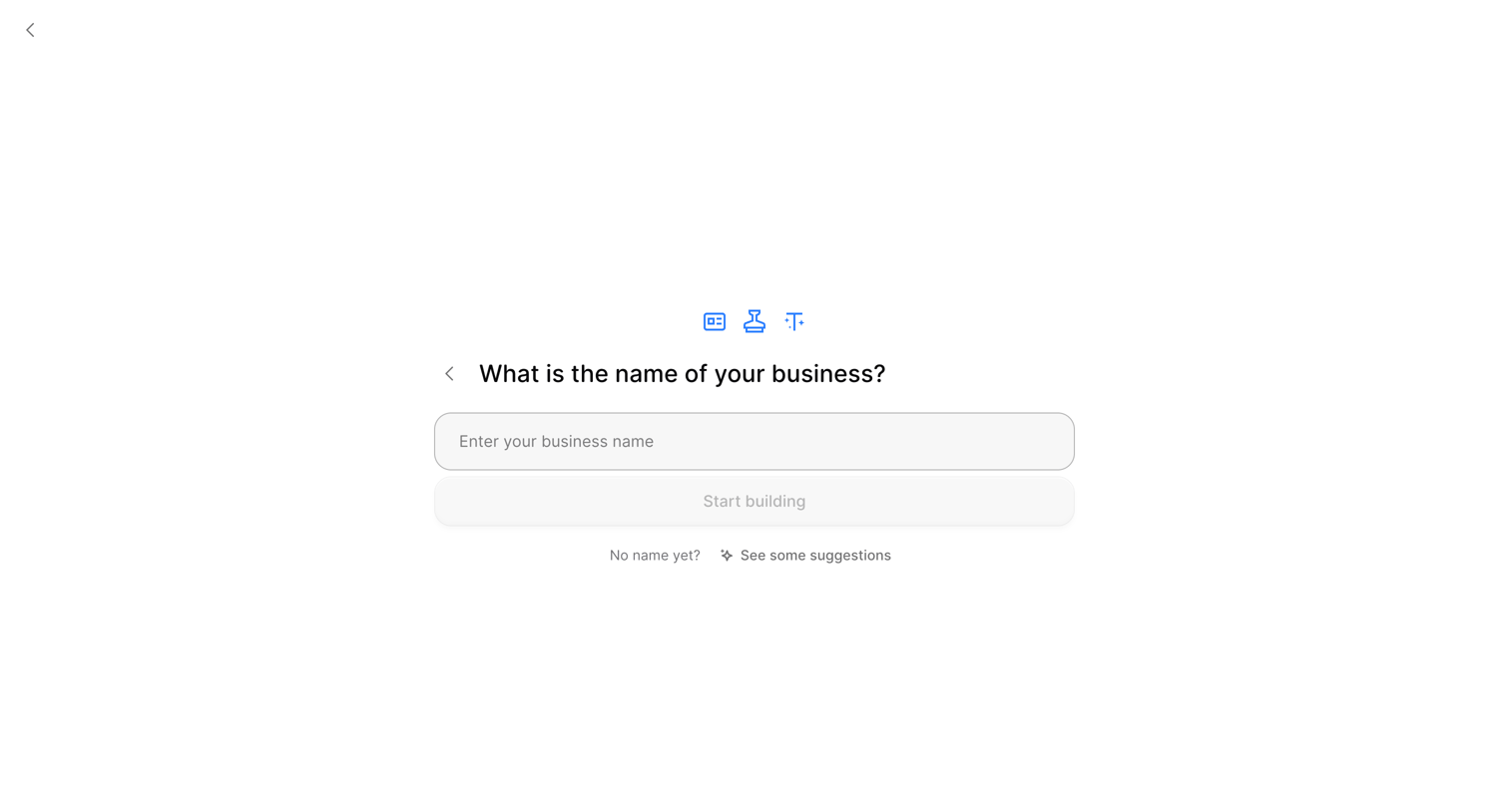

Onboarding step where the user enters their business name or requests AI suggestions before starting to build their website.
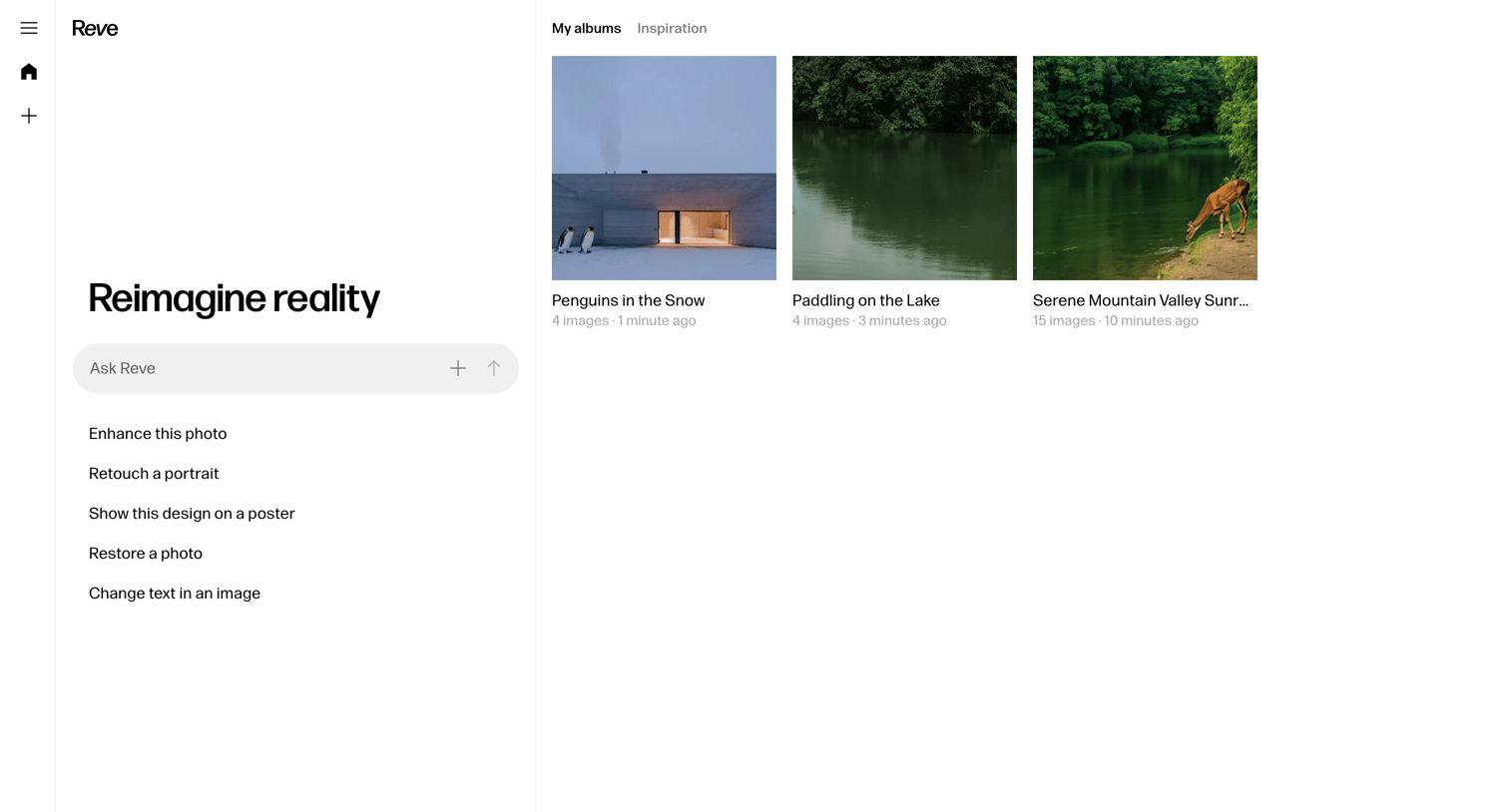

Home screen for an AI image generation tool where the user can enter a prompt to create new content or browse their recent albums.
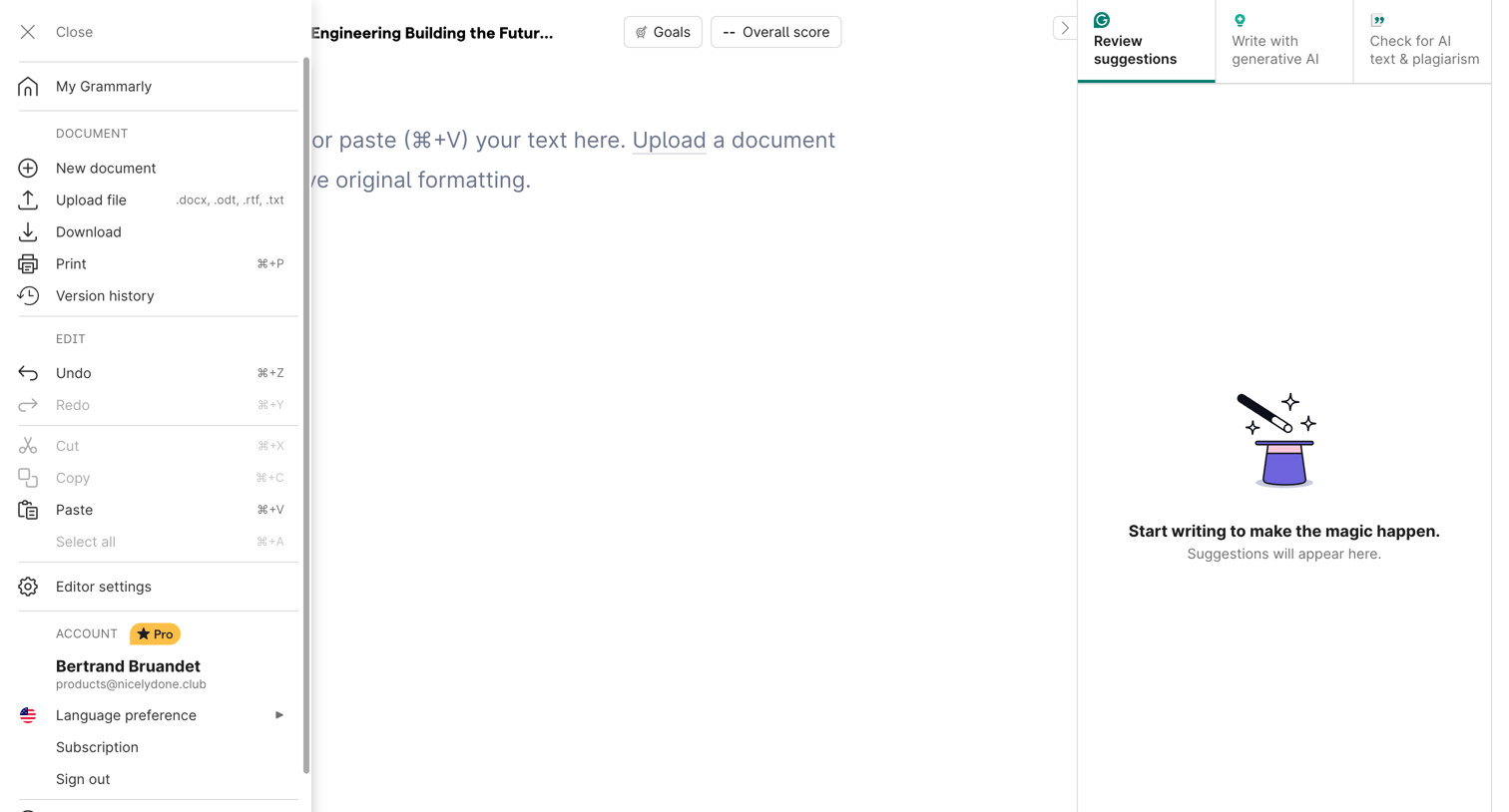

Content editor where the user can write or paste text, upload documents, and review AI-generated writing suggestions.

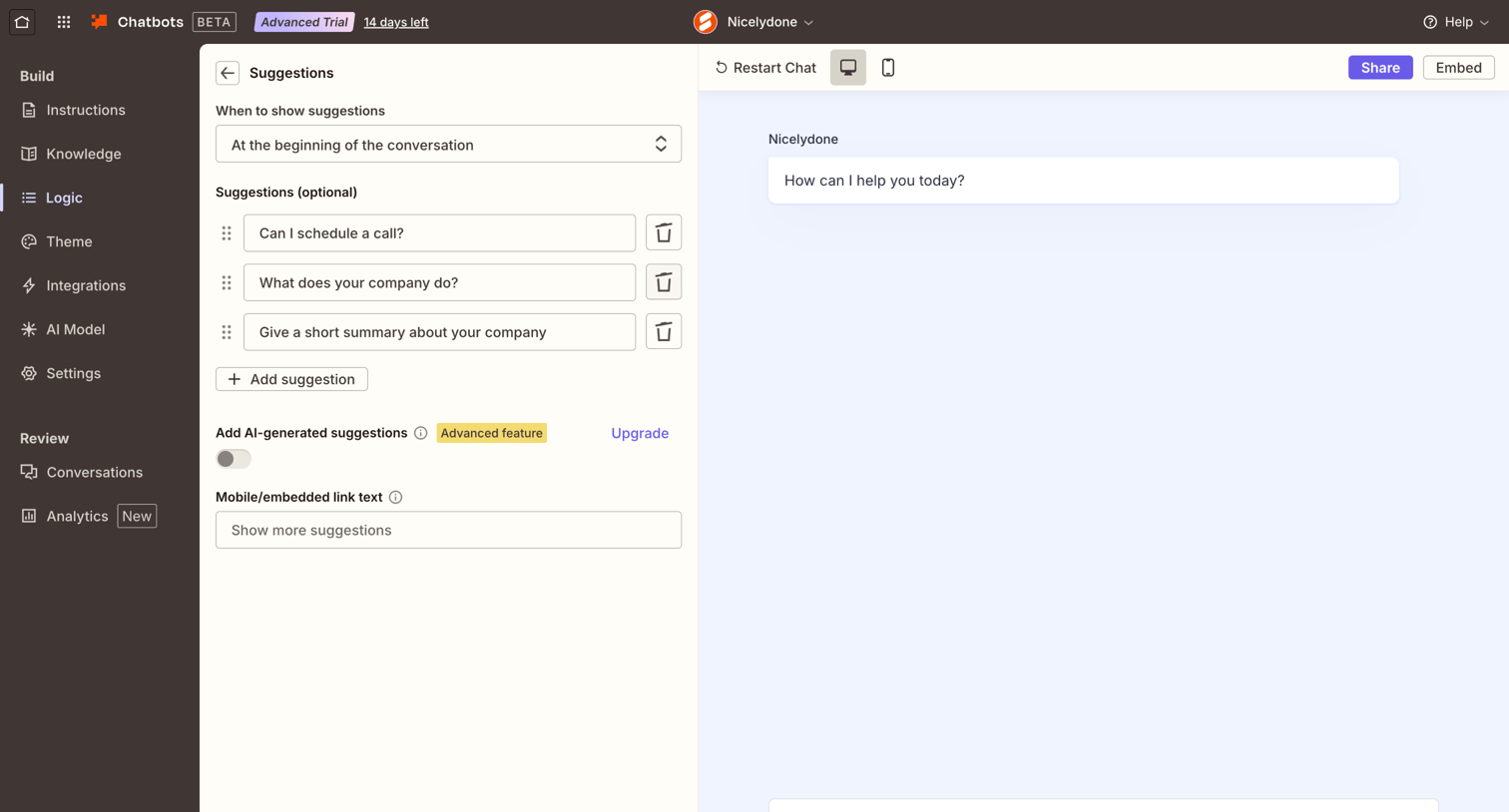

Settings page where the user configures prompt suggestions for their AI chatbot, including when to show them and the specific questions to suggest.

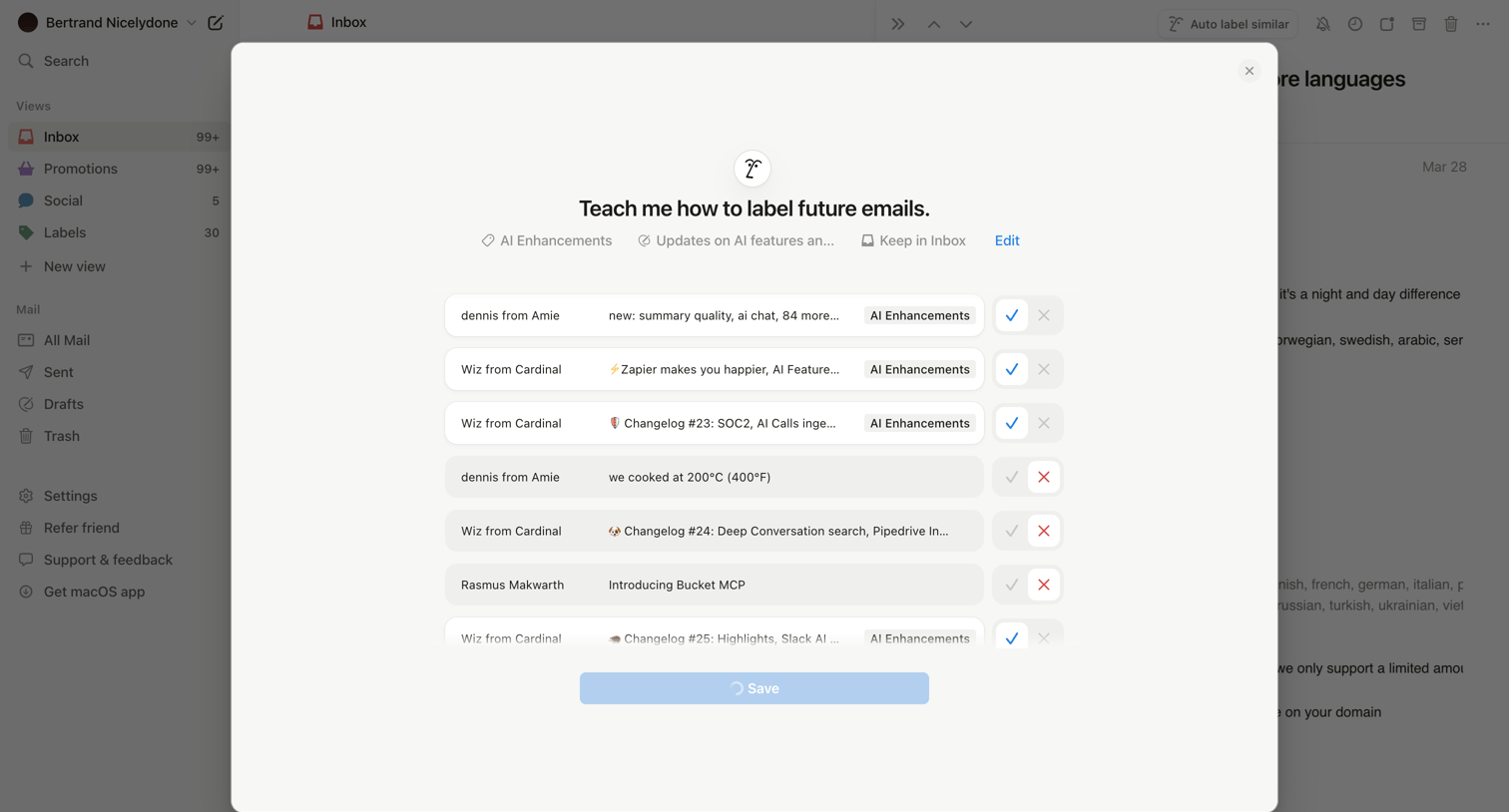

Inbox view where a modal prompts the user to teach the AI how to automatically label future emails by approving or rejecting suggested labels for recent messages.
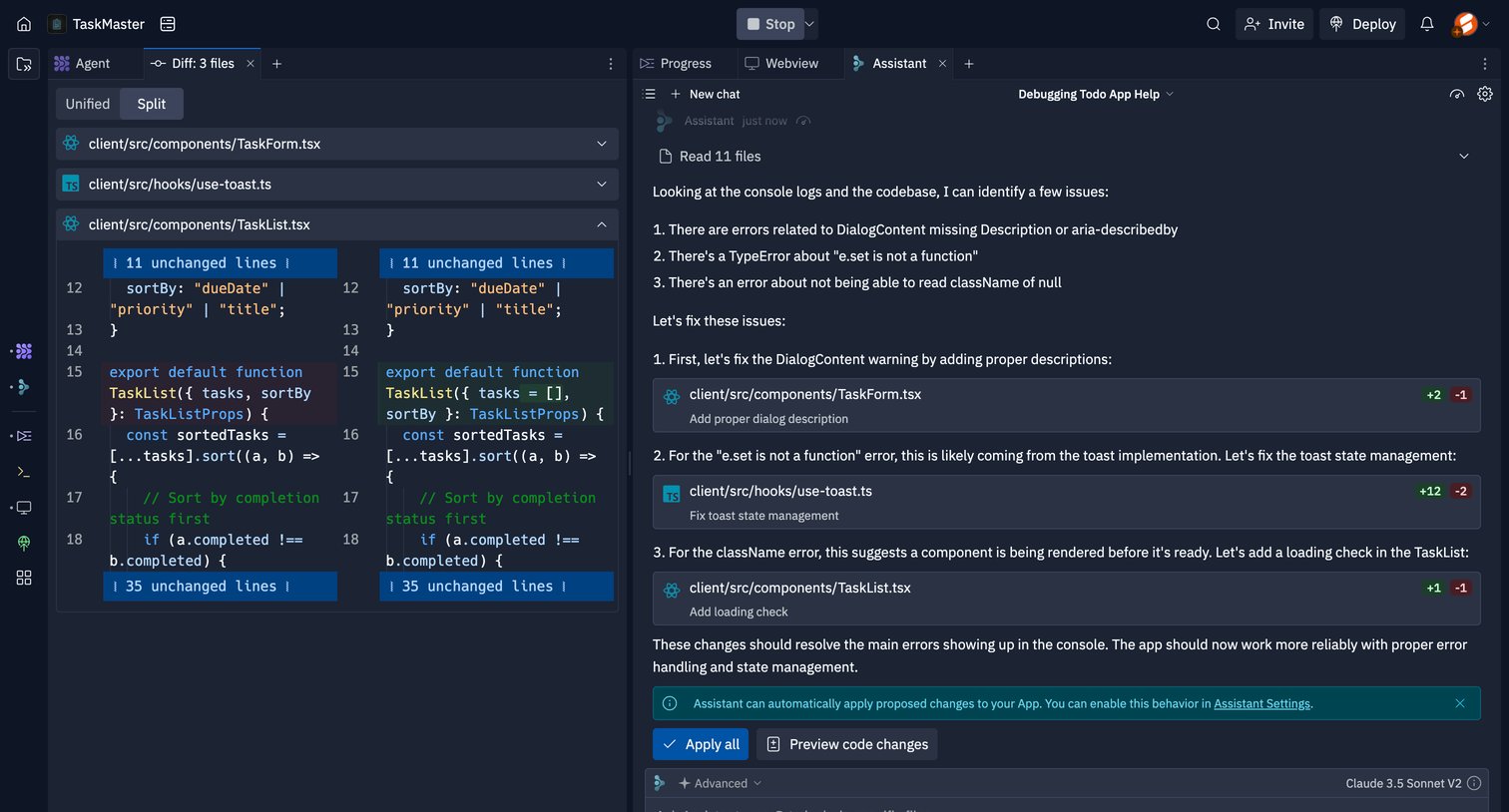

Code editor showing a split diff view of file changes alongside an AI assistant proposing and applying code fixes.
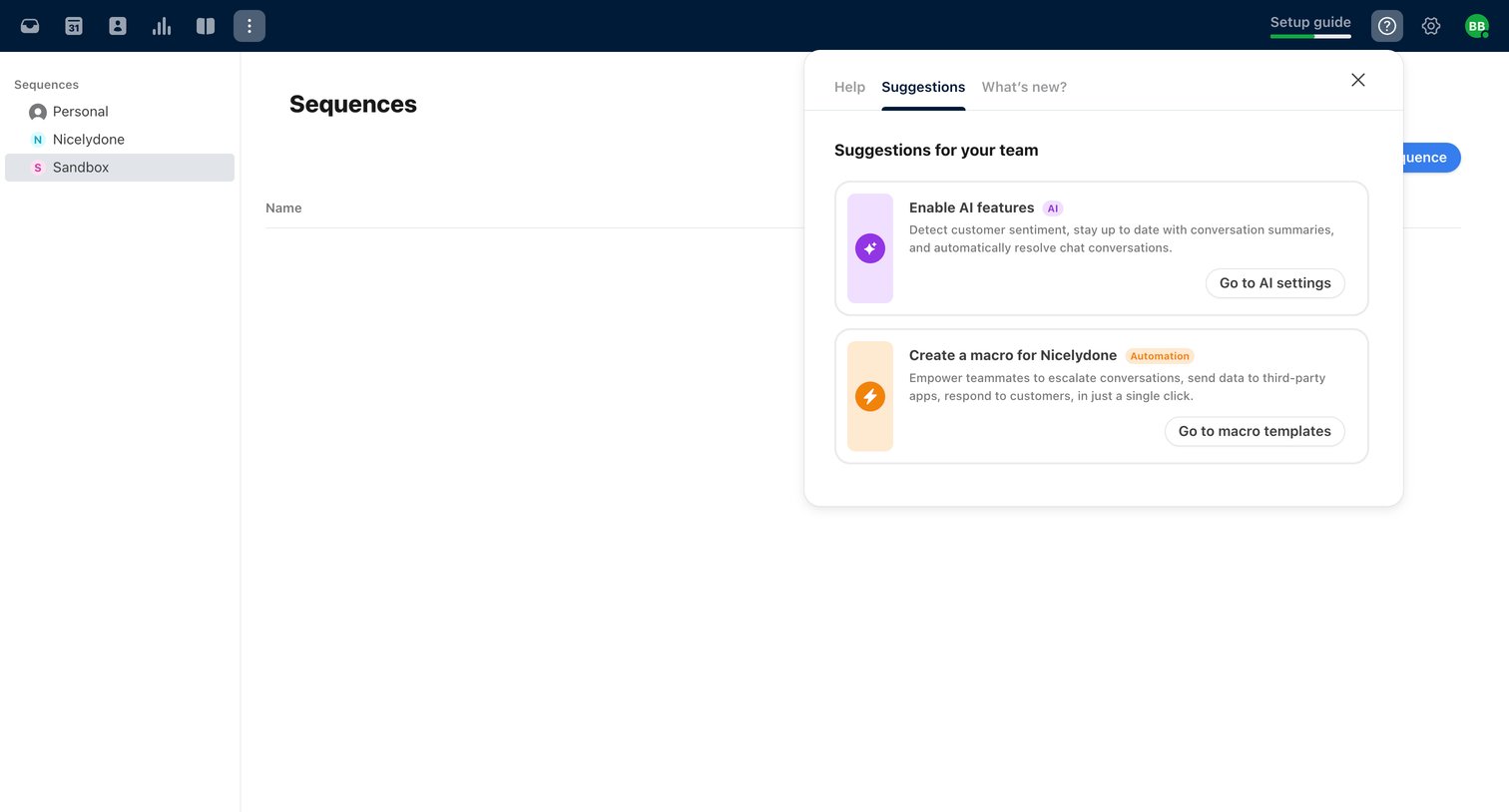

List view of sequences where a suggestions popover prompts the user to enable AI features and create macros.
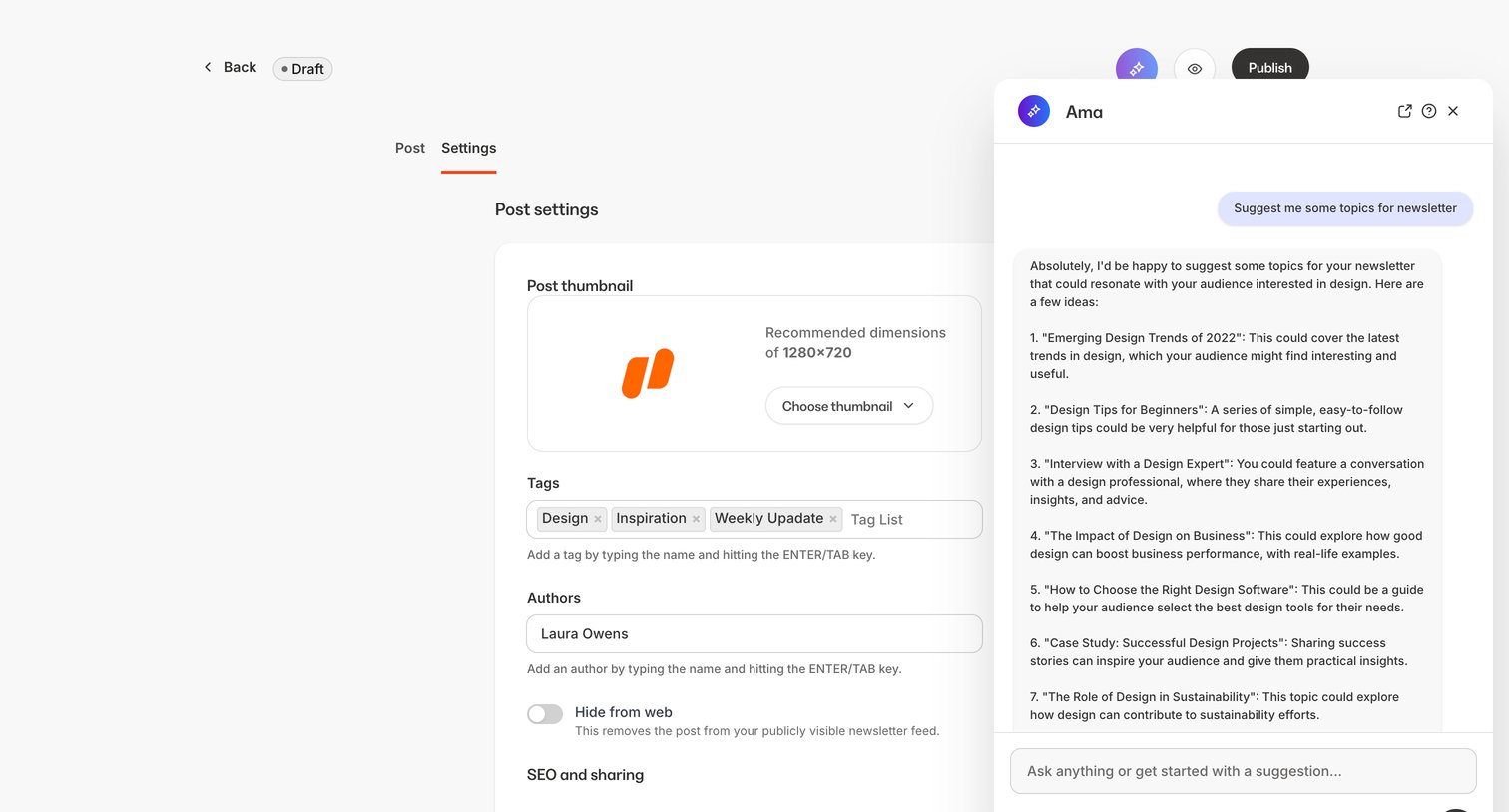

Settings page for a newsletter post where the user configures the thumbnail, tags, author, and URL slug, while an AI assistant panel is open for topic brainstorming.
Explore the full SaaS screen library
Upgrade to unlock the full library.
Trusted by the best teams







