Skip to content
Grammarly logo

Grammarly design examples

Explore Grammarly UI design examples. Free online writing assistant

Product screens

Login | Grammarly from Grammarly
Grammarly logo
Grammarly

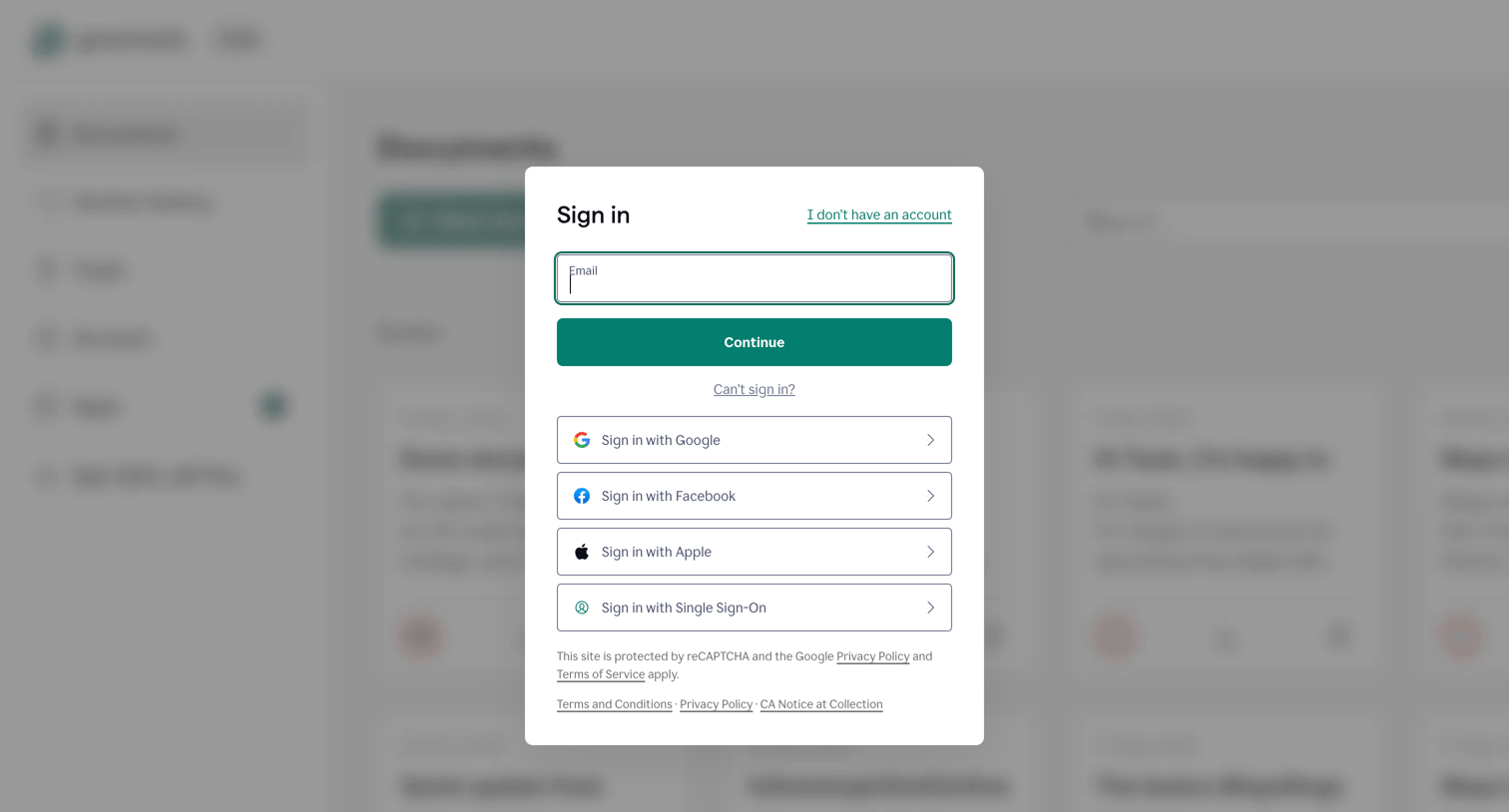
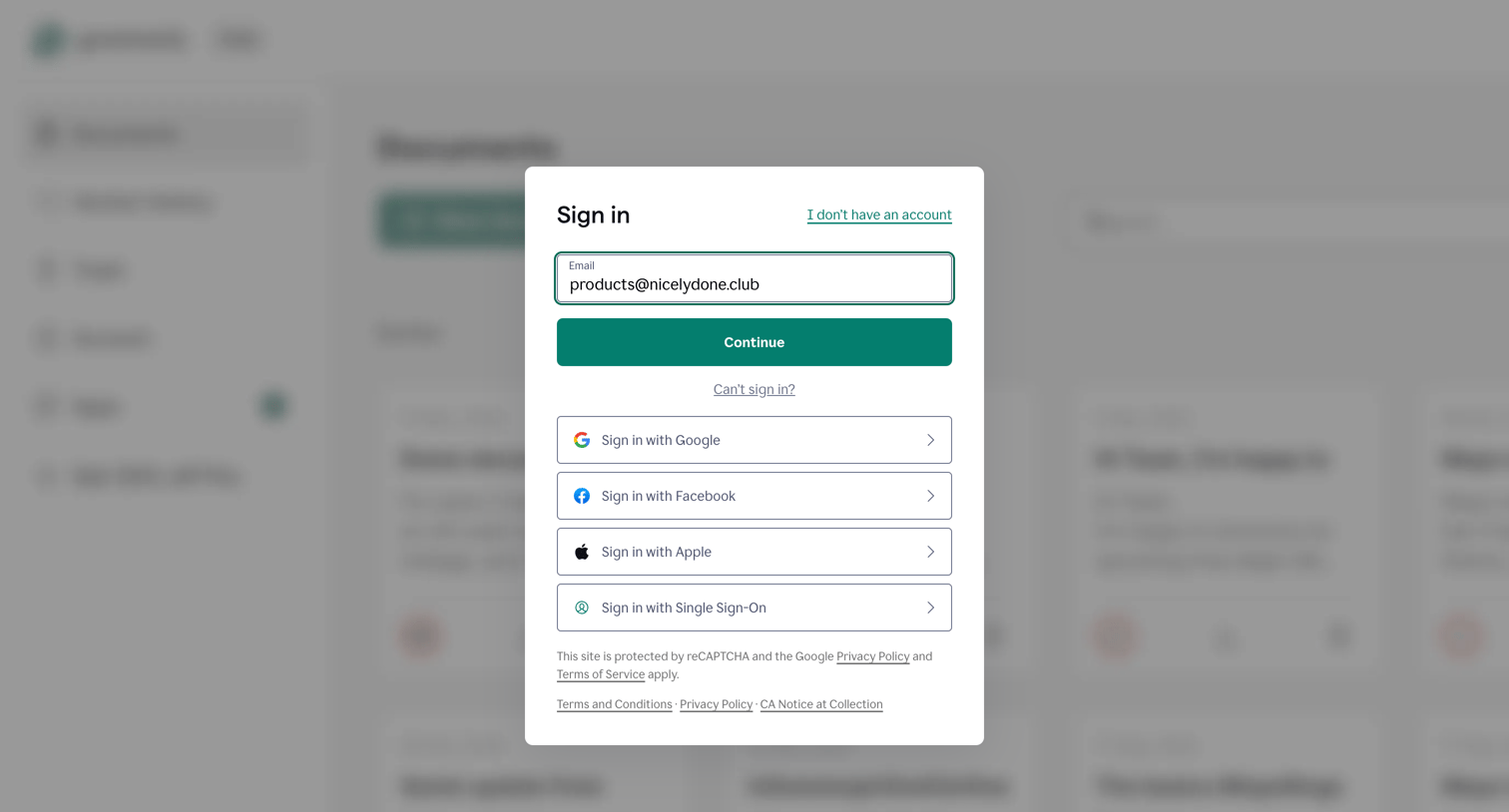
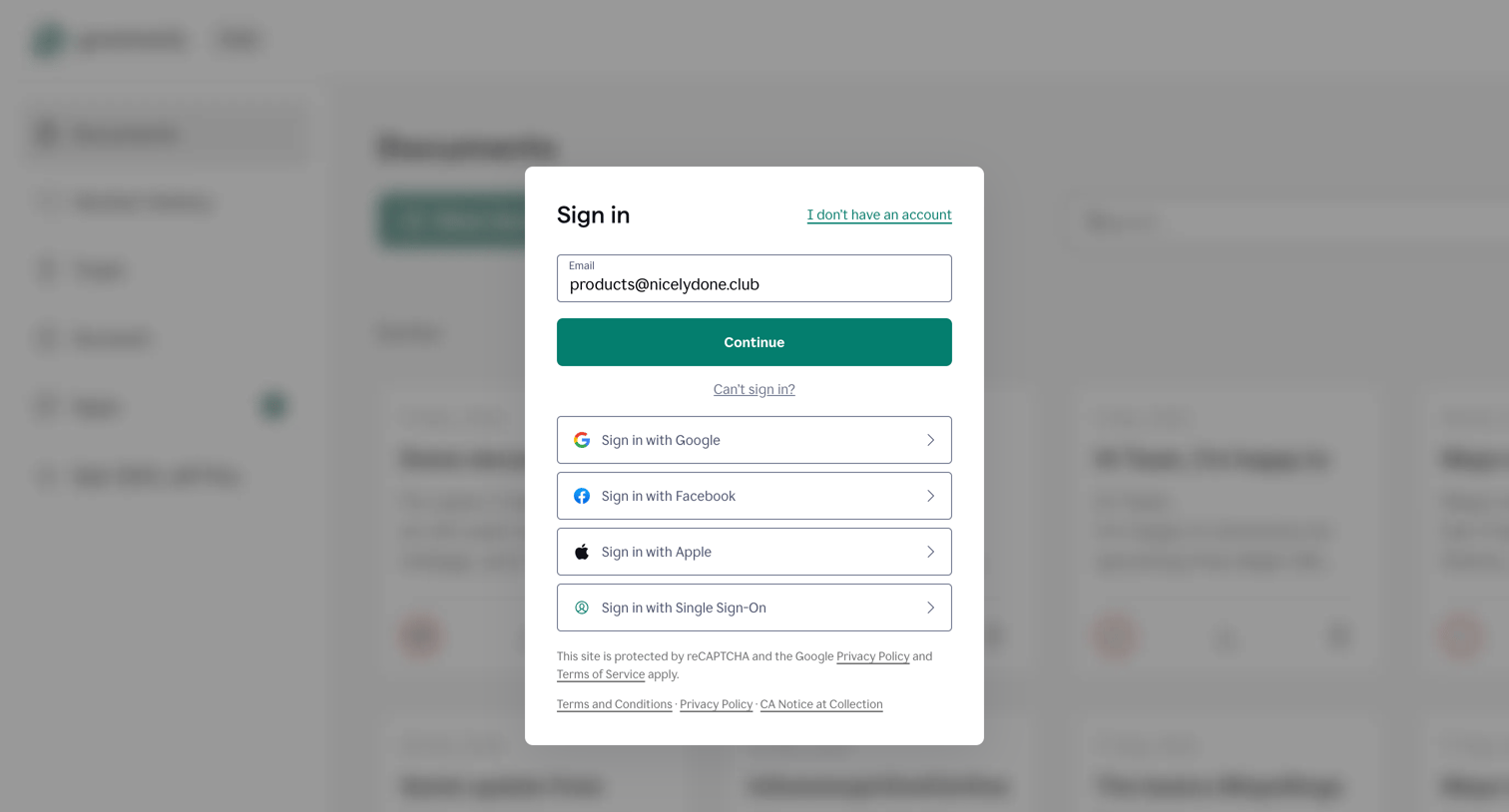
Sign-in screen where the user authenticates with an email address or via Google, Facebook, Apple, or SSO.

Login | Grammarly from Grammarly
Grammarly logo
Grammarly

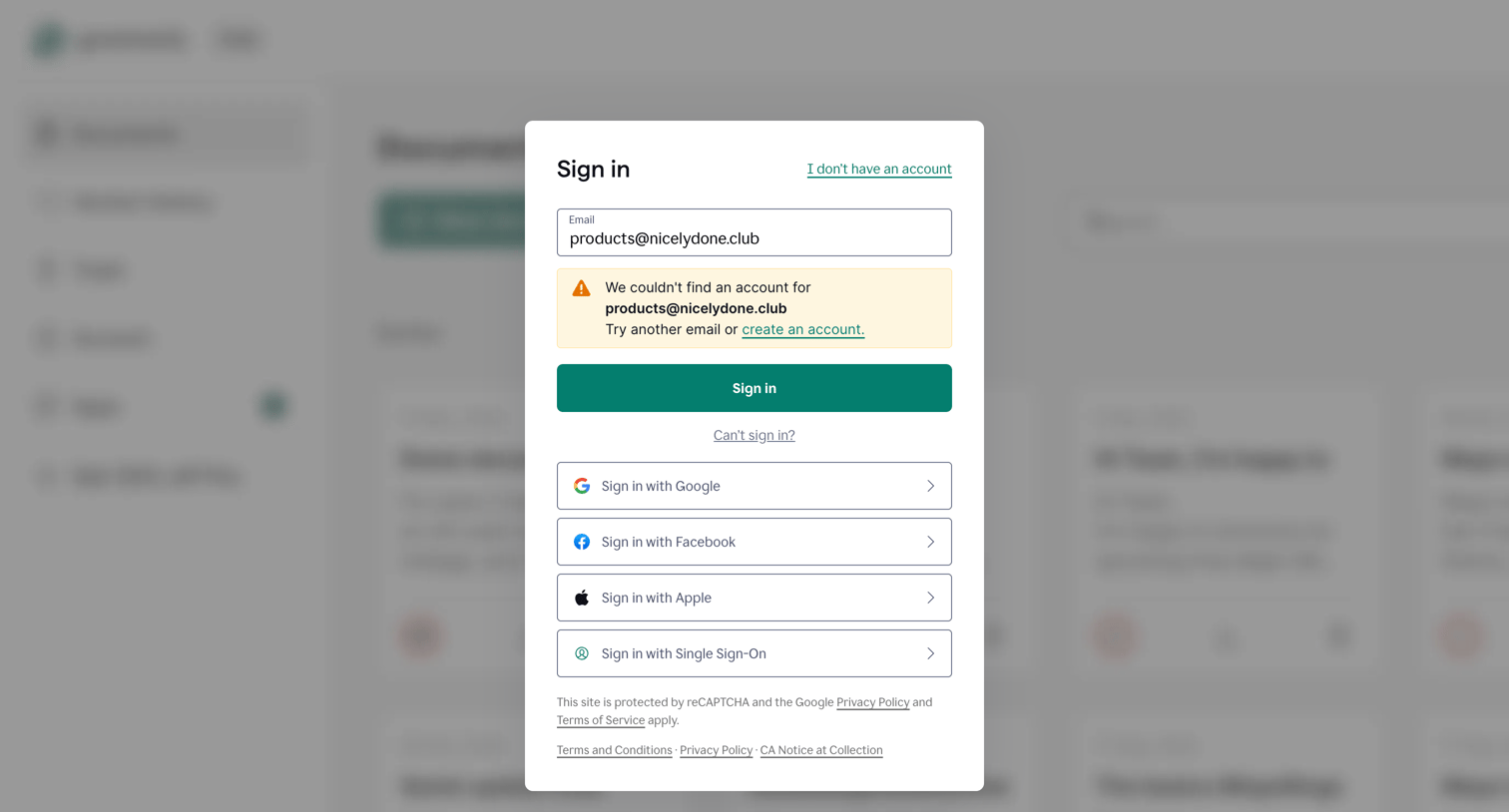
Sign-in modal where the user attempted to log in with an unrecognized email and is prompted to try another email, create an account, or use single sign-on providers like Google, Facebook, or Apple.

Sign Up – Create a Free Account | Grammarly from Grammarly
Grammarly logo
Grammarly

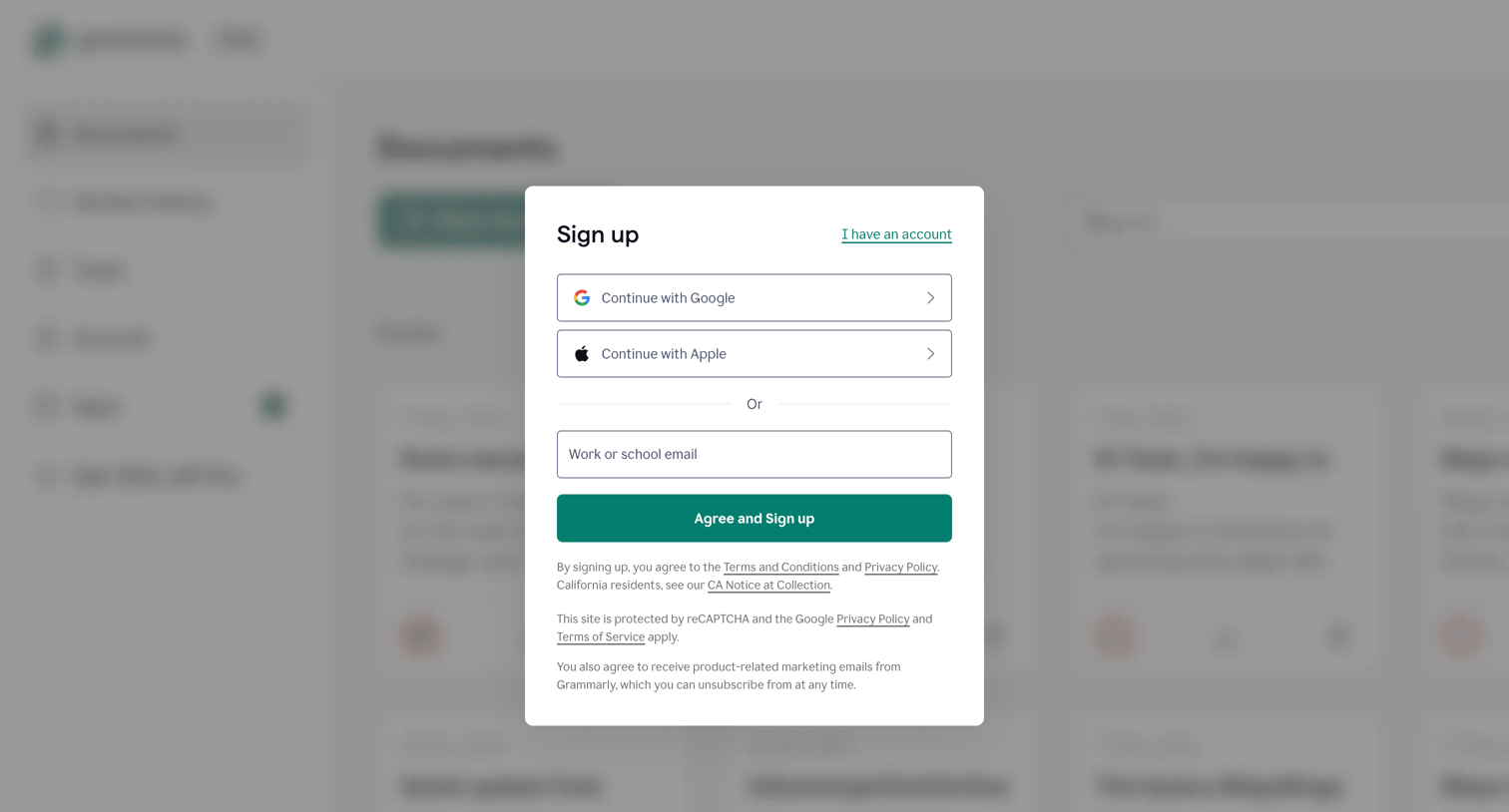
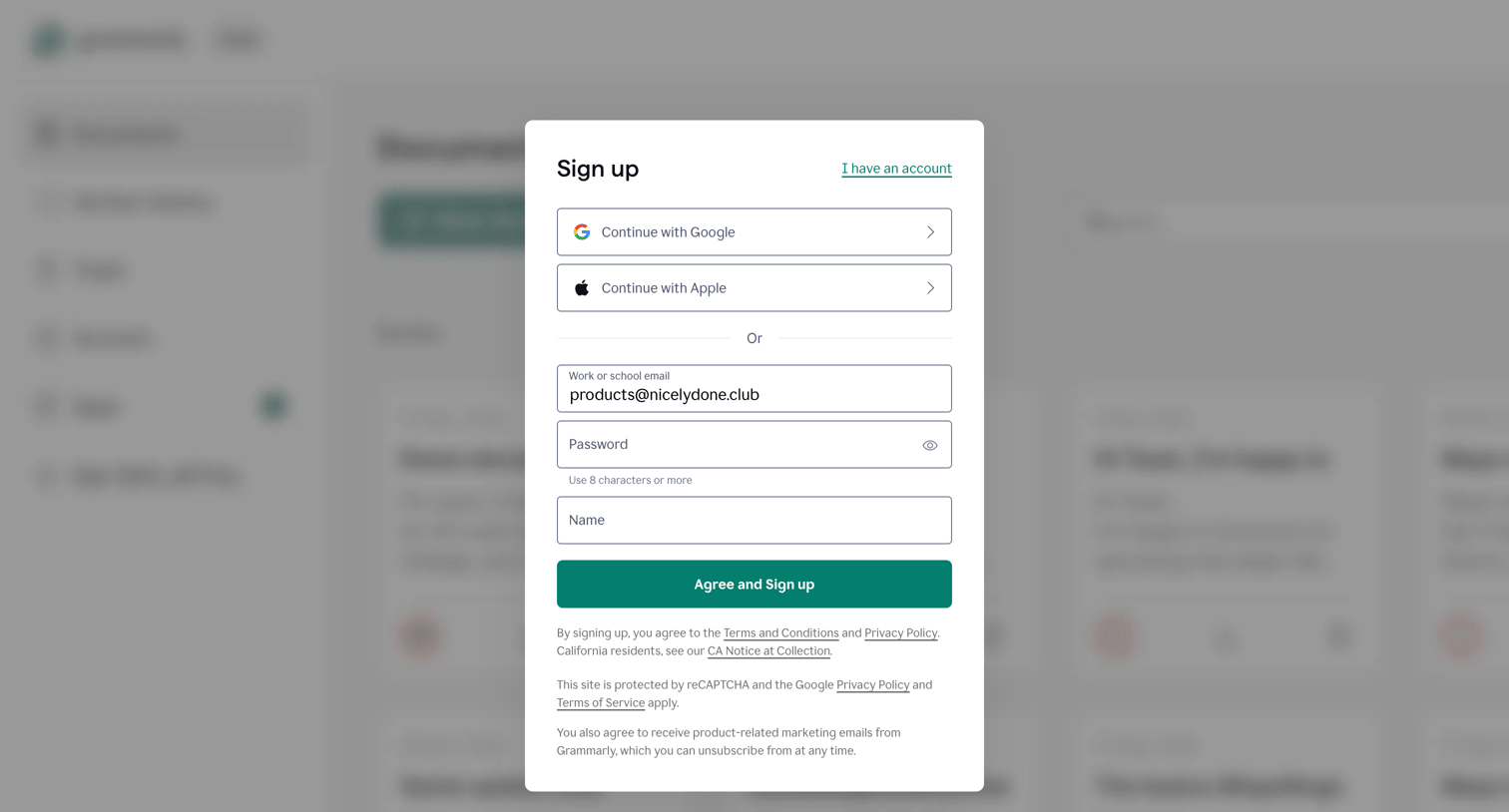
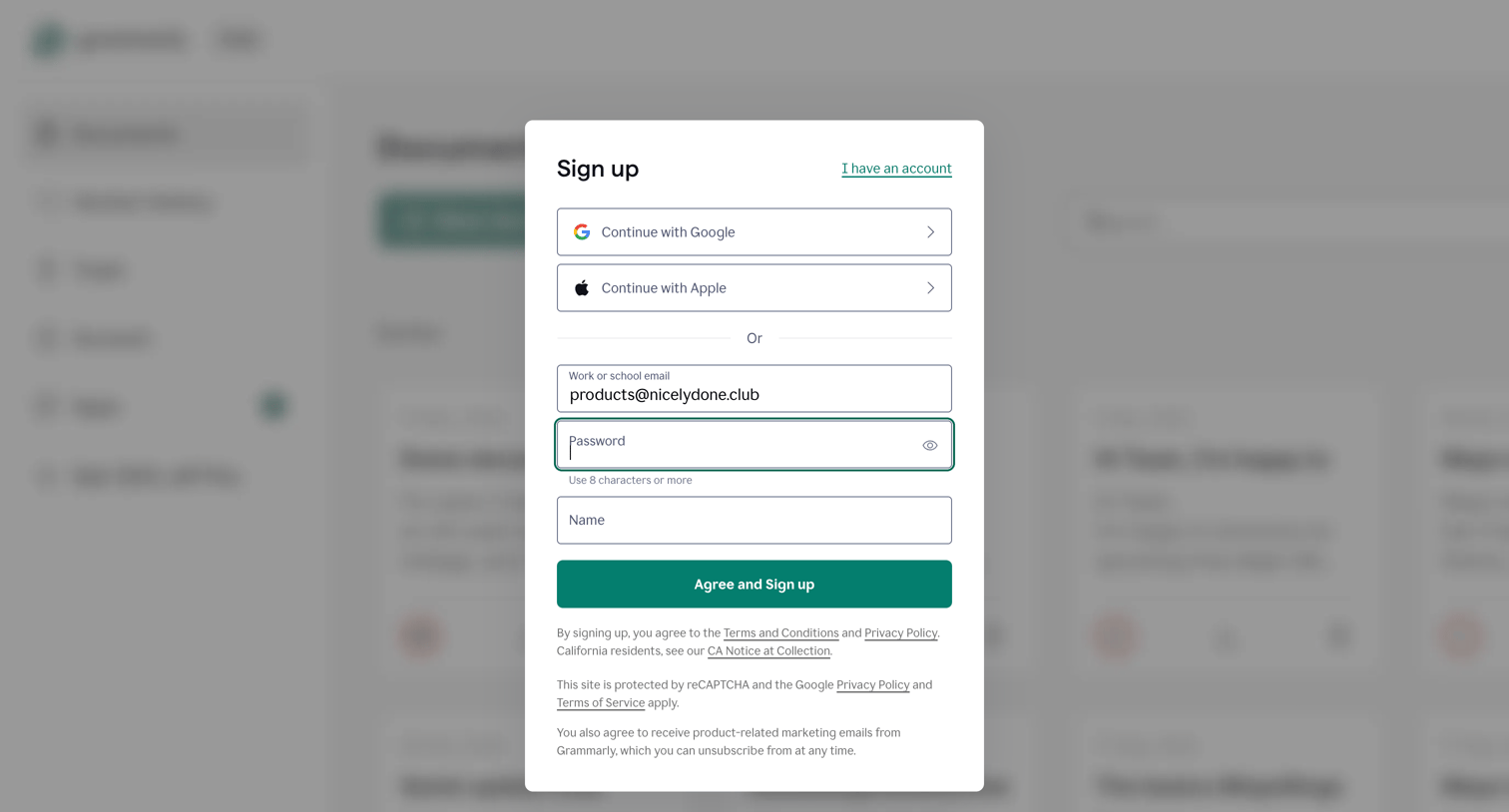
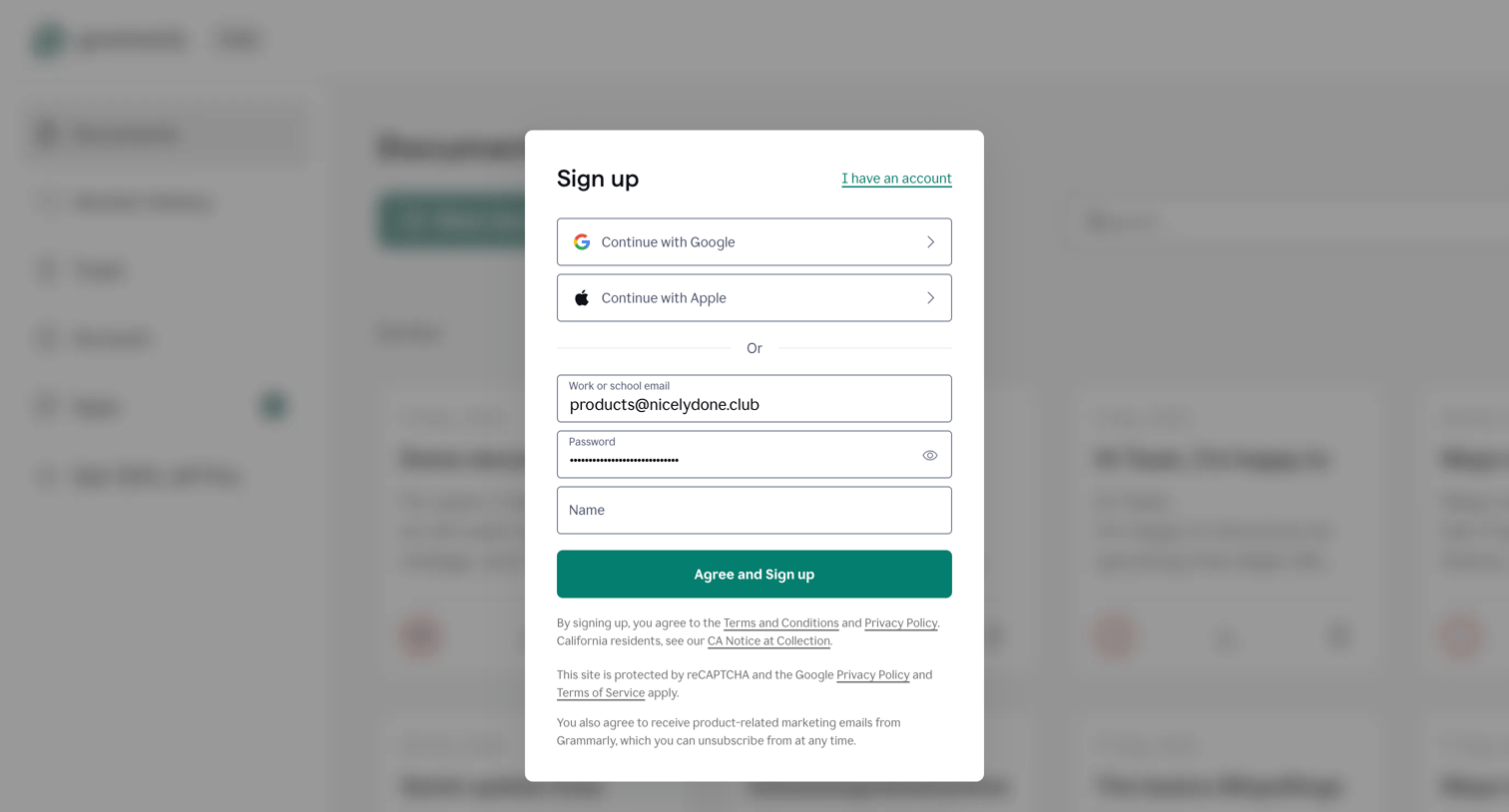
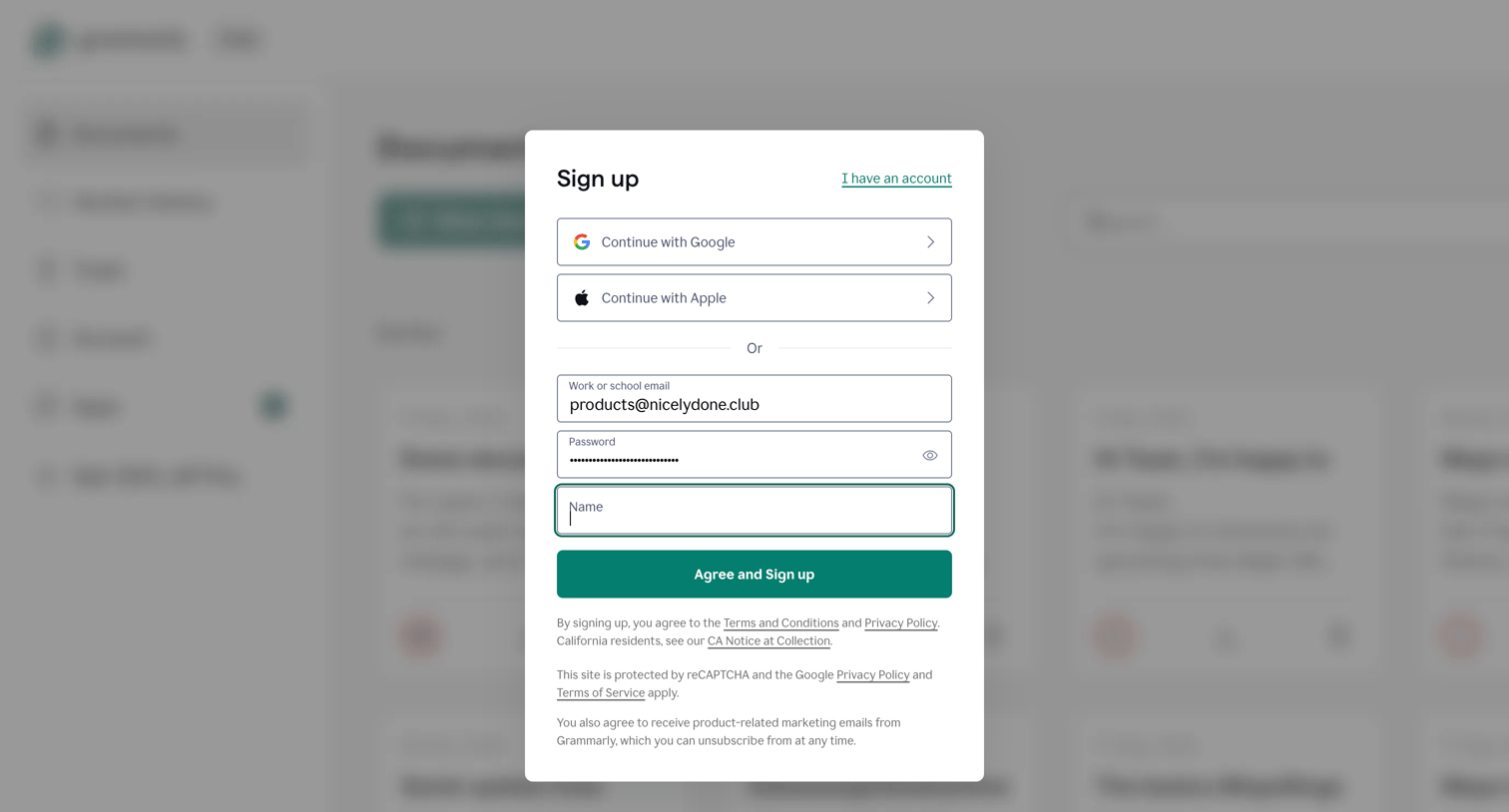
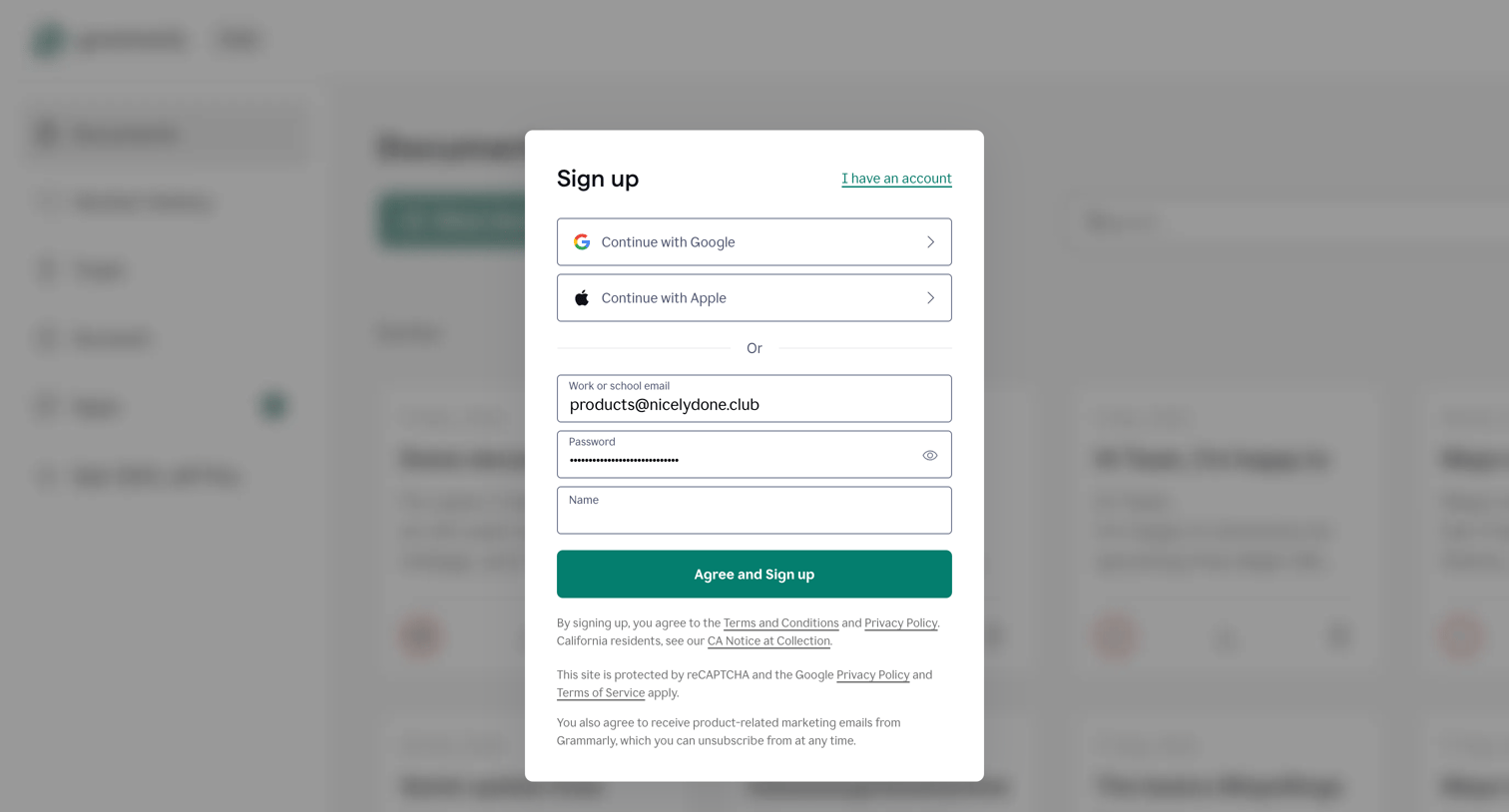
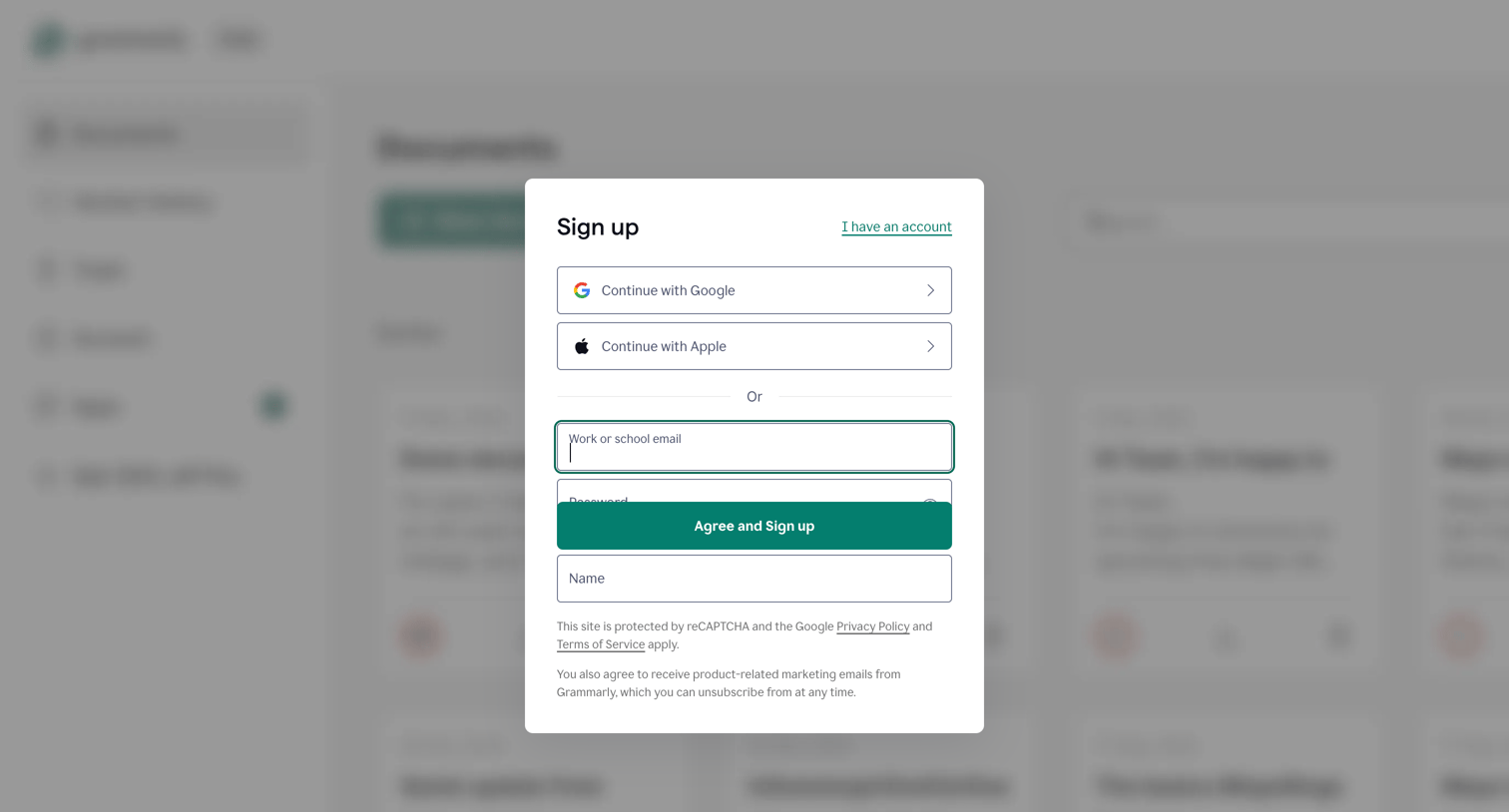
Signup screen where the user can create an account using Google, Apple, or a work or school email address.
Sign Up – Create a Free Account | Grammarly from Grammarly
Grammarly logo
Grammarly

Verification modal where the user must complete a reCAPTCHA challenge to prove they are human before accessing the application.

Personalize | Grammarly from Grammarly
Grammarly logo
Grammarly

Onboarding step where the user selects their primary writing purpose between work, school, and other projects.

Personalize | Grammarly from Grammarly
Grammarly logo
Grammarly

Onboarding step where the user selects their primary writing purpose between work, school, or other projects to personalize their experience.

Personalize | Grammarly from Grammarly
Grammarly logo
Grammarly

Onboarding step where the user selects their primary writing purpose from work, school, or other projects to personalize their experience.

Personalize | Grammarly from Grammarly
Grammarly logo
Grammarly

Onboarding step where the user selects which apps and websites they write in, such as Word, Gmail, and Slack, to personalize their experience.

Grammarly from Grammarly
Grammarly logo
Grammarly

Onboarding step where the user is prompted to start a 7-day free trial of Pro, featuring a comparison table of free versus premium capabilities.

Grammarly from Grammarly
Grammarly logo
Grammarly

Paywall screen where the user selects an annual, quarterly, or monthly billing cycle to start their free 7-day Pro trial.

Grammarly from Grammarly
Grammarly logo
Grammarly

Checkout screen where the user reviews their Grammarly Pro order summary, sees a timeline of how the 7-day trial works, and enters credit card or PayPal details to start the trial.

Grammarly from Grammarly
Grammarly logo
Grammarly

Onboarding step where the user is welcomed to their new 7-day free trial of Grammarly Pro and prompted to invite team members.

Browse the full SaaS app library

Explore real SaaS apps with their product screens, marketing screens, flows, and components.

Trusted by the best teams