Skip to content

Grammarly UI components examples

Browse Grammarly UI component design examples. Preview individual interface elements and explore related component categories. Free online writing assistant

Explore the examples
Grammarly — Vertical navigation component
Grammarly logo
Grammarly

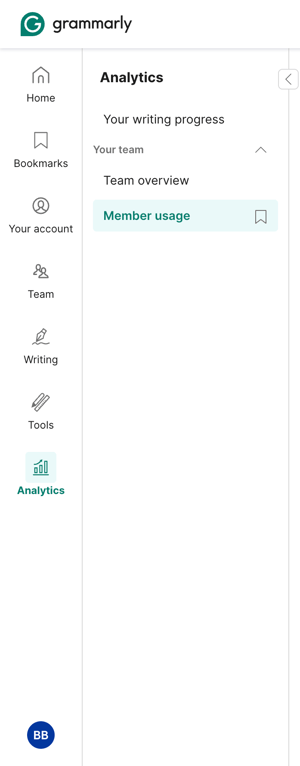
The screenshot displays the analytics section of a team account.

Grammarly — Checkbox & radio component
Grammarly logo
Grammarly

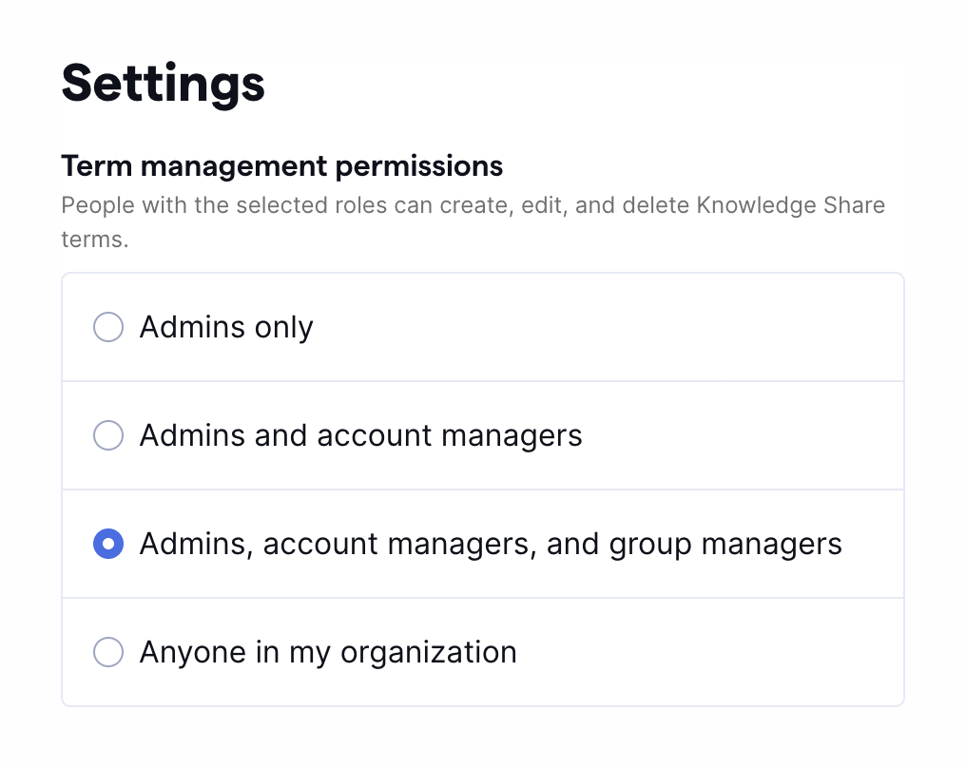
A settings panel for term management permissions.

Grammarly — Modal component
Grammarly logo
Grammarly

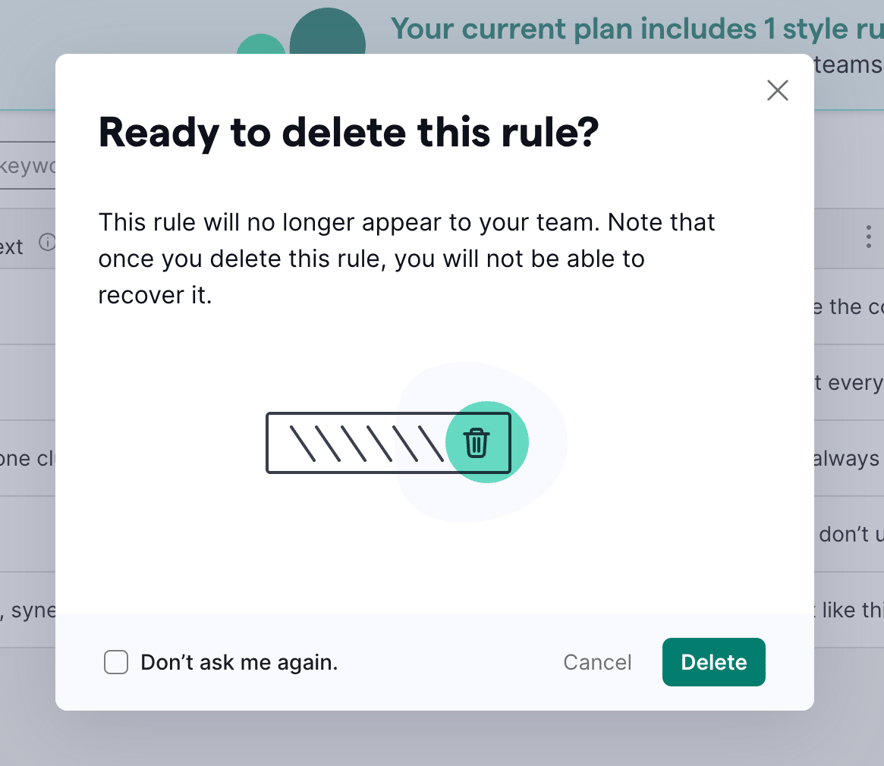
The screenshot shows a modal asking the user to confirm the deletion of a rule.

Grammarly — Modal component
Grammarly logo
Grammarly

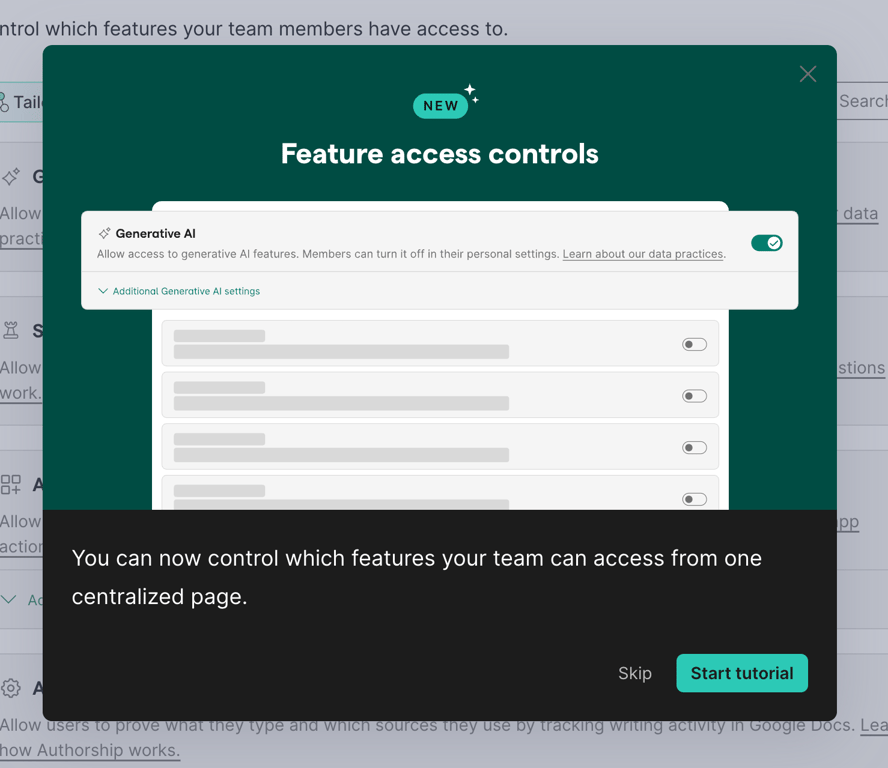
A modal for feature access controls.

Grammarly — Empty state component
Grammarly logo
Grammarly

A screen displaying a prompt to create groups with an illustration of diverse people.

Grammarly — Table component
Grammarly logo
Grammarly

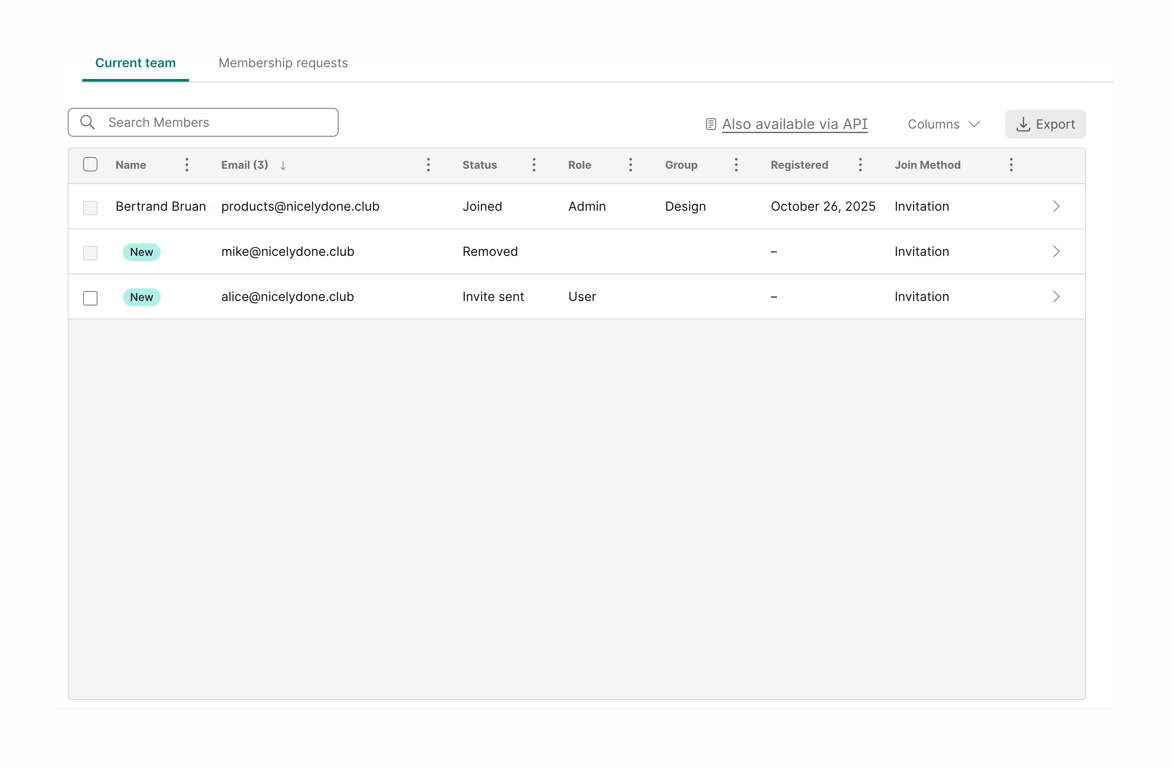
A team management interface showing a list of members and their details.

Grammarly — Alert component
Grammarly logo
Grammarly

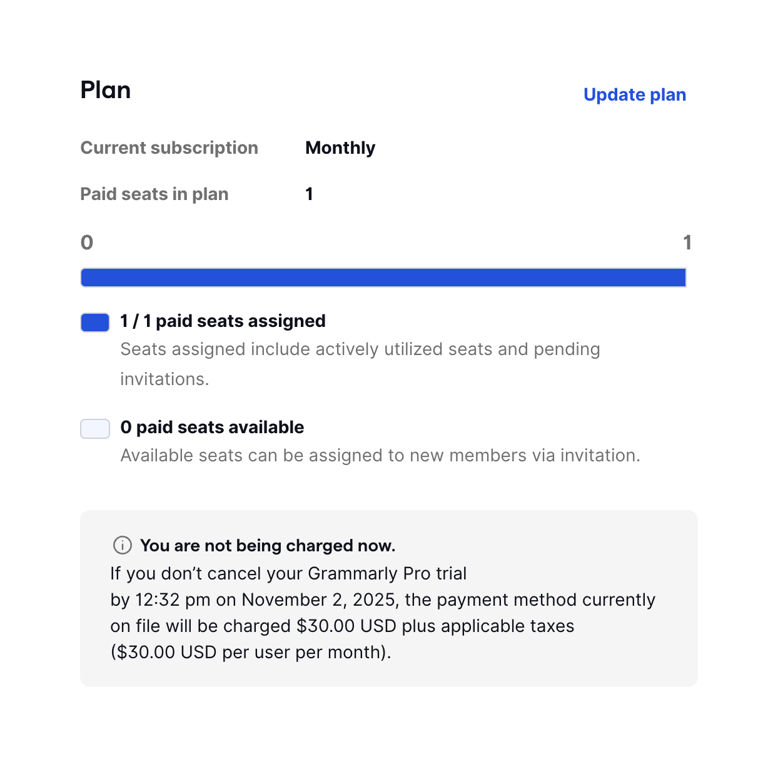
The screenshot shows a plan management interface.

Grammarly — Charts component
Grammarly logo
Grammarly

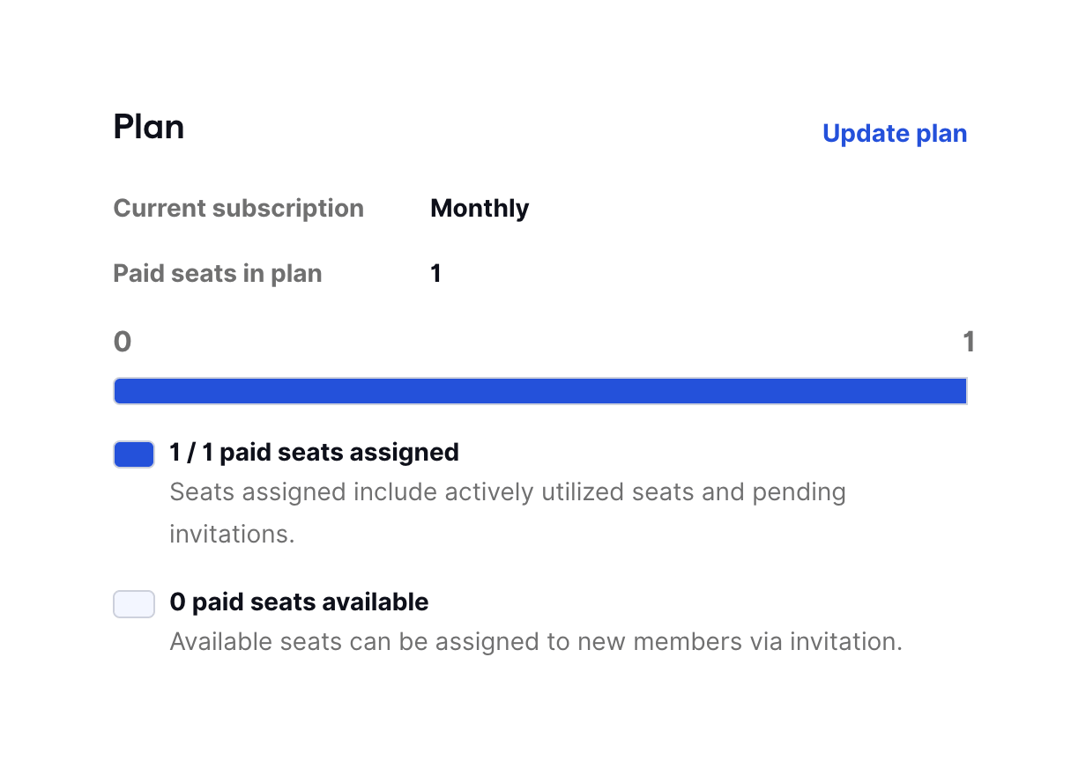
A plan management interface showing current subscription details and seat allocation.

Grammarly — Alert component
Grammarly logo
Grammarly

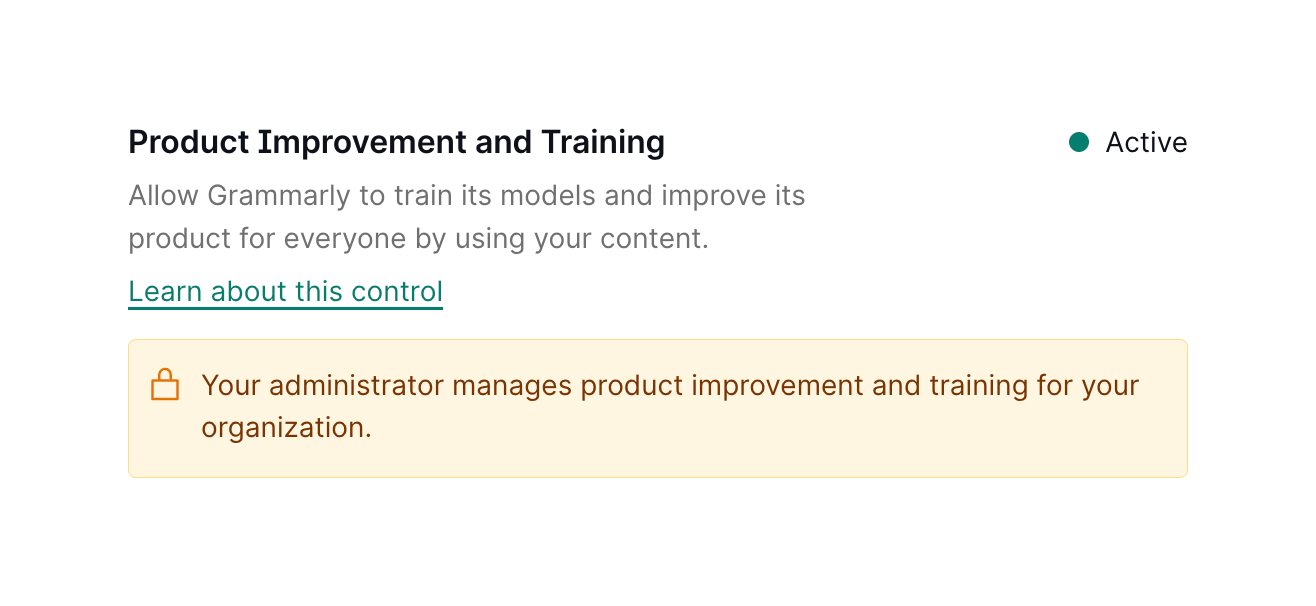
The screenshot shows a setting related to product improvement and training, indicating that Grammarly can use user content to train its models.

Grammarly — Toggle/Switch component
Grammarly logo
Grammarly

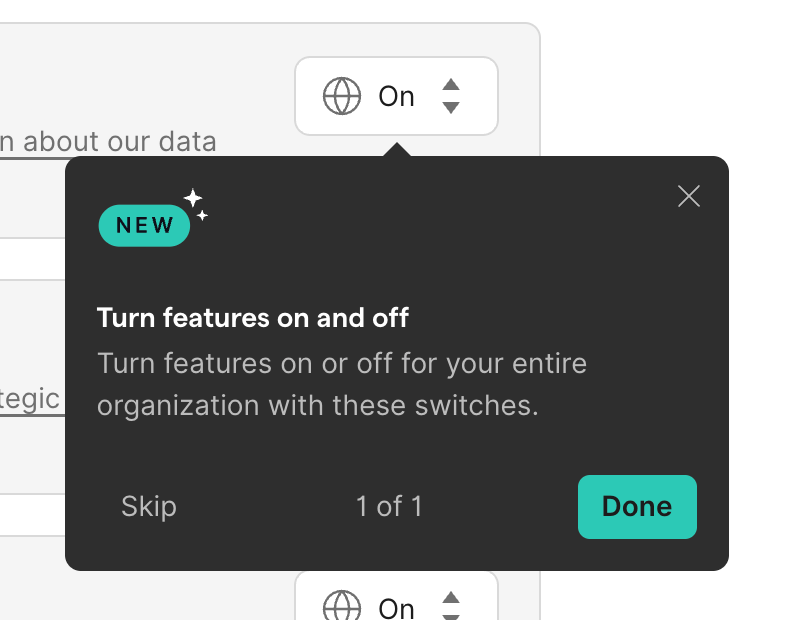
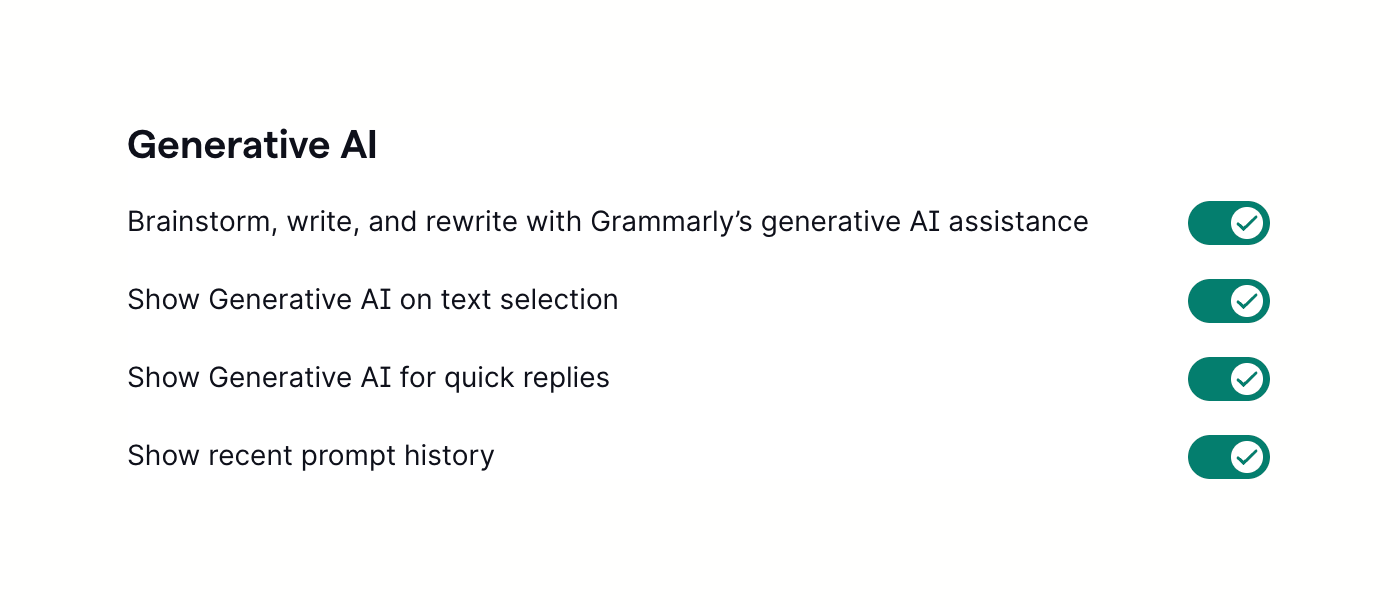
A settings panel for generative AI features.

Browse the full component library

Browse the full UI component library.

Trusted by the best teams