Time picker screen examples
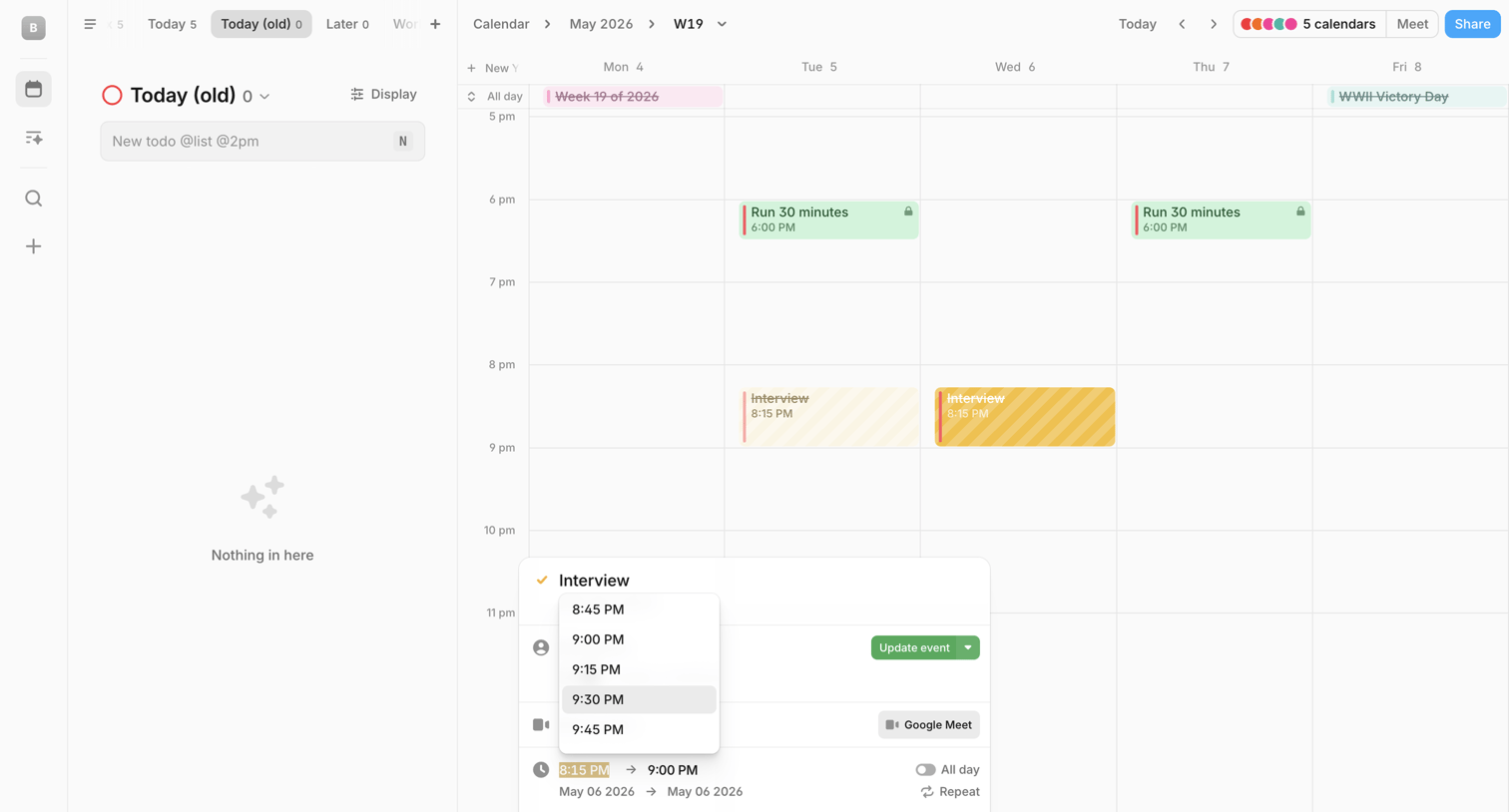
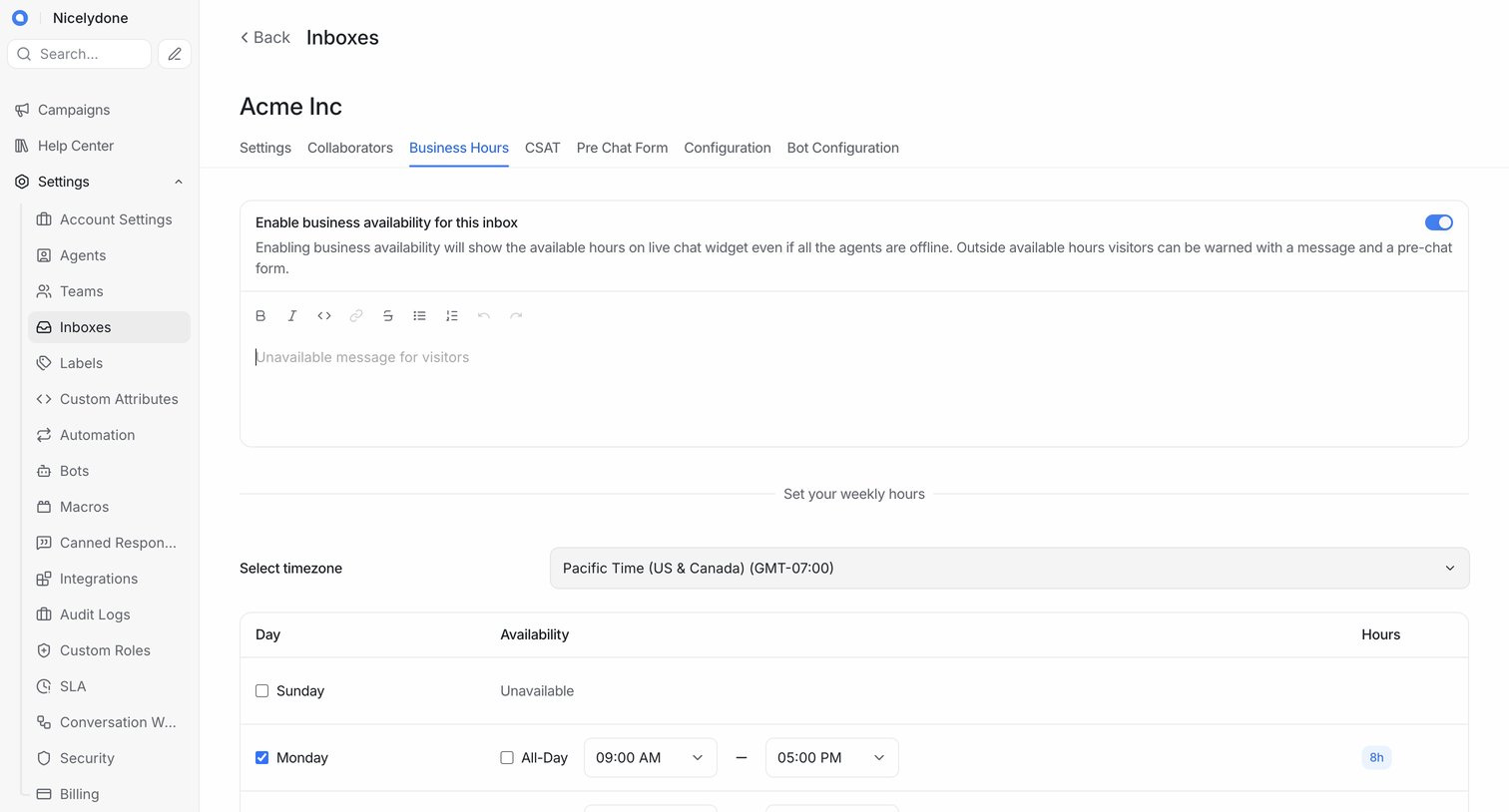
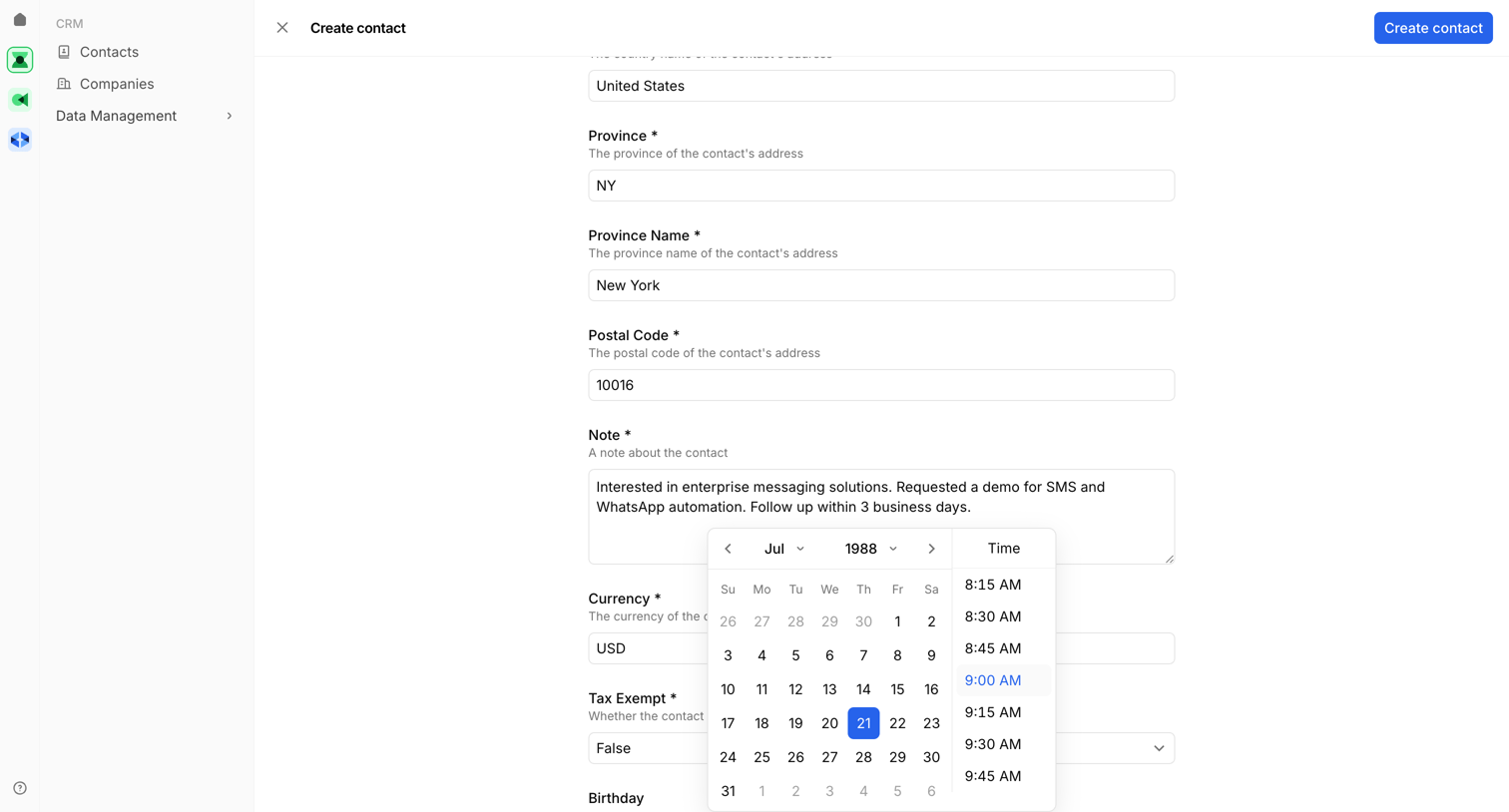
Time picker screen design examples from SaaS apps. Browse examples from Amie, Cushion, Chatwoot.
Explore the examples

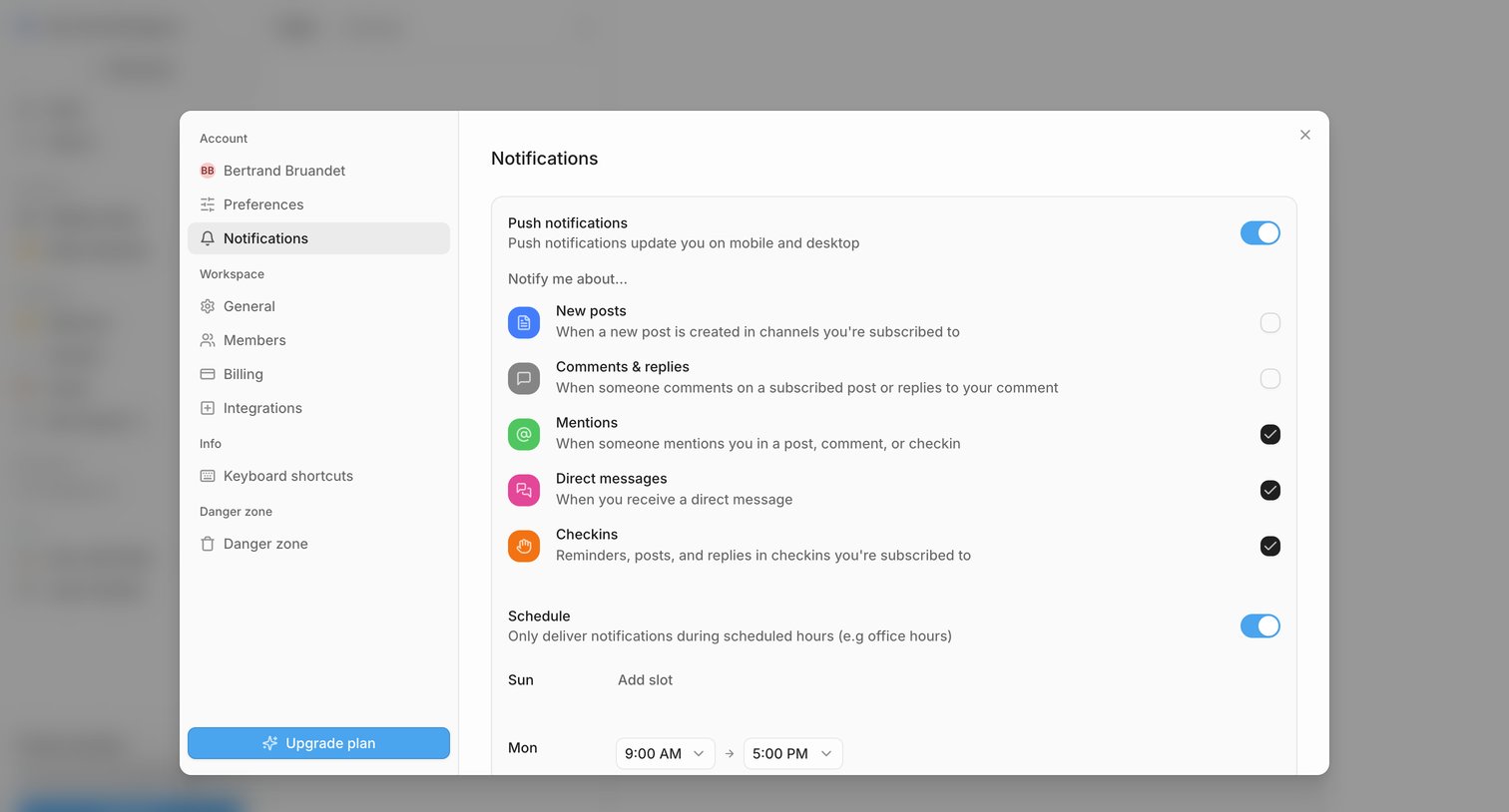

Settings modal where the user configures push notifications, selects specific event triggers like mentions and direct messages, and sets a delivery schedule.


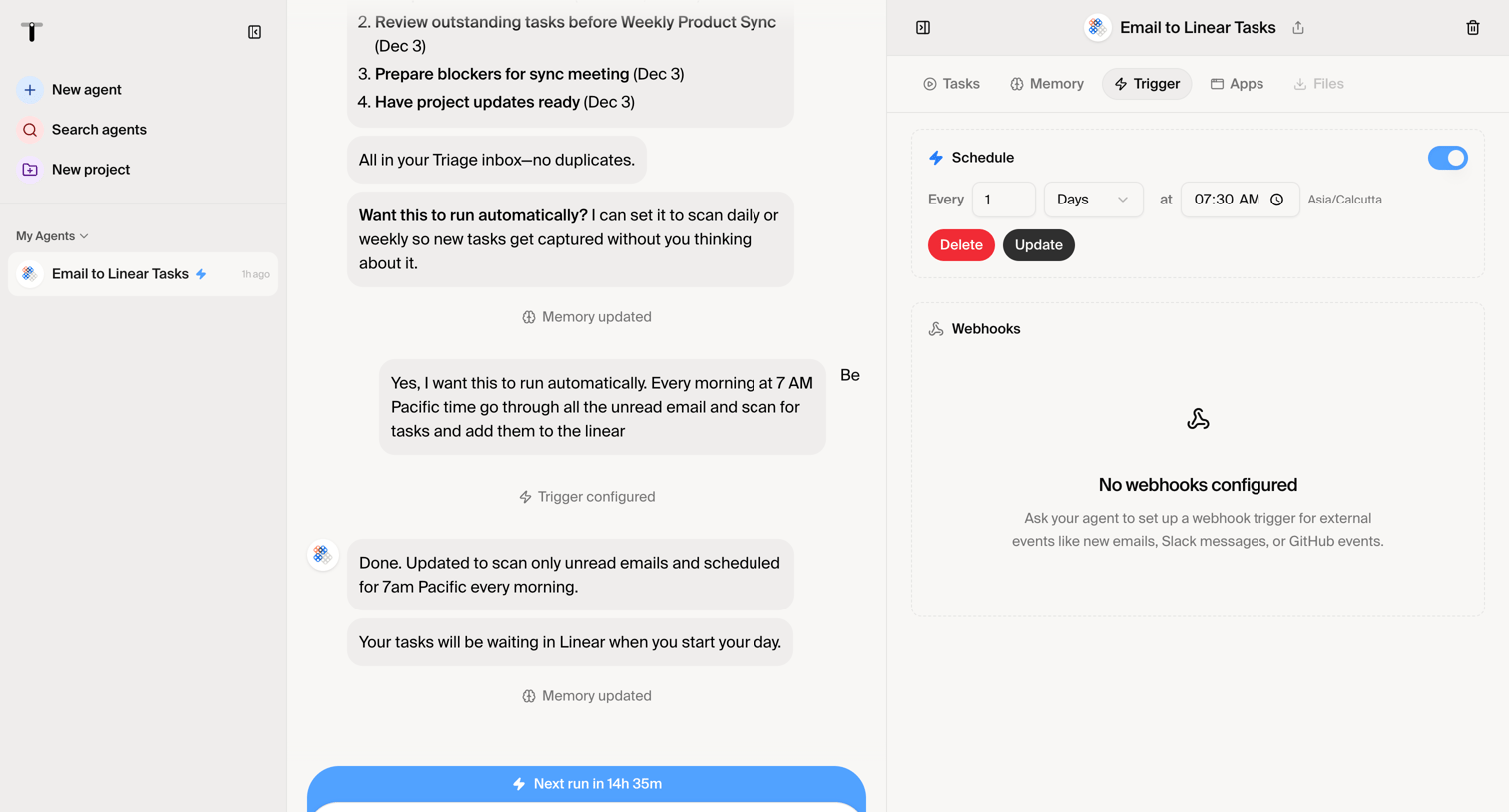

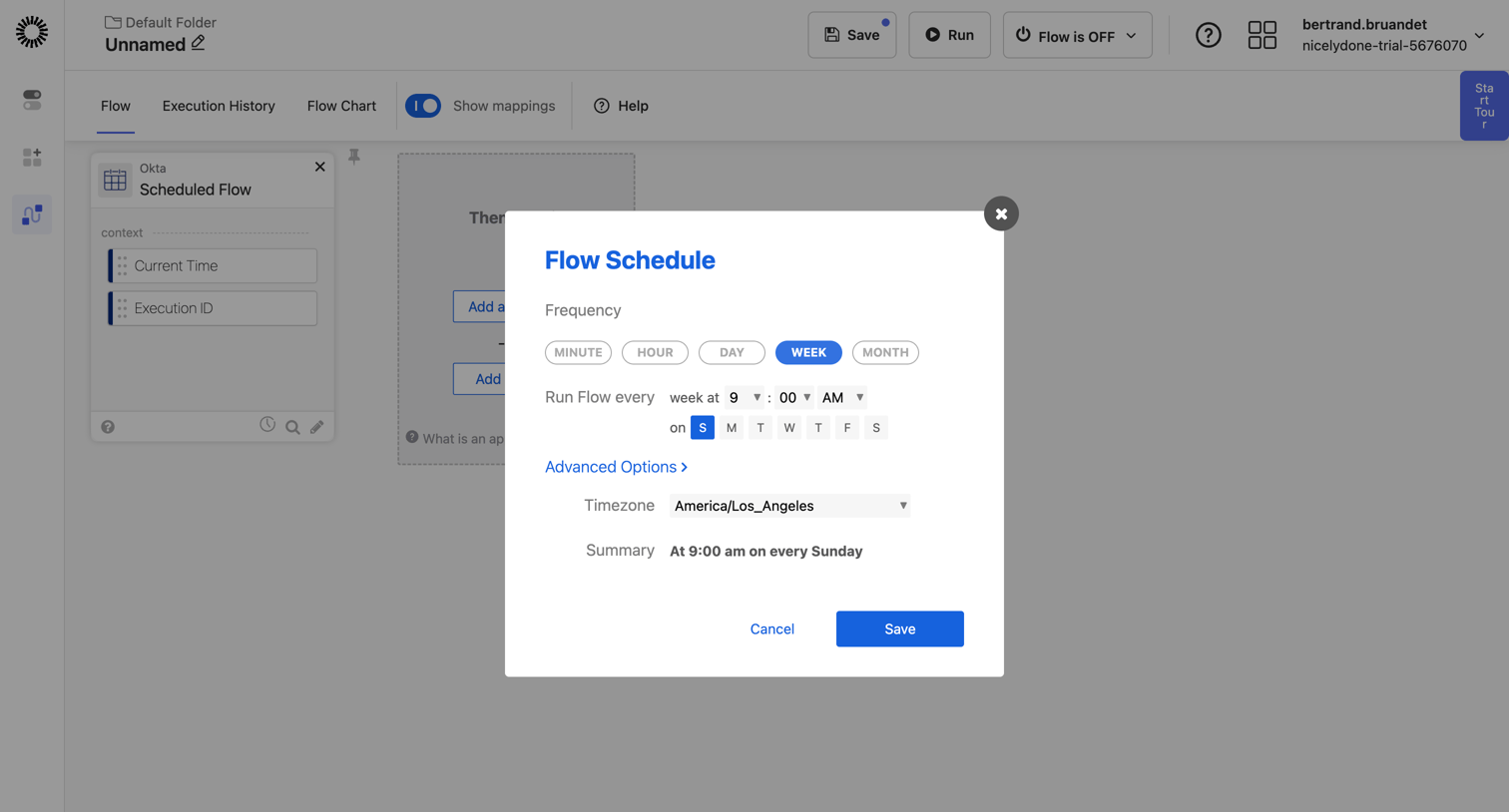

Workflow editor where the user configures the schedule frequency, time, and active days for a new automation flow via a modal.
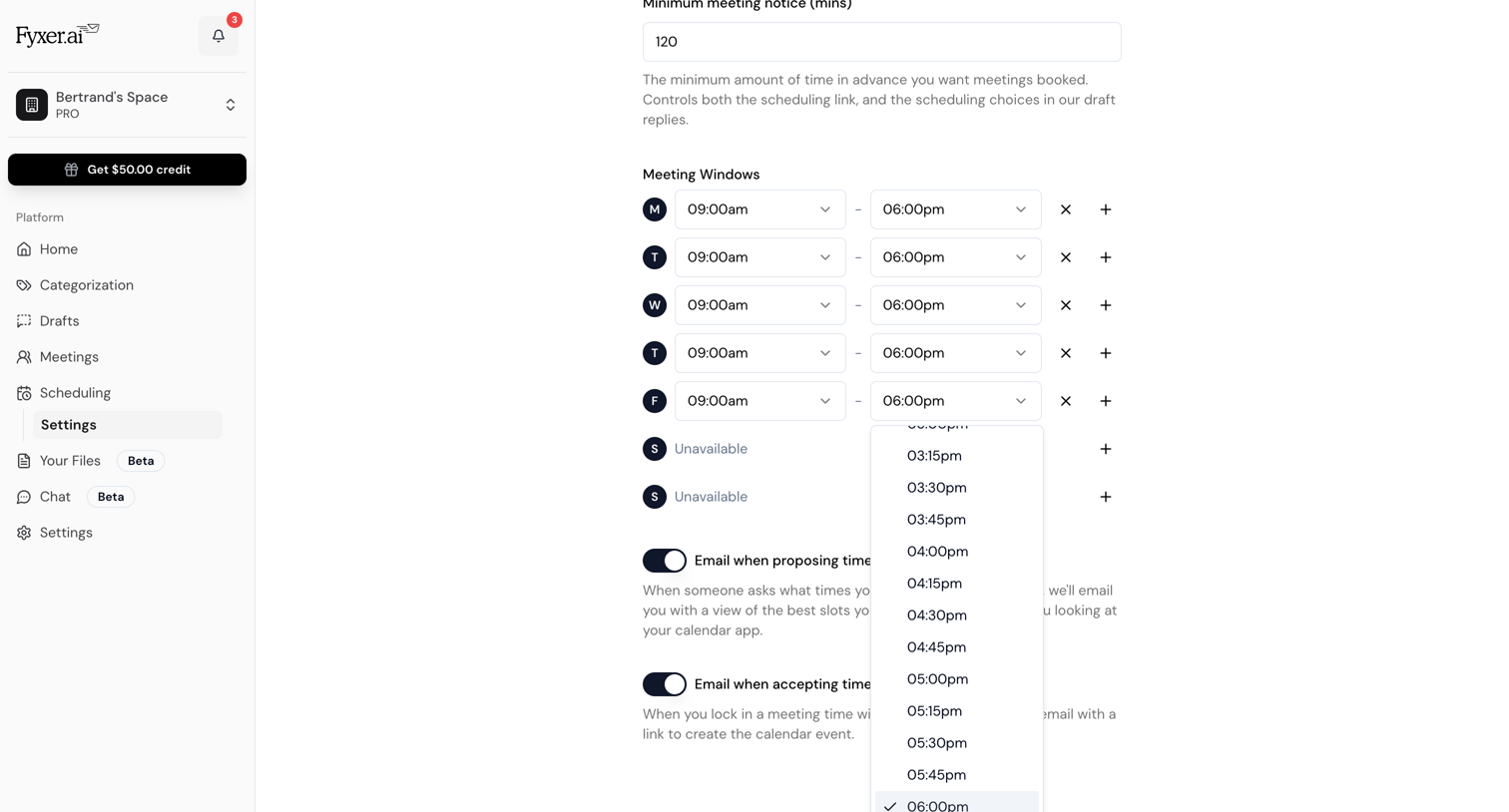

Settings page where the user configures their weekly meeting windows, minimum notice time, and automated email notifications for scheduling.
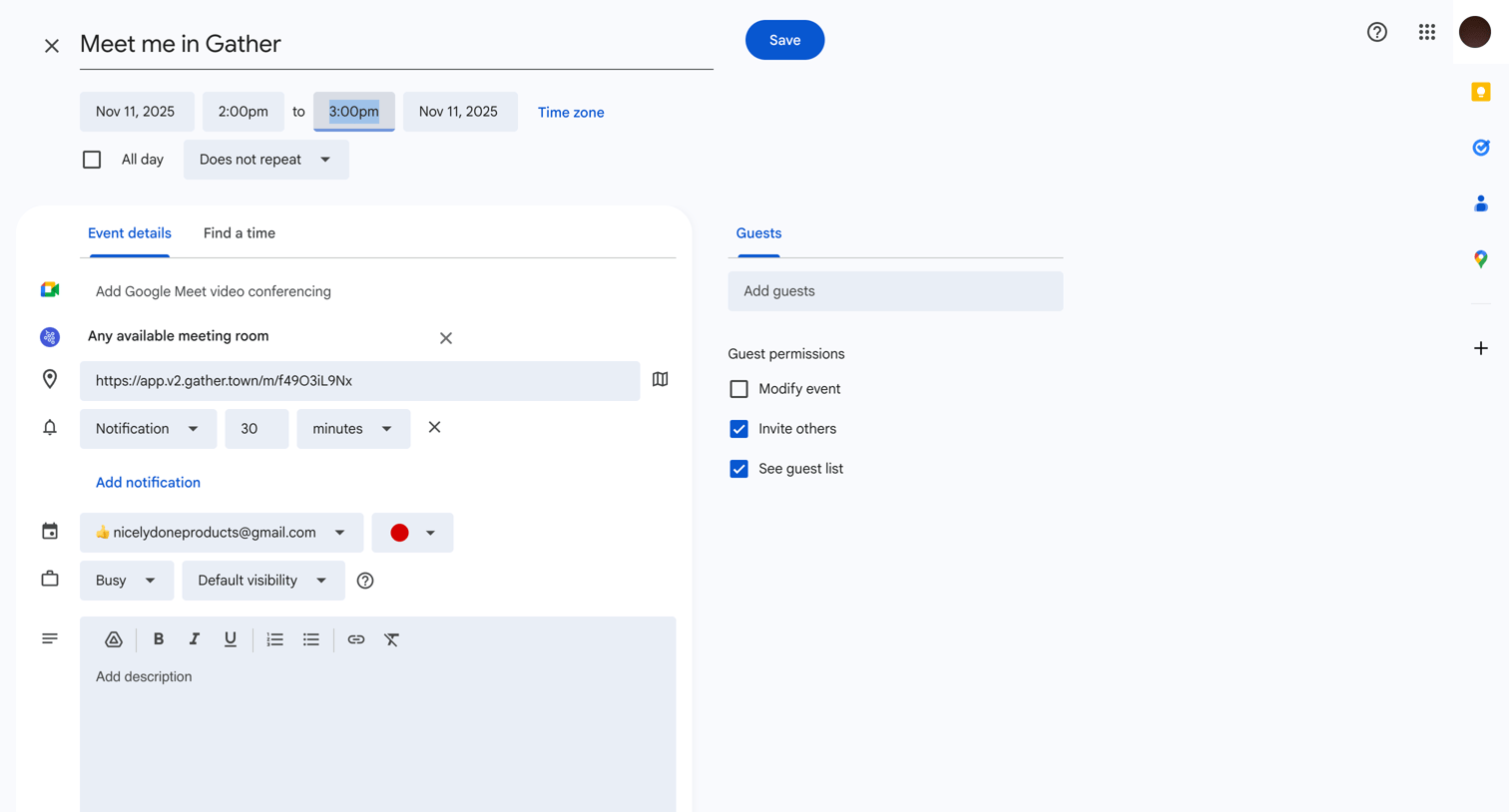

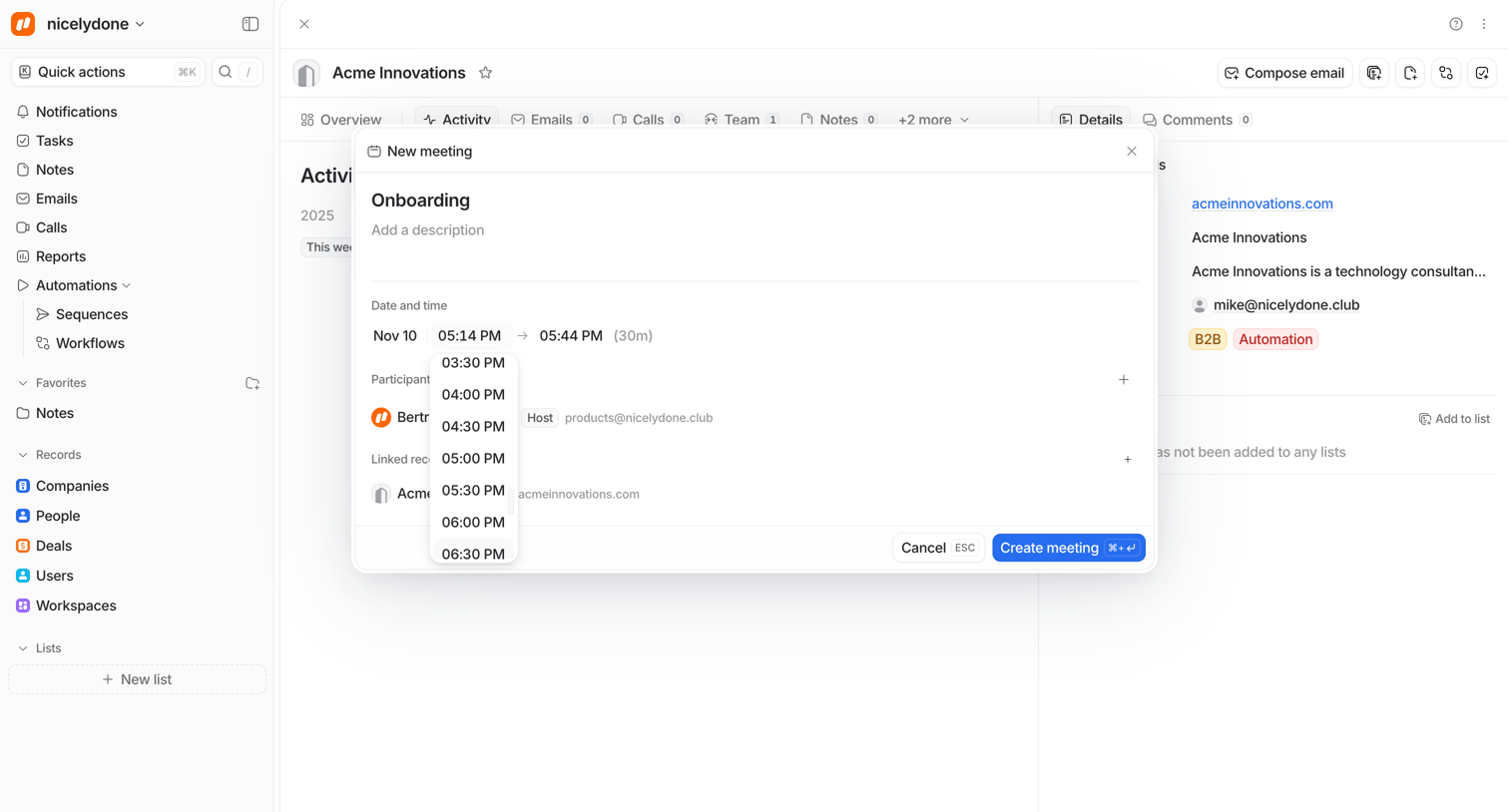

Detail page where the user schedules a new meeting with a company by selecting a start time from an open dropdown menu inside a modal.
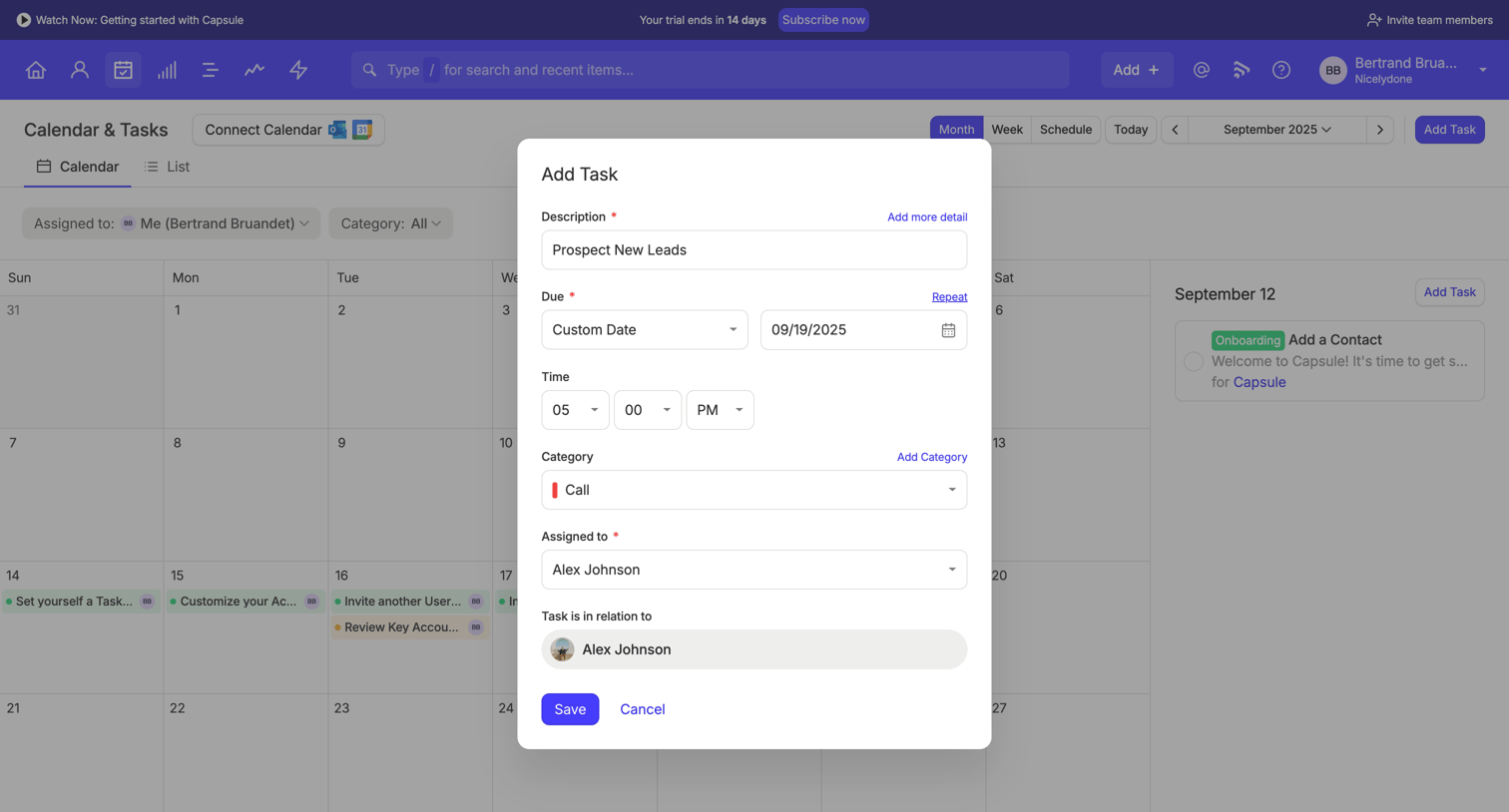

Calendar view where the user is creating a new task via a modal, specifying details like description, due date, time, category, and assignee.
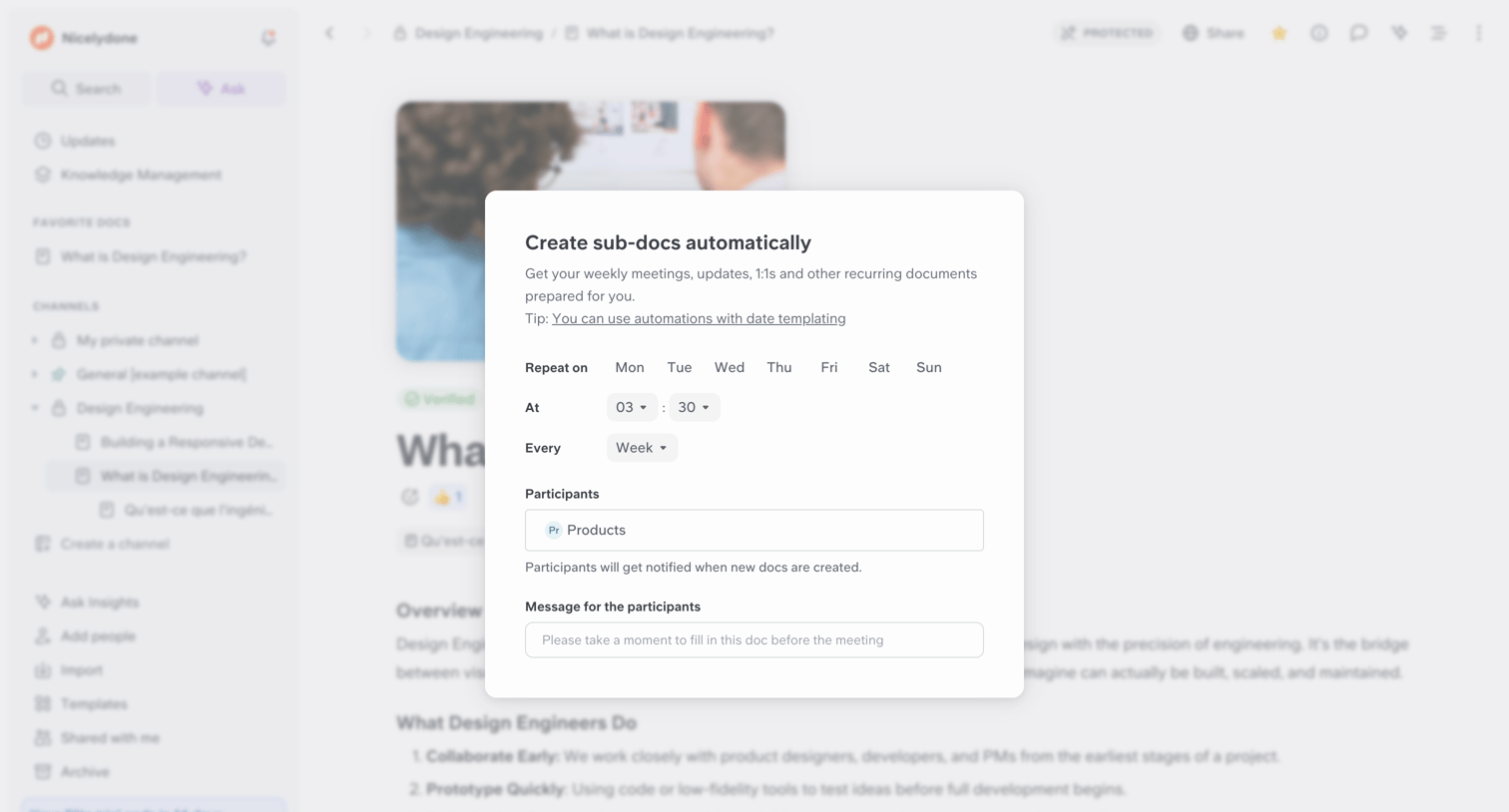

Content editor where the user configures an automation to automatically create recurring sub-docs on specific days and times for a designated participant group.
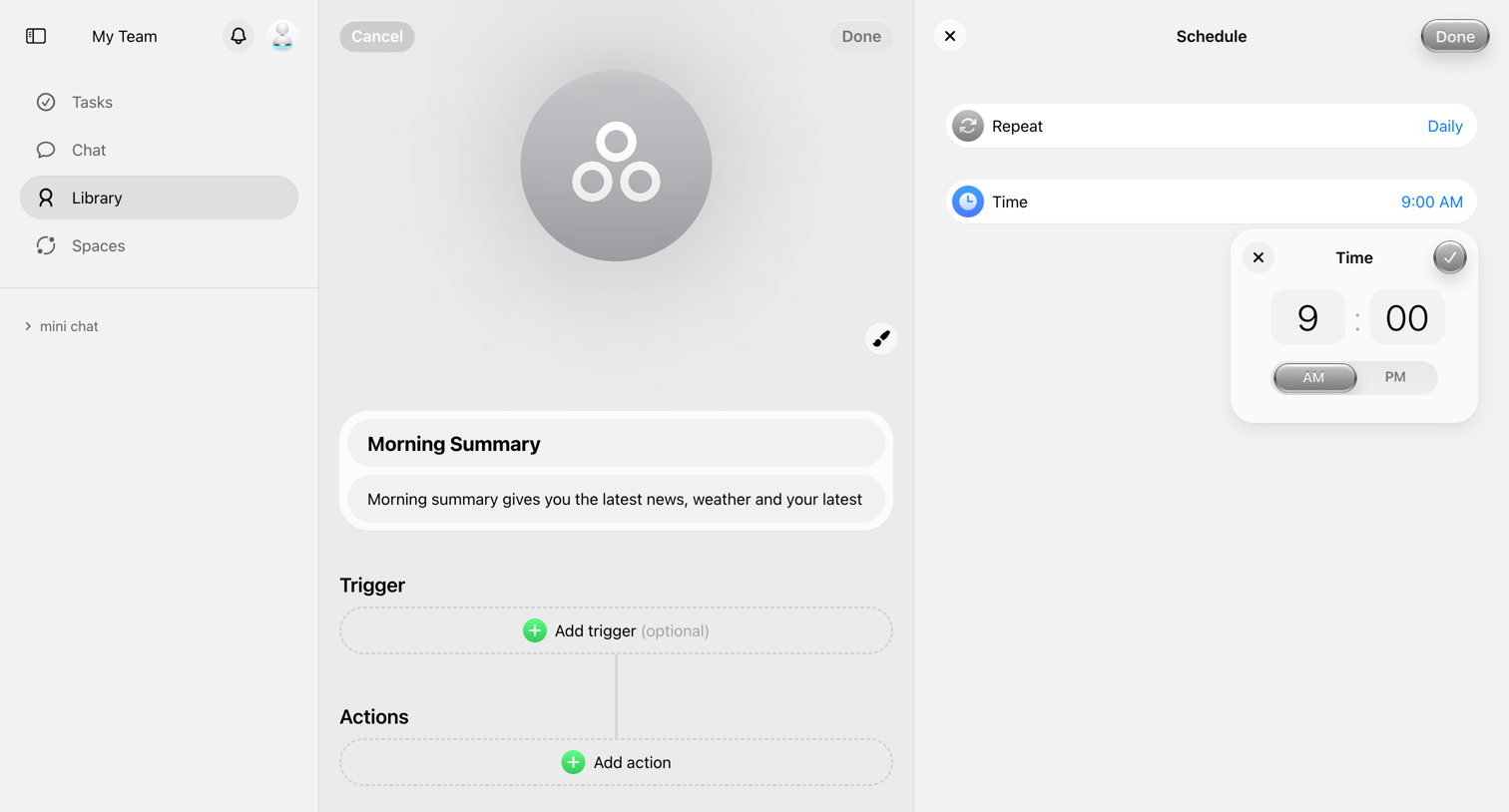

Workflow editor where the user configures a morning summary automation with a daily schedule trigger and a specific time.
Explore the full SaaS screen library
Upgrade to unlock the full library.
Trusted by the best teams







