WYSIWYG editor screen examples
WYSIWYG editor screen design examples from SaaS apps. Browse examples from Dock, Assembly AI App Builder, Aboard.
Explore the examples
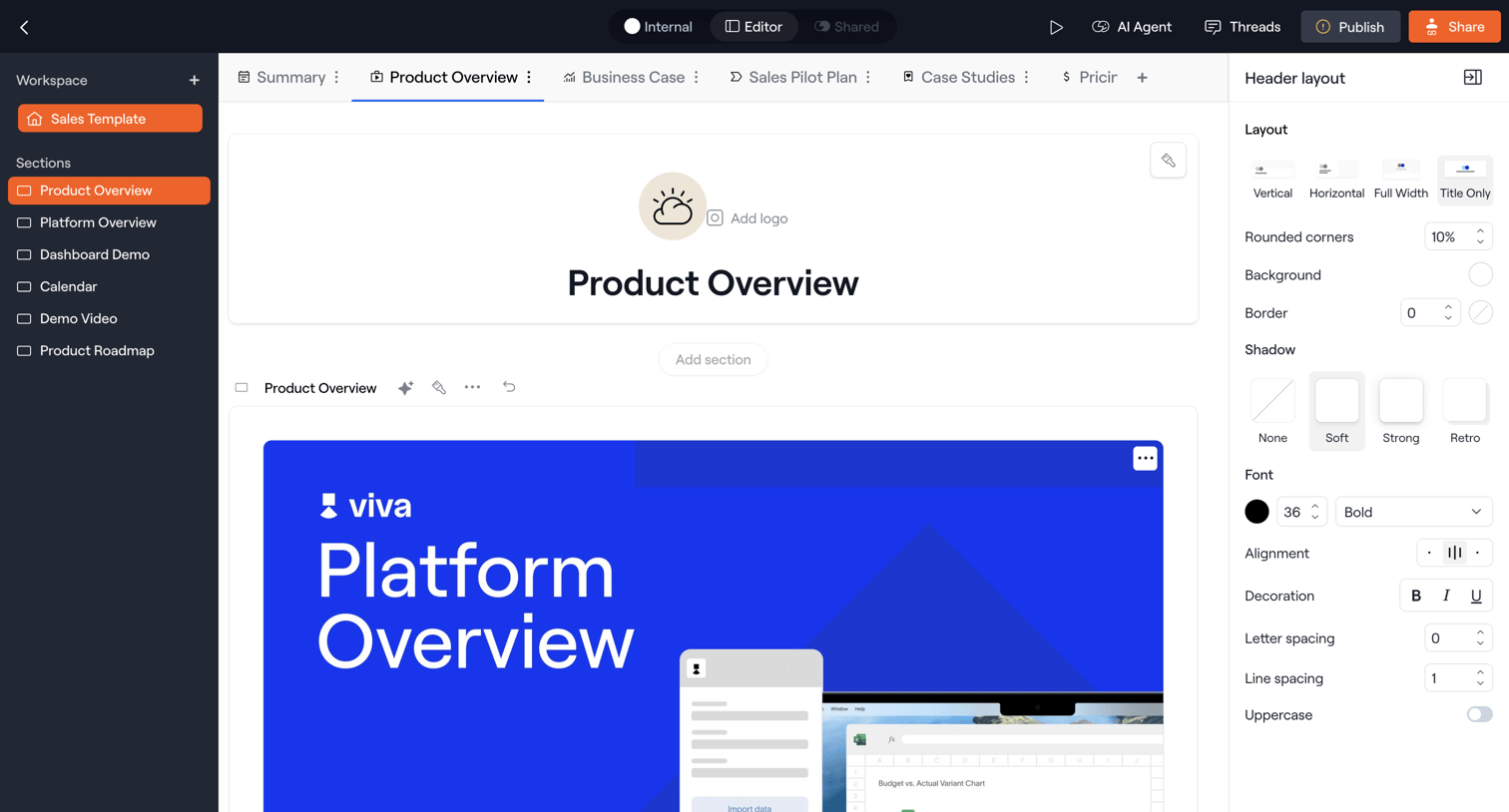

Design editor where the user builds a sales template by configuring layout, typography, and sections for a product overview.
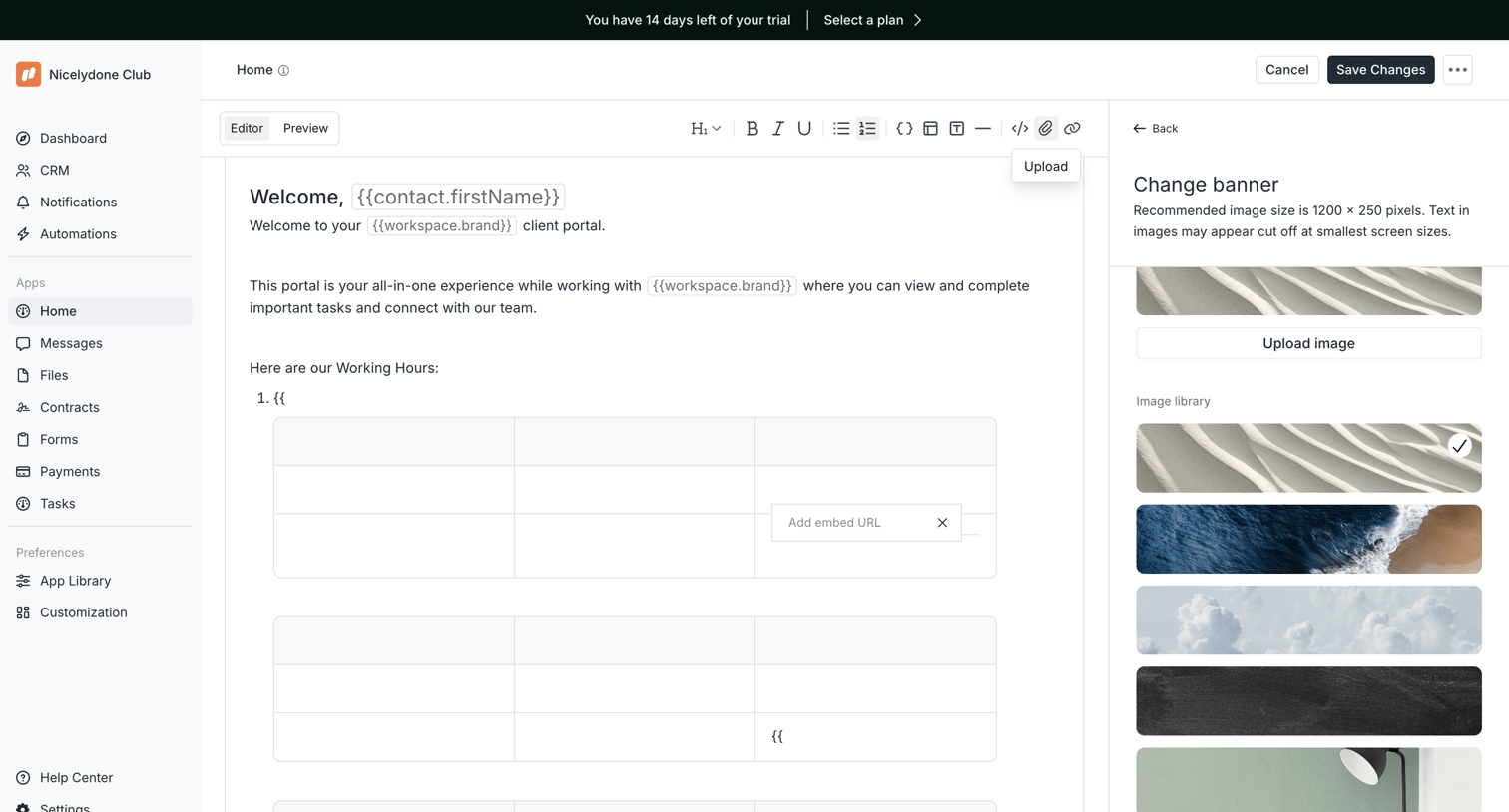

Content editor where the user drafts the portal home page, configures dynamic variables, and selects a banner image from a side panel.
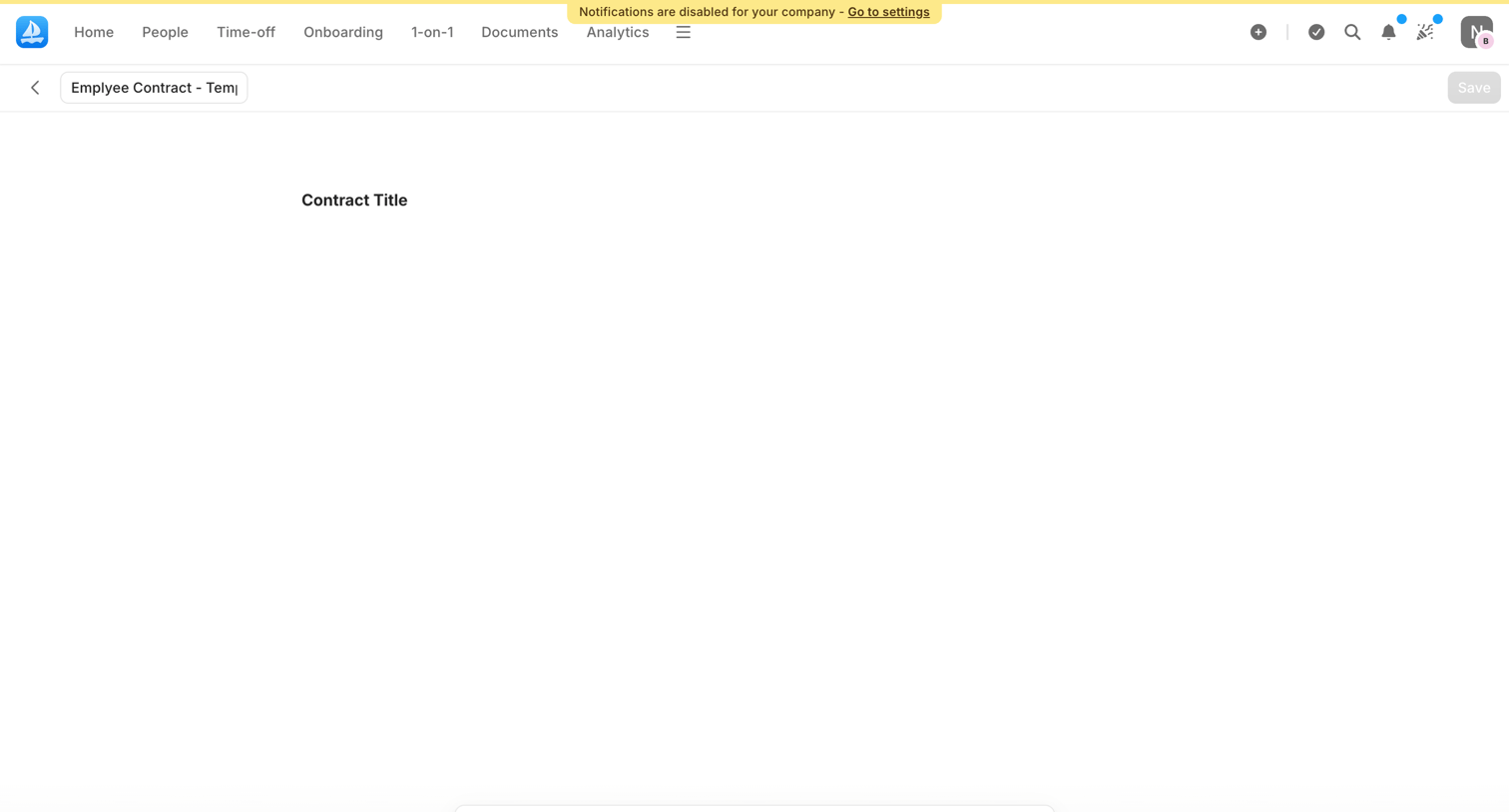

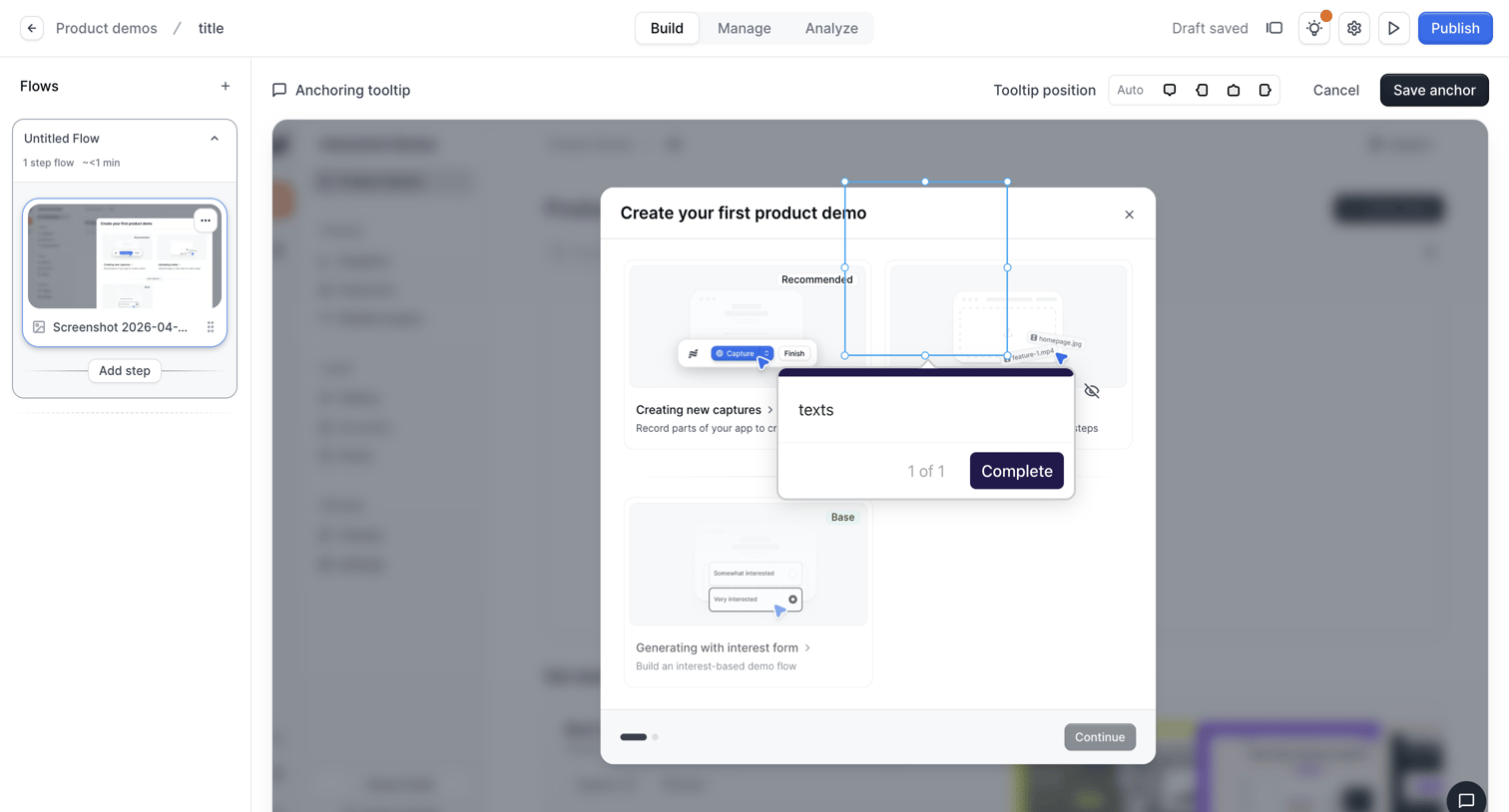

Design editor where the user is anchoring a tooltip to a specific element within a product demo step.
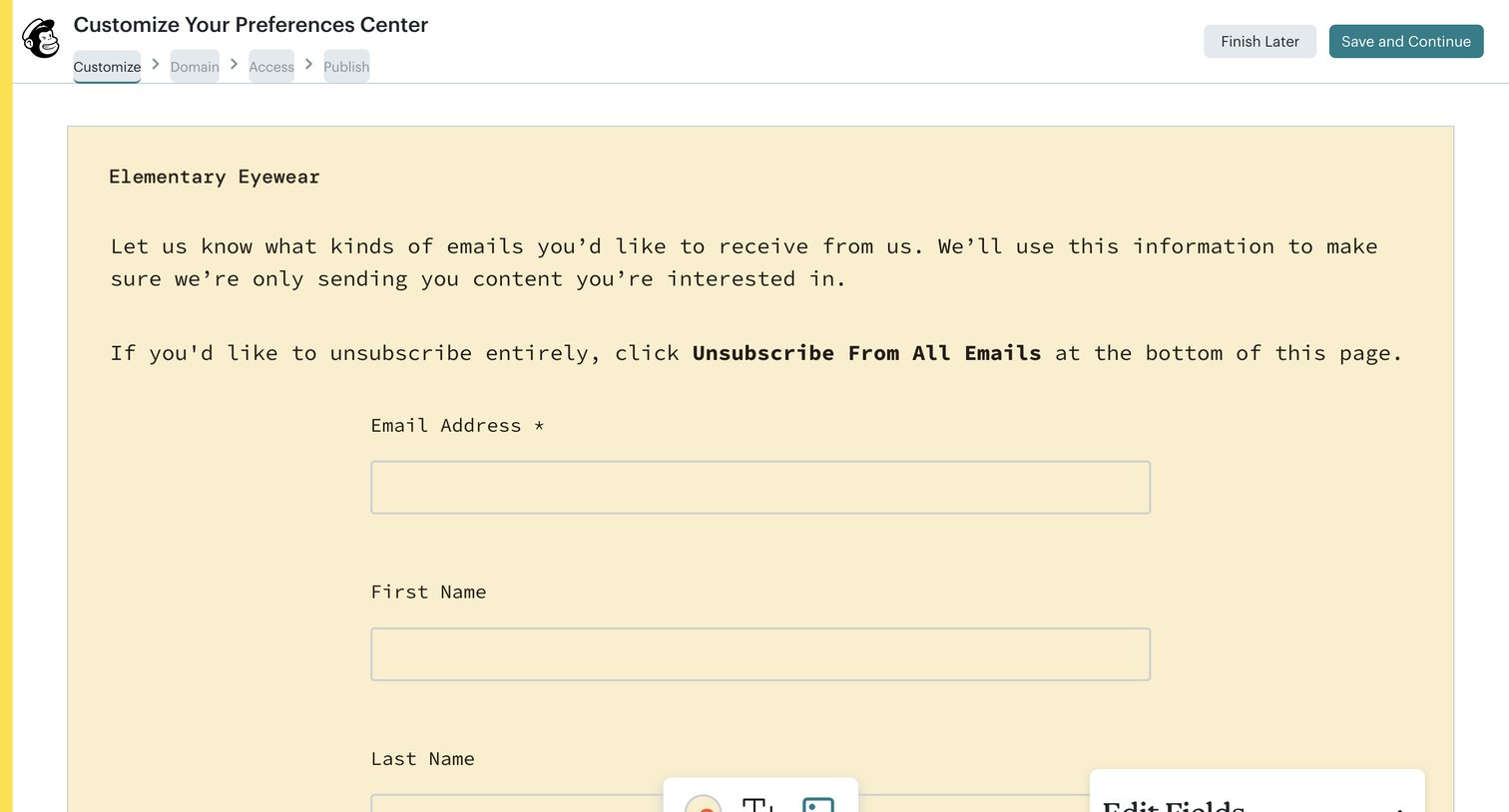

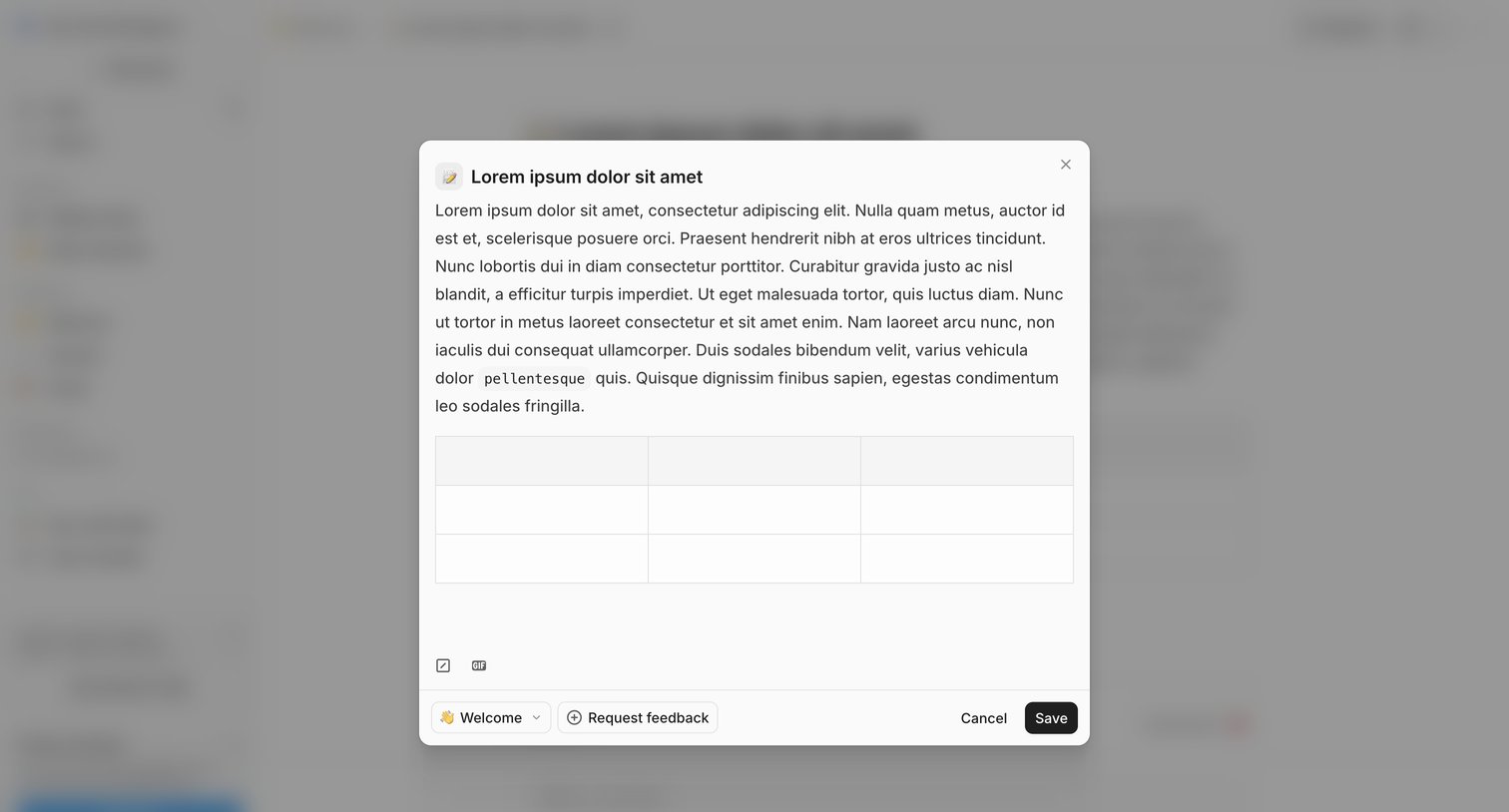

Detail page where the user edits a post's content in a modal, selects a publishing channel, and can request feedback before saving.
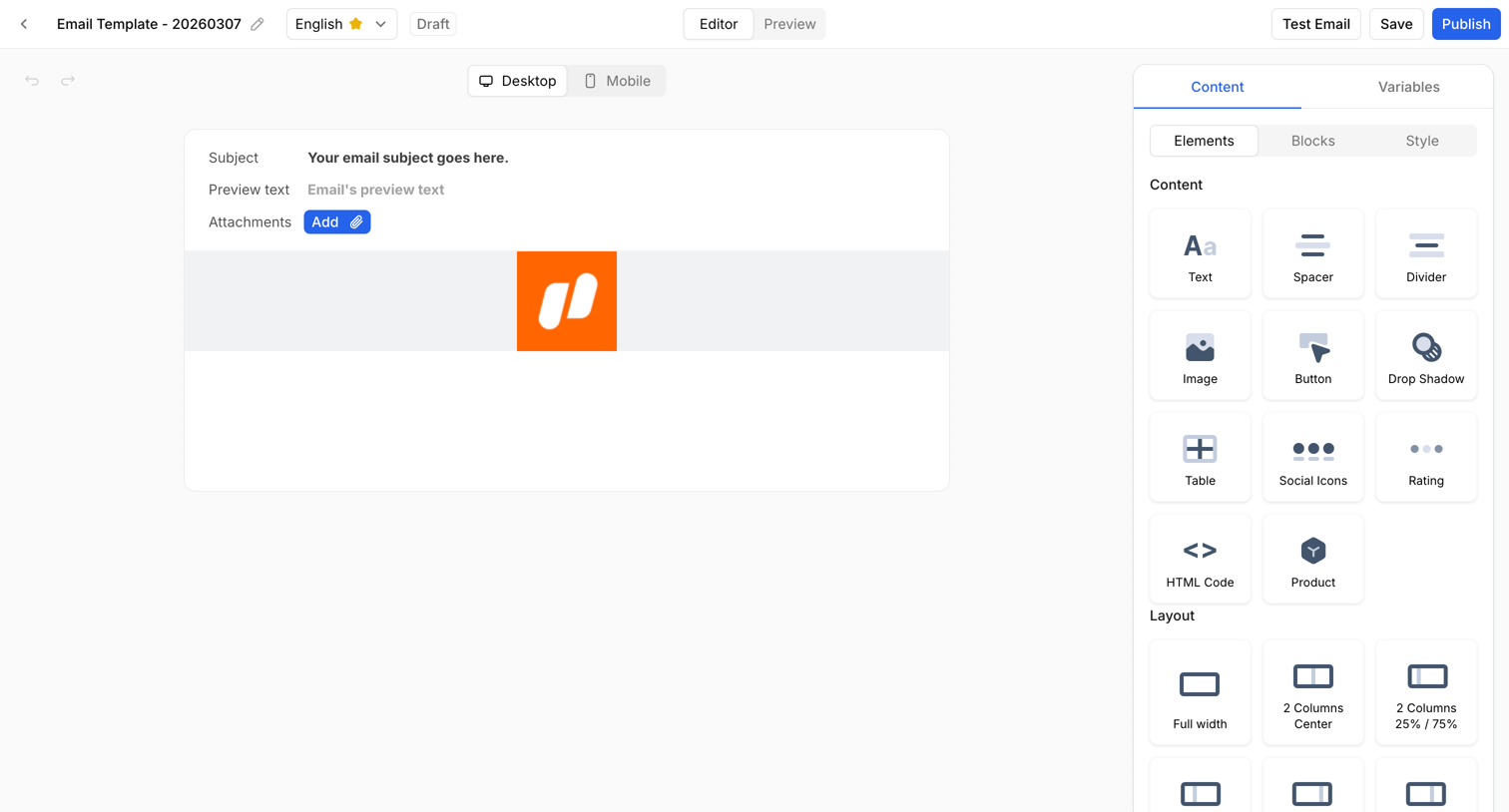

Design editor where the user builds an email template by dragging content and layout blocks from a right sidebar onto a central canvas.
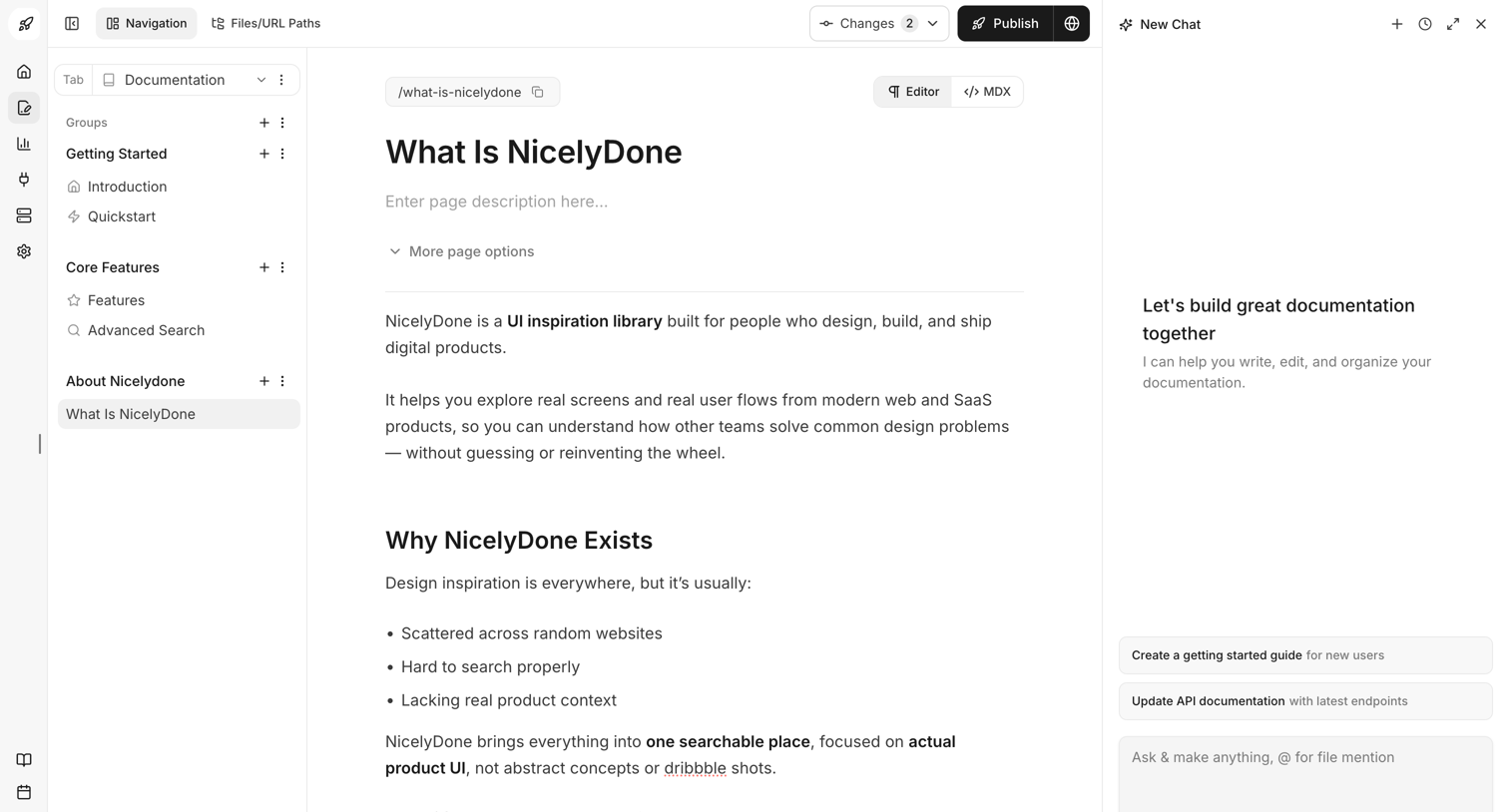

Content editor where the user writes and manages documentation pages alongside an AI assistant sidebar.
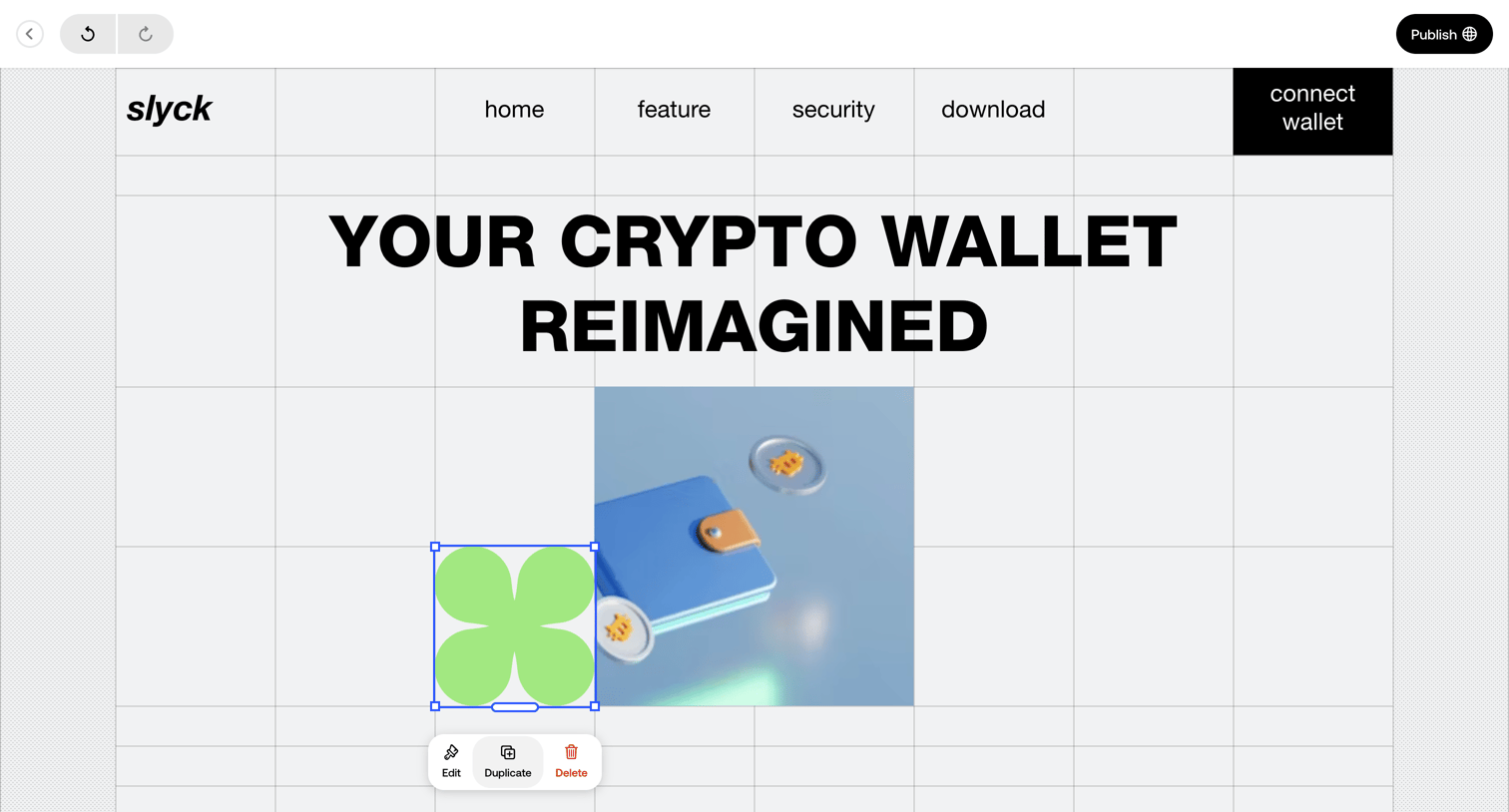

Design editor canvas where the user is building a crypto wallet landing page and has selected an image element to edit, duplicate, or delete via a floating toolbar.
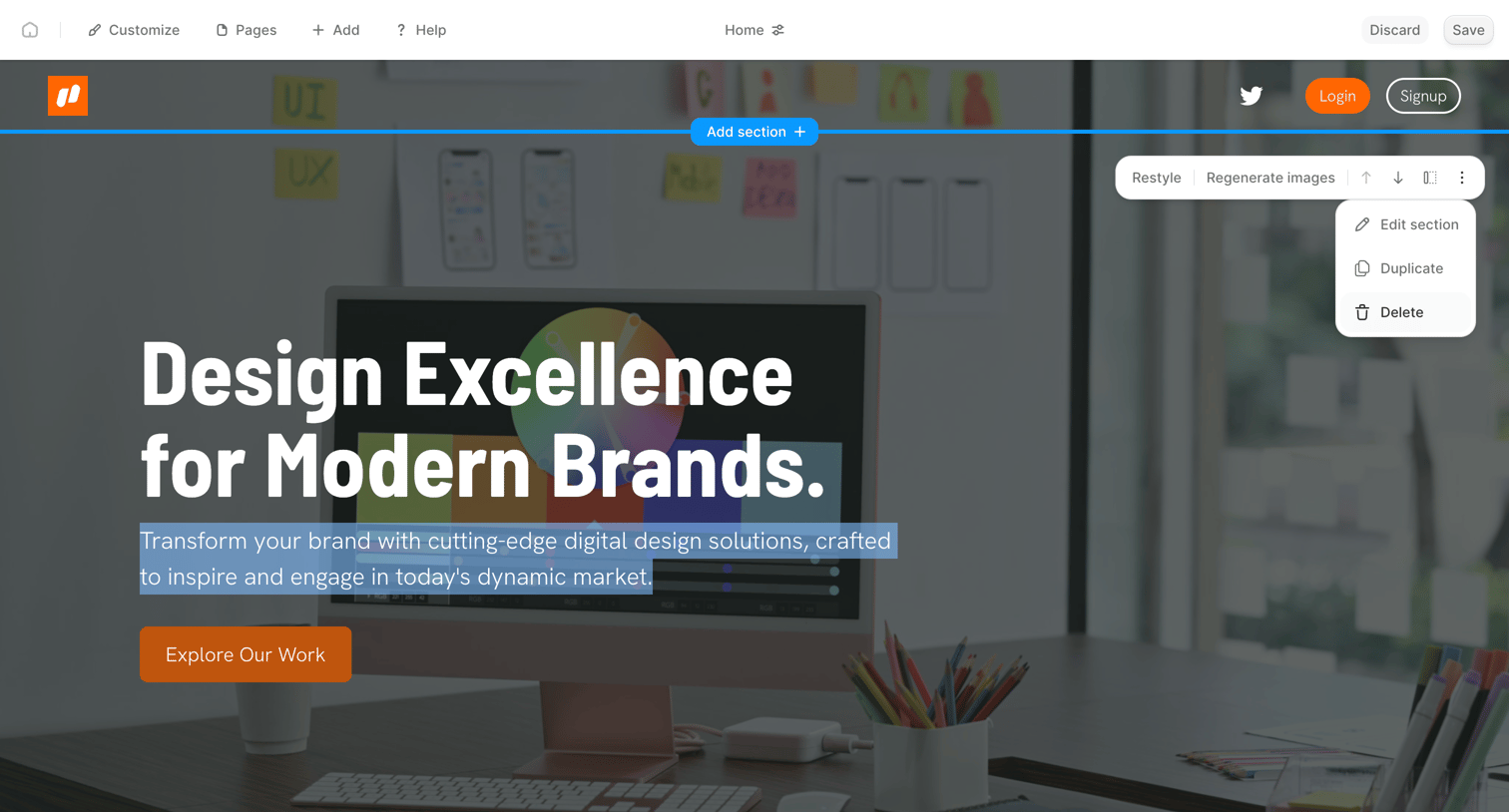

Design editor canvas where the user is previewing a website hero section and has opened an inline context menu to edit, duplicate, or delete the selected block.
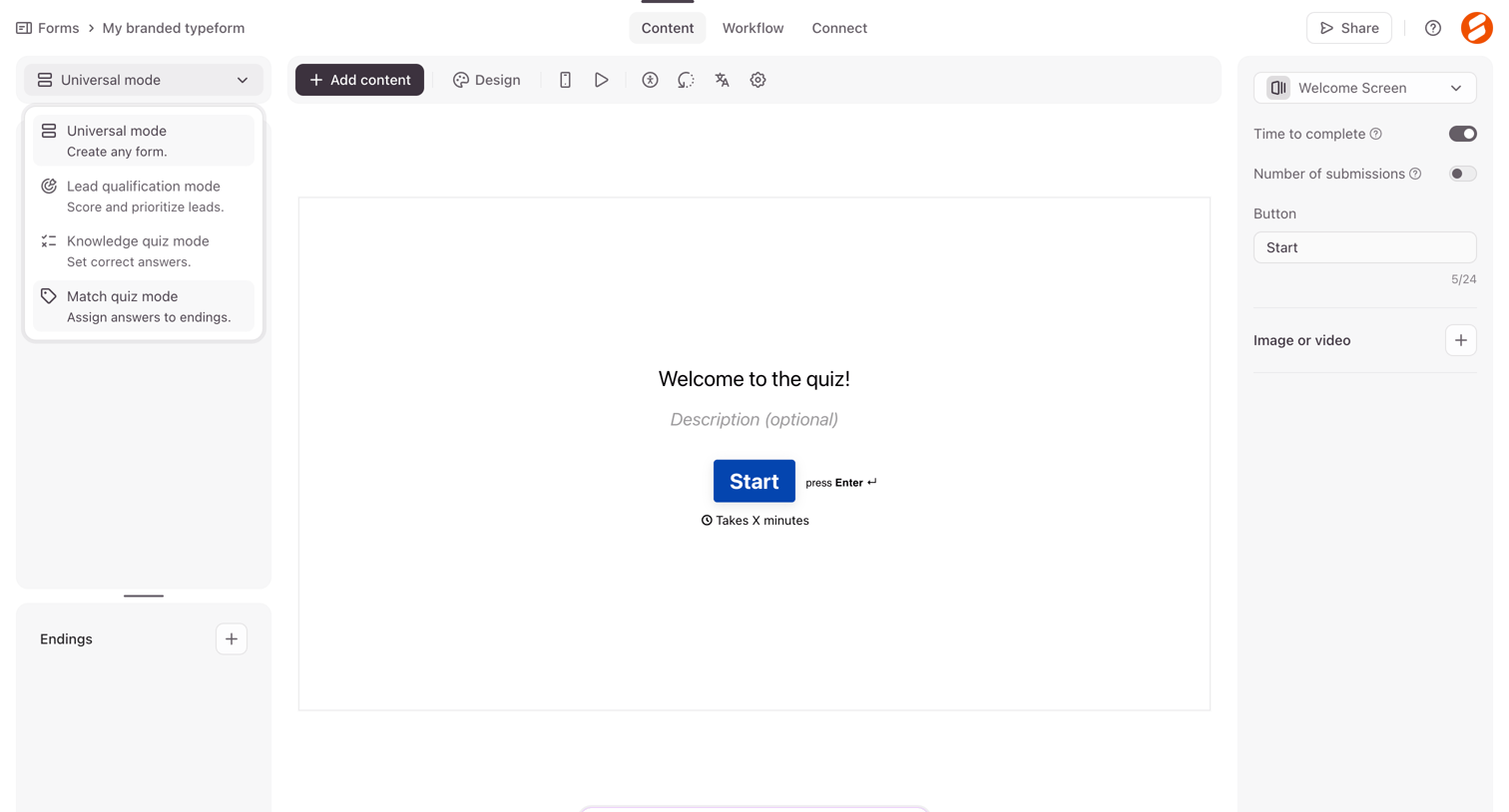

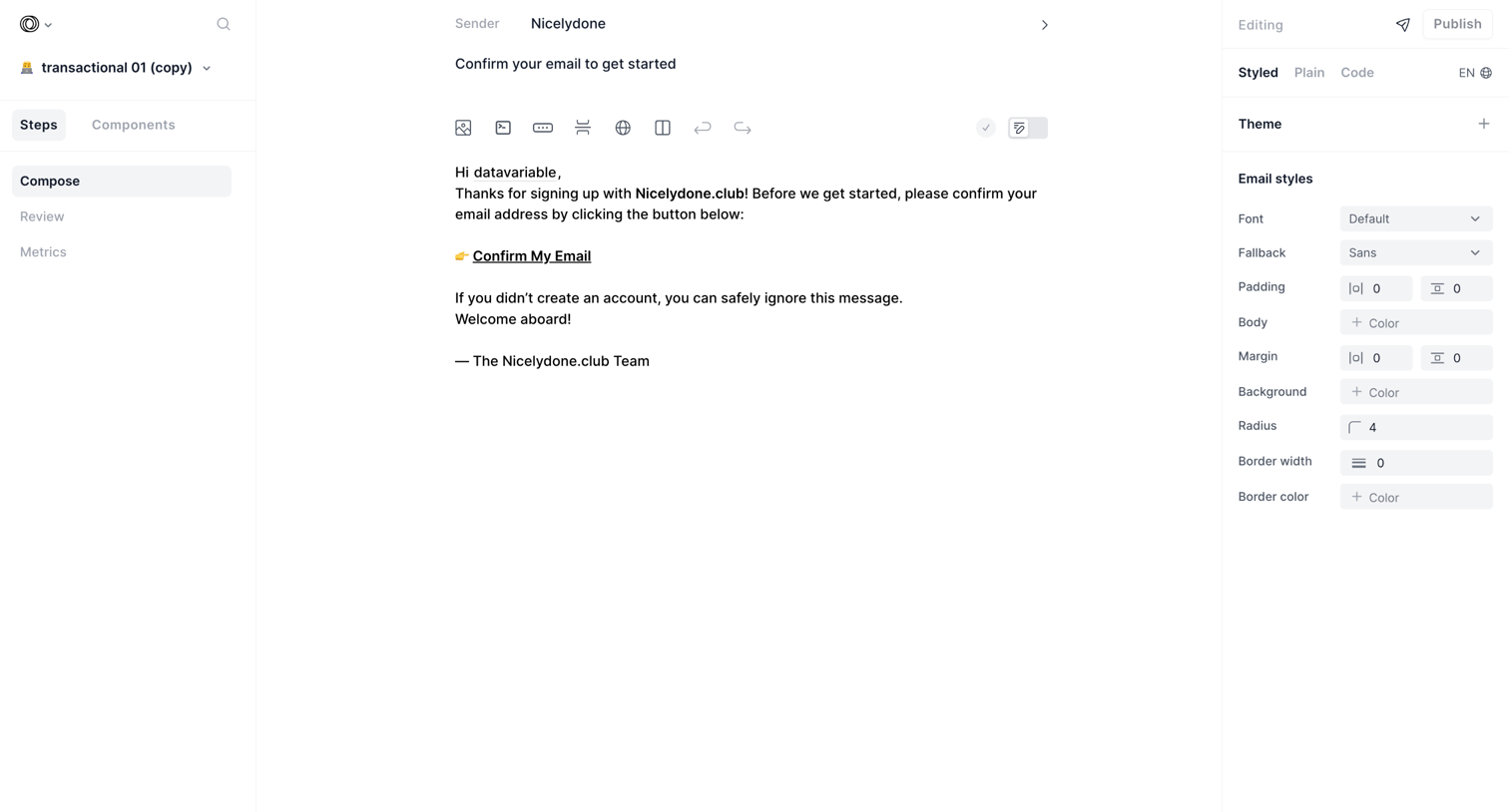

Content editor where the user drafts and styles a transactional email template, adjusting fonts, padding, and colors via a right-hand inspector panel.
Explore the full SaaS screen library
Upgrade to unlock the full library.
Trusted by the best teams







