Trial banner screen examples
Trial banner screen design examples from SaaS apps. Browse examples from Town, Assembly AI App Builder, Aboard.
Explore the examples
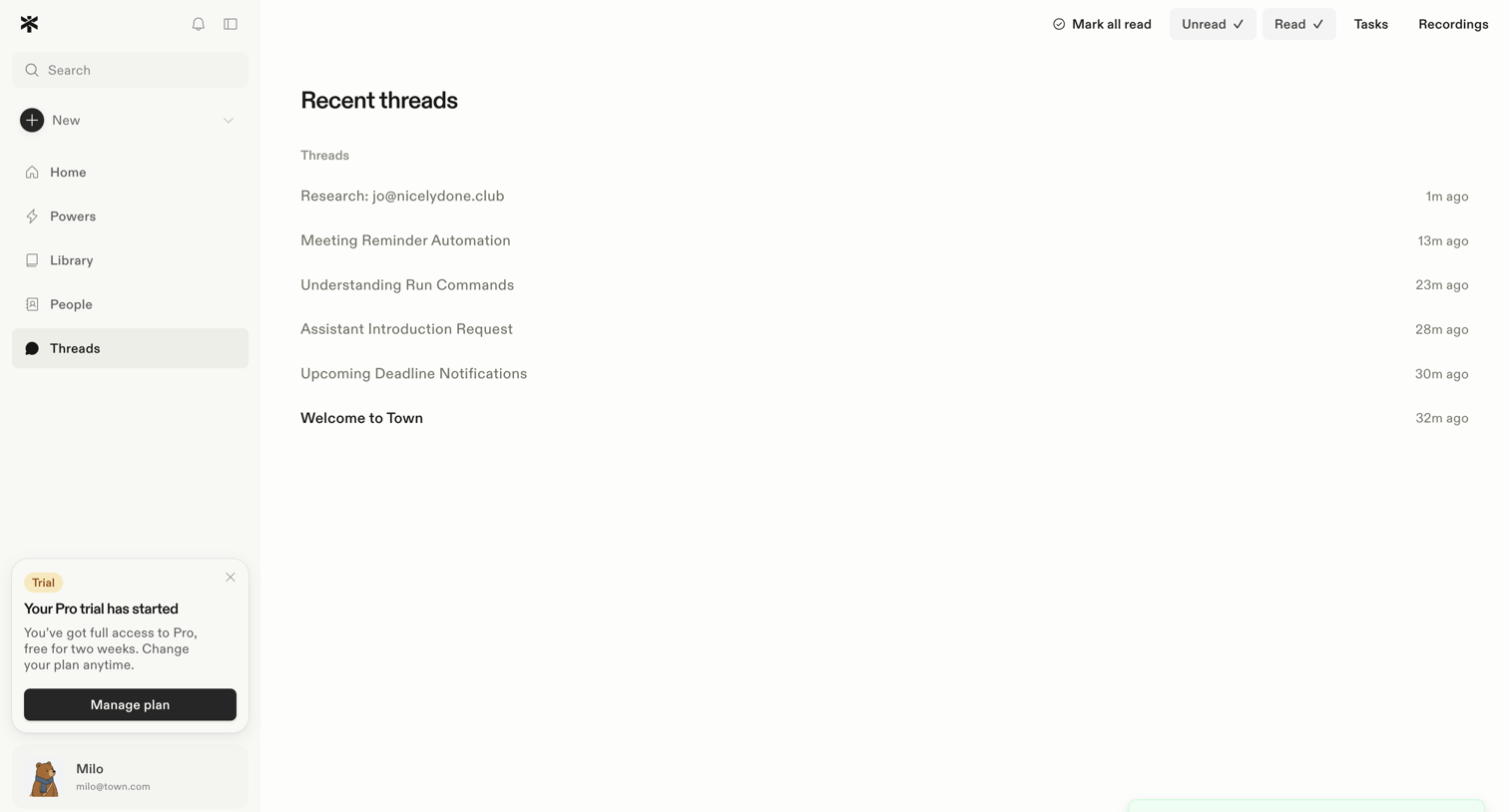

Inbox view where the user browses recent threads, filters by read status, and manages their trial plan.
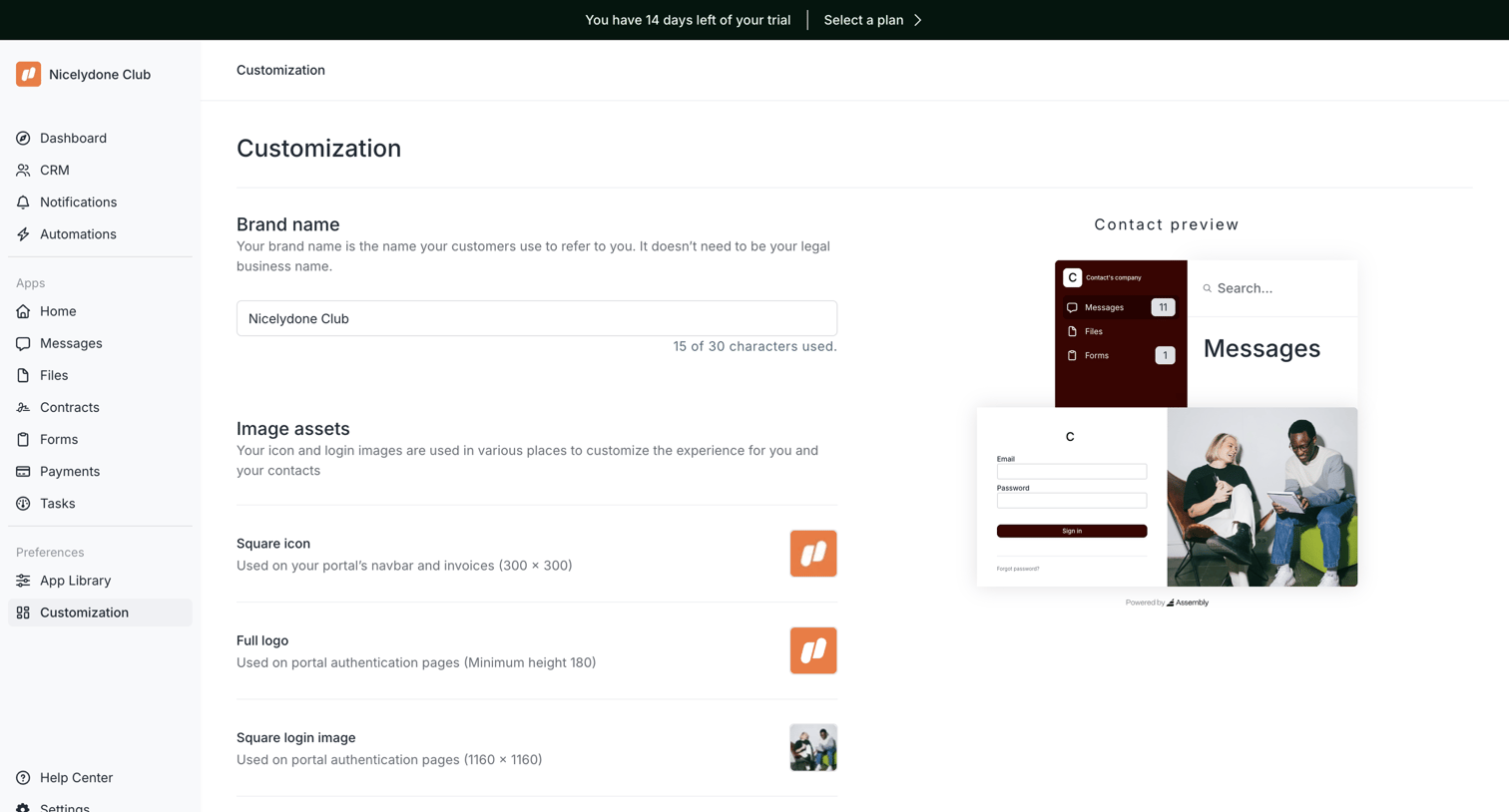

Settings page where the user configures their portal's brand name and image assets while viewing a live preview.
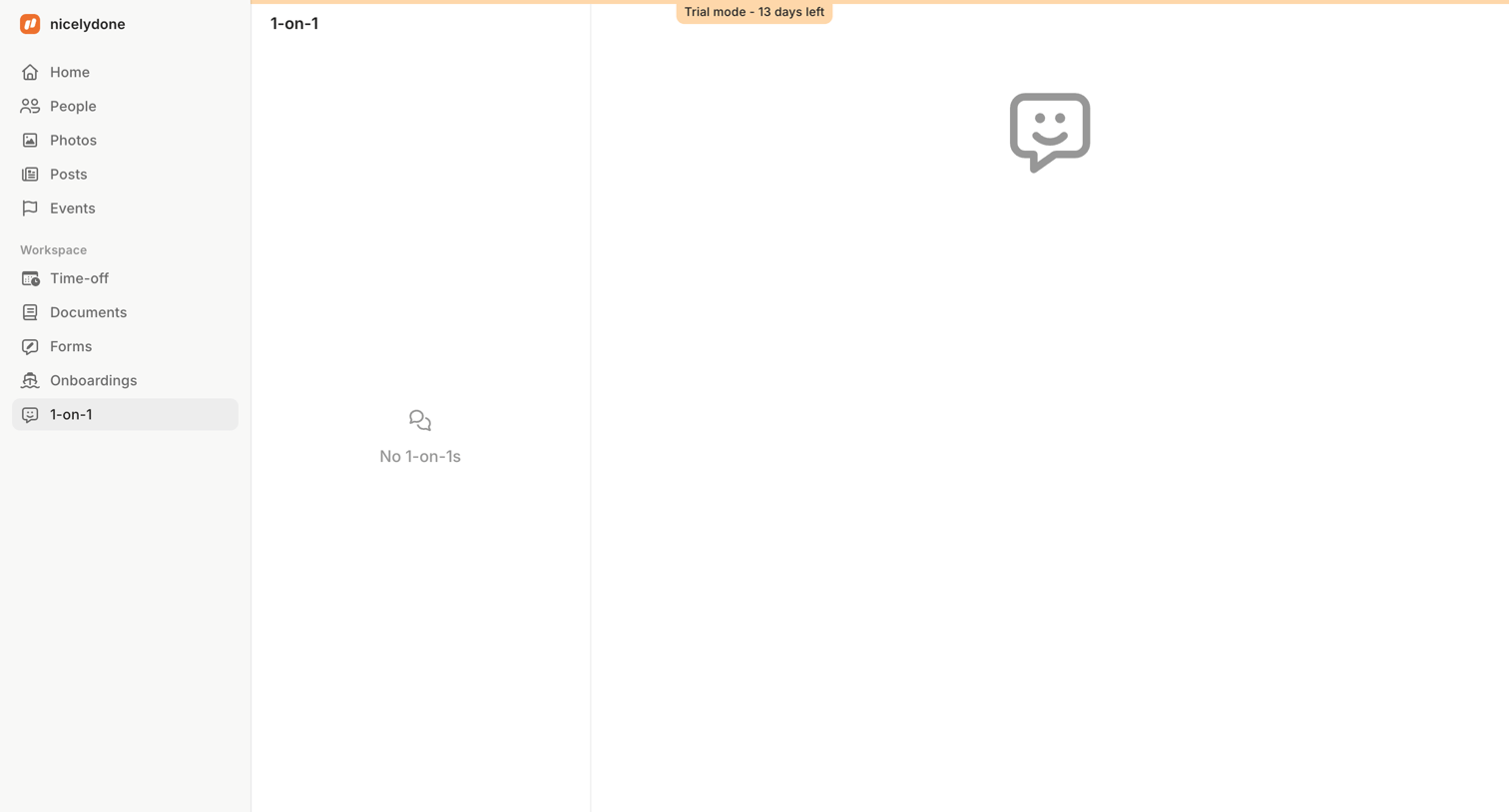

Master-detail view for 1-on-1 meetings showing an empty list and a trial mode countdown banner.
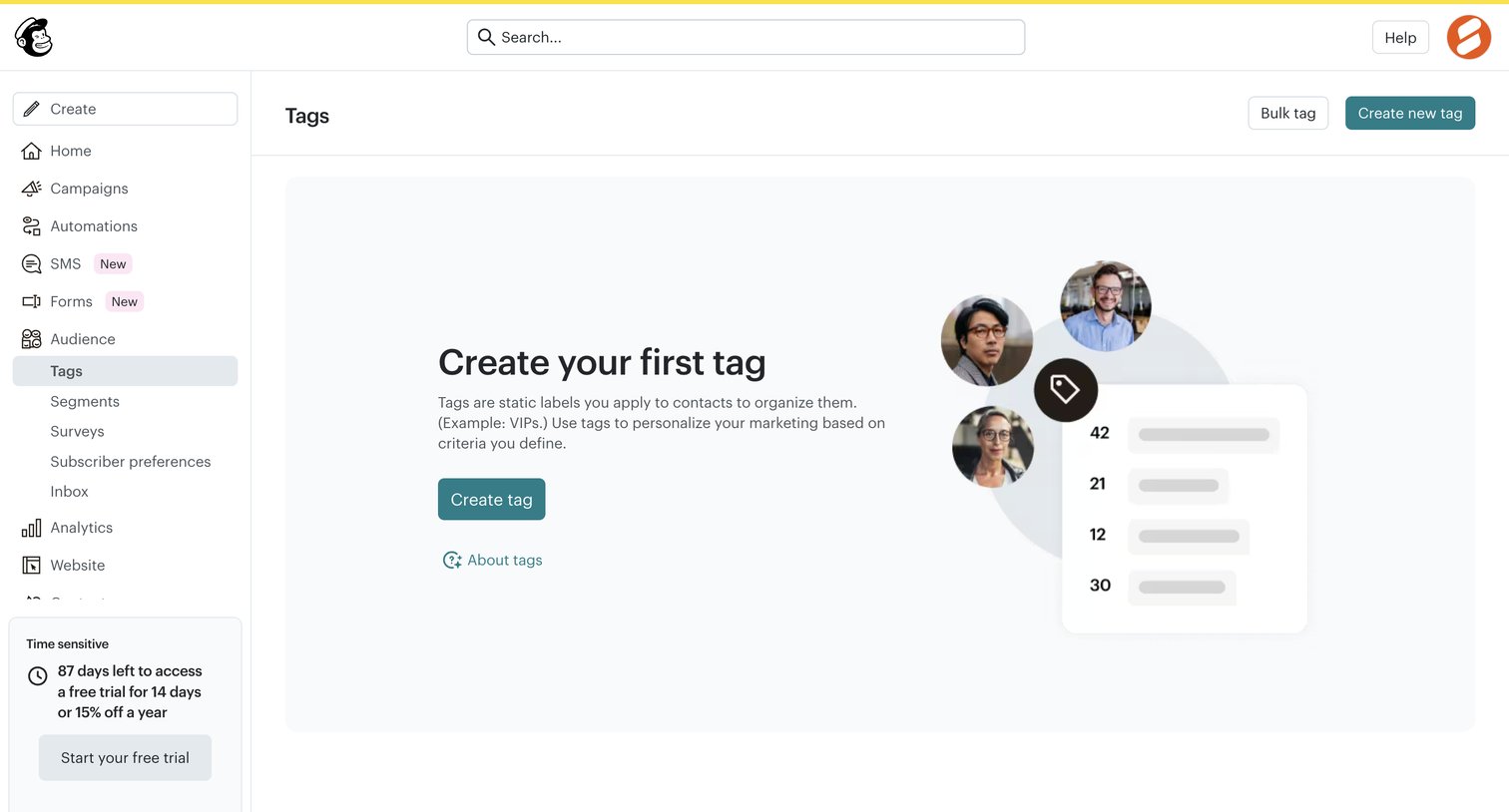

List view empty state where the user is prompted to create their first tag to organize audience contacts, alongside a prominent trial countdown banner in the sidebar.
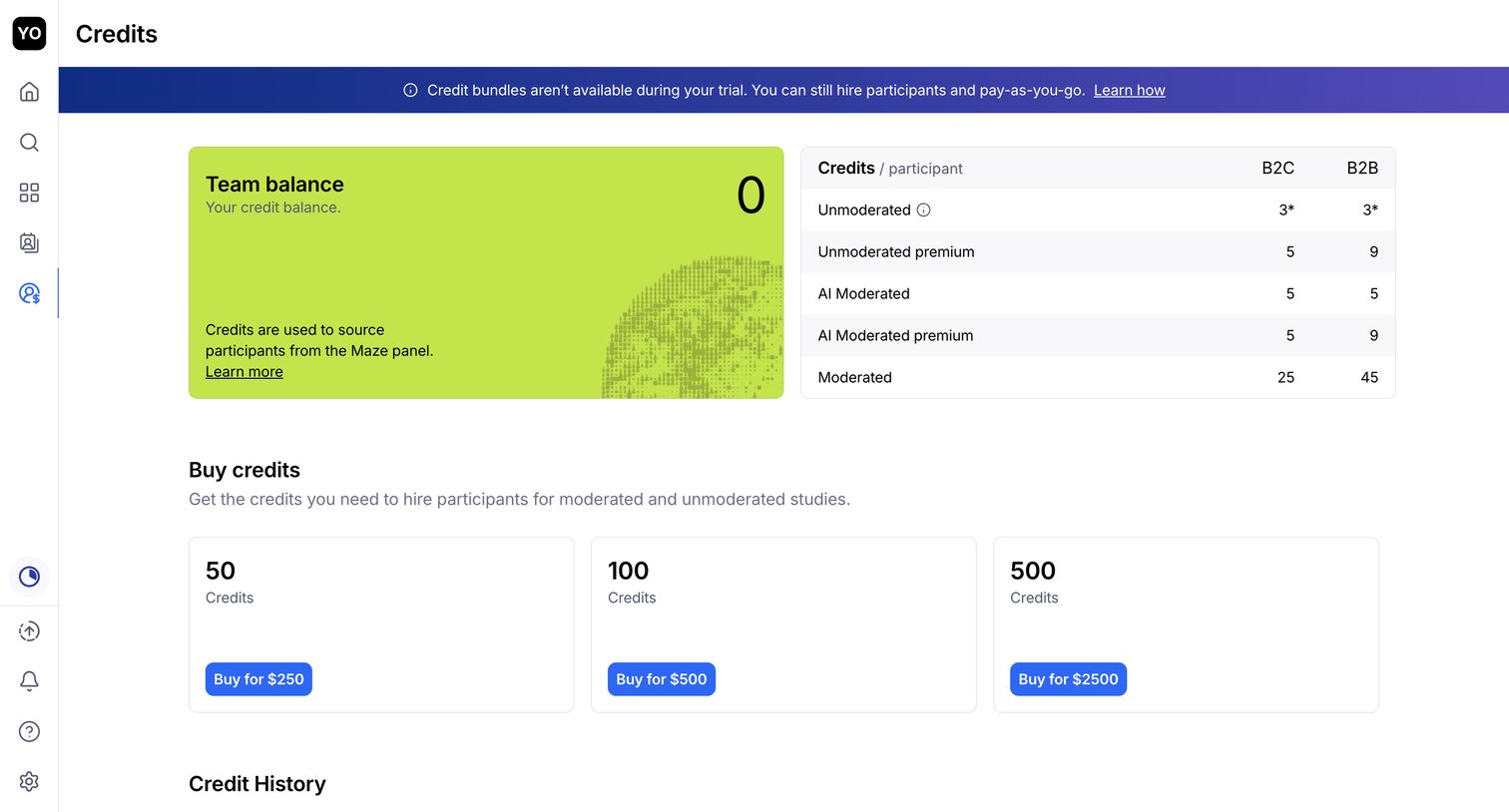

Settings page where the user views their current team credit balance, checks participant pricing for different study types, and can purchase additional credit bundles.
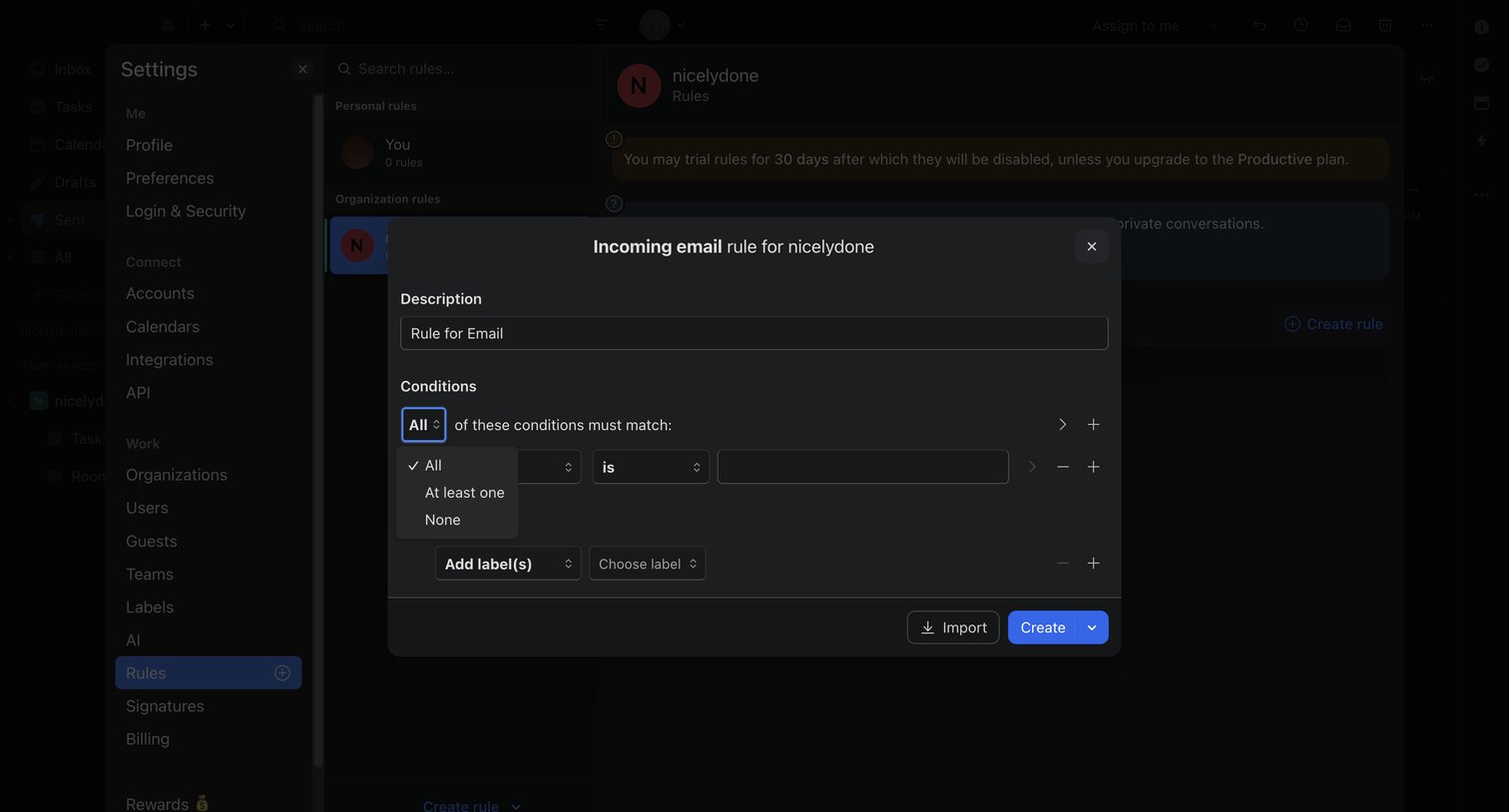

Settings modal where the user builds an incoming email rule by defining matching conditions and actions.
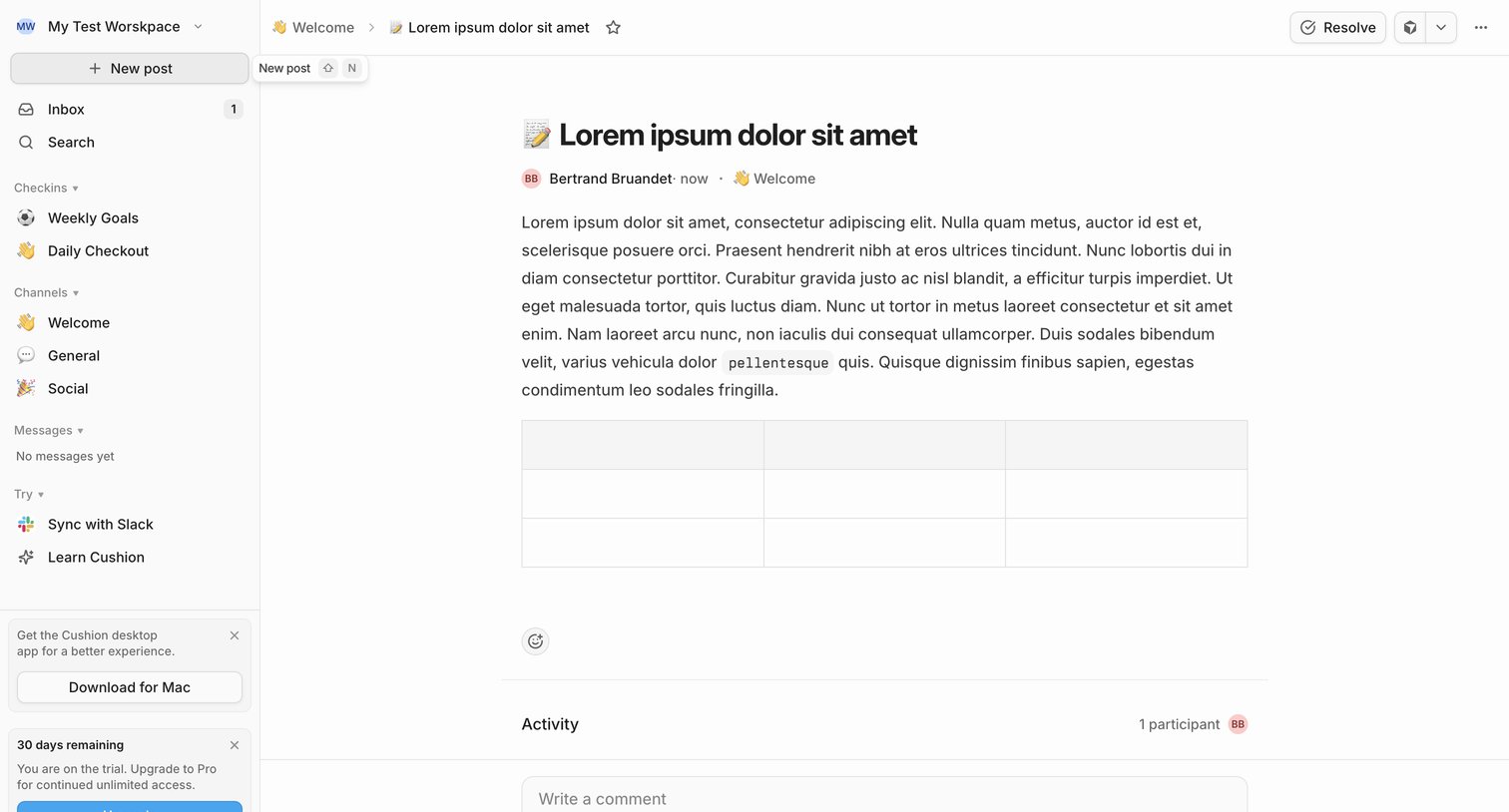

Detail page where a user reads a team update in the Welcome channel, views activity participants, and can write a comment or resolve the post.
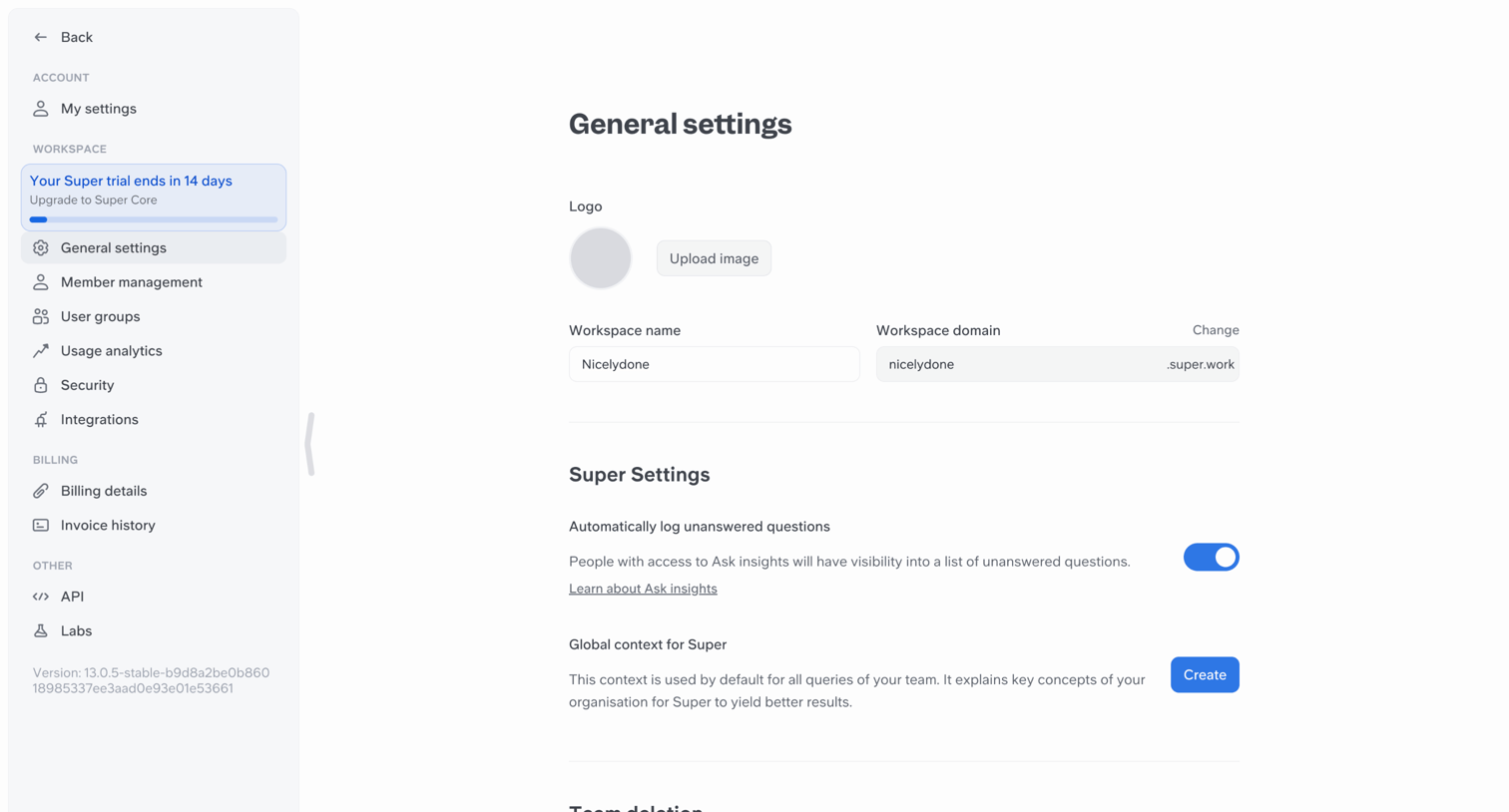

Settings page where the user configures workspace details like logo, name, domain, and AI context.
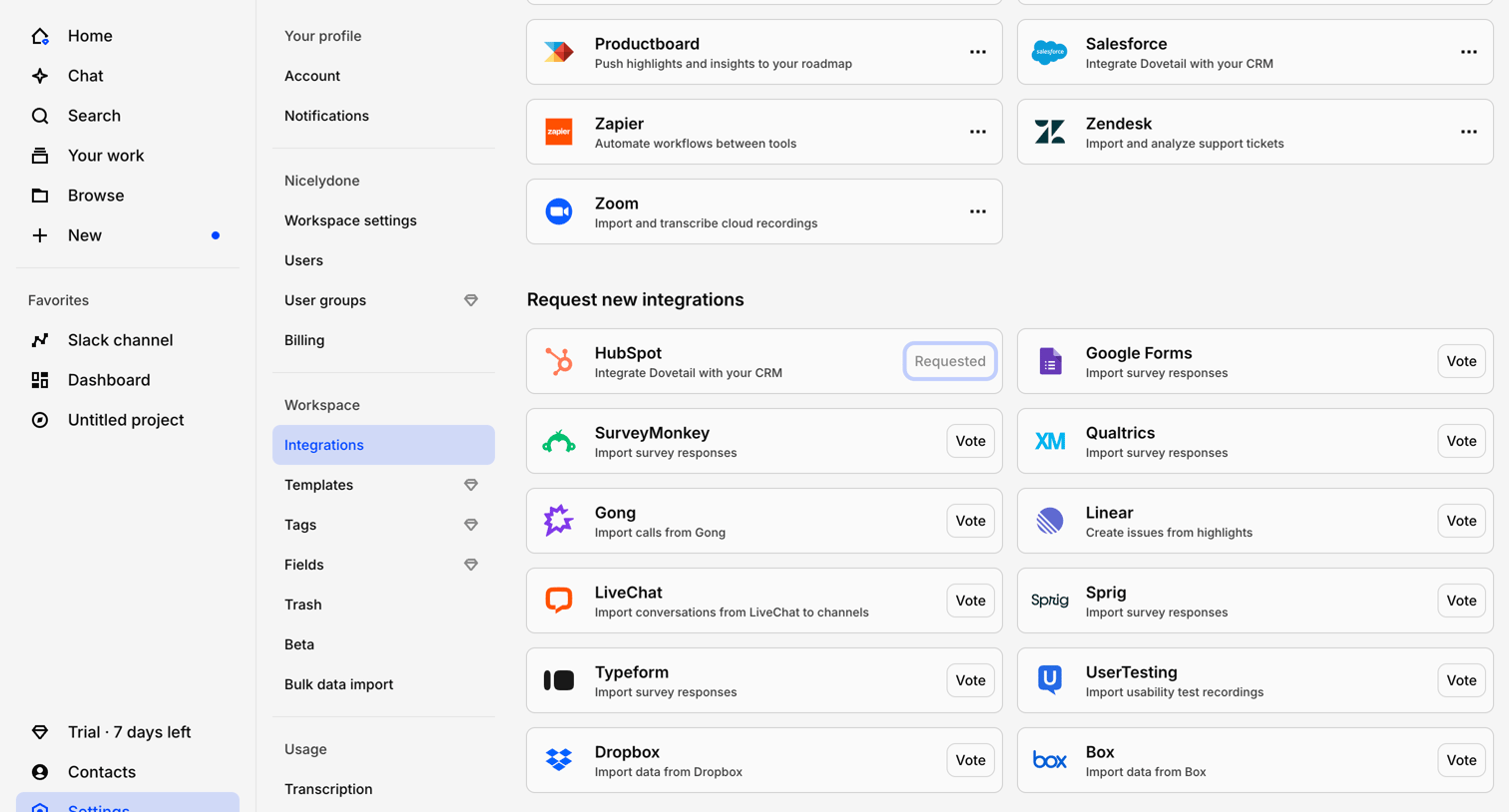

Settings page where the user manages active connections like Productboard and Zapier, and votes on requested integrations like HubSpot and SurveyMonkey.
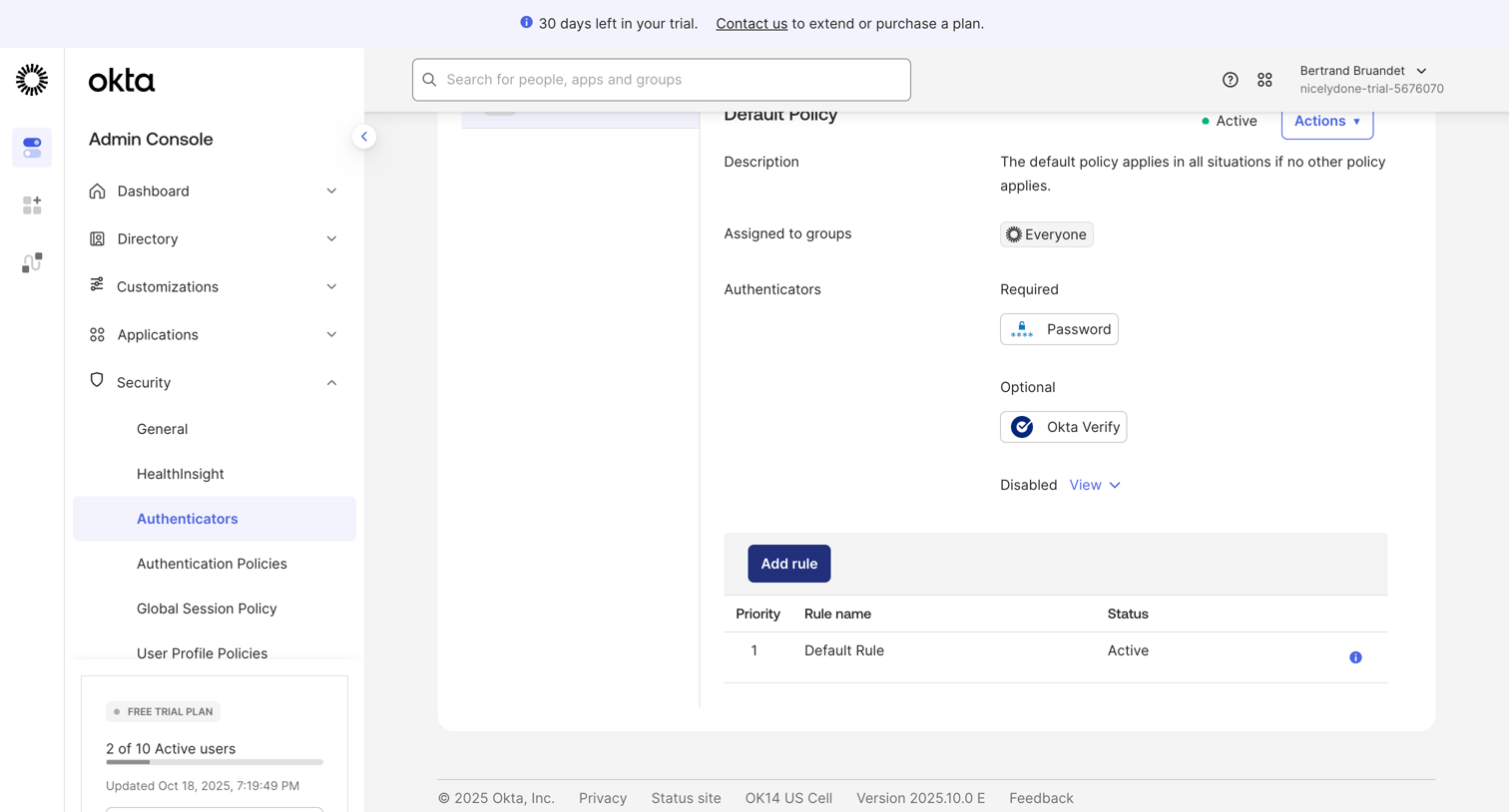

Settings page where the admin configures the default authenticator policy, including required and optional methods like password and Okta Verify.
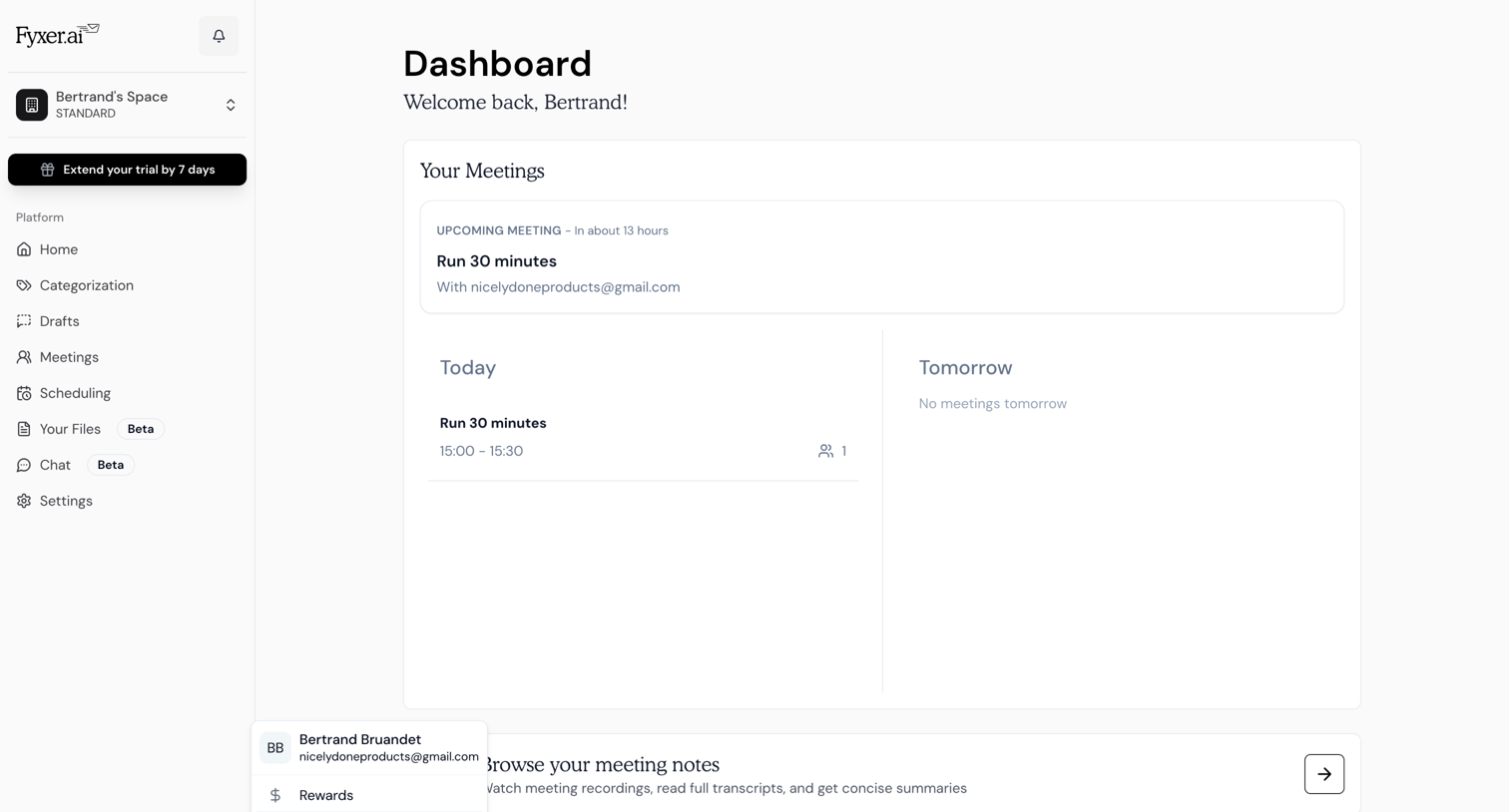

Dashboard with an overview of upcoming meetings and a prompt to browse meeting notes.
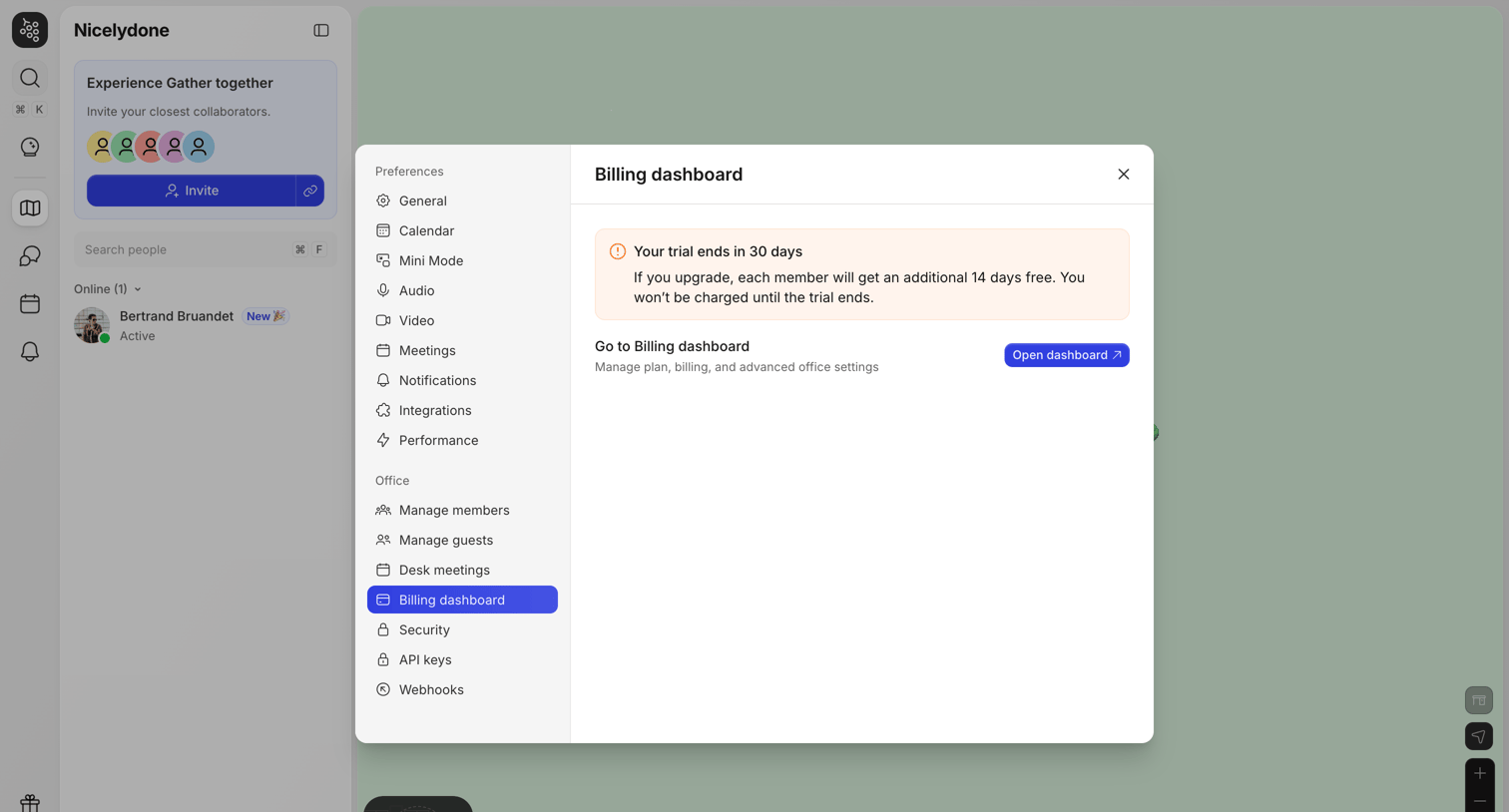

Settings modal where the user views their trial status and can navigate to the external billing dashboard.
Explore the full SaaS screen library
Upgrade to unlock the full library.
Trusted by the best teams







