Reorder screen examples
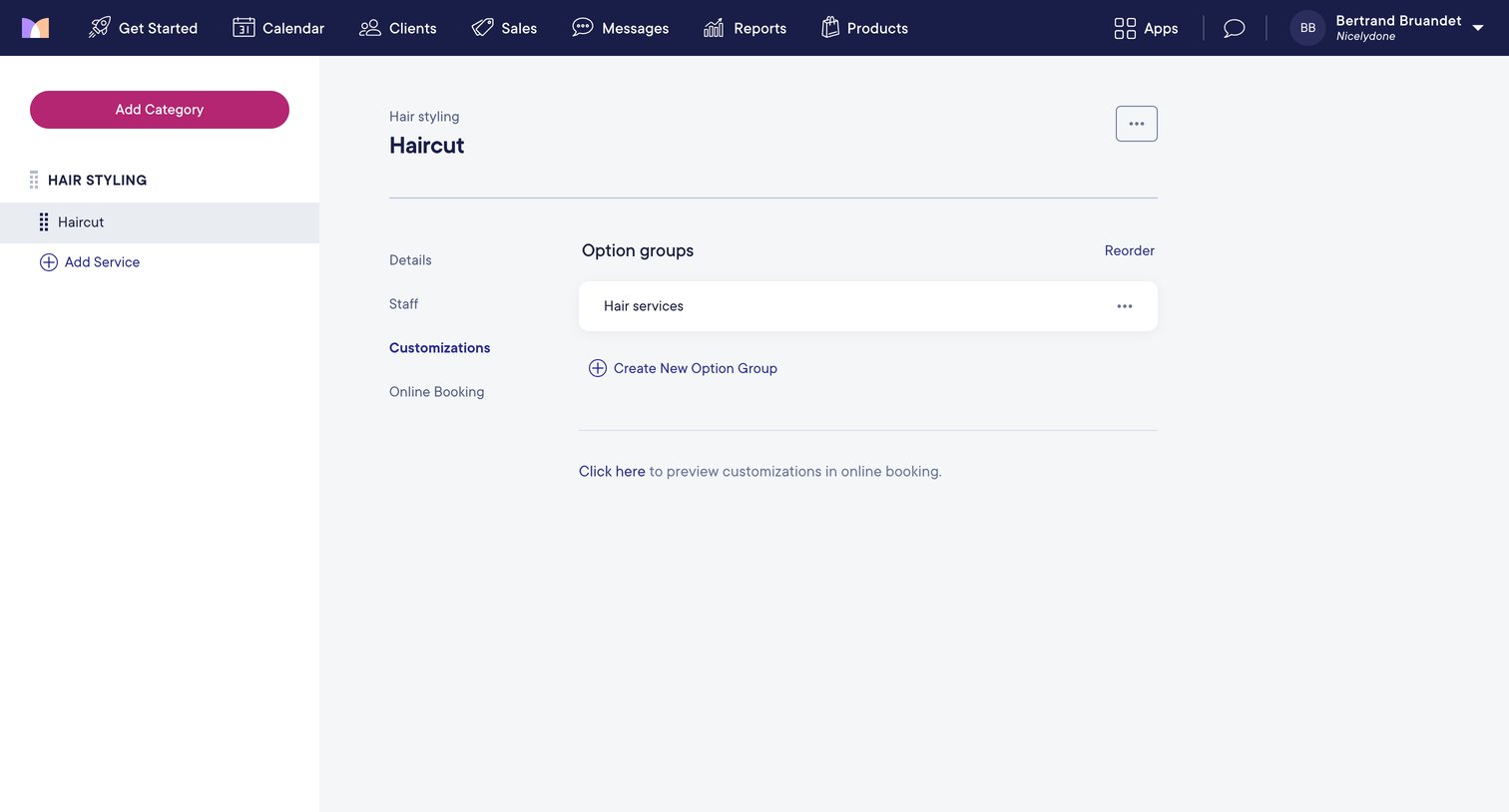
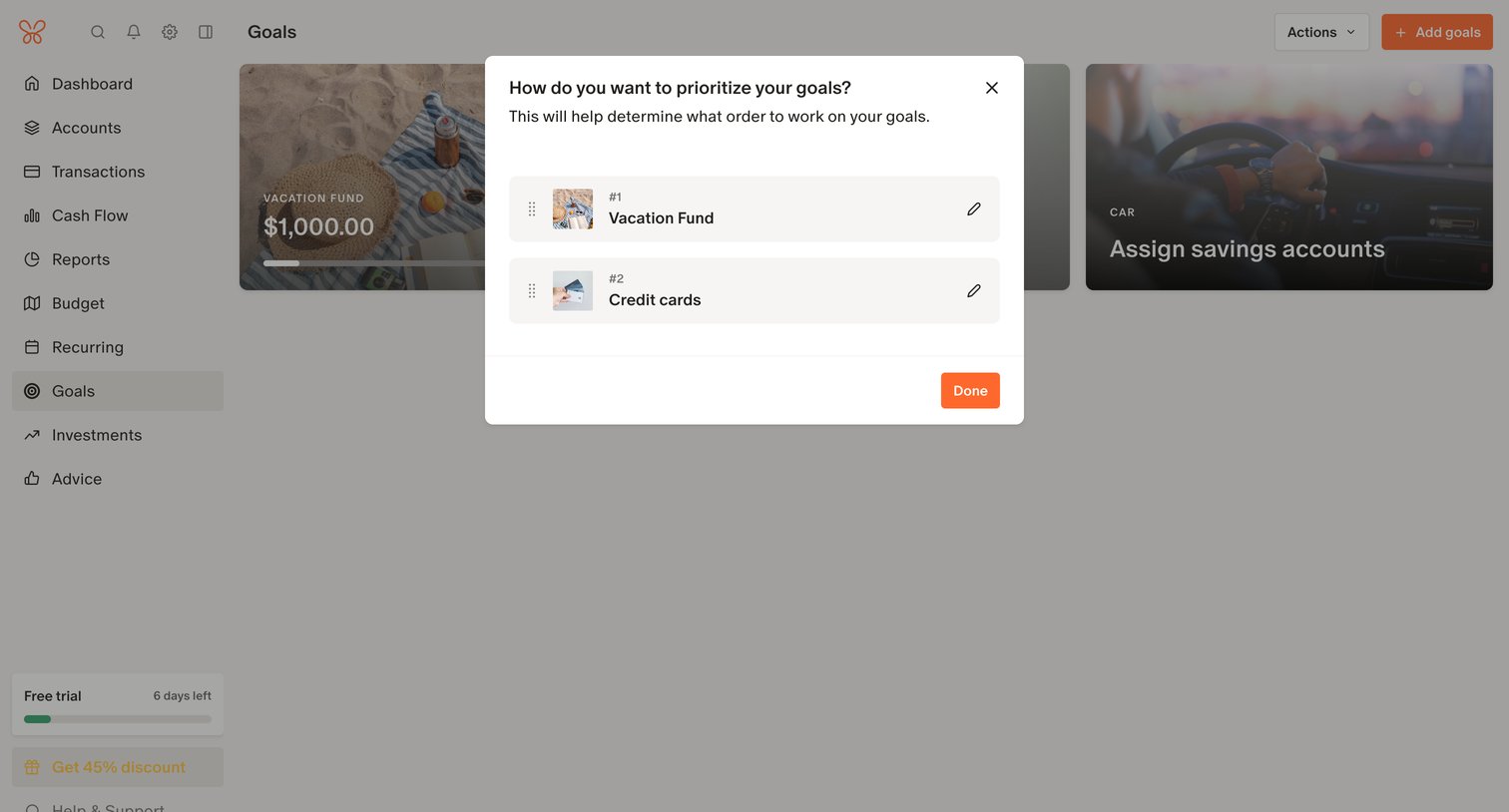
Reorder screen design examples from SaaS apps. Browse examples from Mighty, The org, Mangomint.
Explore the examples
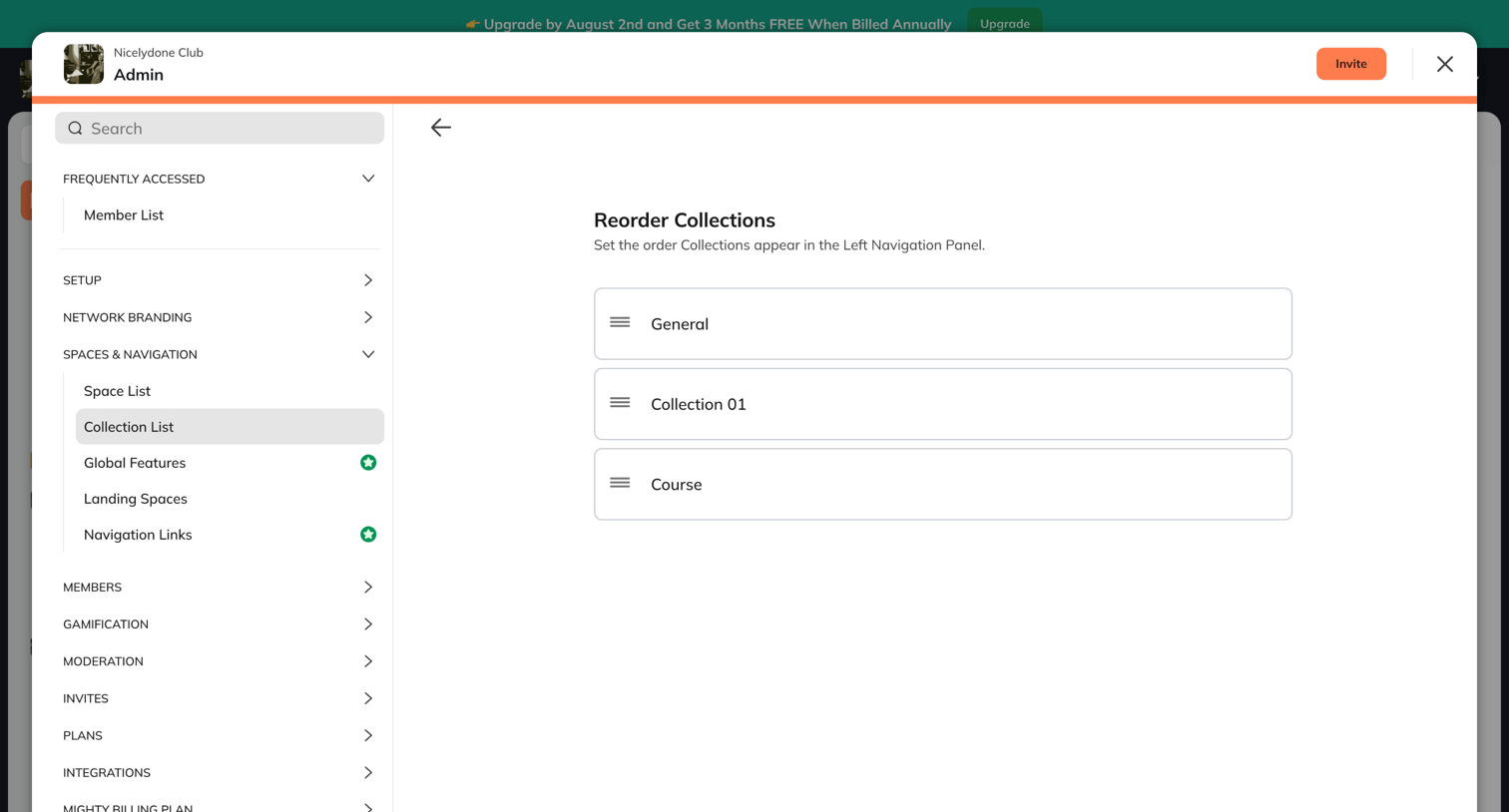

Settings modal where the admin can reorder the collections that appear in the workspace's left navigation panel using drag-and-drop handles.
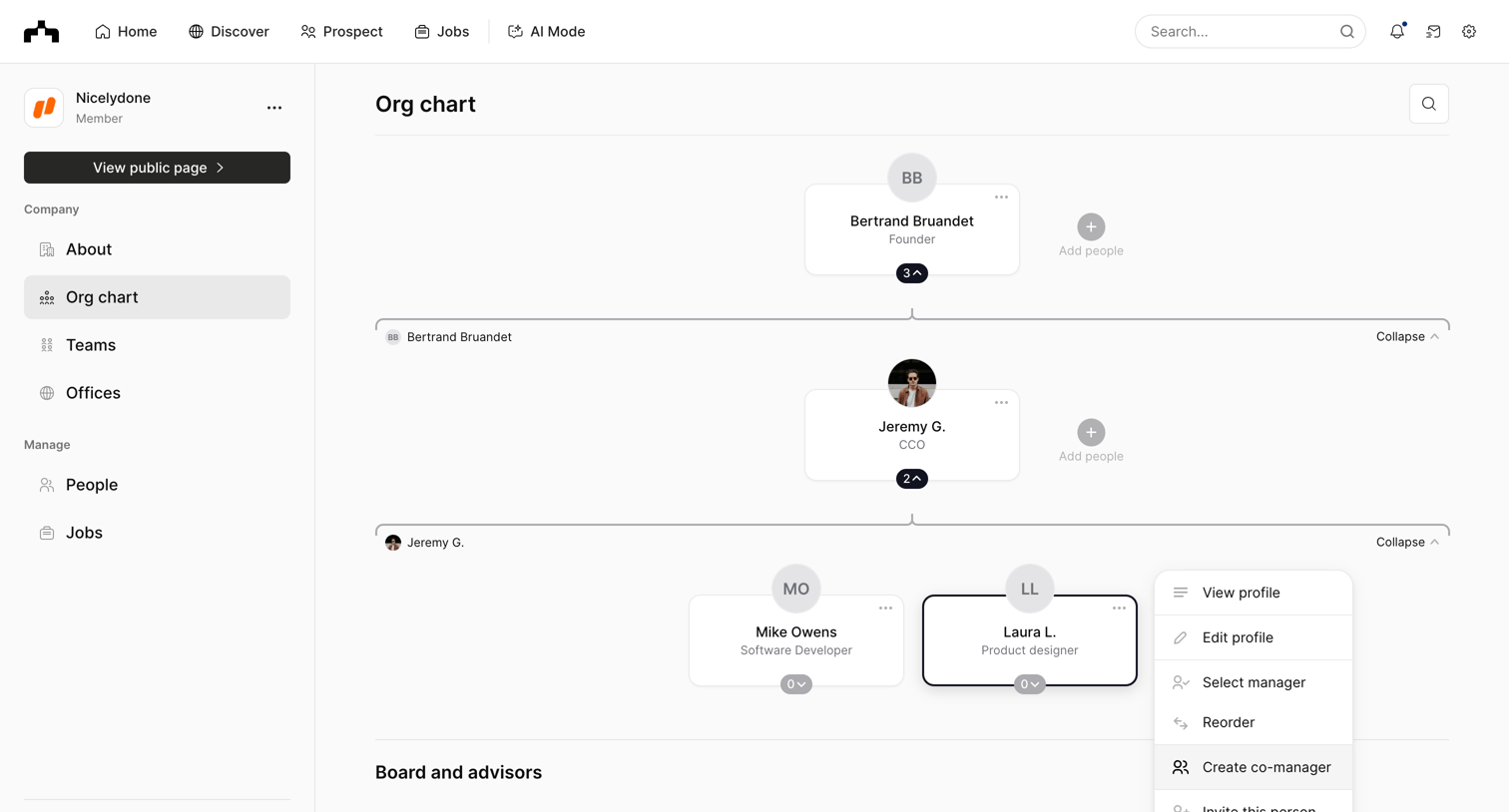

Detail page where the user views the company's organizational hierarchy and opens a context menu to edit a specific employee's profile or change their manager.

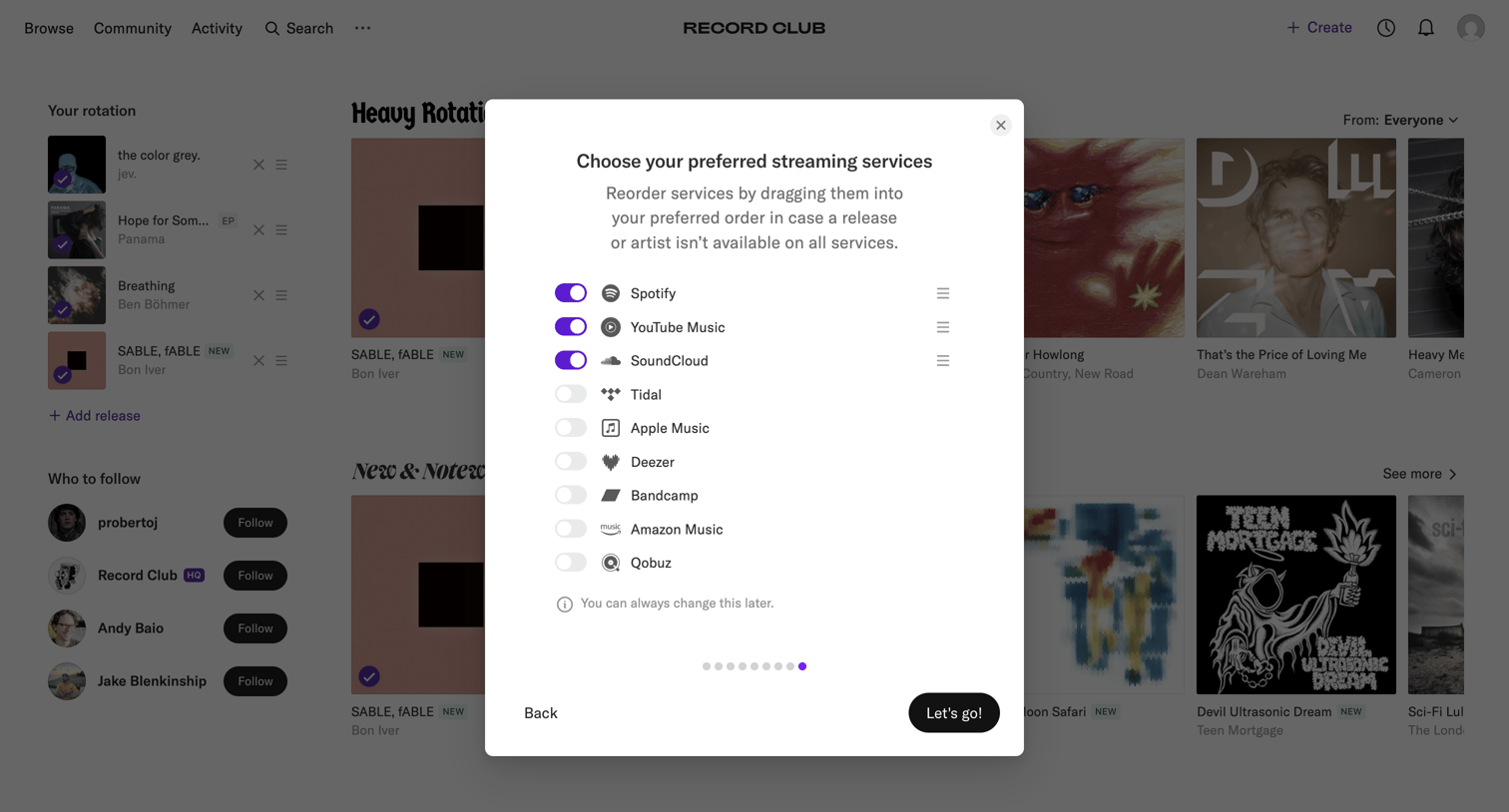

Onboarding step where the user selects and reorders their preferred music streaming services like Spotify and Apple Music.

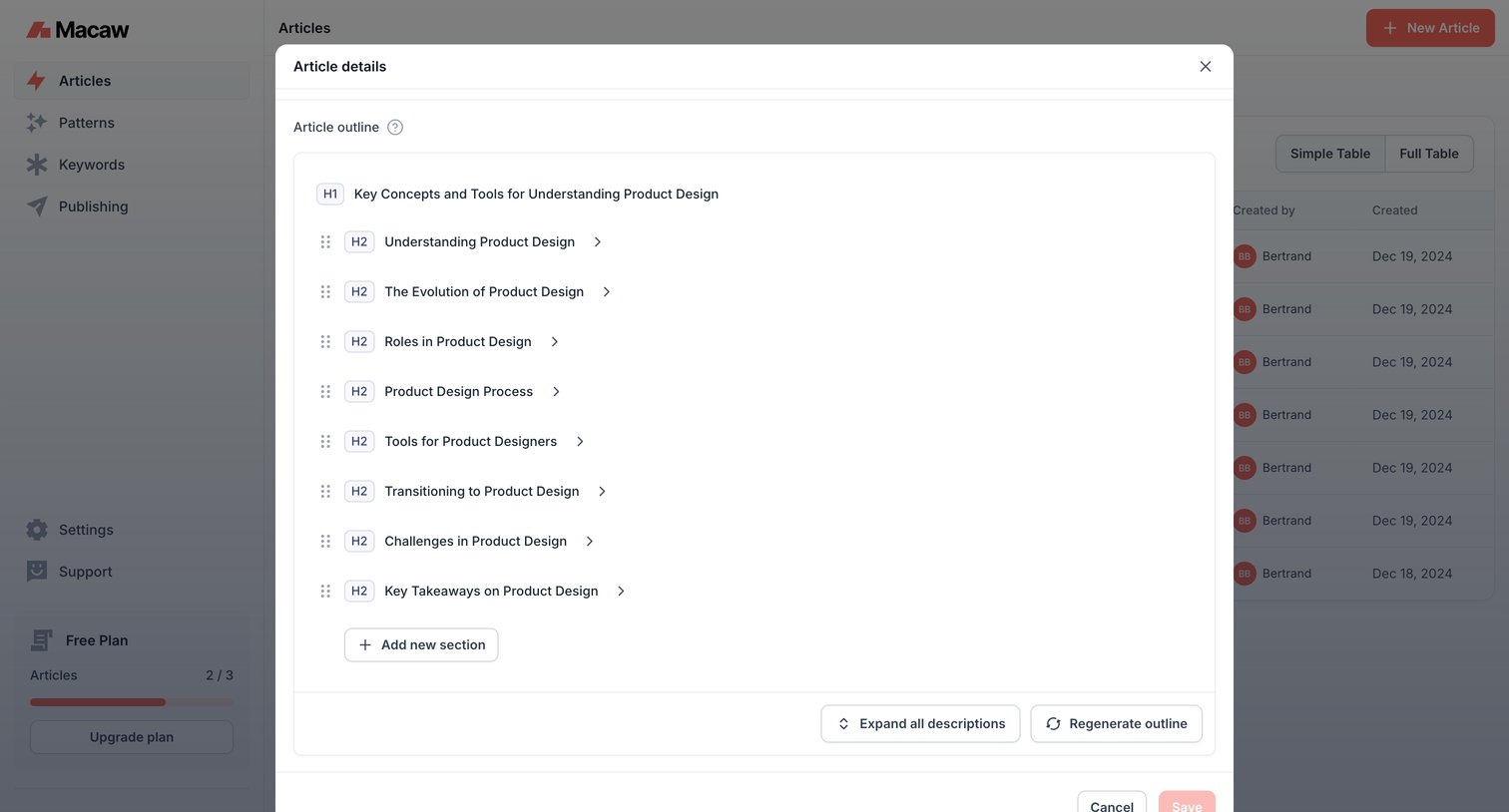

List view of articles with a modal open where the user can edit the generated outline of a specific article, including options to reorder sections, add new ones, and regenerate the structure.
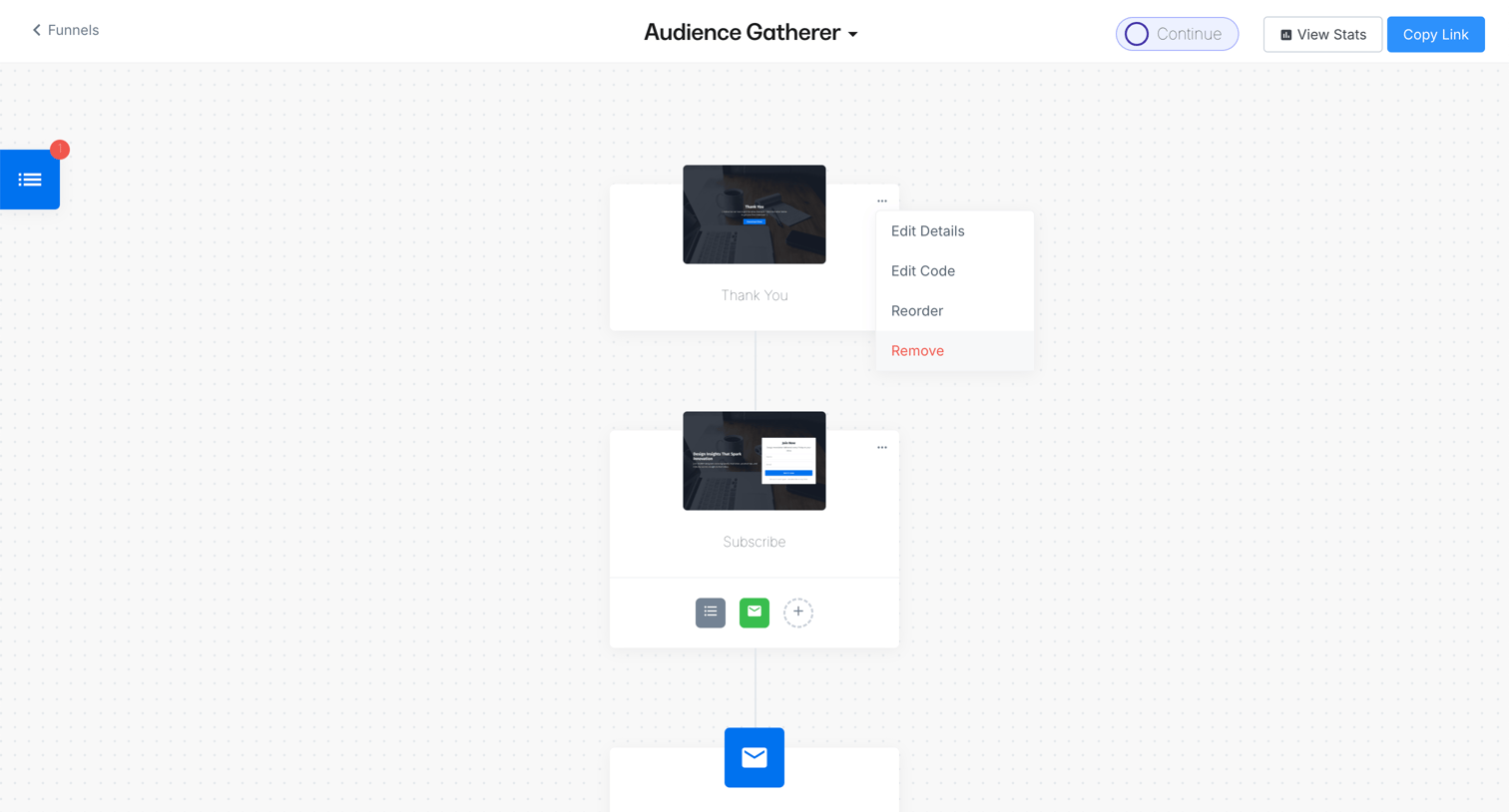

Workflow editor where the user builds an audience gathering funnel with landing pages and email sequences.
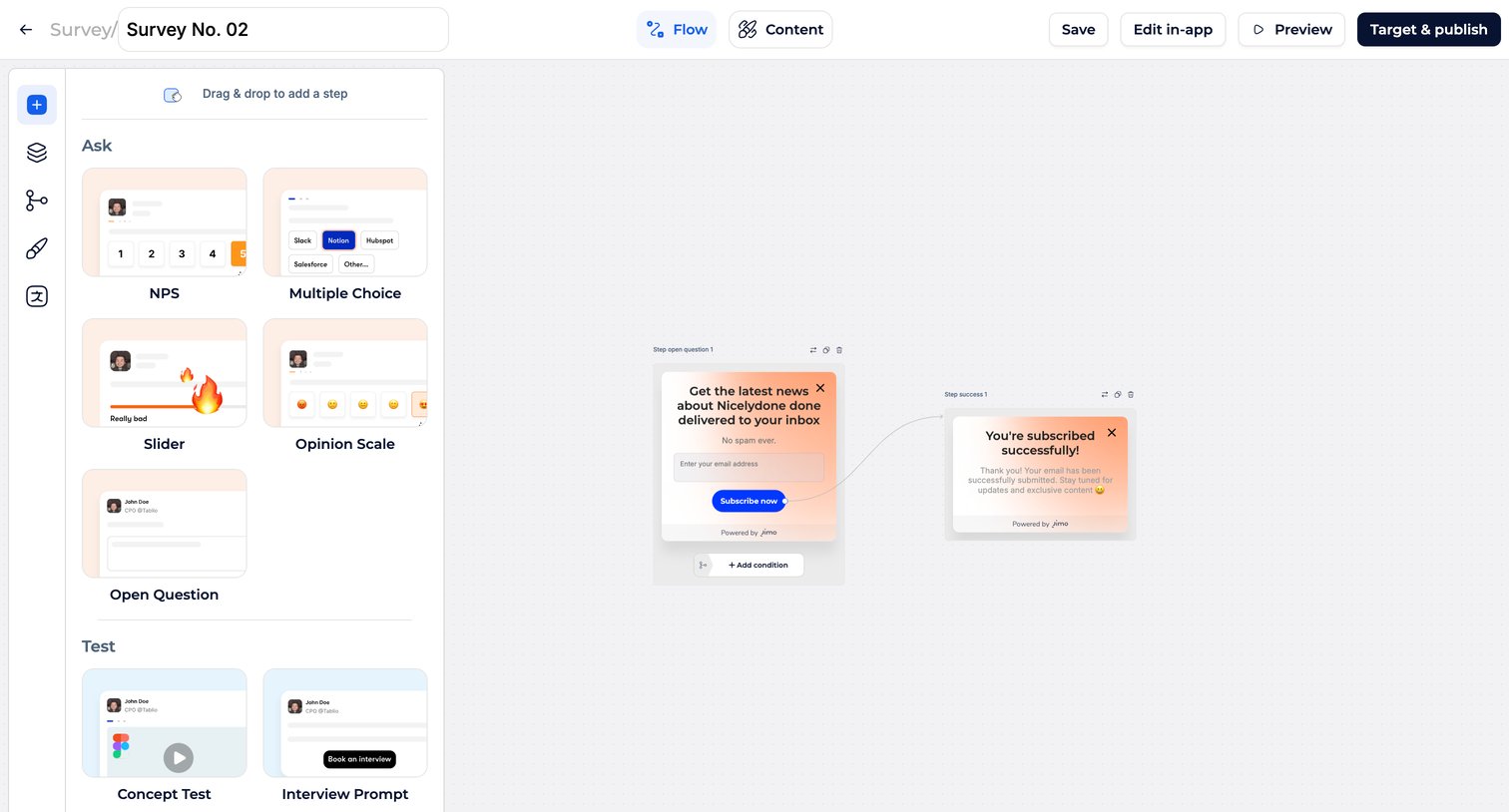

Design editor where the user builds a multi-step survey flow by dragging question types like NPS and Multiple Choice onto a canvas and connecting them.
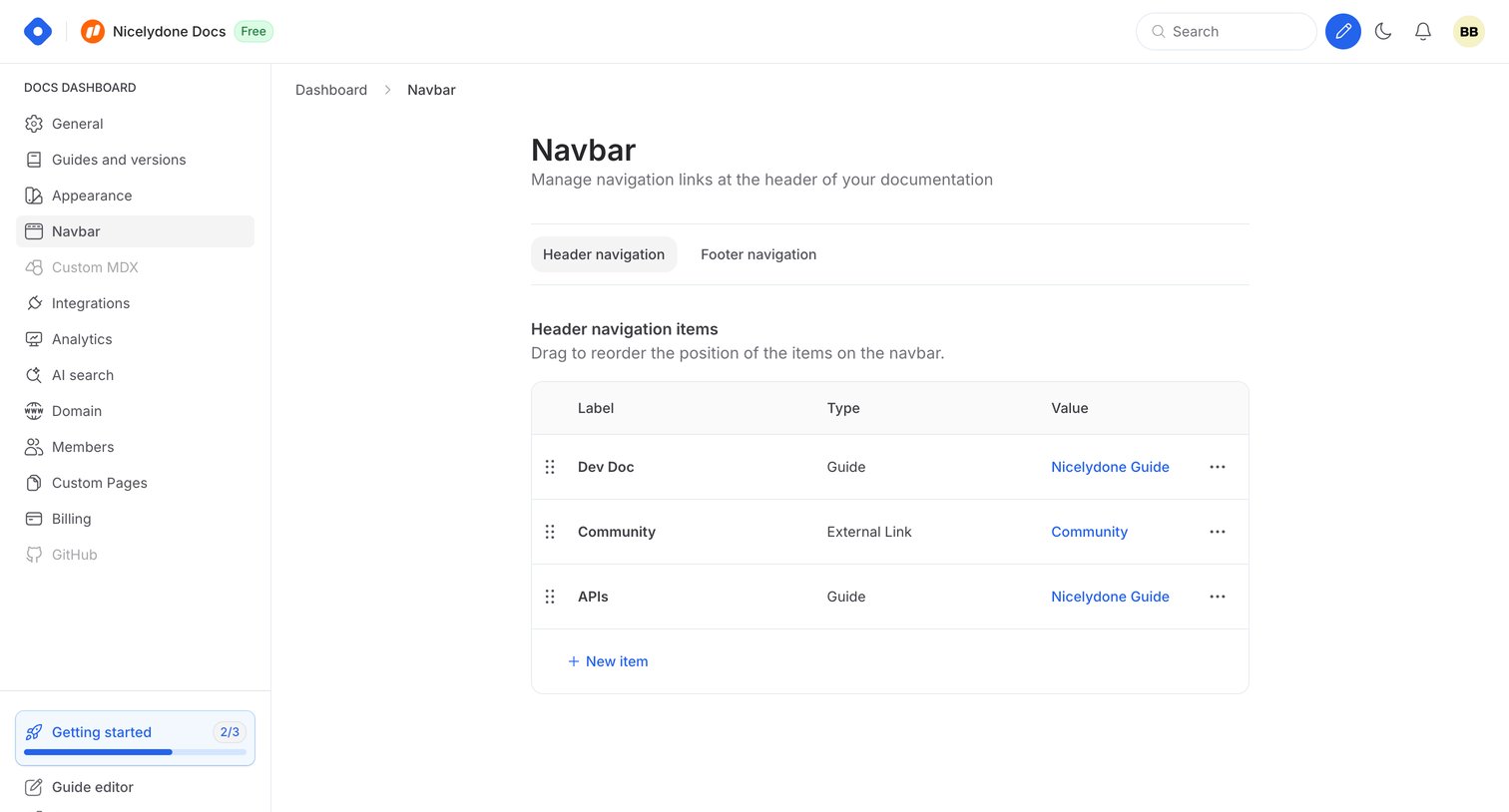

Settings page where the user configures header and footer navigation links for their documentation site, including reordering items via drag-and-drop.
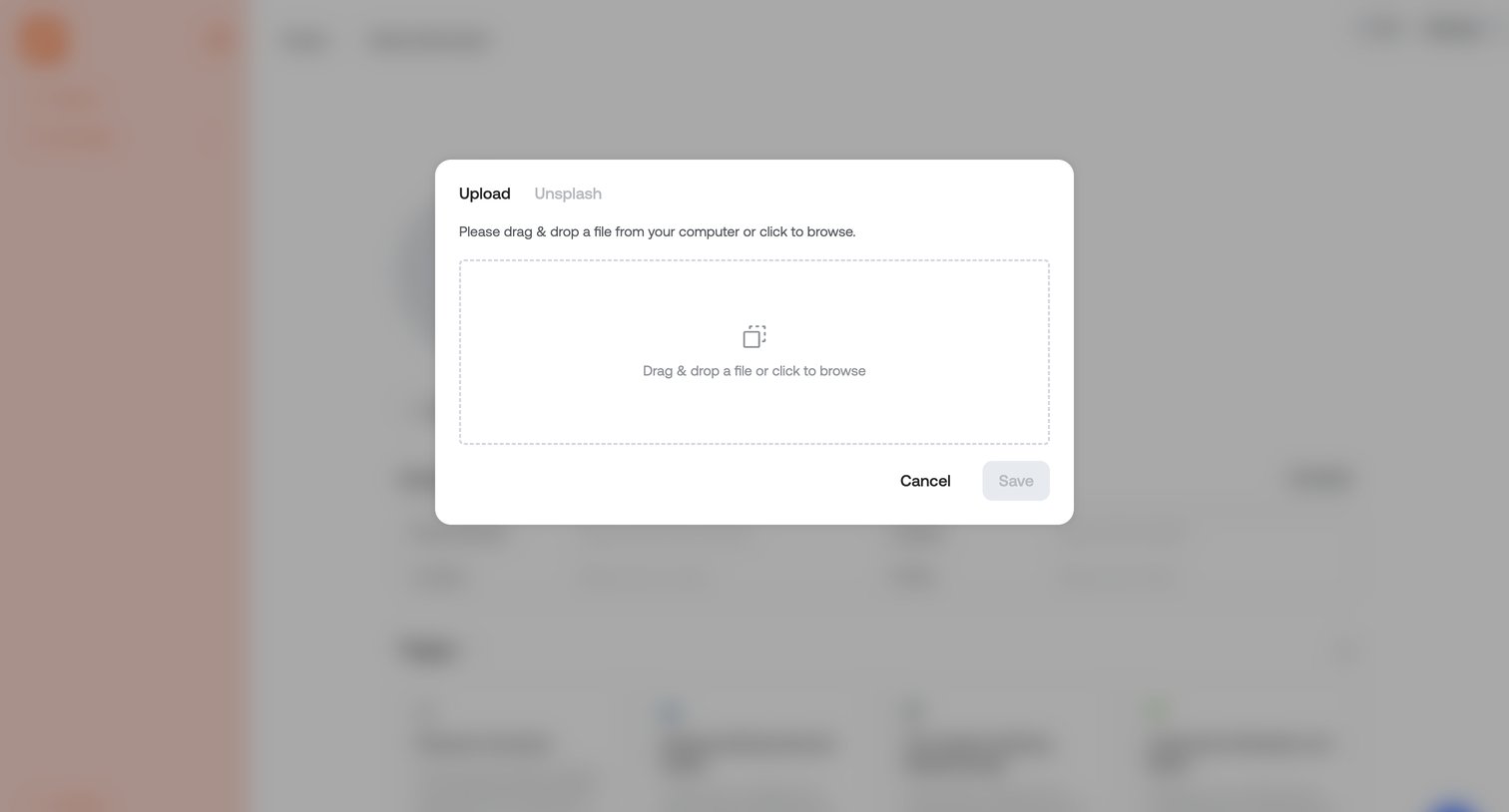

Detail page featuring a modal overlay where the user can upload a file via a drag-and-drop zone or browse from their computer.
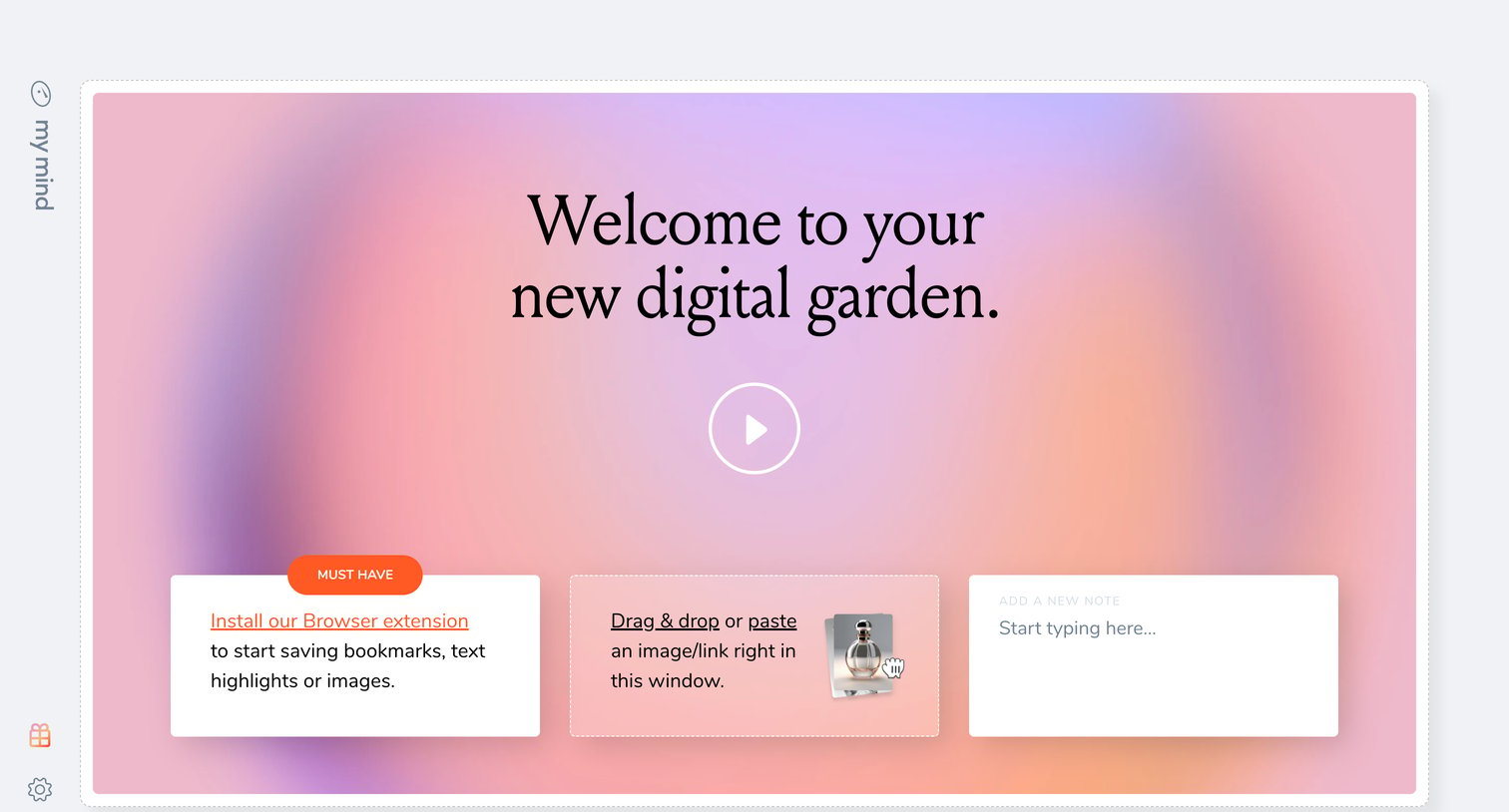

Onboarding screen for an empty workspace welcoming the user and providing three ways to add their first content: installing an extension, dragging and dropping, or typing a note.

Explore the full SaaS screen library
Upgrade to unlock the full library.
Trusted by the best teams







