Navigating settings screen examples
Navigating settings screen design examples from SaaS apps. Browse examples from Zapier, Lindy, Fourthwall.
Explore the examples
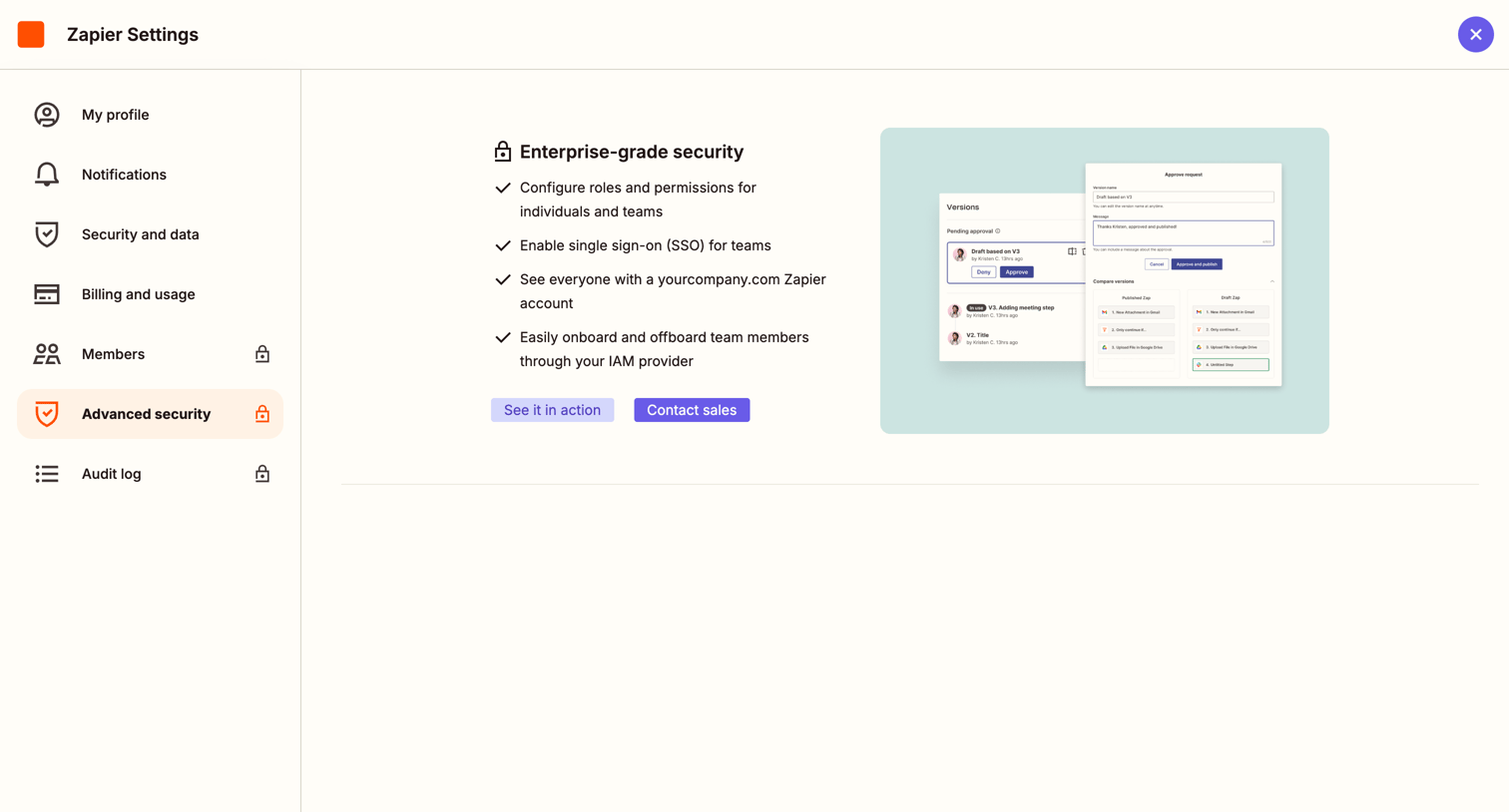

Settings page where the user hits a paywall for advanced security features and is prompted to contact sales for an enterprise upgrade.
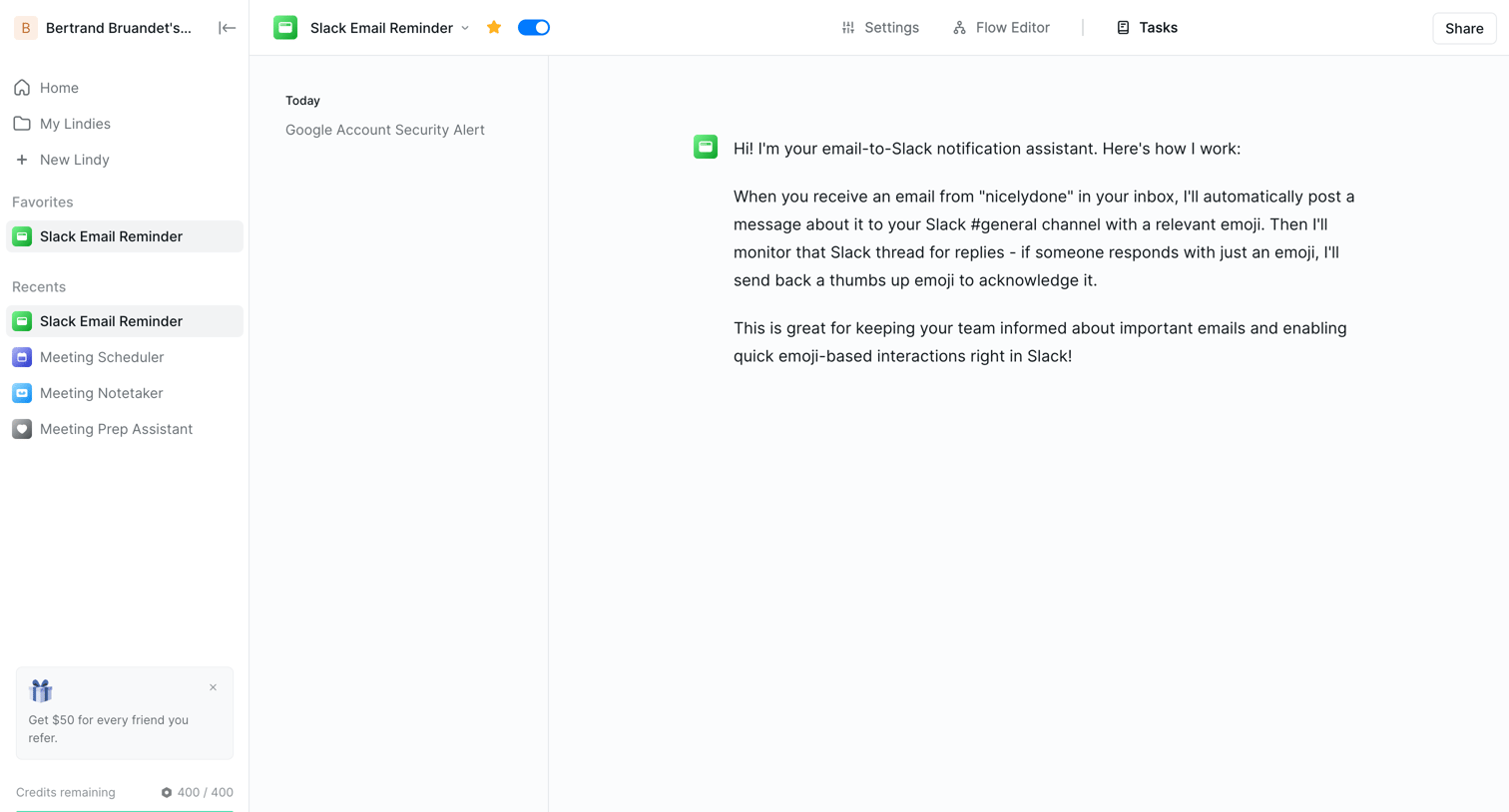

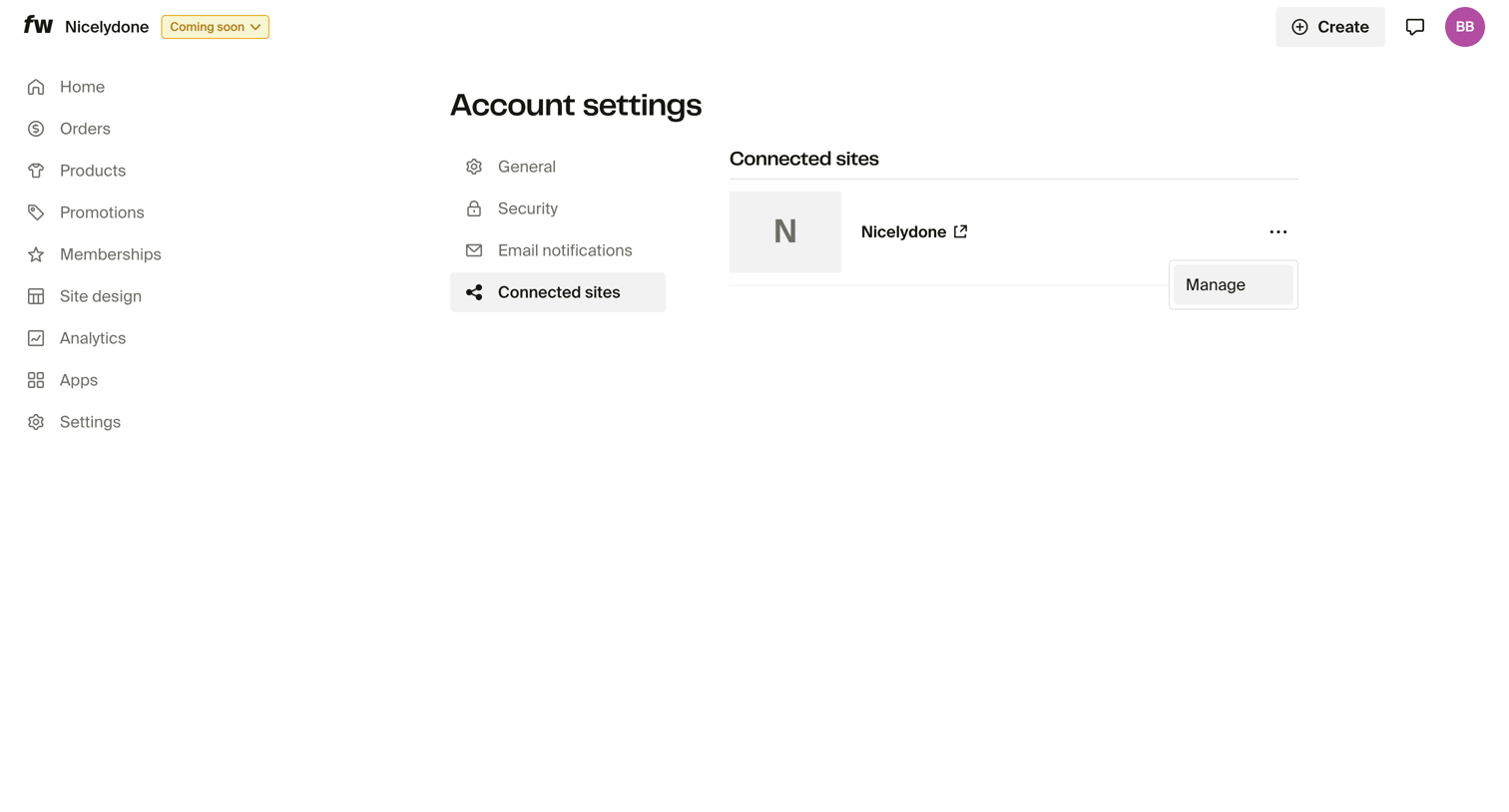

Settings page where the user manages connected sites for their account, with an open dropdown menu to manage a specific site.
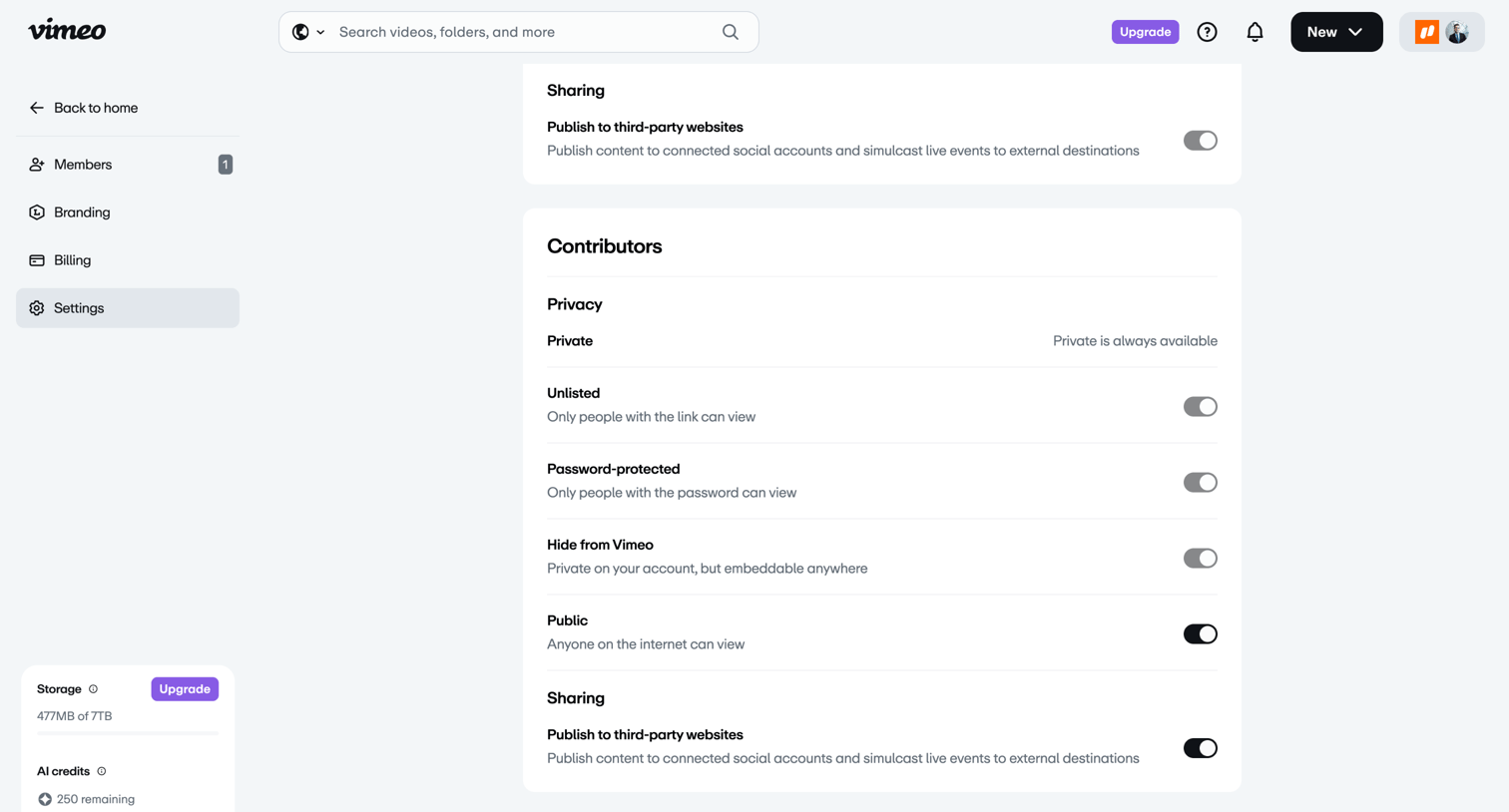

Settings page where the user configures default privacy and sharing restrictions for their team's videos, including options like Unlisted, Password-protected, and Public.
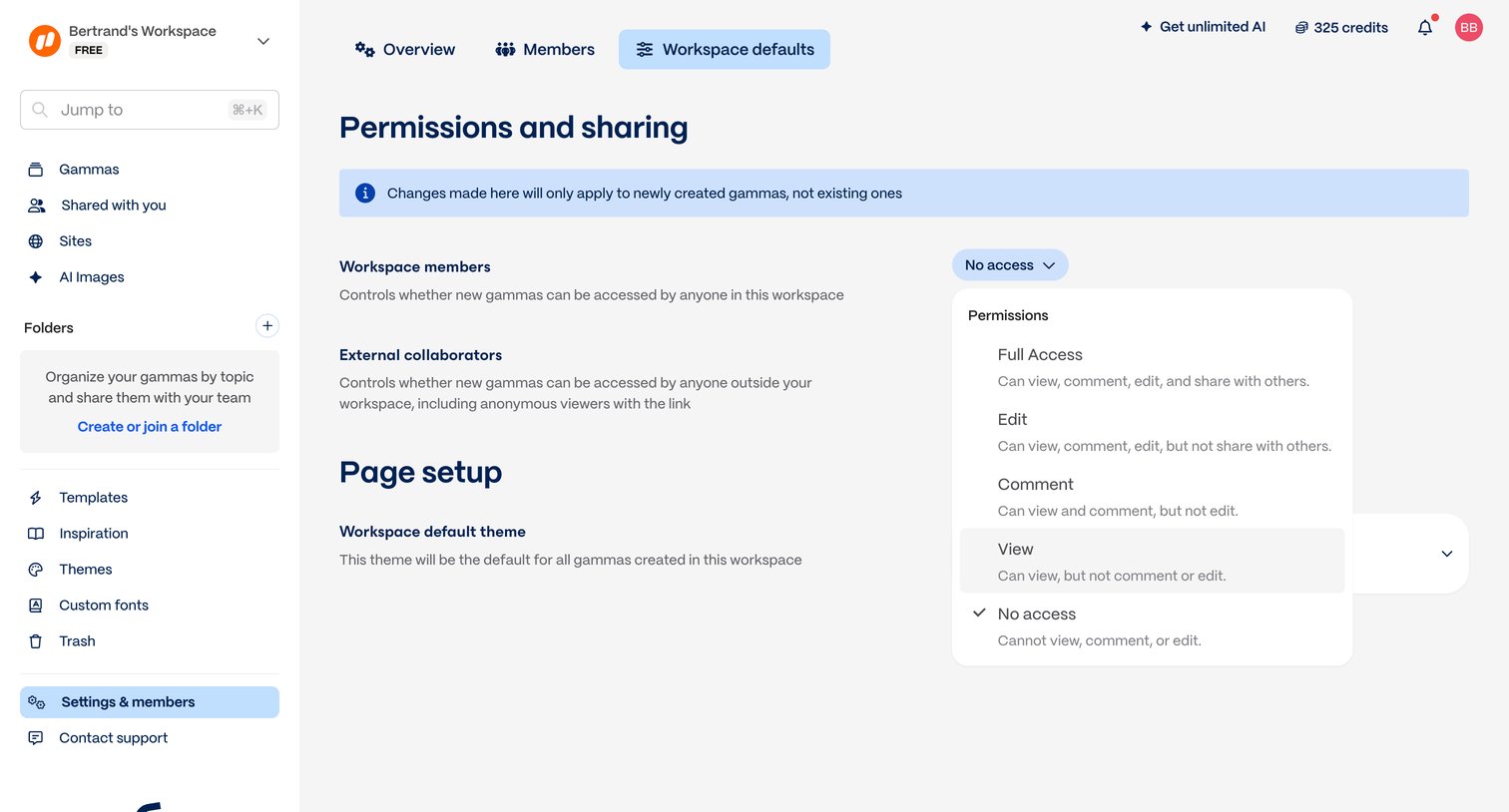

Settings page where the user configures workspace-level defaults for permissions, external sharing, and page themes.
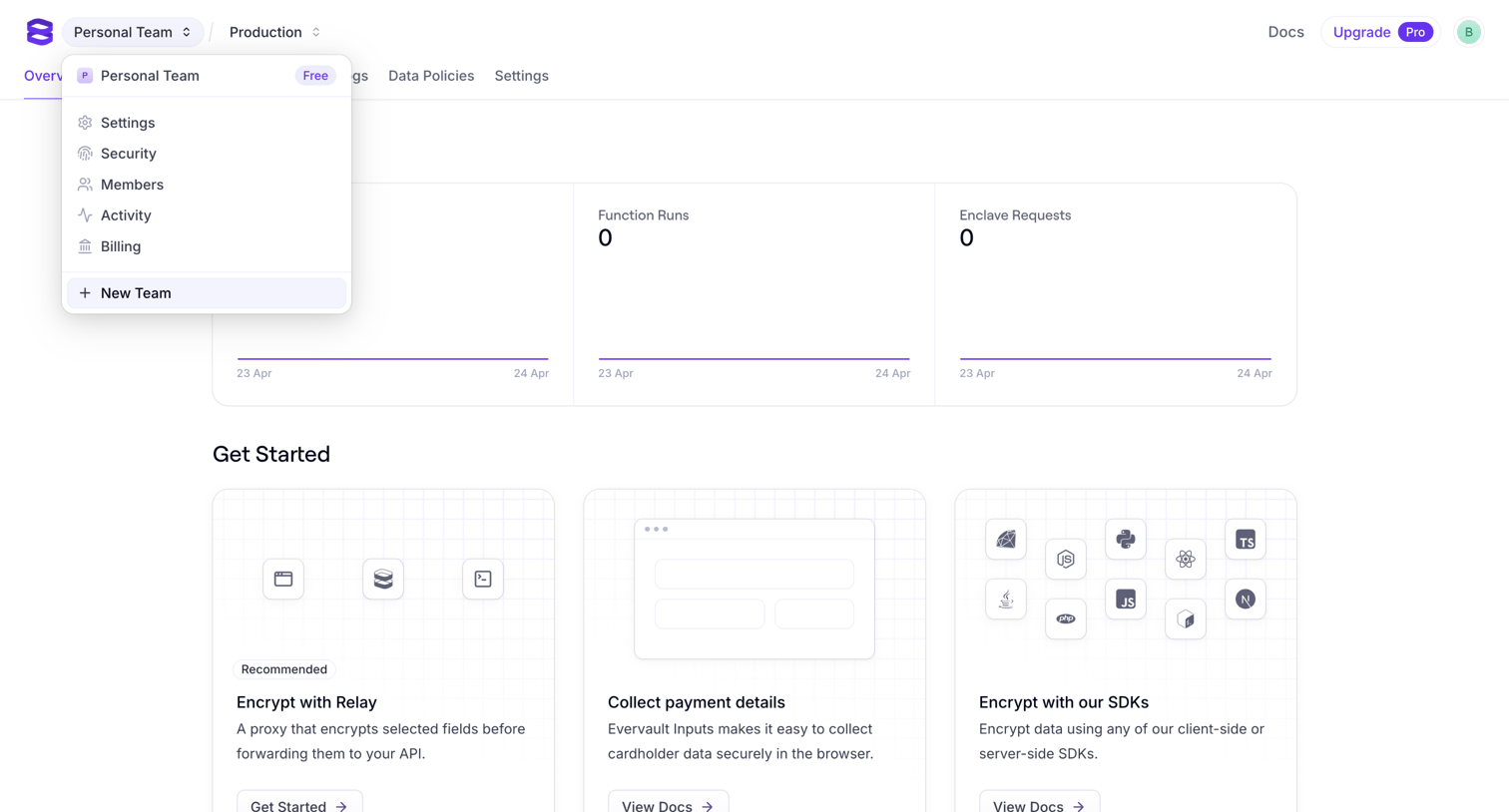

Dashboard overview for a new application showing empty request metrics and a getting started guide for encryption and payment collection.
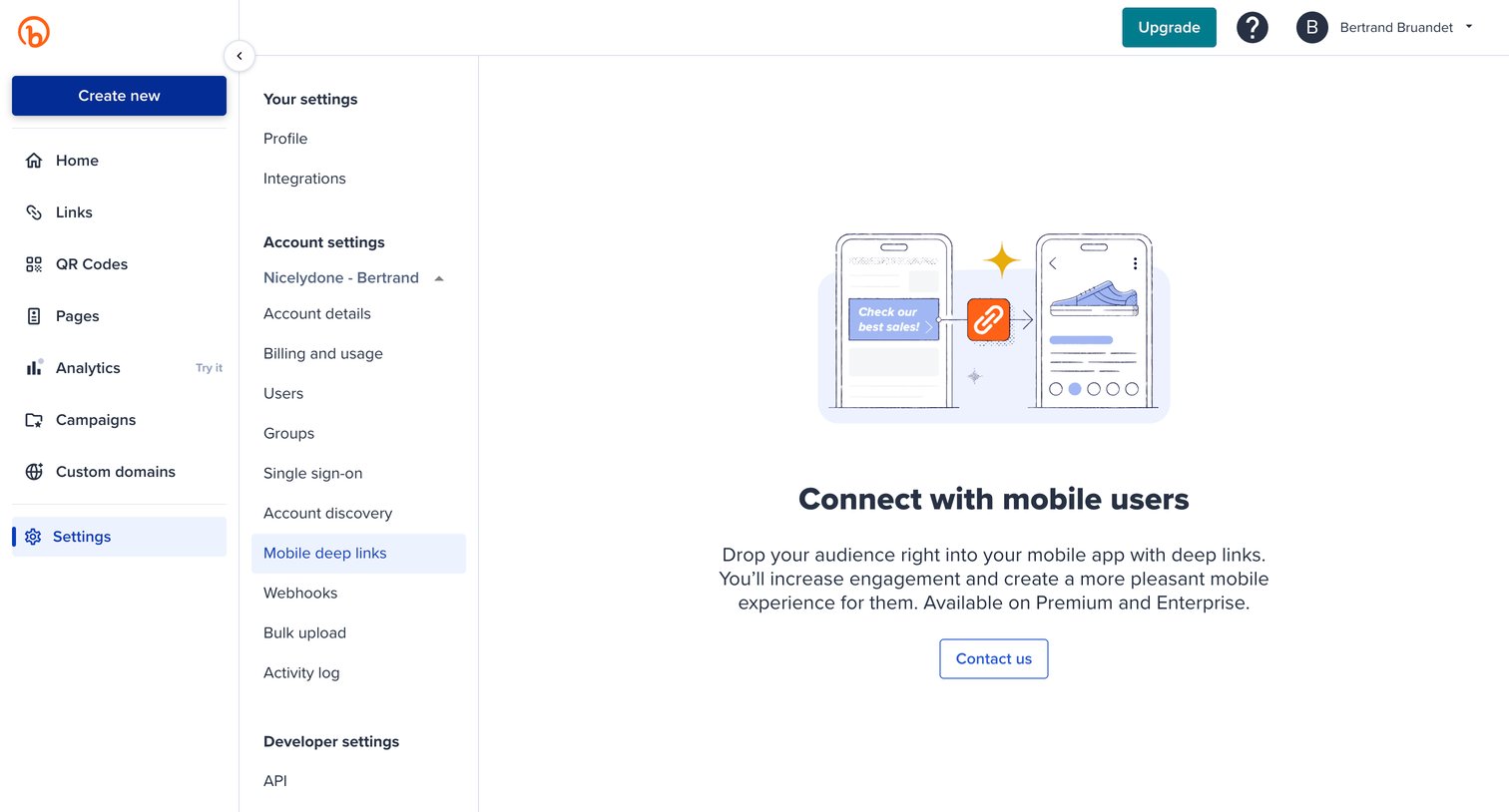

Settings page where the user encounters a feature gate for mobile deep links, prompting them to contact sales for Premium or Enterprise access.
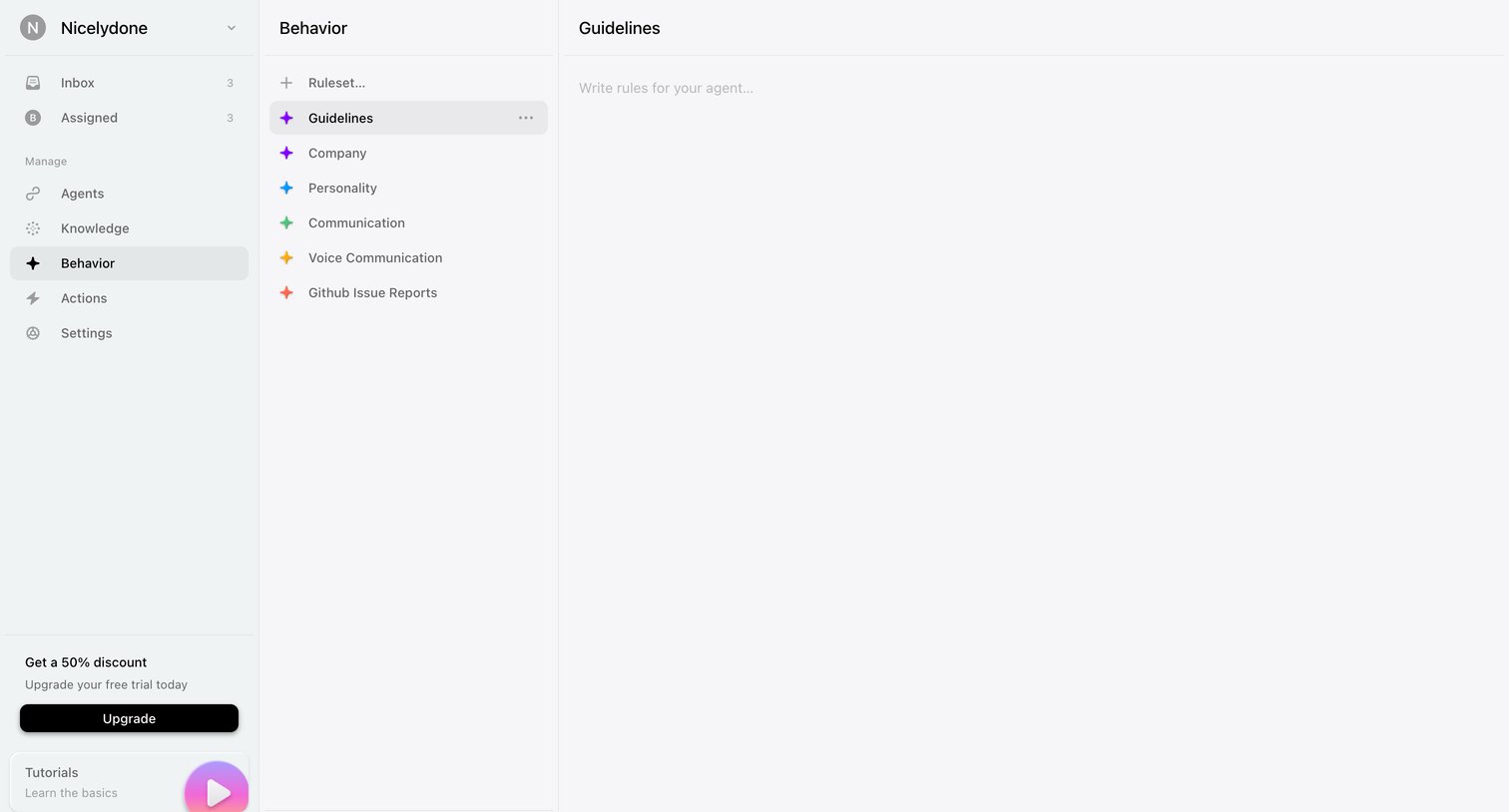

Settings page where the user configures custom behavior guidelines and rulesets for their AI agent via a three-pane editor.
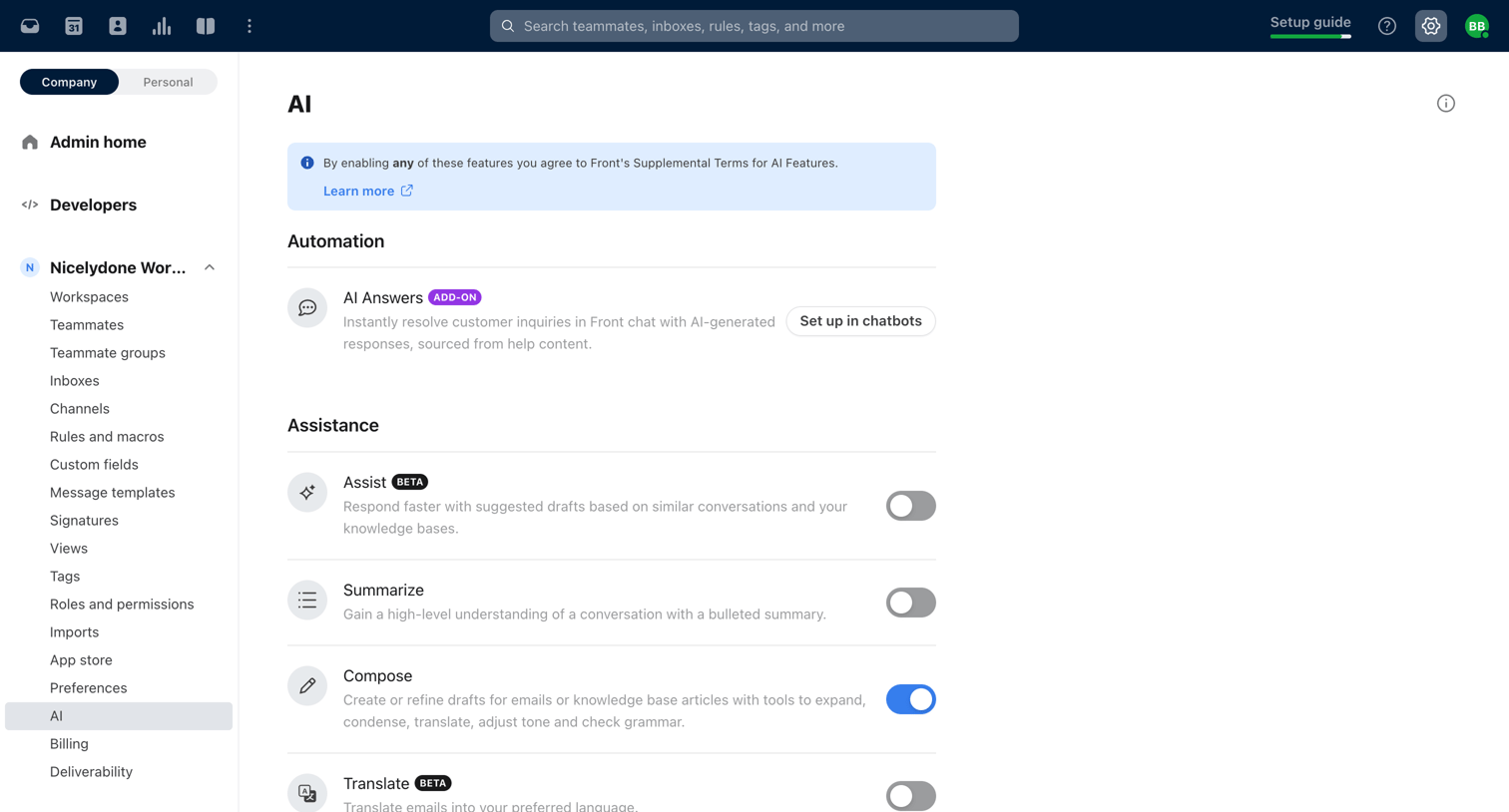

Settings page where the user configures AI automation, assistance, and insights features by toggling options like Compose and Summarize.
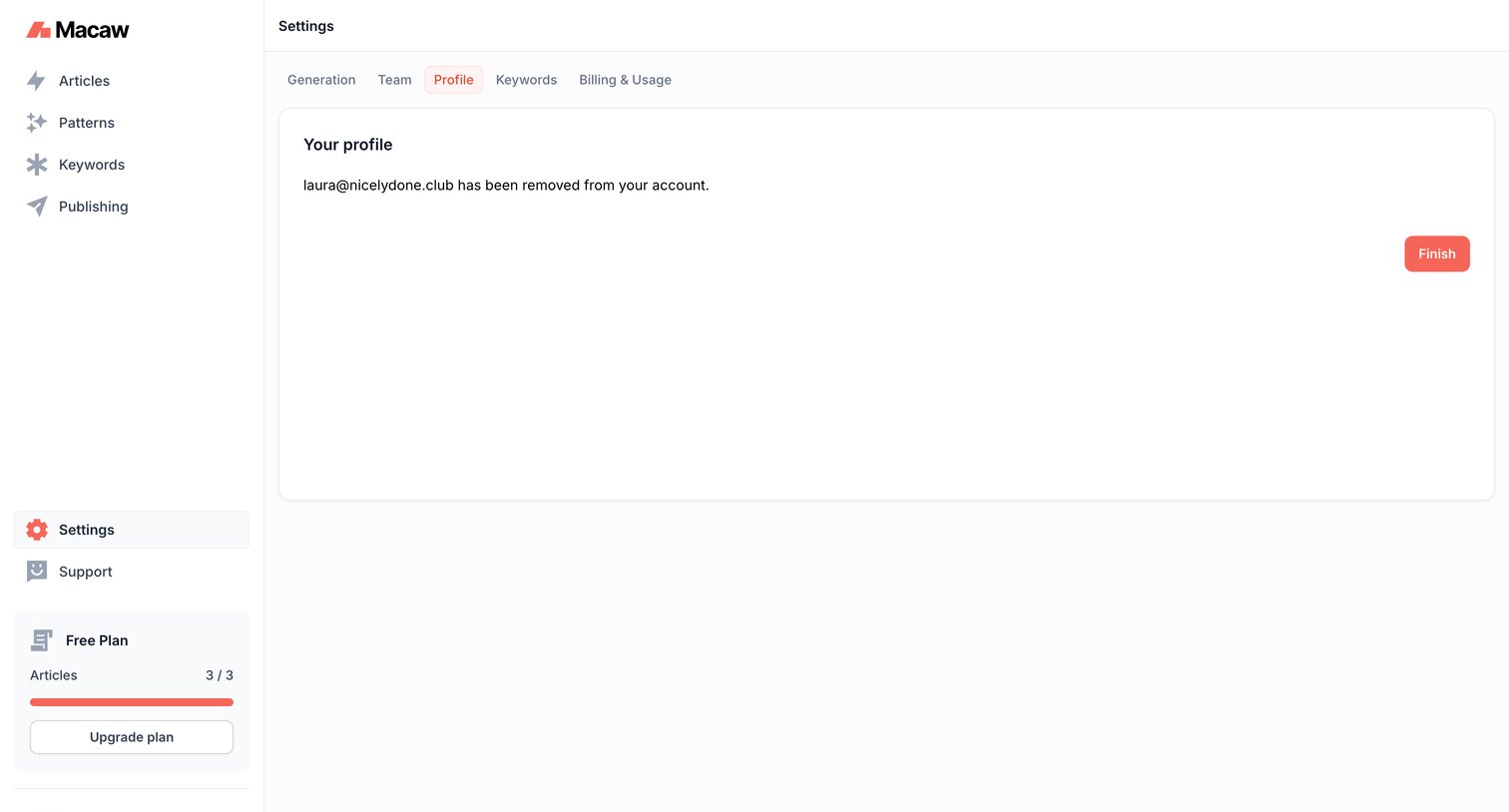

Settings page where the user confirms the successful removal of an email address from their profile.
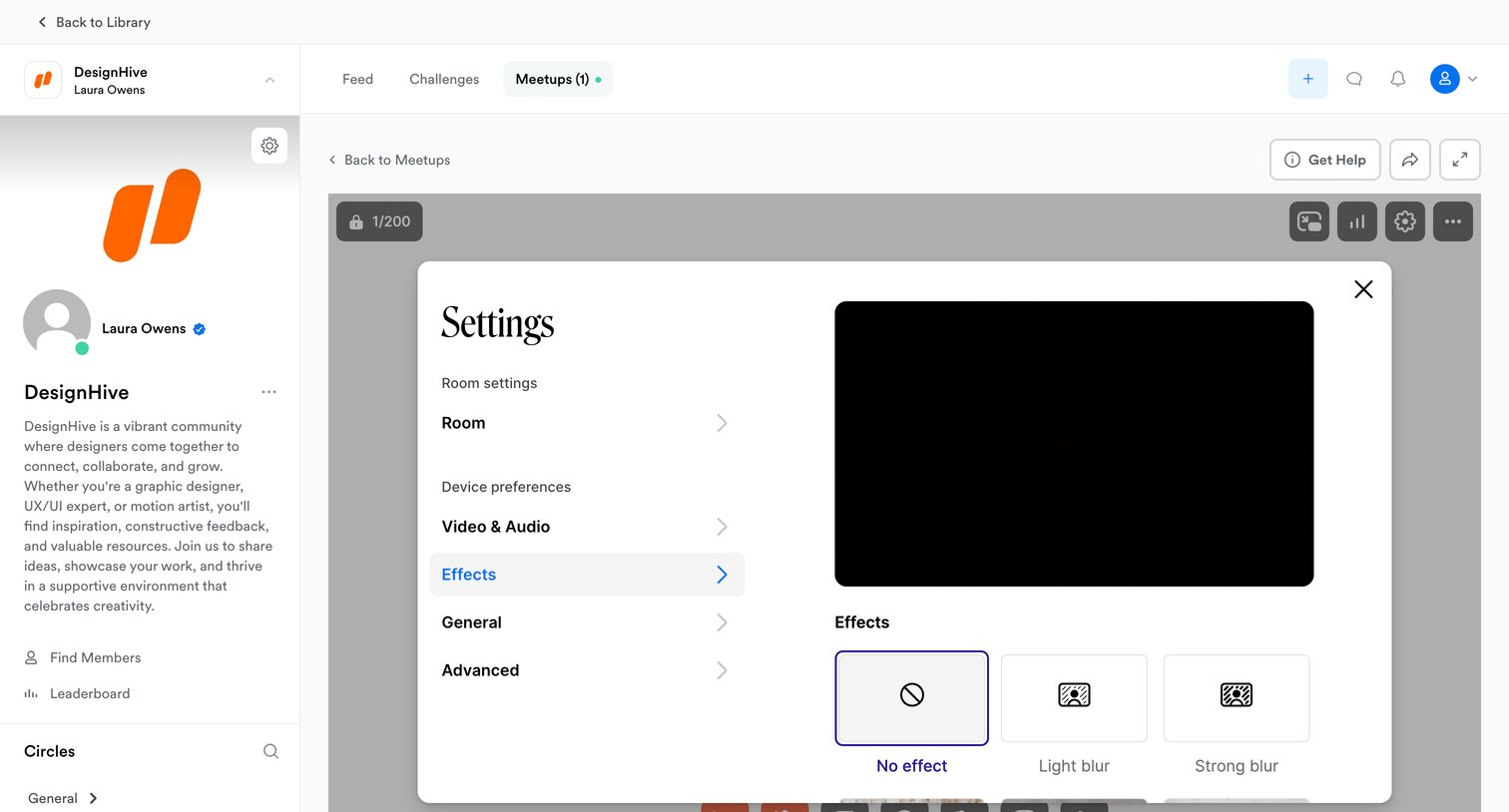

Detail page for a live community meetup where the user is configuring video effects like background blur in a settings modal.
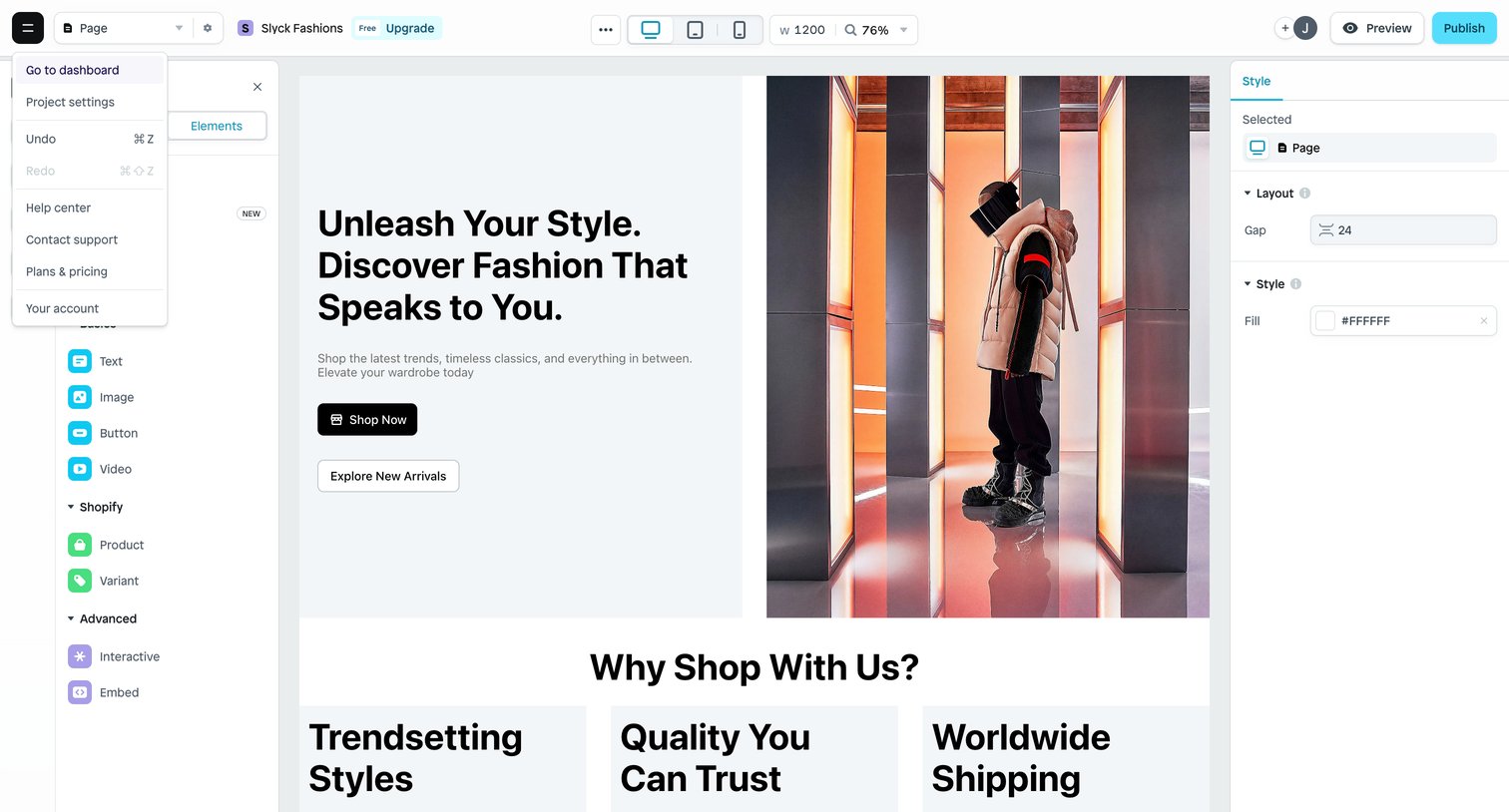

Design editor where the user is building a fashion e-commerce landing page, with a left panel for inserting elements and a right inspector panel for styling the selected layout.
Explore the full SaaS screen library
Upgrade to unlock the full library.
Trusted by the best teams







