Skip to content

Messages screen examples

Messages screen design examples from SaaS apps. Browse examples from Cushion, Cobot, Fourthwall.

Explore the examples
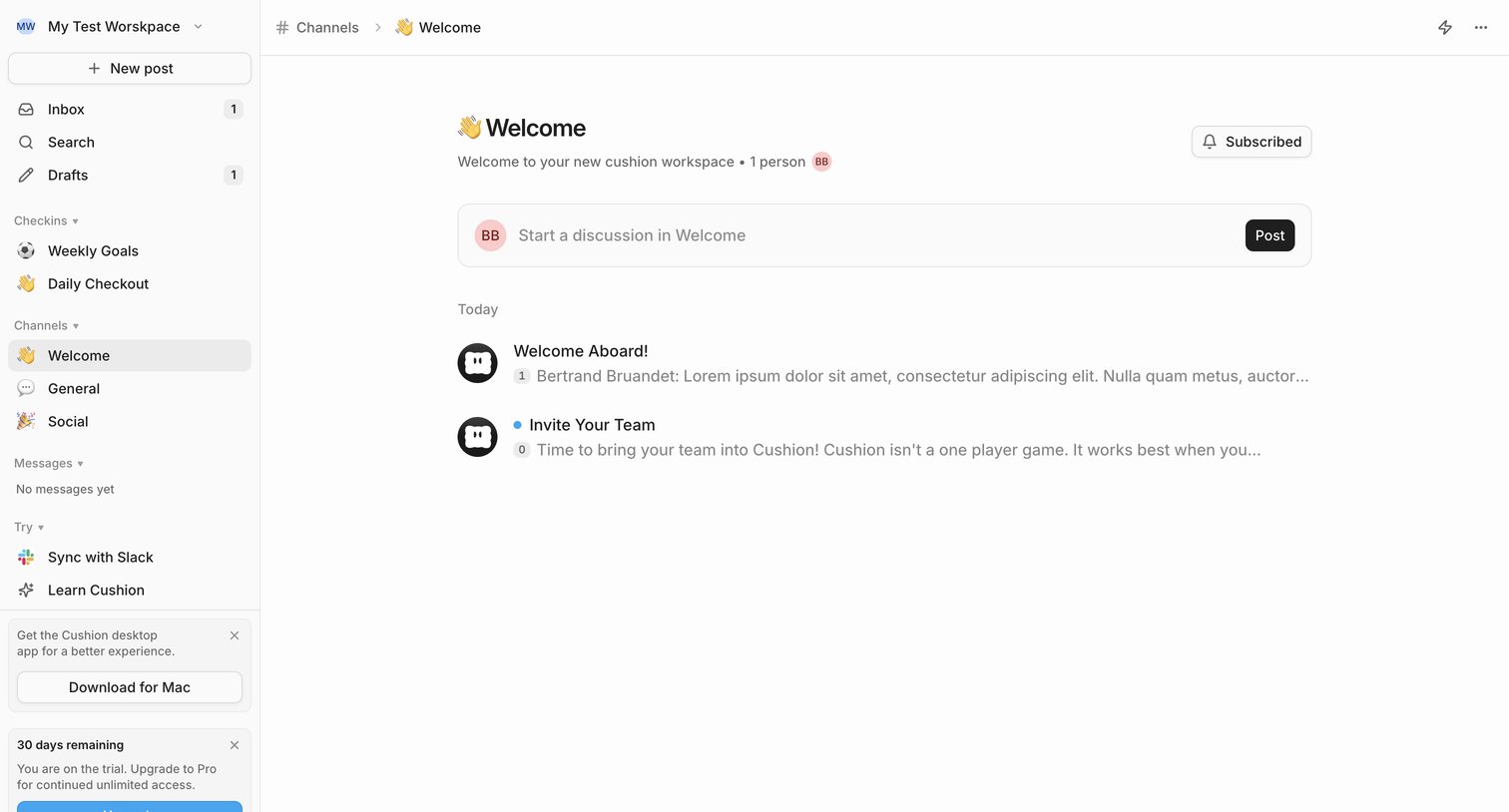
Cushion - Welcome - Cushion screen
Cushion logo
Cushion

Channel feed where the user can read welcome posts, start a new discussion, and view their trial status.

Cobot screen
Cobot logo
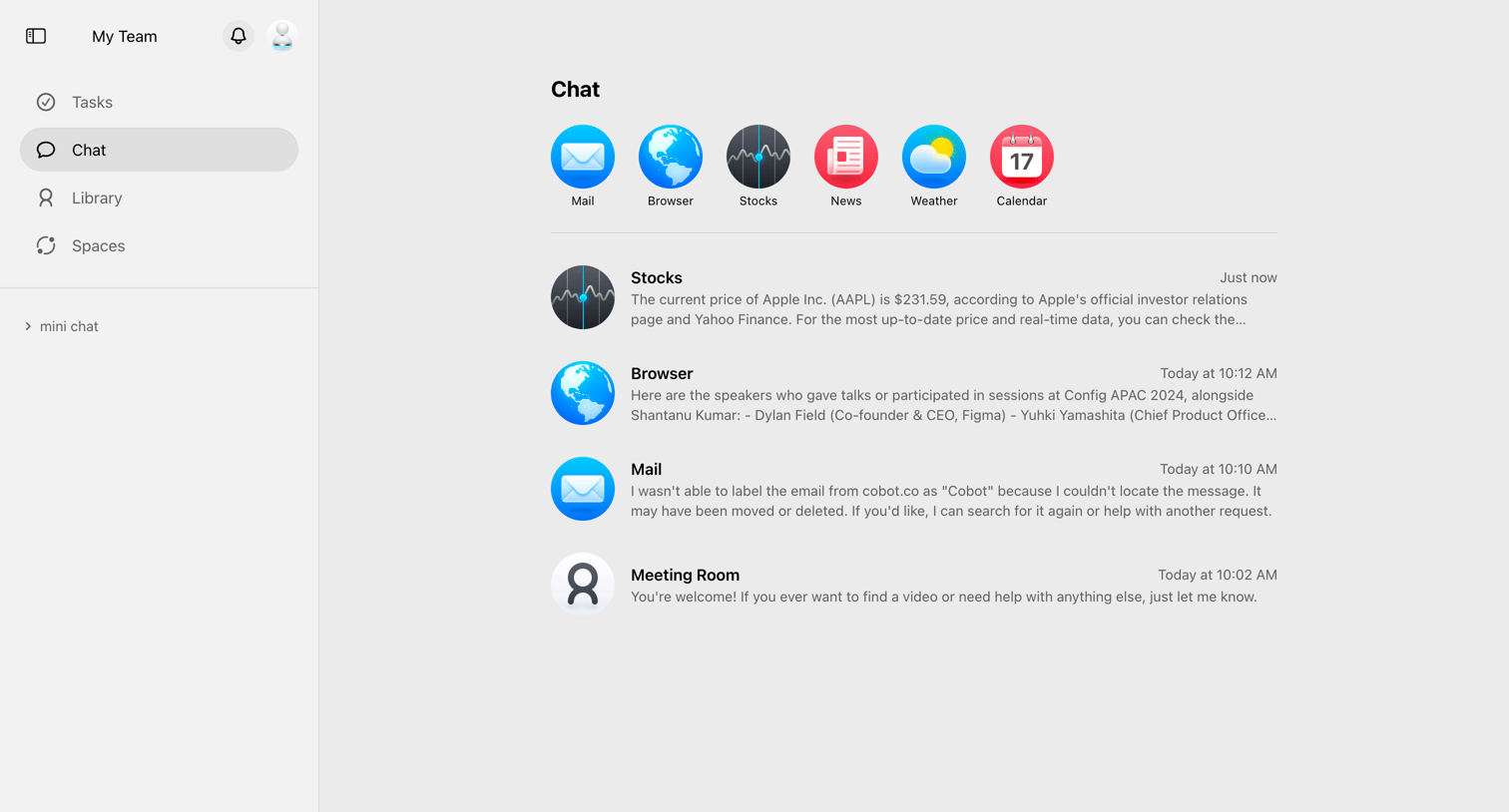
Cobot

Inbox view where the user can browse recent chat interactions with various AI agents and connected apps like Stocks, Browser, and Mail.

Fourthwall - Dashboard screen
Fourthwall logo
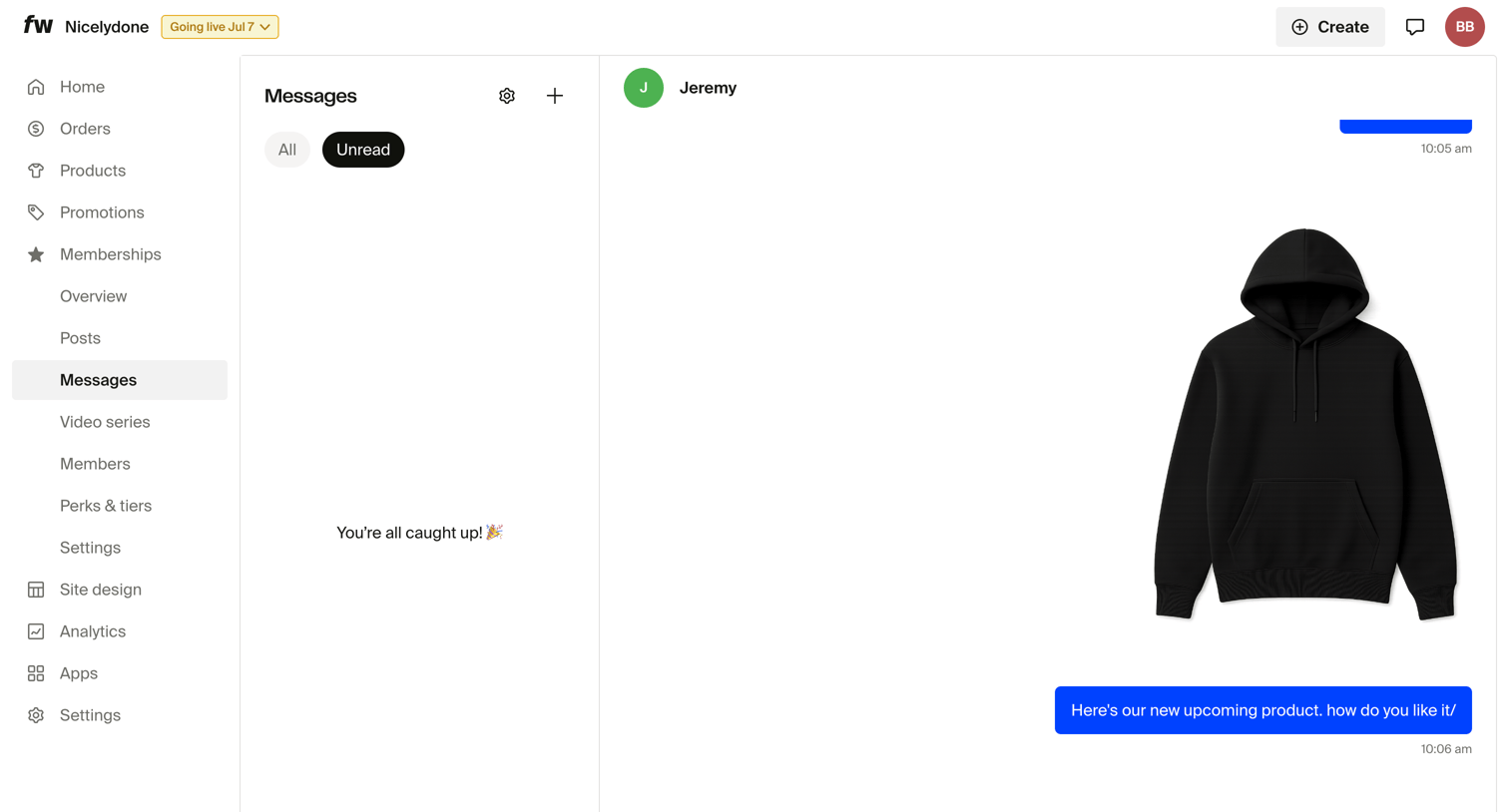
Fourthwall

Inbox view where the store owner manages membership messages, showing an empty unread list and an active conversation with an image attachment.
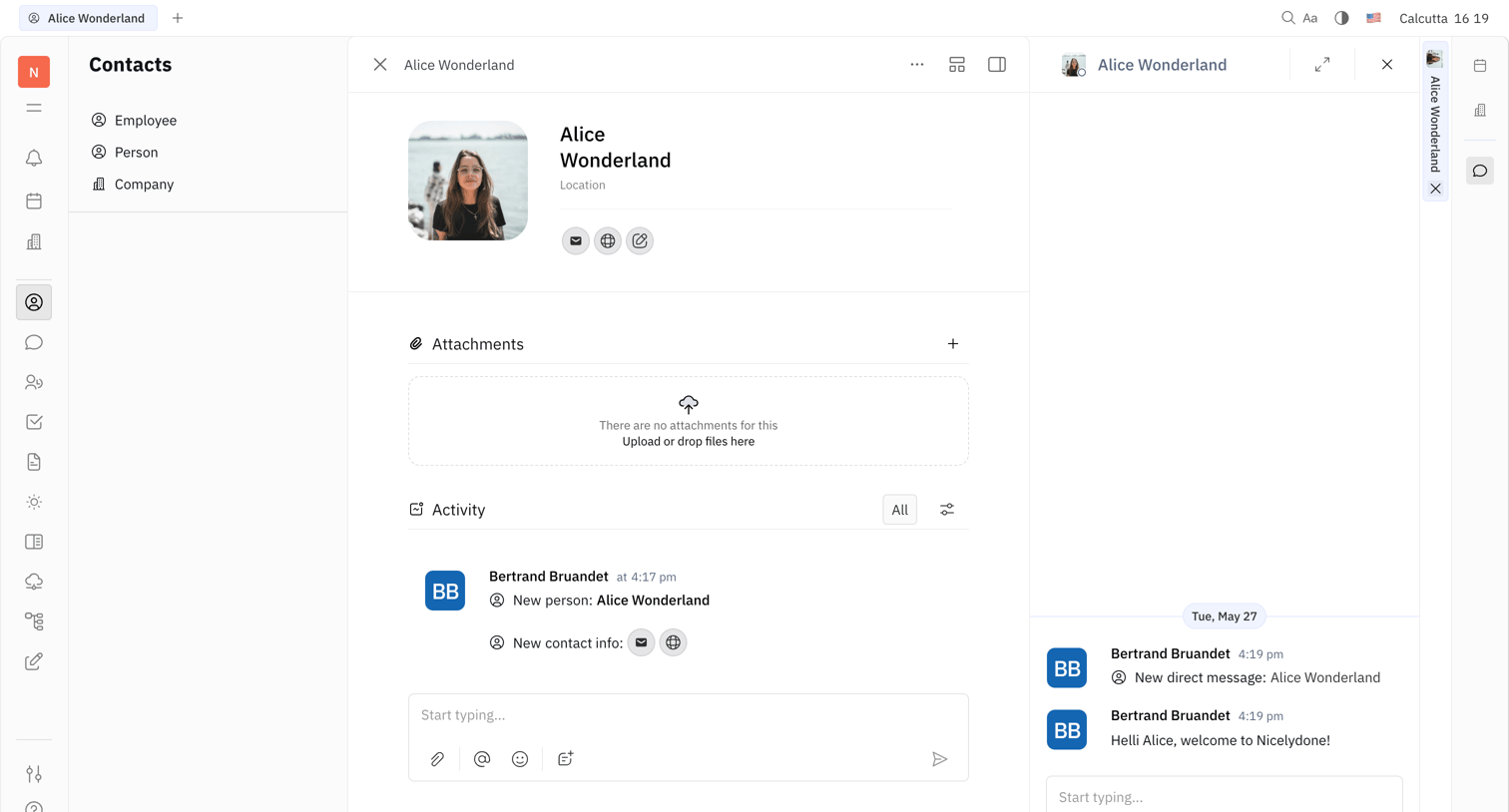
Huly - Alice Wonderland - Nicelydone screen
Huly logo
Huly

Detail page for a contact profile featuring an activity feed, attachment dropzone, and a direct messaging side panel.

Mangomint - Mangomint App screen
Mangomint logo
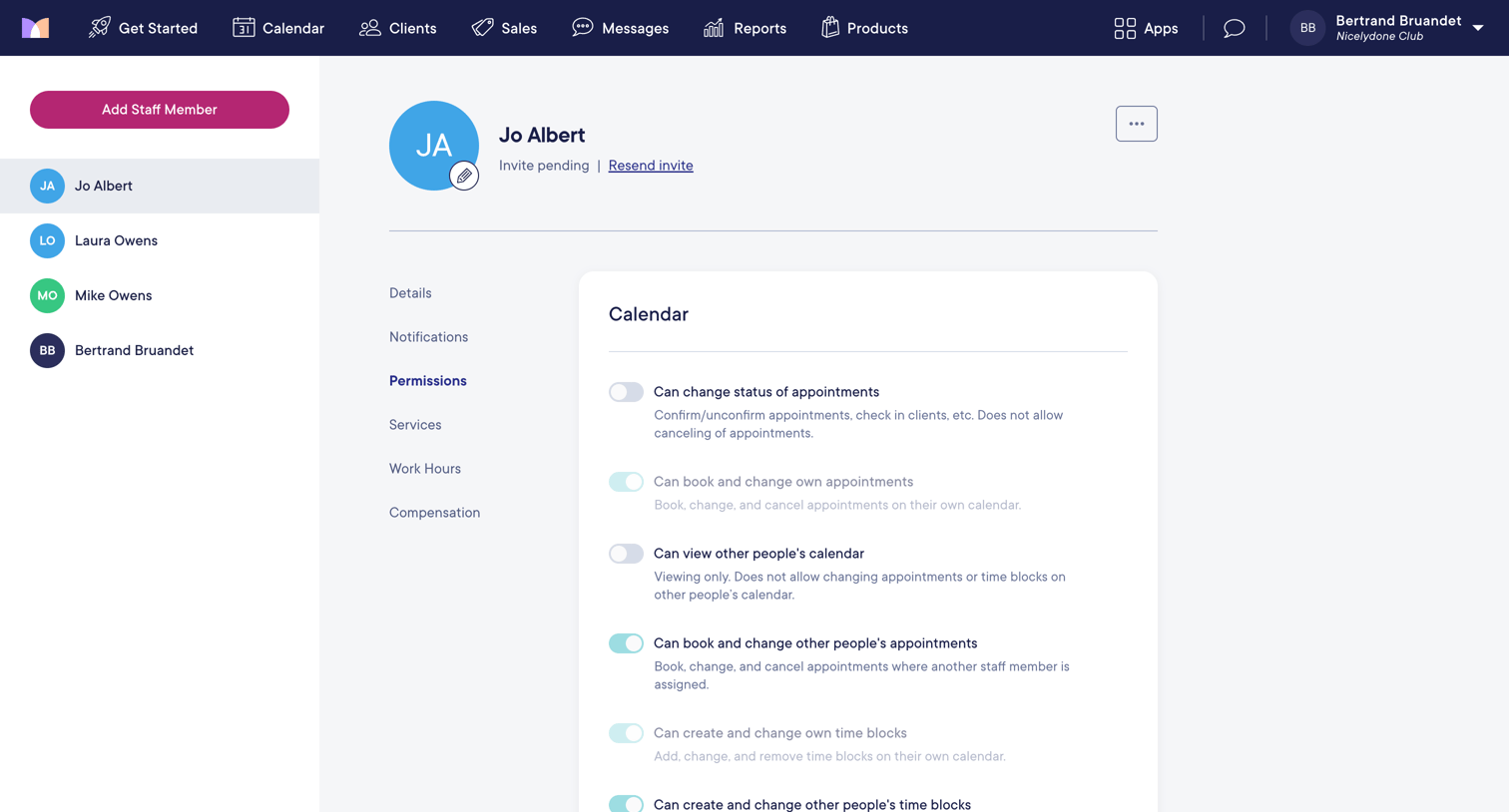
Mangomint

Settings page where an admin configures granular access permissions for a specific staff member across calendar, clients, sales, and other modules via a series of toggles.
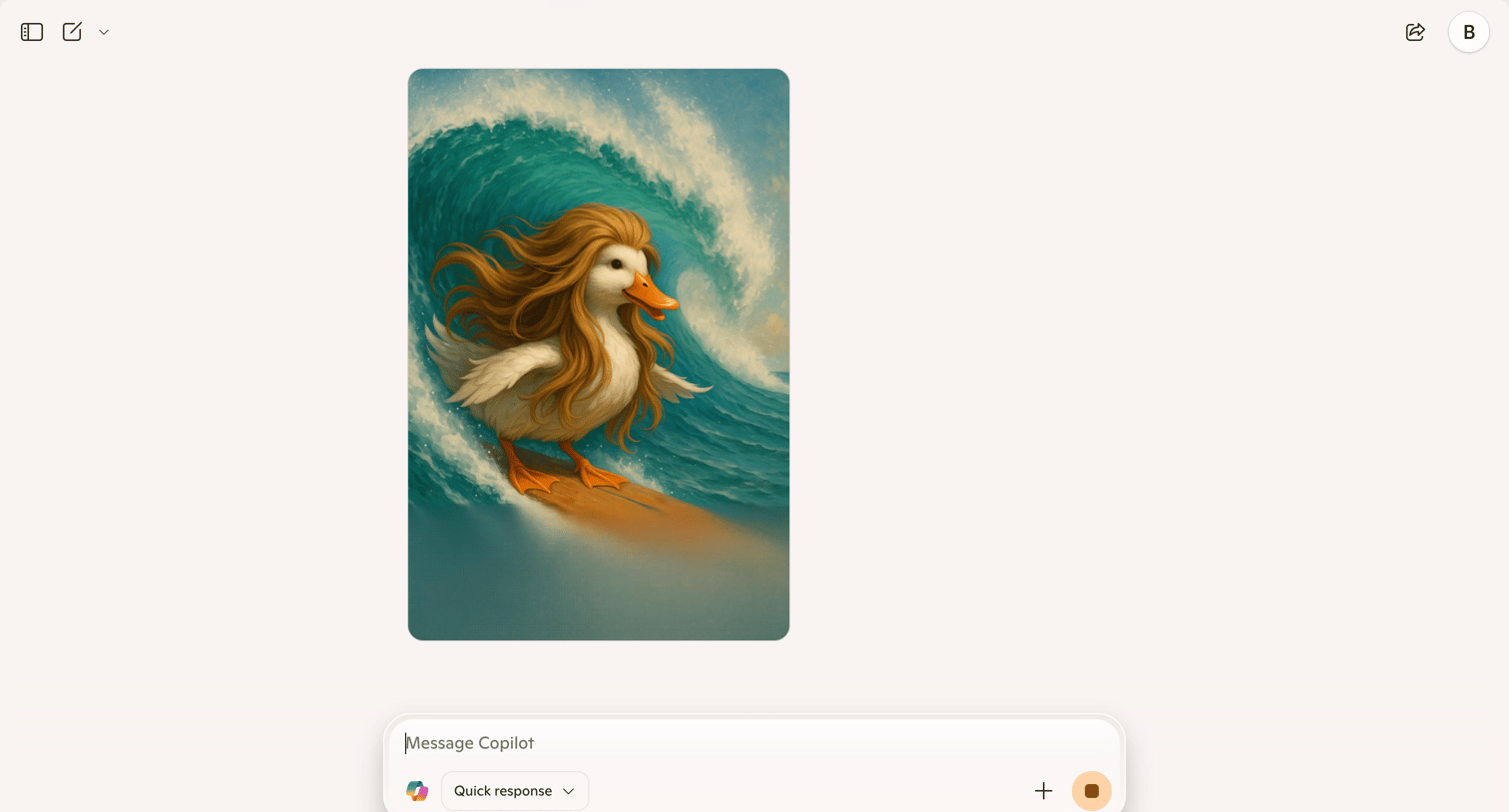

Copilot - Microsoft Copilot: Your AI companion screen
Copilot logo
Copilot

AI generation interface where the user views a generated image of a surfing duck and can enter a new prompt via text or voice in a floating composer.
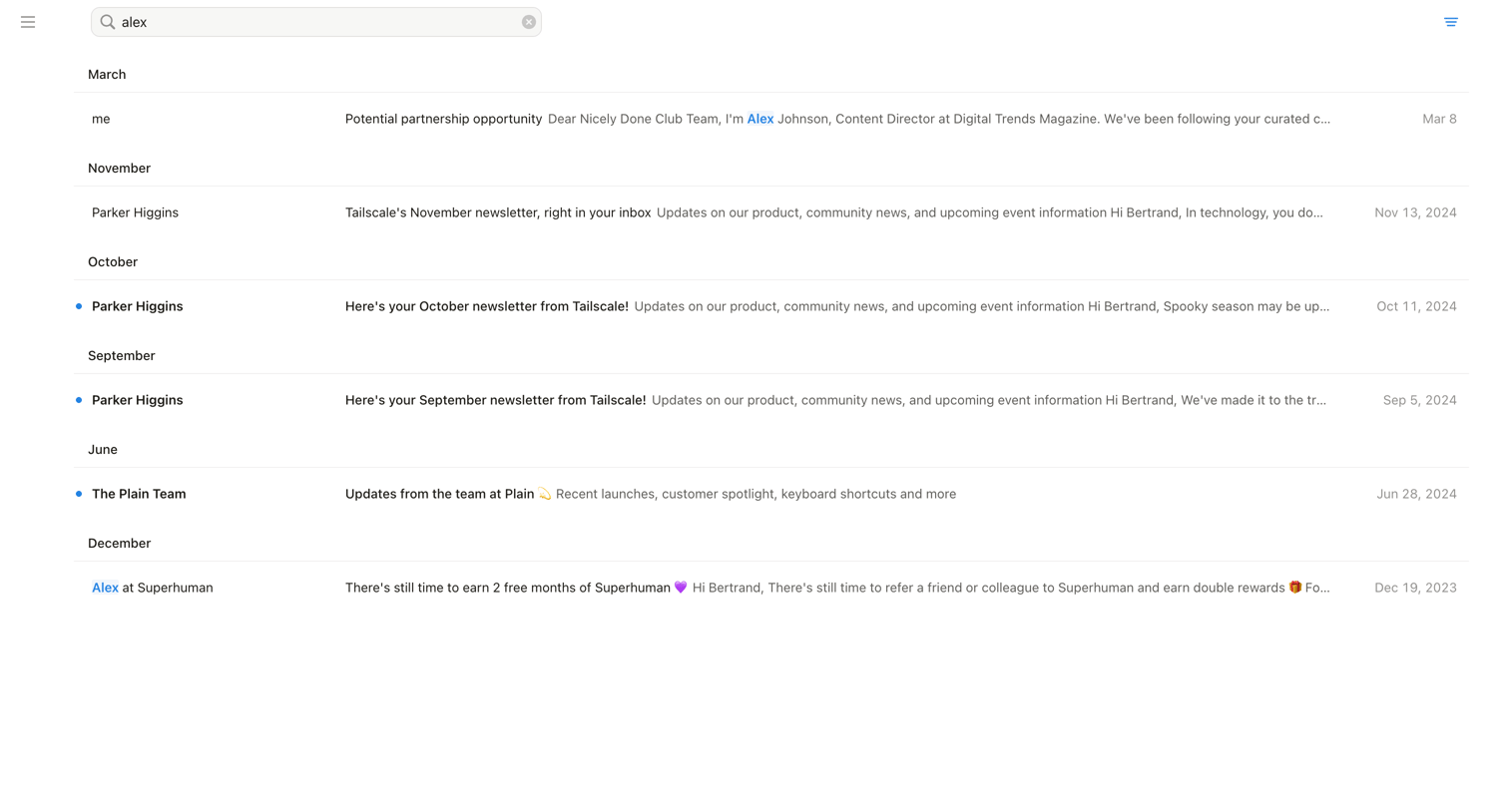

Notion Mail - Search • nicelydoneproducts@gmail.com • Notion Mail screen
Notion Mail logo
Notion Mail

Search results page where the user views emails matching the query 'alex', grouped chronologically by month.
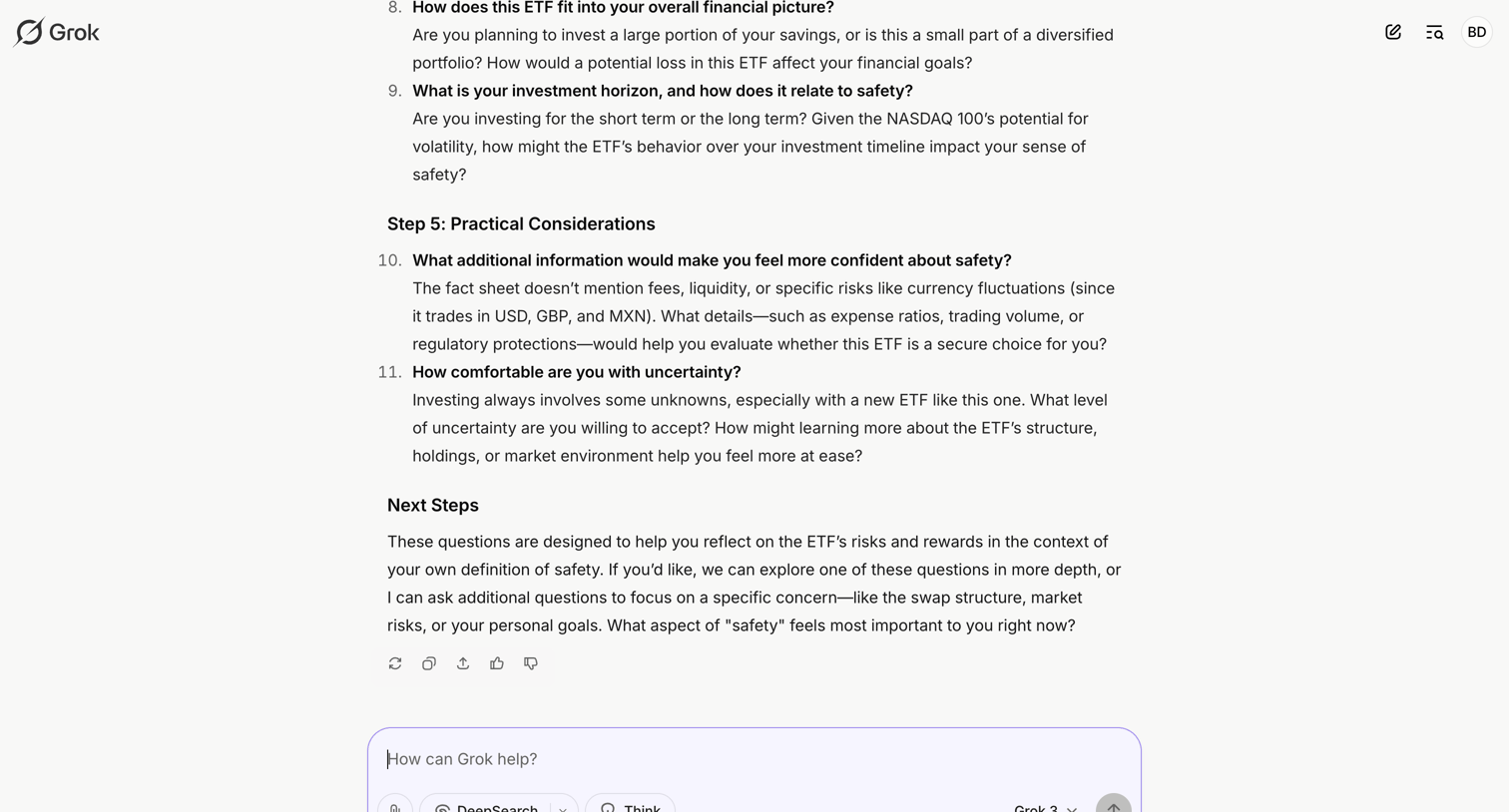

Grok - iShares NASDAQ 100 ETF Analysis - Grok screen
Grok logo
Grok

AI chat interface where the user is reviewing a generated response about ETF investment considerations and can ask follow-up questions using different models like Grok 3 or DeepSearch.
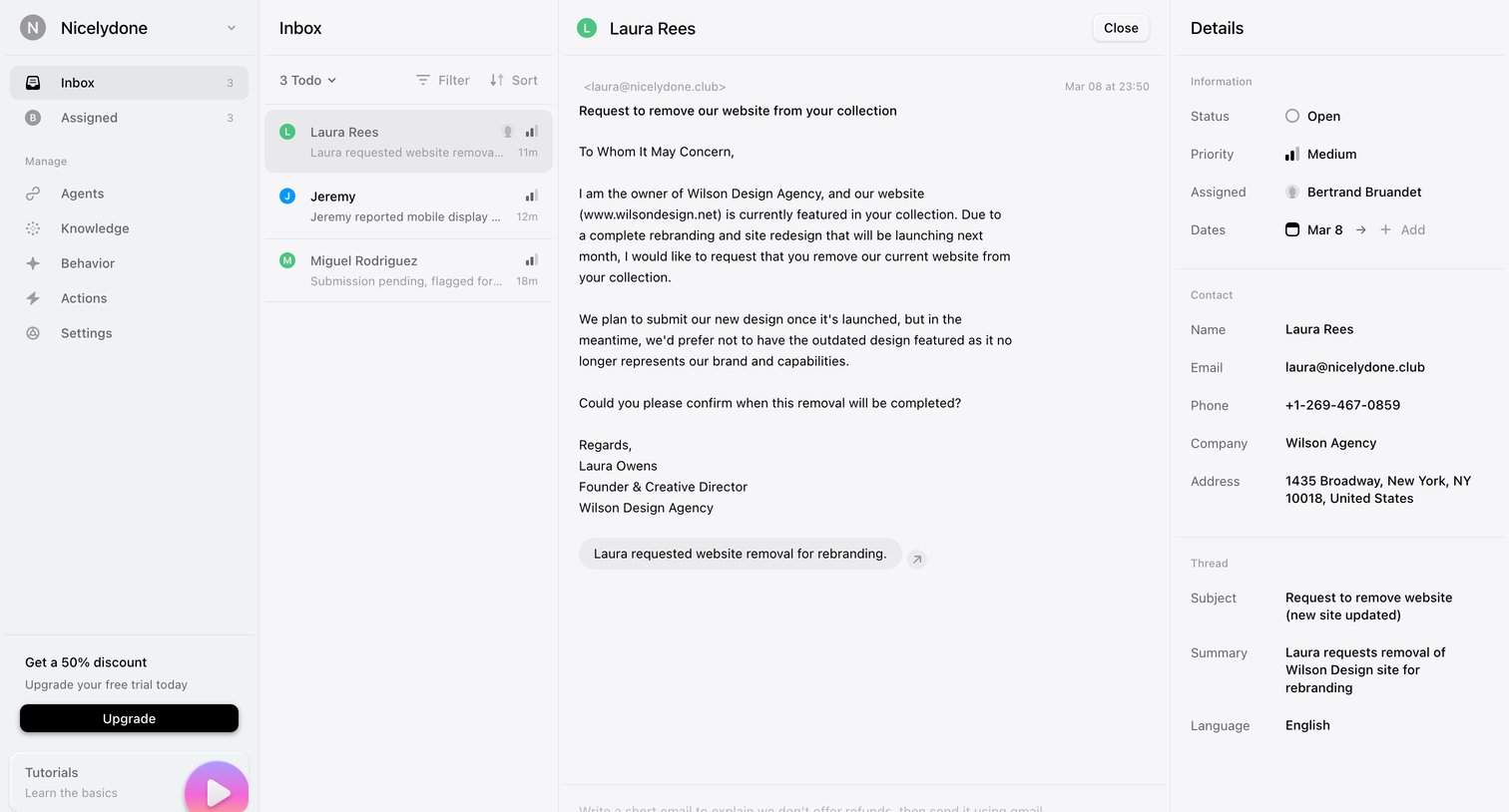
Lemni - Inbox › Laura Rees screen
Lemni logo
Lemni

Inbox view where the user reads a support request about removing a website from a collection and can review ticket details or draft a reply.
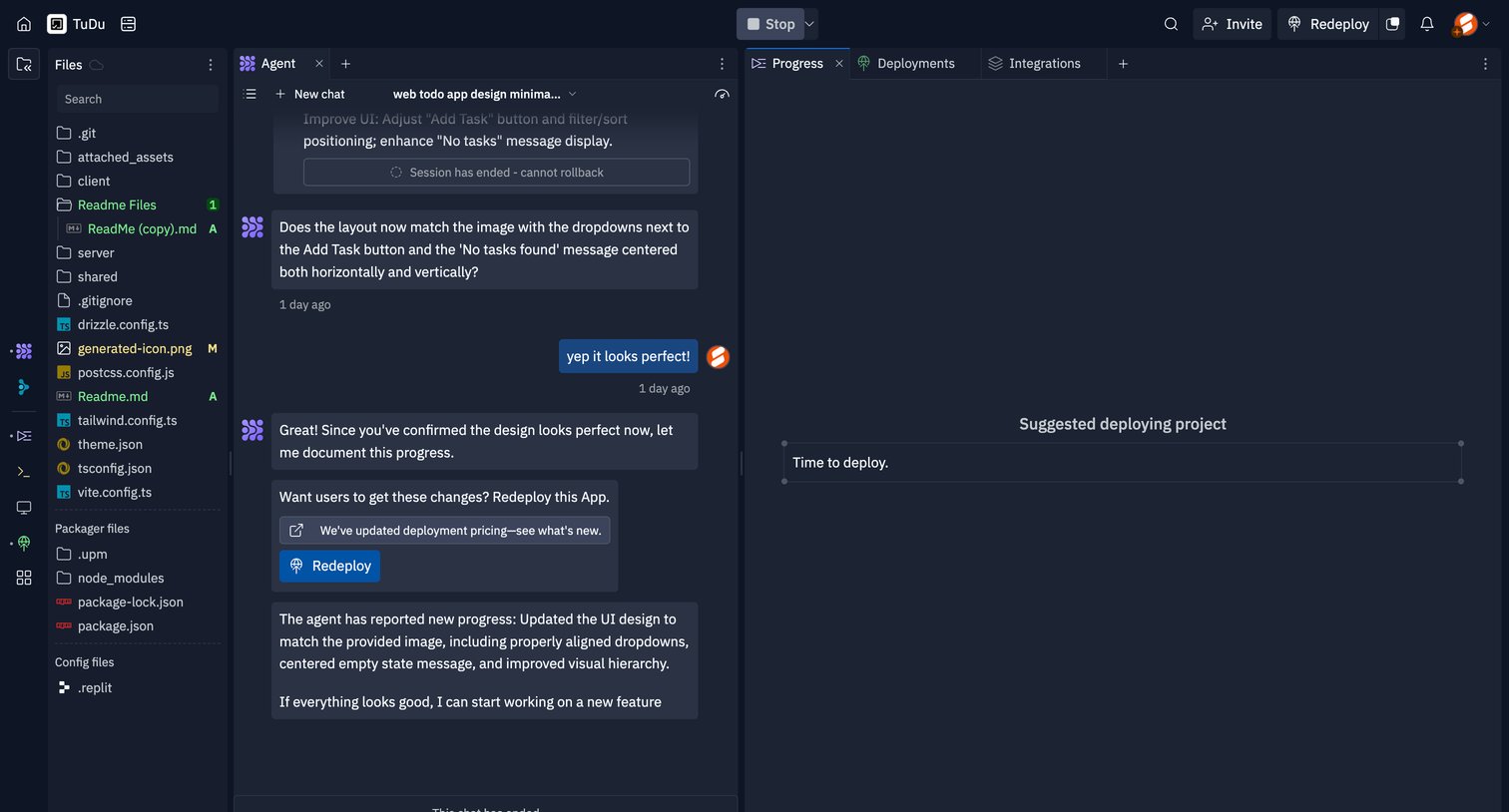

Replit - TuDu - Replit screen
Replit logo
Replit

Code editor interface featuring a file explorer, an active AI agent chat session discussing UI updates, and a progress panel suggesting deployment.

Supercut - The issues in todays design screen
Supercut logo
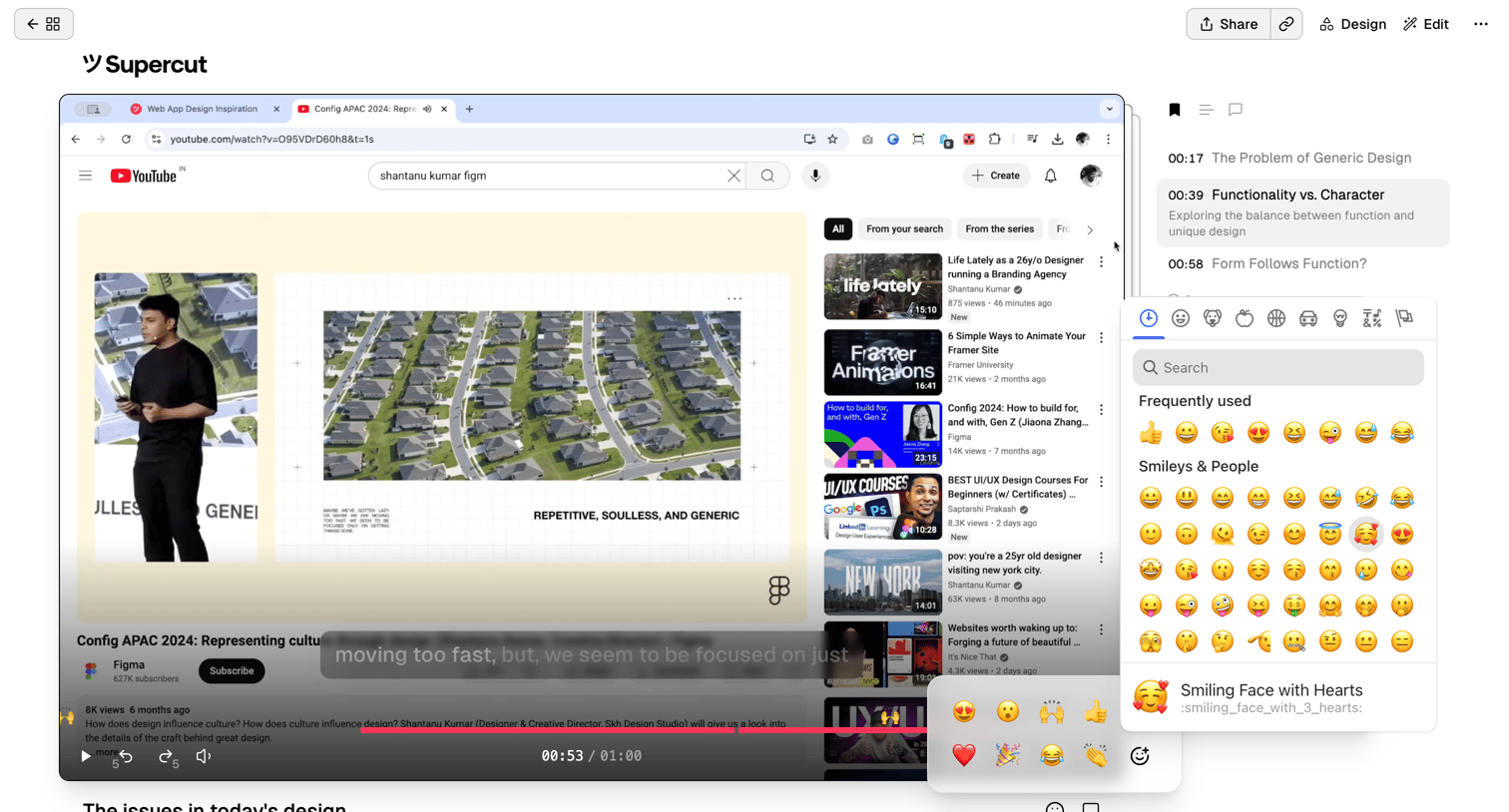
Supercut

Detail page where the user watches a video, views its transcript, and reacts to specific timestamps using an emoji picker.
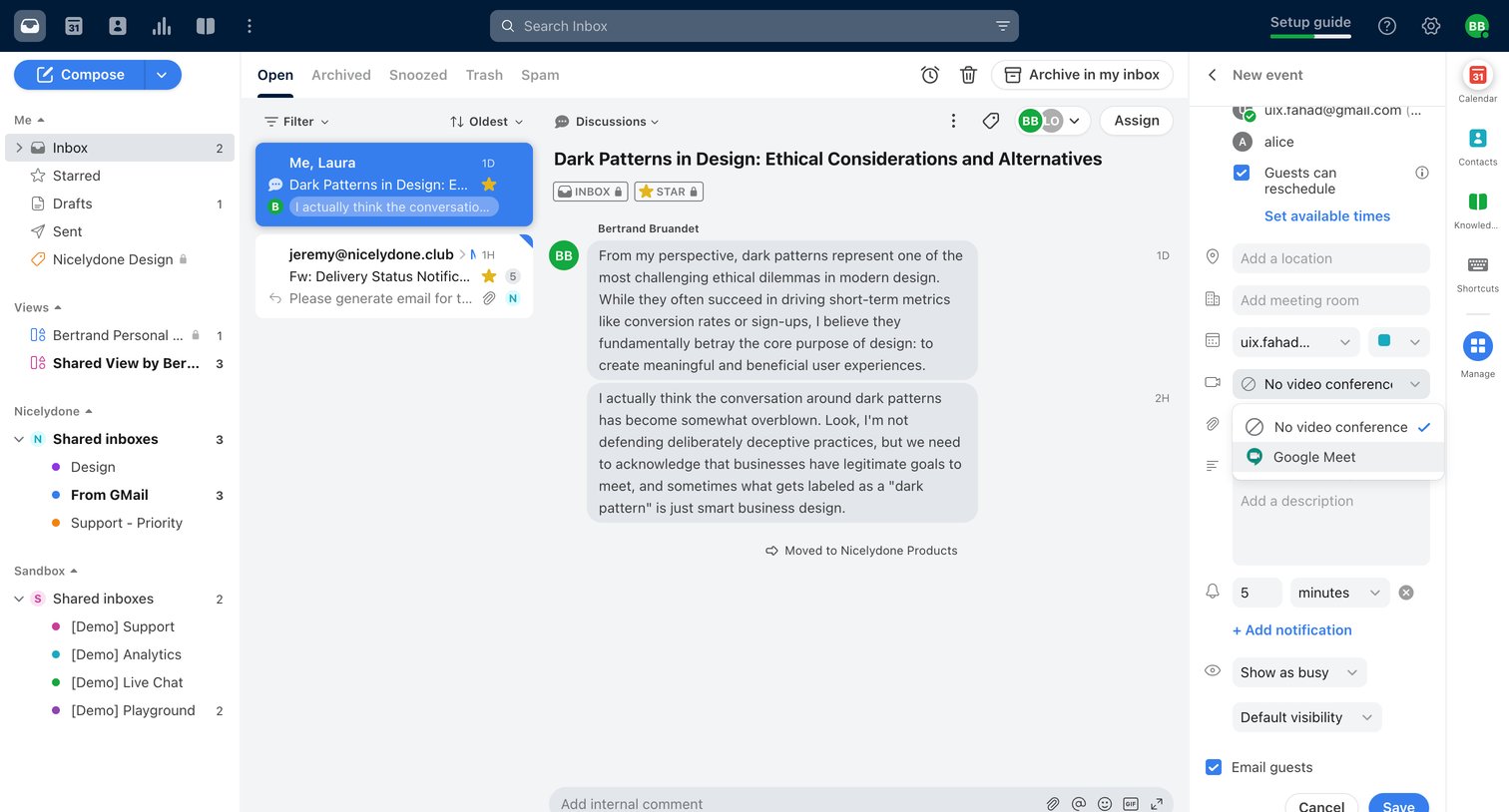

Front - Front (2) screen
Front logo
Front

Inbox detail view where the user reads a team discussion about dark patterns and schedules a related calendar event in the side panel.

Explore the full SaaS screen library

Upgrade to unlock the full library.

Trusted by the best teams