Hierarchical navigation screen examples
Hierarchical navigation screen design examples from SaaS apps. Explore how interfaces organize destinations at different levels. Look at how parent labels, nested items, and current-position cues explain the structure.
Explore the examples
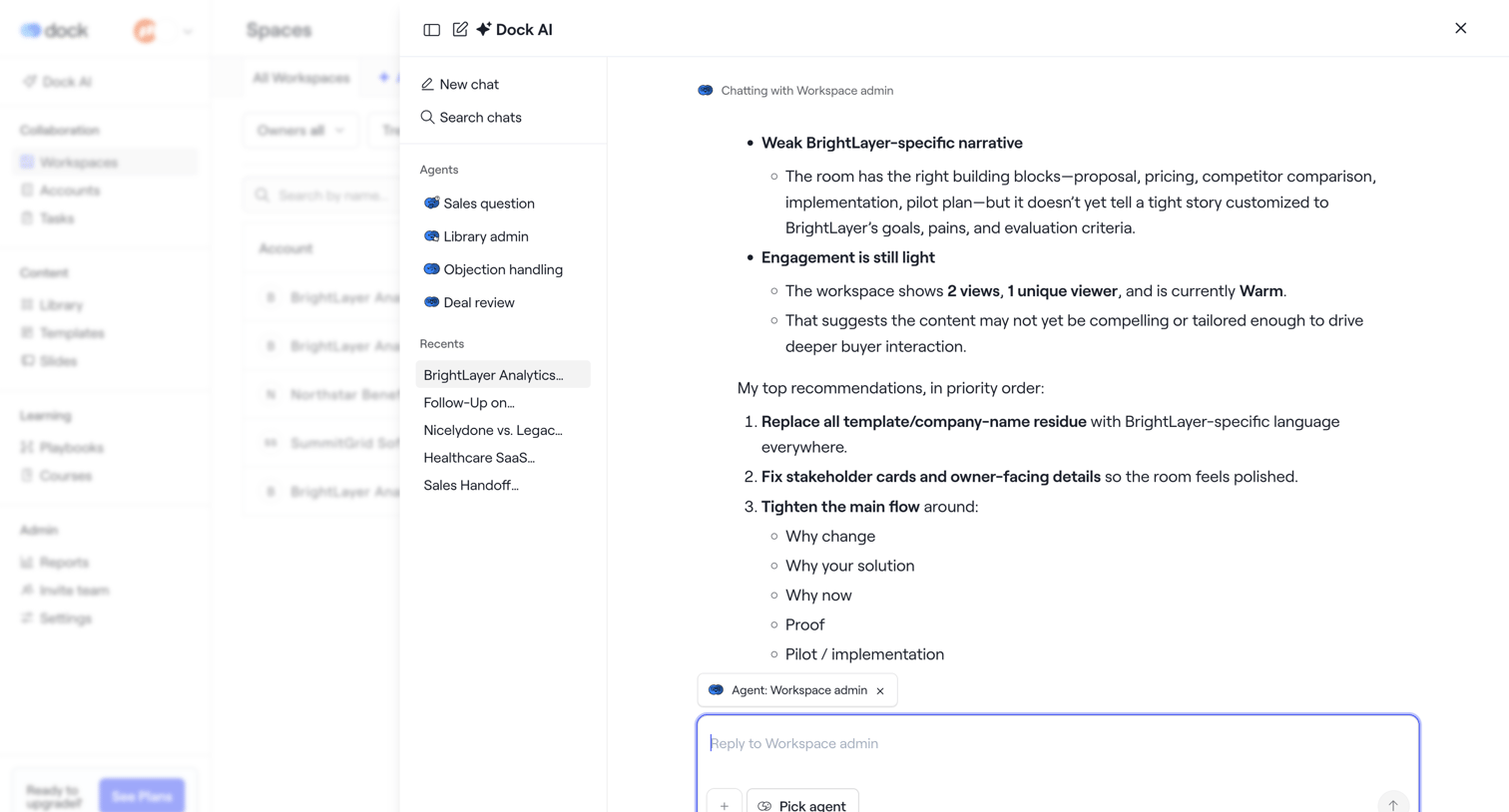

AI chat overlay where the user interacts with a Workspace admin agent to review recommendations and engagement metrics for a specific workspace.
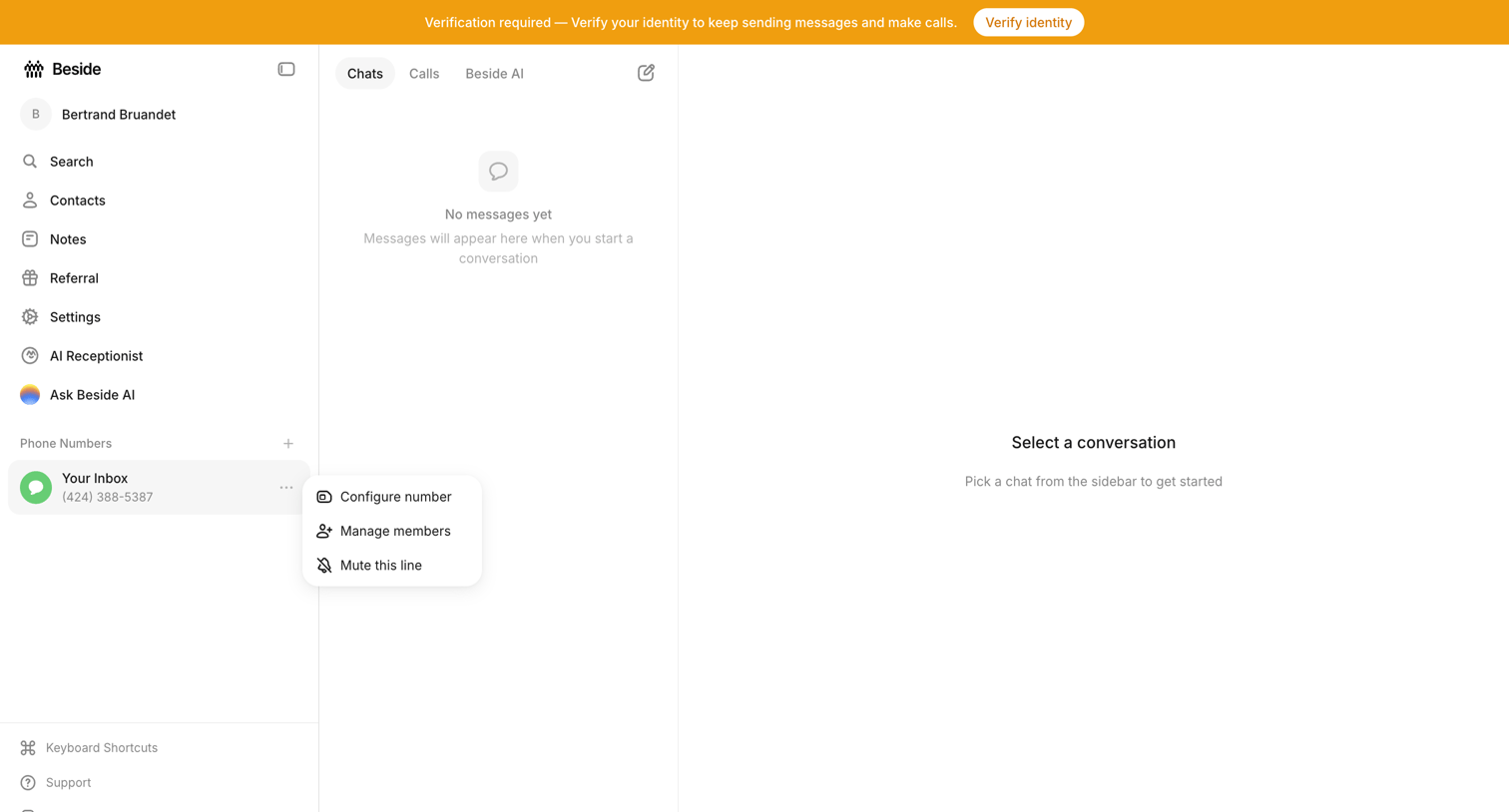

Inbox view where the user sees empty states for both the chat list and conversation detail, while a prominent top banner requires them to verify their identity.
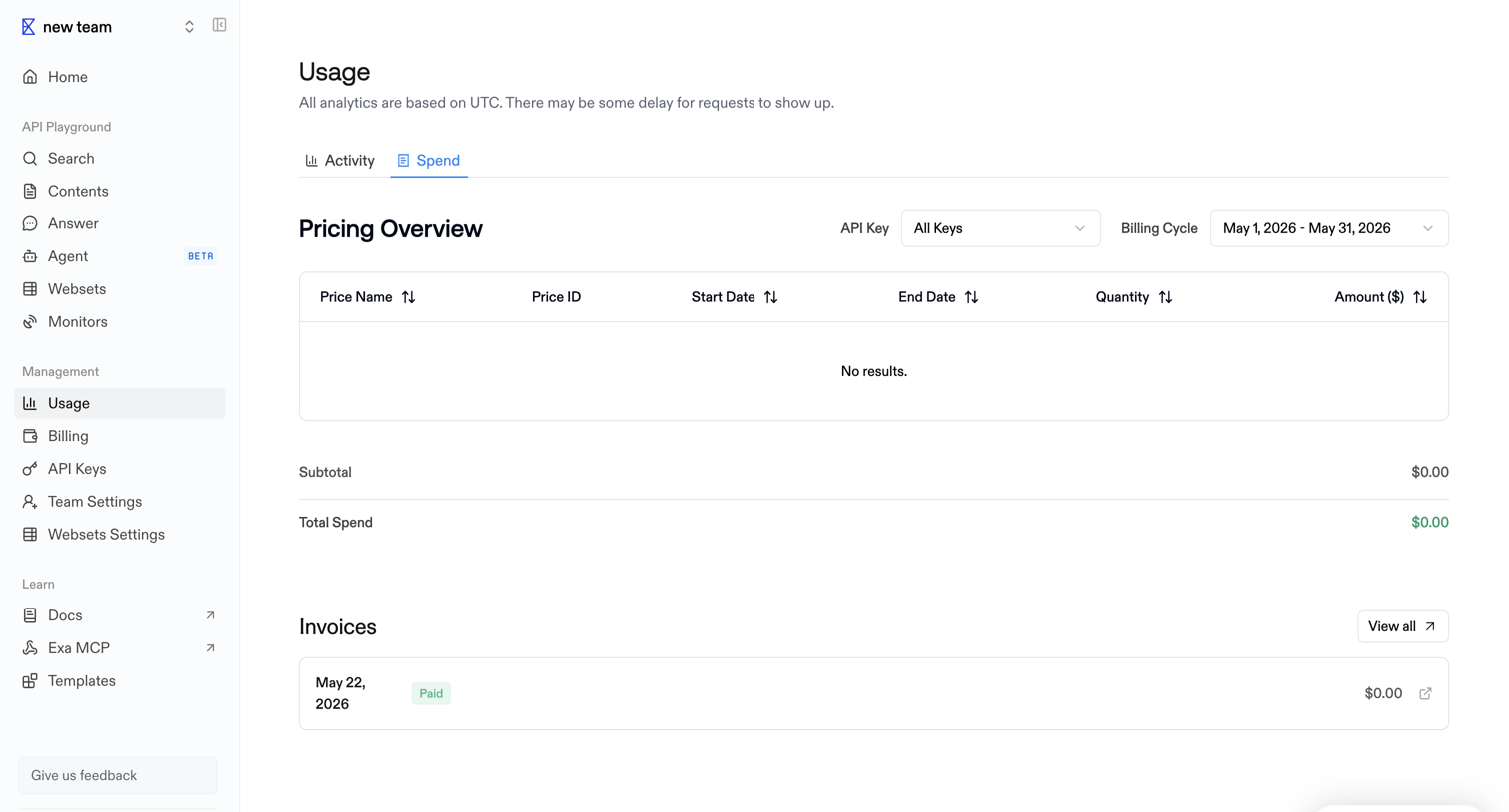

Usage settings page where the user views their pricing overview filtered by API key and billing cycle, along with a history of past invoices.
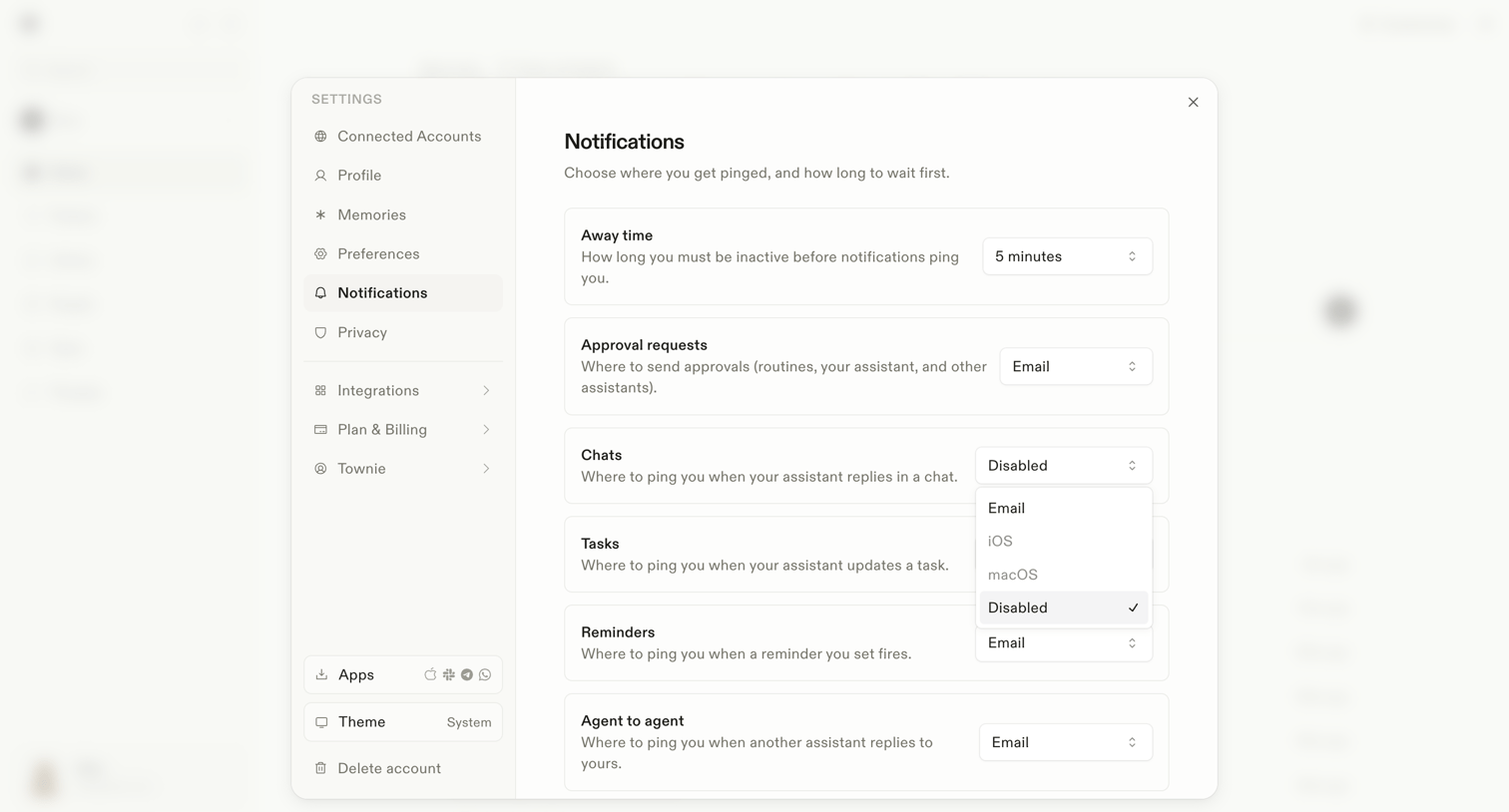

Settings modal where the user configures notification delivery channels for away time, approval requests, chats, tasks, reminders, and agent-to-agent interactions.
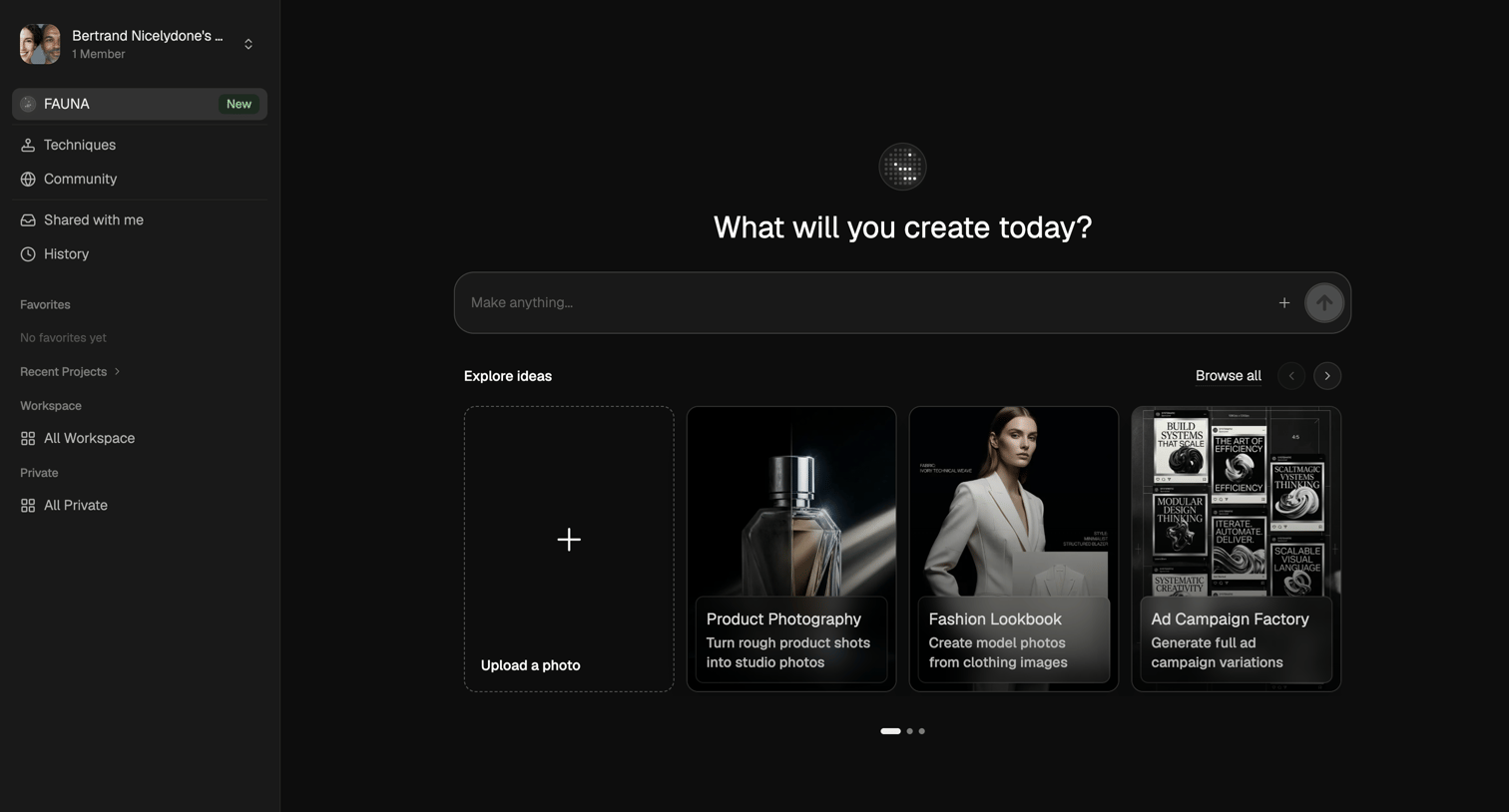

AI generation start screen where the user can enter a prompt to make anything or start from templates like product photography and fashion lookbooks.
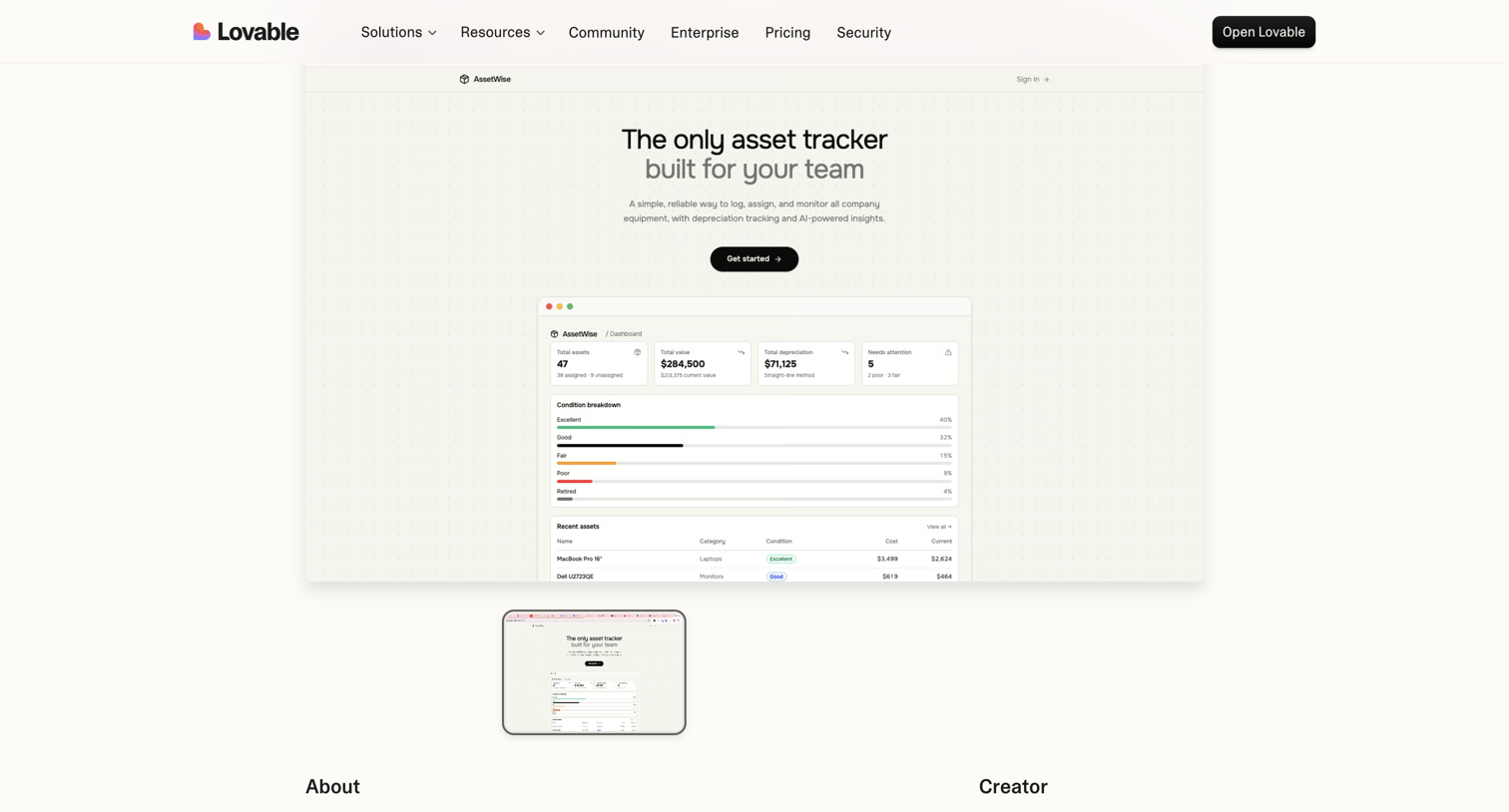

Product page showcasing AssetWise, an asset tracking application built by a creator, featuring a live preview window and creator details.
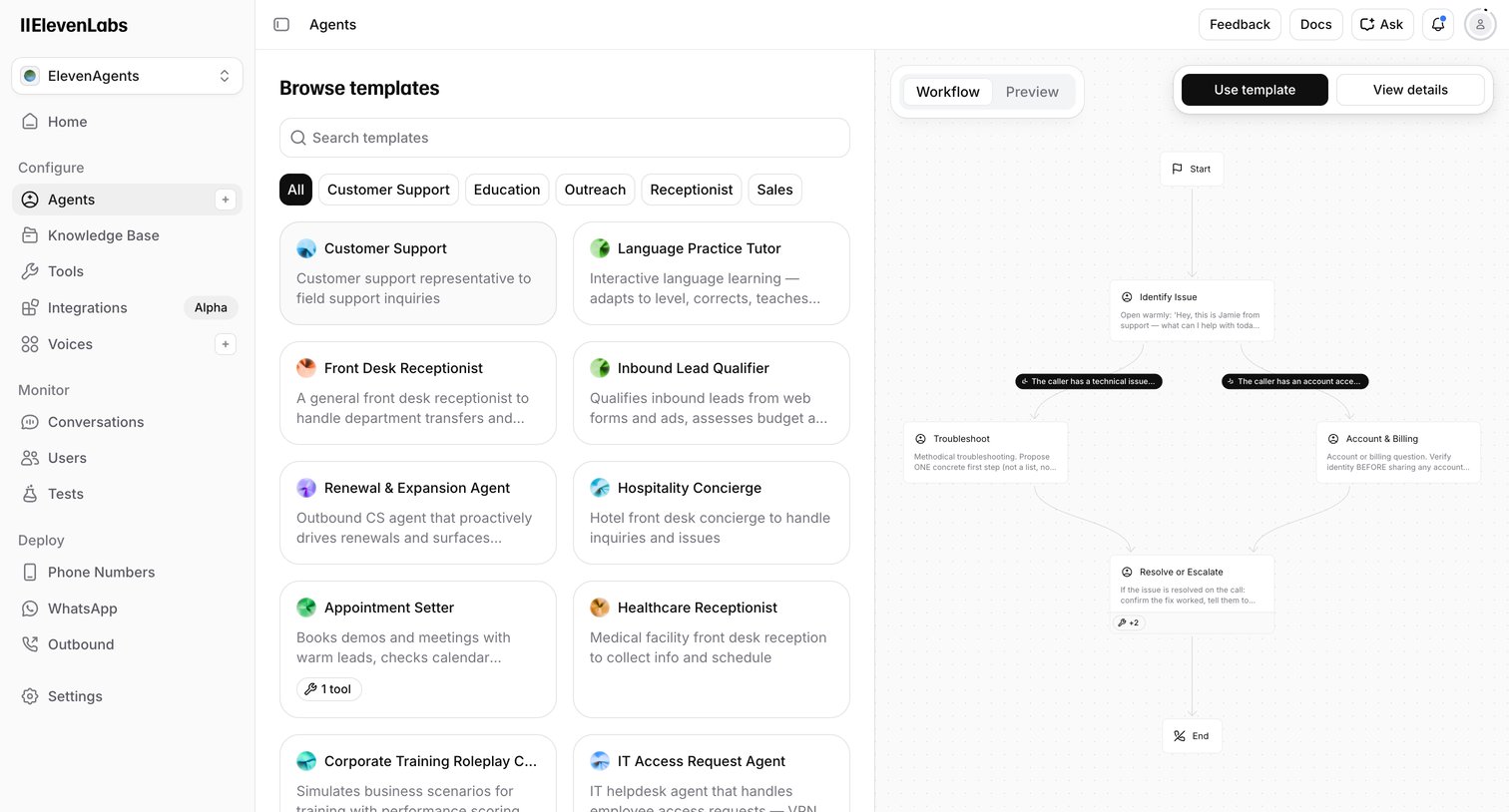

Create page where the user browses voice AI agent templates by category and previews their conversational workflow before starting.
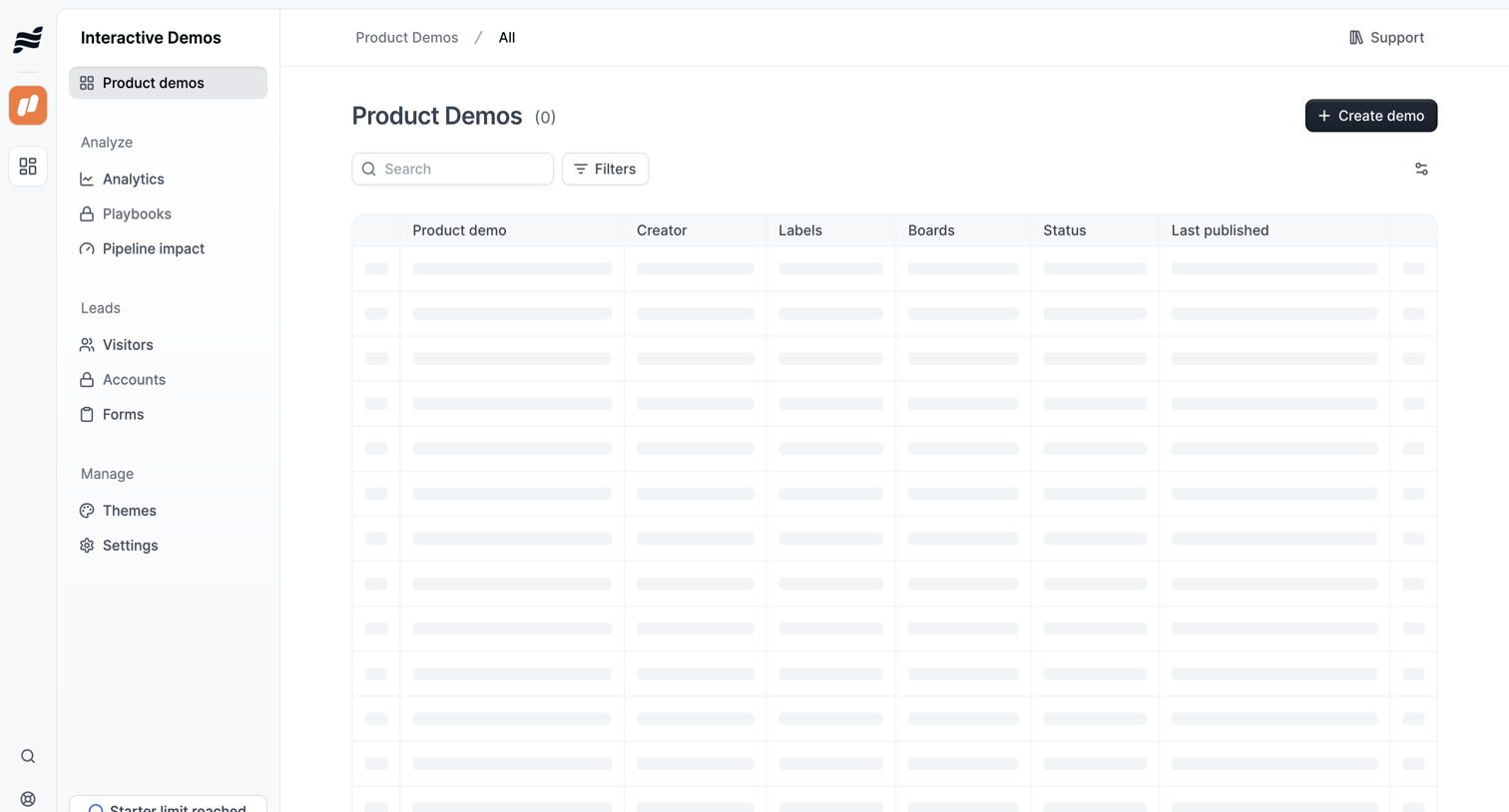

List view where the user manages product demos, currently showing a skeleton loading state for the data table alongside search and filter controls.

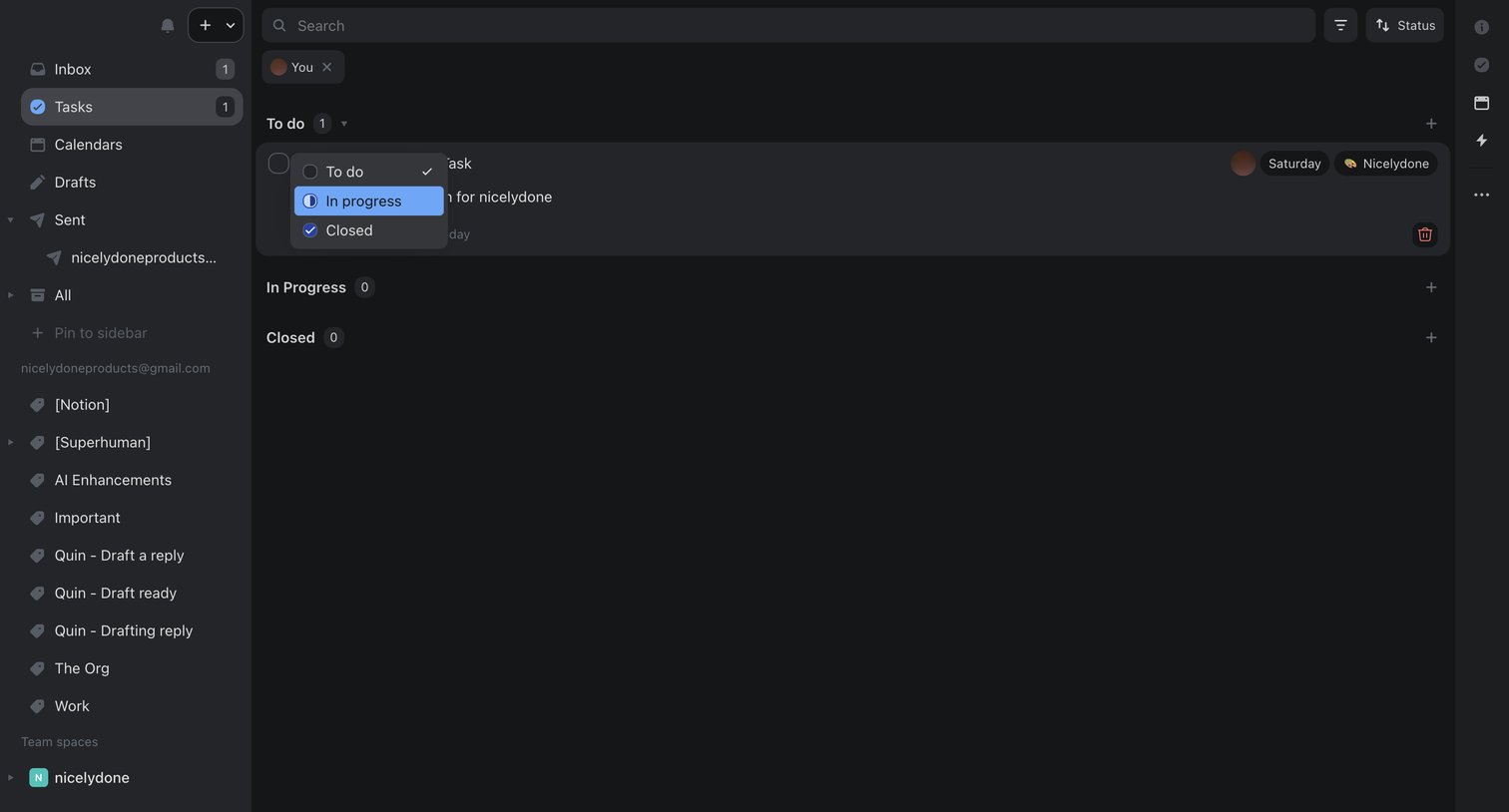

Task management view where the user filters tasks assigned to them and updates a task's status from to-do to in-progress via an inline dropdown.
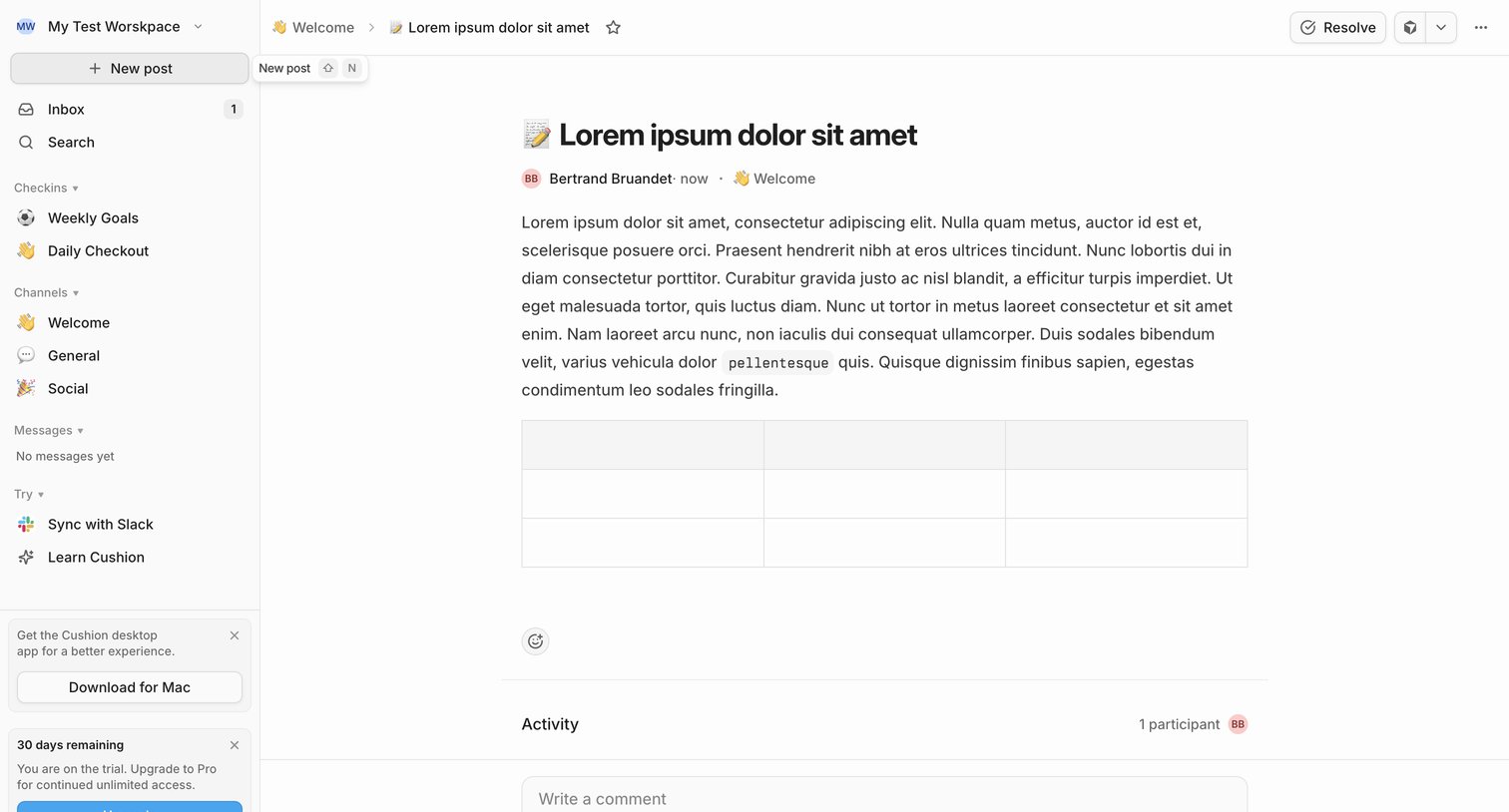

Detail page where a user reads a team update in the Welcome channel, views activity participants, and can write a comment or resolve the post.

Explore the full SaaS screen library
Upgrade to unlock the full library.
Trusted by the best teams








About Hierarchical navigation
Explore how interfaces organize destinations at different levels. Look at how parent labels, nested items, and current-position cues explain the structure.