Hierarchical content screen examples
Hierarchical content screen design examples from SaaS apps. Browse examples from Morphic, Meetup, Secfi.
Explore the examples
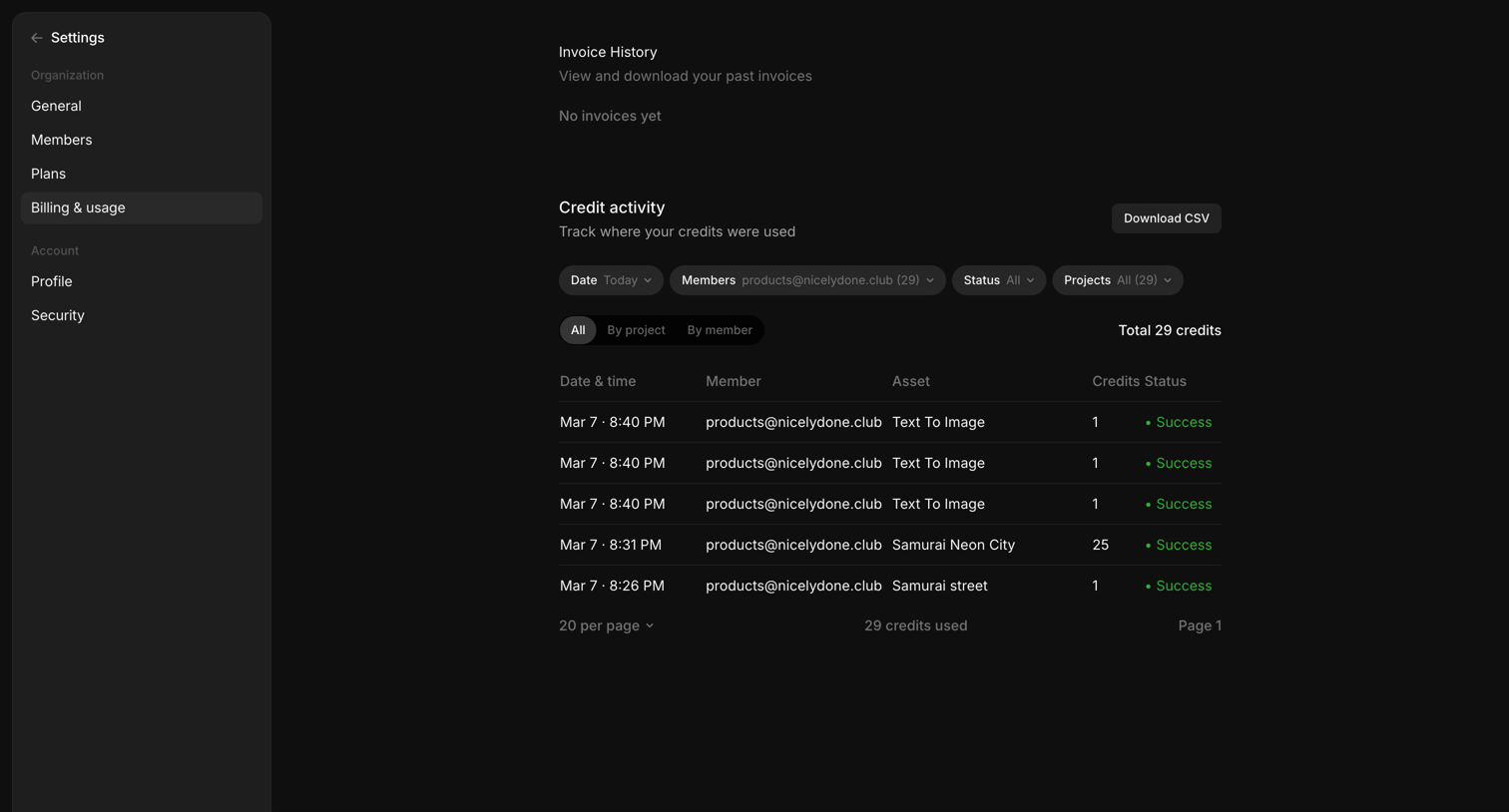

Settings page where the user views their invoice history and tracks credit activity in a filterable data table, with an option to download a CSV.


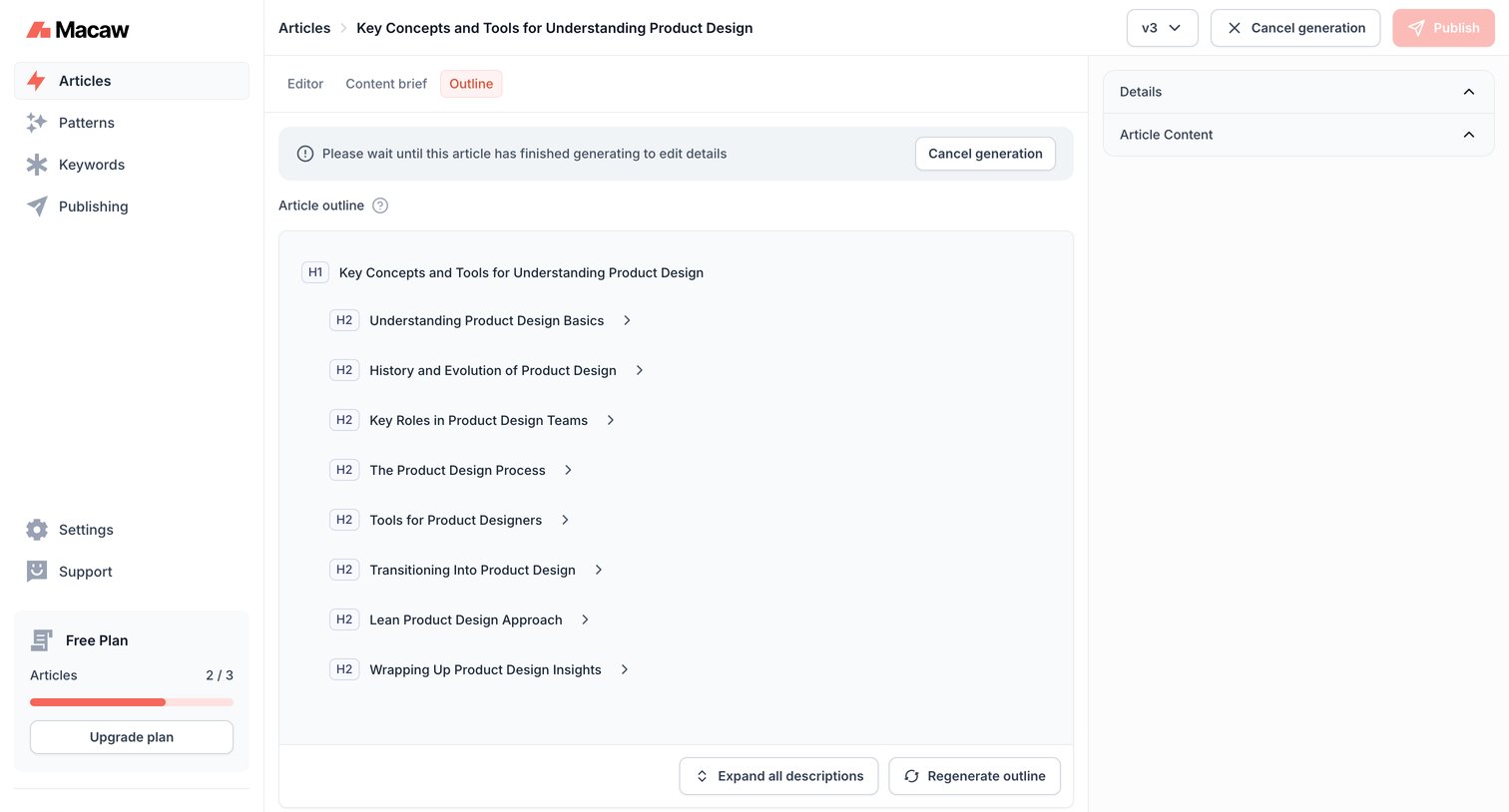

Content editor where the user views an AI-generated article outline while waiting for the full article generation to complete.
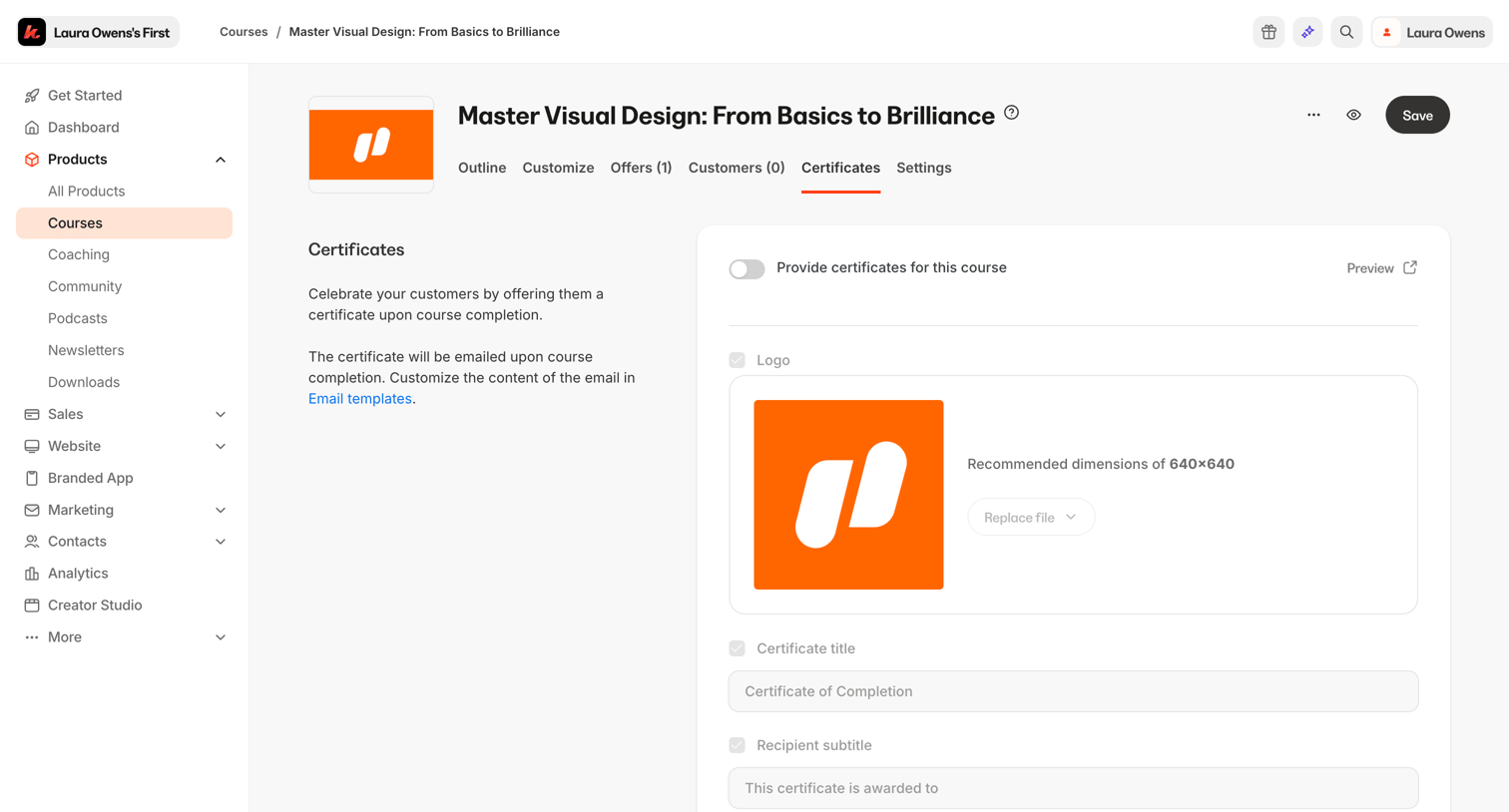

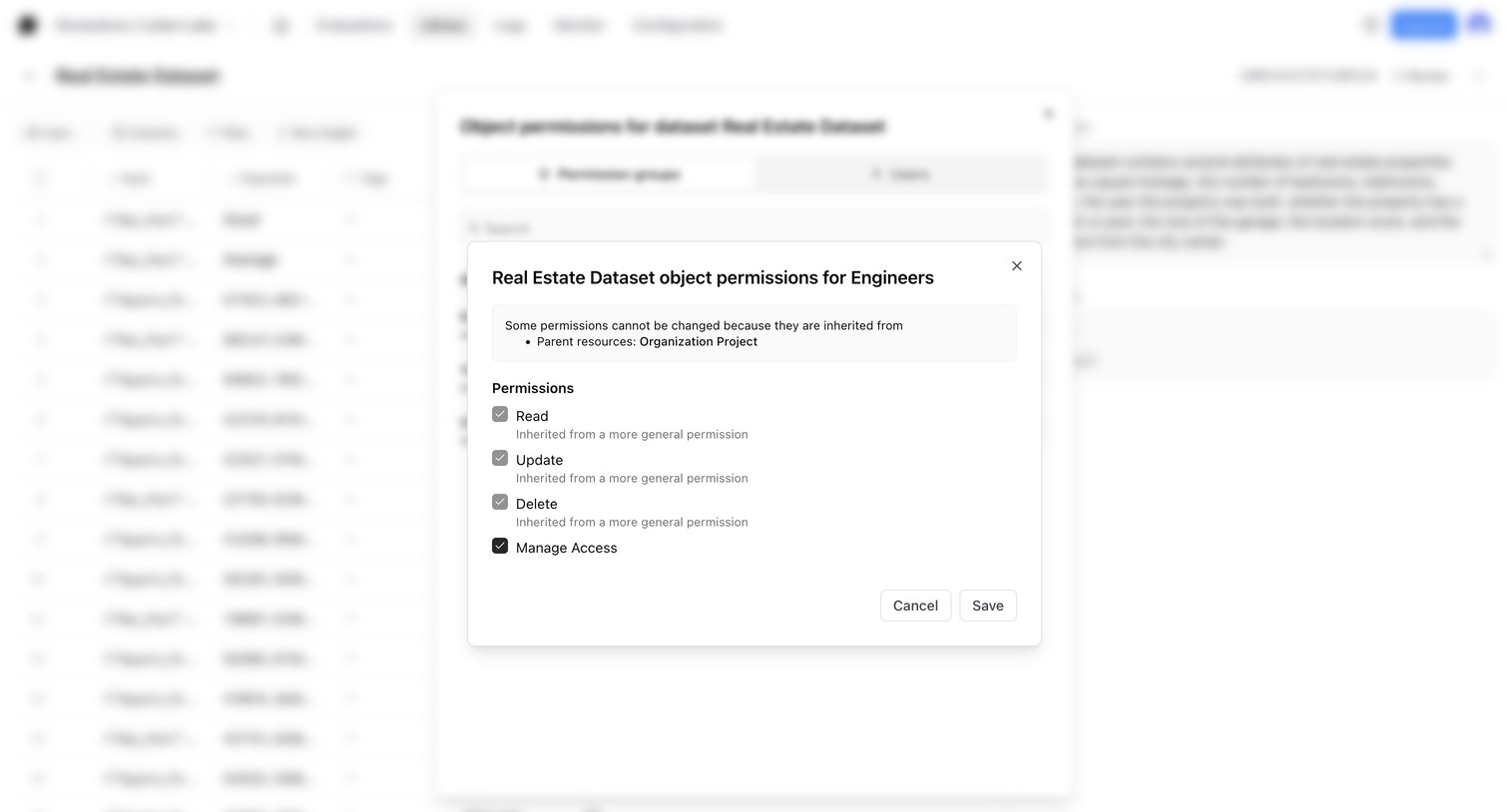

Modal where the user manages specific object permissions like read, update, delete, and manage access for an engineering group on a dataset.
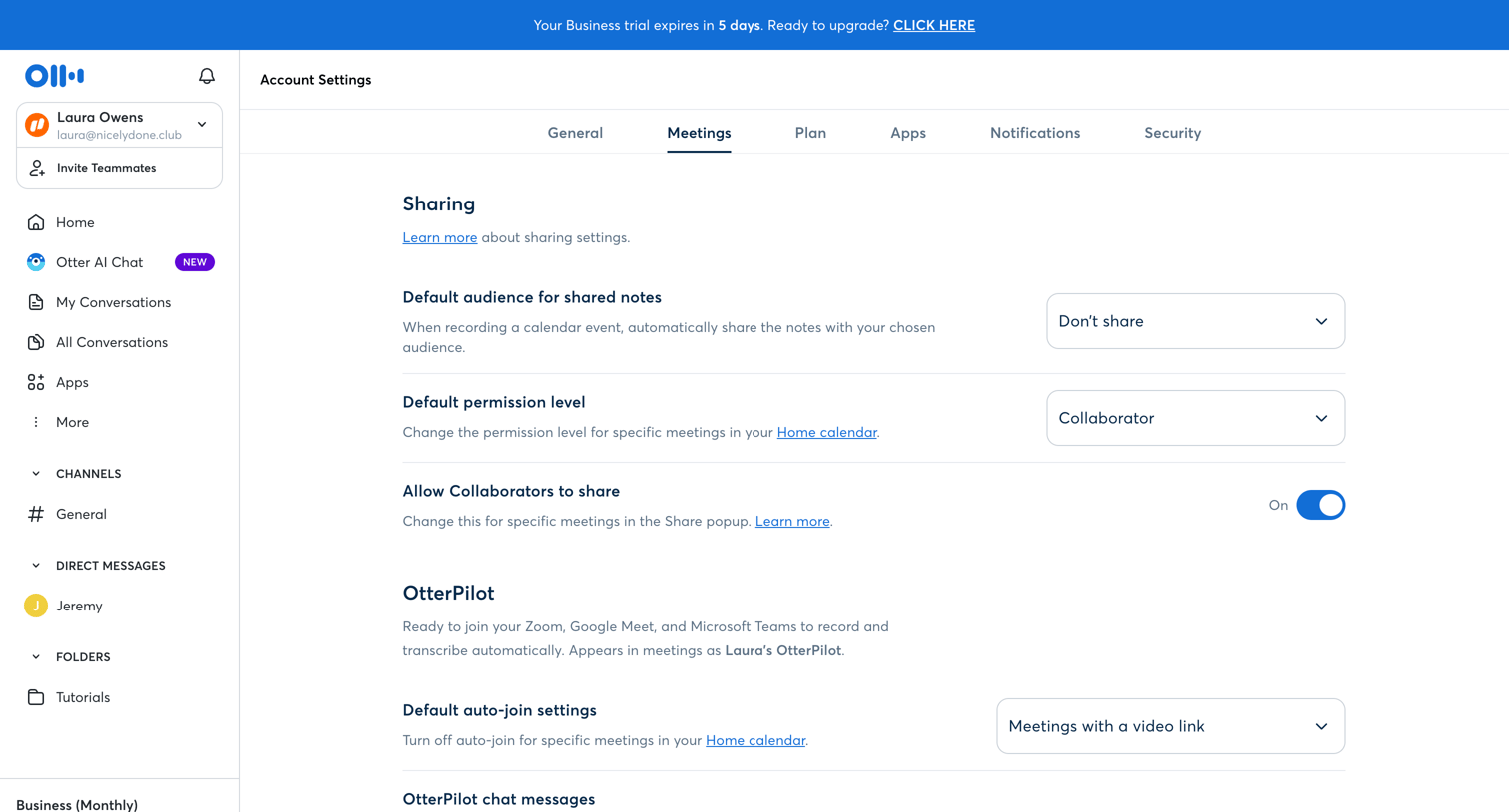

Settings page where the user configures default sharing permissions and auto-join behavior for their AI meeting assistant.
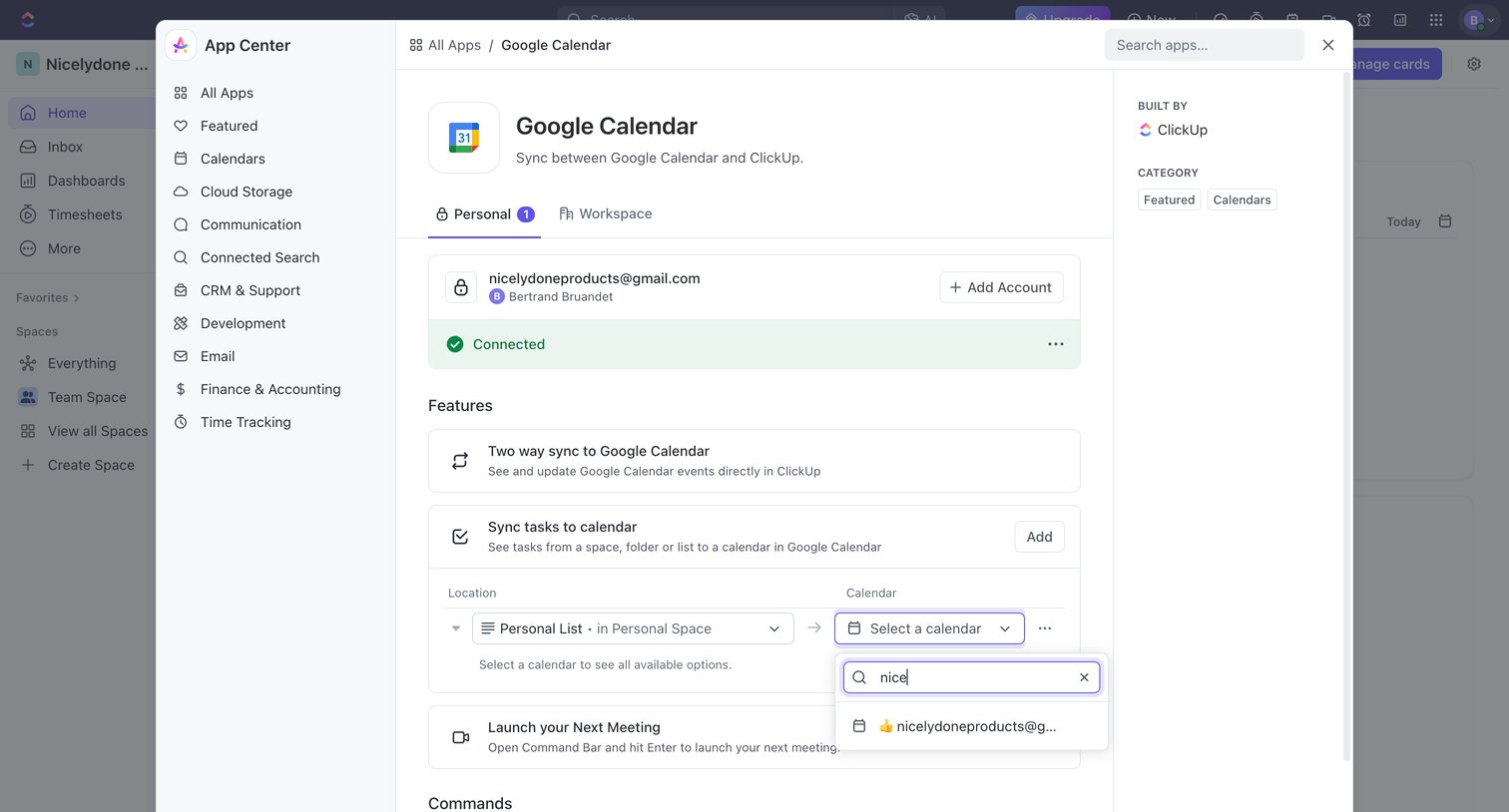

Settings modal where the user configures the Google Calendar integration, including connecting accounts and mapping sync locations.
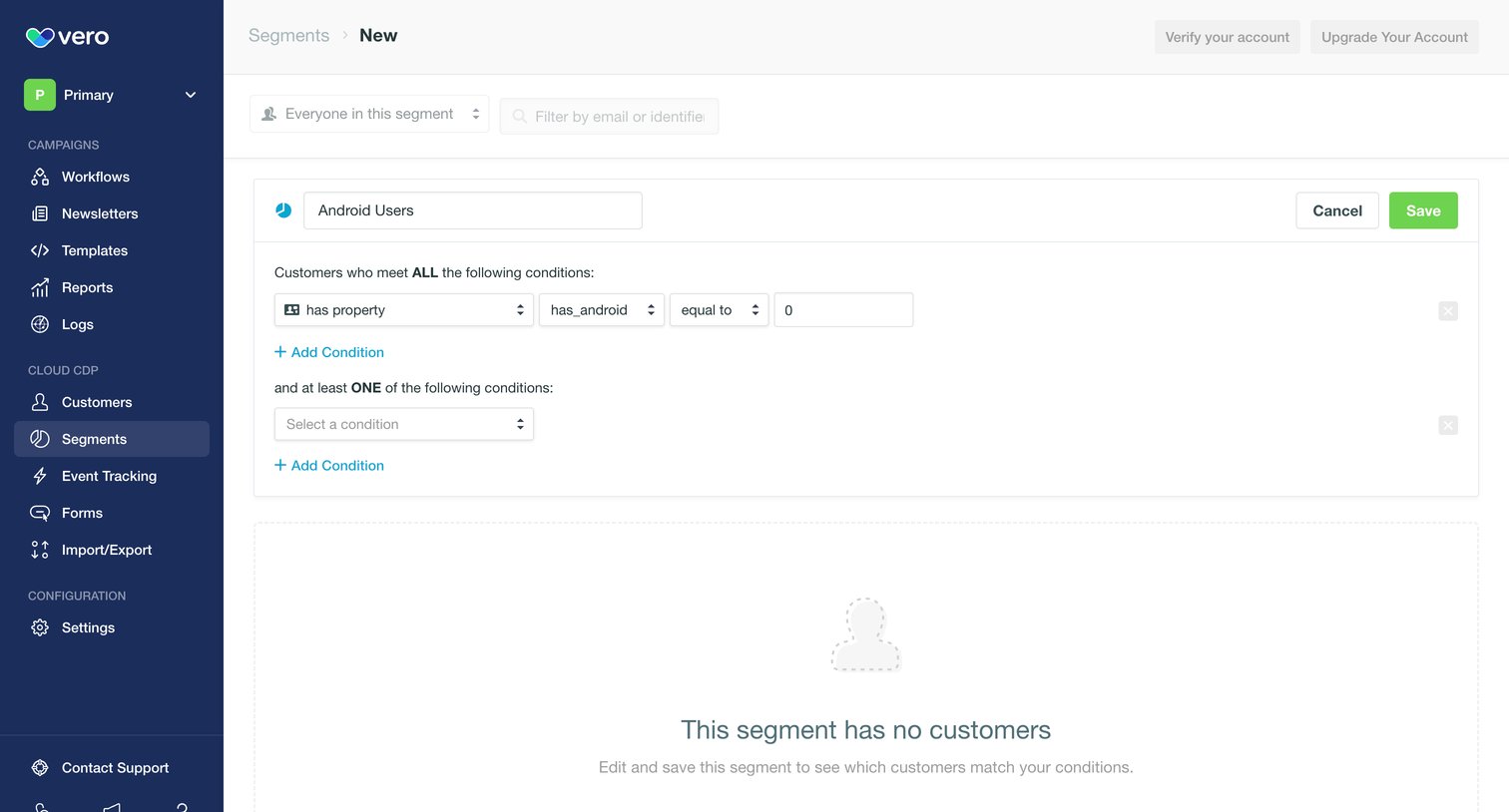

Create page where the user builds a new customer segment by defining property conditions like 'has_android equal to 0'.
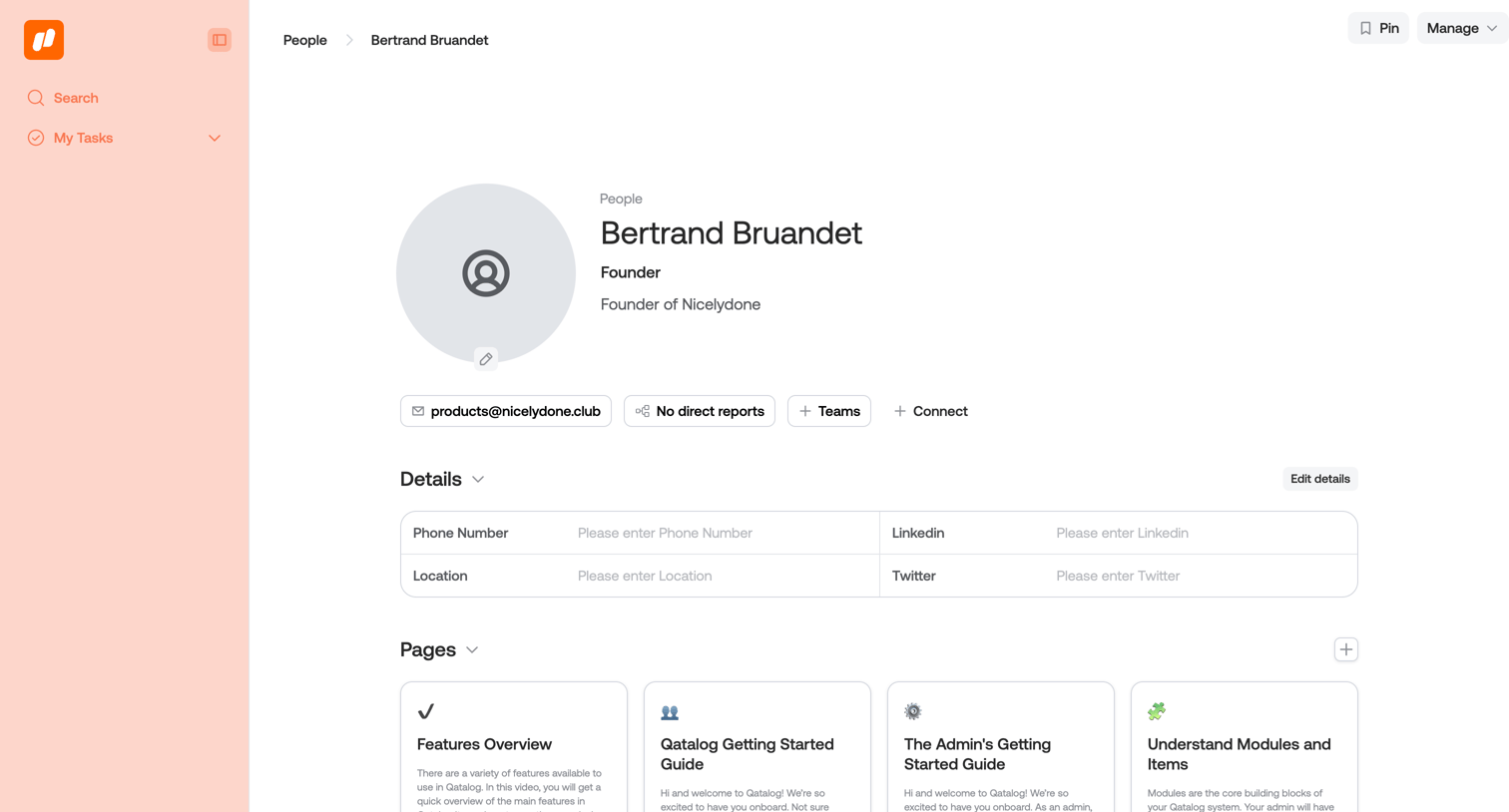

Detail page where the user views a team member's profile, including their contact information, associated pages, resources, workflows, and tasks.
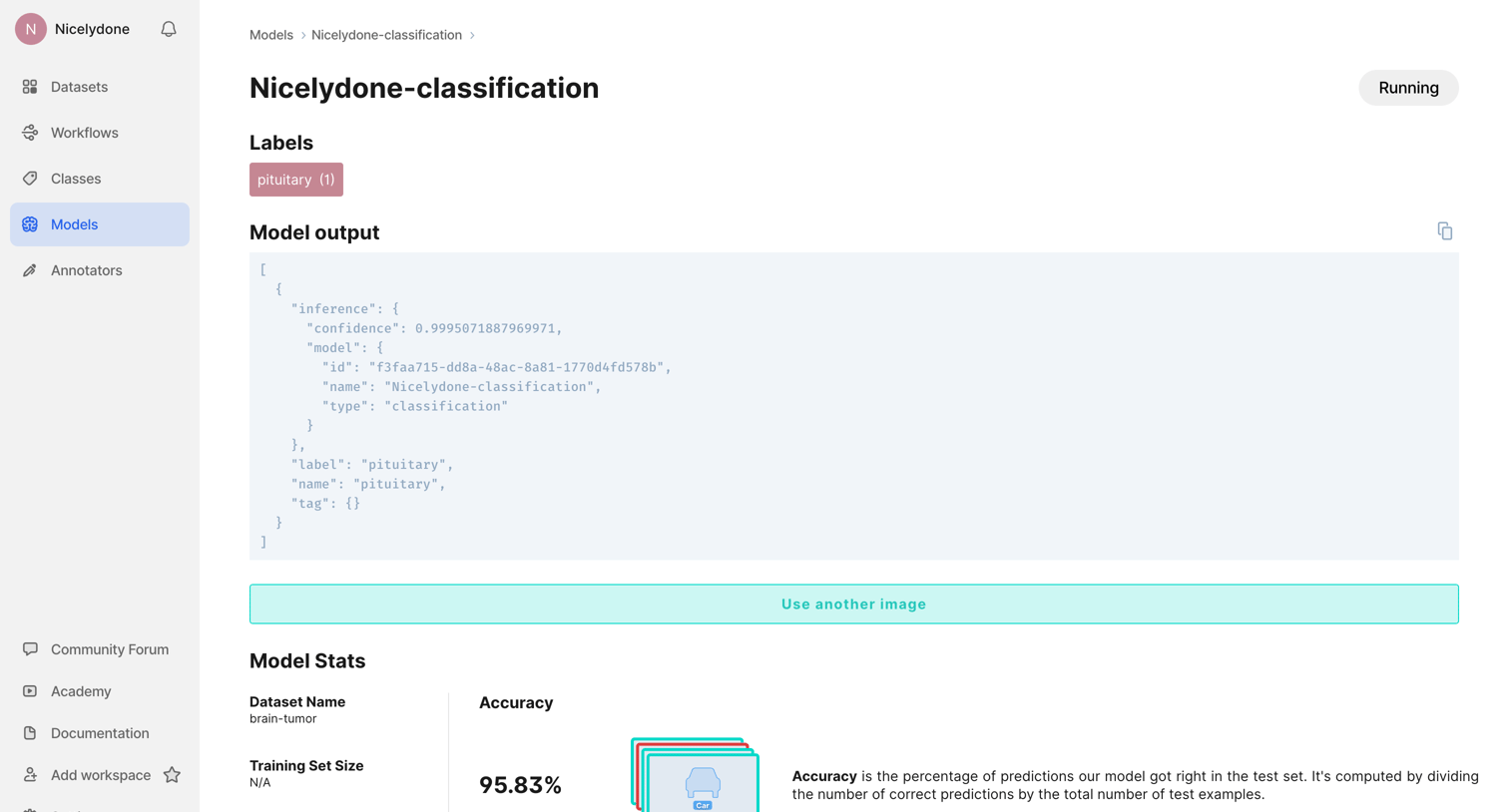

Detail page for an AI classification model where the user reviews performance metrics like accuracy and loss, inspects the confusion matrix, and accesses API integration snippets.
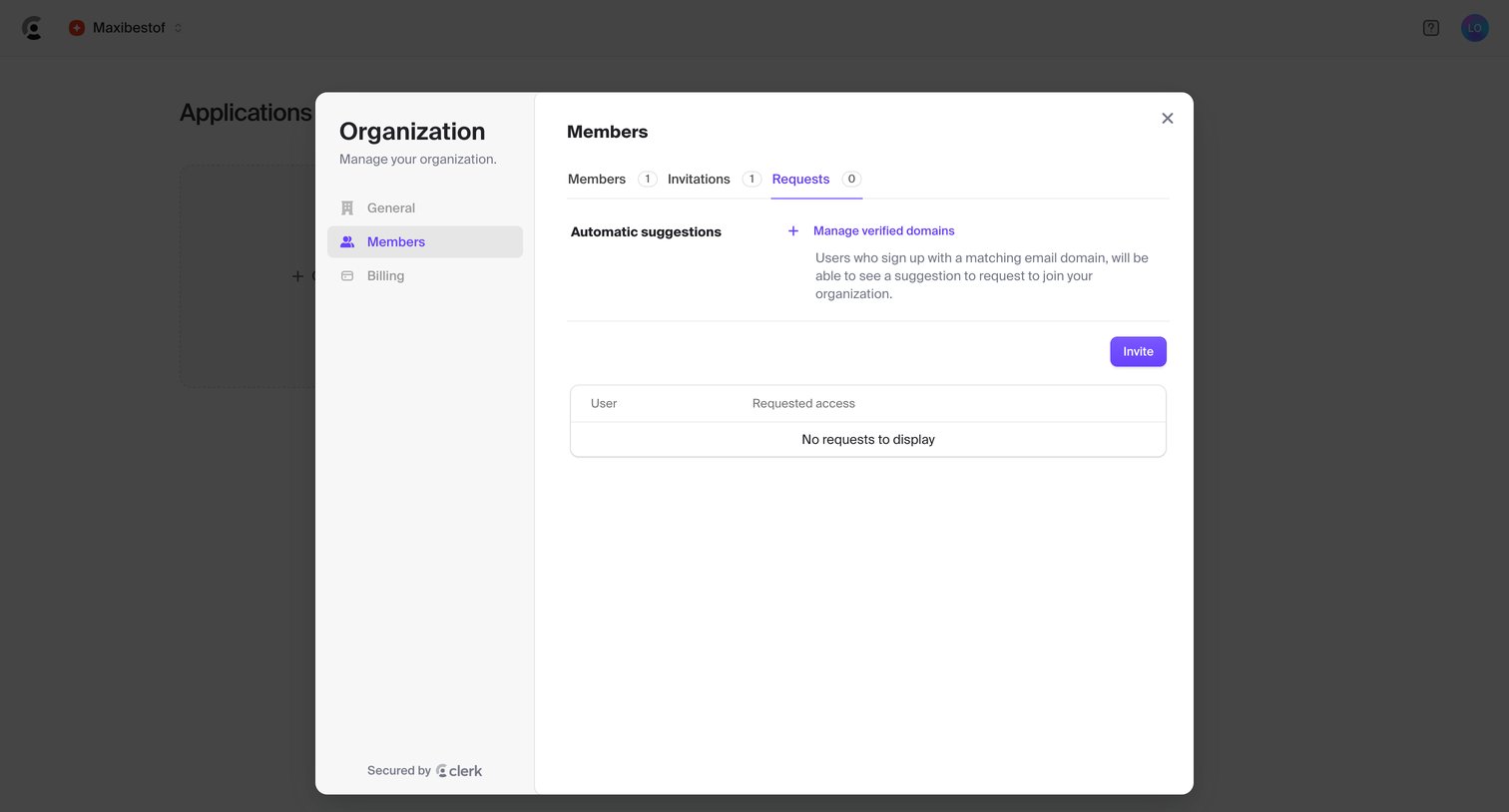

Settings modal where the user manages organization members, pending invitations, and access requests.
Explore the full SaaS screen library
Upgrade to unlock the full library.
Trusted by the best teams







