Skip to content

Datepicker screen examples

Datepicker screen design examples from SaaS apps. Browse examples from Workflow, Notion Mail, Reflect.

Explore the examples
Workflow screen
Workflow logo
Workflow

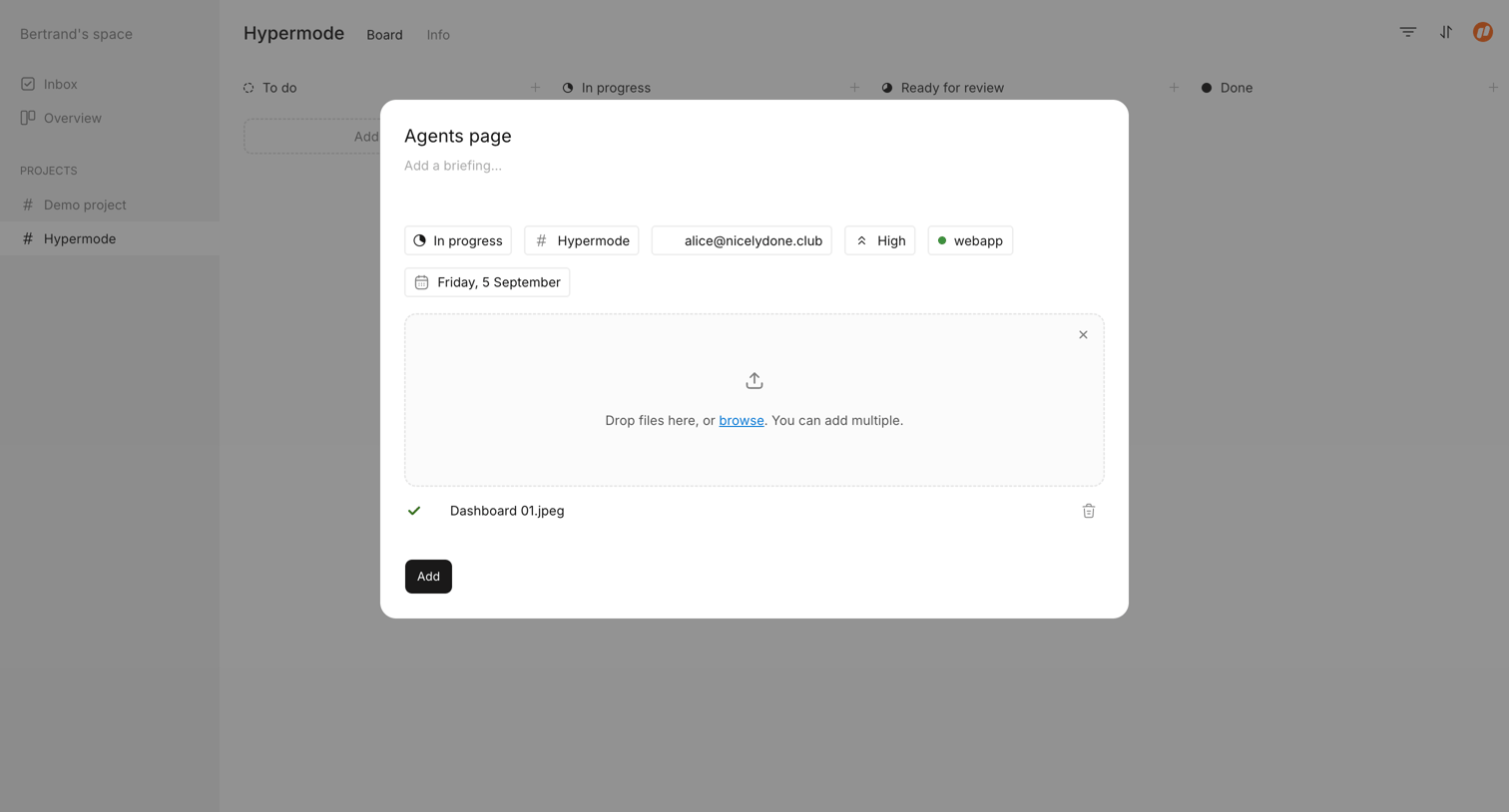
Modal where the user creates a new task, setting properties, adding a briefing, and attaching files.

Notion Mail screen
Notion Mail logo
Notion Mail

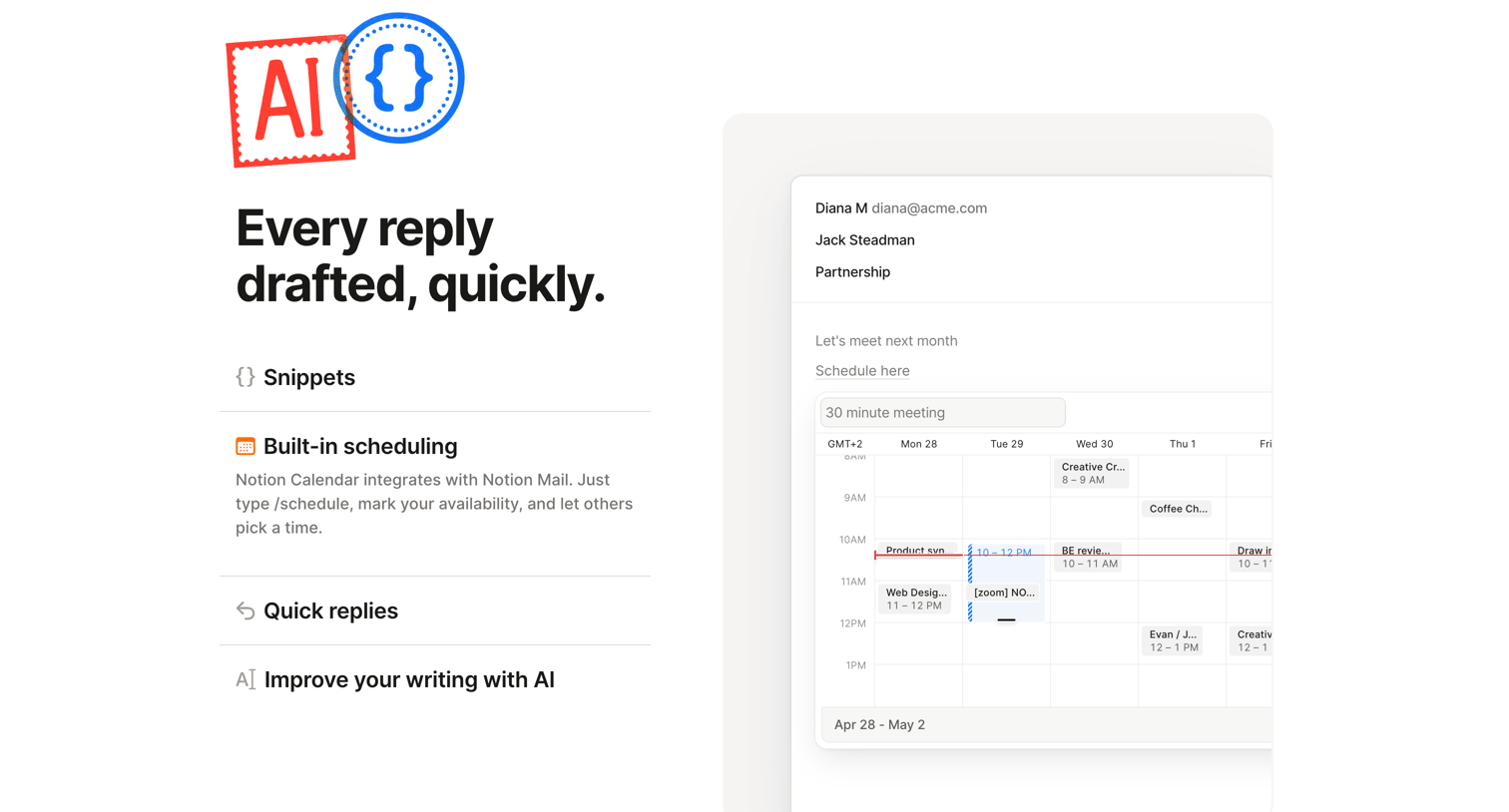
Product page section highlighting the built-in scheduling feature with a mockup showing an interactive calendar embedded directly in the email composer.
Reflect screen
Reflect logo
Reflect

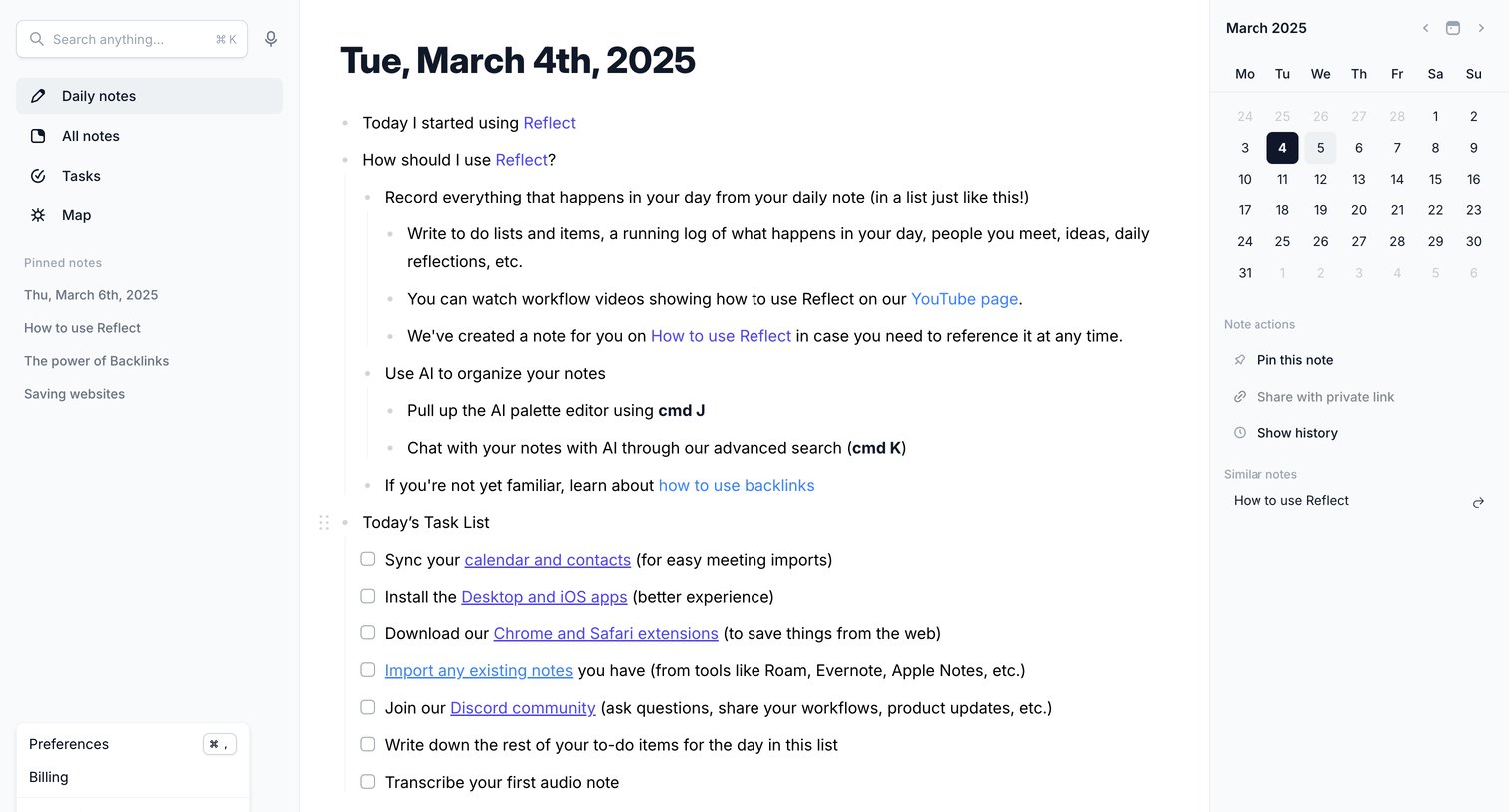
Content editor for a daily note showing bulleted lists, task checkboxes, a calendar sidebar, and a navigation menu with an open user settings dropdown.

Monarch - Delete transaction history in synced accounts screen
Monarch logo
Monarch

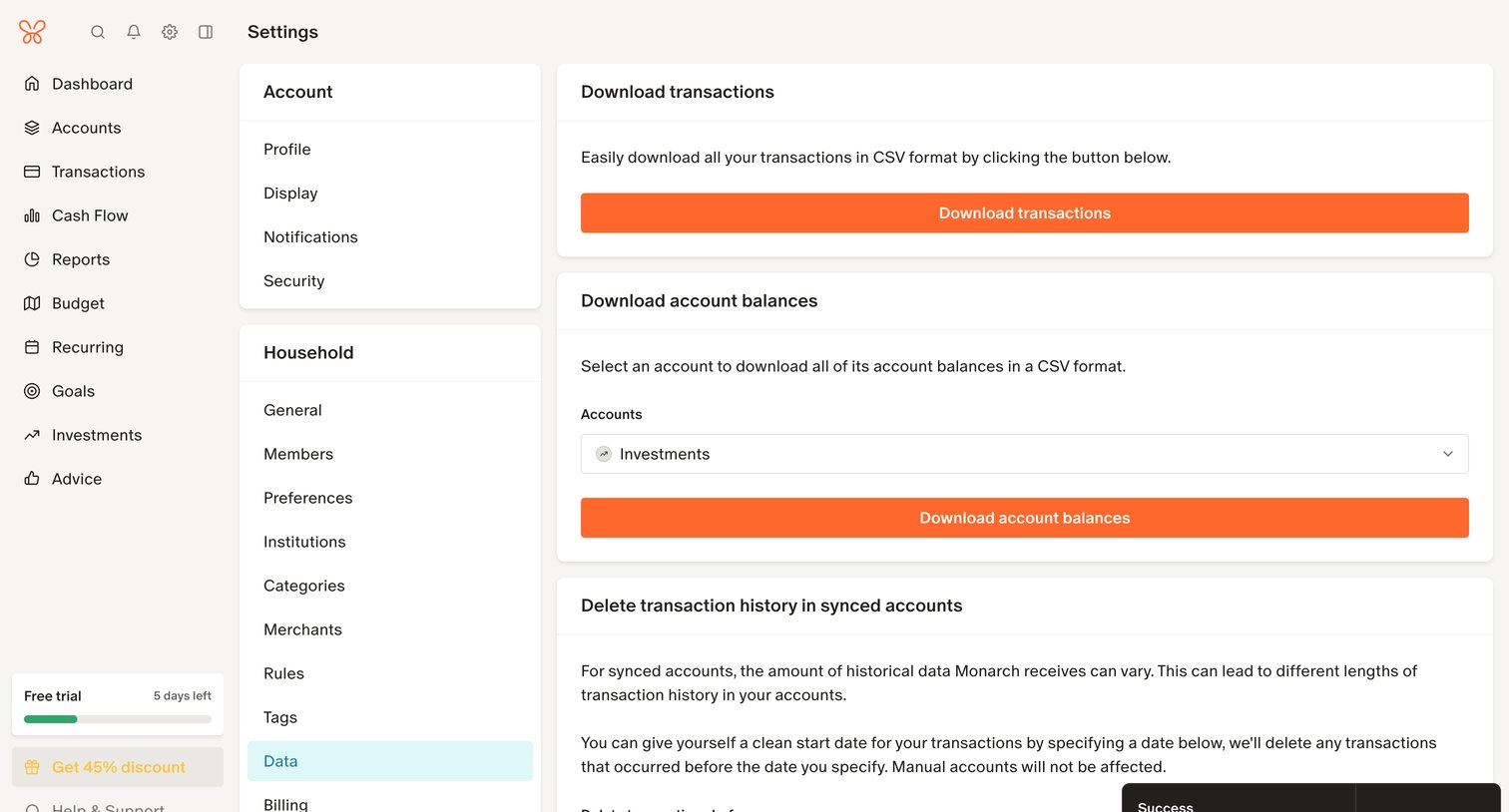
Settings page where the user can download their transaction history and account balances as CSVs, or delete historical data before a specific date.

Assembly screen
Assembly logo
Assembly

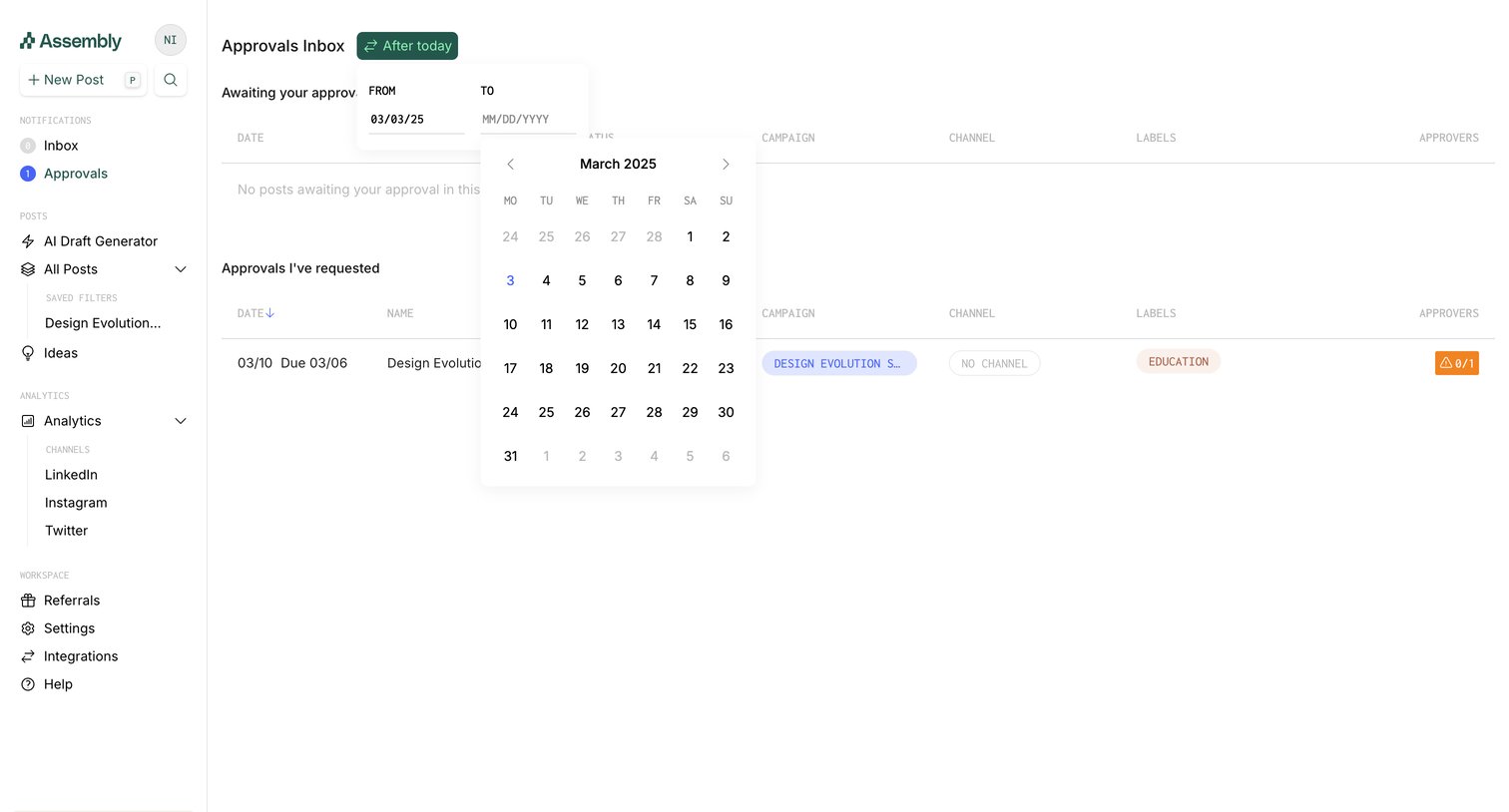
Inbox page where the user manages pending approvals and tracks requests they have sent, currently filtering by a date range.

Front - Front (2) screen
Front logo
Front

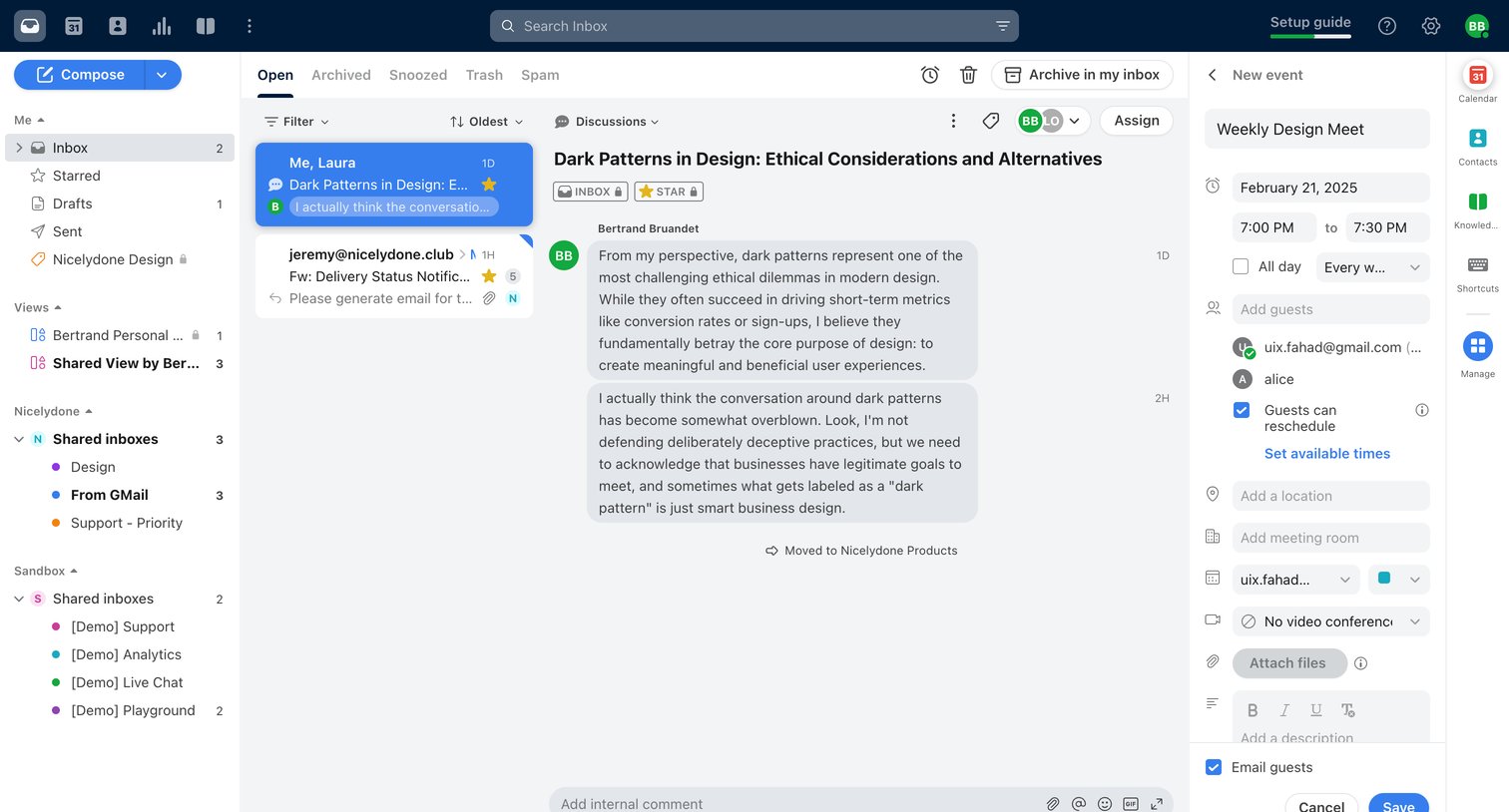
Combined inbox view where the user reads an email thread about design ethics while simultaneously drafting a related calendar event in the right sidebar.

Flodesk - Simple checkout | Flodesk screen
Flodesk logo
Flodesk

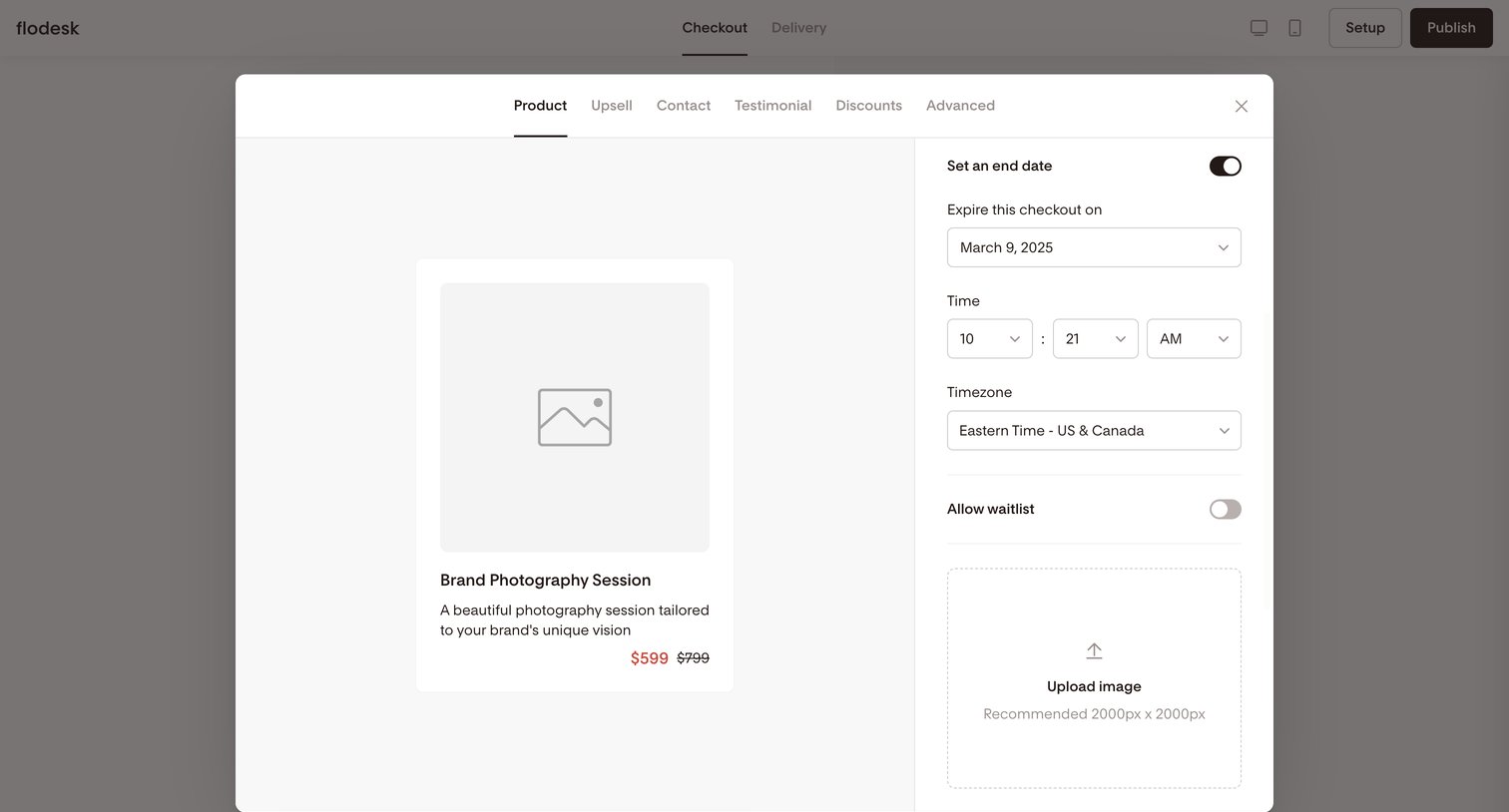
Design editor modal where the user configures product details, expiration dates, and waitlist settings for a checkout page.

Motion screen
Motion logo
Motion

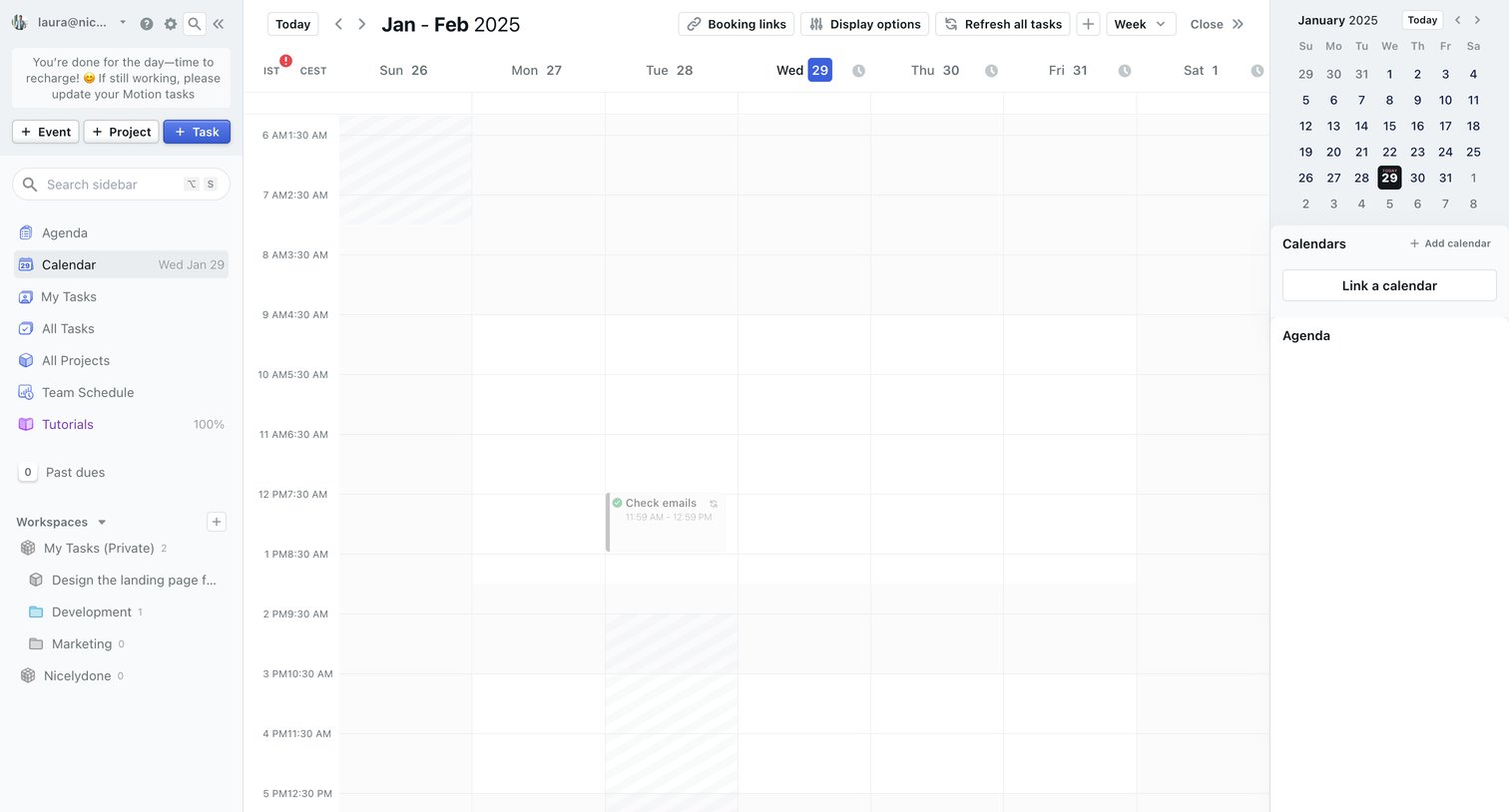
Calendar view where the user manages their weekly schedule, tasks, and connected calendars across a three-pane layout.

Secfi - Home | Secfi screen
Secfi logo
Secfi

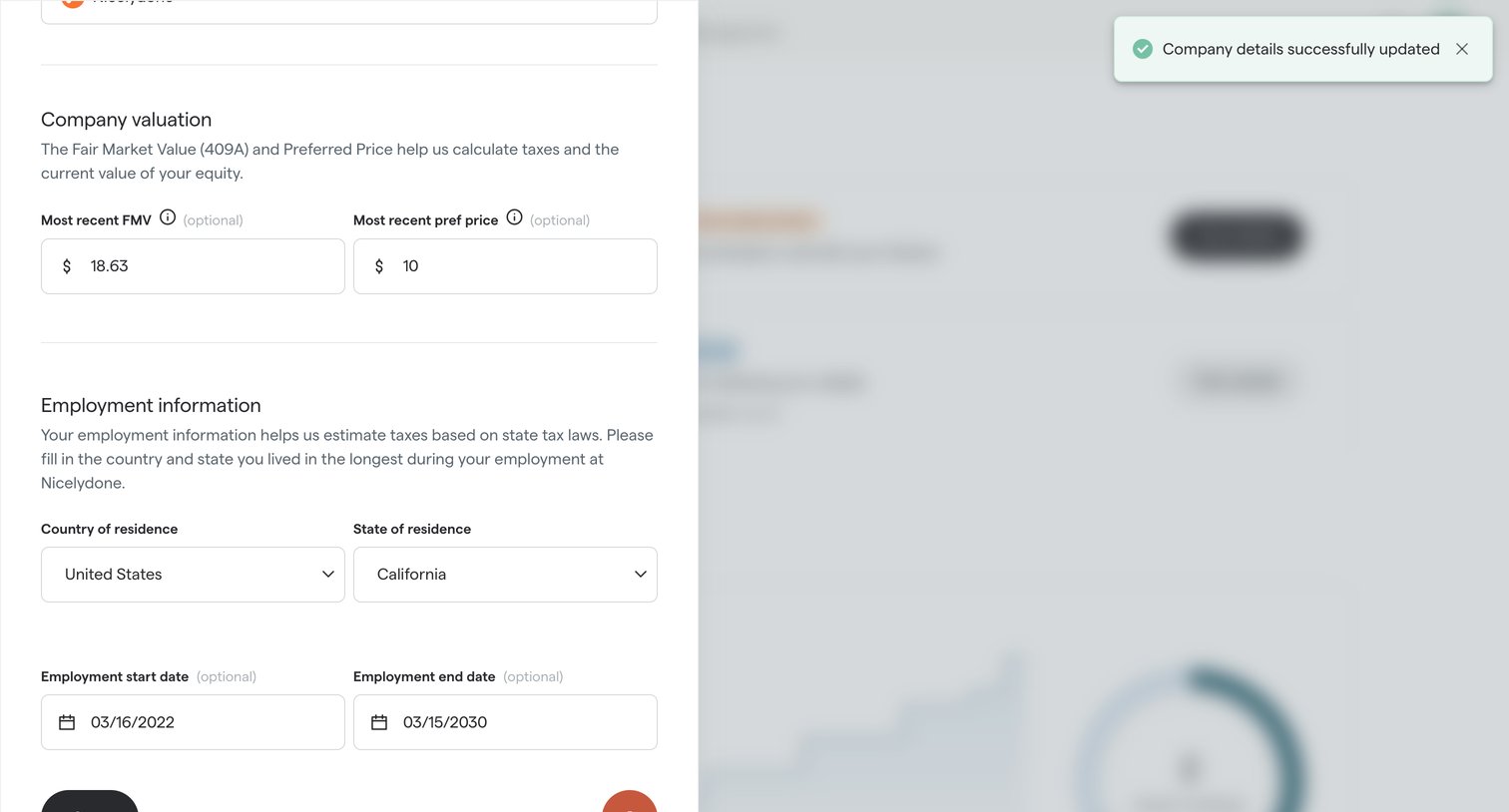
Settings drawer where the user updates company valuation and employment information for tax estimation, showing a success confirmation.

Kajabi - 20b screen
Kajabi logo
Kajabi

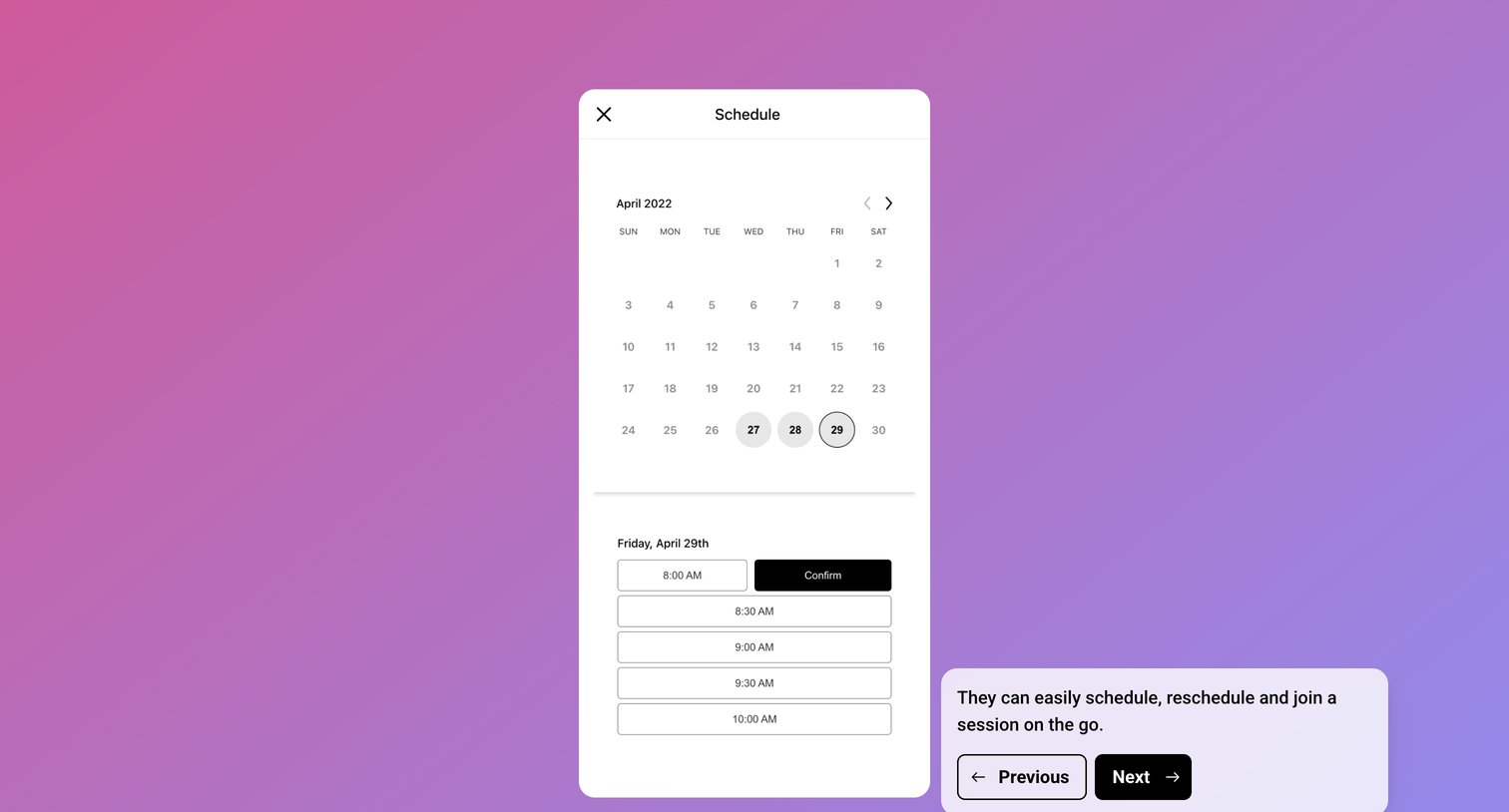
Product tour step demonstrating a mobile scheduling interface where users can pick a date from a calendar and confirm a time slot.

Jimo - Setup audience · Jimo screen
Jimo logo
Jimo

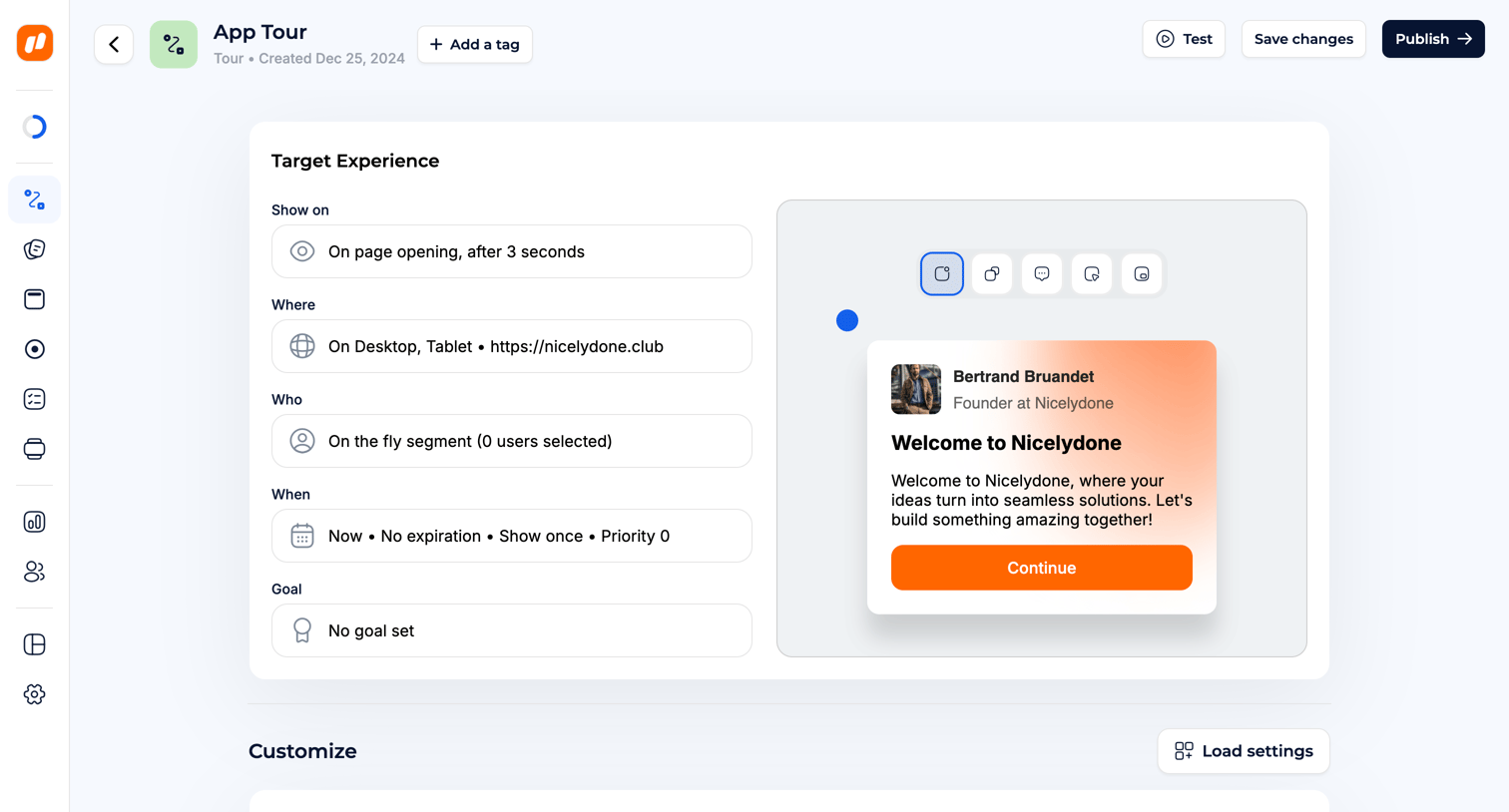
Detail page where the user configures targeting, timing recurrence, and priority rules for a specific app tour experience.

Campsite - Jeremy Rees screen
Campsite logo
Campsite

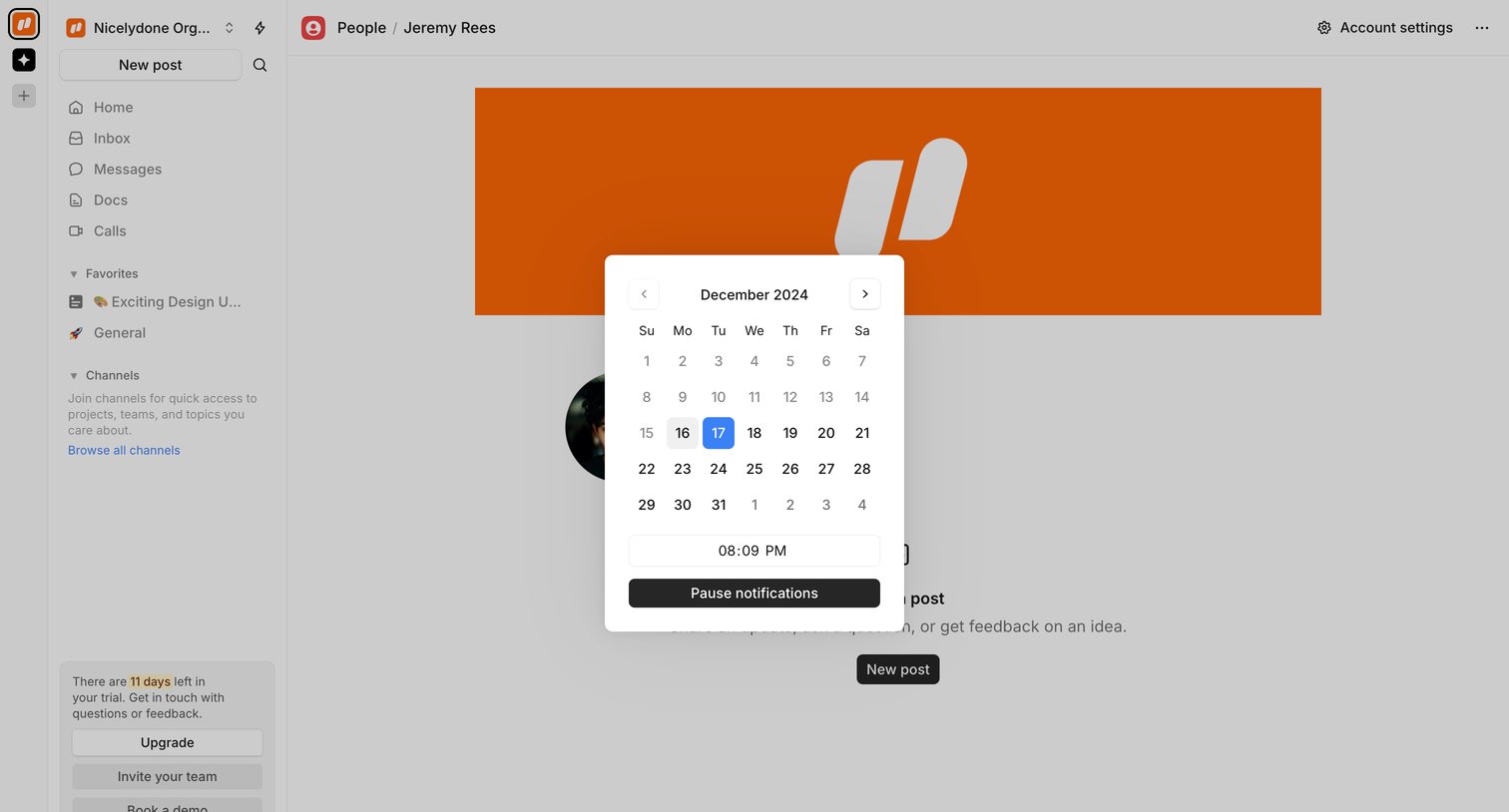
Detail page where the user views a teammate's profile and uses a modal to pause notifications until a specific date and time.

Explore the full SaaS screen library

Upgrade to unlock the full library.

Trusted by the best teams