Dashboard screen examples
Dashboard screen design examples from SaaS apps. See how SaaS apps bring key figures and current activity into one overview. Explore how dashboard layouts prioritize summaries and provide paths to more…
Explore the examples
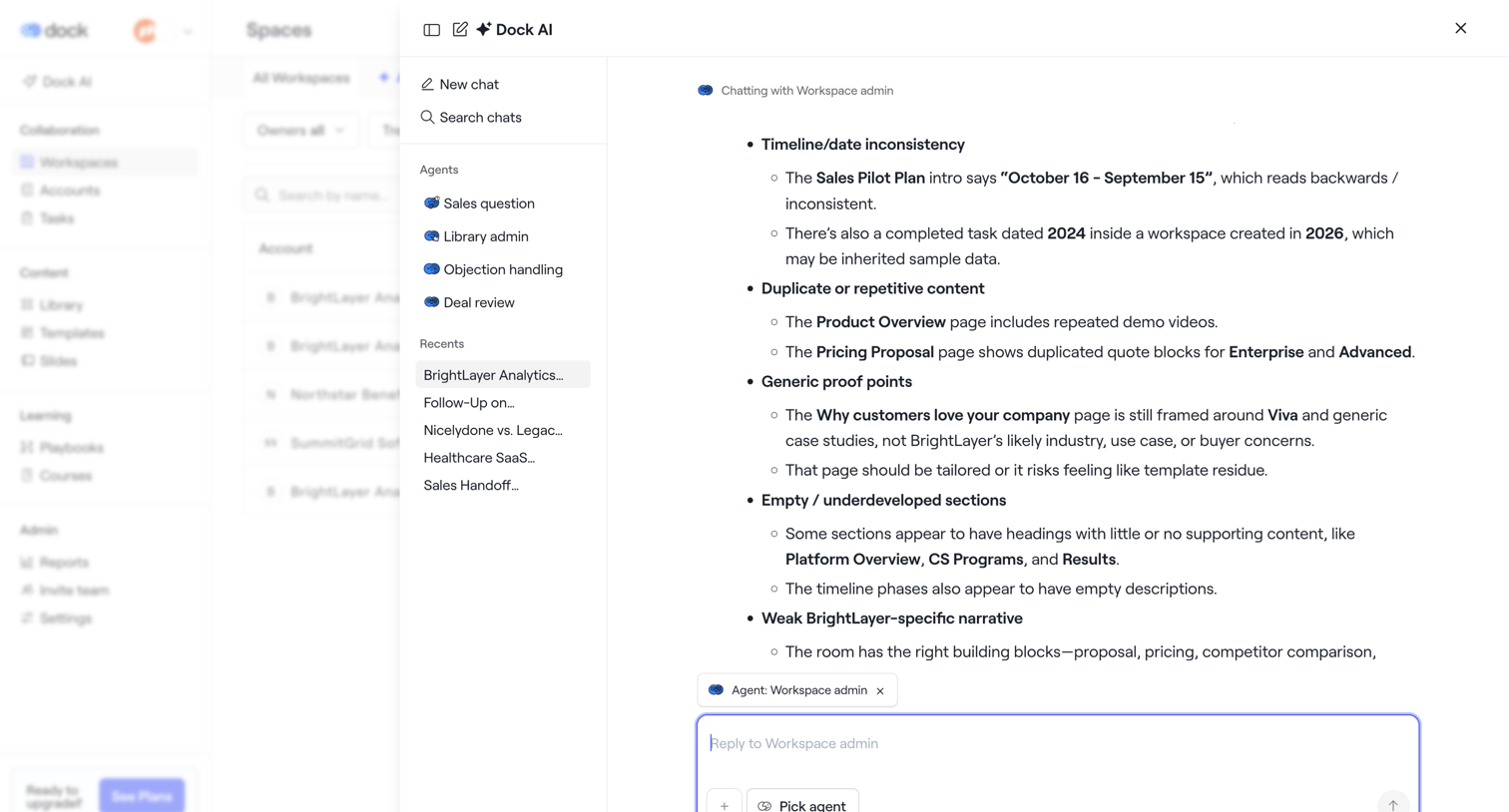

List view where the user has opened a large AI assistant drawer to chat with a workspace admin agent about document inconsistencies.
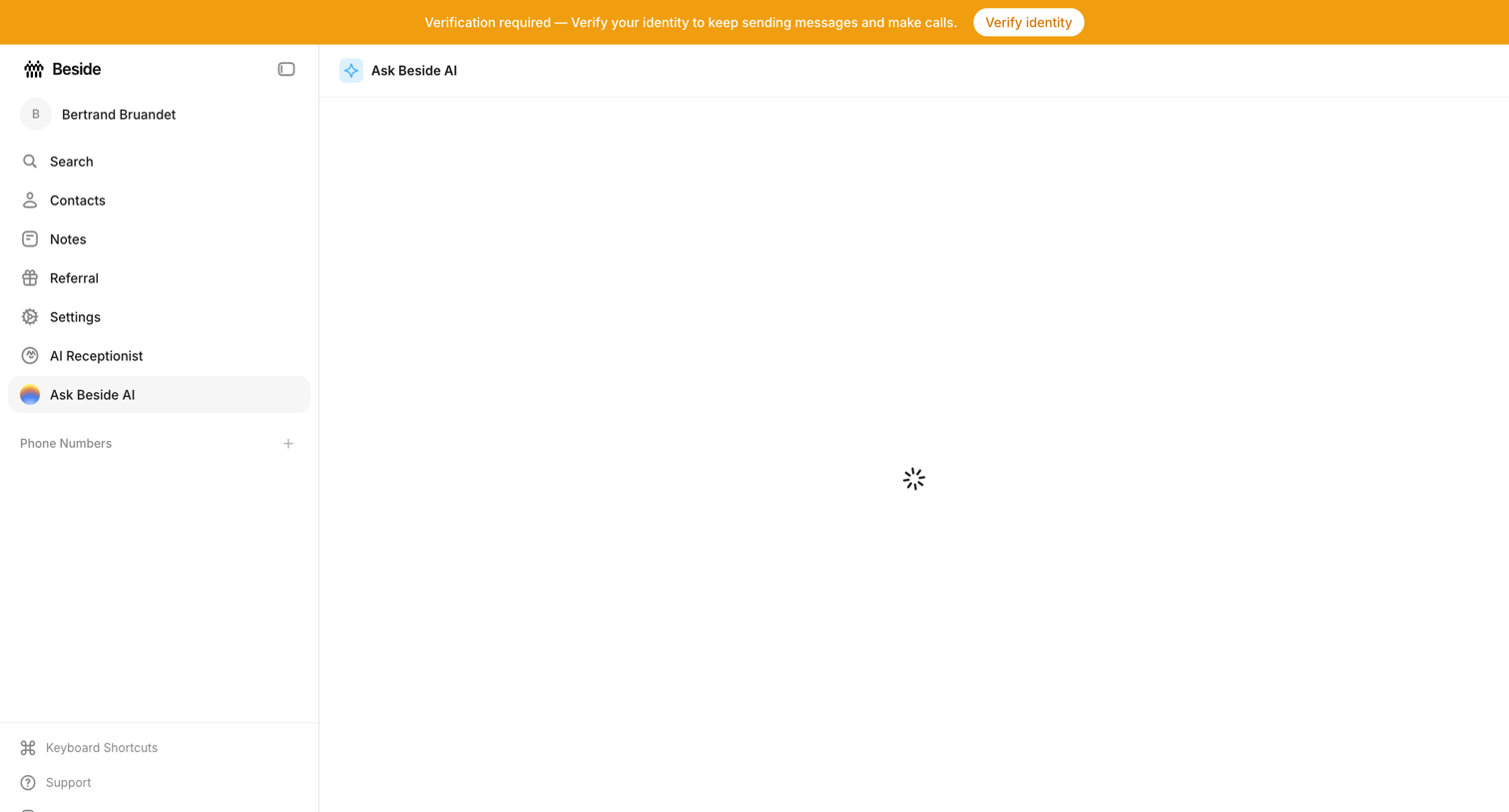

AI chat interface where the main conversation view is currently loading, accompanied by a prominent system banner requiring identity verification.
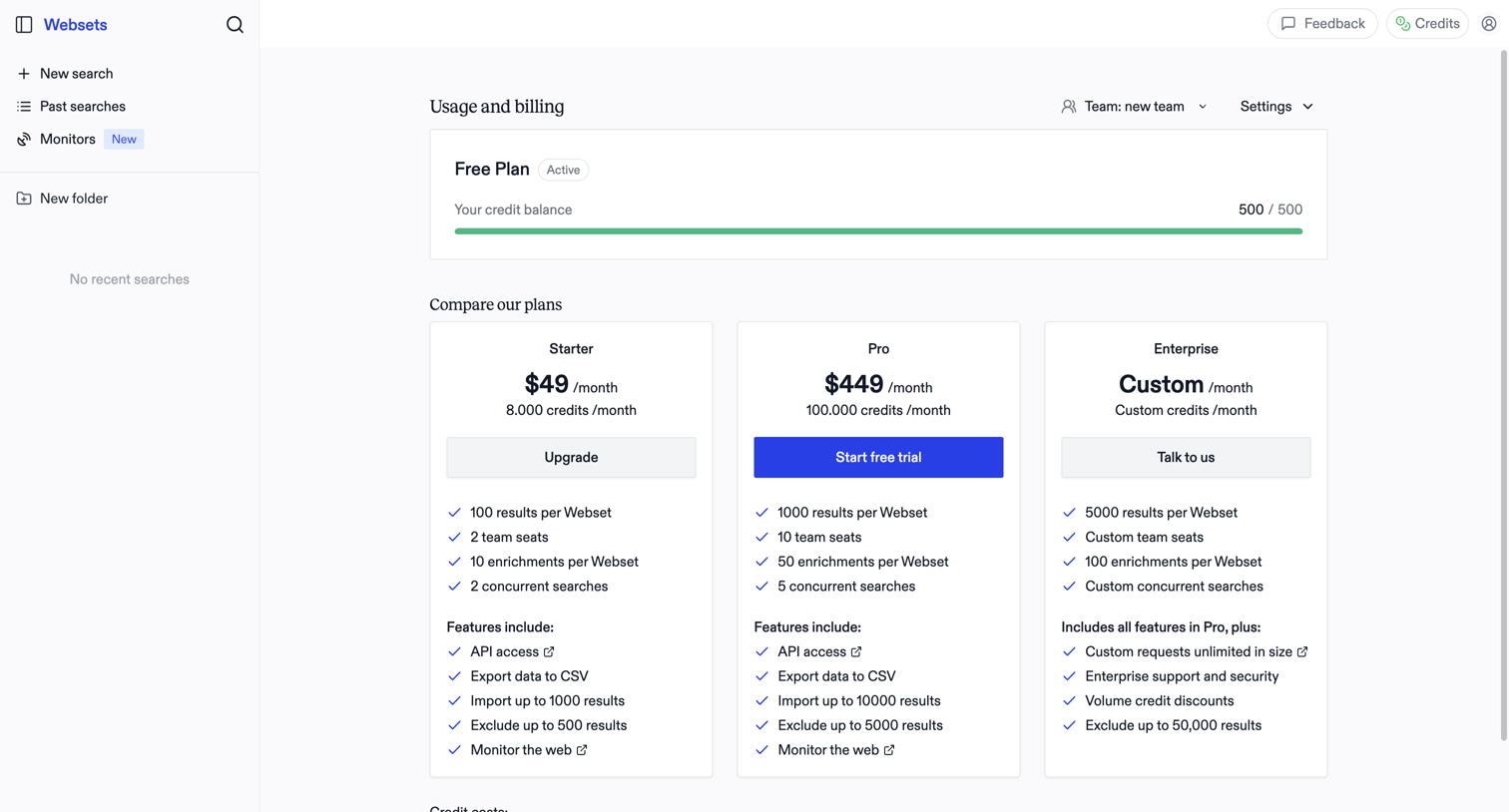

Billing settings page where the user monitors their free plan credit balance and compares paid subscription tiers to upgrade.
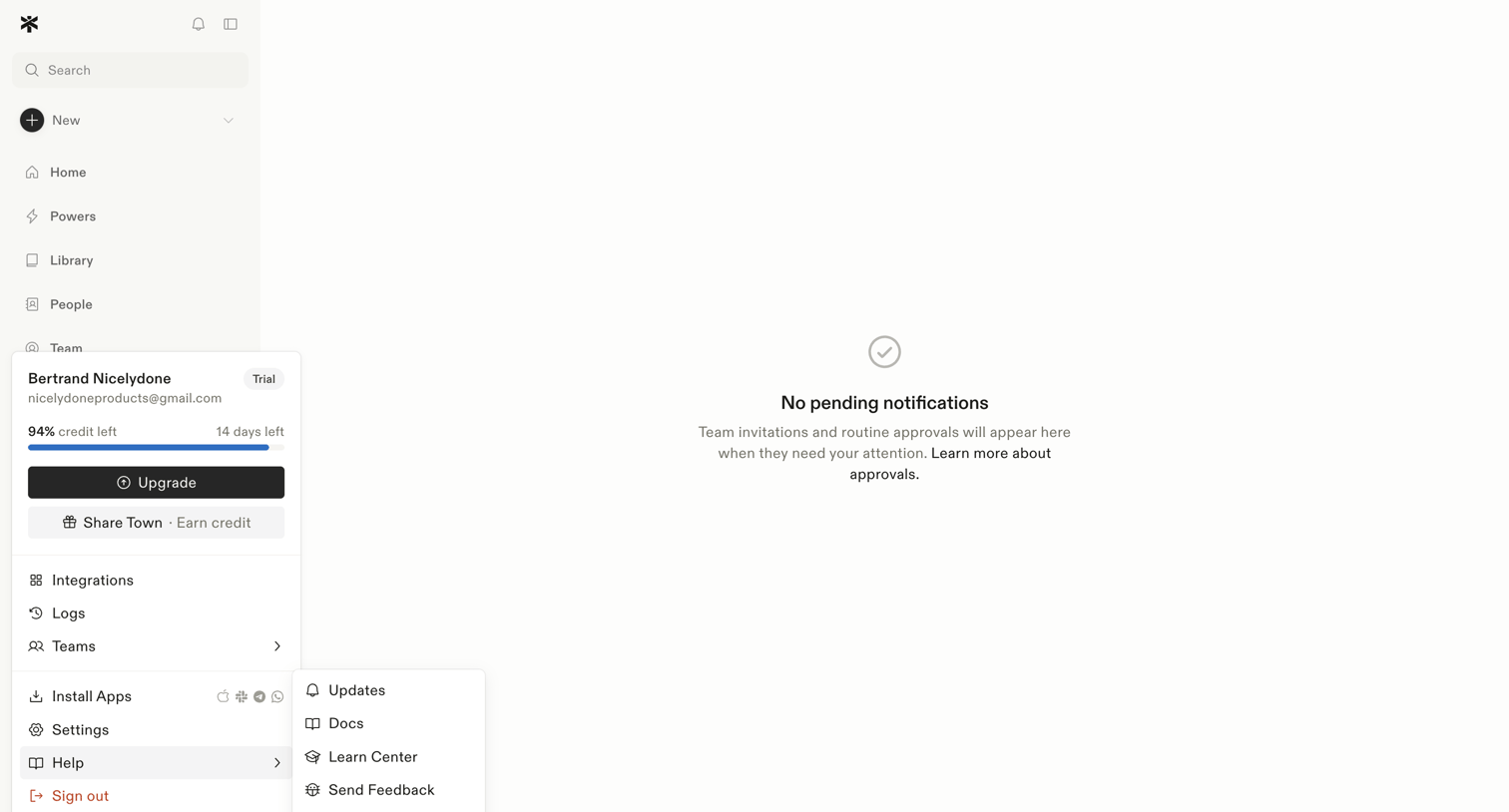

Inbox view where the user manages team invitations and routine approvals, currently showing a zero-state message with no pending items.
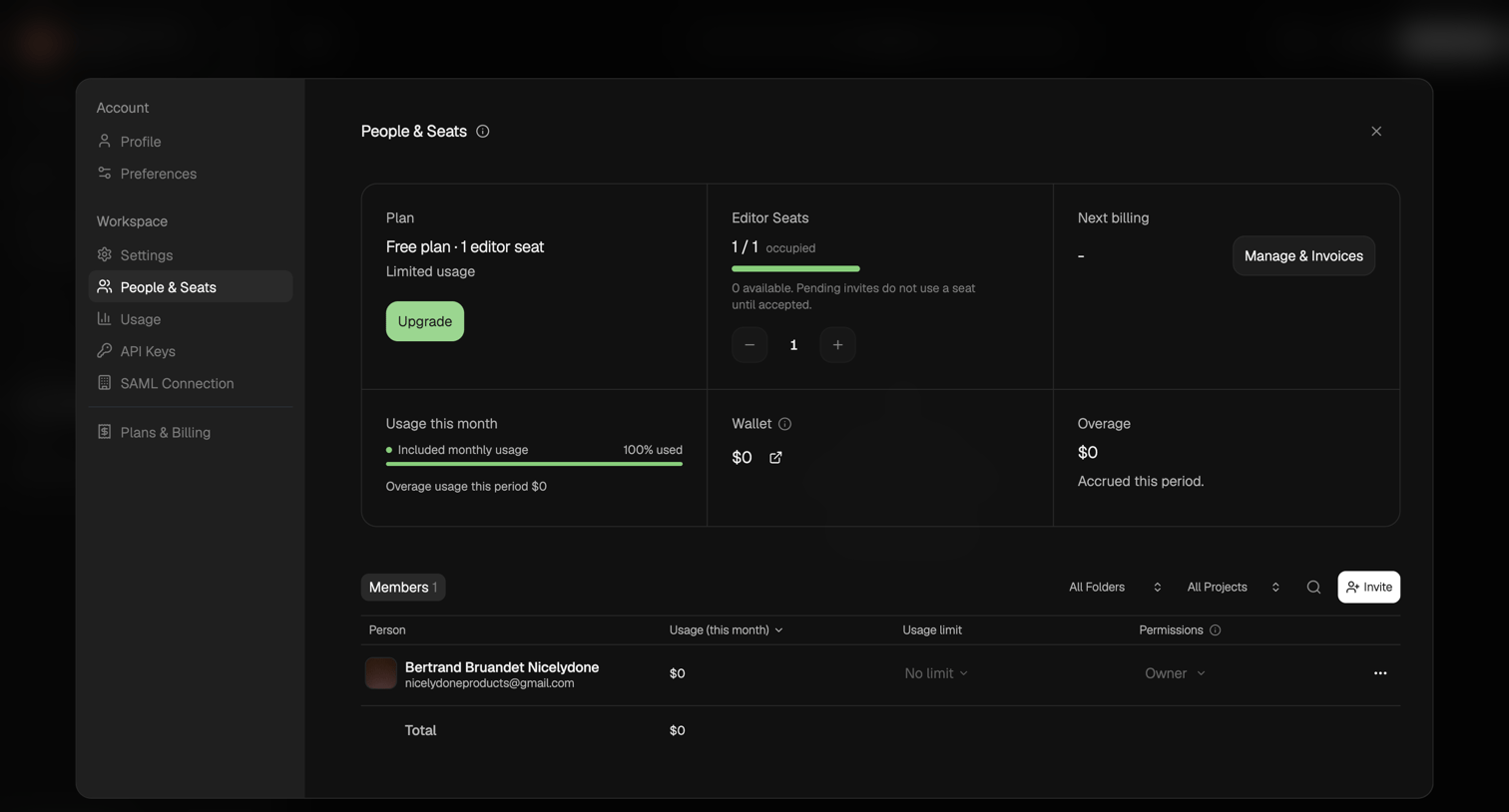

Settings modal where the user manages their workspace plan, editor seats, usage limits, and invites new members.
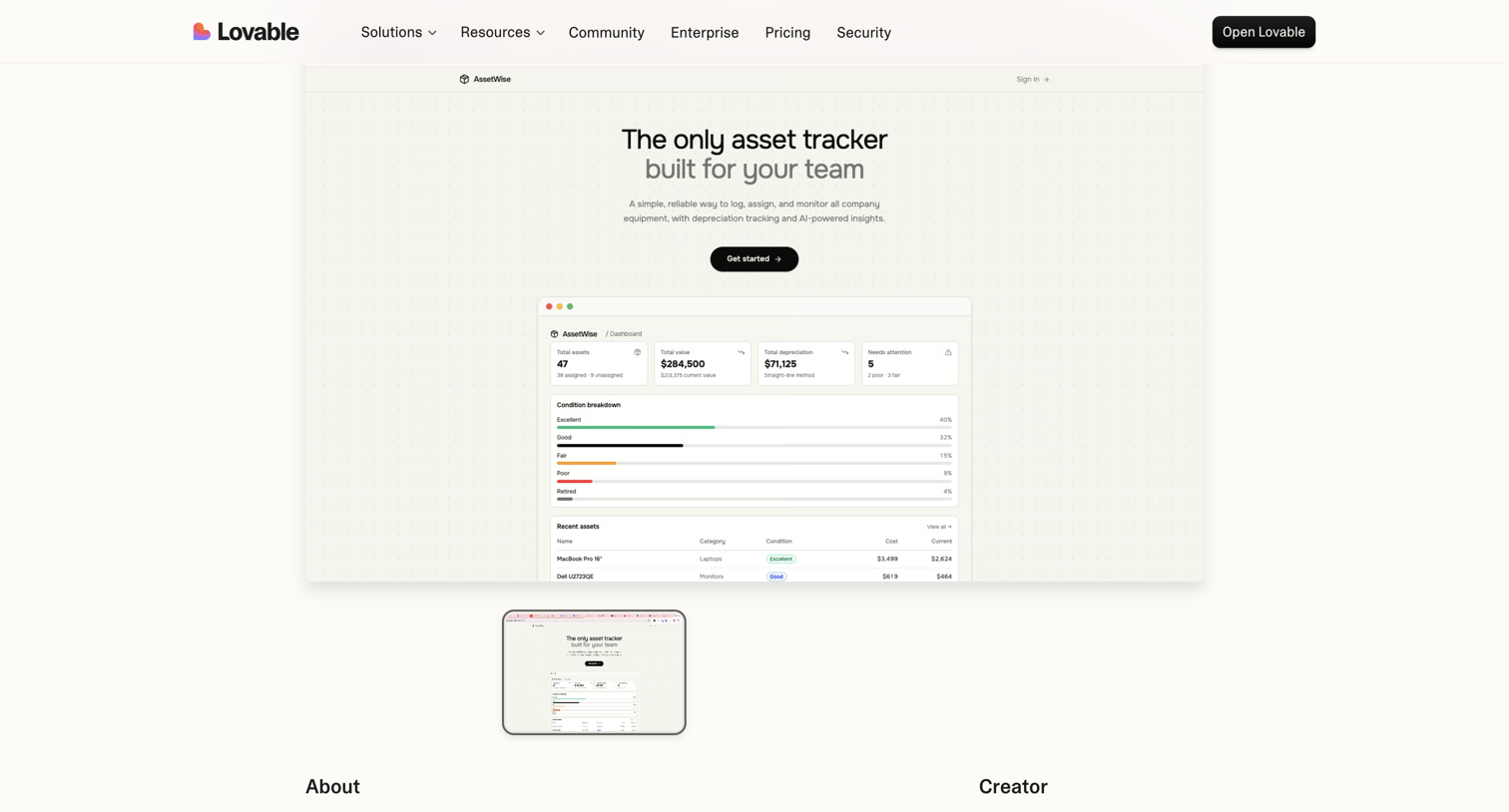

Product page showcasing AssetWise, an asset tracking application built by a creator, featuring a live preview window and creator details.
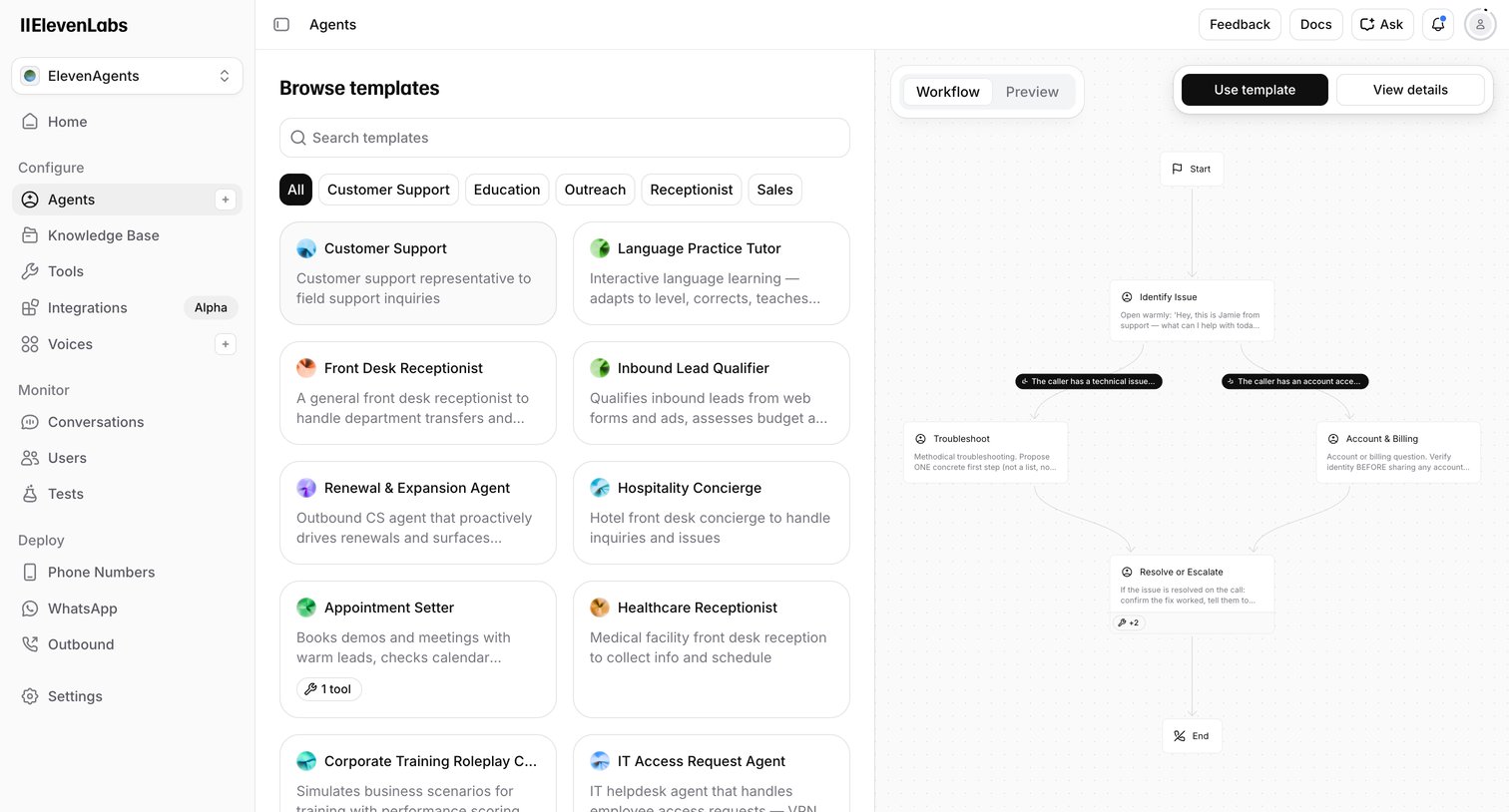

Create page where the user browses voice AI agent templates by category and previews their conversational workflow before starting.
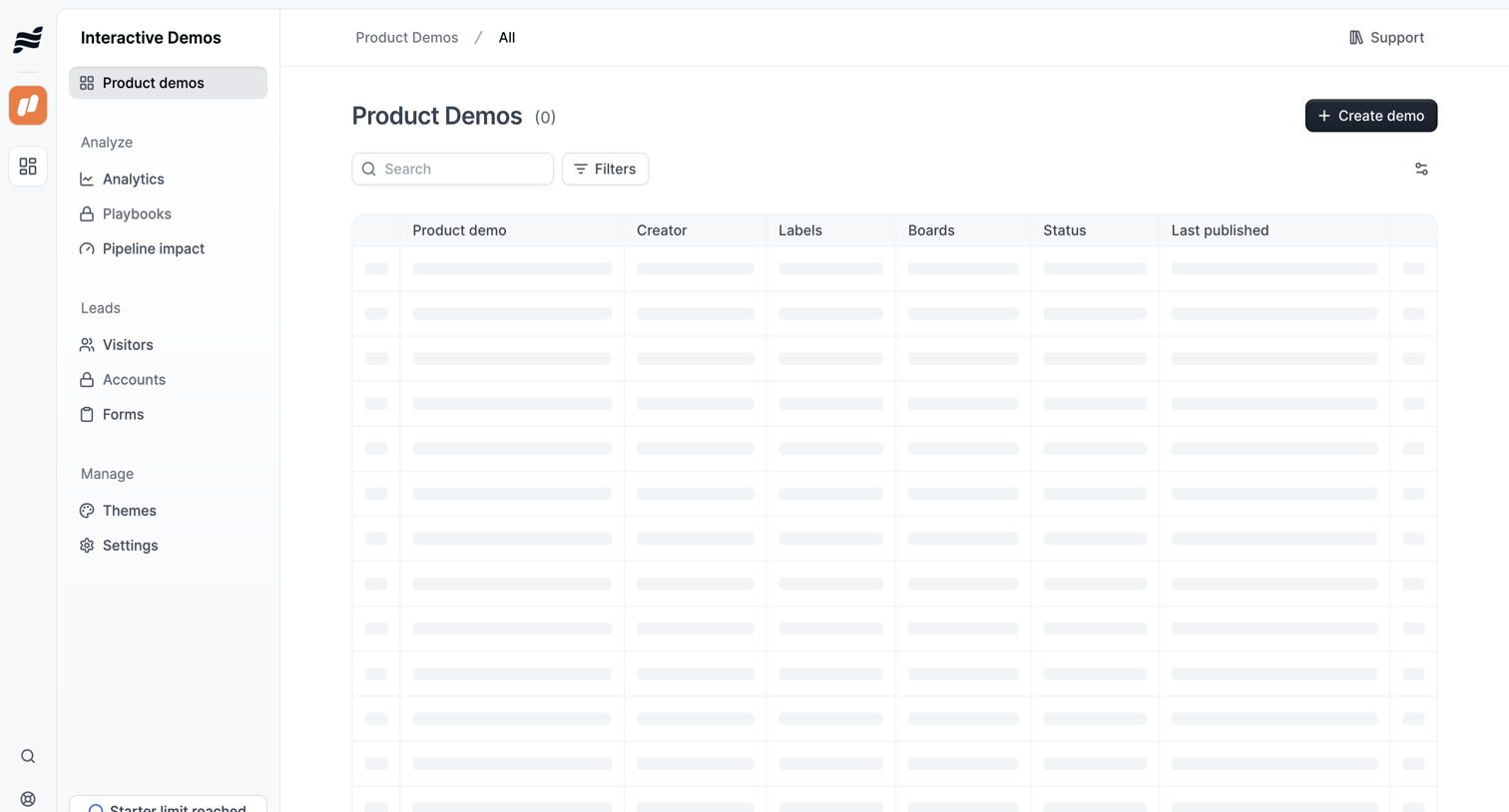

List view where the user manages product demos, currently showing a skeleton loading state for the data table alongside search and filter controls.
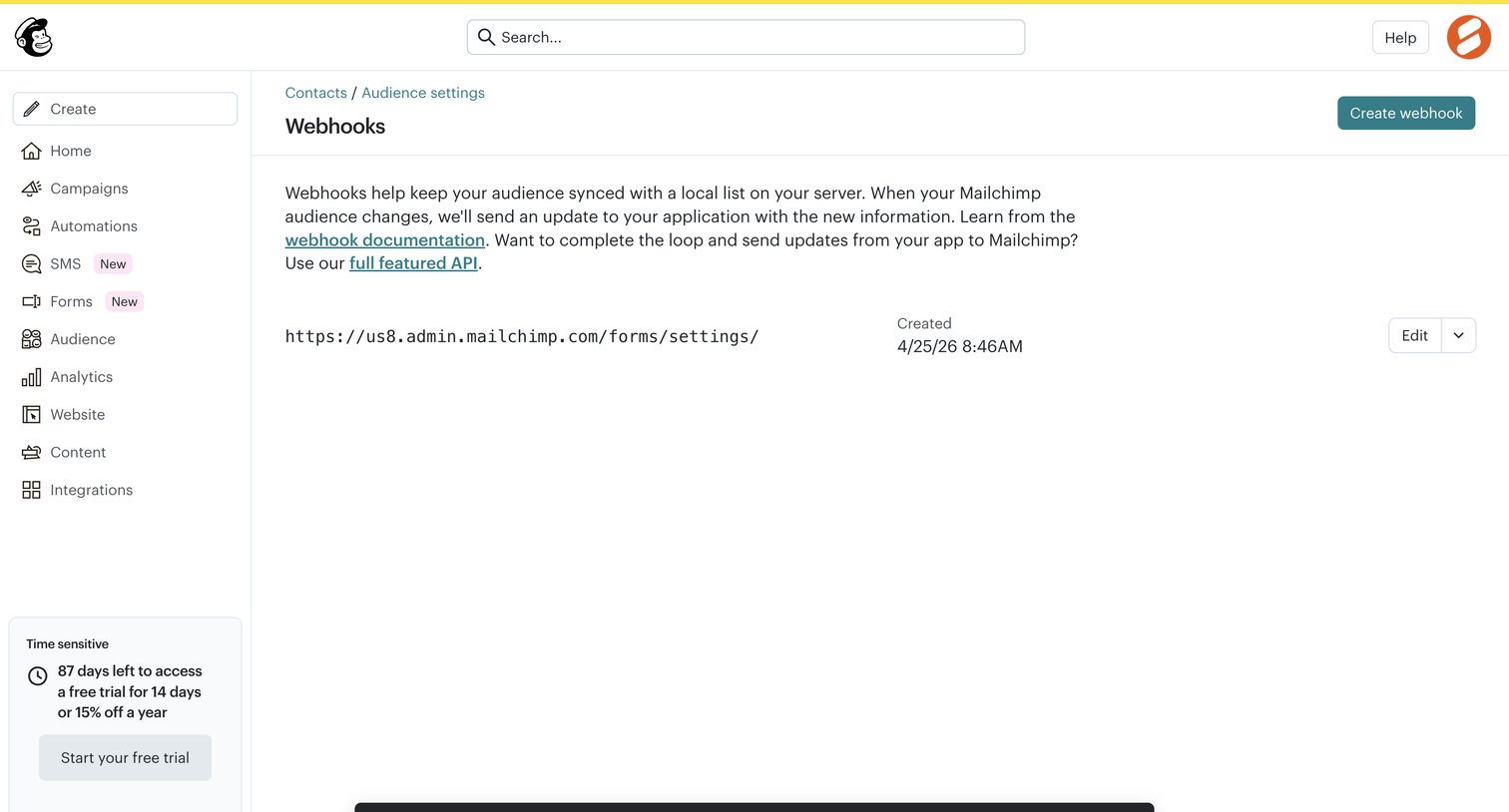

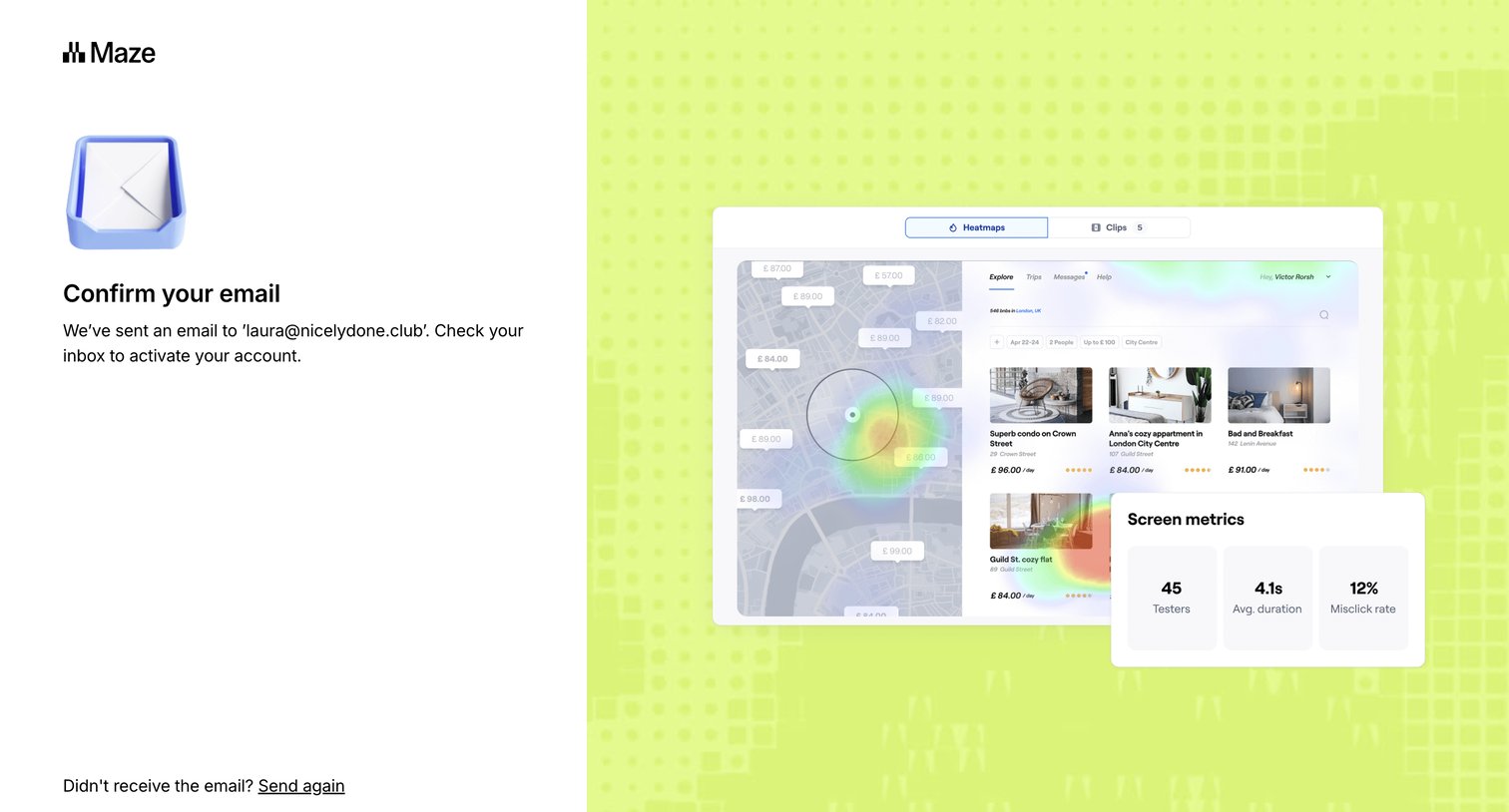

Verification screen where the user is instructed to check their email inbox to activate their account, with options to resend the email or return to signup.
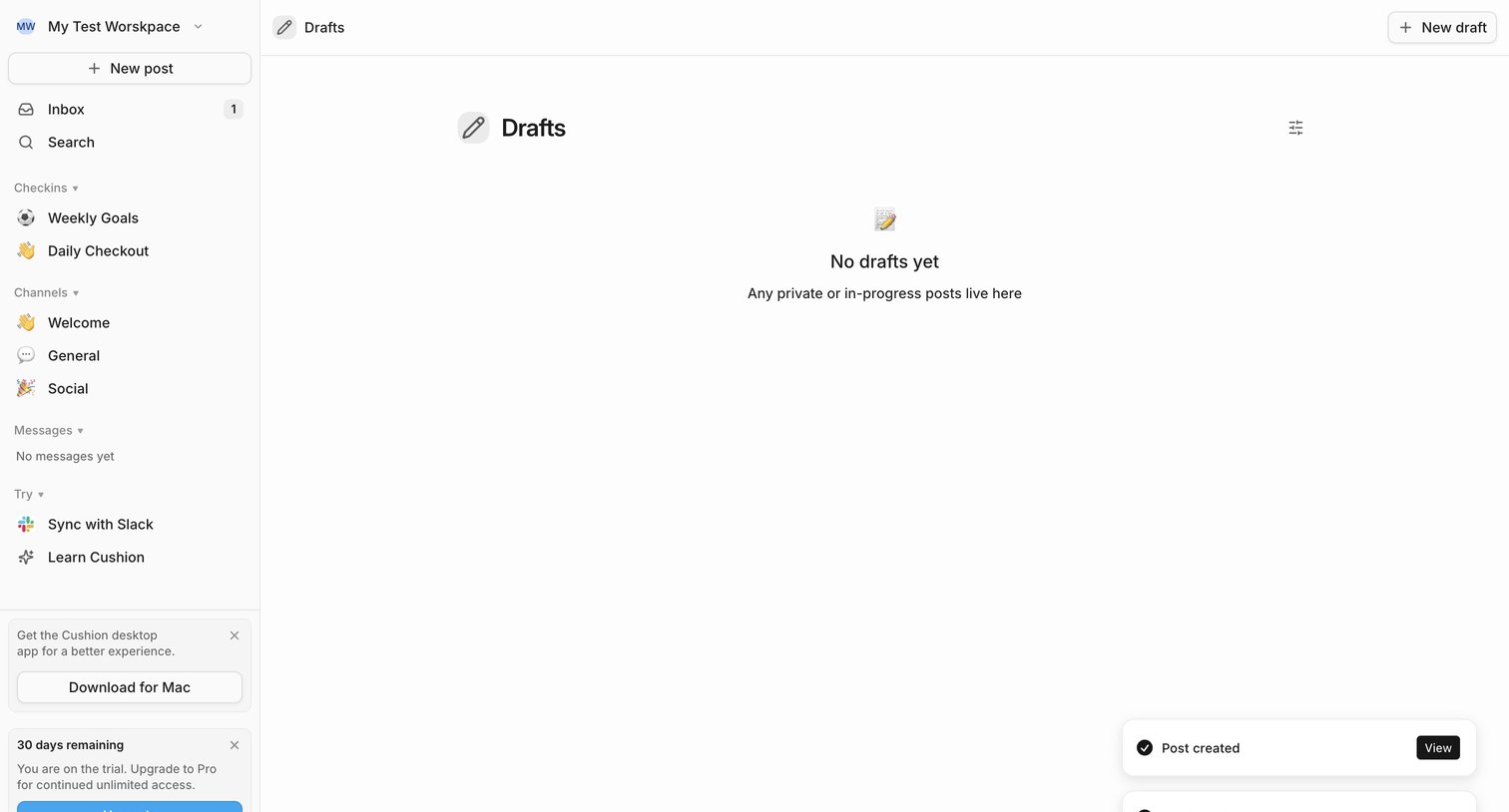

List view showing an empty state for drafts with a prompt that private or in-progress posts live here, alongside active toast notifications.
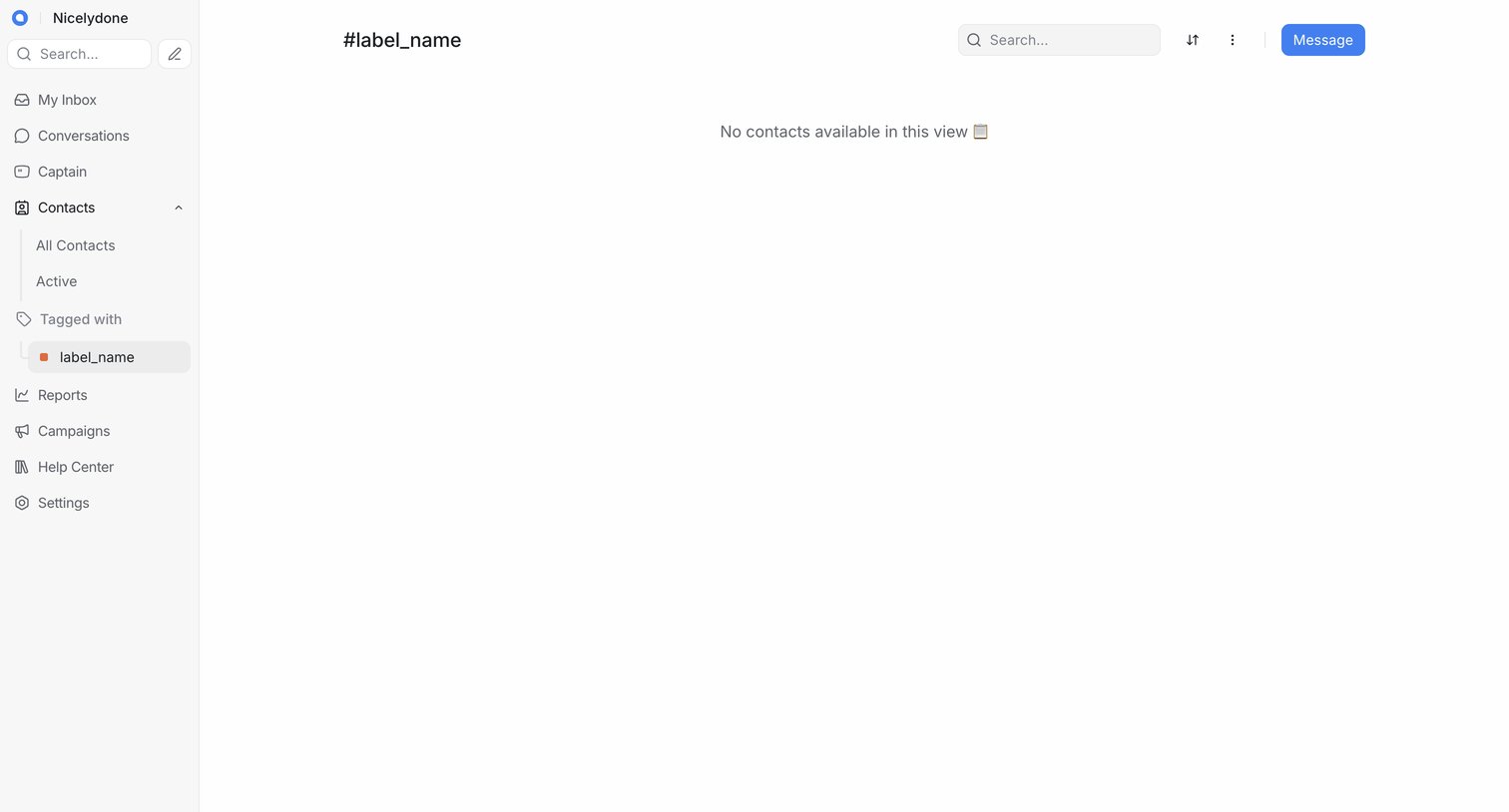

List view showing an empty state for contacts tagged with a specific label, featuring a search bar and a message action in the header.
Explore the full SaaS screen library
Upgrade to unlock the full library.
Trusted by the best teams








About Dashboard
See how SaaS apps bring key figures and current activity into one overview. Explore how dashboard layouts prioritize summaries and provide paths to more detailed information.