Dark theme screen examples
Dark theme screen design examples from SaaS apps. Browse examples from Riverside, Flora, Liveblocks.
Explore the examples


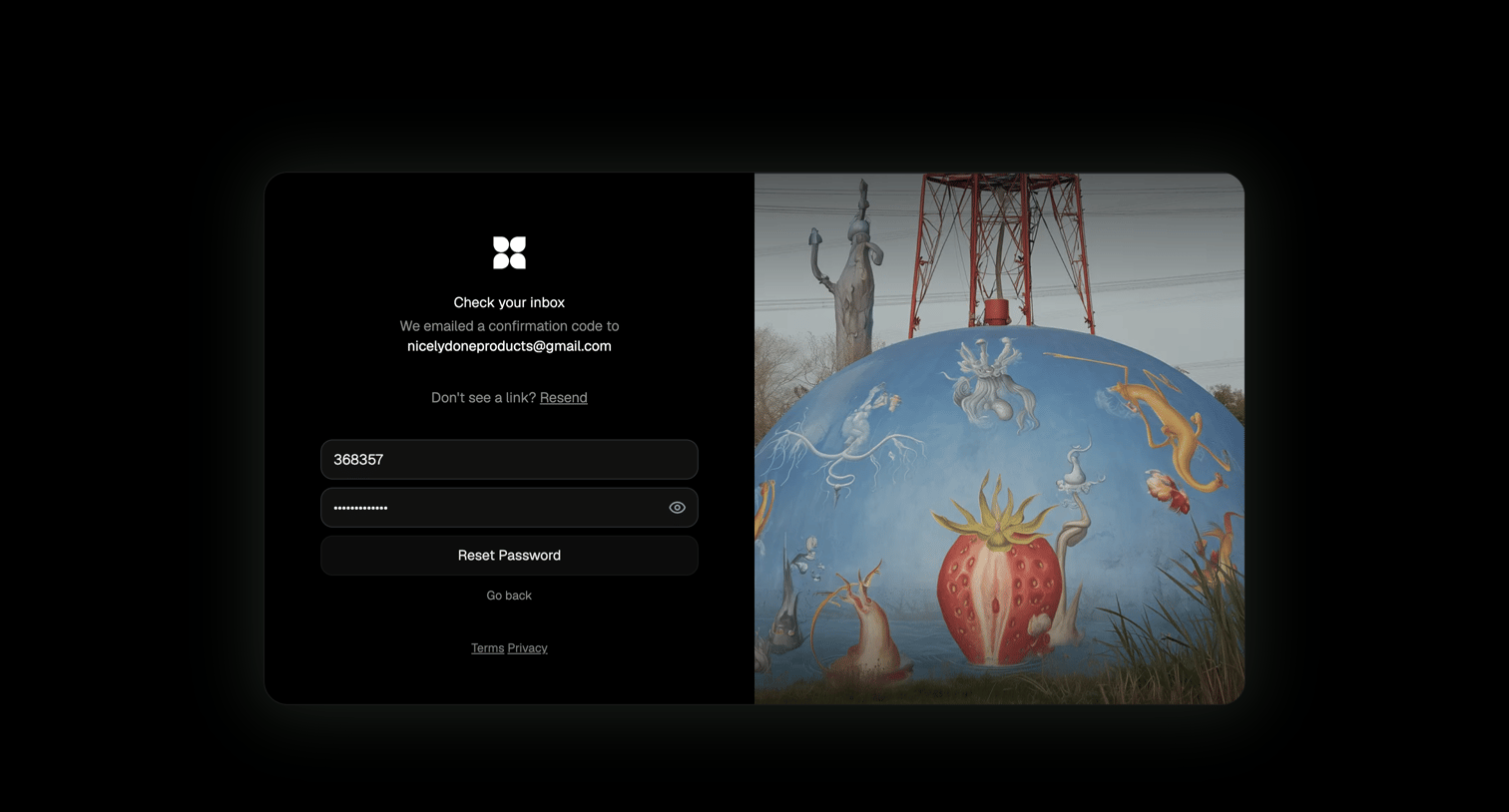

Password recovery screen where the user enters an emailed confirmation code and sets a new password.
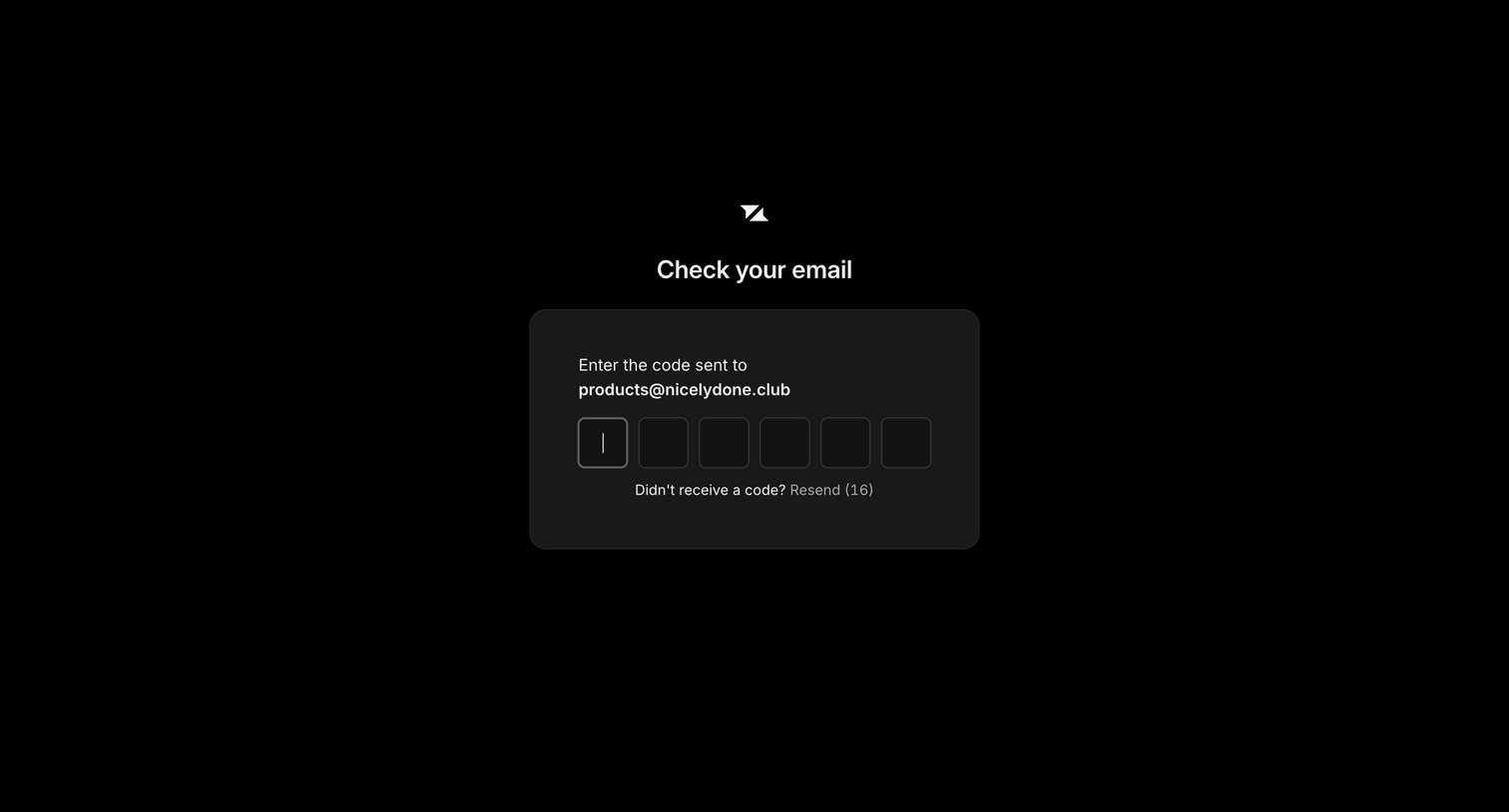

Verification screen where the user enters a 6-digit code sent to their email to complete authentication, featuring a countdown timer for resending the code.
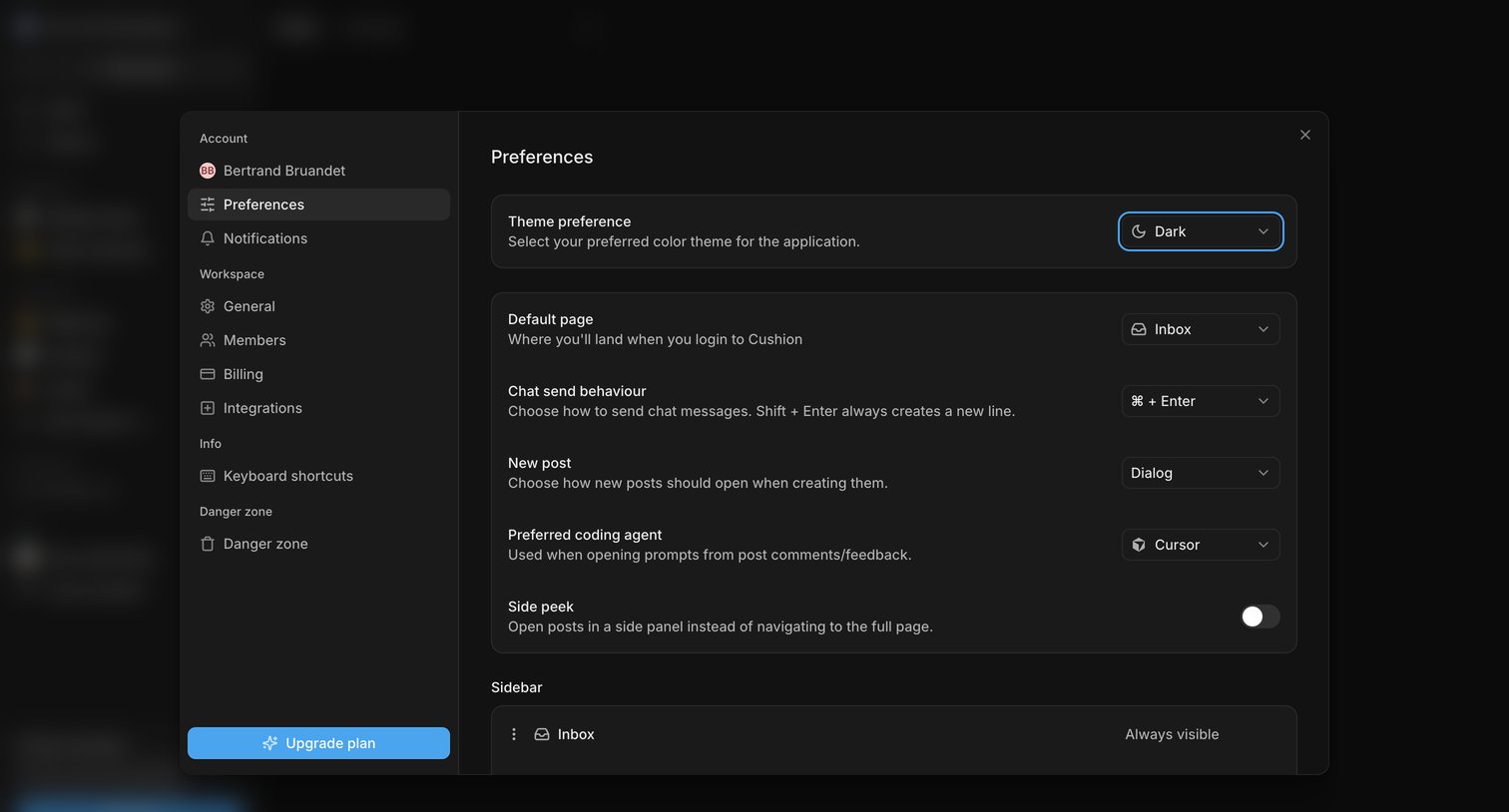

Settings modal where the user configures application preferences like color theme, default landing page, and chat send behavior.
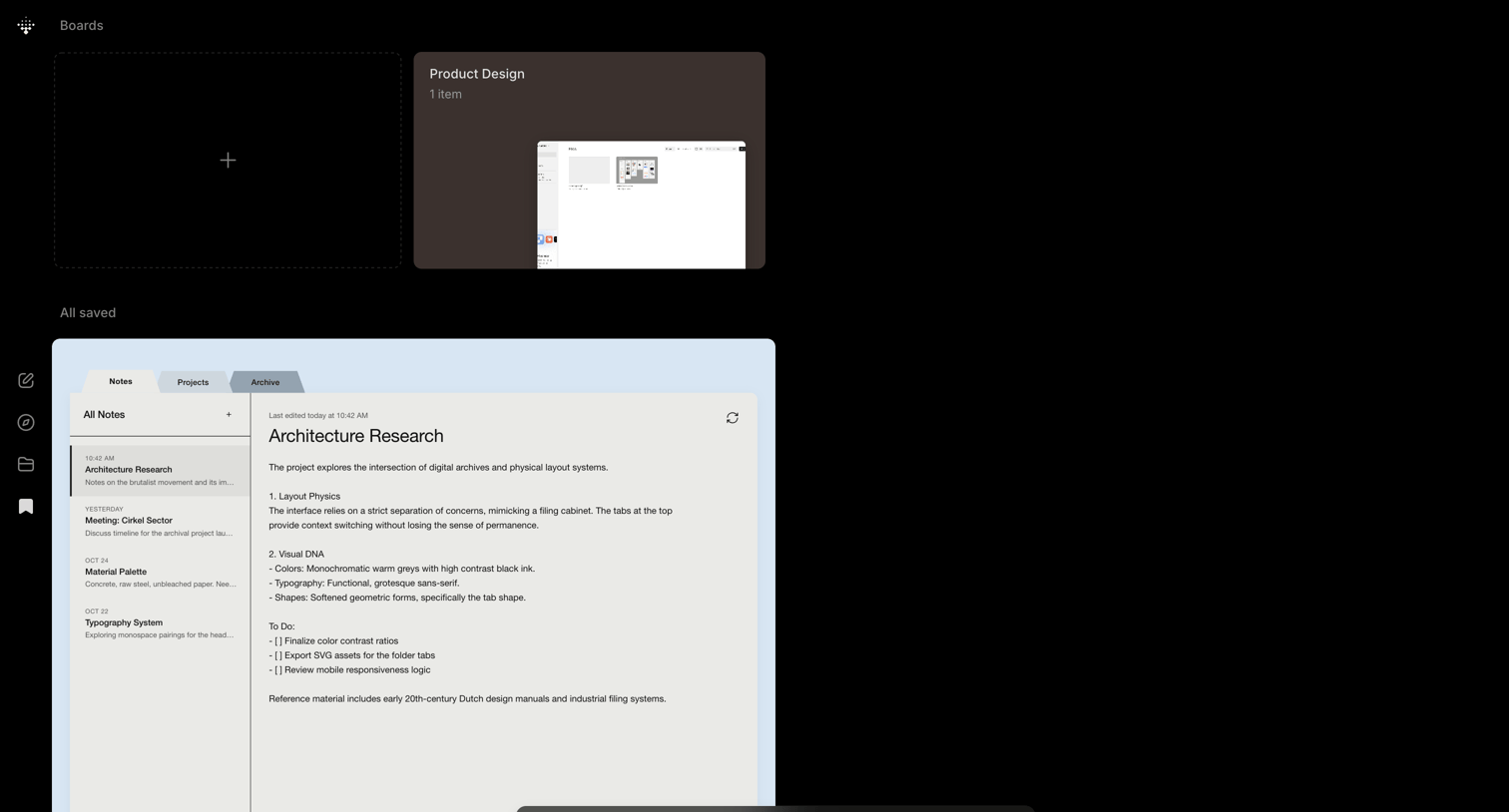

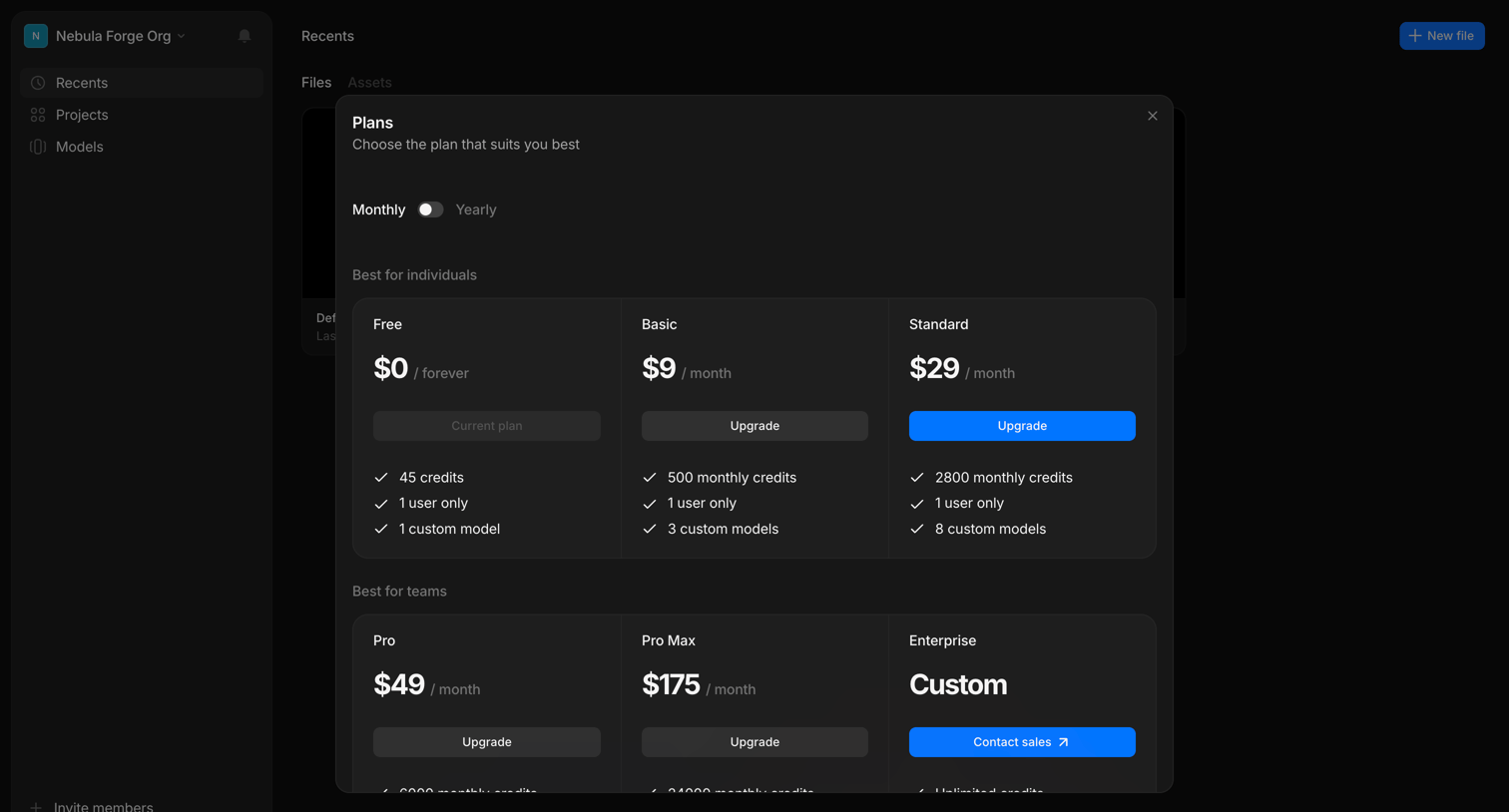

In-app upgrade modal where the user compares individual and team subscription tiers and can toggle between monthly and yearly billing.
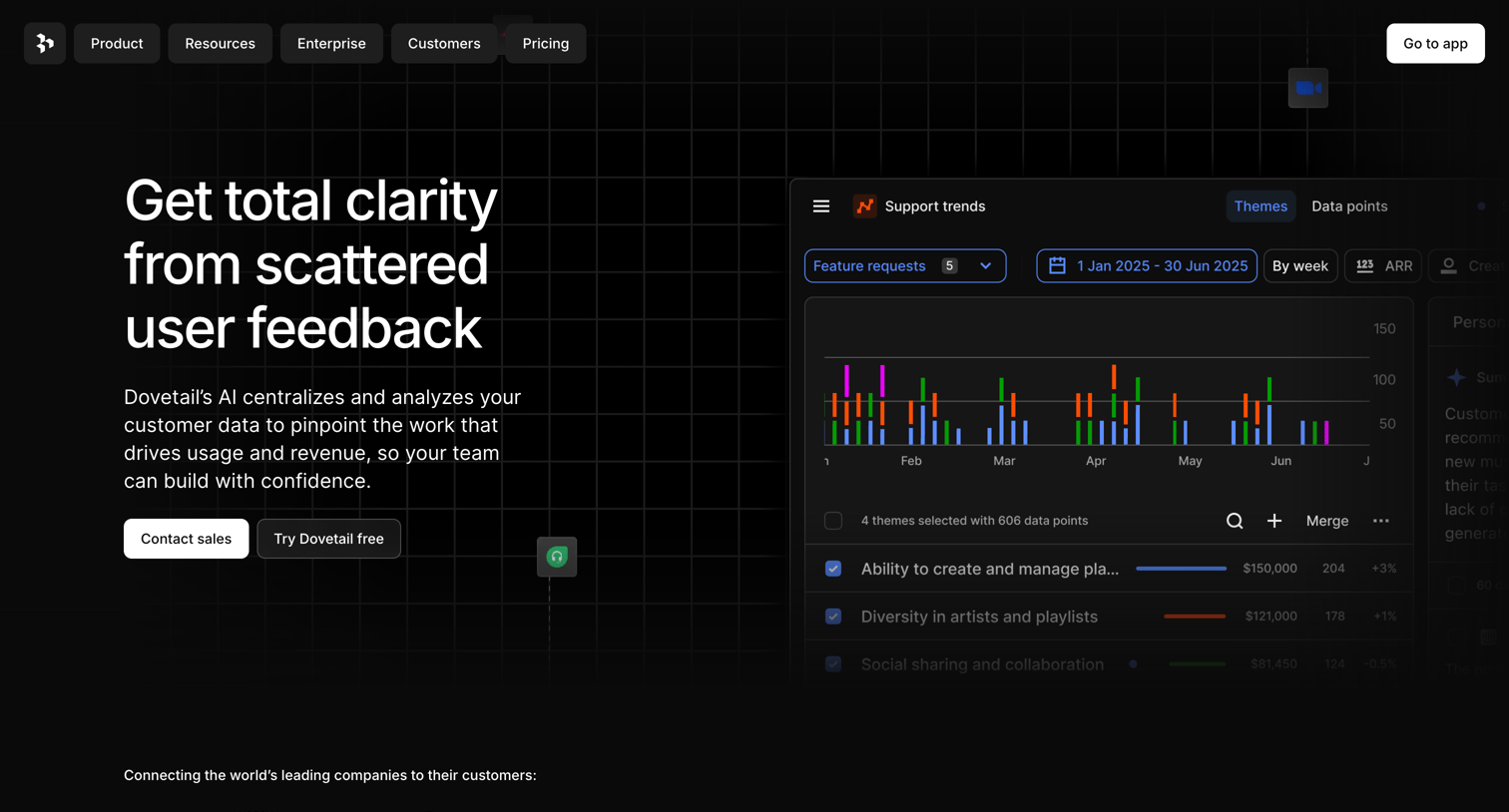

Landing page hero section pitching an AI-powered user feedback analysis tool, featuring a product UI mockup showing support trends and theme analysis.
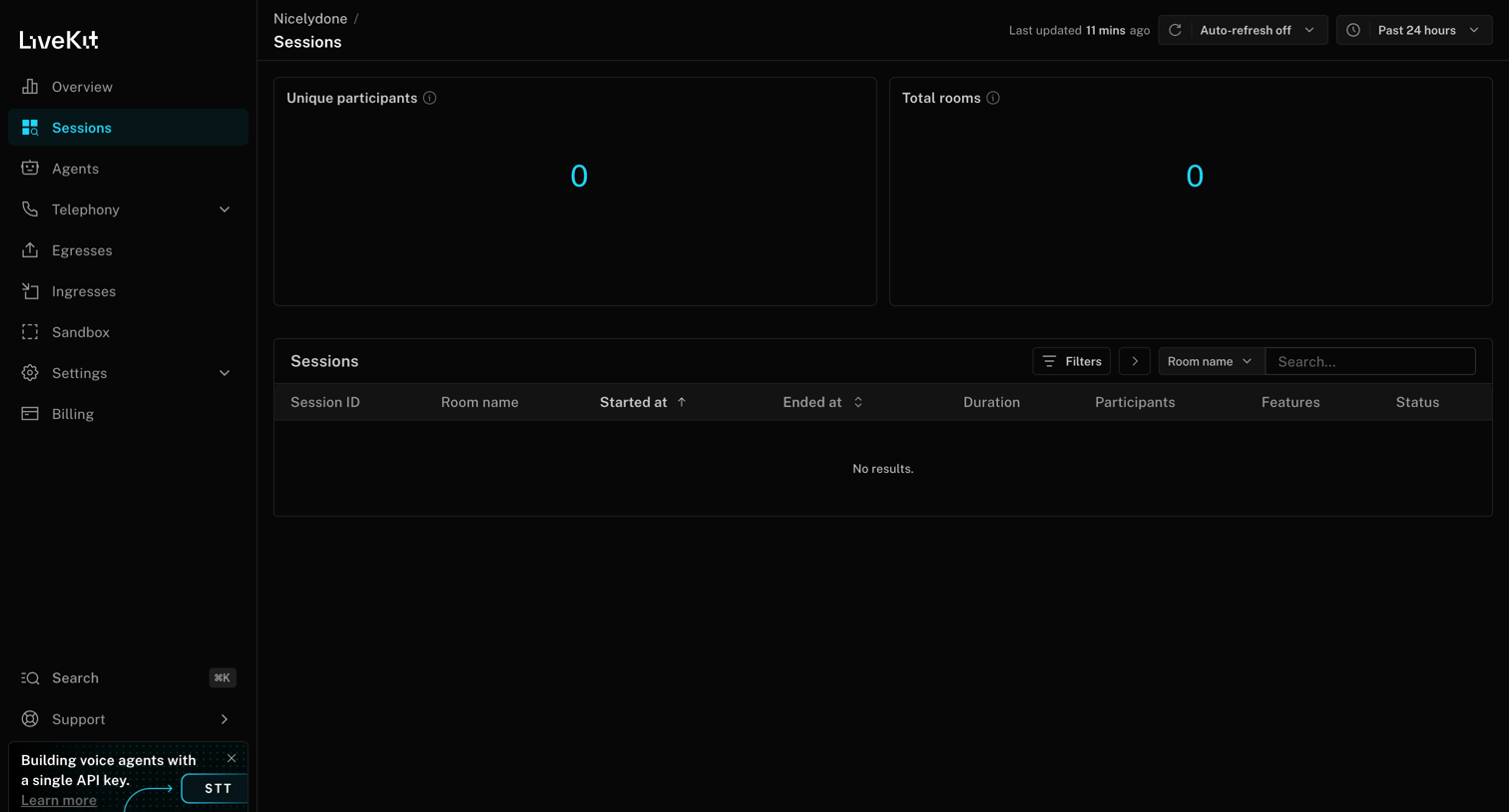

List view for sessions showing zero unique participants and total rooms, with an empty data table and filtering controls.
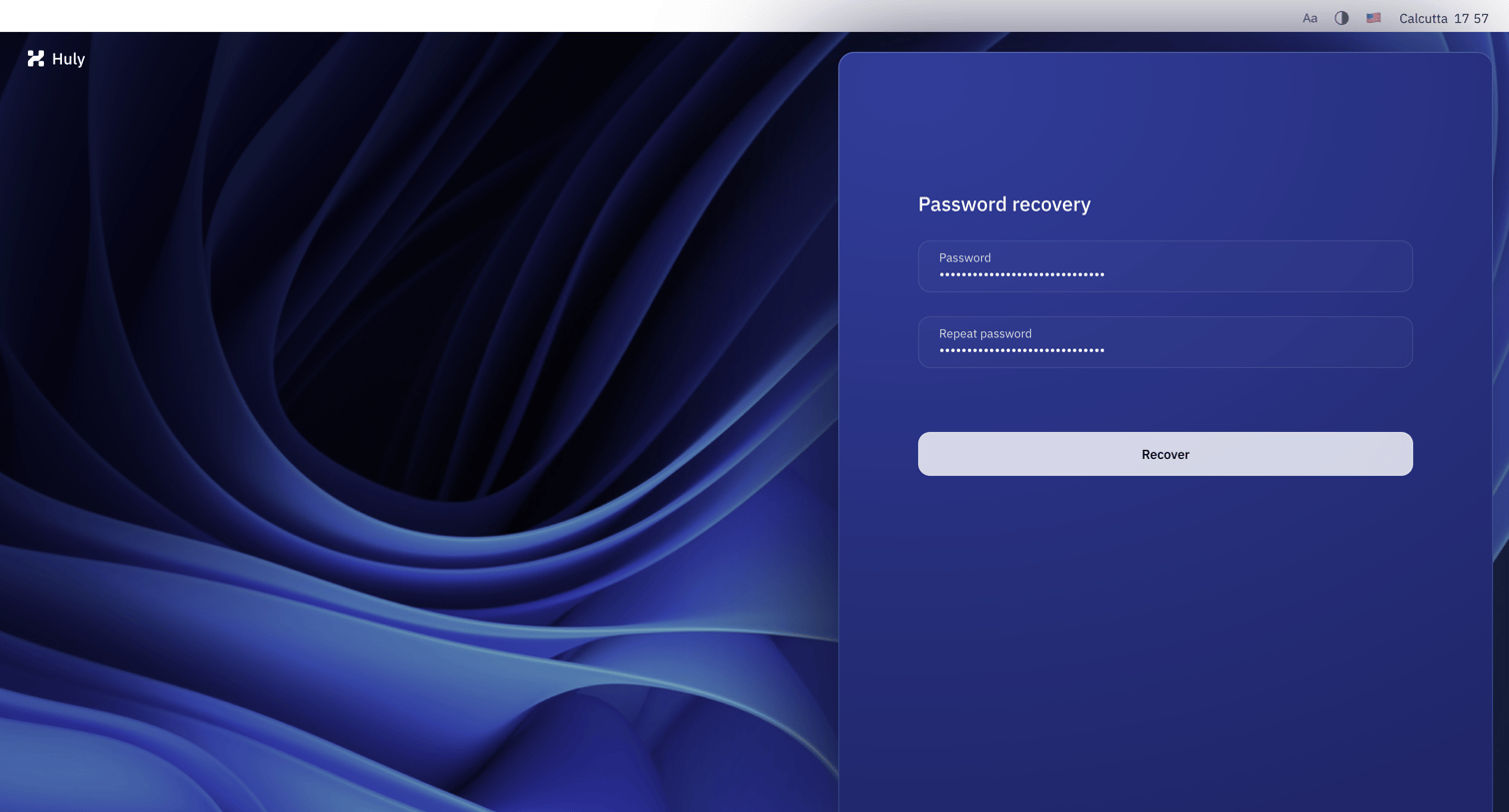

Auth screen where the user enters and confirms a new password to recover their account.
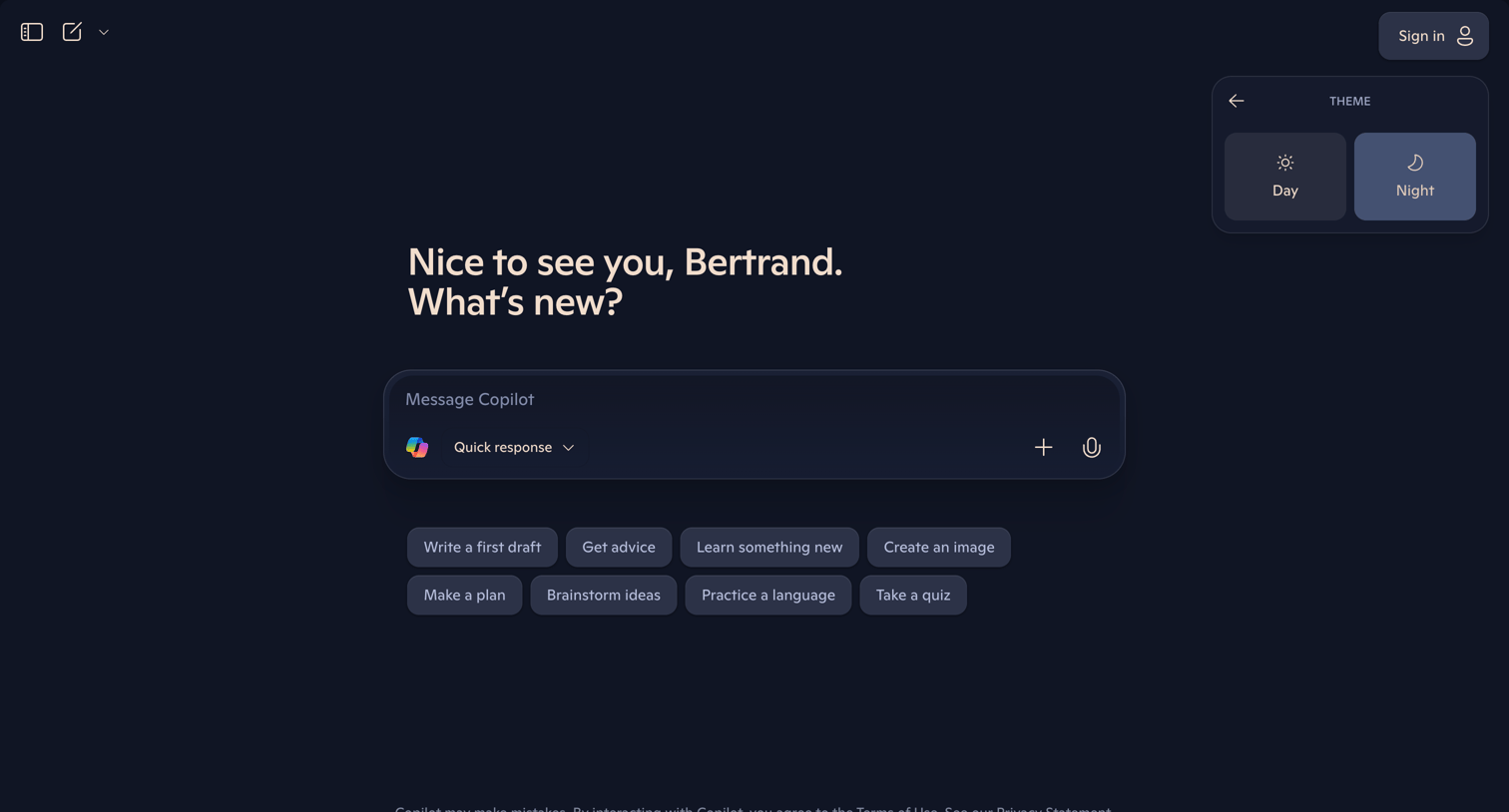

AI chat interface where the user is greeted by name and presented with a message composer, prompt suggestions, and an open theme settings popover.
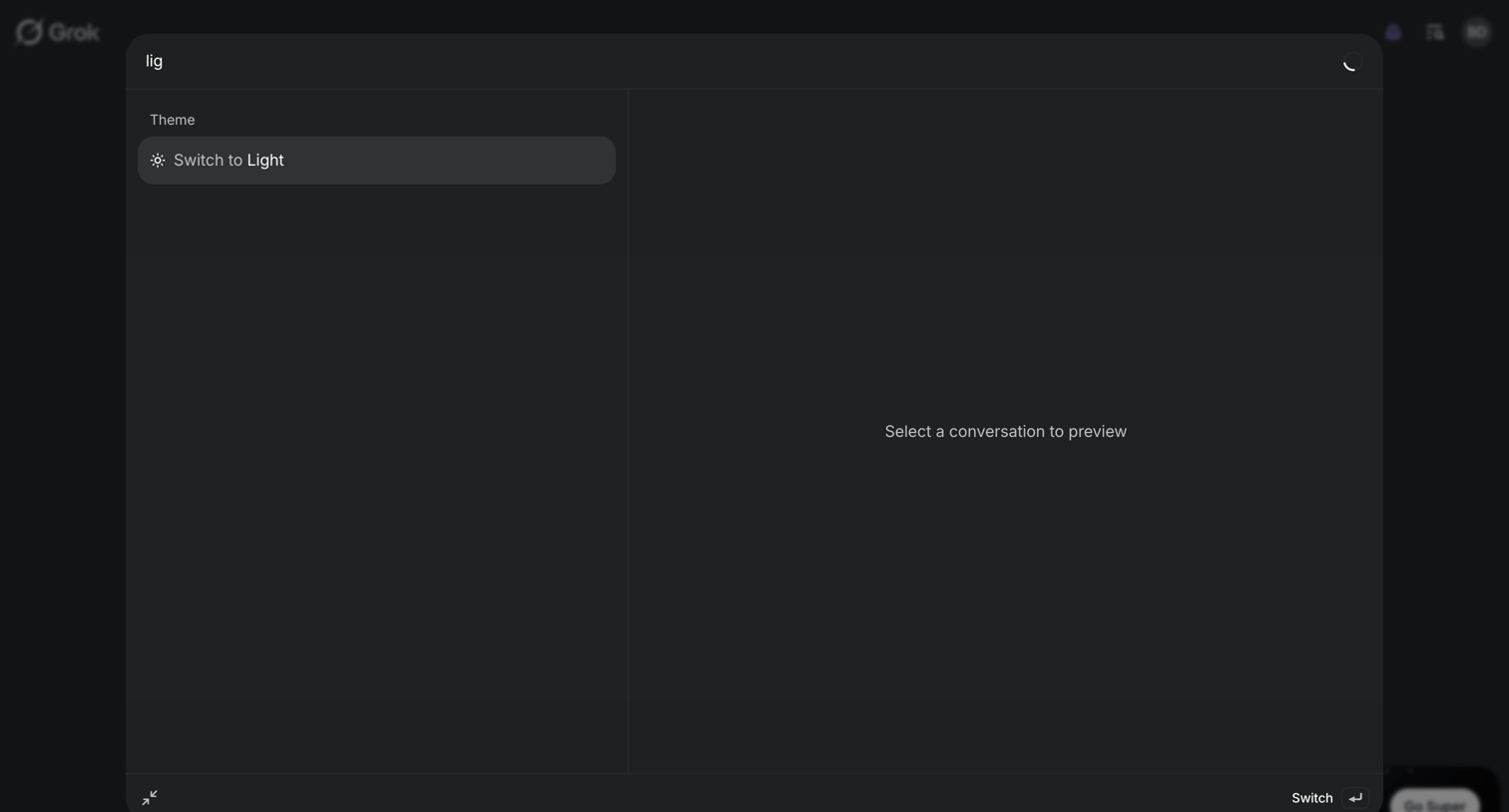

Search overlay where the user types a query to find quick actions like switching the theme or previewing past conversations.
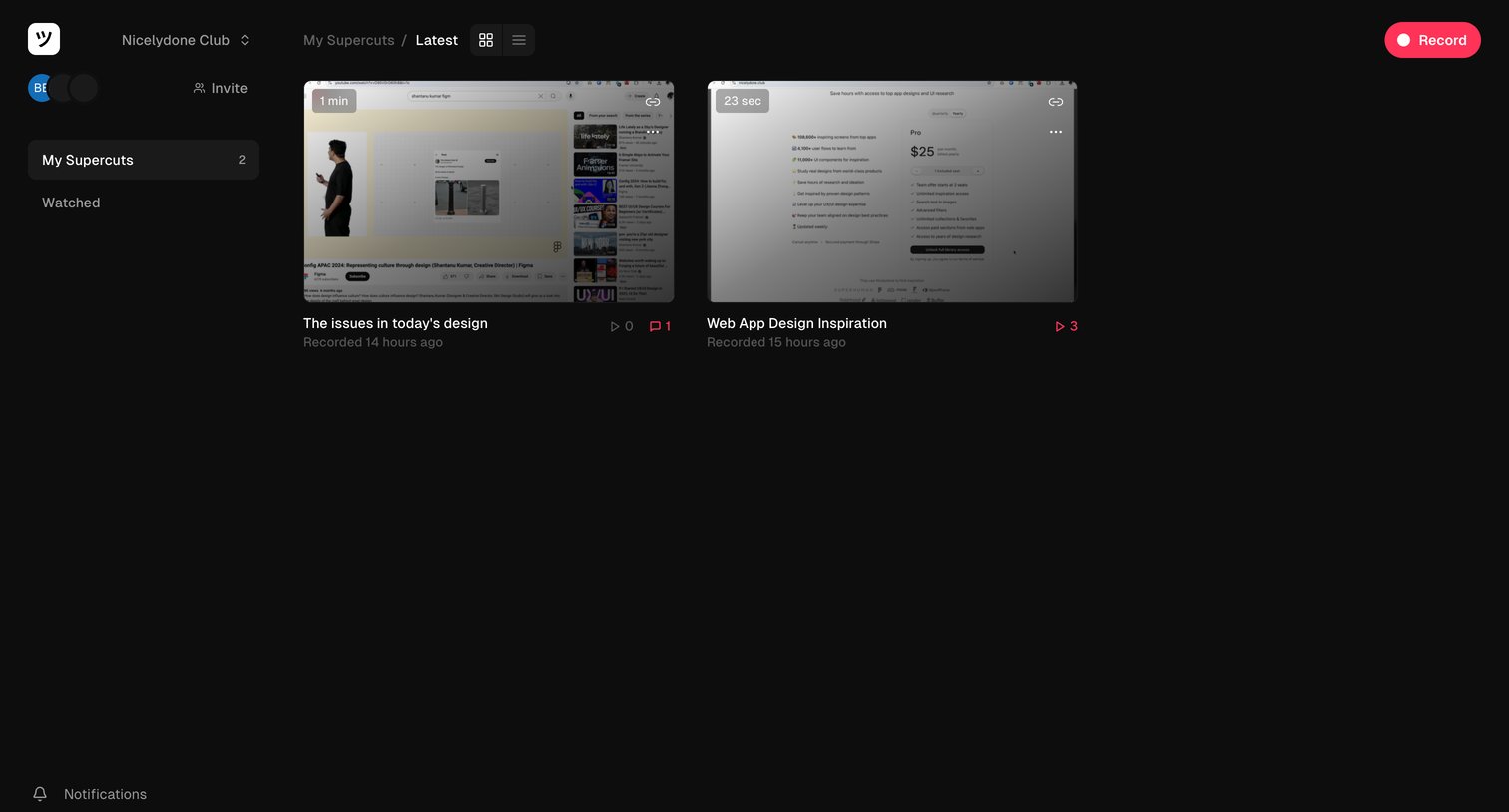

Explore the full SaaS screen library
Upgrade to unlock the full library.
Trusted by the best teams







