Contextual help screen examples
Contextual help screen design examples from SaaS apps. Browse examples from Dock, Appwrite, Beside.
Explore the examples
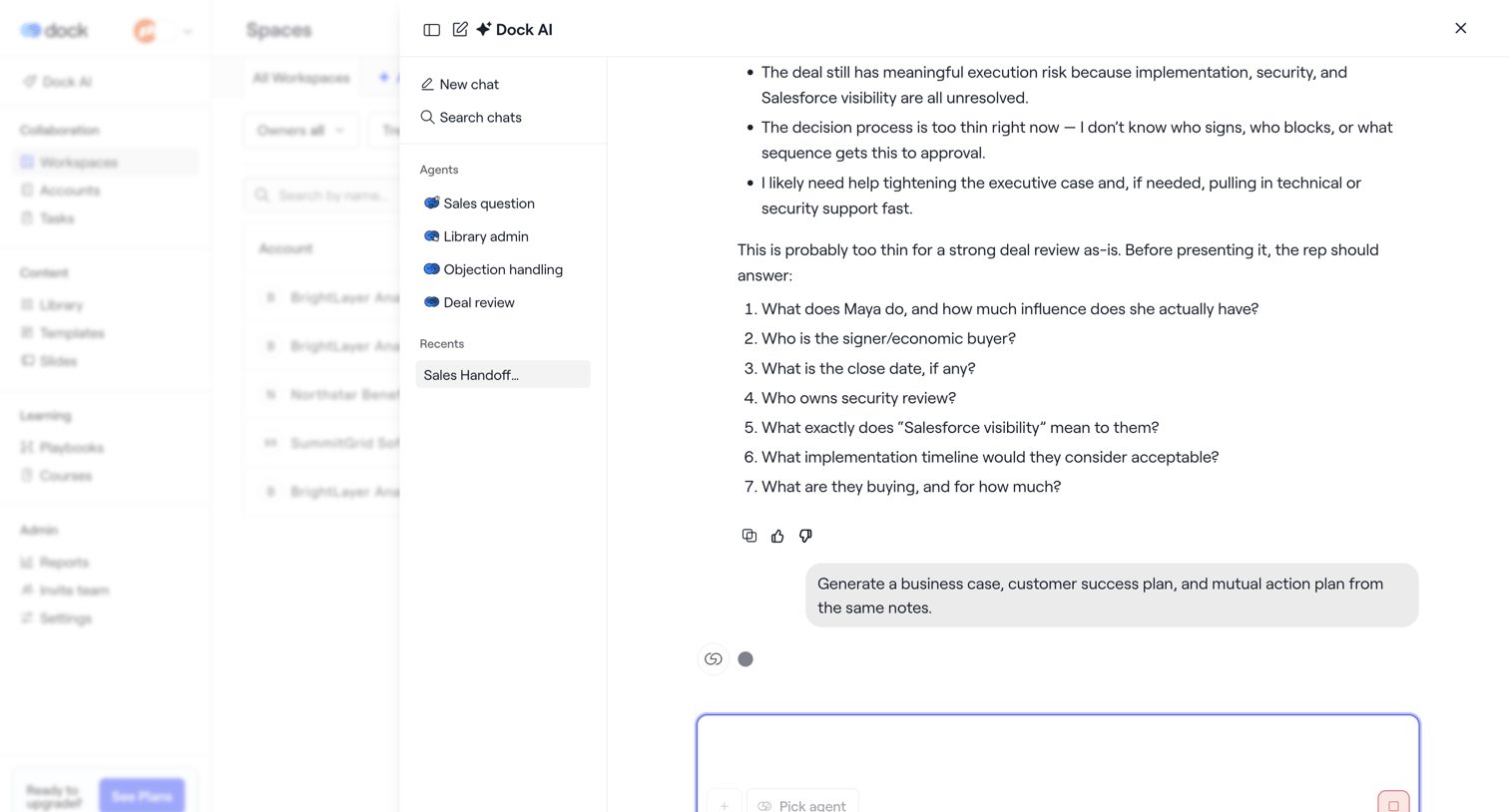

AI chat overlay where the user interacts with specialized agents like Deal review and reviews a generated business case analysis.
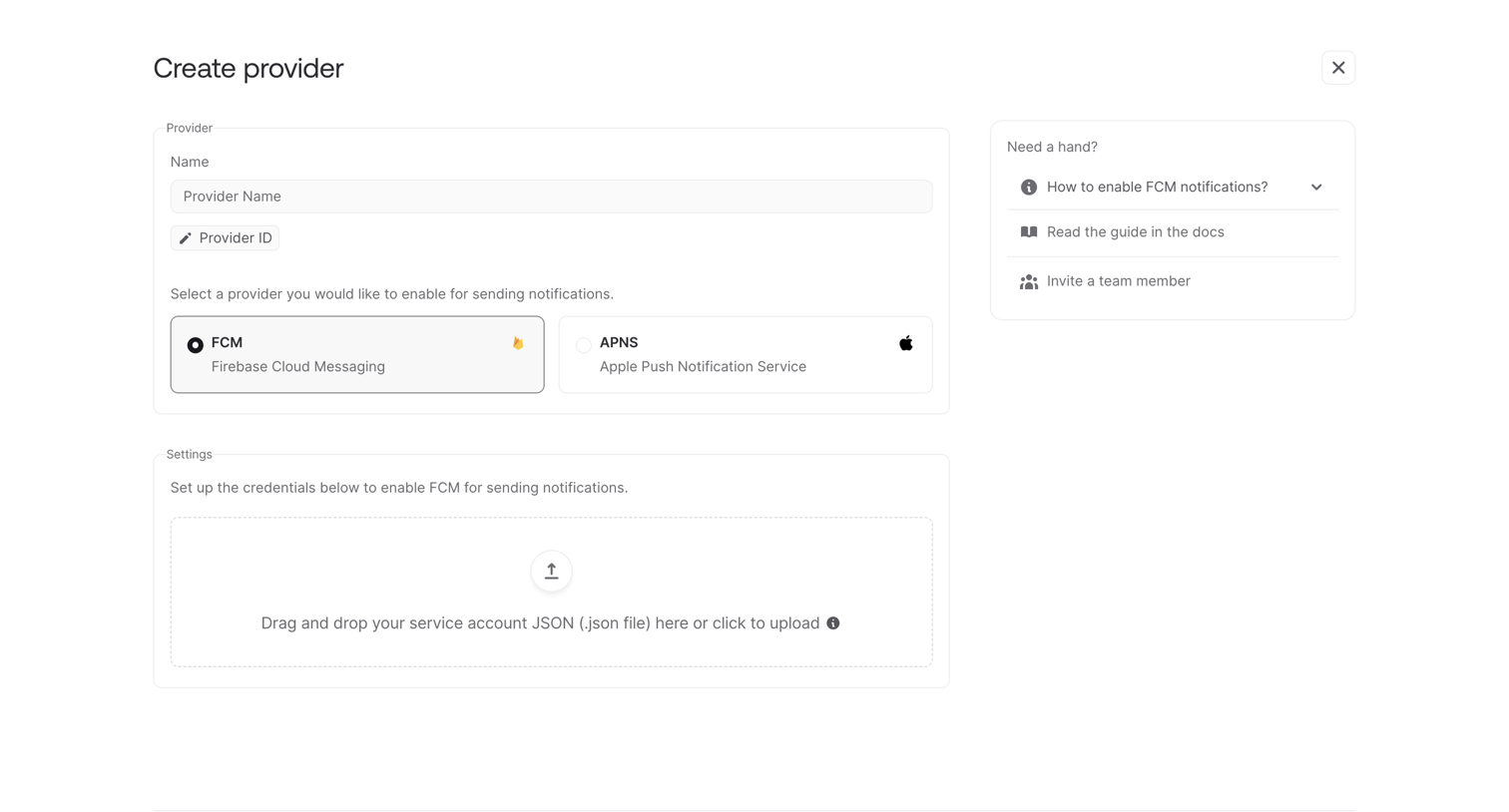

Creation screen where the user configures a new messaging provider by selecting FCM or APNS and uploading a service account JSON file.
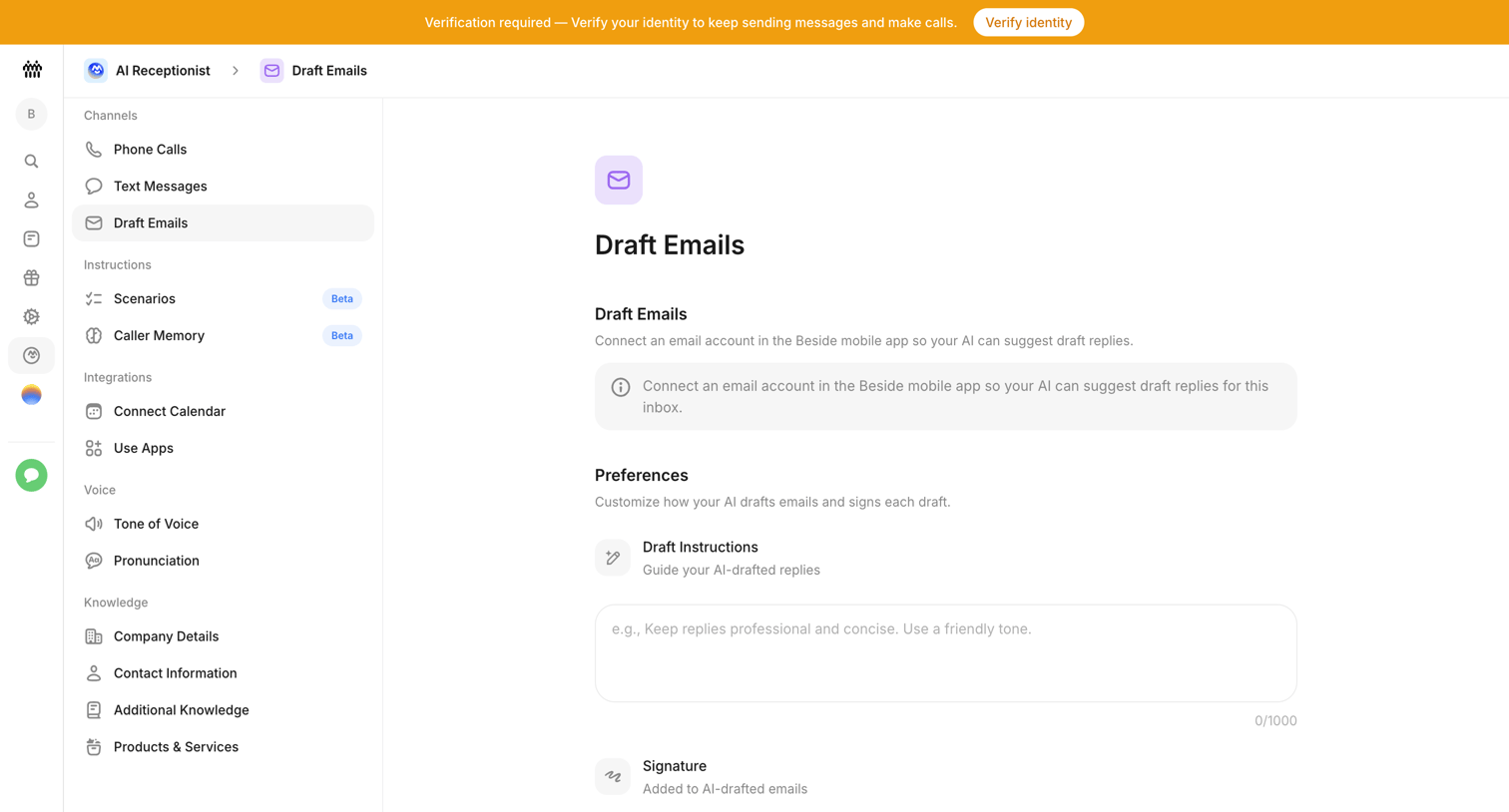

Settings page where the user configures their AI receptionist's email drafting preferences by providing custom instructions and a signature.
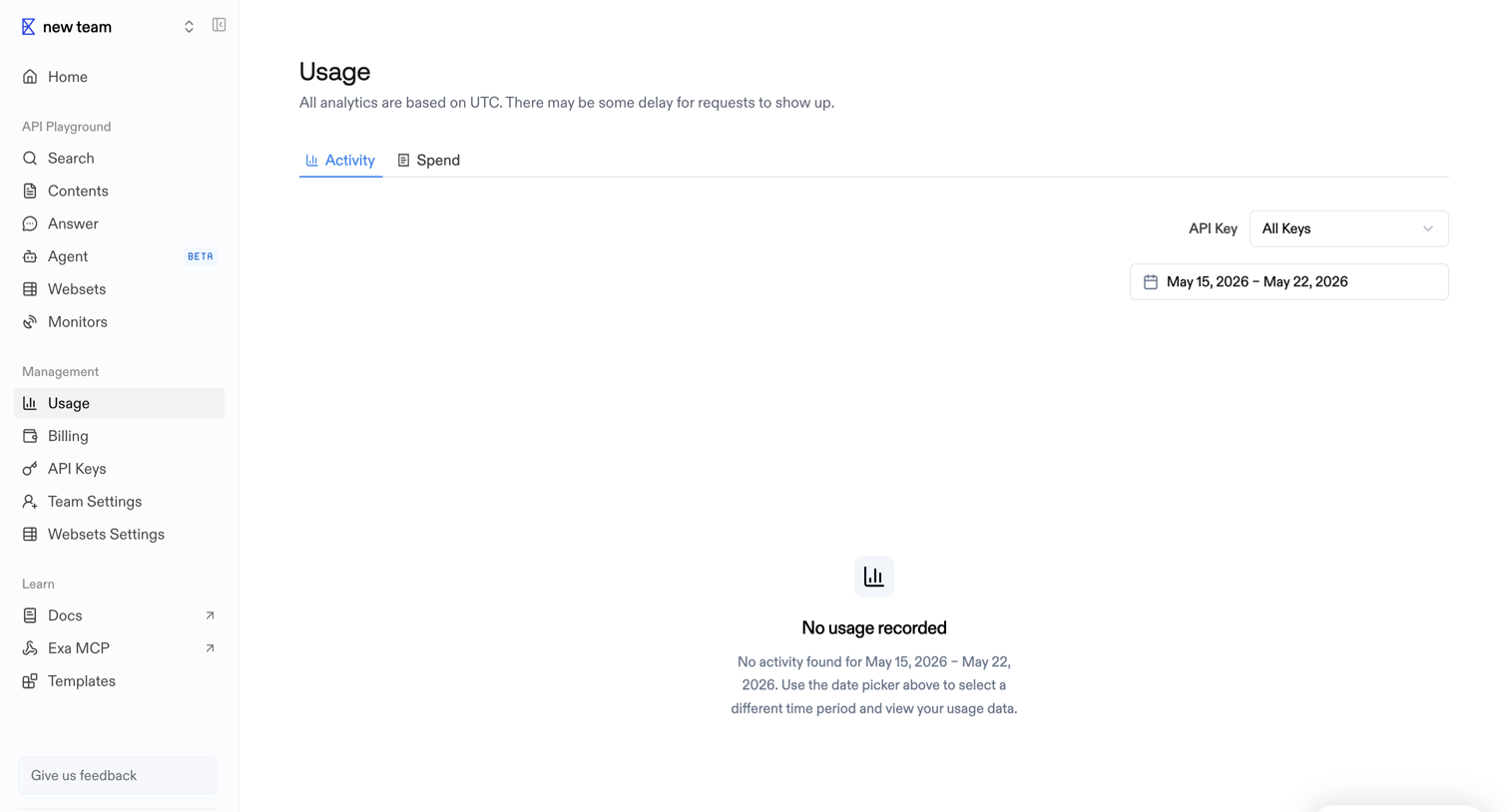

Settings page where the user views API activity and spend, currently showing an empty state because no requests were recorded for the selected date range.
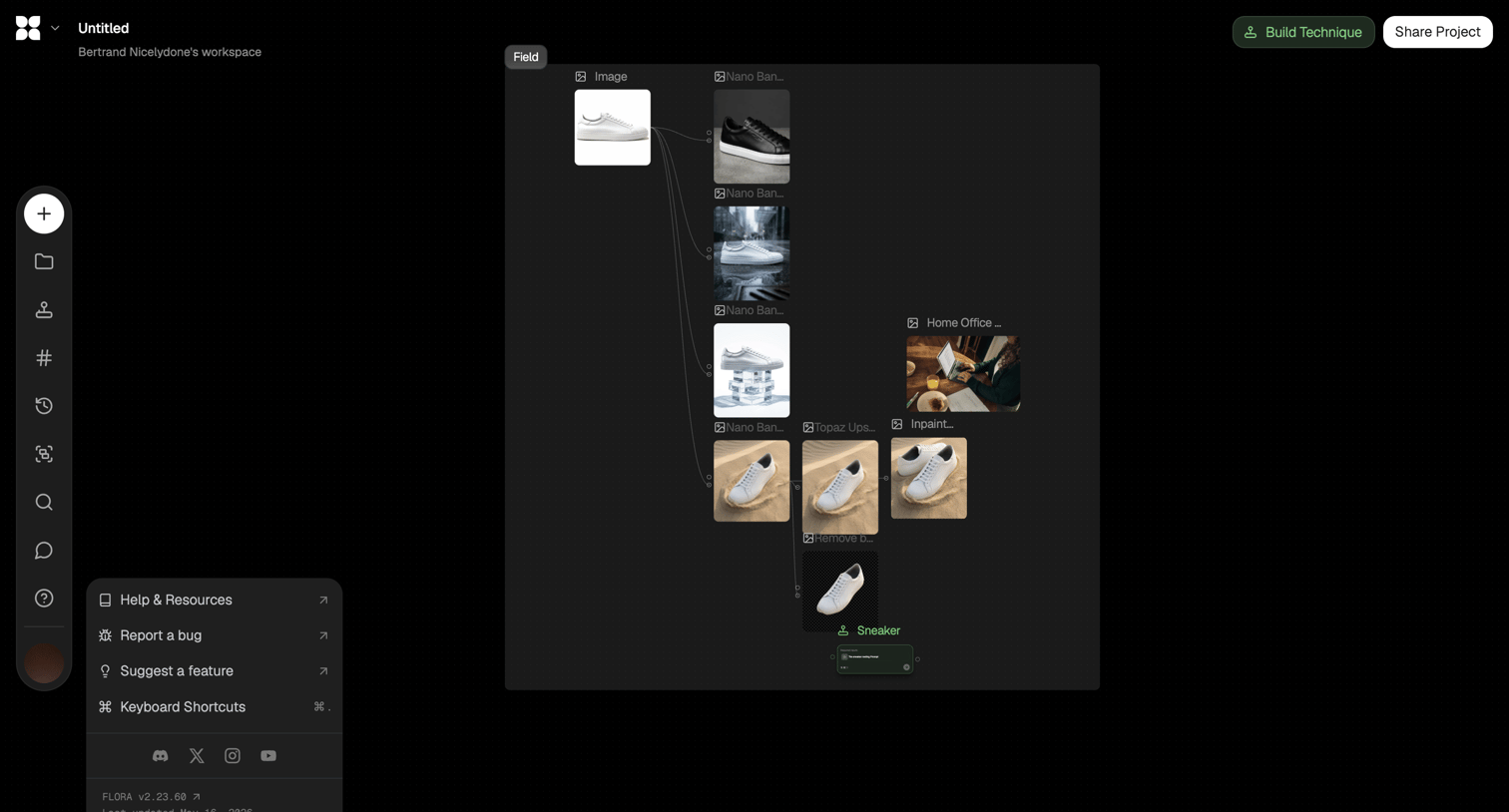

Workflow editor canvas where the user connects image generation and processing nodes to create a sneaker composite.
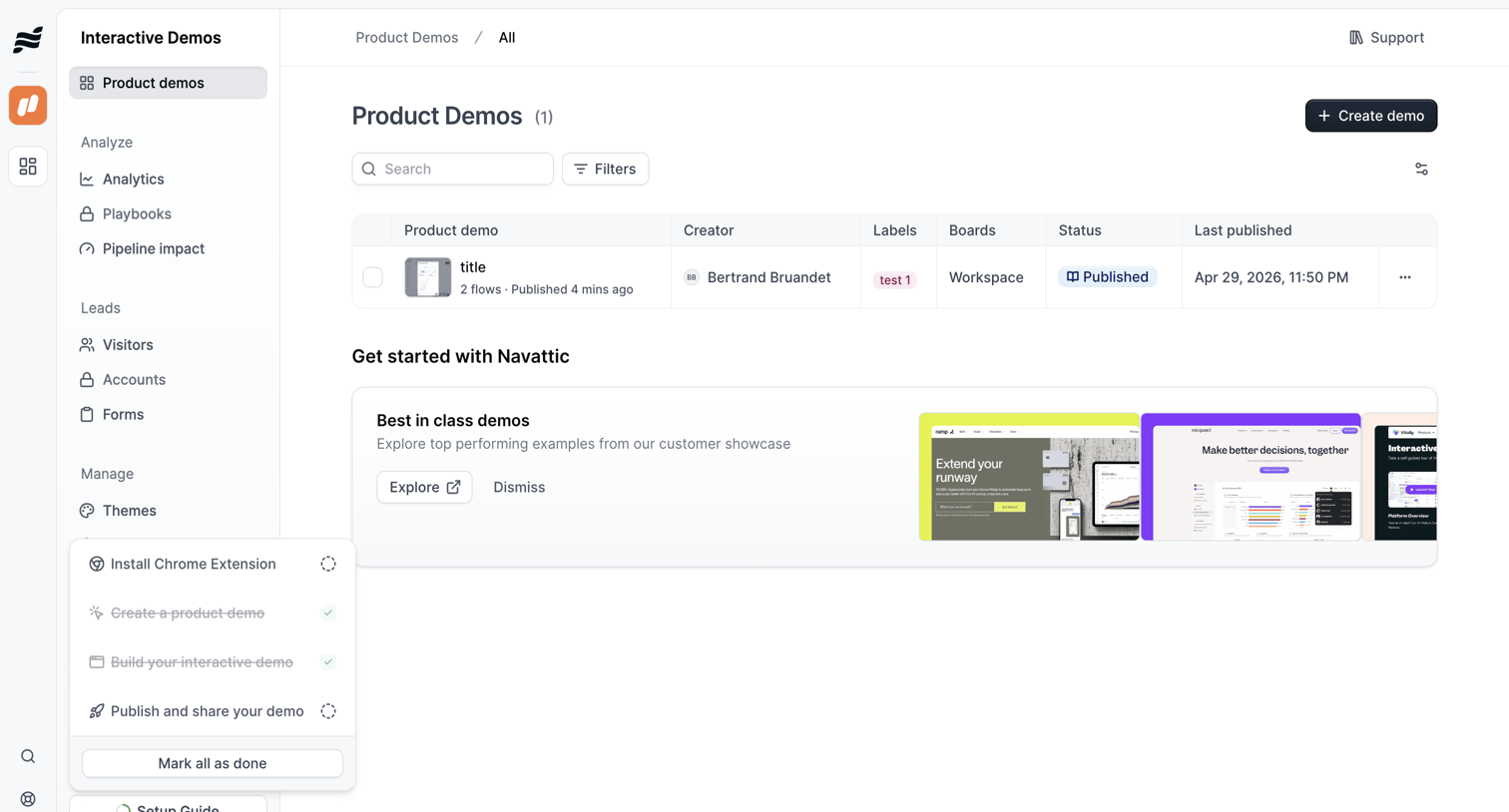

List view where the user manages product demos, with a table showing creator, status, and last published date, alongside an onboarding setup guide popover.
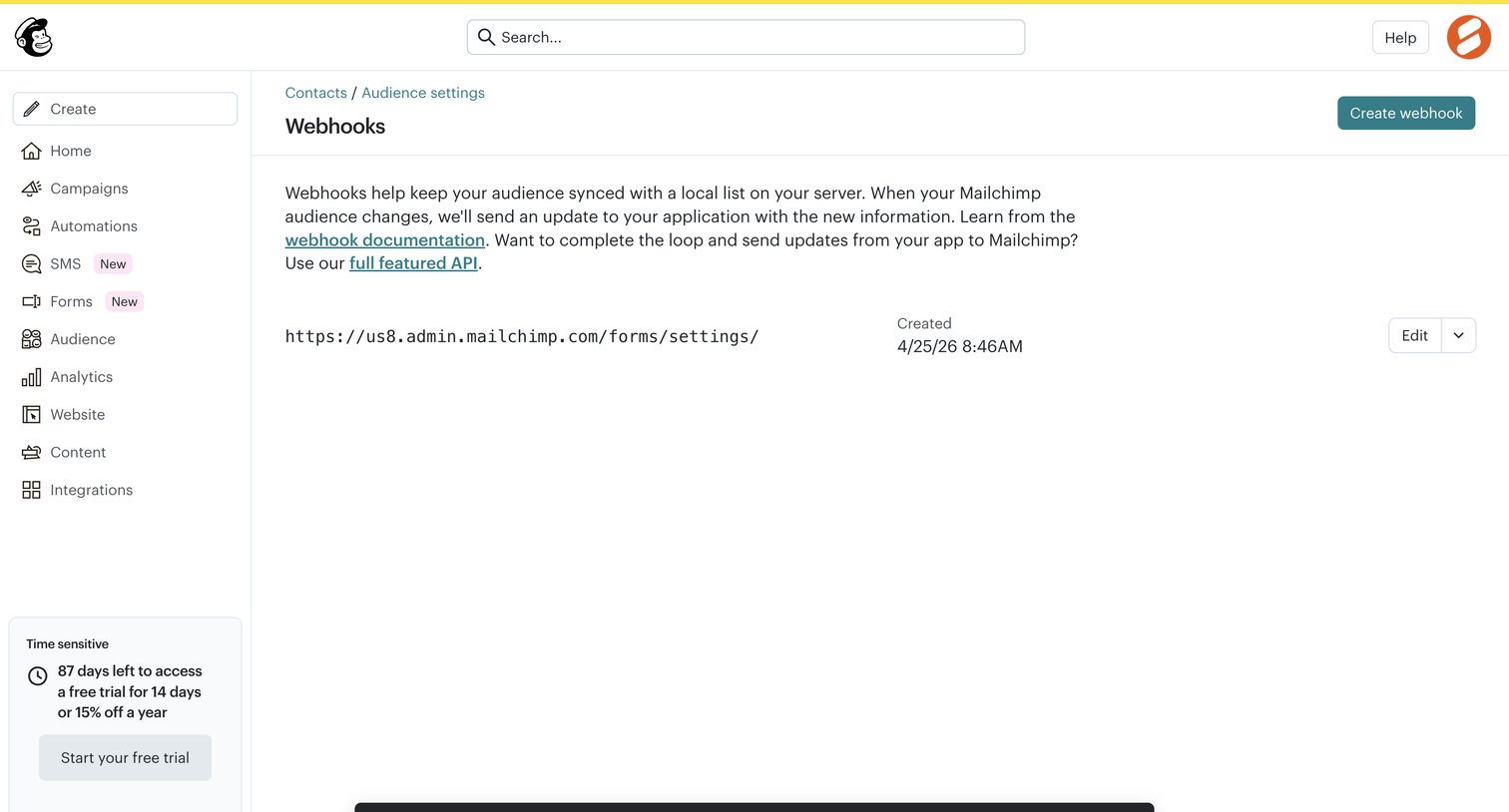

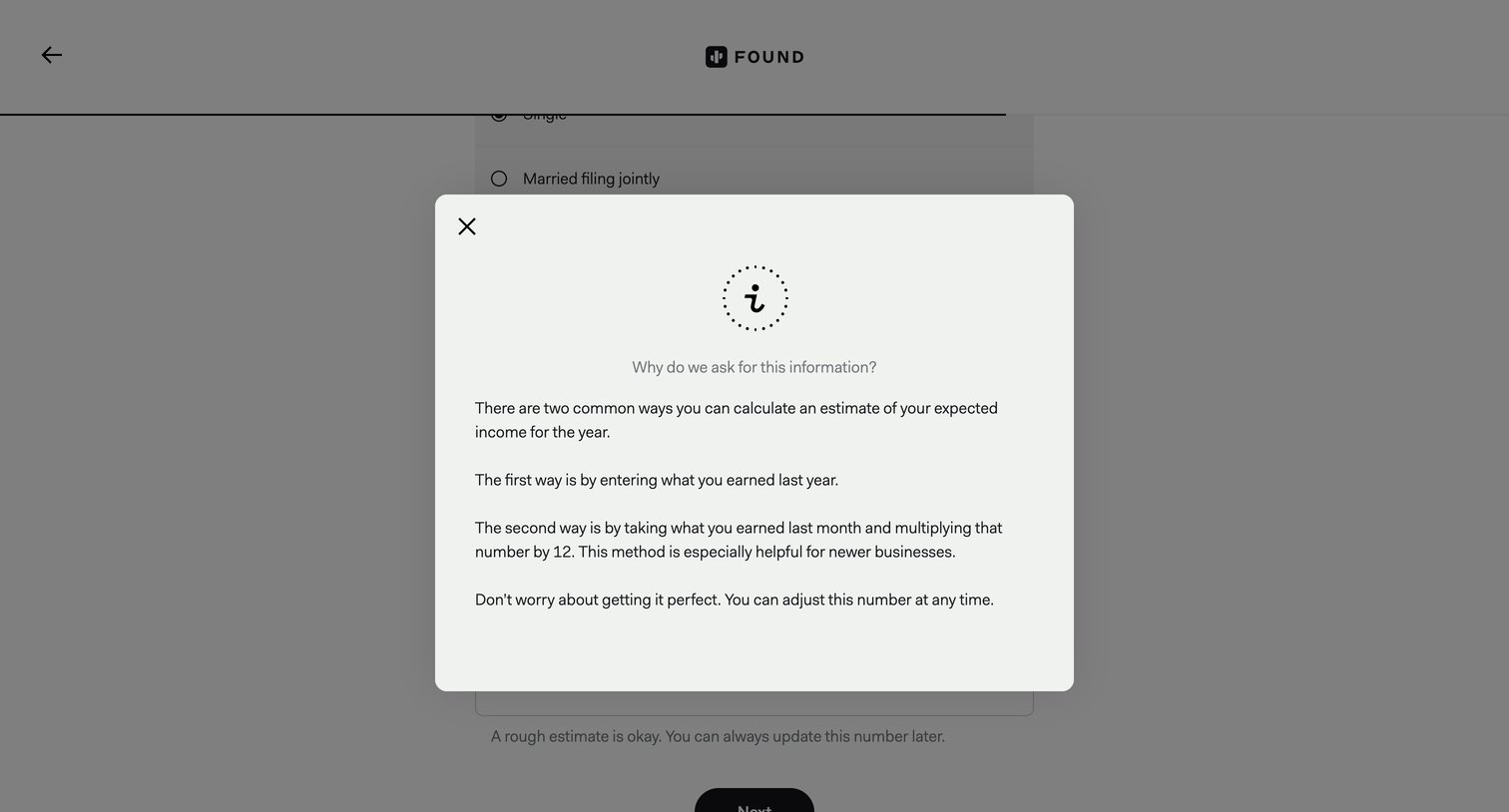

Onboarding step where an informational modal explains why the app asks for expected income and provides methods for estimating it.
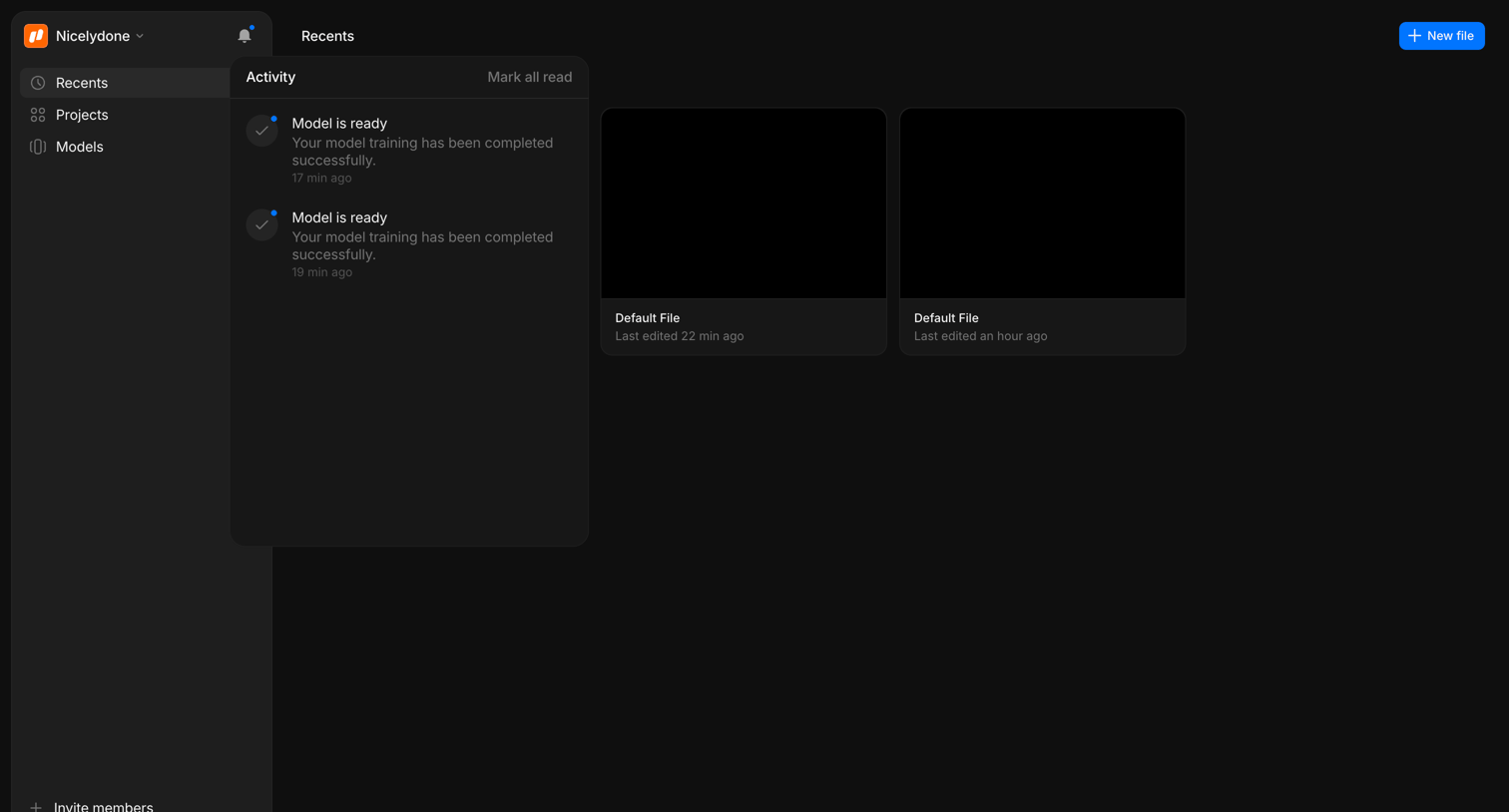

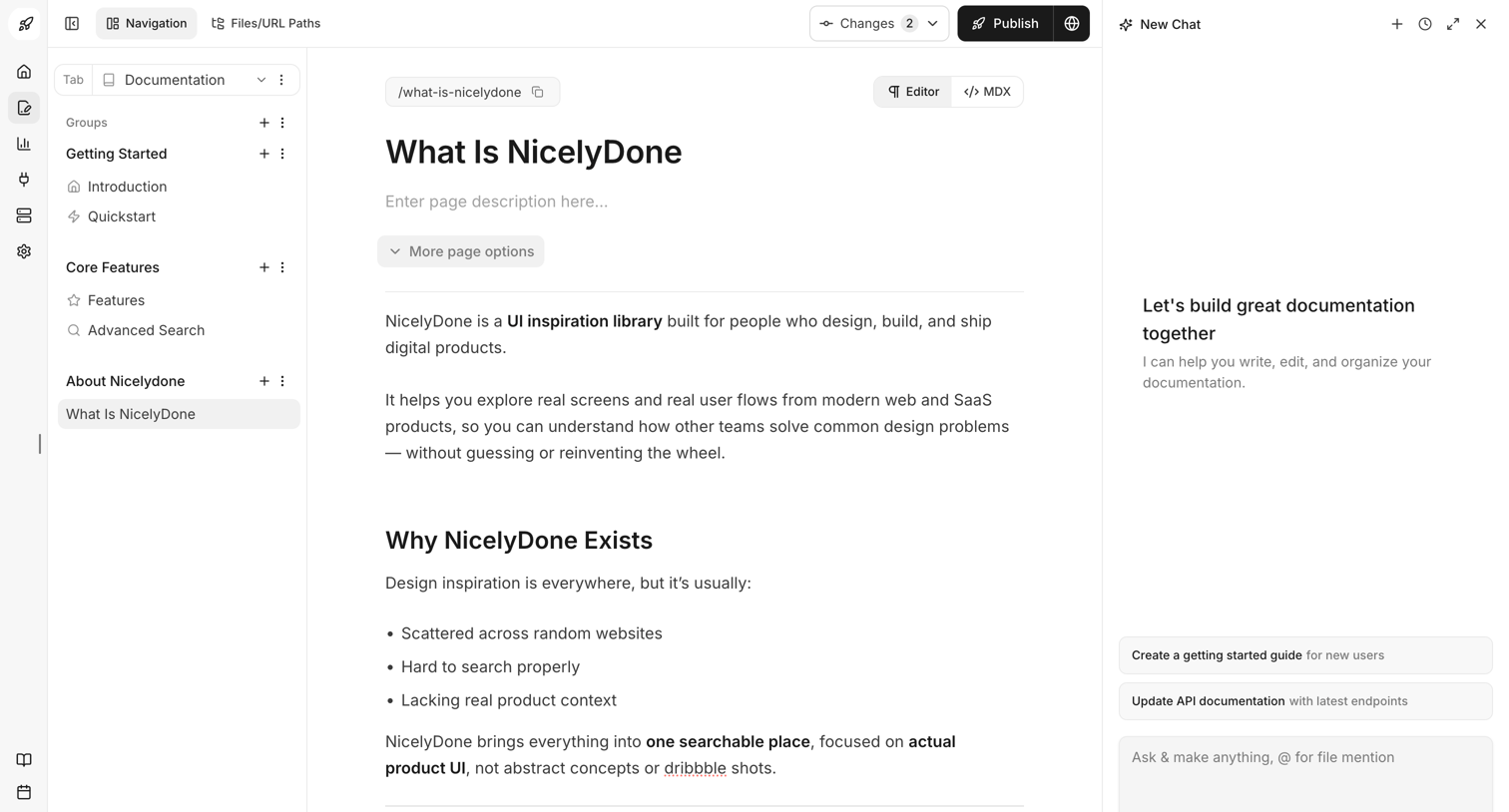

Content editor where the user writes and formats documentation pages alongside an AI chat assistant.
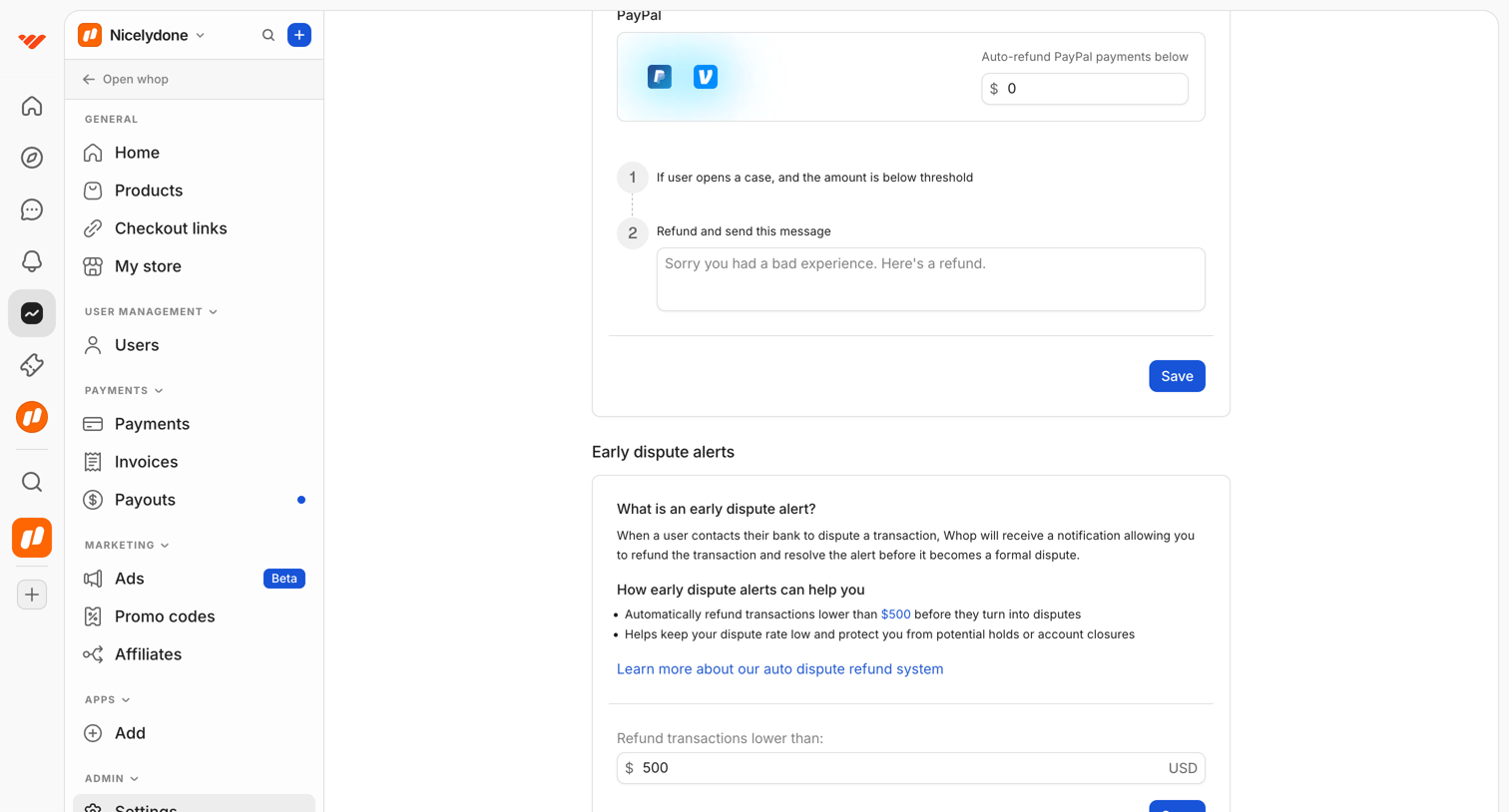

Settings page where the user configures auto-refund thresholds and messages for PayPal and early dispute alerts.
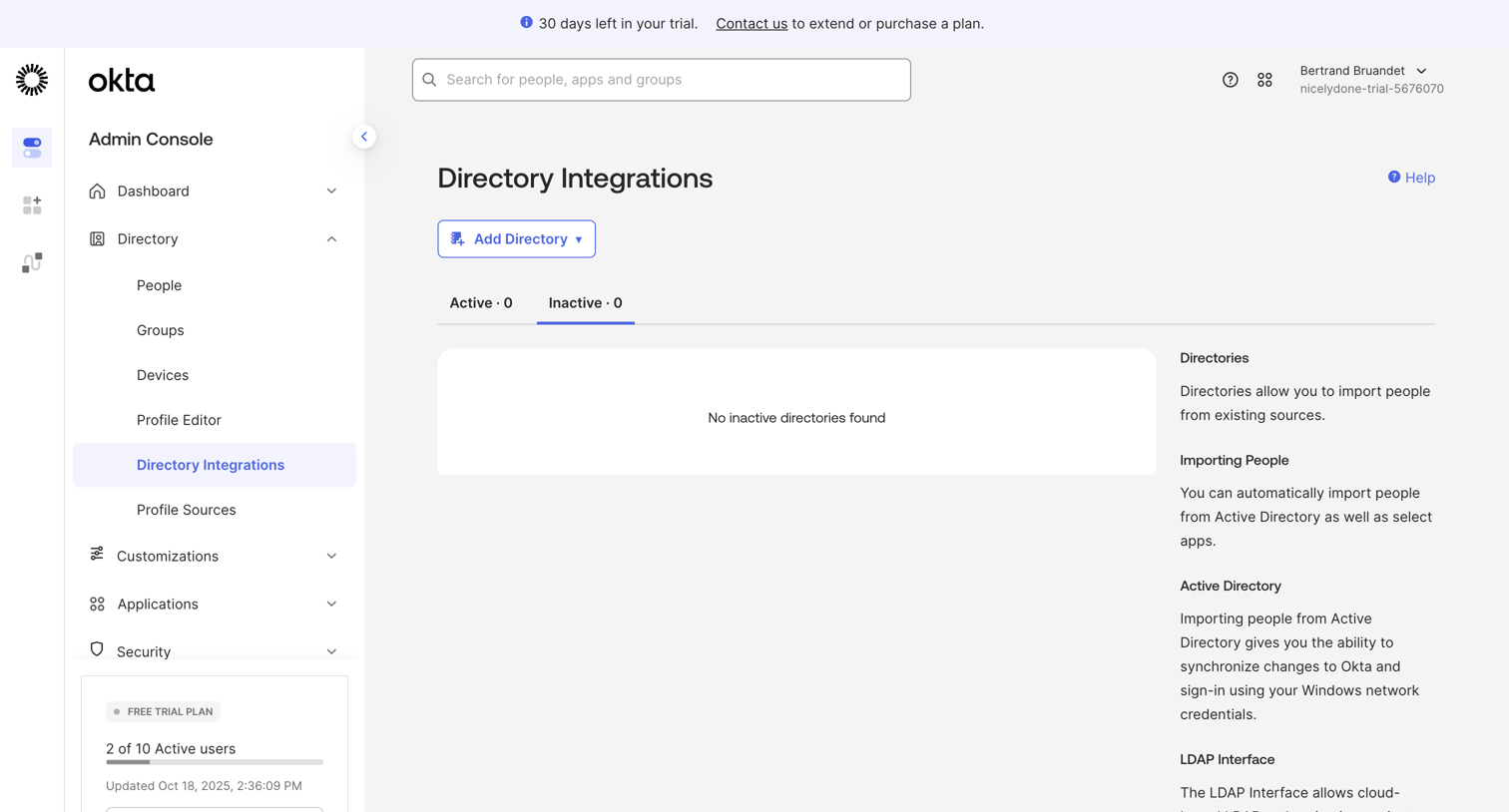

List view where the user manages directory integrations, currently showing an empty state for inactive directories alongside contextual help documentation.
Explore the full SaaS screen library
Upgrade to unlock the full library.
Trusted by the best teams







