Call to action screen examples
Call to action screen design examples from SaaS apps. Browse examples from Dock, Beside, Exa.
Explore the examples
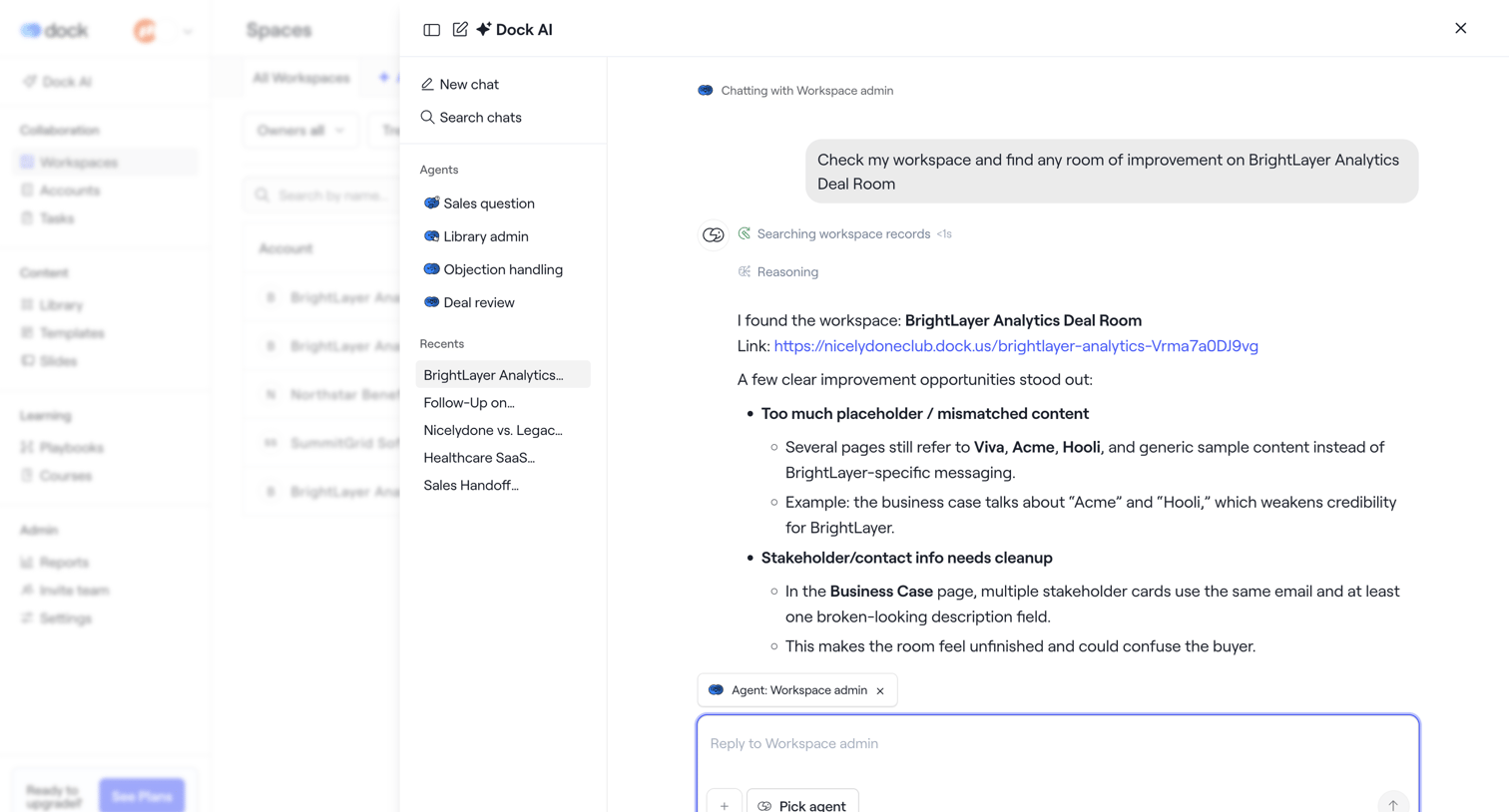

AI chat overlay where the user asks a workspace admin agent to review the BrightLayer Analytics Deal Room for improvements.
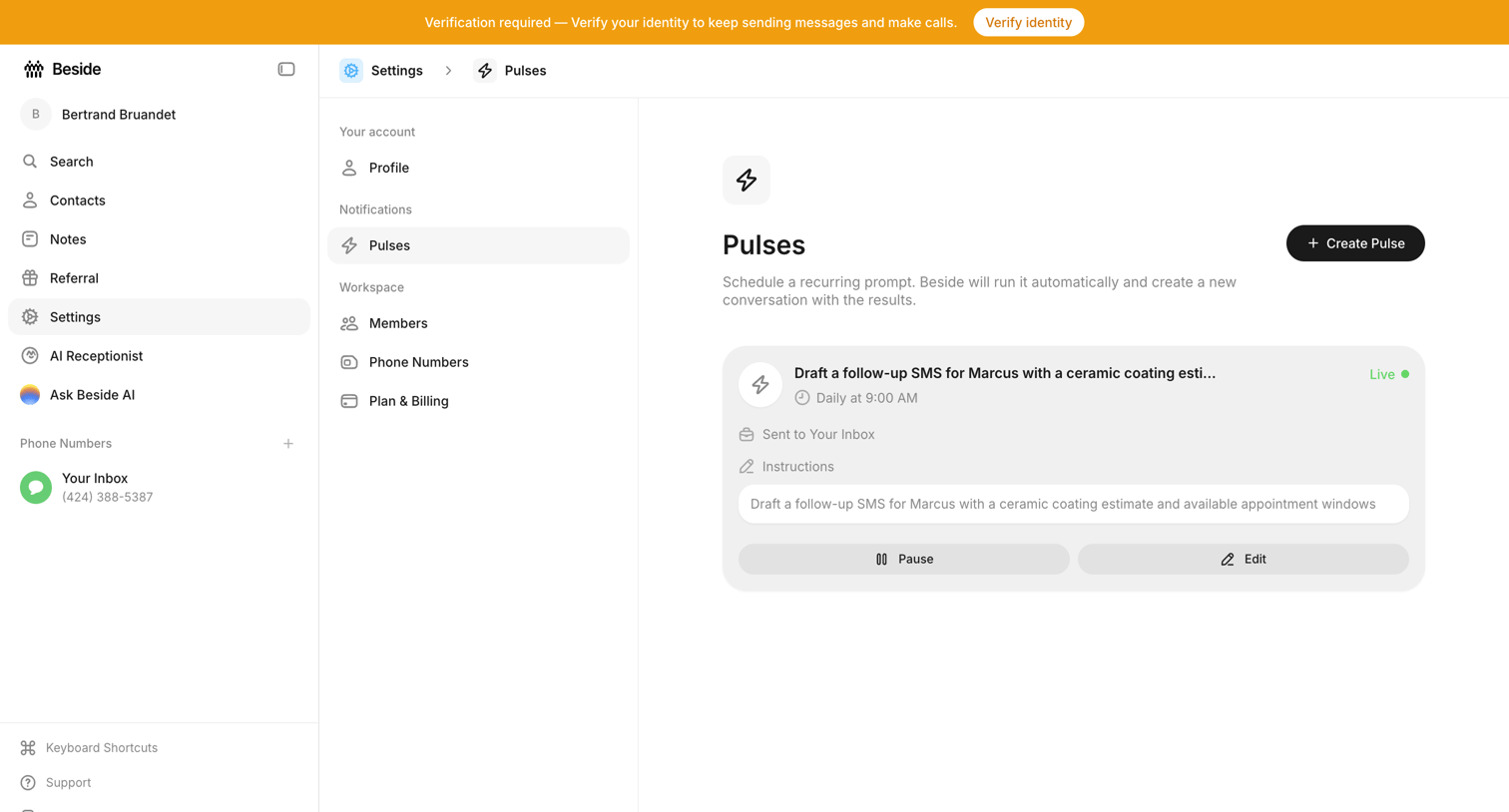

Settings page where the user manages scheduled recurring prompts called Pulses, with options to create, pause, or edit active automations.
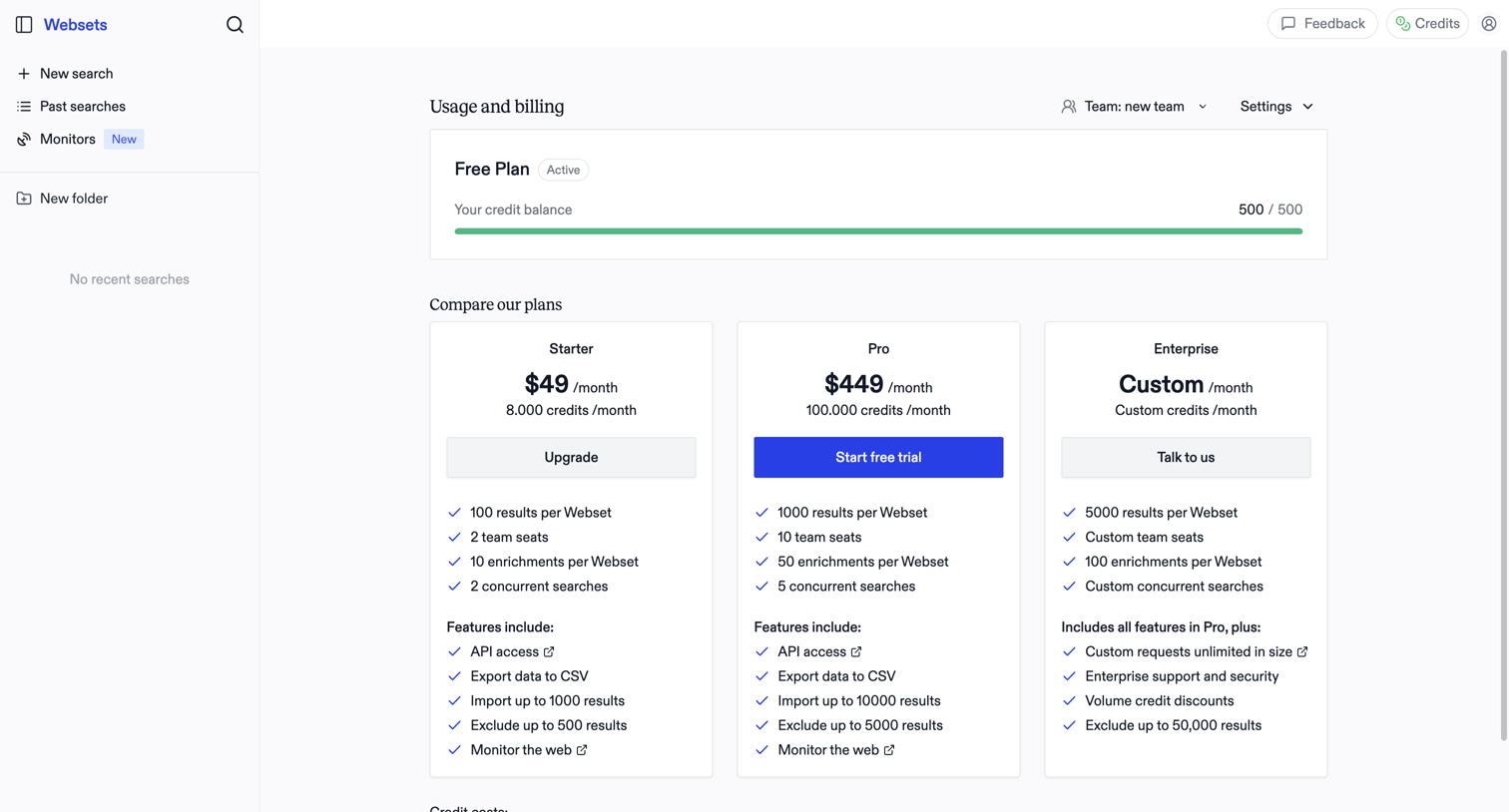

Billing settings page where the user monitors their free plan credit balance and compares paid subscription tiers to upgrade.
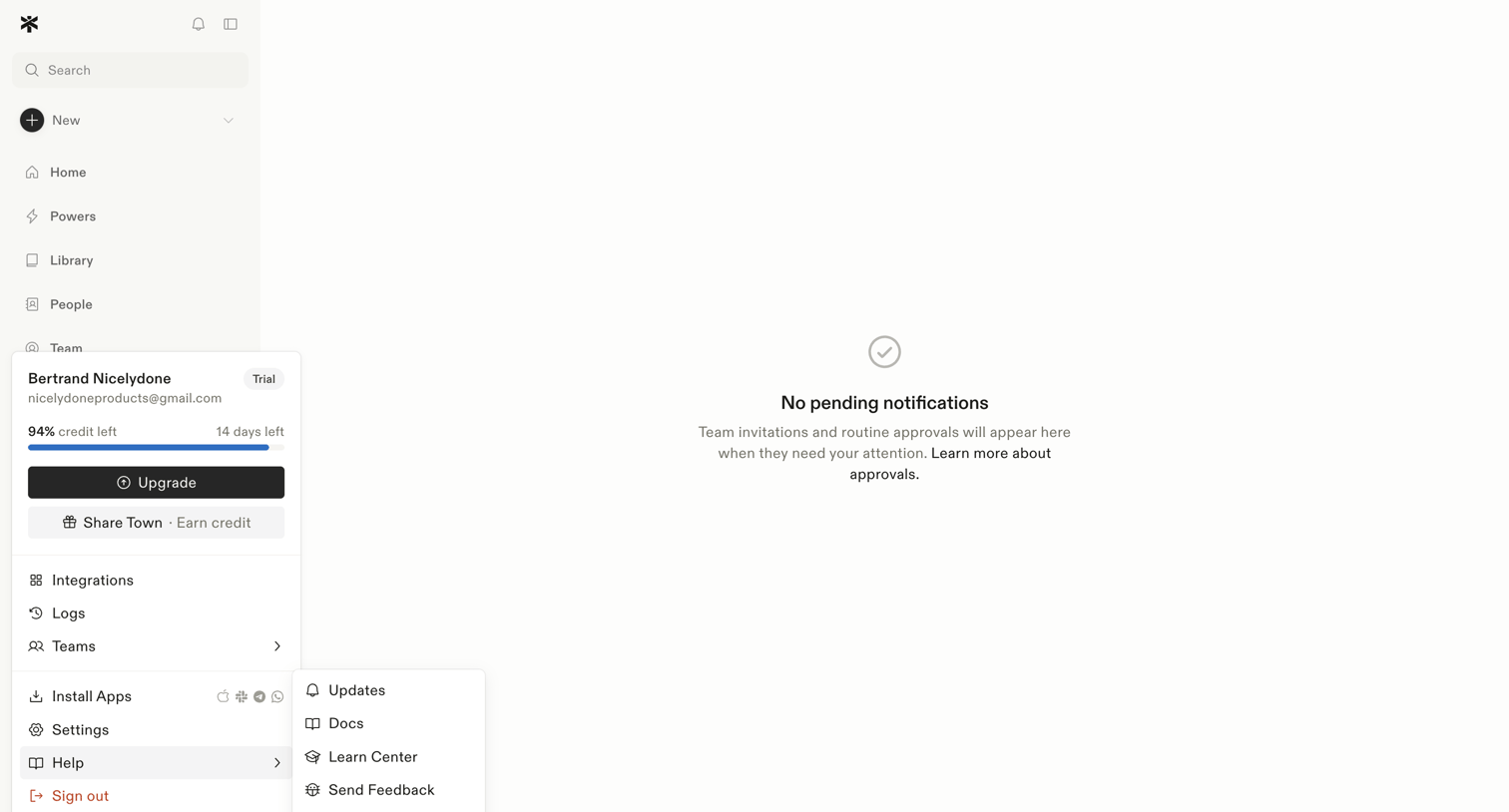

Inbox view where the user manages team invitations and routine approvals, currently showing a zero-state message with no pending items.
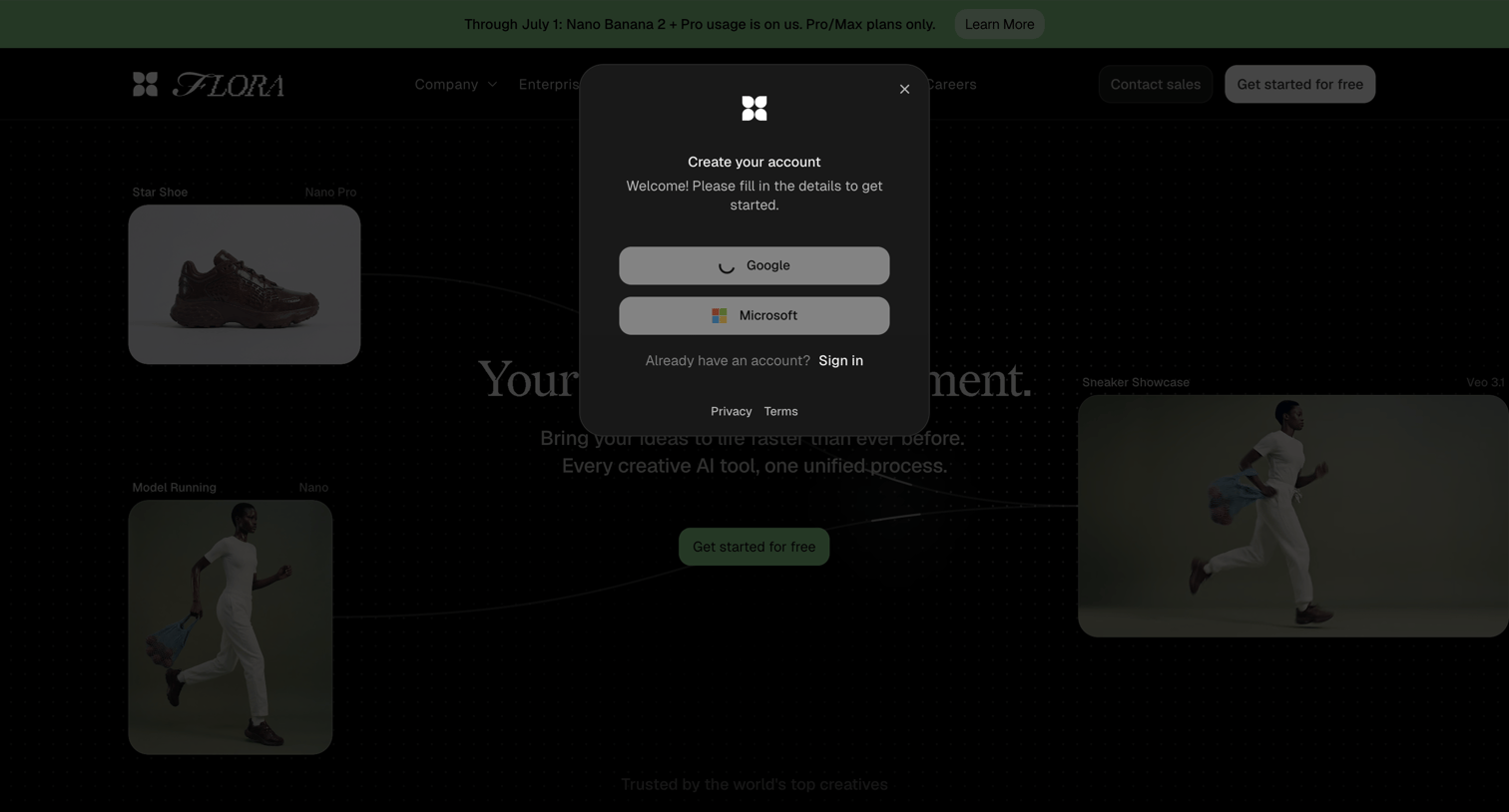

Signup screen overlaying a marketing page where the user can create an account using Google or Microsoft SSO.
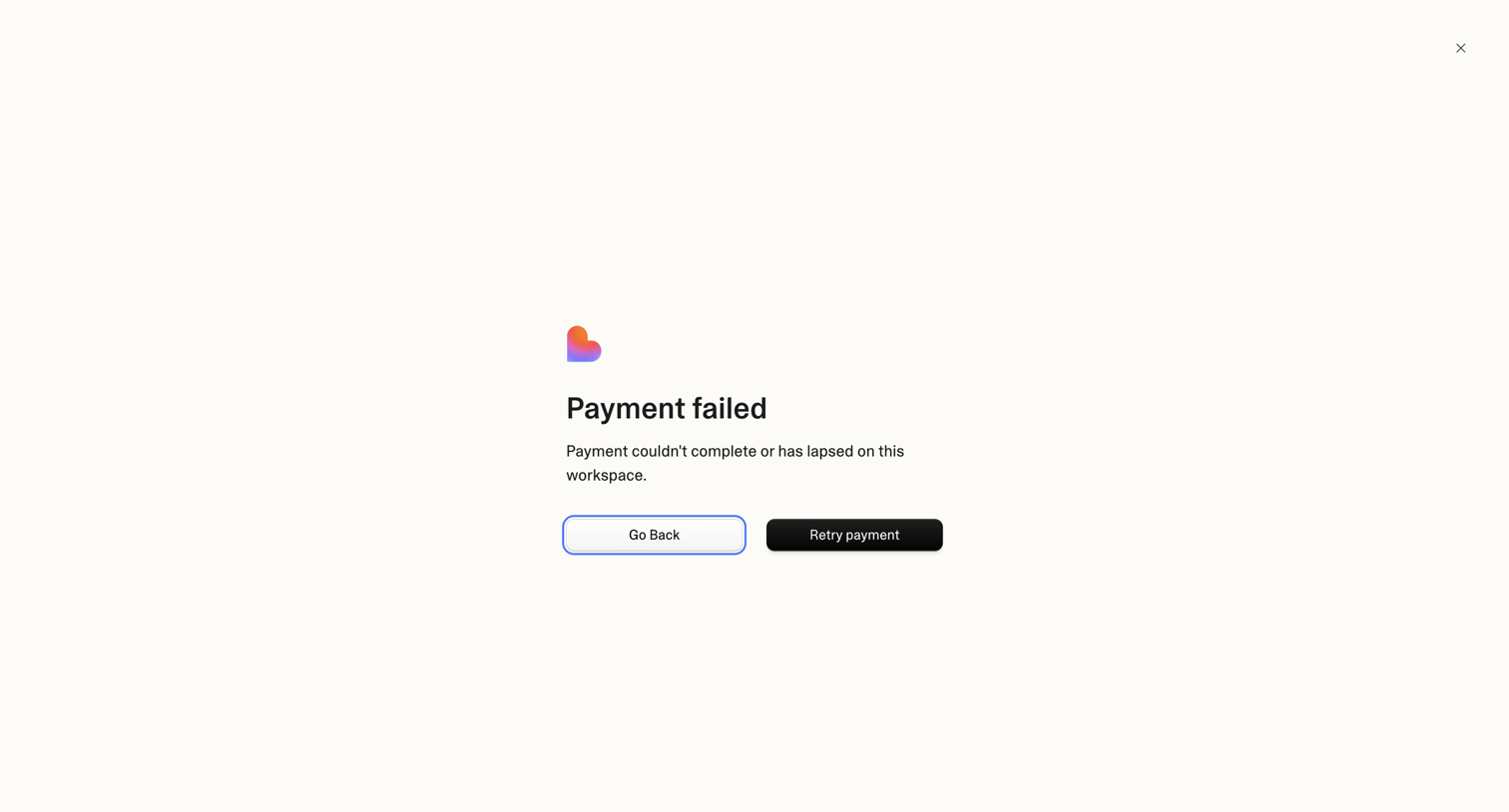

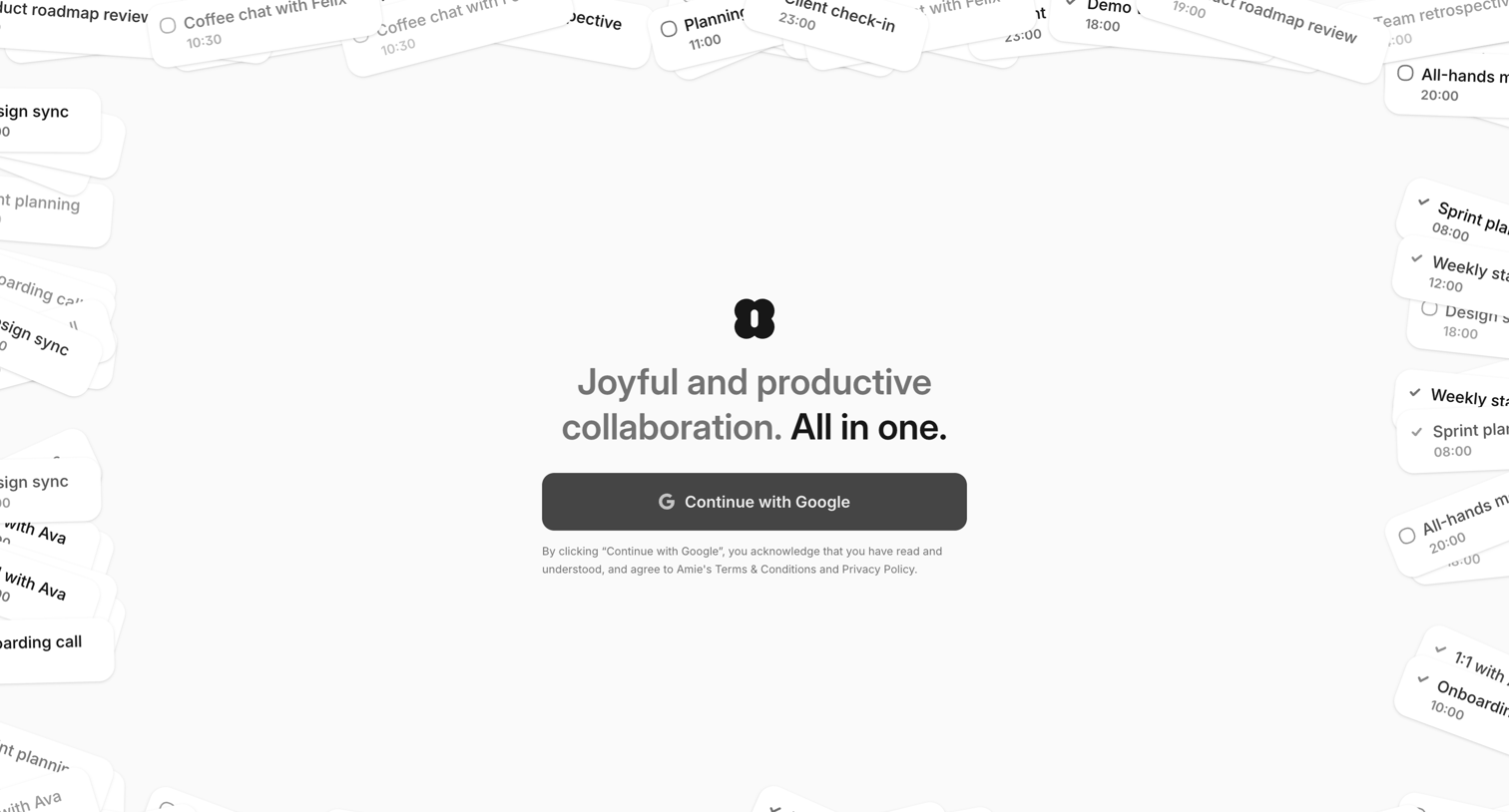

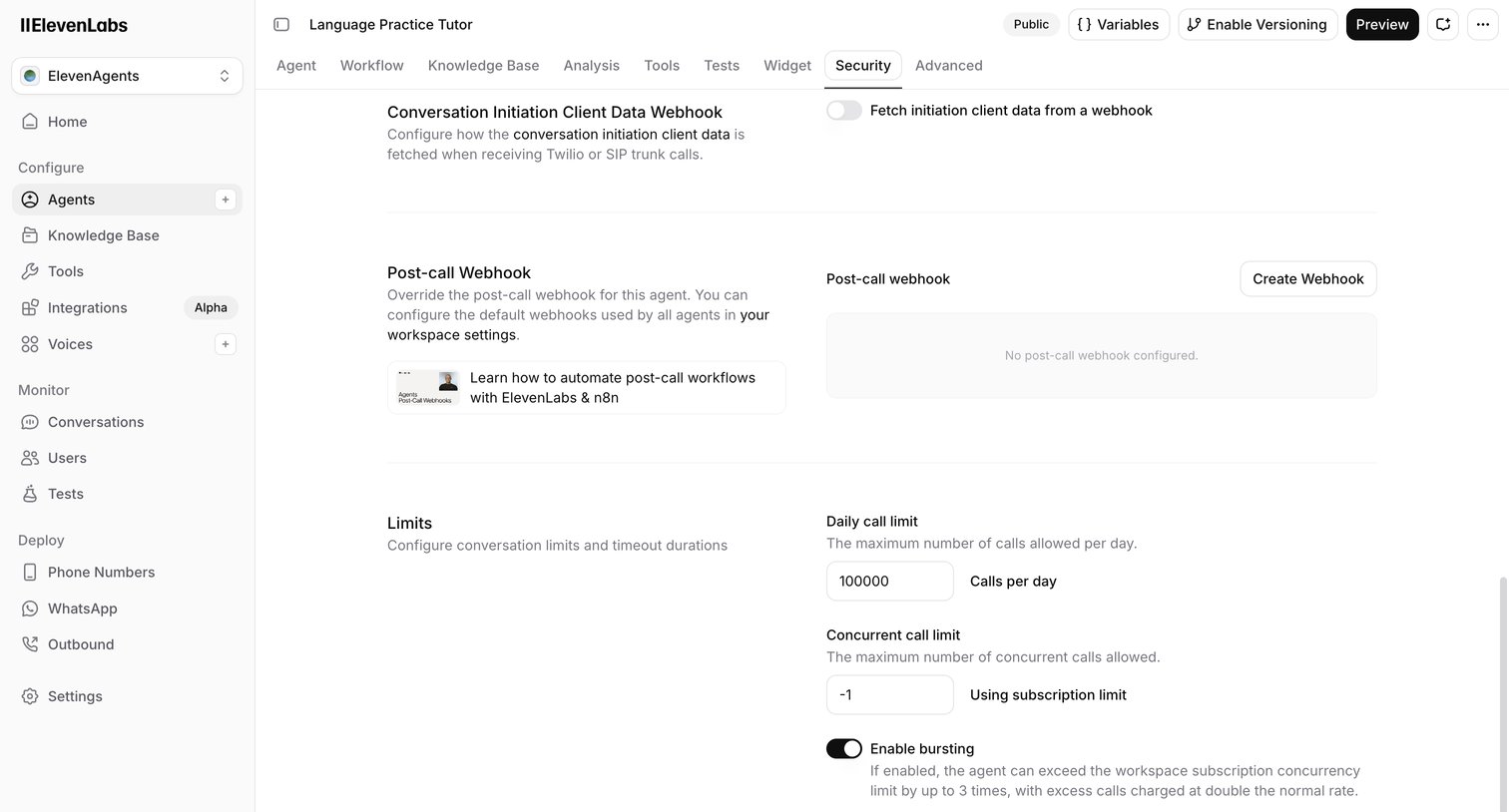

Settings page where the user configures webhooks, call limits, and bursting options for an AI language practice agent.
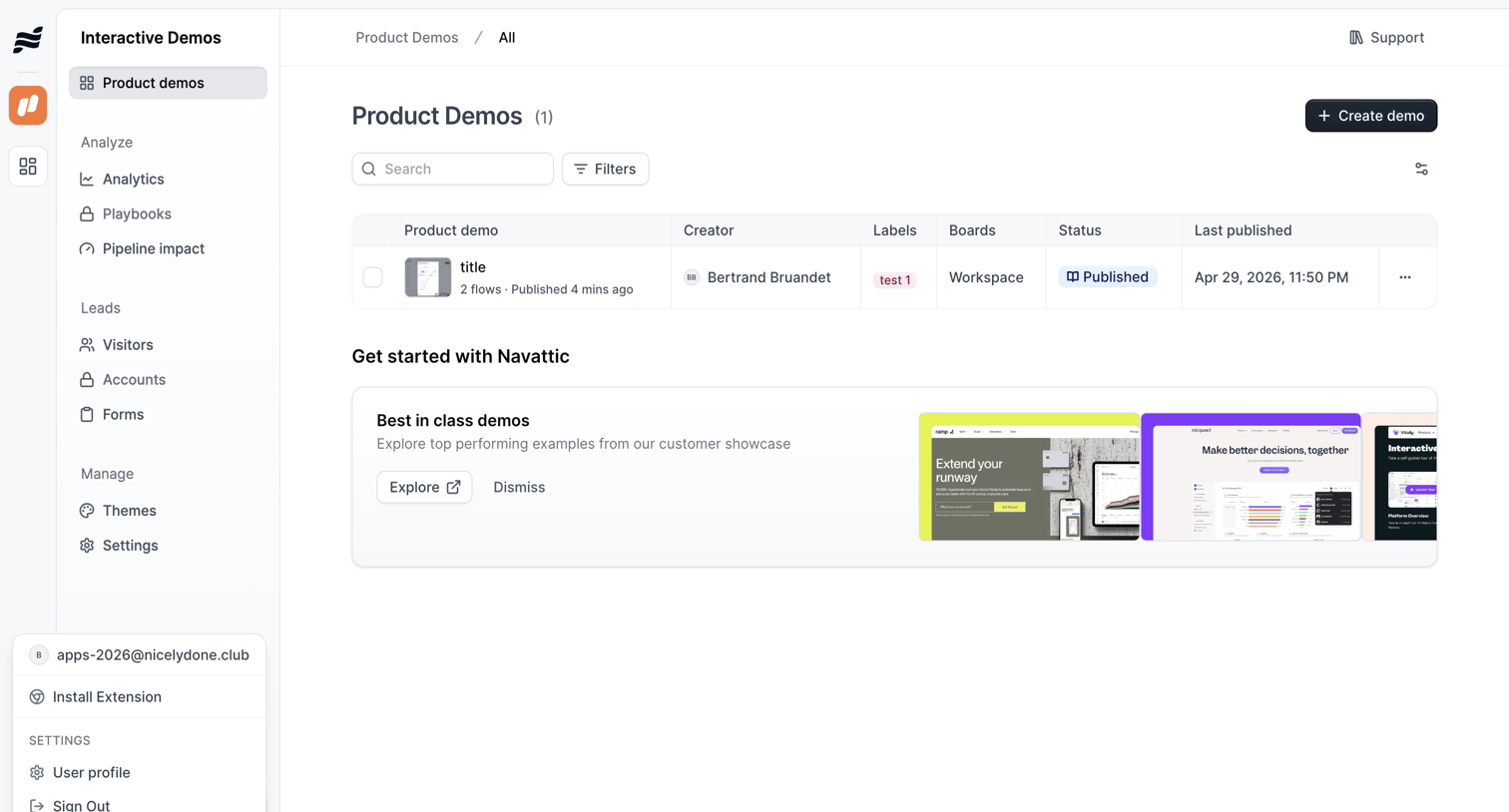

List view where the user manages their interactive product demos, with options to search, filter, and create new flows, alongside an onboarding banner promoting best-in-class examples.
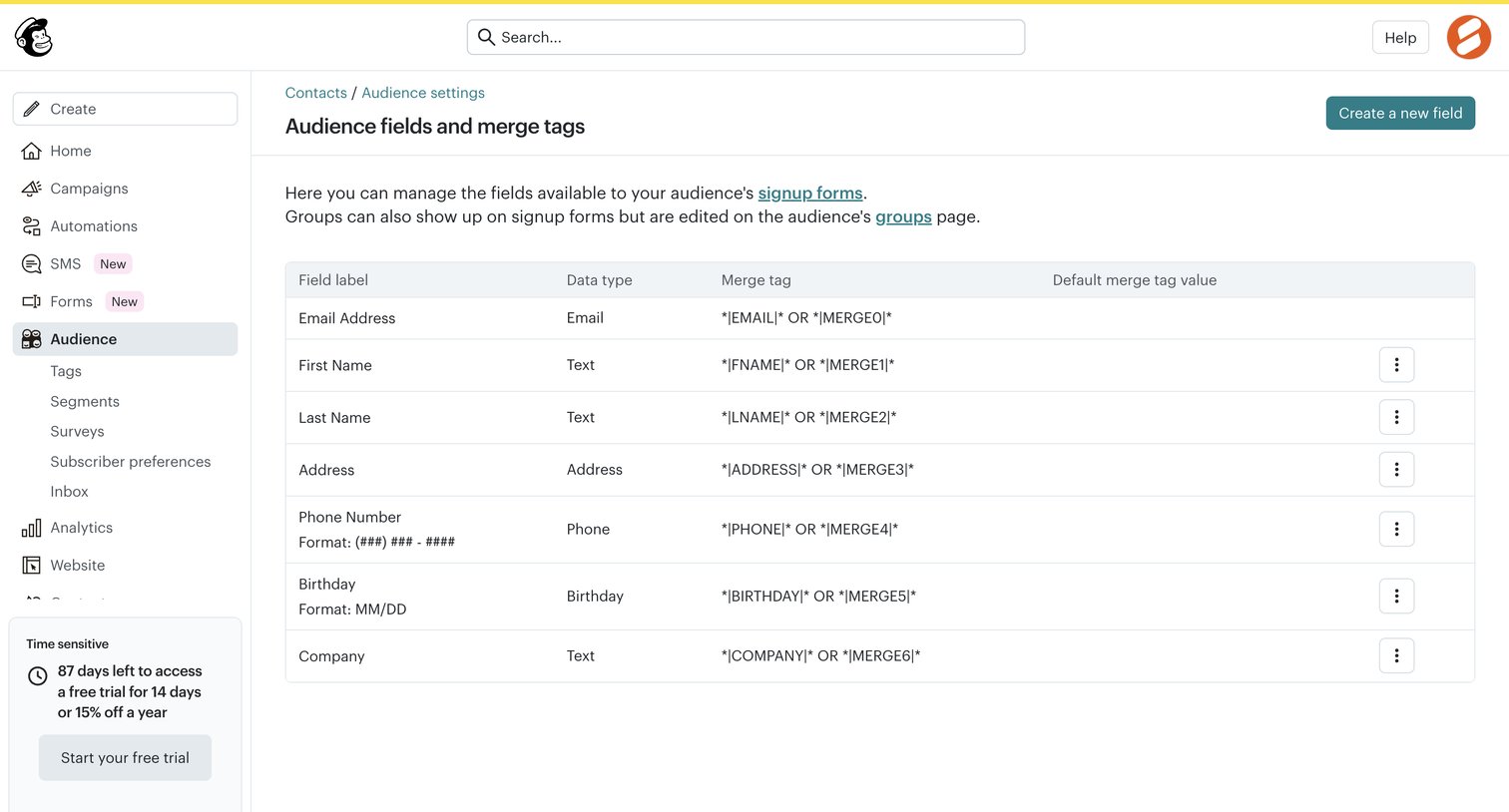

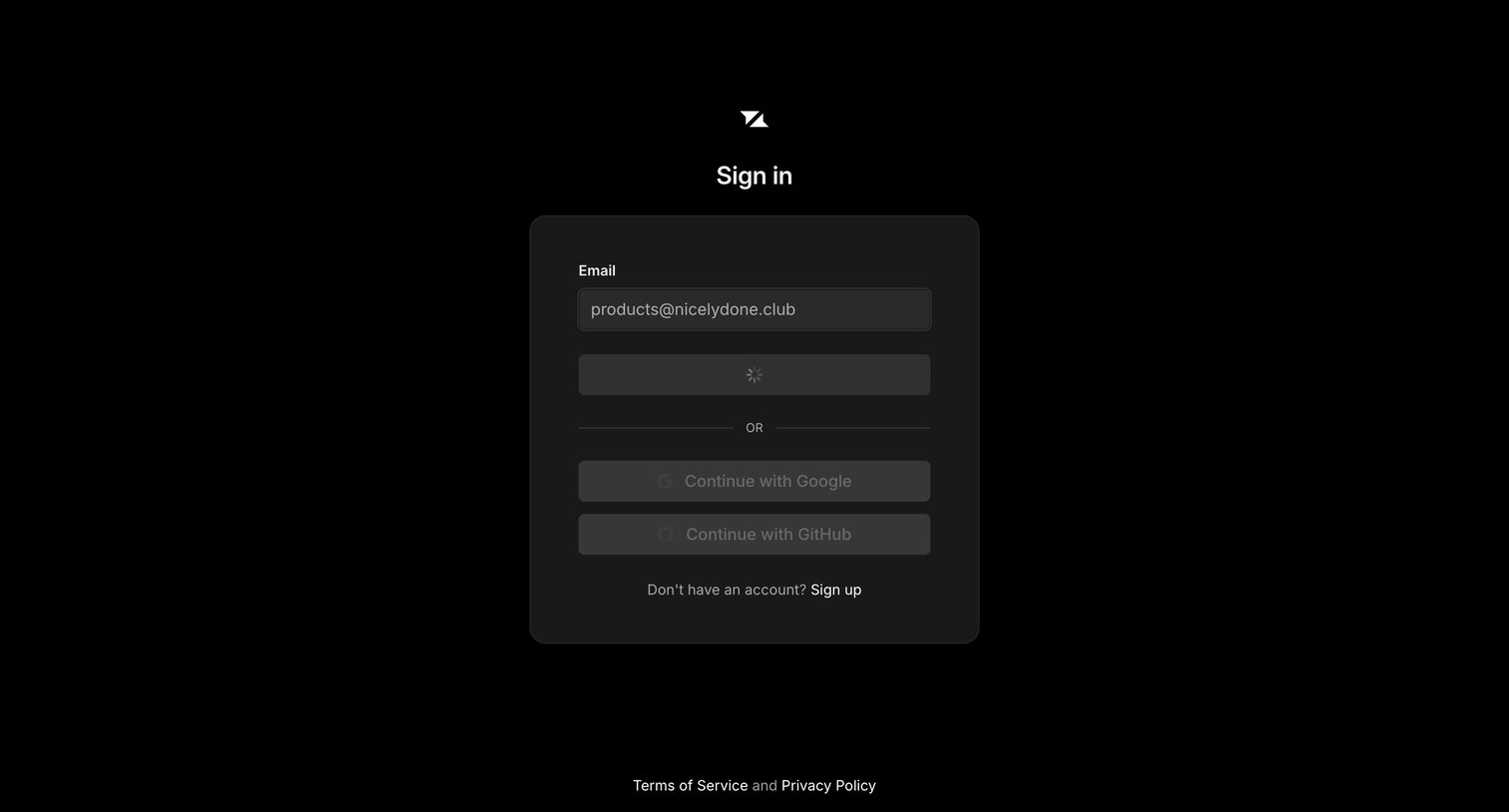

Sign-in screen where the user has submitted their email address and the primary authentication action is currently loading.
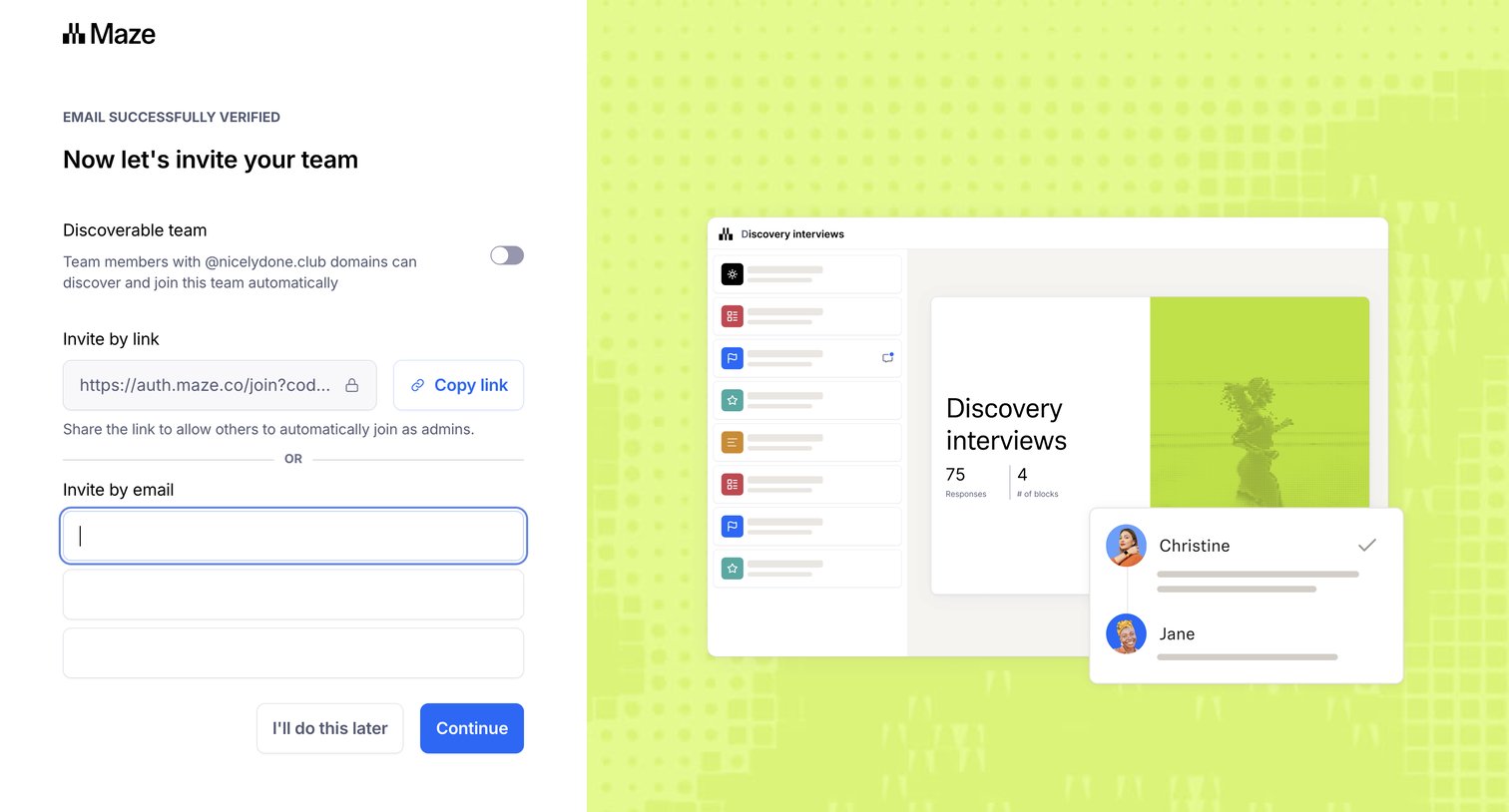

Onboarding step where the user can make their workspace discoverable by domain and invite teammates via a shareable link or email addresses.
Explore the full SaaS screen library
Upgrade to unlock the full library.
Trusted by the best teams







