Approval workflow screen examples
Approval workflow screen design examples from SaaS apps. Browse examples from Dock, Town, Aboard.
Explore the examples
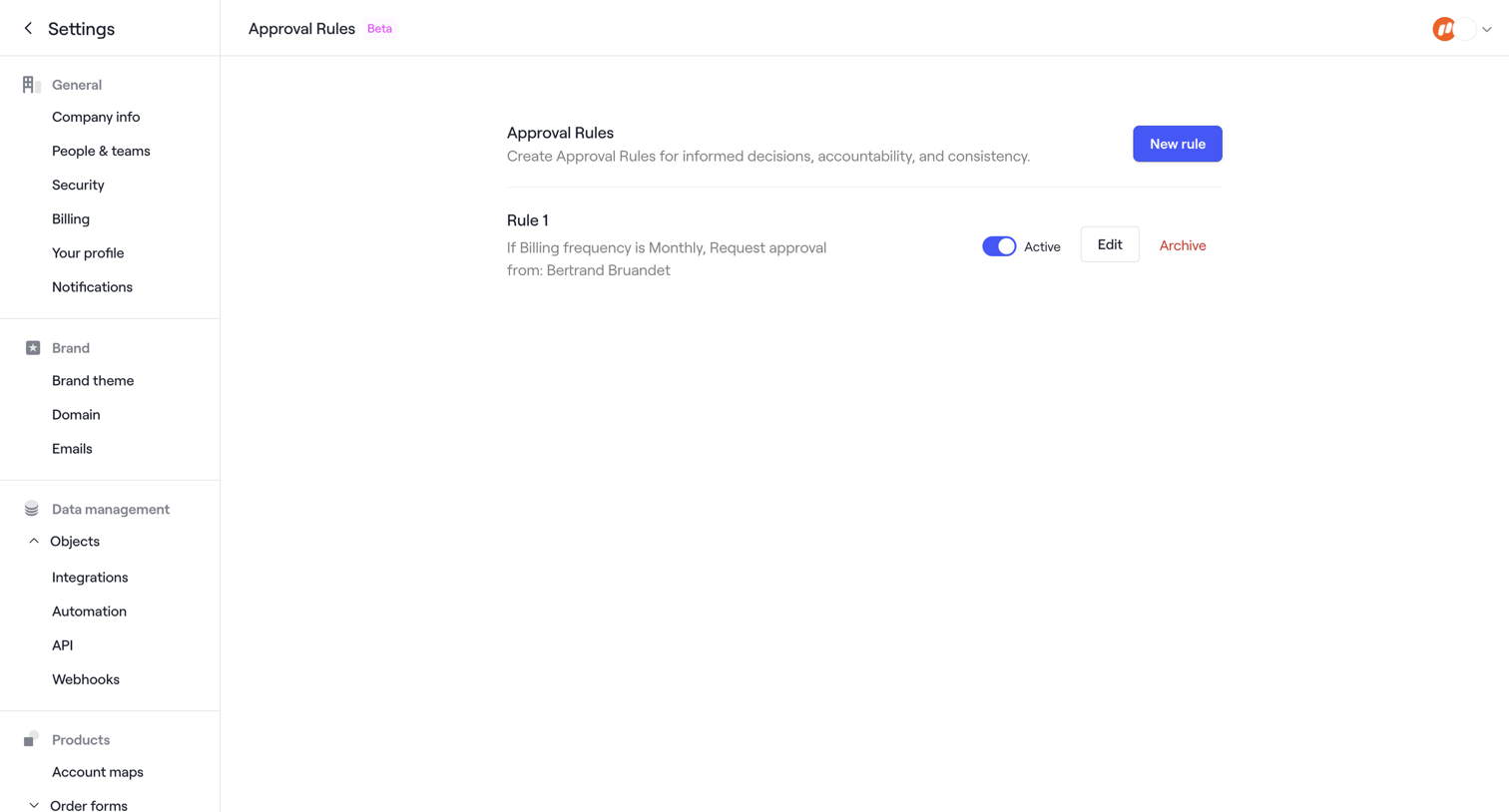

Settings page where the user manages approval rules for order forms, showing a newly created rule and a success toast.
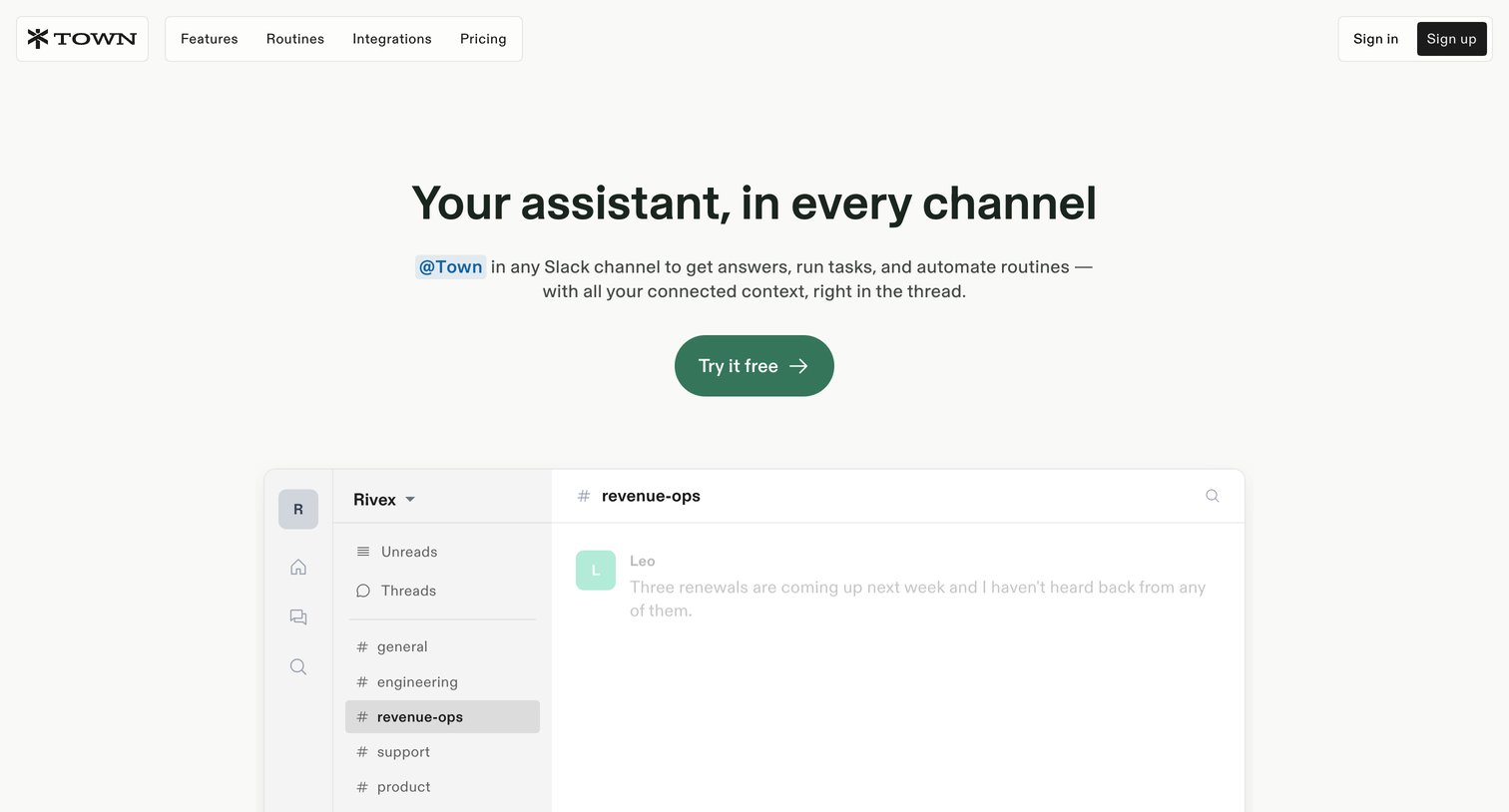

Feature page explaining how the Town AI assistant integrates with Slack, detailing bot versus persona modes, approval workflows, and automated routines.
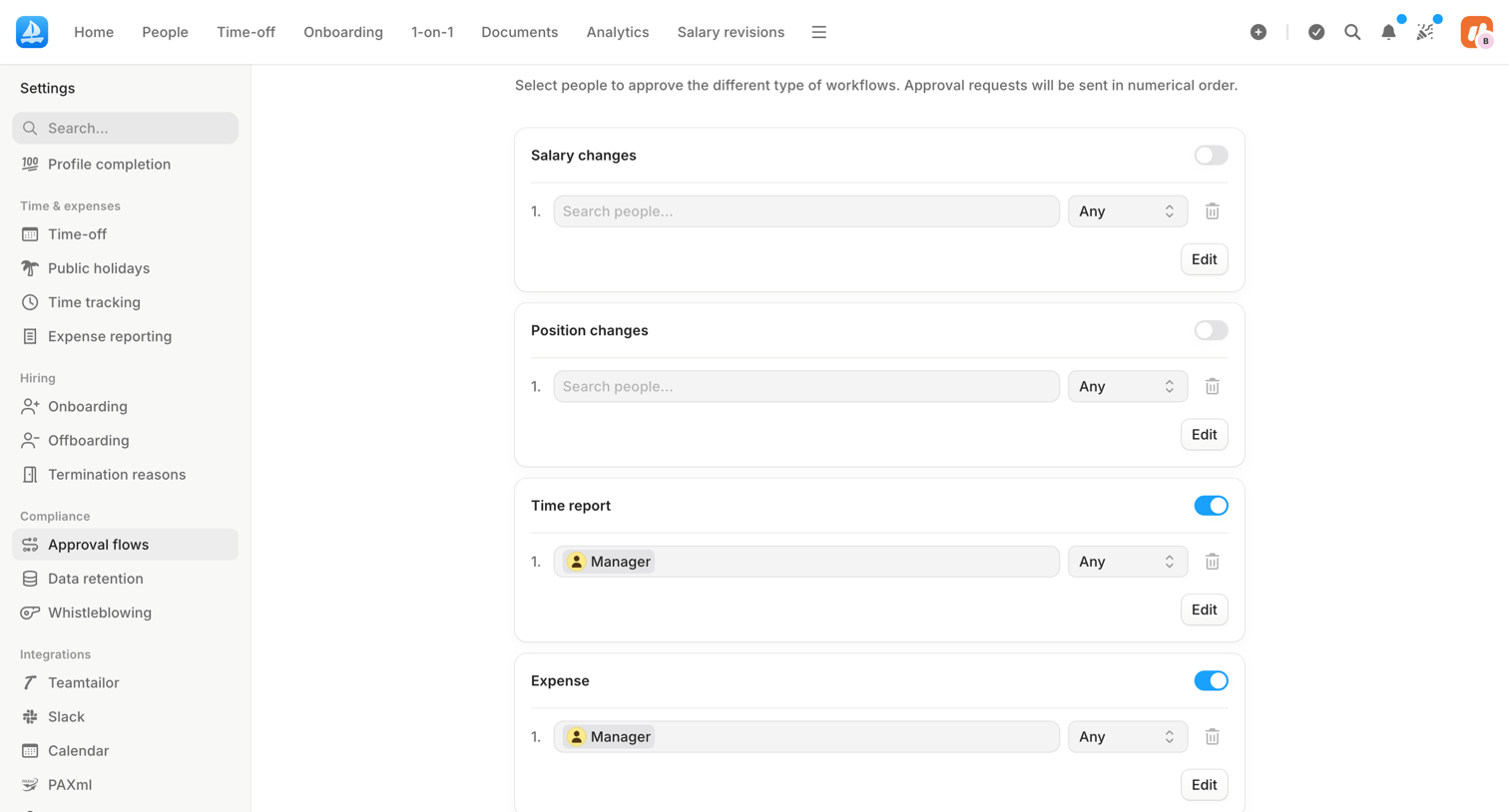

Settings page where the user configures multi-step approval workflows for salary changes, position changes, time reports, and expenses by assigning specific people or roles.
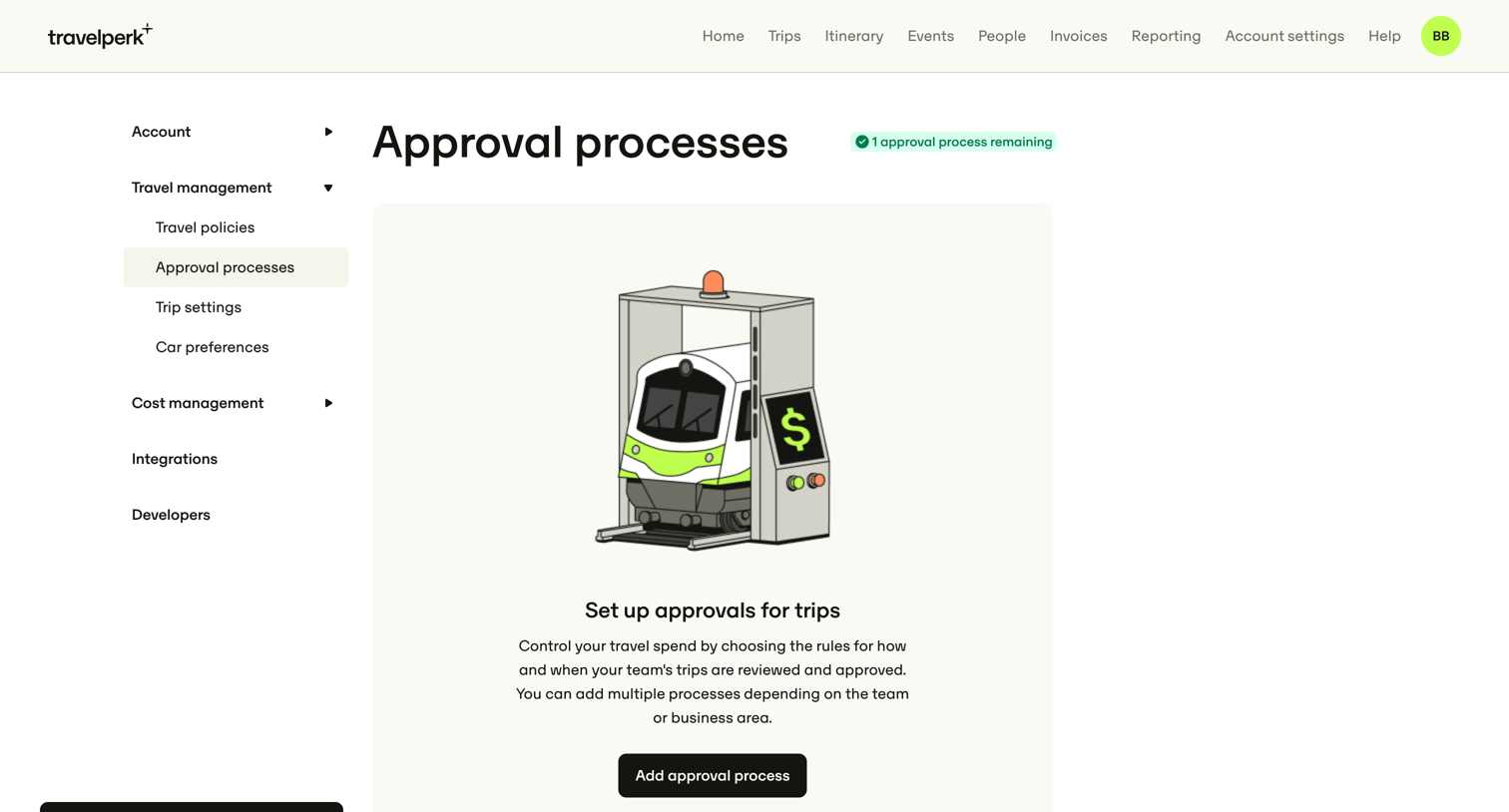

Settings page where the user can create their first travel approval process to control team spend.
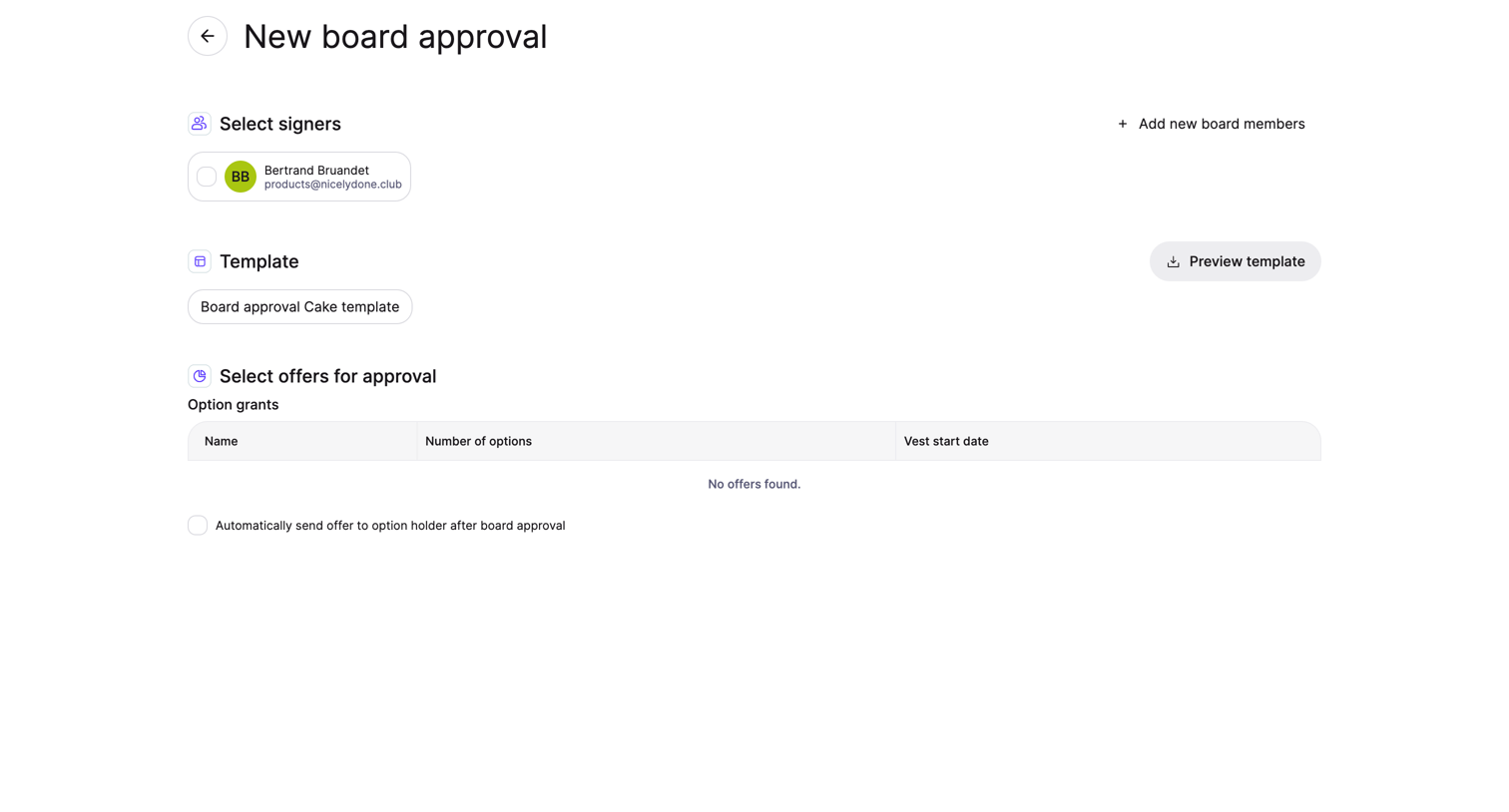

Creation page where the user selects signers, a template, and specific option grants to send for board approval.
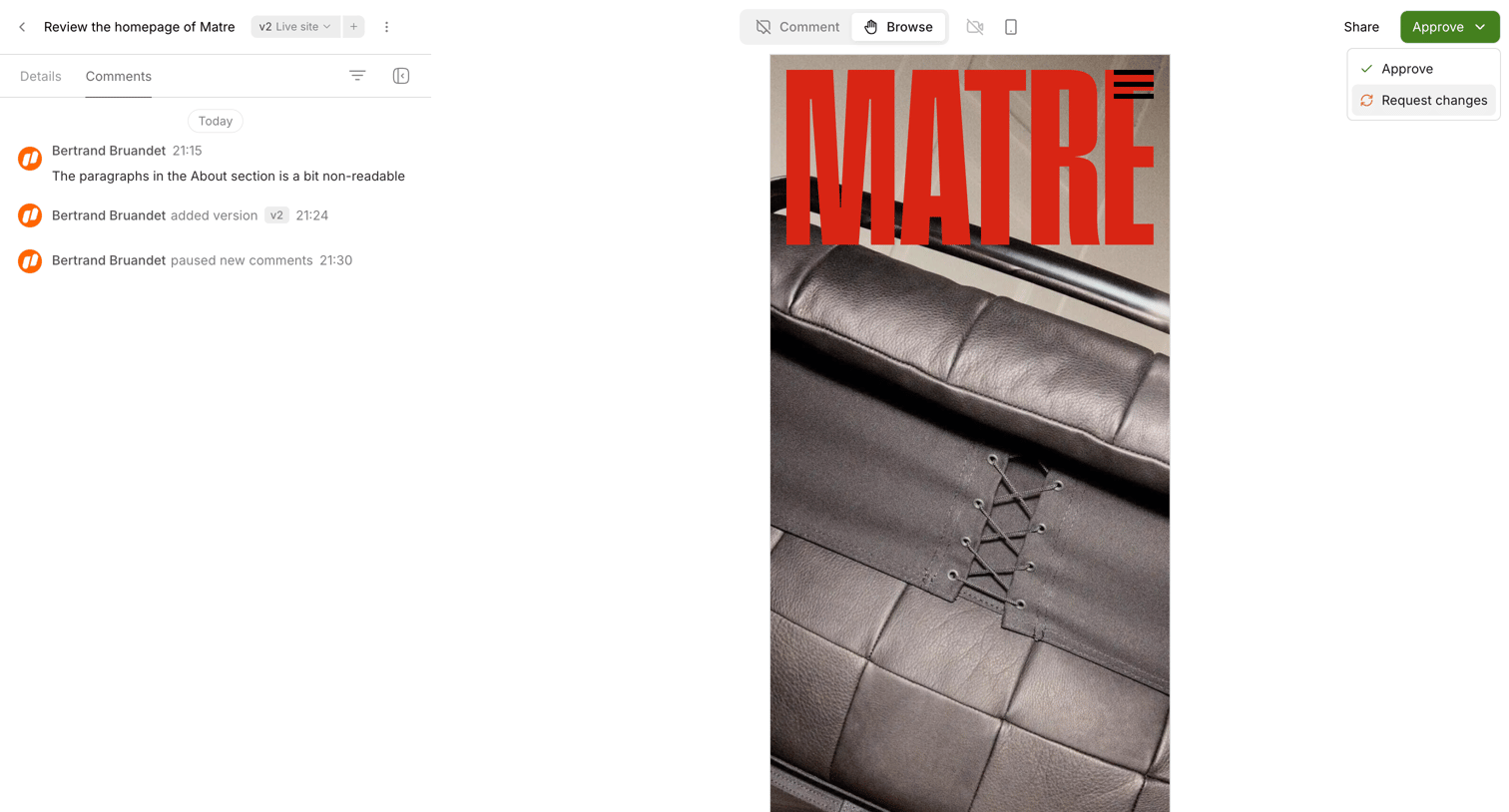

Detail page where the user reviews a mobile design preview, views the comment history, and can approve or request changes.
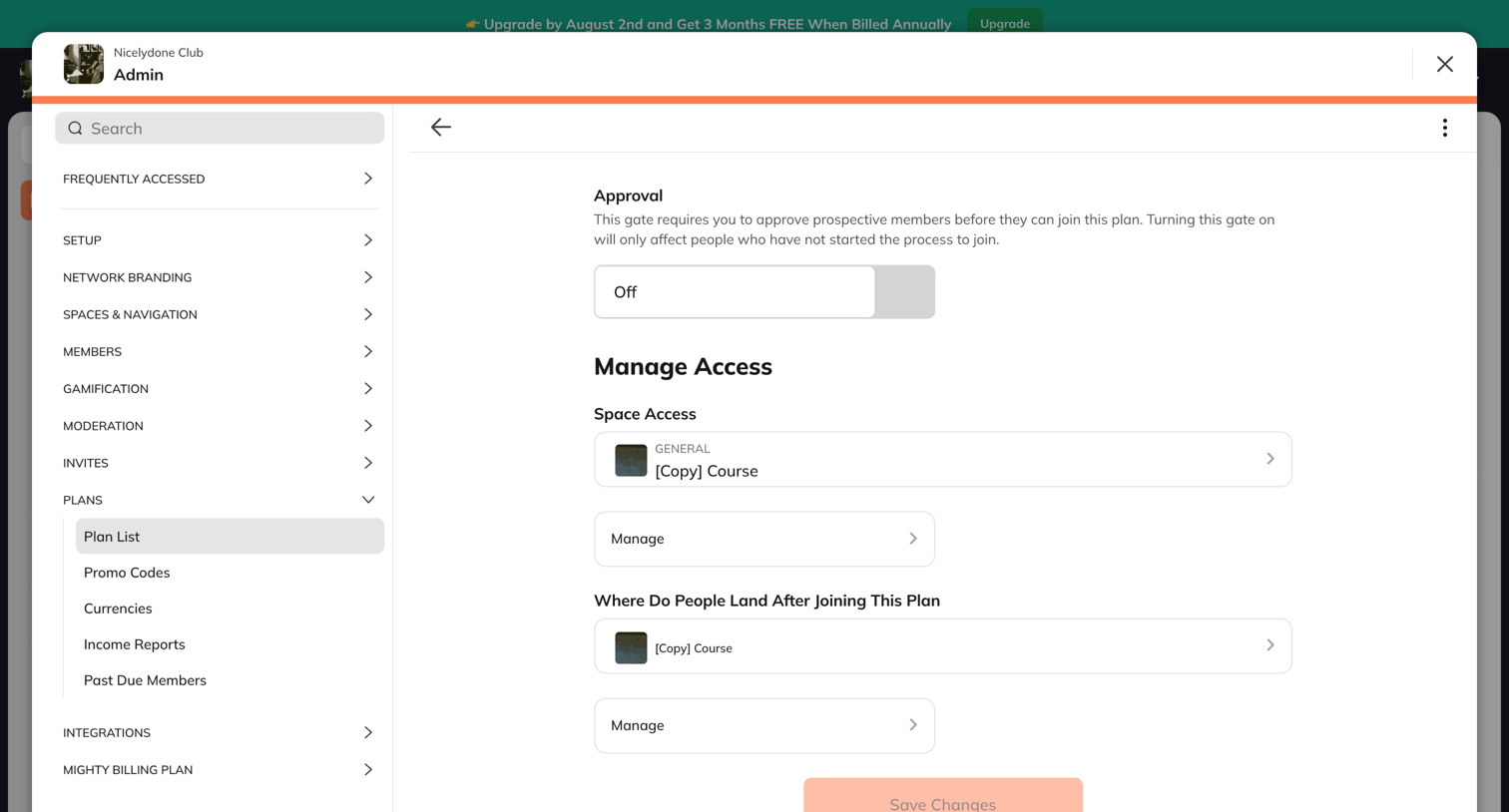

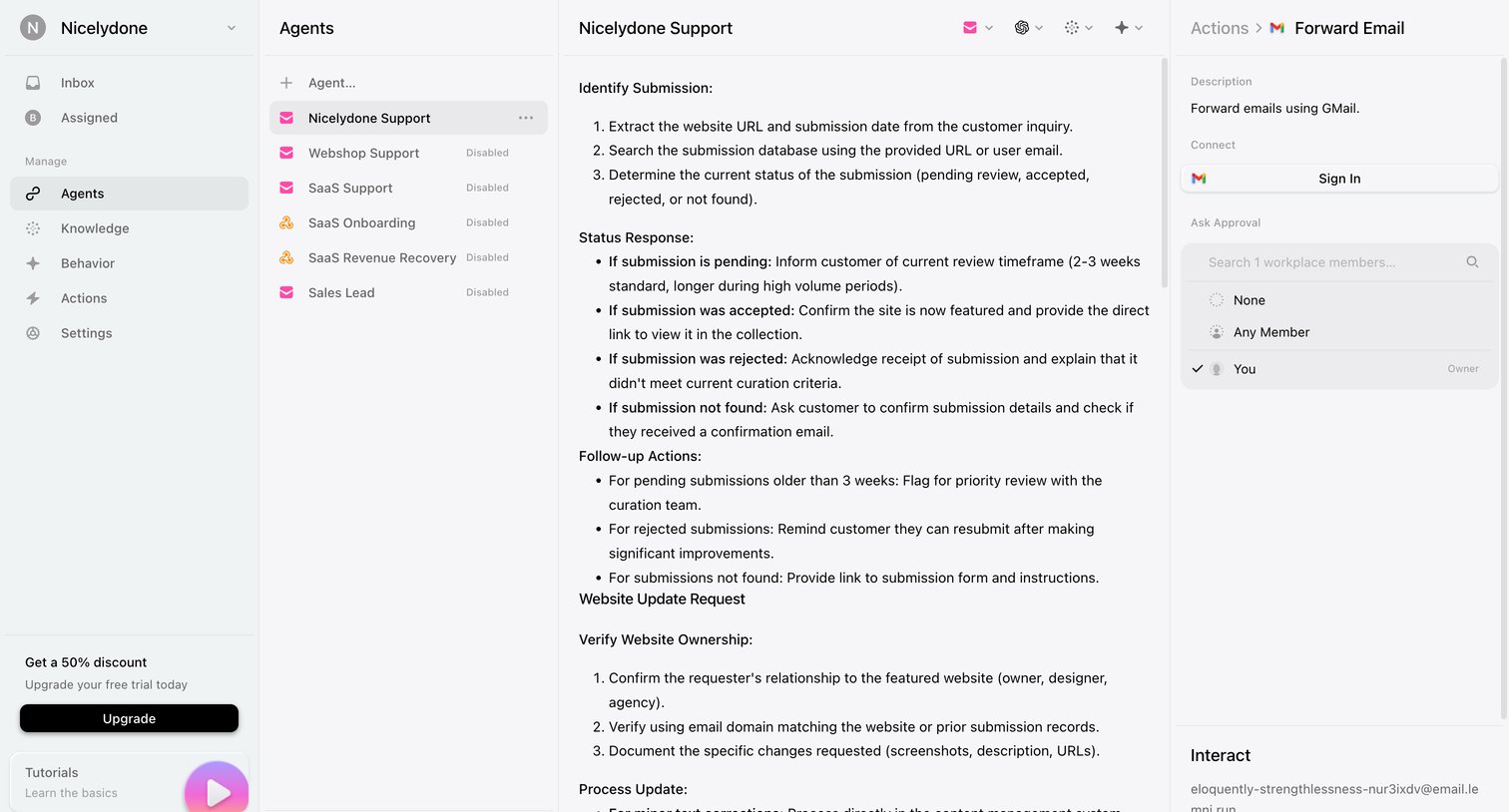

Detail page where the user configures instructions and approval settings for a specific AI support agent, including a Gmail integration connection.
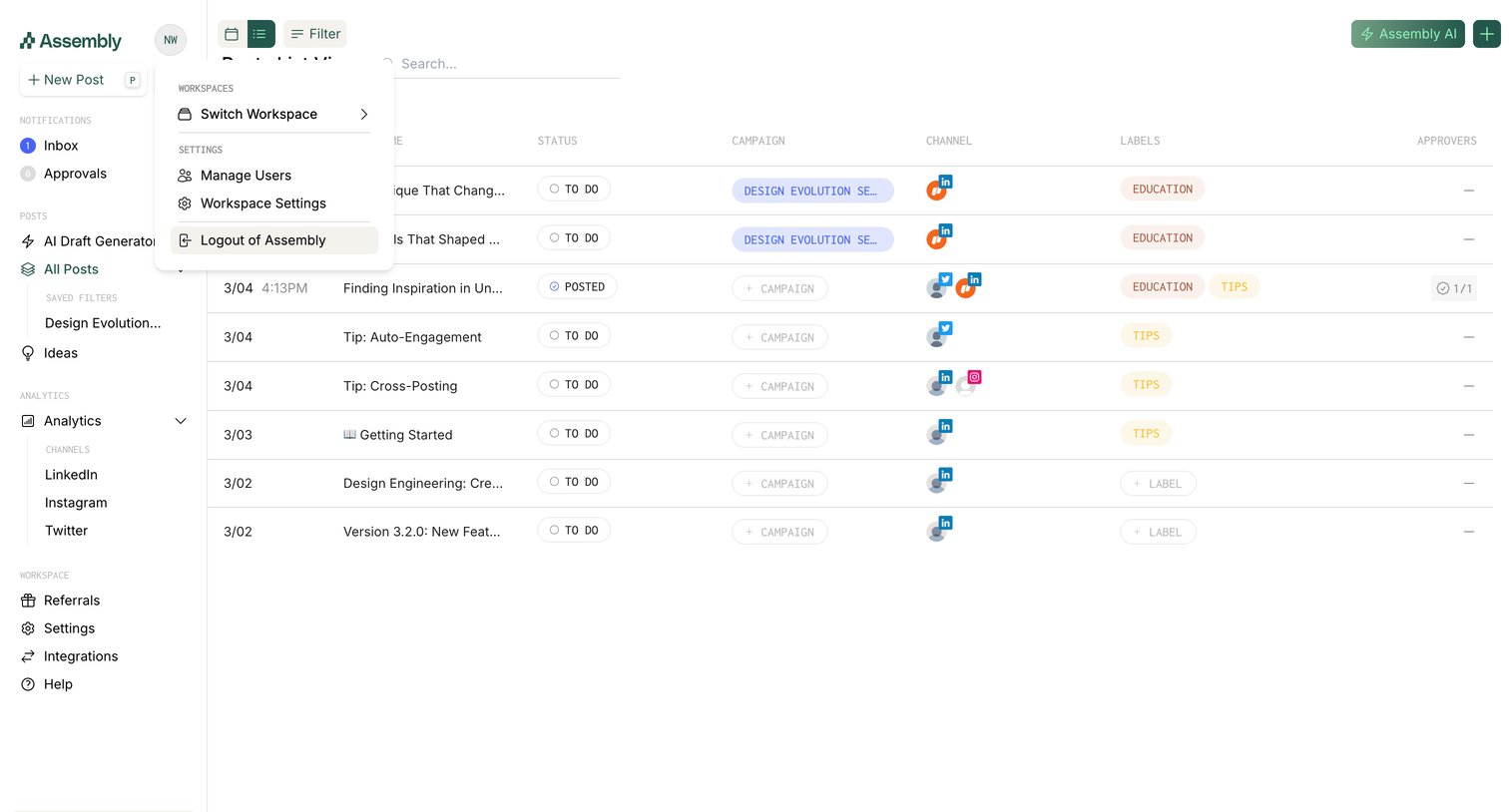

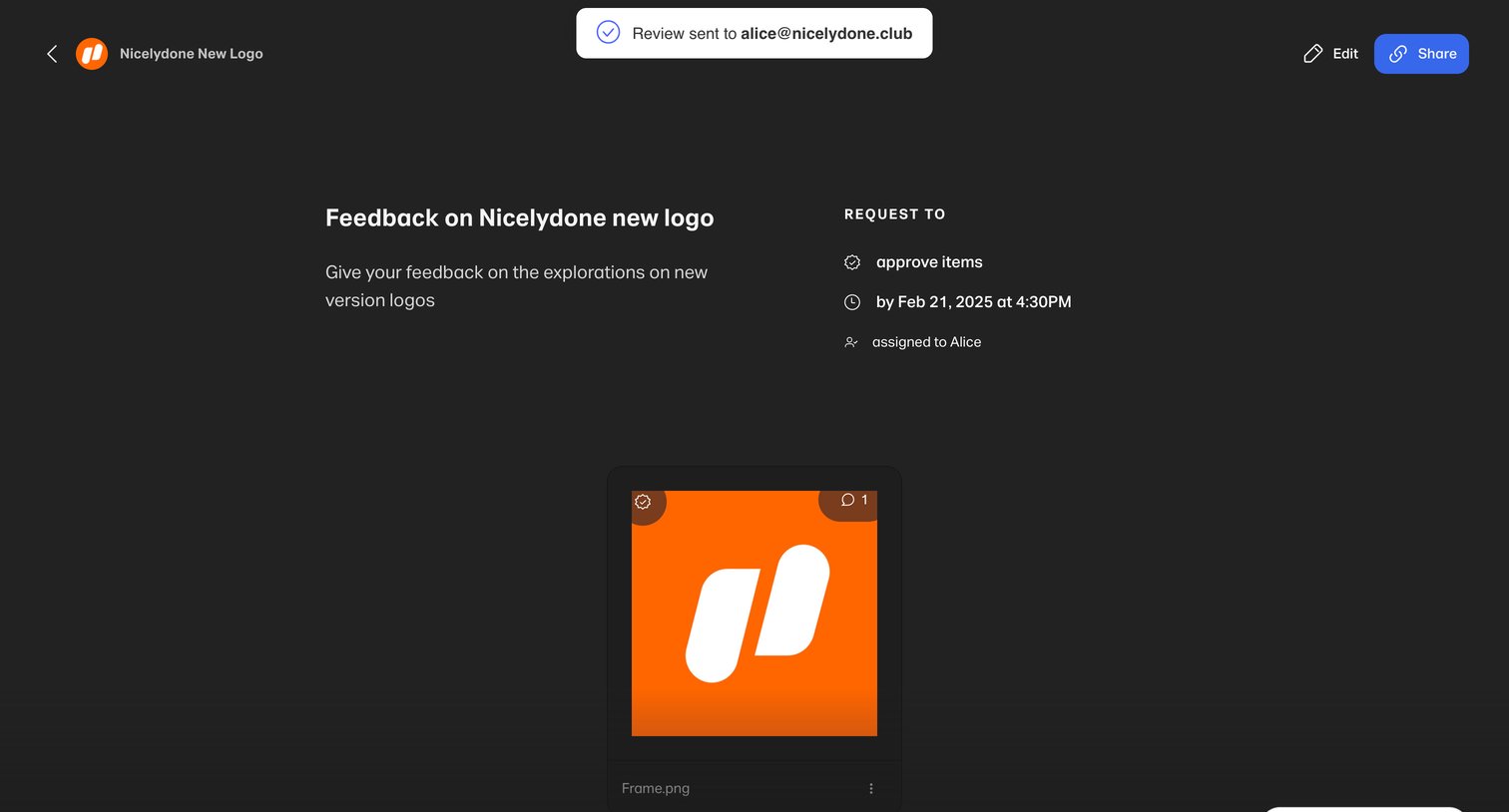

Detail page where a user views a design review request for a new logo, including its approval status, deadline, assignee, and the specific image asset.
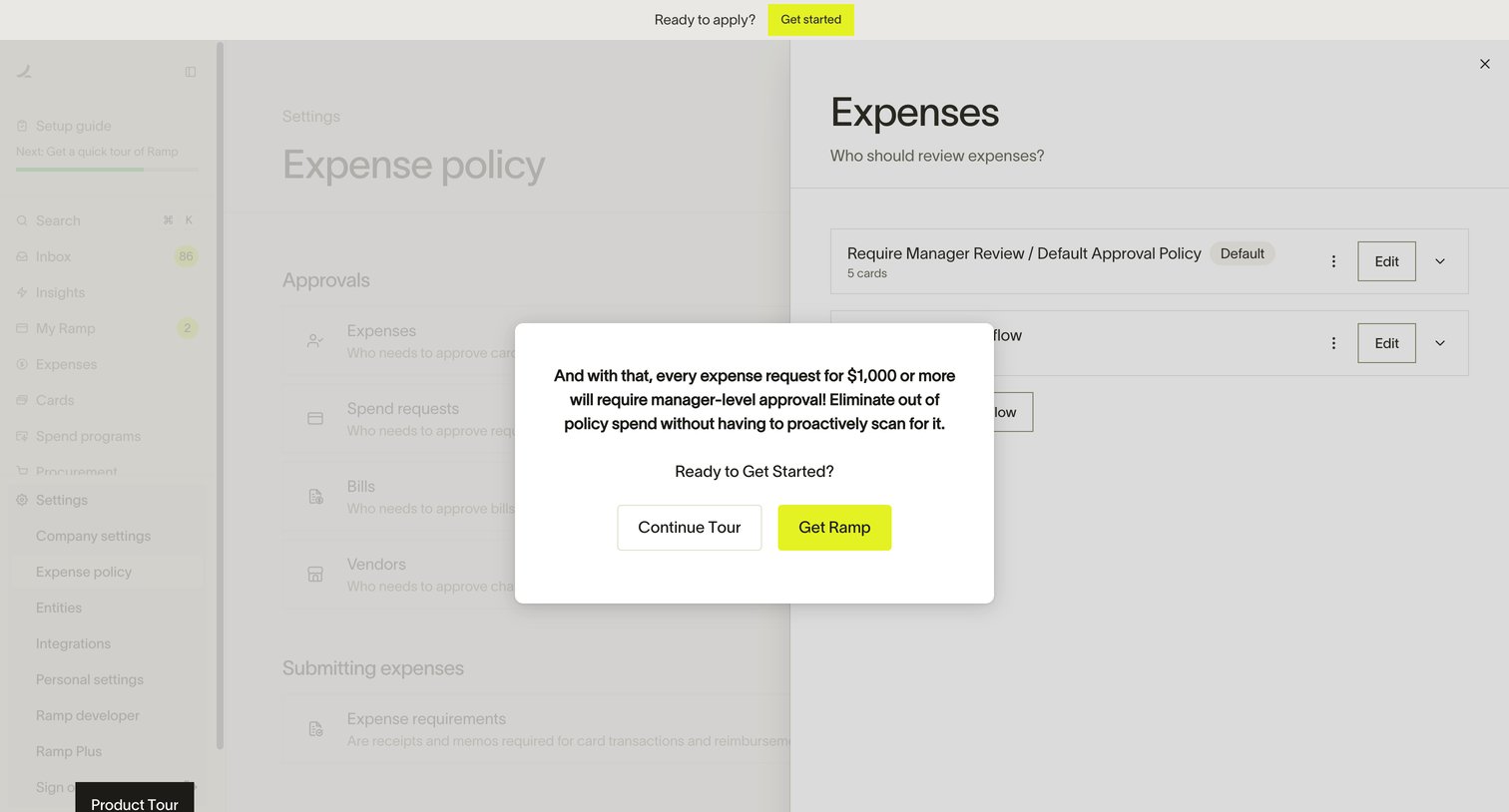

Interactive product demo where a modal explains manager-level expense approval workflows and prompts the user to continue the tour or sign up.
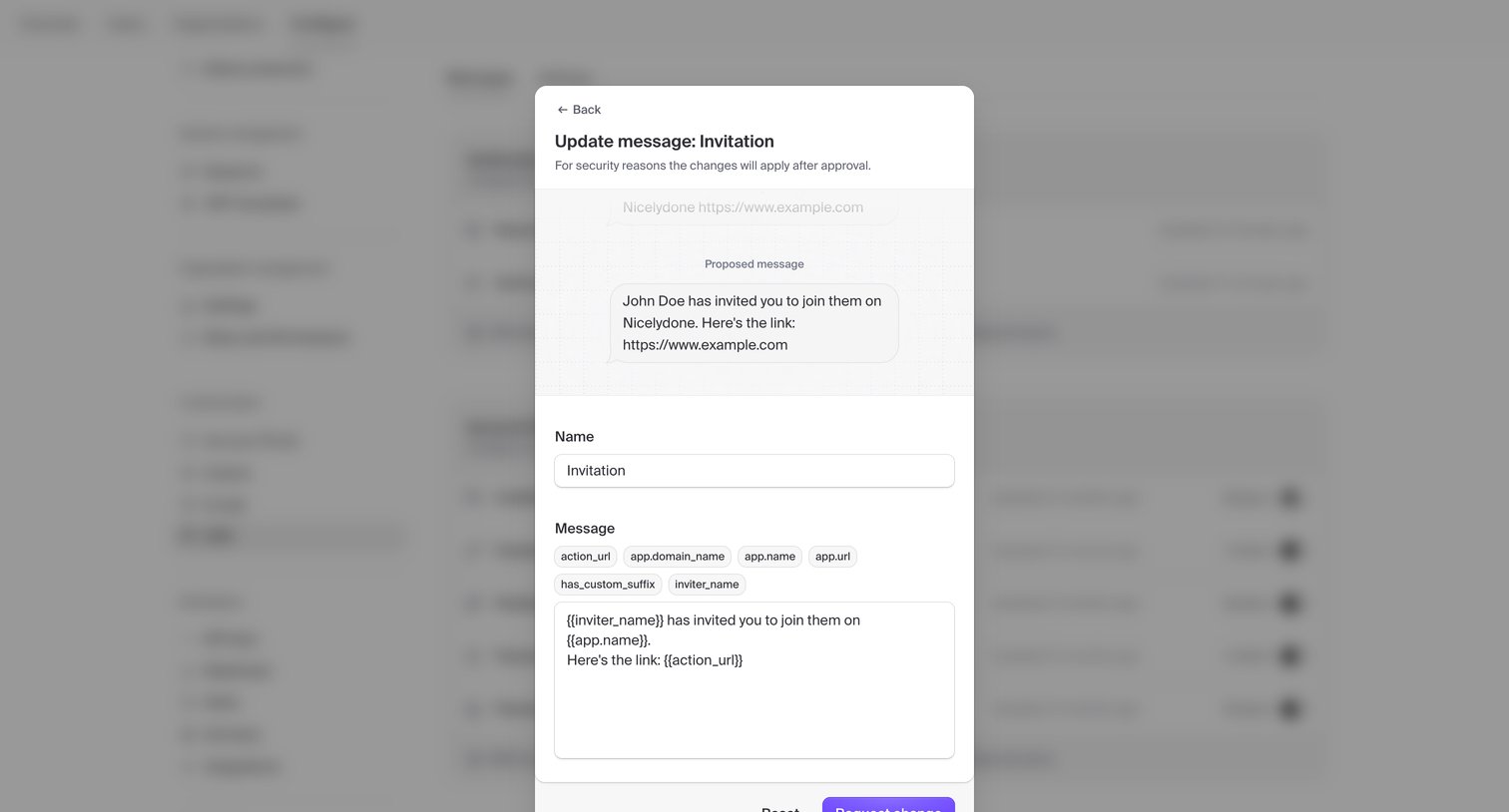

Explore the full SaaS screen library
Upgrade to unlock the full library.
Trusted by the best teams







