Calendar screen examples
Calendar screen design examples from SaaS apps. Explore how apps organize events and availability across dates. Look at calendar grids, agenda layouts, and the relationship between an event summary and…
Explore the examples
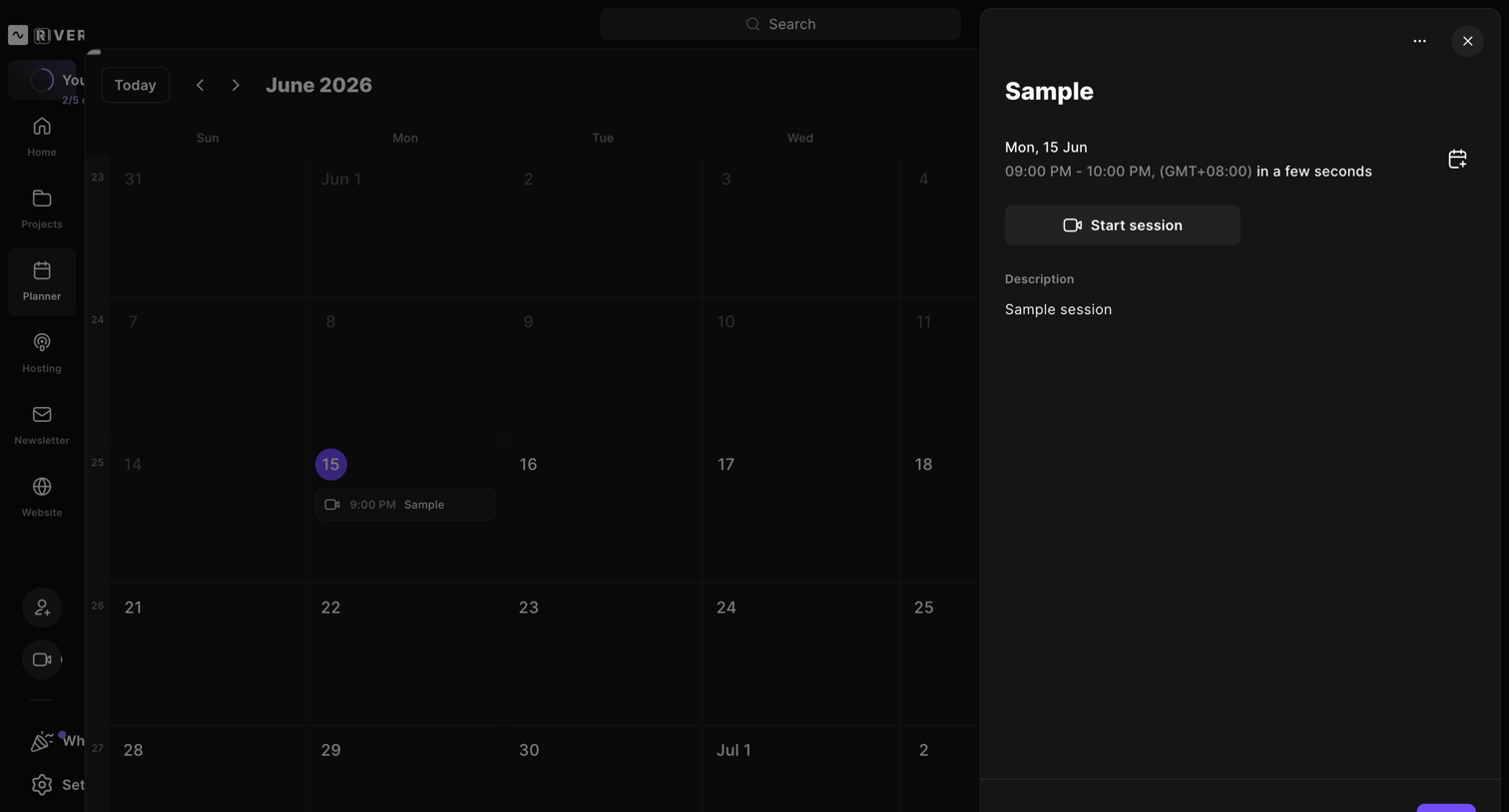

Content planner calendar where the user views a scheduled "Sample" session's details in a side drawer, including options to start or edit the event.
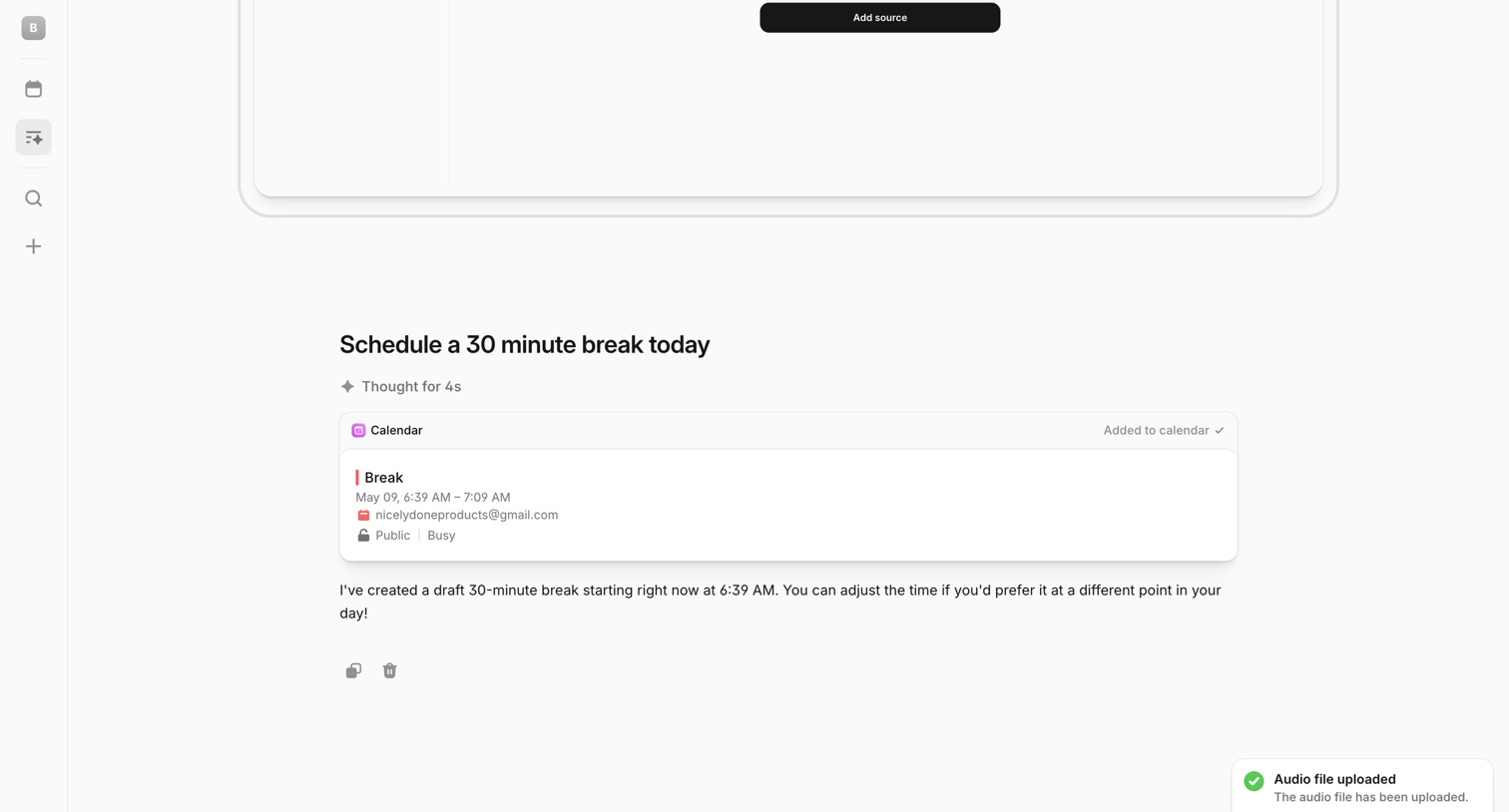

AI chat interface where the user has requested to schedule a break, showing the AI's drafted calendar event card, a reasoning indicator, and a bottom composer with a success toast notification.
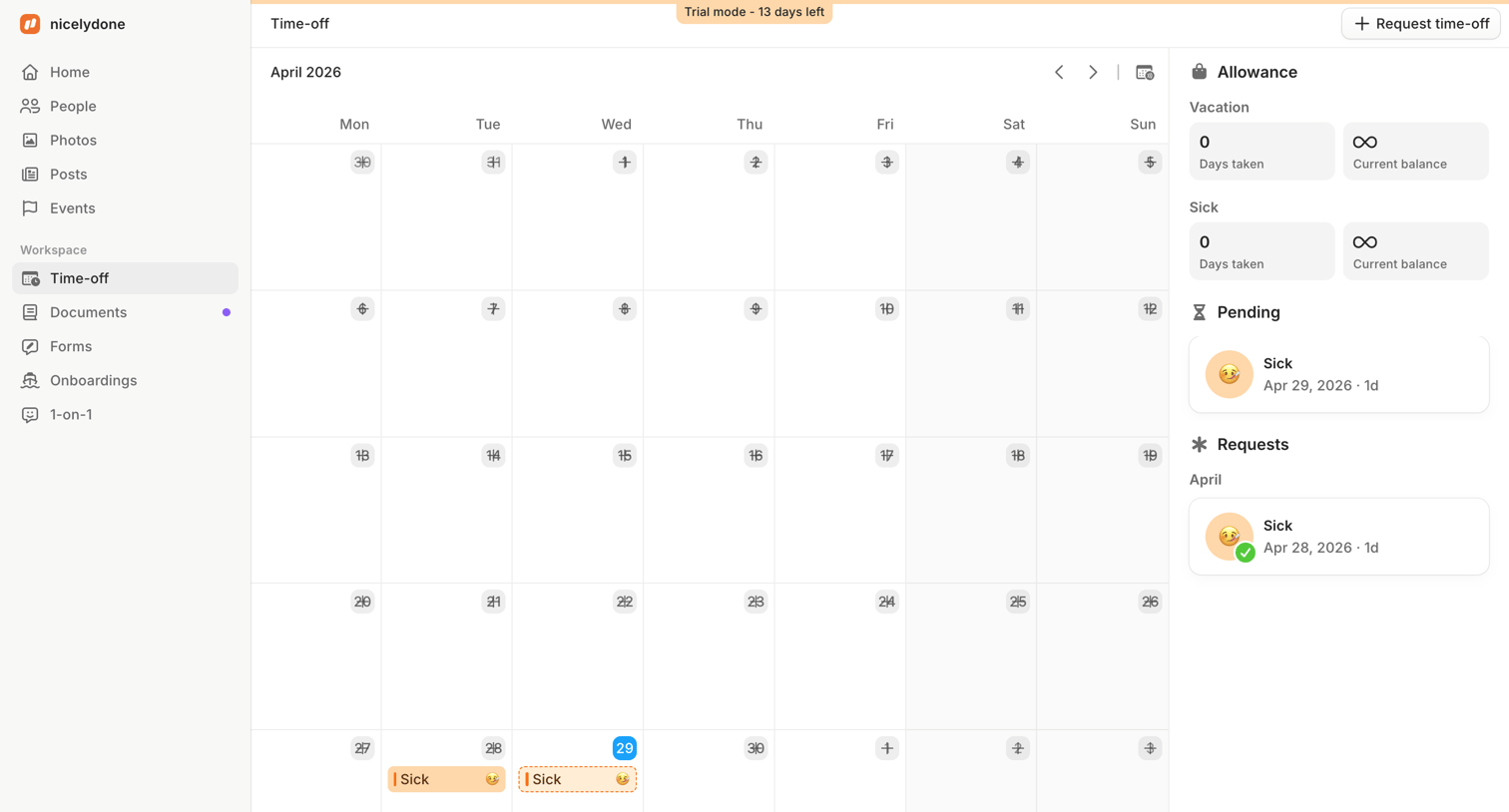

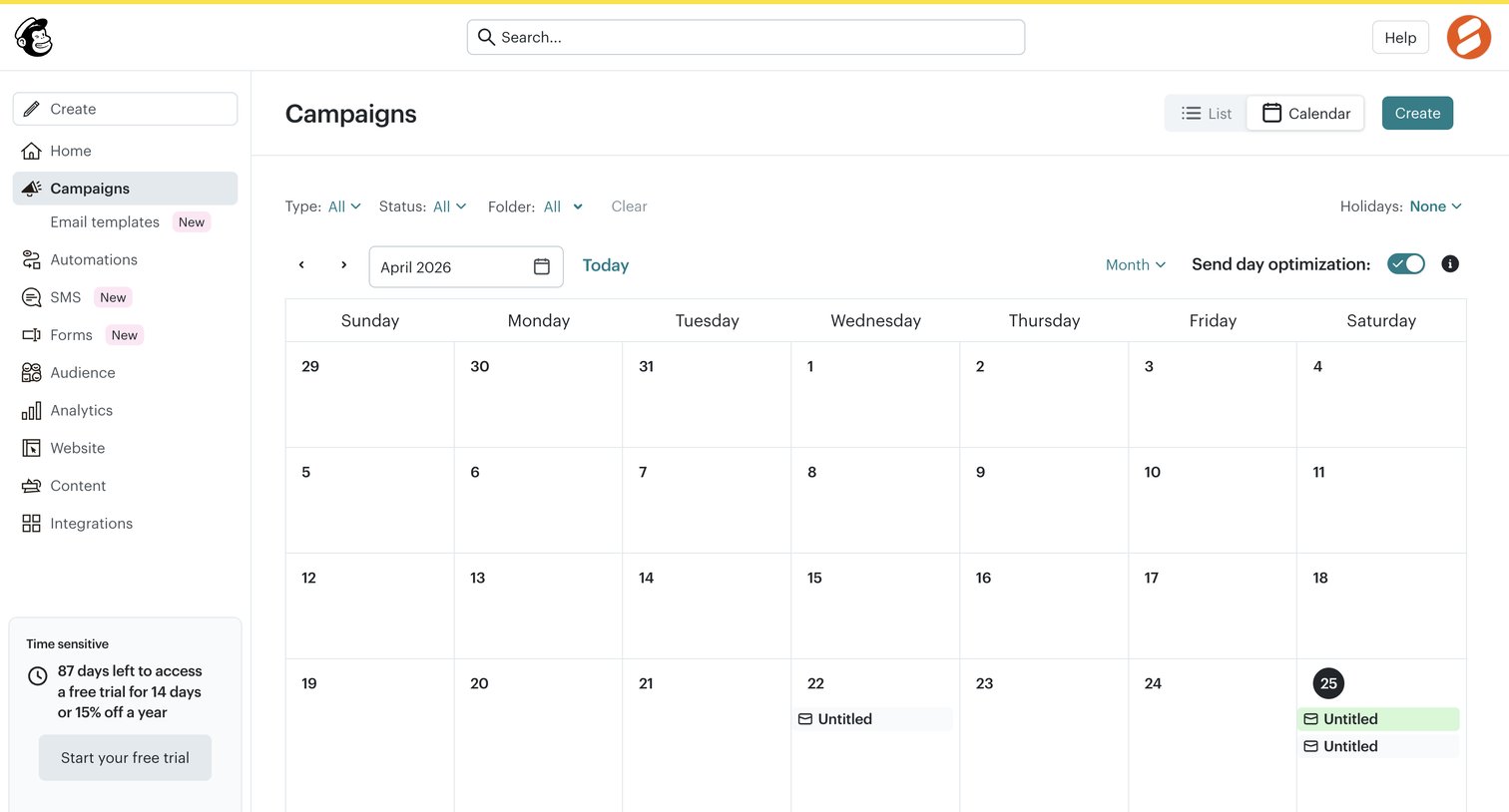

List view displaying scheduled marketing campaigns on a monthly calendar grid, with filters for campaign type, status, and folder.
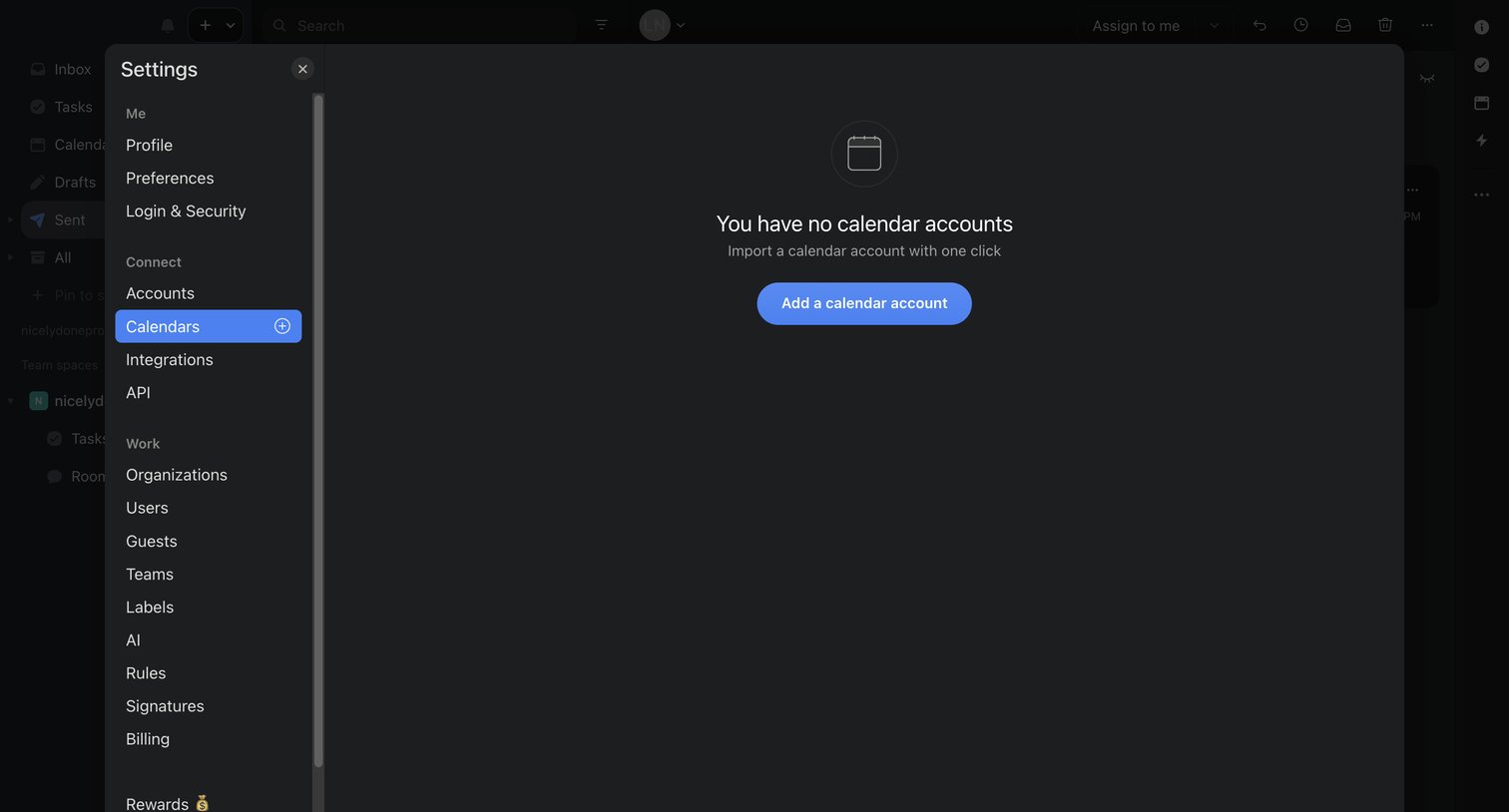

Settings modal where the user is prompted to add a calendar account because none are currently connected.

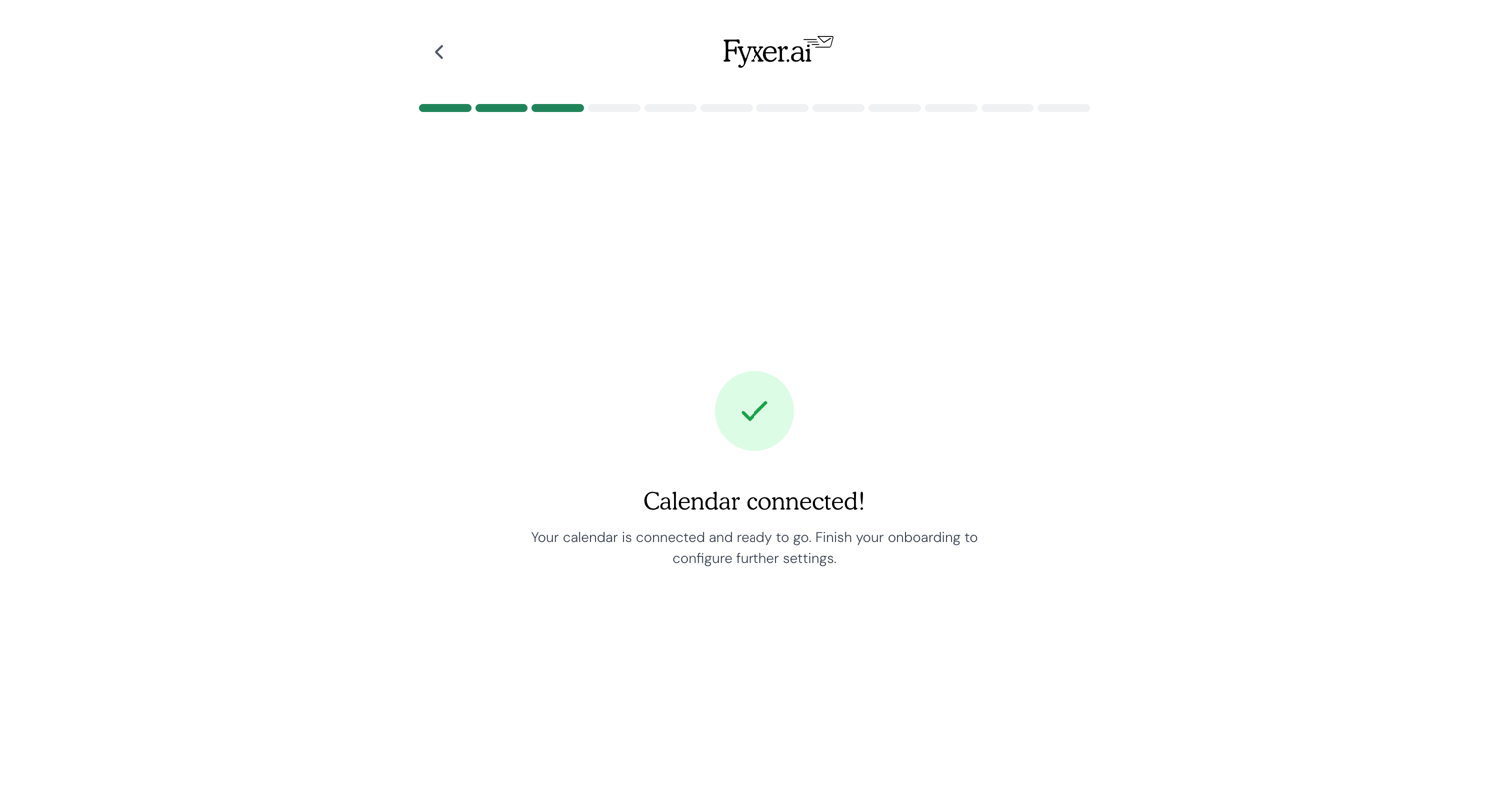

Onboarding step confirming the user's calendar is successfully connected and prompting them to continue.
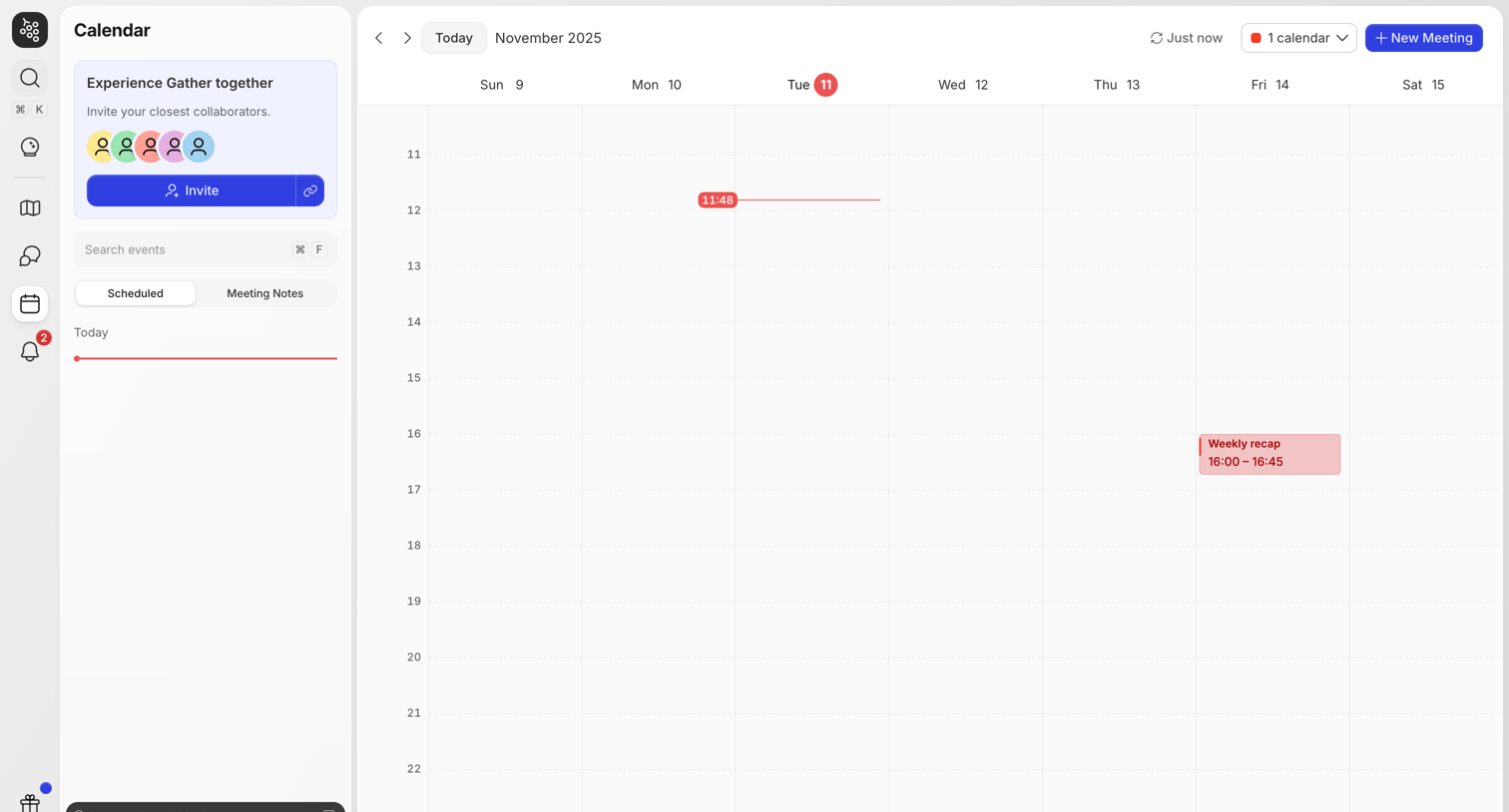

Calendar view showing a weekly schedule with a scheduled meeting, a current-time indicator, and an invite prompt in the sidebar.
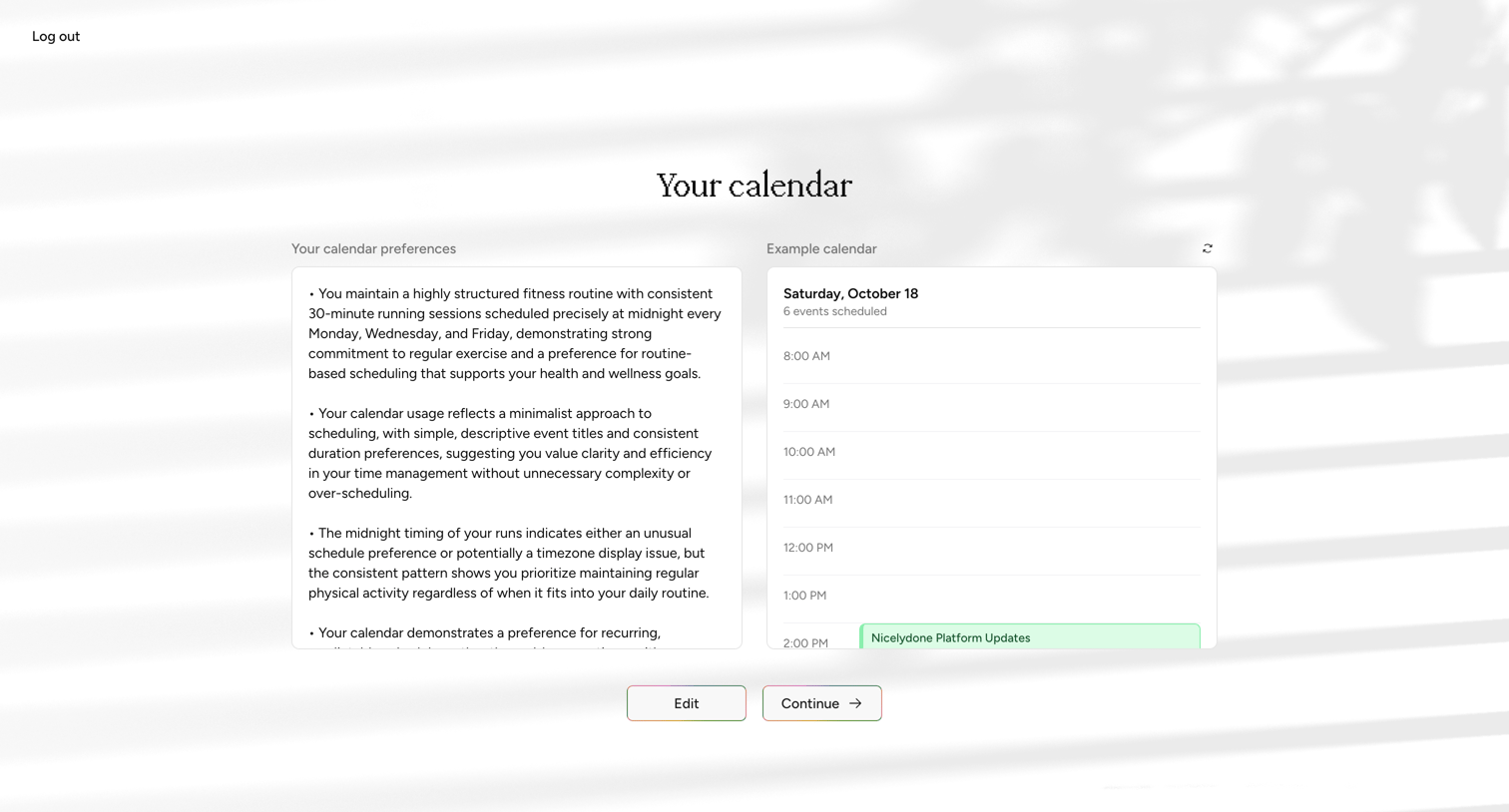

Onboarding step where the user reviews their inferred calendar preferences and an example daily schedule before continuing.
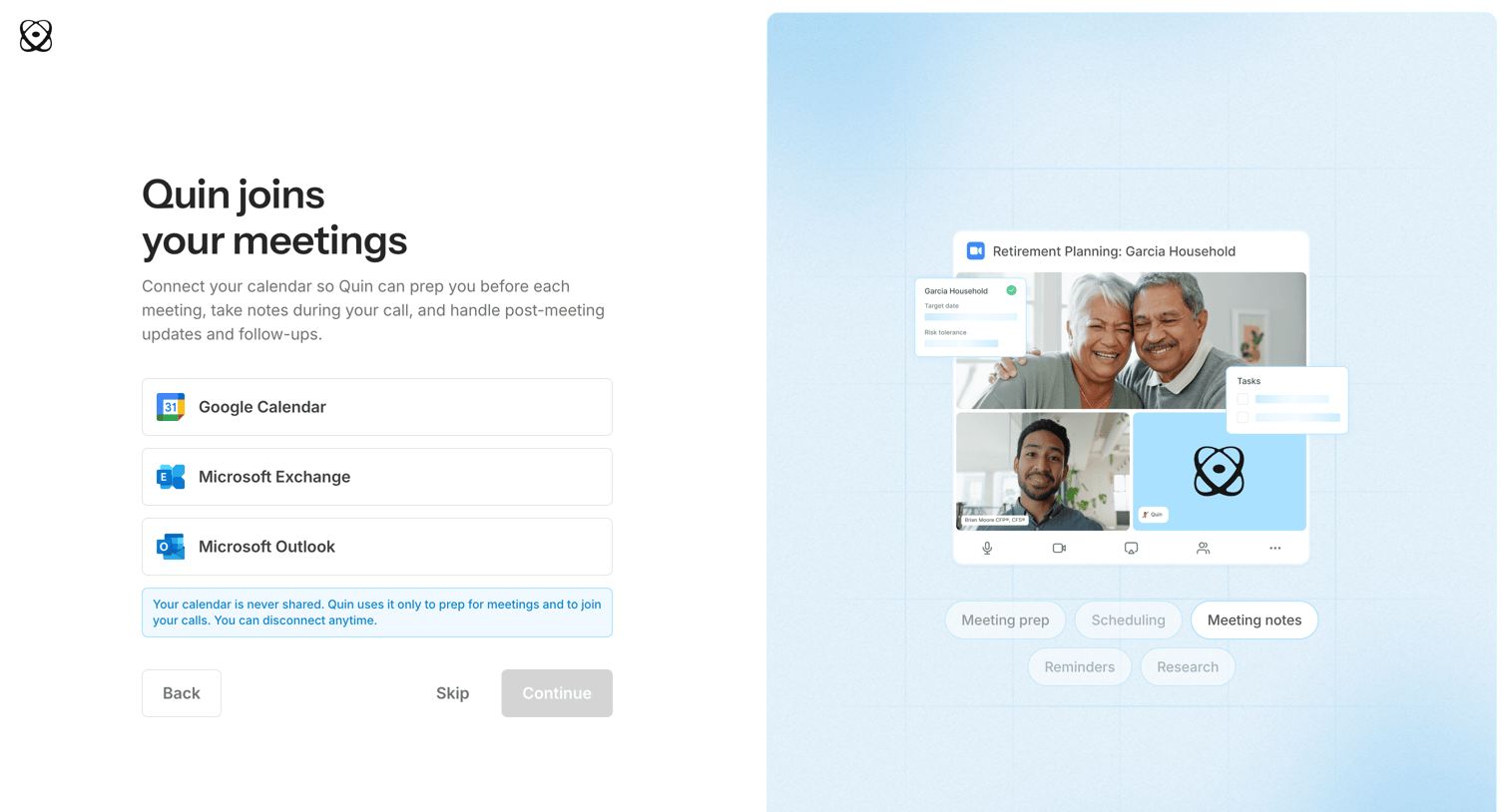

Onboarding step where the user connects their Google Calendar, Microsoft Exchange, or Microsoft Outlook account to enable meeting preparation and note-taking.
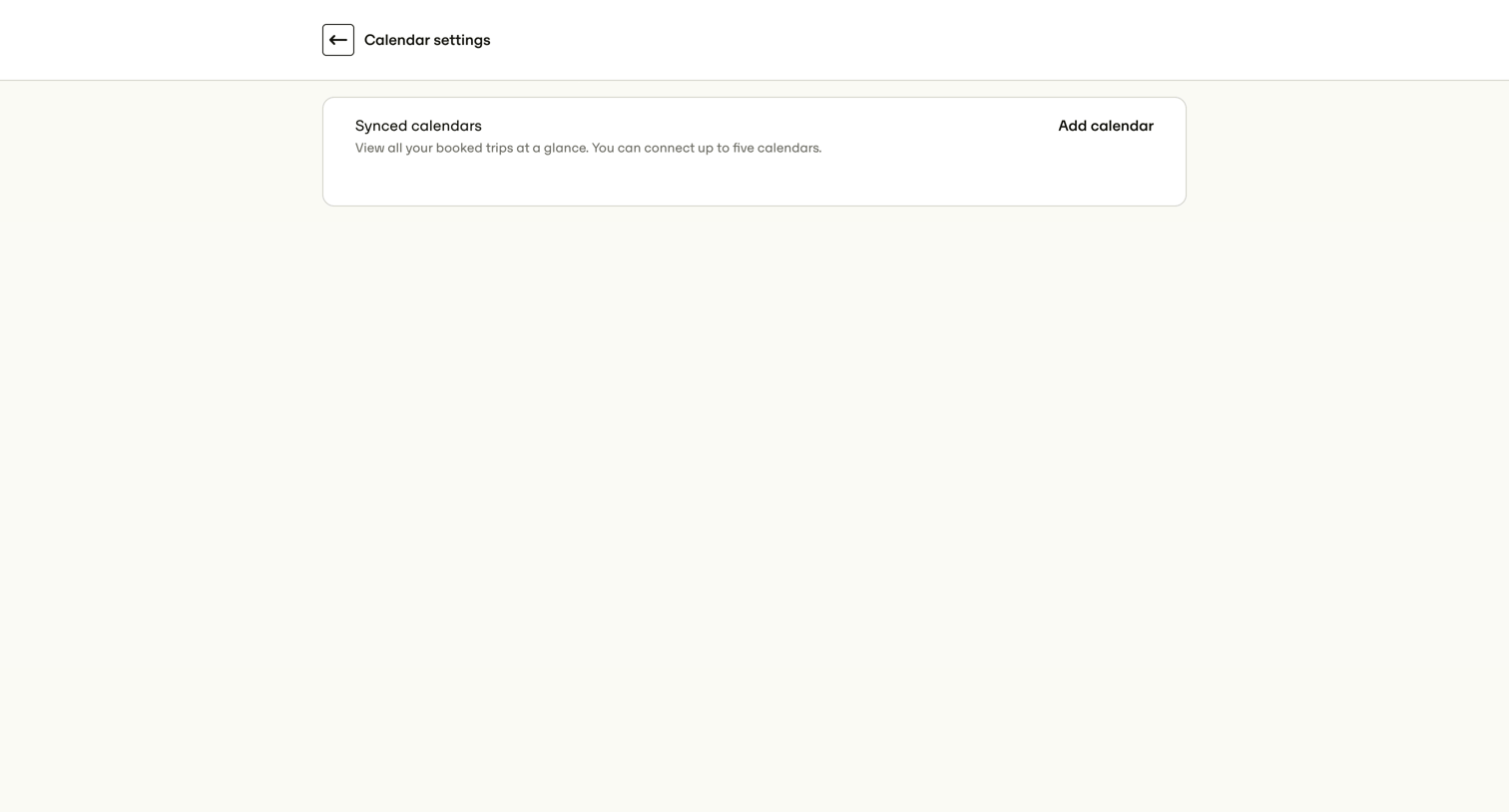

Settings page where the user can connect up to five external calendars to view their booked trips.
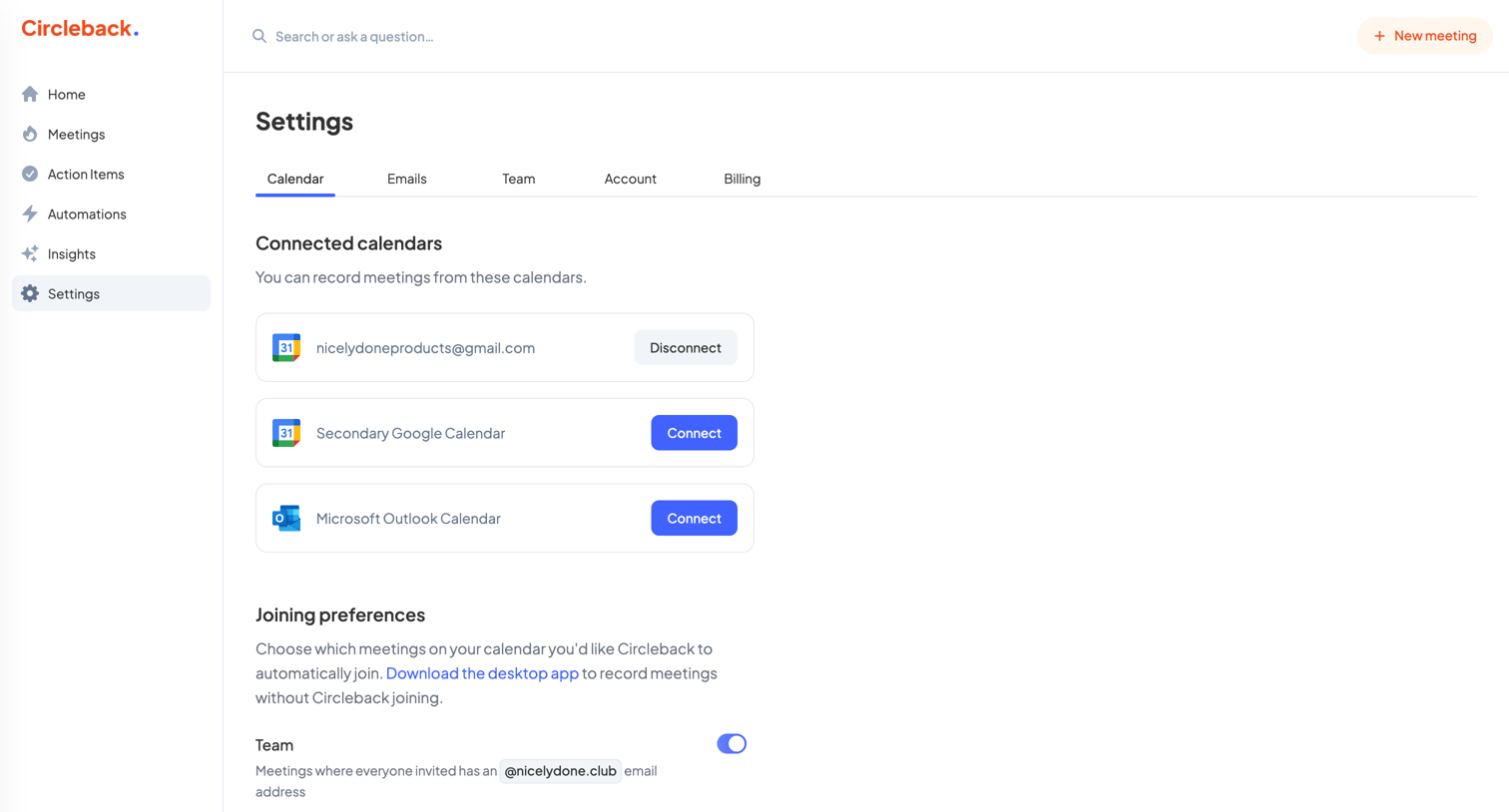

Settings page where the user manages connected Google and Outlook calendars and configures automatic meeting joining preferences.
Explore the full SaaS screen library
Upgrade to unlock the full library.
Trusted by the best teams








About Calendar
Explore how apps organize events and availability across dates. Look at calendar grids, agenda layouts, and the relationship between an event summary and its detailed view.