Workflow screen examples
Workflow screen design examples from SaaS apps. Browse examples from Dock, Flora, Elevenlabs.
Explore the examples
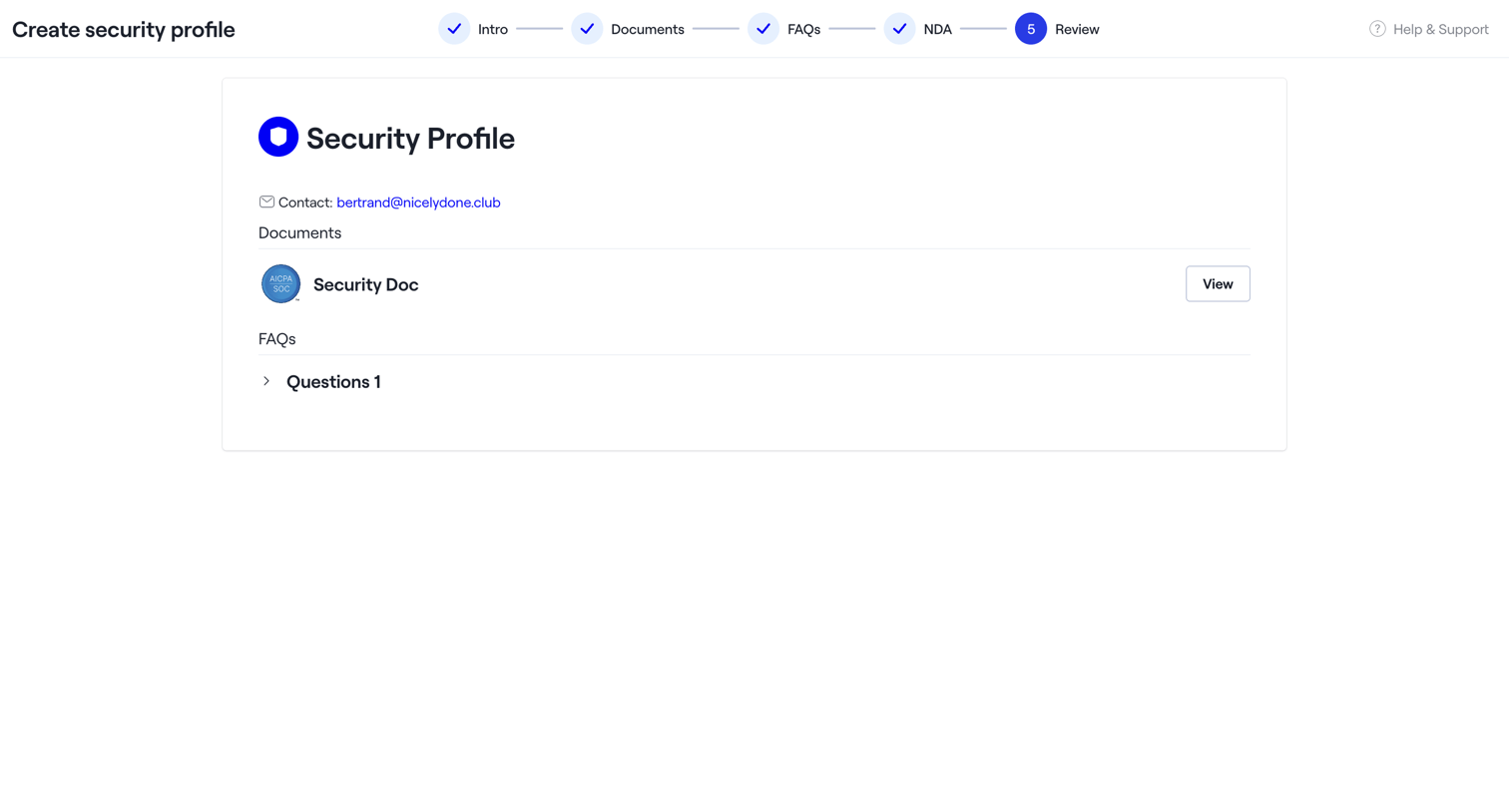

Creation wizard where the user reviews the finalized security profile containing documents, FAQs, and contact details before saving.
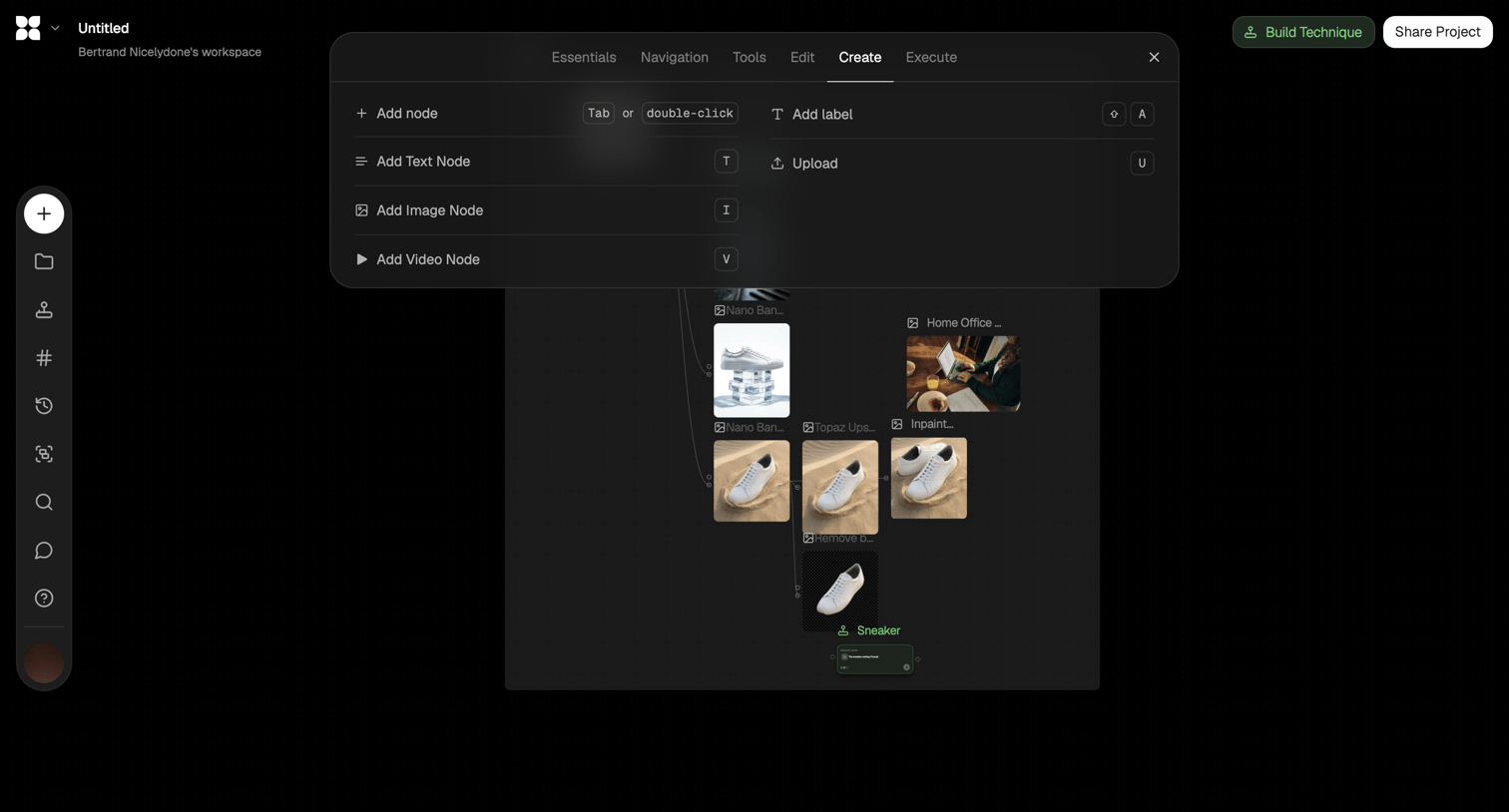

Node-based design editor where the user builds an image generation pipeline using a floating creation menu.
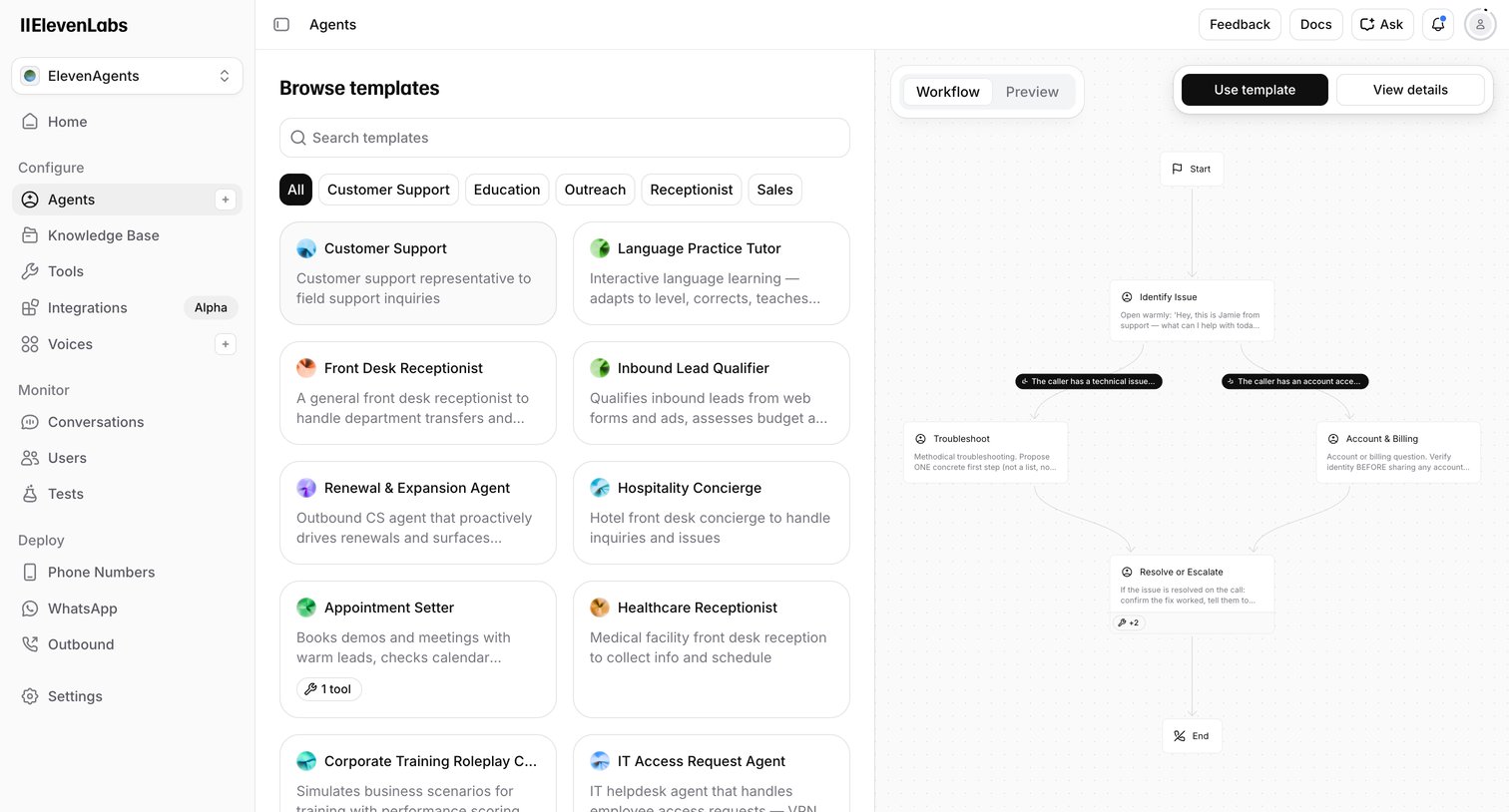

Create page where the user browses voice AI agent templates by category and previews their conversational workflow before starting.
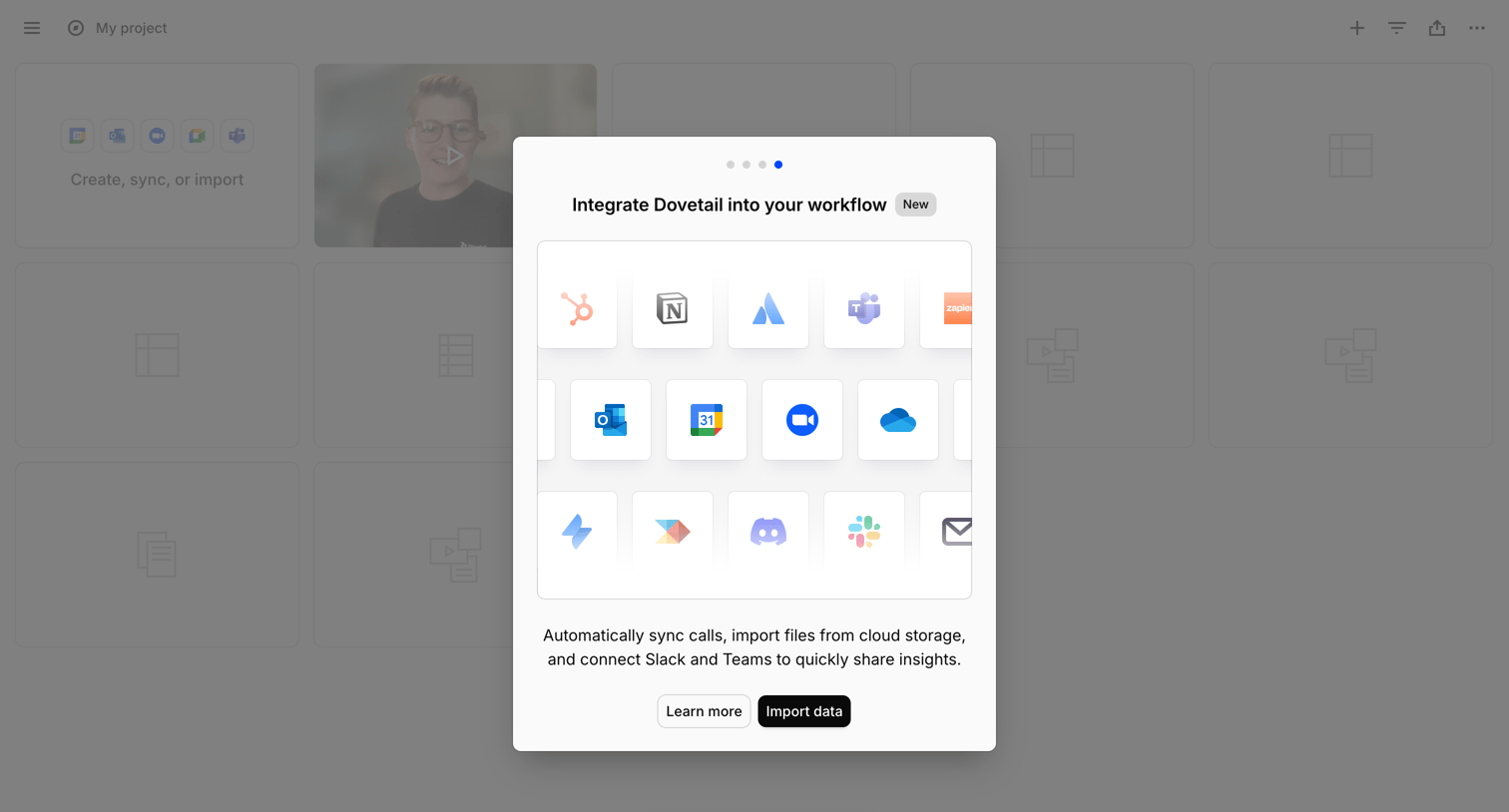

List view with a modal prompting the user to integrate their workflow by connecting apps like Slack, Teams, and Google Drive to import data.
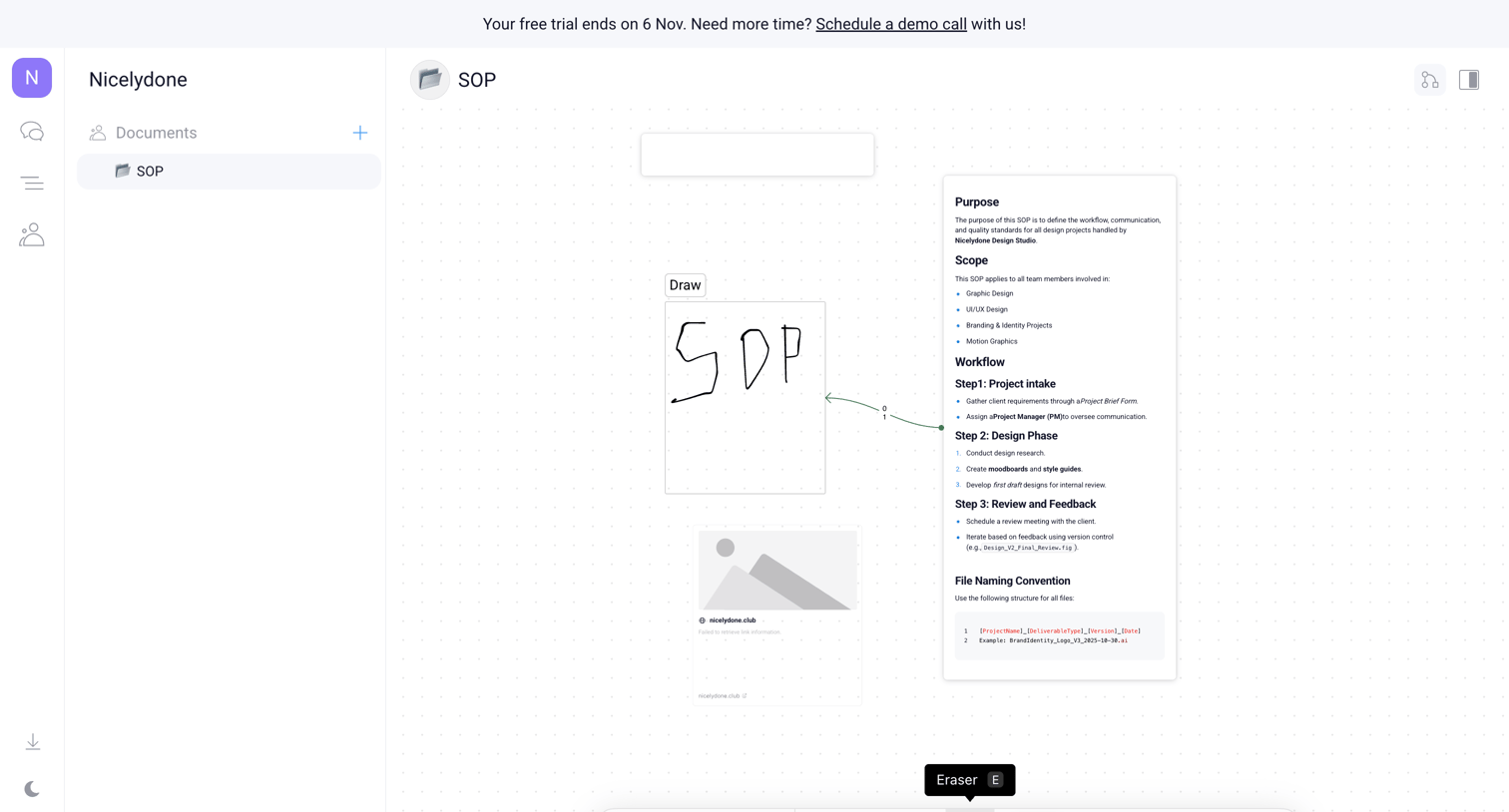

Design editor where the user builds a standard operating procedure document on a whiteboard canvas using text blocks, drawings, and connection lines.
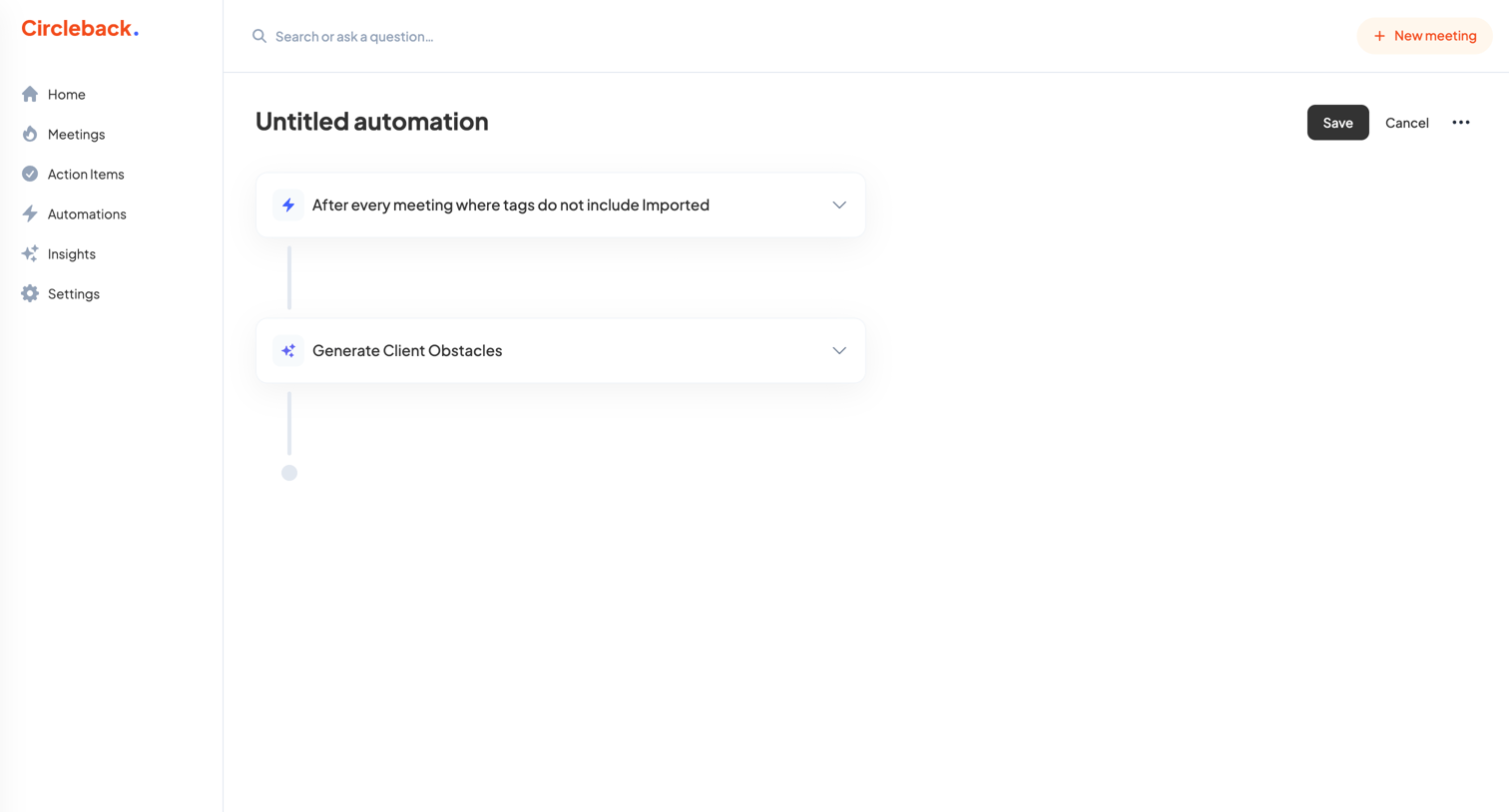

Workflow editor where the user configures an automation to generate client obstacles after every meeting that is not tagged as imported.
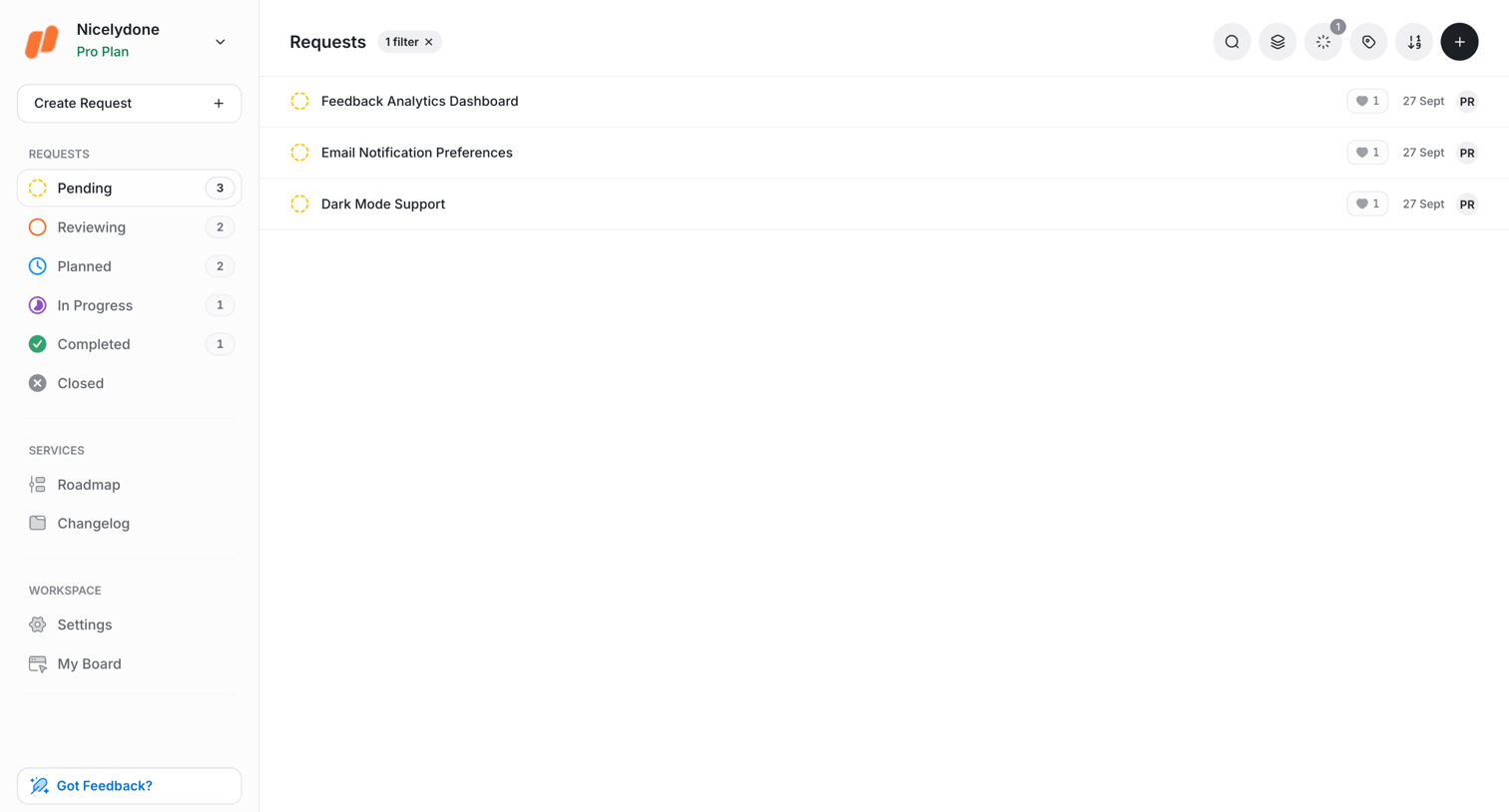

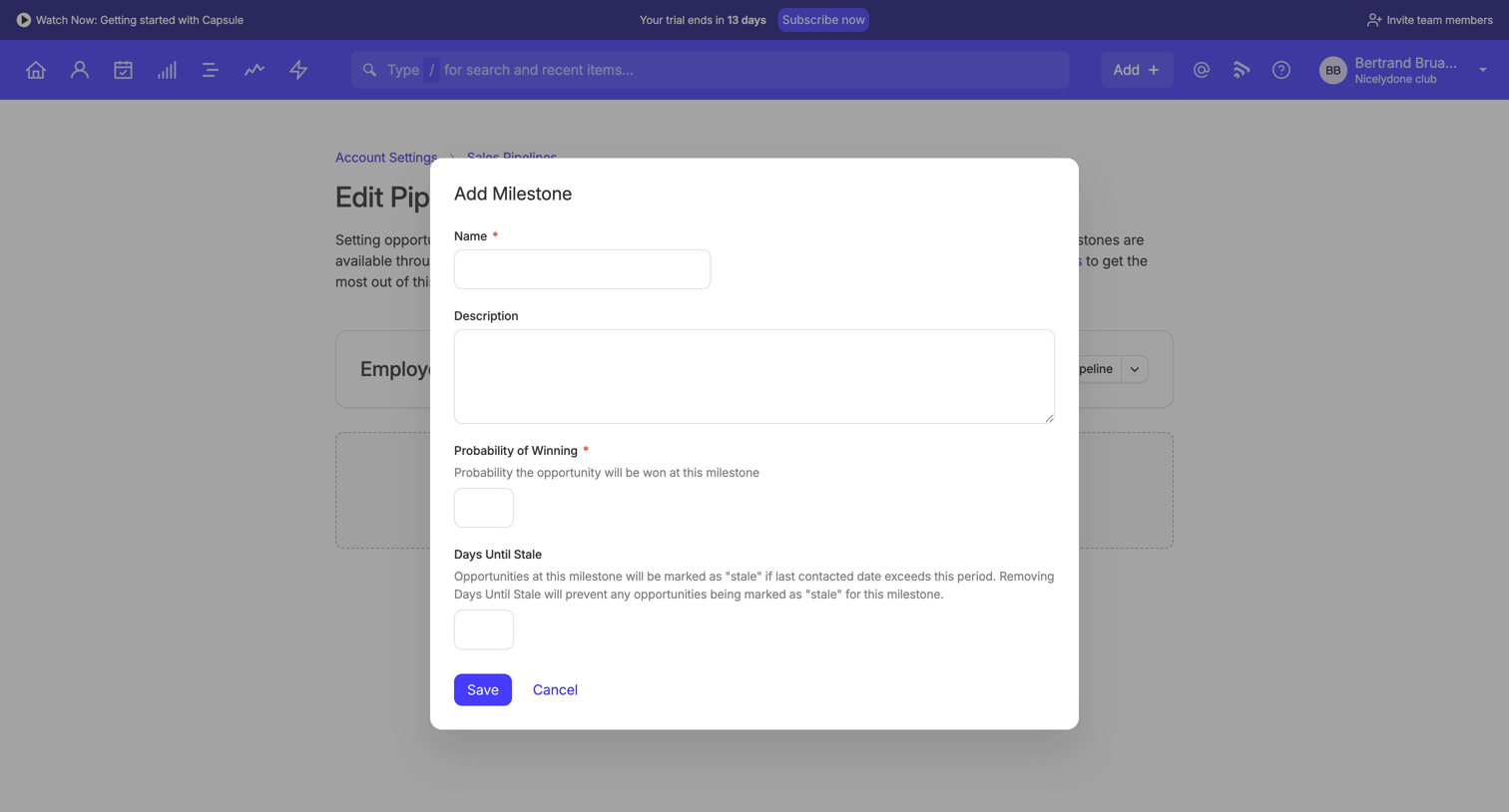
List view where the user manages pending feature requests, with options to search, filter, and sort.

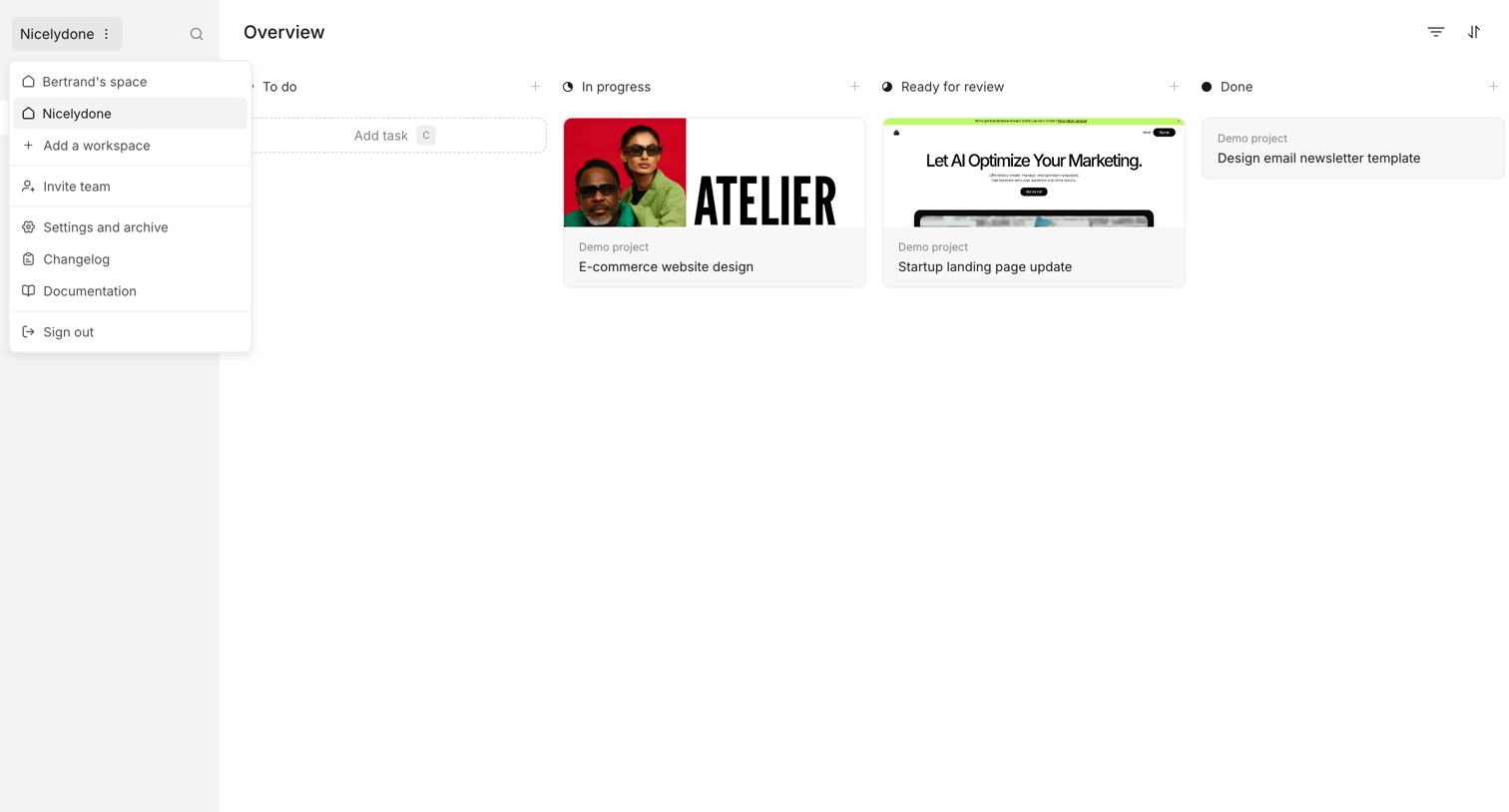

Kanban board where the user manages design tasks across To do, In progress, Ready for review, and Done columns.
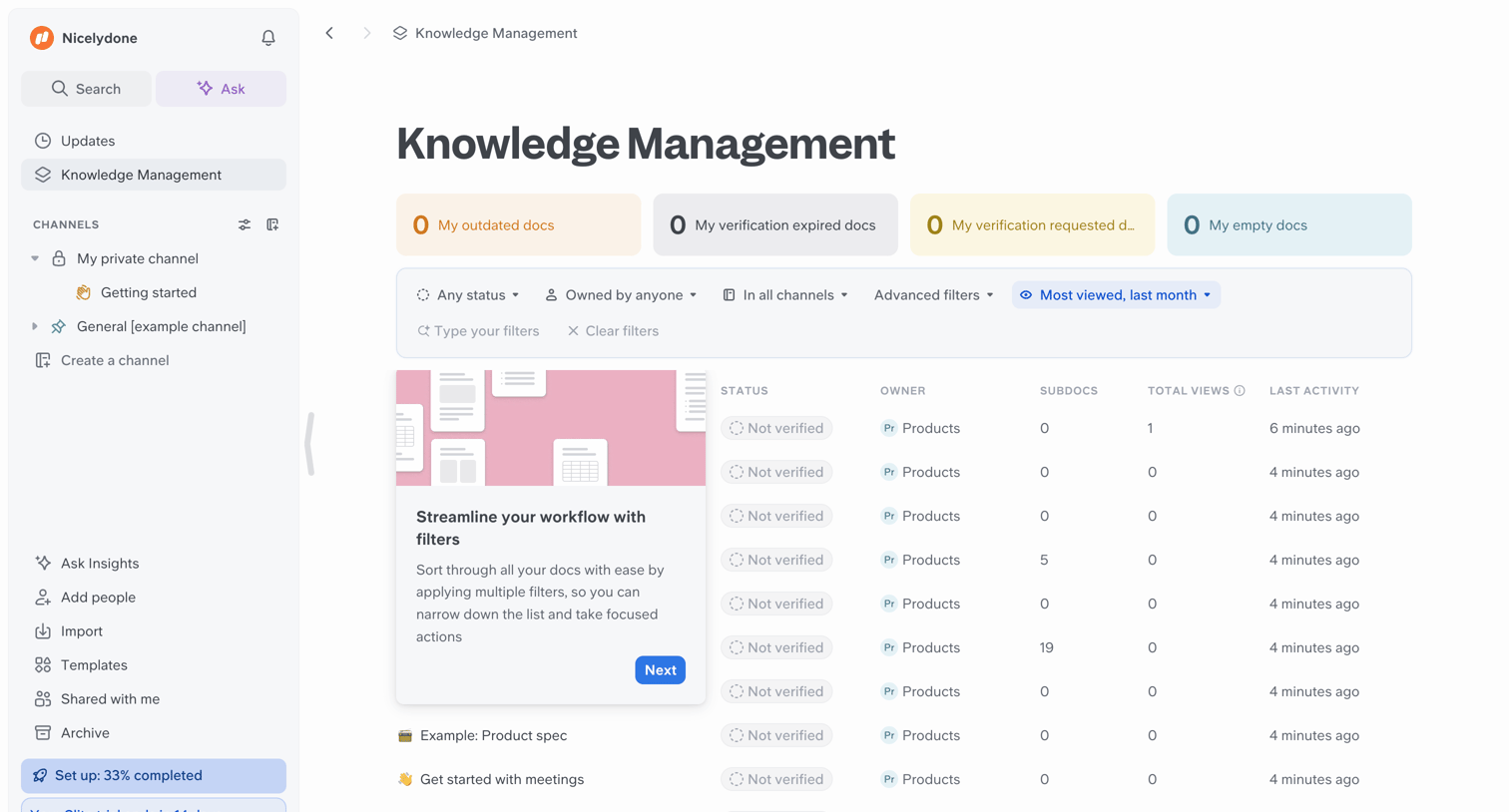

Knowledge management list view where the user can filter and sort documents by status, owner, channel, and views.
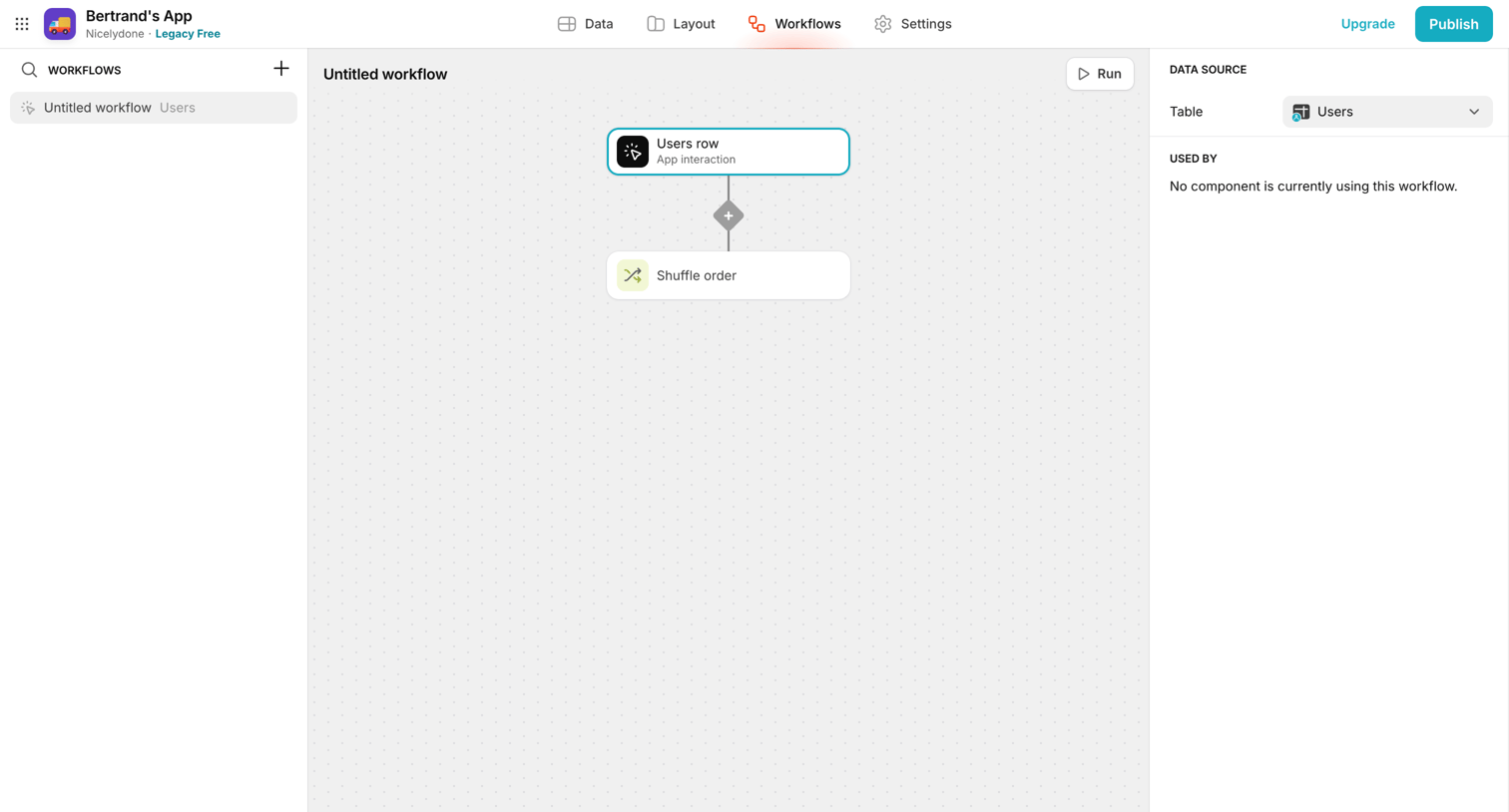

Design editor where the user builds a workflow by connecting trigger and action nodes like 'Users row' and 'Shuffle order'.
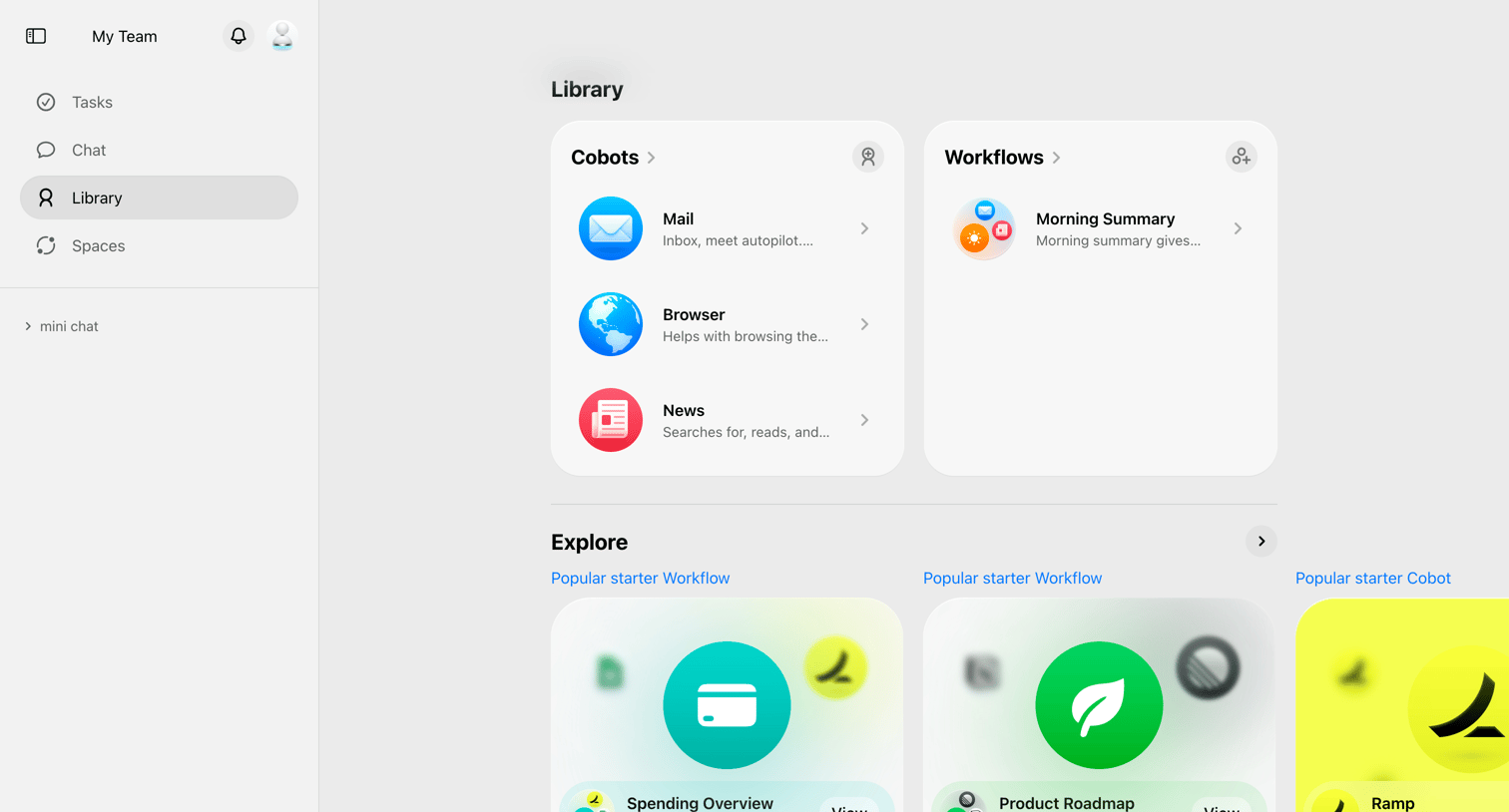

Library page where the user explores available automation bots and starter workflows.
Explore the full SaaS screen library
Upgrade to unlock the full library.
Trusted by the best teams







