Version control screen examples
Version control screen design examples from SaaS apps. Explore how interfaces display changes or events in sequence. Look at how time labels, event details, and visual connectors structure a compact history…
Explore the examples
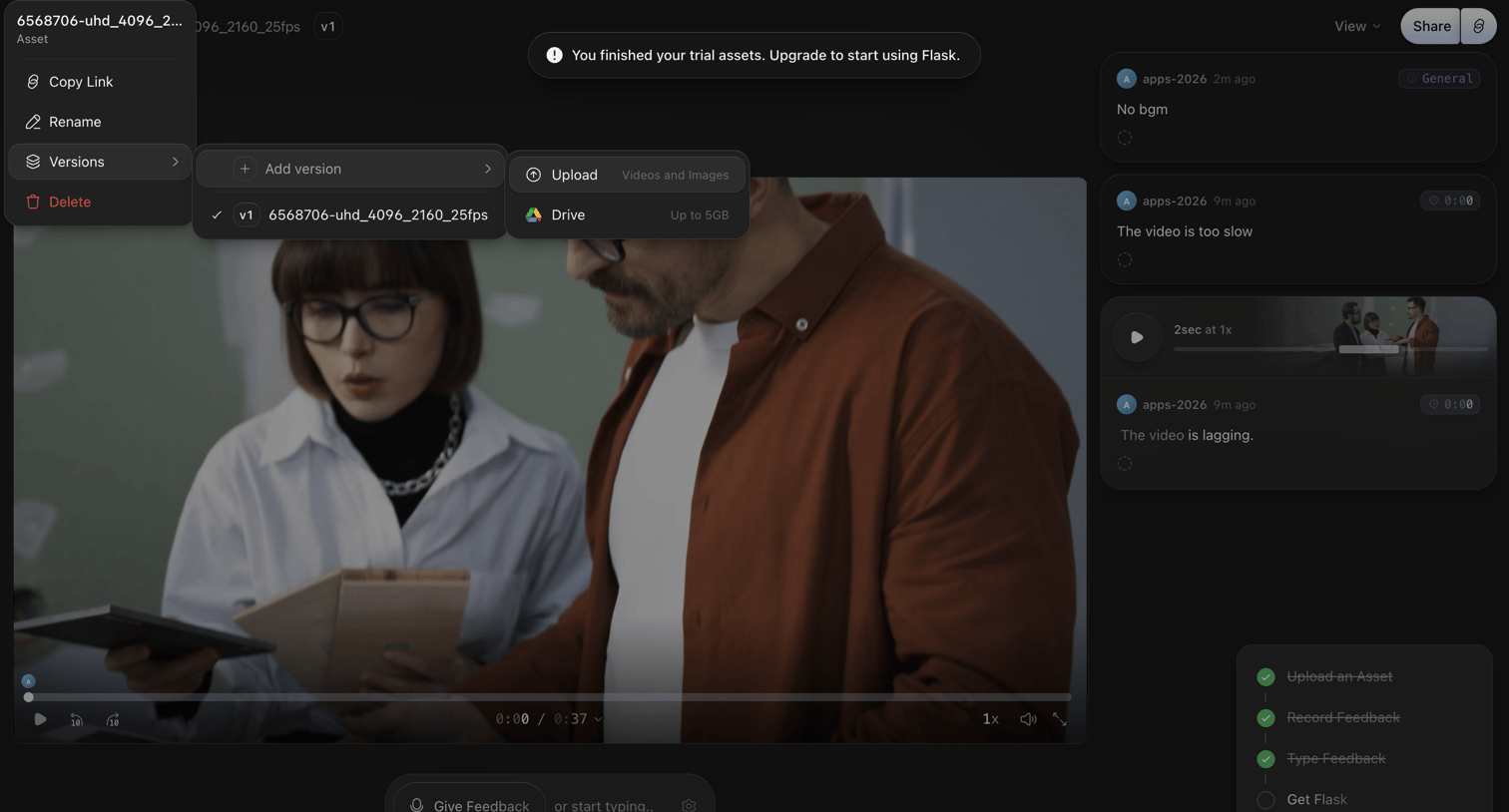

Detail page where a user reviews a video asset, leaves timecoded feedback, and is prompted to upgrade after finishing their trial.
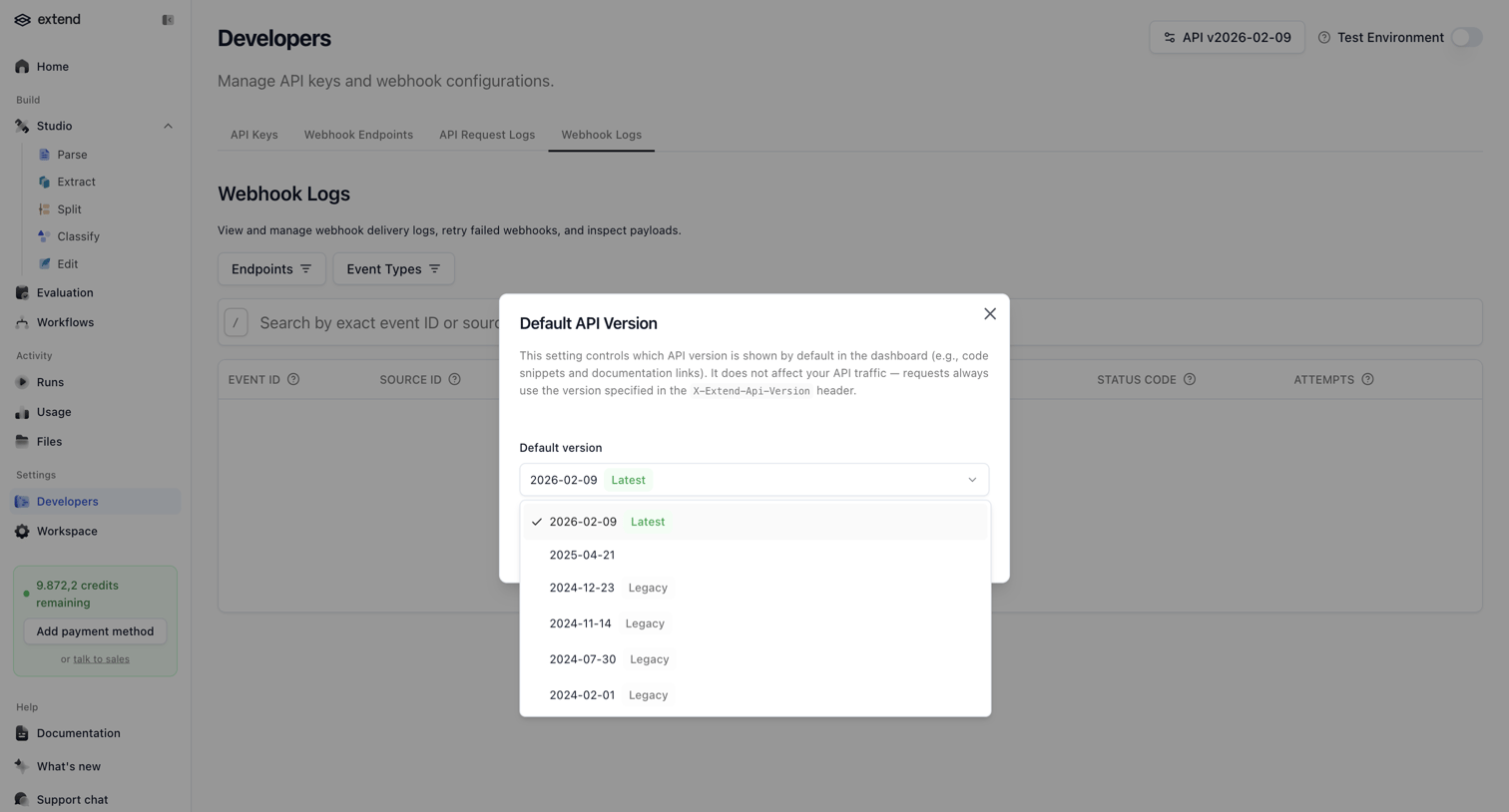

Settings page where the user selects the default API version for their workspace from an open dropdown within a modal.
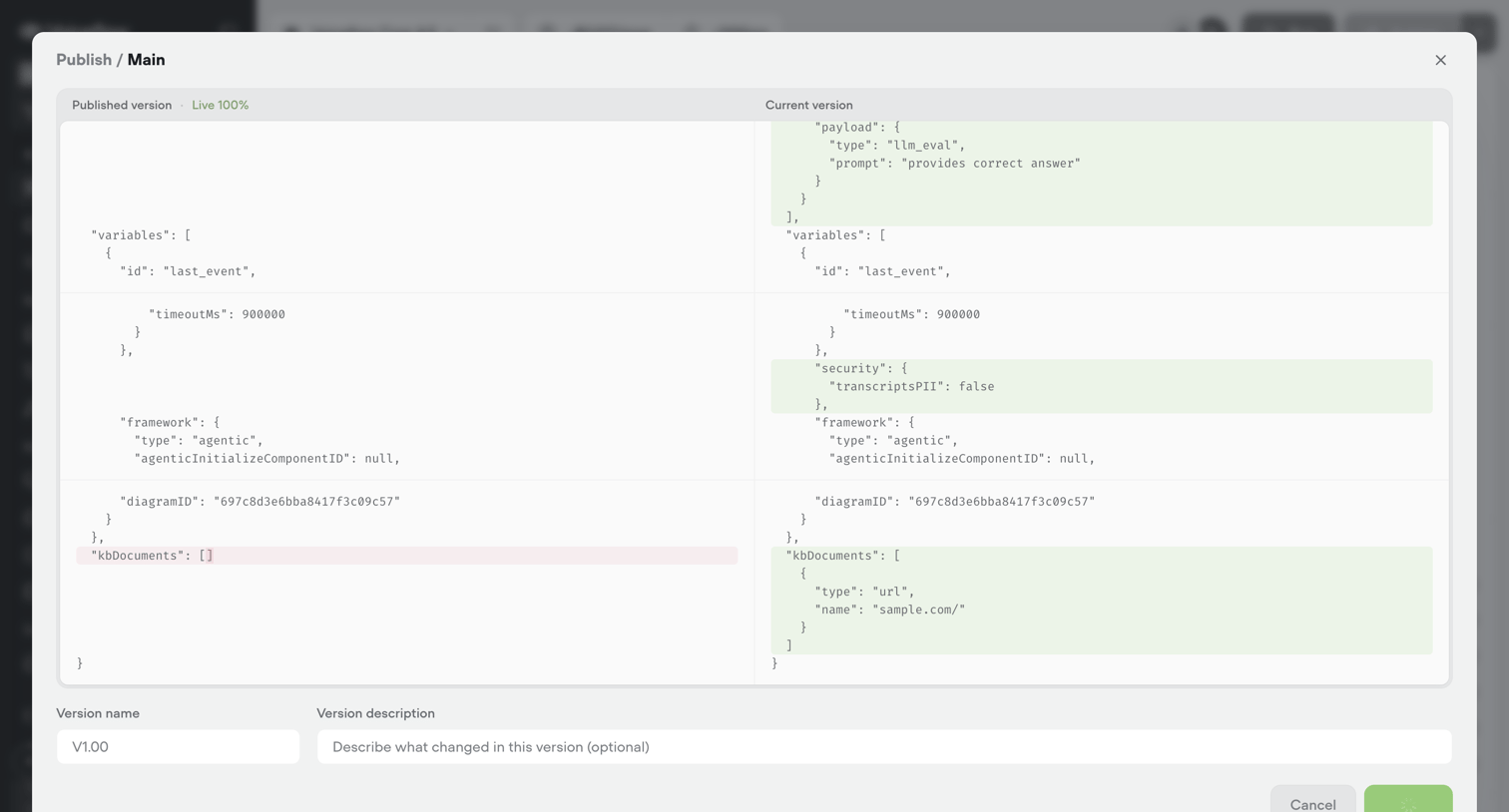

Modal where the user reviews a JSON diff between the published and current versions of an agent configuration before publishing a new release.
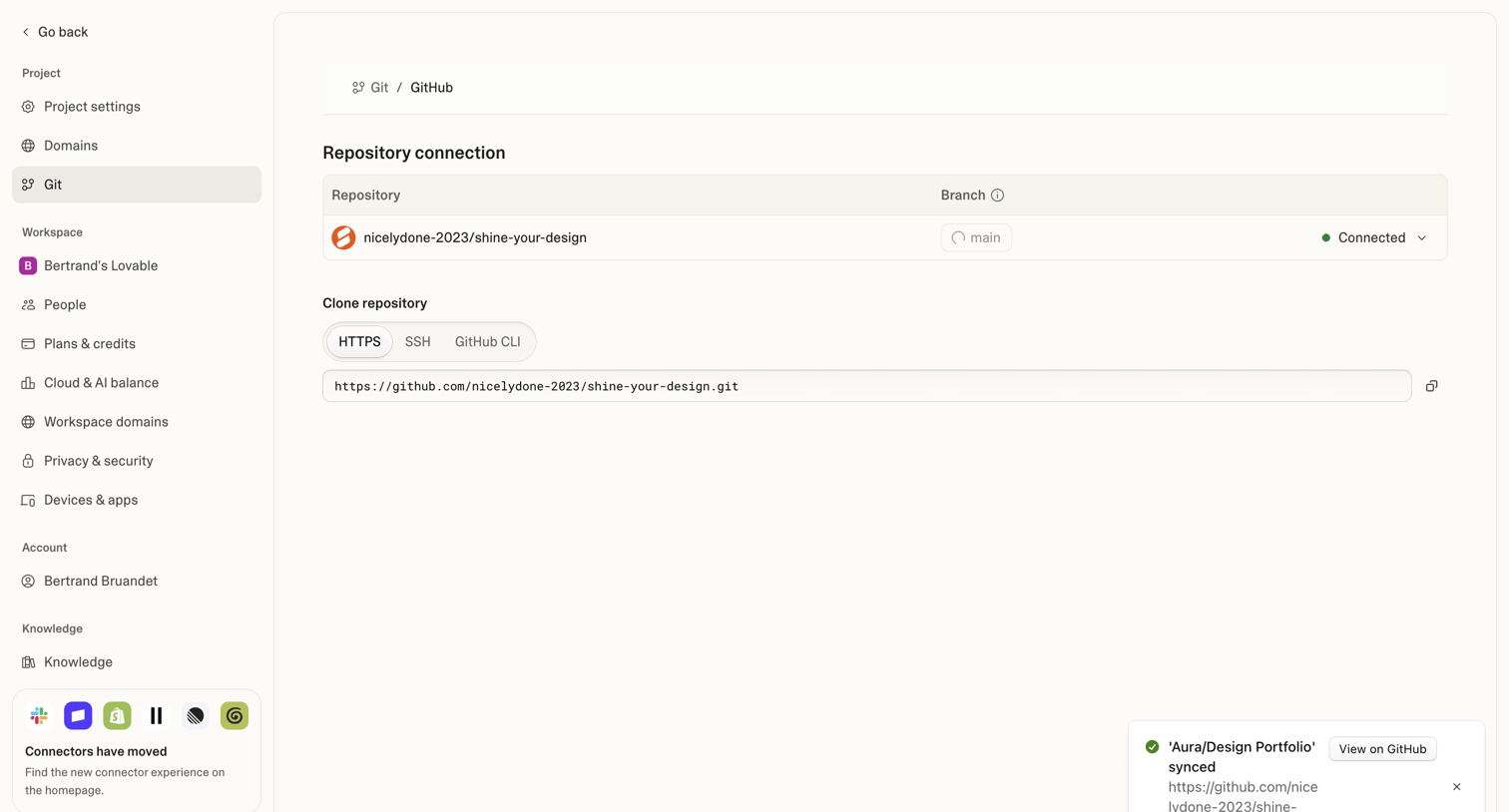

Settings page where the user manages their connected GitHub repository and copies the clone URL.
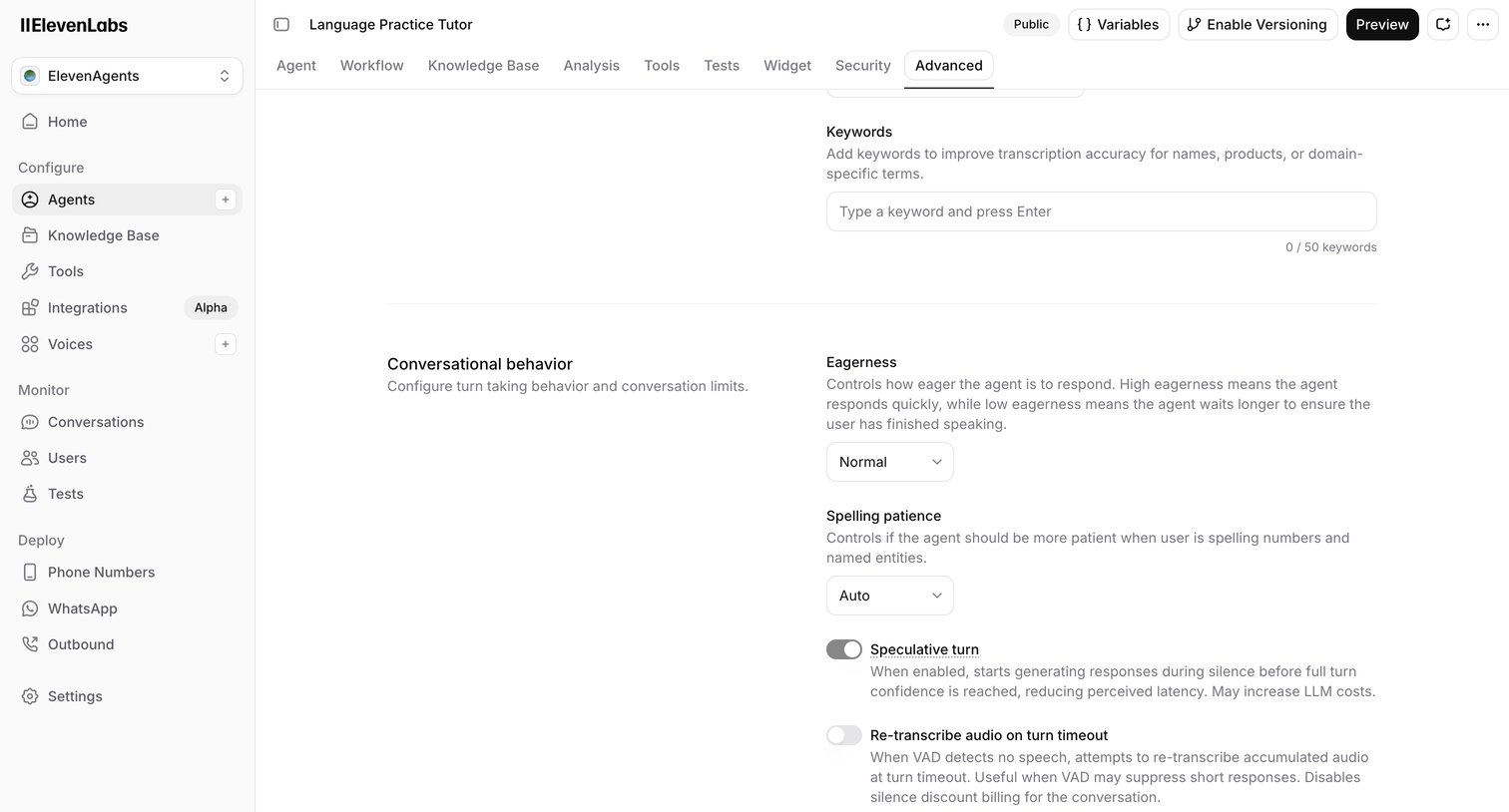

Settings page where the user configures advanced conversational behaviors for an AI agent, including eagerness, spelling patience, and speculative turns.
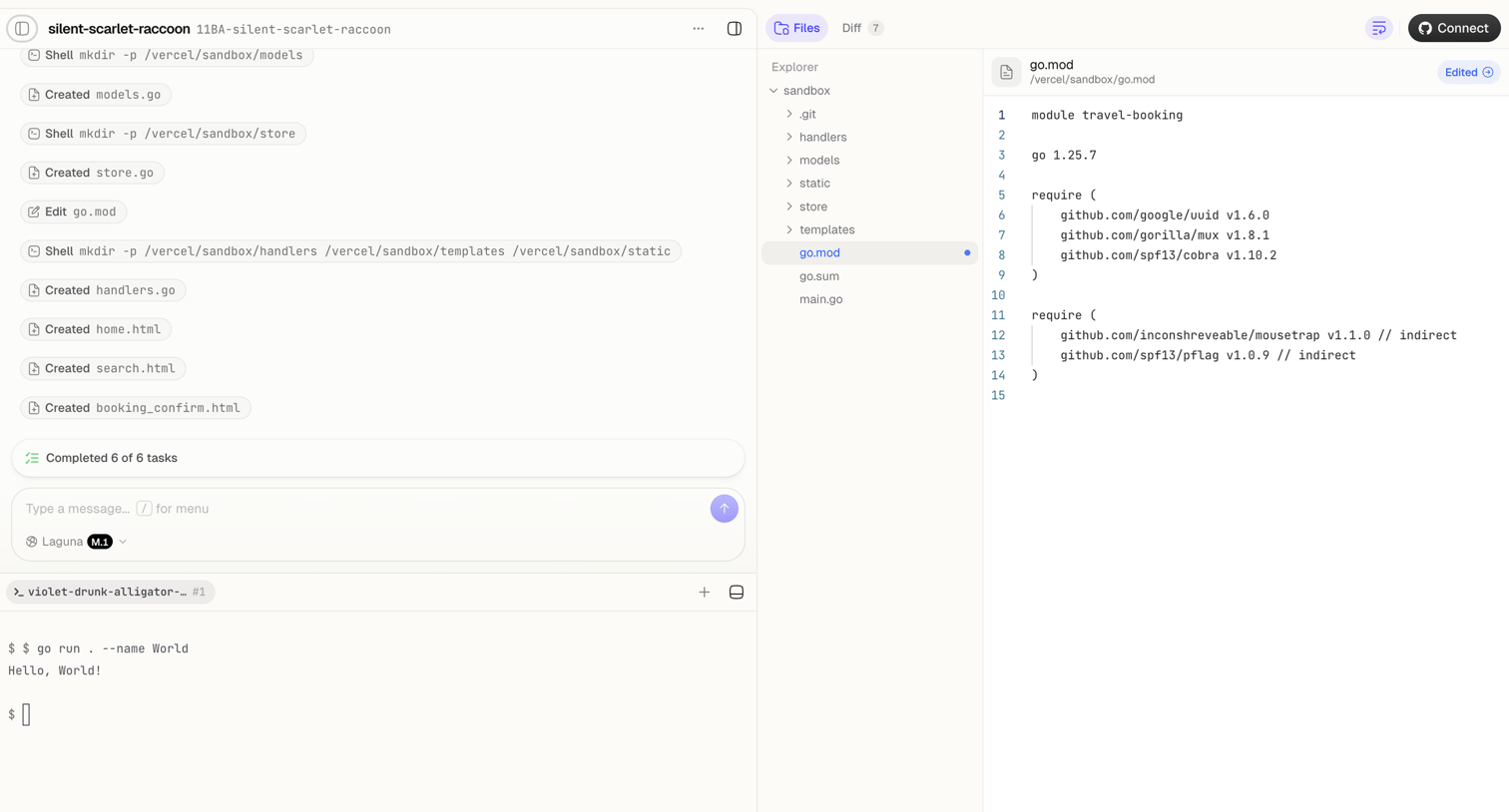

Agent trace interface where the user monitors an AI completing file creation and shell tasks, alongside a code editor showing the modified go.mod file and a live terminal.
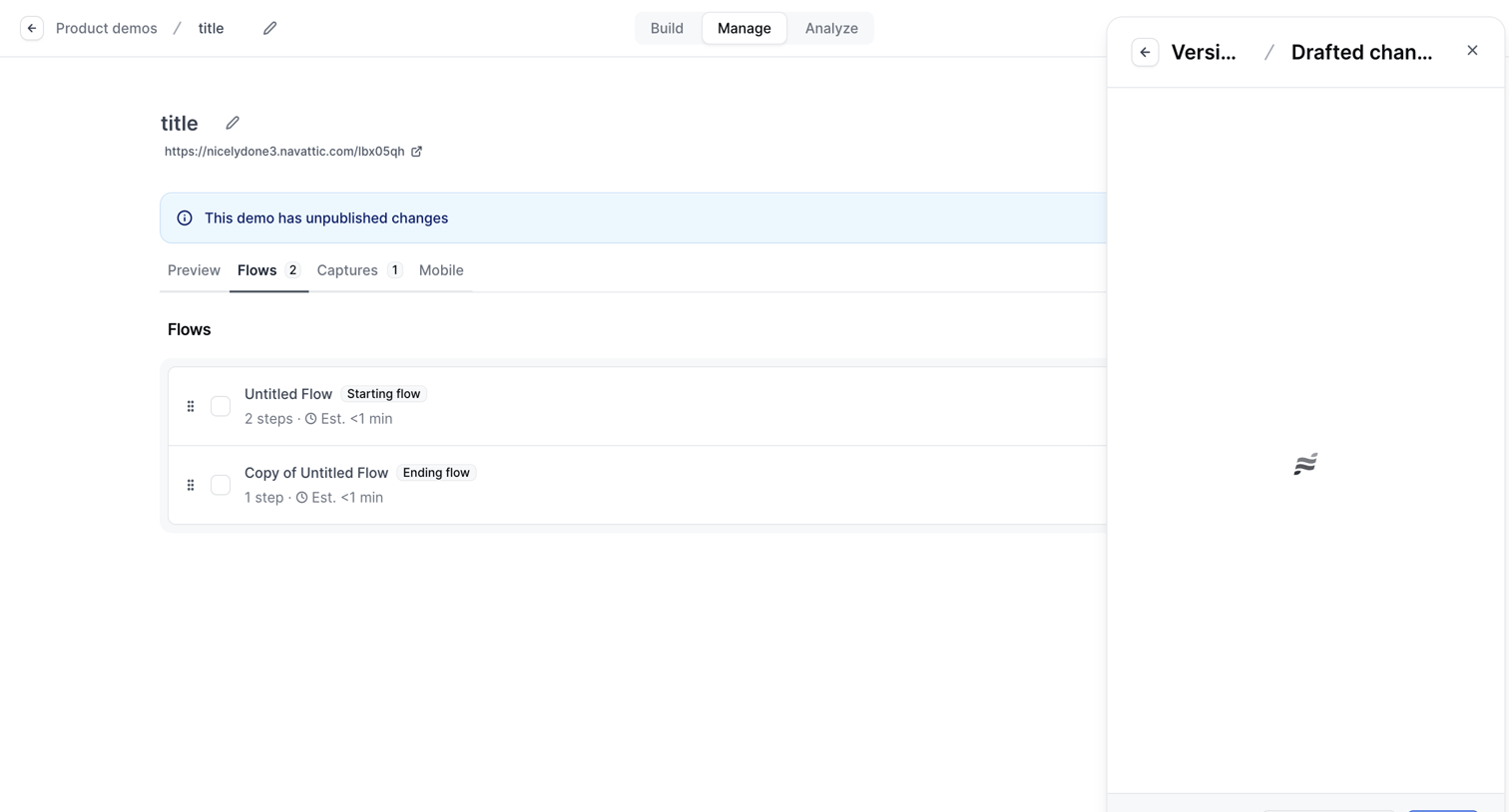

Detail page where the user manages the flows for a product demo, with a drawer open to review and publish drafted changes.
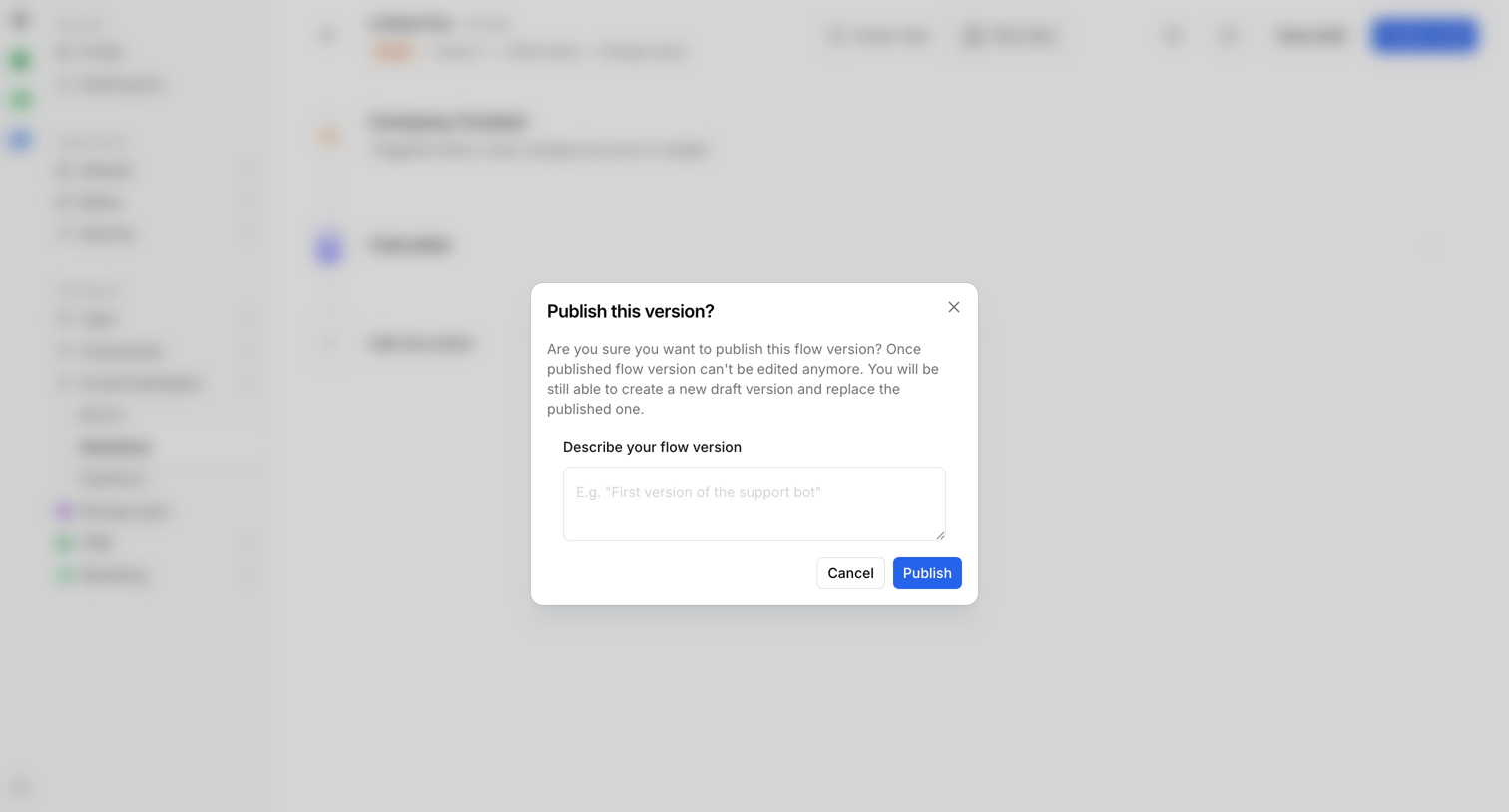

Workflow editor where the user is prompted to describe and publish a new version of their flow via a confirmation modal.
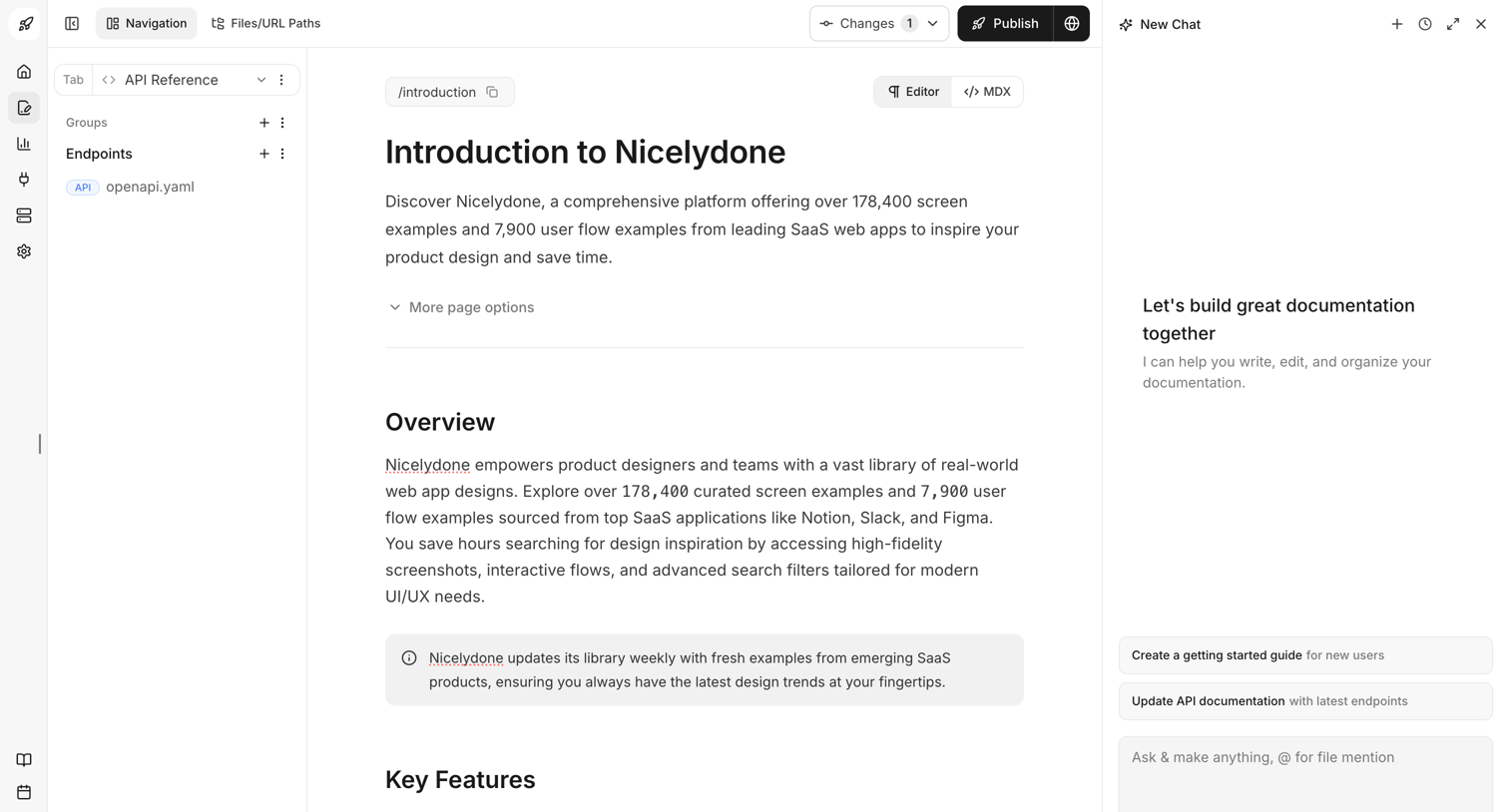

Content editor where the user writes the Introduction to Nicelydone documentation, with an AI assistant panel open on the right to help write and organize.
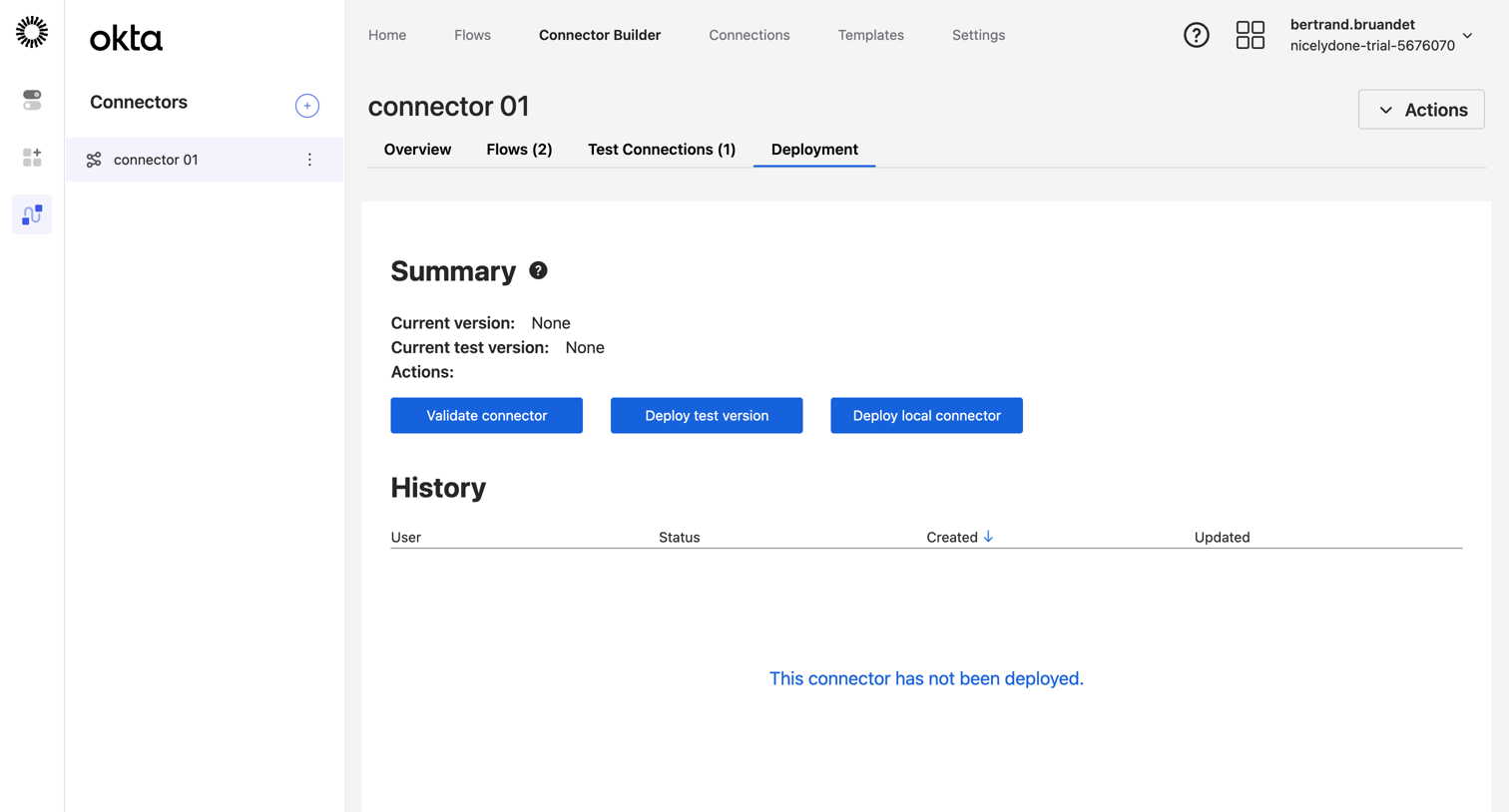

Detail page where the user manages the deployment of a custom connector, with options to validate or deploy test and local versions.
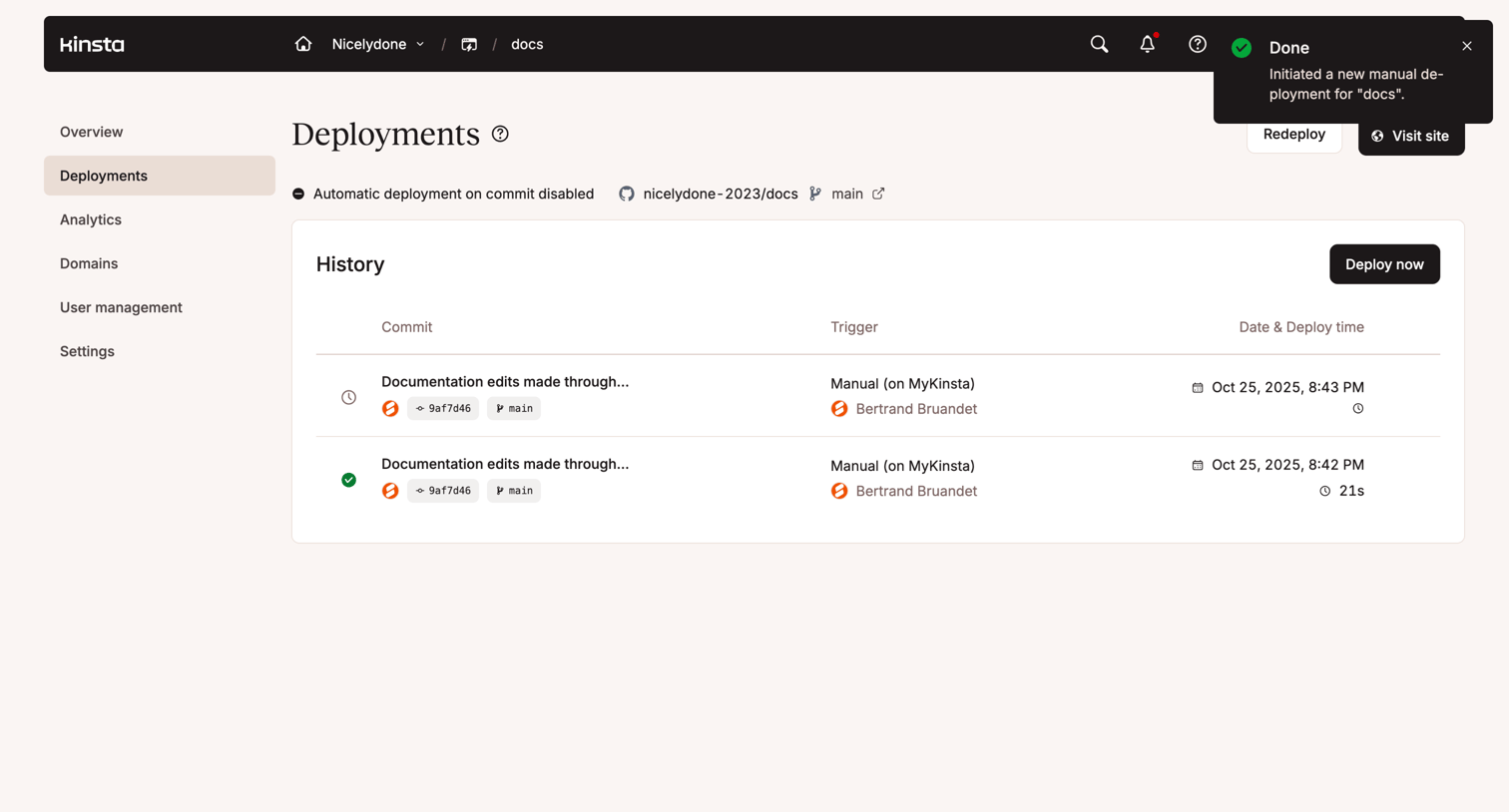

Deployments page where the user views a history of manual documentation edits with commit details, triggers, and deploy times.

Explore the full SaaS screen library
Upgrade to unlock the full library.
Trusted by the best teams








About Version control
Explore how interfaces display changes or events in sequence. Look at how time labels, event details, and visual connectors structure a compact history component.