Skip to content

User screen examples

User screen design examples from SaaS apps. Browse examples from Dock, Dovetail, Whop.

Explore the examples

Dock - Teams · Dock screen
Dock logo
Dock

Settings page where the user manages teams, views team members, and can create new teams or invite users.
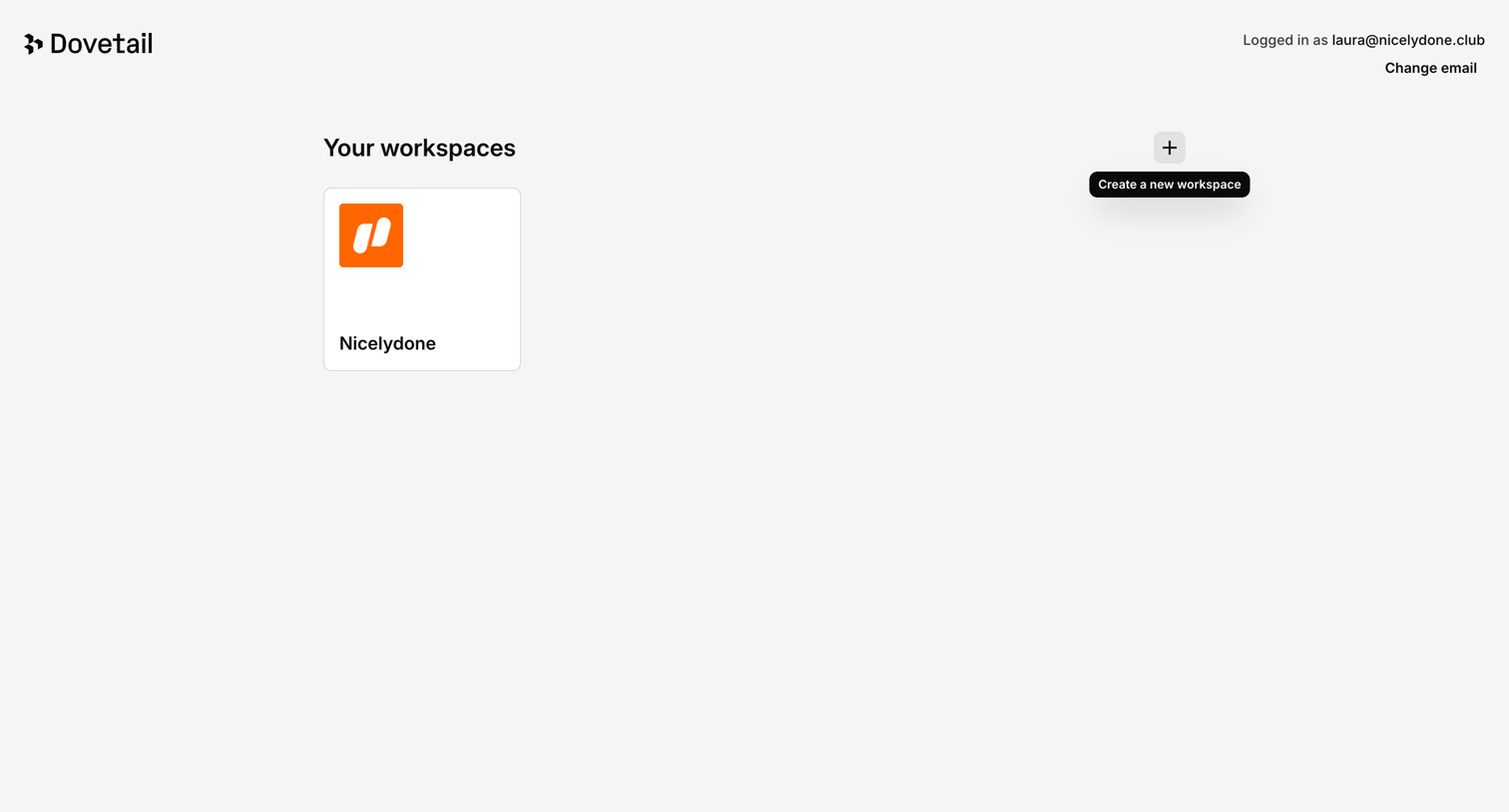

Dovetail - Workspaces – Dovetail screen
Dovetail logo
Dovetail

Workspace selection screen where the user picks an existing workspace like Nicelydone or creates a new one.
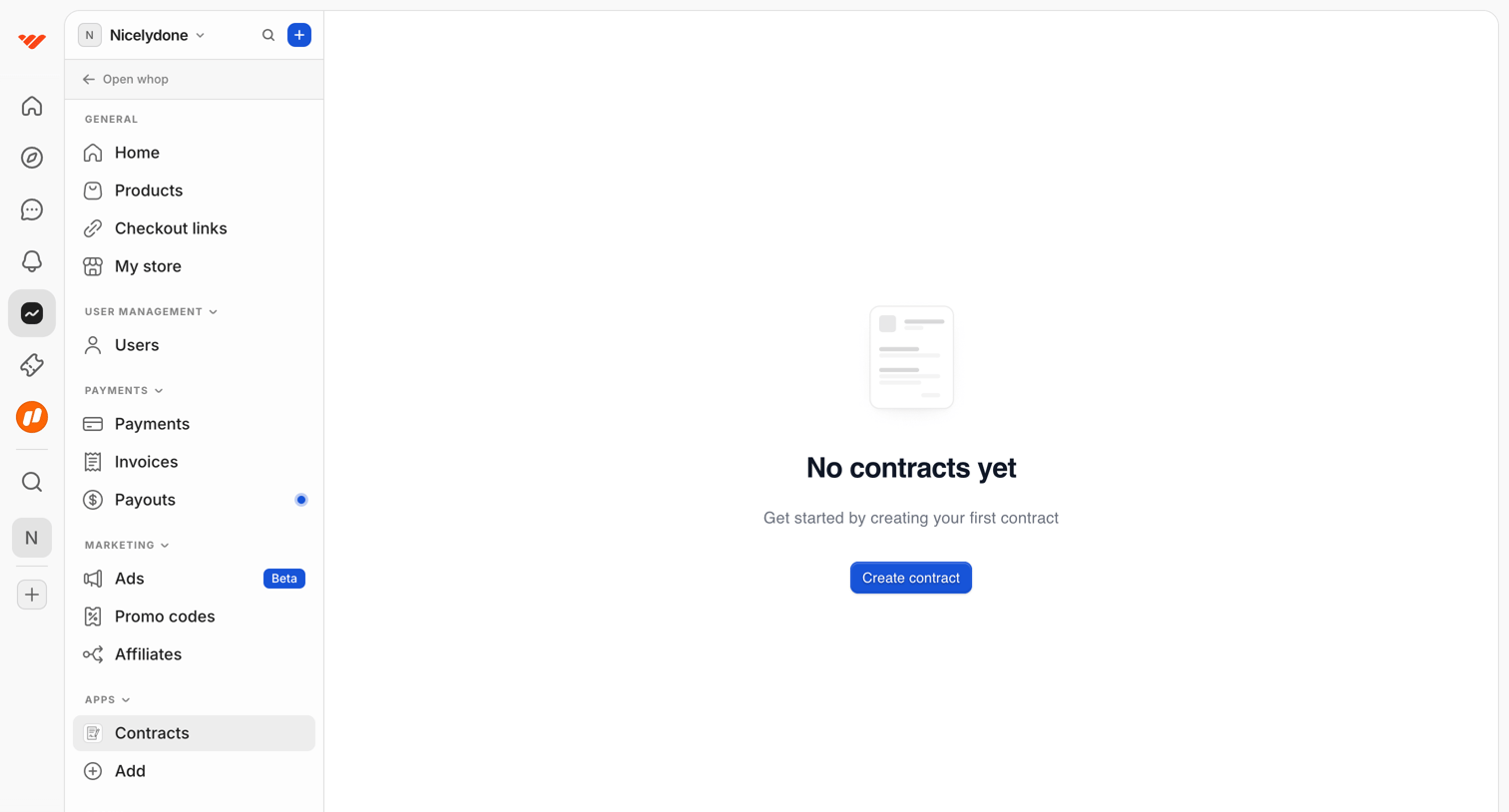

Whop - Dashboard | Whop screen
Whop logo
Whop

List view for managing contracts, currently showing an empty state with a prompt to create the first contract.
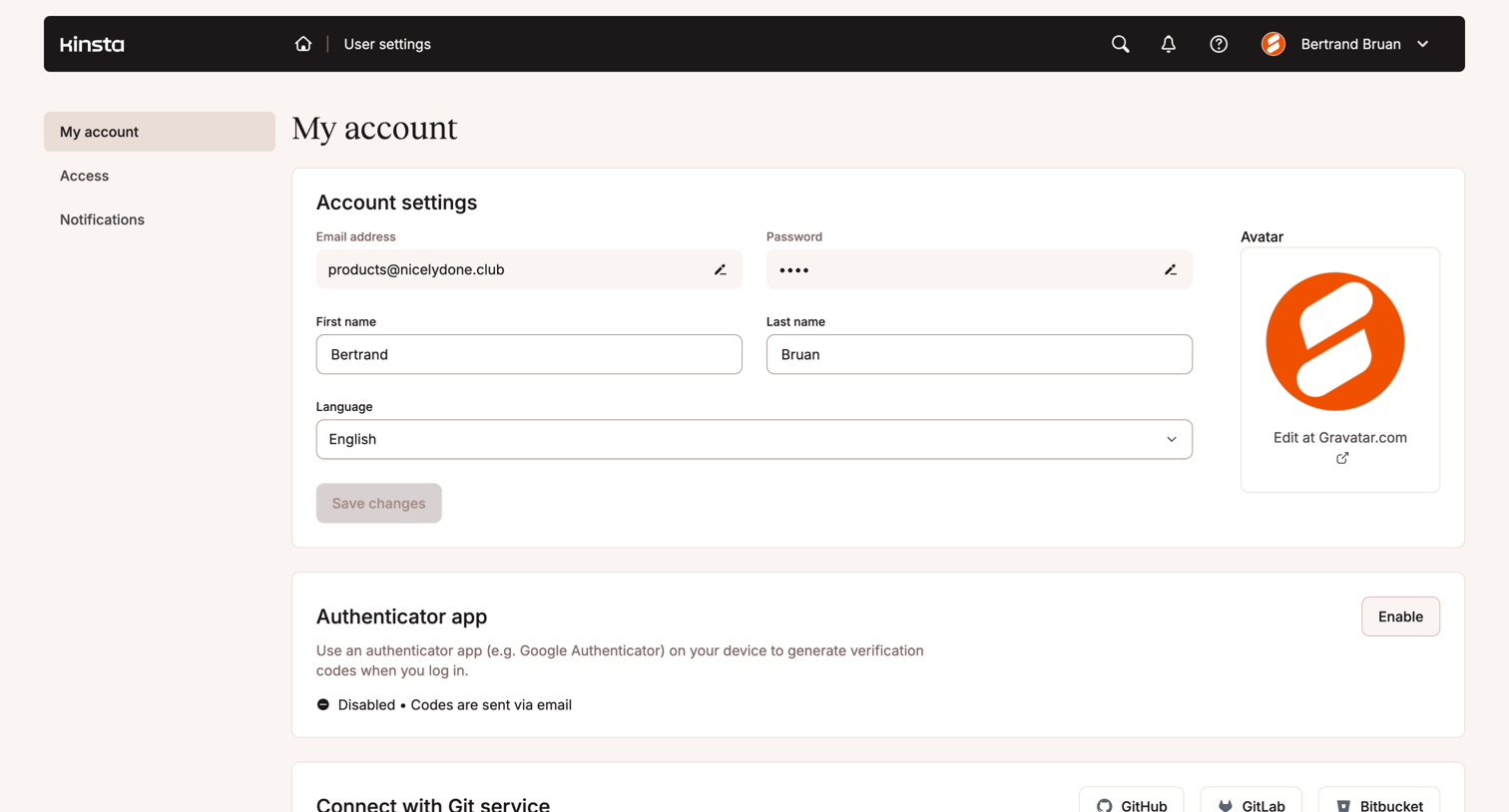

Kinsta - MyKinsta - MyKinsta screen
Kinsta logo
Kinsta

Settings page where the user manages their profile details, two-factor authentication, Git connections, and SSH keys.
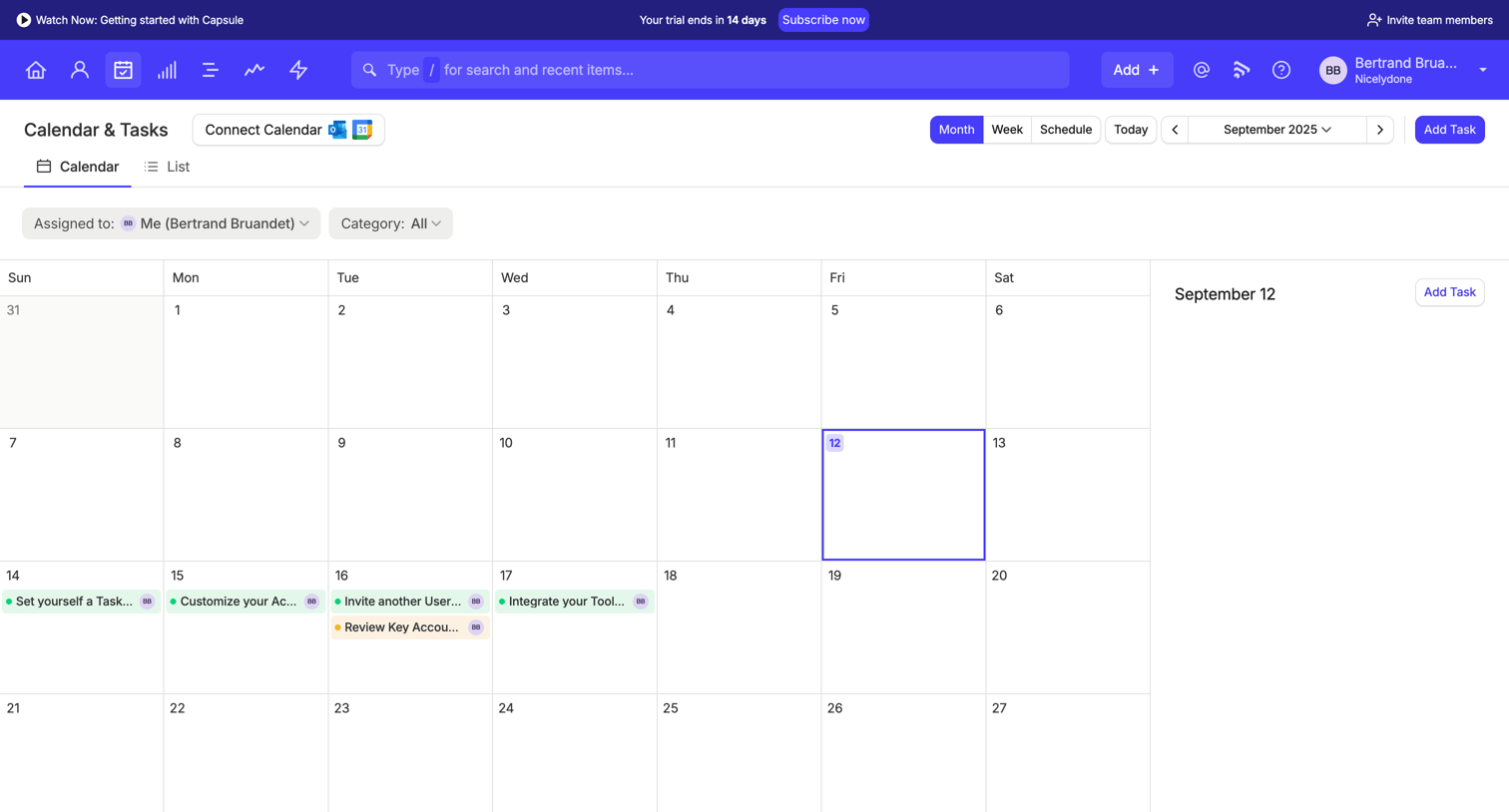

Capsule - Calendar | Nicelydone CRM screen
Capsule logo
Capsule

Calendar and tasks view where the user can manage their schedule, filter by assignee or category, and add new tasks.

Workflow screen
Workflow logo
Workflow

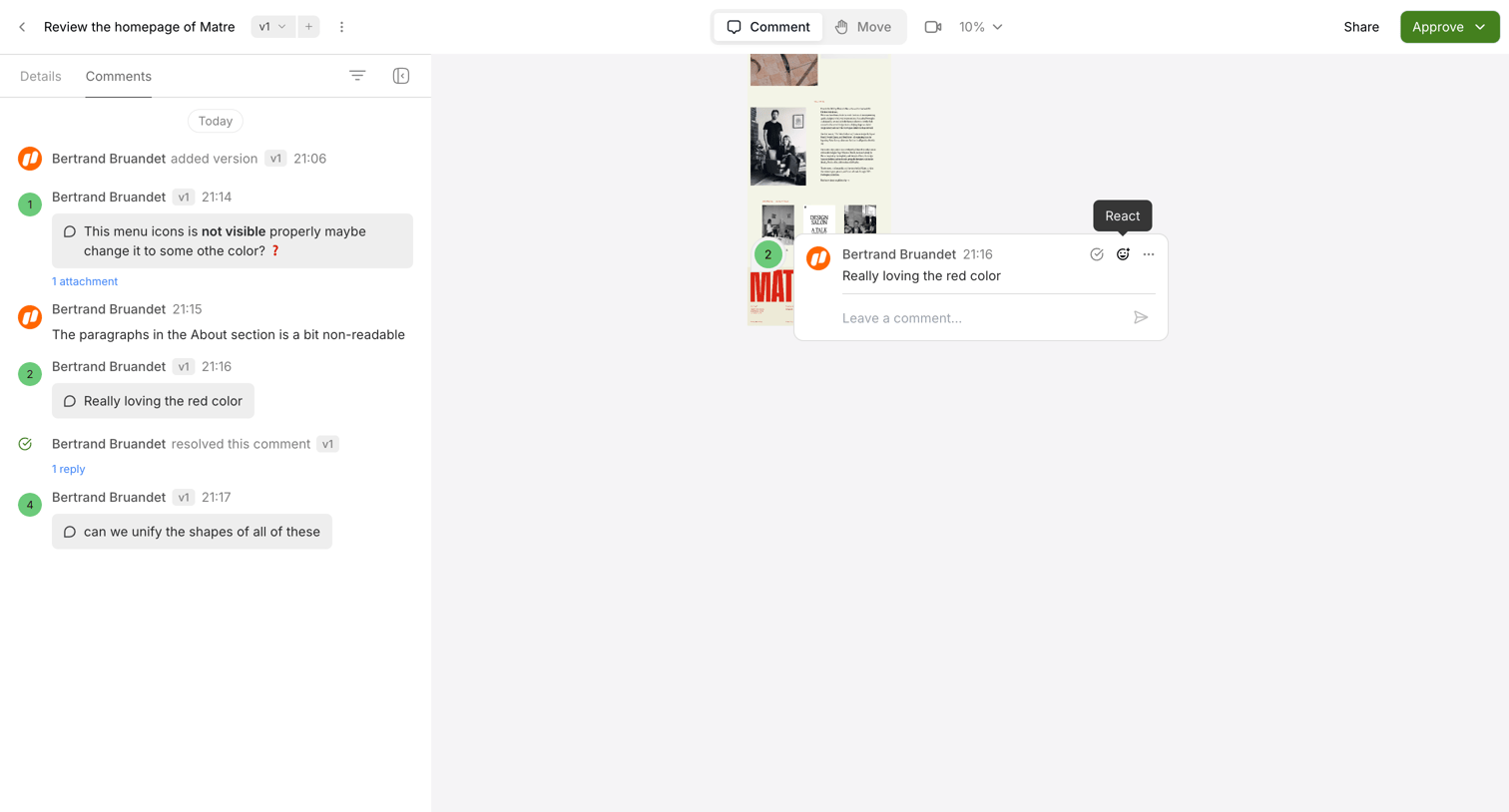
Design review canvas where the user is reading and replying to a specific comment pinned to a mockup.

Slite screen
Slite logo
Slite

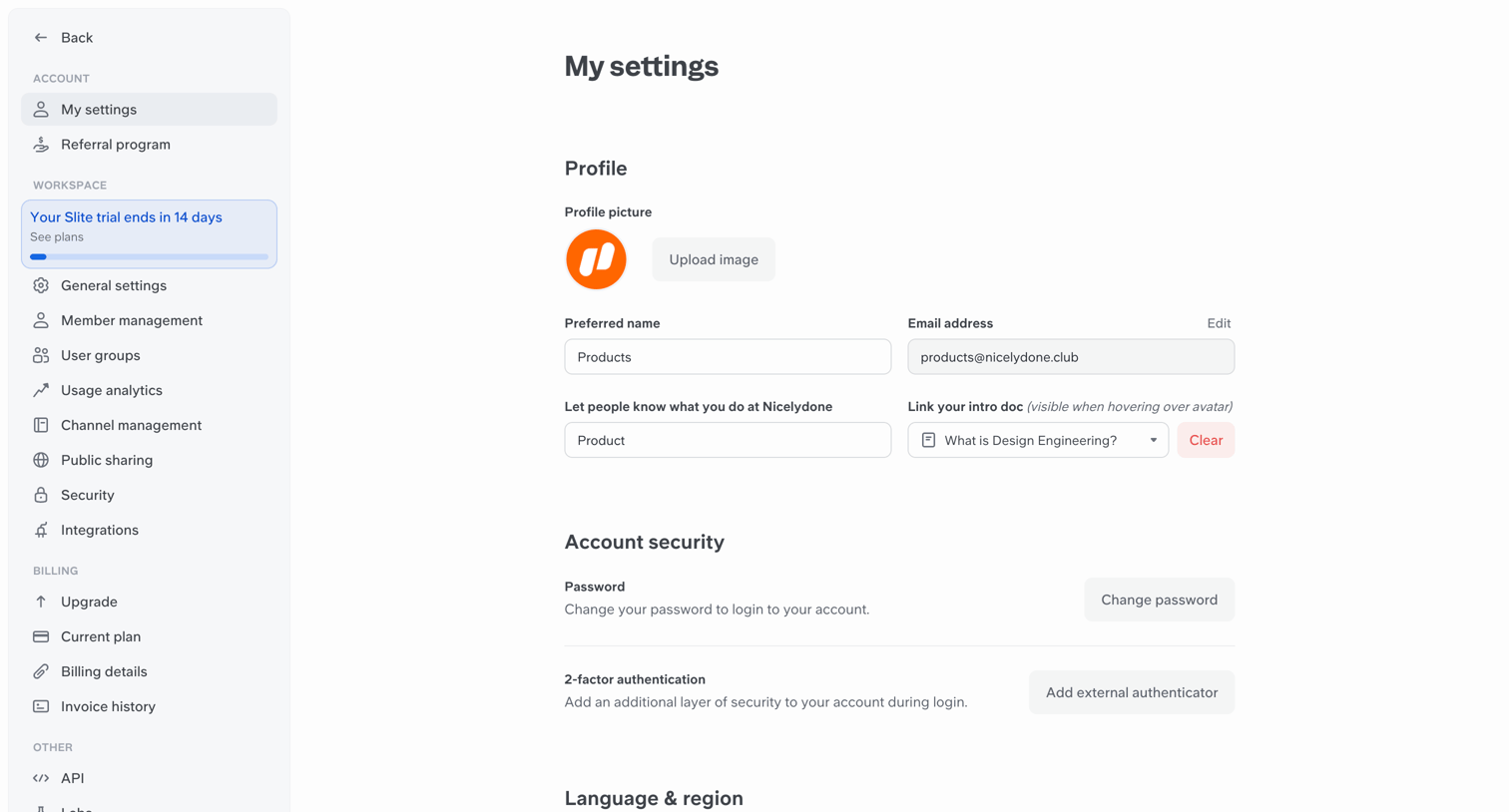
Settings page where the user configures their profile picture, preferred name, email, intro doc, account security, and language preferences.

Reflag - Feedback screen
Reflag logo
Reflag

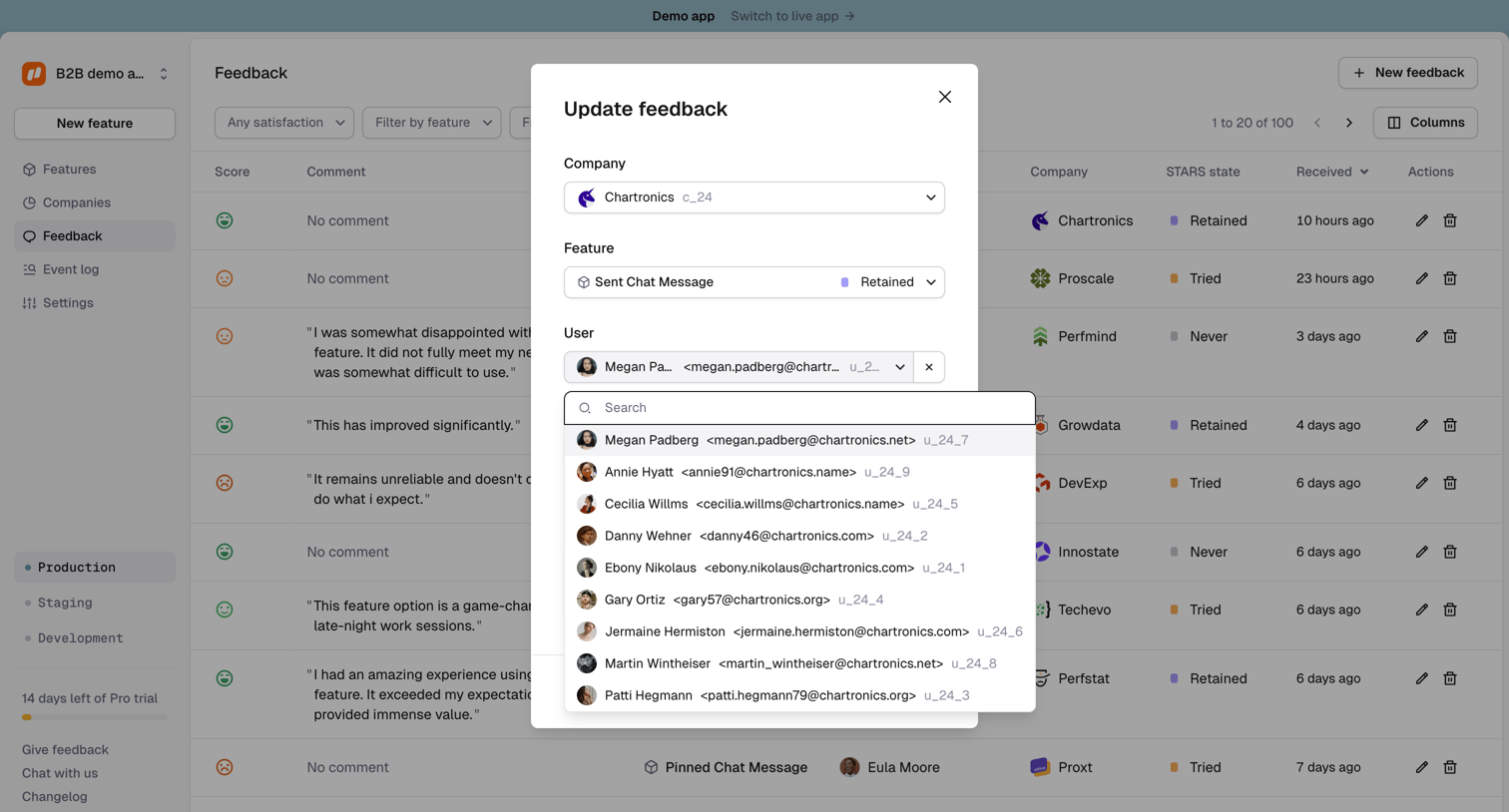
List view of user feedback where the user is updating a specific feedback entry's company, feature, and user details via a modal.

Outseta - Dashboard screen
Outseta logo
Outseta

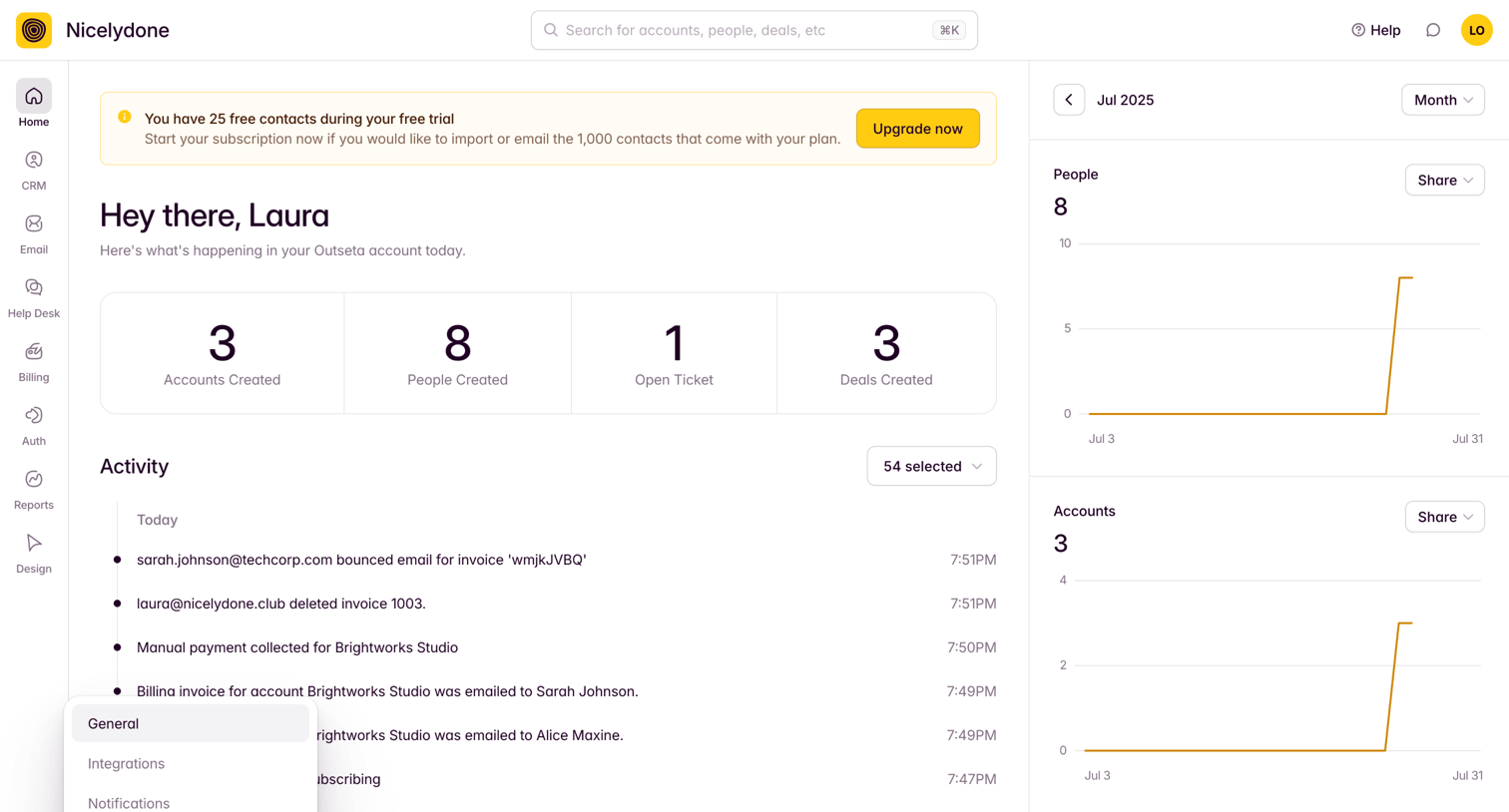
Dashboard featuring a trial upgrade banner, key creation metrics, an activity feed, and trend charts for people and accounts.

Mighty - Welcome screen
Mighty logo
Mighty

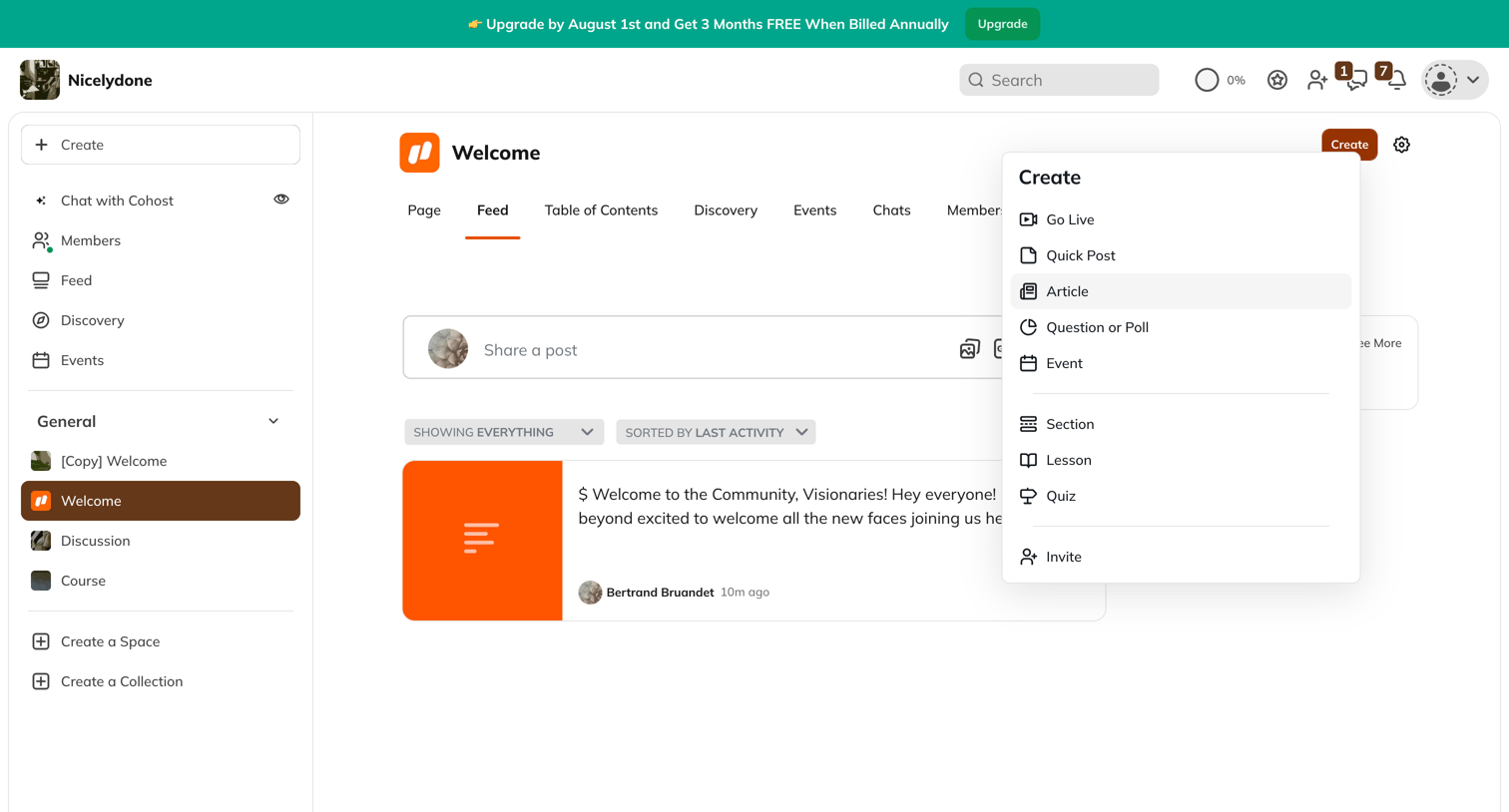
Community space feed where the user can view recent activity, share a post, and access a creation menu for various content types.

Scale - Datasets - Nucleus screen
Scale logo
Scale

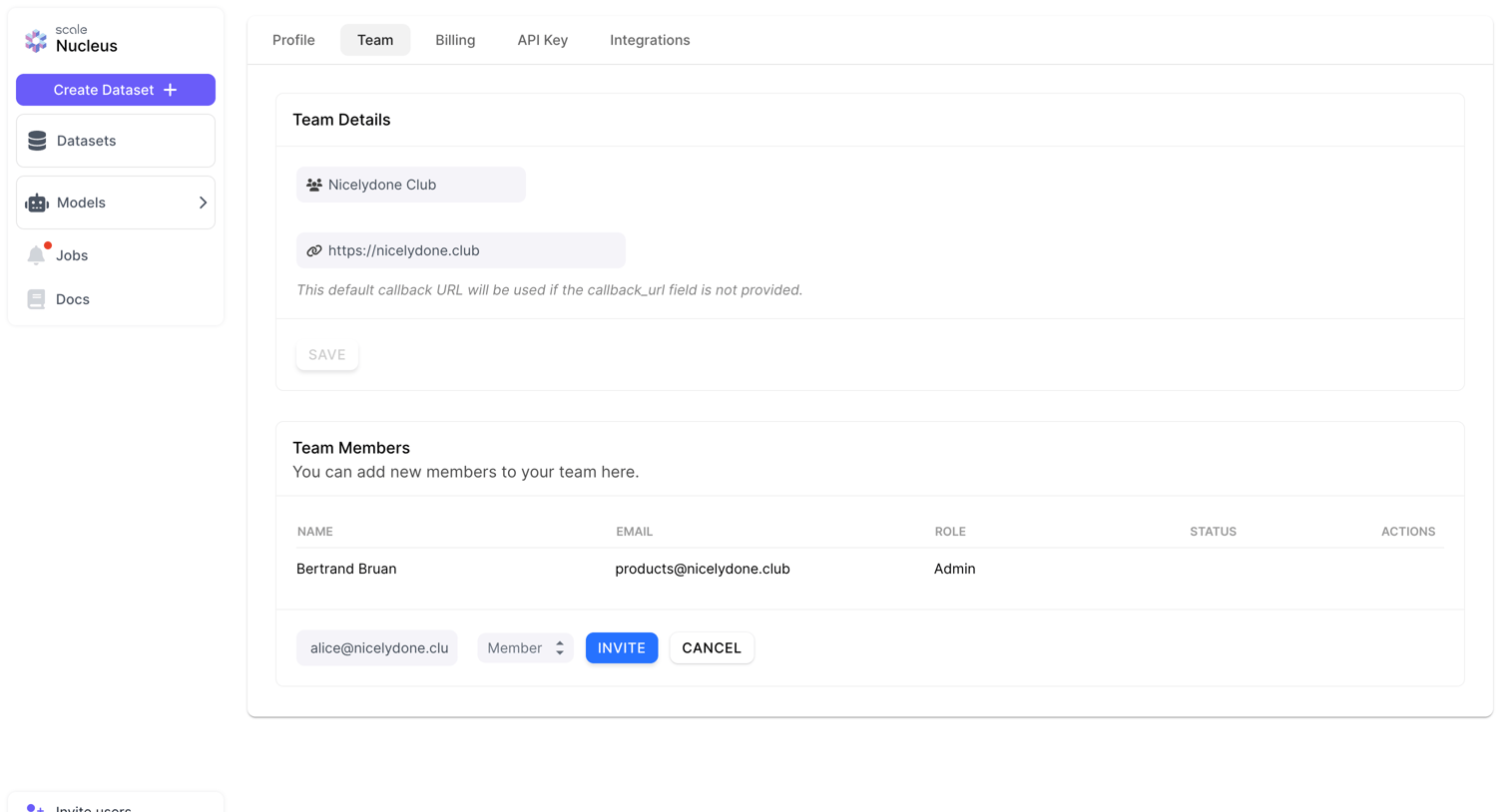
Settings page where the user can update team details like the callback URL and invite new members by email with specific roles.

Lingo - nicelydone Insights screen
Lingo logo
Lingo

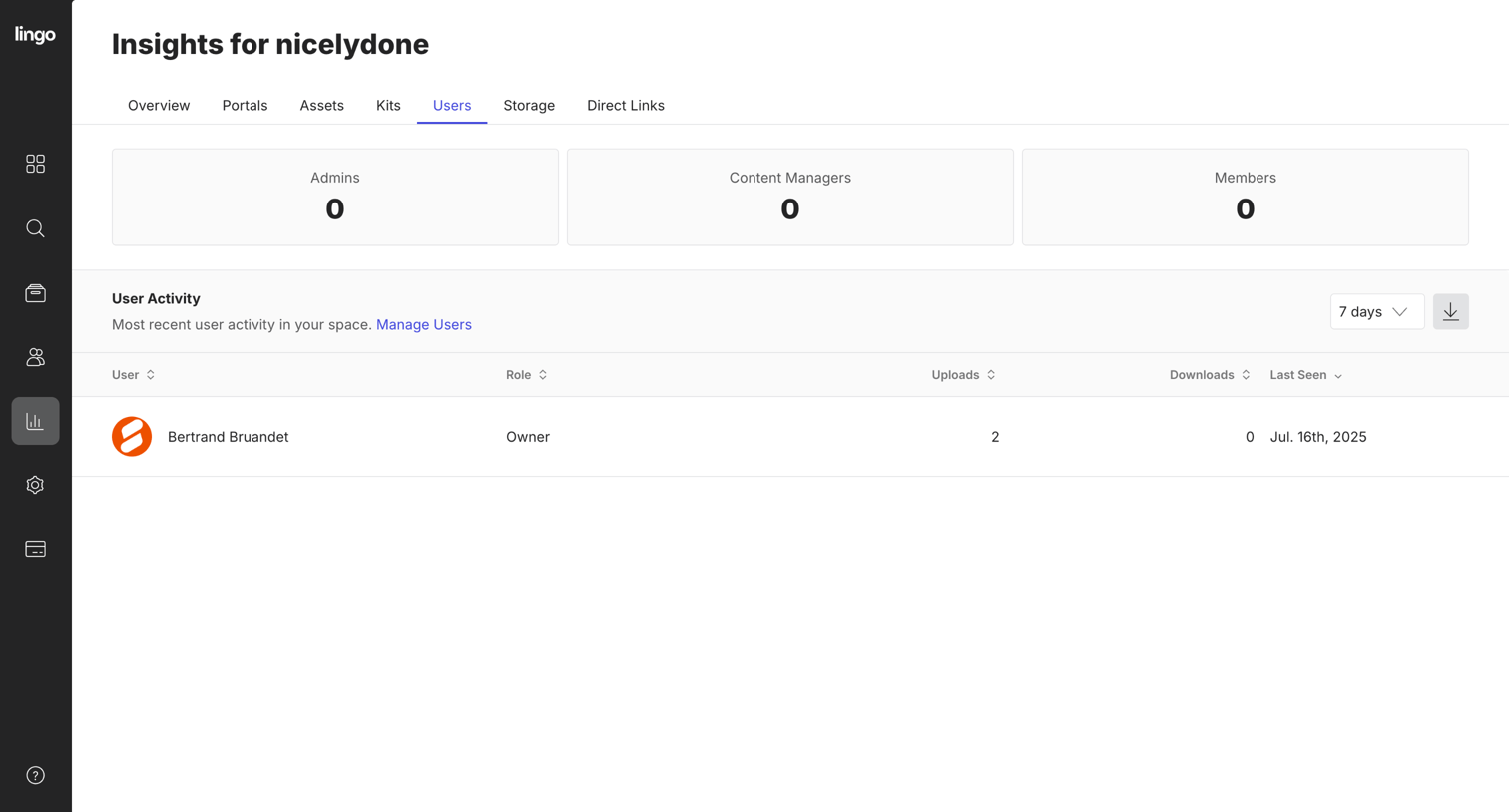
Dashboard showing user activity metrics with role counts and a log tracking recent user actions.

Explore the full SaaS screen library

Upgrade to unlock the full library.

Trusted by the best teams