Upload file screen examples
Upload file screen design examples from SaaS apps. Browse examples from Dock, Town, Amie.
Explore the examples
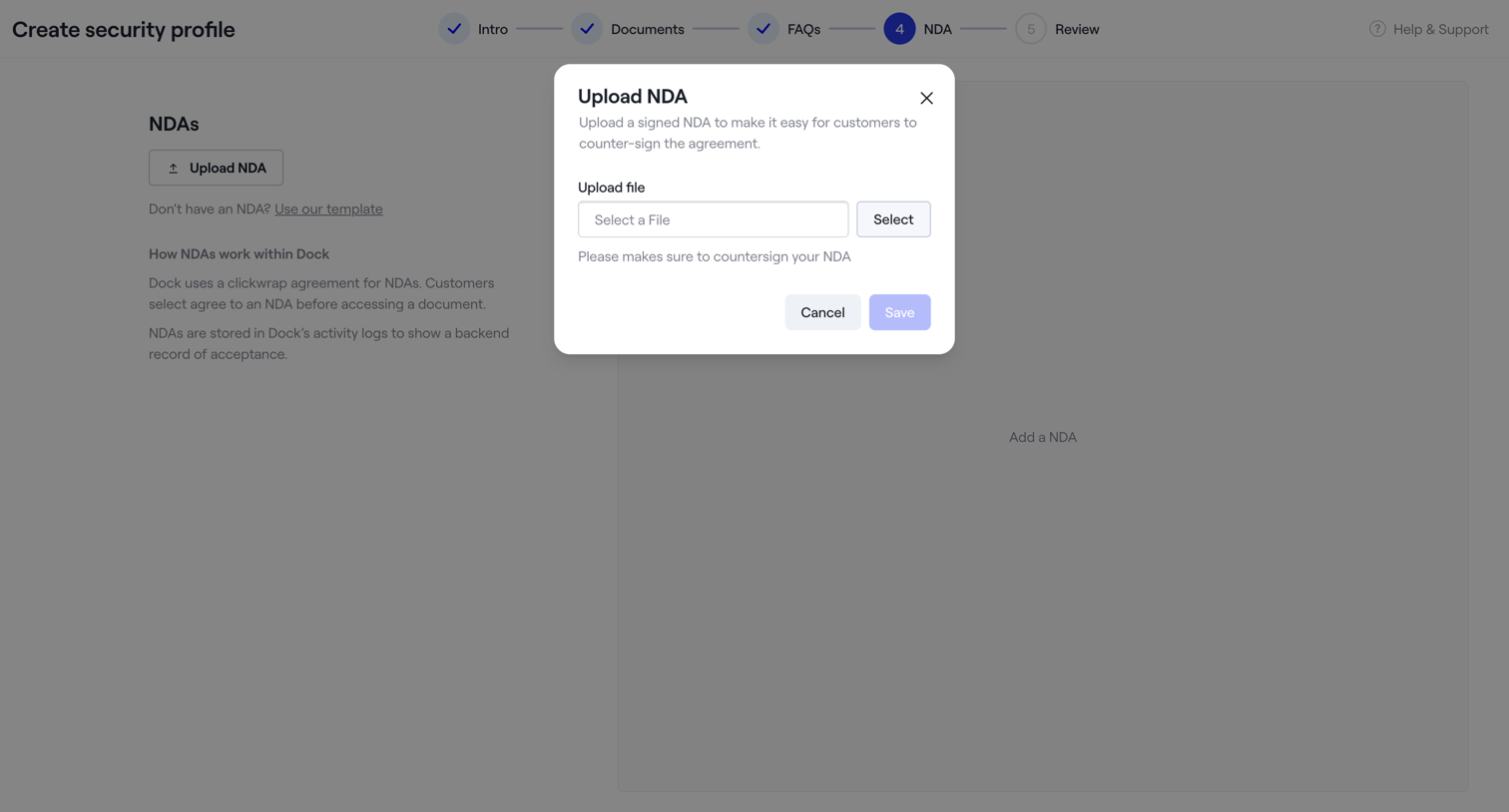

Creation wizard step where the user uploads a signed NDA document via a modal.
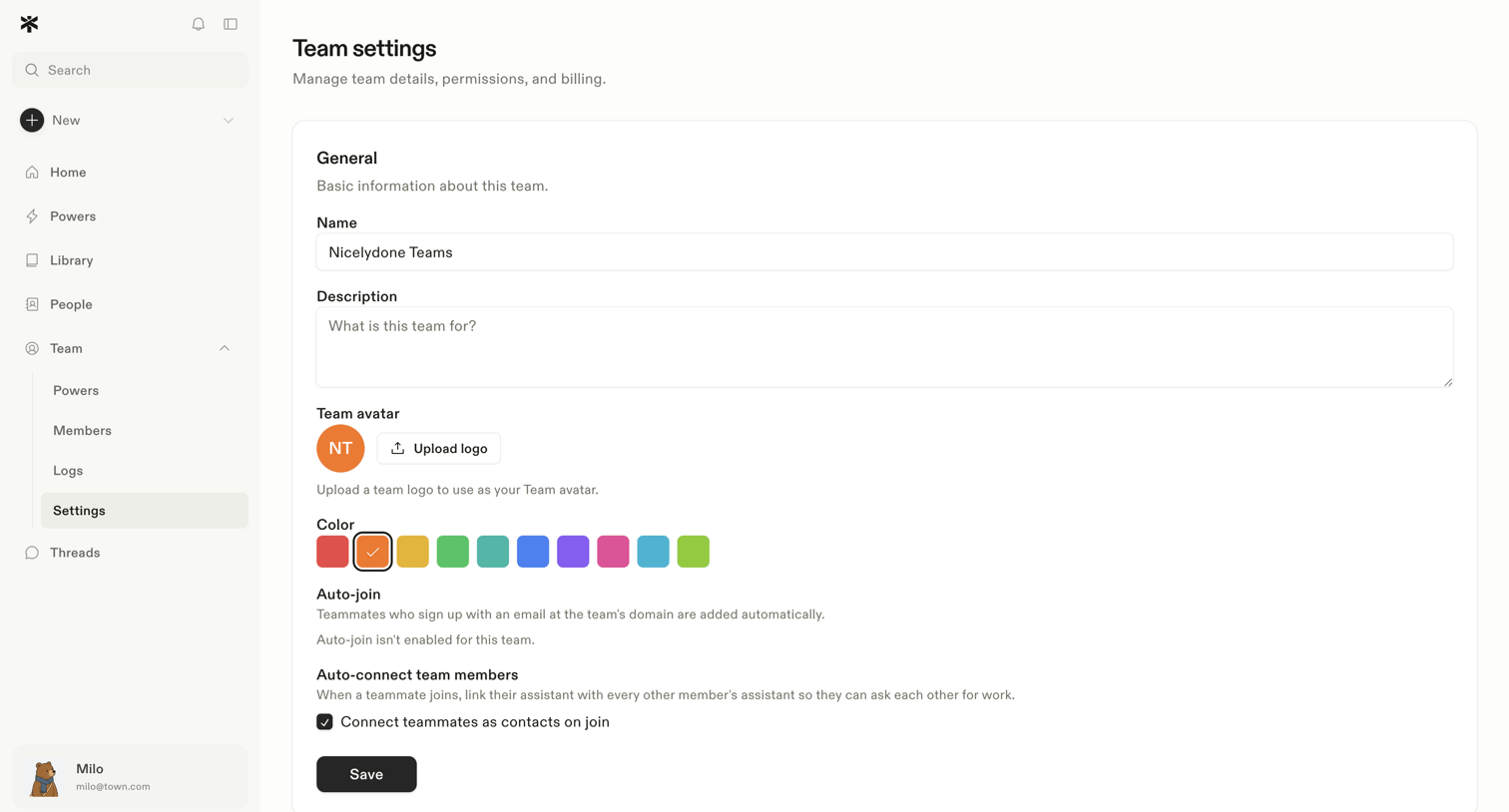

Settings page where the user configures general team details like name, description, avatar, color, and auto-join preferences.
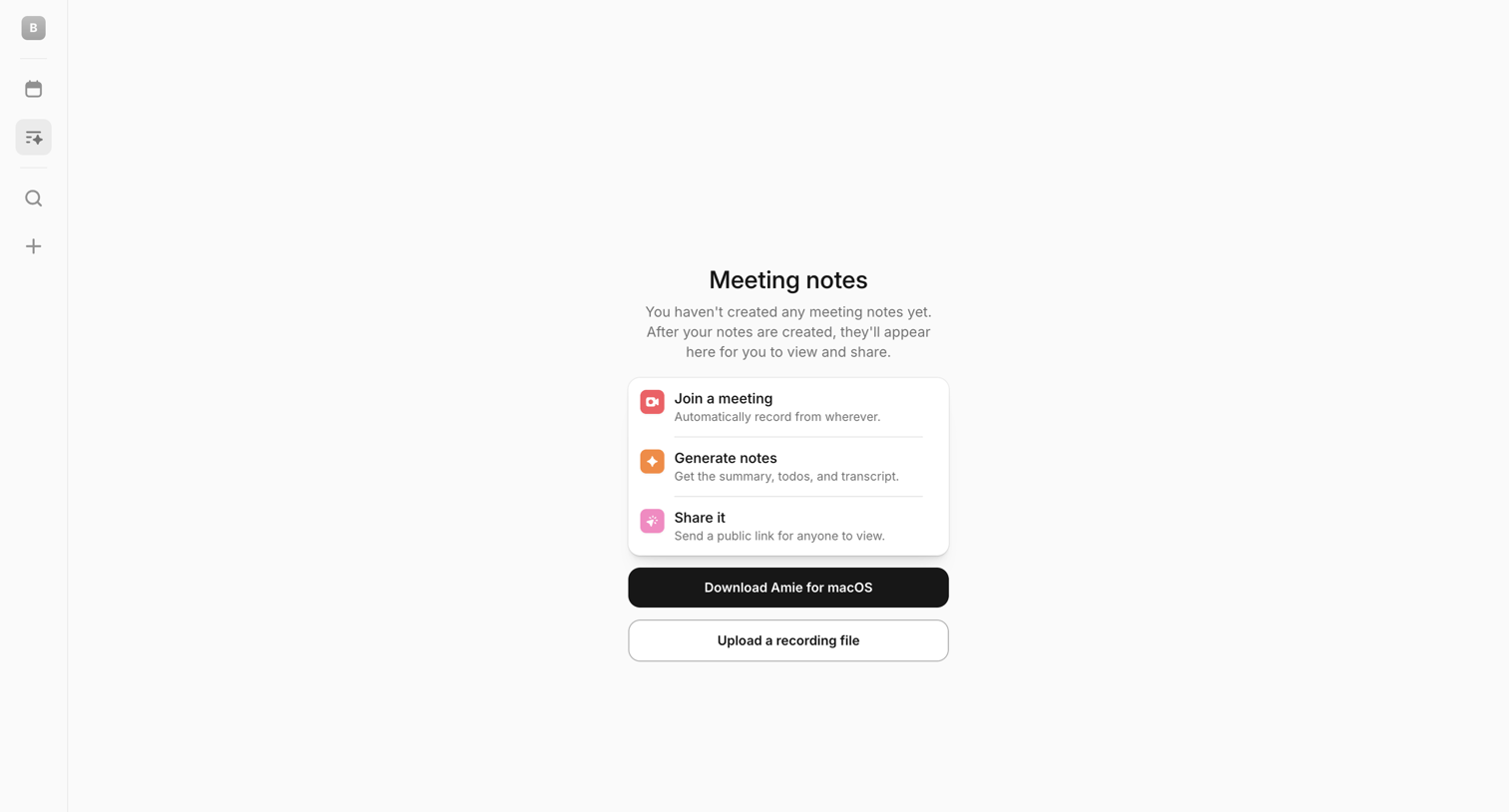

List view where the user sees an empty state for meeting notes with options to download the macOS app or upload a recording file.
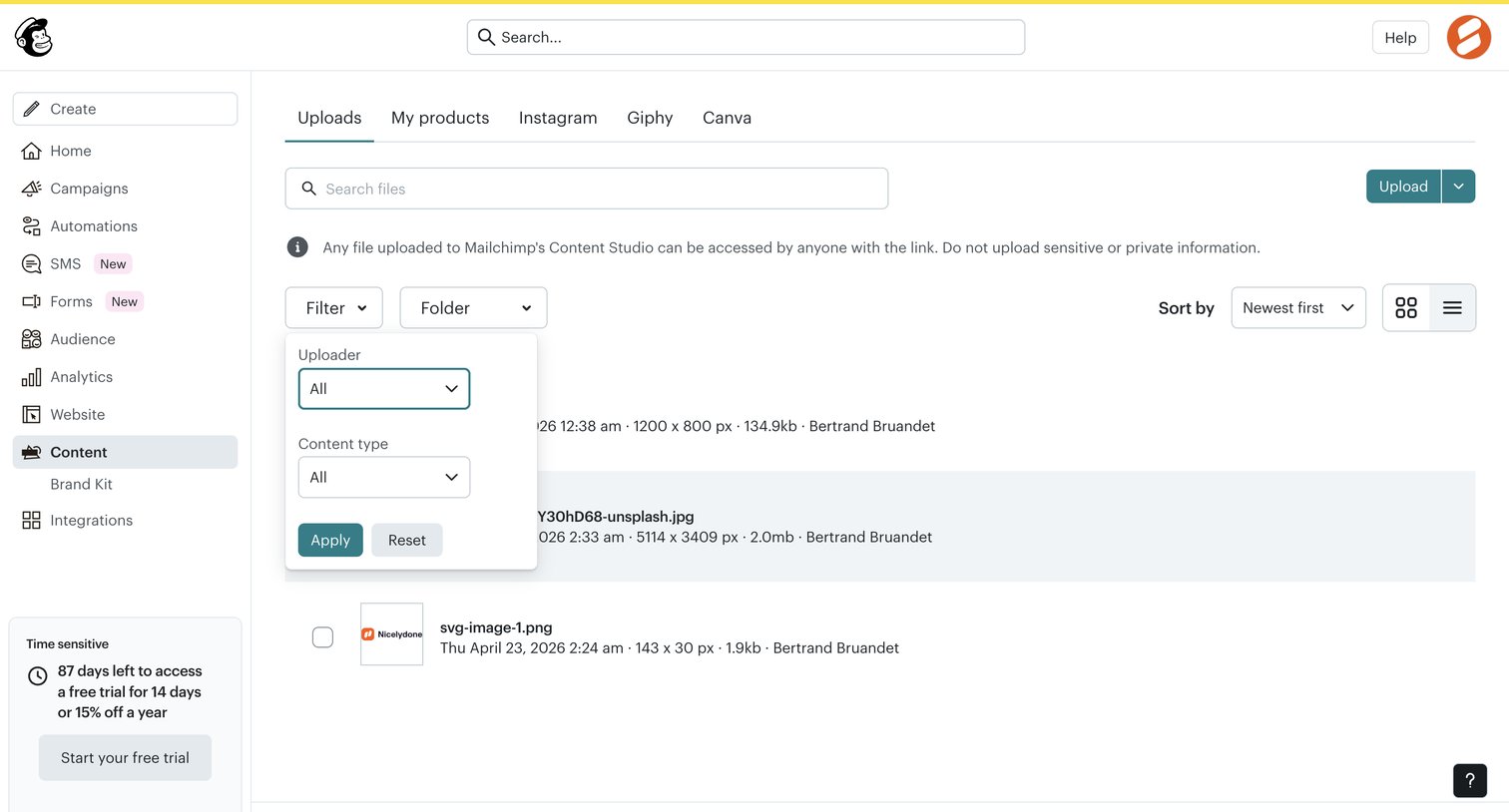

List view where the user manages and filters uploaded files in their content studio.
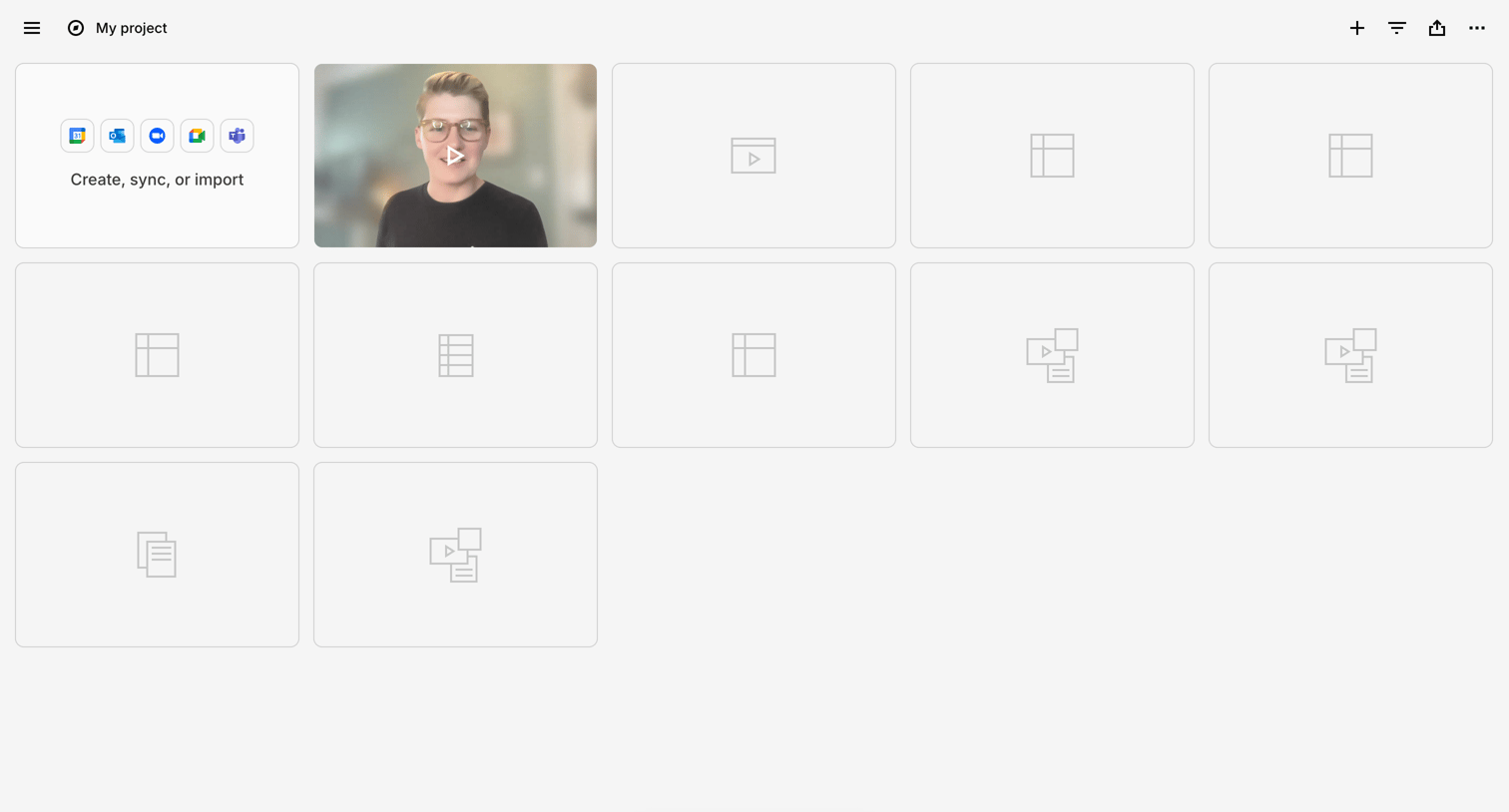

Project workspace displaying a grid of content cards including a prompt to sync integrations, a video thumbnail, and empty placeholders, with a floating AI chat trigger at the bottom.
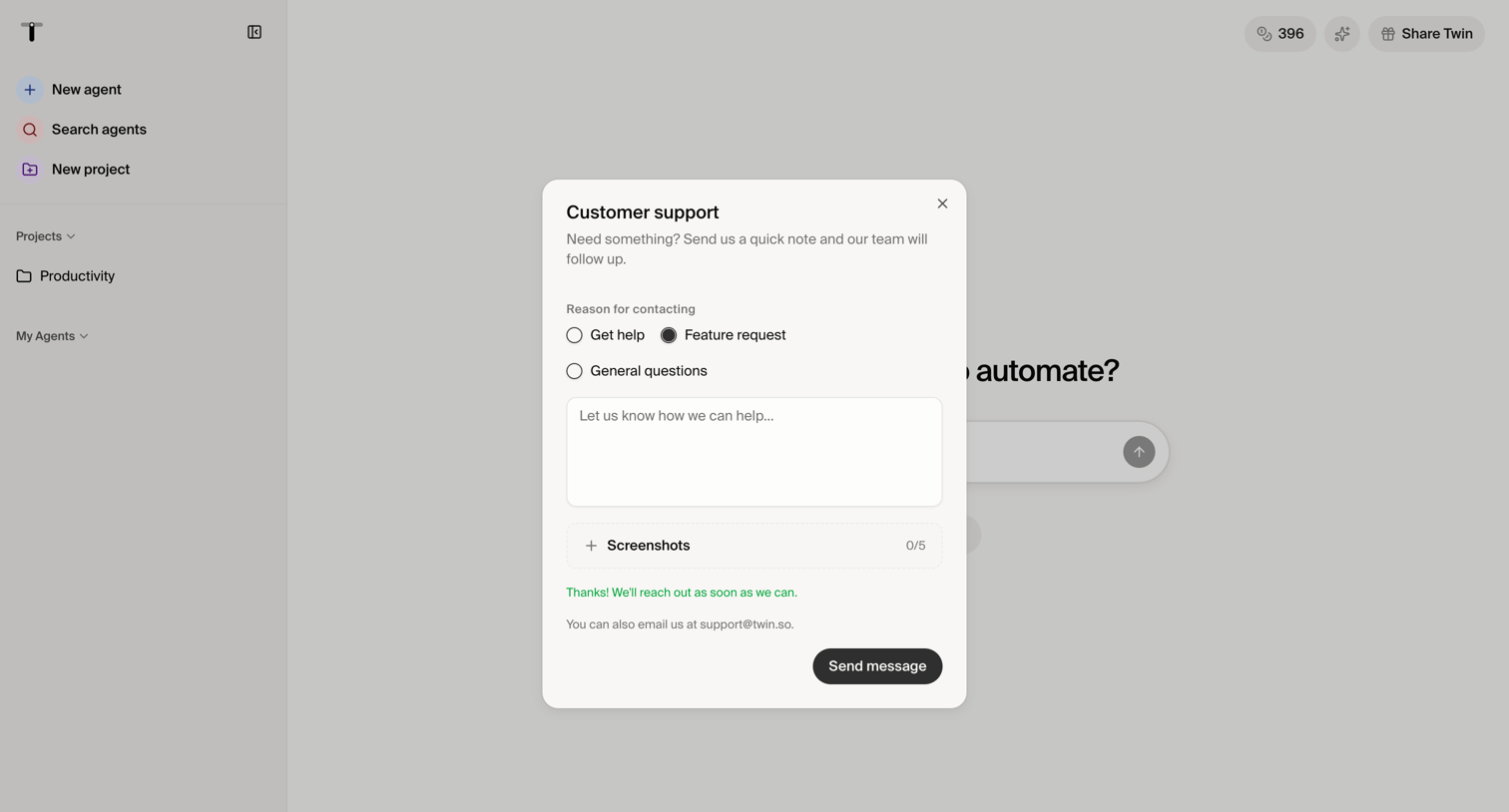

Home page where the user is filling out a customer support modal to request help or suggest a feature, including an option to attach screenshots.
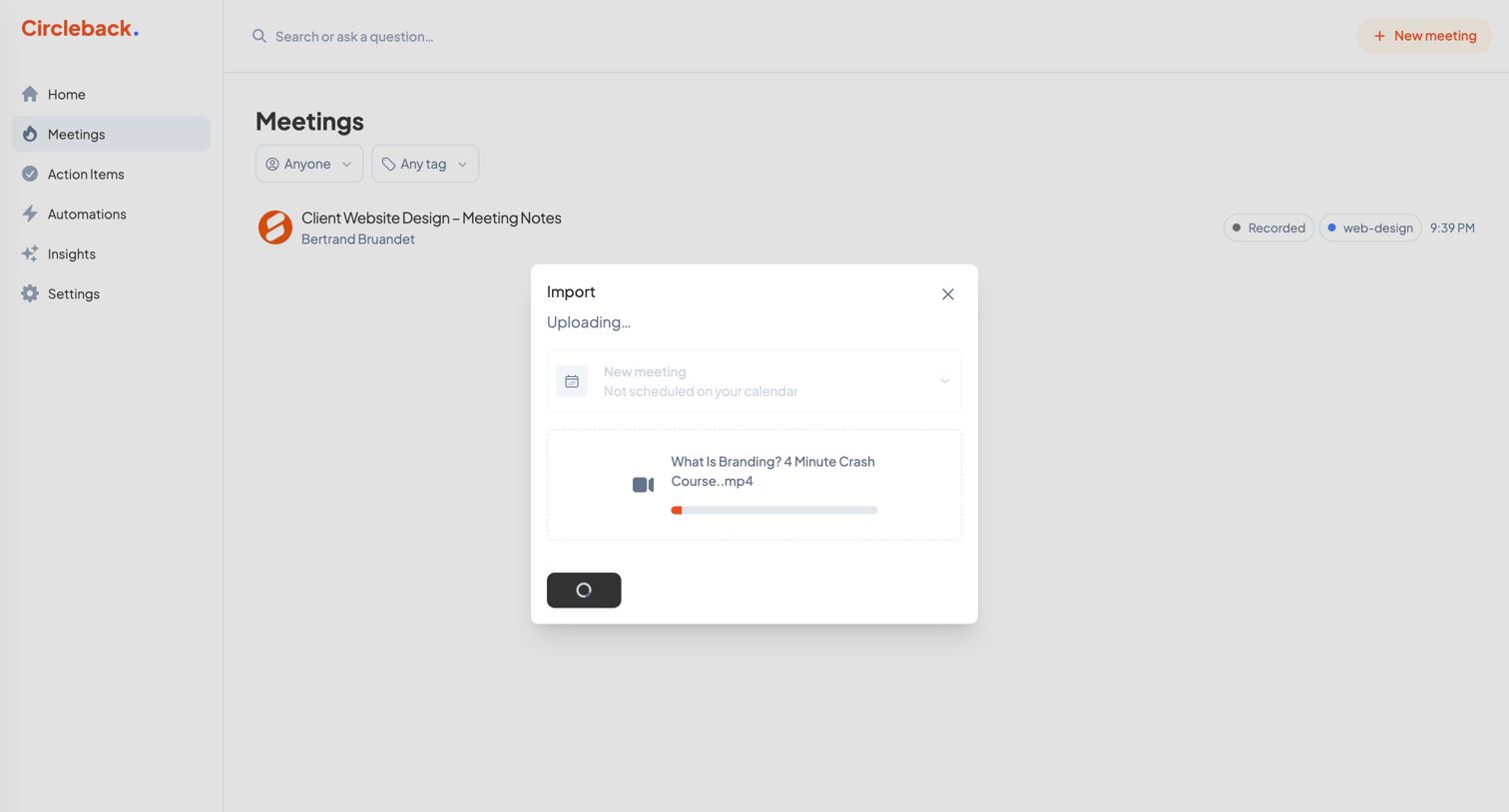

List view of recorded meetings with an active modal overlay showing the upload progress of a video file for import.
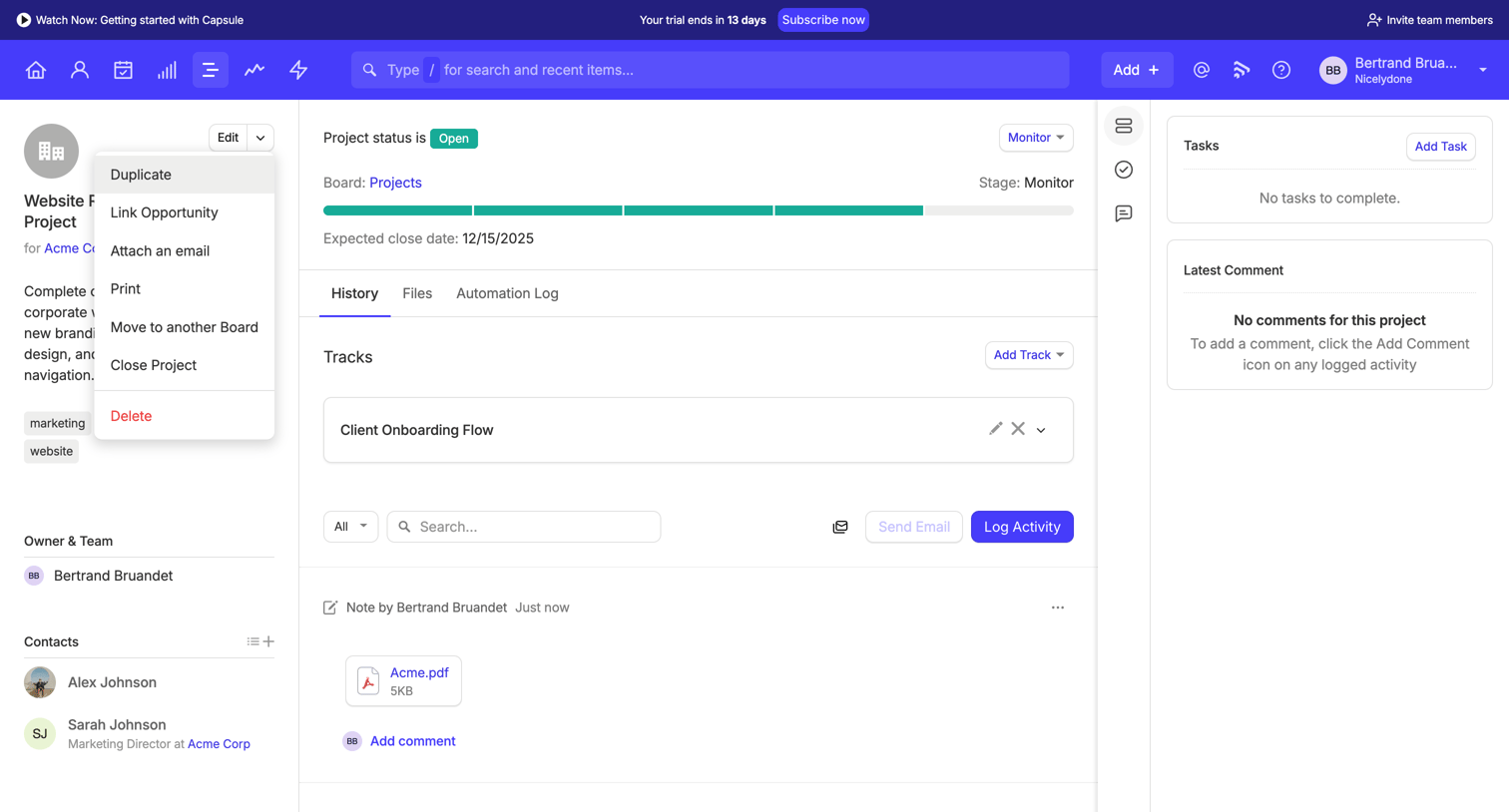

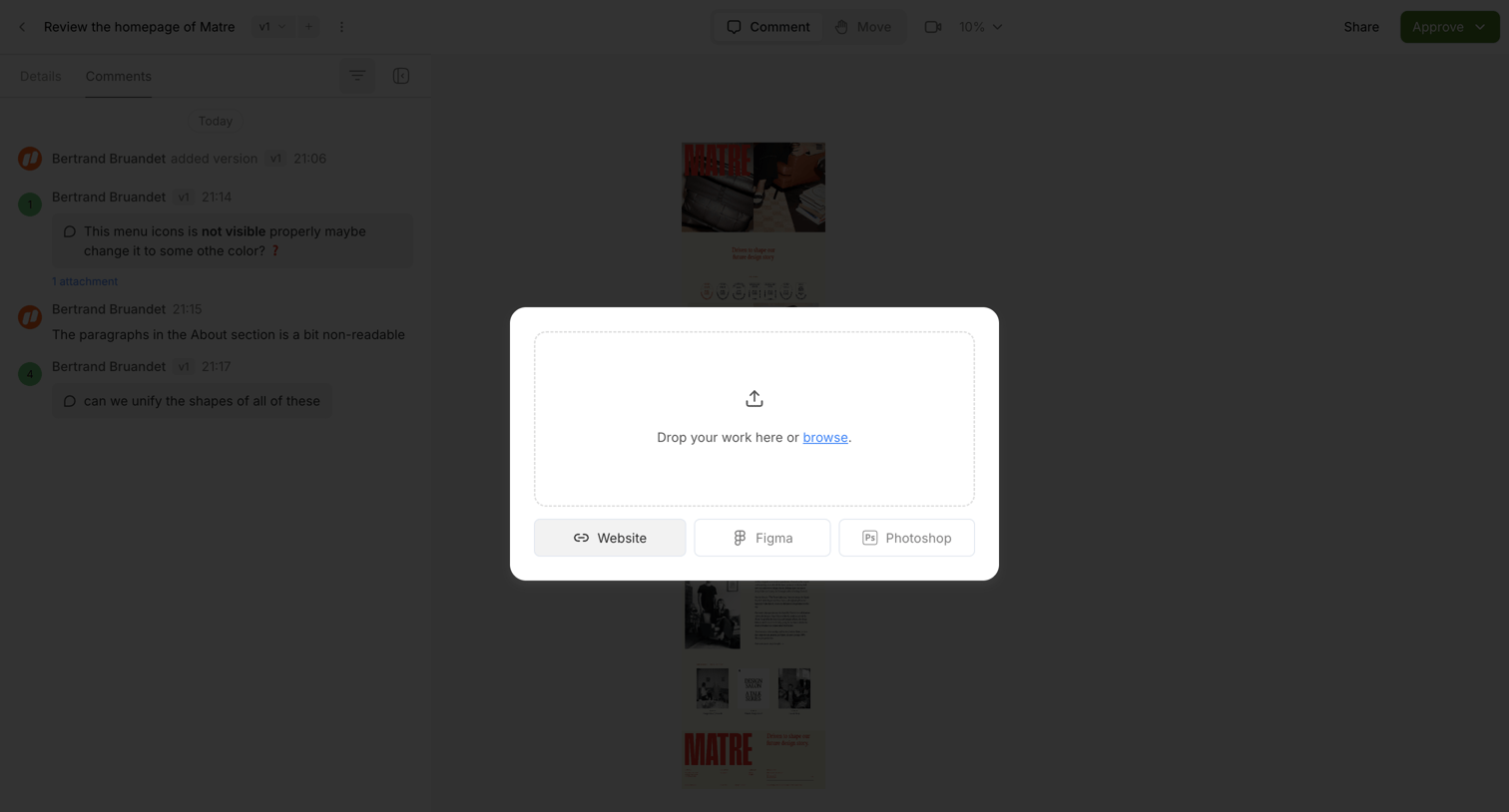

Design review canvas where a modal prompts the user to upload their work via a drag-and-drop zone or by connecting a Website, Figma, or Photoshop file.
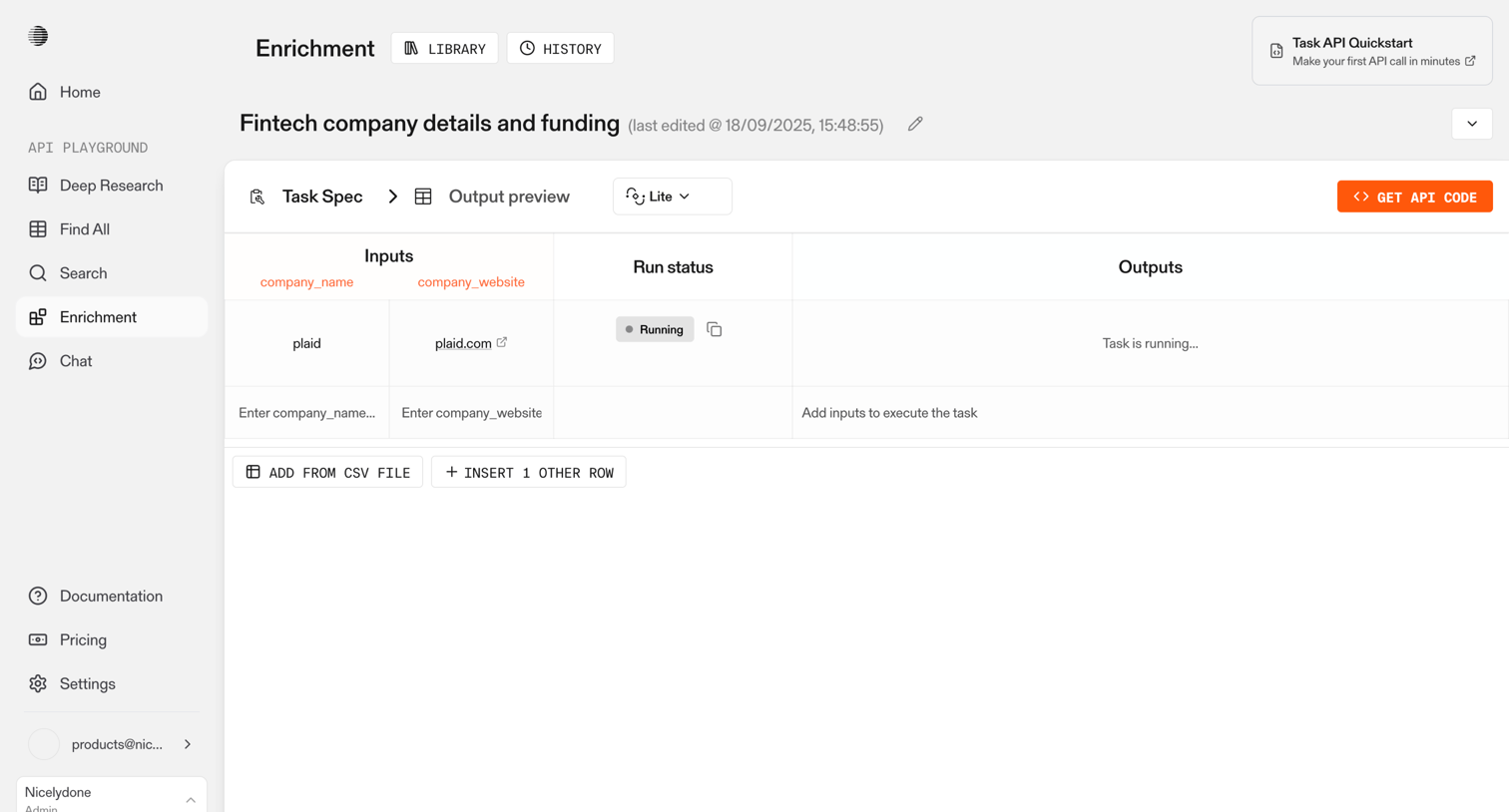



Content editor where the user is writing a document about design engineering and using a slash command to insert a file.
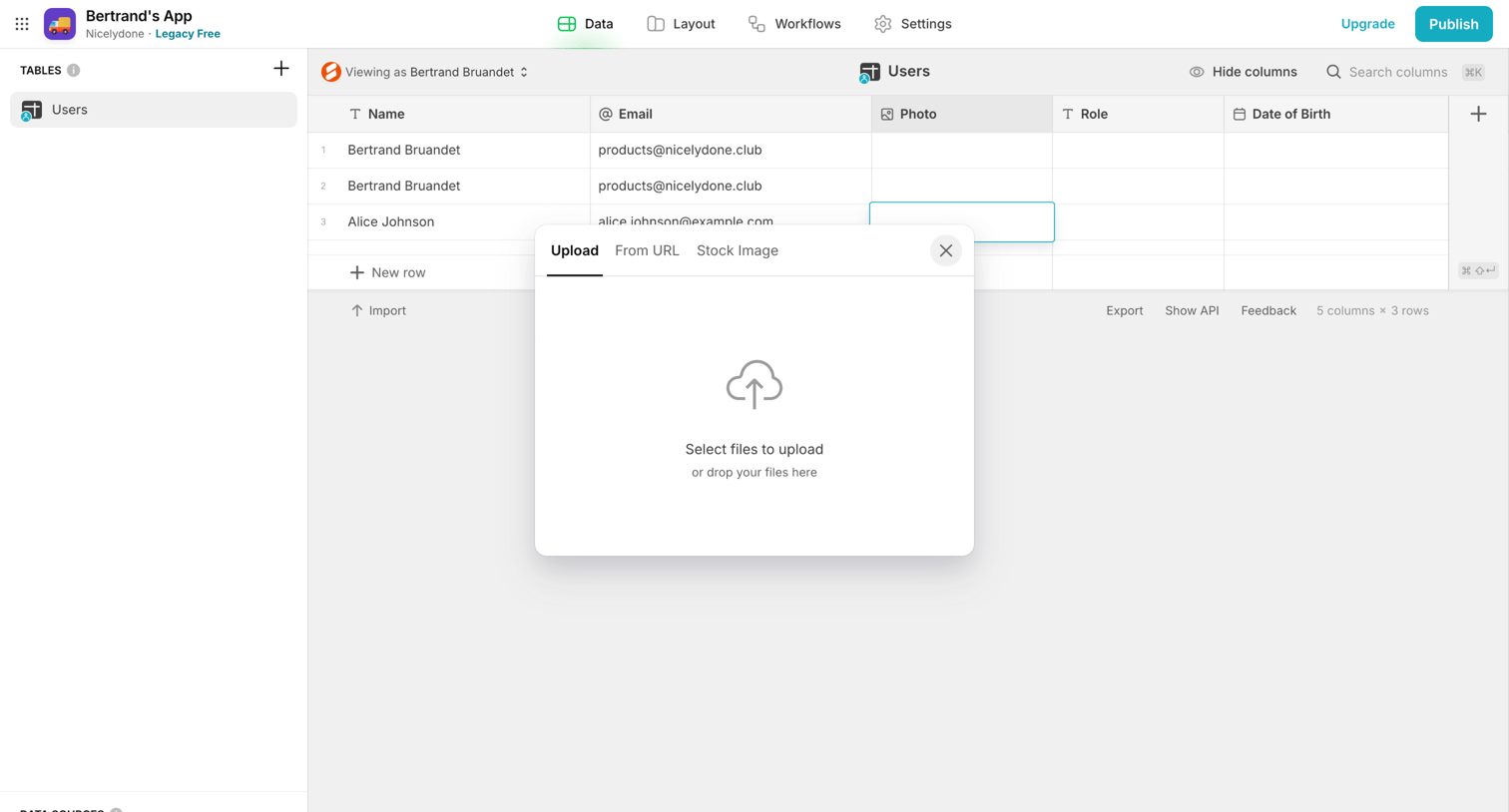

App builder data view where the user is uploading a file to a specific cell in the users table.
Explore the full SaaS screen library
Upgrade to unlock the full library.
Trusted by the best teams







