Tree view screen examples
Tree view screen design examples from SaaS apps. Browse examples from Poolside, Bird, Paper.
Explore the examples
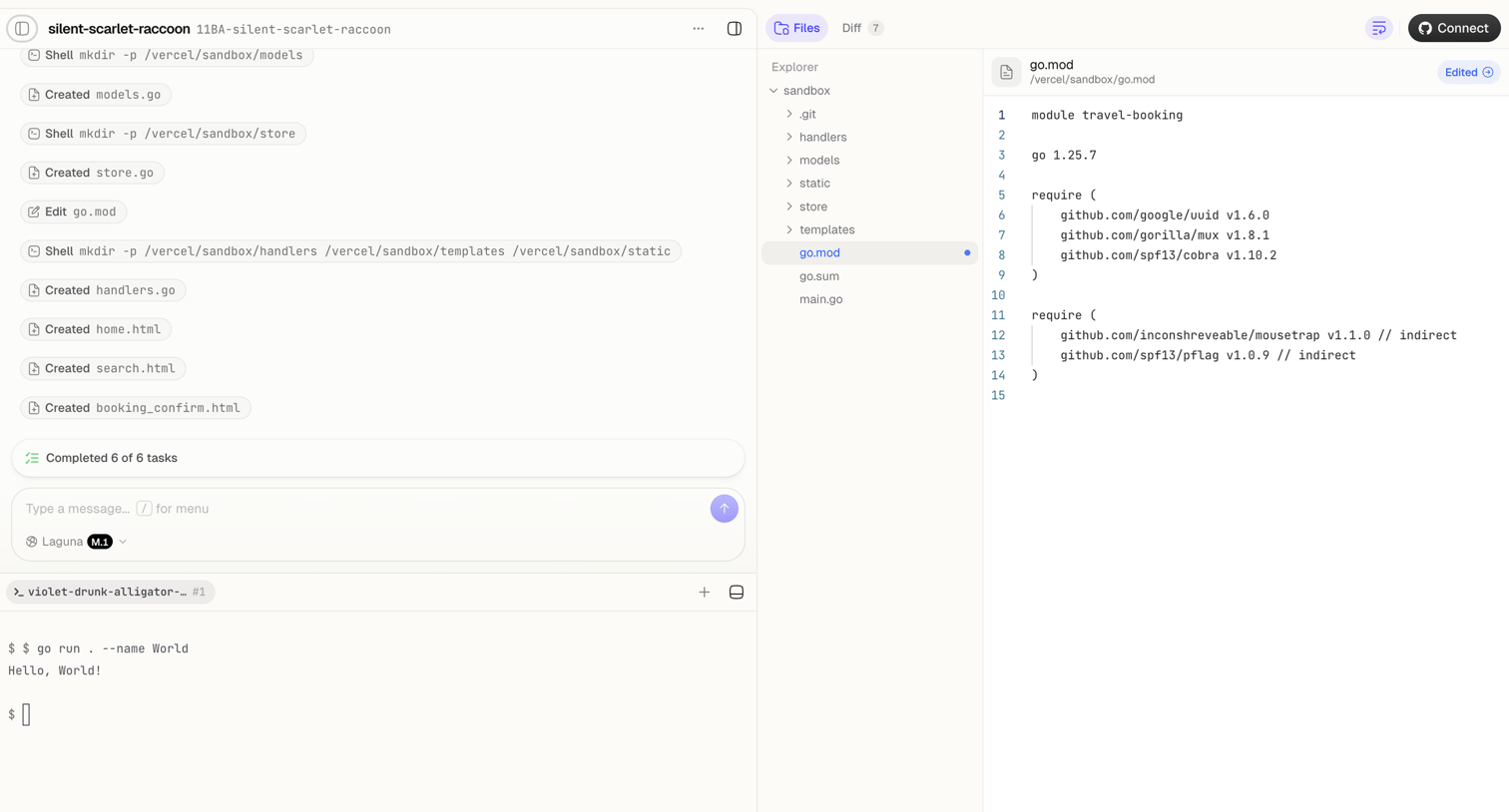

Agent trace interface where the user monitors an AI completing file creation and shell tasks, alongside a code editor showing the modified go.mod file and a live terminal.
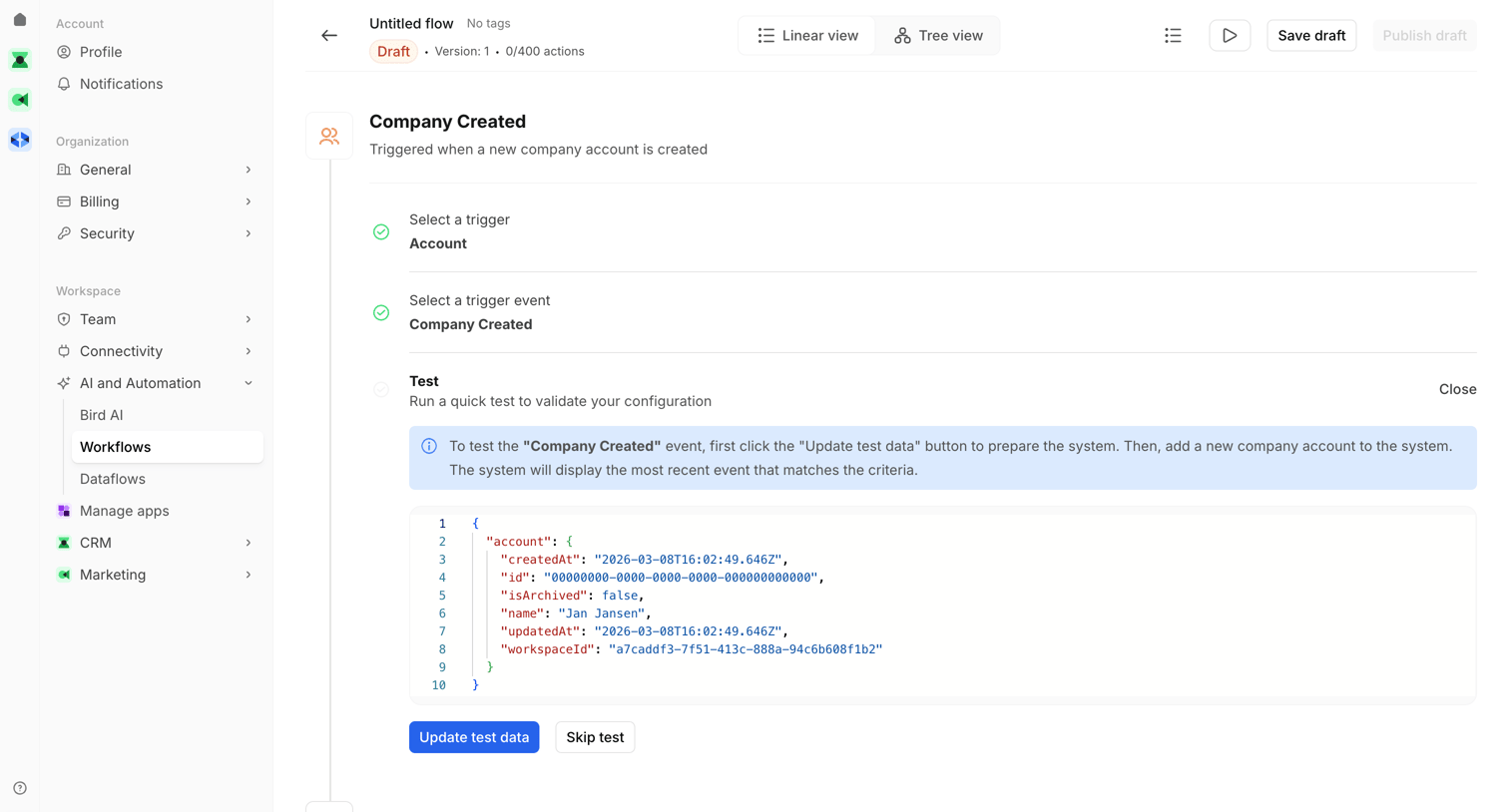

Workflow editor where the user configures a trigger for when a new company account is created and tests the JSON payload.
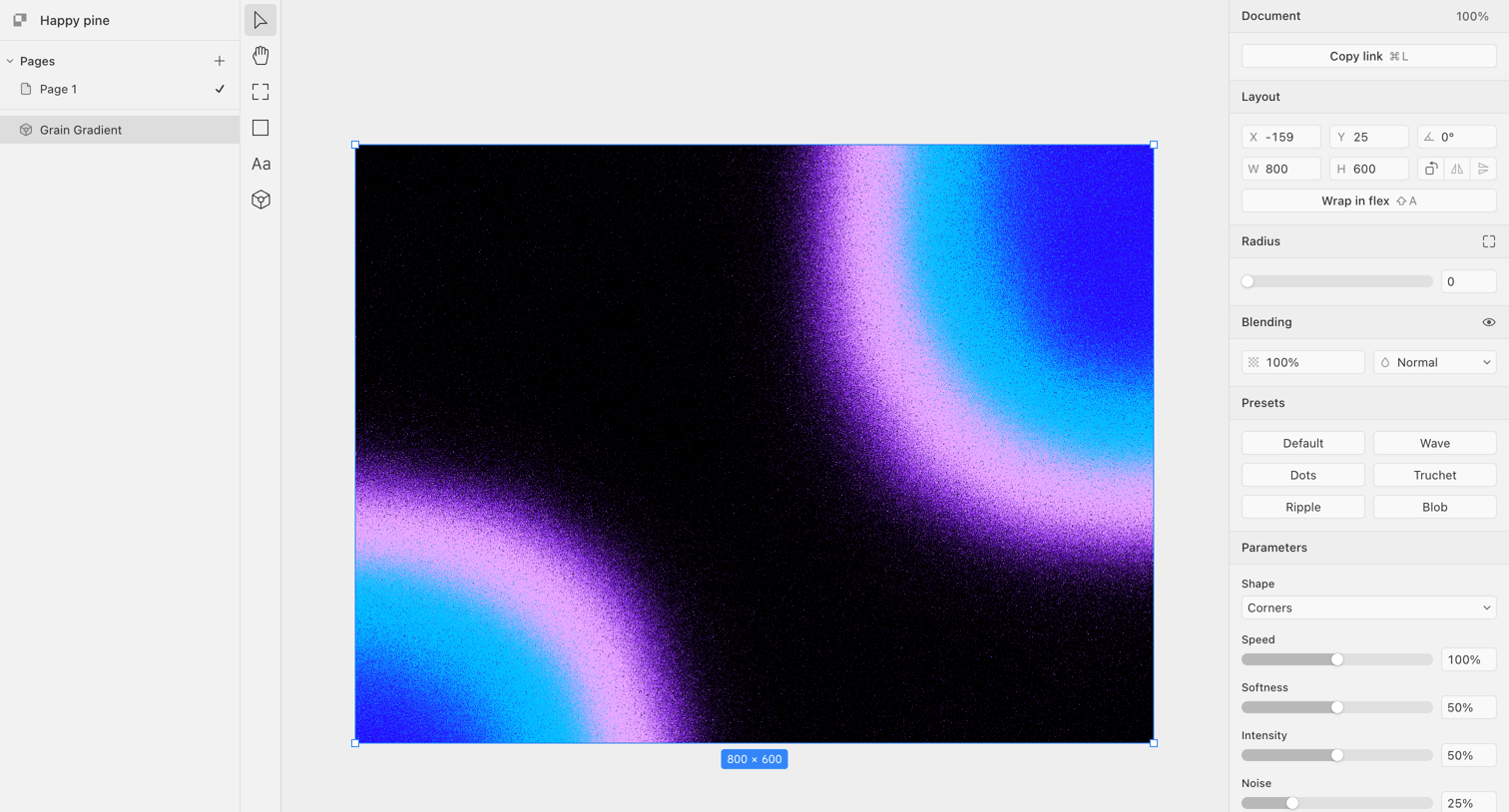

Design editor where the user configures a grain gradient by adjusting parameters like speed, softness, and noise in the right inspector panel.

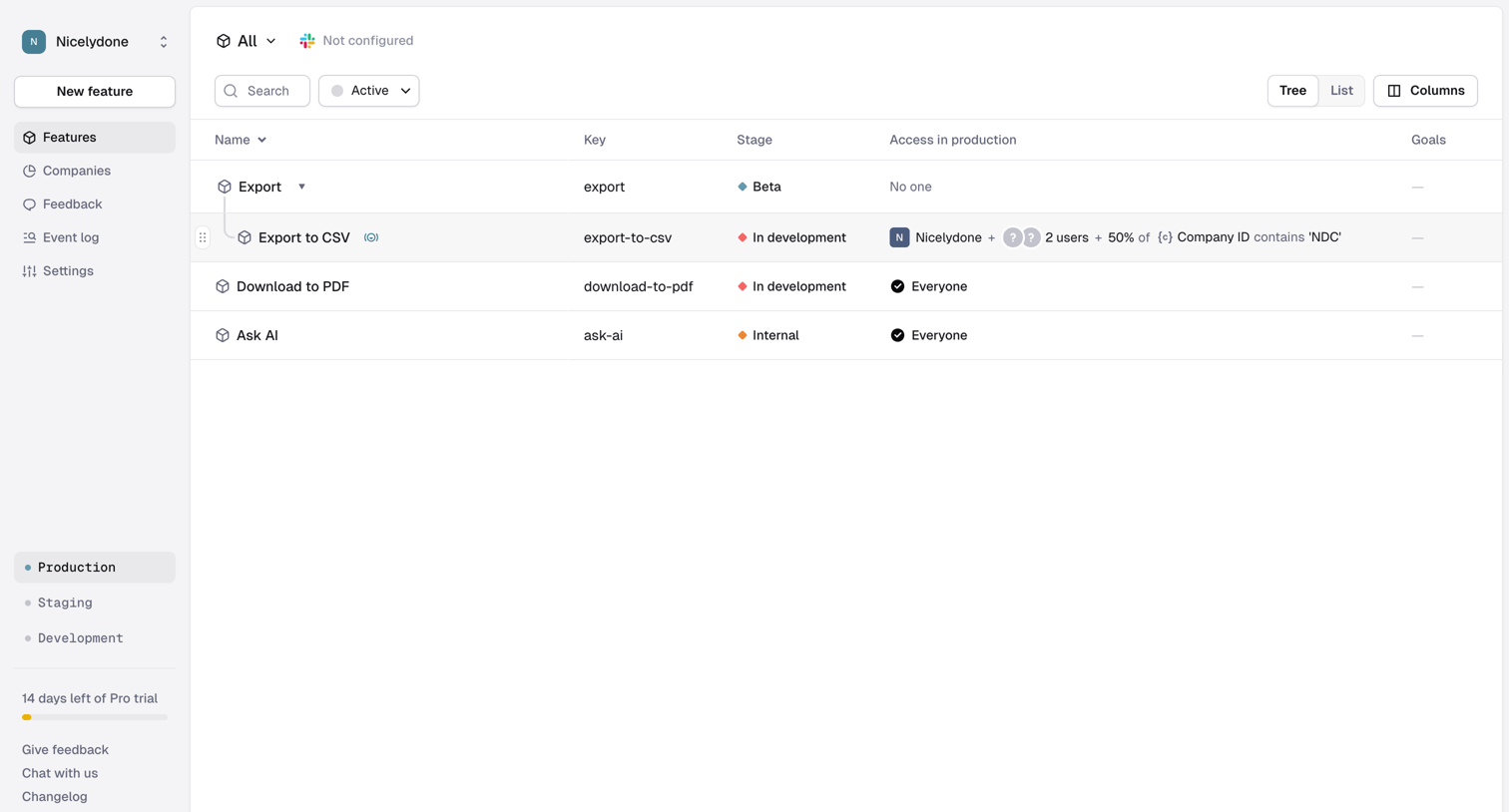

List view showing product features organized in a tree structure with their development stage and access rules.

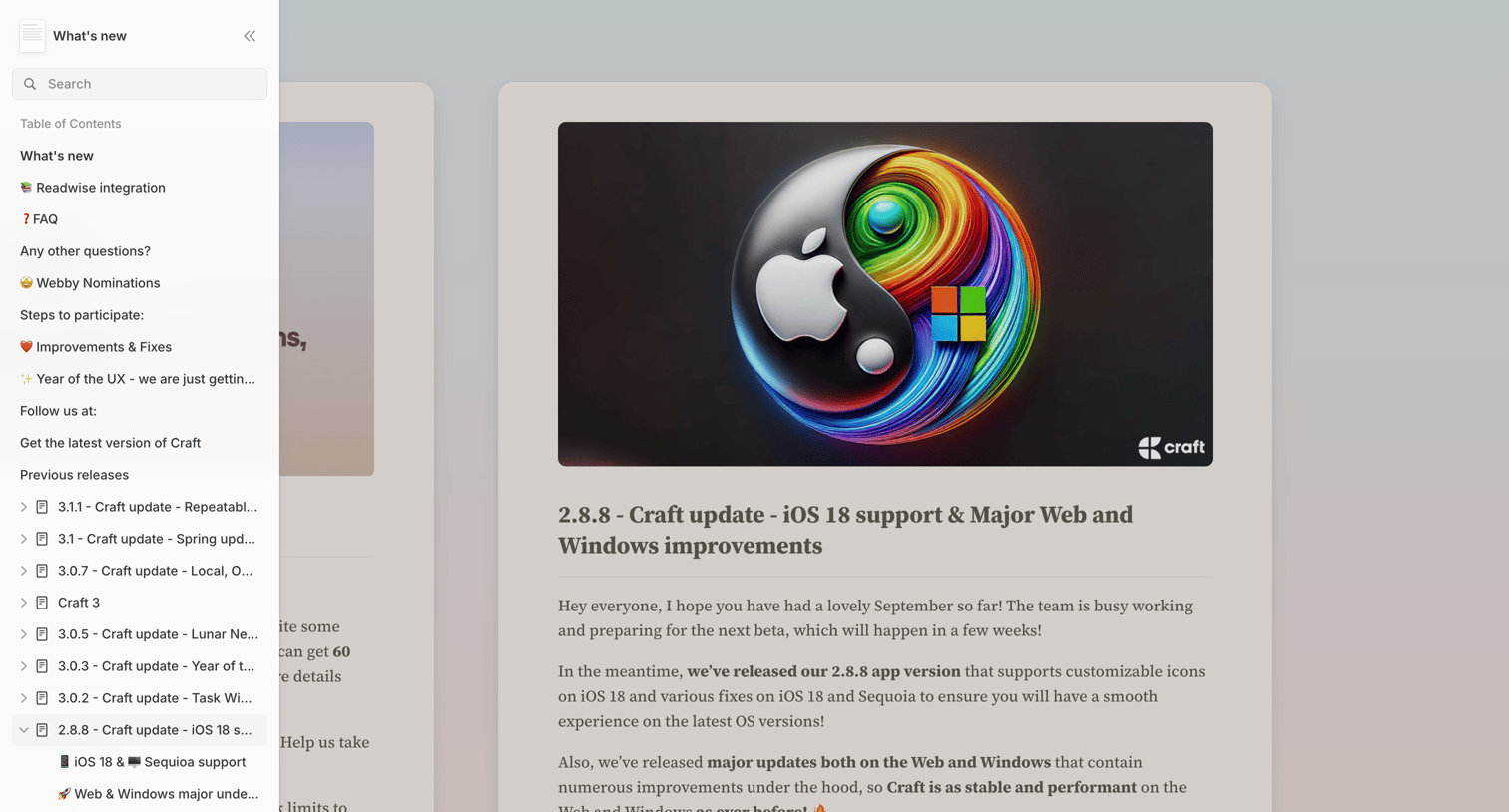

Changelog page where the user reads the details of the 2.8.8 update featuring iOS 18 support, navigated via a collapsible sidebar.
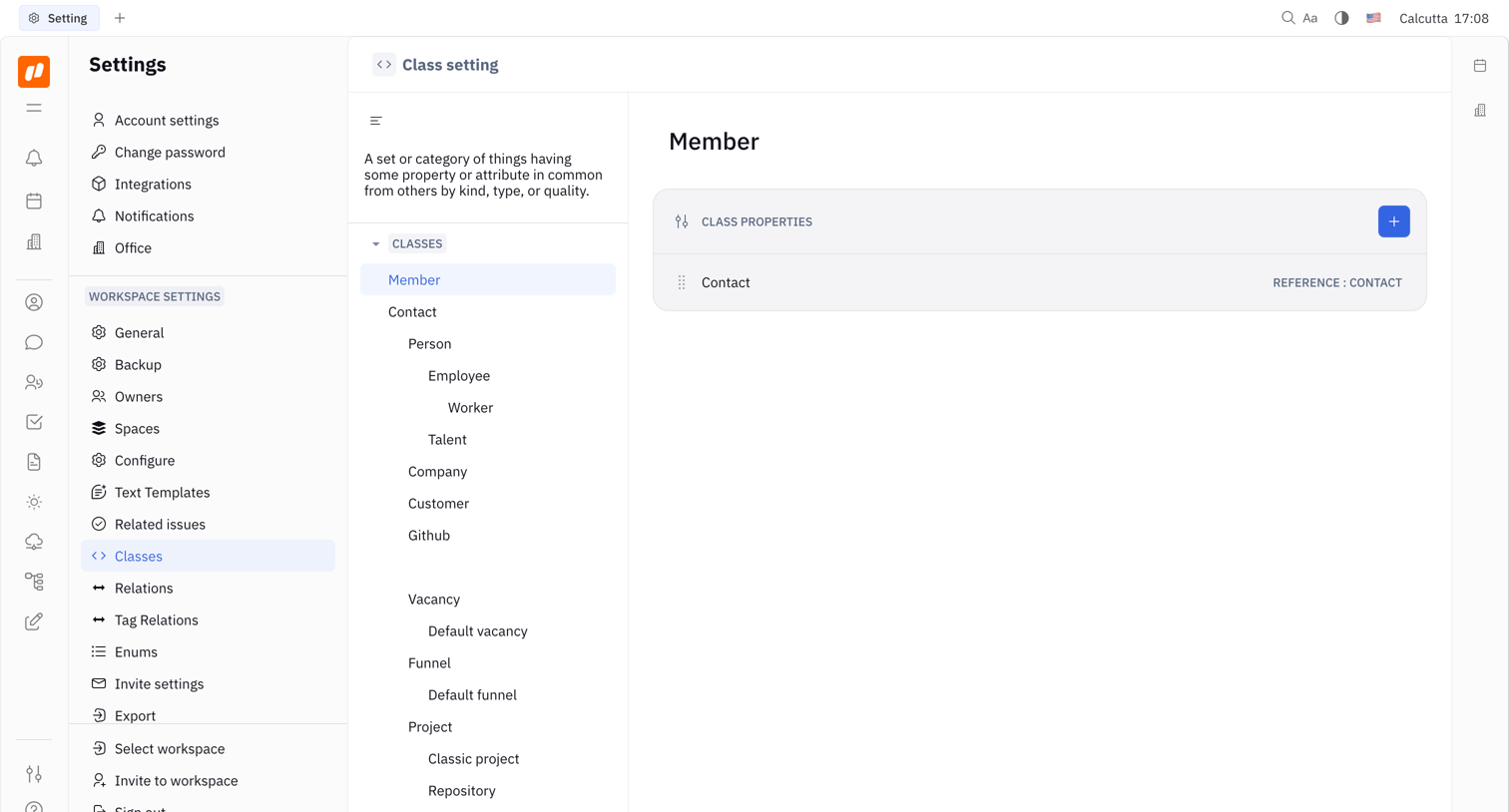

Settings page where the user configures workspace classes and their properties, currently viewing the Member class.
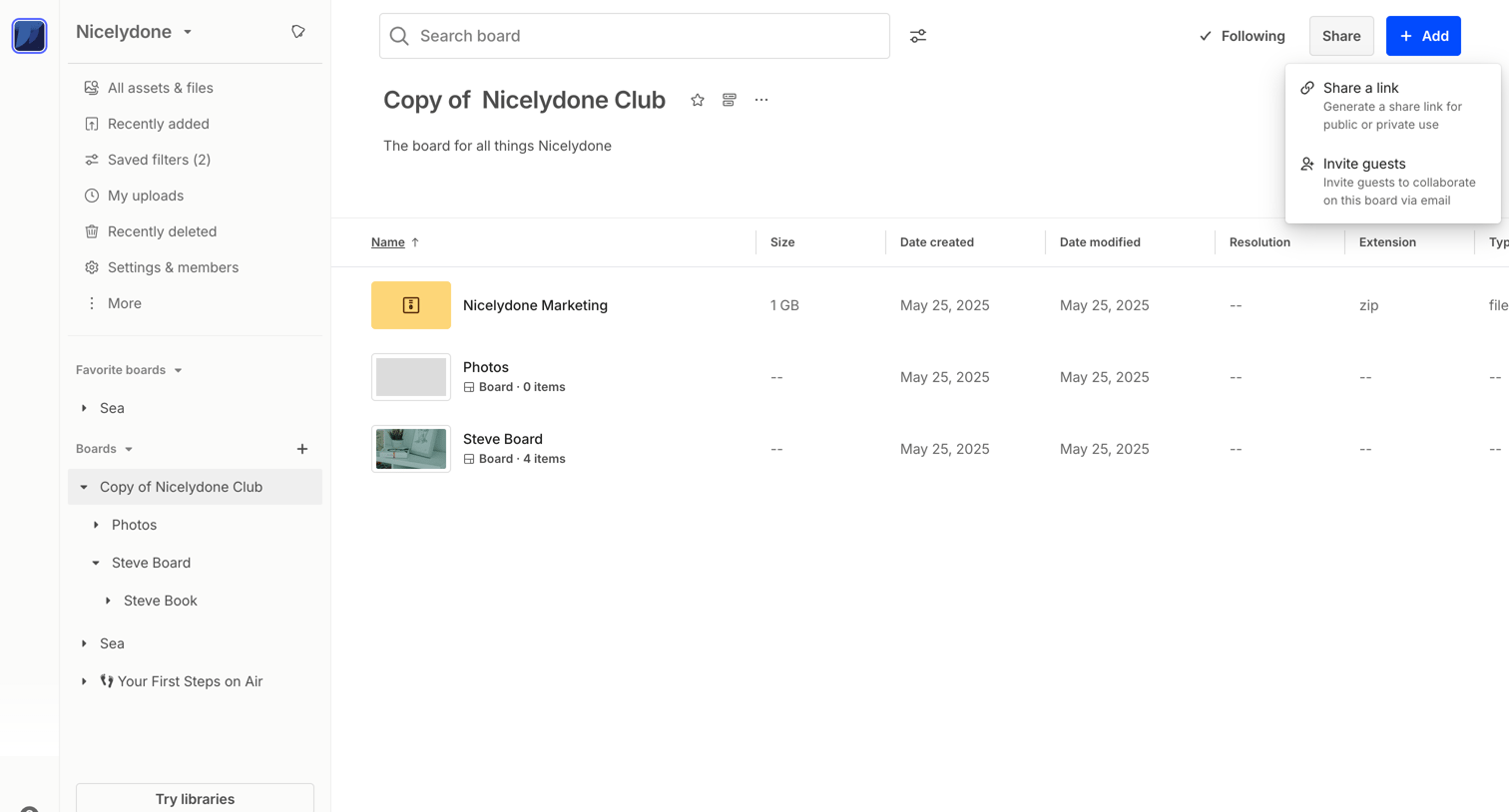

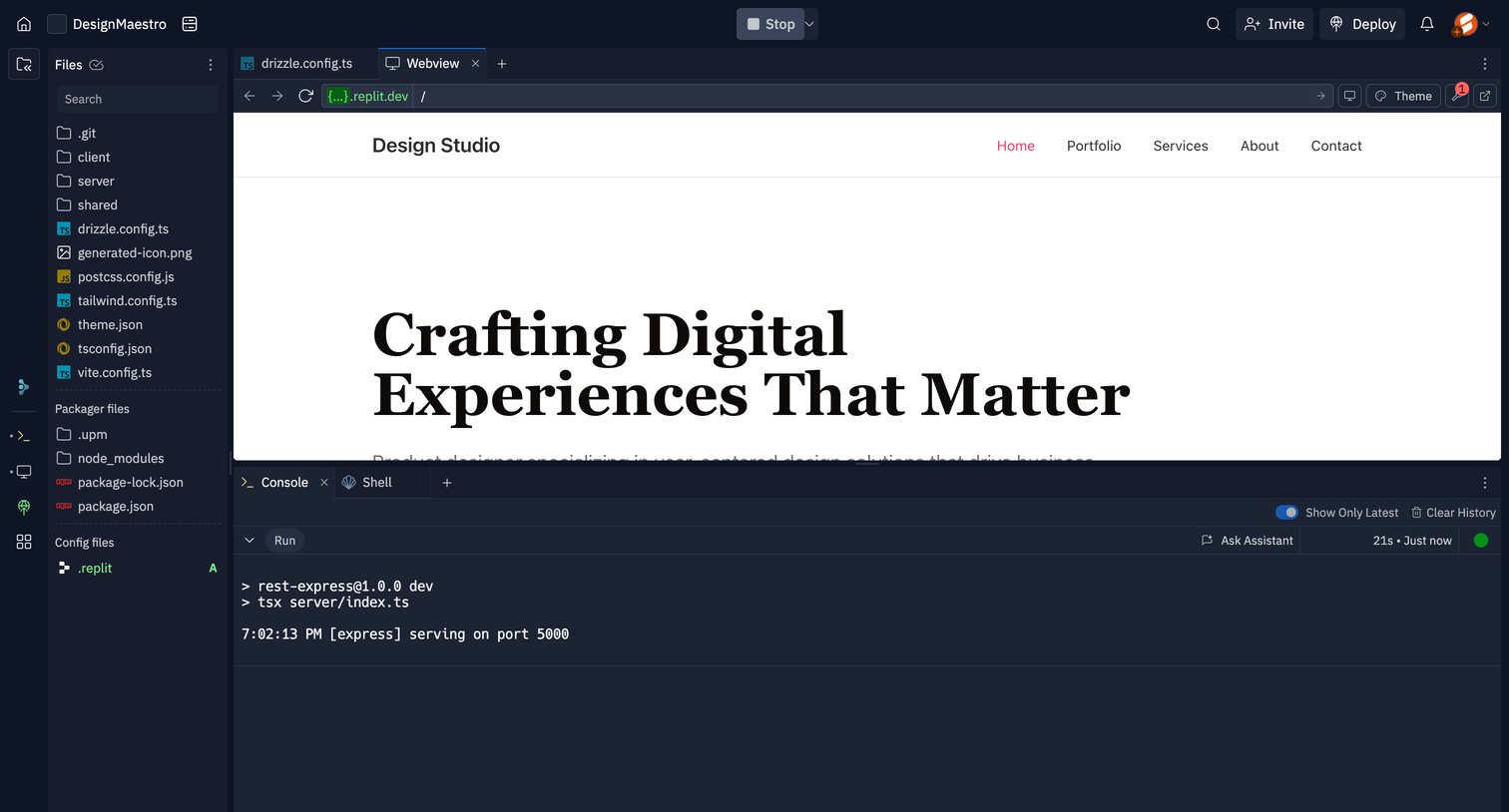

Cloud IDE workspace where the user manages project files, previews a running web application, and monitors the server terminal output.
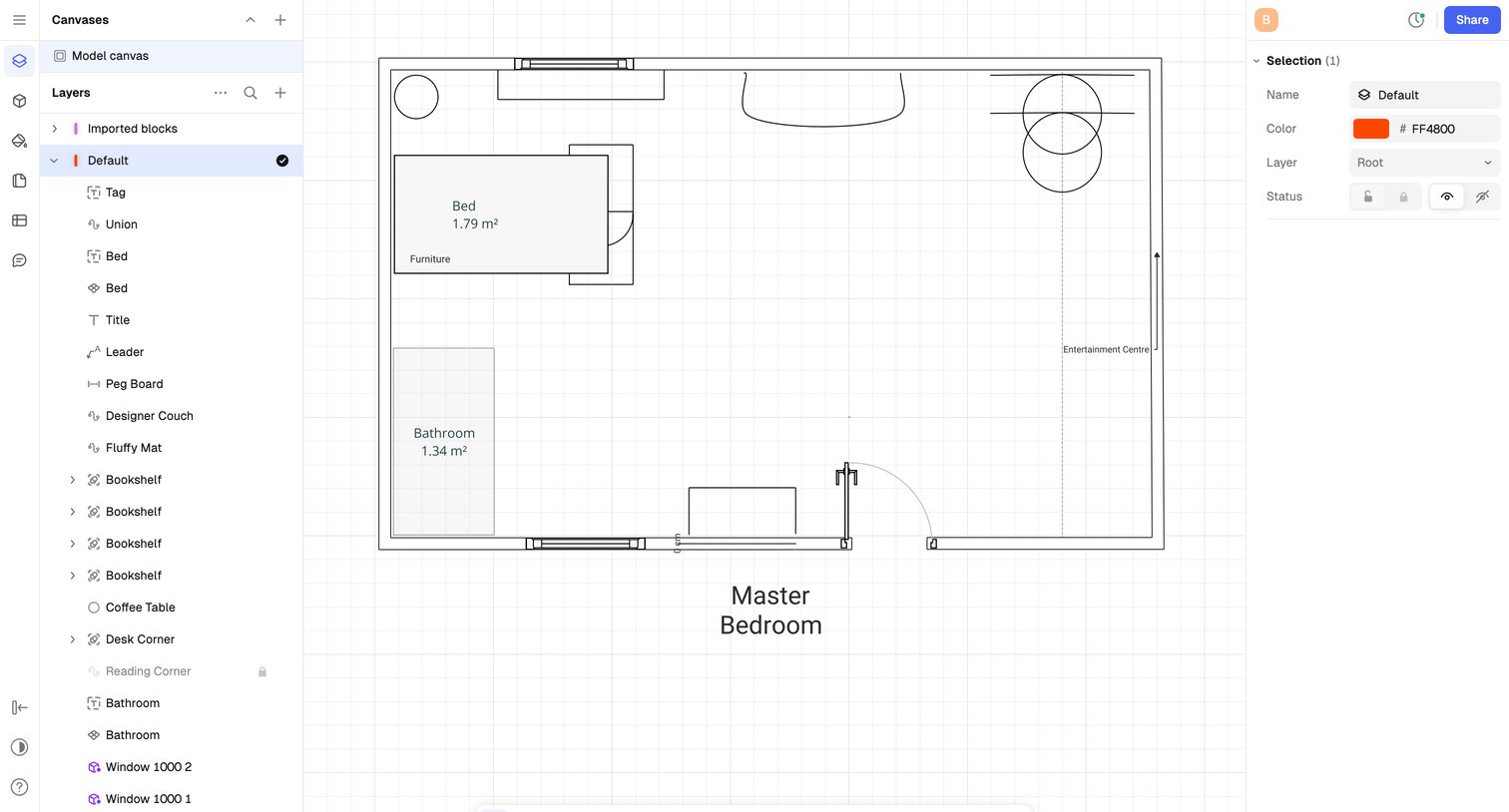

Design editor where the user draws and arranges floor plan elements like walls, furniture, and dimensions on a 2D grid canvas.
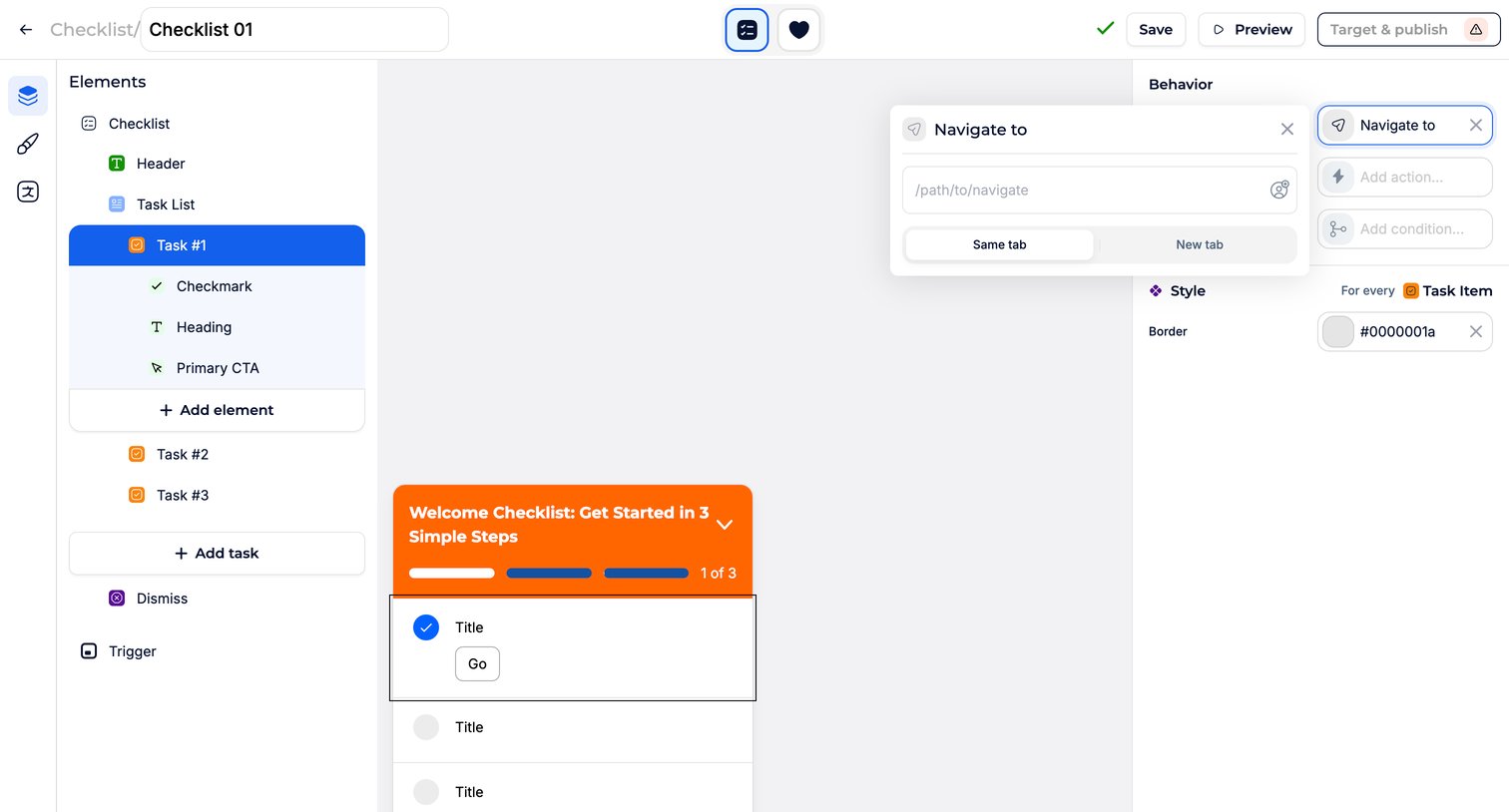

Explore the full SaaS screen library
Upgrade to unlock the full library.
Trusted by the best teams







