Time management screen examples
Time management screen design examples from SaaS apps. Browse examples from Beside, Amie, Gather.
Explore the examples
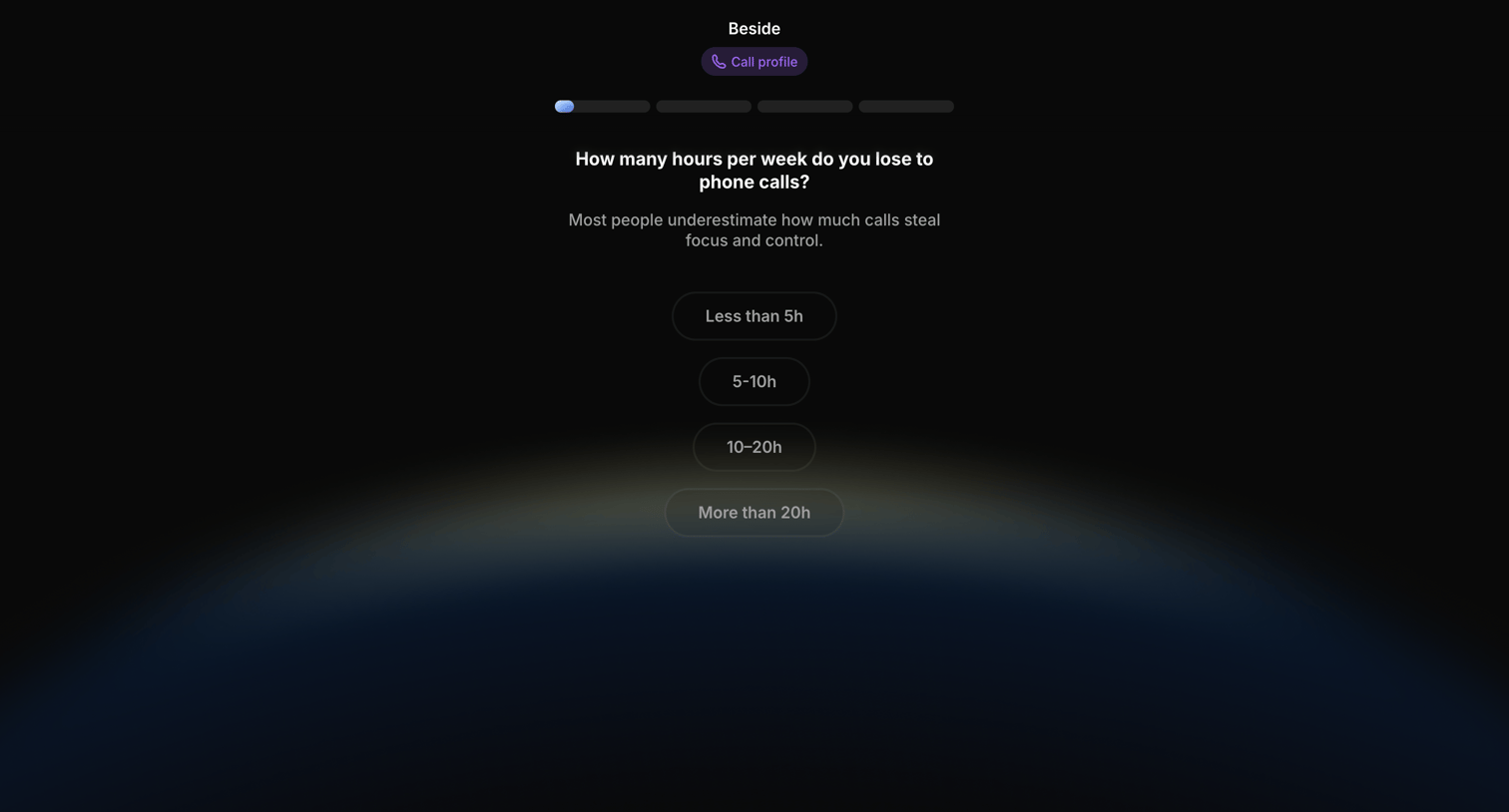

Onboarding step where the user estimates how many hours per week they lose to phone calls by selecting from four time ranges.
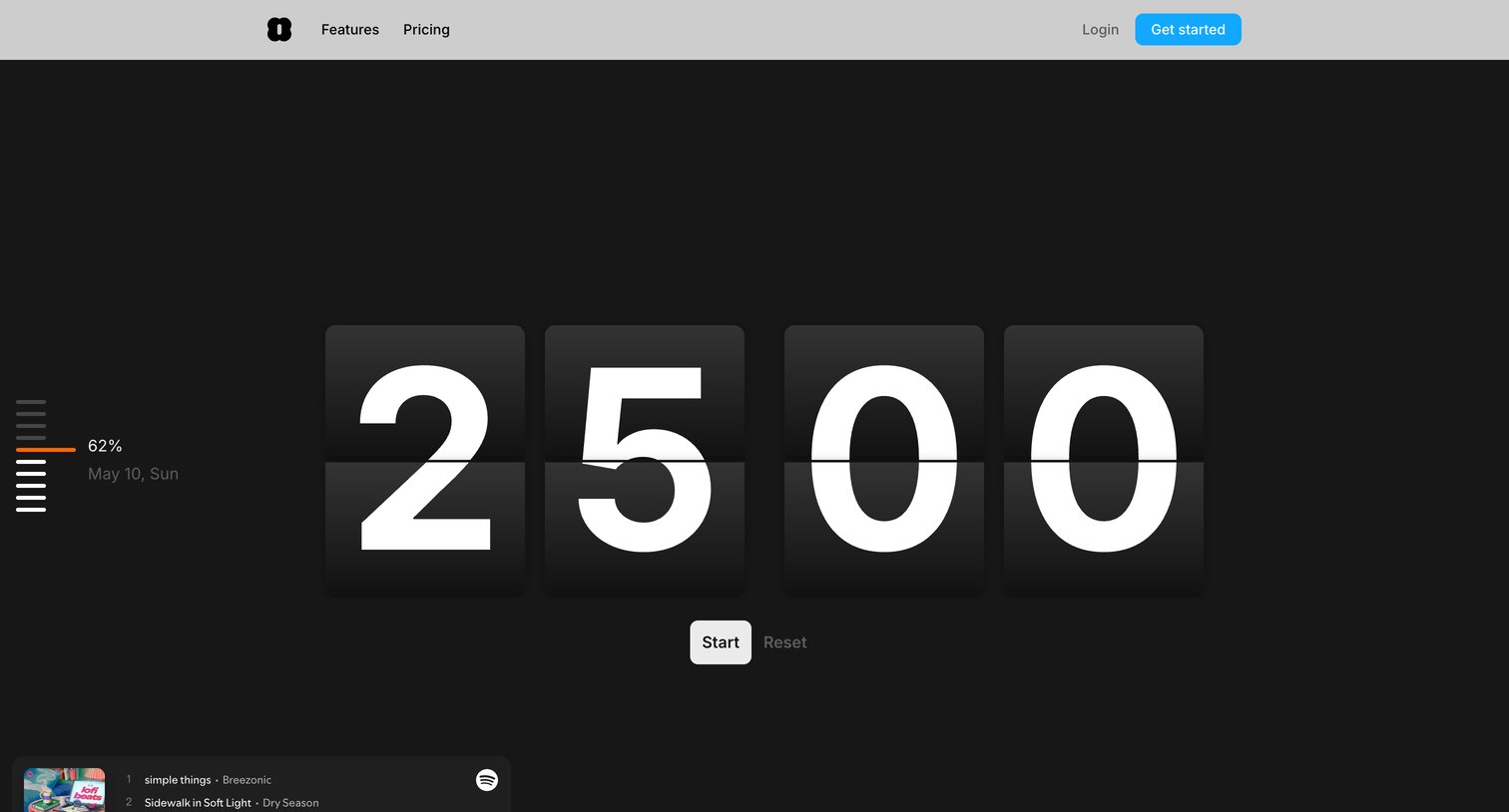

Marketing tool page featuring an interactive aesthetic Pomodoro flip-clock timer alongside an SEO article explaining the technique and its benefits.
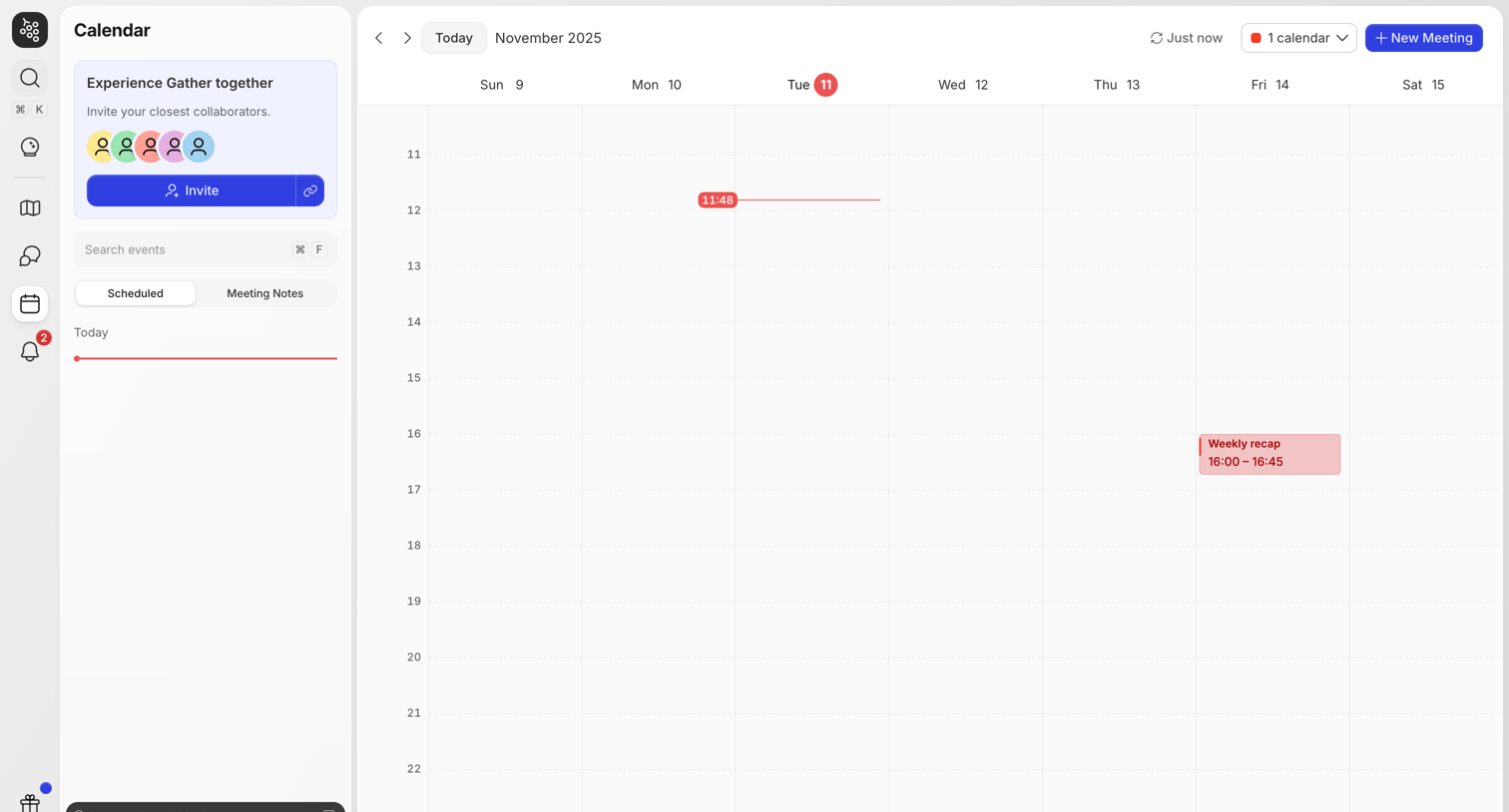

Calendar view showing a weekly schedule with a scheduled meeting, a current-time indicator, and an invite prompt in the sidebar.
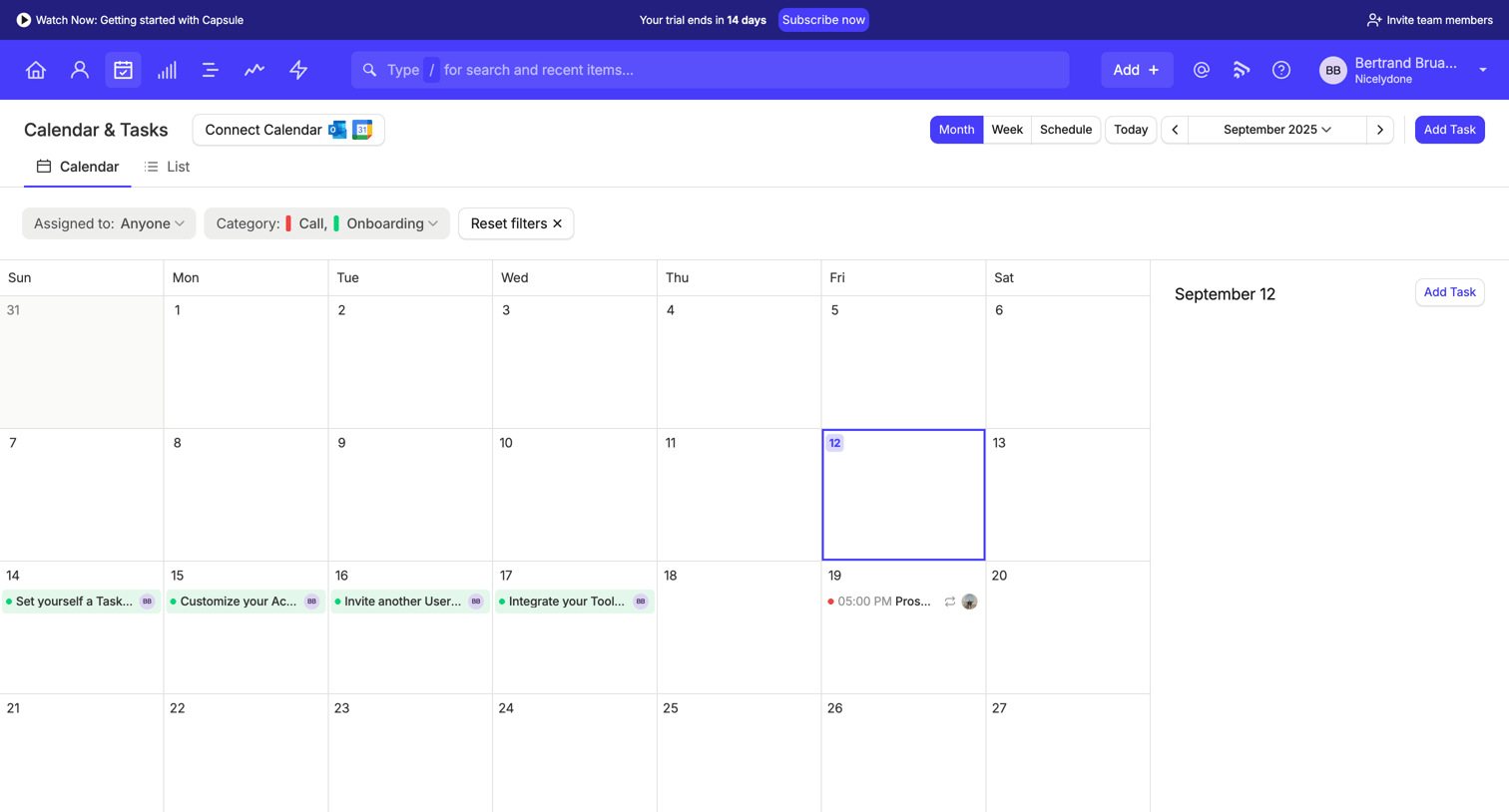

Calendar view where the user manages tasks, filters by assignee and category, and views daily details in a side panel.
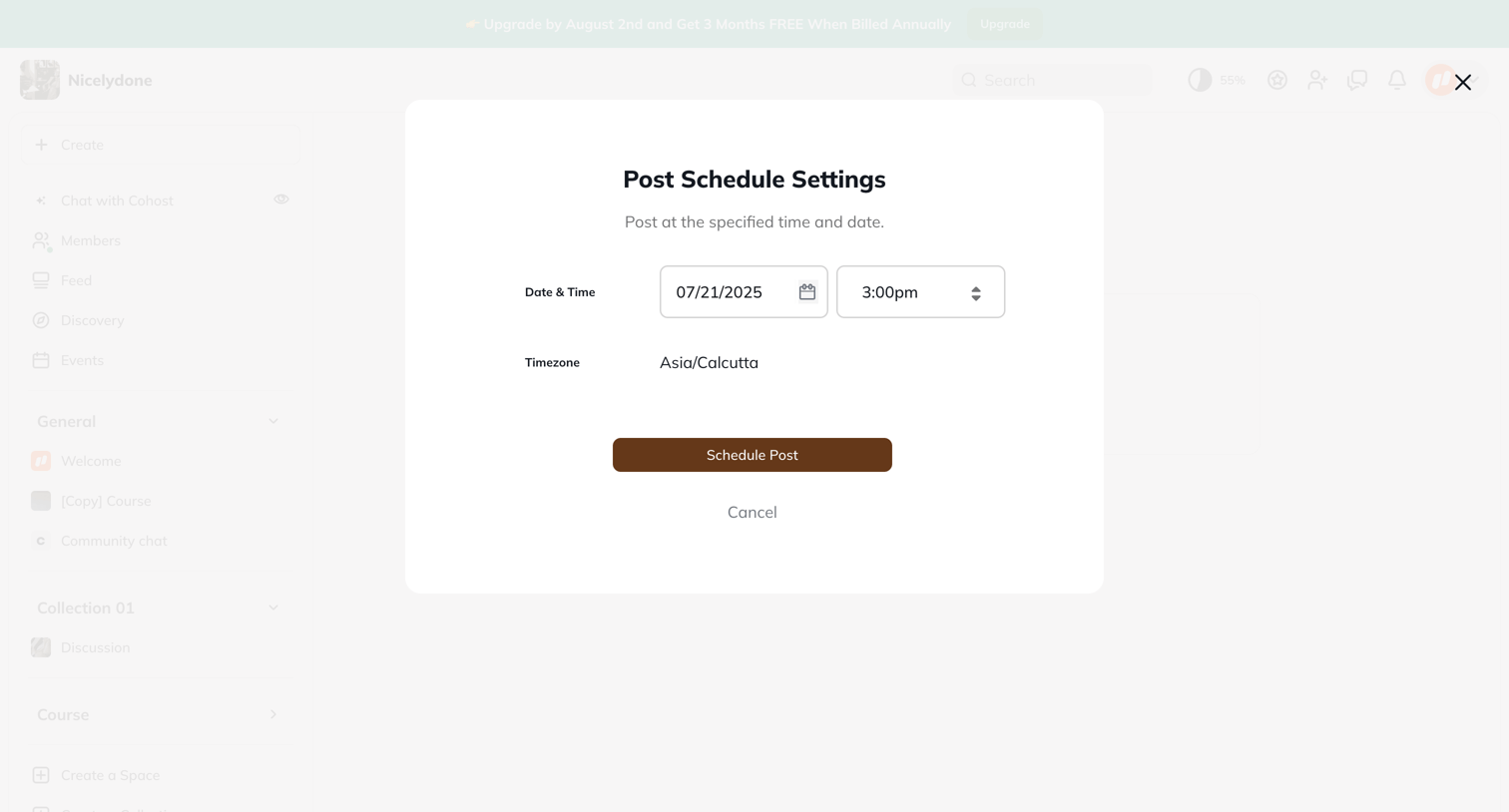

Modal where the user selects a date and time to schedule a post for future publication.
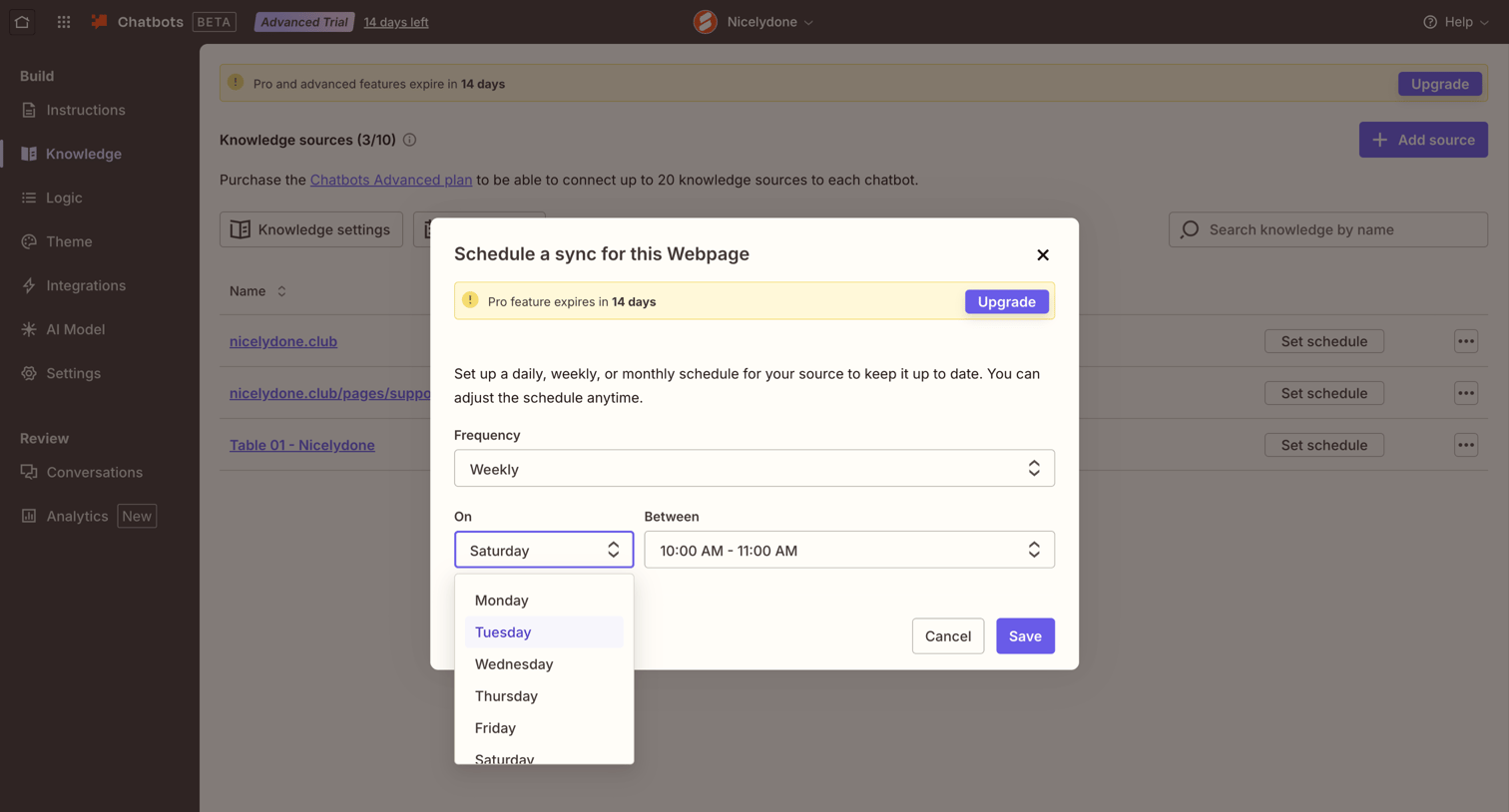

Settings page where the user configures a weekly sync schedule for a specific webpage knowledge source in their chatbot.
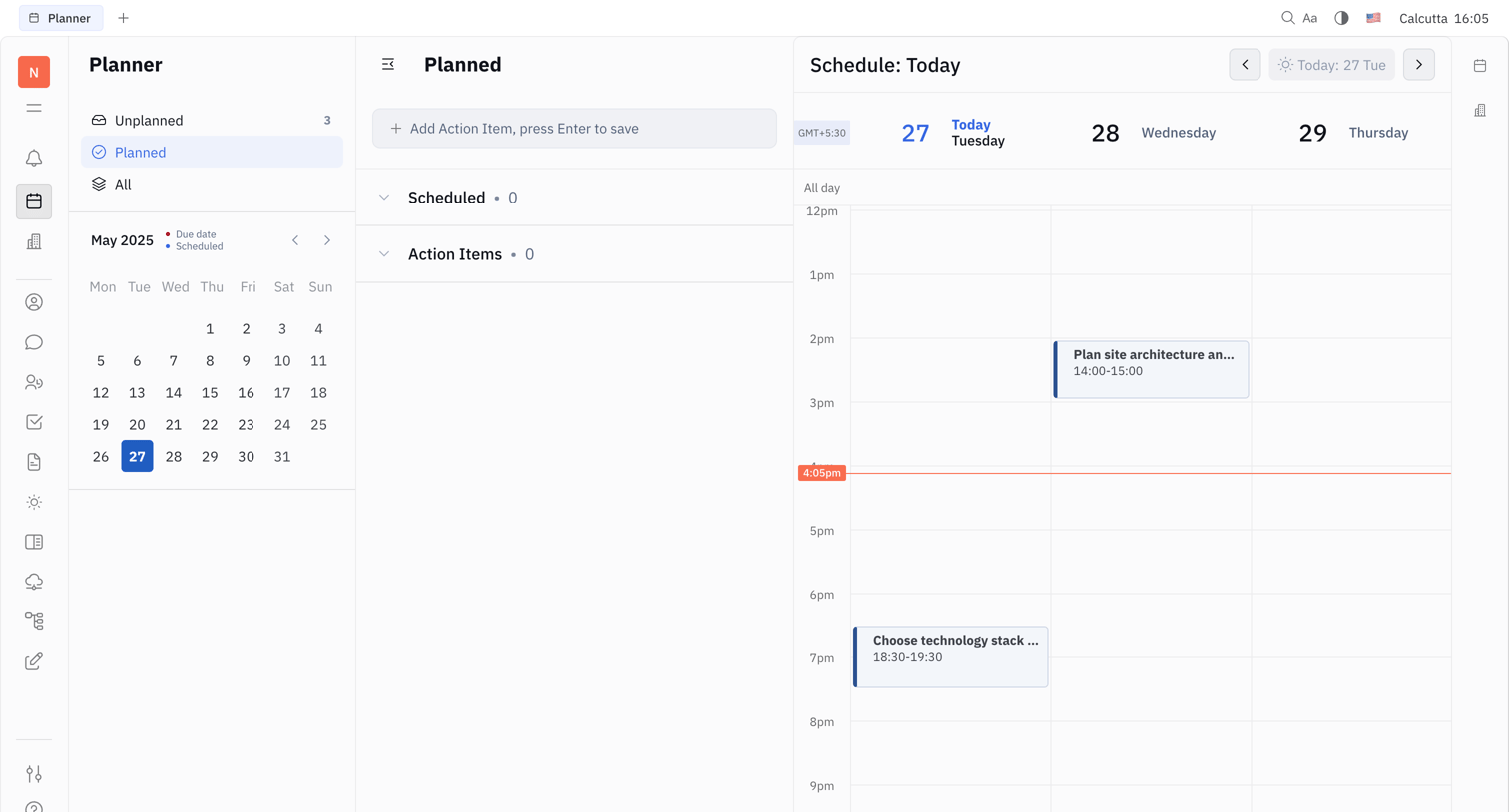

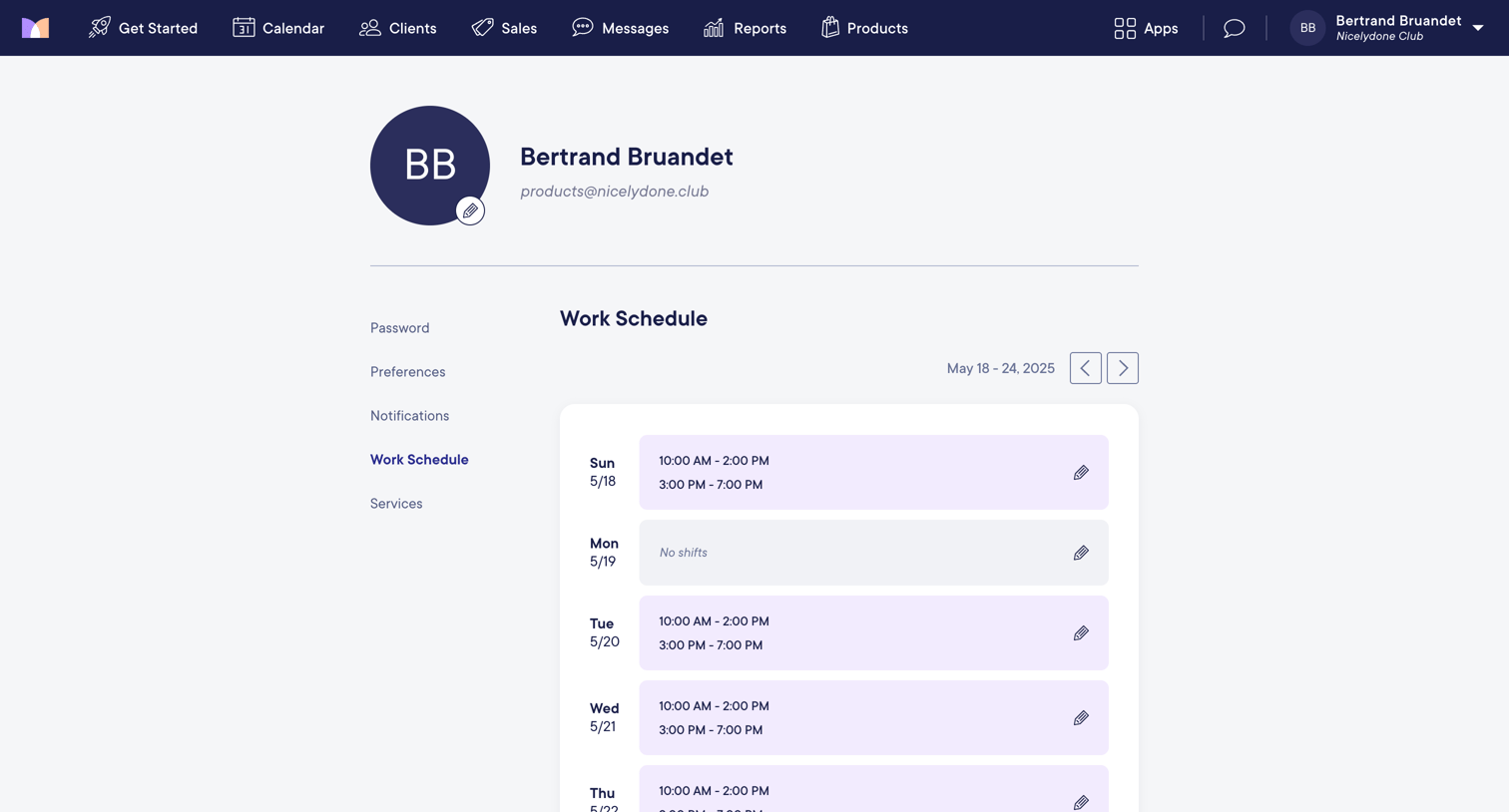

Settings page where the user views and edits their weekly work schedule and shift availability.
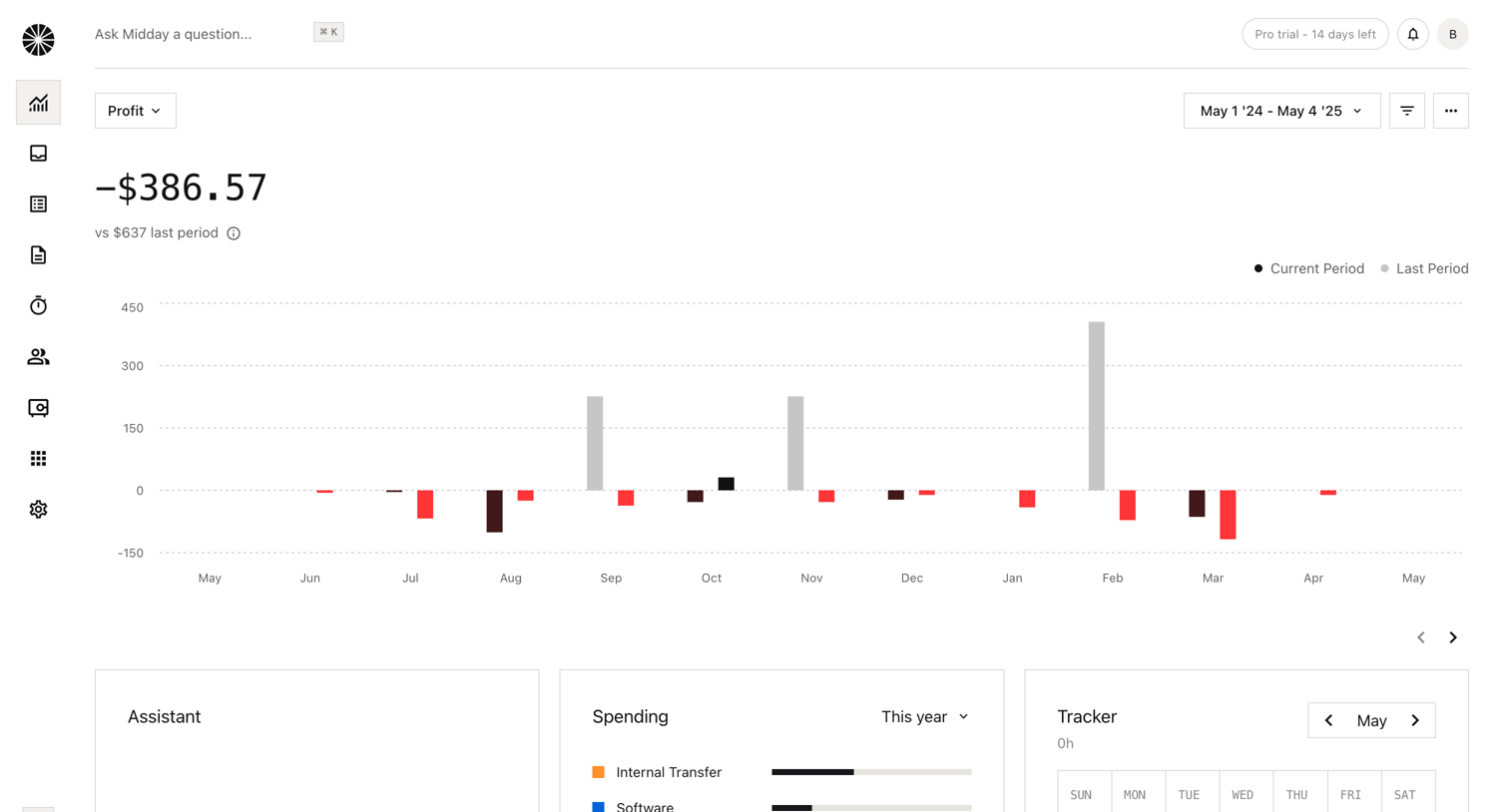

Dashboard showing a large profit and loss bar chart over time, along with widgets for an AI assistant, spending breakdown, and time tracker.
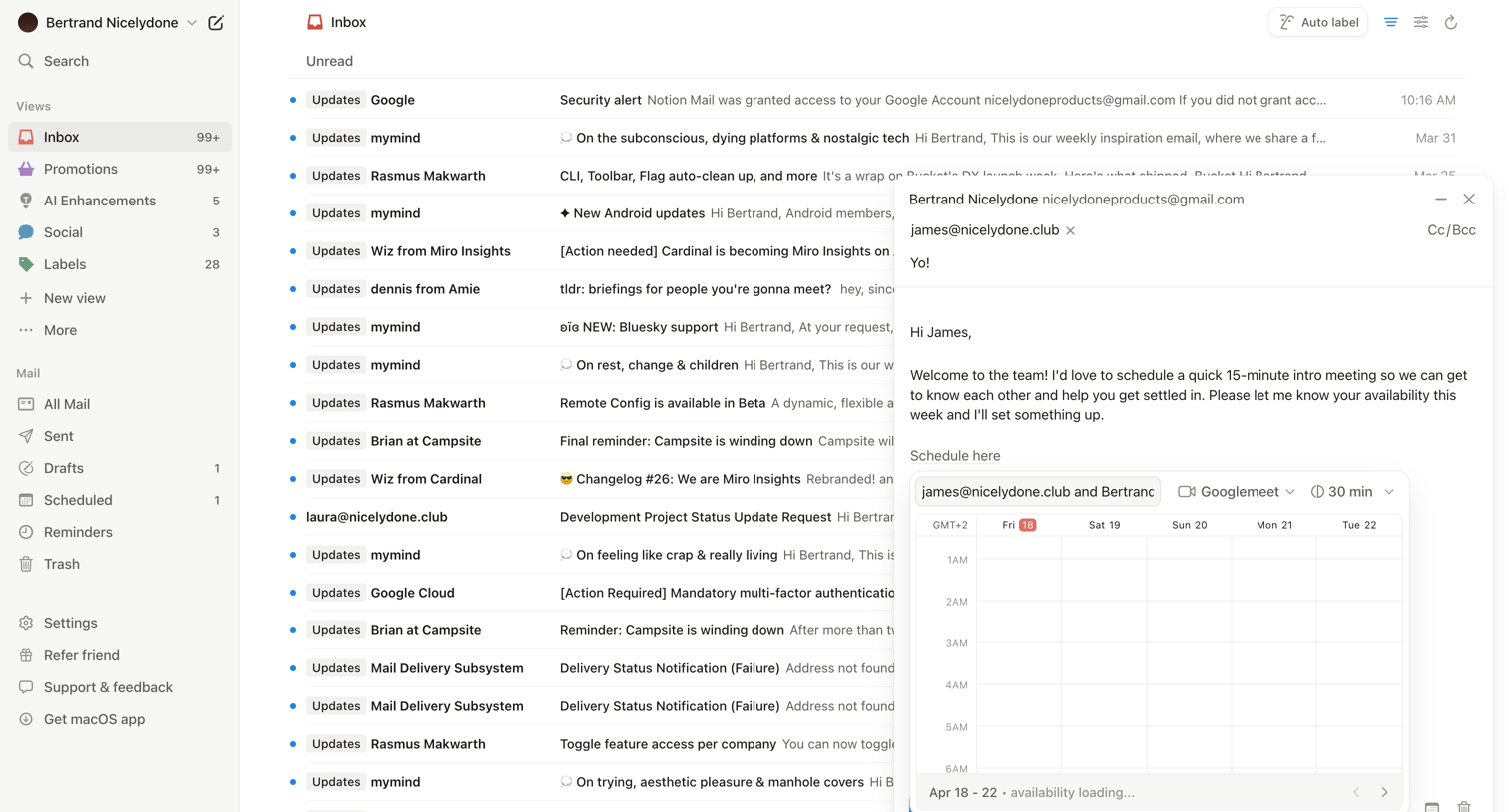

Email inbox where the user is composing a message and using an inline calendar block to schedule a 15-minute Google Meet intro meeting.
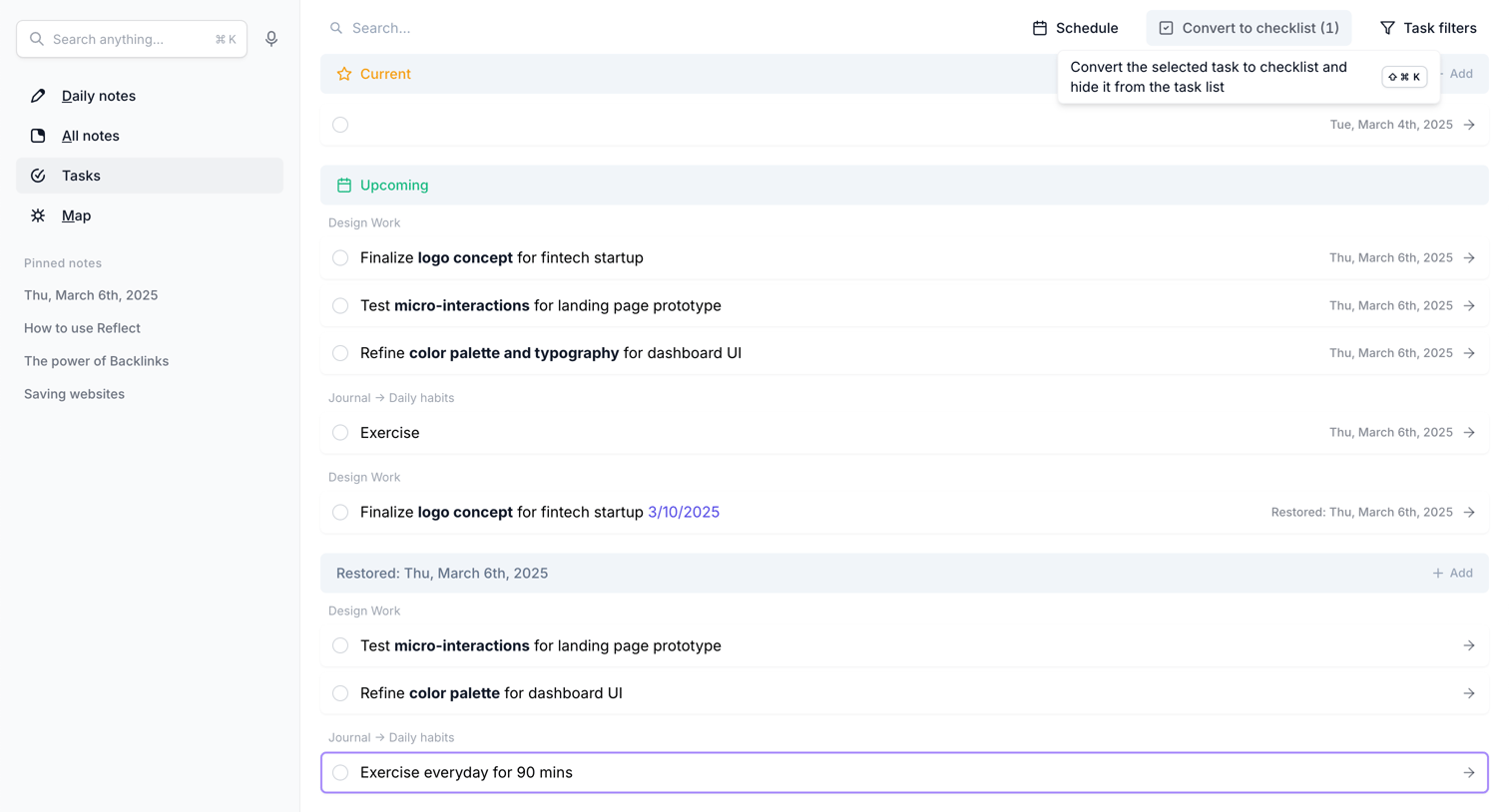

Task list view where the user manages current and upcoming tasks, with options to schedule, convert to checklists, and filter by project or habit.
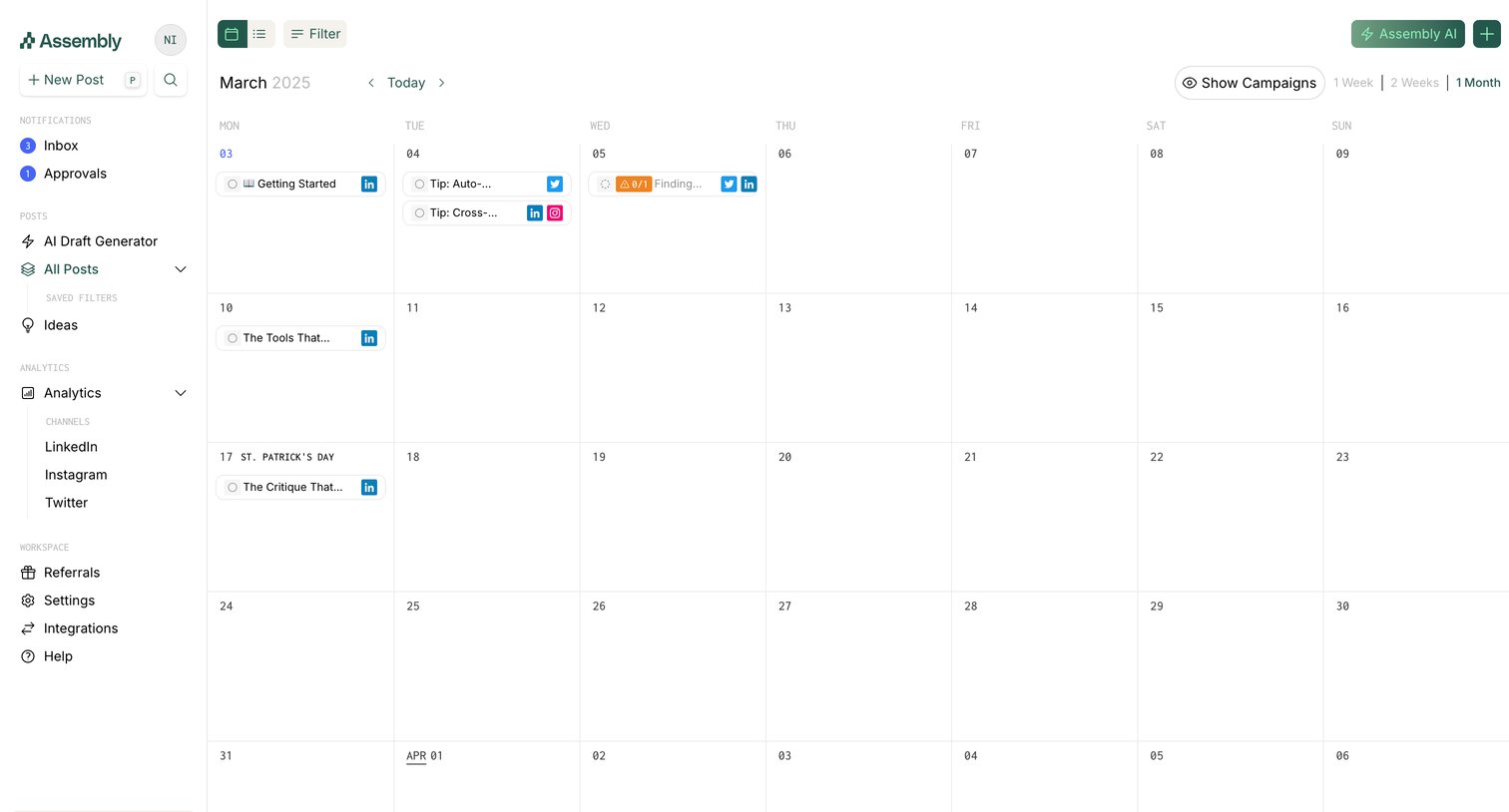

App calendar view where the user manages scheduled social media posts across different platforms.
Explore the full SaaS screen library
Upgrade to unlock the full library.
Trusted by the best teams







