Team workspace screen examples
Team workspace screen design examples from SaaS apps. Browse examples from Magnific, Flask, Inference.
Explore the examples
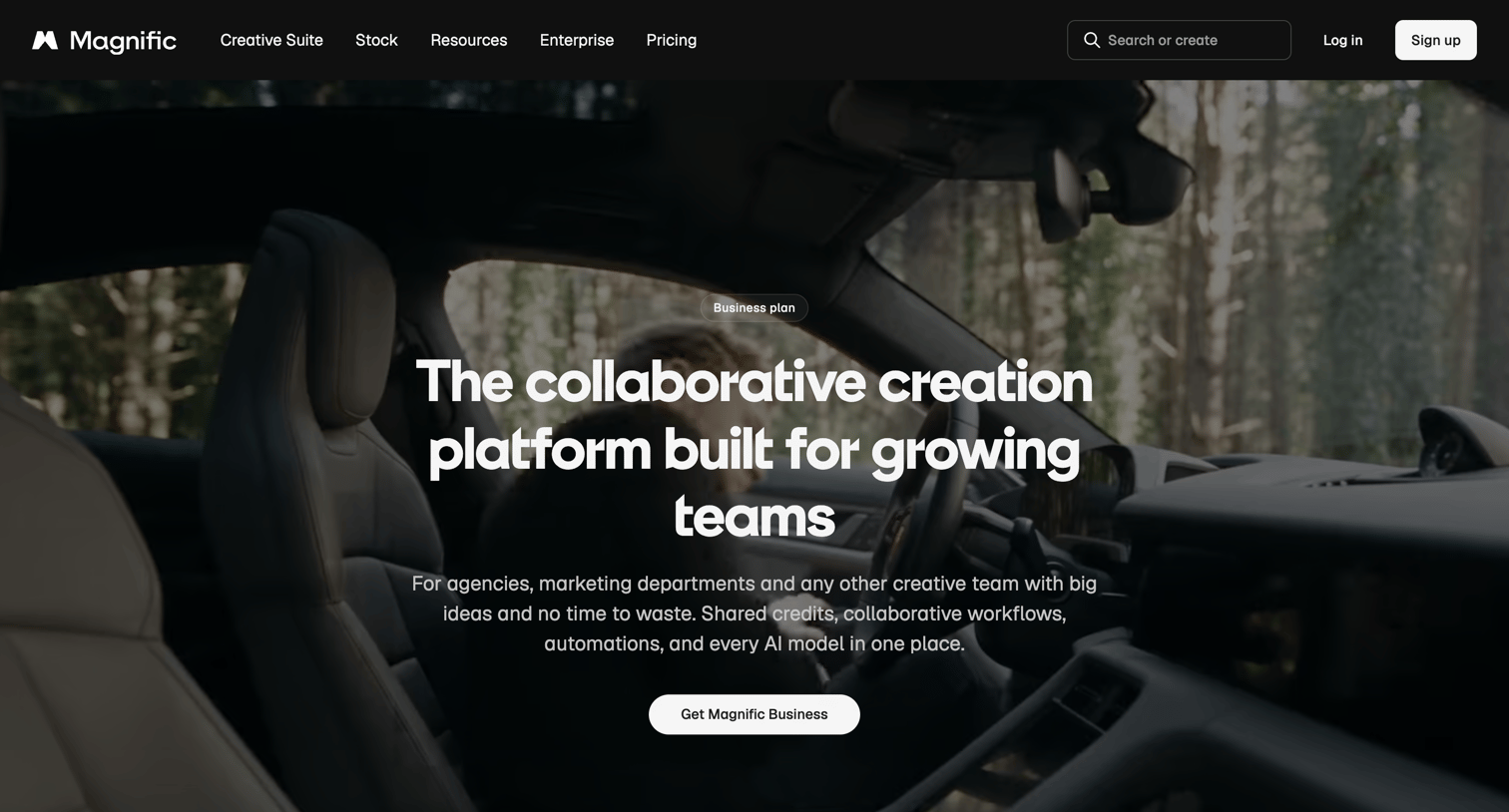

Enterprise landing page pitching the Business plan for creative teams, highlighting shared credit pools, team management, and security features above a pricing table.
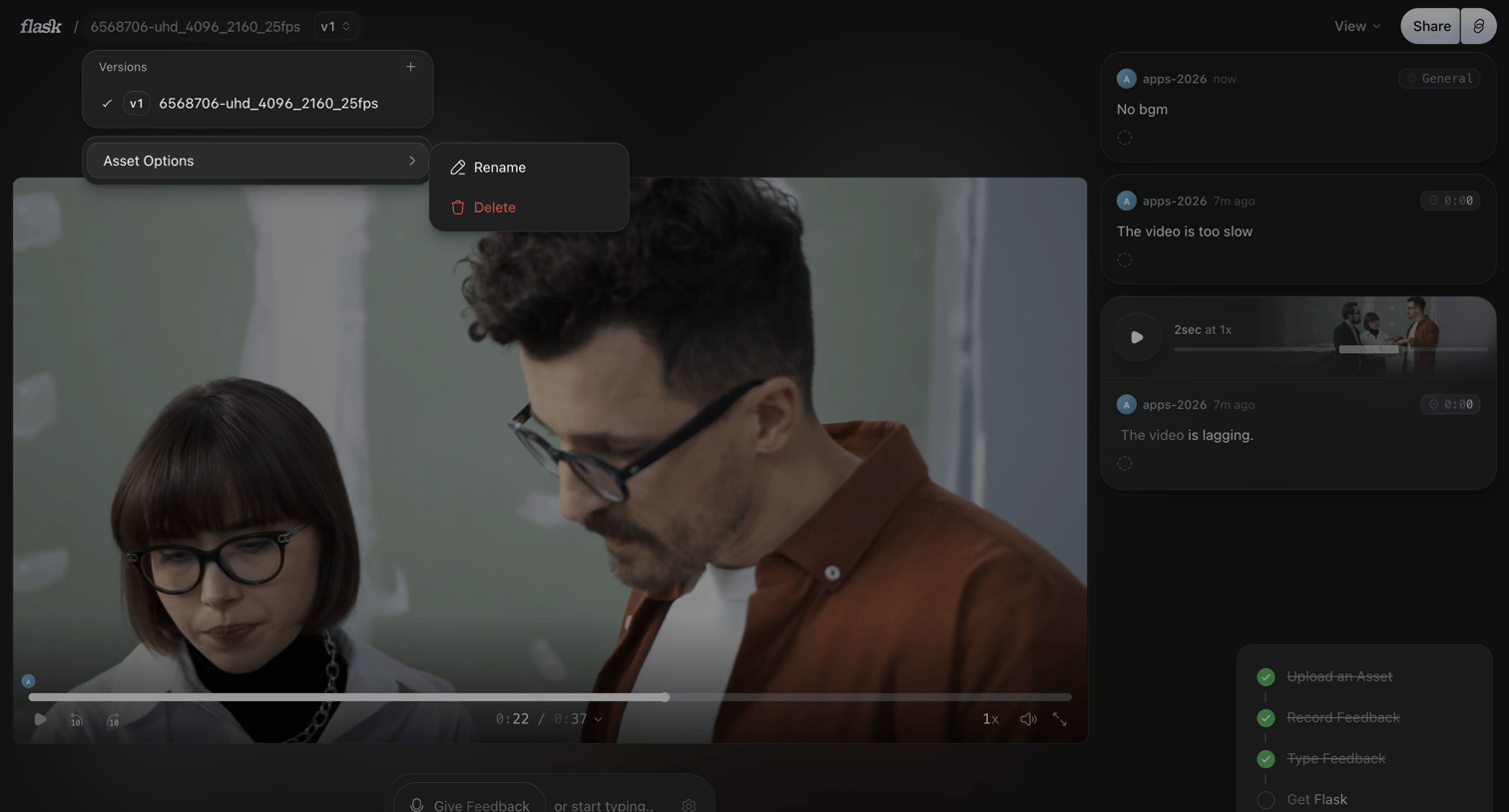

Detail page where a user reviews a video asset, leaving timecoded text and voice comments in the sidebar.
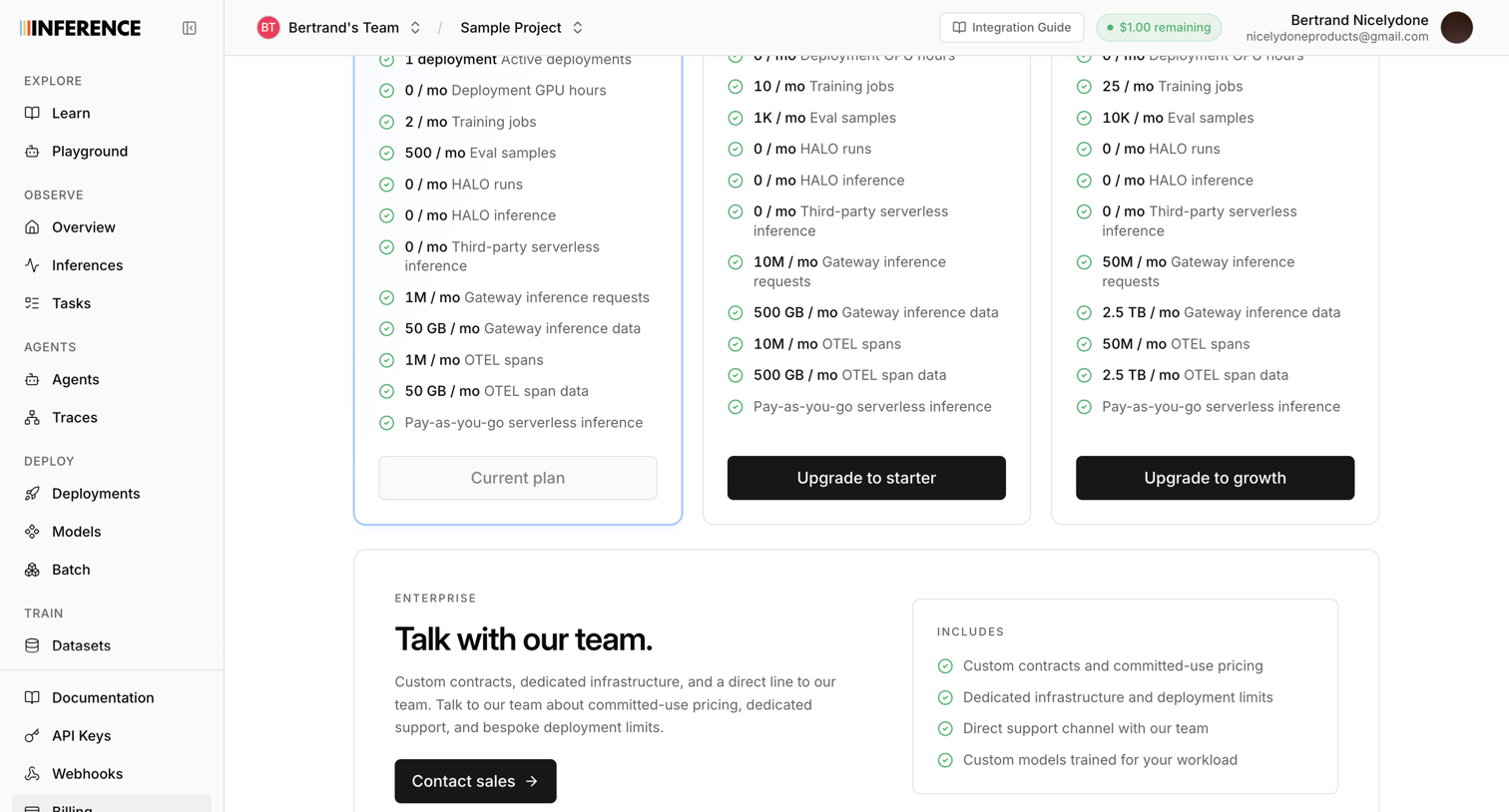

Settings page where the user views their current plan limits and can upgrade to starter, growth, or enterprise tiers.
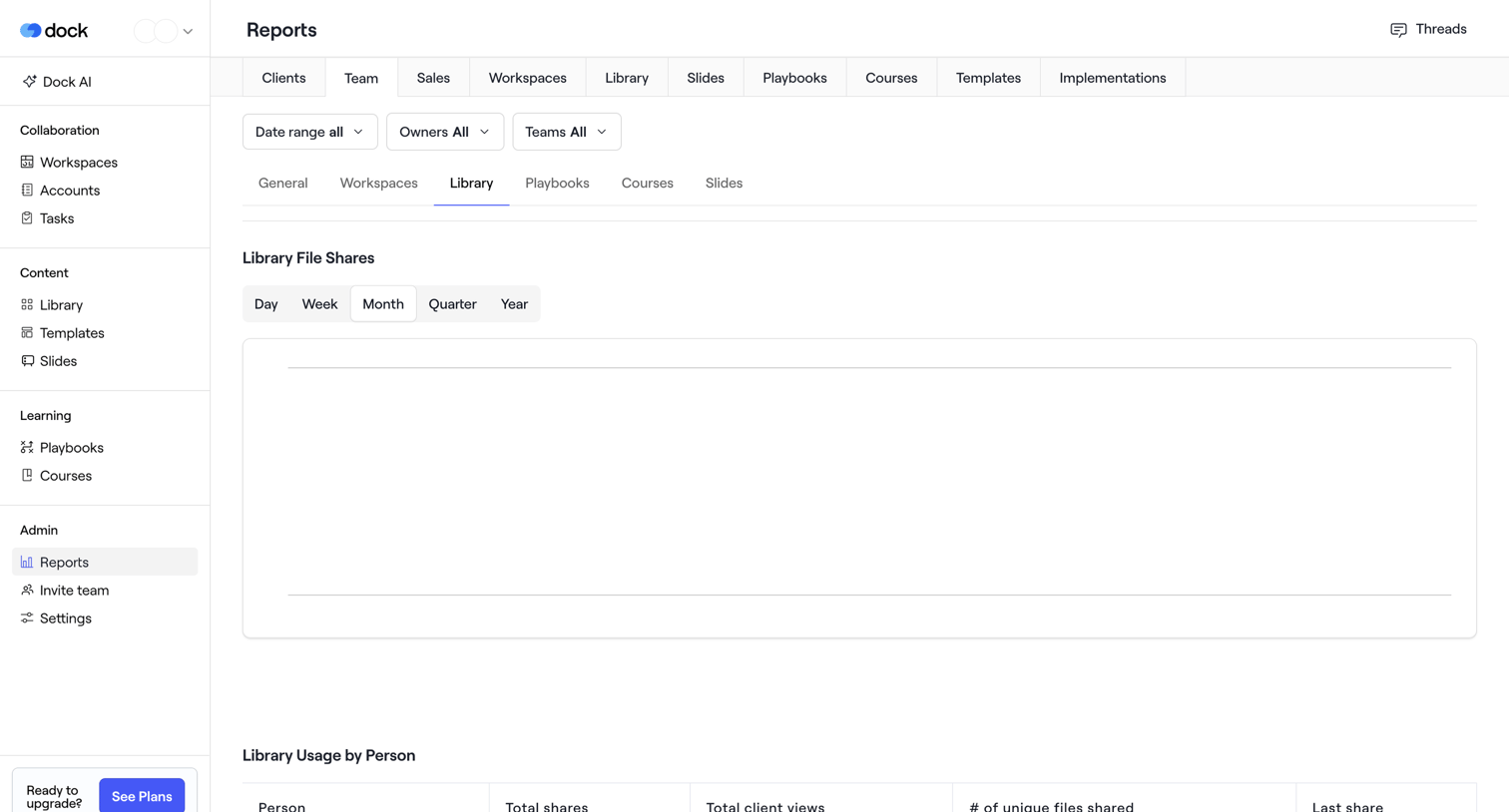

Analytics page where the user views library file shares and usage by person, currently showing an empty state with date and owner filters.
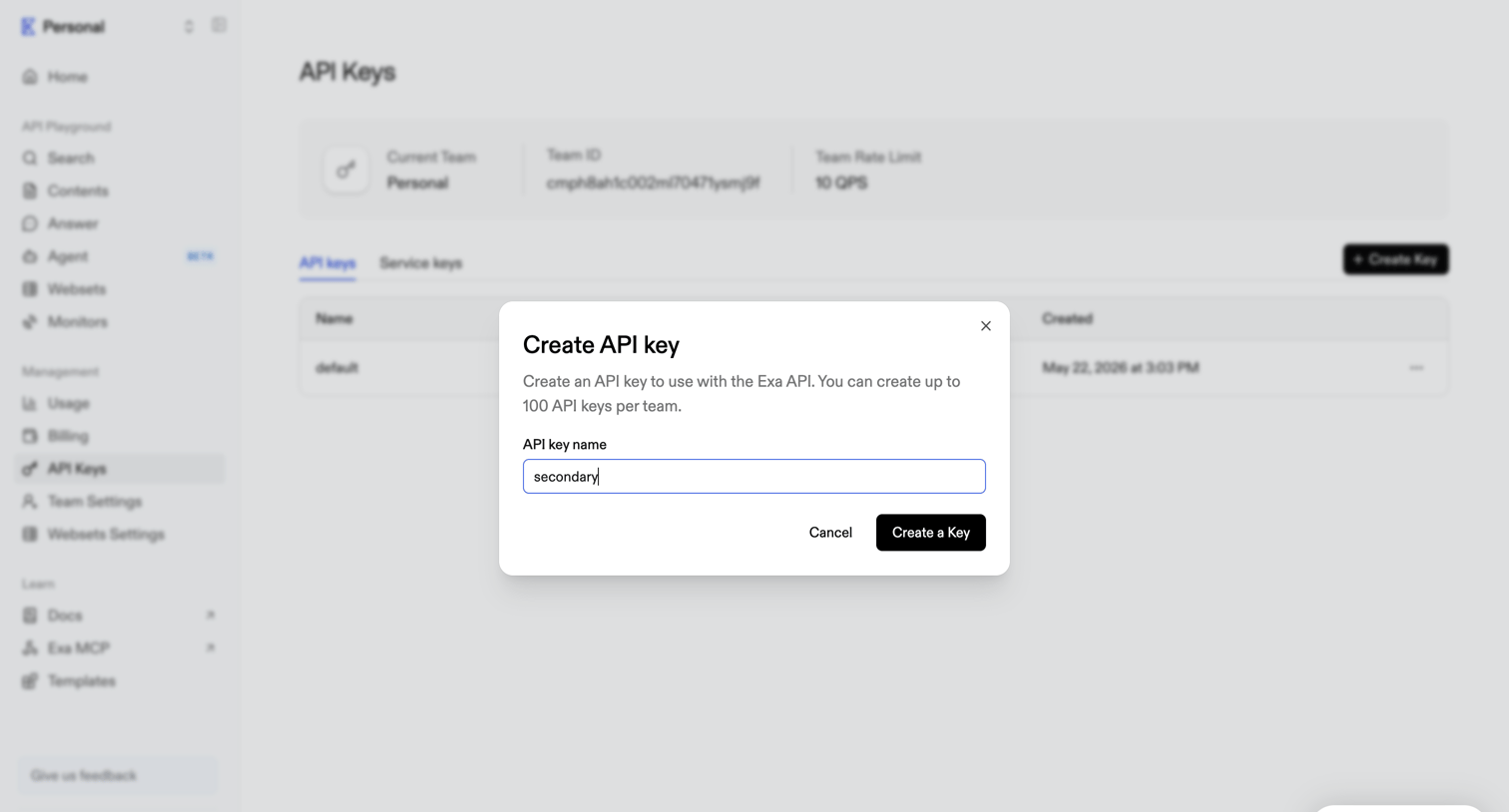

Settings page where the user creates a new API key by providing a name in a modal over the API keys list.
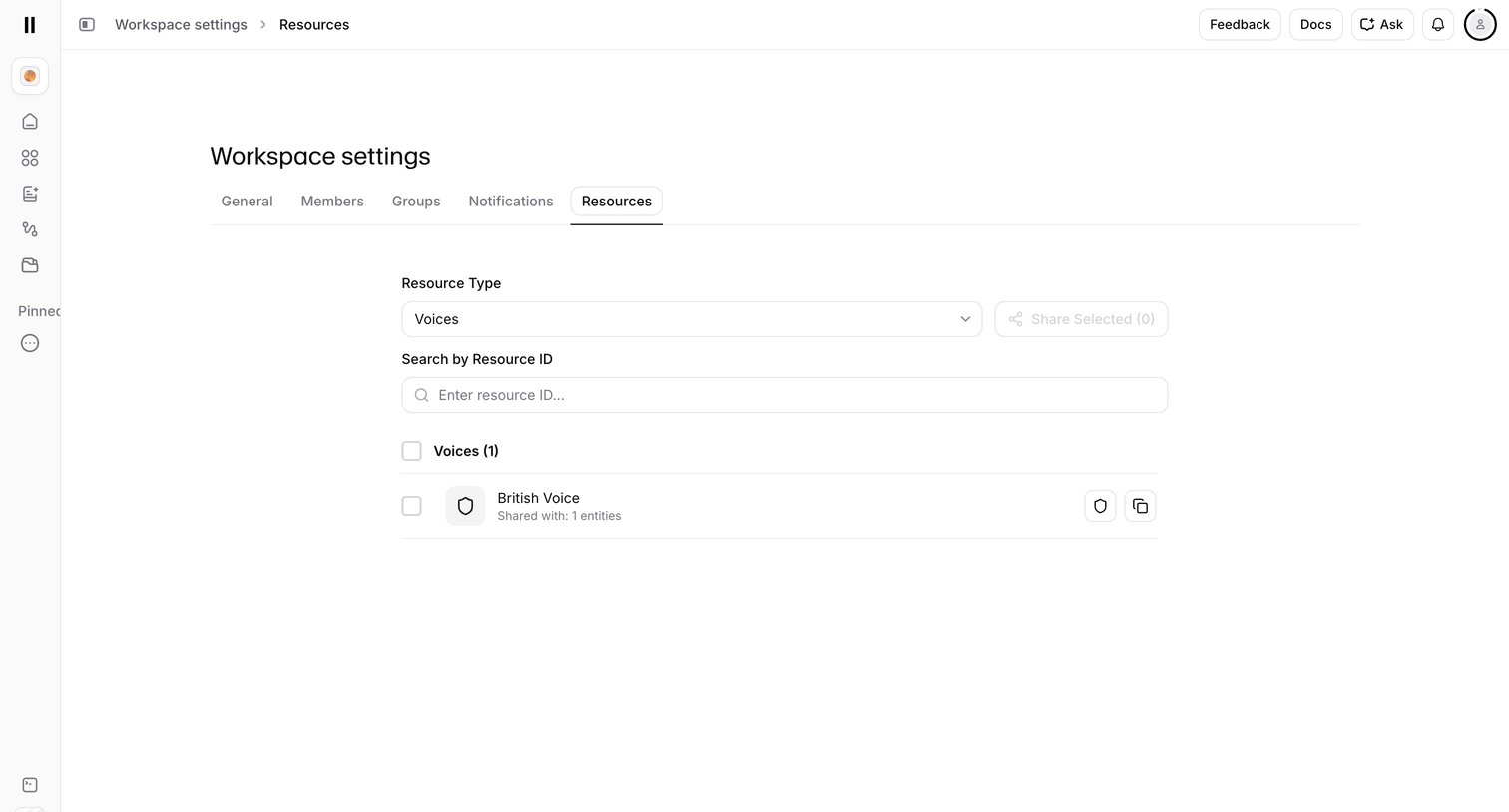

Settings page where the user manages and shares workspace resources like voices by searching or filtering by type.
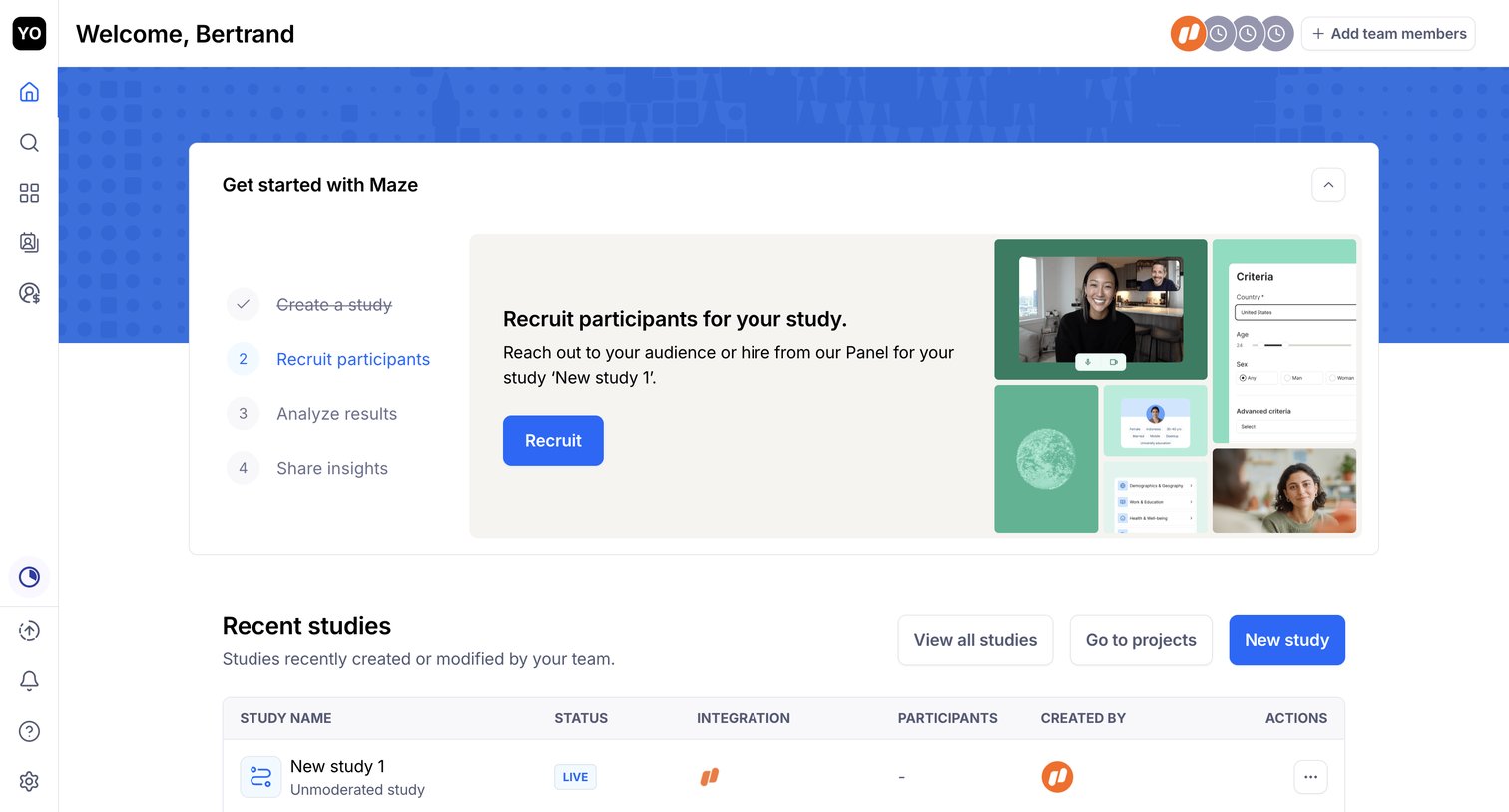

Home screen where the user is guided through a setup checklist to recruit participants and can view their recent studies.
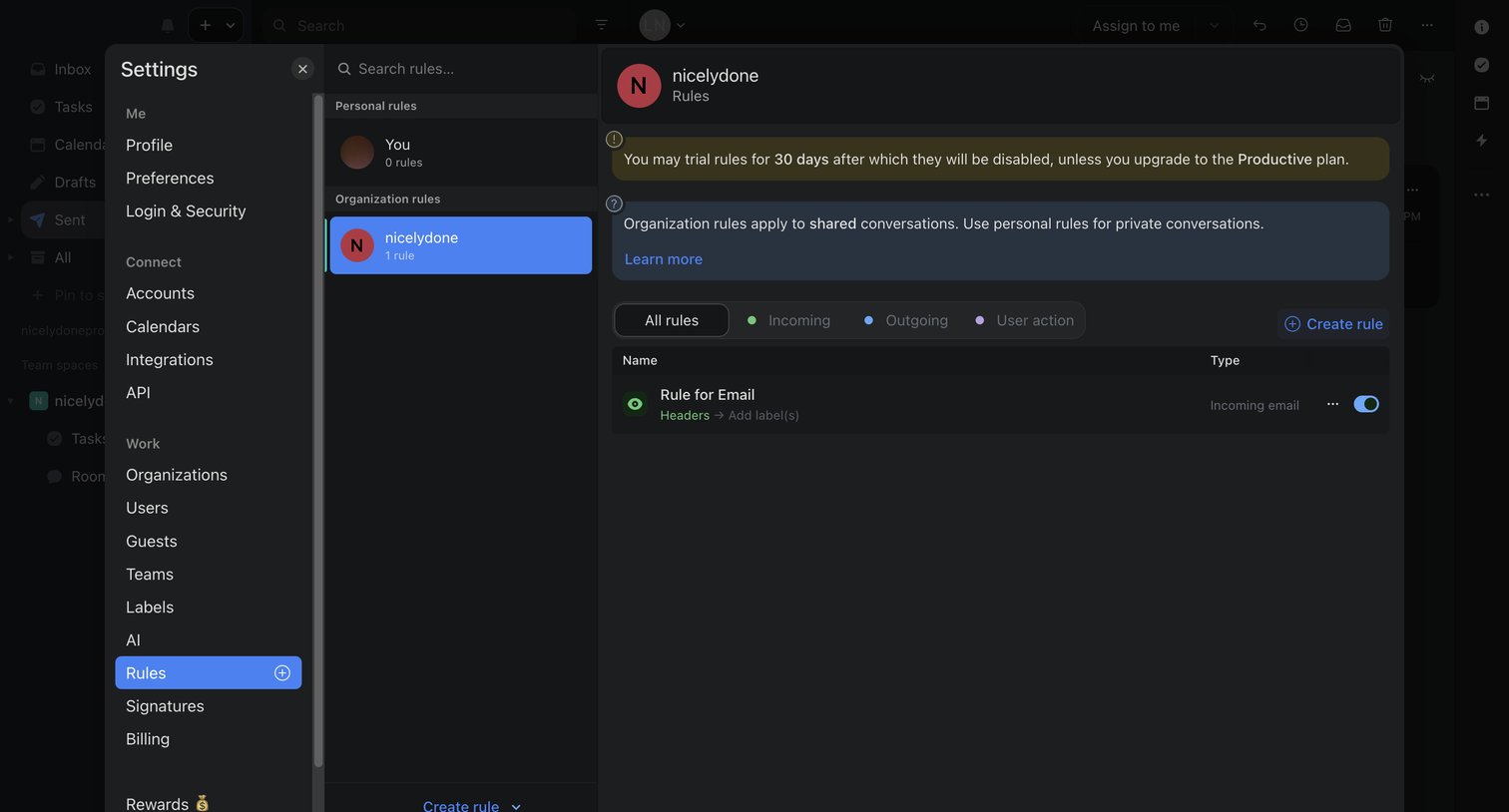

Settings modal where the user manages automation rules for their organization, featuring a trial expiration warning and an option to create new rules.
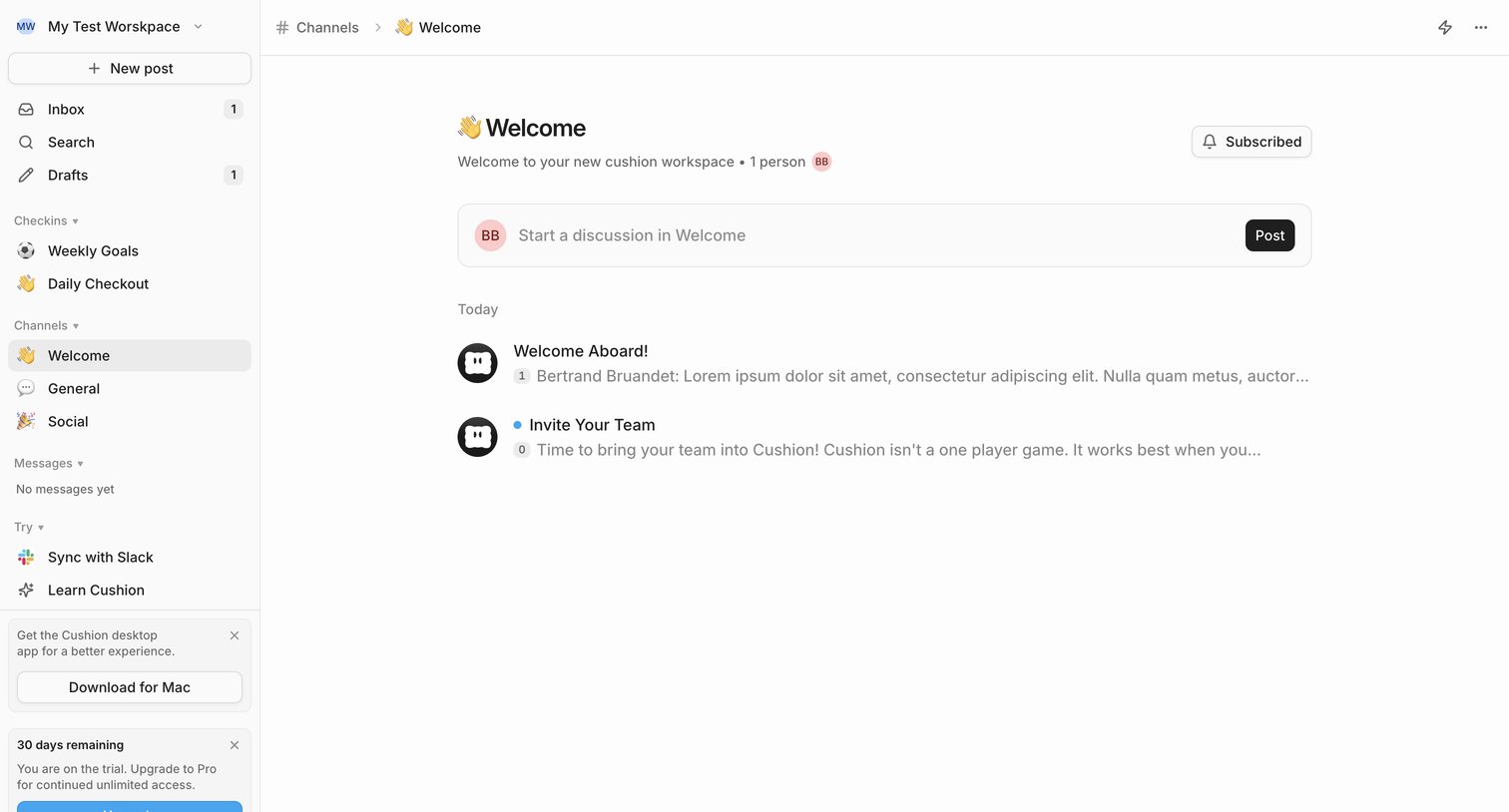

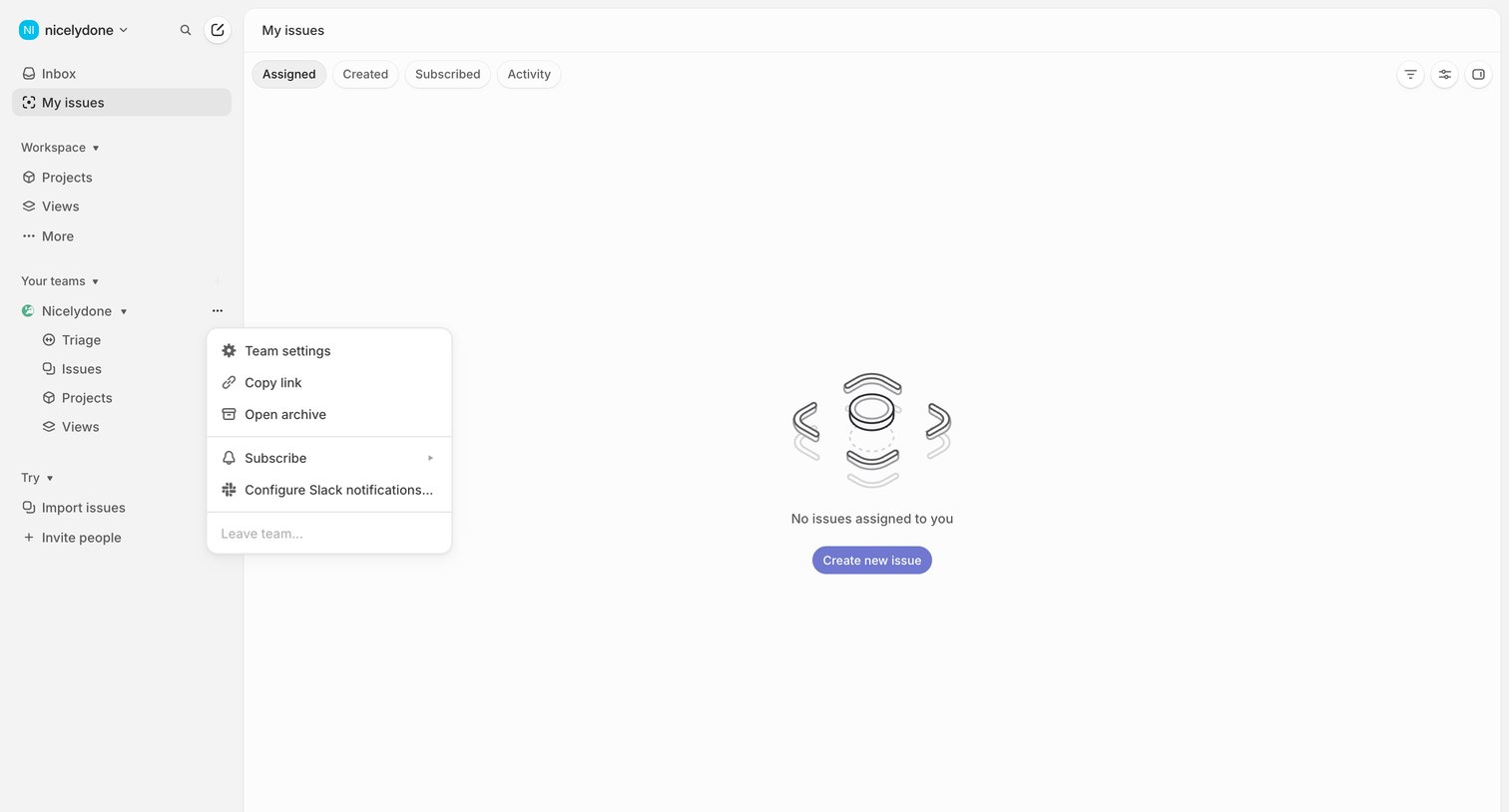

List view showing an empty state for assigned issues with a prompt to create a new one.
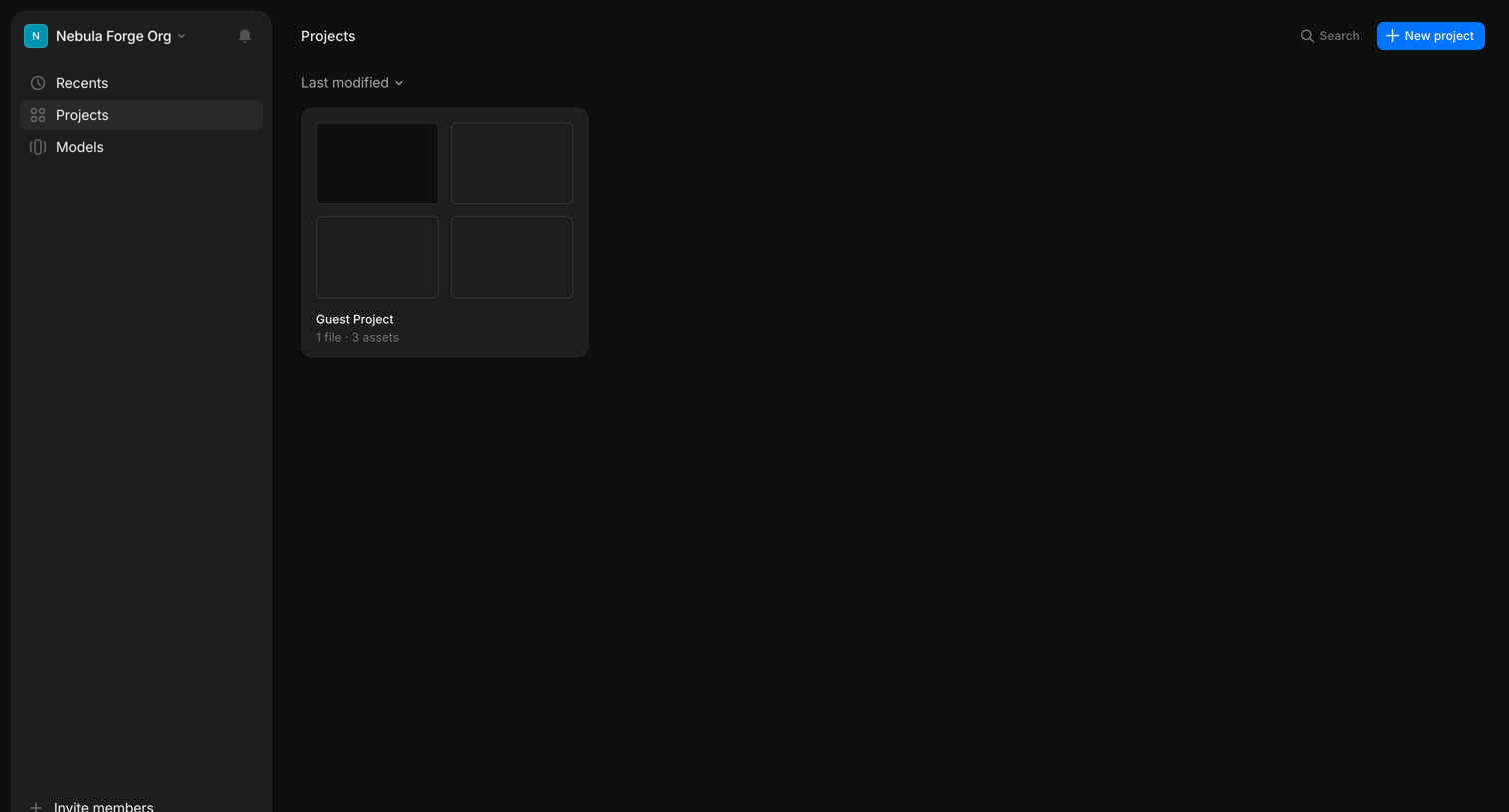

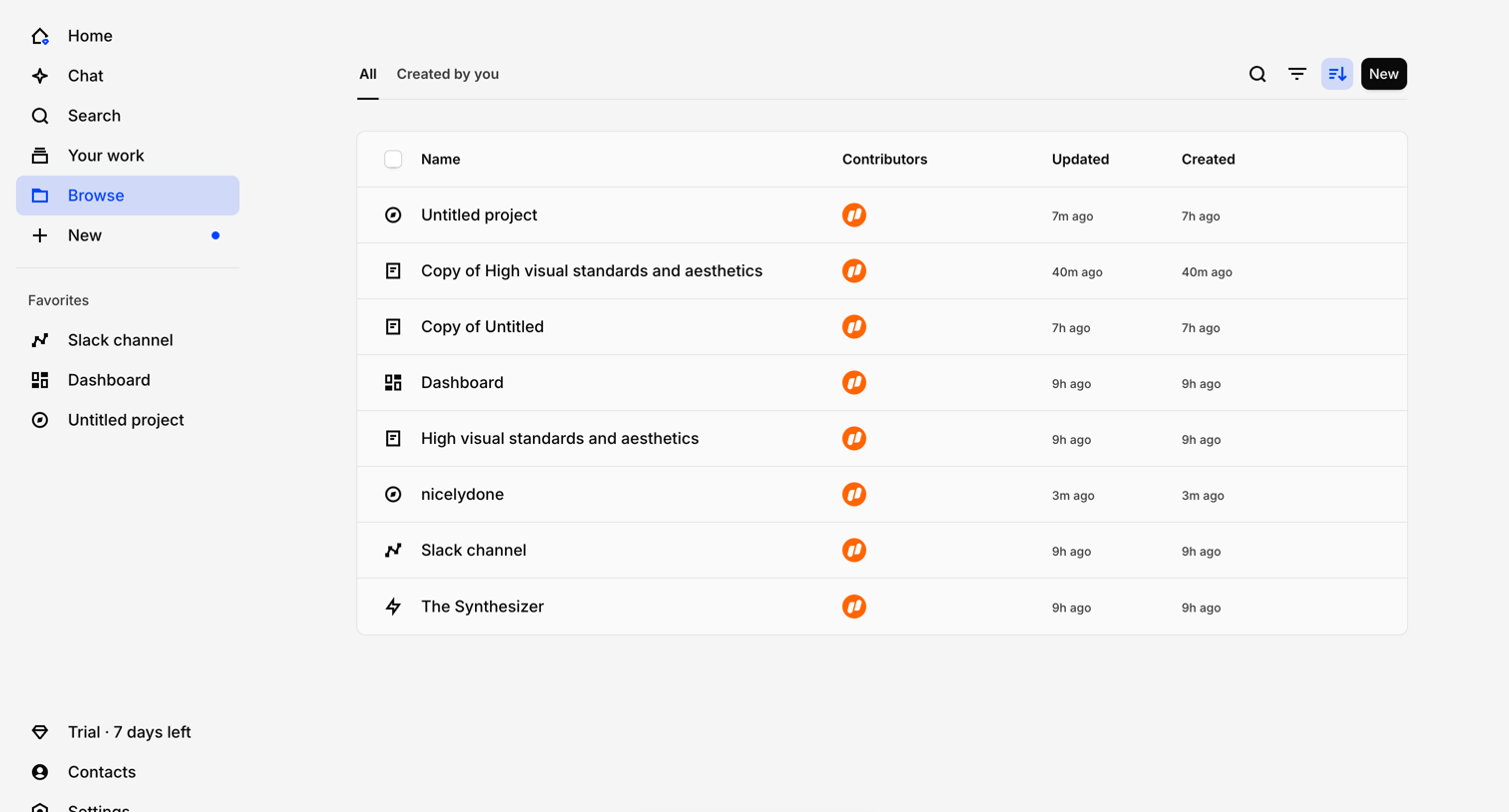
Project management view where the user browses their workspace assets, featuring a confirmation toast for a recently deleted item.

Explore the full SaaS screen library
Upgrade to unlock the full library.
Trusted by the best teams







