Skip to content

Tagging screen examples

Tagging screen design examples from SaaS apps. Browse examples from Flora, Mailchimp, Kinsta.

Explore the examples
Flora - FLORA - Untitled screen
Flora logo
Flora

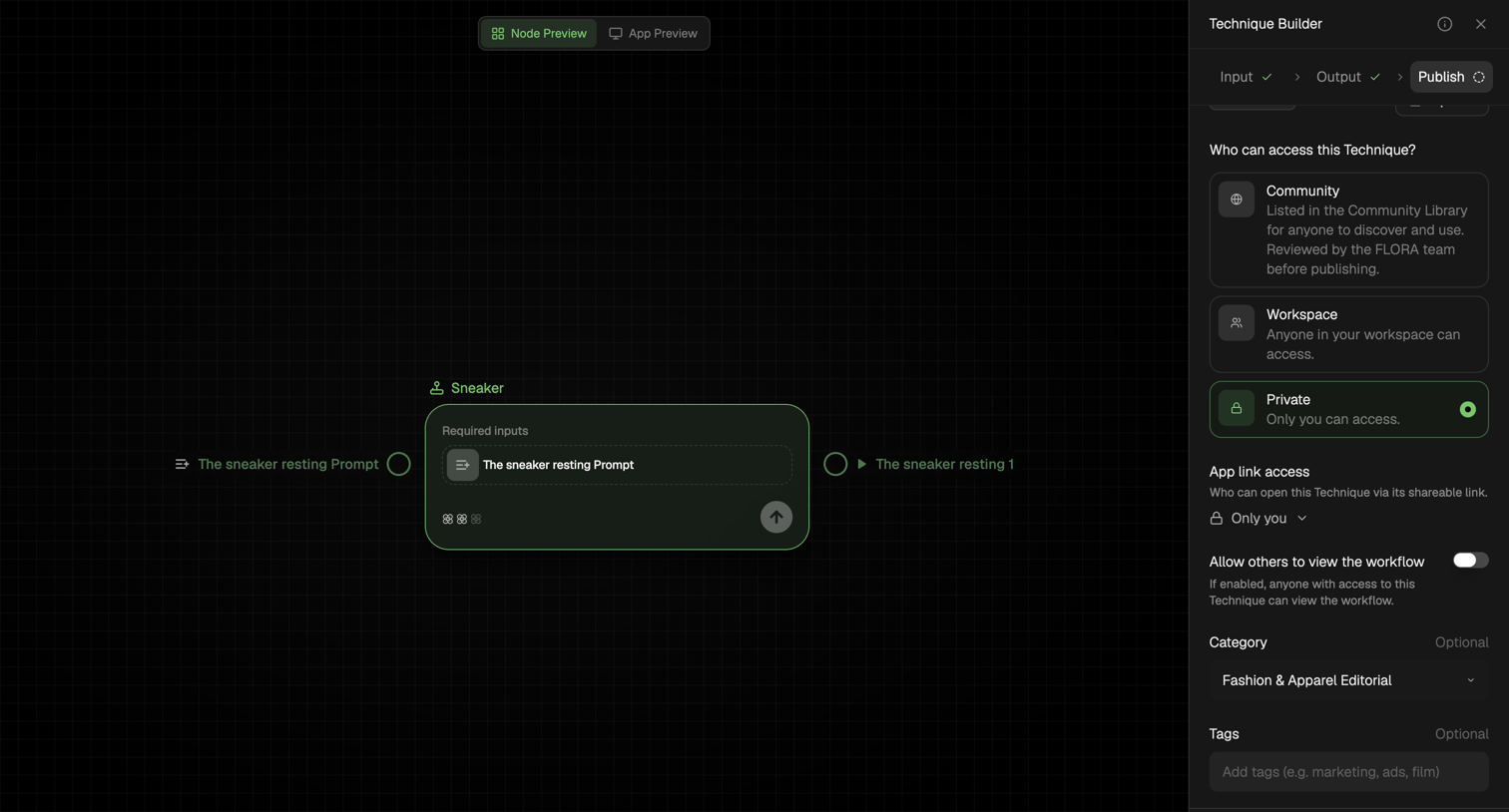
Workflow editor where the user configures access permissions, category, and tags before publishing a technique.

Mailchimp - Tags | Mailchimp screen
Mailchimp logo
Mailchimp

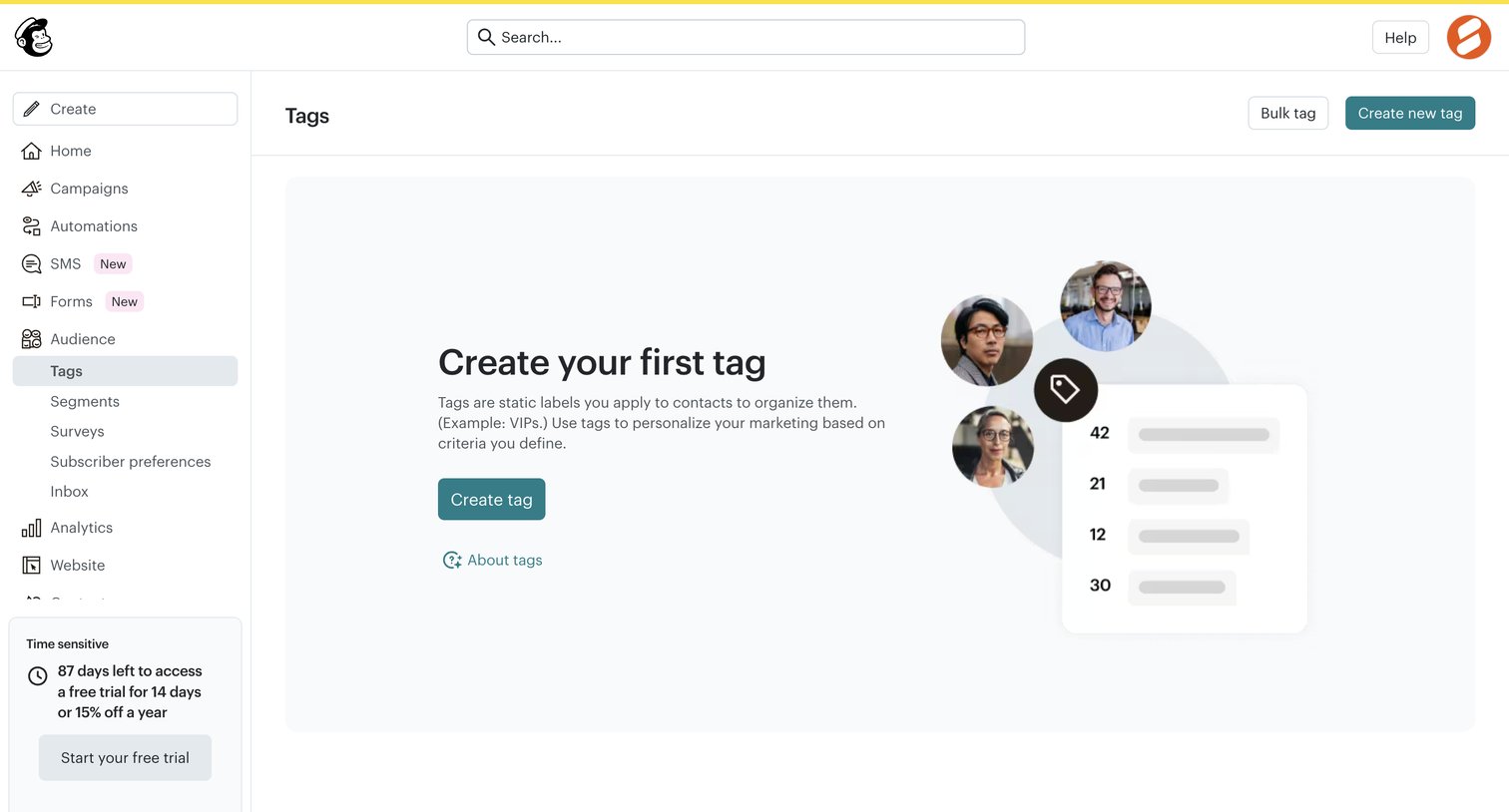
List view empty state where the user is prompted to create their first tag to organize audience contacts, alongside a prominent trial countdown banner in the sidebar.

Kinsta - WordPress sites - MyKinsta screen
Kinsta logo
Kinsta

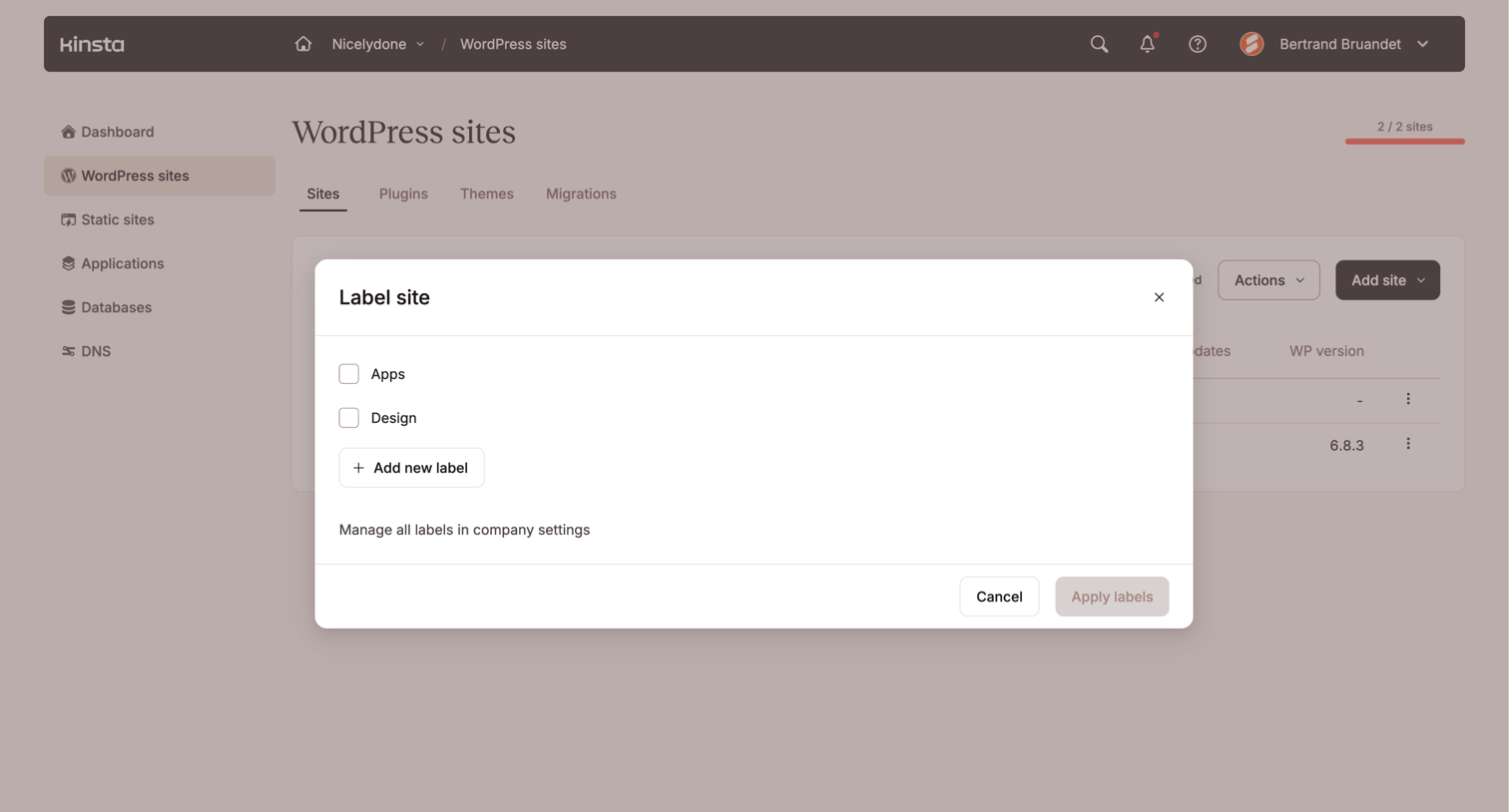
List view where the user applies custom labels to a specific WordPress site via a modal.

Firecrawl - Firecrawl - The Web Data API for AI screen
Firecrawl logo
Firecrawl

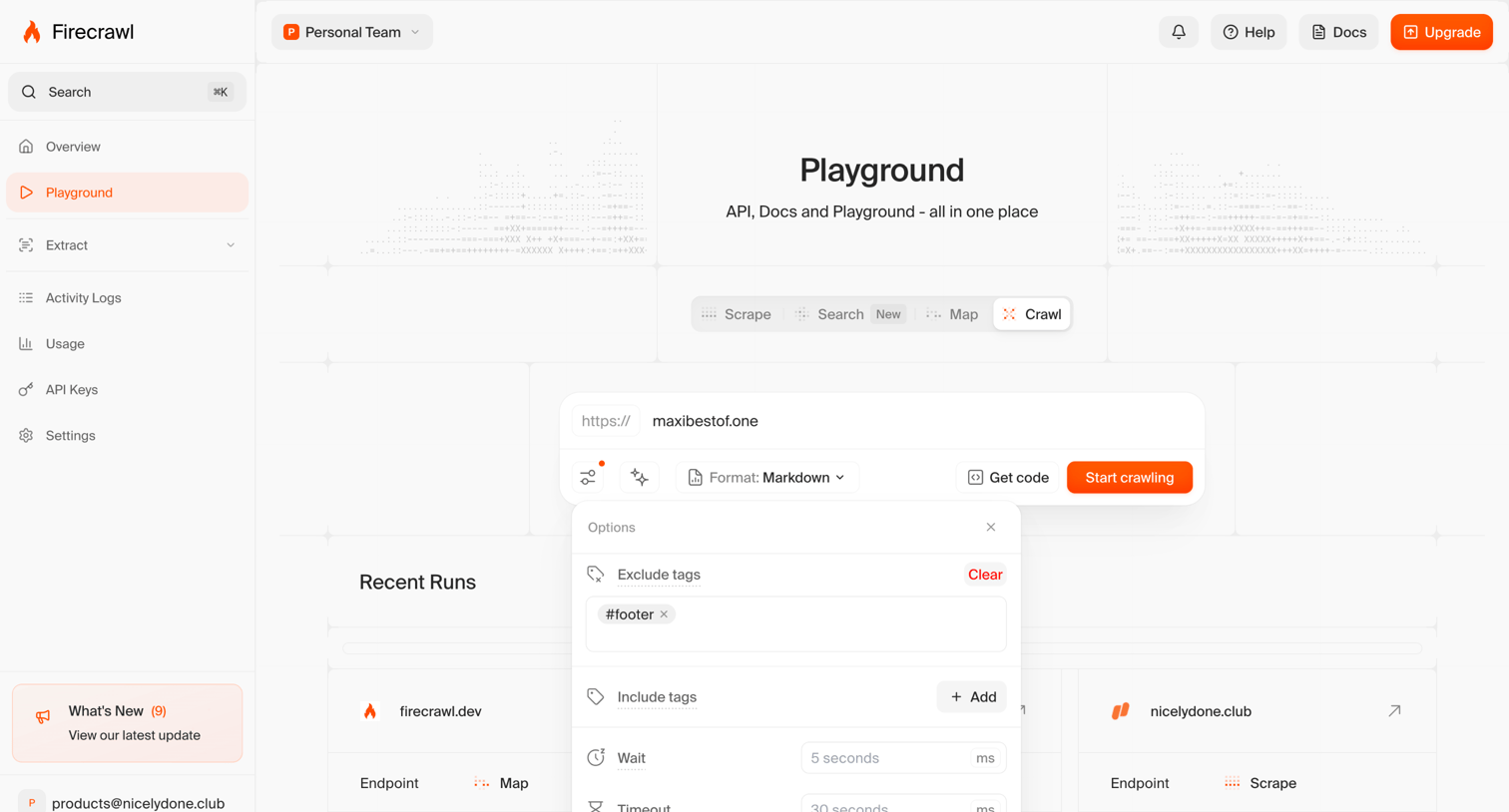
Playground screen where the user configures a web crawl by setting the target URL, output format, and advanced options like tag exclusion and timeouts via a popover.
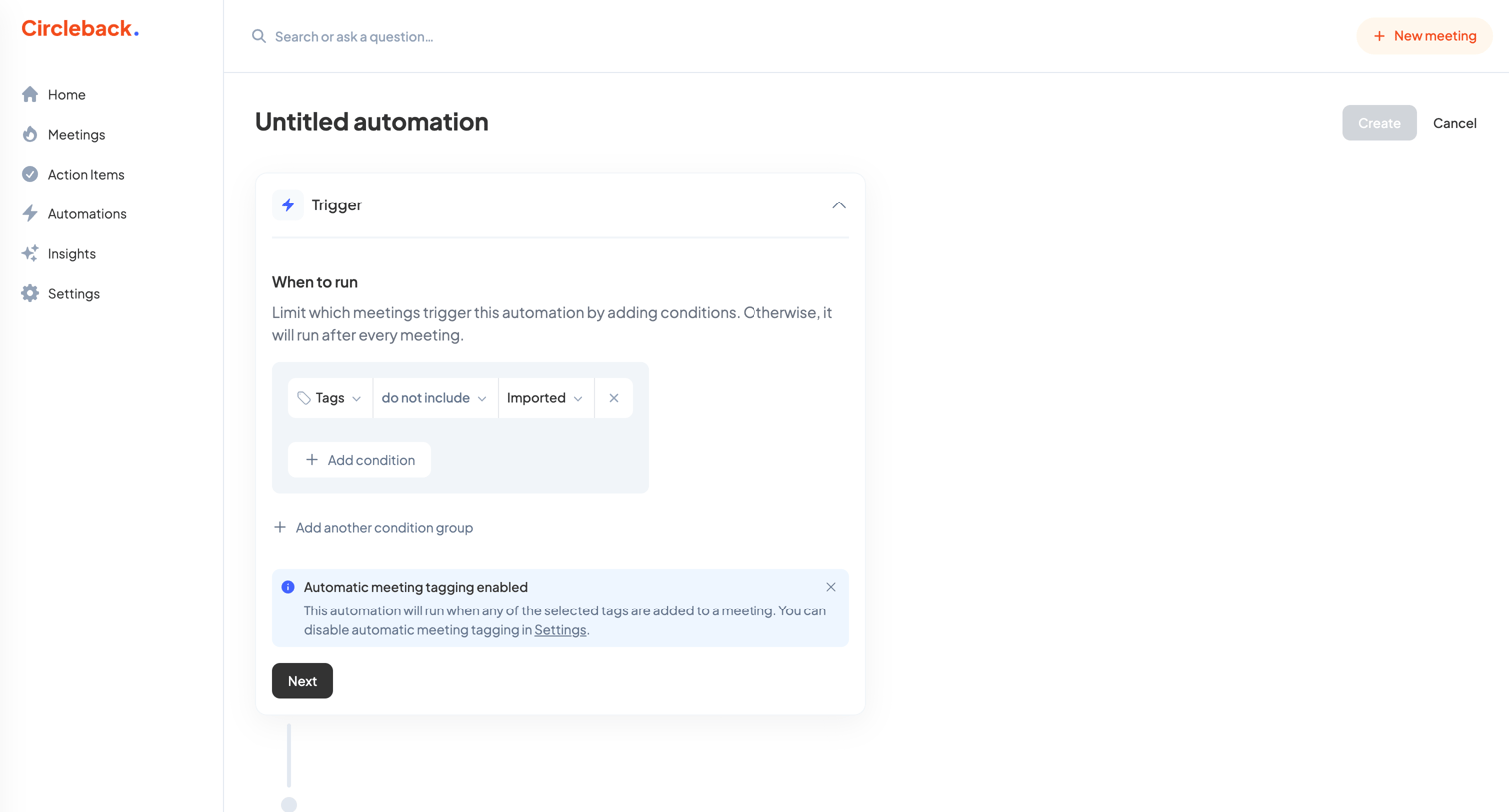

Circleback - Untitled automation - Circleback screen
Circleback logo
Circleback

Creation page where the user builds a new automation by configuring trigger conditions based on meeting tags.
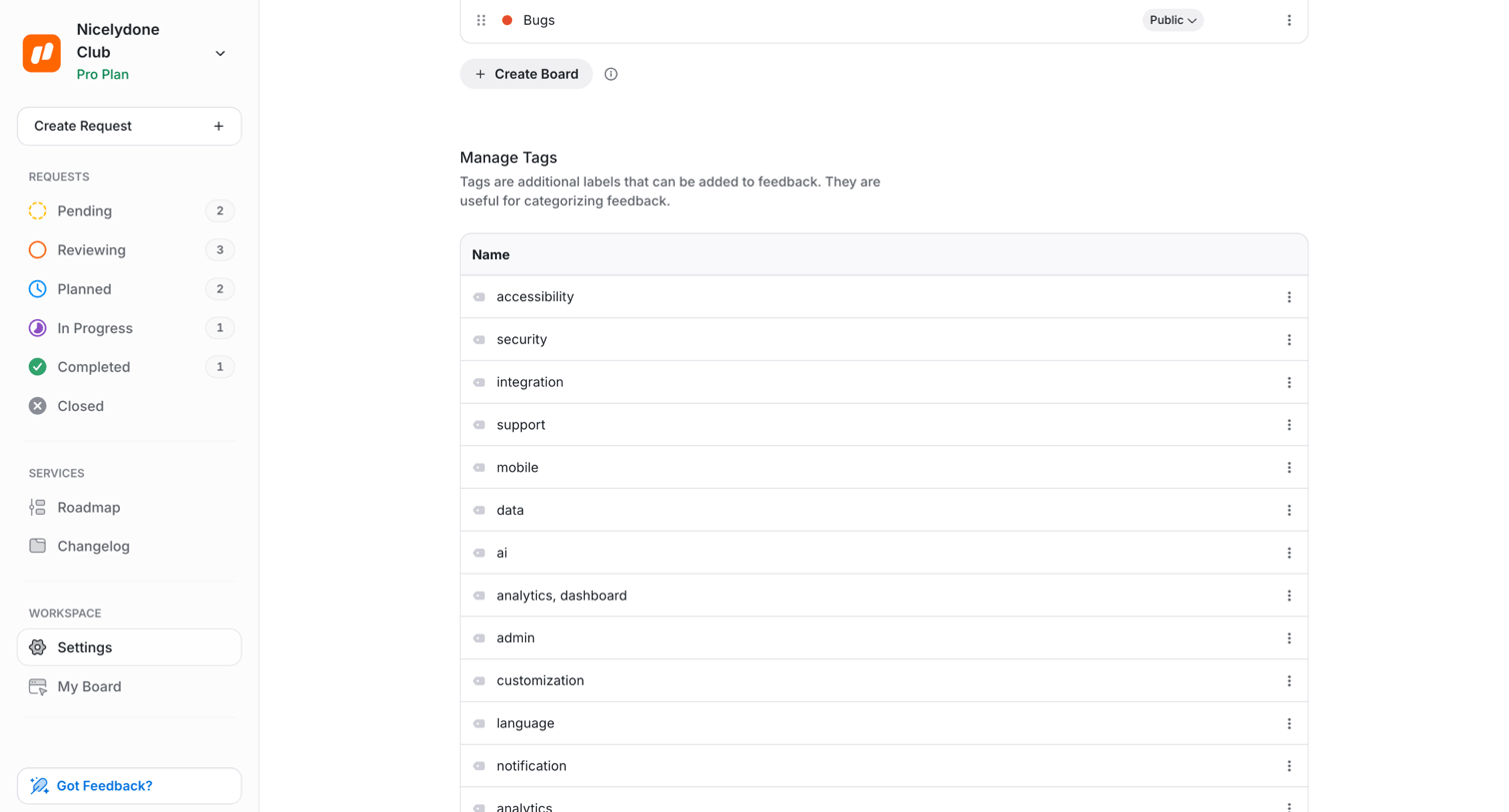

UserJot - Feedback Settings | UserJot screen
UserJot logo
UserJot

Settings page where the user manages feedback boards and creates or edits categorization tags.

Capsule - Tags | Nicelydone club CRM screen
Capsule logo
Capsule

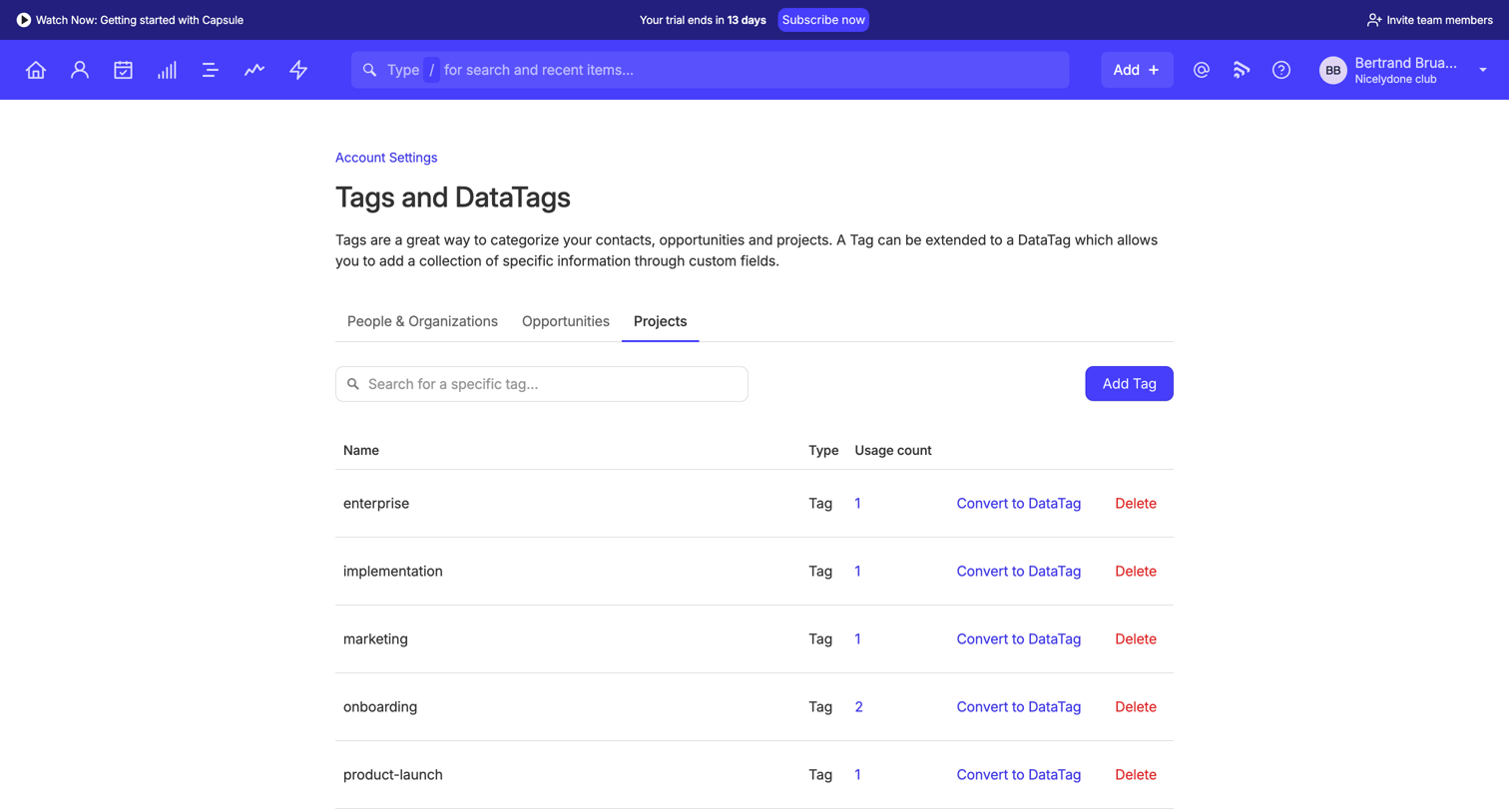
Settings page where the user manages project tags, including adding new tags, converting them to DataTags, and deleting unused ones.

Workflow screen
Workflow logo
Workflow

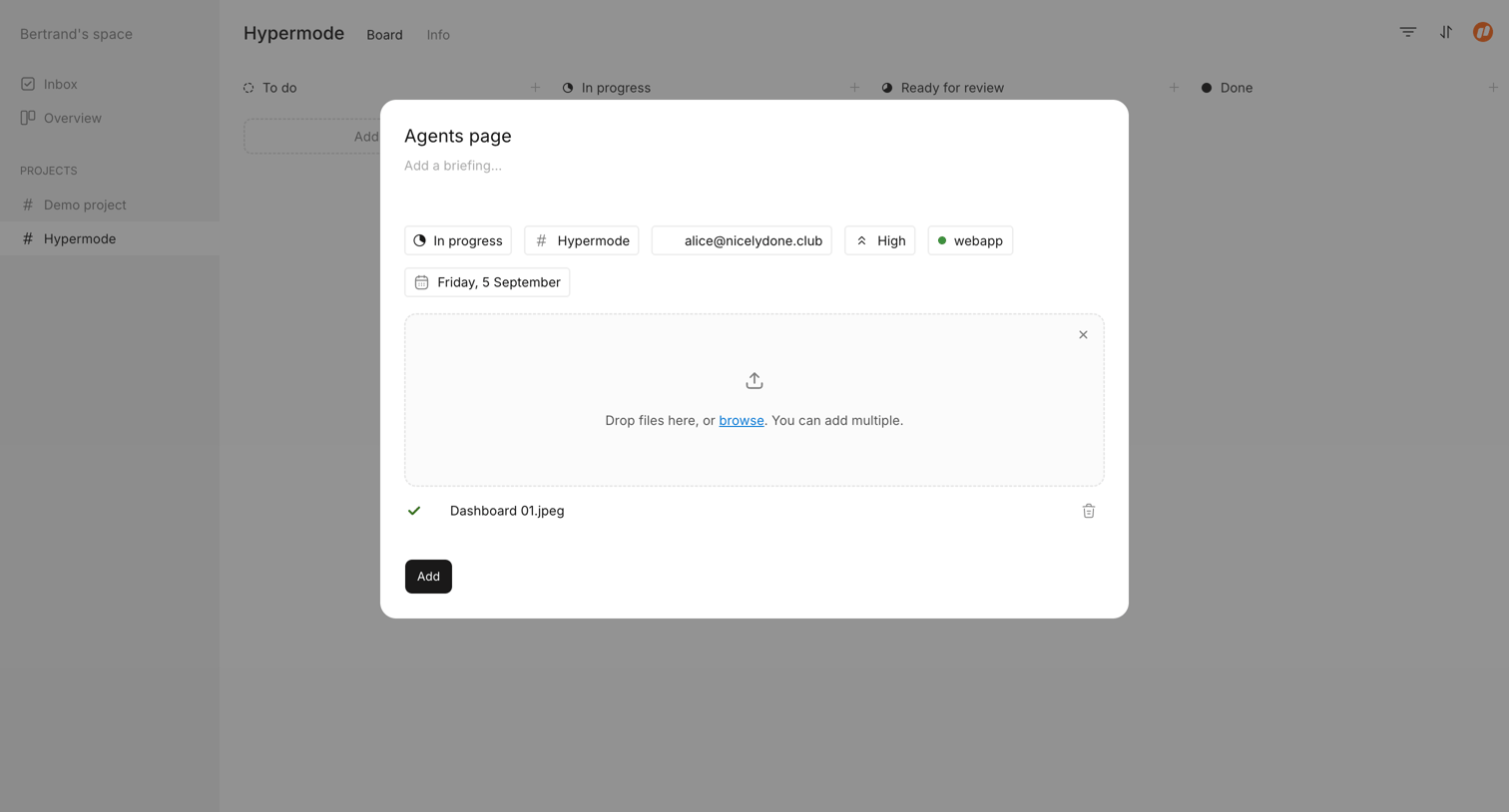
Modal where the user creates a new task, setting properties, adding a briefing, and attaching files.
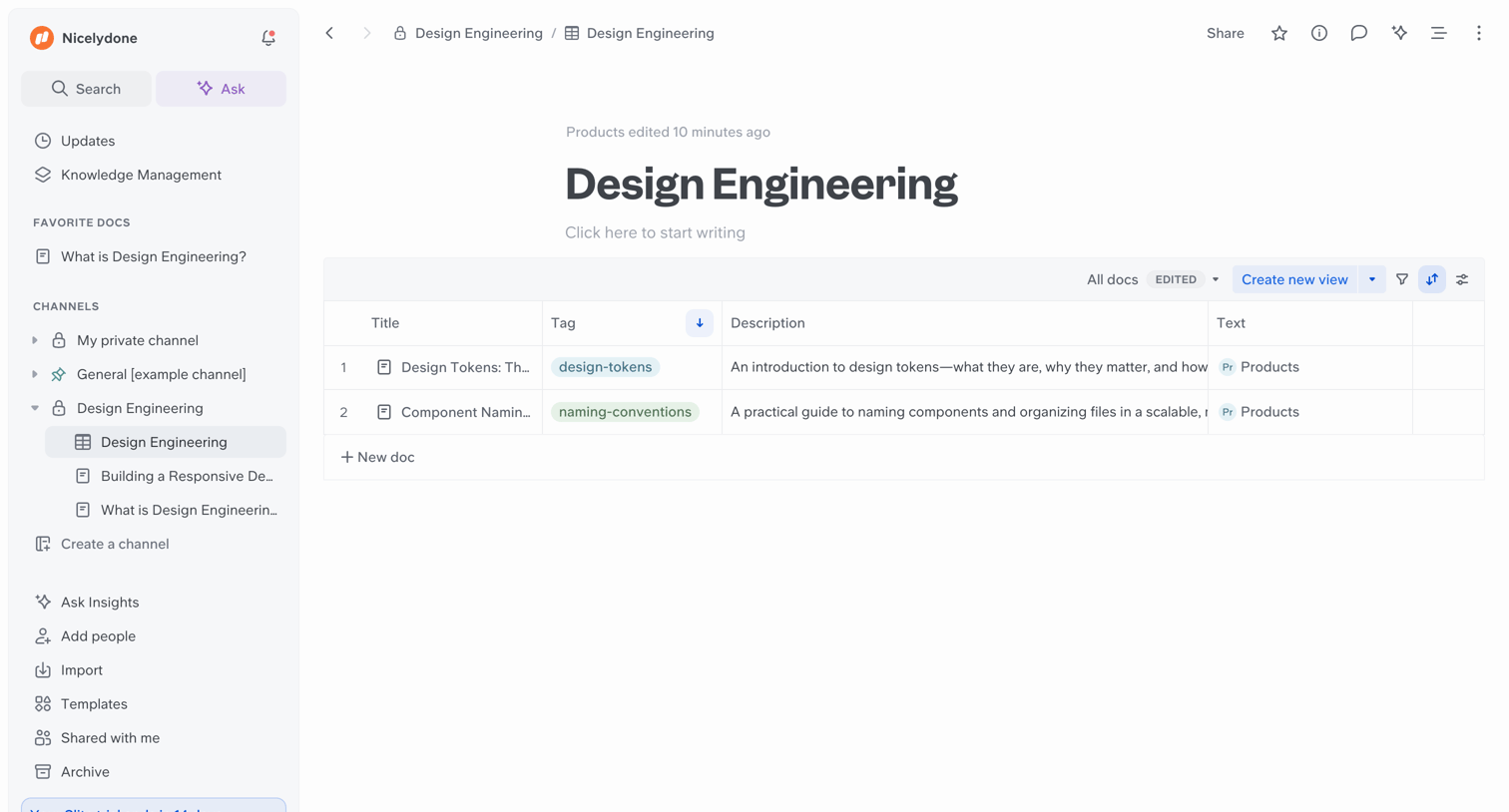

Slite - Design Engineering screen
Slite logo
Slite

Content editor where the user views a document titled Design Engineering that contains an embedded data table of related documents.

Cobot screen
Cobot logo
Cobot

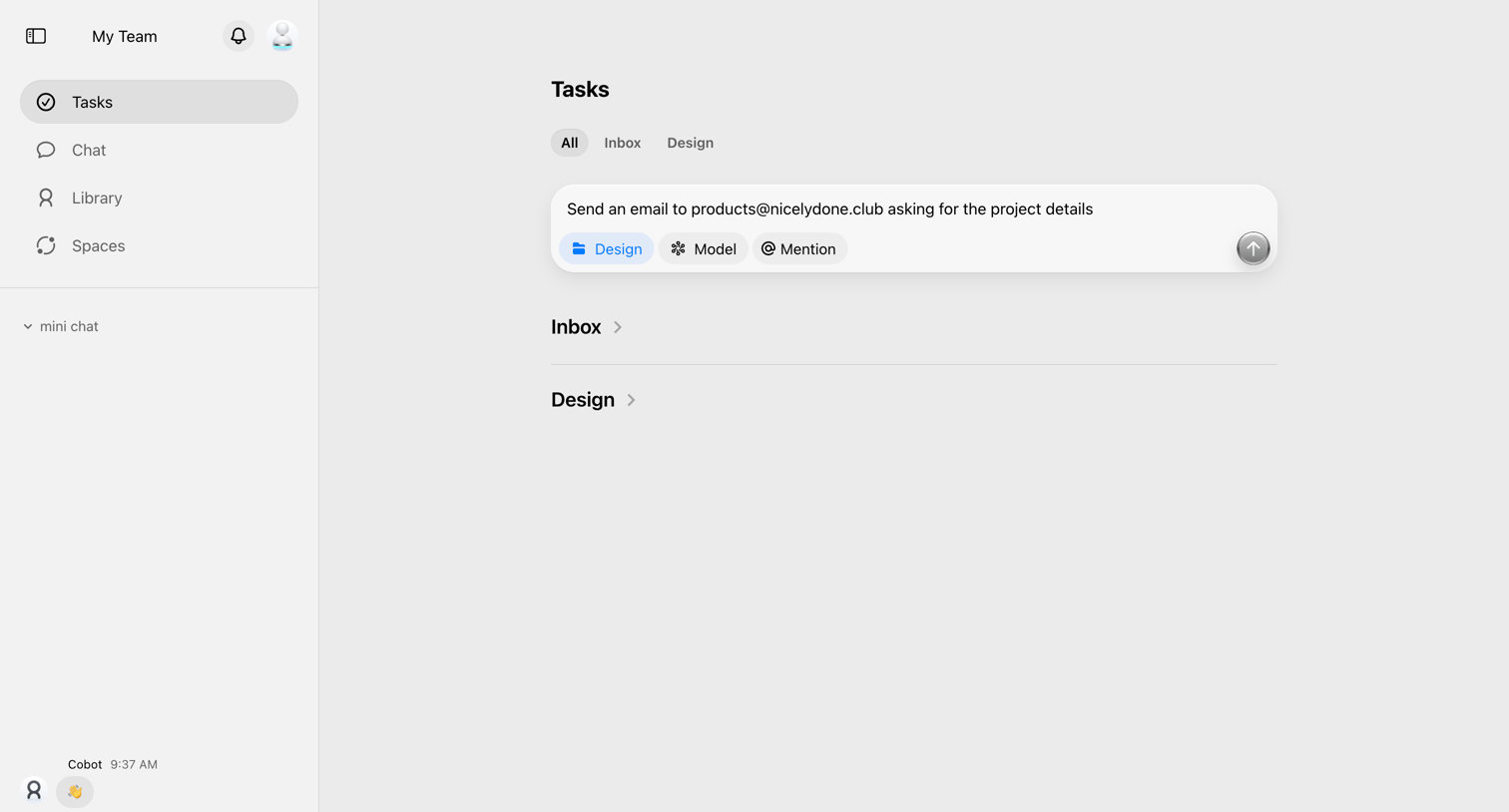
Task list where the user can view tasks organized by categories like Inbox and Design, and create new tasks via a prominent composer.
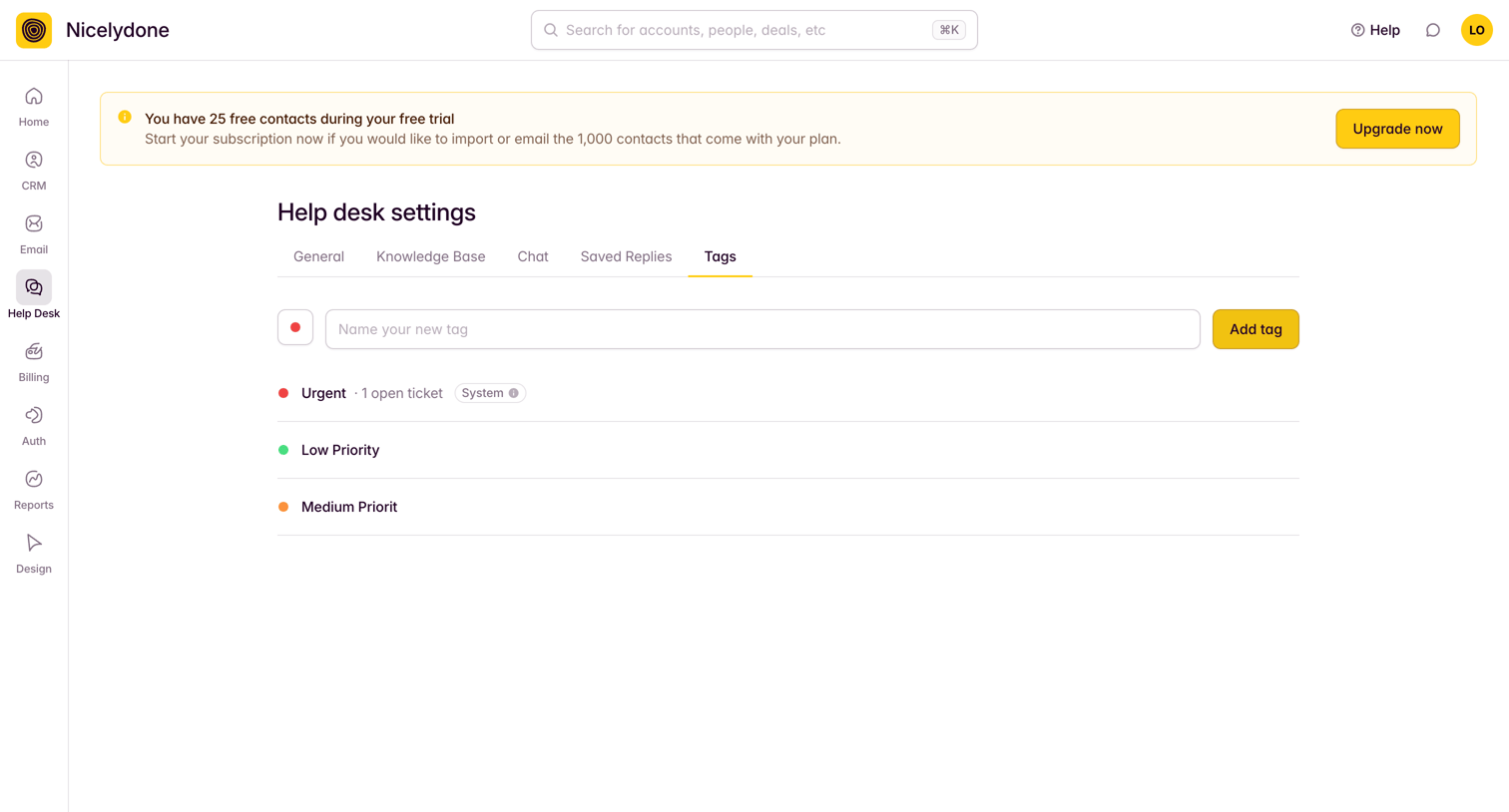

Outseta - Tags screen
Outseta logo
Outseta

Settings page where the user manages help desk tags, featuring an input to create new tags and a list of existing categories like Urgent and Low Priority.

Mighty - Settings | Nicelydone Club screen
Mighty logo
Mighty

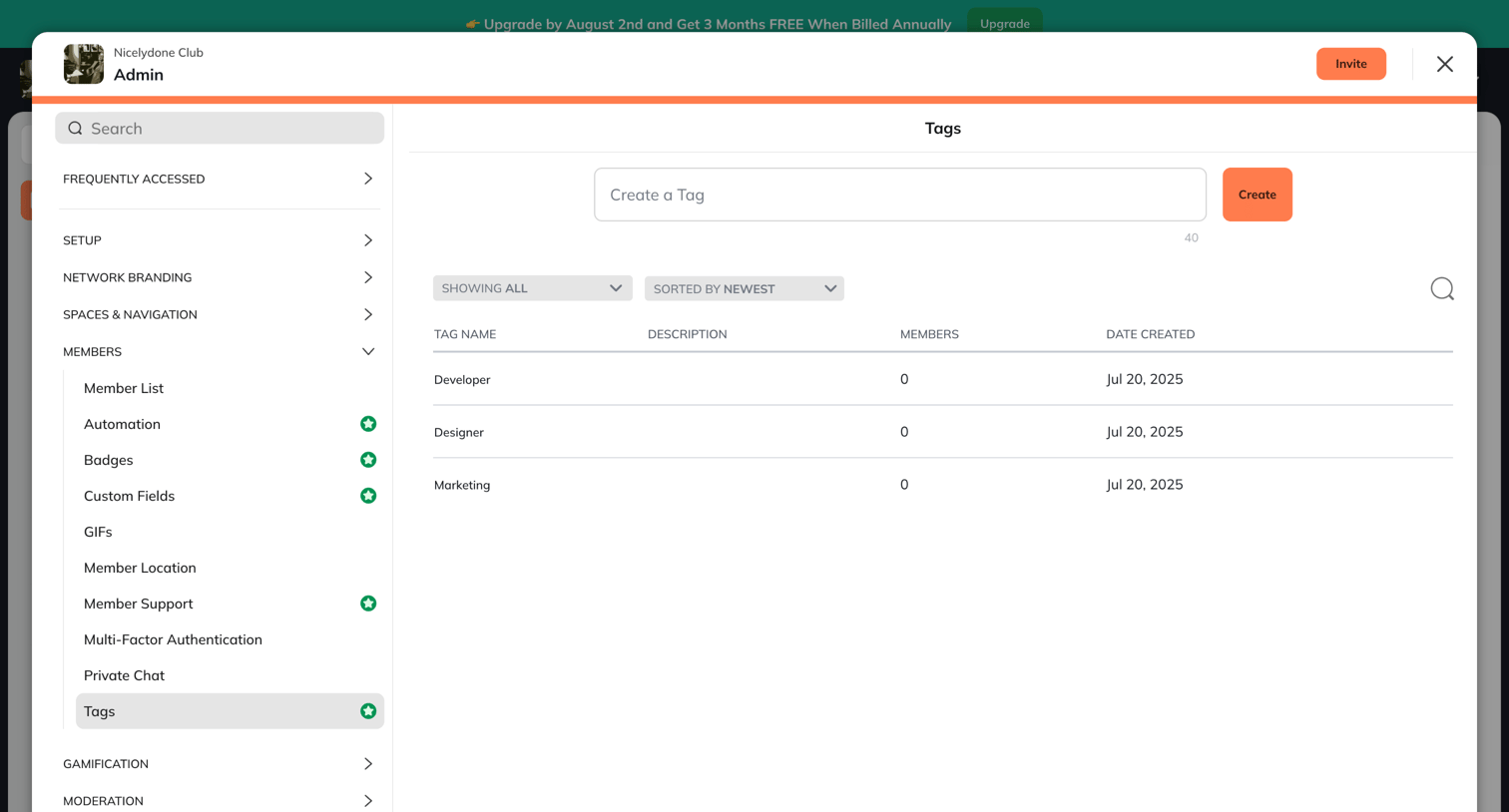
Settings modal where an admin manages community tags by creating new ones, filtering the list, and viewing existing tags like Developer and Designer.

Explore the full SaaS screen library

Upgrade to unlock the full library.

Trusted by the best teams