Send invitation screen examples
Send invitation screen design examples from SaaS apps. Browse examples from Aboard, Slite, Mighty.
Explore the examples
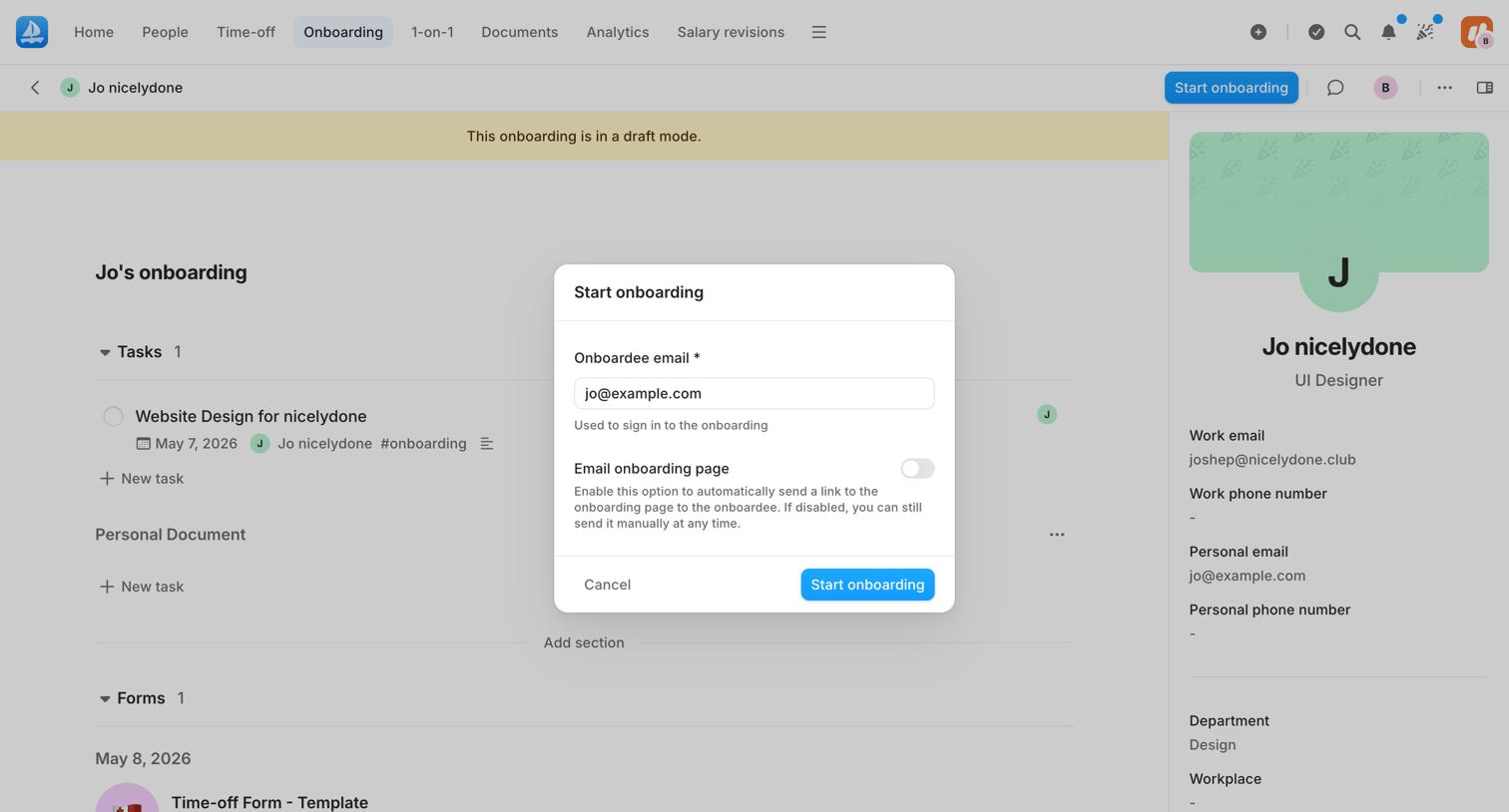

Detail page for an employee's onboarding record where the admin is using a modal to officially start the process and send an invitation email.
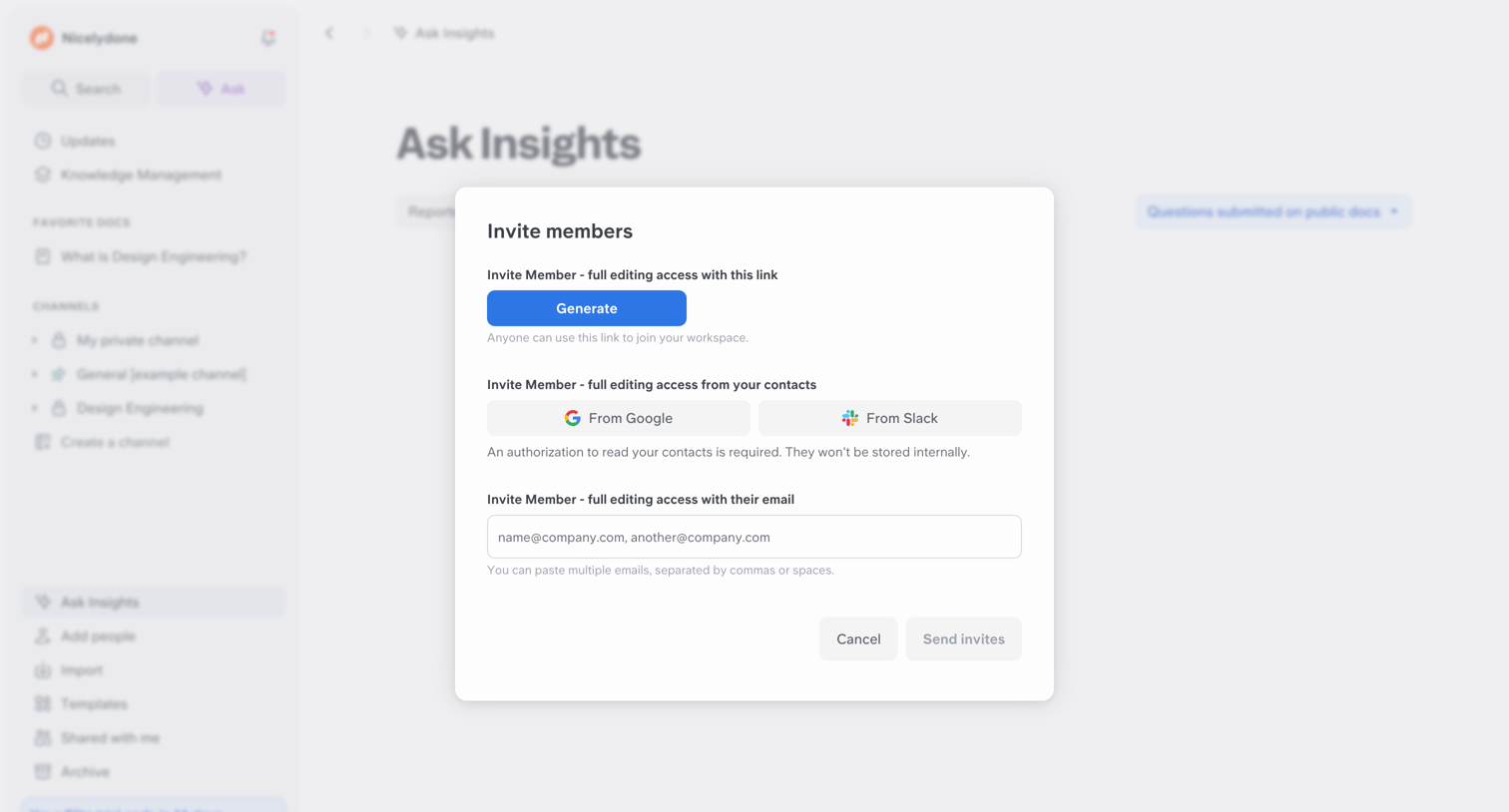

Dashboard overlay where the user can invite new members via a generated link, Google or Slack contacts, or by entering email addresses.
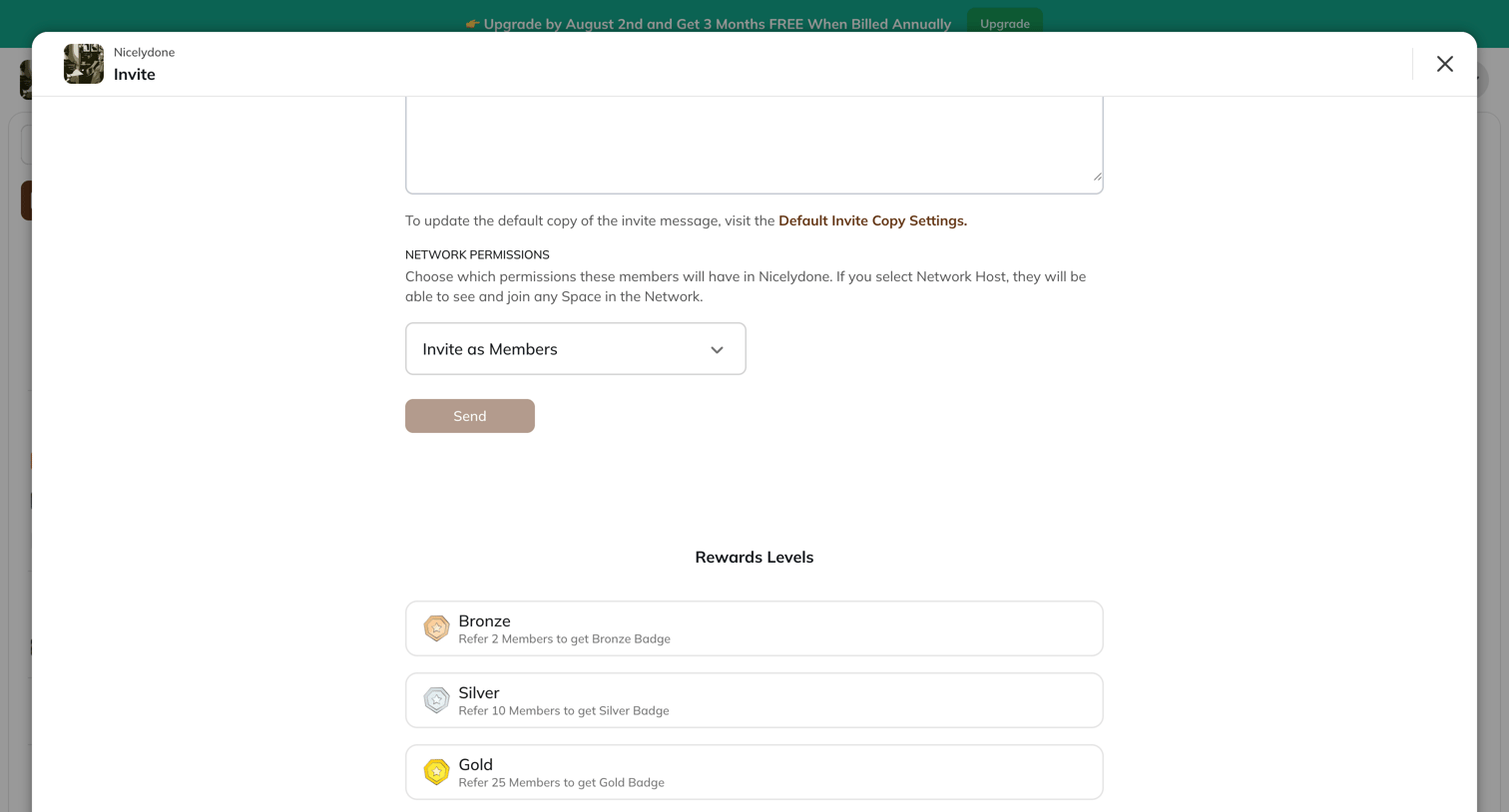

Modal overlay where the user drafts an invite message, sets network permissions, and views referral reward levels like Bronze, Silver, and Gold.
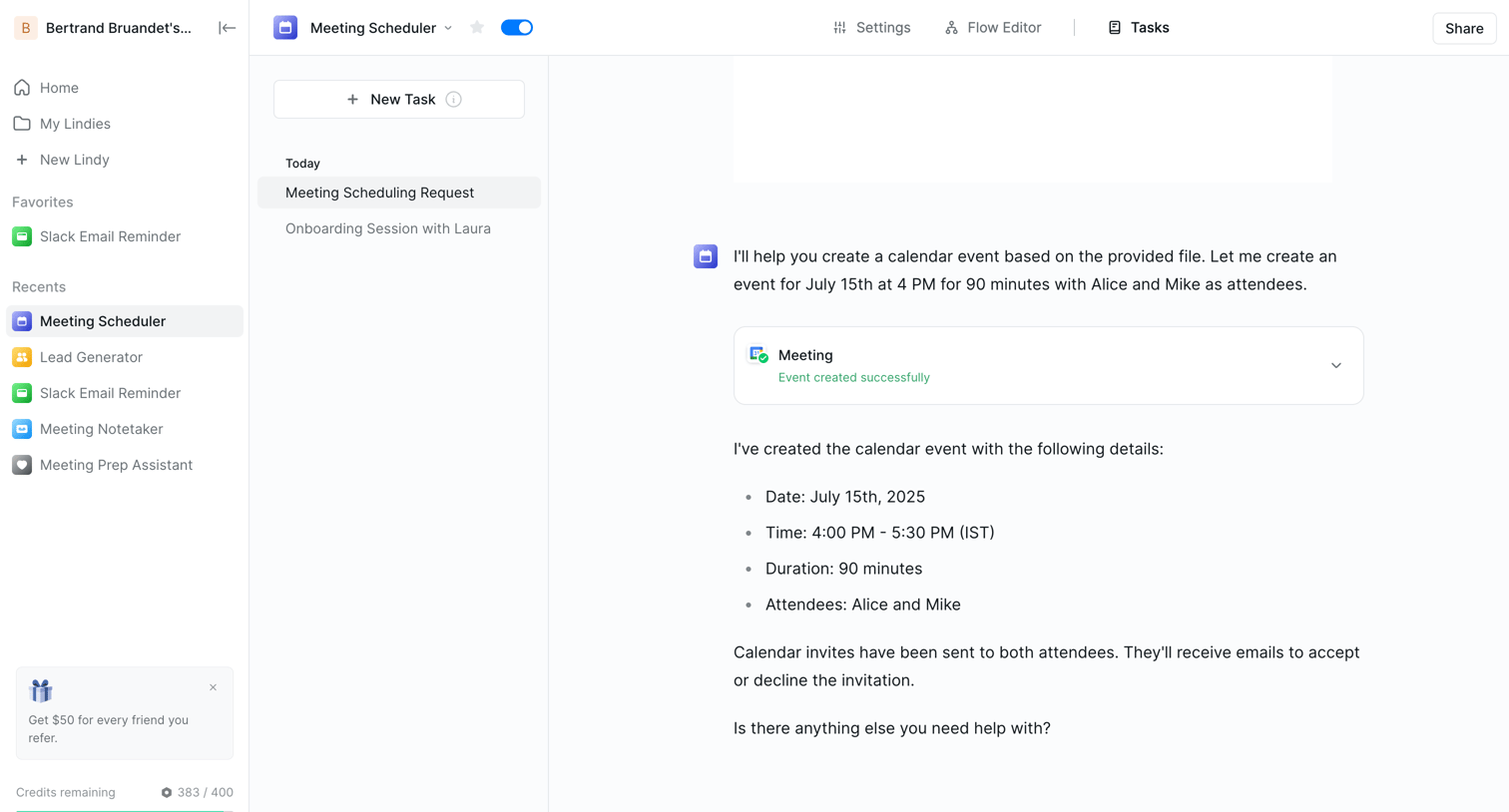

AI chat interface where the user reviews a successfully scheduled meeting event created by the assistant and can continue the conversation.
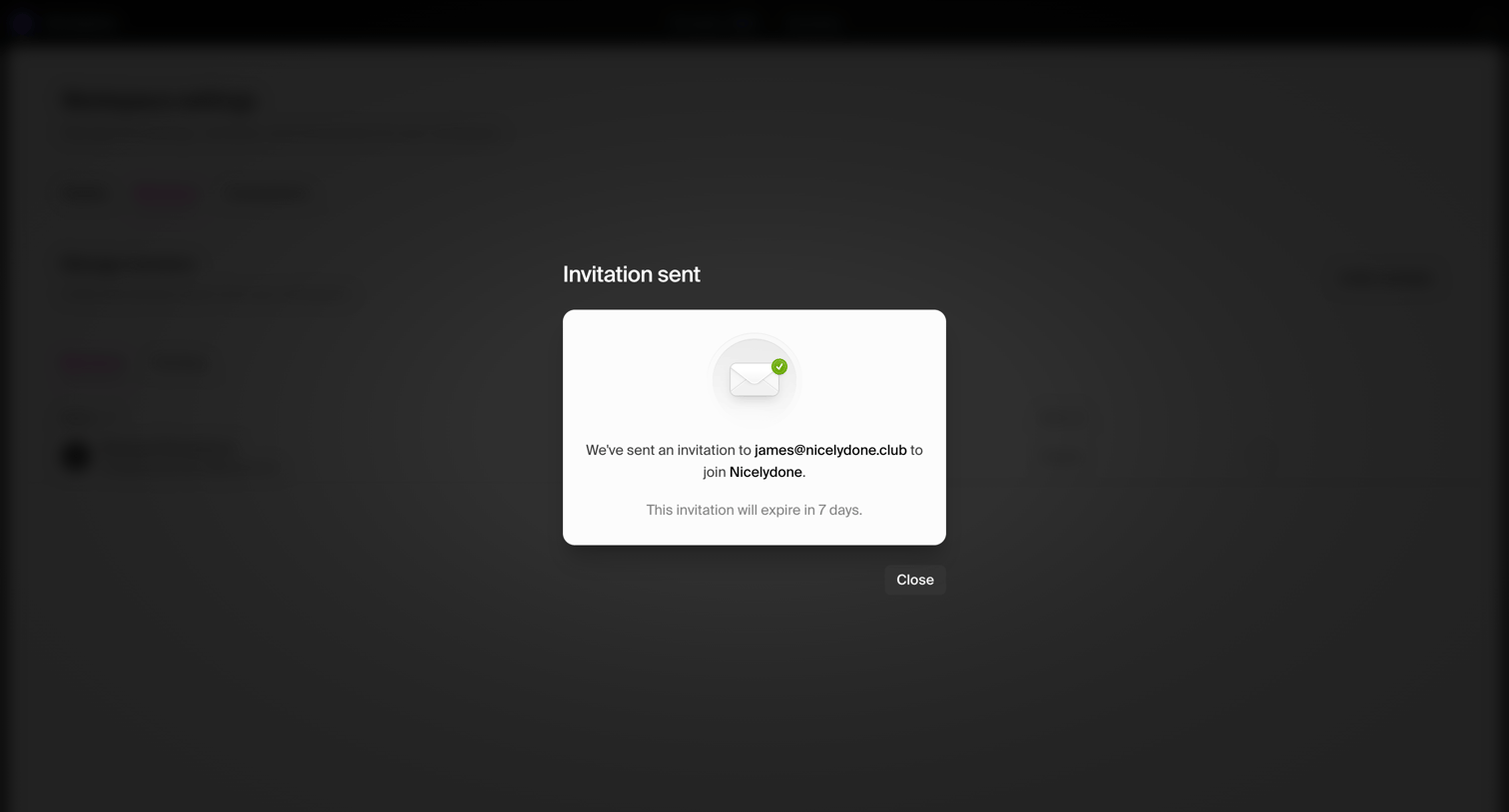

Settings page where a centered modal confirms that an email invitation has been successfully sent to a new teammate.
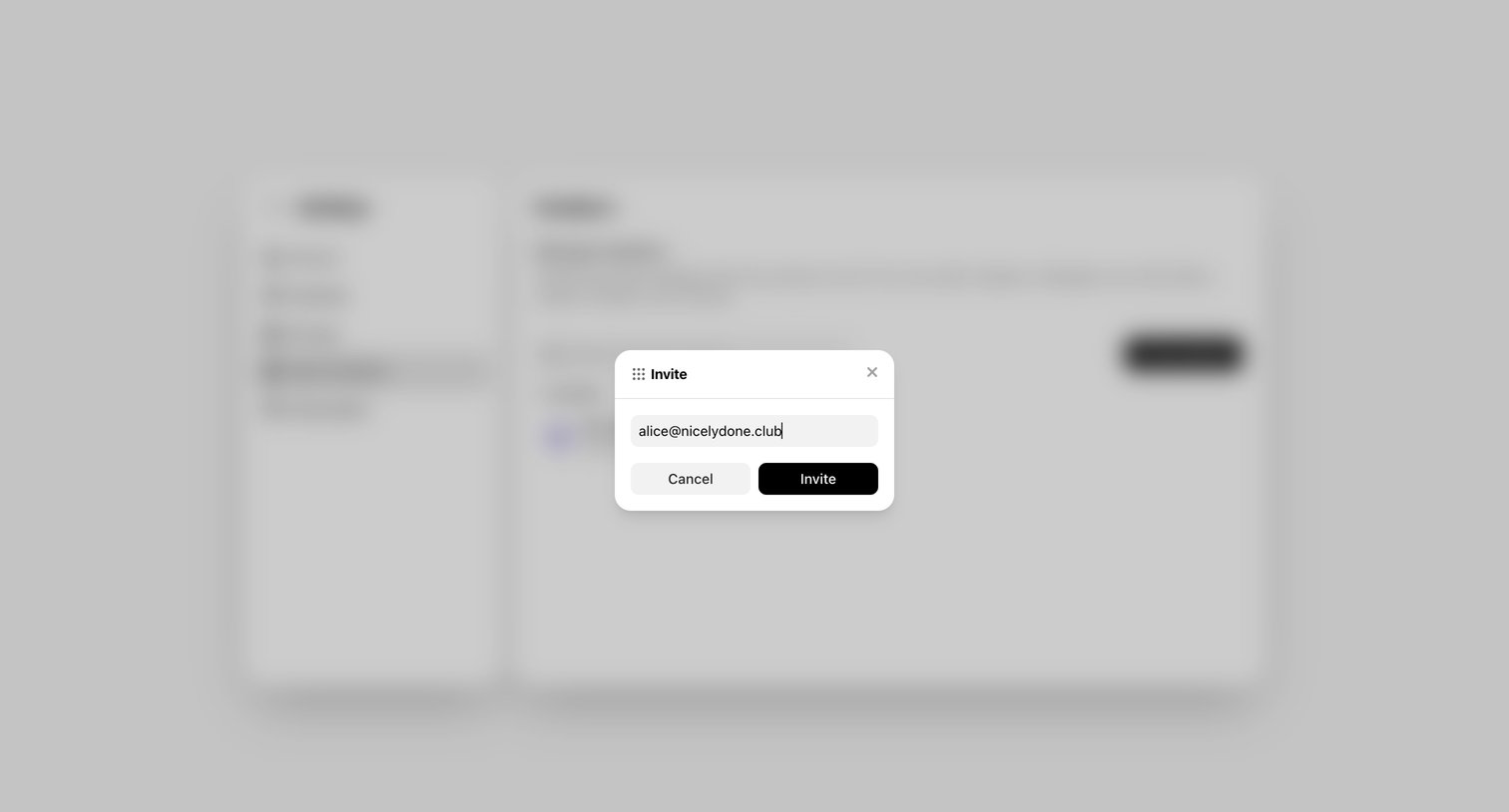

Settings page where the user invites a new member to the workspace by entering their email address in an overlay dialog.
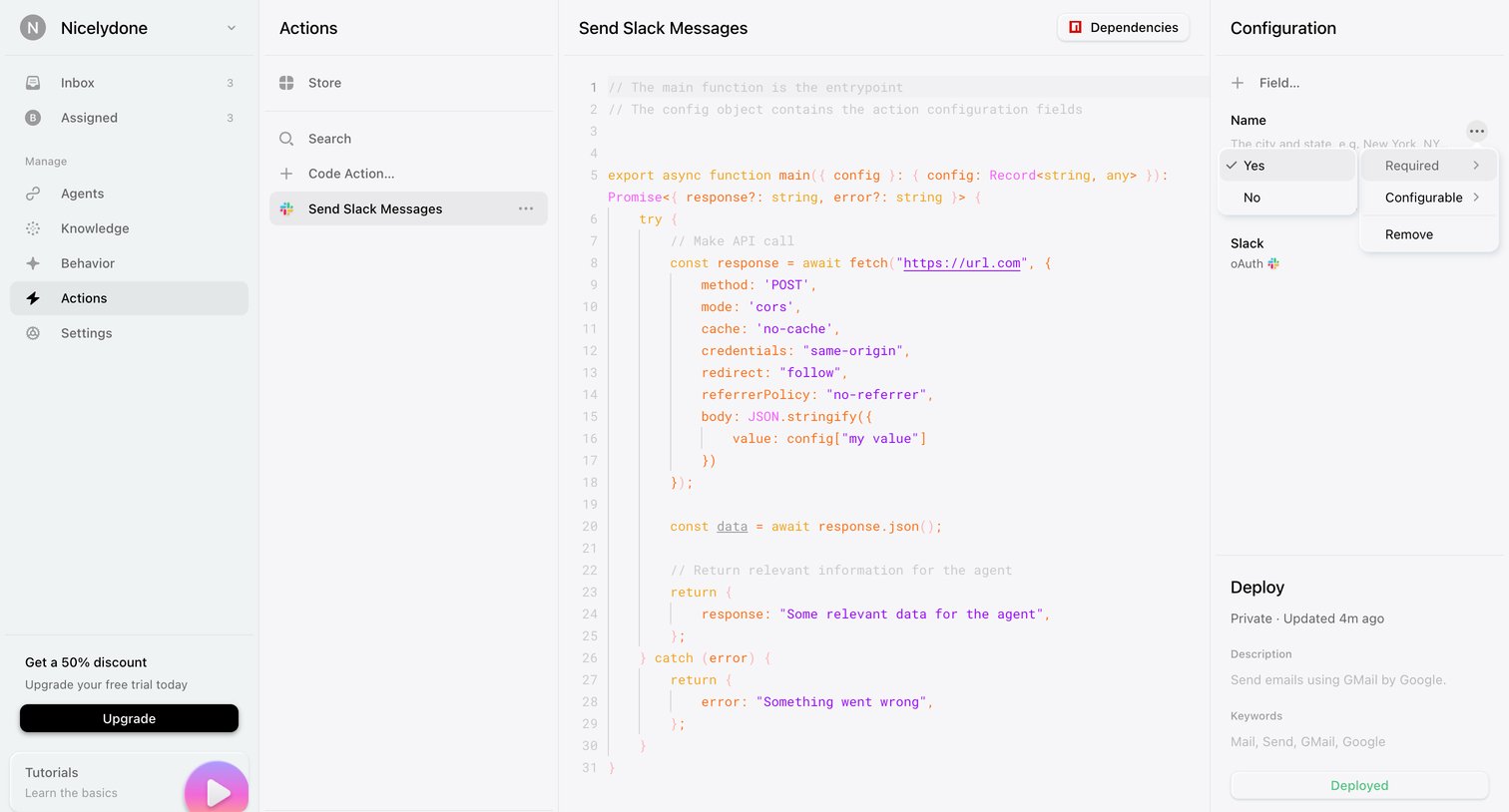

Code editor where the user configures and deploys a custom action for sending Slack messages, including defining its JavaScript function and required fields.
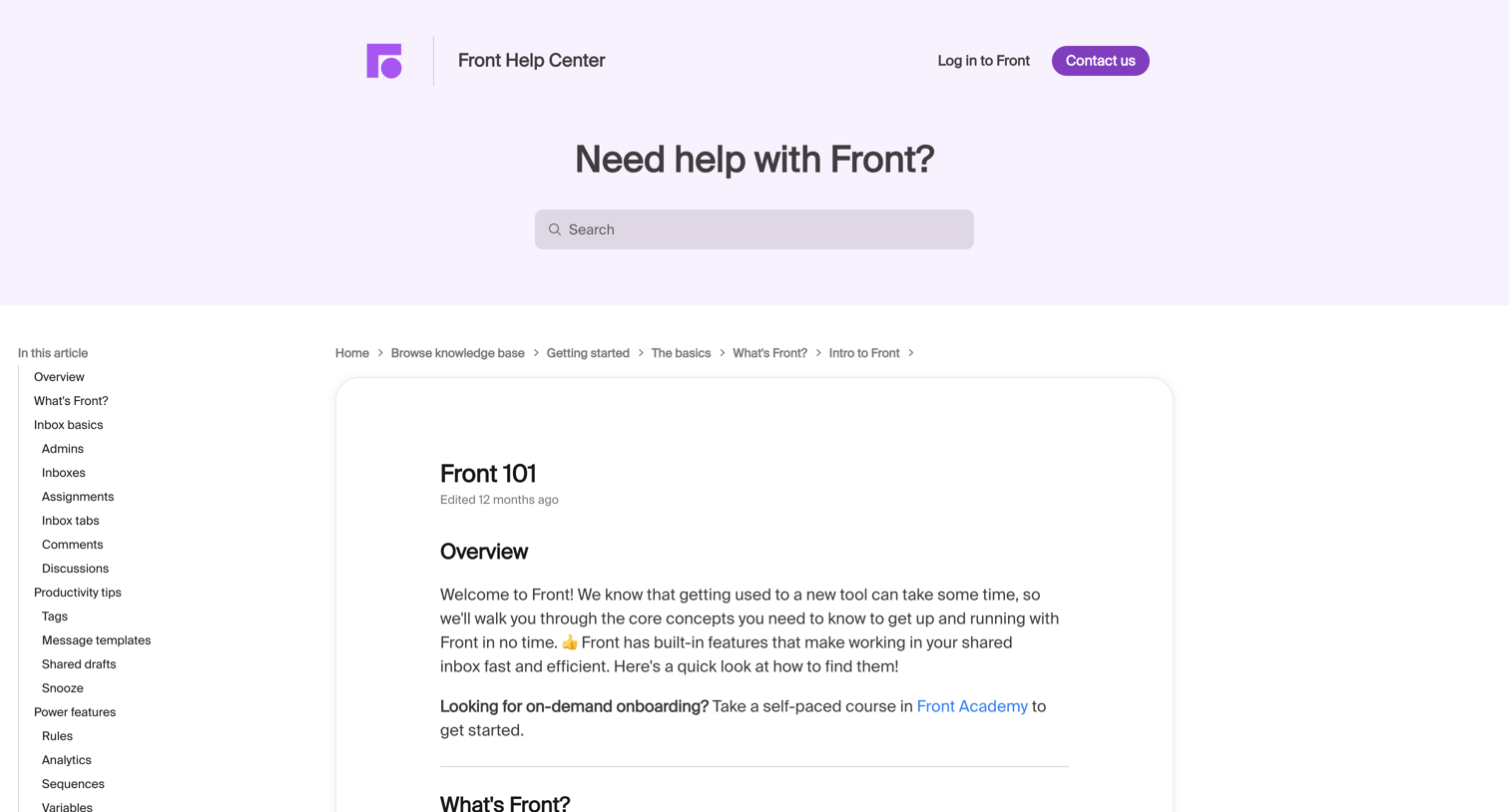

Help center article where the user learns the basics of Front through a video demonstration and structured sections linked from a sidebar table of contents.
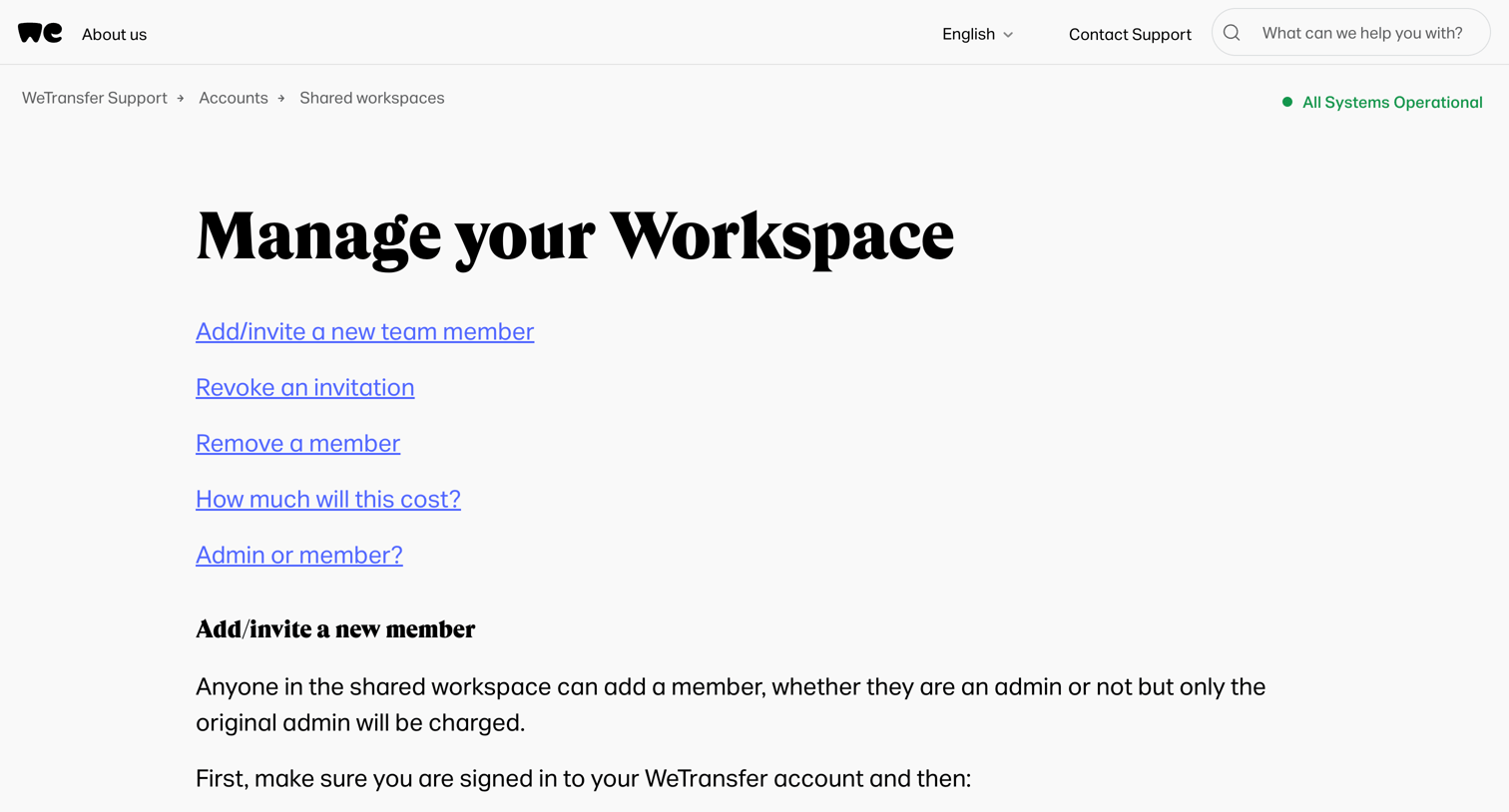

Help center article explaining how to manage a shared workspace, including adding, revoking, and removing team members, along with cost and admin role details.
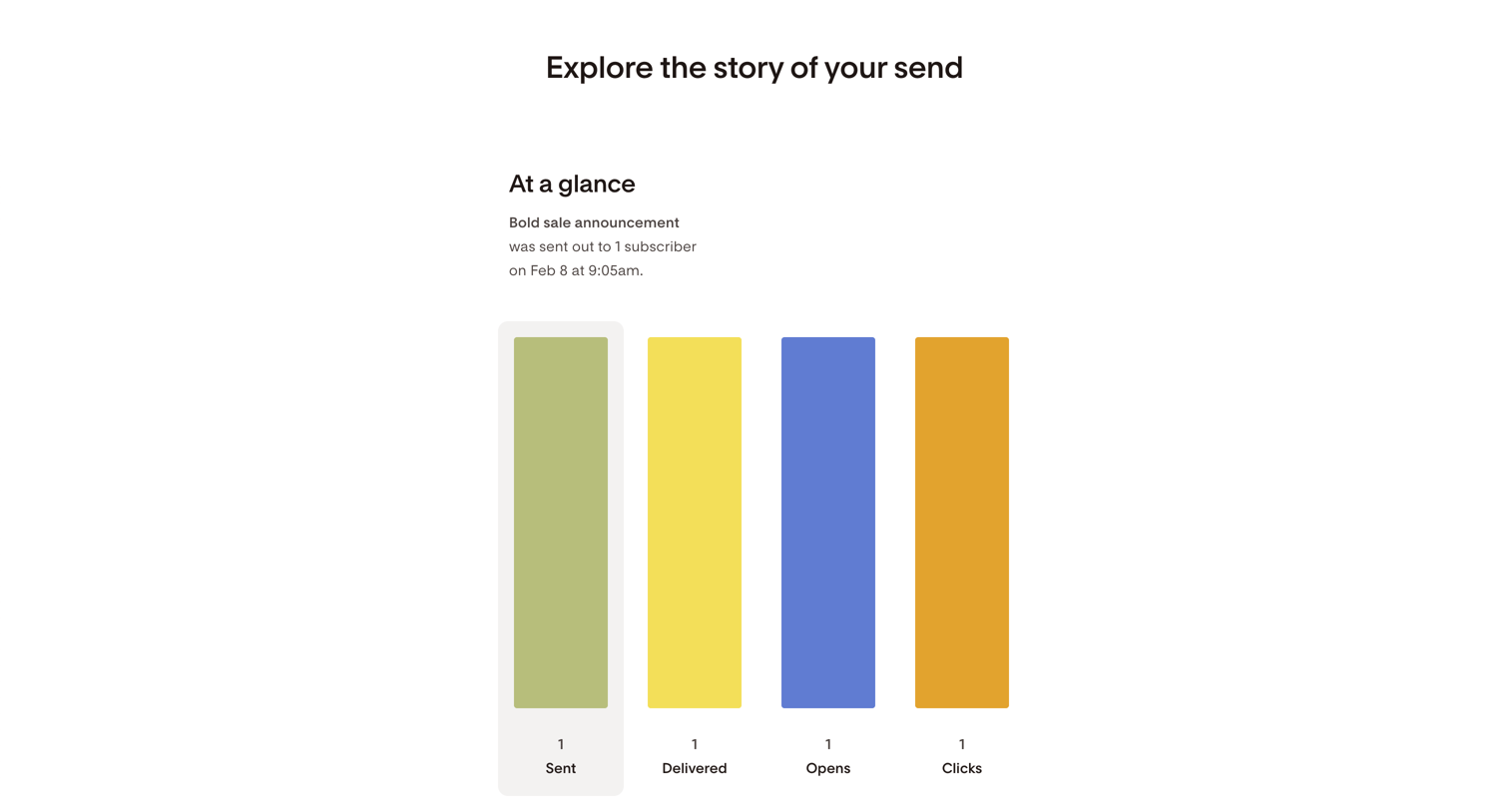

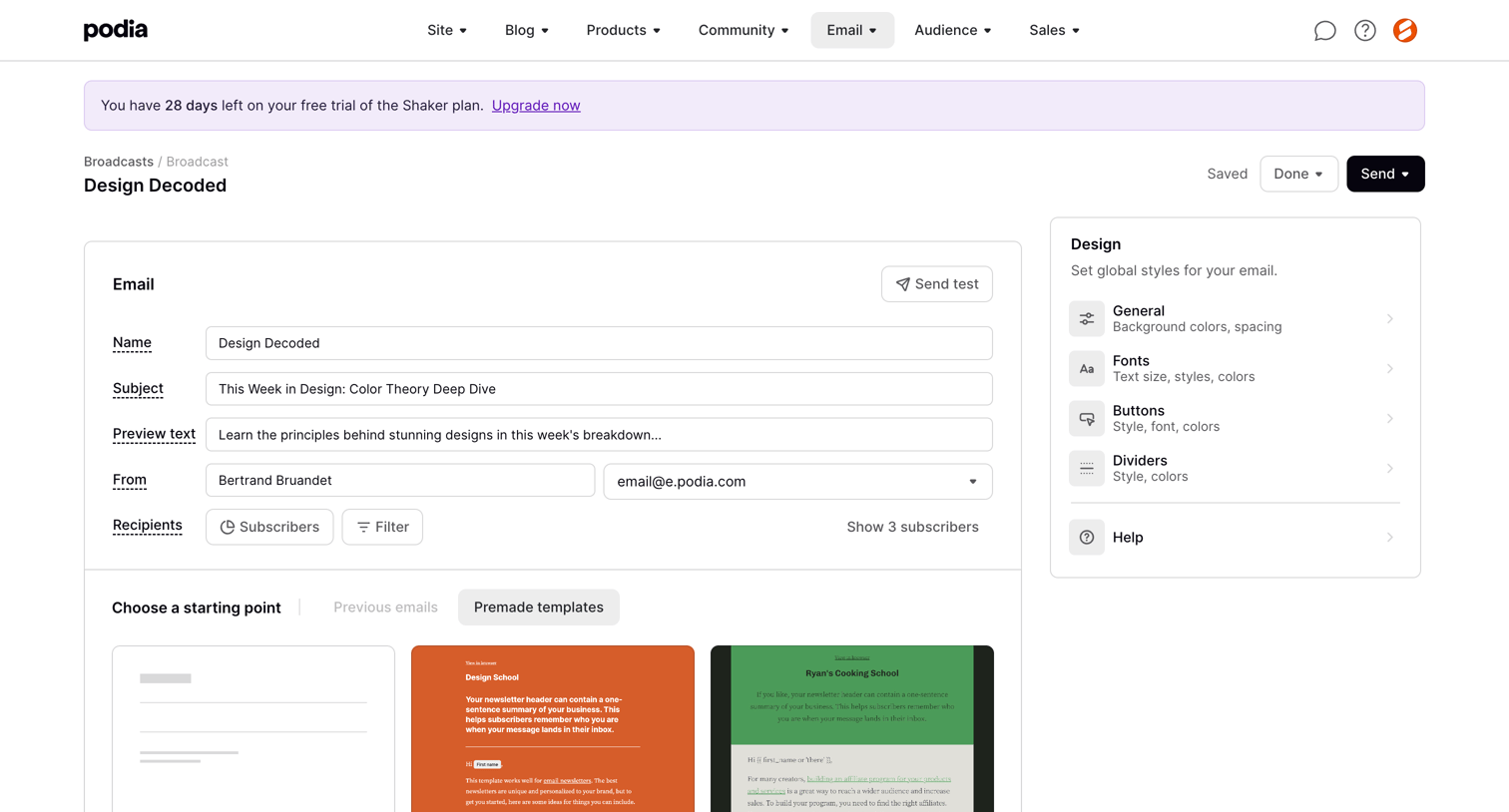

Email broadcast editor where the user configures sender details, recipients, and selects a starting template for their newsletter.
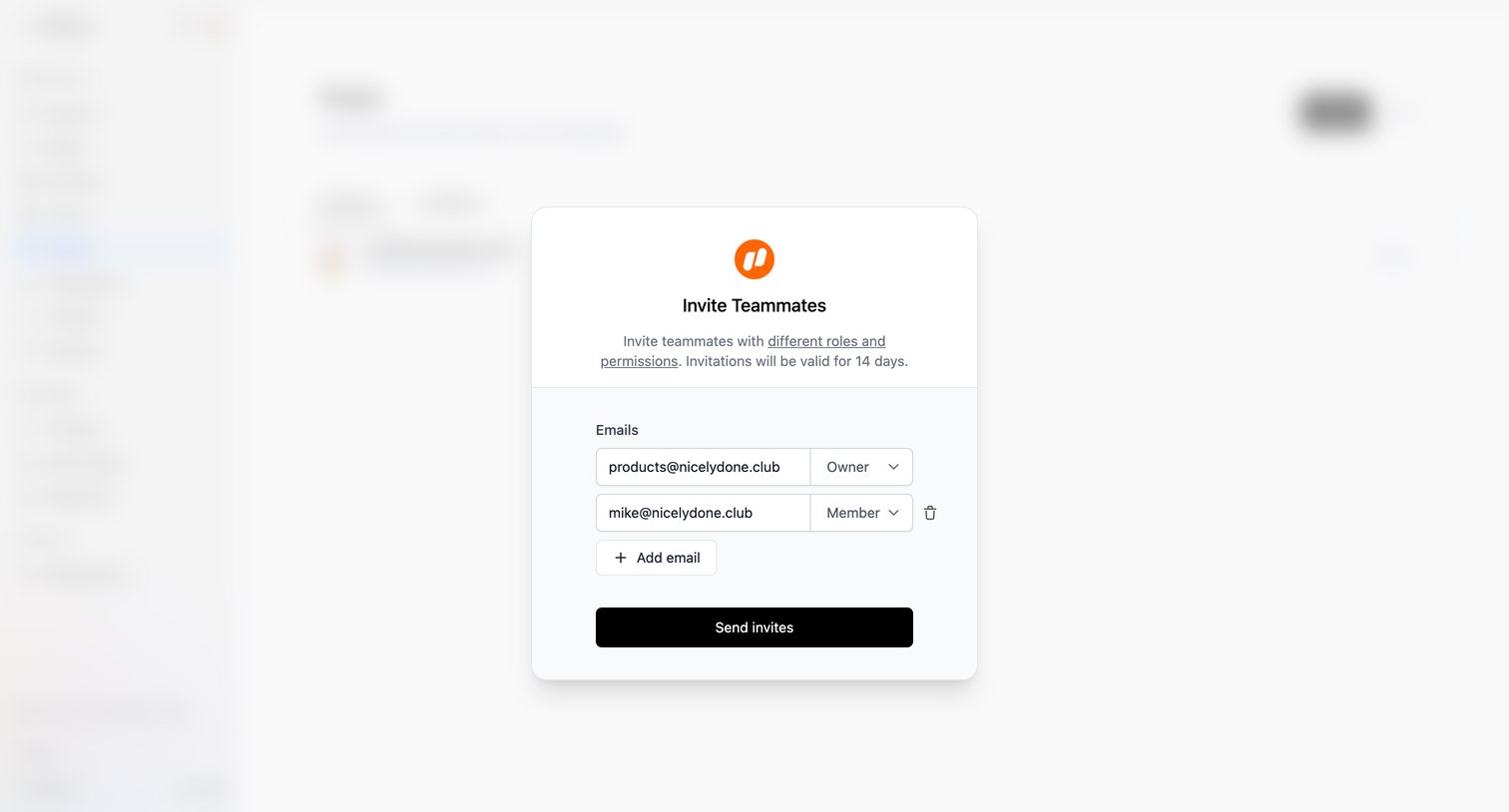

Settings page where the user invites multiple teammates by entering their email addresses and assigning Owner or Member roles.
Explore the full SaaS screen library
Upgrade to unlock the full library.
Trusted by the best teams







