Review screen examples
Review screen design examples from SaaS apps. Browse examples from Dock, Flora, Lovable.
Explore the examples
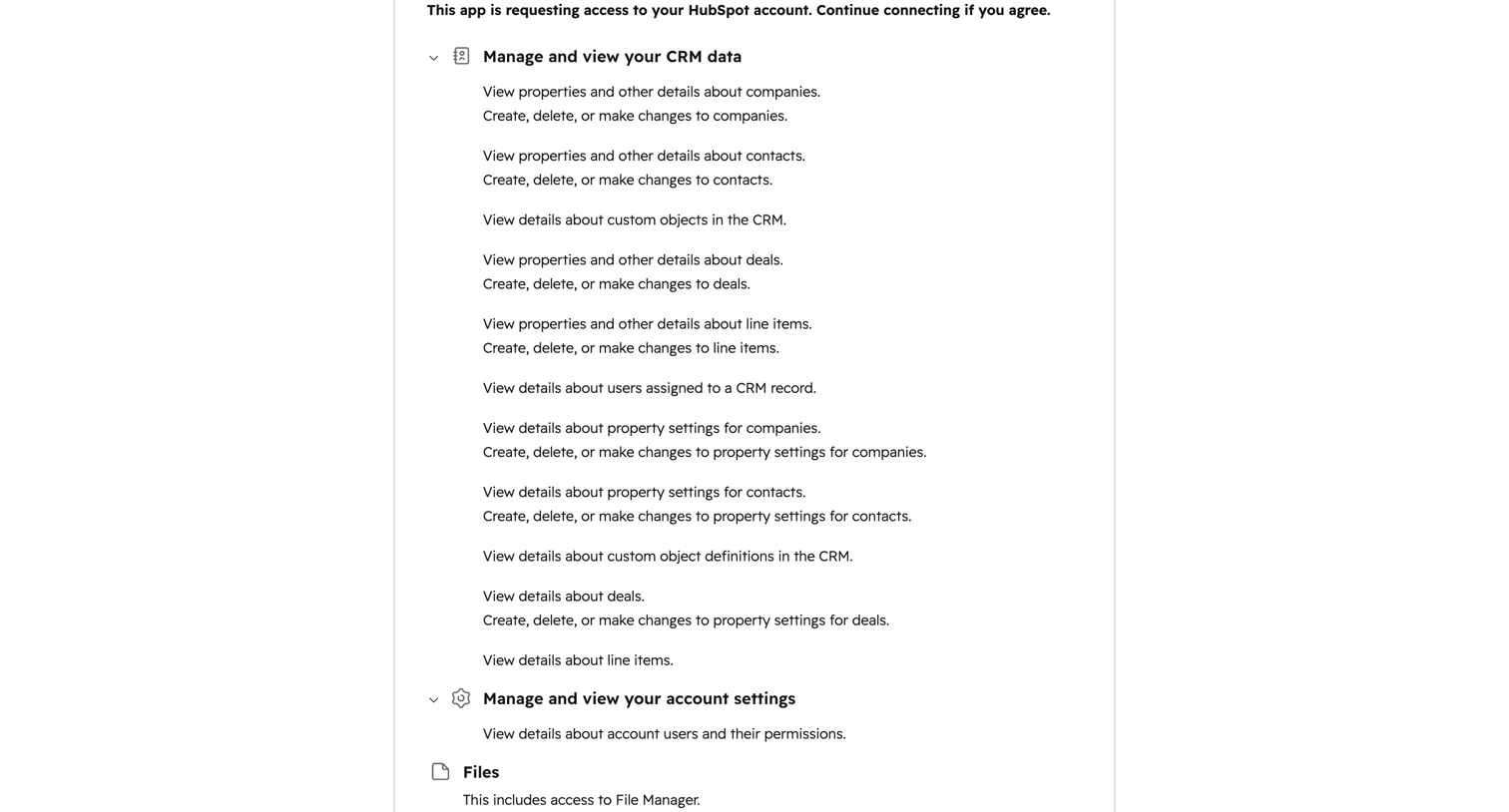

OAuth consent screen where the user reviews requested permissions like CRM data, account settings, and files before connecting a third-party app to HubSpot.
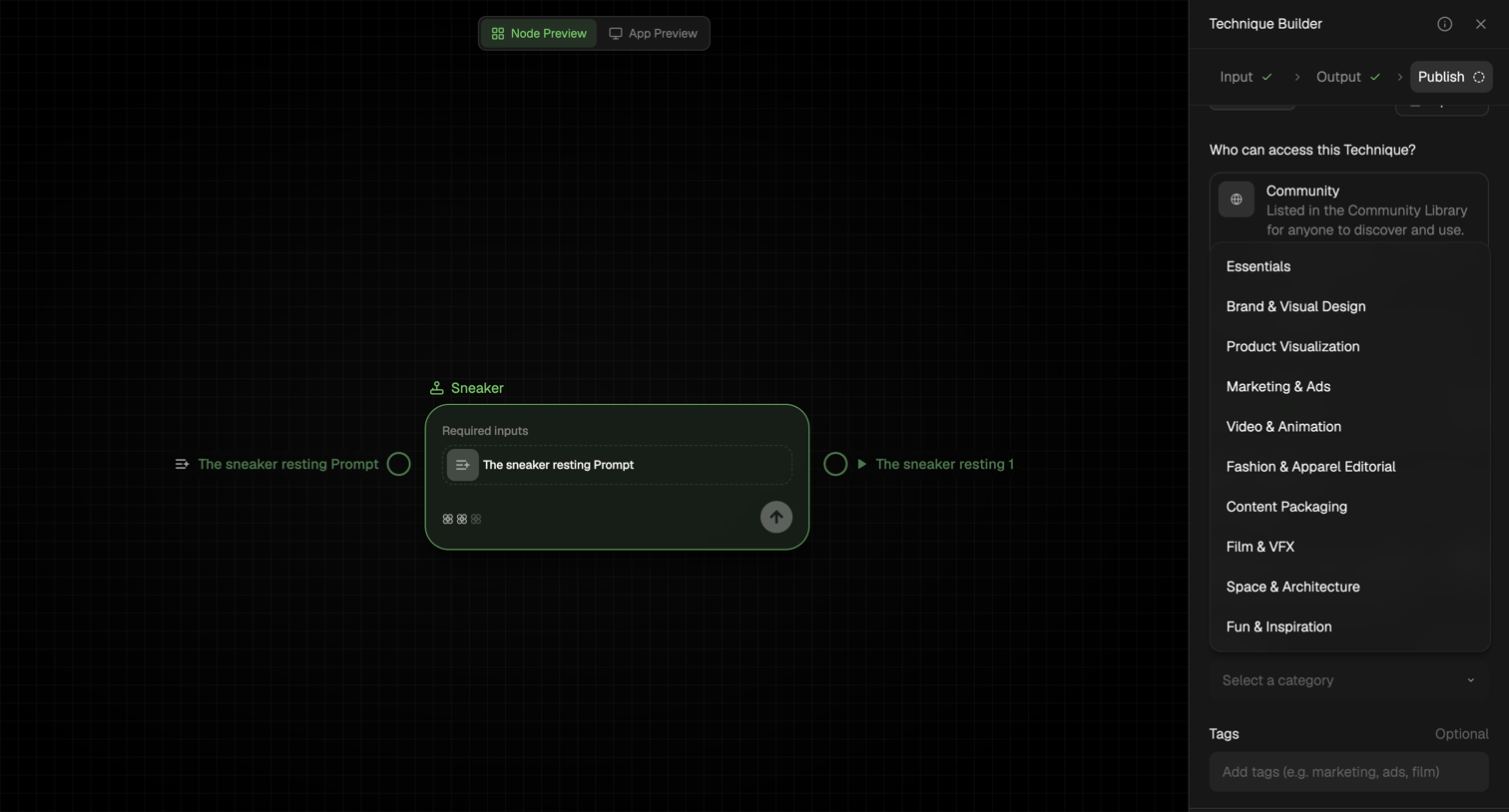

Design editor where the user configures access, category, and tags to publish a custom AI technique from a node-based workflow.
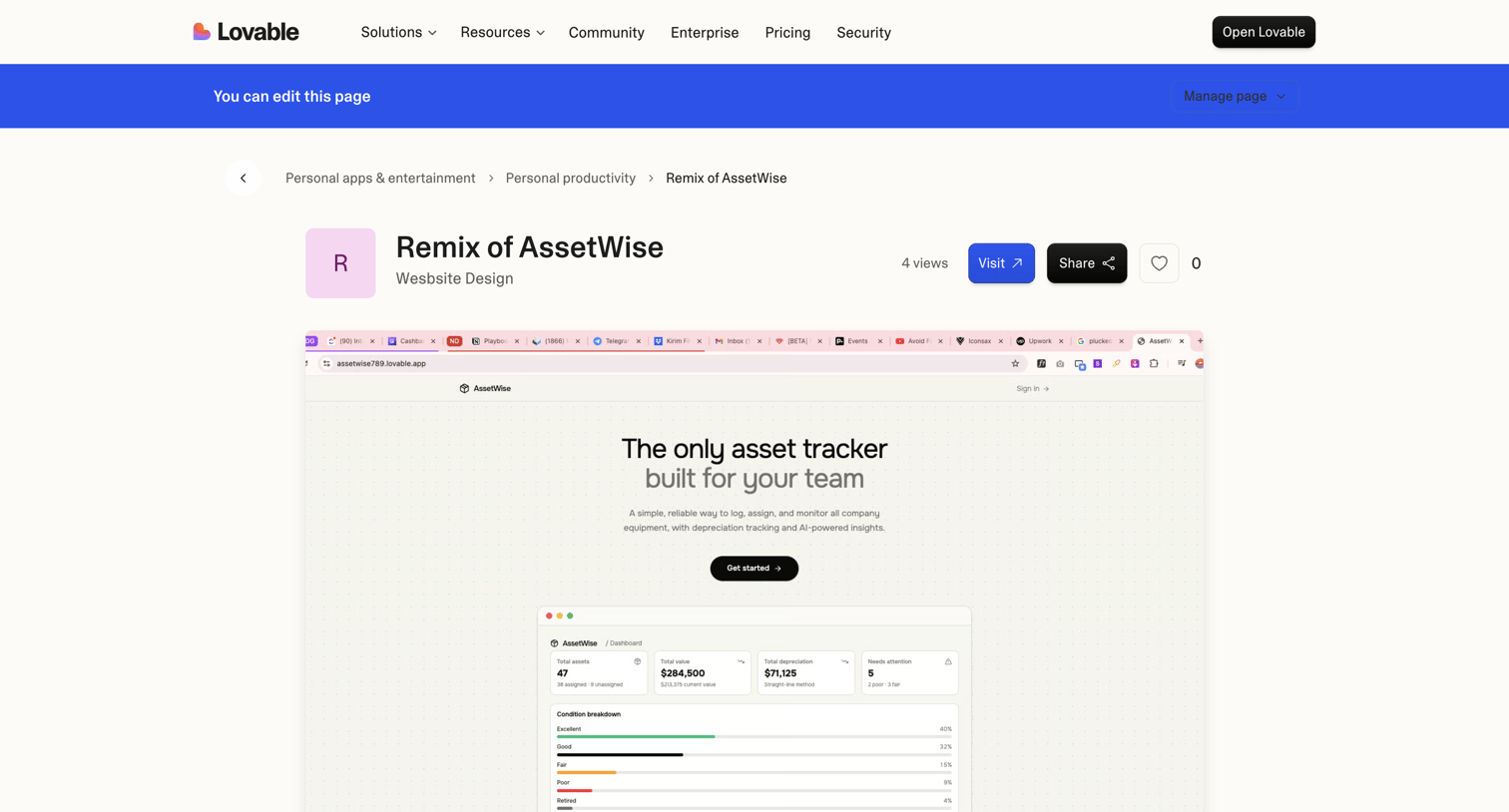

Community showcase detail page where a user views a specific app built with the platform, including its category breadcrumbs, view count, and a live preview.
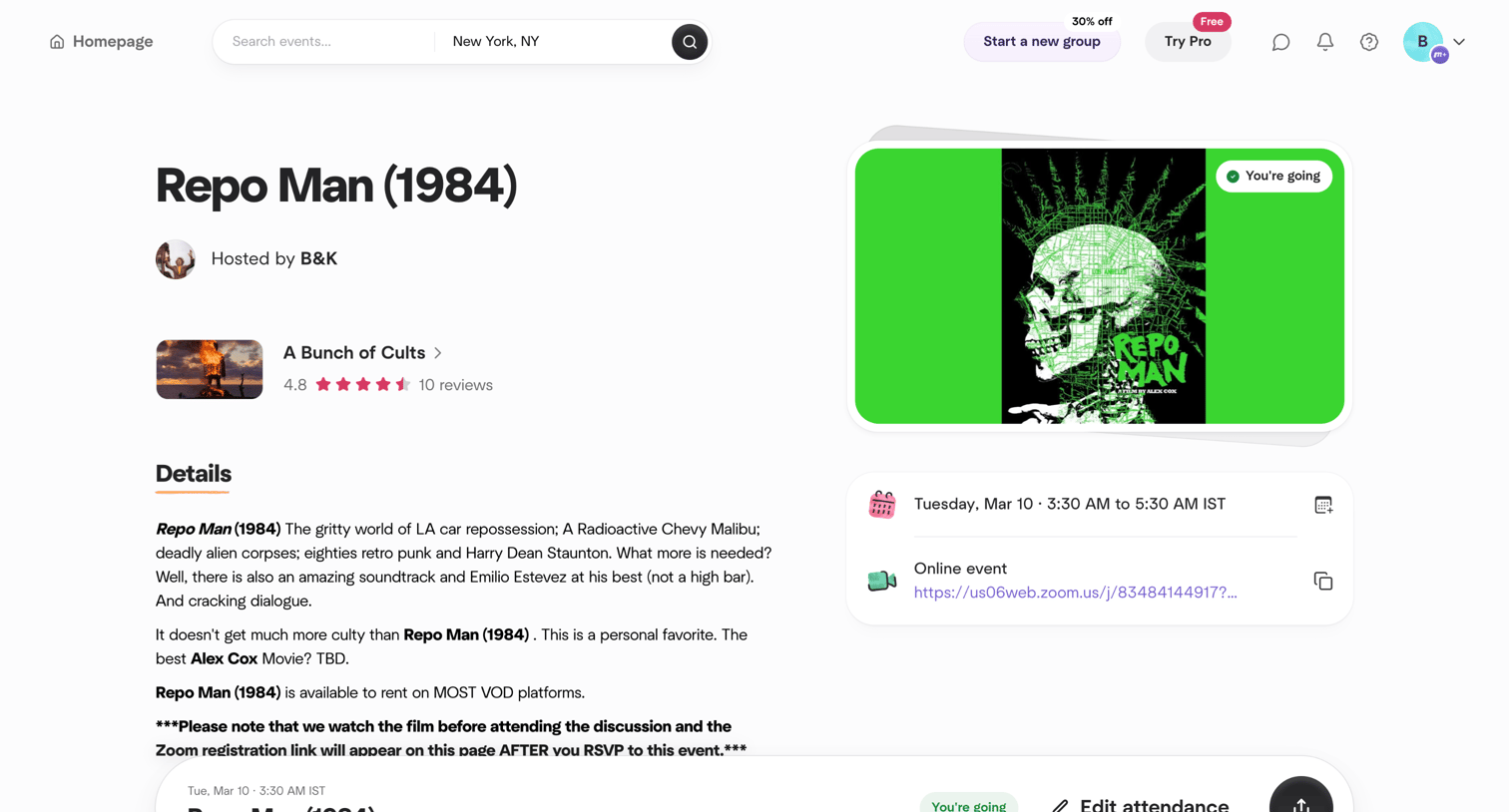

Detail page where the user views information, date, and connection links for an upcoming online movie screening they are attending.
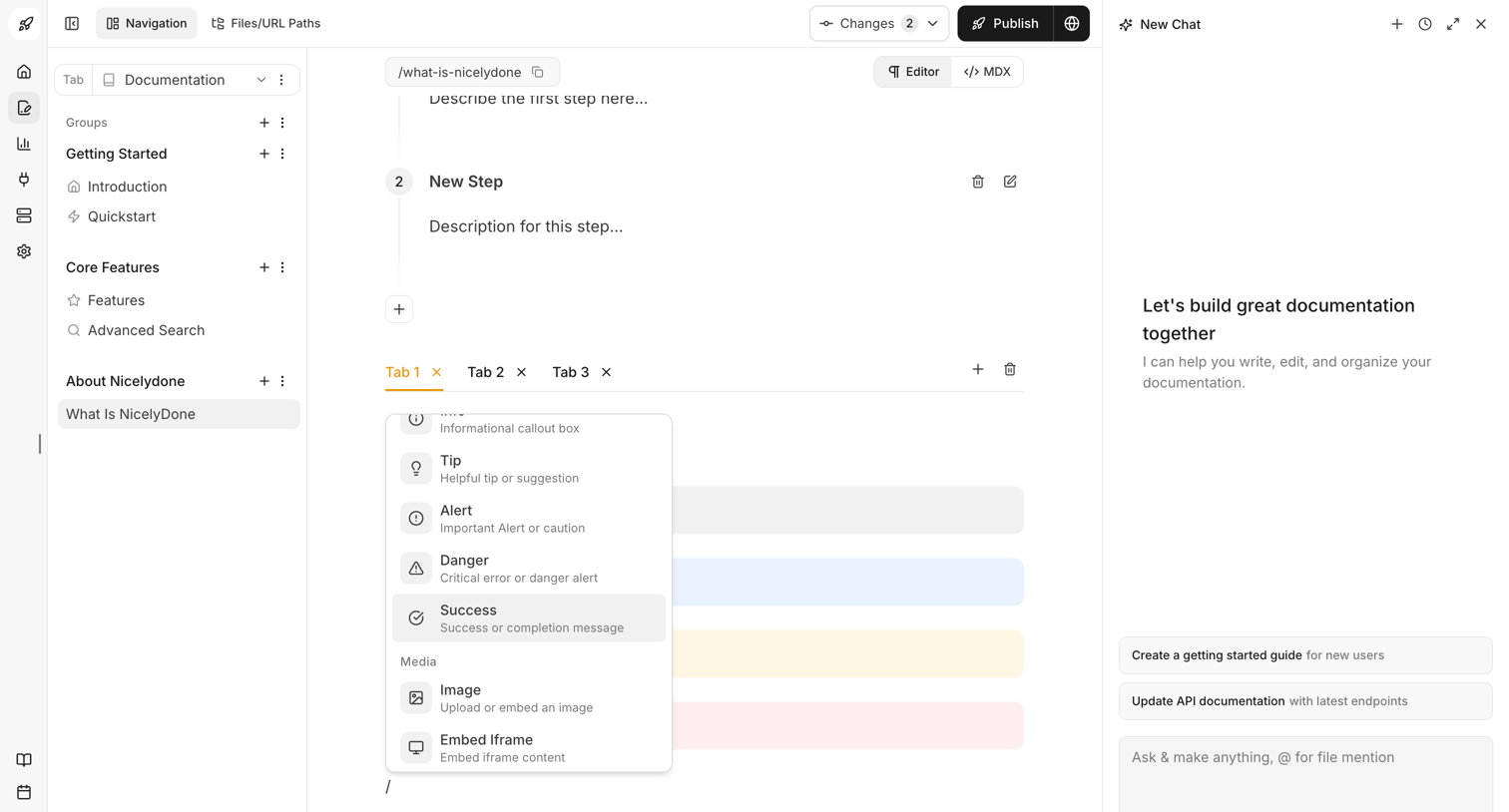

Documentation editor where the user is writing content using a block-based interface with a slash command menu open, alongside an AI chat assistant panel for writing help.
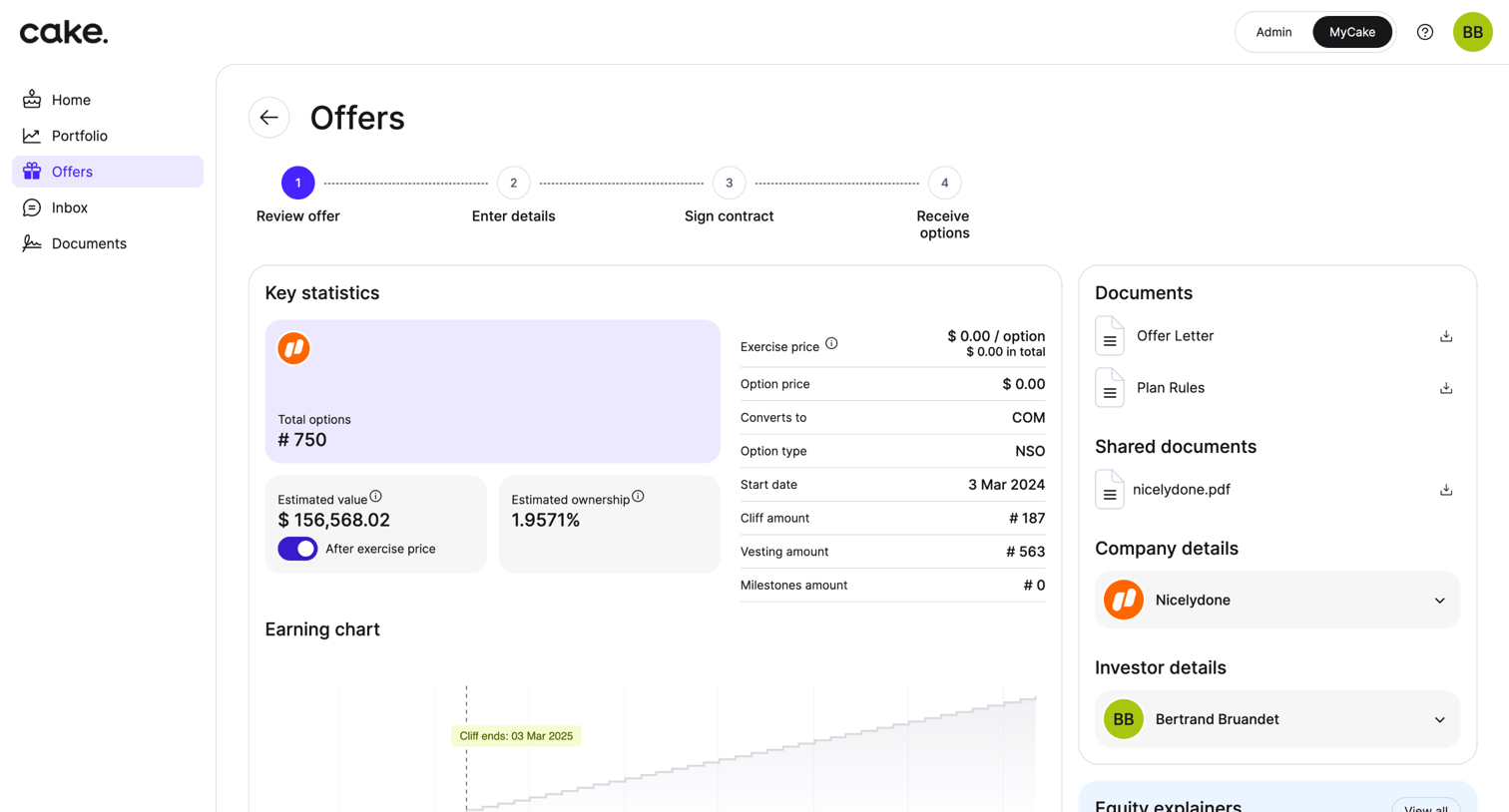

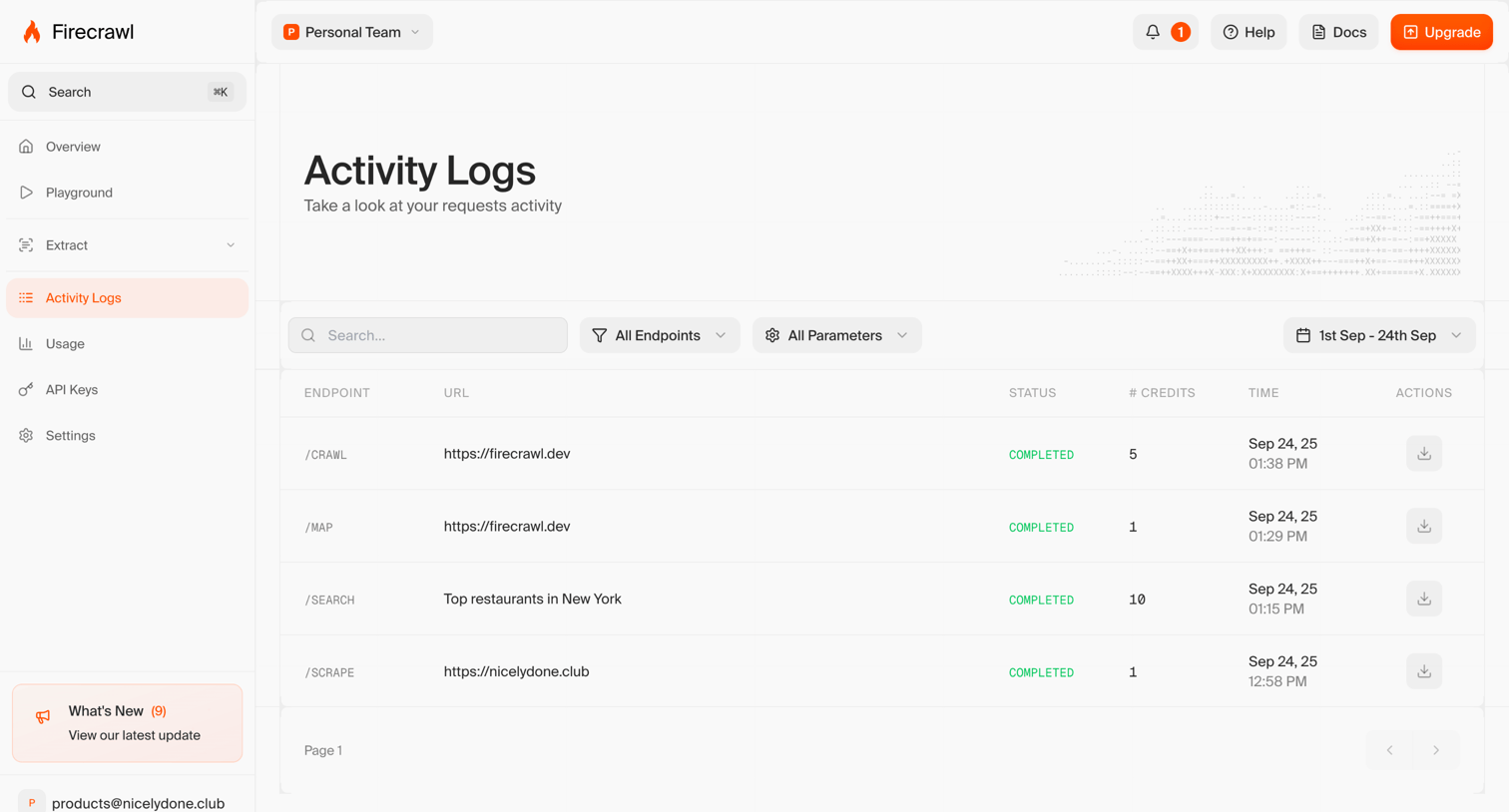

List view where the user reviews their API request activity logs, filterable by endpoint, parameters, and date range.
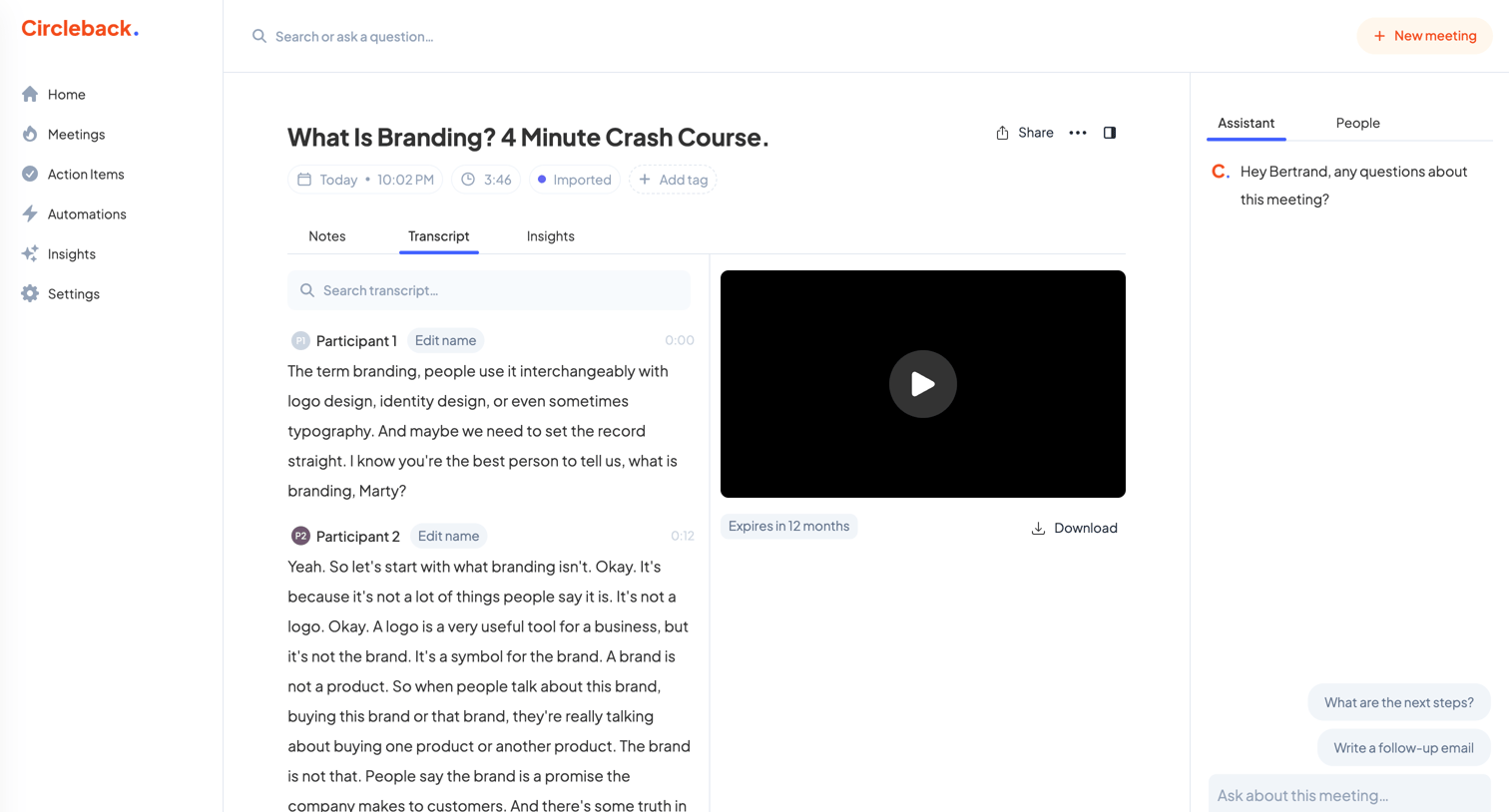

Detail page where the user reviews a meeting transcript alongside a video recording and an AI assistant for querying the content.
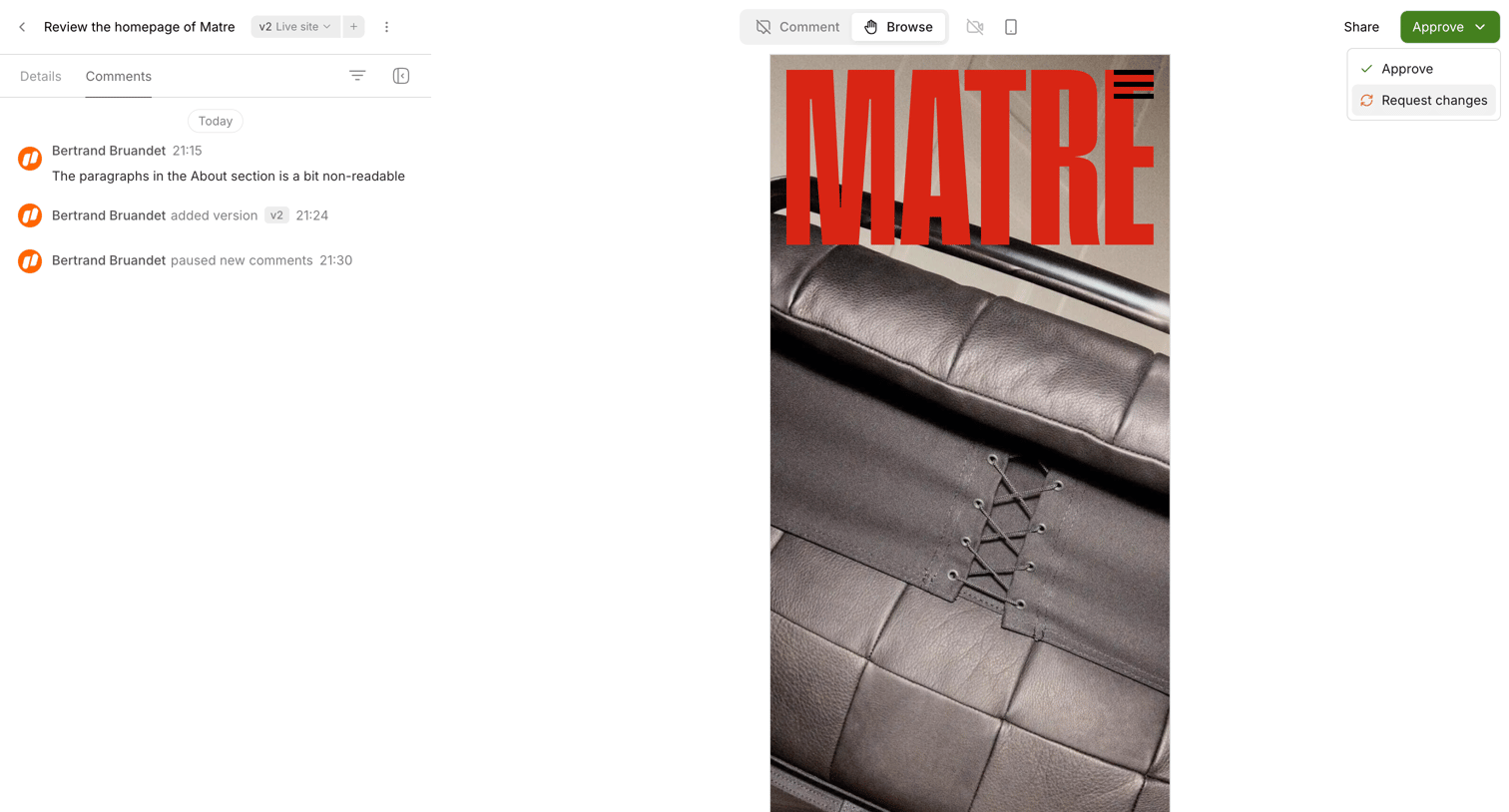

Detail page where the user reviews a mobile design preview, views the comment history, and can approve or request changes.
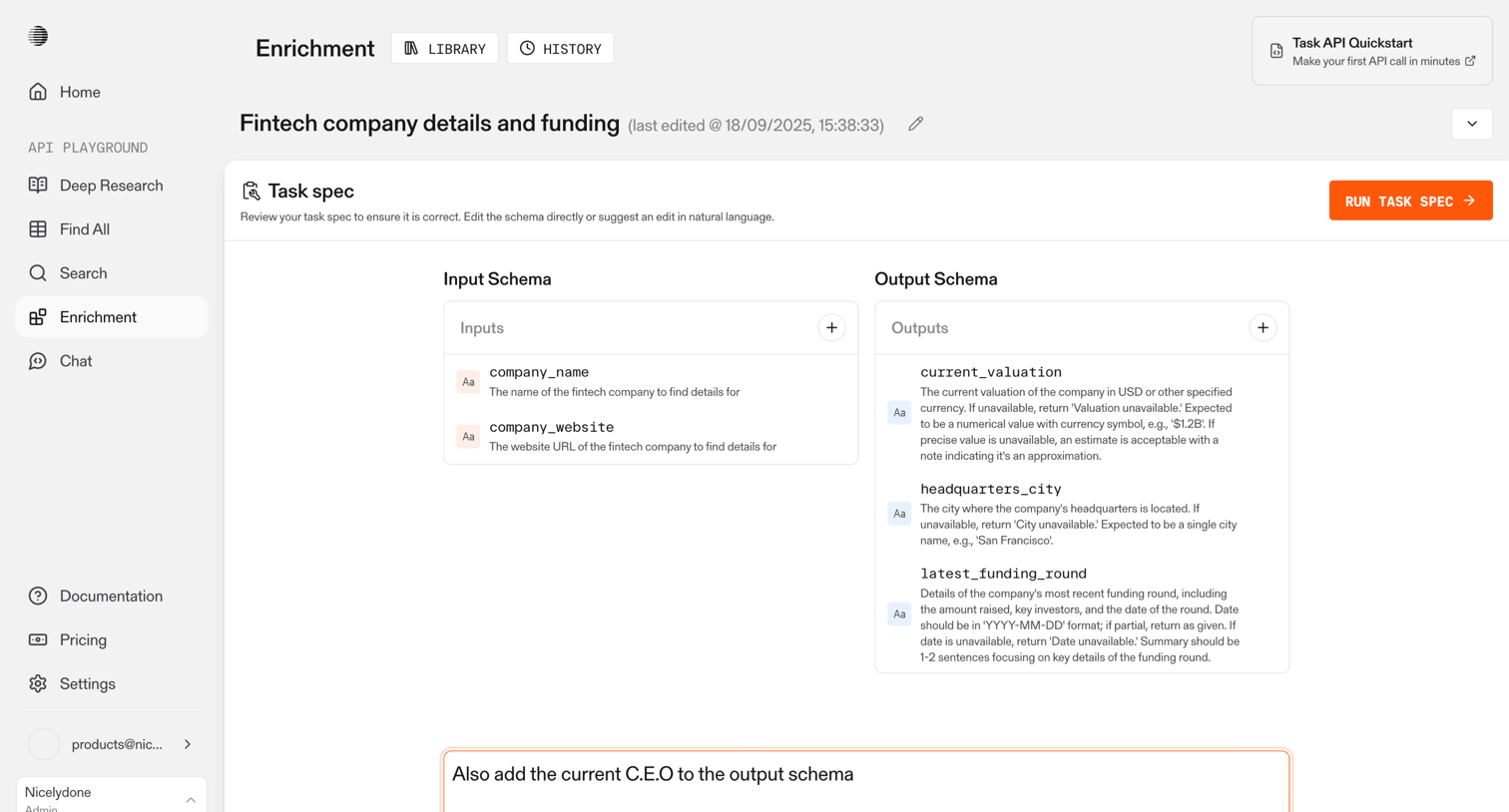

Editor where the user defines input and output schemas for an AI data extraction task, with an option to suggest structural updates using natural language.
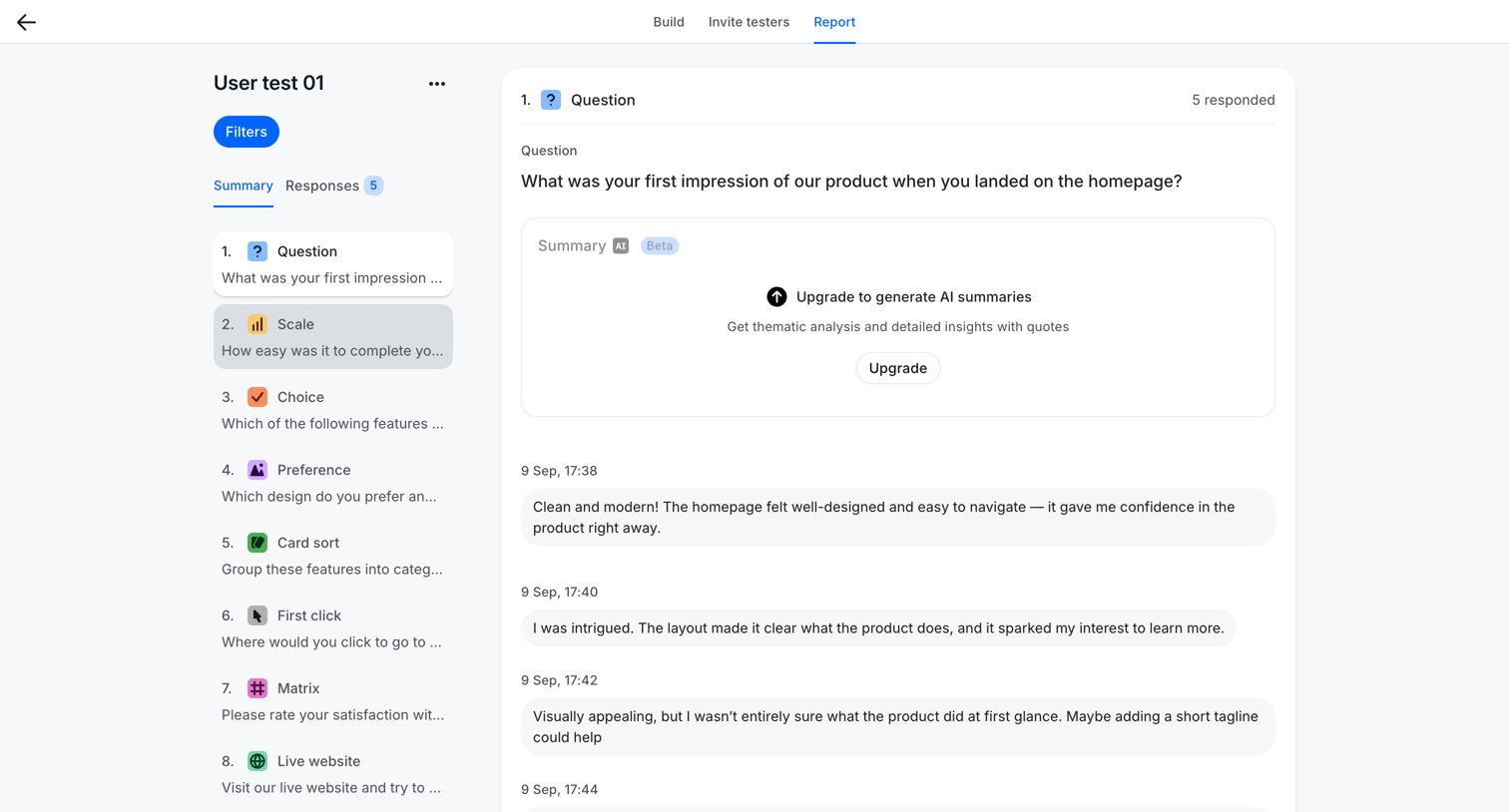

Detail page where the user reviews individual text responses for a specific question in a user test, with an inline prompt to upgrade for AI-generated thematic summaries.
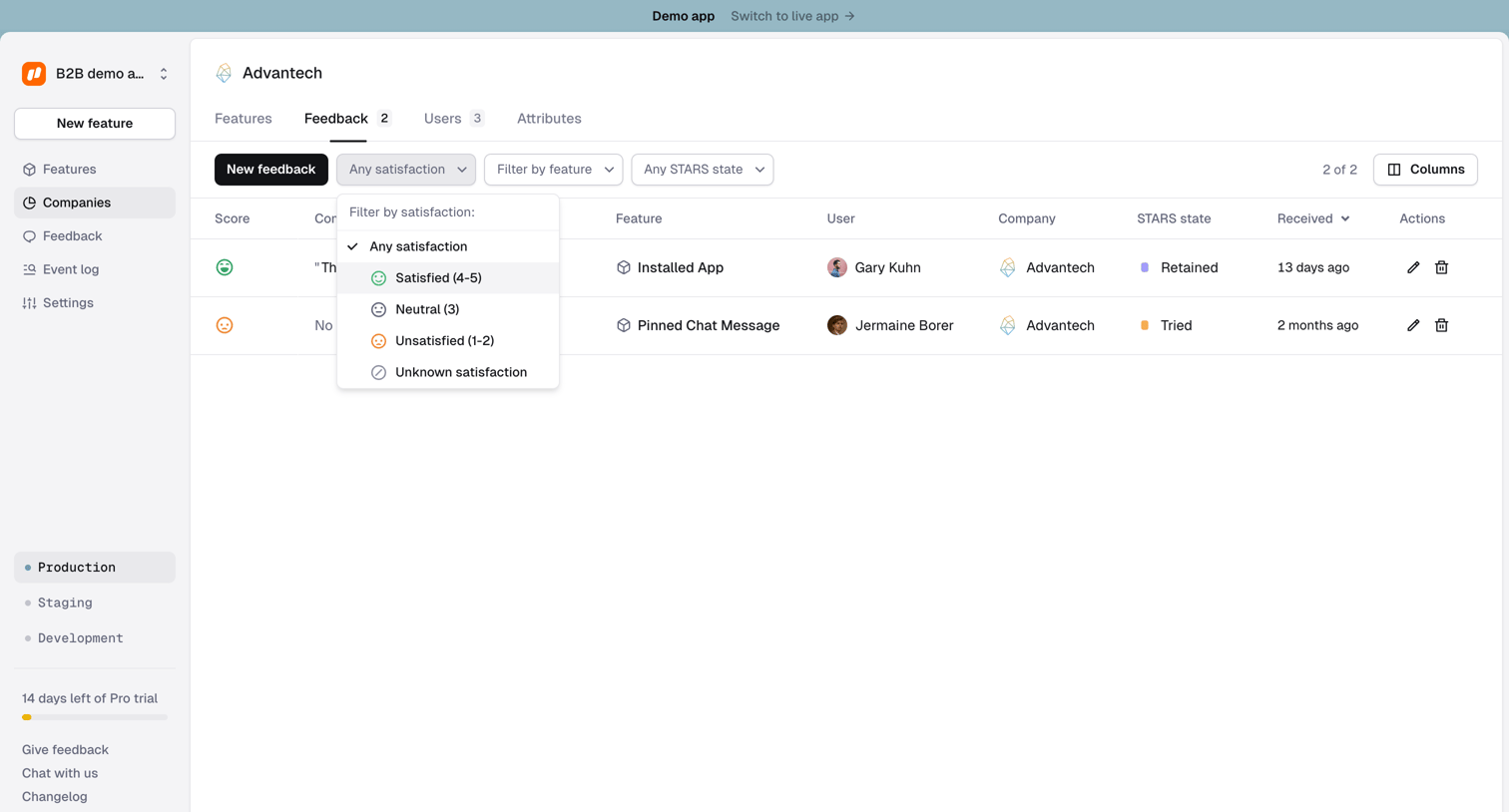

Detail page for a specific company where the user views and filters a list of feedback items submitted by its users.
Explore the full SaaS screen library
Upgrade to unlock the full library.
Trusted by the best teams







