Navigation buttons screen examples
Navigation buttons screen design examples from SaaS apps. Browse examples from Copilot, Notion Mail, Replit.
Explore the examples
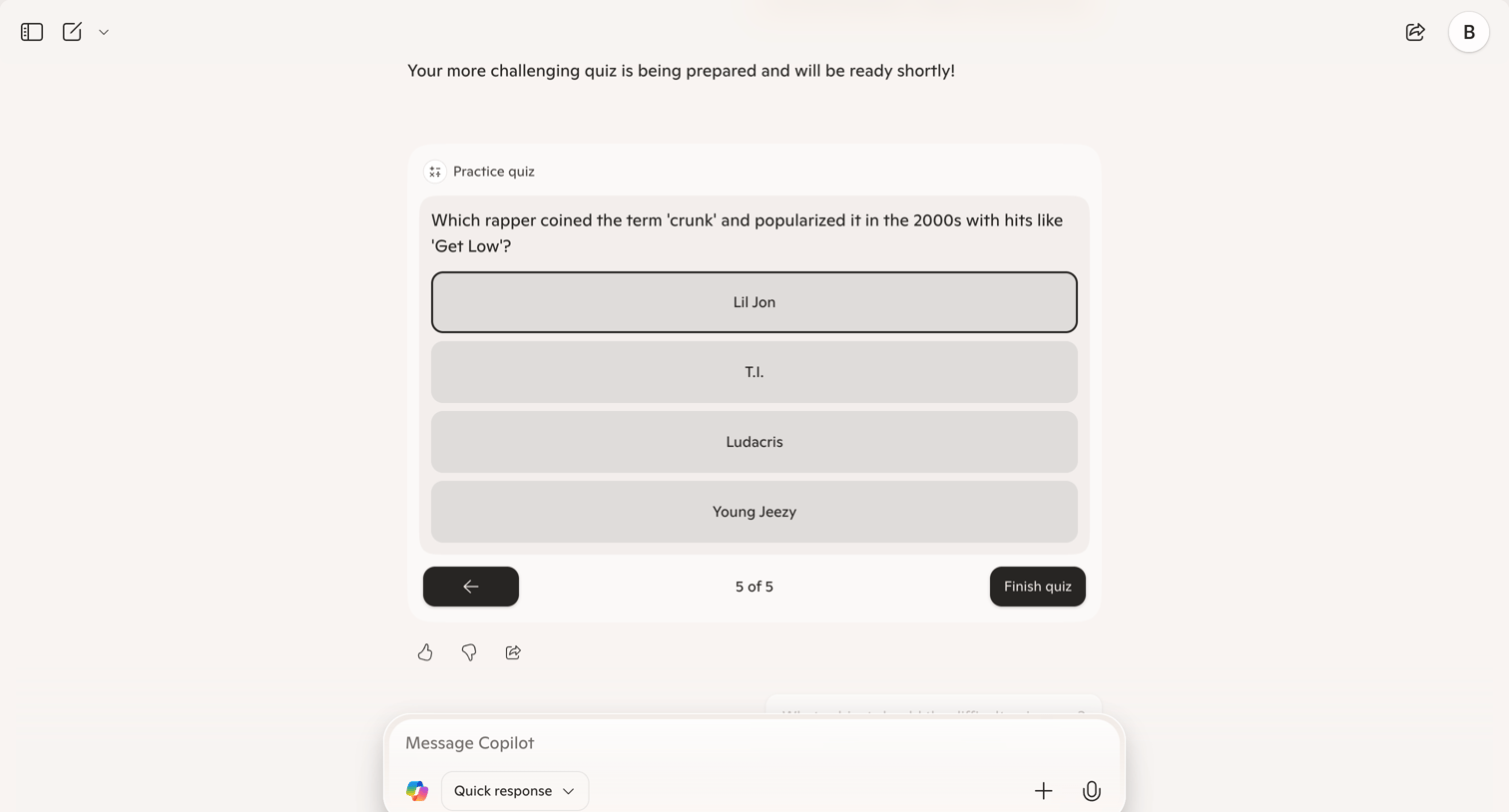

AI chat interface where the assistant has generated an interactive multiple-choice practice quiz about 2000s rap.
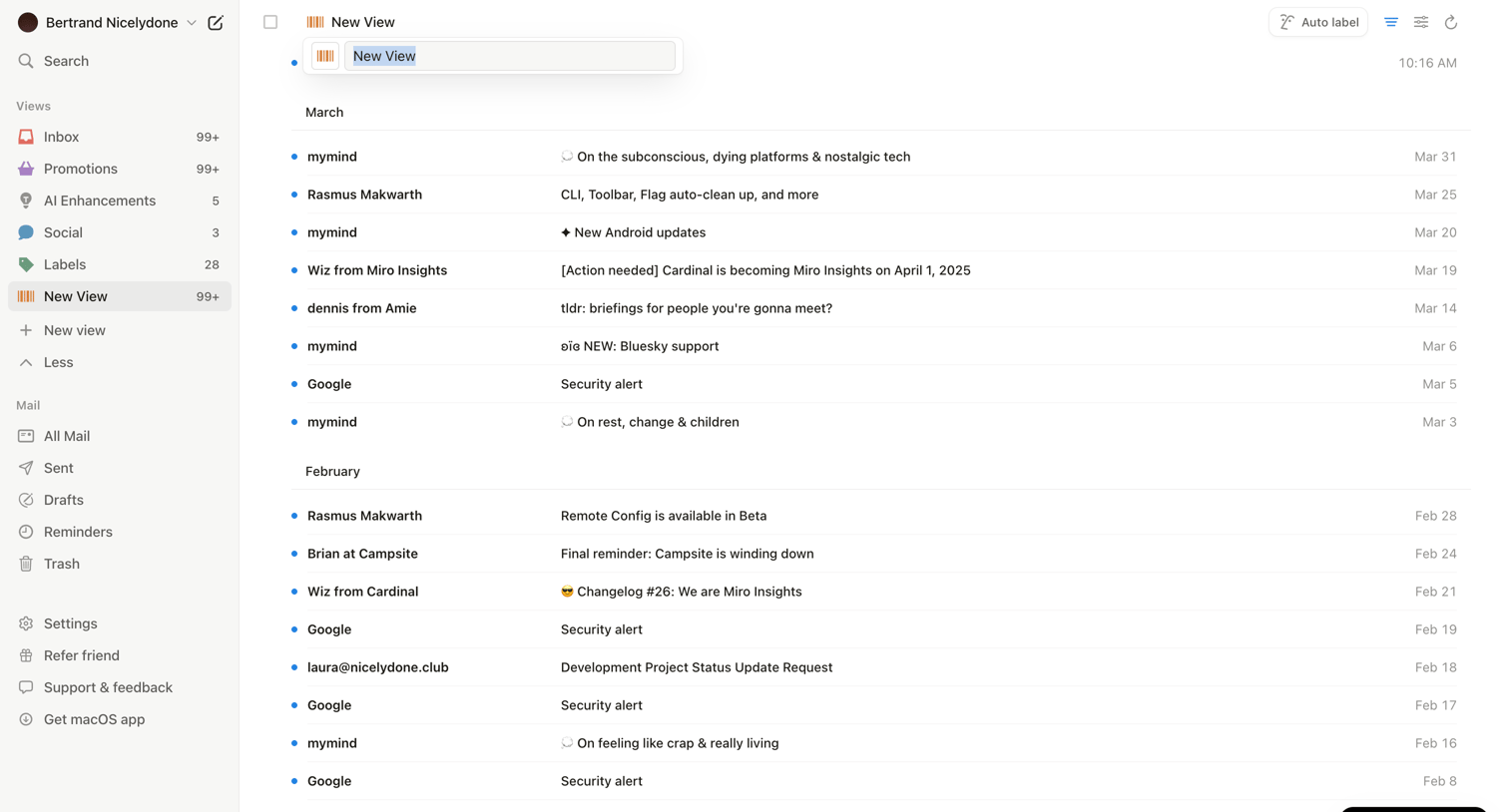

Inbox view where the user is creating or renaming a custom view while browsing emails grouped by month.
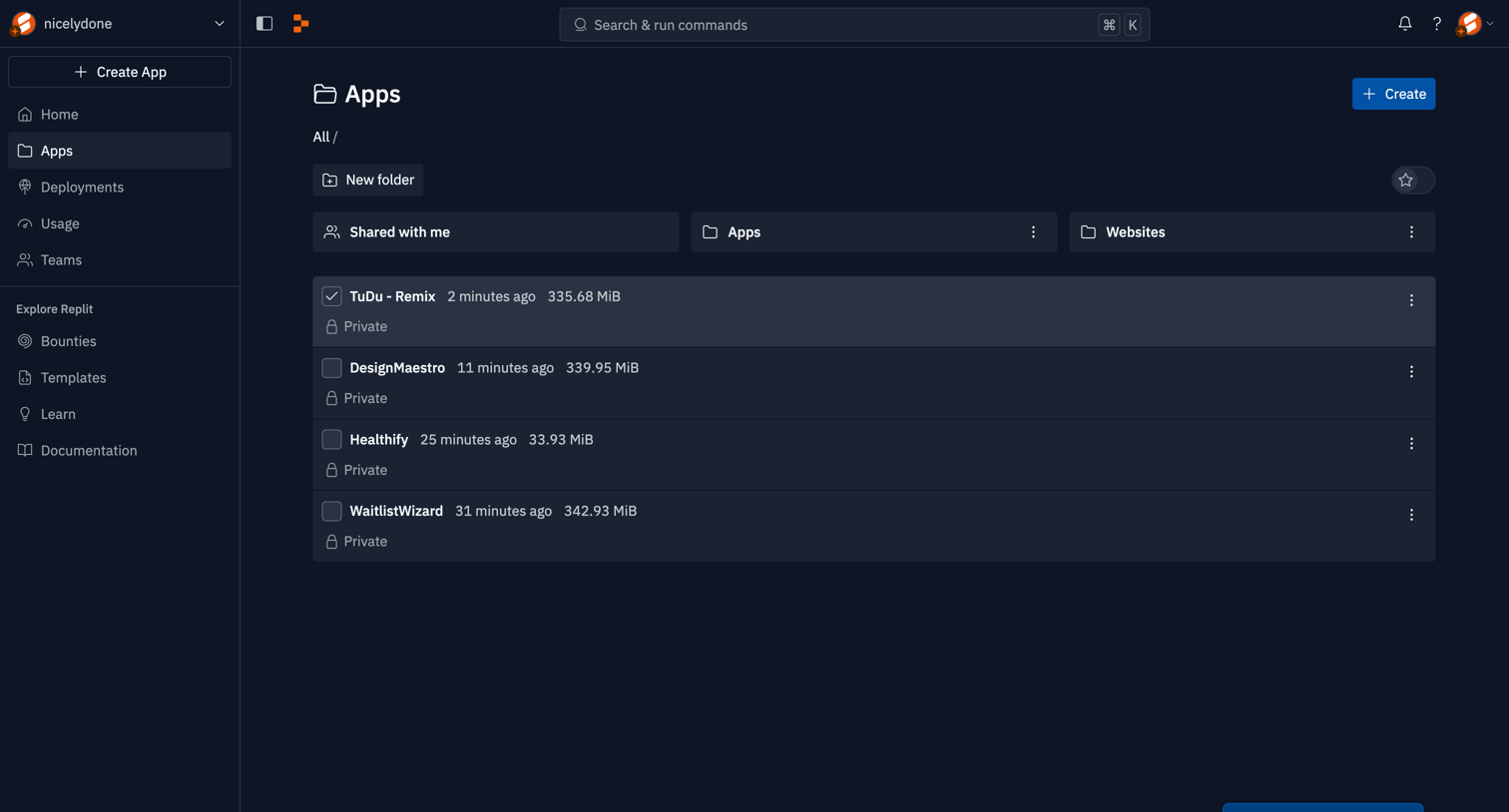

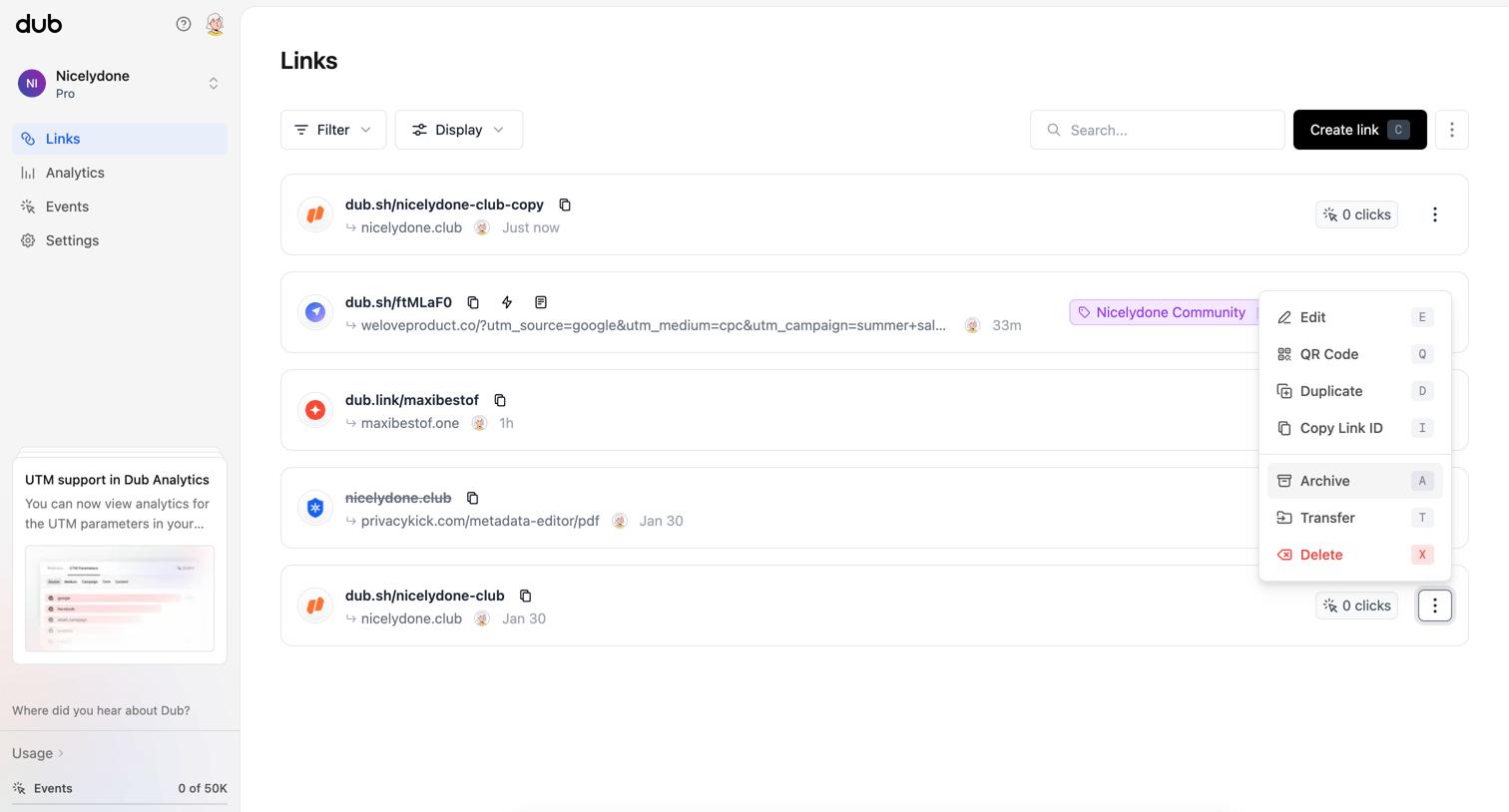

List view where the user manages shortened links, views click counts, and accesses link-specific actions like editing and archiving.
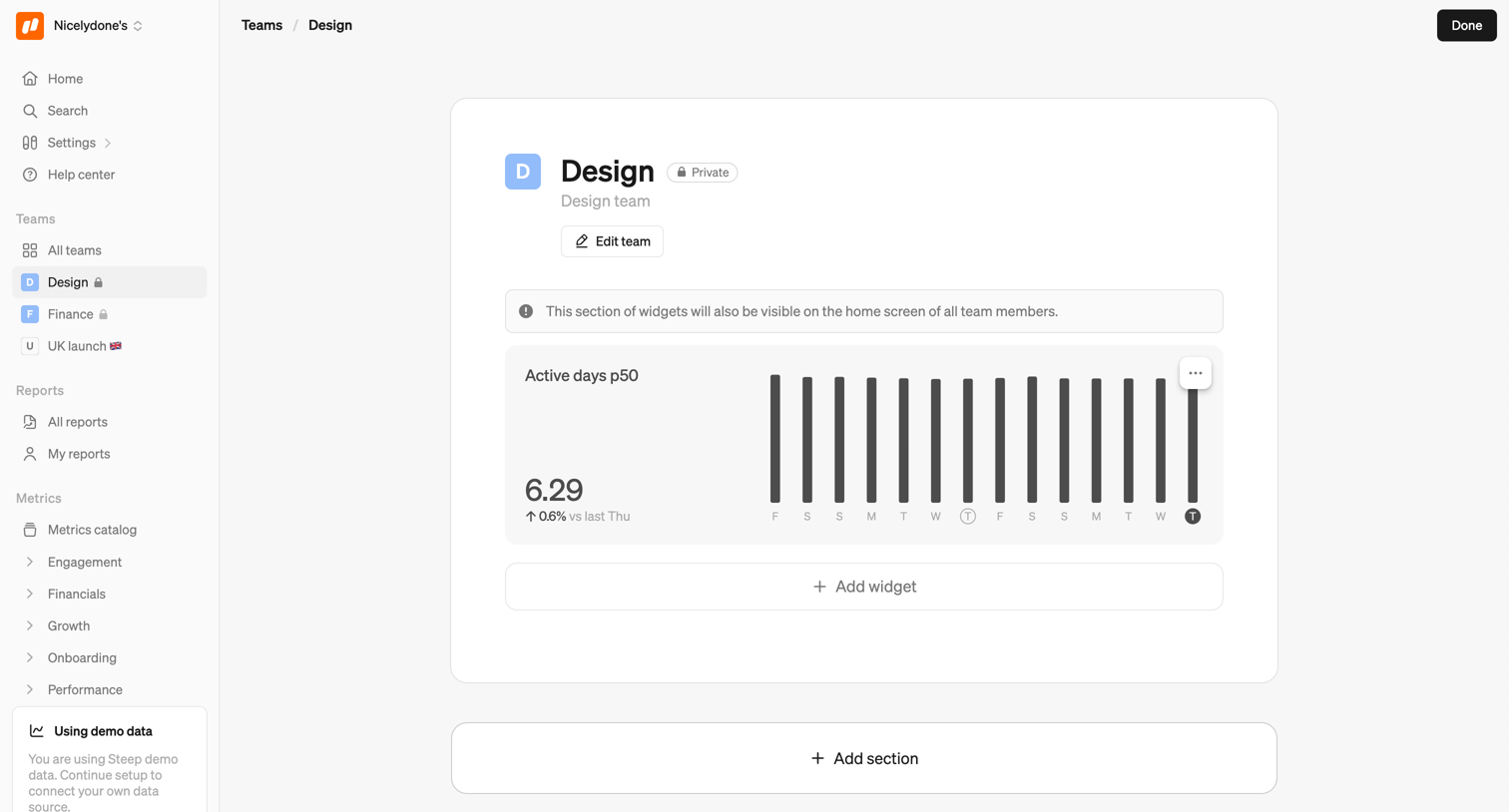

Detail page where the user views and edits the Design team profile, including adding analytics widgets and sections.
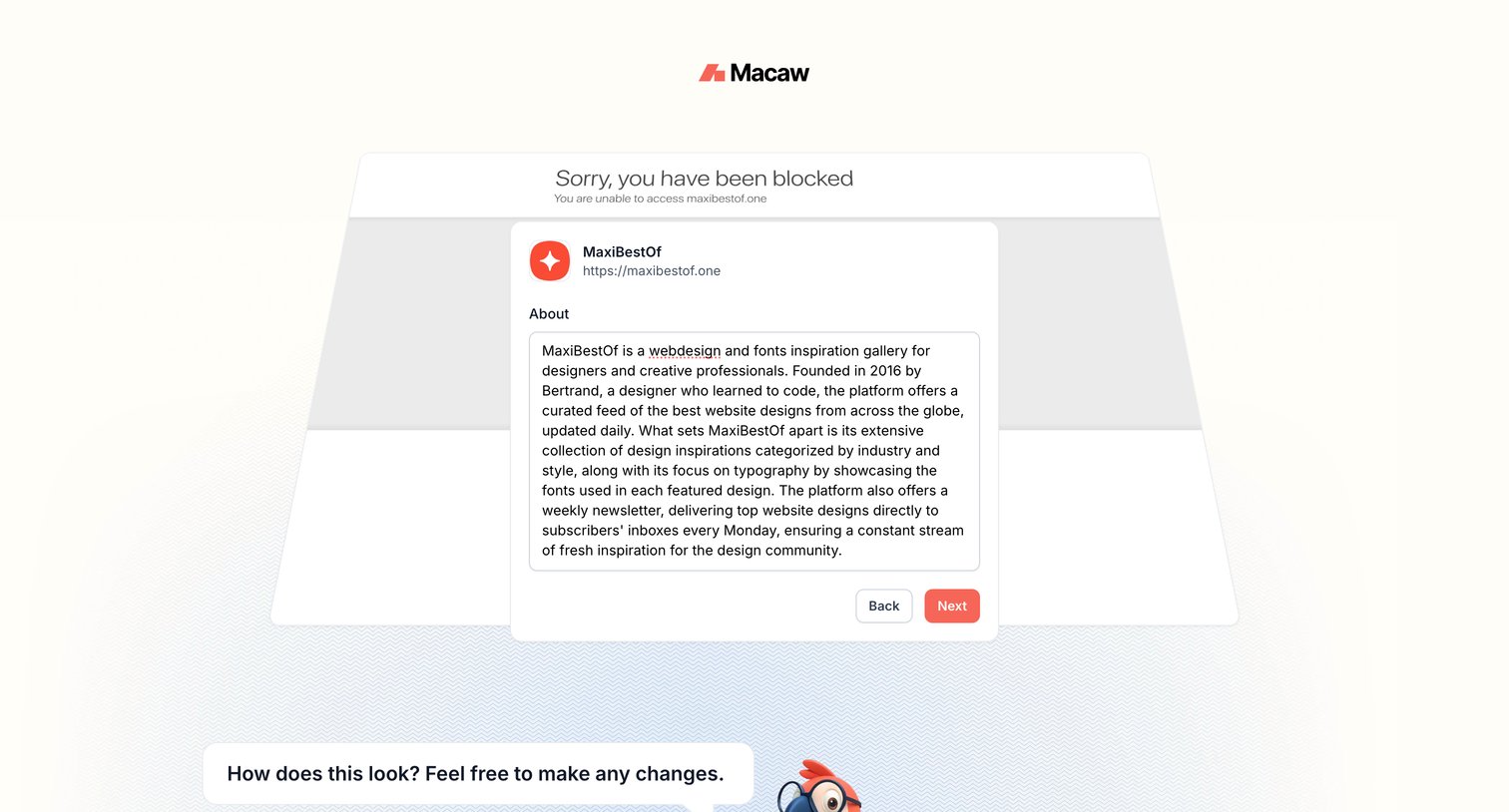

Creation wizard step where the user reviews and edits an AI-generated description for a website before proceeding.
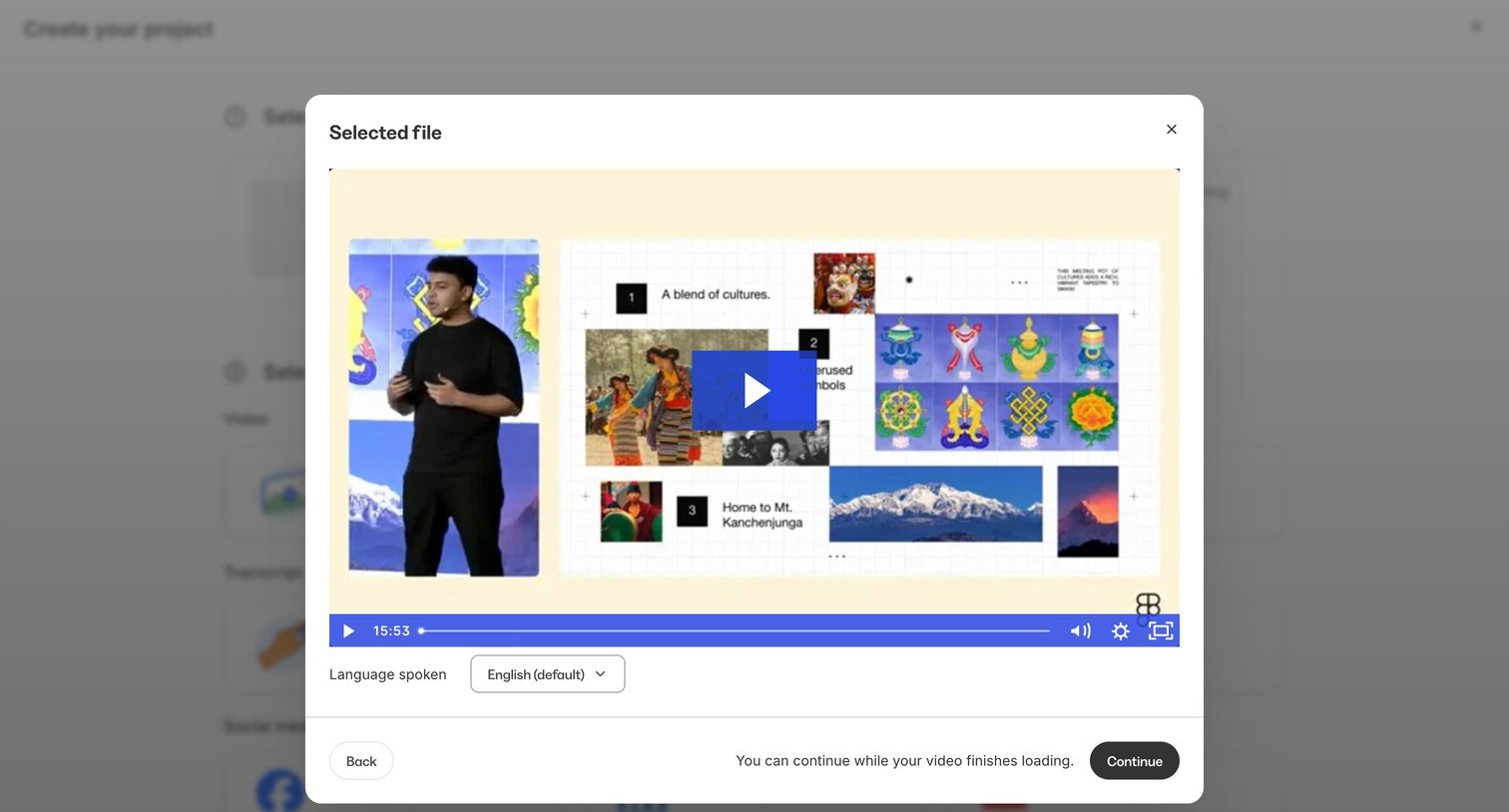

Creation wizard step where the user previews a selected video file and confirms the spoken language before continuing.
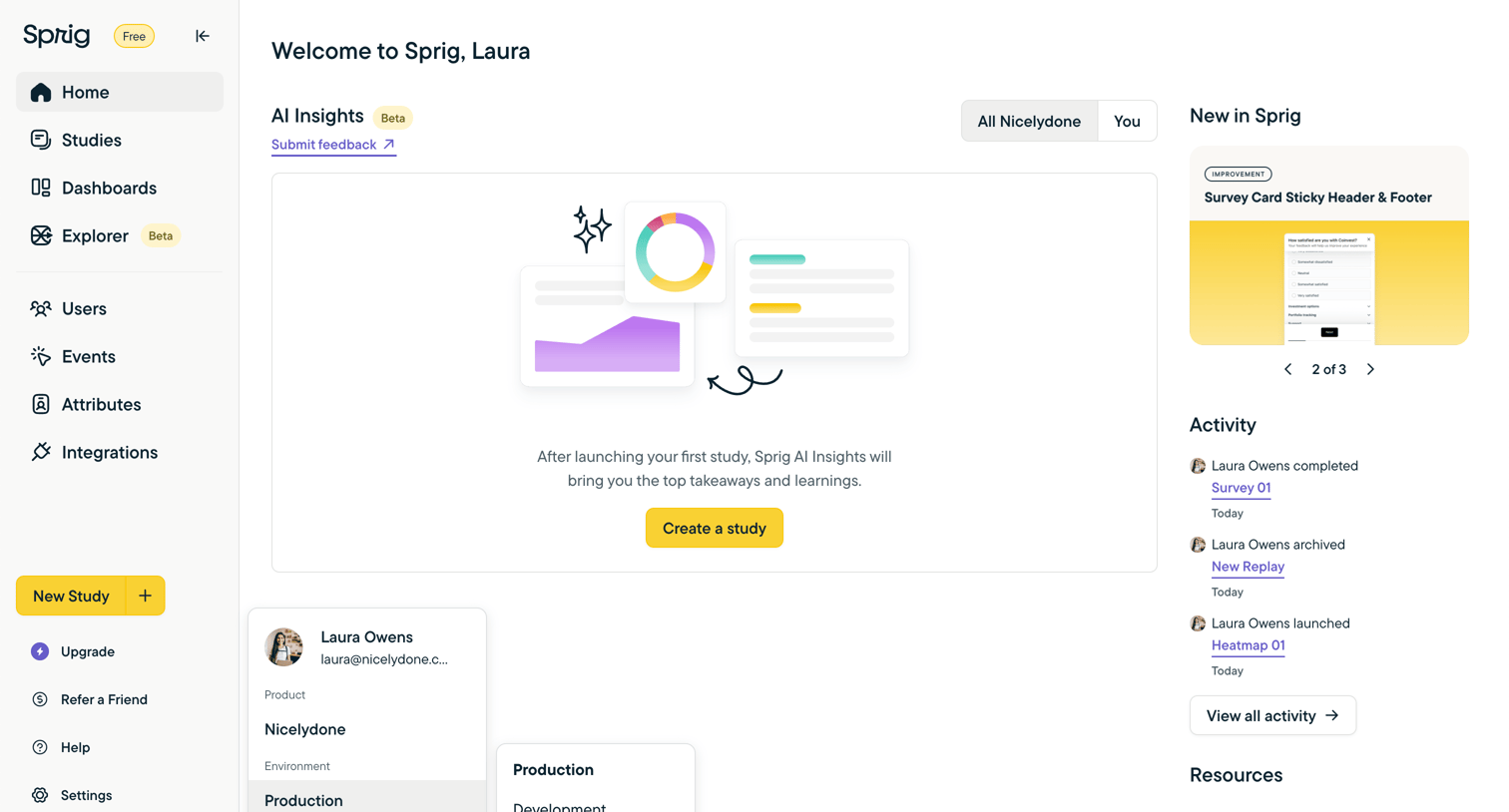

Home screen where the user can view recent activity and product updates, featuring a prominent empty state prompting them to create their first study for AI insights, while a workspace switcher dropdown is open in the sidebar.
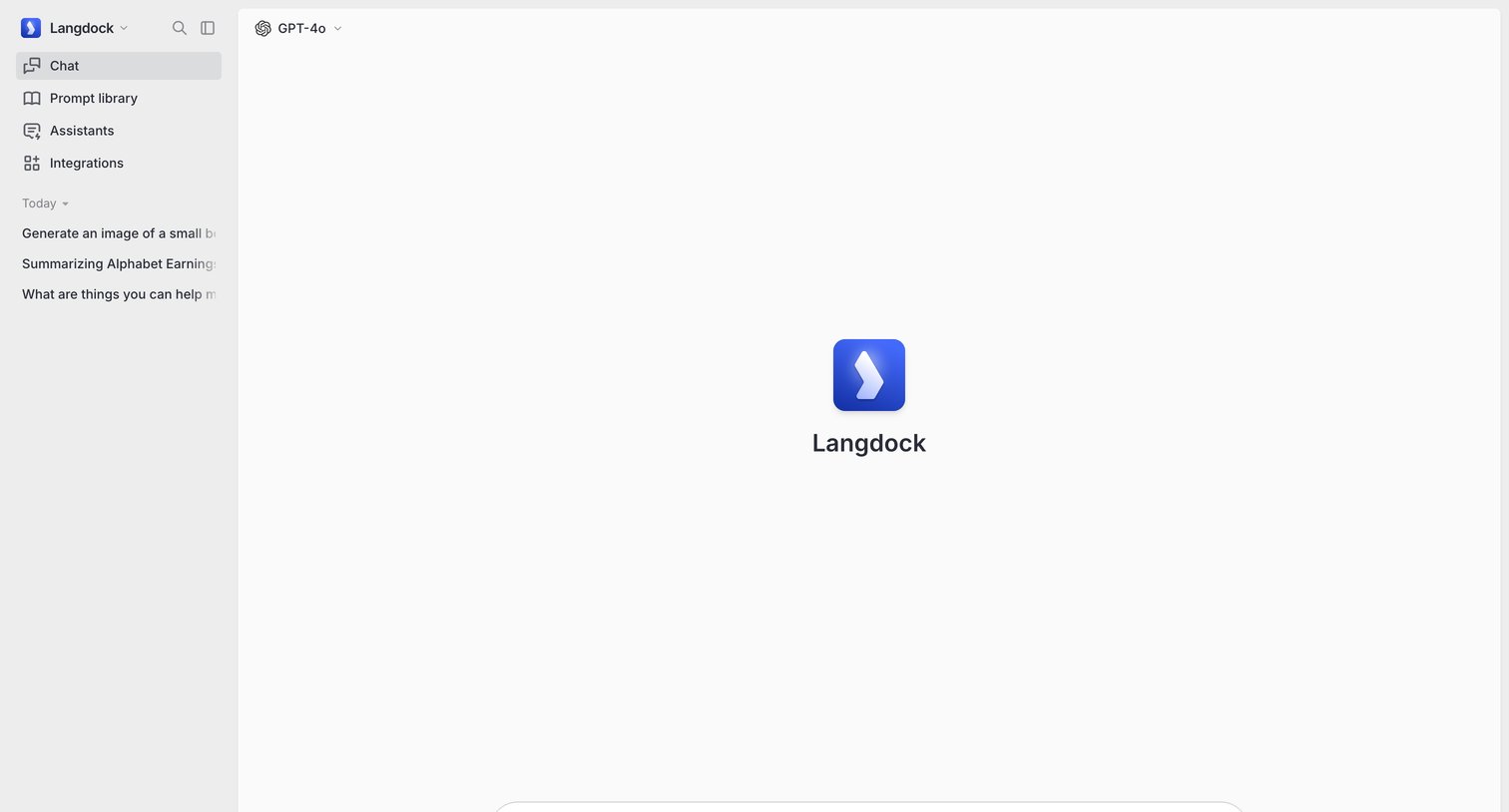
AI chat interface where the user starts a new conversation with GPT-4o and can access prompt library, assistants, or past chats from the sidebar.
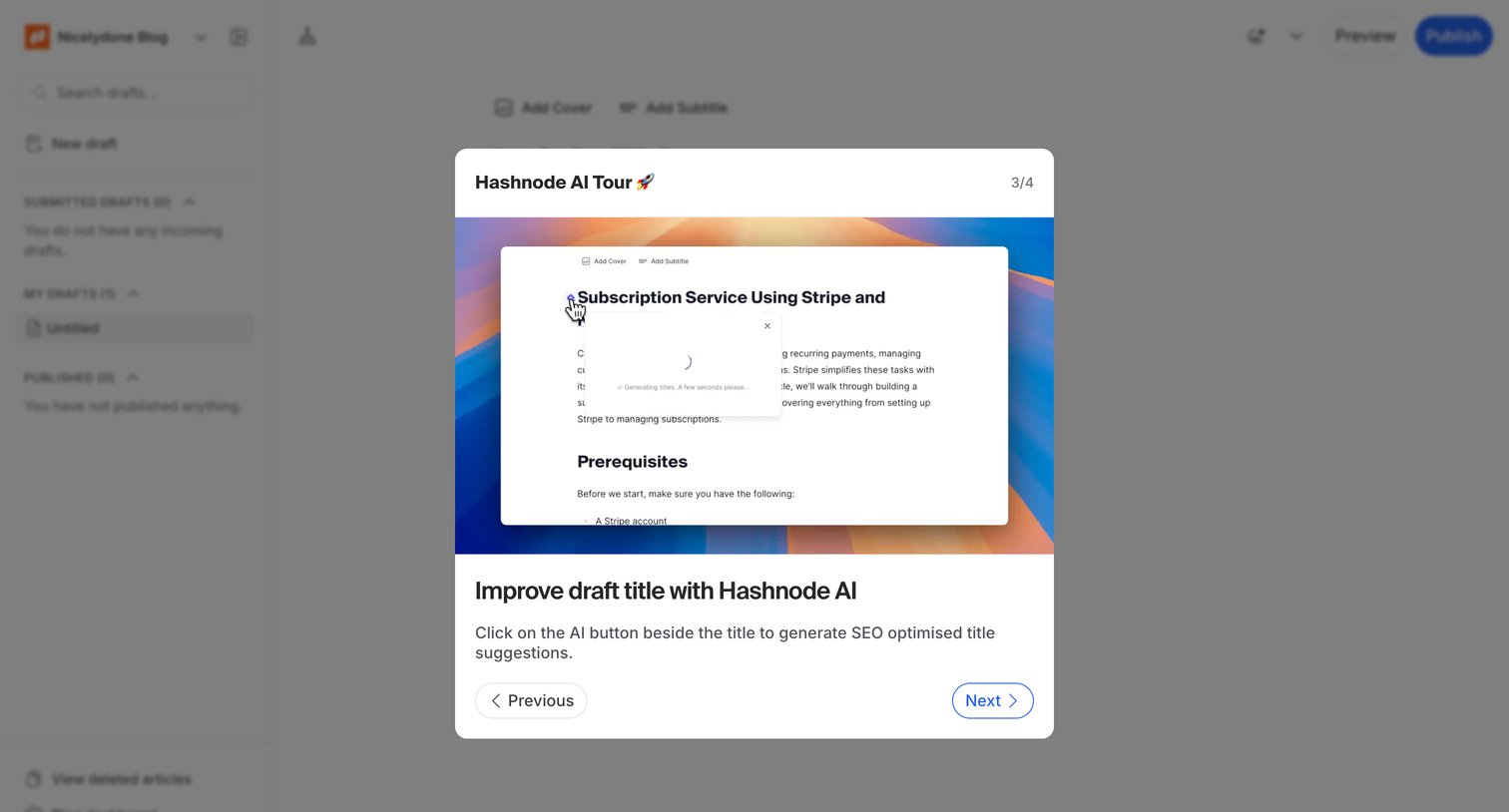

Onboarding modal taking the user through a product tour of new AI features for improving draft titles.
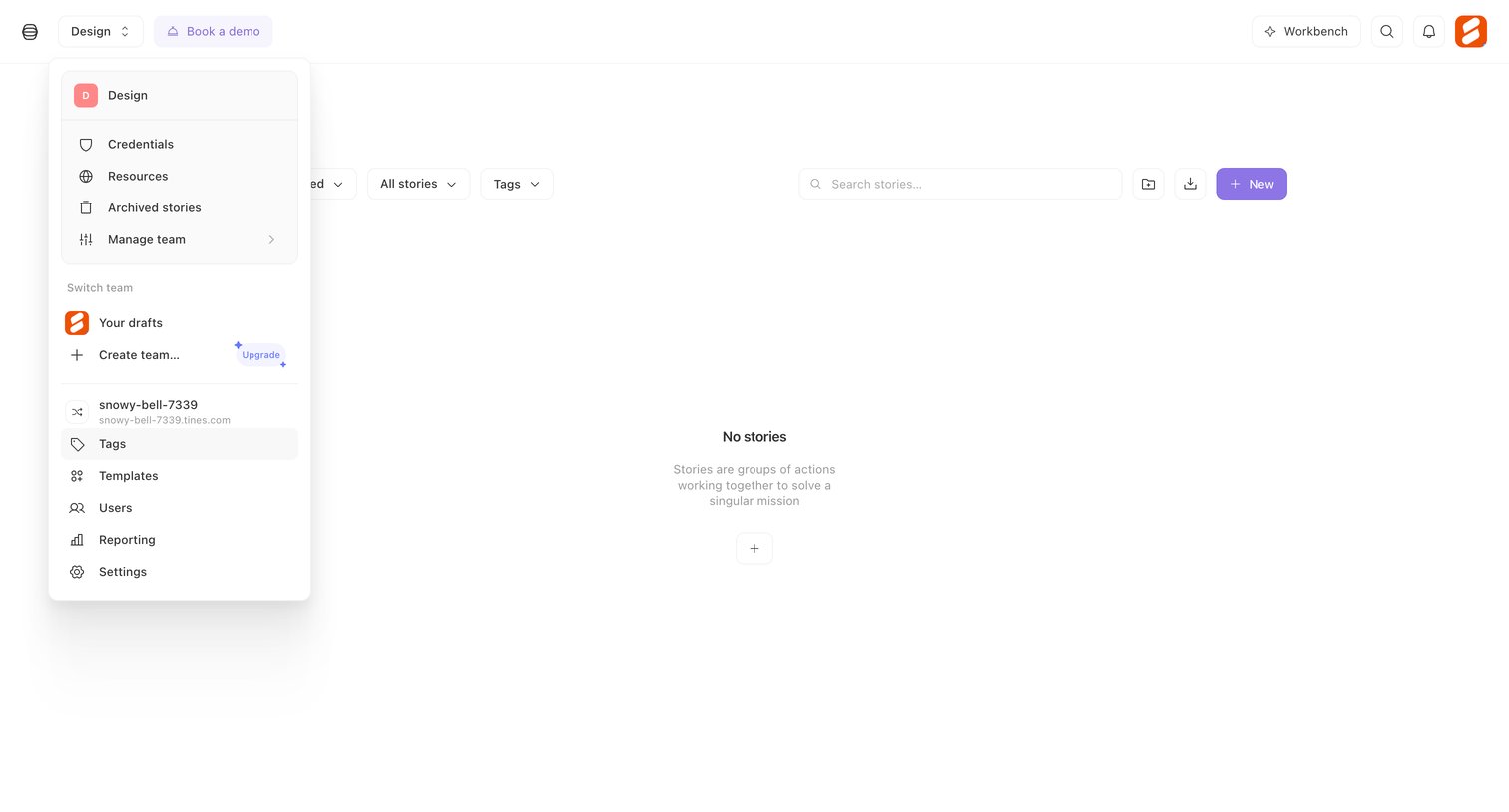

Empty list view for stories featuring a filter toolbar and an open workspace switcher menu that includes team navigation and an upgrade prompt.
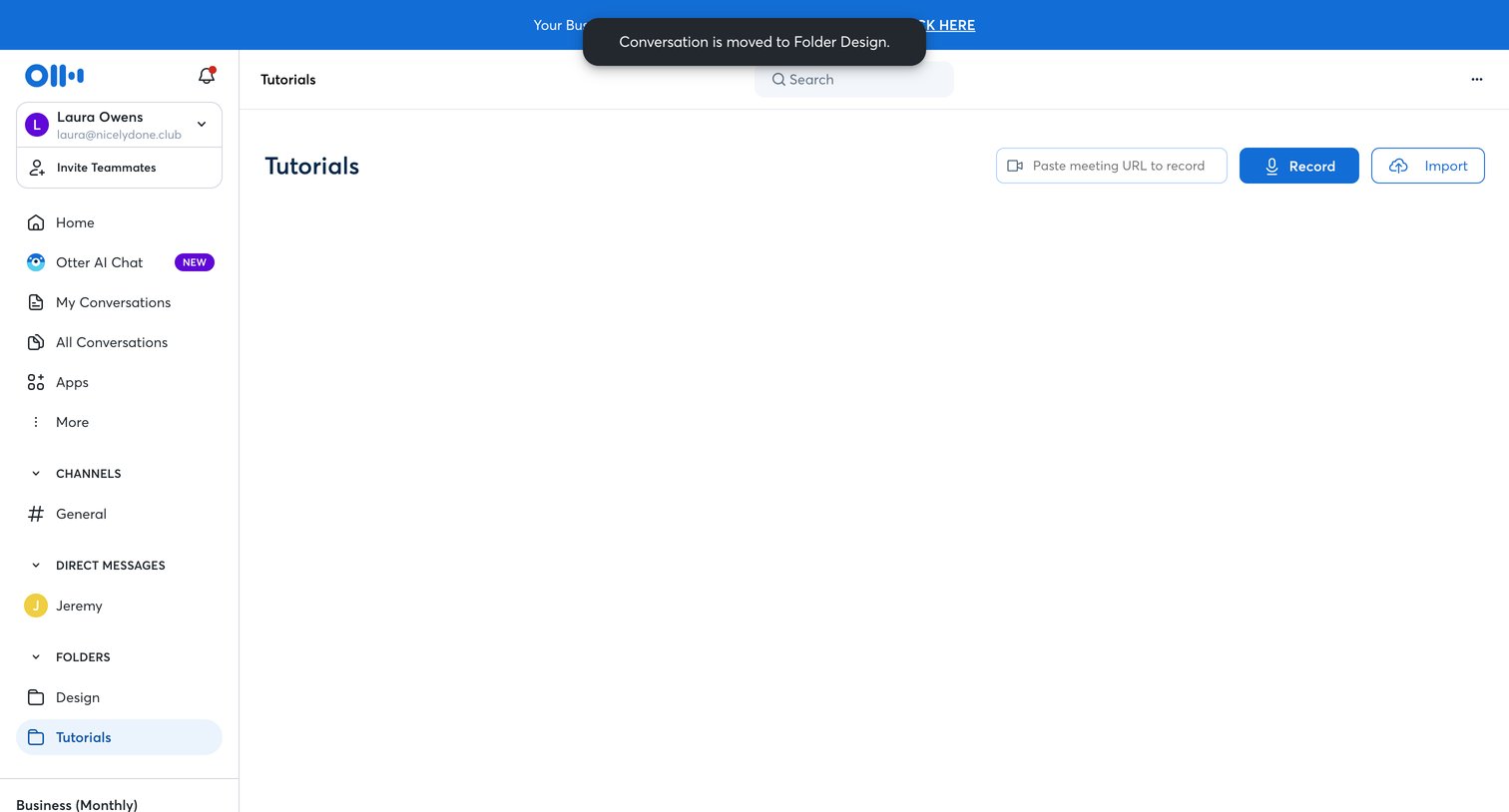

Folder view where the user can start a new recording, paste a meeting URL, or import an existing file into the empty Tutorials folder.
Explore the full SaaS screen library
Upgrade to unlock the full library.
Trusted by the best teams







